

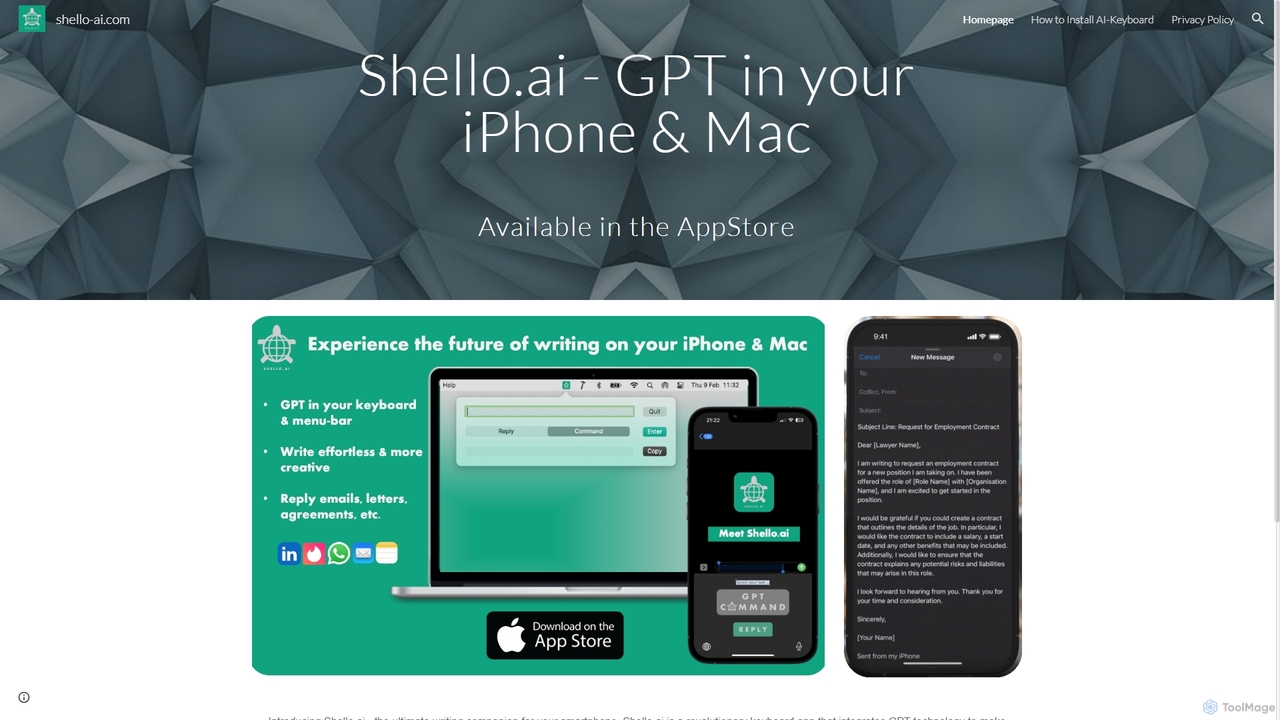
Shello Ai Overview
Shello.ai is the ultimate writing companion designed for your iPhone and Mac, transforming your keyboard into a powerful AI-driven tool. By integrating advanced GPT technology, Shello.ai makes the writing process significantly faster, easier, and more efficient. It's built for everyone—whether you're a student drafting an essay, a professional composing an important email, a content creator crafting social media posts, or simply someone who wants to communicate more effectively. This revolutionary keyboard app works seamlessly across all your applications, providing intelligent assistance right where you type.
With Shello.ai, you can move beyond simple spell-checking. The AI understands the context of your writing, offering intelligent sentence and phrase completions with a single tap. This not only saves you valuable time but also helps you overcome writer's block and expand your vocabulary. The app features an intuitive interface that allows for easy switching between languages and provides quick access to a wide range of special characters and symbols, making it a comprehensive tool for modern communication.
How to use Shello Ai
Getting started with Shello.ai is simple and straightforward. Follow these steps to integrate the AI keyboard into your device:
- Download and Install: Find and download Shello.ai from the App Store for your iPhone or from the official website for your Mac.
- Enable the Keyboard (for iPhone): Navigate to Settings > General > Keyboard. Tap on 'Keyboards' and then 'Add New Keyboard...'. Select 'Shello.ai' from the list.
- Grant Full Access: After adding the keyboard, tap on 'Shello.ai' again in your keyboard list and toggle on 'Allow Full Access'. This is necessary for the app to connect to the GPT models and provide its full range of features.
- Switch and Use: Open any application where you can type (e.g., Messages, Mail, Notes). Tap and hold the globe icon on the bottom-left of your keyboard and select 'Shello.ai' to start using it.
- Utilize AI Features: As you type, Shello.ai will offer suggestions. You can also use dedicated buttons on the keyboard to access features like rephrasing, tone adjustment, or generating text from a prompt.
Core Features of Shello Ai
- AI-Powered Autocompletion: Goes beyond standard predictive text to complete entire sentences and paragraphs contextually, saving significant typing effort.
- Text Generation: Draft emails, social media posts, replies, and more from a simple instruction or prompt directly within the keyboard.
- Rephrasing and Tone Adjustment: Rewrite your sentences to sound more professional, casual, confident, or friendly. Perfect for tailoring your message to the right audience.
- Advanced Grammar and Spelling Correction: Utilizes AI to catch complex grammatical errors, punctuation mistakes, and spelling issues that standard checkers might miss.
- Multi-language Support: Seamlessly switch between different languages for writing and translation, making it an ideal tool for multilingual users.
- Seamless Integration: Works as a system-wide keyboard, meaning you can use its power in any app—from iMessage and WhatsApp to Gmail and Google Docs.
Use Cases for Shello Ai
Shello.ai is versatile and can be used in various scenarios:
- Professionals: Quickly draft and polish business emails, create reports, and write clear, concise messages in team chat applications like Slack or Microsoft Teams.
- Students: Improve essay writing, summarize research notes, and ensure assignments are grammatically perfect and well-articulated.
- Social Media Managers: Generate creative and engaging captions for Instagram, compelling posts for LinkedIn, and witty tweets in seconds.
- Non-Native English Speakers: Enhance communication skills by getting real-time feedback on grammar, vocabulary, and sentence structure.
- Bloggers and Writers: Overcome writer's block by generating ideas, outlines, and even entire paragraphs to keep the creative flow going.
Advantages of Shello Ai
Using Shello.ai provides a distinct competitive edge in communication. Its primary advantage is its seamless integration, which brings the power of a sophisticated AI writing assistant into every text field without needing to copy-paste from another app. This boosts productivity immensely. Furthermore, it not only corrects mistakes but actively helps you improve your writing style, making you a more effective communicator. The ability to instantly change the tone of your text ensures your message always lands as intended. It's a comprehensive tool that saves time, enhances quality, and builds confidence in your writing.
Pricing and Plans
Shello.ai operates on a freemium model, providing both free and premium options to suit different user needs. While specific pricing details are available on the App Store, the typical structure is as follows:
- Free Plan: Offers a limited number of daily AI-powered suggestions, basic grammar checks, and standard autocompletion. Ideal for casual users.
- Pro Plan (Subscription): Unlocks unlimited access to all AI features, including advanced text generation, unlimited rephrasing, multiple tone adjustments, and priority customer support. This plan is offered as a monthly or annual subscription.
It is recommended to check the official App Store page for the most current pricing and plan details.
Shello Ai Alternatives

Compose AI
Compose AI is an AI-powered writing assistant and Chrome extension that accelerates your writing process. It offers intelligent autocompletion, text generation, and rephrasing capabilities across all your favorite sites, from emails to documents. By learning your personal writing style, it helps you write faster and more effectively, saving up to 40% of your time.
Chrome Extensions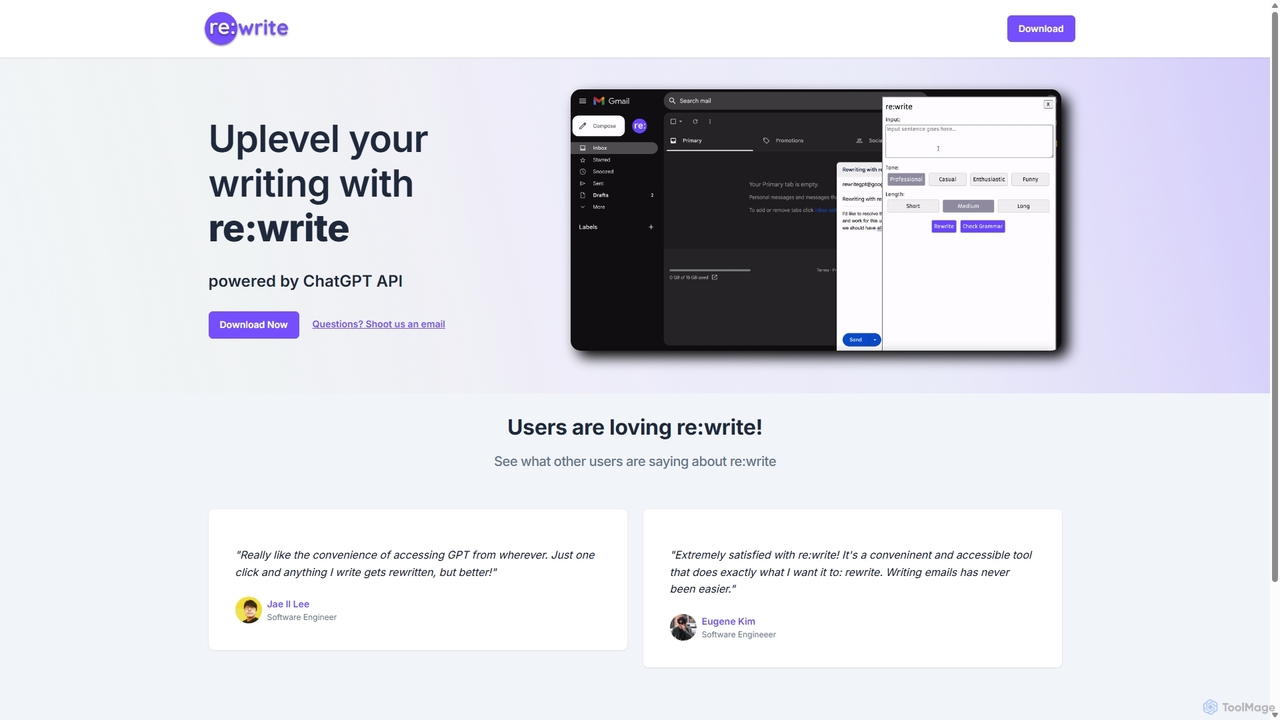
Rewritegpt
Rewritegpt is an AI-powered writing assistant and browser extension that helps you rewrite, paraphrase, and improve your text with a single click. It integrates seamlessly into your workflow, allowing you to enhance emails, reports, and social media posts directly on any website.
Study Tools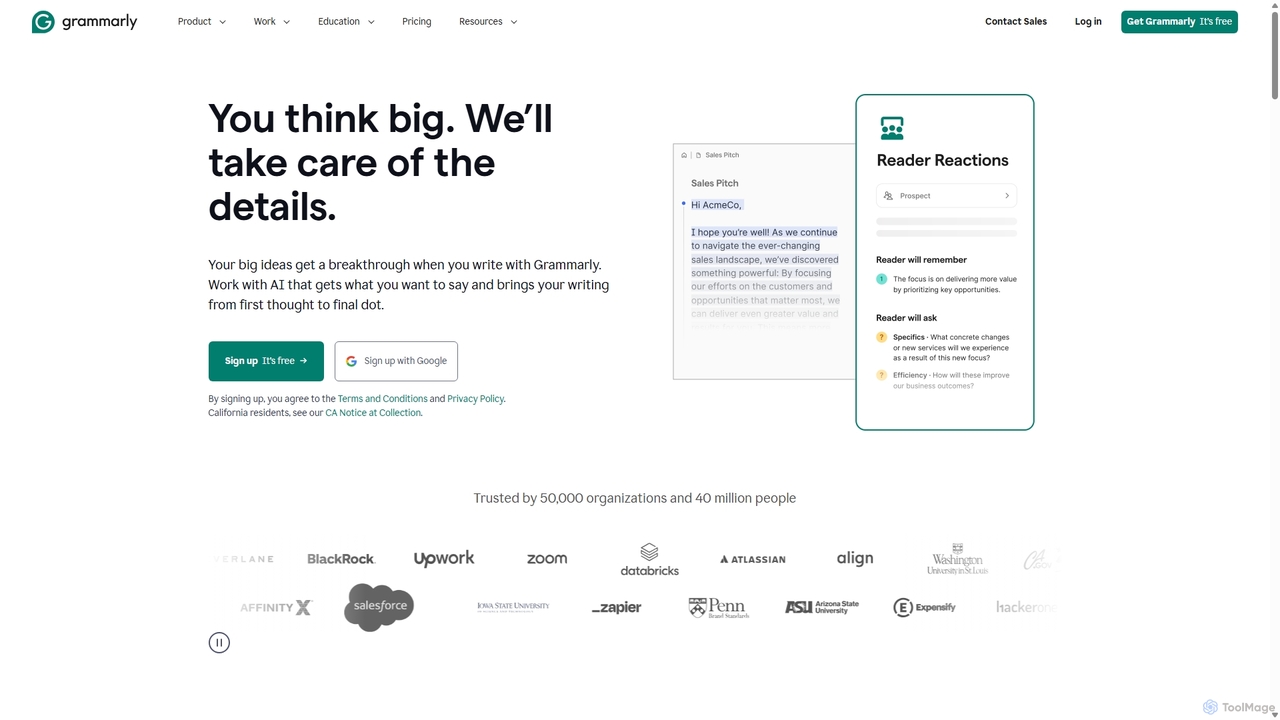
Grammarly
Grammarly is an AI-powered writing assistant that helps you communicate more effectively. It goes beyond basic grammar and spelling checks to offer real-time suggestions on clarity, conciseness, tone, and style. Trusted by millions, Grammarly integrates seamlessly across desktops, web browsers, and mobile devices to ensure your writing is always clear, confident, and mistake-free.
Learning
Paraphrase Tool
An AI-powered writing assistant that offers paraphrasing in over 100 languages with 18+ writing modes. It also includes a plagiarism checker, grammar checker, text generator from keywords, and an automatic citation creator, making it an all-in-one solution for students, writers, and content creators.
Academic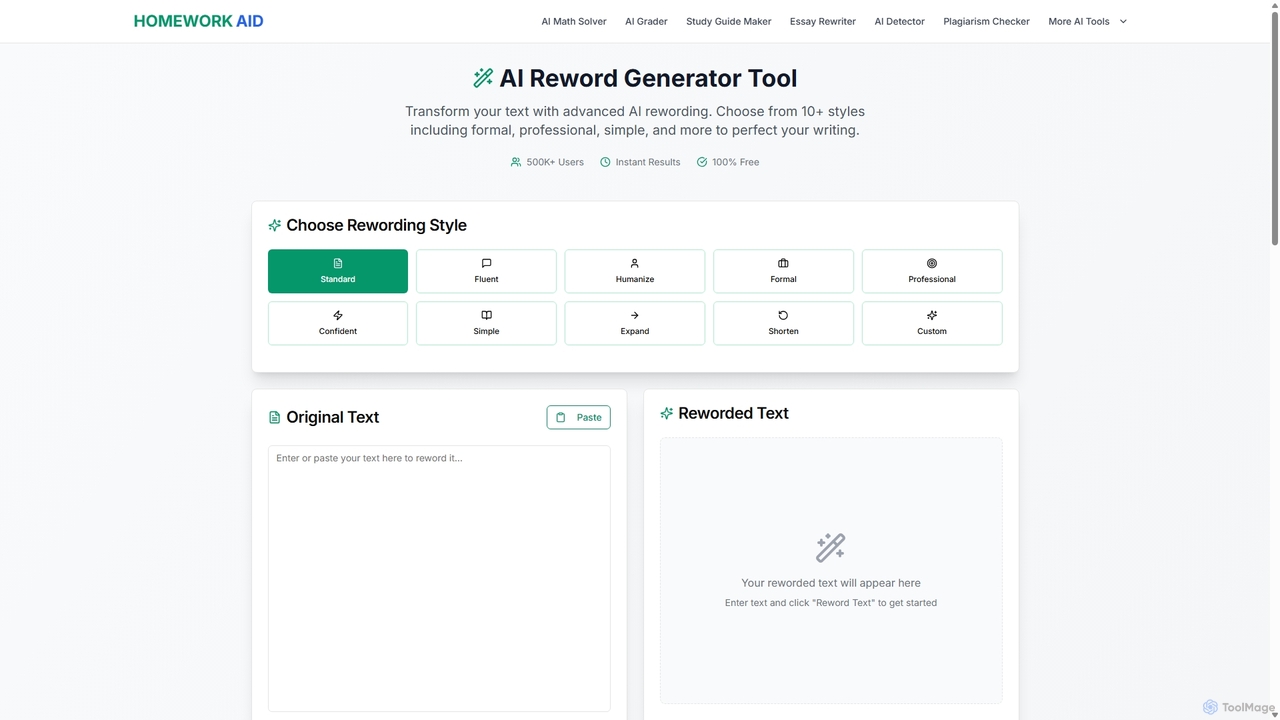
Reword Generator
Reword Generator is a free, AI-powered tool designed to transform your writing. It offers over 10 distinct styles—from formal to casual—to help you rephrase sentences, improve clarity, and enhance your tone. Ideal for students, writers, and professionals, it provides instant, high-quality results without any registration or limits, ensuring your original meaning is always preserved.
ParaphraserShello Ai Categories
Shello Ai Jobs
Shello Ai Embed Widget
Copy this embed code to place the badge on your blog, article, or product site and send readers directly to this ToolMage detail page.

Related AI tools
Compose AI
Compose AI is an AI-powered writing assistant and Chrome extension that accelerates your writing process. It offers intelligent autocompletion, text generation, and rephrasing capabilities across all your favorite sites, from emails to documents. By learning your personal writing style, it helps you write faster and more effectively, saving up to 40% of your time.
Chrome ExtensionsRewritegpt
Rewritegpt is an AI-powered writing assistant and browser extension that helps you rewrite, paraphrase, and improve your text with a single click. It integrates seamlessly into your workflow, allowing you to enhance emails, reports, and social media posts directly on any website.
Study Tools
RewriteBar
RewriteBar is a native macOS menu bar app that acts as your personal AI writing assistant. It works seamlessly across all applications, allowing you to instantly correct grammar, change tone, translate text, summarize content, and more with a simple keyboard shortcut. It supports over 12 AI providers, including local models for ultimate privacy, offering a powerful and flexible writing enhancement experience.
Code Assistant
Shift
Shift is a system-wide AI assistant for macOS that enhances your workflow by allowing you to edit text and code anywhere with a simple keyboard shortcut. Just highlight text, double-tap Shift, and let the AI rewrite, debug, translate, or rephrase it instantly within any application.
Code AssistantGrammarly
Grammarly is an AI-powered writing assistant that helps you communicate more effectively. It goes beyond basic grammar and spelling checks to offer real-time suggestions on clarity, conciseness, tone, and style. Trusted by millions, Grammarly integrates seamlessly across desktops, web browsers, and mobile devices to ensure your writing is always clear, confident, and mistake-free.
LearningParaphrase Tool
An AI-powered writing assistant that offers paraphrasing in over 100 languages with 18+ writing modes. It also includes a plagiarism checker, grammar checker, text generator from keywords, and an automatic citation creator, making it an all-in-one solution for students, writers, and content creators.
Academic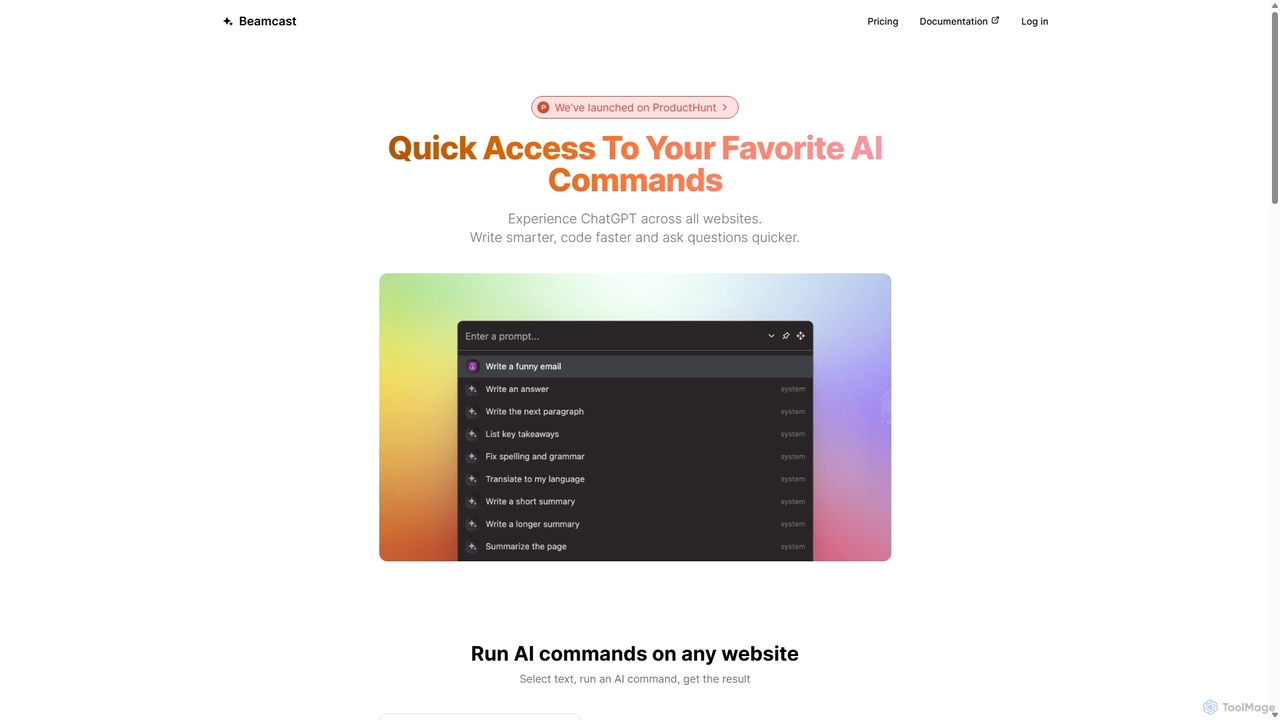
Beamcast
A browser extension that puts ChatGPT and Gemini at your fingertips. Select text on any website to run built-in or custom AI commands for writing, coding, and quick answers, streamlining your workflow and boosting productivity without ever leaving the page.
Search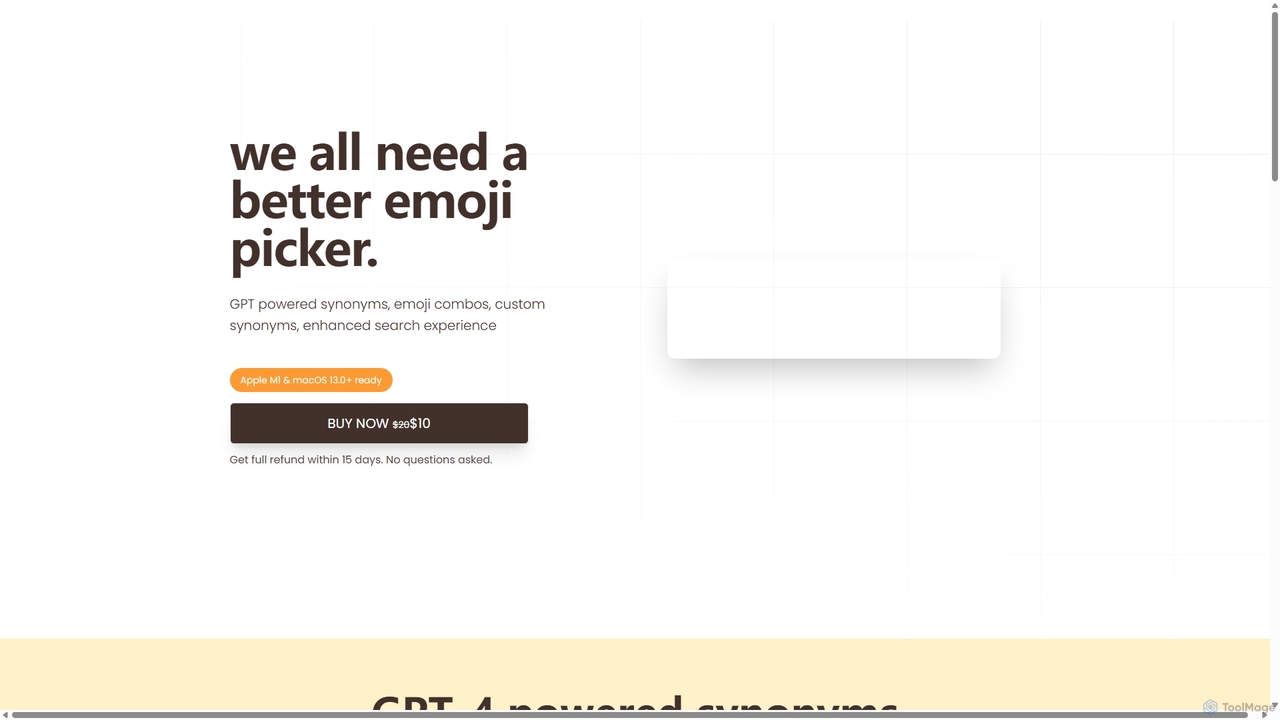
Emojibu
emojibu is an advanced emoji picker for macOS, powered by GPT-4. It revolutionizes how you find and use emojis with AI-driven synonym search, creative emoji combinations, and personalized keywords. Its multi-tab search interface and one-time purchase model make it a powerful and cost-effective tool for anyone who communicates digitally, enhancing expression and productivity.
WritingReword Generator
Reword Generator is a free, AI-powered tool designed to transform your writing. It offers over 10 distinct styles—from formal to casual—to help you rephrase sentences, improve clarity, and enhance your tone. Ideal for students, writers, and professionals, it provides instant, high-quality results without any registration or limits, ensuring your original meaning is always preserved.
Paraphraser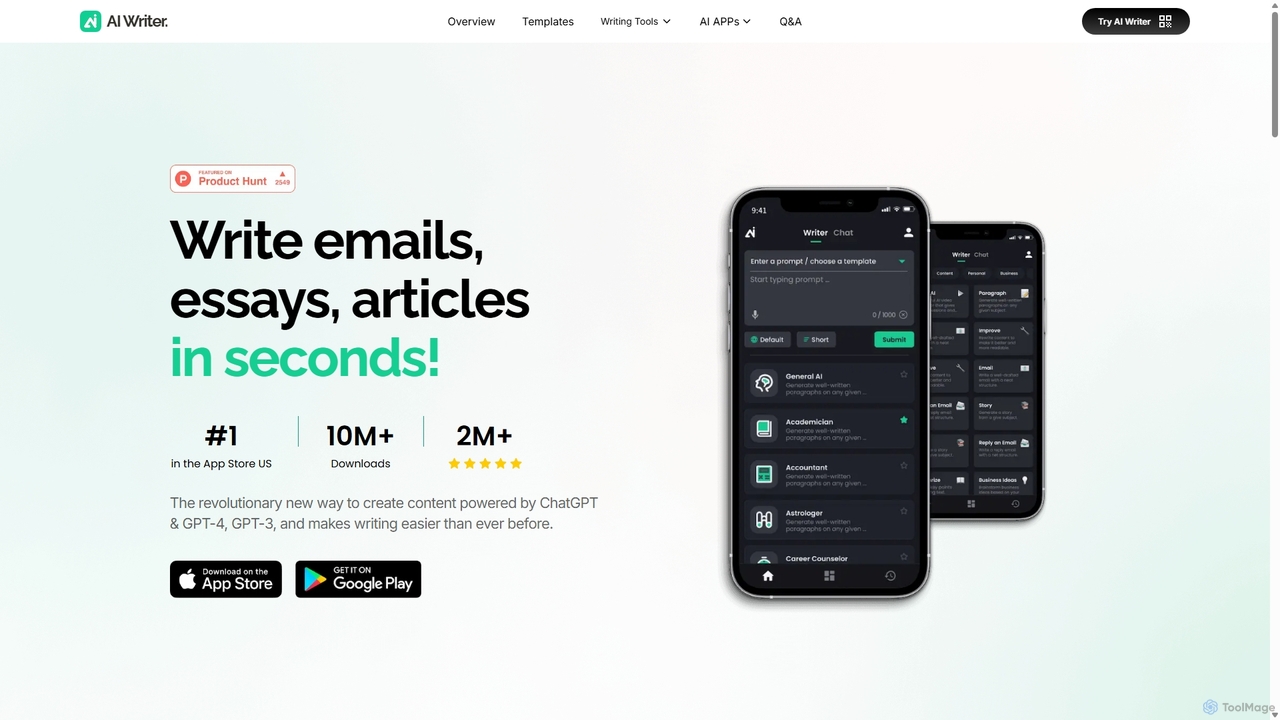
AI Writer
AI Writer is a versatile writing assistant powered by GPT-4, designed to generate high-quality content in seconds. It offers over 100 tools for creating essays, articles, emails, and social media posts. Key features include paraphrasing, grammar checking, text summarization, and content humanization, helping users overcome writer's block and enhance productivity across multiple devices.
Academic Writing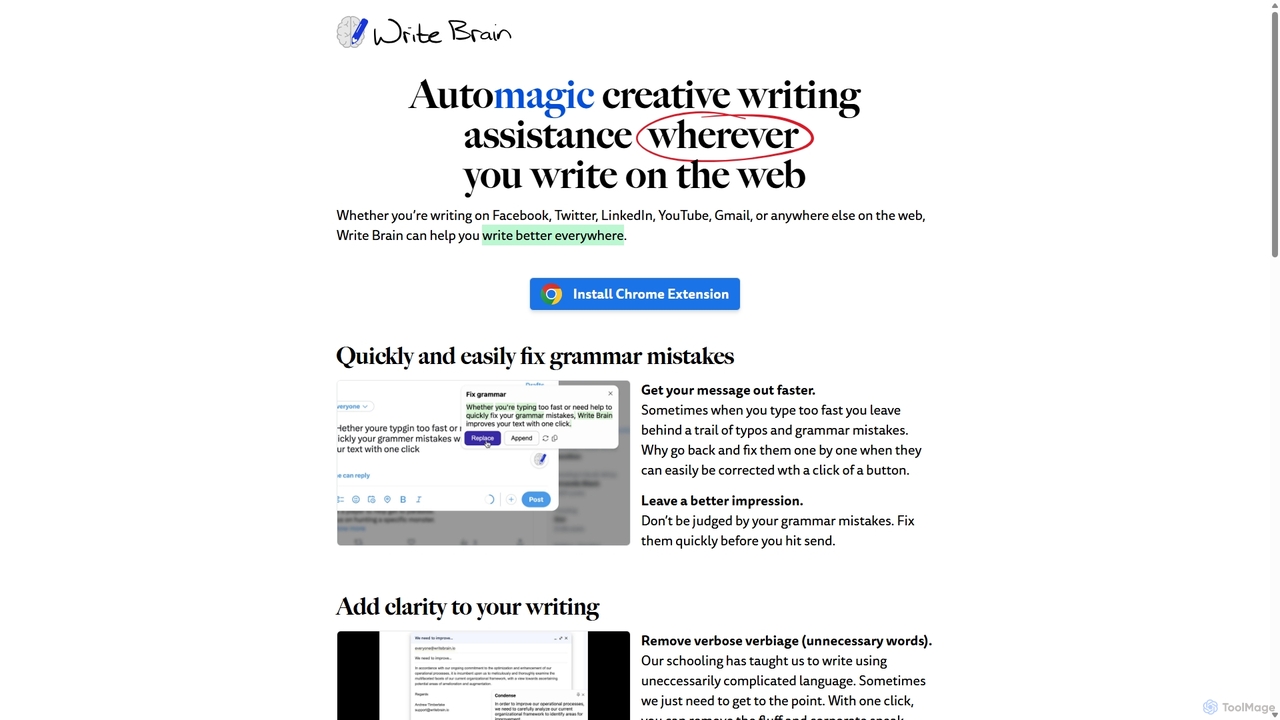
Write Brain
Write Brain is an AI-powered Chrome extension that serves as a comprehensive writing assistant. It helps users fix grammar, improve clarity, enhance writing style with descriptive language, translate text instantly, and add relevant emojis, working seamlessly across websites like Gmail, Facebook, and Twitter.
Chrome Extensions
My GPT Wizard
My GPT Wizard is an AI-powered content creation platform designed to transform your ideas into high-quality text effortlessly. It helps marketers, writers, and businesses generate engaging articles, social media posts, ad copy, and more, saving time and overcoming writer's block with AI magic.
Content Creation
CoWriter AI
CoWriter AI is an advanced AI writing copilot designed for students, researchers, and professionals. It accelerates the writing and research process, helping users create high-quality, original academic papers, theses, and essays in hours instead of months. Key features include AI detection bypassing, plagiarism checking, instant citation generation, and intelligent thought autocompletion, all while maintaining the user's unique voice.
Academic Research
Writers-Copilot
Writers-Copilot is a free, intuitive AI-powered writing assistant that helps you improve your text. It offers interactive feedback, suggests enhancements, and refines your writing style without requiring any registration. Simply paste your text and use the chat interface to edit and perfect your content.
Study Tools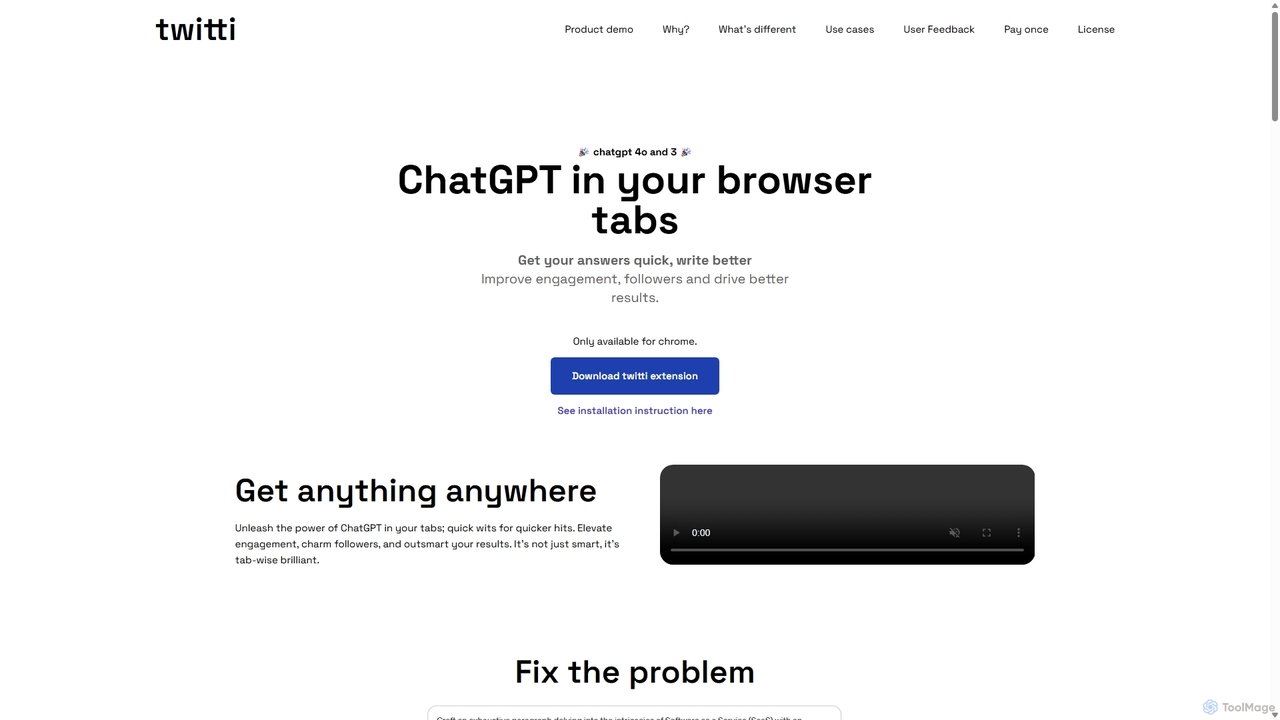
Twitti
Twitti is a powerful ChatGPT browser extension that integrates AI into any tab. It enhances writing, boosts social media engagement, and increases productivity with 25+ tones, advanced copywriting frameworks, and a one-time purchase model, eliminating recurring subscriptions.
Chrome
Shello Ai Comments (0)
Sign in to comment.
Sign inNo comments yet.