

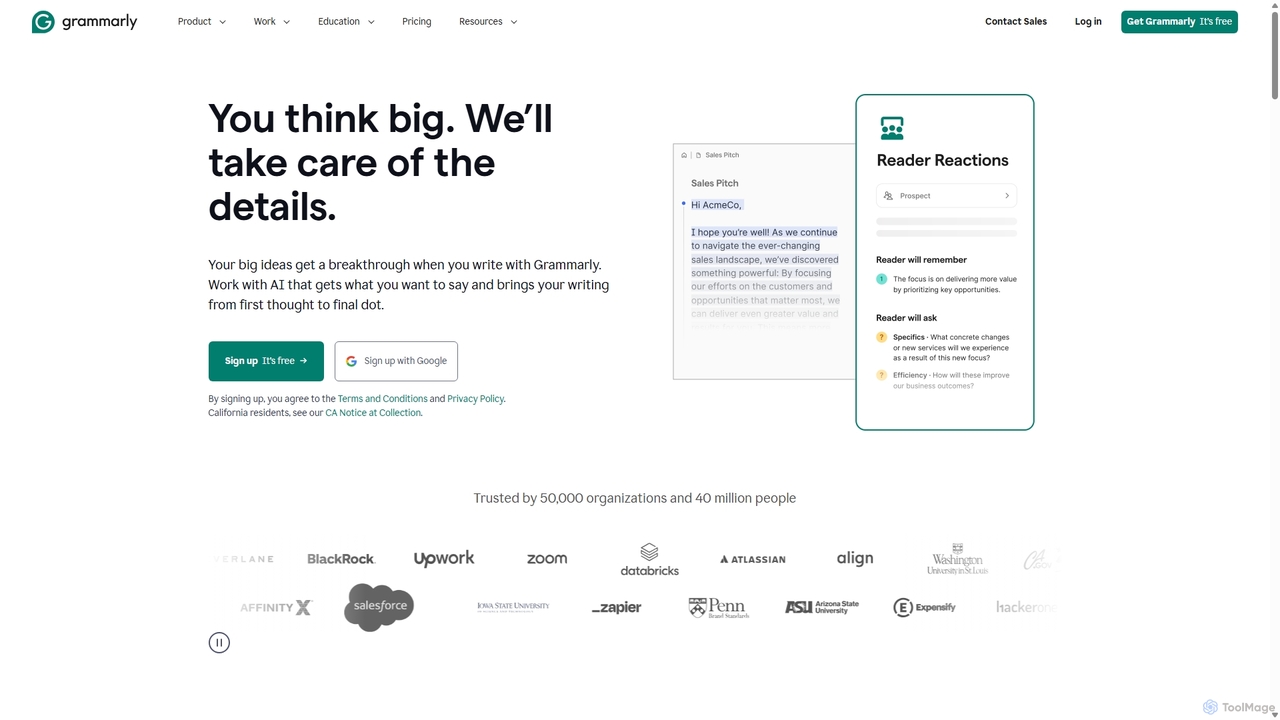
Grammarly Overview
Grammarly is a comprehensive, AI-driven writing partner designed to elevate the quality of your written communication. Trusted by over 40 million people and 50,000 organizations, it serves as an indispensable tool for students, professionals, writers, and anyone who wants to express themselves clearly and effectively. Grammarly's advanced algorithms analyze your text in real-time, providing instant feedback not just on correctness (grammar, spelling, punctuation) but also on clarity, engagement, and delivery. It helps you strike the right tone for your audience, rewrite convoluted sentences for better readability, and even generate new ideas or drafts with its integrated generative AI capabilities.
The platform is built on a foundation of responsible AI, emphasizing user data privacy and security. Grammarly never sells user data or uses it for advertising, ensuring that your work remains confidential and secure. Whether you're drafting a critical business email, writing an academic paper, or creating marketing copy, Grammarly provides the confidence that your message will be understood exactly as you intend.
How to use Grammarly
Getting started with Grammarly is simple and intuitive. It's designed to work where you do. You can use it through various integrations:
- Browser Extension: Install the Grammarly extension for Chrome, Safari, Firefox, or Edge. It will automatically check your writing on websites like Gmail, Google Docs, LinkedIn, Twitter, and millions more.
- Desktop App: Download the Grammarly for Windows or Mac app to use it across all your desktop applications, including Microsoft Office.
- Grammarly Editor: For long-form documents, you can use the dedicated online Grammarly Editor by logging into your account on the Grammarly website. Simply paste your text or upload a document to get a comprehensive analysis.
- Mobile Keyboard: Install the Grammarly Keyboard on your iOS or Android device to get writing suggestions in all your mobile apps, from text messages to emails.
- Generative AI: Within the editor or supported applications, you can use prompts to ask Grammarly to generate text, brainstorm ideas, create outlines, reply to emails, or rewrite existing text to be more formal, concise, or confident.
As you type, Grammarly underlines potential issues. Hover over the underline to see the suggestion and a brief explanation, then click to accept the change.
Core Features of Grammarly
- Advanced Grammar and Spelling Checks: Catches everything from simple typos to complex grammatical errors and incorrect punctuation.
- Clarity and Conciseness: Rewrites wordy, confusing sentences to make your writing easier to understand and more impactful.
- Tone Detection and Adjustment: Analyzes your word choice, phrasing, and punctuation to identify the tone of your message (e.g., confident, friendly, formal) and offers suggestions to match your intended tone.
- Generative AI Assistance: Provides on-demand text generation, allowing you to create drafts, outlines, and ideas, or to summarize and reply to text with simple prompts.
- Plagiarism Detection: (Premium feature) Compares your text against billions of web pages and academic databases to ensure originality.
- Style Guide Enforcement: (Business feature) Allows teams to create and maintain a consistent writing style, terminology, and brand voice across all communications.
- Multi-Platform Integration: Works seamlessly across a wide range of applications and websites, ensuring consistent support wherever you write.
Use Cases for Grammarly
Grammarly is versatile and valuable for a wide range of users:
- Students: Improve essays and assignments, avoid accidental plagiarism, and learn to become a better writer with detailed explanations for suggestions.
- Professionals & Business Teams: Write clear, professional, and error-free emails, reports, and presentations. Maintain brand consistency and improve team productivity.
- Marketers and Content Creators: Craft compelling and on-brand copy for websites, blogs, and social media. Ensure content is engaging and easy to read.
- Job Seekers: Create polished resumes and cover letters that make a strong first impression.
- Non-Native English Speakers: Enhance fluency and build confidence in English writing for academic, professional, or personal communication.
Advantages of Grammarly
Grammarly offers significant advantages over traditional spell checkers. Its AI-powered engine provides contextual feedback that helps you improve not just a single document, but your overall writing skills. The real-time suggestions save significant time on editing and proofreading. For businesses, it drives tangible results by improving communication efficiency, reducing errors, and ensuring a consistent brand voice, leading to an average saving of $5,000 per employee per year according to company data. Its strong commitment to data privacy makes it a trusted choice for individuals and large enterprises alike.
Pricing and Plans
Grammarly operates on a freemium model with plans for individuals and organizations:
- Free Plan: $0/month. Includes essential features like grammar, spelling, and punctuation correction, basic tone detection, and 100 generative AI prompts per month.
- Pro Plan: $12/member/month (billed annually) or $30/month (billed monthly). Includes everything in the Free plan, plus full-sentence rewrites for clarity, tone adjustments, plagiarism detection, style guide, and 2,000 generative AI prompts per month.
- Enterprise Plan: Custom pricing (Contact Sales). Designed for larger organizations, this plan includes everything in Pro, plus unlimited members, dedicated support, advanced security features like confidential mode and data loss prevention, and unlimited generative AI prompts.
Traffic
Latest traffic
Status
Monthly traffic trend
- 2025-9: 24.1M
- 2026-1: 20.9M
- 2026-2: 21.0M
- 2026-3: 23.6M
- 2026-4: 22.7M
- 2026-5: 20.3M
Geography
Top 5 countries / regions
- 🇺🇸United States70.9%
- 🇬🇧United Kingdom8.8%
- 🇮🇳India7.4%
- 🇵🇭Philippines6.7%
- 🇦🇺Australia6.1%
Traffic sources
| Source type | Percentage |
|---|---|
Direct | 65.3% |
Referral | 32.3% |
Email | 2.5% |
Top keywords
| Keyword | Cost per click |
|---|---|
| gramarly | $1.45 |
| grammarly | $1.21 |
| grammarly ai | $1.63 |
| grammarly login | $1.89 |
| grammerly | $1.42 |
Grammarly Videos on YouTube

AI-Proof Your Career




The Techy As Heck Channel | by Trafera

SomethingTalk1 - AI Meets Engineering Thinking

Kevin Stratvert
Grammarly Alternatives
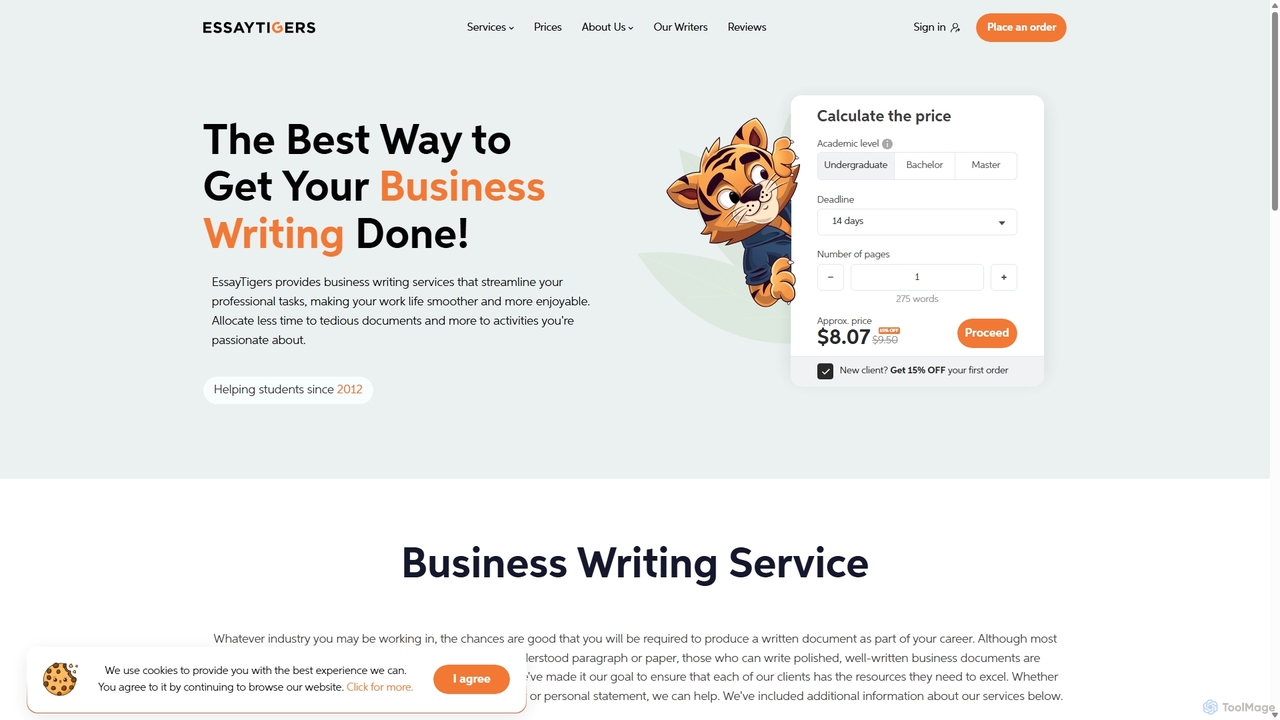
prowriting
prowriting is an AI-powered writing assistant designed to enhance your writing. It provides real-time feedback on grammar, style, tone, and clarity. Ideal for students, professionals, and content creators, it helps you craft clear, compelling, and error-free text, boosting your communication effectiveness and confidence.
Learning
Editair
Editair is an AI-powered writing assistant designed to elevate your text. It goes beyond basic grammar checks, offering suggestions for style, tone, and clarity. Perfect for professionals, students, and content creators, Editair helps you craft clear, compelling, and error-free content effortlessly, making your writing process smoother and more efficient.
Study Tools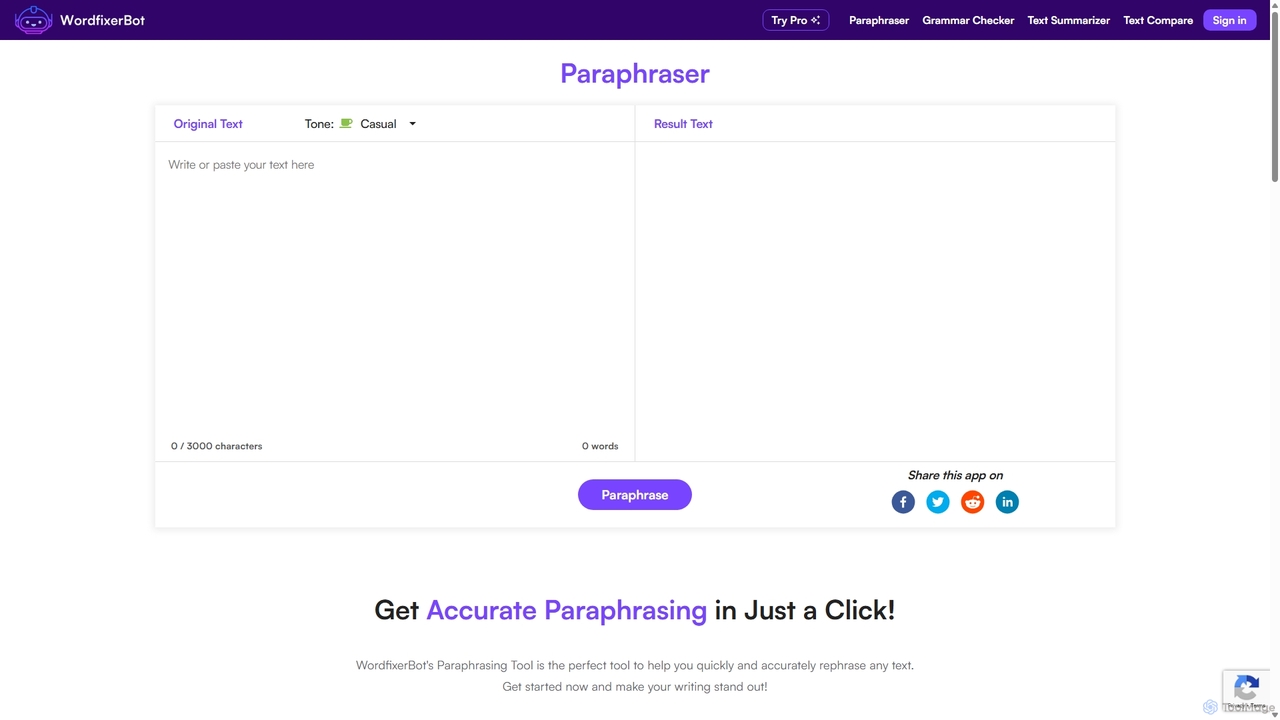
WordfixerBot
WordfixerBot is an AI-powered writing suite designed to enhance text quality. It offers a versatile paraphrasing tool with multiple tones, an accurate grammar checker, a concise text summarizer, and a text comparison tool. Ideal for students, writers, and professionals to improve clarity, avoid plagiarism, and streamline their writing process.
Learning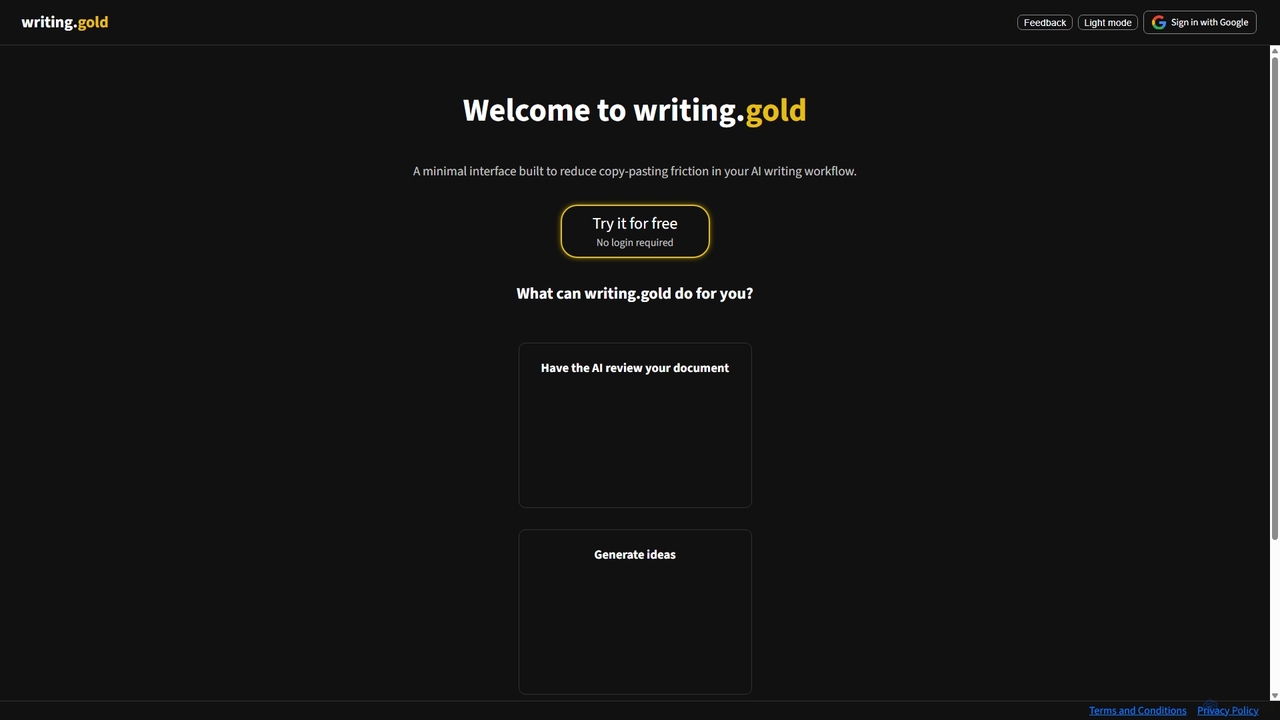
Writing.gold
Writing.gold is a minimalist AI writing assistant designed to streamline your workflow. It integrates powerful AI features like idea generation, outline expansion, and document review directly into a clean, distraction-free editor, eliminating the need for constant copy-pasting between apps.
Study Tools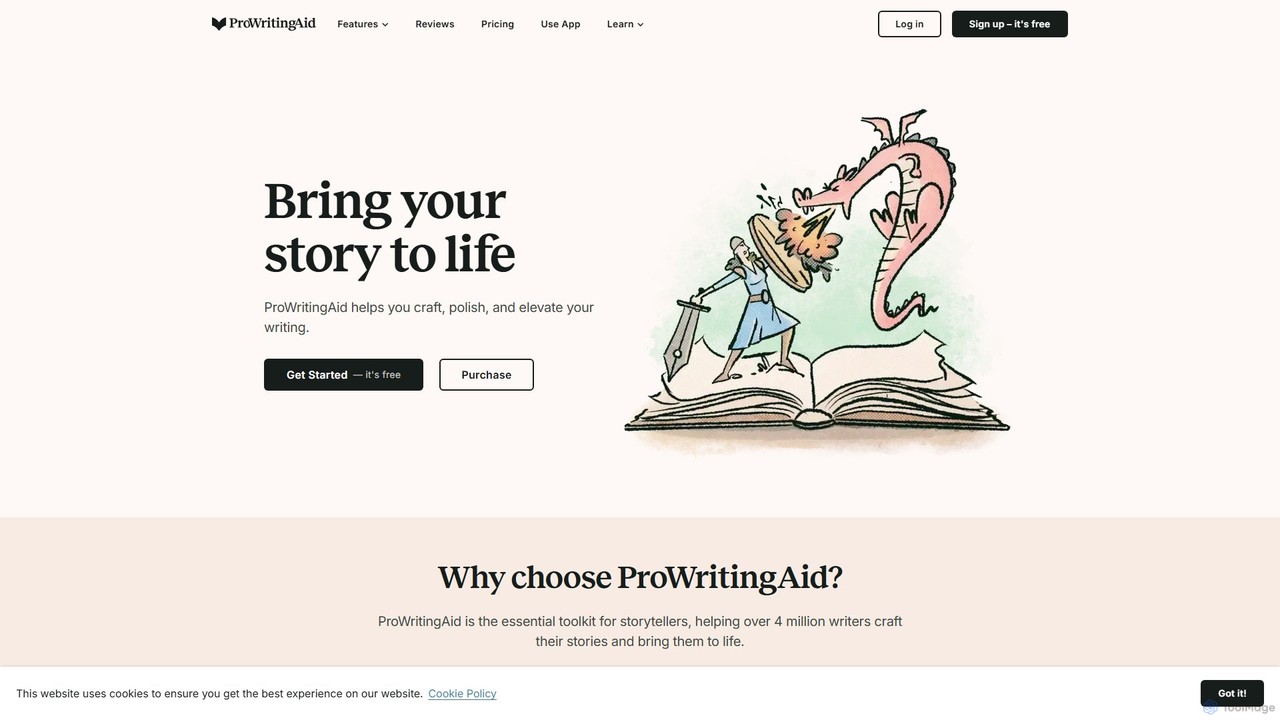
ProWritingAid
ProWritingAid is a comprehensive AI-powered writing assistant, style editor, and grammar checker. It's designed for authors, students, and professionals to improve writing clarity, strength, and style. With over 25 detailed reports, it goes beyond basic corrections, offering in-depth analysis on everything from pacing and dialogue to readability and sentence structure. It integrates seamlessly with popular writing platforms.
LearningGrammarly Categories
Grammarly Jobs
Grammarly Embed Widget
Copy this embed code to place the badge on your blog, article, or product site and send readers directly to this ToolMage detail page.

Related AI tools
prowriting
prowriting is an AI-powered writing assistant designed to enhance your writing. It provides real-time feedback on grammar, style, tone, and clarity. Ideal for students, professionals, and content creators, it helps you craft clear, compelling, and error-free text, boosting your communication effectiveness and confidence.
LearningEditair
Editair is an AI-powered writing assistant designed to elevate your text. It goes beyond basic grammar checks, offering suggestions for style, tone, and clarity. Perfect for professionals, students, and content creators, Editair helps you craft clear, compelling, and error-free content effortlessly, making your writing process smoother and more efficient.
Study ToolsWordfixerBot
WordfixerBot is an AI-powered writing suite designed to enhance text quality. It offers a versatile paraphrasing tool with multiple tones, an accurate grammar checker, a concise text summarizer, and a text comparison tool. Ideal for students, writers, and professionals to improve clarity, avoid plagiarism, and streamline their writing process.
LearningWriting.gold
Writing.gold is a minimalist AI writing assistant designed to streamline your workflow. It integrates powerful AI features like idea generation, outline expansion, and document review directly into a clean, distraction-free editor, eliminating the need for constant copy-pasting between apps.
Study Tools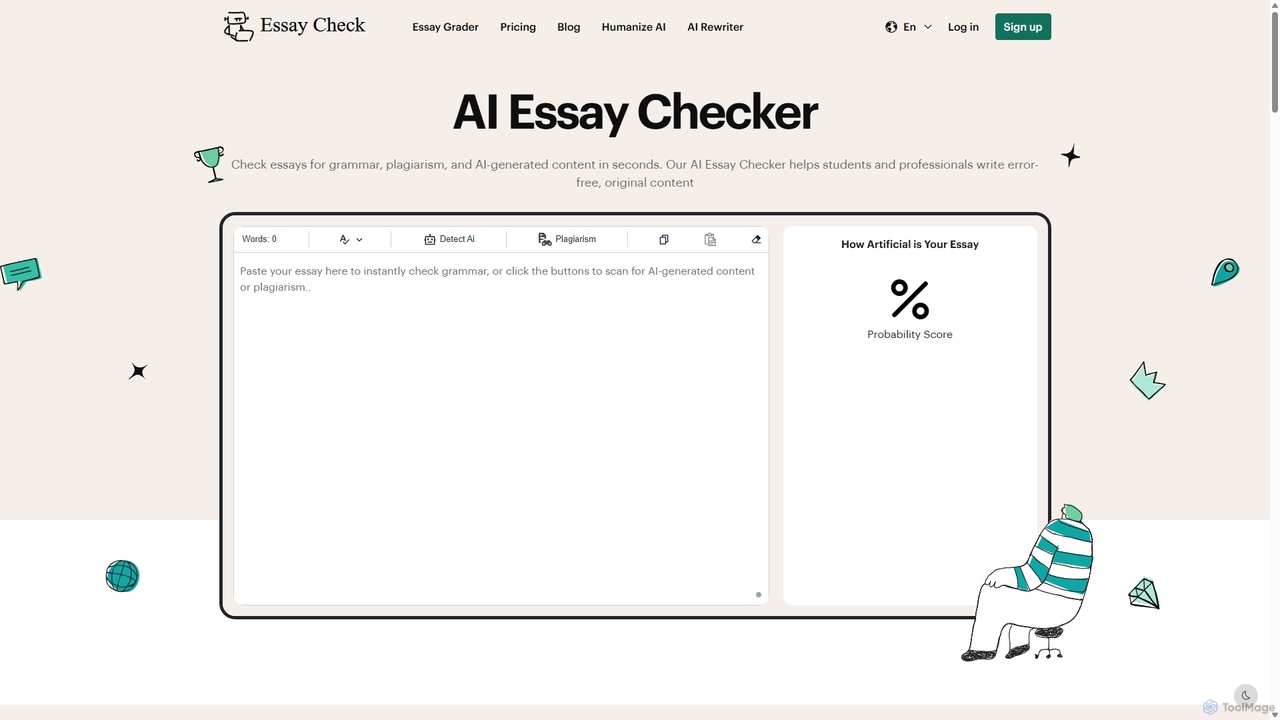
Essaycheck
An all-in-one AI-powered writing assistant that offers an AI content detector, grammar checker, plagiarism scanner, and essay grader. It's designed for students, educators, and content creators to ensure writing is original, error-free, and high-quality.
Academic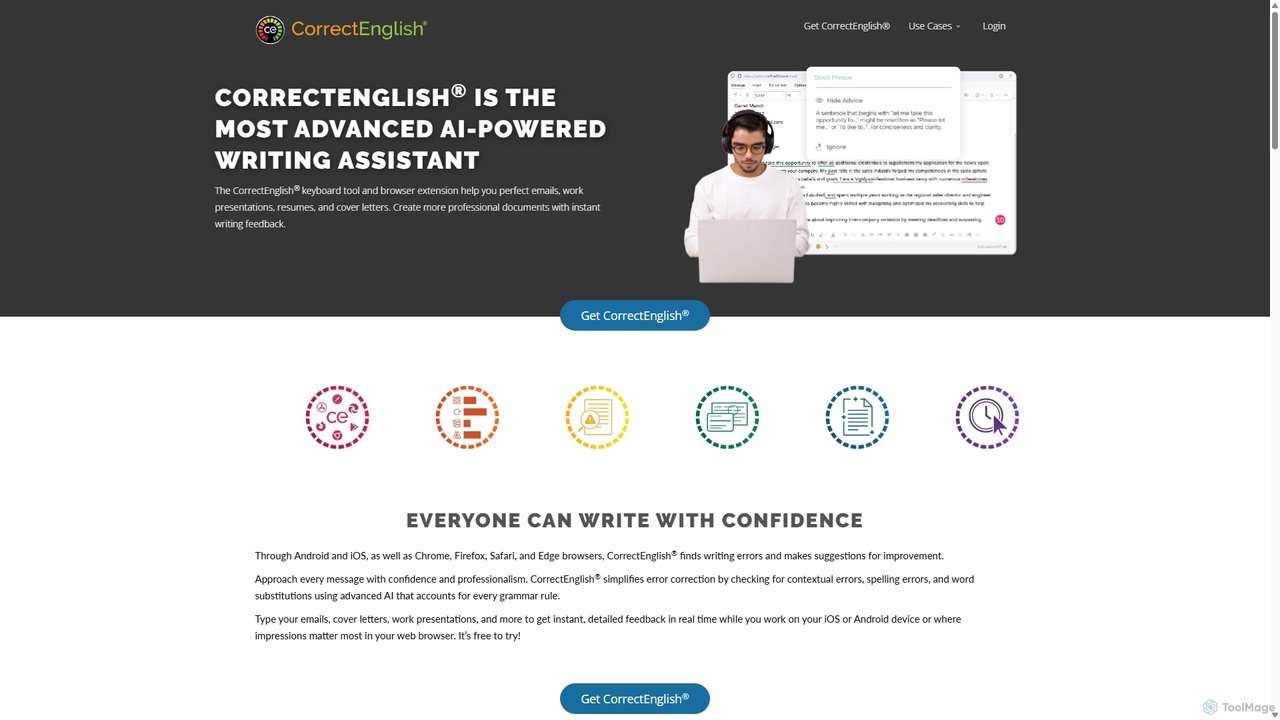
CorrectEnglish
CorrectEnglish is an advanced AI-powered writing assistant designed to improve your writing. It offers real-time grammar, spelling, and punctuation checks, along with plagiarism detection and vocabulary enhancement. Available as a browser extension and mobile keyboard, it helps professionals, students, and job seekers write with confidence and clarity everywhere.
Resume Builder
Grammarly
Grammarly is an AI-powered writing assistant that helps you communicate more effectively. It goes beyond basic grammar and spelling checks to offer suggestions on style, tone, and clarity. Trusted by millions, Grammarly integrates seamlessly into your workflow across various platforms, providing real-time feedback to enhance your emails, documents, and social media posts. Its generative AI features can also help you brainstorm, compose, and rewrite text instantly.
Communication
Paraphrase Tool
An AI-powered writing assistant that offers paraphrasing in over 100 languages with 18+ writing modes. It also includes a plagiarism checker, grammar checker, text generator from keywords, and an automatic citation creator, making it an all-in-one solution for students, writers, and content creators.
Academic
Compose AI
Compose AI is an AI-powered writing assistant and Chrome extension that accelerates your writing process. It offers intelligent autocompletion, text generation, and rephrasing capabilities across all your favorite sites, from emails to documents. By learning your personal writing style, it helps you write faster and more effectively, saving up to 40% of your time.
Chrome Extensions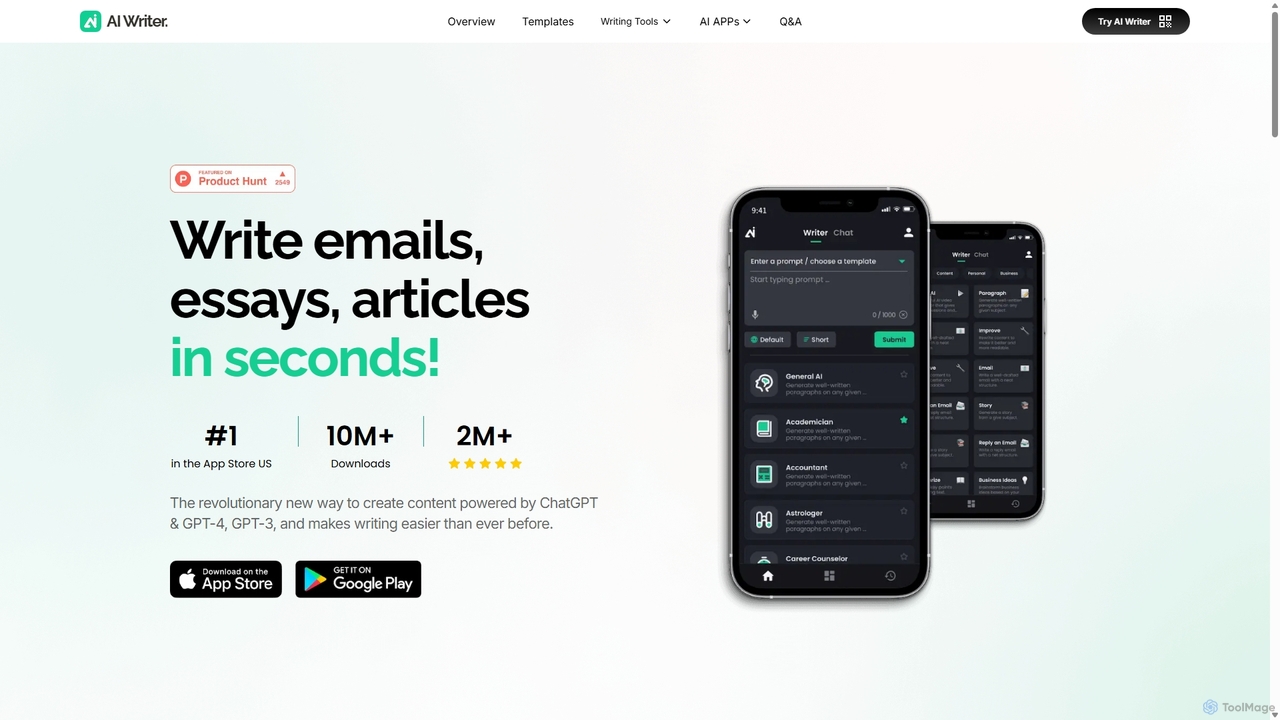
AI Writer
AI Writer is a versatile writing assistant powered by GPT-4, designed to generate high-quality content in seconds. It offers over 100 tools for creating essays, articles, emails, and social media posts. Key features include paraphrasing, grammar checking, text summarization, and content humanization, helping users overcome writer's block and enhance productivity across multiple devices.
Academic Writing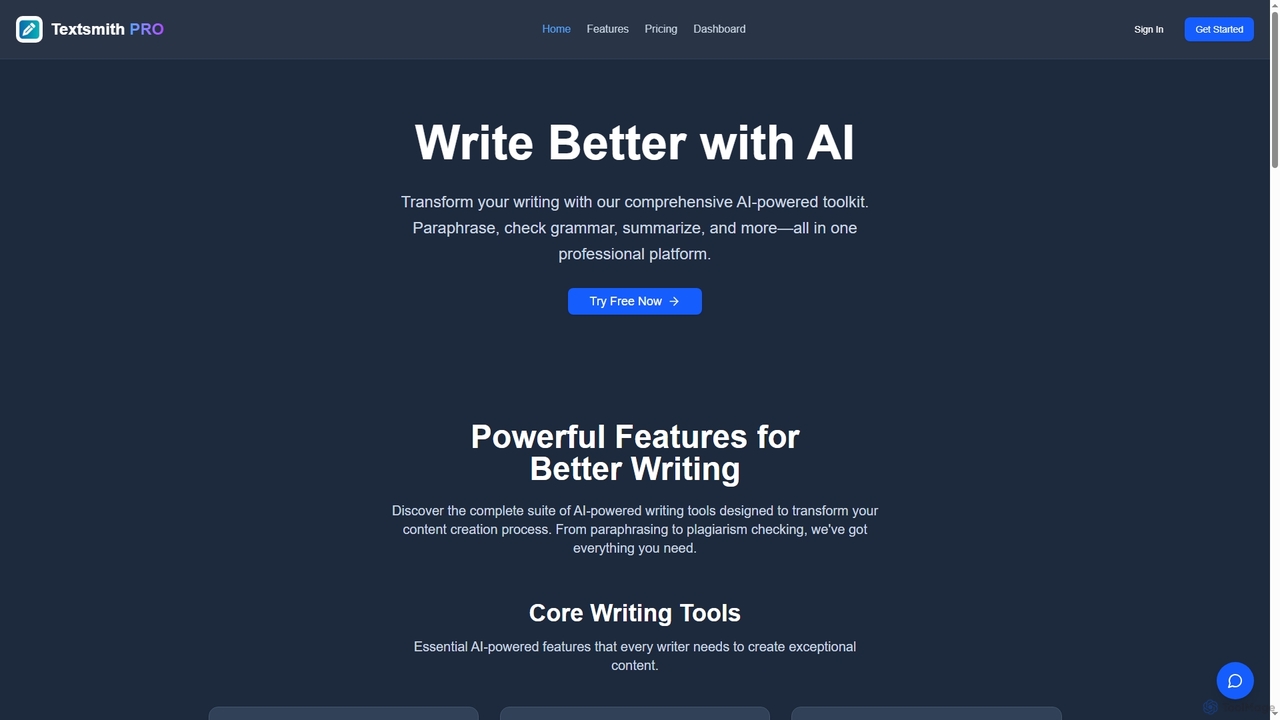
Textsmith Pro
Textsmith Pro is a comprehensive AI writing assistant designed to enhance writing quality and productivity. It offers a suite of tools including an advanced paraphraser with 10+ modes, a grammar checker, plagiarism detection, an AI humanizer, a smart translator for over 20 languages, and a citation generator. Ideal for writers, students, and professionals, it helps create clear, original, and publication-ready content efficiently.
Research
Writers-Copilot
Writers-Copilot is a free, intuitive AI-powered writing assistant that helps you improve your text. It offers interactive feedback, suggests enhancements, and refines your writing style without requiring any registration. Simply paste your text and use the chat interface to edit and perfect your content.
Study Tools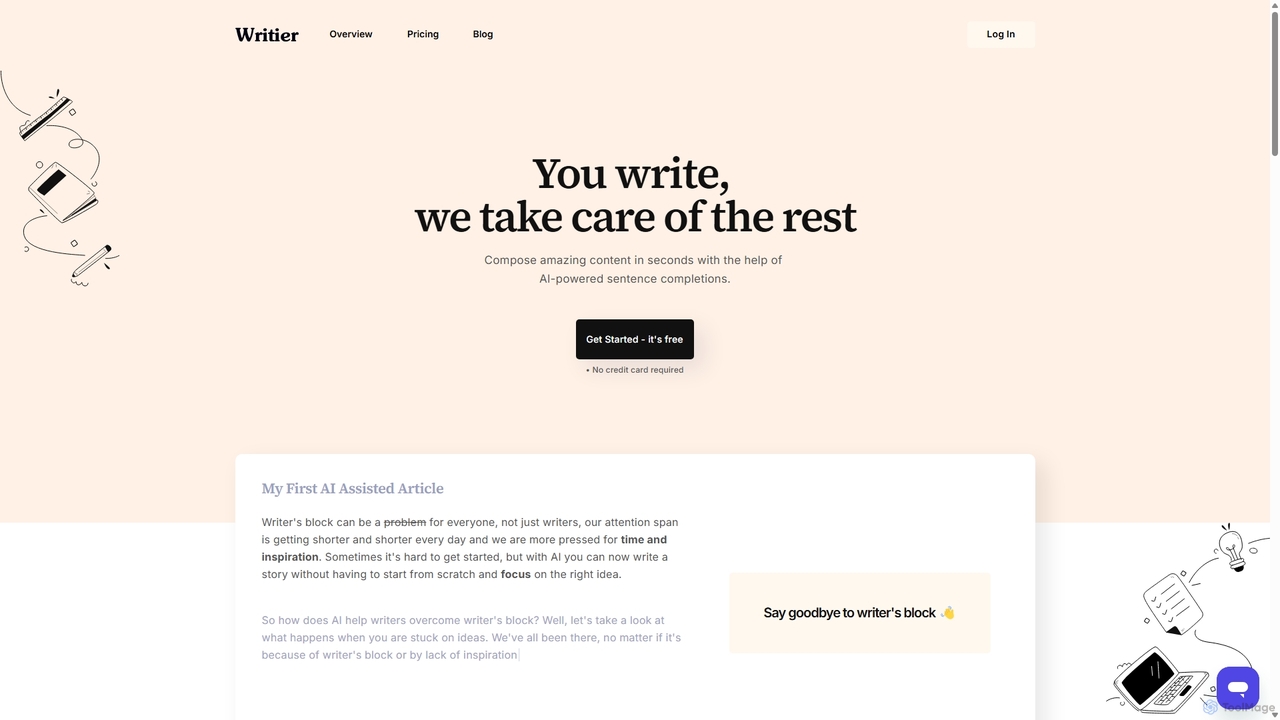
Writier
Writier is an AI-powered writing assistant designed to help users overcome writer's block and create high-quality content effortlessly. Leveraging GPT-3, it offers intelligent sentence completions, multi-language support, and tone adjustments to enhance productivity. It generates 100% original content while maintaining the user's unique writing style, making it ideal for content creators, marketers, and writers.
Content Creation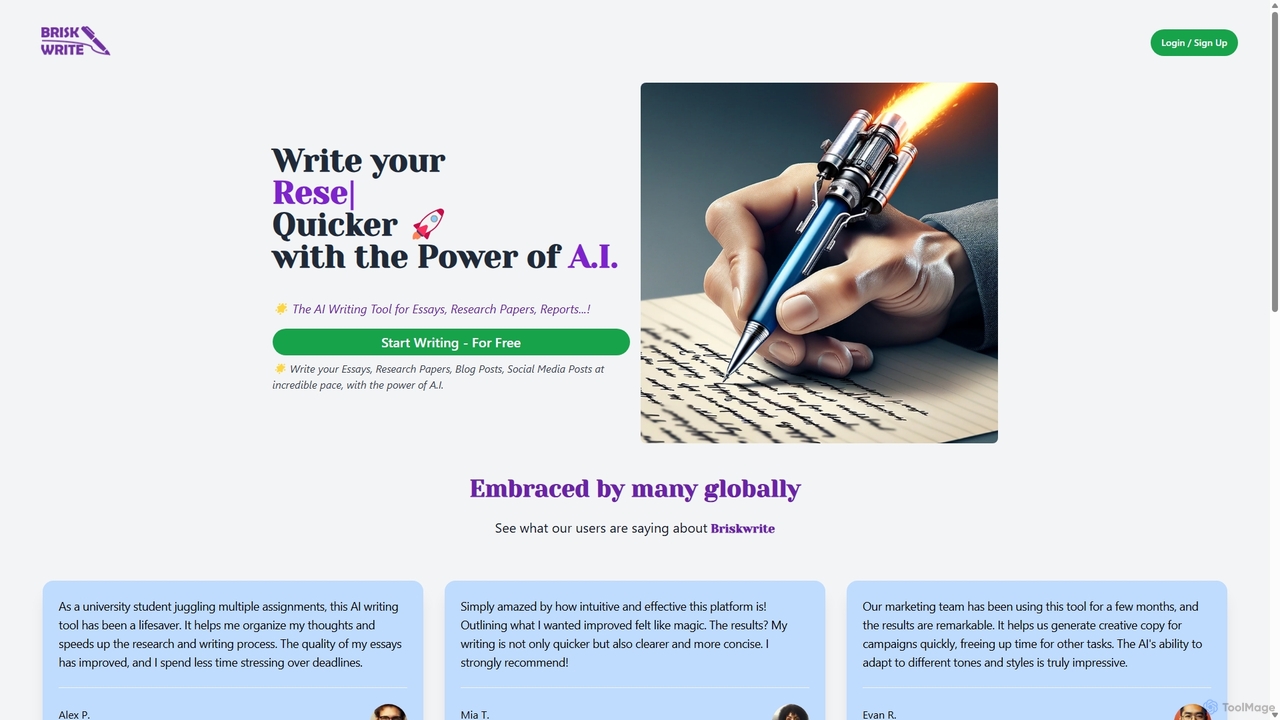
Briskwrite
Briskwrite is an AI-powered writing assistant designed to accelerate the creation of essays, research papers, blog posts, and social media content. It helps users overcome writer's block, structure their thoughts, and produce high-quality, articulate documents at an incredible pace. Ideal for students, bloggers, and marketers, Briskwrite enhances both writing speed and clarity.
Academic
Jyek
Jyek is an AI agent platform that understands objectives, creates execution plans, uses tools, and delivers verifiable results for complex, multi-step tasks.
Automation
Grammarly Comments (0)
Sign in to comment.
Sign inNo comments yet.