


Compose AI Overview
Compose AI is a sophisticated AI-powered writing tool designed to revolutionize how you write, communicate, and create content. Functioning as a seamless Chrome extension, it integrates directly into your existing workflow, providing real-time assistance across various platforms. Whether you're drafting emails, creating documents, or chatting with colleagues, Compose AI acts as your personal writing assistant, aiming to cut your writing time by an impressive 40%. It is trusted by a rapidly growing community of over 400,000 users and more than 10,000 teams who rely on it to enhance their productivity and writing quality.
The core philosophy behind Compose AI is to make writing effortless without sacrificing quality or personal touch. It goes beyond simple grammar correction by offering intelligent, context-aware suggestions. The platform's advanced AI learns your unique voice and writing style over time, ensuring that the autocompletions and generated text sound natural and authentically you. This personalization sets it apart, making it a truly adaptive partner in your daily tasks.
How to use Compose AI
Getting started with Compose AI is straightforward and designed for immediate productivity gains:
- Installation: Begin by visiting the Chrome Web Store and searching for "Compose AI". Click "Add to Chrome" to install the extension in your browser.
- Account Creation: After installation, you'll be prompted to sign up for a free account. This allows the tool to personalize your experience and save your preferences.
- Start Writing: Navigate to any website or web application where you normally type—such as Gmail, Google Docs, LinkedIn, Twitter, or Slack. Compose AI automatically activates in any text box.
- Use Autocomplete: As you type, Compose AI will provide real-time suggestions to complete your sentences. Simply press the 'Tab' key to accept a suggestion and continue writing.
- Generate and Edit Text: To access more advanced features, you can use specific commands or highlight text. For example, you can type a short prompt and ask the AI to expand on it, or highlight a sentence and choose to rephrase it for a different tone (e.g., more professional, more casual), shorten it for brevity, or expand it for more detail.
Core Features of Compose AI
- AI-Powered Autocomplete: The flagship feature that intelligently predicts and completes your sentences as you type, significantly speeding up the writing process on any website.
- Text Generation & Expansion: Generate entire sentences, paragraphs, or even full email drafts from a short prompt or a few keywords. This is perfect for overcoming writer's block or quickly creating initial drafts.
- Rephrasing and Tone Adjustment: Easily rewrite your text to improve clarity, conciseness, or style. You can adjust the tone to be more professional, friendly, persuasive, or casual to match your audience and context.
- Personalization Engine: The AI learns from your writing to adapt to your personal voice, vocabulary, and sentence structure, providing suggestions that are uniquely tailored to you.
- Universal Integration: Works seamlessly across millions of websites and web apps without requiring any complex setup. It's universally compatible wherever you write in your Chrome browser.
Use Cases for Compose AI
Compose AI is a versatile tool suitable for a wide range of professionals and individuals:
- Email Management: Professionals can draft and reply to emails in a fraction of the time, compose professional outreach messages, and maintain a consistent tone in all communications.
- Content Creation: Marketers and writers can use it to draft blog posts, social media updates, and marketing copy, brainstorming ideas and generating content faster.
- Team Collaboration: In tools like Slack or Asana, team members can write clearer, more concise updates and messages, improving internal communication efficiency.
- Customer Support: Support agents can craft quick, empathetic, and standardized responses to customer queries, improving response times and customer satisfaction.
- Sales & Outreach: Sales representatives can personalize outreach emails and LinkedIn messages at scale, increasing their efficiency and engagement rates.
Advantages of Compose AI
The primary advantage of Compose AI is its significant boost to productivity. By automating the repetitive parts of writing, it frees up mental energy for more critical thinking. Its seamless integration means there's no learning curve or need to switch between apps. The personalization feature ensures that your writing remains authentic, while the rephrasing tools help elevate the quality and impact of your communication. The freemium model makes it accessible to everyone, from students to seasoned professionals.
Pricing and Plans
Compose AI operates on a freemium model, offering plans for both individuals and teams:
- Free Plan: This plan is available at no cost and is perfect for getting started. It includes a generous amount of AI-powered autocompletions and basic access to text generation features.
- Premium Plan (approx. $9.99/month): Aimed at power users and professionals, this plan offers unlimited usage of all features, including advanced personalization, unlimited text generation, and priority support.
- Teams Plan: Designed for businesses and organizations, this plan includes all Premium features plus centralized billing, team management features, and options for custom onboarding. Pricing is typically based on the number of users.
Traffic
Latest traffic
Status
Monthly traffic trend
- 2025-9: 91.8K
- 2026-1: 85.1K
- 2026-2: 79.8K
- 2026-3: 100.2K
- 2026-4: 79.6K
- 2026-5: 67.7K
Geography
Top 5 countries / regions
- 🇮🇳India63.2%
- 🇺🇸United States27.7%
- 🇮🇩Indonesia3.1%
- 🇧🇷Brazil3.1%
- 🇬🇧United Kingdom2.9%
Traffic sources
| Source type | Percentage |
|---|---|
Direct | 89.0% |
Email | 6.7% |
Referral | 4.3% |
Top keywords
| Keyword | Cost per click |
|---|---|
| compose | $2.65 |
| compose ai | $1.74 |
| compose ai: ai-powered writing tool | $0.00 |
| compose ai extension | $0.59 |
| composer ai | $2.60 |
Compose AI Alternatives

Merlin AI
Merlin is an all-in-one AI assistant, available as a browser extension and app, that integrates top AI models like GPT-4, Claude 3, and Gemini. It allows you to research, write, summarize content, generate images, and code with a single click on any website, streamlining your workflow and boosting productivity without switching tabs.
Chrome Extensions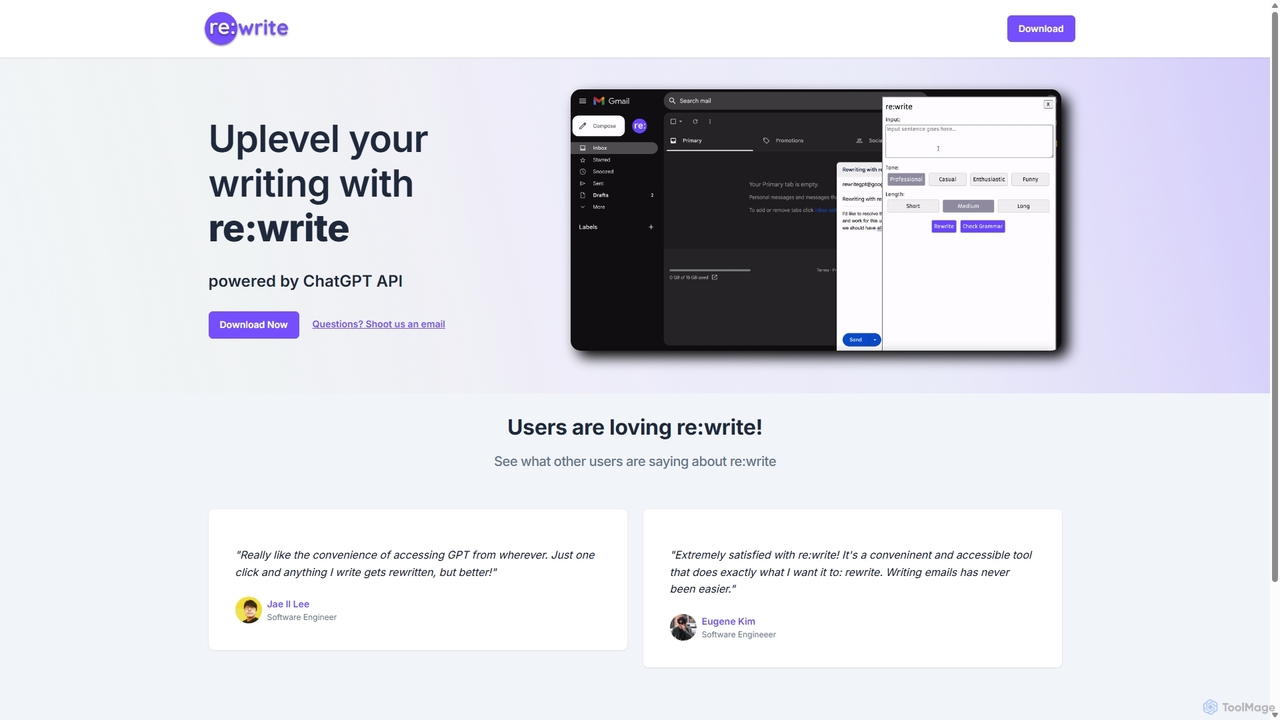
Rewritegpt
Rewritegpt is an AI-powered writing assistant and browser extension that helps you rewrite, paraphrase, and improve your text with a single click. It integrates seamlessly into your workflow, allowing you to enhance emails, reports, and social media posts directly on any website.
Study Tools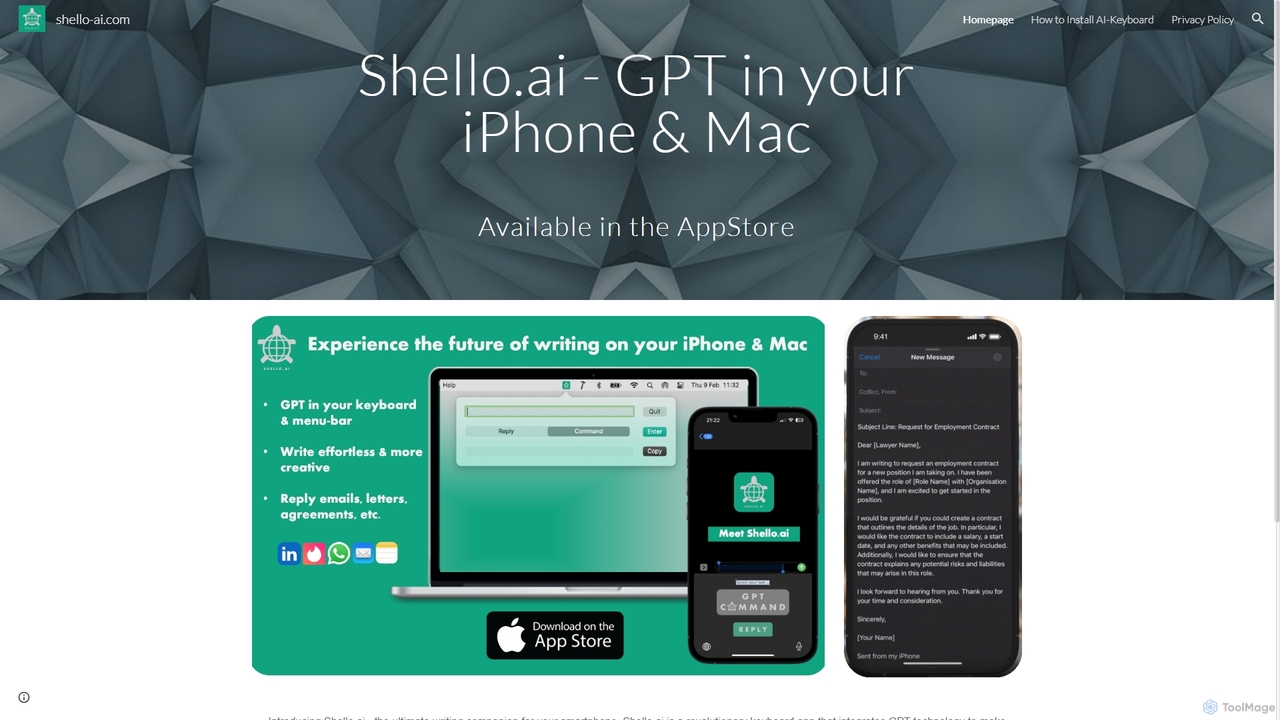
Shello Ai
Shello.ai is a revolutionary GPT-powered keyboard app for iPhone and Mac. It acts as an intelligent writing companion, integrating directly into your system to help you write faster, smarter, and more efficiently in any application. From autocompleting sentences to rephrasing text, Shello.ai enhances your productivity and writing quality.
Email Assistant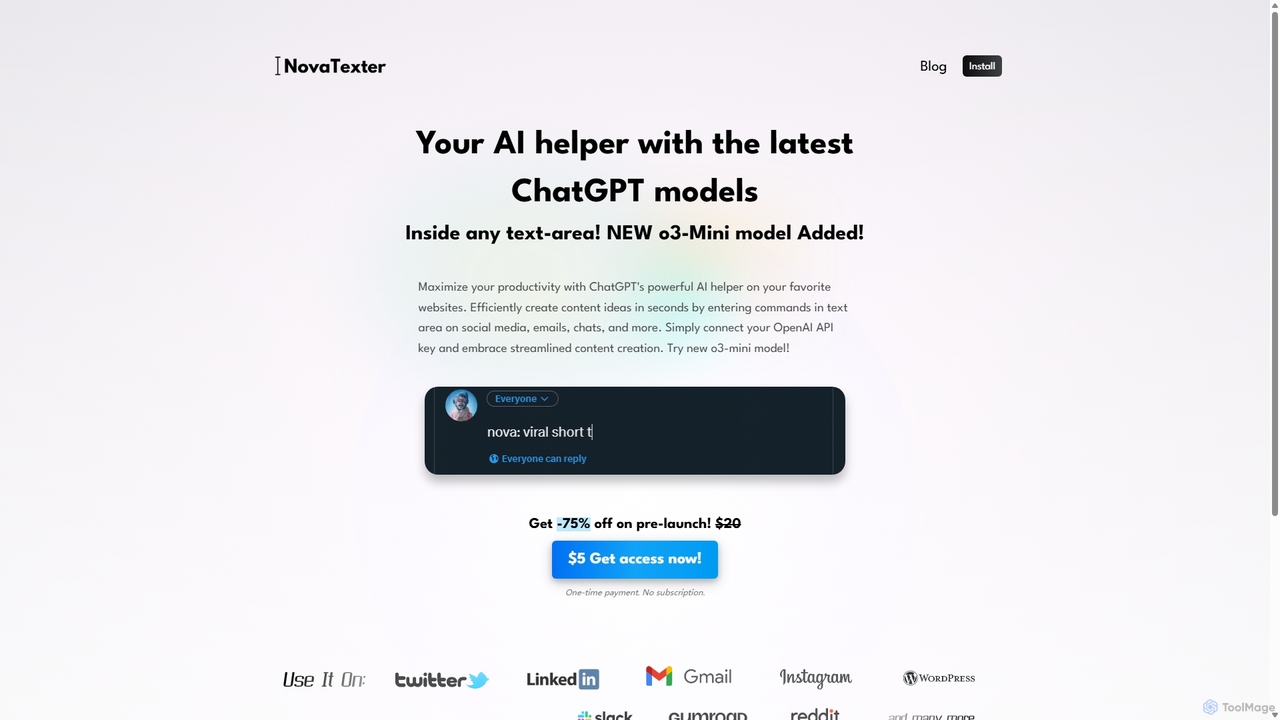
NovaTexter
NovaTexter is an AI-powered browser extension that integrates ChatGPT models directly into your workflow. It allows you to generate content, ideas, and responses on any website by simply typing commands in a text area. Connect your OpenAI API key for a seamless, productive content creation experience with a single one-time payment.
Chrome Extensions
Side Space
Side Space is a powerful AI assistant that integrates seamlessly into your desktop workflow. It operates from a convenient sidebar, providing instant access to AI-powered tools for writing, coding, and general productivity without ever leaving your current application. Enhance your efficiency with contextual actions on selected text and customizable commands.
Code AssistantCompose AI Categories
Compose AI Jobs
Compose AI Embed Widget
Copy this embed code to place the badge on your blog, article, or product site and send readers directly to this ToolMage detail page.

Related AI tools
Rewritegpt
Rewritegpt is an AI-powered writing assistant and browser extension that helps you rewrite, paraphrase, and improve your text with a single click. It integrates seamlessly into your workflow, allowing you to enhance emails, reports, and social media posts directly on any website.
Study ToolsNovaTexter
NovaTexter is an AI-powered browser extension that integrates ChatGPT models directly into your workflow. It allows you to generate content, ideas, and responses on any website by simply typing commands in a text area. Connect your OpenAI API key for a seamless, productive content creation experience with a single one-time payment.
Chrome ExtensionsShello Ai
Shello.ai is a revolutionary GPT-powered keyboard app for iPhone and Mac. It acts as an intelligent writing companion, integrating directly into your system to help you write faster, smarter, and more efficiently in any application. From autocompleting sentences to rephrasing text, Shello.ai enhances your productivity and writing quality.
Email AssistantMerlin AI
Merlin is an all-in-one AI assistant, available as a browser extension and app, that integrates top AI models like GPT-4, Claude 3, and Gemini. It allows you to research, write, summarize content, generate images, and code with a single click on any website, streamlining your workflow and boosting productivity without switching tabs.
Chrome Extensions
Paraphrase Tool
An AI-powered writing assistant that offers paraphrasing in over 100 languages with 18+ writing modes. It also includes a plagiarism checker, grammar checker, text generator from keywords, and an automatic citation creator, making it an all-in-one solution for students, writers, and content creators.
AcademicSide Space
Side Space is a powerful AI assistant that integrates seamlessly into your desktop workflow. It operates from a convenient sidebar, providing instant access to AI-powered tools for writing, coding, and general productivity without ever leaving your current application. Enhance your efficiency with contextual actions on selected text and customizable commands.
Code Assistant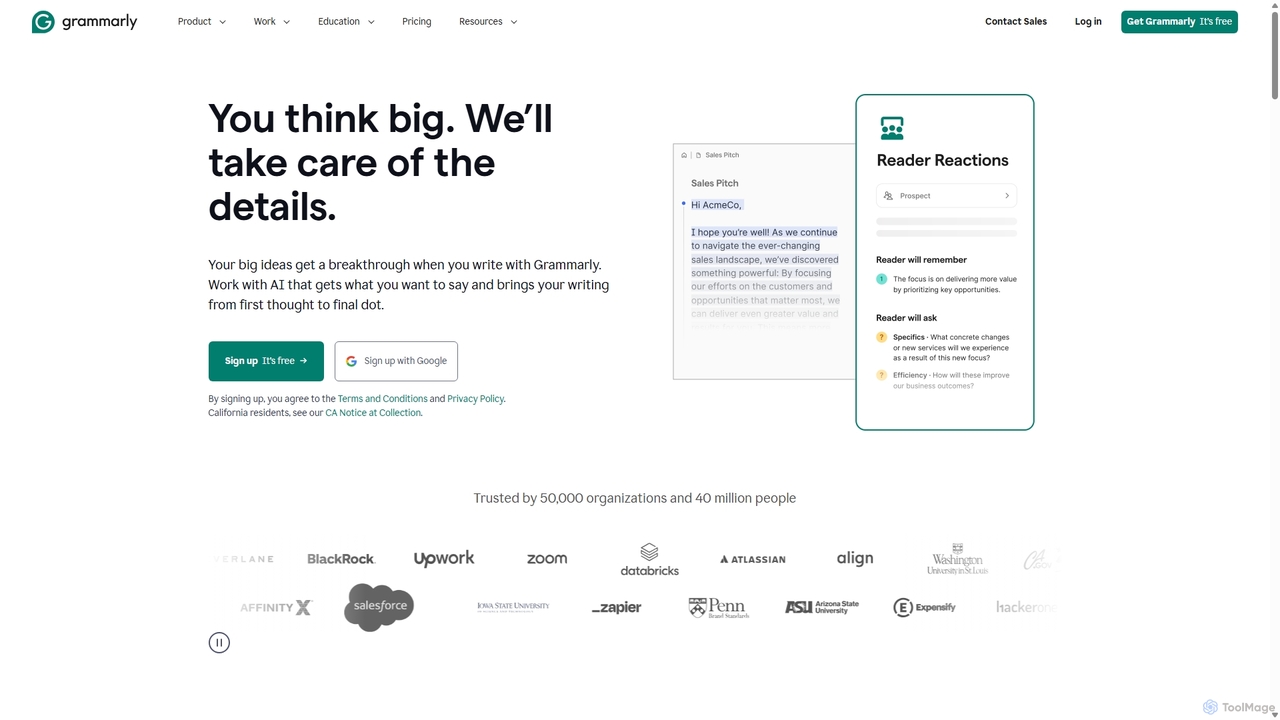
Grammarly
Grammarly is an AI-powered writing assistant that helps you communicate more effectively. It goes beyond basic grammar and spelling checks to offer real-time suggestions on clarity, conciseness, tone, and style. Trusted by millions, Grammarly integrates seamlessly across desktops, web browsers, and mobile devices to ensure your writing is always clear, confident, and mistake-free.
Learning
Shift
Shift is a system-wide AI assistant for macOS that enhances your workflow by allowing you to edit text and code anywhere with a simple keyboard shortcut. Just highlight text, double-tap Shift, and let the AI rewrite, debug, translate, or rephrase it instantly within any application.
Code Assistant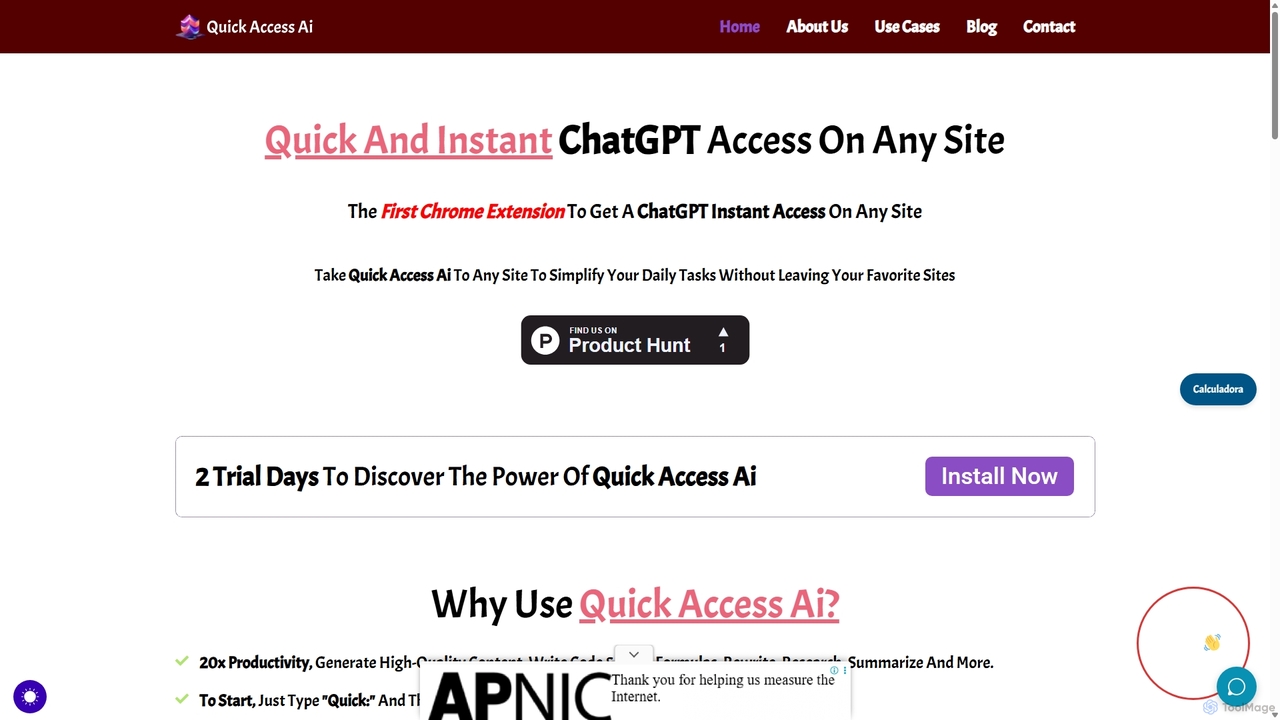
Quick Access Ai
Quick Access Ai is a Chrome extension that provides instant access to ChatGPT on any website. By simply typing a command, users can generate content, write code, summarize text, and perform research without switching tabs. It aims to boost productivity by integrating AI assistance directly into your existing workflow, making daily tasks faster and more efficient.
Code Assistant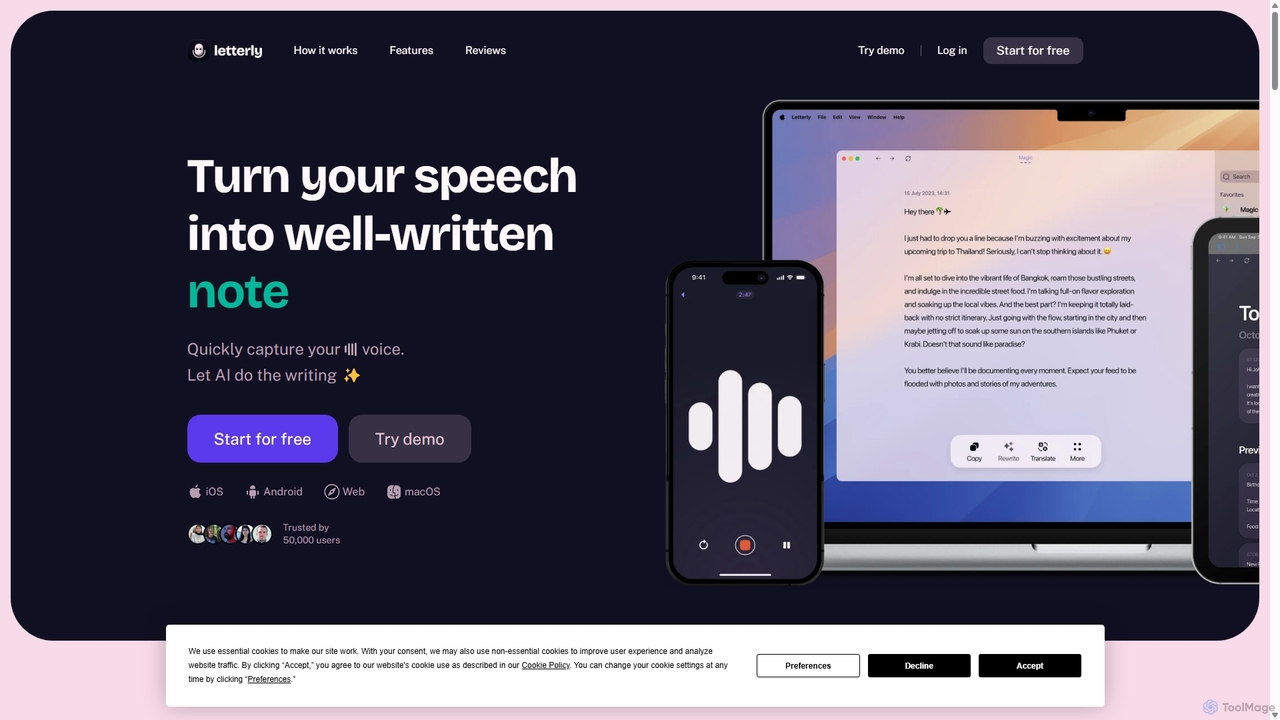
Letterly
Letterly is an AI-powered mobile and desktop app that transforms your spoken words into clear, well-written text. It's more than just transcription; it uses AI to structure, rewrite, and format your voice notes into ready-to-use emails, social media posts, journal entries, to-do lists, and more, supporting over 90 languages.
Transcription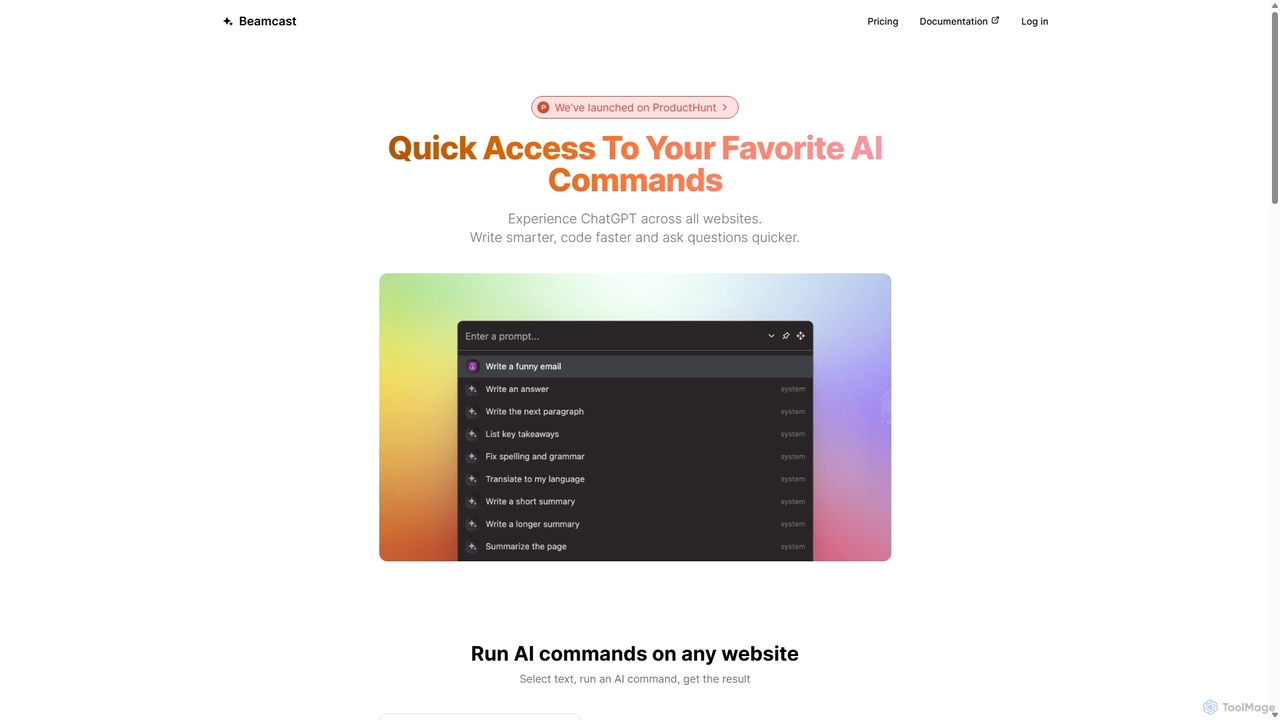
Beamcast
A browser extension that puts ChatGPT and Gemini at your fingertips. Select text on any website to run built-in or custom AI commands for writing, coding, and quick answers, streamlining your workflow and boosting productivity without ever leaving the page.
Search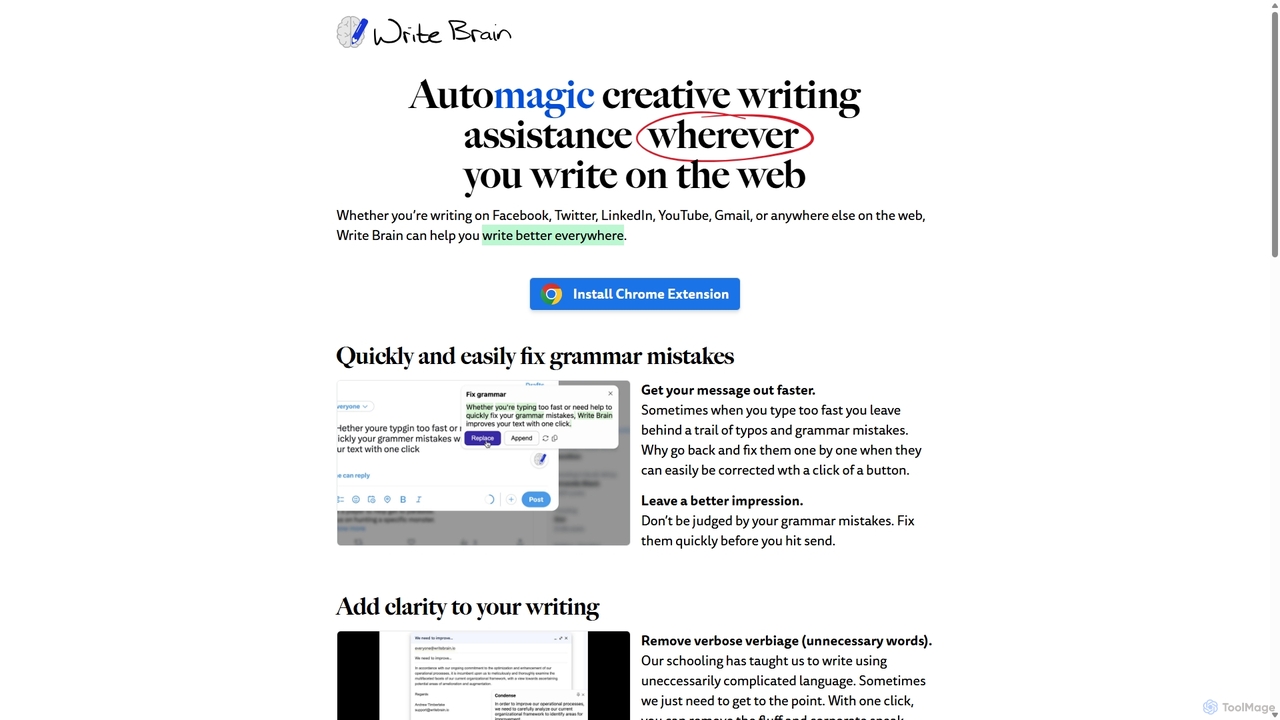
Write Brain
Write Brain is an AI-powered Chrome extension that serves as a comprehensive writing assistant. It helps users fix grammar, improve clarity, enhance writing style with descriptive language, translate text instantly, and add relevant emojis, working seamlessly across websites like Gmail, Facebook, and Twitter.
Chrome Extensions
AI Chat
AI Chat is an all-in-one AI assistant that integrates top models like ChatGPT, Claude, and Gemini into a single platform. Evolving from the goal-setting app AimChat, it combines advanced conversational AI with powerful task management, research, and content creation tools to streamline your workflow and help you achieve your ambitions.
Assistant
RewriteBar
RewriteBar is a native macOS menu bar app that acts as your personal AI writing assistant. It works seamlessly across all applications, allowing you to instantly correct grammar, change tone, translate text, summarize content, and more with a simple keyboard shortcut. It supports over 12 AI providers, including local models for ultimate privacy, offering a powerful and flexible writing enhancement experience.
Code Assistant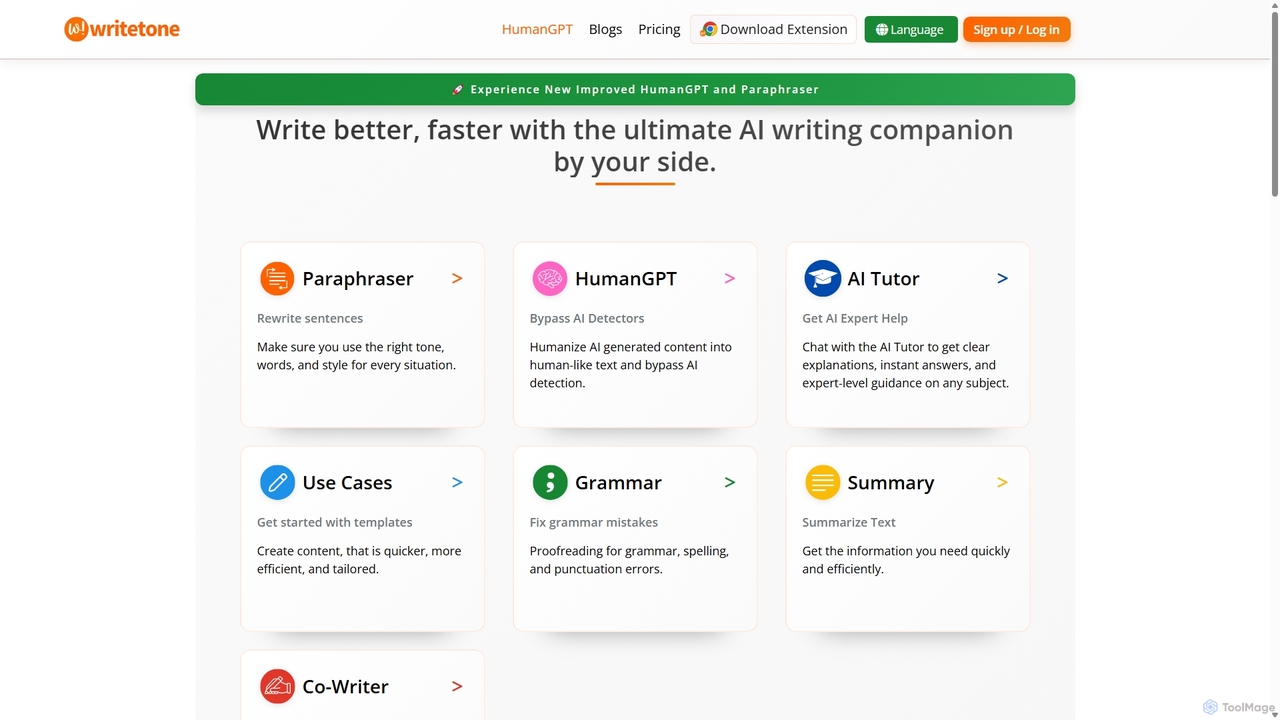
Writetone
Writetone is an AI-powered writing companion designed to help users write better and faster. It offers a comprehensive suite of tools including a paraphraser, grammar checker, summarizer, and a unique HumanGPT feature to bypass AI detection. With over 90 writing tones and support for 50+ languages, it adapts to any writing style for emails, academic papers, marketing copy, and more. It's an all-in-one platform for students, marketers, and writers.
Academic Writing
Compose AI Comments (0)
Sign in to comment.
Sign inNo comments yet.