

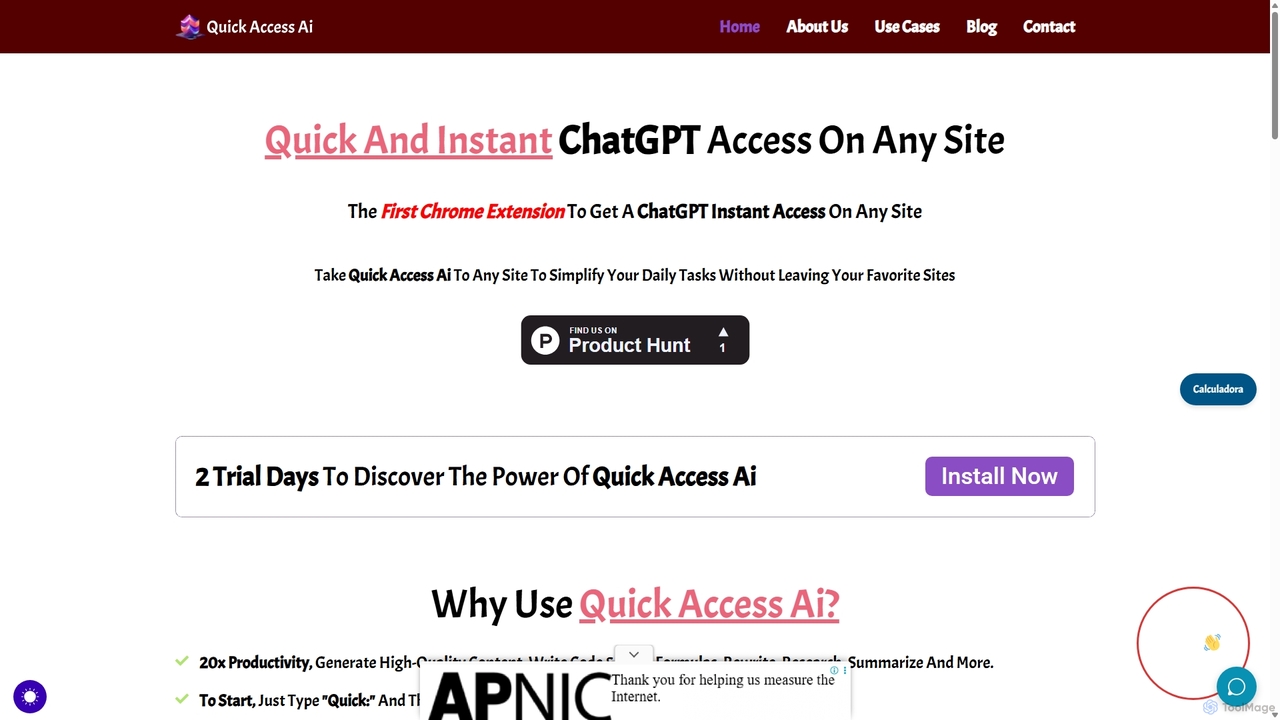
Quick Access Ai Overview
Quick Access Ai is a powerful Chrome extension designed to seamlessly integrate the capabilities of ChatGPT into your daily browsing experience. It eliminates the need to constantly switch between tabs or applications to access AI assistance. By embedding an AI assistant directly into any website with a text field, Quick Access Ai aims to dramatically increase productivity and streamline various tasks, from content creation to coding. The tool is activated by a simple and intuitive command, allowing users to stay focused on their work while leveraging advanced AI functionalities.
How to use Quick Access Ai
Using Quick Access Ai is designed to be straightforward and non-disruptive to your workflow. Follow these simple steps to get started:
- Installation: First, install the Quick Access Ai extension from the Chrome Web Store.
- Activation: Navigate to any website and click on a text input field (e.g., a social media post composer, a WordPress editor, an email body, or even a search bar).
- Execution: Type the prefix "quick:", followed by your question or command, and end it with a semicolon ";". For example:
quick:Write a short social media post about the benefits of AI in marketing; - Generation: The extension will automatically process your request through ChatGPT and replace your typed command with the AI-generated response directly in the text field.
Core Features of Quick Access Ai
- Instant ChatGPT Access: Get immediate access to ChatGPT's power on any website without leaving your current page.
- Command-Line Interface: A simple and efficient text-based command system ("quick:...;") makes interacting with the AI fast and intuitive.
- Versatile Content Generation: Create high-quality content for various needs, including blog posts, social media updates, marketing copy, emails, and more.
- Text Manipulation Tools: Effortlessly rewrite, summarize, paraphrase, or change the tone of any selected text.
- Code and Formula Generation: Generate code snippets in various programming languages or create complex formulas for Excel and Google Sheets directly where you need them.
- Seamless Workflow Integration: Works within your favorite platforms like WordPress, Google Docs, LinkedIn, Facebook, Twitter, and many others, enhancing your existing tools.
Use Cases for Quick Access Ai
Quick Access Ai is a versatile tool suitable for a wide range of professionals and tasks:
- Marketers & Social Media Managers: Draft and refine social media posts, generate ad copy, and write email marketing campaigns directly on the respective platforms.
- Content Creators & Bloggers: Brainstorm ideas, write entire blog sections, and overcome writer's block directly within WordPress or other content management systems.
- Developers & Data Analysts: Generate code snippets, debug functions, or create complex spreadsheet formulas without switching to a separate IDE or documentation page.
- Students & Researchers: Summarize long articles, explain complex concepts, and draft research notes while browsing academic websites or online libraries.
- Customer Support Agents: Quickly generate polite and accurate responses to customer inquiries in helpdesk software.
Advantages of Quick Access Ai
The primary advantage of Quick Access Ai is its significant boost to productivity. By eliminating context switching, it saves valuable time and mental energy. Users have reported reducing tasks that took minutes down to mere seconds. The one-time payment model is another key benefit, offering an affordable alternative to the recurring subscription fees common with many AI tools. Its simplicity and universal applicability across the web make it an indispensable tool for anyone looking to enhance their efficiency.
Pricing and Plans
Quick Access Ai offers a simple and transparent pricing model. There is no recurring subscription. The tool is available for a one-time payment of $15. Before committing, users can explore its full capabilities with a 2-day free trial.
Quick Access Ai Alternatives

Google Gemini
Google Gemini is a powerful, multimodal AI assistant designed to enhance creativity and productivity. It can understand and process text, code, images, and video to help you write, plan, learn, and create. Integrated with Google's ecosystem, it offers features like advanced content generation, deep research, and seamless collaboration within Google apps.
Image Generator
Side Space
Side Space is a powerful AI assistant that integrates seamlessly into your desktop workflow. It operates from a convenient sidebar, providing instant access to AI-powered tools for writing, coding, and general productivity without ever leaving your current application. Enhance your efficiency with contextual actions on selected text and customizable commands.
Code Assistant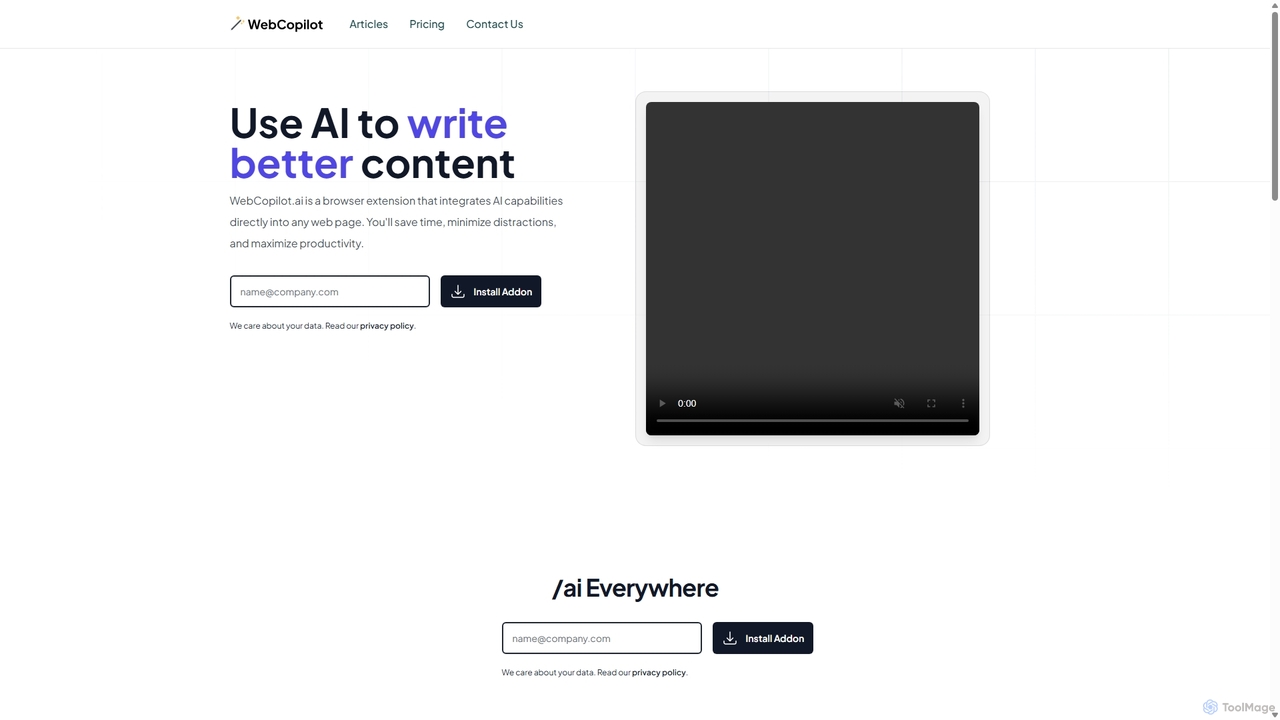
WebCopilot
WebCopilot is an AI-powered browser extension that integrates ChatGPT's capabilities into any webpage. Simply type `/ai` in any text field to generate, rewrite, or improve content for emails, social media posts, and more. It streamlines workflows on platforms like Gmail, Twitter, LinkedIn, and even helps create formulas in Google Sheets, boosting productivity and saving time by bringing AI assistance directly to where you work.
Code Assistant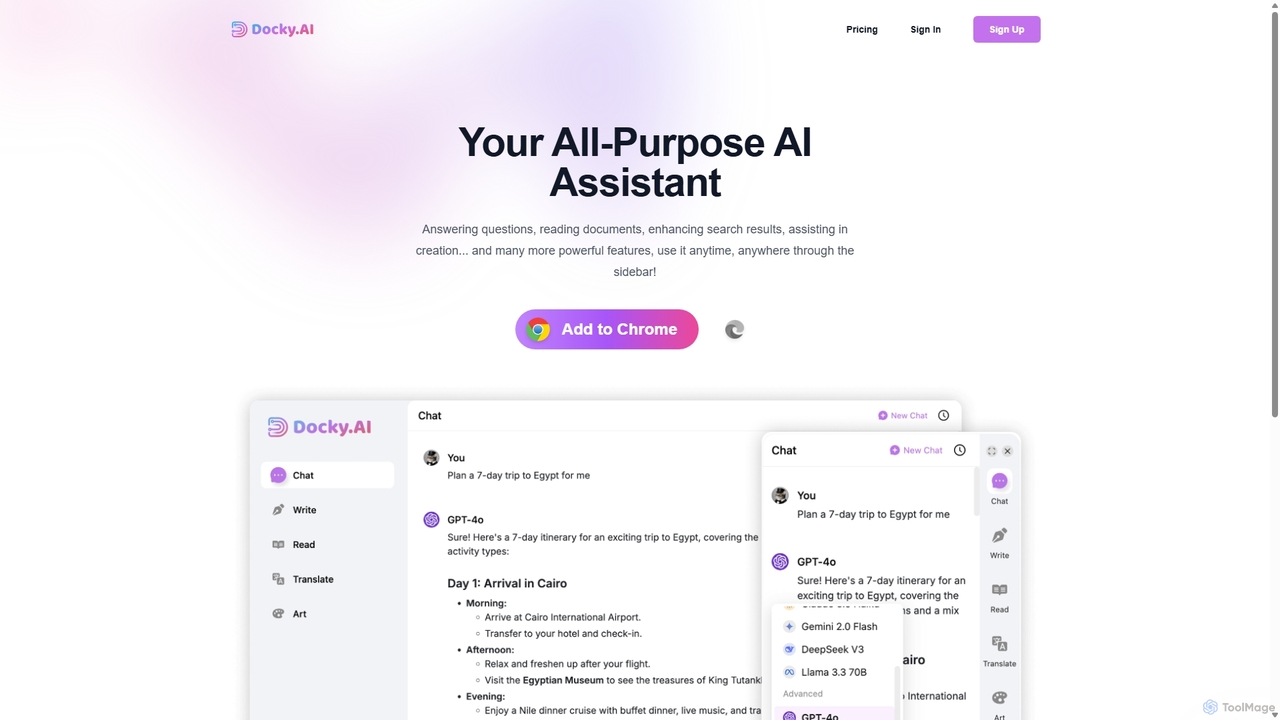
Docky.AI
Docky.AI is a powerful all-in-one AI sidebar for your browser. It integrates leading models like GPT-4, Claude, and DALL-E, allowing you to enhance search results, read documents, assist with writing, and generate content seamlessly on any webpage. Boost your productivity without ever switching tabs.
Search Assistant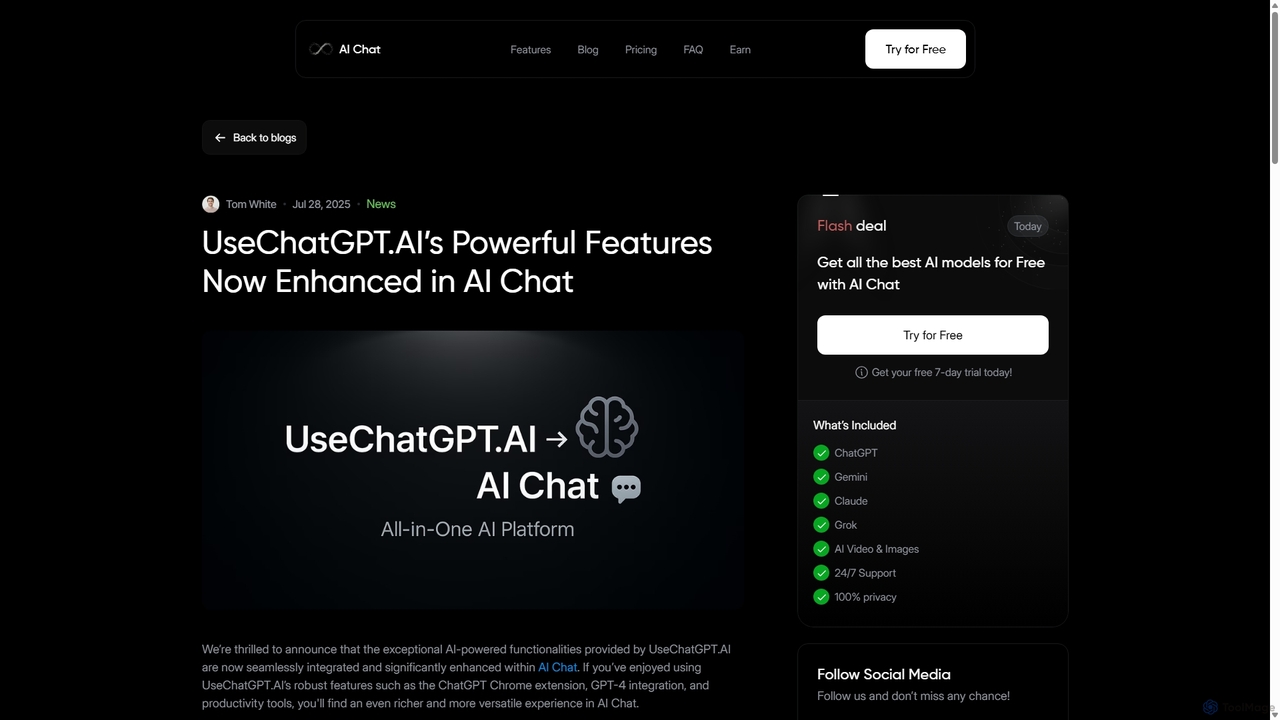
UseChatGPT.AI
UseChatGPT.AI is a powerful free Chrome extension that integrates GPT-4 directly into your browser. It enhances productivity by allowing you to instantly write, rewrite, summarize, translate, and explain text on any website without switching tabs. Its features are now enhanced within the new AI Chat platform.
ResearchQuick Access Ai Categories
Quick Access Ai Jobs
Quick Access Ai Embed Widget
Copy this embed code to place the badge on your blog, article, or product site and send readers directly to this ToolMage detail page.

Related AI tools
Google Gemini
Google Gemini is a powerful, multimodal AI assistant designed to enhance creativity and productivity. It can understand and process text, code, images, and video to help you write, plan, learn, and create. Integrated with Google's ecosystem, it offers features like advanced content generation, deep research, and seamless collaboration within Google apps.
Image Generator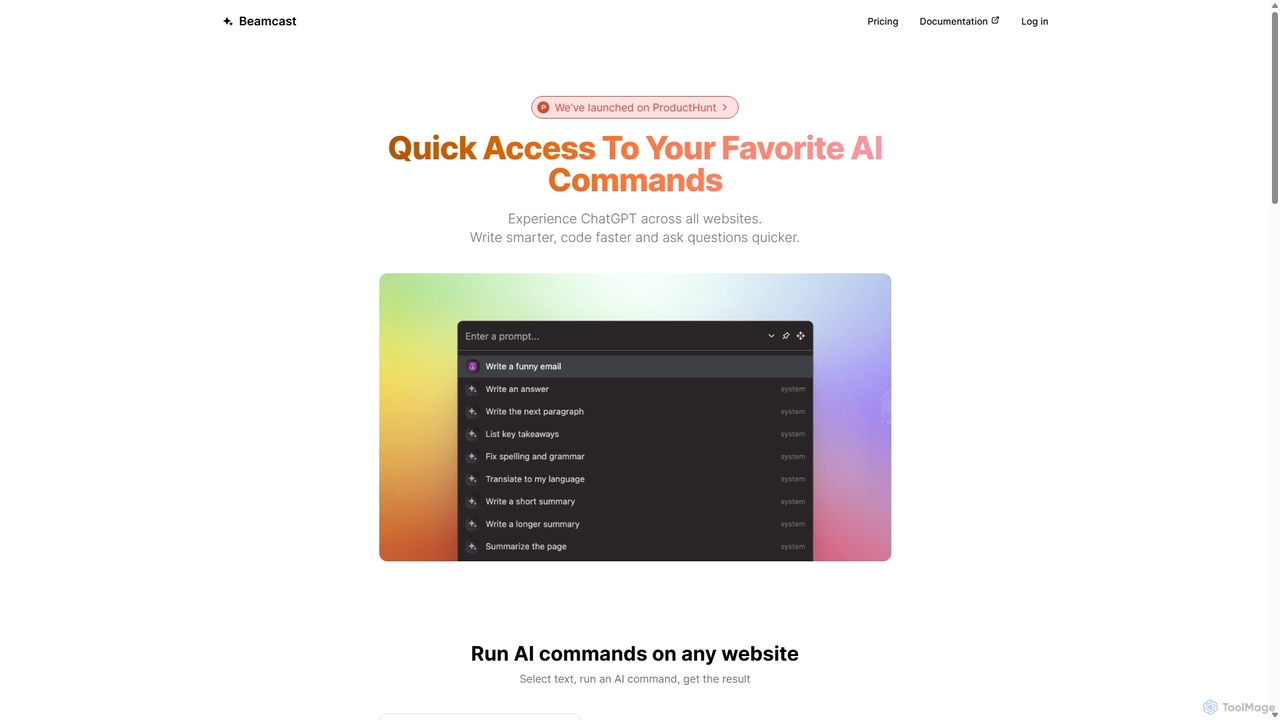
Beamcast
A browser extension that puts ChatGPT and Gemini at your fingertips. Select text on any website to run built-in or custom AI commands for writing, coding, and quick answers, streamlining your workflow and boosting productivity without ever leaving the page.
SearchSide Space
Side Space is a powerful AI assistant that integrates seamlessly into your desktop workflow. It operates from a convenient sidebar, providing instant access to AI-powered tools for writing, coding, and general productivity without ever leaving your current application. Enhance your efficiency with contextual actions on selected text and customizable commands.
Code Assistant
Merlin AI
Merlin is an all-in-one AI assistant, available as a browser extension and app, that integrates top AI models like GPT-4, Claude 3, and Gemini. It allows you to research, write, summarize content, generate images, and code with a single click on any website, streamlining your workflow and boosting productivity without switching tabs.
Chrome Extensions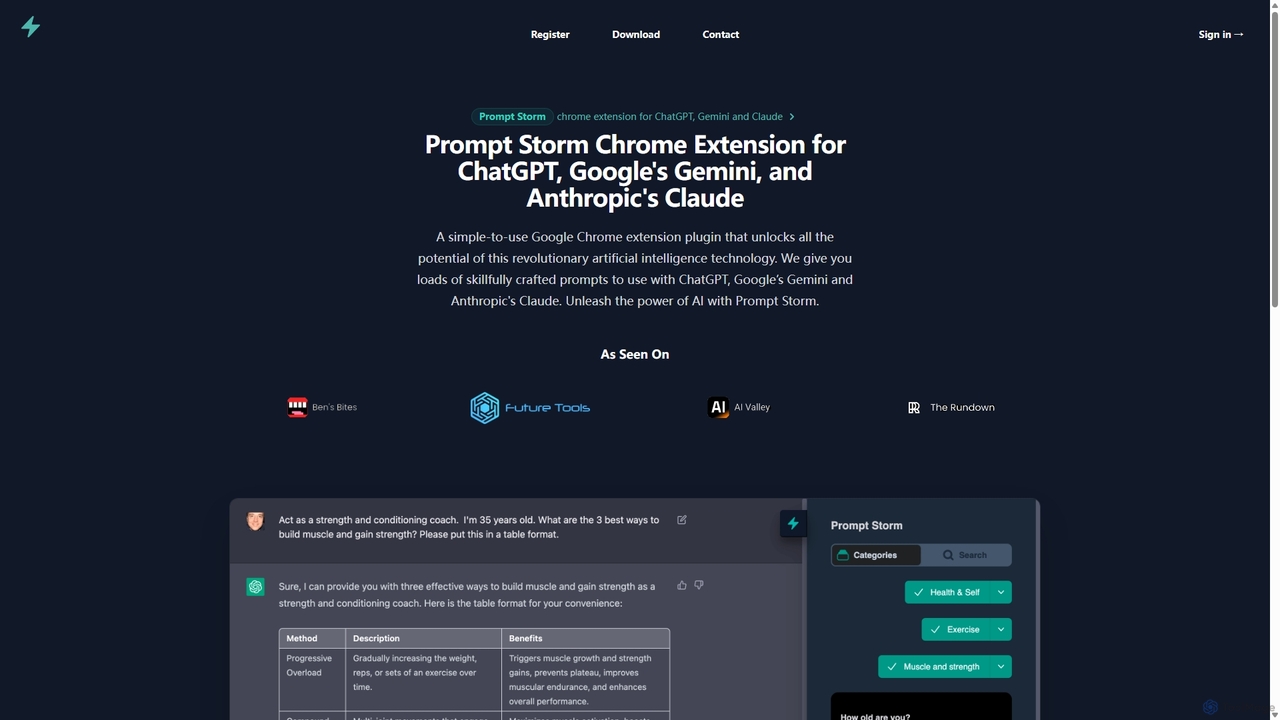
Prompt Storm
Prompt Storm is a powerful Chrome extension that enhances your interactions with ChatGPT, Google Gemini, and Anthropic's Claude. It provides a vast library of expertly crafted prompts, enabling users to unlock the full potential of AI for tasks like content creation, marketing, coding, and learning. Boost your productivity and get higher-quality AI responses with just a few clicks.
Code GenerationDocky.AI
Docky.AI is a powerful all-in-one AI sidebar for your browser. It integrates leading models like GPT-4, Claude, and DALL-E, allowing you to enhance search results, read documents, assist with writing, and generate content seamlessly on any webpage. Boost your productivity without ever switching tabs.
Search AssistantUseChatGPT.AI
UseChatGPT.AI is a powerful free Chrome extension that integrates GPT-4 directly into your browser. It enhances productivity by allowing you to instantly write, rewrite, summarize, translate, and explain text on any website without switching tabs. Its features are now enhanced within the new AI Chat platform.
Research
Gpt All Star
Gpt All Star is an all-in-one AI platform providing access to a curated collection of specialized GPT agents. Select from a roster of 'all-star' assistants for tasks like writing, coding, marketing, and data analysis to get expert-level results from a single, user-friendly interface.
Code Assistant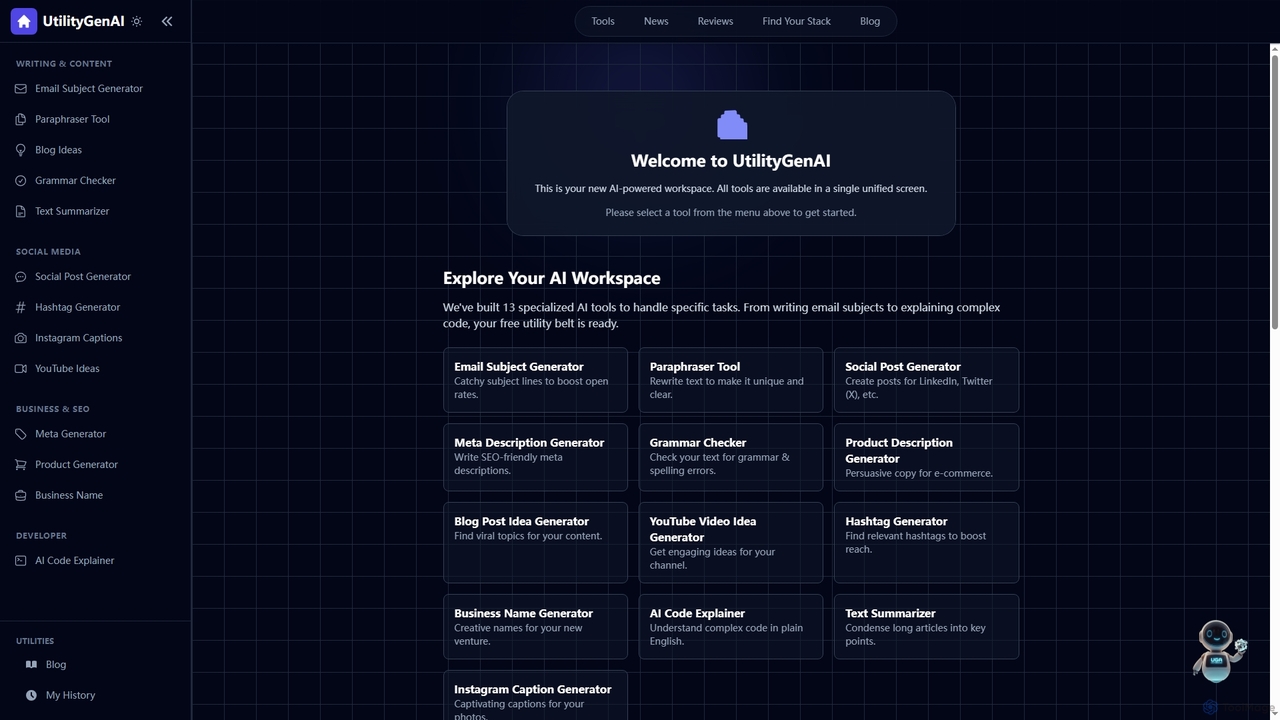
UtilityGenAI
UtilityGenAI is an all-in-one AI workspace offering a suite of 13+ specialized and completely free tools. Designed for students, marketers, and developers, it enhances productivity in tasks like content creation, SEO optimization, and code analysis, all while prioritizing user privacy by not storing any input data.
Code Assistant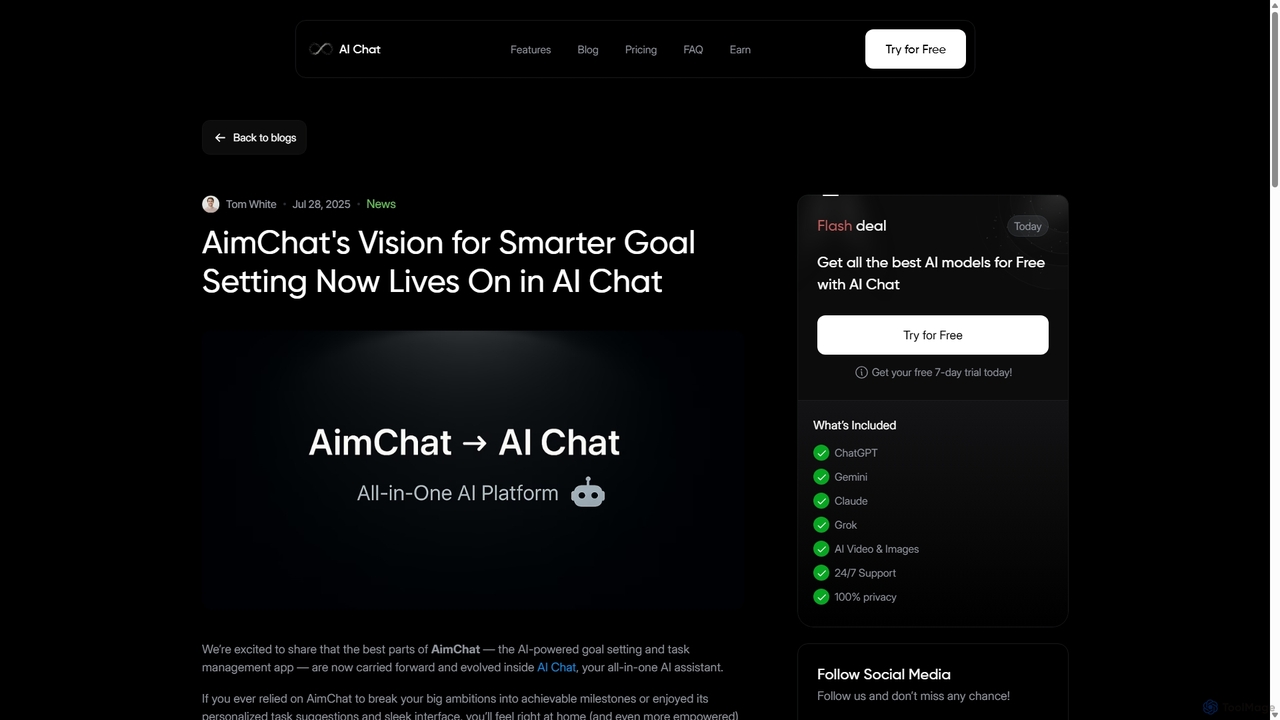
AI Chat
AI Chat is an all-in-one AI assistant that integrates top models like ChatGPT, Claude, and Gemini into a single platform. Evolving from the goal-setting app AimChat, it combines advanced conversational AI with powerful task management, research, and content creation tools to streamline your workflow and help you achieve your ambitions.
Assistant
Le Chat
Le Chat is a powerful conversational AI assistant from Mistral AI, providing direct access to their cutting-edge language models. It excels at complex reasoning, code generation, and multilingual tasks. Le Chat offers a streamlined interface for users to brainstorm ideas, create content, and get instant answers, leveraging Mistral's high-performance and efficient AI technology for both personal and professional use.
Code Assistant
Compose AI
Compose AI is an AI-powered writing assistant and Chrome extension that accelerates your writing process. It offers intelligent autocompletion, text generation, and rephrasing capabilities across all your favorite sites, from emails to documents. By learning your personal writing style, it helps you write faster and more effectively, saving up to 40% of your time.
Chrome Extensions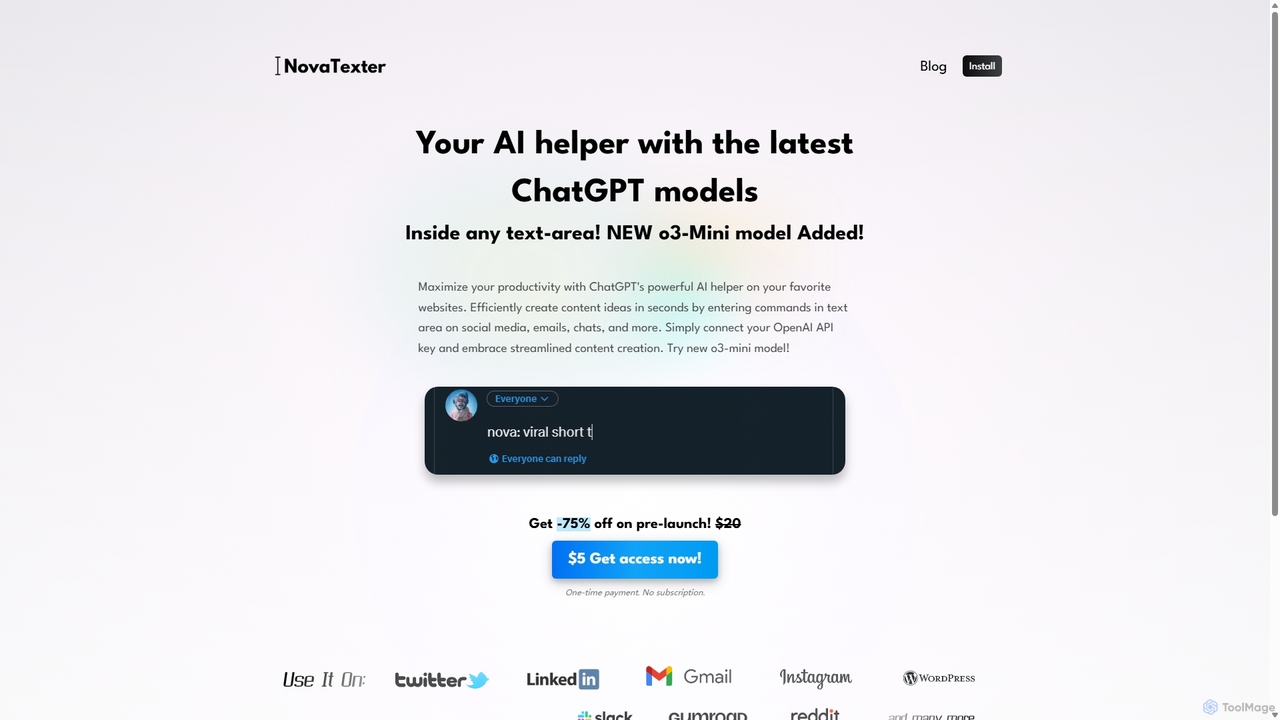
NovaTexter
NovaTexter is an AI-powered browser extension that integrates ChatGPT models directly into your workflow. It allows you to generate content, ideas, and responses on any website by simply typing commands in a text area. Connect your OpenAI API key for a seamless, productive content creation experience with a single one-time payment.
Chrome Extensions
Iris
Iris is a seamless AI assistant for macOS, designed to integrate into your workflow. It provides instant access to top AI models like GPT-4o and Claude 3.5, allowing you to chat, capture your screen for context, and get answers without ever leaving your current application. With intuitive gestures and powerful shortcuts, Iris is there when you need it and invisible when you don't.
Coding Assistant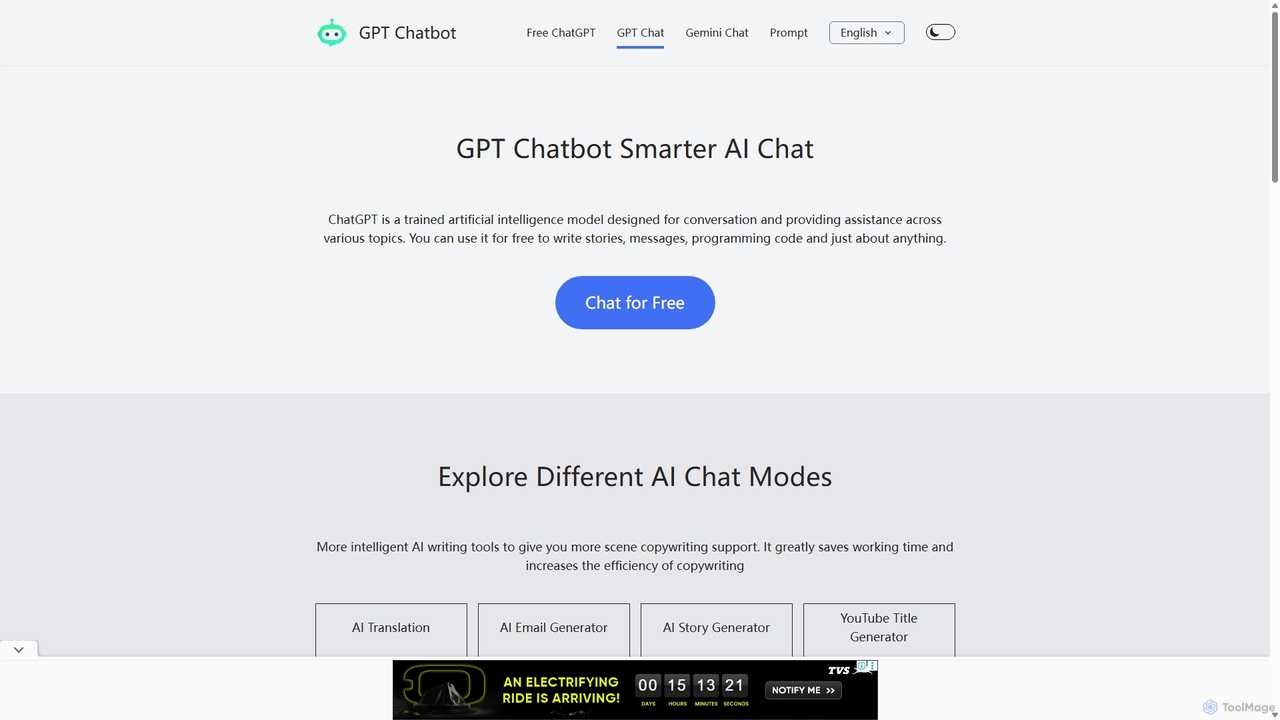
Chat GPT Online
Chat GPT Online is a free-to-use AI chatbot platform powered by advanced language models. It provides a seamless conversational experience for answering questions, generating text, writing code, and more. The platform includes specialized tools like an AI translator, email generator, story creator, and YouTube title generator, making it a versatile assistant for students, writers, developers, and marketers without any cost or registration.
Generative Ai
Quick Access Ai Comments (0)
Sign in to comment.
Sign inNo comments yet.