

Write Brain Overview
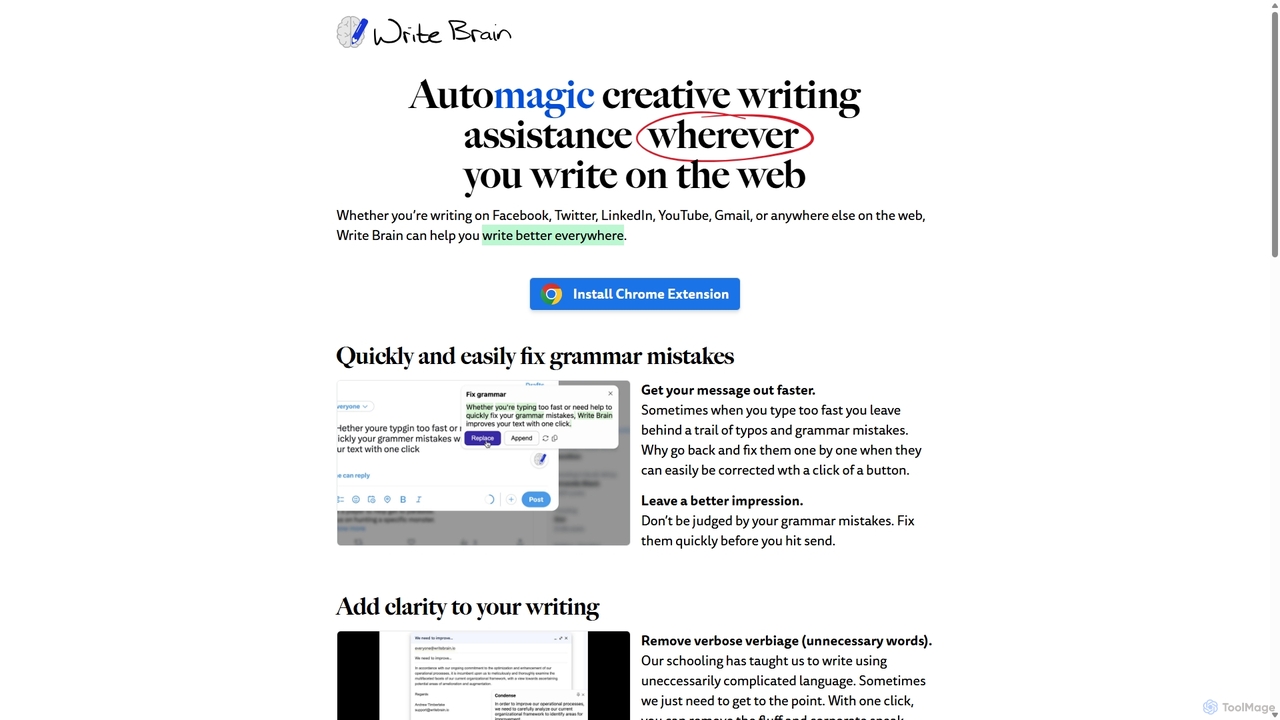
Write Brain is a versatile AI-powered writing assistant designed as a Chrome extension to enhance your writing quality across the web. Whether you're composing an email, a social media post, or a blog article, Write Brain provides the tools you need to communicate clearly, correctly, and creatively. It goes beyond simple grammar correction, offering a suite of features to refine your message, break down language barriers, and add a touch of personality to your text.
How to use Write Brain
Getting started with Write Brain is simple and intuitive. Follow these steps to integrate it into your workflow:
- Installation: Install the Write Brain extension from the Google Chrome Web Store.
- Activation: Once installed, the Write Brain icon will appear in your browser. It automatically activates on most text fields across the web.
- Writing and Editing: As you type on platforms like Gmail, Facebook, Twitter, or LinkedIn, Write Brain analyzes your text in real-time. It will underline potential errors or areas for improvement.
- One-Click Corrections: Simply click on the suggestions to fix grammar and spelling mistakes, rephrase sentences for better clarity, or enrich your vocabulary.
- Advanced Features: To use features like translation or emoji suggestions, highlight the text you want to modify and choose the desired action from the Write Brain context menu.
Core Features of Write Brain
- Advanced Grammar and Spell Checker: Instantly identifies and corrects everything from simple typos to complex grammatical errors with a single click, ensuring your writing is polished and professional.
- Clarity and Conciseness Enhancer: Helps you get straight to the point by removing unnecessary words, corporate jargon, and convoluted phrasing. It condenses your thoughts into clear, impactful messages.
- Writing Style Improvement: Acts as your creative partner by suggesting alternative phrasing, richer vocabulary, and more descriptive language to make your writing more engaging and colorful.
- Instant Text Translation: Break down language barriers effortlessly. Translate foreign language comments, support emails, or your own replies to communicate with a global audience in their native tongue.
- Smart Emoji Suggestions: Adds personality and visual appeal to your writing. It automatically suggests relevant emojis to punctuate paragraphs or create engaging bulleted lists.
- Universal Web Compatibility: Works seamlessly wherever you write online, including popular social media platforms, email clients, and content management systems.
Use Cases for Write Brain
Write Brain is a valuable tool for a wide range of users:
- Social Media Managers: Crafting error-free, engaging, and clear posts for platforms like Twitter, Facebook, and LinkedIn to build a stronger brand presence.
- Customer Support Professionals: Communicating effectively with international customers by translating support tickets and replies, ensuring clarity and customer satisfaction.
- Content Creators and Bloggers: Improving the readability and quality of articles, overcoming writer's block with style suggestions, and speeding up the editing process.
- Students and Academics: Polishing essays, research papers, and assignments to ensure they are grammatically correct and clearly written.
- Business Professionals: Writing concise, impactful, and professional emails, reports, and messages on platforms like Gmail and LinkedIn.
Advantages of Write Brain
Write Brain offers several key advantages:
- Seamless Workflow Integration: As a Chrome extension, it works directly within your browser, eliminating the need to switch between different applications.
- Comprehensive Writing Support: It's an all-in-one solution that covers grammar, style, clarity, translation, and even creative expression with emojis.
- Increased Productivity: Automates the proofreading and editing process, saving you significant time and effort.
- Enhanced Communication: Helps you leave a positive and professional impression by ensuring your writing is flawless and easy to understand.
- Flexible and Accessible: With a free plan, affordable subscriptions, and pay-as-you-go options, it's accessible to everyone from casual users to heavy writers.
Pricing and Plans
Write Brain offers a variety of plans to suit different needs:
- Entry Writer: Free, includes 30 edits per month.
- Essential Writer: $5 per month (or $50 per year), includes 300 edits per month.
- Extensive Writer: $19 per month (or $190 per year), includes unlimited edits.
- Economy Writer (Pay as you go): A non-subscription option with edit packs. Buy 300 edits for a one-time fee of $9 or 900 edits for $19.
*All prices exclude taxes which may be applicable based on your country of purchase.
Write Brain Alternatives
NovaTexter
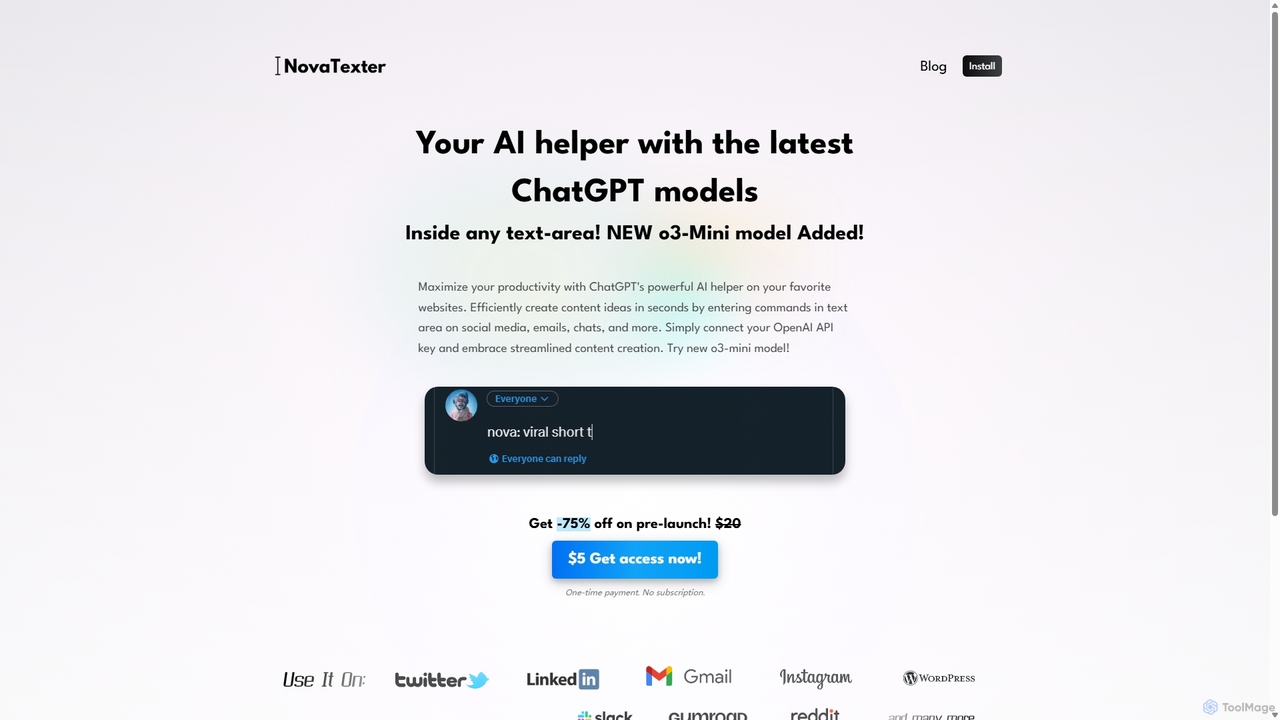
NovaTexter is an AI-powered browser extension that integrates ChatGPT models directly into your workflow. It allows you to generate content, ideas, and responses on any website by simply typing commands in a text area. Connect your OpenAI API key for a seamless, productive content creation experience with a single one-time payment.
Chrome Extensions
Compose AI
Compose AI is an AI-powered writing assistant and Chrome extension that accelerates your writing process. It offers intelligent autocompletion, text generation, and rephrasing capabilities across all your favorite sites, from emails to documents. By learning your personal writing style, it helps you write faster and more effectively, saving up to 40% of your time.
Chrome Extensions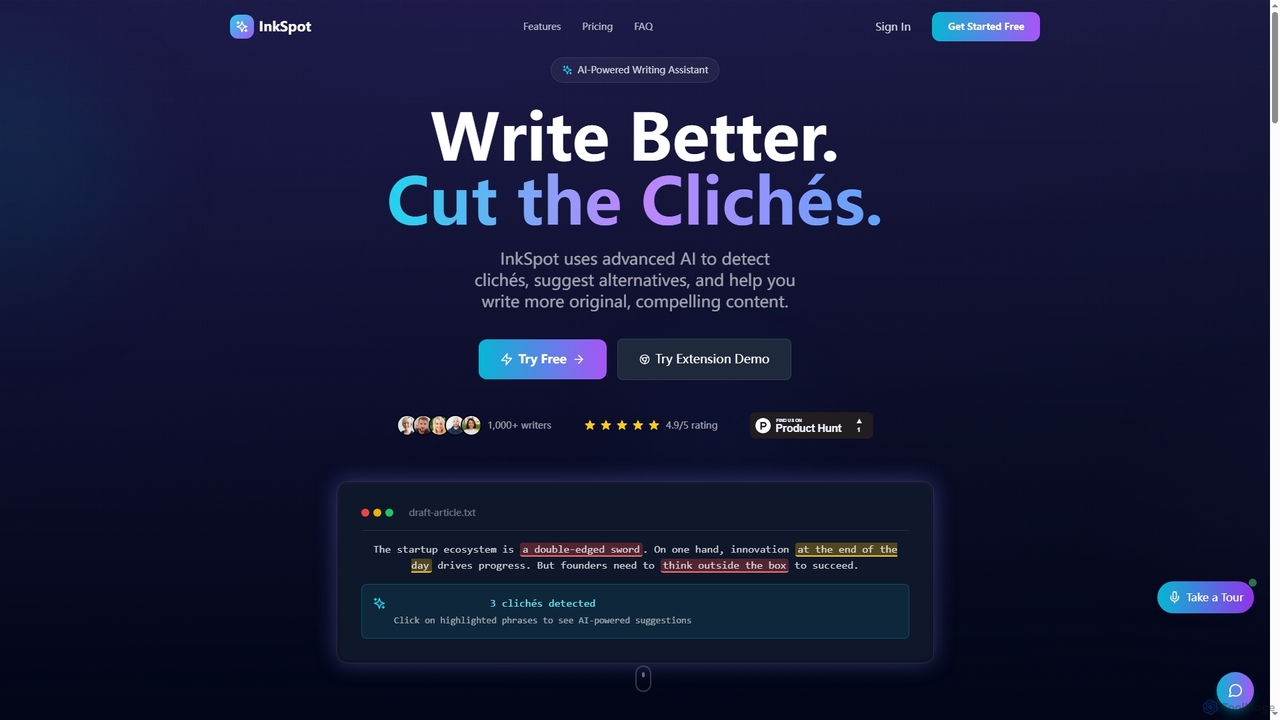
InkSpot
InkSpot is an AI-powered writing assistant that helps users eliminate clichés, improve clarity, and create more original, compelling content. It offers real-time detection, AI-powered suggestions, and multi-platform support to enhance writing efficiency and quality.
Editing
RewriteBar
RewriteBar is a native macOS menu bar app that acts as your personal AI writing assistant. It works seamlessly across all applications, allowing you to instantly correct grammar, change tone, translate text, summarize content, and more with a simple keyboard shortcut. It supports over 12 AI providers, including local models for ultimate privacy, offering a powerful and flexible writing enhancement experience.
Code Assistant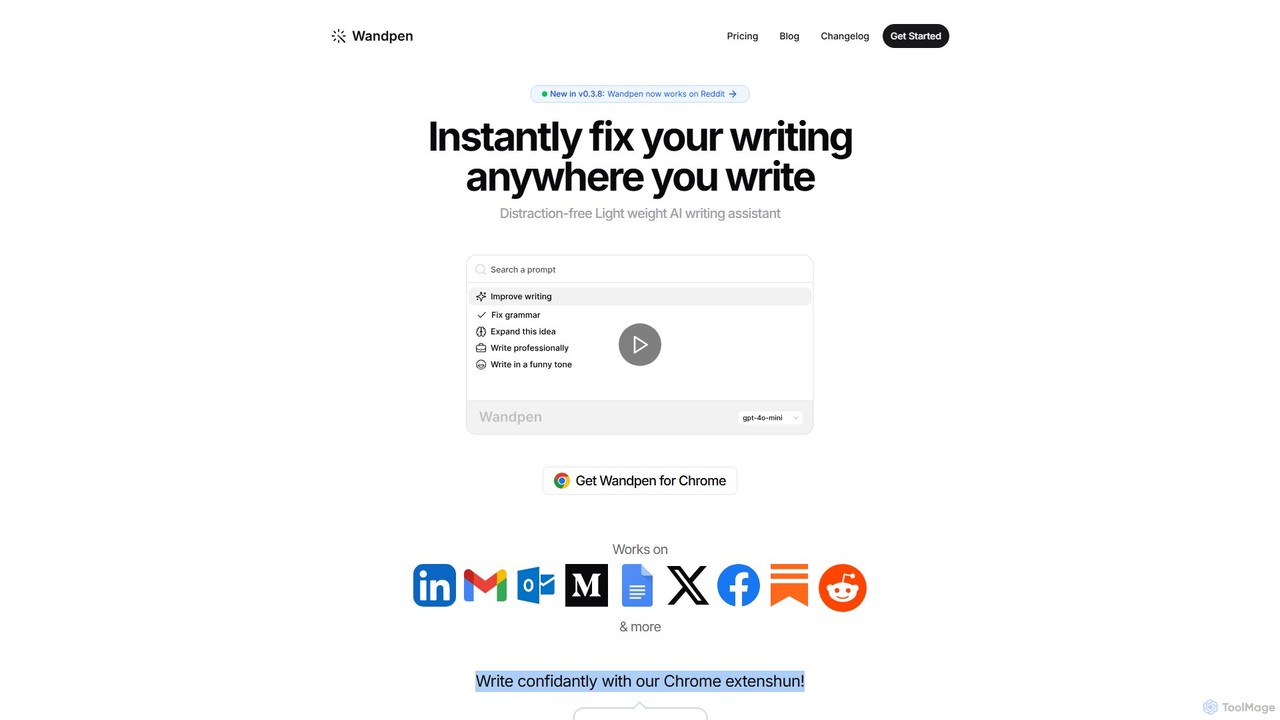
Wandpen
Wandpen is a lightweight AI writing assistant for Chrome that seamlessly integrates into your workflow. It allows you to instantly fix grammar, rewrite text, and brainstorm ideas directly on any website, including Google Docs, Reddit, and LinkedIn. By eliminating the need to switch tabs, Wandpen boosts your productivity and writing confidence using powerful AI models like GPT-4o, Claude 3.5, and Gemini.
Chrome ExtensionsWrite Brain Categories
Write Brain Jobs
Write Brain Embed Widget
Copy this embed code to place the badge on your blog, article, or product site and send readers directly to this ToolMage detail page.

Related AI tools
Compose AI
Compose AI is an AI-powered writing assistant and Chrome extension that accelerates your writing process. It offers intelligent autocompletion, text generation, and rephrasing capabilities across all your favorite sites, from emails to documents. By learning your personal writing style, it helps you write faster and more effectively, saving up to 40% of your time.
Chrome Extensions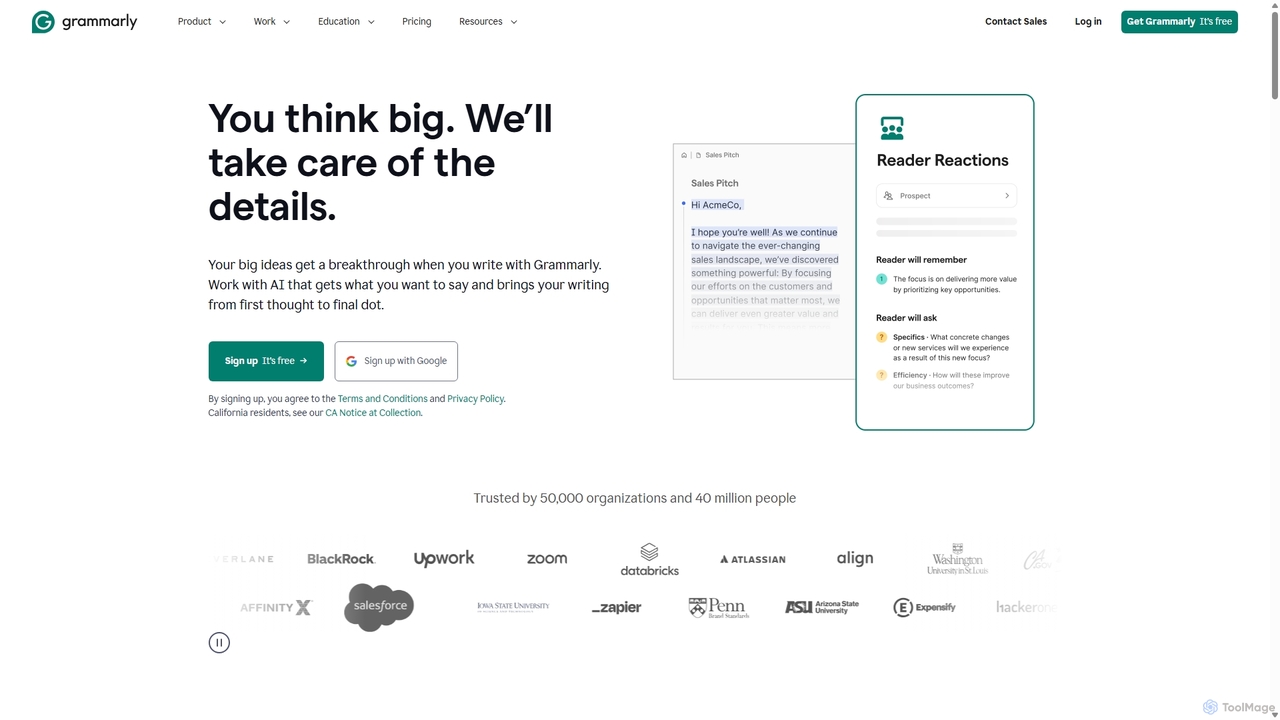
Grammarly
Grammarly is an AI-powered writing assistant that helps you communicate more effectively. It goes beyond basic grammar and spelling checks to offer real-time suggestions on clarity, conciseness, tone, and style. Trusted by millions, Grammarly integrates seamlessly across desktops, web browsers, and mobile devices to ensure your writing is always clear, confident, and mistake-free.
LearningInkSpot
InkSpot is an AI-powered writing assistant that helps users eliminate clichés, improve clarity, and create more original, compelling content. It offers real-time detection, AI-powered suggestions, and multi-platform support to enhance writing efficiency and quality.
Editing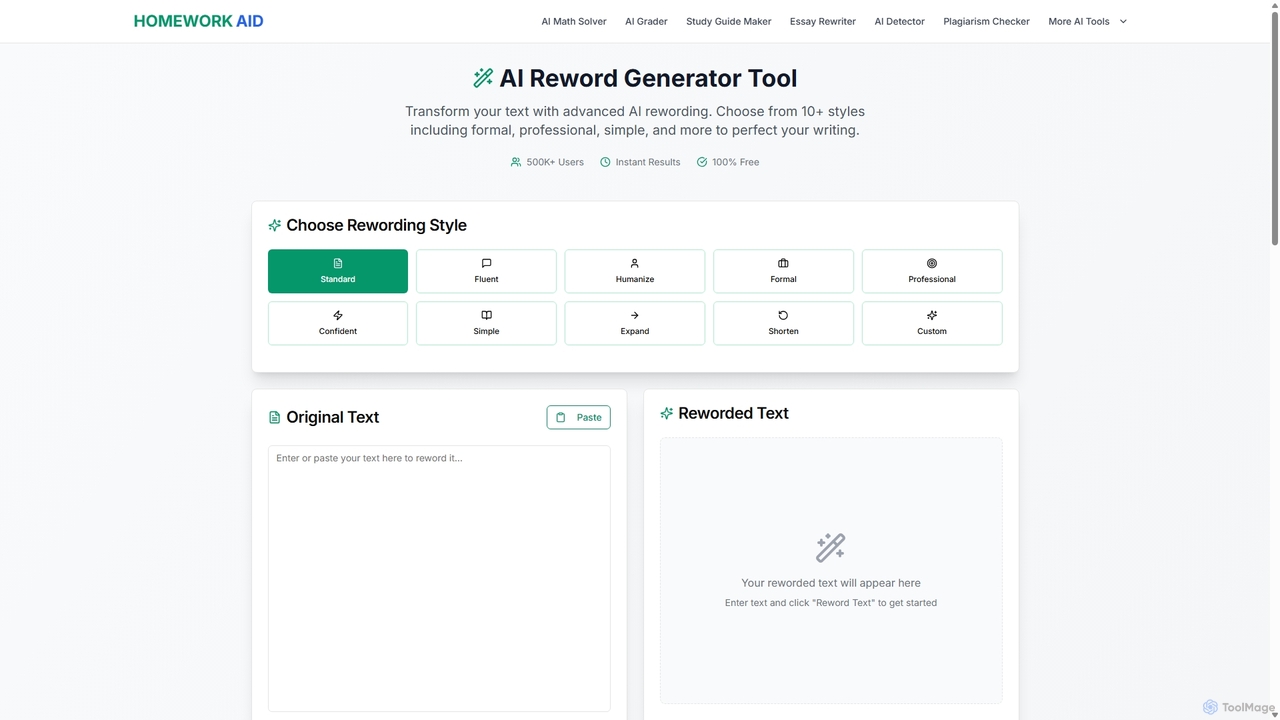
Reword Generator
Reword Generator is a free, AI-powered tool designed to transform your writing. It offers over 10 distinct styles—from formal to casual—to help you rephrase sentences, improve clarity, and enhance your tone. Ideal for students, writers, and professionals, it provides instant, high-quality results without any registration or limits, ensuring your original meaning is always preserved.
Paraphraser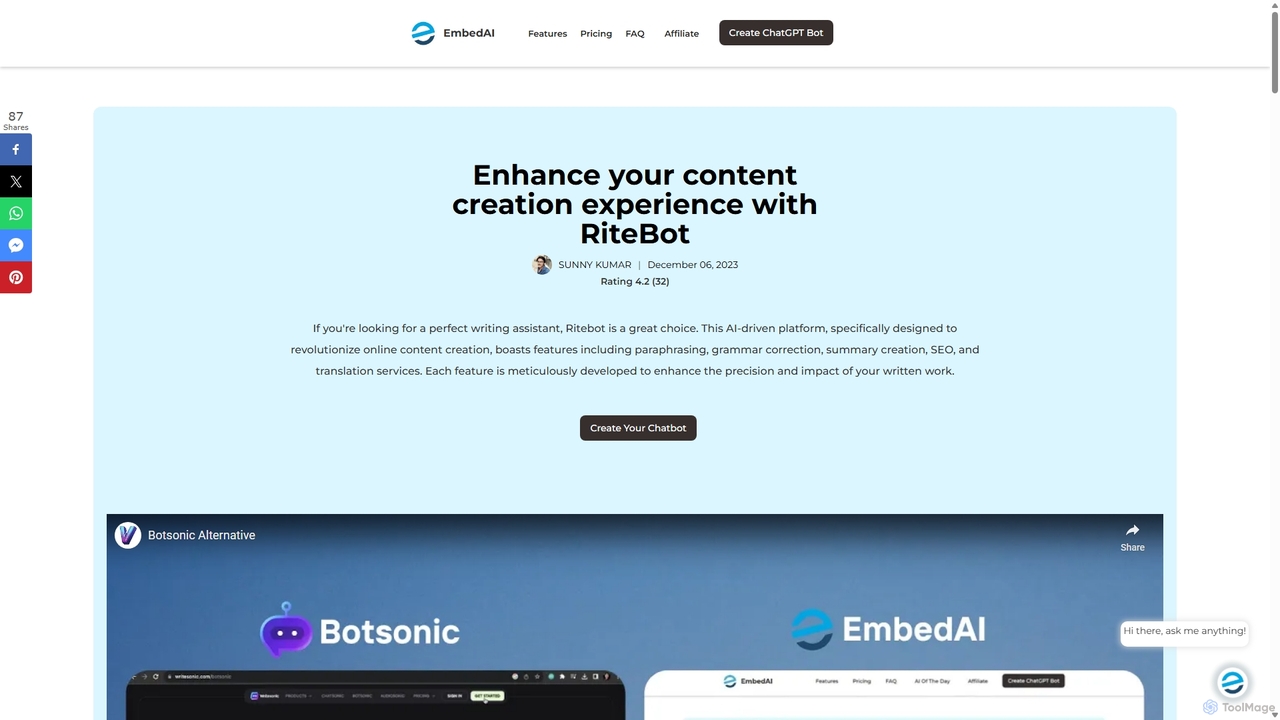
Ritebot
Ritebot is an all-in-one AI writing assistant powered by ChatGPT. It offers a comprehensive suite of free tools, including a paraphraser, grammar checker, summarizer, translator, and SEO optimizer. Designed for content creators, marketers, students, and bloggers, Ritebot streamlines the writing process, enhances content quality, and boosts online visibility by leveraging advanced AI capabilities in a user-friendly interface.
Assistant
Writers-Copilot
Writers-Copilot is a free, intuitive AI-powered writing assistant that helps you improve your text. It offers interactive feedback, suggests enhancements, and refines your writing style without requiring any registration. Simply paste your text and use the chat interface to edit and perfect your content.
Study Tools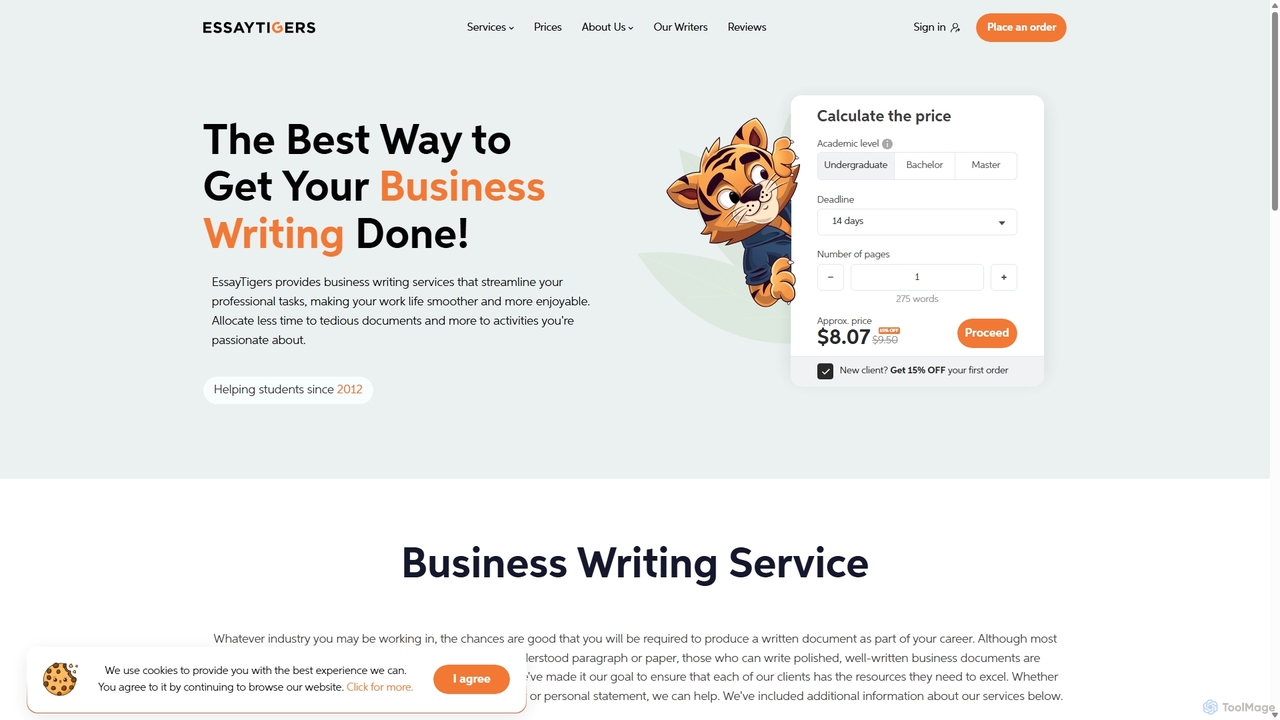
prowriting
prowriting is an AI-powered writing assistant designed to enhance your writing. It provides real-time feedback on grammar, style, tone, and clarity. Ideal for students, professionals, and content creators, it helps you craft clear, compelling, and error-free text, boosting your communication effectiveness and confidence.
Learning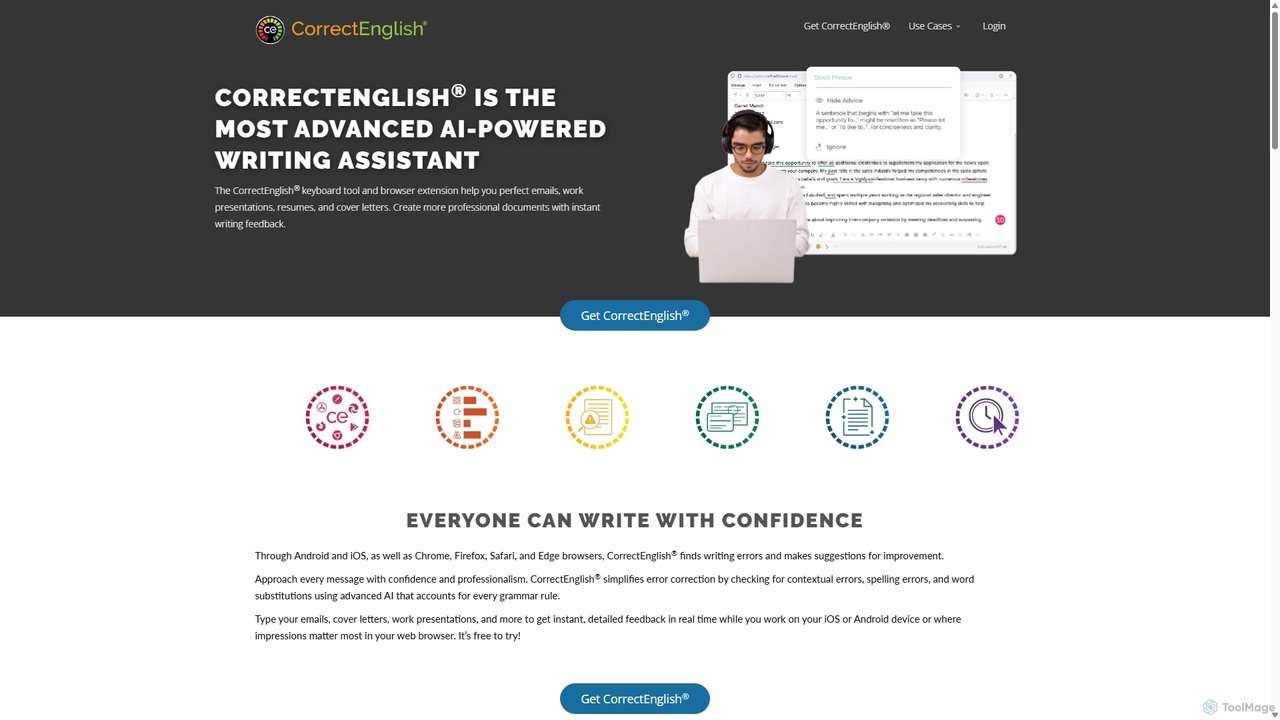
CorrectEnglish
CorrectEnglish is an advanced AI-powered writing assistant designed to improve your writing. It offers real-time grammar, spelling, and punctuation checks, along with plagiarism detection and vocabulary enhancement. Available as a browser extension and mobile keyboard, it helps professionals, students, and job seekers write with confidence and clarity everywhere.
Resume Builder
Editair
Editair is an AI-powered writing assistant designed to elevate your text. It goes beyond basic grammar checks, offering suggestions for style, tone, and clarity. Perfect for professionals, students, and content creators, Editair helps you craft clear, compelling, and error-free content effortlessly, making your writing process smoother and more efficient.
Study ToolsNovaTexter
NovaTexter is an AI-powered browser extension that integrates ChatGPT models directly into your workflow. It allows you to generate content, ideas, and responses on any website by simply typing commands in a text area. Connect your OpenAI API key for a seamless, productive content creation experience with a single one-time payment.
Chrome Extensions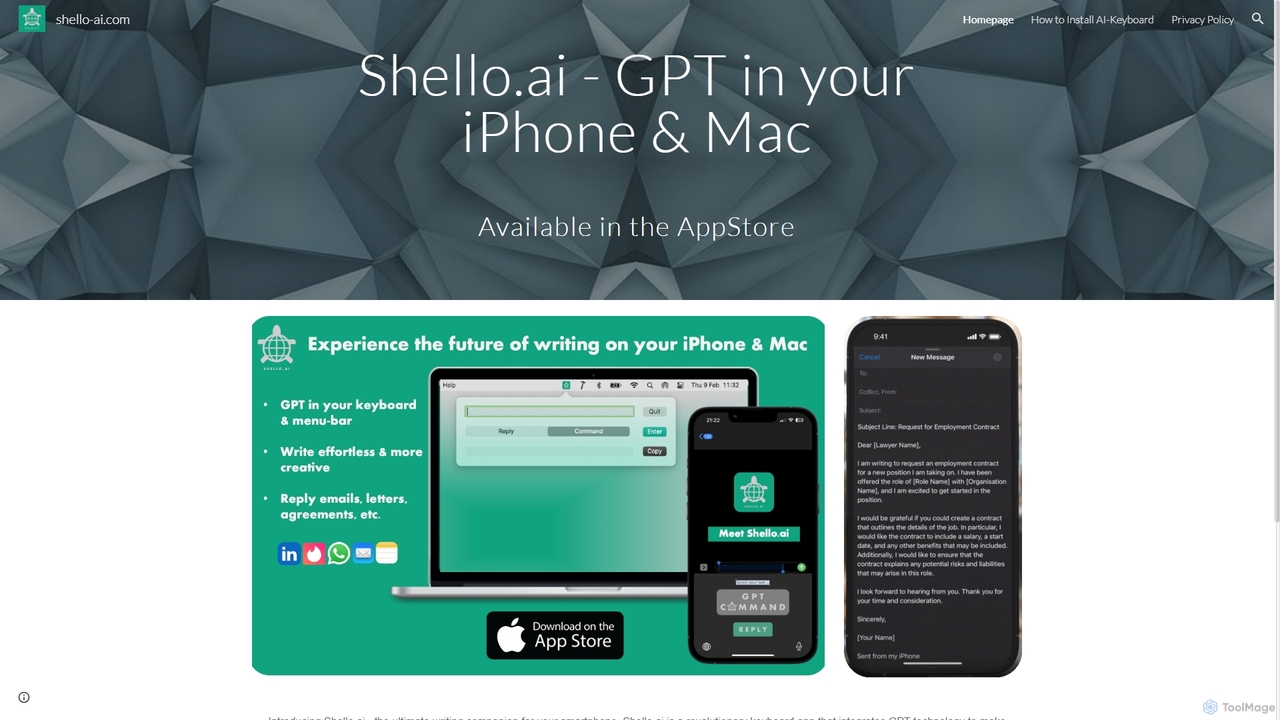
Shello Ai
Shello.ai is a revolutionary GPT-powered keyboard app for iPhone and Mac. It acts as an intelligent writing companion, integrating directly into your system to help you write faster, smarter, and more efficiently in any application. From autocompleting sentences to rephrasing text, Shello.ai enhances your productivity and writing quality.
Email Assistant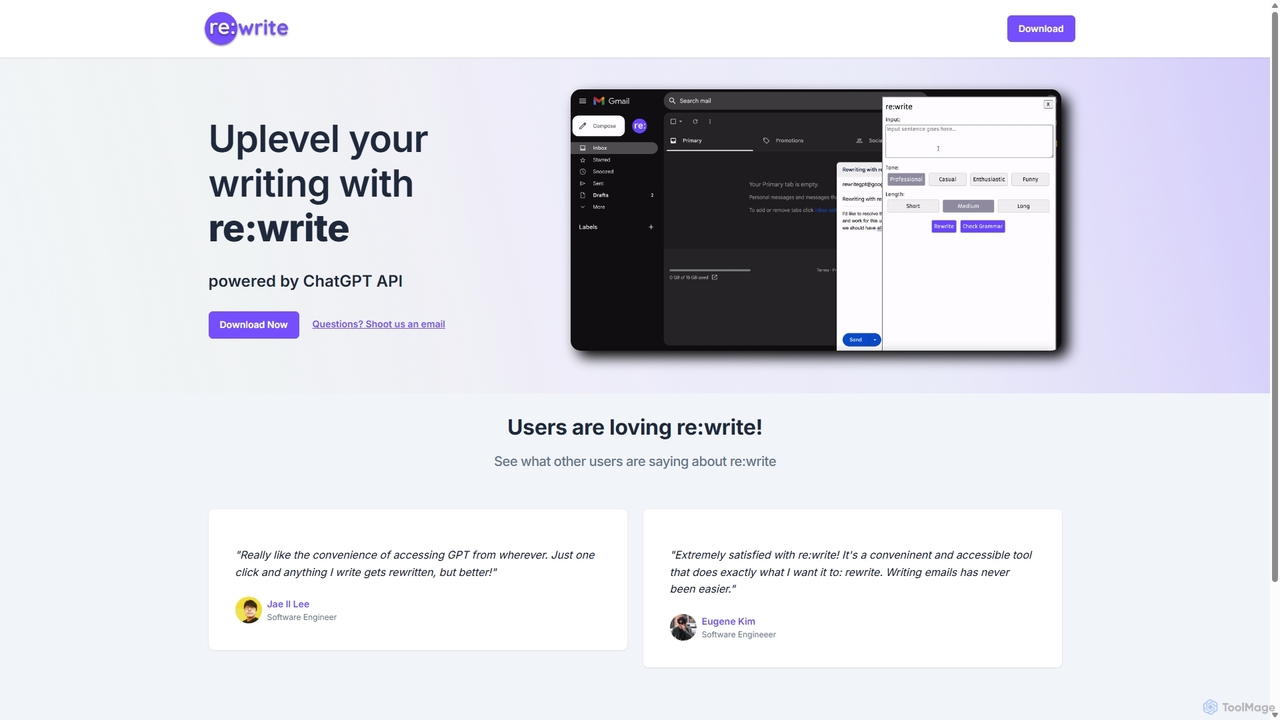
Rewritegpt
Rewritegpt is an AI-powered writing assistant and browser extension that helps you rewrite, paraphrase, and improve your text with a single click. It integrates seamlessly into your workflow, allowing you to enhance emails, reports, and social media posts directly on any website.
Study ToolsRewriteBar
RewriteBar is a native macOS menu bar app that acts as your personal AI writing assistant. It works seamlessly across all applications, allowing you to instantly correct grammar, change tone, translate text, summarize content, and more with a simple keyboard shortcut. It supports over 12 AI providers, including local models for ultimate privacy, offering a powerful and flexible writing enhancement experience.
Code Assistant
FotoAI
FotoAI is an all-in-one custom keyboard app for iOS and Android, powered by ChatGPT. It enhances your typing experience with AI-driven chat, writing assistance, grammar checks, and translation. Express yourself with over 1,485 customizable themes, a DIY theme creator, 985+ emojis, GIFs, and unique stickers. It's a comprehensive tool for smarter, more personalized, and fun communication.
Writing Assistant
Paraphrase Tool
An AI-powered writing assistant that offers paraphrasing in over 100 languages with 18+ writing modes. It also includes a plagiarism checker, grammar checker, text generator from keywords, and an automatic citation creator, making it an all-in-one solution for students, writers, and content creators.
Academic
Write Brain Comments (0)
Sign in to comment.
Sign inNo comments yet.