

Rewritegpt Overview
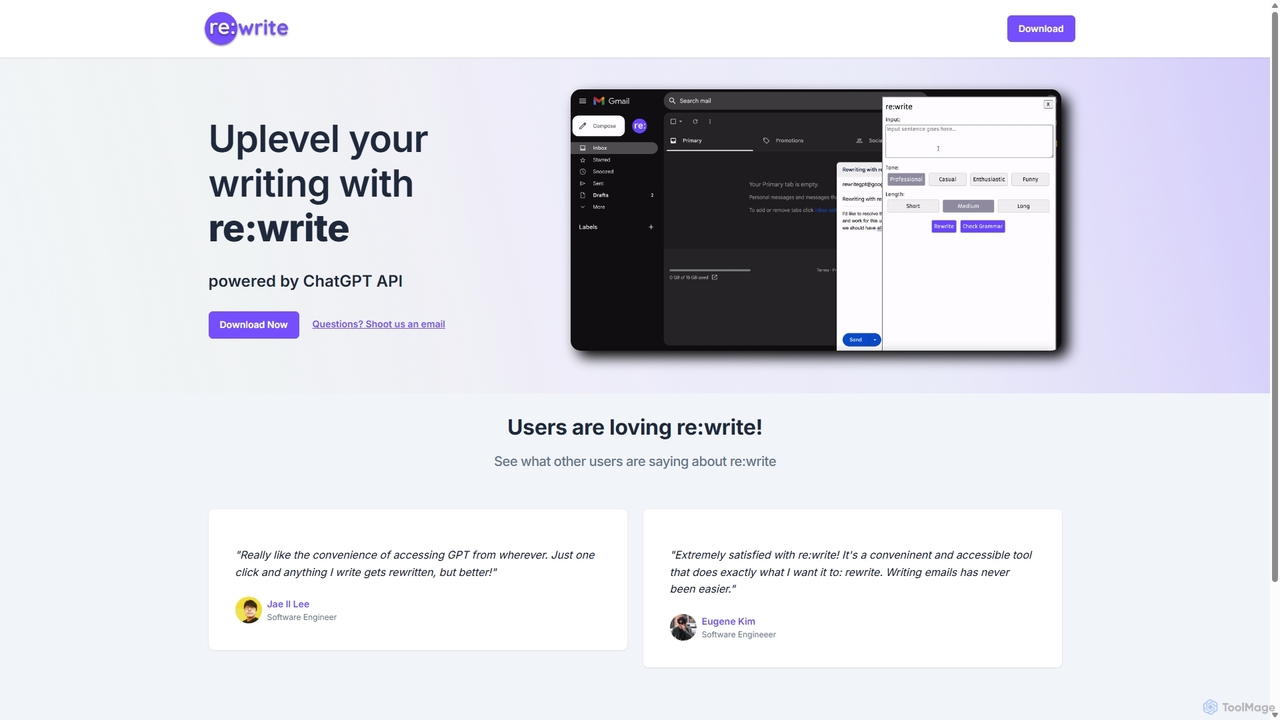
Rewritegpt, also known as re:write, is a powerful and convenient AI writing tool designed to elevate the quality of your written communication. Powered by advanced GPT technology, it functions as an intelligent assistant that helps you rephrase, refine, and perfect your text anywhere you write online. The tool is primarily delivered as a browser extension, ensuring it's always available with just one click, eliminating the need to switch between tabs or applications.
Whether you're a professional drafting a critical email, a student working on an academic paper, or a content creator polishing a blog post, Rewritegpt streamlines the writing process. It goes beyond simple grammar correction by offering nuanced suggestions for tone, clarity, and style, ensuring your message is not only correct but also effective and impactful.
How to use Rewritegpt
Using Rewritegpt is designed to be intuitive and seamless, integrating directly into your existing workflow:
- Installation: First, install the Rewritegpt browser extension from the official web store for your browser (e.g., Chrome Web Store).
- Activation: Once installed, the Rewritegpt icon will appear in your browser's toolbar. No complex setup is required.
- Text Selection: Navigate to any website where you are writing, such as Gmail, Google Docs, Twitter, or a CMS. Highlight the text you wish to improve.
- One-Click Rewrite: After selecting the text, a Rewritegpt pop-up or icon will appear nearby. Click on it to initiate the rewriting process.
- Choose Your Style: The tool will present you with several rewritten versions or options to adjust the tone (e.g., more formal, more casual, more confident), shorten, or expand the text.
- Insert: Select the version that best fits your needs, and it will automatically replace your original text.
Core Features of Rewritegpt
- One-Click Paraphrasing: Instantly rephrase sentences or entire paragraphs to improve clarity, avoid repetition, or overcome writer's block.
- Tone and Style Adjustment: Effortlessly switch the tone of your writing to be more professional, friendly, persuasive, or casual, depending on your audience and context.
- Grammar and Fluency Correction: Automatically detects and corrects grammatical errors, spelling mistakes, and awkward phrasing, making it especially useful for non-native English speakers.
- Text Shortening & Expansion: Condense lengthy text into a concise summary or expand on a brief point to provide more detail and context.
- Seamless Browser Integration: Works as a browser extension, providing rewriting capabilities directly within Gmail, Google Docs, LinkedIn, Twitter, and virtually any other website.
- Context-Aware Suggestions: The AI understands the context of your writing to provide relevant and high-quality suggestions that maintain the original meaning.
Use Cases for Rewritegpt
Rewritegpt is a versatile tool suitable for a wide range of users:
- Professionals & Business Users: Crafting polished and professional emails, reports, proposals, and presentations. Ensuring all corporate communication is clear and error-free.
- Students & Academics: Paraphrasing sources to avoid plagiarism, improving the clarity of essays and research papers, and refining academic arguments.
- Marketers & Content Creators: Rewriting blog posts for different platforms, generating multiple versions of ad copy, and creating engaging social media captions.
- Software Developers: Writing clear technical documentation, concise commit messages, and effective communication with team members.
- Non-Native Speakers: Improving English fluency, learning new vocabulary, and ensuring their writing sounds natural and professional.
Advantages of Rewritegpt
The primary advantage of Rewritegpt is its convenience and efficiency. By integrating directly into the browser, it saves users significant time and effort. Instead of copying and pasting text into a separate application, improvements can be made in-place with a single click. Its reliance on advanced GPT models ensures that the output is high-quality, coherent, and contextually appropriate, setting it apart from more basic rewriting tools.
Pricing and Plans
While the official website does not provide explicit pricing details, tools like Rewritegpt typically operate on a freemium model. This would likely include:
- Free Plan: A basic plan with a limited number of rewrites per day, suitable for casual users.
- Pro Plan: A subscription-based plan for individuals offering unlimited rewrites, access to advanced features like multiple tone adjustments, and priority support.
- Team/Business Plan: A plan for organizations with features like centralized billing, team management, and potentially API access for custom integrations.
Users are encouraged to visit the official website or browser extension store for the most current pricing information.
Rewritegpt Alternatives

Editair
Editair is an AI-powered writing assistant designed to elevate your text. It goes beyond basic grammar checks, offering suggestions for style, tone, and clarity. Perfect for professionals, students, and content creators, Editair helps you craft clear, compelling, and error-free content effortlessly, making your writing process smoother and more efficient.
Study Tools
Writers-Copilot
Writers-Copilot is a free, intuitive AI-powered writing assistant that helps you improve your text. It offers interactive feedback, suggests enhancements, and refines your writing style without requiring any registration. Simply paste your text and use the chat interface to edit and perfect your content.
Study Tools
Compose AI
Compose AI is an AI-powered writing assistant and Chrome extension that accelerates your writing process. It offers intelligent autocompletion, text generation, and rephrasing capabilities across all your favorite sites, from emails to documents. By learning your personal writing style, it helps you write faster and more effectively, saving up to 40% of your time.
Chrome Extensions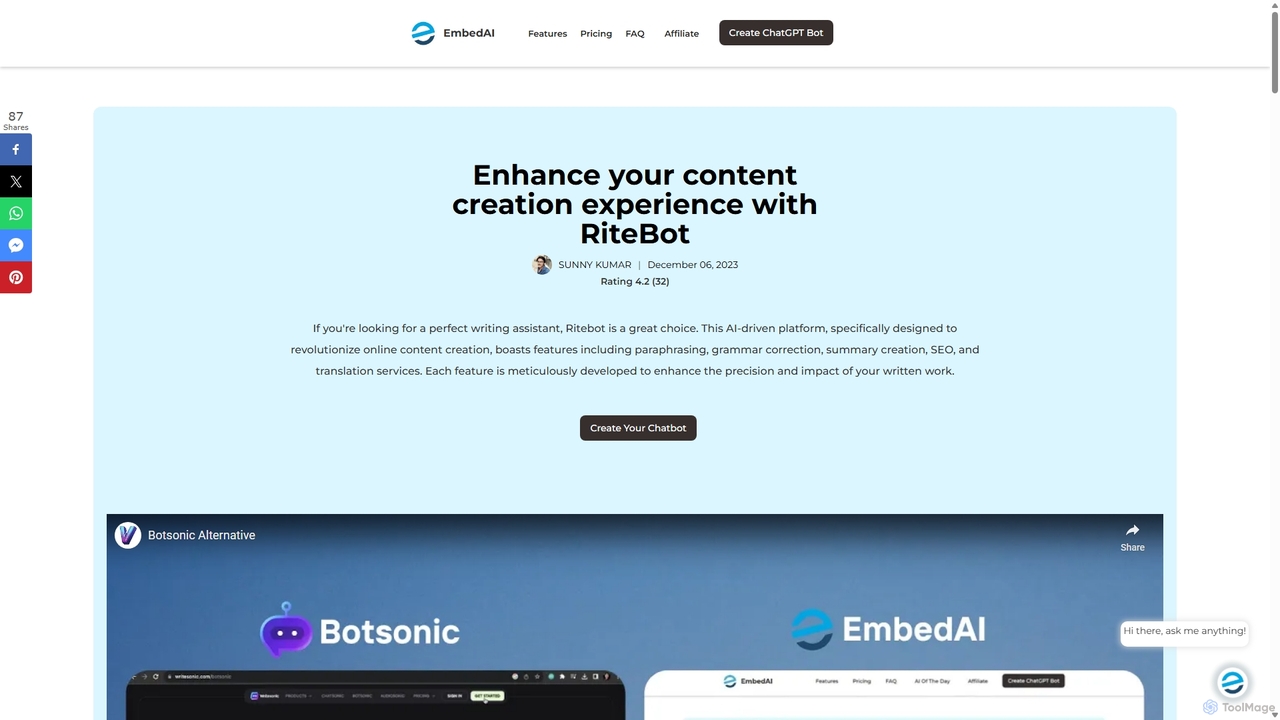
Ritebot
Ritebot is an all-in-one AI writing assistant powered by ChatGPT. It offers a comprehensive suite of free tools, including a paraphraser, grammar checker, summarizer, translator, and SEO optimizer. Designed for content creators, marketers, students, and bloggers, Ritebot streamlines the writing process, enhances content quality, and boosts online visibility by leveraging advanced AI capabilities in a user-friendly interface.
Assistant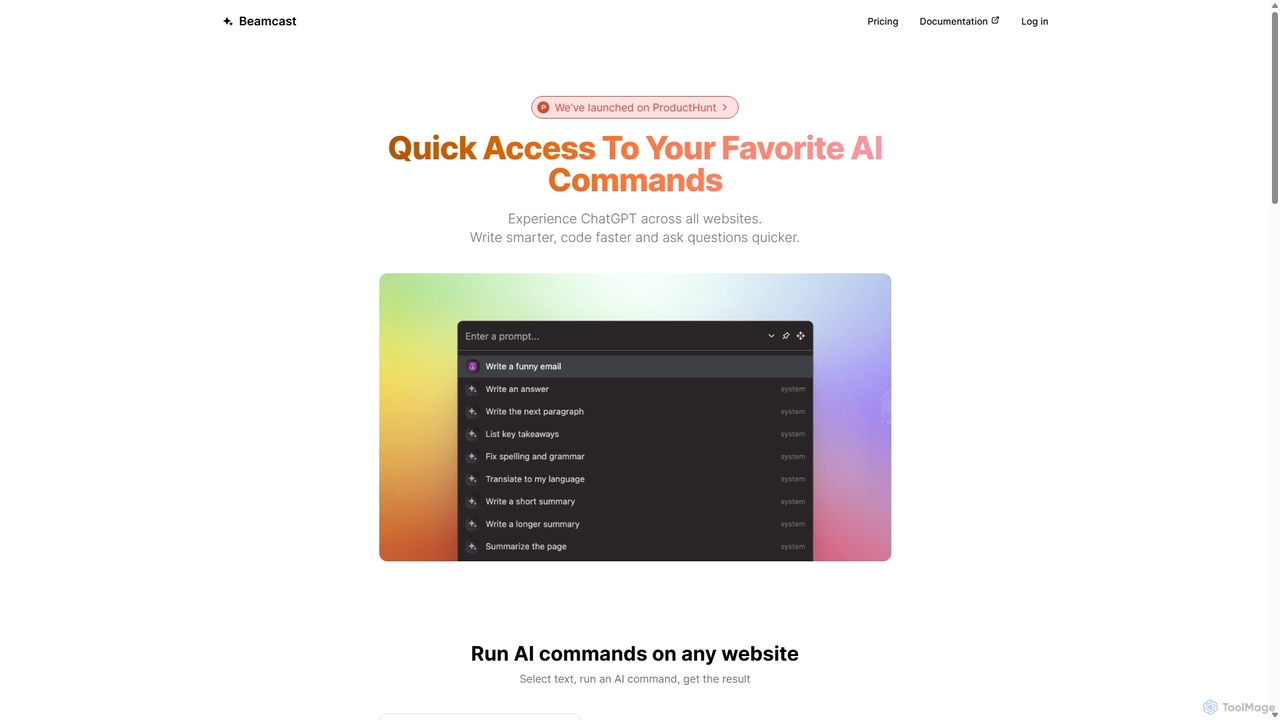
Beamcast
A browser extension that puts ChatGPT and Gemini at your fingertips. Select text on any website to run built-in or custom AI commands for writing, coding, and quick answers, streamlining your workflow and boosting productivity without ever leaving the page.
SearchRewritegpt Categories
Rewritegpt Jobs
Rewritegpt Embed Widget
Copy this embed code to place the badge on your blog, article, or product site and send readers directly to this ToolMage detail page.

Related AI tools
Compose AI
Compose AI is an AI-powered writing assistant and Chrome extension that accelerates your writing process. It offers intelligent autocompletion, text generation, and rephrasing capabilities across all your favorite sites, from emails to documents. By learning your personal writing style, it helps you write faster and more effectively, saving up to 40% of your time.
Chrome ExtensionsBeamcast
A browser extension that puts ChatGPT and Gemini at your fingertips. Select text on any website to run built-in or custom AI commands for writing, coding, and quick answers, streamlining your workflow and boosting productivity without ever leaving the page.
SearchEditair
Editair is an AI-powered writing assistant designed to elevate your text. It goes beyond basic grammar checks, offering suggestions for style, tone, and clarity. Perfect for professionals, students, and content creators, Editair helps you craft clear, compelling, and error-free content effortlessly, making your writing process smoother and more efficient.
Study Tools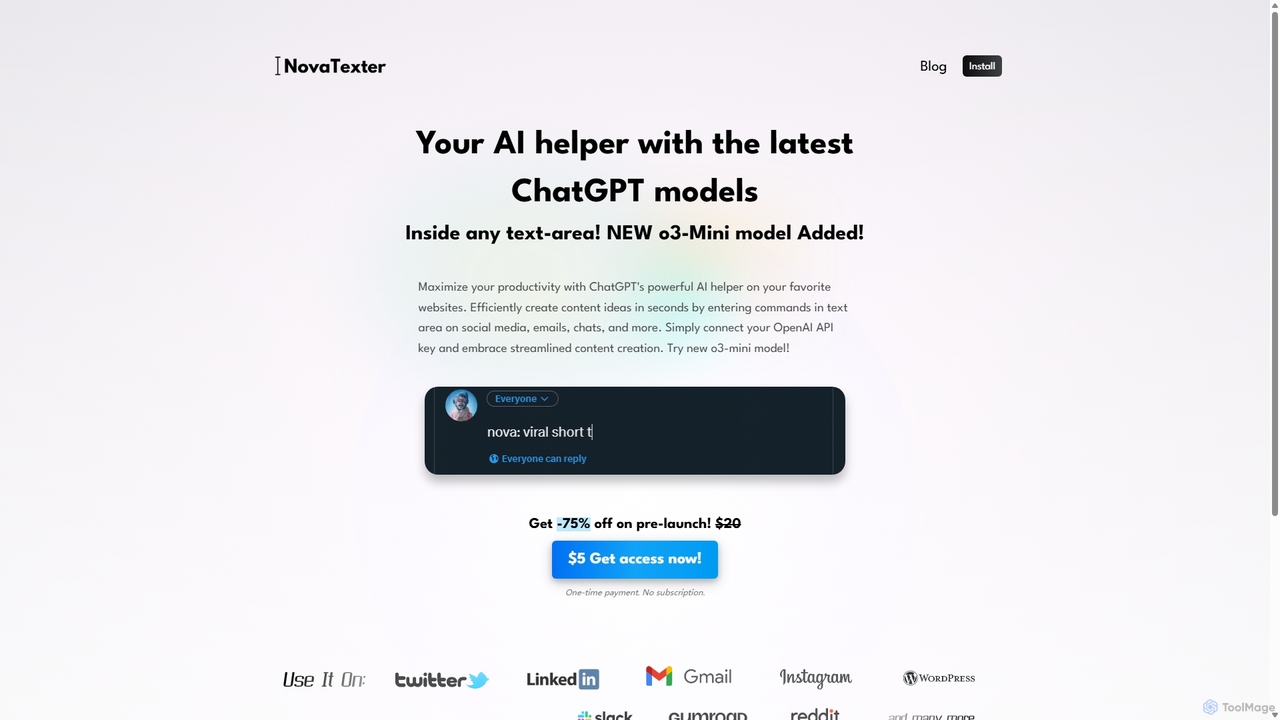
NovaTexter
NovaTexter is an AI-powered browser extension that integrates ChatGPT models directly into your workflow. It allows you to generate content, ideas, and responses on any website by simply typing commands in a text area. Connect your OpenAI API key for a seamless, productive content creation experience with a single one-time payment.
Chrome Extensions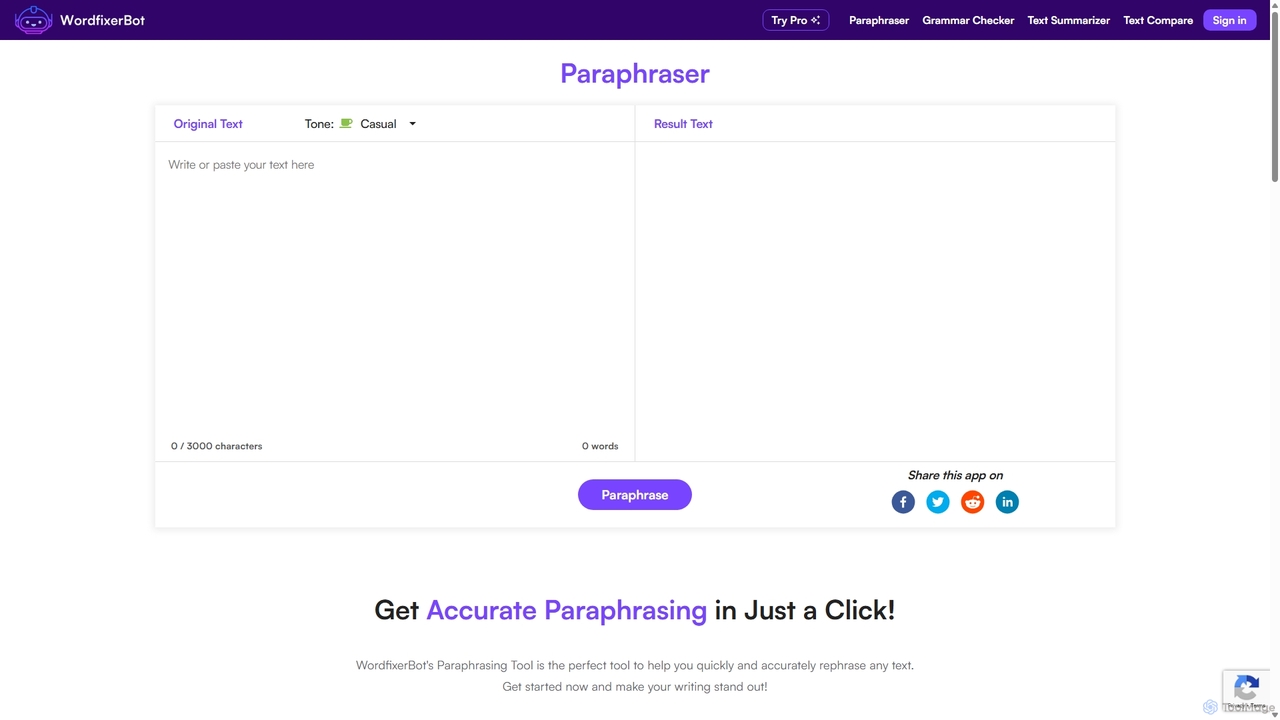
WordfixerBot
WordfixerBot is an AI-powered writing suite designed to enhance text quality. It offers a versatile paraphrasing tool with multiple tones, an accurate grammar checker, a concise text summarizer, and a text comparison tool. Ideal for students, writers, and professionals to improve clarity, avoid plagiarism, and streamline their writing process.
Learning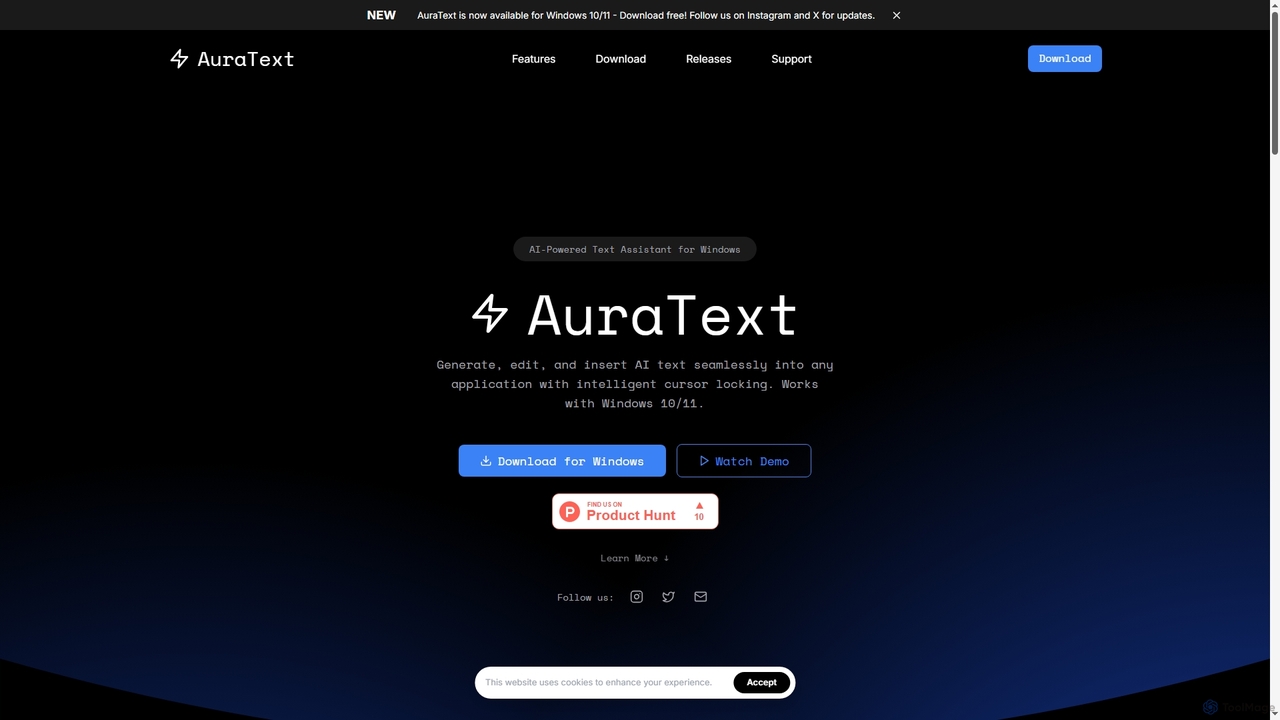
AuraText
AuraText is an AI-powered text assistant for Windows and browsers, enabling seamless generation, editing, and insertion of AI-generated text into any application. It features intelligent cursor locking, multi-AI provider support (Gemini, Perplexity, OpenAI), real-time text analysis, and a secure, private environment for enhanced productivity.
Text EditingWriters-Copilot
Writers-Copilot is a free, intuitive AI-powered writing assistant that helps you improve your text. It offers interactive feedback, suggests enhancements, and refines your writing style without requiring any registration. Simply paste your text and use the chat interface to edit and perfect your content.
Study Tools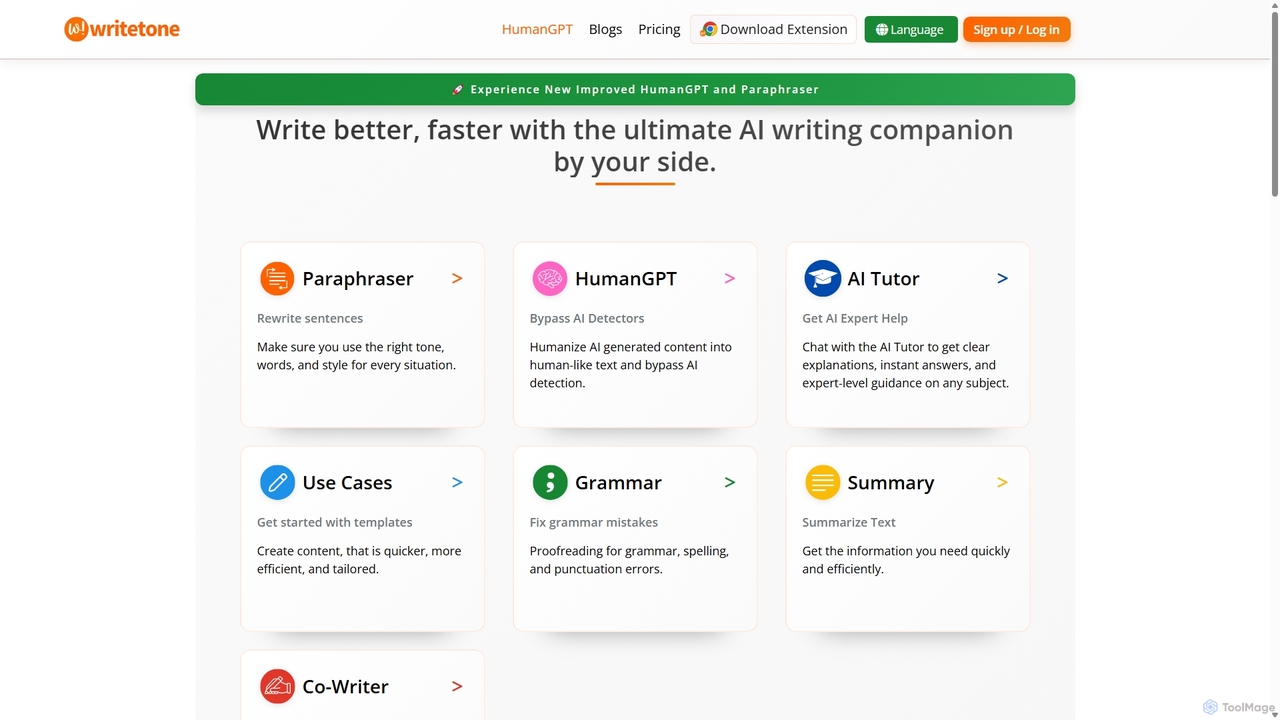
Writetone
Writetone is an AI-powered writing companion designed to help users write better and faster. It offers a comprehensive suite of tools including a paraphraser, grammar checker, summarizer, and a unique HumanGPT feature to bypass AI detection. With over 90 writing tones and support for 50+ languages, it adapts to any writing style for emails, academic papers, marketing copy, and more. It's an all-in-one platform for students, marketers, and writers.
Academic Writing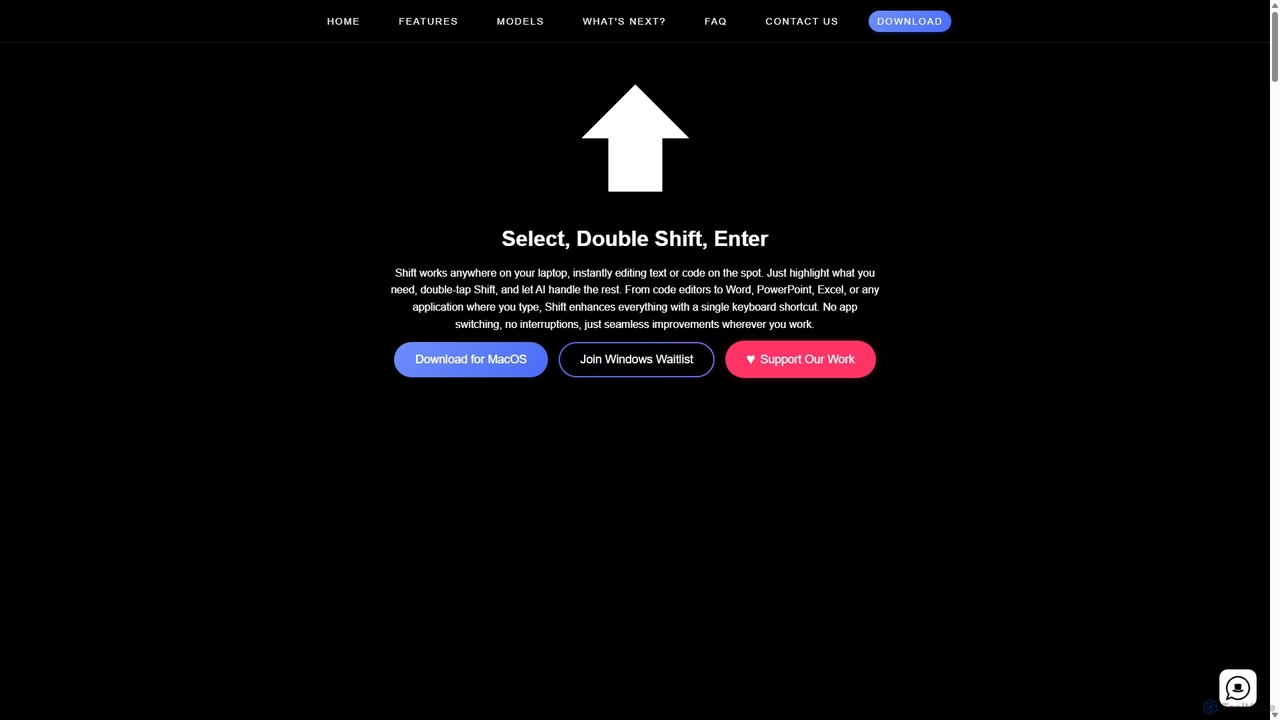
Shift
Shift is a system-wide AI assistant for macOS that enhances your workflow by allowing you to edit text and code anywhere with a simple keyboard shortcut. Just highlight text, double-tap Shift, and let the AI rewrite, debug, translate, or rephrase it instantly within any application.
Code Assistant
Shello Ai
Shello.ai is a revolutionary GPT-powered keyboard app for iPhone and Mac. It acts as an intelligent writing companion, integrating directly into your system to help you write faster, smarter, and more efficiently in any application. From autocompleting sentences to rephrasing text, Shello.ai enhances your productivity and writing quality.
Email Assistant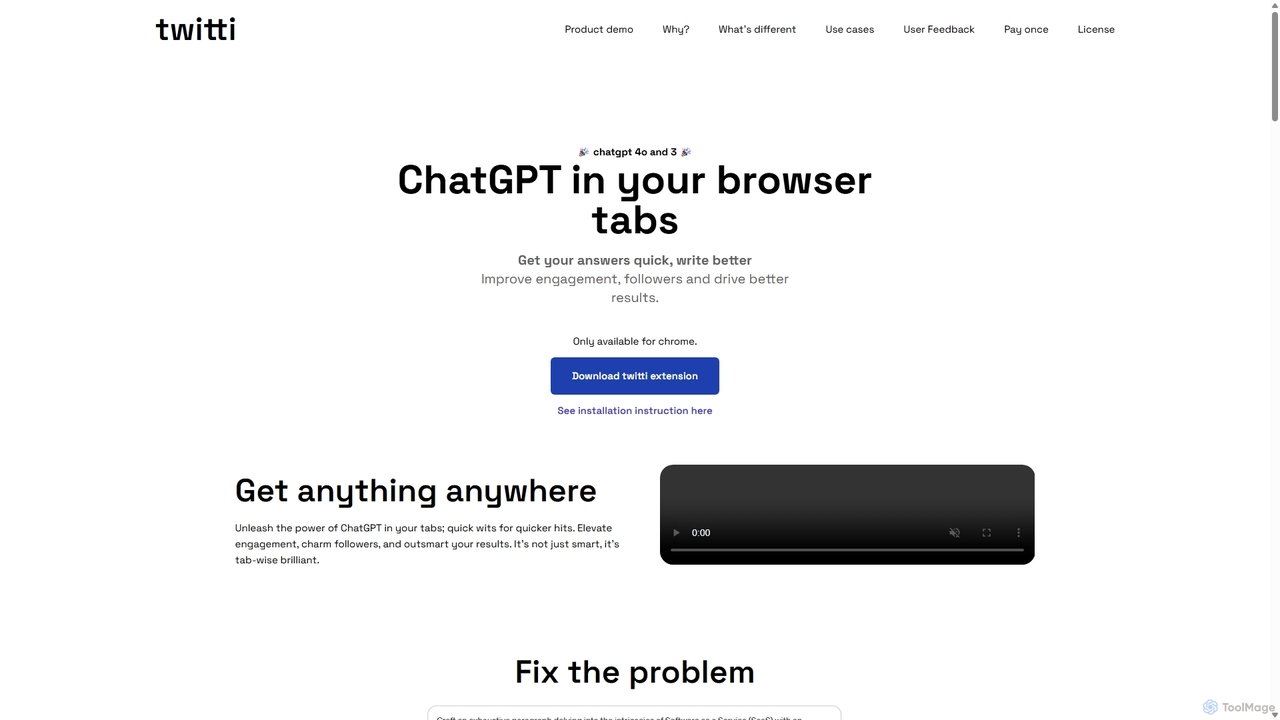
Twitti
Twitti is a powerful ChatGPT browser extension that integrates AI into any tab. It enhances writing, boosts social media engagement, and increases productivity with 25+ tones, advanced copywriting frameworks, and a one-time purchase model, eliminating recurring subscriptions.
Chrome
RewriteBar
RewriteBar is a native macOS menu bar app that acts as your personal AI writing assistant. It works seamlessly across all applications, allowing you to instantly correct grammar, change tone, translate text, summarize content, and more with a simple keyboard shortcut. It supports over 12 AI providers, including local models for ultimate privacy, offering a powerful and flexible writing enhancement experience.
Code Assistant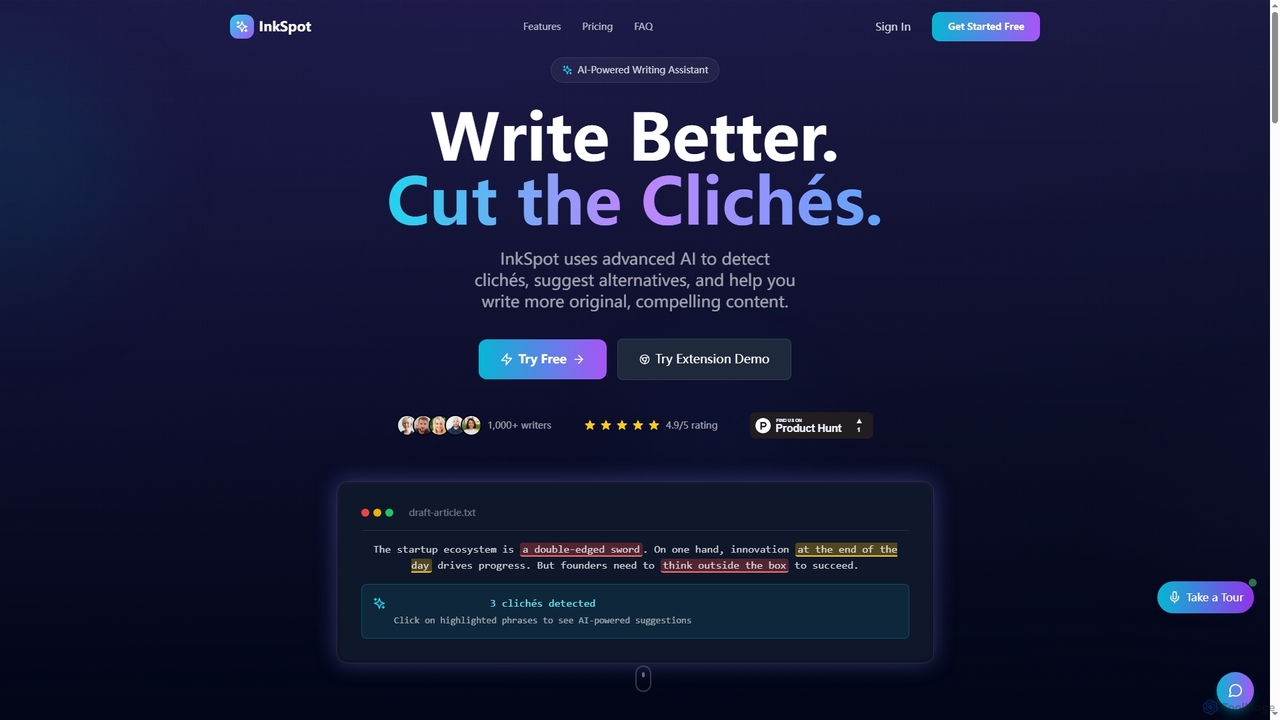
InkSpot
InkSpot is an AI-powered writing assistant that helps users eliminate clichés, improve clarity, and create more original, compelling content. It offers real-time detection, AI-powered suggestions, and multi-platform support to enhance writing efficiency and quality.
EditingRitebot
Ritebot is an all-in-one AI writing assistant powered by ChatGPT. It offers a comprehensive suite of free tools, including a paraphraser, grammar checker, summarizer, translator, and SEO optimizer. Designed for content creators, marketers, students, and bloggers, Ritebot streamlines the writing process, enhances content quality, and boosts online visibility by leveraging advanced AI capabilities in a user-friendly interface.
Assistant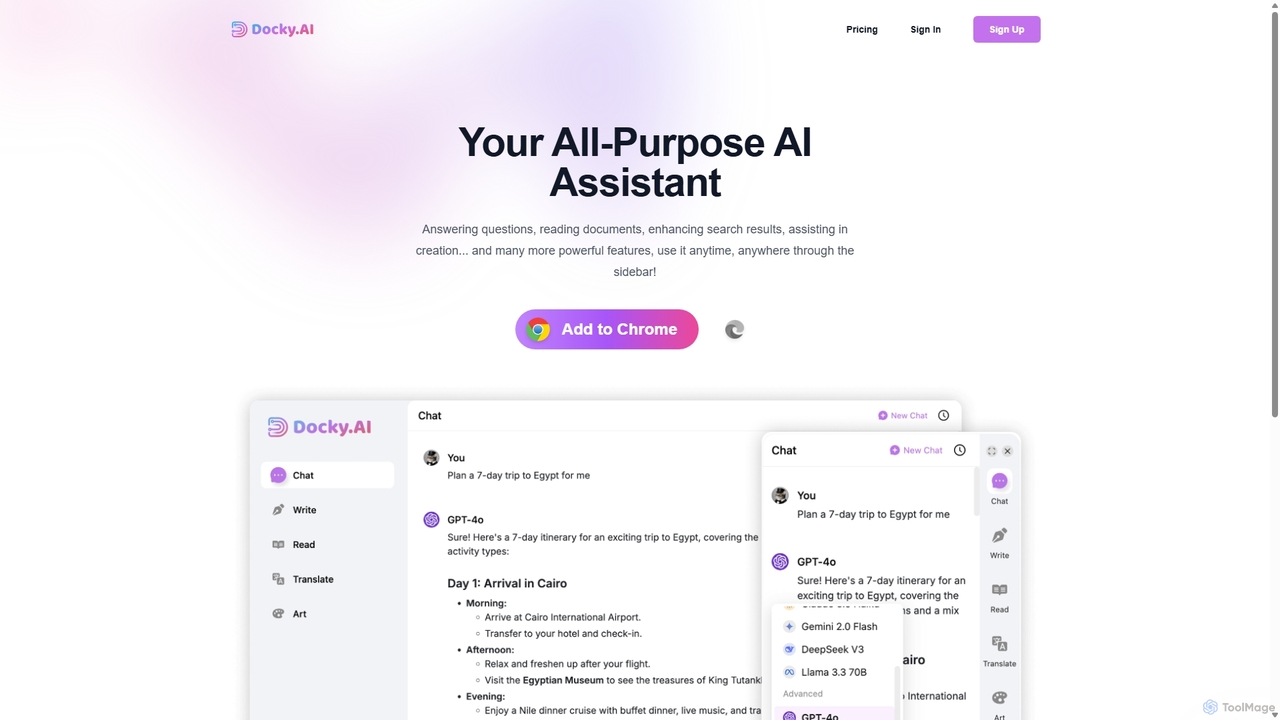
Docky.AI
Docky.AI is a powerful all-in-one AI sidebar for your browser. It integrates leading models like GPT-4, Claude, and DALL-E, allowing you to enhance search results, read documents, assist with writing, and generate content seamlessly on any webpage. Boost your productivity without ever switching tabs.
Search Assistant
Rewritegpt Comments (0)
Sign in to comment.
Sign inNo comments yet.