Mobile Best in category 2 results Keyboard AI Tool

Popular AI tools in the Keyboard field of Mobile include Shello Ai、WizBoard, etc., helping you quickly improve efficiency.

WizBoard

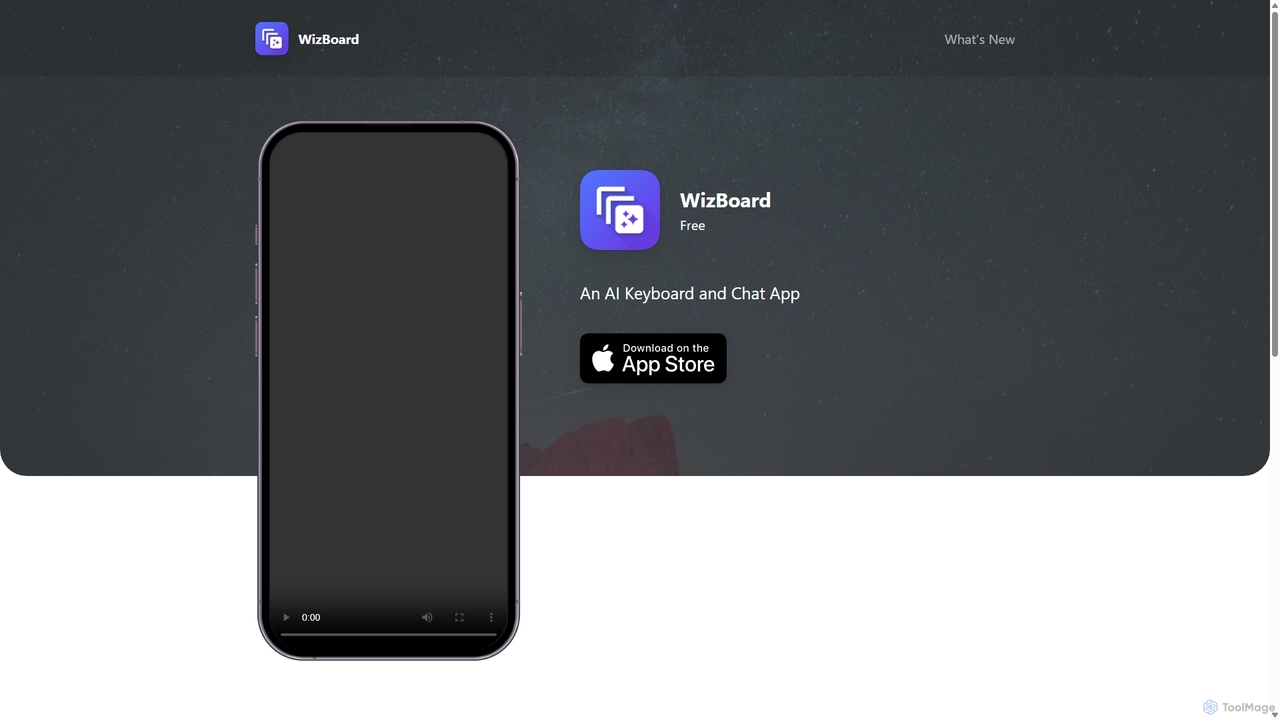
WizBoard

WizBoard is a revolutionary AI keyboard and chat app that integrates powerful text transformation tools, called 'Spells', directly …

2.4K
Shello Ai

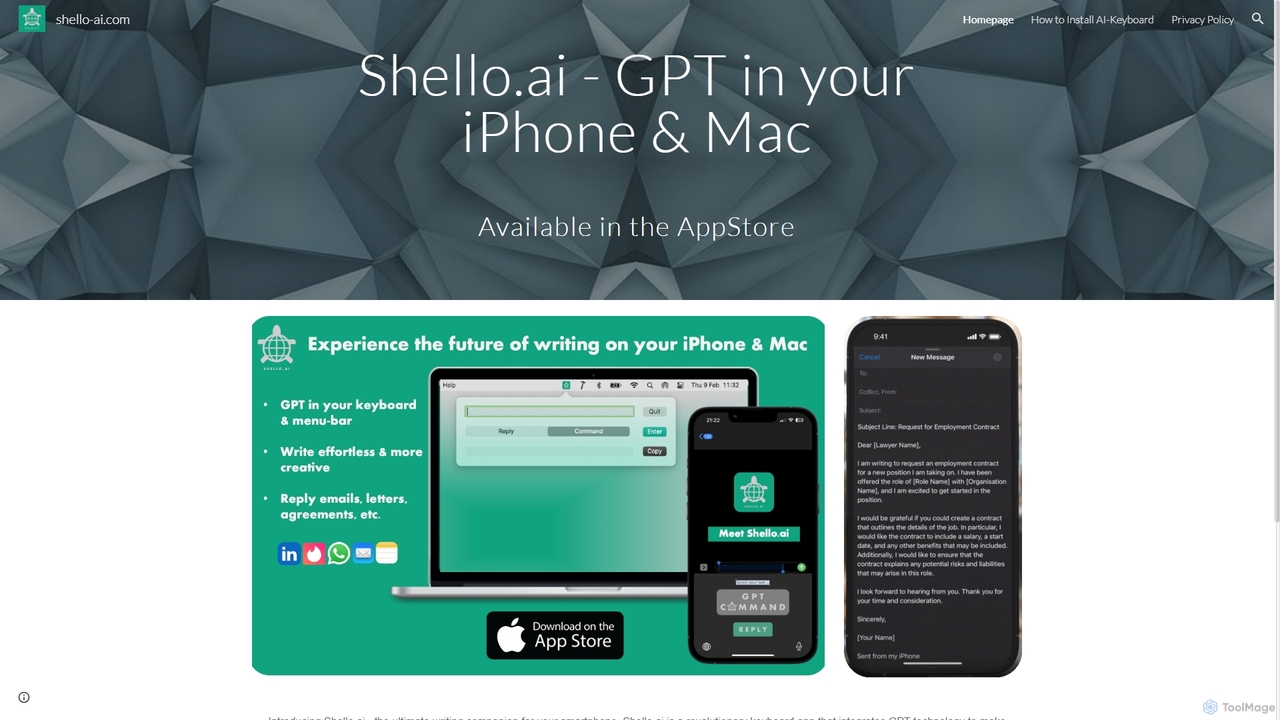
Shello Ai

Shello.ai is a revolutionary GPT-powered keyboard app for iPhone and Mac. It acts as an intelligent writing companion, …

2.4K

About Keyboard

AI Keyboards are a category of mobile software tools that leverage artificial intelligence to significantly enhance the typing experience on smartphones and tablets. These tools utilize machine learning algorithms to understand user input patterns, context, and language nuances, providing intelligent predictions, autocorrection, and smart suggestions. Their primary value lies in making mobile communication faster, more accurate, and highly personalized, seamlessly integrating with the mobile operating system to improve daily digital interactions.

Core Features

  • Smart Prediction & Autocorrection: Offers context-aware word and phrase predictions, along with advanced spelling and grammar correction.
  • Multilingual Input & Translation: Enables seamless switching between multiple languages and often provides real-time translation suggestions.
  • Voice Input & Transcription: Converts spoken words into text with high accuracy, facilitating hands-free typing.
  • Personalized Learning & Adaptation: Learns user-specific vocabulary, writing style, and frequently used expressions over time.
  • Smart Replies & Emoji Suggestions: Generates concise, contextually relevant reply options and recommends appropriate emojis or GIFs.

Use Cases

AI Keyboards are indispensable for anyone seeking to optimize their mobile communication. They are widely used by social media enthusiasts for rapid responses, business professionals for drafting accurate emails on the go, and multilingual users for effortless cross-language communication. Their adaptive nature makes them suitable for diverse mobile typing needs, from casual chats to formal document creation.

How to Choose

When selecting an AI Keyboard, prioritize accuracy in predictive text and autocorrection, as these are core to efficiency. Evaluate its multilingual support if you frequently type in different languages. Consider the depth of its personalization features, ensuring it adapts well to your unique typing style. Finally, examine the privacy policy regarding data handling, as keyboards process sensitive input, and check for seamless integration with your mobile device and frequently used applications.

KeyboardUse Cases

1

Rapid Social Media Messaging

Social media users and community managers often need to respond quickly to comments, direct messages, and group chats on their mobile devices. AI Keyboards facilitate this by offering smart replies and highly accurate predictive text, allowing users to draft and send responses almost instantly. This capability saves significant time, helps maintain active engagement with followers, and minimizes typos in fast-paced digital conversations, ensuring smooth and efficient social interactions.

2

Mobile Email Composition for Business

Business professionals and remote workers often find themselves needing to compose important emails or reports on their smartphones or tablets while away from a desktop. AI Keyboards enhance this by leveraging advanced grammar correction, predictive sentences, and efficient voice input. This ensures that professional communication maintains a high standard of accuracy and tone, minimizes errors, and significantly increases productivity, allowing users to handle critical tasks effectively from any location.

3

Multilingual Communication & Learning

International travelers, language learners, and global business teams frequently need to communicate in foreign languages or switch between multiple languages. AI Keyboards address this by offering robust built-in translation or seamless language switching features. This capability effectively breaks down language barriers, facilitates cross-cultural interaction, and even aids in language practice by providing correct grammar and vocabulary, making global communication effortless and efficient.

4

Efficient Note-Taking & Idea Capture

Students, writers, creatives, and anyone needing to quickly jot down thoughts benefit greatly from AI Keyboards. When capturing fleeting ideas, lecture notes, or meeting minutes on a mobile device, using voice-to-text for hands-free input or predictive text for rapid typing significantly speeds up the process. This ensures that no valuable idea is lost, streamlines documentation, and allows users to focus on the content itself rather than the mechanics of typing, boosting overall productivity.

5

Assisted Input for Accessibility Needs

Users with visual impairments or motor skill challenges often face difficulties with traditional touch typing on mobile devices. AI Keyboards provide crucial assistance by offering advanced voice input with high accuracy, larger key options, and highly accurate predictive text that minimizes the need for precise finger movements. This enables independent and efficient mobile communication for these users, significantly enhancing digital inclusion and making mobile technology more accessible to a broader audience.

6

Personalized Emoji & GIF Recommendations

For casual communicators and social media influencers, adding personality and context to messages with relevant non-text elements is key. AI Keyboards excel here by analyzing the conversation context and user's past usage to suggest appropriate emojis, stickers, or GIFs. This feature enriches communication, makes messages more engaging and expressive, and saves users valuable time searching for the perfect visual element, streamlining the process of adding flair to digital conversations.

KeyboardFrequently Asked Questions