Mobile Best in category 3 results Android Apps AI Tool

Popular AI tools in the Android Apps field of Mobile include VoiceGPT、BookSlice、Metkagram, etc., helping you quickly improve efficiency.

Metkagram

Metkagram

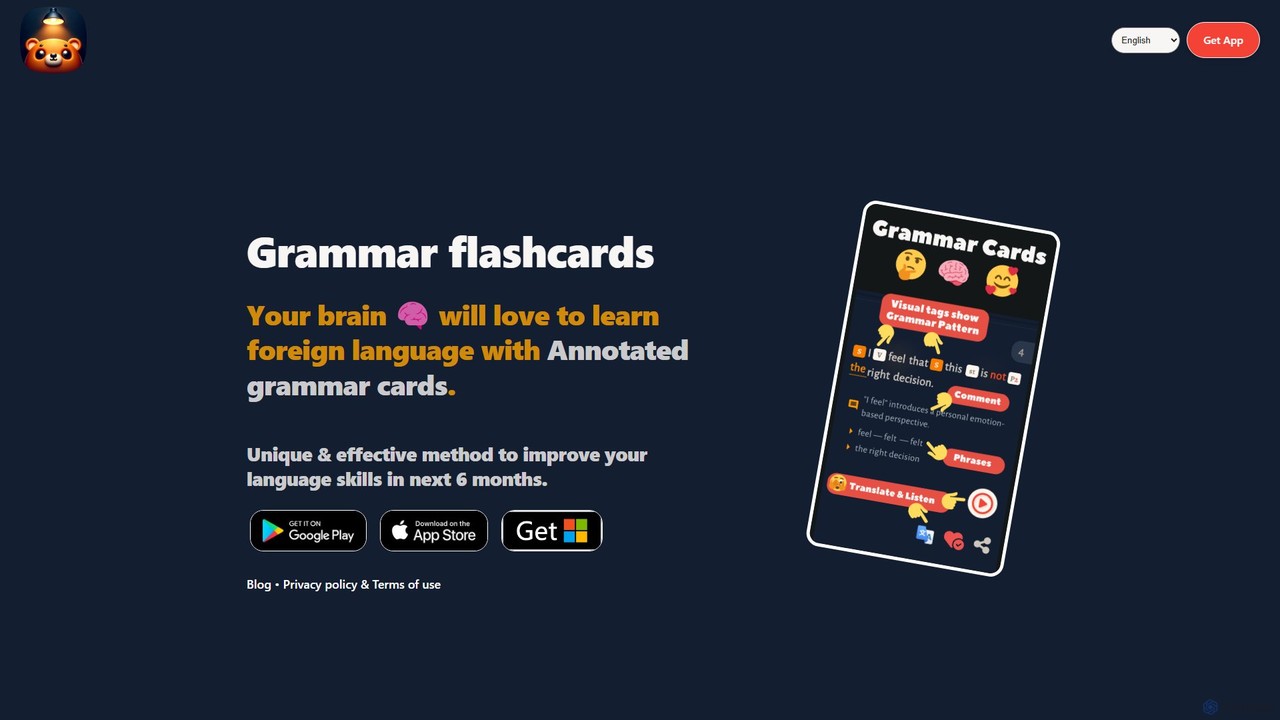
Metkagram is an AI-powered language learning app that uses unique, annotated grammar flashcards to help you master English …

2.1K
VoiceGPT

VoiceGPT

VoiceGPT is a voice-enabled AI assistant for Android, providing hands-free access to models like ChatGPT, GPT-4, and Bard. …

3.0K
BookSlice

BookSlice

BookSlice is an AI-powered reading assistant for Android designed to enhance your reading experience. It helps you digest …

2.5K

About Android Apps

Android Apps are AI-powered mobile applications designed to run on Android devices, leveraging on-device processing or cloud AI to deliver intelligent functionalities. These tools utilize machine learning models to understand user behavior, process data from mobile sensors, and provide personalized experiences or automate complex tasks directly from a smartphone or tablet. They enhance productivity, creativity, and daily life by bringing advanced AI capabilities to a portable, accessible format.

Core Features

  • On-Device AI Processing: Executes AI models directly on the device, enabling offline functionality and enhanced data privacy.
  • Sensor Integration: Utilizes mobile sensors (camera, microphone, GPS, accelerometer) for real-time data input and context-aware AI.
  • Optimized Mobile UX: Designed with intuitive interfaces and efficient resource management for seamless performance on diverse Android hardware.
  • Personalized Recommendations: Learns from user interactions to offer tailored content, suggestions, or services directly on the mobile device.
  • Offline Capabilities: Many AI functions can operate without an internet connection, crucial for mobile use in varying network conditions.

Use Cases

AI Android apps are widely adopted across various sectors. For content creators, they enable on-the-go photo and video editing with AI filters and enhancements. Business professionals utilize them for mobile document scanning, smart note-taking, and real-time language translation during international travel. Everyday users benefit from intelligent personal assistants, health monitoring apps that analyze sensor data, and personalized learning tools that adapt to individual progress, all accessible from their Android device.

How to Choose

When selecting an AI Android app, consider its core functionality and how well it addresses your specific needs. Evaluate whether it primarily uses on-device AI for privacy and offline access, or cloud AI for more powerful processing. Check for compatibility with your Android device's version and hardware, as well as its impact on battery life. User interface design and ease of use are also crucial for a positive mobile experience, alongside the app's data privacy policies and update frequency.

Android AppsUse Cases

1

Real-time Mobile Language Translation

A traveler uses an AI Android app to instantly translate spoken conversations or text from images, facilitating communication in foreign countries without an internet connection. The app leverages on-device neural networks to provide quick, accurate translations, enhancing the travel experience and reducing language barriers.

2

On-the-Go AI Photo & Video Editing

A social media influencer or content creator uses an AI Android app to automatically enhance photos, remove backgrounds, or apply artistic filters directly on their smartphone. This allows for quick, professional-grade edits and content creation while away from a desktop, optimizing their workflow for mobile-first platforms.

3

Personalized Mobile Fitness Coaching

An individual uses an AI Android fitness app that tracks their activity via device sensors, analyzes performance data, and provides personalized workout plans and real-time feedback. The AI adapts routines based on progress and goals, offering a tailored coaching experience accessible anywhere, anytime.

4

Smart Document Scanning & Organization

A business professional utilizes an AI Android app to scan physical documents using their phone camera, automatically recognizing text (OCR), categorizing files, and converting them into searchable PDFs. This streamlines mobile paperwork management, making documents easily accessible and organized on the go.

5

AI-Powered Mobile Learning Assistants

Students or lifelong learners use an AI Android app that adapts educational content to their learning style, provides interactive quizzes, and offers personalized explanations for complex topics. The app tracks progress and identifies areas needing improvement, making learning more engaging and efficient directly from their mobile device.

6

Proactive Mobile Health Monitoring

Users with specific health concerns employ an AI Android app that continuously monitors vital signs or activity patterns through wearable device integration and phone sensors. The AI analyzes data for anomalies, predicts potential health issues, and sends timely alerts or insights, empowering proactive health management from their pocket.

Android AppsFrequently Asked Questions