


VoiceGPT Overview
VoiceGPT is a sophisticated and feature-rich AI assistant application for Android, designed to revolutionize how users interact with powerful language models like ChatGPT, GPT-4, Google Bard, and others. It acts as a specialized, voice-enabled interface, making access to these advanced AI engines more intuitive, accessible, and efficient. Primarily, VoiceGPT enhances the standard chatbot experience by adding a robust layer of voice control, making it an indispensable tool for users seeking hands-free operation, individuals with visual impairments or dyslexia, and anyone looking to boost their productivity on the go.
The application is not a standalone AI model but rather a powerful client that unlocks the full potential of existing AI services. It supports both free and ChatGPT Plus accounts, ensuring that users with access to premium features like GPT-4 and ChatGPT Plugins can leverage them directly within the VoiceGPT interface. With its user-centric design, VoiceGPT aims to be the ultimate personal and professional teammate on your Android device.
How to use VoiceGPT
Getting started with VoiceGPT is straightforward. After downloading the app from the Google Play Store, you can immediately begin interacting with the AI. The primary method of interaction is voice:
- Activate Listening: Tap the microphone icon or, for a completely hands-free experience, use the hotword "Hey, Chat" (customizable) to activate the listening mode. This is especially useful when driving or multitasking.
- Speak Your Prompt: Clearly state your question or command. The app supports over 67 languages and various accents for speech input.
- Receive a Spoken Response: The AI's response will be read aloud in a natural-sounding voice. You can customize the voice, accent, and speech rate to your preference.
- Advanced Inputs: For more complex tasks, you can use the OCR feature to take a picture of a document or whiteboard, and VoiceGPT will extract the text and send it as a prompt. You can also type prompts manually if needed.
- Seamless Integration: Use the "InstaBubble" (a floating icon) to quickly access VoiceGPT from any other app. You can also set VoiceGPT as your default Android assistant, replacing the standard one for quick access via a long-press of the home or power button.
Core Features of VoiceGPT
- Advanced Voice Control: Full speech input and output in over 67 languages with customizable accents, voices, and speech rates.
- Hands-Free Hotword Activation: Activate the assistant with the wake-up phrase "Hey, Chat" for a true hands-free experience.
- OCR Technology: Capture text from images using your camera or gallery and use it as a prompt for the AI.
- RunGPT Code Execution: A unique feature that allows you to run code snippets generated by the AI directly within the app. It supports over 70 programming languages and includes a mini-editor and syntax highlighting.
- DALL-E 2 Integration: Generate unique AI images directly from text prompts within the app.
- ChatGPT Plus & GPT-4 Support: Seamlessly integrates with paid OpenAI accounts to unlock advanced models and features.
- InstaBubble & Assistant Integration: A floating bubble for quick app switching and the ability to set VoiceGPT as the default system assistant.
- Comprehensive Chat Management: Access your full web chat history, and use convenient buttons to replay, copy, share, or perform a web search based on the conversation.
- User-Friendly Interface: Features include a dark/light mode, tablet and landscape optimization, and an "Always On Screen" option to prevent the phone from sleeping during use.
Use Cases for VoiceGPT
VoiceGPT is versatile and can be applied in numerous scenarios:
- For Professionals: Quickly draft emails, reports, or social media posts by dictating them. Use the web search feature to inject real-time information into your prompts for up-to-date answers.
- For Students: Use the OCR feature to snap a picture of a whiteboard or textbook page to ask questions or summarize the content. Get help with coding assignments and run the code instantly with RunGPT.
- For Drivers: Safely ask for directions, send messages, or get information without taking your hands off the wheel, thanks to the hotword activation.
- For Accessibility: Users with visual impairments or conditions like dyslexia can interact with powerful AI models effortlessly through voice, breaking down barriers to information.
- For Creatives: Brainstorm ideas, write scripts, or generate images using the DALL-E 2 integration, all through simple voice commands.
Advantages of VoiceGPT
VoiceGPT stands out by offering a combination of accessibility, power, and convenience. Its primary advantage is the robust, multi-language voice interface that makes AI interaction natural and hands-free. The integration of unique tools like OCR and the RunGPT code executor provides functionality not found in standard chatbot apps. Furthermore, its commitment to a clean user experience with minimal, non-intrusive ads (in the free version) and its support for advanced models like GPT-4 make it a superior choice for both casual and power users on Android.
Pricing and Plans
VoiceGPT operates on a freemium model. The core functionalities are available for free, supported by a small, non-intrusive ad banner. For users who wish to have an ad-free experience and support the continued development of the app, a Premium Subscription is available for a small fee. This subscription removes all ads, providing a cleaner interface.
Traffic
Latest traffic
Status
Monthly traffic trend
- 2025-9: 5.2K
- 2026-1: 2.3K
- 2026-2: 2.7K
- 2026-3: 1.9K
- 2026-4: 925
- 2026-5: 1.3K
Geography
Top 5 countries / regions
- 🇮🇳India100.0%
Top keywords
| Keyword | Cost per click |
|---|---|
| chat gpt voice assistant | $0.00 |
| gpt voice | $1.08 |
| how can i change or select a voice in chat gpt | $0.00 |
| voice gpt | $0.00 |
VoiceGPT Alternatives
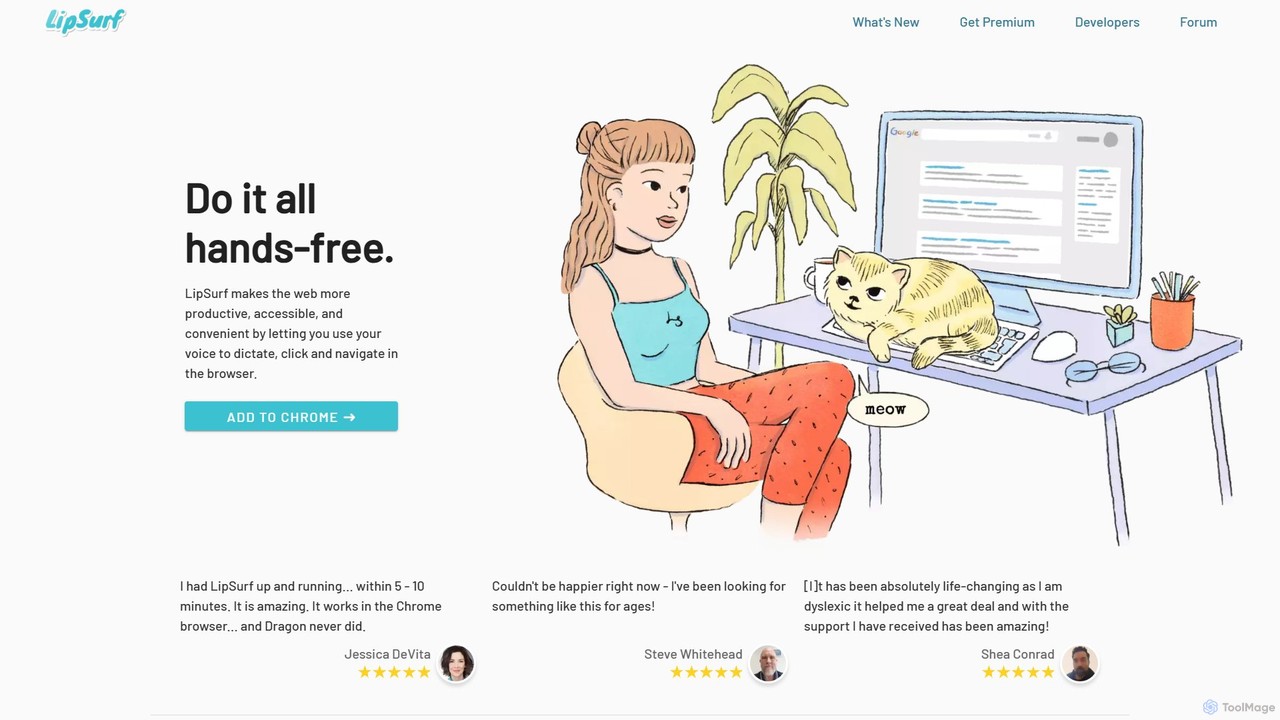
LipSurf
A powerful Chrome extension that provides complete voice control for your browser. Dictate text, navigate websites, click links, and create custom shortcuts hands-free. LipSurf enhances productivity and makes the web more accessible for users with motor disabilities, RSI, or dyslexia.
Voice Control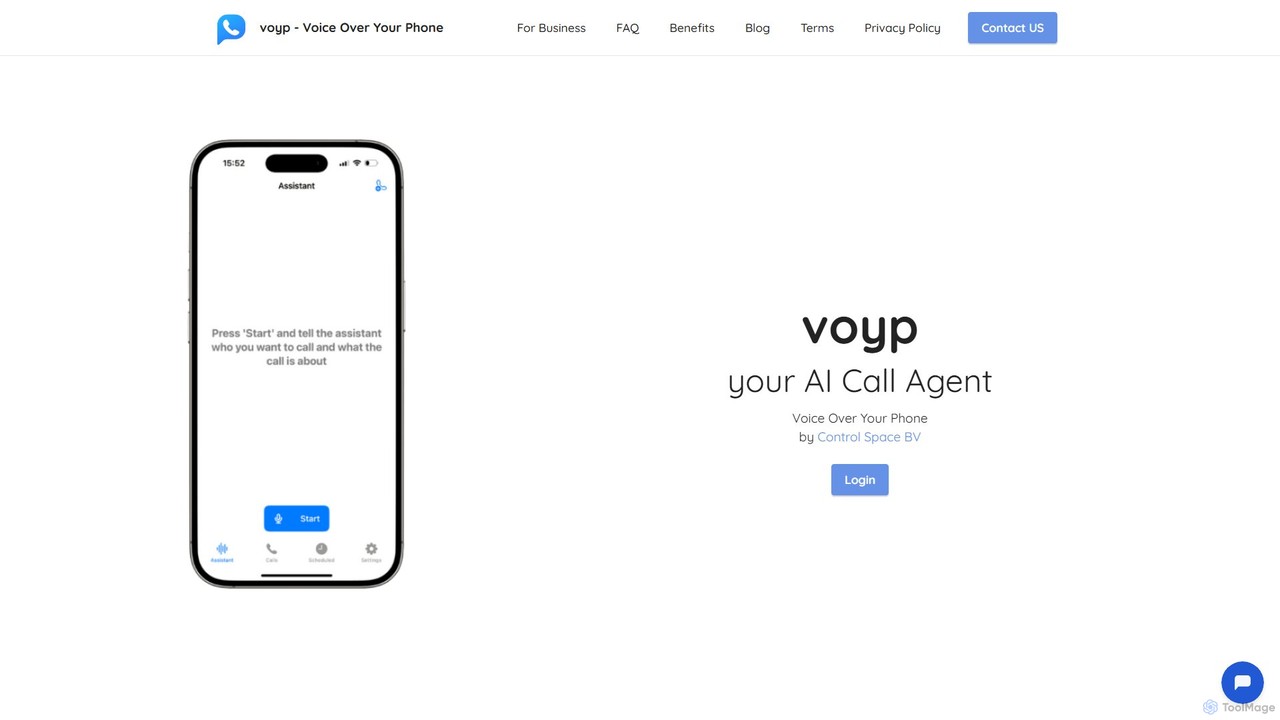
Voyp
Voyp is an AI-powered call agent that makes phone calls on your behalf. Simply provide context via text or voice, and the intelligent assistant will handle tasks like booking appointments, making reservations, and conducting business calls, saving you time and effort.
Assistive Technology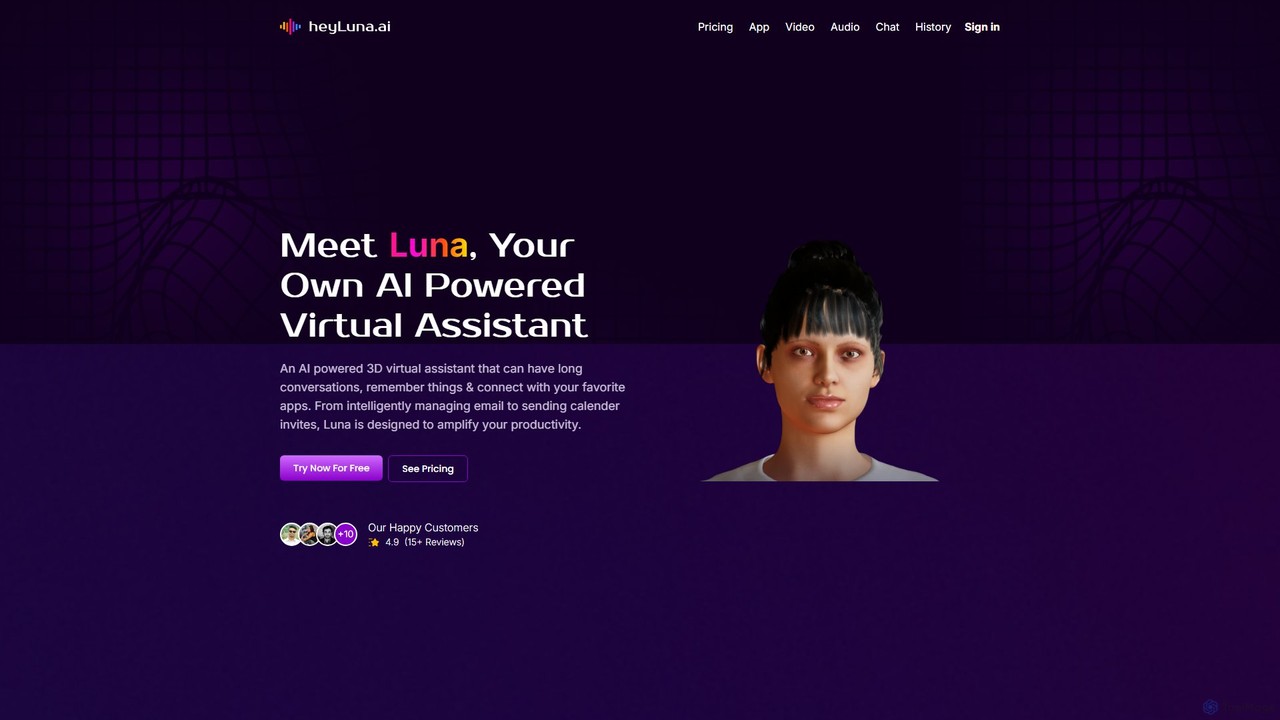
HeyLuna
HeyLuna is an AI-powered 3D virtual assistant designed to boost your productivity. It engages in natural language conversations, remembers past interactions, and integrates with essential apps like Gmail, Slack, and Google Calendar to automate tasks such as sending emails and scheduling meetings.
Email Assistant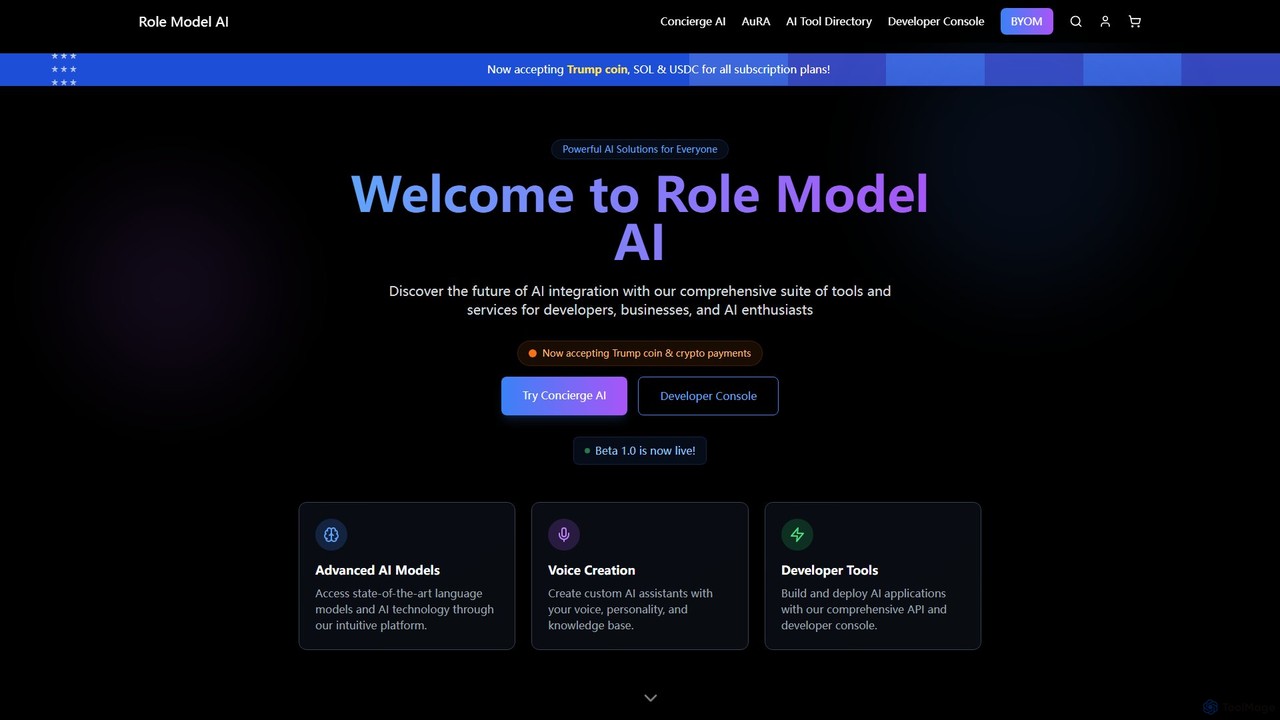
Role Model AI
Role Model AI is a powerful platform for creating custom AI assistants with your own voice, personality, and knowledge. It offers advanced voice cloning, integration with top AI models like GPT-4 and Claude 3, and a comprehensive suite of developer tools, including an API and console. Users can build specialized agents for tasks ranging from personal assistance and business advising to creative writing and financial analysis. The platform also includes an extensive directory of other AI tools.
Api Platform
Pickle
Pickle is a digital clone factory that creates a living AI avatar of you. This digital twin can learn from your daily life, represent you in video calls with perfect lip-sync, and manage your social media presence 24/7, offering a seamless blend of productivity and digital identity.
Digital TwinVoiceGPT Categories
VoiceGPT Embed Widget
Copy this embed code to place the badge on your blog, article, or product site and send readers directly to this ToolMage detail page.

Related AI tools
LipSurf
A powerful Chrome extension that provides complete voice control for your browser. Dictate text, navigate websites, click links, and create custom shortcuts hands-free. LipSurf enhances productivity and makes the web more accessible for users with motor disabilities, RSI, or dyslexia.
Voice Control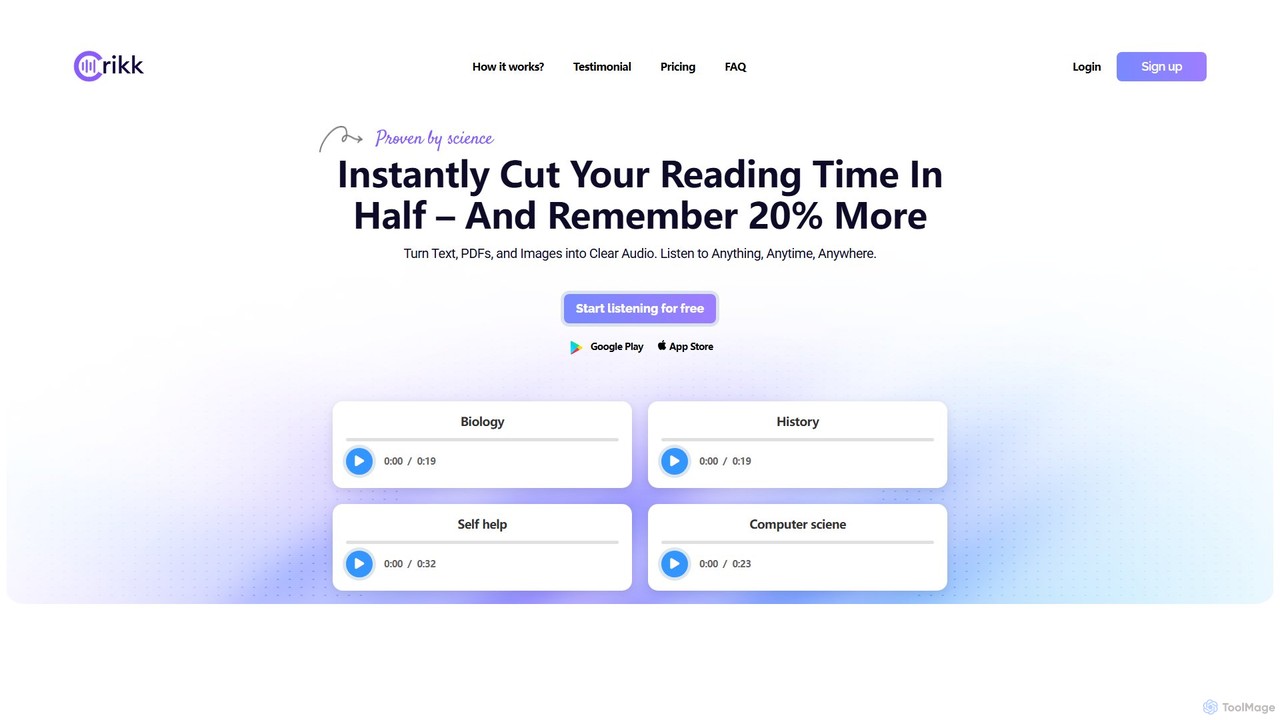
Crikk
Crikk is an AI-powered text-to-speech tool that converts documents, PDFs, and even images into natural-sounding audio. It's designed to enhance learning, boost productivity, and create professional voiceovers. With features like synchronized text highlighting, adjustable playback speed, and support for over 90 languages, Crikk makes it easy to listen to any content, anytime, anywhere, on web, Android, and iOS devices.
Voice Generation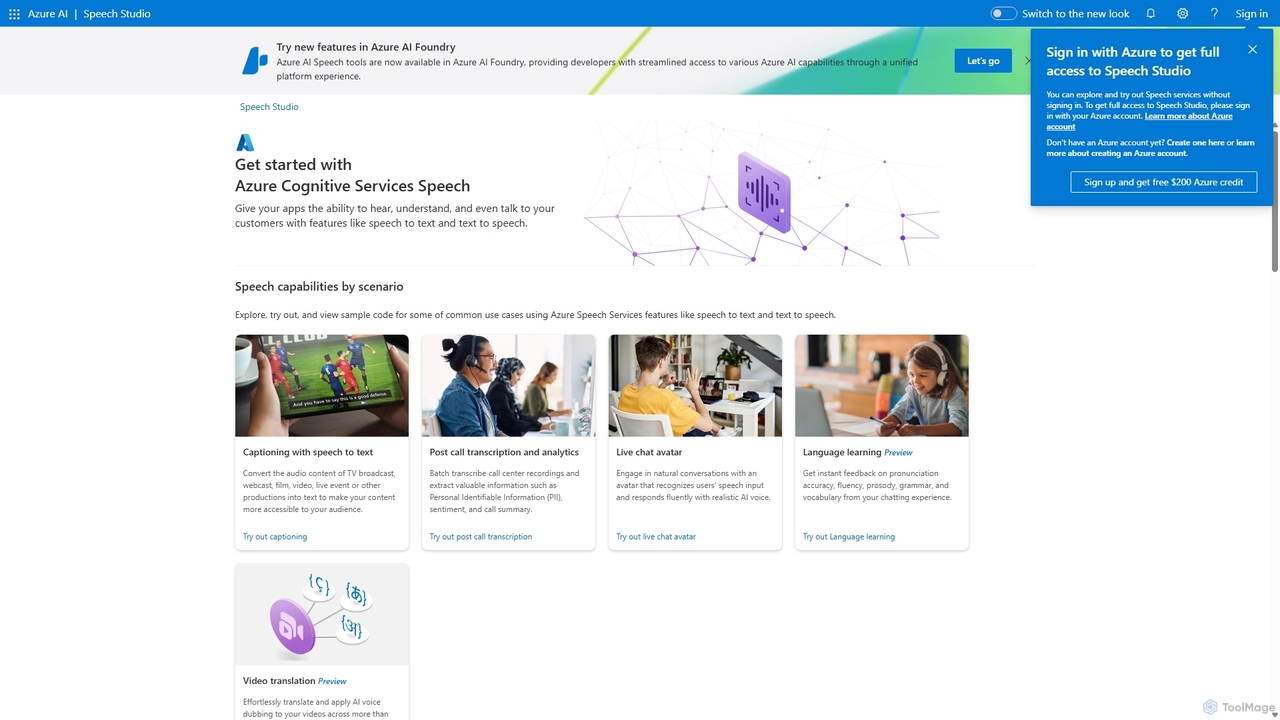
Speech Studio
Speech Studio is a comprehensive suite of AI-powered tools from Microsoft Azure that enables developers to build applications with advanced speech capabilities. It offers highly accurate speech-to-text, natural-sounding text-to-speech, real-time speech translation, and speaker recognition. Users can create custom voice models and conversational interfaces, making it a versatile platform for a wide range of voice-enabled solutions.
Text To Speech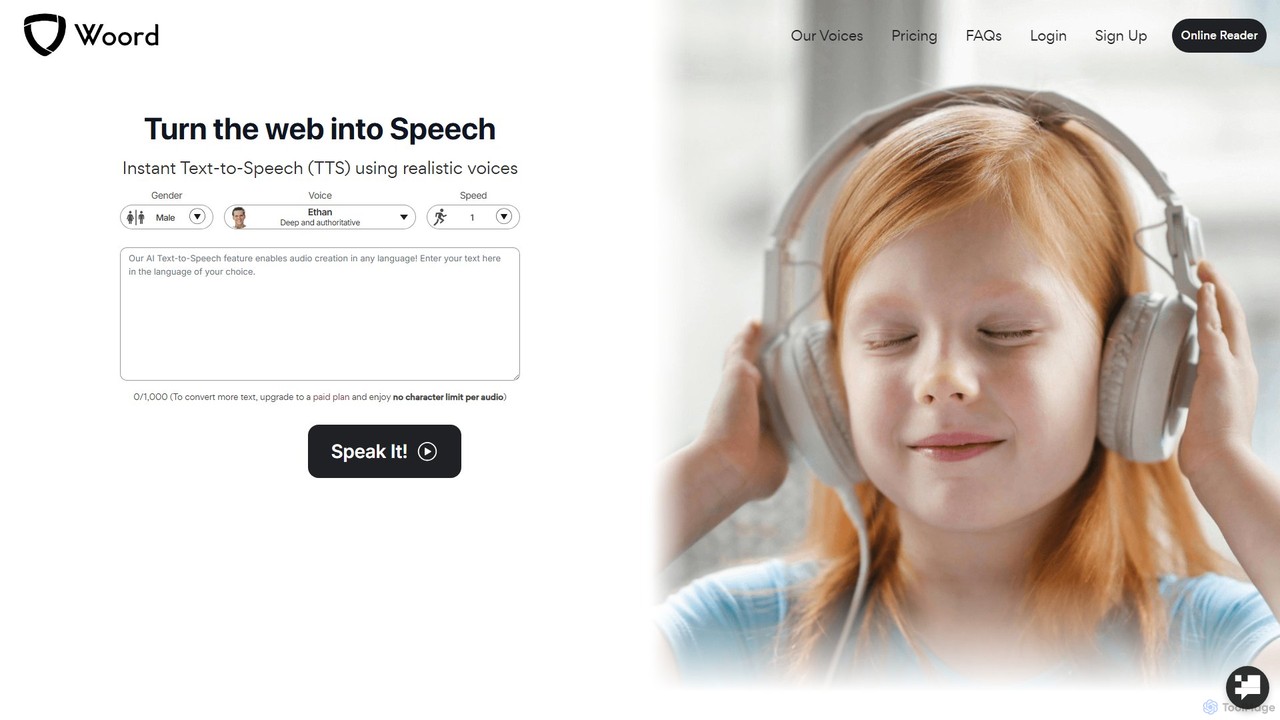
getwoord
getwoord is an advanced AI text-to-speech (TTS) platform that converts any text into high-quality, natural-sounding audio. It offers over 100 realistic voices across more than 34 languages and various accents. Ideal for content creators, educators, and businesses, getwoord provides MP3 downloads, commercial usage rights, and API access, making it easy to create audio for videos, podcasts, e-learning, and more.
Screen Reader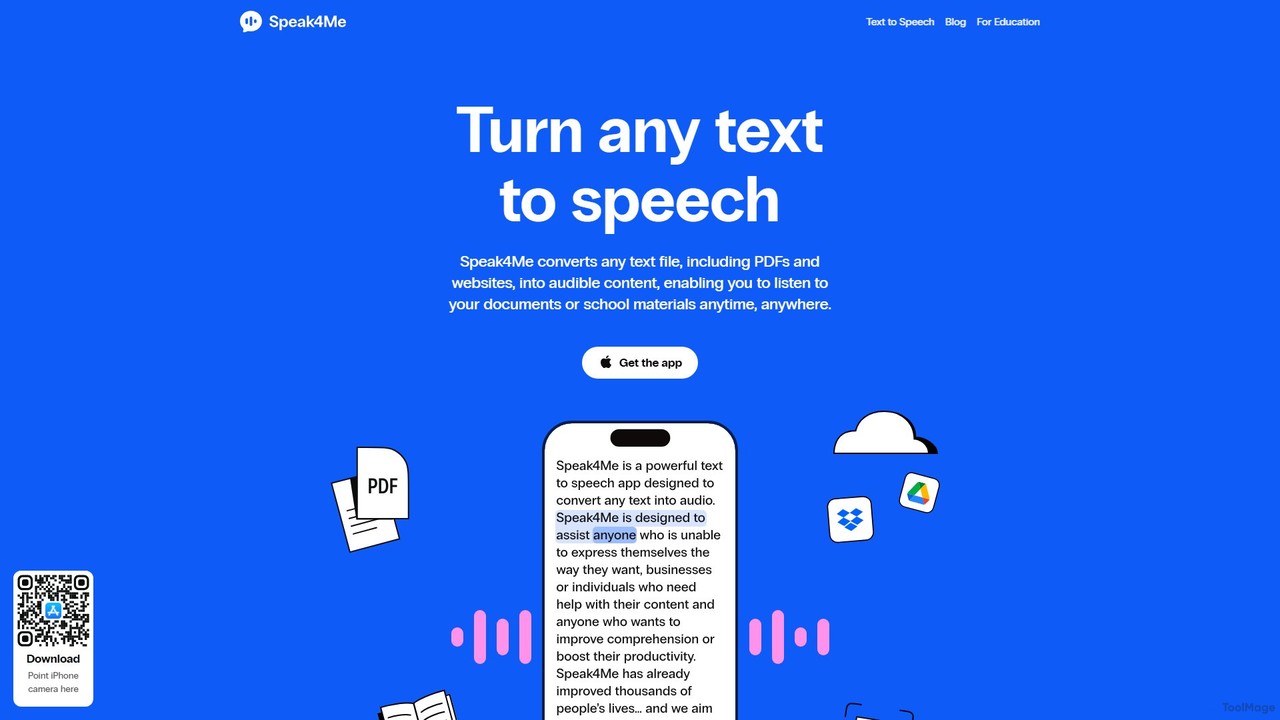
Speak4Me
Speak4Me is an advanced text-to-speech iOS app that converts any text from documents, websites, or scanned pages into natural-sounding audio. It features AI-powered chat for summarizing and querying documents, seamless cloud integration, and robust accessibility tools for users with dyslexia or ADHD. Listen to content on the go, increase productivity, and enhance your reading and learning experience.
Assistive Technology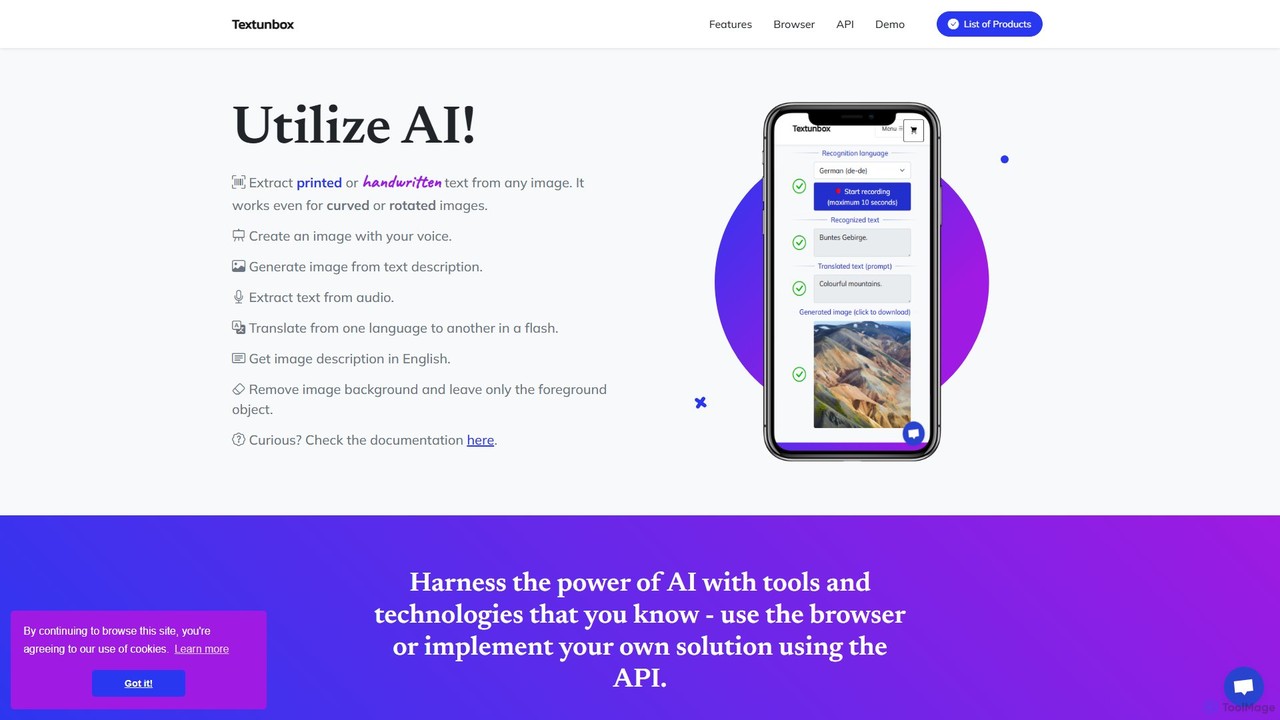
TextUnbox
TextUnbox is a versatile AI toolkit offering a suite of services including OCR for printed and handwritten text, DALL-E powered image generation, background removal, audio transcription, and multi-language translation. It provides both user-friendly web applications for direct use and a comprehensive REST API for developer integration, making it a flexible solution for various text, image, and audio processing needs.
Transcription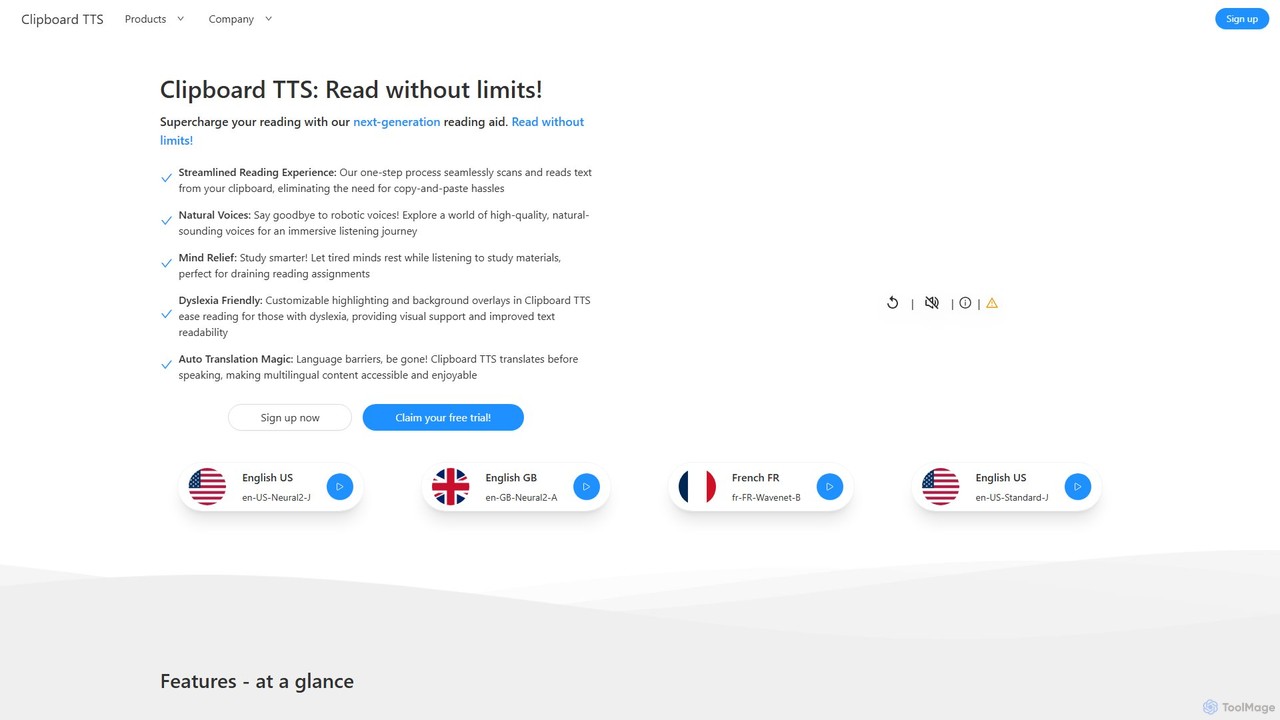
Clipboard TTS
An advanced text-to-speech application for Windows and Linux that automatically reads text from your clipboard. It features natural voices, auto-translation, OCR, and extensive accessibility tools, including dyslexia-friendly options, to create a seamless and powerful reading experience.
Reading Aid
SiriGPT
SiriGPT enhances your Apple experience by integrating the power of ChatGPT directly into Siri. This Apple Shortcut allows you to have advanced, voice-controlled conversations with a powerful AI on your iPhone and Mac. Get instant answers, brainstorm ideas, or chat with custom AI personas, all hands-free using the familiar 'Hey Siri' command. It's the fastest and most seamless way to access GPT on your Apple devices.
Personal Assistant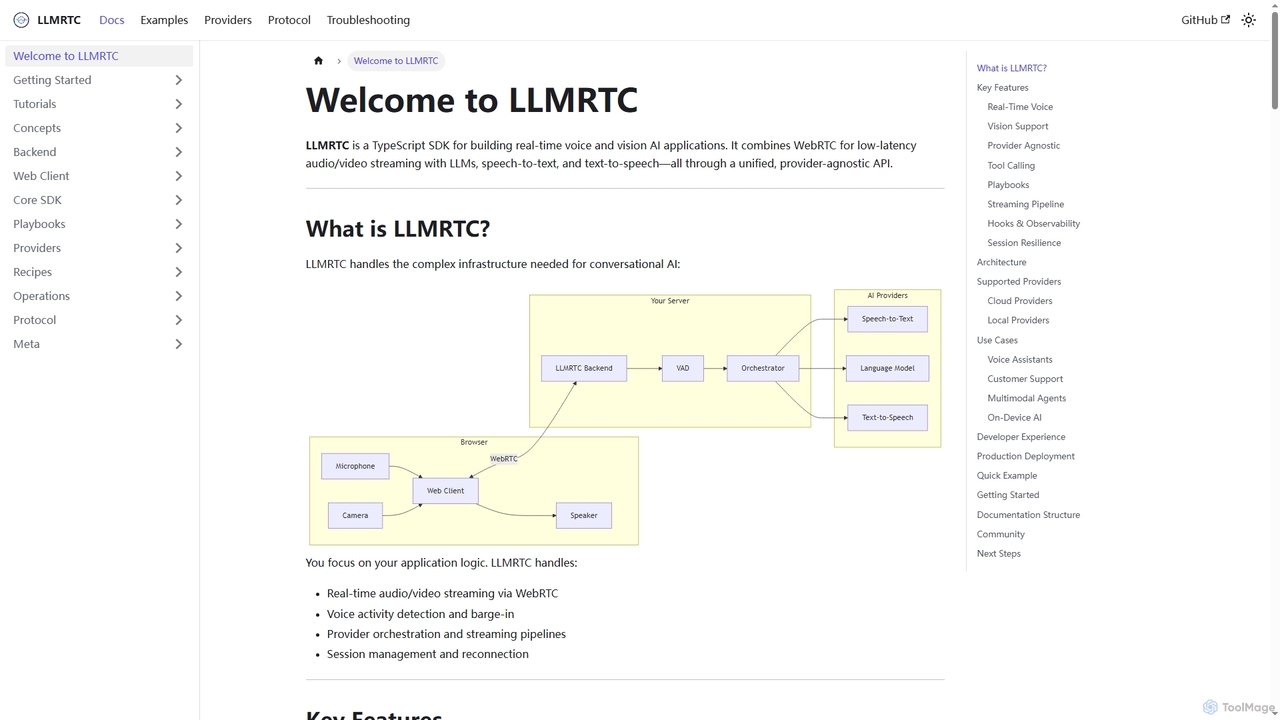
LLMRTC
LLMRTC is a TypeScript SDK for building real-time voice and vision AI applications. It integrates WebRTC for low-latency audio/video streaming with LLMs, speech-to-text, and text-to-speech technologies through a unified, provider-agnostic API. Developers can focus on application logic while LLMRTC handles complex conversational AI infrastructure.
Conversational AiVoyp
Voyp is an AI-powered call agent that makes phone calls on your behalf. Simply provide context via text or voice, and the intelligent assistant will handle tasks like booking appointments, making reservations, and conducting business calls, saving you time and effort.
Assistive TechnologyHeyLuna
HeyLuna is an AI-powered 3D virtual assistant designed to boost your productivity. It engages in natural language conversations, remembers past interactions, and integrates with essential apps like Gmail, Slack, and Google Calendar to automate tasks such as sending emails and scheduling meetings.
Email AssistantRole Model AI
Role Model AI is a powerful platform for creating custom AI assistants with your own voice, personality, and knowledge. It offers advanced voice cloning, integration with top AI models like GPT-4 and Claude 3, and a comprehensive suite of developer tools, including an API and console. Users can build specialized agents for tasks ranging from personal assistance and business advising to creative writing and financial analysis. The platform also includes an extensive directory of other AI tools.
Api Platform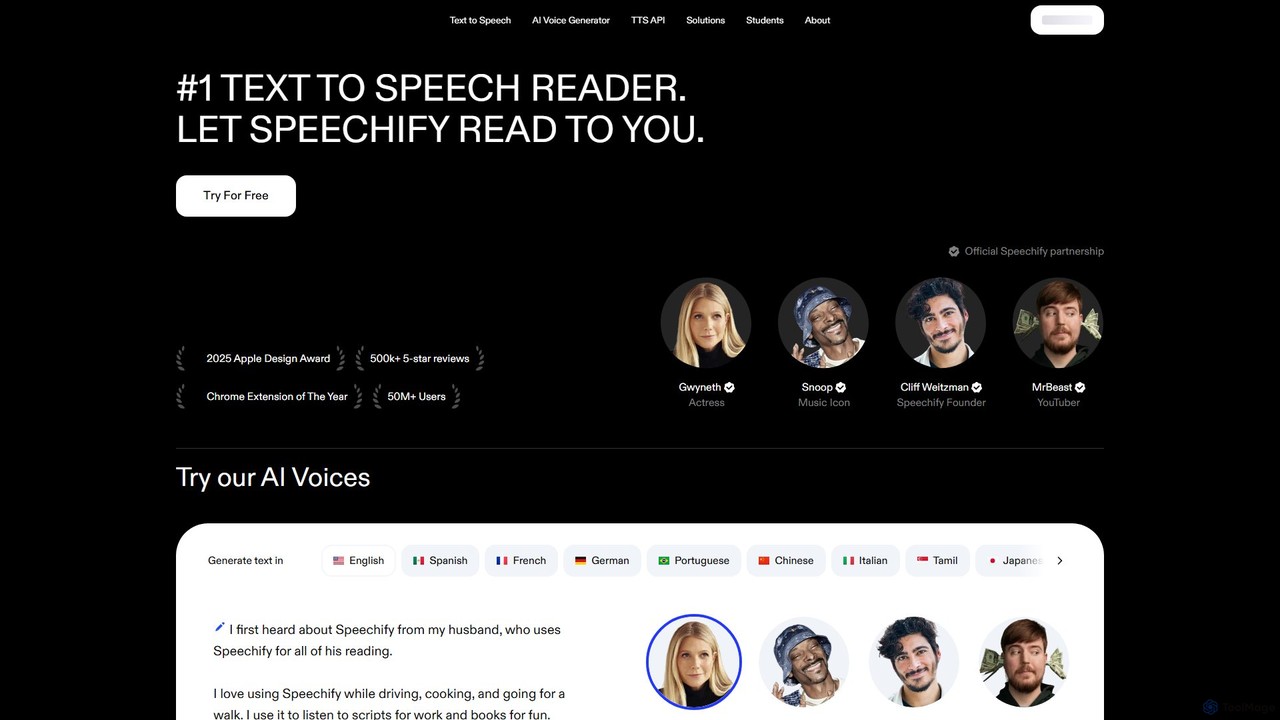
Speechify
Speechify is a leading AI-powered text-to-speech (TTS) reader that transforms any text into natural-sounding audio. It helps users listen to documents, articles, PDFs, and emails on any device, boosting productivity and making content more accessible. Ideal for students, professionals, and anyone with reading difficulties like dyslexia.
Text To Speech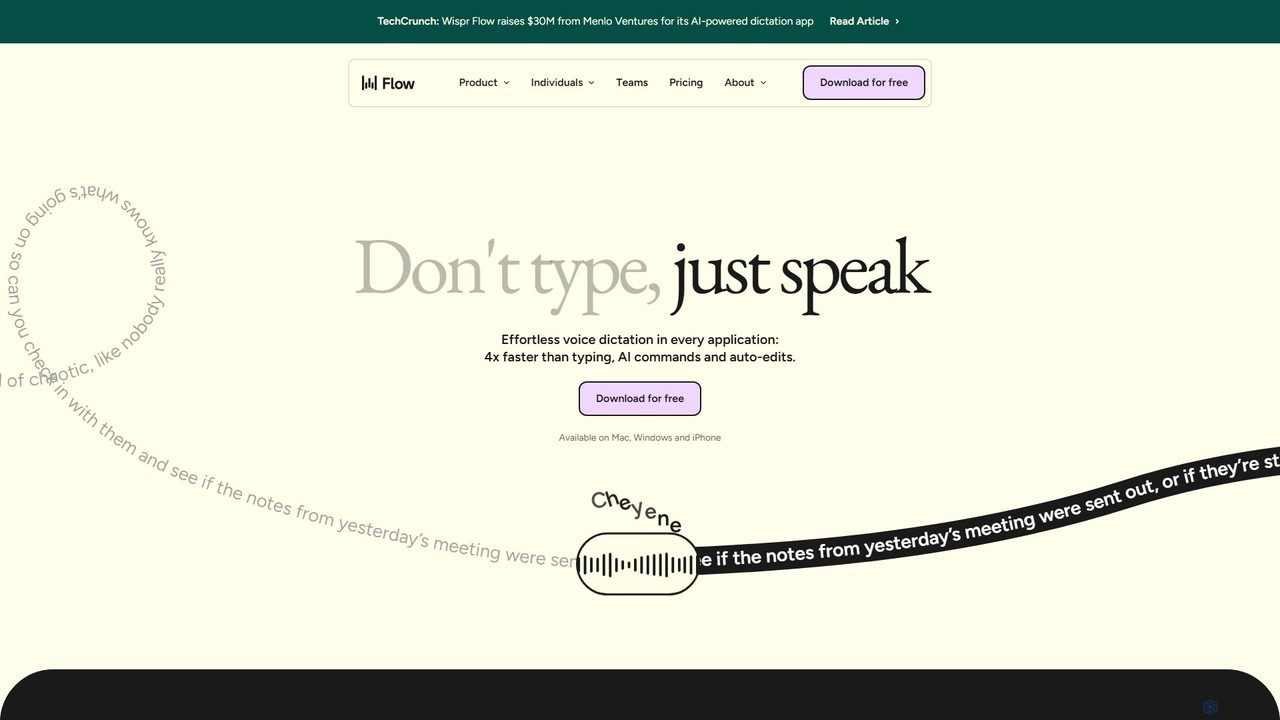
wisprflow
wisprflow is an AI-powered voice dictation application that transcribes speech into text 4x faster than typing. It works across Mac, Windows, and iPhone, featuring AI auto-edits, a personal dictionary, and support for over 100 languages. It's designed to boost productivity and provide accessibility for all users.
Assistive Technology
OpenAI API Playground
An interactive web-based interface for developers and researchers to experiment with OpenAI's powerful AI models like GPT-4 and DALL-E. Test prompts, adjust parameters, and generate code snippets for API integration without writing any initial code.
Personal
VoiceGPT Comments (0)
Sign in to comment.
Sign inNo comments yet.