
wisprflow Overview
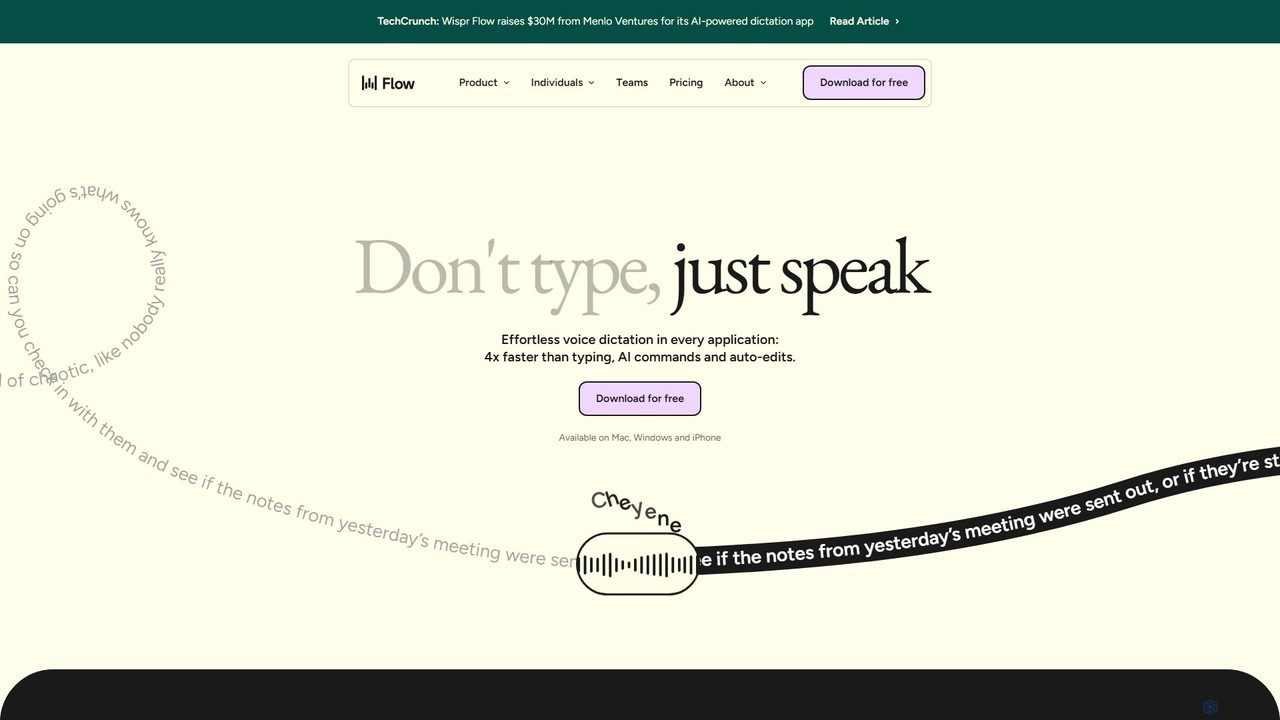
wisprflow is a revolutionary AI-powered voice dictation tool designed to transform how we interact with our devices. Developed by a team of AI researchers and engineers, its mission is to make communication as effortless as talking to a friend, reducing screen time and cognitive overload. wisprflow allows you to speak naturally while it transcribes, edits, and formats your words into clear, polished text in real-time. This makes it an indispensable tool for anyone who wants to write faster, from professionals drafting emails and reports to writers creating content, and developers coding. It operates seamlessly across all your applications on Mac, Windows, and iPhone, ensuring a consistent and efficient workflow wherever you are.
How to use wisprflow
Getting started with wisprflow is simple and intuitive. Follow these steps to integrate effortless voice dictation into your daily tasks:
- Download and Install: Download the wisprflow application for your device (Mac, Windows, or iPhone) from the official website.
- Onboarding: After installation, complete a brief onboarding process. You will automatically start a two-week free trial of the Pro plan.
- Start Dictating: To use wisprflow, simply press and hold a designated hotkey (like the control key) and start speaking in any application—be it a word processor, email client, or messaging app.
- Real-time Transcription: Watch as your speech is instantly converted into text. The AI automatically removes filler words (like 'umm' and 'uh'), corrects typos, and applies appropriate formatting.
- Use AI Commands (Pro): With the Pro plan, you can use 'Command Mode' to edit and rephrase text using integrations with powerful AI models like ChatGPT and Claude. For example, you can say "make this more professional" or "summarize this paragraph."
- Personalize Your Dictionary: wisprflow automatically learns unique words, names, and jargon you frequently use and adds them to your personal dictionary for even higher accuracy over time.
- Sync Across Devices: Your personal dictionary and notes sync seamlessly between your desktop and iPhone, allowing you to switch devices without losing context.
Core Features of wisprflow
- High-Speed Transcription: Dictate at up to 220 words per minute, which is approximately 4 times faster than average typing speed, significantly boosting your productivity.
- AI Auto Edits: The intelligent AI automatically cleans up your speech, removing filler words, stutters, and repetitions to produce clean, ready-to-use text.
- Personal Dictionary: The app learns and remembers your unique vocabulary, including names, technical terms, and acronyms, ensuring high accuracy tailored to you.
- Contextual Tone Adjustment: wisprflow can automatically adjust the tone of the transcription based on the application you are using, ensuring you always sound natural and appropriate.
- Multi-language Support: It automatically detects and transcribes in over 100 languages, allowing you to seamlessly switch between them without changing any settings.
- Cross-Platform Availability: Use wisprflow on your Mac, Windows PC, and iPhone, with all your data and preferences synced across devices.
- Command Mode: A Pro feature that integrates with leading AI models (ChatGPT, Claude, Perplexity) to allow for powerful voice-based text editing and manipulation.
- Accessibility Focused: Designed to empower users who find typing difficult or slow, including individuals with physical limitations like Parkinson's disease or repetitive strain injury.
Use Cases for wisprflow
wisprflow is a versatile tool for a wide range of users:
- Professionals and Executives: Quickly draft emails, reports, meeting notes, and messages, saving hours of typing each week.
- Writers and Journalists: Capture ideas in a flow state without the interruption of typing. Dictate articles, blog posts, and even entire book chapters.
- Students and Educators: Take detailed lecture notes, draft essays, and provide feedback more efficiently. Especially helpful for ESL students.
- Developers: Write code comments, document processes, and communicate with team members in Slack or other platforms without switching from the keyboard.
- Accessibility Users: Provides a vital alternative to typing for individuals with disabilities, making digital communication more accessible.
- Customer Support Teams: Respond to customer queries faster and with greater consistency across all platforms.
Advantages of wisprflow
The primary advantage of wisprflow is its ability to merge speed with intelligence. Unlike traditional dictation software, it doesn't just transcribe words; it understands intent. By cleaning up messy, rambling speech into structured text, it saves users the extra step of manual editing. Its seamless integration into any application means there's no need to copy and paste, preserving your workflow. The cross-platform sync and personal dictionary create a truly personalized and ubiquitous experience. For many, it becomes an indispensable part of their brain, helping to articulate thoughts clearly and efficiently.
Pricing and Plans
wisprflow offers a freemium model with plans to suit different needs:
- Flow Basic (Free): Includes 2,000 words per week, lightning-fast voice-typing, a personal dictionary, support for 100+ languages, and the iPhone app.
- Flow Pro ($12/month): Offers everything in Basic with unlimited words, Command Mode for AI editing, prioritized feature requests, and early access to new features.
- Flow Teams ($10/user/month): Includes all Pro features for a minimum of 3 users, plus centralized billing and administrative controls.
- Enterprise (Custom Pricing): Tailored for large organizations, this plan includes everything in Teams plus SOC 2 compliance, zero data retention options, SSO/SAML, and dedicated support.
A 14-day free trial of the Pro plan is available to all new users. Discounts are offered for students, educators, and non-profit organizations.
Traffic
Latest traffic
Status
Monthly traffic trend
- 2025-9: 1.4M
- 2026-1: 4.0M
- 2026-2: 4.4M
- 2026-3: 6.4M
- 2026-4: 5.5M
- 2026-5: 5.6M
Geography
Top 5 countries / regions
- 🇺🇸United States58.2%
- 🇮🇳India18.4%
- 🇬🇧United Kingdom10.8%
- 🇩🇪Germany6.9%
- 🇨🇦Canada5.7%
Traffic sources
| Source type | Percentage |
|---|---|
Direct | 73.1% |
Referral | 23.0% |
Email | 4.0% |
Top keywords
| Keyword | Cost per click |
|---|---|
| whisper flow | $0.82 |
| whisperflow | $1.56 |
| whispr flow | $1.58 |
| wisper flow | $1.57 |
| wispr flow | $1.44 |
wisprflow Videos on YouTube


The AI Productivity Coach



Никита Ефимов | ИИ и автоматизация
wisprflow Alternatives
Dictanote
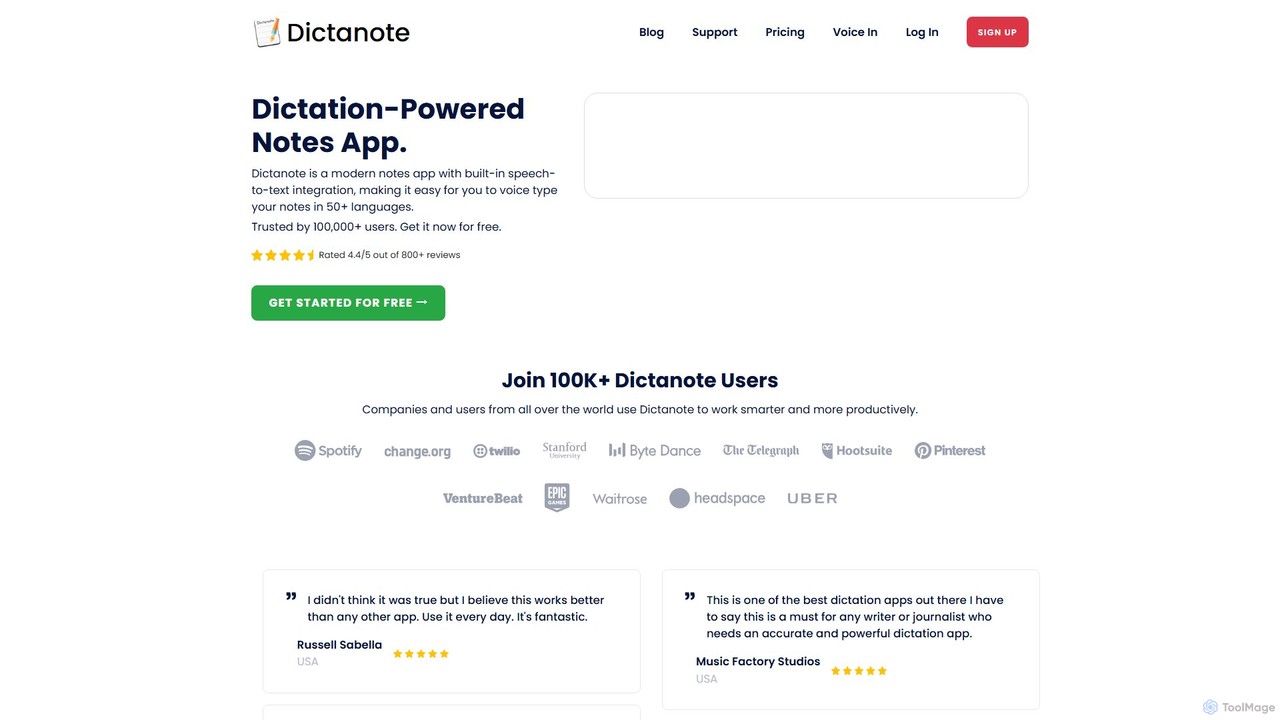
Dictanote is an AI-powered note-taking and transcription tool that converts your voice into text with high accuracy. It features a smart note editor, a Chrome extension for dictation on any site, and an AI assistant, AudioScribe, to summarize and rewrite your voice notes.
Speech To Text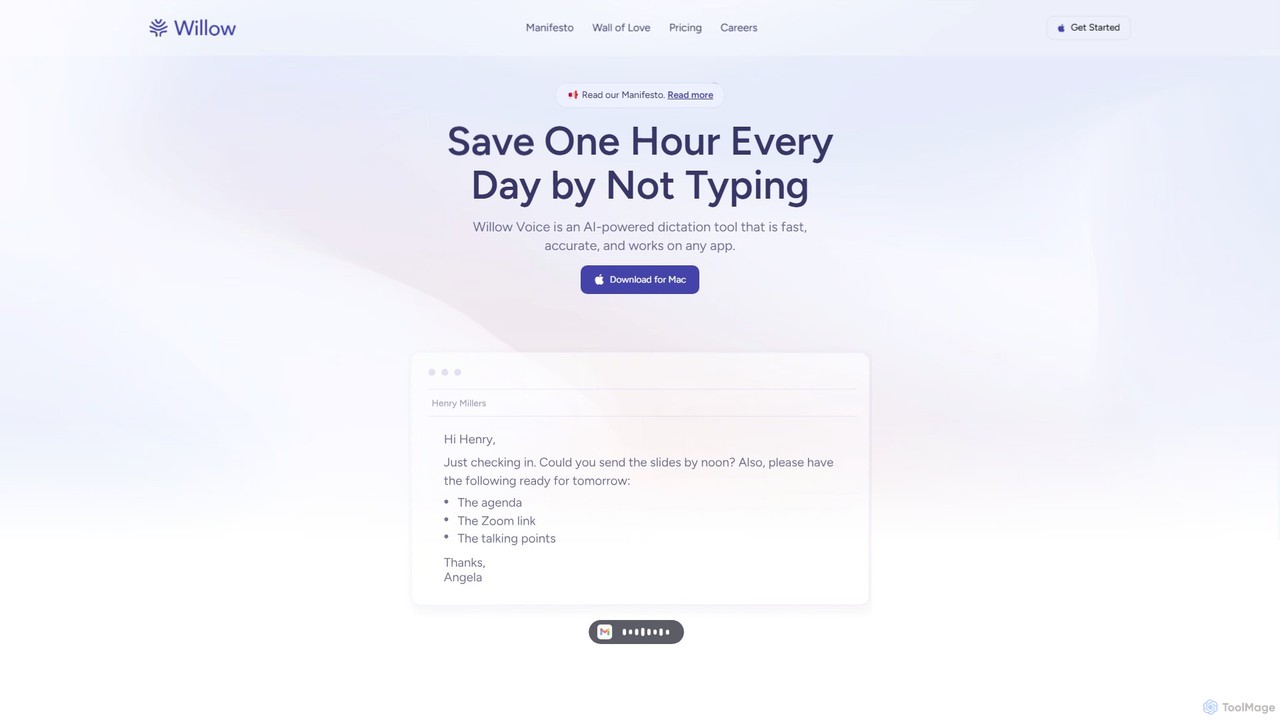
Willow Voice
Willow Voice is an AI-powered dictation app for Mac that transforms your speech into clear, formatted, and personalized text. It works seamlessly in any application, learning your unique style and vocabulary to dramatically increase writing speed and productivity. Say goodbye to typing and hello to the future of communication.
Speech To Text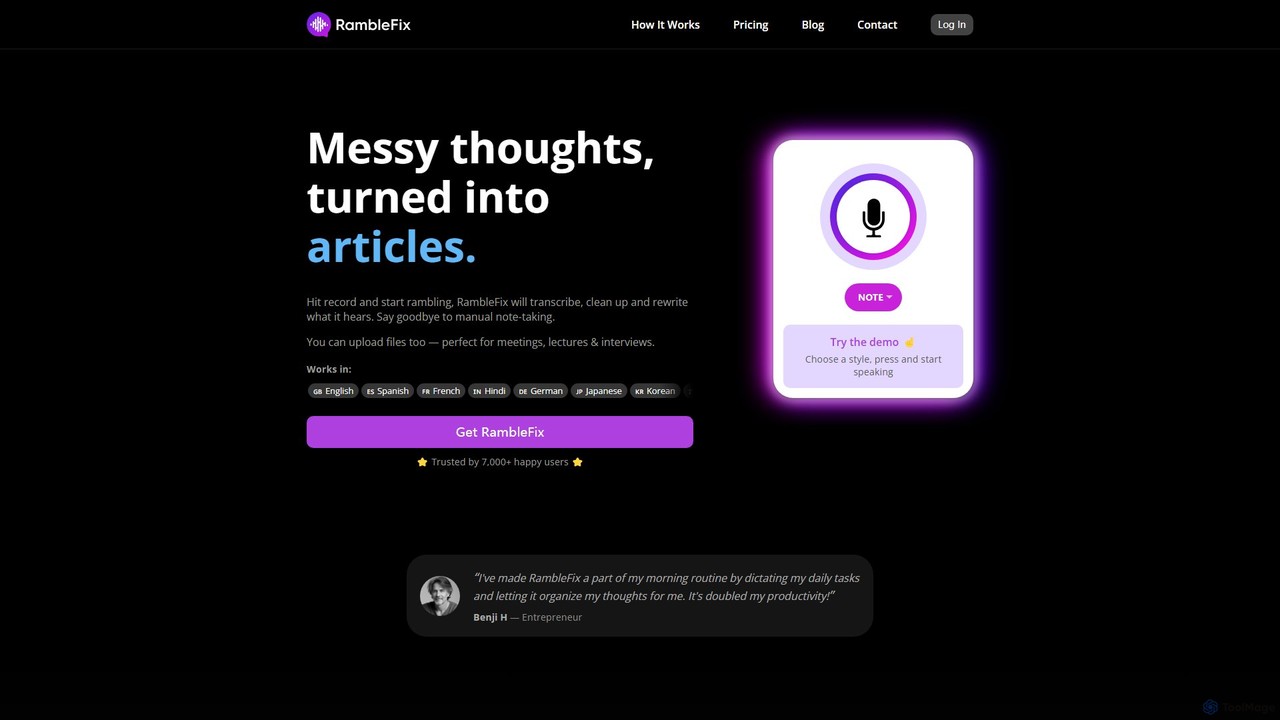
RambleFix
RambleFix is an AI-powered tool that transforms your scattered voice notes and ramblings into structured, polished text. Simply record your thoughts or upload an audio file, and the AI will transcribe, clean up, and rewrite your content into articles, emails, social posts, or organized lists. It supports over 30 languages, making it perfect for boosting productivity, overcoming writer's block, and creating content effortlessly.
Transcription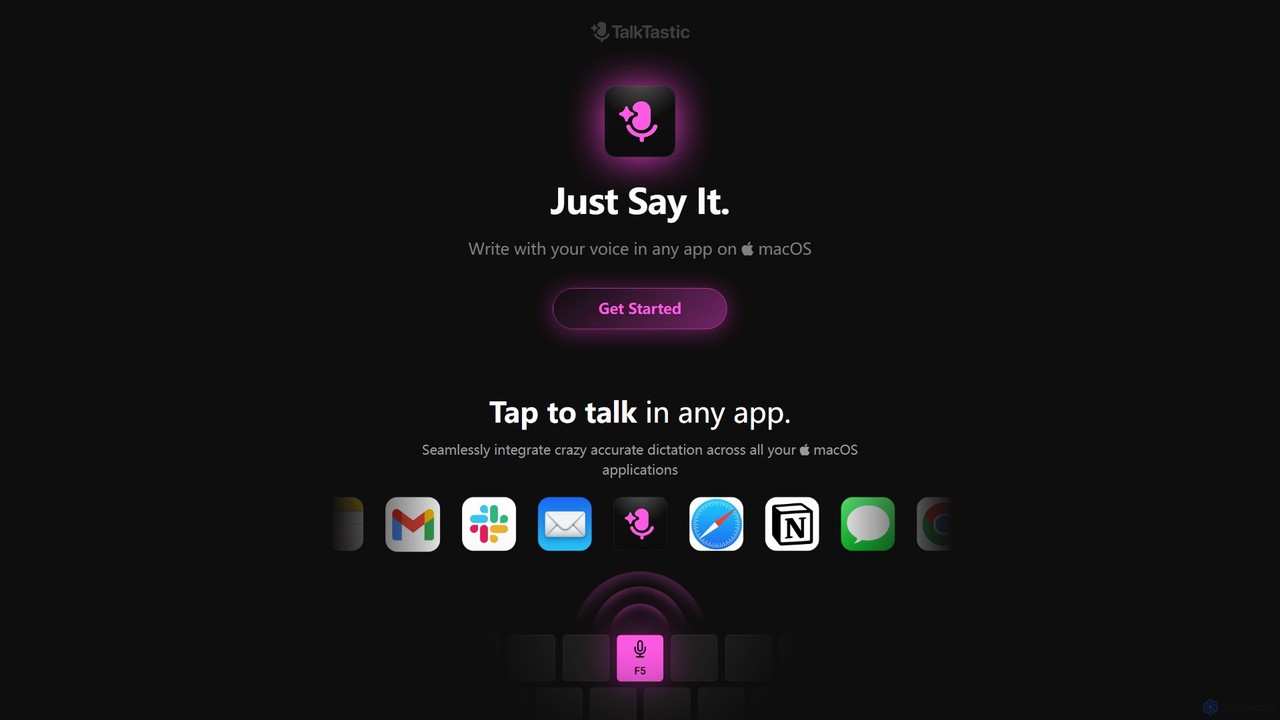
TalkTastic
TalkTastic is a revolutionary AI-powered dictation app for macOS that lets you write with your voice in any application. It goes beyond simple speech-to-text by using multimodal AI to understand on-screen context, ensuring highly accurate, context-aware transcriptions and smart rewrites in your personal style. Boost your productivity and stop typing.
Speech To Text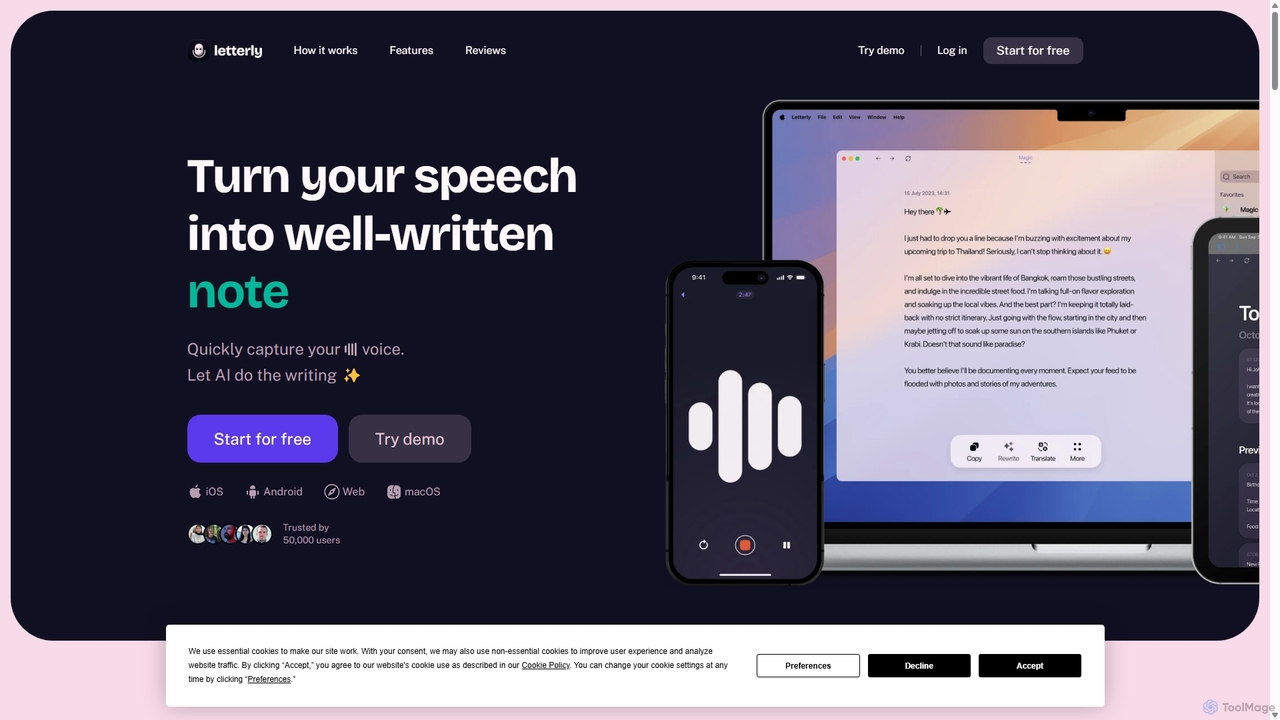
Letterly
Letterly is an AI-powered mobile and desktop app that transforms your spoken words into clear, well-written text. It's more than just transcription; it uses AI to structure, rewrite, and format your voice notes into ready-to-use emails, social media posts, journal entries, to-do lists, and more, supporting over 90 languages.
Transcriptionwisprflow Categories
wisprflow Embed Widget
Copy this embed code to place the badge on your blog, article, or product site and send readers directly to this ToolMage detail page.

Related AI tools
Dictanote
Dictanote is an AI-powered note-taking and transcription tool that converts your voice into text with high accuracy. It features a smart note editor, a Chrome extension for dictation on any site, and an AI assistant, AudioScribe, to summarize and rewrite your voice notes.
Speech To TextWillow Voice
Willow Voice is an AI-powered dictation app for Mac that transforms your speech into clear, formatted, and personalized text. It works seamlessly in any application, learning your unique style and vocabulary to dramatically increase writing speed and productivity. Say goodbye to typing and hello to the future of communication.
Speech To TextRambleFix
RambleFix is an AI-powered tool that transforms your scattered voice notes and ramblings into structured, polished text. Simply record your thoughts or upload an audio file, and the AI will transcribe, clean up, and rewrite your content into articles, emails, social posts, or organized lists. It supports over 30 languages, making it perfect for boosting productivity, overcoming writer's block, and creating content effortlessly.
TranscriptionTalkTastic
TalkTastic is a revolutionary AI-powered dictation app for macOS that lets you write with your voice in any application. It goes beyond simple speech-to-text by using multimodal AI to understand on-screen context, ensuring highly accurate, context-aware transcriptions and smart rewrites in your personal style. Boost your productivity and stop typing.
Speech To Text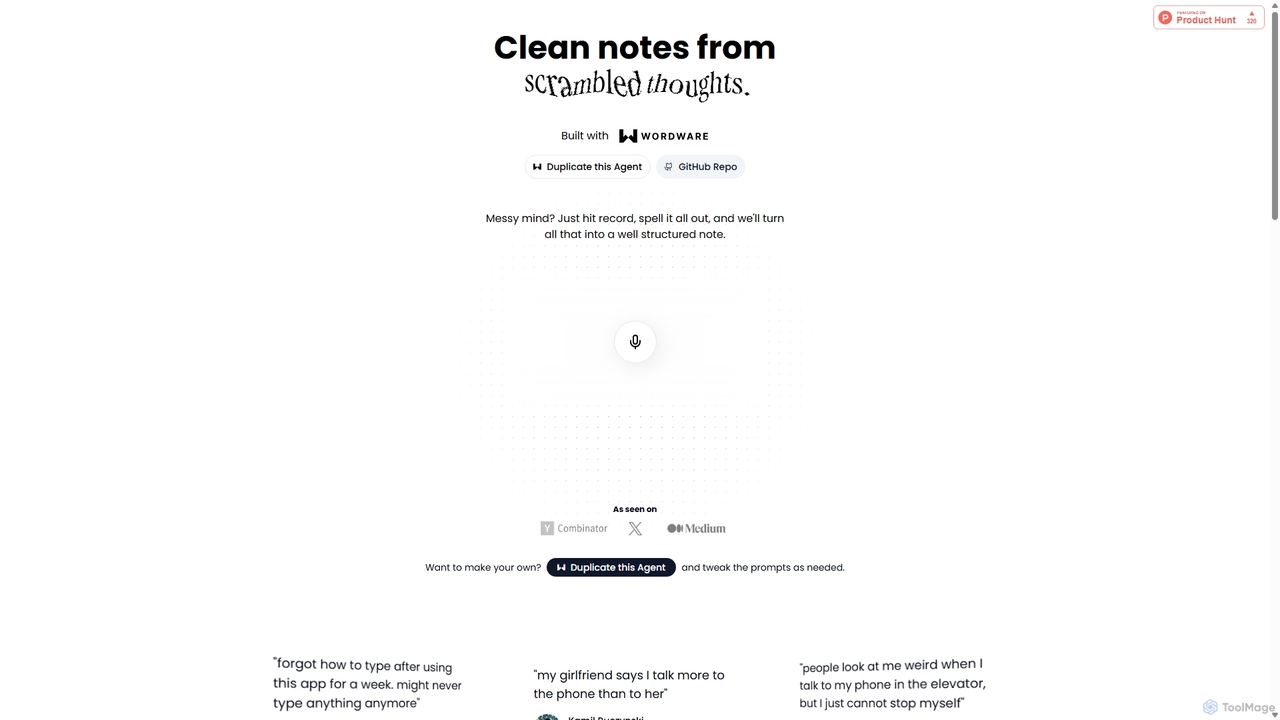
Audioscribe
Audioscribe is an AI-powered tool that transforms your messy, spoken thoughts into clean, well-structured notes. Simply record your voice, and the AI will transcribe, organize, and format your ideas into coherent text for project plans, emails, journals, and more, streamlining your workflow and boosting productivity.
Speech To Text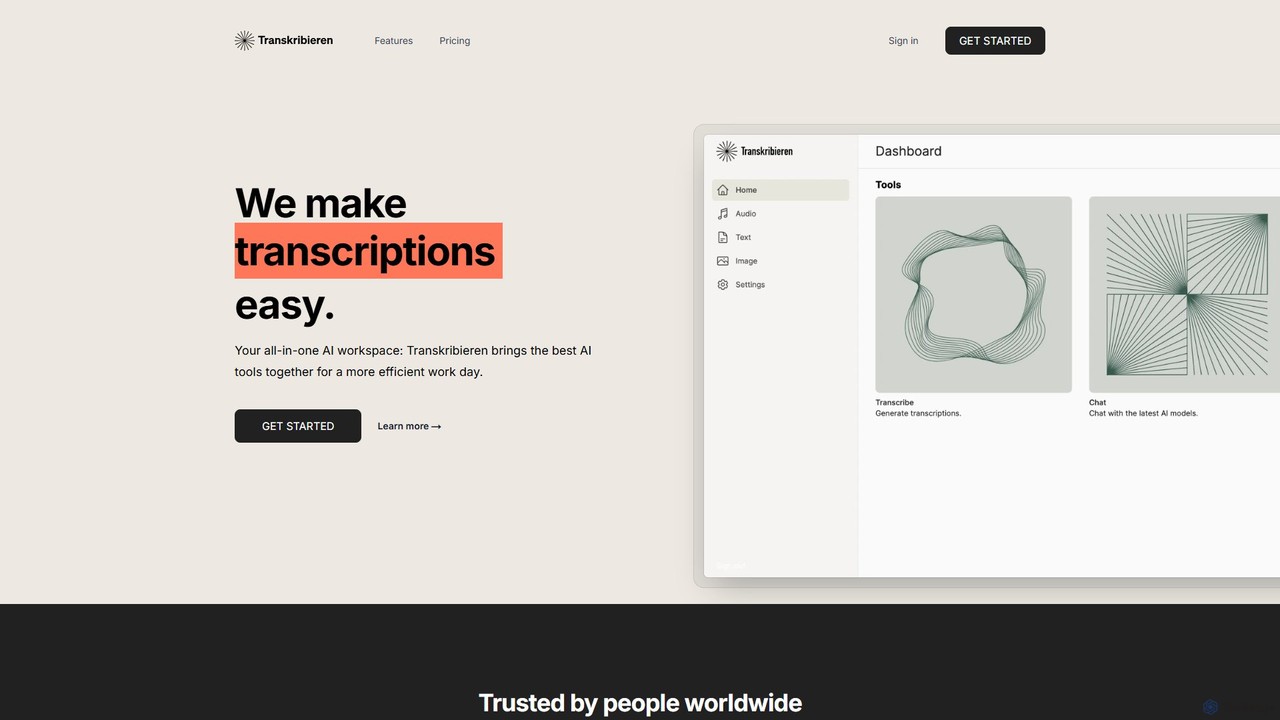
transkribieren
transkribieren is an all-in-one AI platform that combines high-accuracy audio transcription, an intelligent chatbot powered by GPT-4, and text-to-image generation. It supports 57 languages, offering a fast, versatile solution for professionals, content creators, and researchers to transform their audio, text, and image-based projects efficiently.
Speech To TextLetterly
Letterly is an AI-powered mobile and desktop app that transforms your spoken words into clear, well-written text. It's more than just transcription; it uses AI to structure, rewrite, and format your voice notes into ready-to-use emails, social media posts, journal entries, to-do lists, and more, supporting over 90 languages.
Transcription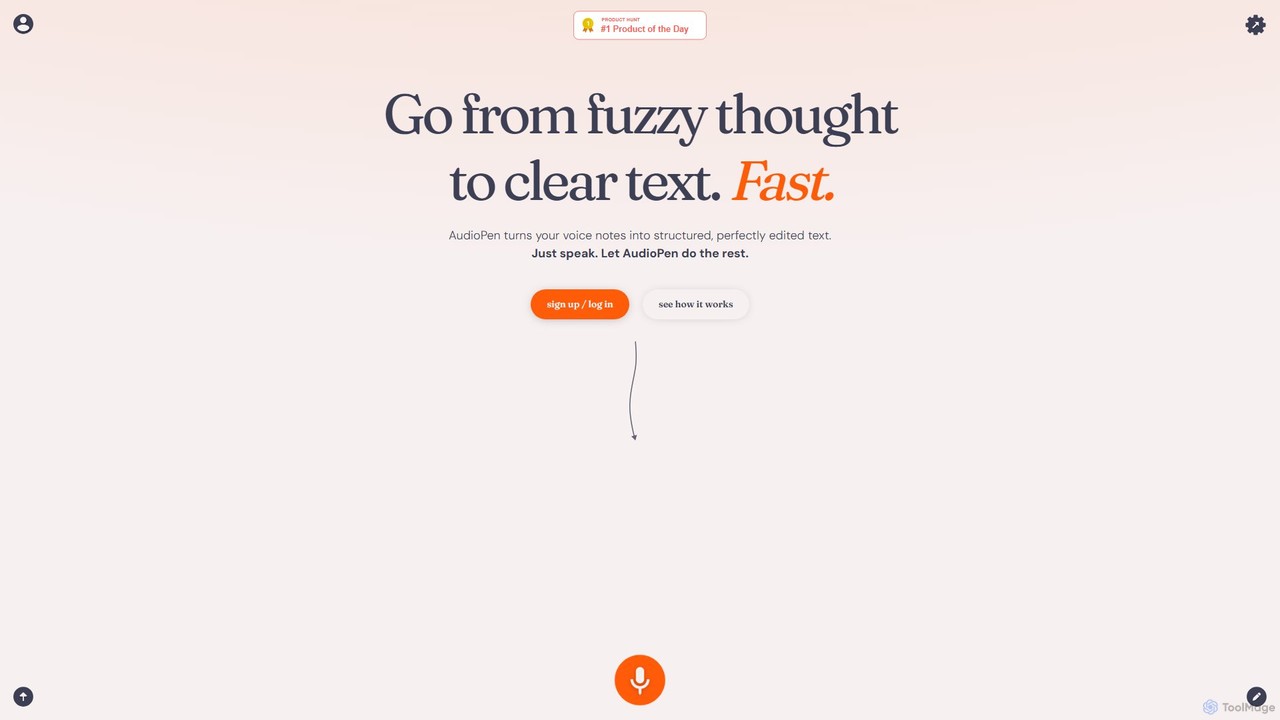
AudioPen
AudioPen is an AI-powered tool that converts unstructured voice notes into clear, well-written text. Simply record your thoughts, and AudioPen will transcribe, summarize, and rewrite them into coherent summaries, blog posts, emails, or lists. It's designed to help you capture ideas on the go without the hassle of typing.
Transcription
AudioNote
AudioNote is an AI-powered tool that transforms your spoken ideas and audio recordings into structured, professional text. It accurately transcribes voice notes and uses AI to summarize, organize, and even rewrite your content. Supporting over 30 languages, it's perfect for capturing fleeting thoughts, drafting content, and boosting productivity without typing.
Transcription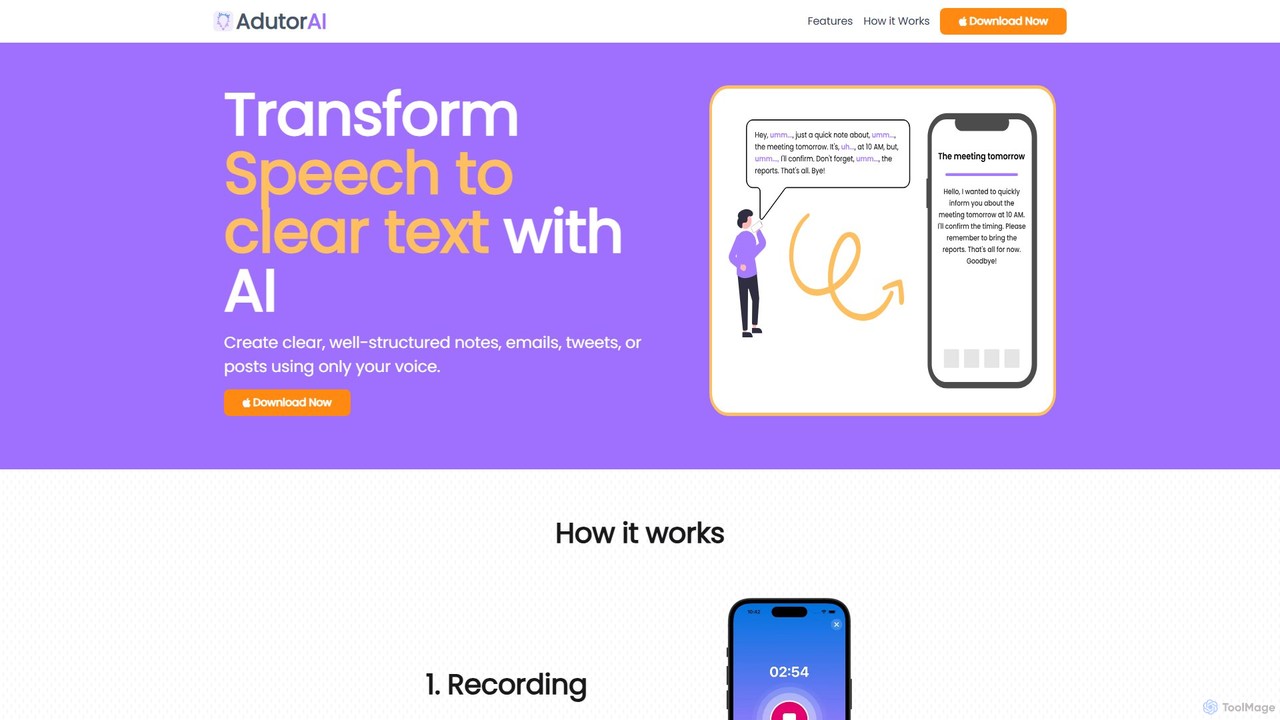
AdutorAI
AdutorAI is an AI-powered application that transforms your speech into clear, well-structured text. Simply record your voice, and the tool will generate organized notes, emails, social media posts, or summaries. It features advanced functions like transcription, summarization, translation, and content restyling, making it a versatile productivity companion.
Transcription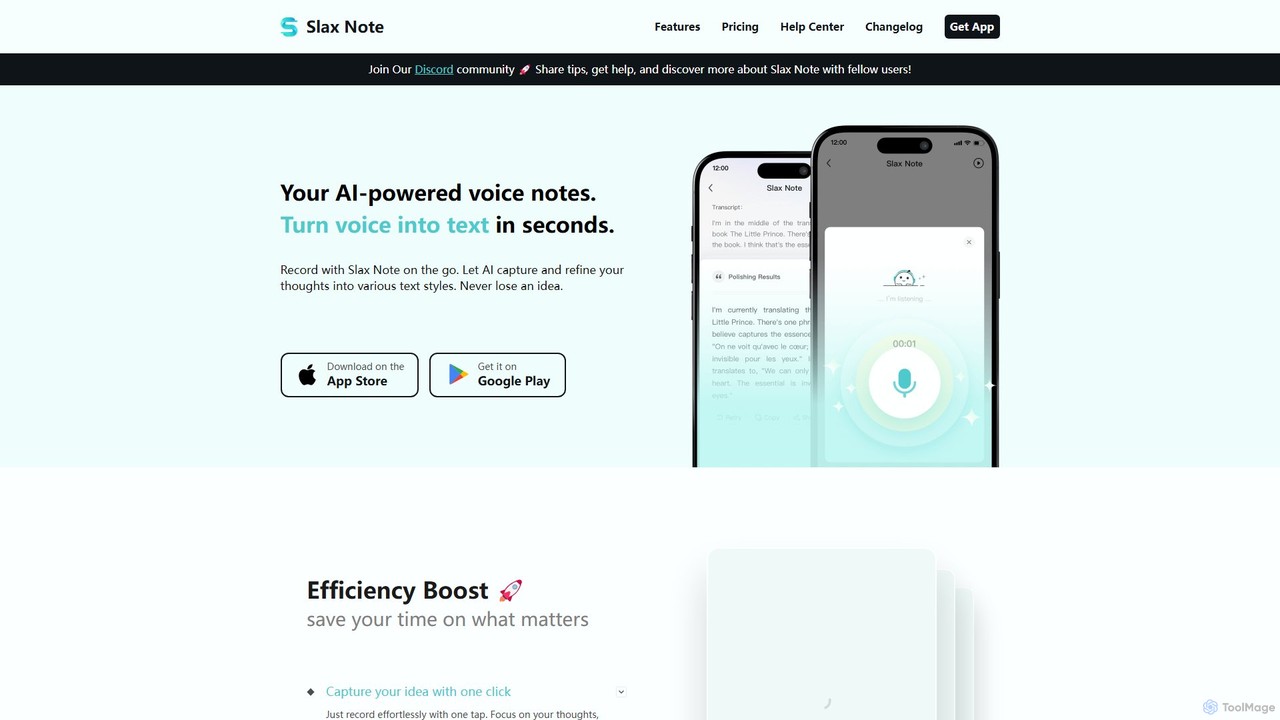
Slax Note
Slax Note is an AI-powered voice notes app that transforms your speech into structured, polished text. Effortlessly capture ideas on the go, and let AI transcribe, summarize, and reformat your thoughts into various styles. Ideal for content creators, professionals, and students to boost productivity.
Transcription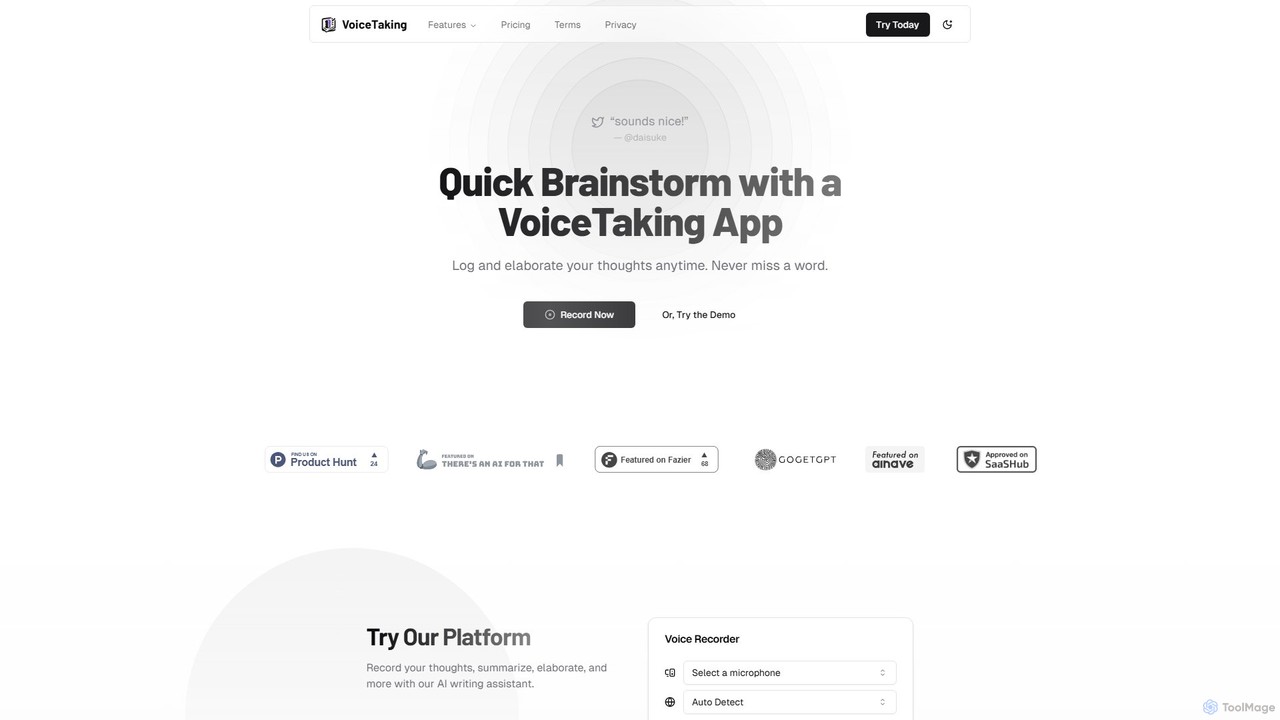
VoiceTaking
VoiceTaking is an AI-powered platform that transforms spoken ideas into structured text. It combines high-accuracy voice transcription with a Notion-like editor and an AI writing assistant, allowing users to record, transcribe, summarize, and elaborate on their thoughts seamlessly. It's designed for quick brainstorming, efficient note-taking, and asynchronous team collaboration.
Transcription
jotapp
jotapp is an AI-powered note-taking and writing assistant designed to streamline your workflow. Effortlessly capture ideas, transcribe audio, summarize content, and generate high-quality text, all within a clean, intuitive interface. It's the perfect tool for students, writers, and professionals looking to boost productivity and creativity.
Transcription
Notta
Notta is an AI-powered transcription service that converts audio and video to text with high accuracy. It offers real-time transcription, AI summaries, speaker identification, and translation in 58 languages, streamlining workflows for meetings, interviews, and lectures.
Speech To Text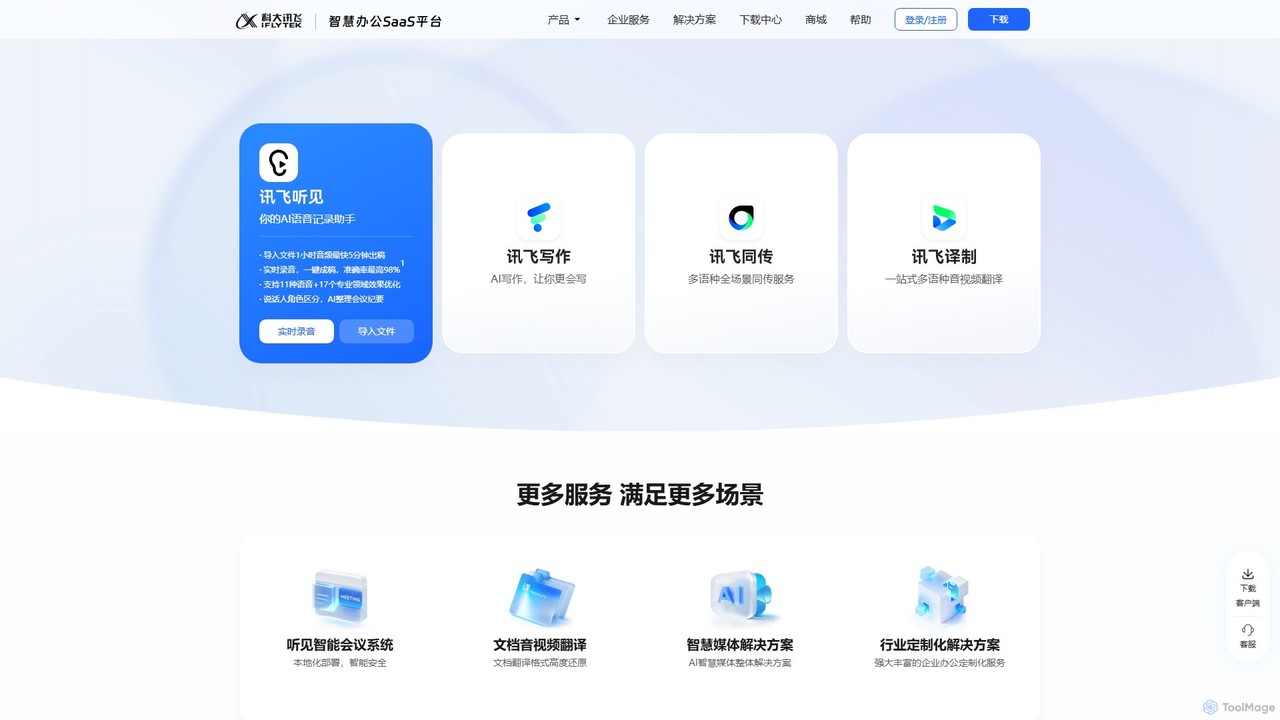
iflyrec
iFlyrec is an AI-powered voice assistant from iFlytek, specializing in high-accuracy speech-to-text transcription, real-time translation, and intelligent document generation. It supports multiple languages and professional domains, offering solutions for meetings, interviews, lectures, and content creation to boost productivity for professionals, students, and enterprises.
Speech To Text
wisprflow Comments (0)
Sign in to comment.
Sign inNo comments yet.