Dictanote
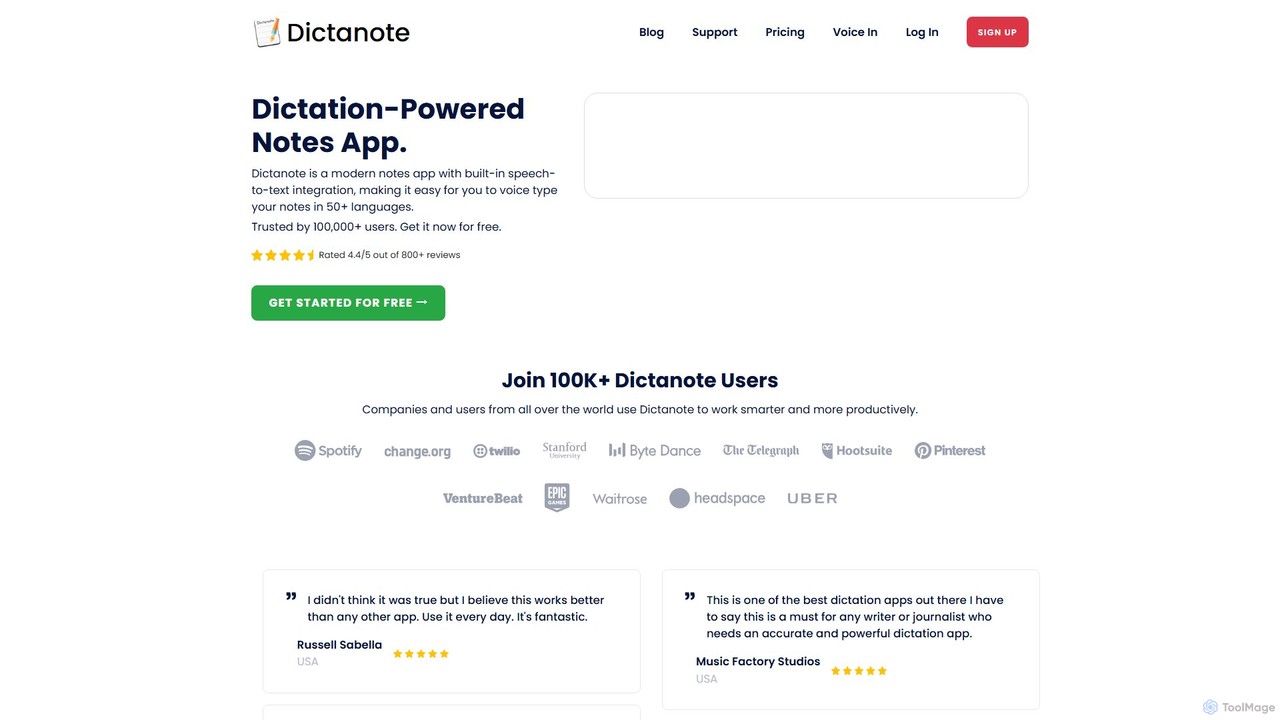
Dictanote is an AI-powered note-taking and transcription tool that converts your voice into text with high accuracy. It …
Dictanote is an AI-powered note-taking and transcription tool that converts your voice into text with high accuracy. It features a smart note editor, a Chrome extension for dictation on any site, and an AI assistant, AudioScribe, to summarize and rewrite your voice notes.
Dictation.io
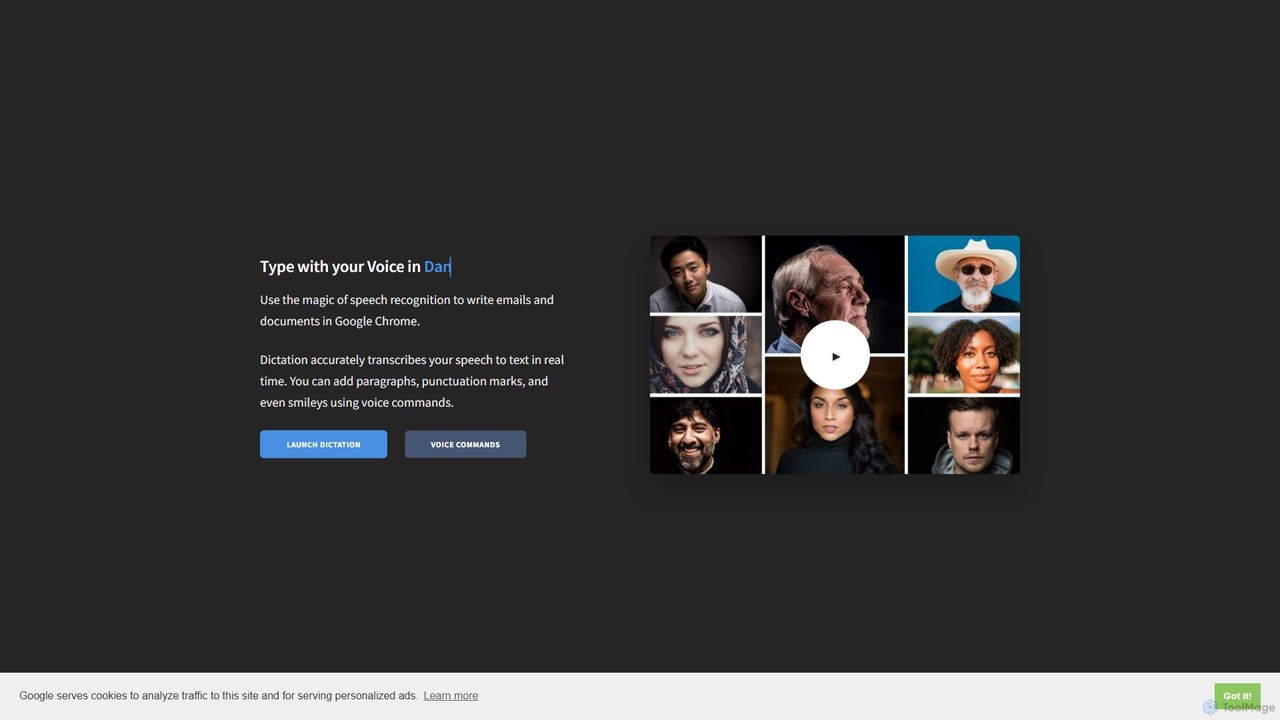
Dictation.io is a free, web-based speech-to-text application that allows you to type with your voice in over 100 …
Dictation.io is a free, web-based speech-to-text application that allows you to type with your voice in over 100 languages. It uses Google's speech recognition for fast, real-time transcription directly in your Chrome browser, with no data stored online, ensuring privacy.
About Speech To Text
Speech To Text tools are a class of AI software that automatically convert spoken language into written text. They utilize advanced Automatic Speech Recognition (ASR) models to accurately identify words, punctuation, and even speaker identities from audio or video files. These tools are crucial for creating searchable archives, generating transcripts for content accessibility, and enabling voice-controlled applications. Their primary value lies in saving significant manual transcription time and making audio-visual content more accessible and useful.
Core Features
- High-Accuracy Transcription: Converts audio to text with high precision, supporting various accents and dialects.
- Speaker Diarization: Identifies and labels different speakers within a single audio recording.
- Real-Time Transcription: Transcribes spoken words into text as they are being said, enabling live captioning.
- Custom Vocabulary: Allows users to add specific terms, names, or jargon to improve recognition accuracy.
- Timestamping: Generates word-level or sentence-level timestamps to sync text with the original audio.
Use Cases
These tools are widely used in media for subtitling, in business for transcribing meetings and interviews, and in legal and medical fields for creating accurate records. Developers also integrate Speech To Text APIs to build voice-activated commands and dictation features into their applications, enhancing both productivity and accessibility.
How to Choose
When selecting a Speech To Text tool, consider its accuracy rate for your specific language and industry. Evaluate its support for real-time versus batch processing, speaker diarization capabilities, and the ease of API integration. Also, compare pricing models, which may be based on minutes of audio processed or a subscription plan.
Speech To TextUse Cases
Transcribing Academic Lectures and Interviews
For students and researchers, manually transcribing hours of recorded lectures or qualitative interviews is a time-consuming task. A Speech To Text tool automates this process entirely. By uploading audio files, users can receive a full, accurate transcript within minutes. Features like speaker diarization automatically label who is speaking, and timestamps link the text directly to the audio for easy verification. This saves dozens of hours, making content searchable for study, analysis, and accurate citation in academic papers.
Creating Subtitles and Captions for Video Content
Content creators and video editors need to make their videos accessible and engaging. Speech To Text tools are essential for this. They analyze a video's audio track and automatically generate a time-coded subtitle file (e.g., SRT or VTT). This not only makes the content accessible to viewers who are deaf or hard of hearing but also improves SEO on platforms like YouTube. It also benefits viewers in noisy environments or those who watch with the sound off. The process is significantly faster than manual captioning, improving production workflow efficiency.
Documenting Client Meetings and Sales Calls
For sales teams and project managers, capturing every detail from a client call is critical. Instead of frantic note-taking, a real-time Speech To Text tool can transcribe the entire conversation as it happens. This allows professionals to focus on the conversation itself. After the meeting, they have a complete, searchable text record. Many tools can even identify action items, summarize key points, and integrate with CRM systems to automatically log call notes, ensuring no follow-up tasks or client requirements are missed.
Enabling Voice Commands in Applications
Software developers use Speech To Text APIs to build voice-controlled features, enhancing user experience and accessibility. For example, a smart home app can use an STT API to interpret commands like "turn on the living room lights." The API captures the user's speech, converts it to a text string in real-time, and sends it to the application's logic for execution. This enables hands-free operation, which is not only convenient but also essential for users with physical disabilities, directly contributing to digital accessibility.
Generating Transcripts for Podcasts and Broadcast Media
Podcasters and journalists can significantly expand their audience reach by providing text transcripts of their audio content. Using a Speech To Text tool, they can automatically generate a full transcript of an episode or news segment. This transcript can be published on a website as a blog post, making the content indexable by search engines and improving SEO. It also provides an alternative way for the audience to consume the content, catering to those who prefer reading or need to quickly find a specific topic discussed in the audio.
Assisting in Legal and Medical Dictation
Professionals in the legal and medical fields, such as lawyers and doctors, rely on accurate documentation. Speech To Text tools specialized for these industries offer high accuracy for complex terminology. By using a dictation feature, they can speak their case notes, patient reports, or correspondence much faster than typing. These tools often include custom vocabularies that can be trained with specific legal or medical jargon, ensuring that critical details are captured correctly. This streamlines the documentation process, reduces administrative burden, and minimizes the risk of errors.