ToolMage
Sign in

Best 3 Communication AI tools for Accessibility

Popular Communication AI tools in Accessibility include signs_ai, Caplo, and NotchLive, helping you work more efficiently.

Caplo
Paid

Caplo

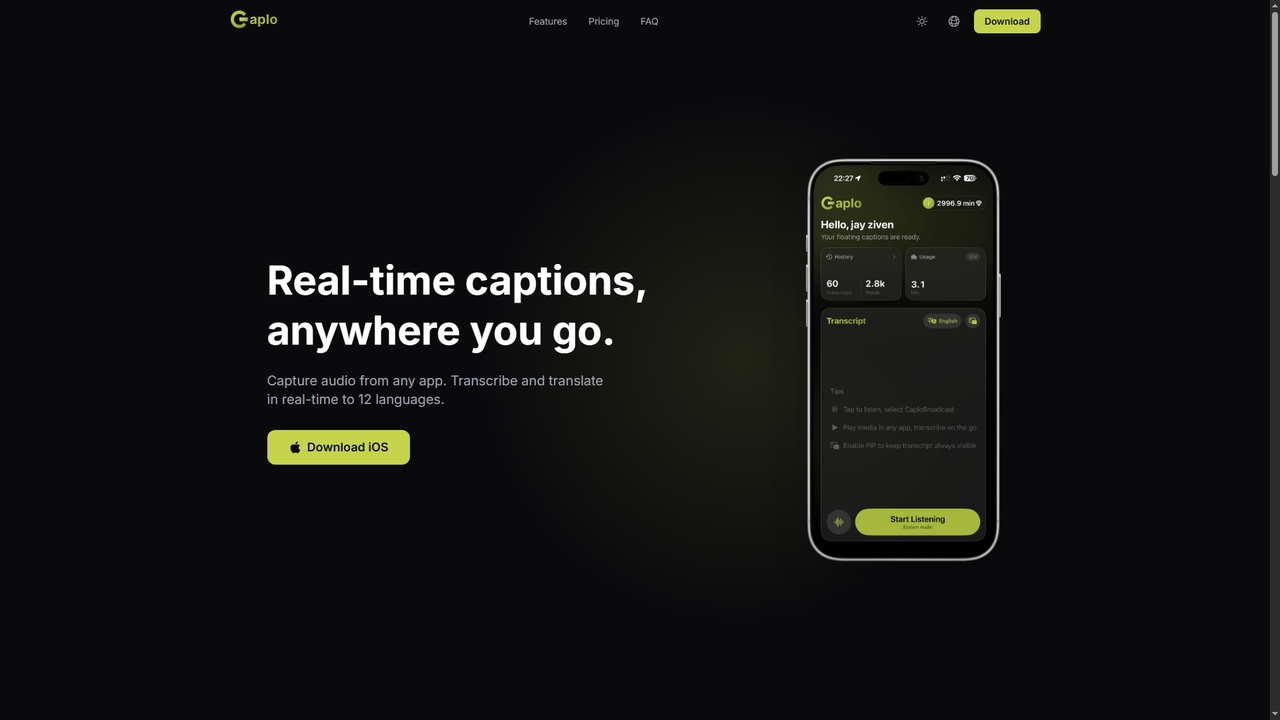
Caplo is an iOS app that provides real-time transcription and translation captions for any audio source on your device. It captures system audio or microphone input, transcribes it instantly, and translates it into 12 languages. The captions are displayed in a Picture-in-Picture floating window, making them perfect for live sports, unsubtitled videos, online courses, video calls, and more.

Communication
Visits 4.2KFavorites 20Likes 17
NotchLive
Freemium

NotchLive

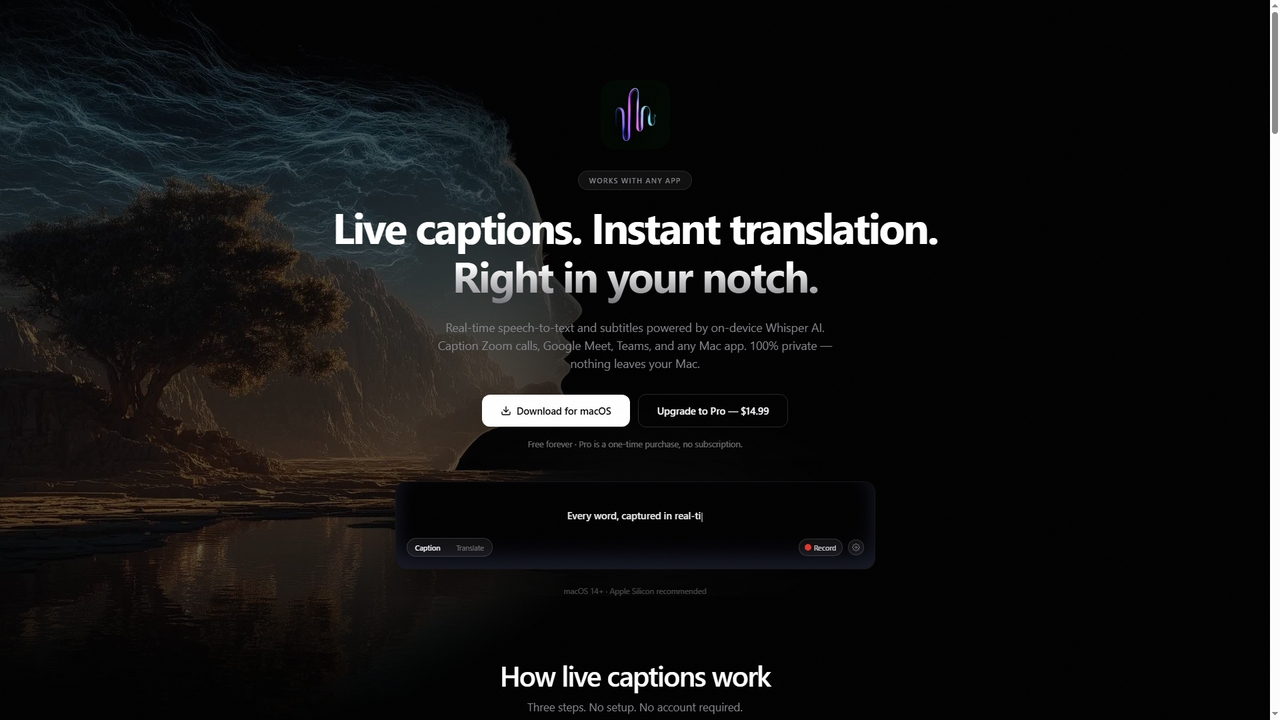
NotchLive is a native macOS application that provides real-time, on-device live captions and translation directly within your MacBook's notch. It uses OpenAI's Whisper AI for speech-to-text and Apple Translation for instant language conversion, ensuring 100% privacy as all processing occurs locally on your Mac.

Communication
Visits 4.1KFavorites 15Likes 20
signs_ai
Free

signs_ai

signs_ai is a community-driven AI project by NVIDIA to create a comprehensive American Sign Language (ASL) dataset. By contributing short video recordings of signs, you can help train AI models to better understand ASL, fostering greater communication accessibility for the Deaf and Hard of Hearing community. This initiative focuses on building a diverse and unbiased dataset to power the next generation of assistive technologies.

Communication
Visits 8.3KFavorites 122Likes 118

About Communication

AI Communication tools are a specialized category of assistive technology designed to help individuals with speech, language, or hearing impairments express themselves and interact with others. Leveraging advanced technologies like Text-to-Speech (TTS), Speech-to-Text (STT), and Natural Language Processing (NLP), these tools convert text, symbols, or other inputs into audible speech or readable text. Their primary value lies in breaking down communication barriers, fostering independence, and enabling more meaningful social participation for users. Many tools offer high levels of personalization, allowing for custom vocabularies and even personalized synthetic voices.

Core Features

  • Augmentative and Alternative Communication (AAC): Generates speech from symbols, photos, or text to support non-verbal users.
  • Real-time Transcription: Converts spoken language into written text instantly for individuals with hearing loss.
  • Text-to-Speech (TTS) with Personalization: Transforms written text into natural-sounding speech, with options to create a personalized voice.
  • Predictive Text and Sentence Building: Suggests words and phrases based on context to speed up communication for users with motor or language difficulties.
  • Sign Language Recognition/Translation: Interprets or generates sign language to bridge communication between deaf and hearing communities.

Use Cases

These tools are crucial in educational settings for students with communication disorders, in clinical environments for speech therapy, and for daily life for individuals with conditions like ALS, cerebral palsy, autism, or aphasia. They are used on dedicated devices, tablets, and smartphones to facilitate conversations, participate in classes, and interact in the workplace.

How to Choose

When selecting a tool, consider the user's specific communication needs (e.g., expressive vs. receptive), their physical and cognitive abilities, and the required input method (touch, eye-gaze, switch). Also evaluate the tool's vocabulary customization options, voice quality and personalization features, device compatibility, and integration with other assistive technologies.

Featured tool rankings

Communication use cases

1

Daily Communication for Non-Verbal Individuals

An individual with non-verbal autism uses a tablet-based AAC application. By tapping a sequence of picture symbols (e.g., 'I want' + 'apple' + 'please'), the app generates a clear, synthesized voice sentence. This allows them to express needs, wants, and feelings to family, teachers, and caregivers, reducing frustration and promoting social interaction. The system's predictive logic can even suggest relevant next symbols based on common routines, making communication faster and more intuitive.

2

Real-time Participation in Meetings for the Hard of Hearing

A professional with hearing loss uses an AI-powered transcription app on their smartphone or laptop during a business meeting. The app listens to the conversation through the device's microphone and provides a real-time, scrolling text transcript. This enables them to follow the discussion accurately, understand key decisions, and contribute their own points without missing critical information. Some advanced tools can even identify different speakers, making the transcript easier to follow.

3

Voice Preservation for Individuals with Degenerative Conditions

A person recently diagnosed with a neurodegenerative disease like ALS (Amyotrophic Lateral Sclerosis), which will eventually affect their speech, uses a voice banking tool. They record a series of phrases, and the AI model learns the unique characteristics of their voice. Later, when they can no longer speak, this personalized synthetic voice can be integrated into a Text-to-Speech device, allowing them to communicate with a voice that is recognizably their own, preserving a key part of their identity.

4

Aiding Language Recovery After a Stroke

A stroke survivor experiencing aphasia uses a communication app designed for language rehabilitation. The tool provides features like predictive sentence starters and symbol-based communication grids. When trying to formulate a message, the user can type the first few letters, and the AI will suggest contextually relevant words and phrases, helping them overcome word-finding difficulties. This not only facilitates immediate communication but also serves as a therapeutic tool to rebuild language pathways.

5

Bridging Gaps with Sign Language Translation

A deaf student in a university lecture uses an AI tool that translates the professor's spoken words into a real-time 3D sign language avatar on their tablet. Conversely, they can use the device's camera to sign a question, and the tool translates their signs into text or synthesized speech for the professor to understand. This technology facilitates seamless, two-way communication in environments where a human interpreter may not be available, promoting greater educational inclusion.

6

Supporting Children with Apraxia of Speech

A child with Childhood Apraxia of Speech (CAS), a motor speech disorder, uses a specialized therapy app. The app presents target words and uses AI-powered speech recognition to provide instant visual and auditory feedback on their pronunciation. It can analyze the child's attempts, highlight errors in sound production, and guide them toward clearer speech. This gamified, interactive approach makes therapy more engaging and helps the child build motor planning skills for speech more effectively.

Communication FAQ

What are AI Communication tools in the context of accessibility?

AI Communication tools for accessibility are assistive technologies that help individuals with communication impairments to speak, write, or understand language. They use AI to power features like Text-to-Speech (TTS), real-time transcription, and symbol-based communication systems (AAC). Unlike general communication apps, their primary goal is to provide a voice or communication method for those who cannot use traditional means.

How do I choose the right assistive communication tool?

Choosing the right tool depends on the user's specific needs. Consider the following:

  • Communication Goal: Is the need for expressing oneself (expressive) or understanding others (receptive)?
  • Physical Abilities: What input method is best? (e.g., direct touch, eye-gaze, switch access).
  • Cognitive Level: Does the user need a simple symbol-based system or a more complex text-based one?
  • Environment: Will it be used in quiet homes, noisy classrooms, or on the go?
  • Personalization: How important is customizing vocabulary, symbols, and voice?
Consulting with a speech-language pathologist is highly recommended.

What is the difference between an AAC app and a standard Text-to-Speech (TTS) tool?

A standard Text-to-Speech (TTS) tool simply converts written text into spoken words; it's a single feature. An Augmentative and Alternative Communication (AAC) app is a comprehensive system built for individuals who cannot rely on speech. While AAC apps use TTS as a core component, they also include organized vocabulary systems, symbol libraries, predictive text, and support for various input methods (like eye-gaze) to enable users to construct novel messages efficiently.

Who benefits most from AI-powered communication tools?

A wide range of individuals benefit from these tools. This includes people with congenital conditions like autism or cerebral palsy, those with acquired conditions from a stroke or traumatic brain injury (aphasia), individuals with neurodegenerative diseases like ALS or Parkinson's, people with hearing impairments, and anyone with a temporary or permanent condition that affects their ability to communicate effectively through speech or writing.

How does AI improve traditional communication aids?

AI significantly enhances traditional communication aids by adding intelligence and adaptability. For example, AI-powered predictive text learns a user's unique vocabulary and communication style to suggest words faster. AI makes synthesized voices sound more natural and human-like (Neural TTS). It also enables advanced features like real-time speech-to-text transcription and sign language translation, which were not possible with older, rule-based systems. This results in faster, more nuanced, and more efficient communication.