InclusiveDocs
InclusiveDocs is an AI-powered platform that pioneers digital document accessibility. It specializes in automating PDF remediation to ensure …
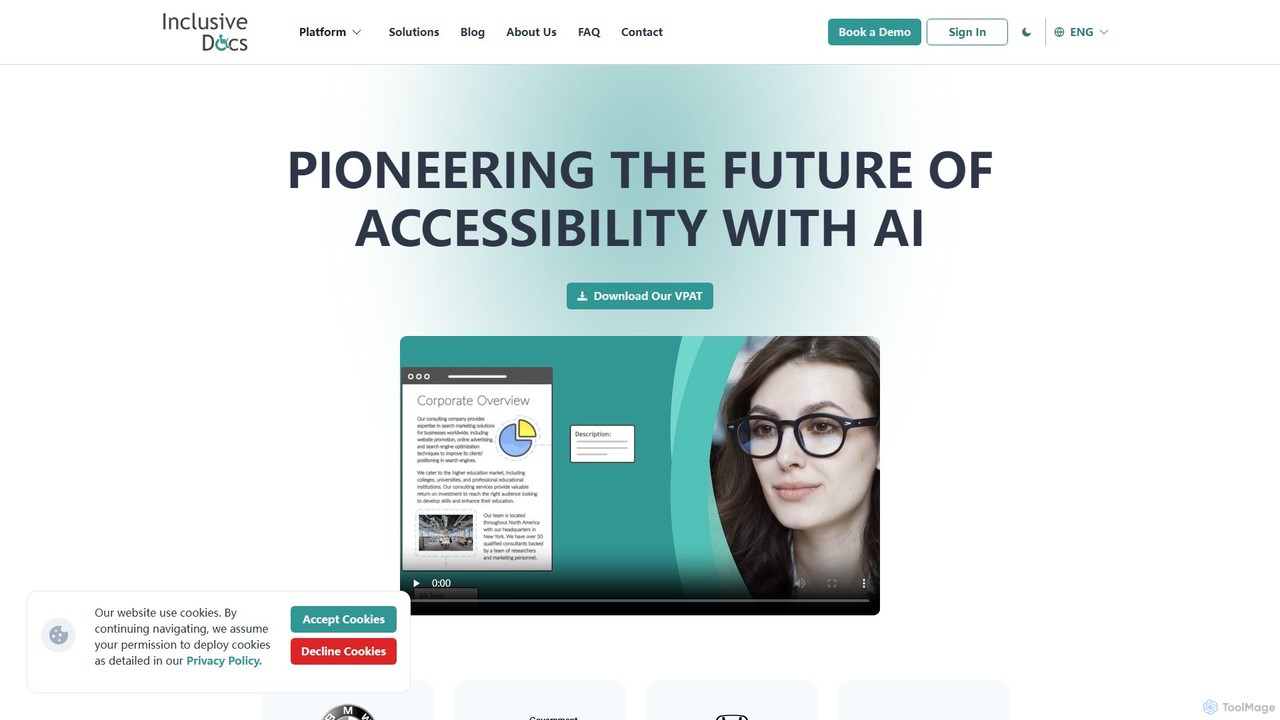
InclusiveDocs is an AI-powered platform that pioneers digital document accessibility. It specializes in automating PDF remediation to ensure compliance with WCAG 2.1 AA and Section 508 standards. By leveraging machine learning, it makes digital content like reports, books, and legal documents accessible to everyone, including individuals with disabilities, saving time and costs compared to manual processes.
About Compliance
AI Compliance tools are specialized solutions designed to automatically audit and monitor digital assets against accessibility standards like WCAG, ADA, and Section 508. These tools leverage machine learning to scan websites, applications, and documents, identifying code-level violations that create barriers for people with disabilities. Their primary value lies in providing scalable, consistent, and actionable reports that help development and legal teams systematically address accessibility issues. This proactive approach helps organizations mitigate legal risks, enhance user experience, and demonstrate a commitment to digital inclusion.
Core Features
- Automated Scanning Engine: Scans entire websites or applications to detect violations of specific accessibility standards (e.g., WCAG 2.1 AA).
- Detailed Violation Reporting: Generates reports that pinpoint exact lines of code causing issues and provide remediation guidance.
- Continuous Monitoring & Alerts: Automatically re-scans digital properties on a schedule to catch new issues introduced during development cycles.
- Compliance Level Dashboards: Offers high-level views of the overall compliance status across multiple projects, tracking progress over time.
- Report Generation: Creates formal documentation, such as Accessibility Conformance Reports (ACR/VPAT), for legal and procurement purposes.
Use Cases
These tools are essential for web developers, QA engineers, and legal/compliance officers in medium to large organizations. They are particularly critical in regulated industries like finance, healthcare, and government, where adherence to standards like ADA and Section 508 is mandatory. Development teams integrate these tools into their CI/CD pipelines to catch issues before they reach production.
How to Choose
When selecting an AI Compliance tool, consider the specific standards it covers (WCAG, ADA, EN 301 549). Evaluate its integration capabilities with your existing development tools (Jira, Azure DevOps) and content management systems. Assess the depth and clarity of its reporting, including whether it provides actionable code-level suggestions. Finally, consider its ability to scan complex, dynamic applications and authenticated user journeys.

ComplianceUse Cases
Automating WCAG Audits for a Corporate Website
A QA engineer at a large enterprise is tasked with ensuring their public-facing corporate website meets WCAG 2.1 AA standards. Instead of spending weeks on manual testing, they use an AI Compliance tool to perform a full-site scan. The tool automatically crawls hundreds of pages, identifying issues like missing alt text, insufficient color contrast, and improper ARIA roles. It generates a prioritized report with code snippets, allowing developers to quickly fix the most critical issues. This reduces audit time by over 80% and provides a clear baseline for ongoing compliance efforts.
Integrating Accessibility Checks into the CI/CD Pipeline
A DevOps team wants to prevent accessibility issues from being deployed to production. They integrate an AI Compliance tool's API into their CI/CD pipeline (e.g., Jenkins, GitHub Actions). Now, every time a developer commits new code, the pipeline automatically triggers a scan on the changed components. If the scan detects critical violations, it fails the build and sends an immediate notification to the developer with a link to the report. This 'shift-left' approach catches defects early, reduces remediation costs, and fosters a culture of accessibility-first development.
Generating Accessibility Conformance Reports (VPAT/ACR)
A sales team bidding on a government contract needs to provide a Voluntary Product Accessibility Template (VPAT), which becomes an Accessibility Conformance Report (ACR). The compliance officer uses an AI Compliance tool to conduct a thorough audit of their software product. The tool maps its findings directly to the criteria outlined in the VPAT template (e.g., Section 508, WCAG). It then auto-populates a significant portion of the report with the product's conformance status for each criterion, including detailed explanations for any non-conformant items. This streamlines a complex and time-consuming documentation process, ensuring accuracy and helping to secure the contract.
Monitoring Third-Party Components for Compliance
A front-end development team for an e-commerce site uses numerous third-party widgets and libraries (e.g., payment gateways, chat widgets, analytics scripts). They are concerned that these external components could introduce accessibility violations. They configure their AI Compliance tool to specifically scan pages where these widgets are active. The tool's continuous monitoring feature alerts them whenever an update to a third-party script introduces a new issue, such as a pop-up that traps keyboard focus. This allows them to quickly report the issue to the vendor or implement a workaround, protecting their site's overall compliance status.
Tracking Compliance Progress Across an Organization
A Chief Compliance Officer (CCO) at a financial institution is responsible for the accessibility of dozens of web applications. They use an AI Compliance tool's dashboard to get a high-level, real-time view of the entire portfolio. The dashboard shows an overall compliance score for each application, trends over time, and the number of critical vs. minor issues. The CCO can drill down into specific applications to see which teams are making progress and which are falling behind. This data-driven oversight allows them to allocate resources effectively, demonstrate due diligence to regulators, and report progress to the executive board.
Validating User Journeys in a Dynamic Application
A QA team is testing a complex single-page application (SPA) for a travel booking site. Simple page scans are insufficient as content changes dynamically. They use an advanced AI Compliance tool that allows them to record and script user journeys, such as 'search for a flight', 'select a seat', and 'complete checkout'. The tool then automatically replays these journeys, scanning each state of the application for accessibility issues. This ensures that critical, multi-step processes are fully compliant and usable by people relying on assistive technologies, which a static scan would miss.