Accessibility Best in category 2 results Hearingimpairment AI Tool

Popular AI tools in the Hearingimpairment field of Accessibility include Lugs.ai、Seymour Events, etc., helping you quickly improve efficiency.

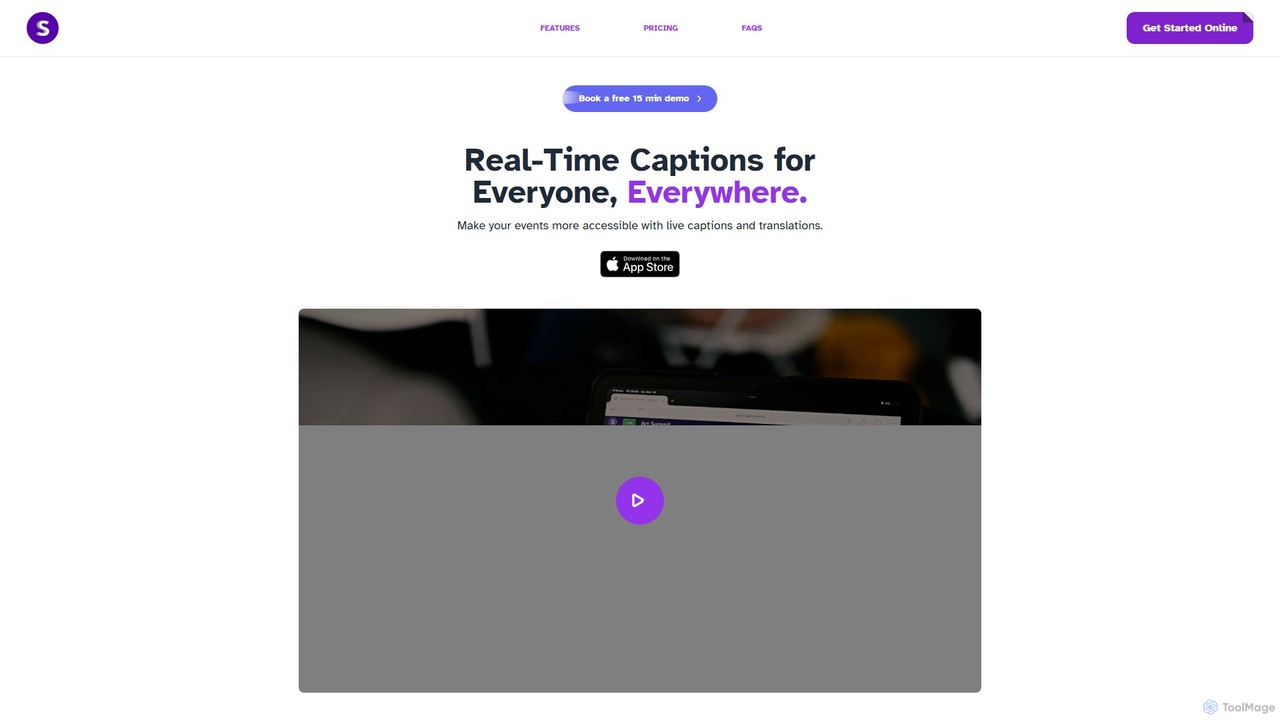
Seymour Events

Seymour Events

Seymour Events provides AI-powered real-time captions and multi-language translations for live events. Designed for inclusivity, it makes conferences, …

2.7K
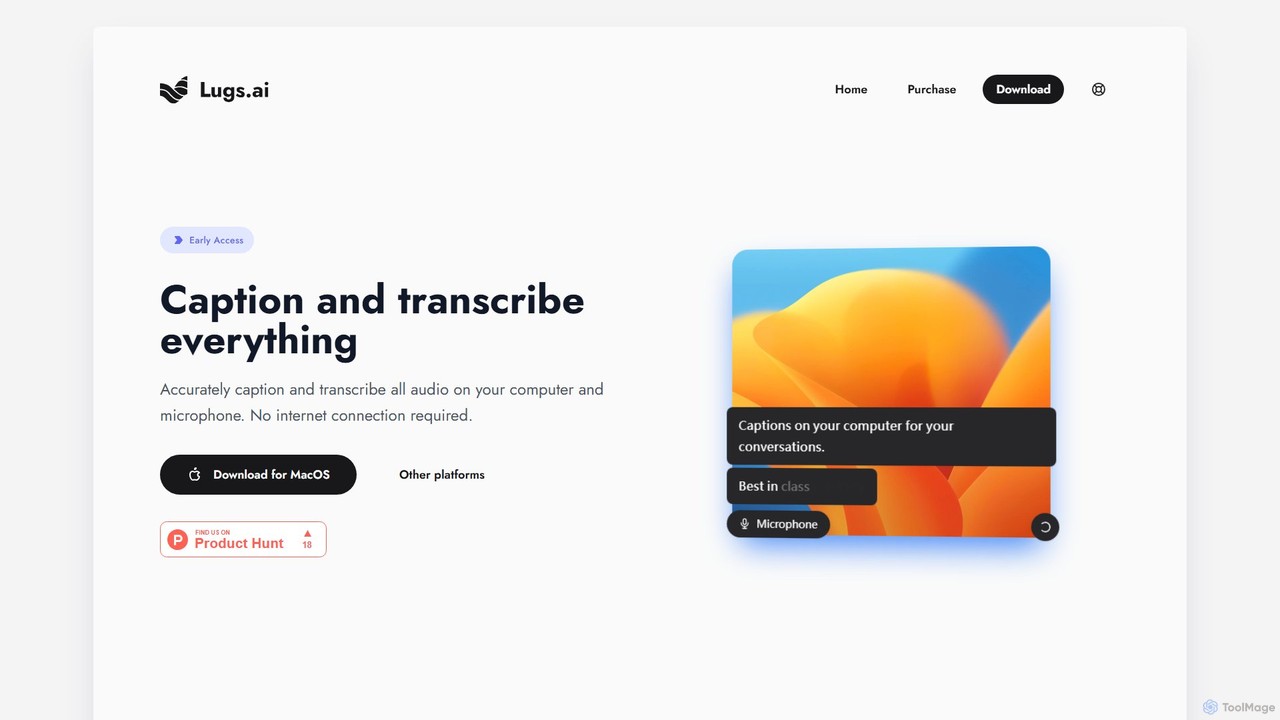
Lugs.ai

Lugs.ai

Lugs.ai is a macOS desktop application providing real-time, highly accurate transcription and captioning for all computer and microphone …

2.8K

About Hearingimpairment

AI tools for hearing impairment are specialized applications designed to assist individuals with hearing loss by converting auditory information into accessible formats. These tools utilize advanced technologies like automatic speech recognition (ASR) and sound recognition to provide real-time transcriptions, visual alerts for environmental sounds, and enhanced audio clarity. Their primary value lies in bridging communication gaps and increasing situational awareness in various settings, from personal conversations to public announcements. They function as powerful accessibility aids on standard devices like smartphones and computers.

Core Features

  • Real-Time Transcription: Instantly converts spoken language into written text, facilitating understanding in conversations, meetings, and lectures.
  • Sound Recognition & Alerts: Identifies critical environmental sounds like fire alarms, doorbells, or a baby crying and notifies the user via visual or vibration alerts.
  • Live Call Captioning: Provides real-time subtitles for phone and video calls, making remote communication more accessible.
  • AI-Powered Audio Enhancement: Intelligently filters out background noise and clarifies speech, improving comprehension in noisy environments.

Use Cases

These tools are invaluable for individuals with any degree of hearing loss in daily life, educational settings, and professional environments. For example, a student can use an app to get live captions of a lecture, a remote worker can participate fully in video conferences, and anyone can enhance their safety at home with alerts for important sounds.

How to Choose

When selecting a tool, consider the accuracy and speed of its transcription, the range and customizability of its sound alerts, and its compatibility with your devices (e.g., smartphone, smartwatch). Also, evaluate its performance in different noise levels, its language support, and its privacy policy, especially since it processes sensitive audio data.

HearingimpairmentUse Cases

1

Participating Actively in Business Meetings

A project manager with hearing loss uses a real-time transcription app on their laptop during a team meeting. As colleagues discuss project updates and challenges, the app instantly converts their speech into text on the screen. This allows the manager to follow every detail of the conversation without needing to ask for repetition, ensuring they can contribute ideas, ask relevant questions, and make informed decisions. The tool effectively removes communication barriers, promoting full inclusion and productivity in a professional setting.

2

Enhancing Home Safety and Awareness

A person living alone with profound hearing loss uses a sound recognition app connected to their smartwatch. The app is configured to listen for critical sounds. When the doorbell rings, the app identifies the sound and sends a custom vibration pattern and a visual notification reading 'Doorbell' to their watch. Similarly, if the smoke alarm is triggered, it sends a more urgent, distinct alert. This system provides peace of mind and enhances safety, ensuring the user is always aware of important events happening in their home environment, even without being able to hear them.

3

Following University Lectures and Seminars

A university student with moderate hearing loss uses a tablet app during a fast-paced biology lecture. They place the tablet on their desk, and the app's microphone captures the professor's voice. The AI filters out background noise from other students and provides a clean, real-time transcript on the screen. This allows the student to not only understand the lecture as it happens but also to save the transcript. Later, they can review the text alongside their notes to clarify complex concepts and prepare for exams, ensuring they have equal access to educational content.

4

Making Independent Phone Calls

An elderly individual who has difficulty hearing over the phone uses a live call captioning service on their smartphone. When they make or receive a call, the app automatically transcribes the other person's side of the conversation in real-time. The text appears on their screen, allowing them to read what is being said. This empowers them to handle personal appointments, talk to family, and manage daily tasks like banking or customer service inquiries independently, without needing to rely on a third person to assist with the call. It restores a significant degree of autonomy and connection.

5

Improving Conversations in Noisy Environments

A user is at a busy café trying to have a conversation with a friend. They use an AI audio enhancement app on their phone with headphones. The app uses beamforming microphones to focus on the friend's voice while its AI algorithm actively suppresses the surrounding noise of clattering dishes and other conversations. The processed, clearer audio is then played through the headphones. This allows the user to understand their friend's speech without straining, turning a potentially frustrating social situation into an enjoyable one and fostering better personal connections.

6

Accessing Public Announcements and Broadcasts

A traveler with hearing loss is waiting at a busy airport terminal. They open a transcription app on their phone and point it towards the PA system speakers. When a gate change announcement is made, the app captures the audio, transcribes it into text, and displays it on the screen. This ensures the traveler receives critical information that would otherwise be missed, reducing travel-related stress and preventing potential issues like missing a flight. The tool acts as a personal captioning device for the ambient auditory world, increasing independence and safety in public spaces.

HearingimpairmentFrequently Asked Questions