

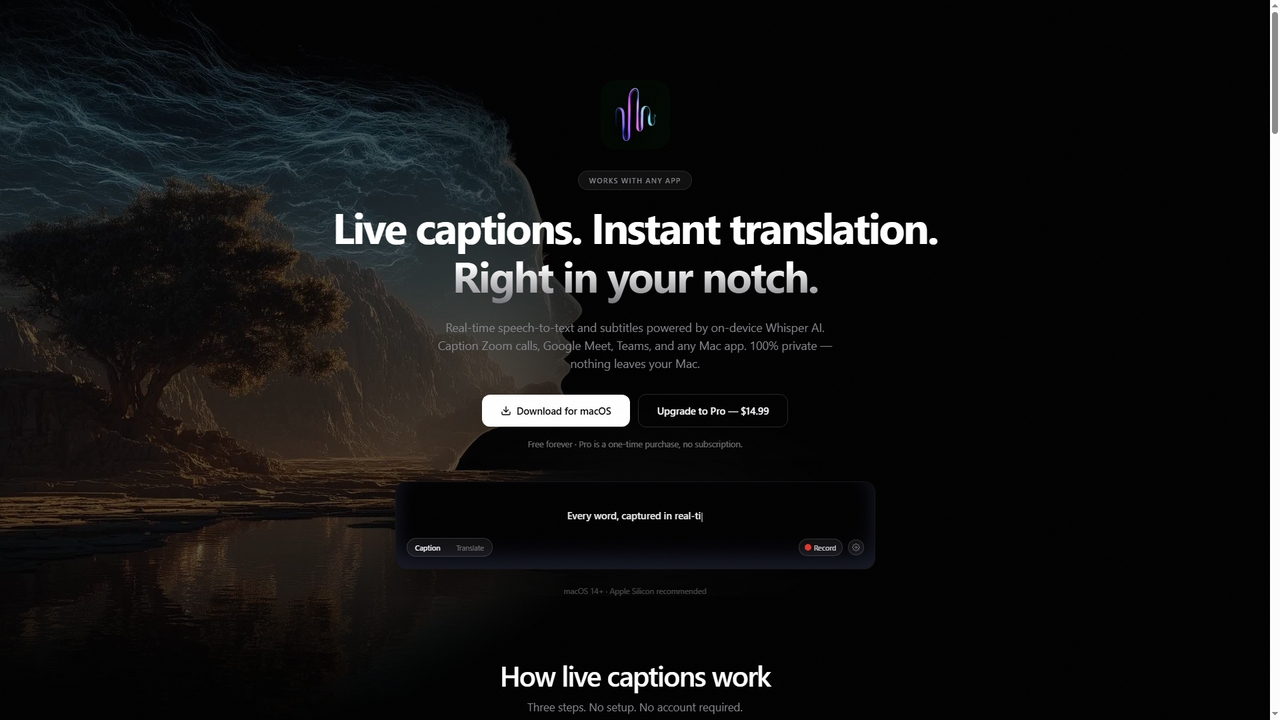
NotchLive Overview
NotchLive transforms your MacBook's notch into a live caption and translation hub. It offers real-time speech-to-text for any audio source on your Mac—be it Zoom calls, Google Meet, YouTube videos, or podcasts—with the text displayed directly below the camera where your eyes naturally rest. The core technology is built on on-device Whisper AI and Apple Translation, guaranteeing that your audio data never leaves your computer, offering a private and low-latency experience without the need for cloud processing or an account.
How to use NotchLive
Using NotchLive involves a straightforward setup. First, download the app and grant Screen Recording and optional Microphone permissions in macOS System Settings. Upon launch, download a Whisper AI model of your choice (Small to Pro). Start captioning by pressing the global shortcut (Option+Cmd+C by default). Live captions will appear in the notch. Hover over the notch to reveal controls for switching modes, starting real-time translation (Pro feature), recording sessions, or opening a larger caption display window for presentations.
Core Features of NotchLive
- On-Device Live Transcription: Real-time speech-to-text powered by OpenAI's Whisper AI running locally via CoreML, supporting 90+ languages with auto-detection.
- Real-Time Translation (Pro): Translates spoken words into 20 target languages using Apple's on-device framework (requires macOS 15+).
- Notch-Integrated Display: Captions appear seamlessly in the MacBook notch area, avoiding floating windows that obstruct your screen.
- Universal Audio Capture: Captures system audio from any app (Zoom, Meet, Teams, Spotify, etc.) via ScreenCaptureKit, microphone audio, or both simultaneously.
- Session Recording & Export (Pro): Record captioning sessions, view searchable history, and export transcripts as TXT or JSON files.
- Customizable AI Models: Choose from 5 Whisper model sizes (Small, Medium, Large, Large Turbo, Pro) to balance speed and accuracy; models can be hot-swapped while live.
- Global Keyboard Shortcuts: Fully customizable hotkeys to control captioning, translation, and display without switching apps.
Use Cases for NotchLive
NotchLive is versatile for various professional and personal scenarios. It enhances accessibility for individuals with hearing difficulties by providing live subtitles in the natural line of sight. For non-native speakers, it enables real-time translation during international meetings or lectures. In noisy environments like open-plan offices, it allows users to read what they cannot hear clearly. Professionals can use the large Caption Display window during screen-shared presentations to provide live subtitles to their audience. It's also ideal for transcribing and recording podcast interviews, lectures, or video calls for later reference.
Advantages of NotchLive
NotchLive's primary advantage is its commitment to privacy through 100% on-device processing, ensuring no audio or transcript data is ever sent to the cloud. The notch-integrated display offers a uniquely non-intrusive user experience compared to floating window solutions. It requires no account, subscription, or internet connection after initial setup, providing a one-time purchase model for Pro features. Its compatibility with any macOS application that plays audio eliminates the need for per-app plugins or browser extensions.
Pricing and Plans
NotchLive employs a simple, one-time purchase model. The Free Forever plan includes real-time captions, all five Whisper AI models, system & mic audio capture, keyboard shortcuts, and unlimited use at no cost. The Pro license is a one-time payment of $14.99 and unlocks additional features: real-time translation to 20 languages, session recording, searchable session history, and transcript export in TXT/JSON formats.
NotchLive FAQ
Traffic
Latest traffic
Status
Monthly traffic trend
- 2026-1: 0
- 2026-2: 0
- 2026-3: 89
- 2026-4: 288
- 2026-5: 497
Geography
Top 5 countries / regions
- 🇺🇸United States100.0%
Top keywords
| Keyword | Cost per click |
|---|---|
| mac live caption translate other language | $0.00 |
| macos live audio subtitler | $0.00 |
| notchlive | $0.00 |
| notchlive "loading model" | $0.00 |
NotchLive Alternatives
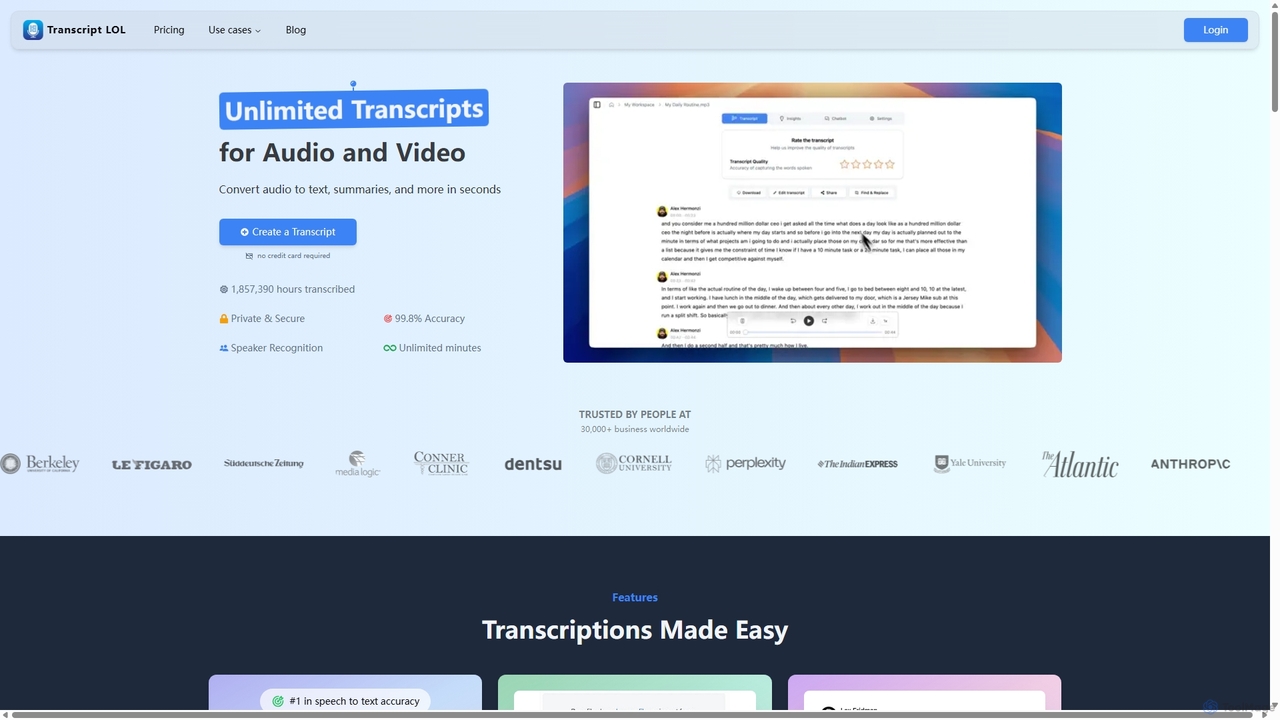
Transcript LOL
Transcript LOL is an AI-powered transcription service that rapidly converts audio and video files into accurate text. It offers unlimited transcriptions, speaker recognition, and advanced AI features to generate summaries, blog posts, social media content, and more, streamlining content creation and analysis workflows.
Speech To Text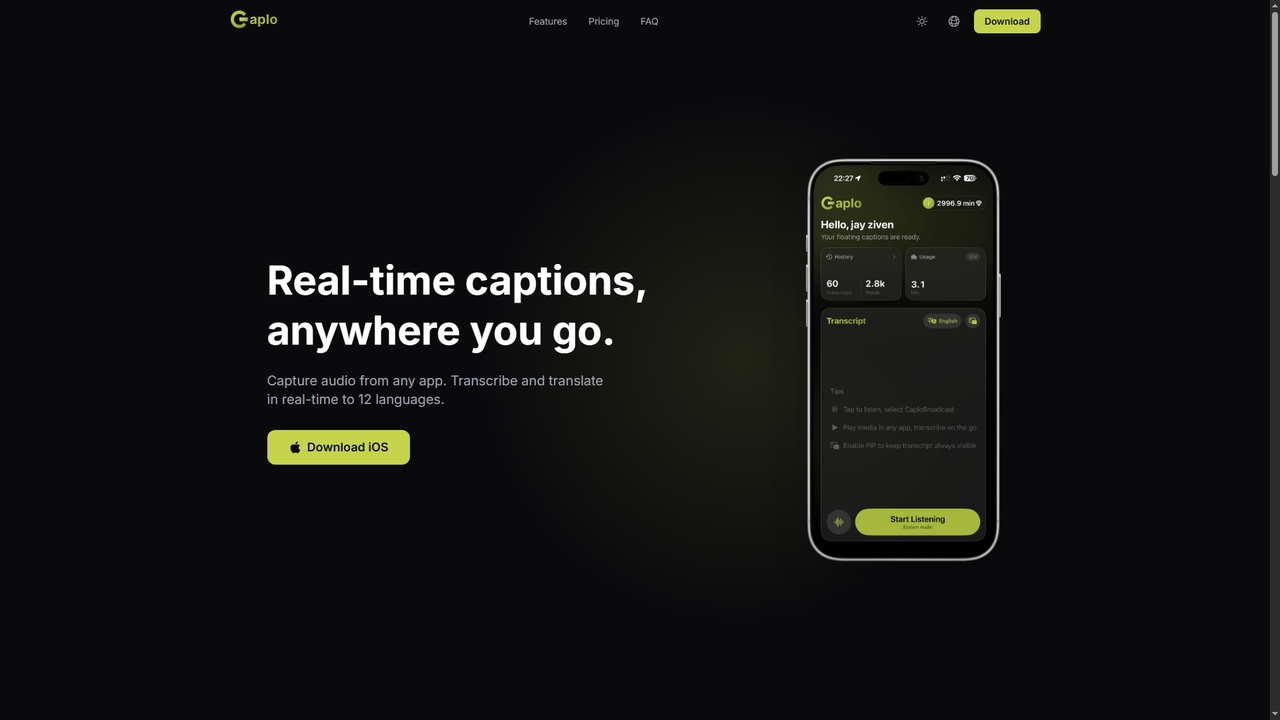
Caplo
Caplo is an iOS app that provides real-time transcription and translation captions for any audio source on your device. It captures system audio or microphone input, transcribes it instantly, and translates it into 12 languages. The captions are displayed in a Picture-in-Picture floating window, making them perfect for live sports, unsubtitled videos, online courses, video calls, and more.
Communication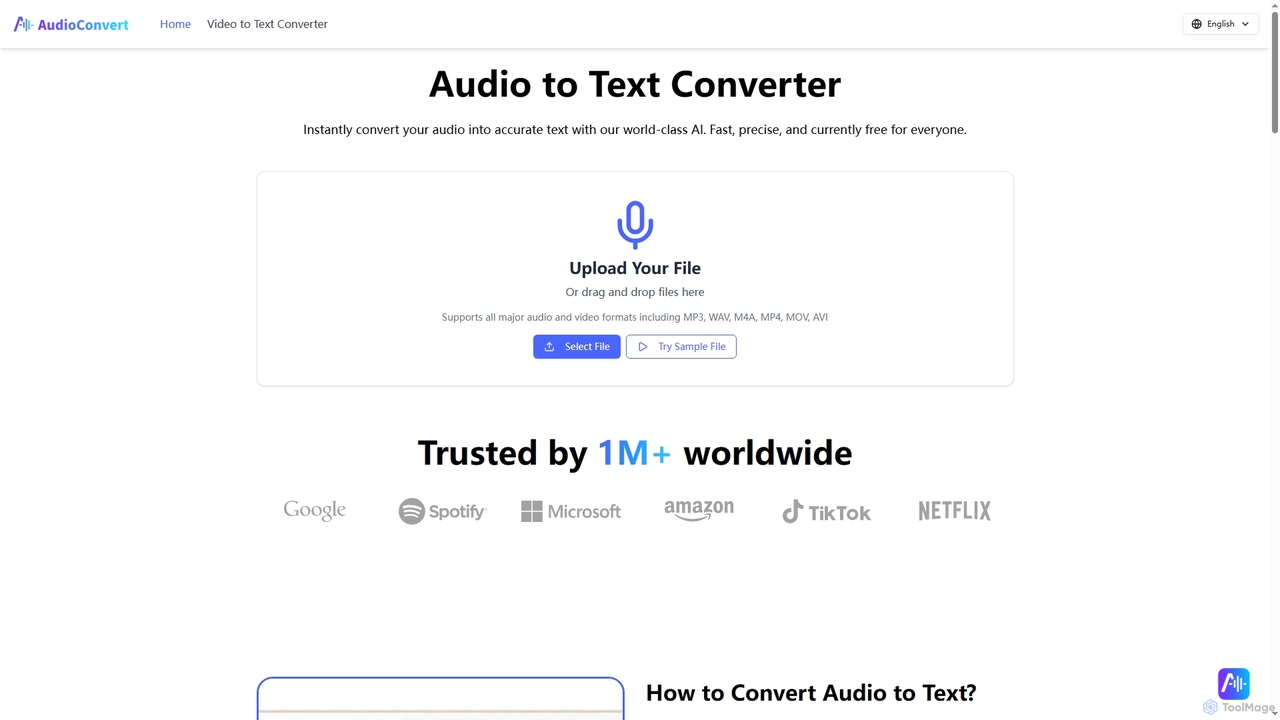
Audioconvert
Audioconvert is an AI-powered tool that swiftly and accurately converts audio and video files into text transcripts. It supports major formats, identifies multiple speakers, provides precise timestamps, and offers various export options like TXT, DOCX, and SRT, all currently available for free.
Meeting Management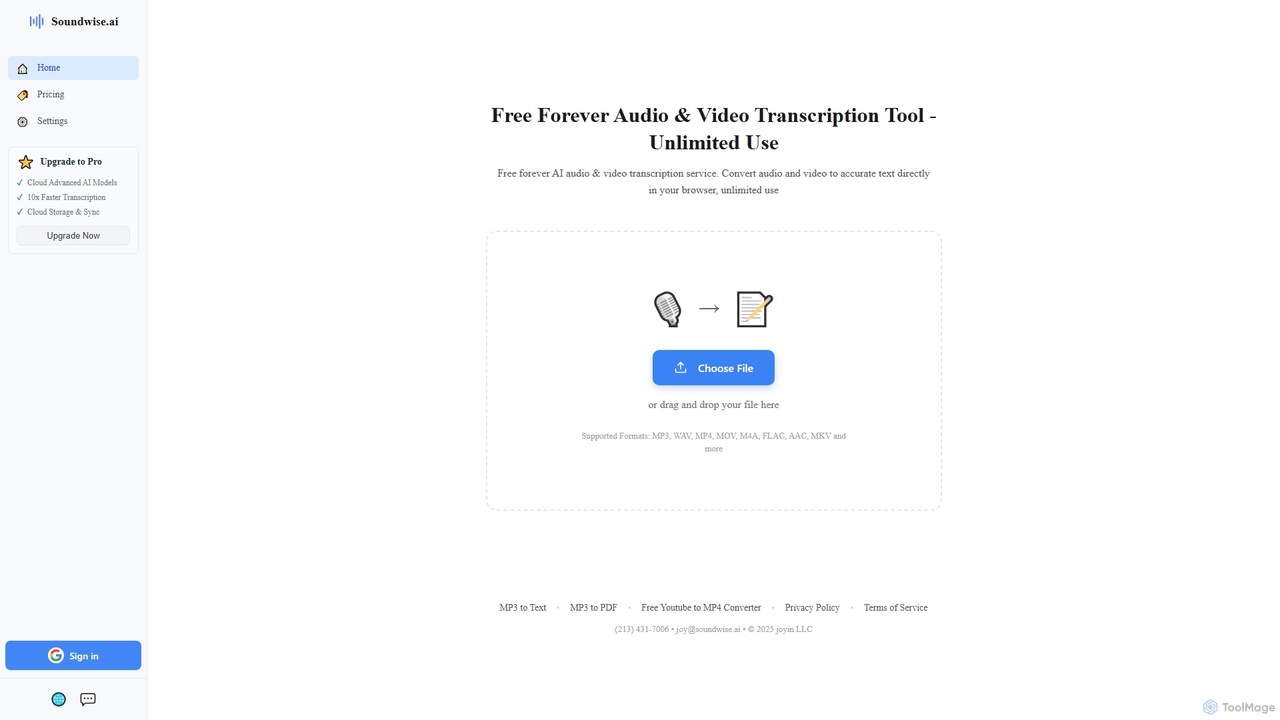
Soundwise
Soundwise is a free-forever AI-powered online tool designed for unlimited audio and video transcription. It accurately converts various media files into text directly within your web browser, offering a convenient solution for anyone needing quick and reliable transcriptions.
Transcription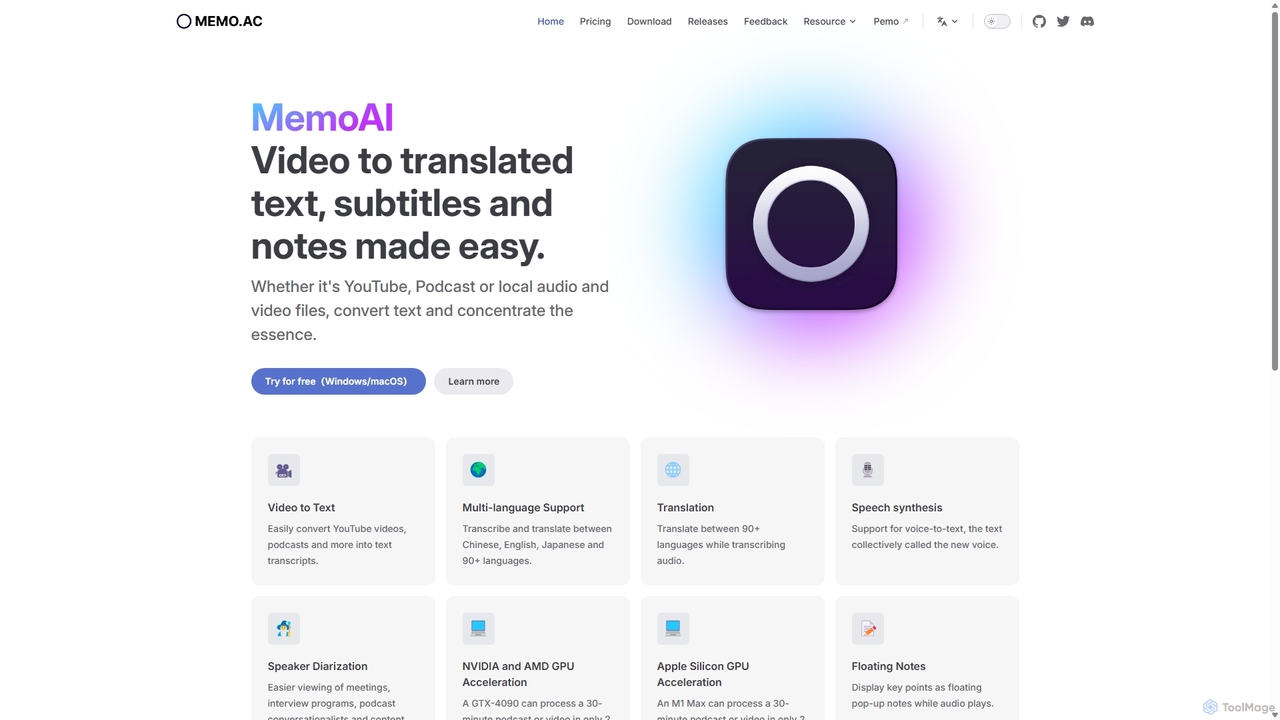
Memo AI
Memo AI is a privacy-focused desktop application for Windows and macOS that provides AI-powered transcription, translation, and summarization for audio and video files. It operates completely offline, leveraging GPU acceleration for fast processing of local files and online content from platforms like YouTube. It supports over 90 languages, speaker diarization, and various export formats.
Speech To TextNotchLive Categories
NotchLive Jobs
NotchLive Embed Widget
Copy this embed code to place the badge on your blog, article, or product site and send readers directly to this ToolMage detail page.

Related AI tools
Transcript LOL
Transcript LOL is an AI-powered transcription service that rapidly converts audio and video files into accurate text. It offers unlimited transcriptions, speaker recognition, and advanced AI features to generate summaries, blog posts, social media content, and more, streamlining content creation and analysis workflows.
Speech To Text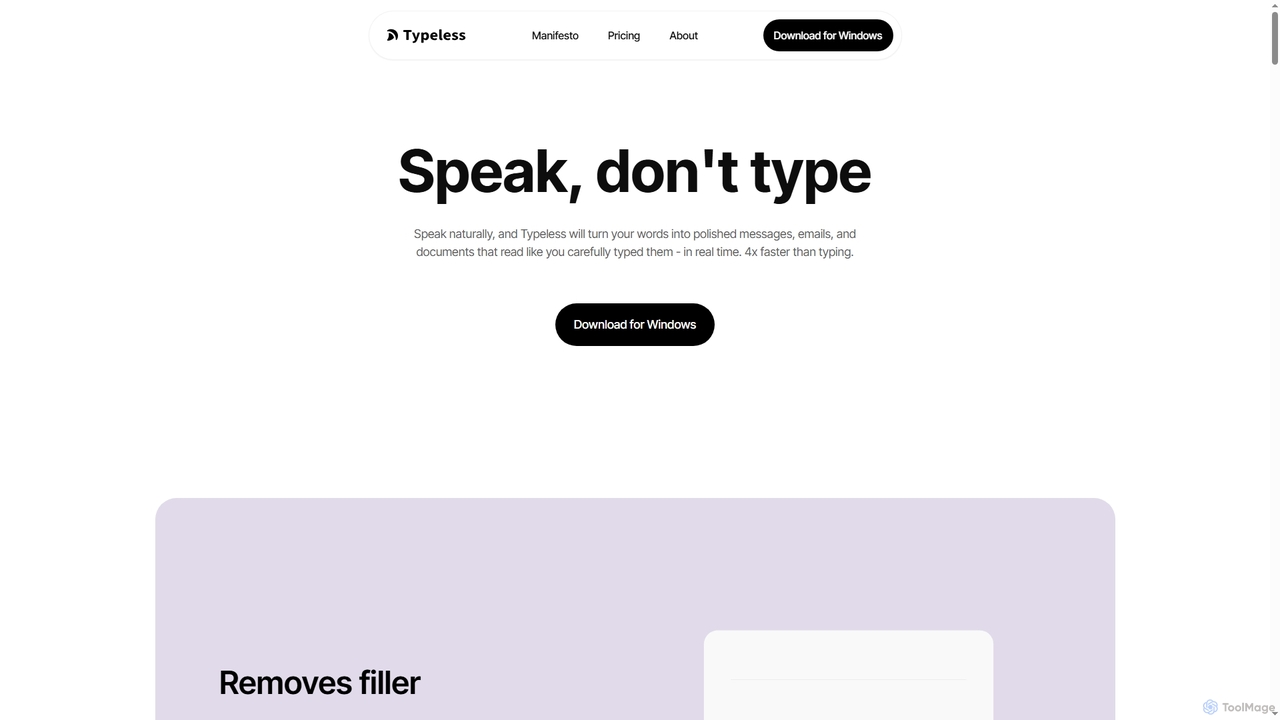
Typeless
Typeless is an intelligent AI voice dictation tool that transforms natural speech into polished, formatted text in real-time. It enhances productivity by automatically removing filler words, repetitions, and auto-correcting mid-sentence changes, making communication up to 4x faster than traditional typing.
Automation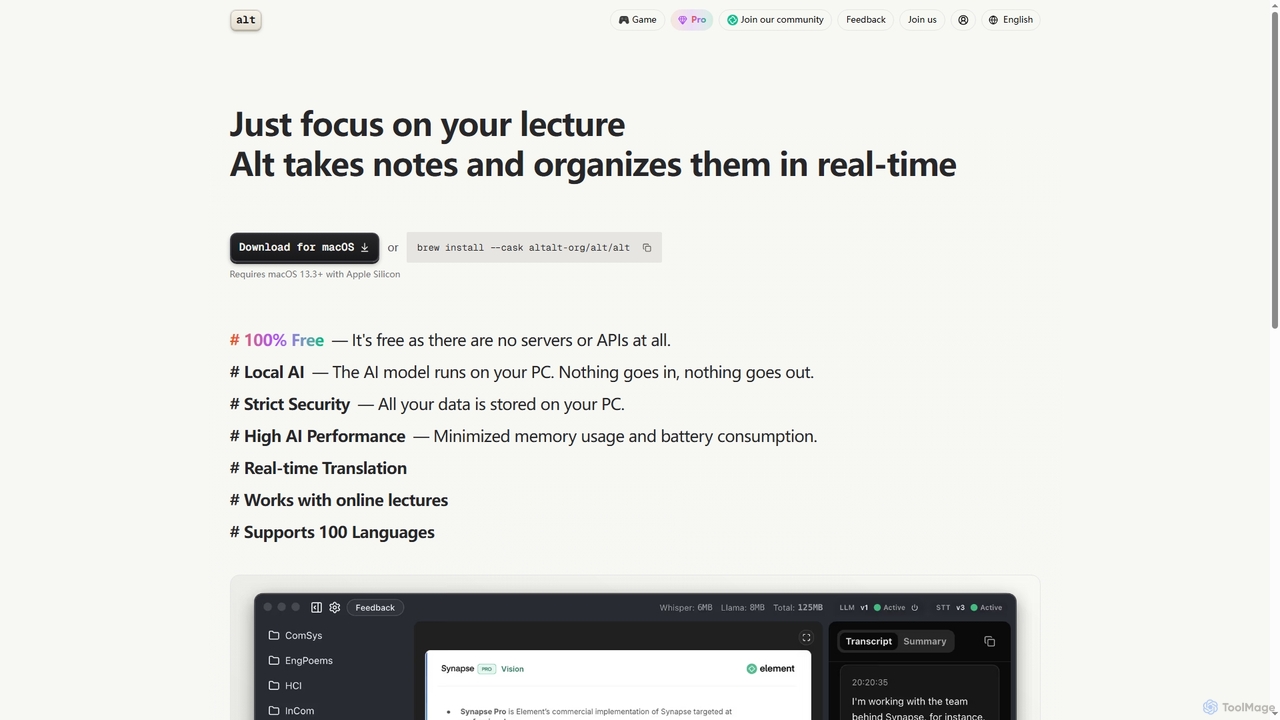
Altalt
Altalt is a free, local AI lecture notetaker for macOS that transcribes and organizes your lectures in real-time. It ensures strict data privacy by running entirely on your device, supporting 100 languages and real-time translation, making it ideal for students and professionals seeking efficient, secure note-taking.
Note TakingAudioconvert
Audioconvert is an AI-powered tool that swiftly and accurately converts audio and video files into text transcripts. It supports major formats, identifies multiple speakers, provides precise timestamps, and offers various export options like TXT, DOCX, and SRT, all currently available for free.
Meeting ManagementSoundwise
Soundwise is a free-forever AI-powered online tool designed for unlimited audio and video transcription. It accurately converts various media files into text directly within your web browser, offering a convenient solution for anyone needing quick and reliable transcriptions.
TranscriptionMemo AI
Memo AI is a privacy-focused desktop application for Windows and macOS that provides AI-powered transcription, translation, and summarization for audio and video files. It operates completely offline, leveraging GPU acceleration for fast processing of local files and online content from platforms like YouTube. It supports over 90 languages, speaker diarization, and various export formats.
Speech To Text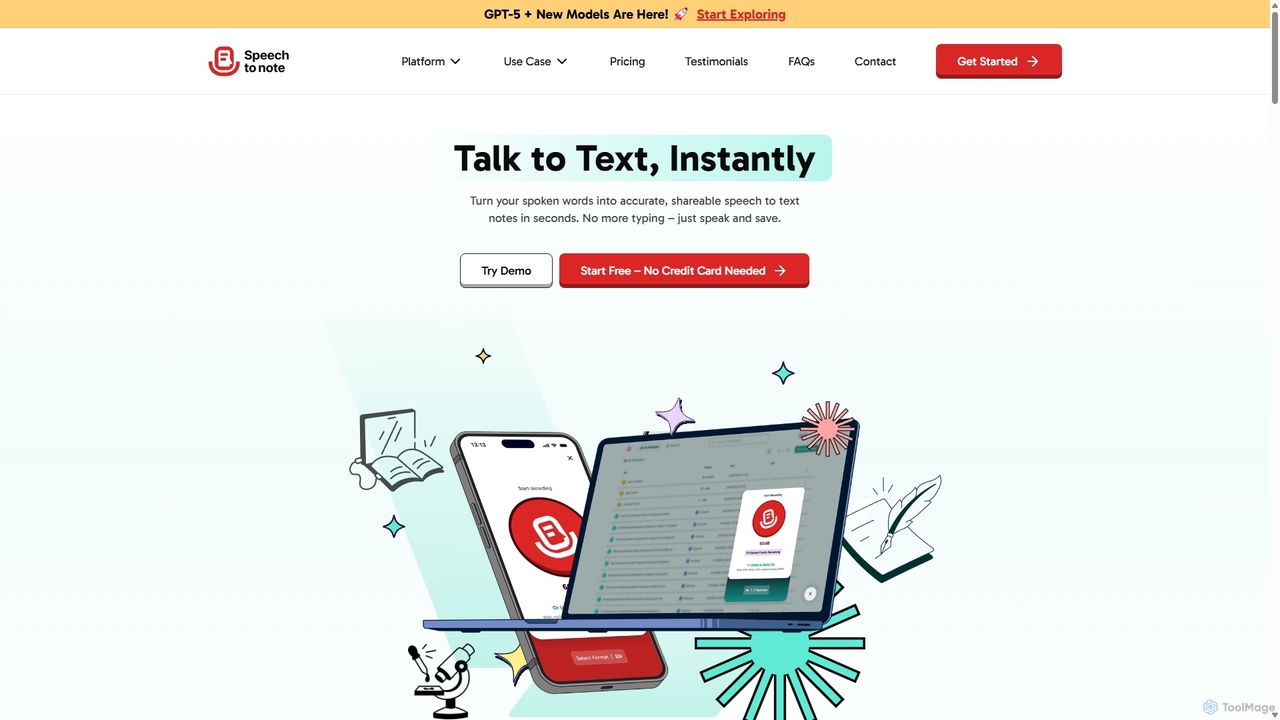
SpeechtoNote
SpeechtoNote is an AI-powered tool that instantly converts spoken words into accurate text notes. It supports over 40 languages and offers 30+ smart note formats, including summaries, emails, and to-do lists. Powered by advanced models like GPT-4o, it's designed for professionals, students, and creators to capture ideas, transcribe meetings, and streamline their workflow effortlessly.
Speech To Text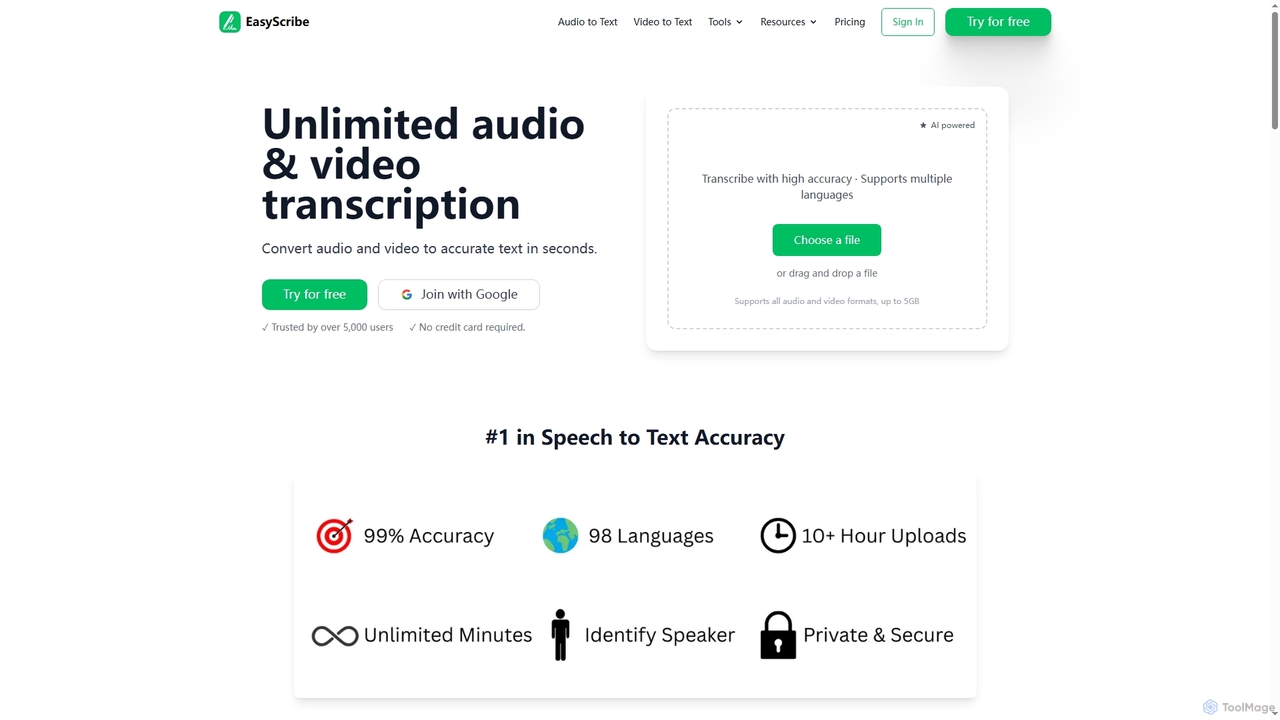
EasyScribe
EasyScribe is an AI-powered transcription tool that converts audio and video files into accurate text in seconds. It supports 98+ languages, offers speaker identification, and allows translation to 134+ languages, making it ideal for global communication and content creation.
Meeting Management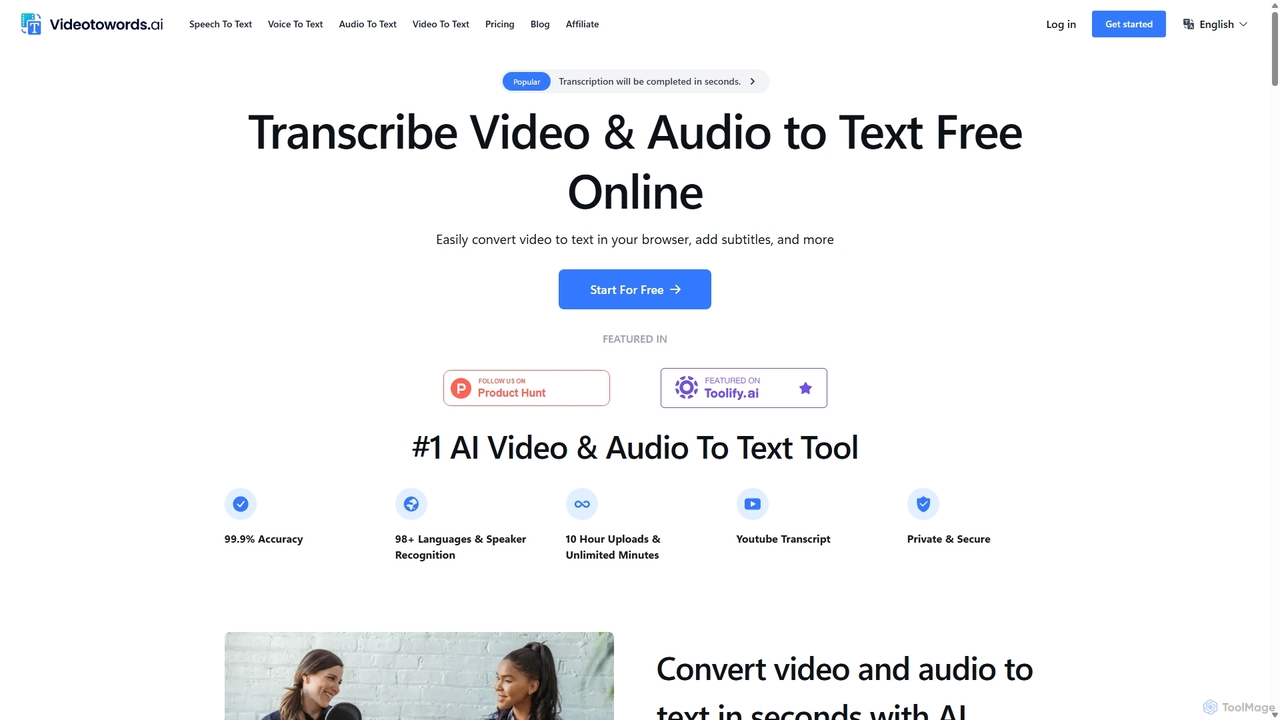
VideoToWords
VideoToWords is an AI-powered transcription tool that accurately converts audio and video files into text in over 98 languages. It offers lightning-fast transcription, speaker recognition, and AI-generated summaries. Ideal for journalists, students, content creators, and researchers, it supports various file formats and provides easy-to-use editing and export options (TXT, DOCX, SRT).
Transcription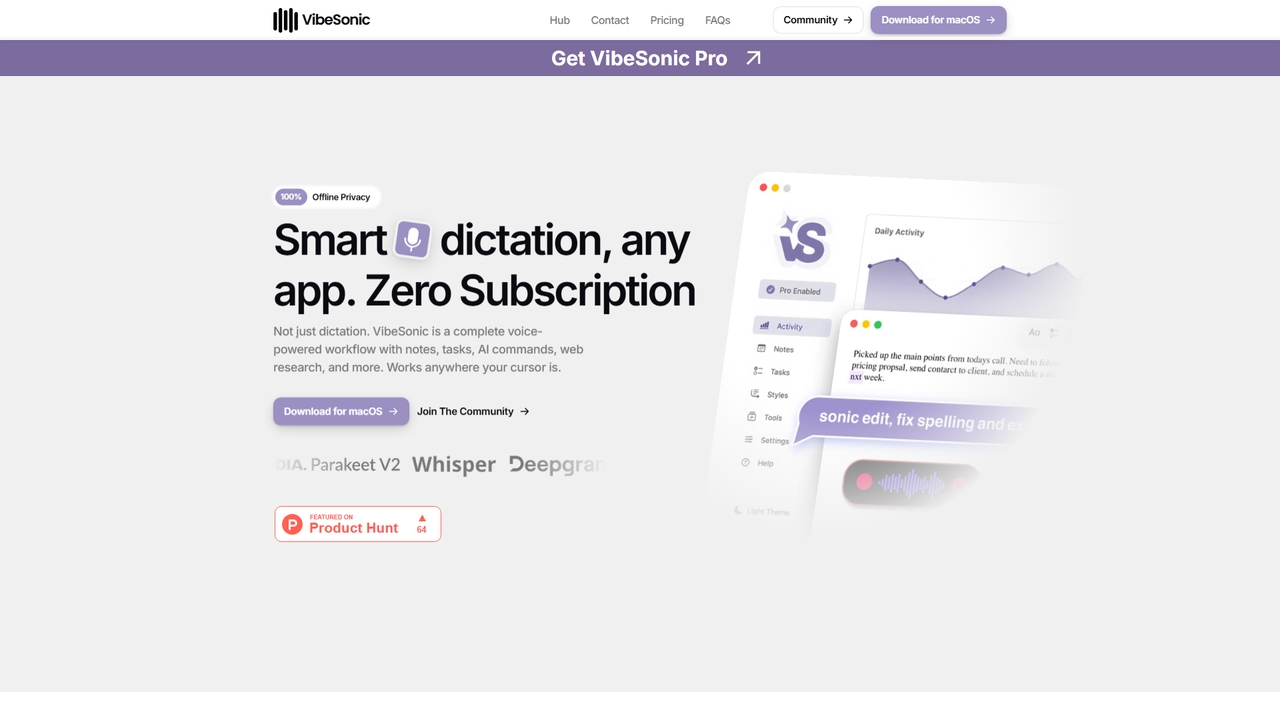
VibeSonic
VibeSonic is a comprehensive, voice-powered workflow application for macOS that combines offline transcription, AI-assisted editing, voice-triggered notes and tasks, and integrated web research. It prioritizes user privacy by processing audio locally on the device and offers a lifetime license model with no subscription required.
Note Taking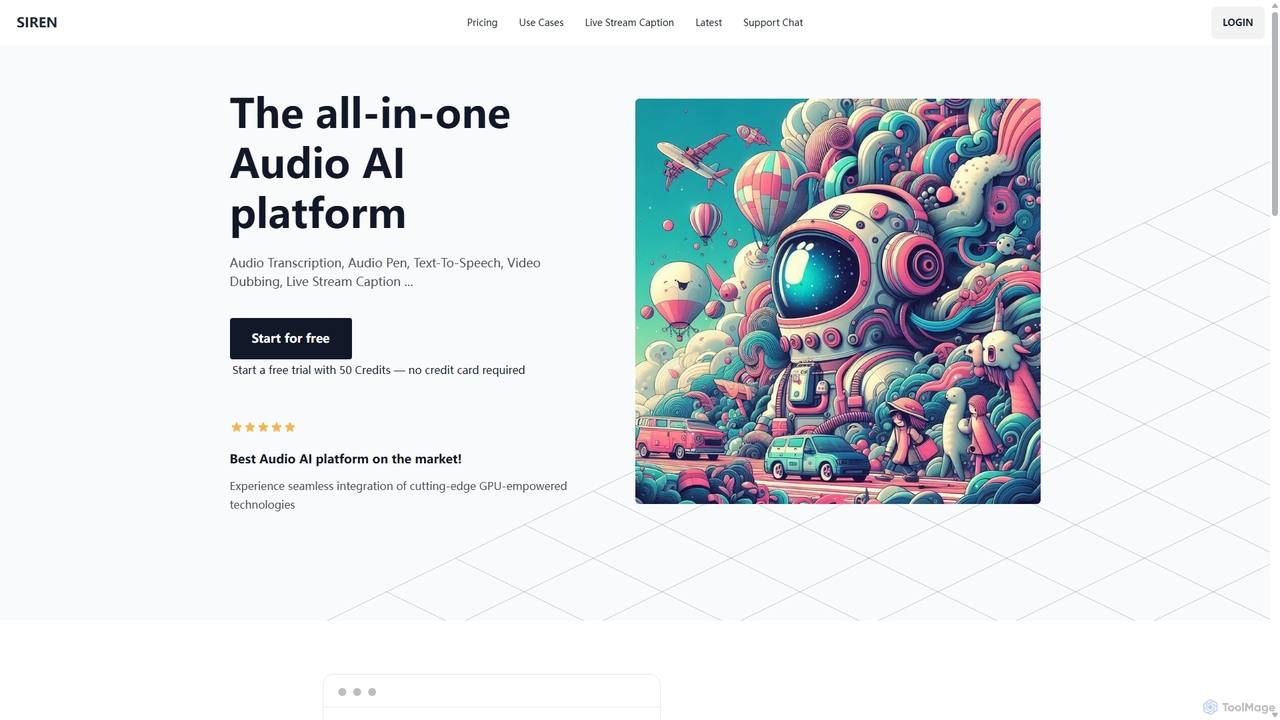
SIREN
SIREN is an all-in-one, GPU-accelerated AI audio platform. It offers high-accuracy audio transcription, natural text-to-speech with 420+ voices, seamless video dubbing in over 100 languages, and real-time live stream captioning. Designed for creators, marketers, and businesses, SIREN simplifies complex audio tasks into a single, efficient workflow.
Text To Speech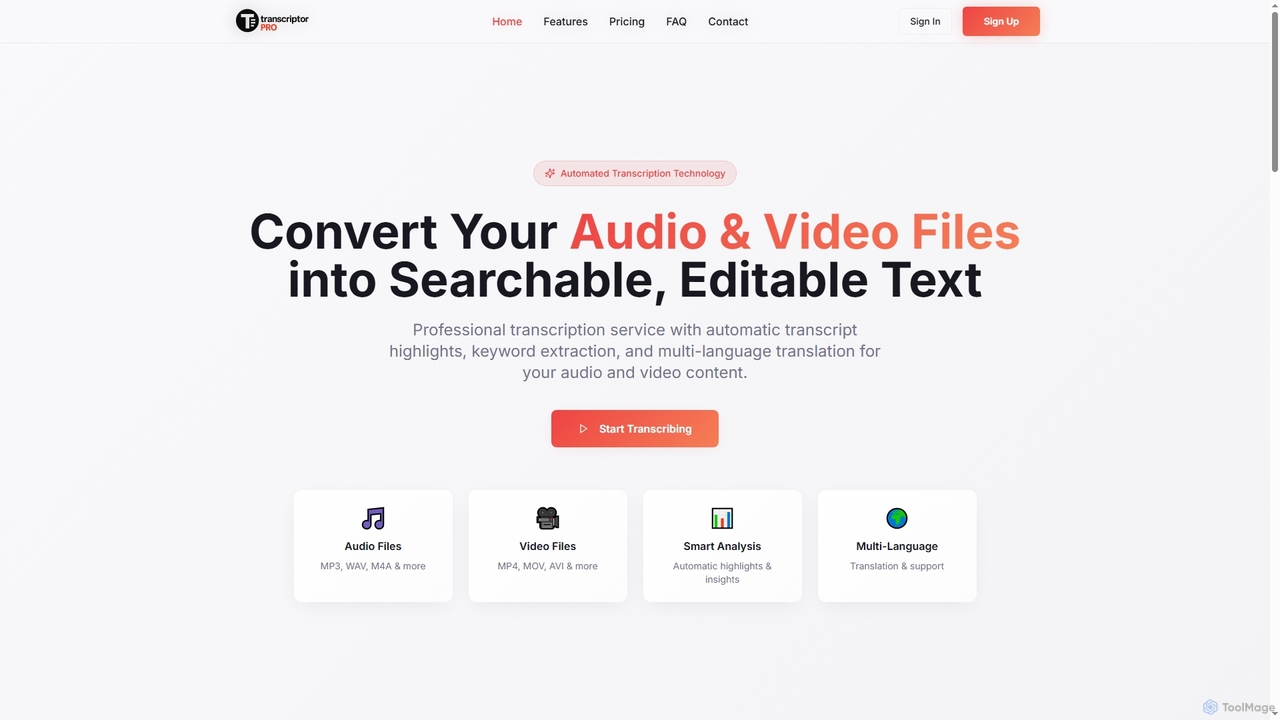
TranscriptorPro
TranscriptorPro is an AI-powered service that converts audio and video files into searchable, editable text. It offers automated transcription with smart highlights, keyword extraction, and multi-language translation, making content accessible and manageable for various professional and personal needs.
Translation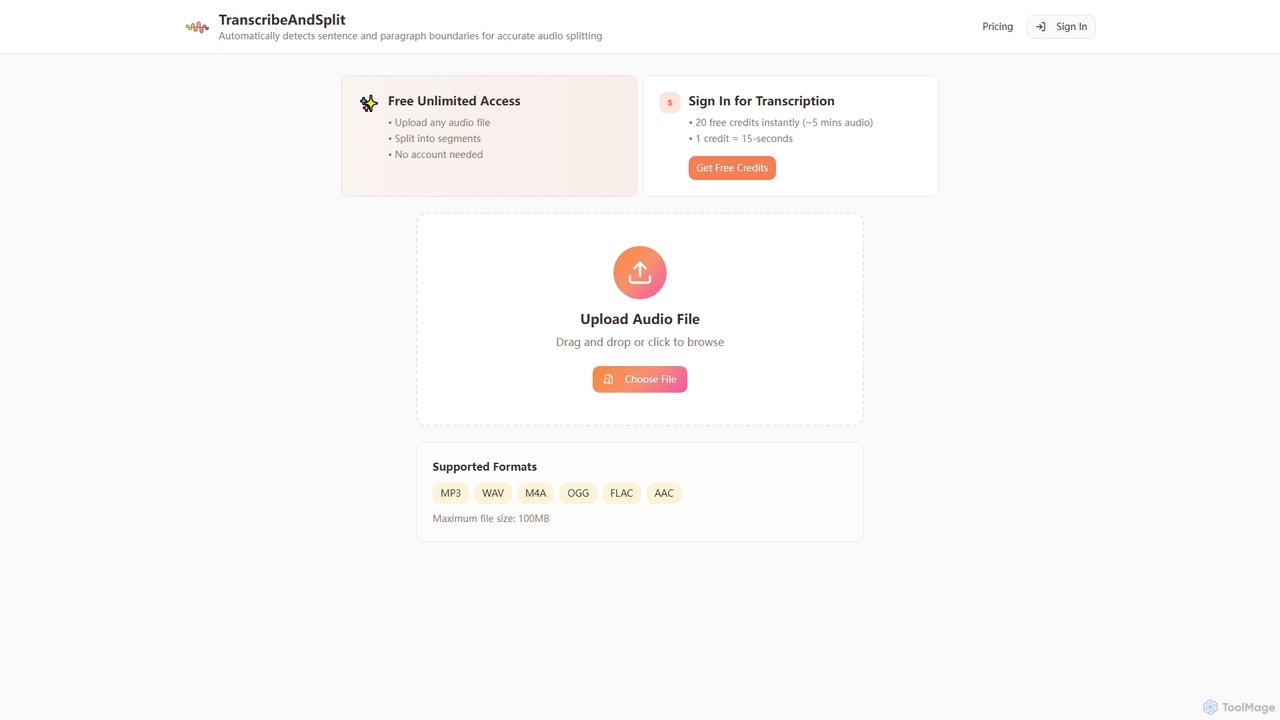
TranscribeAndSplit
TranscribeAndSplit is an AI-powered online tool designed to effortlessly split audio files by sentence or paragraph boundaries and provide transcription services. It offers free unlimited access for audio splitting and generous free credits for transcription, supporting various popular audio formats for efficient content management.
Splitting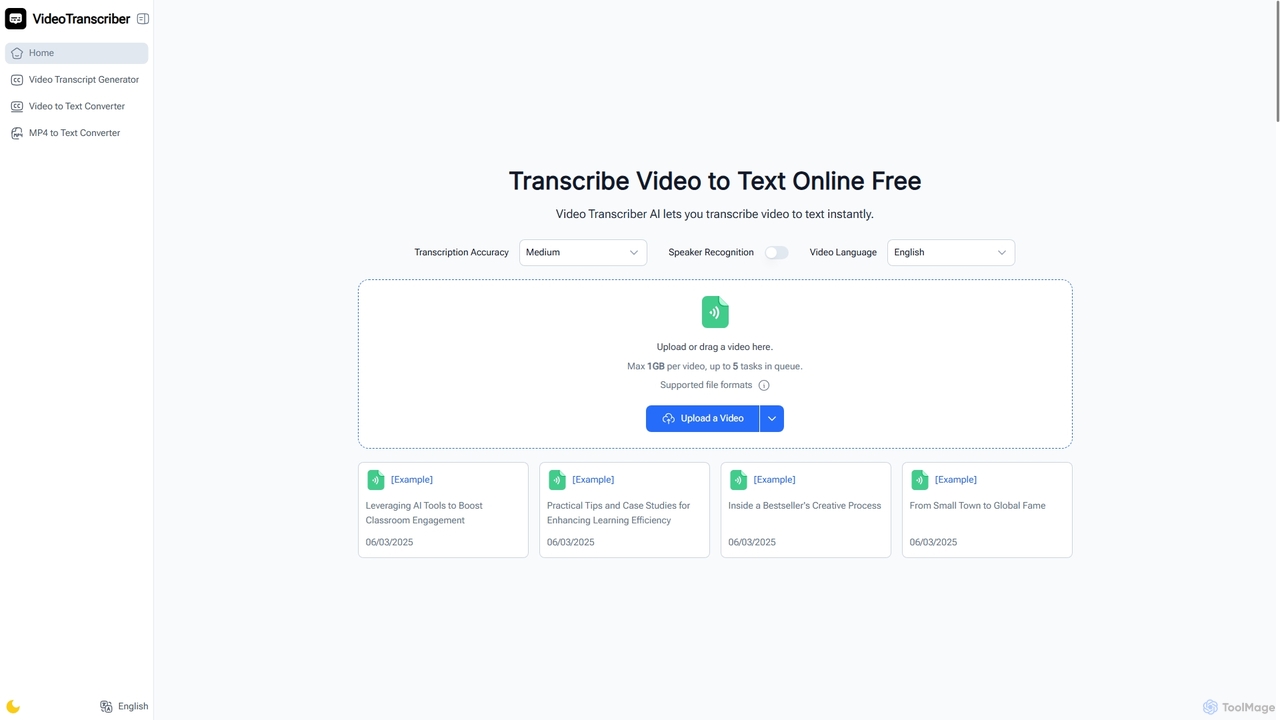
Video Transcriber AI
Video Transcriber AI is a free online tool that instantly converts video content into accurate, readable text. It supports various formats like MP4, YouTube links, and Zoom recordings, making it ideal for students, professionals, and content creators to quickly get transcripts without any sign-up.
Meeting Tools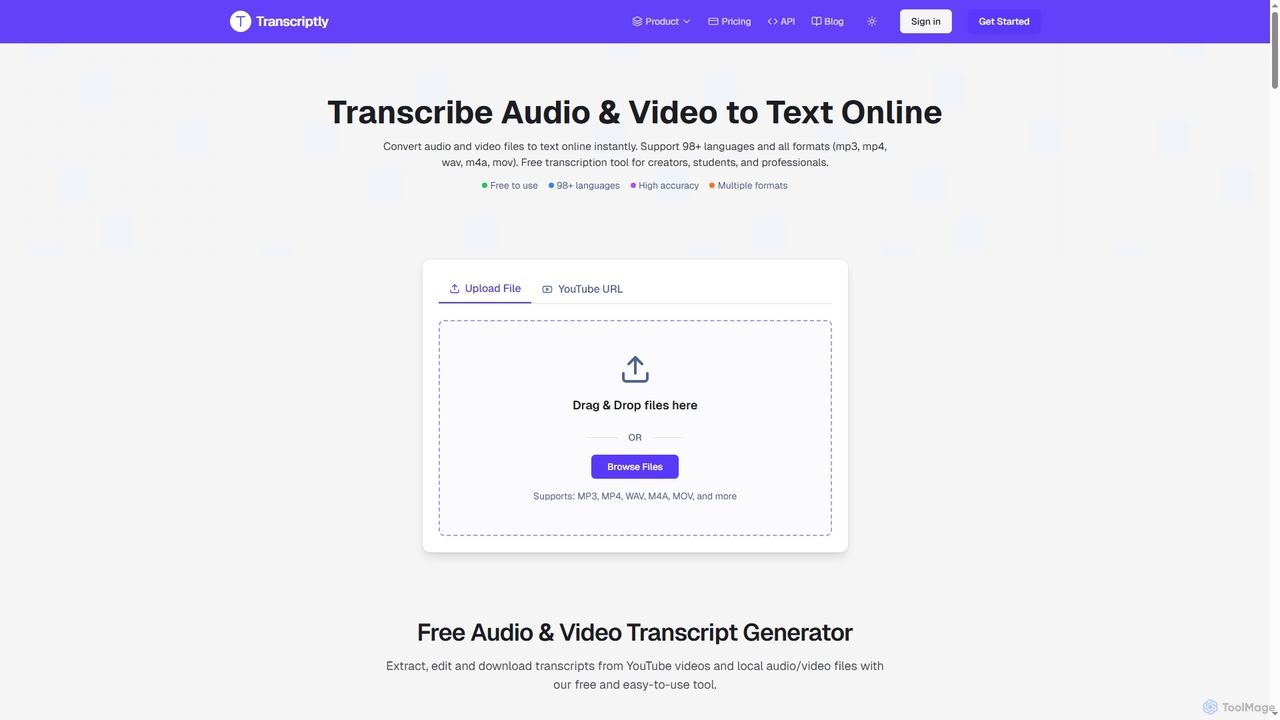
Transcriptly
Transcriptly is an AI-powered online platform that converts audio and video files into accurate text transcripts. Supporting over 98 languages and various formats, it offers fast processing, AI insights, and multiple export options for students, creators, professionals, and businesses.
Market Research
NotchLive Comments (0)
Sign in to comment.
Sign inNo comments yet.