ToolMage
Sign in

Best 71 Meetings AI tools for Productivity

Popular Meetings AI tools in Productivity include Tactiq, Haller.ai, Notta, Granola, Krisp, mymeet.ai, Scribbl, Circleback, Bubbles, and Avoma, helping you work more efficiently.

NotchLive
Freemium

NotchLive

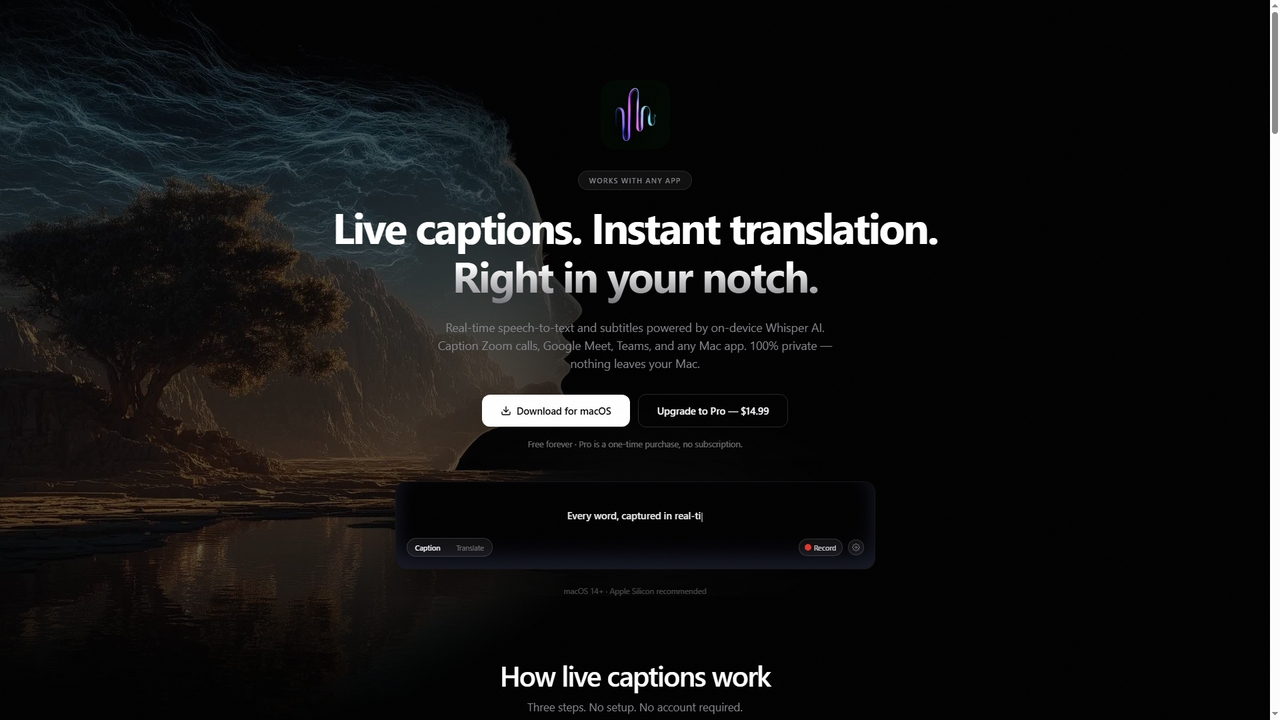
NotchLive is a native macOS application that provides real-time, on-device live captions and translation directly within your MacBook's notch. It uses OpenAI's Whisper AI for speech-to-text and Apple Translation for instant language conversion, ensuring 100% privacy as all processing occurs locally on your Mac.

Communication
Visits 7.1KFavorites 37Likes 57
Fellow
Freemium

Fellow

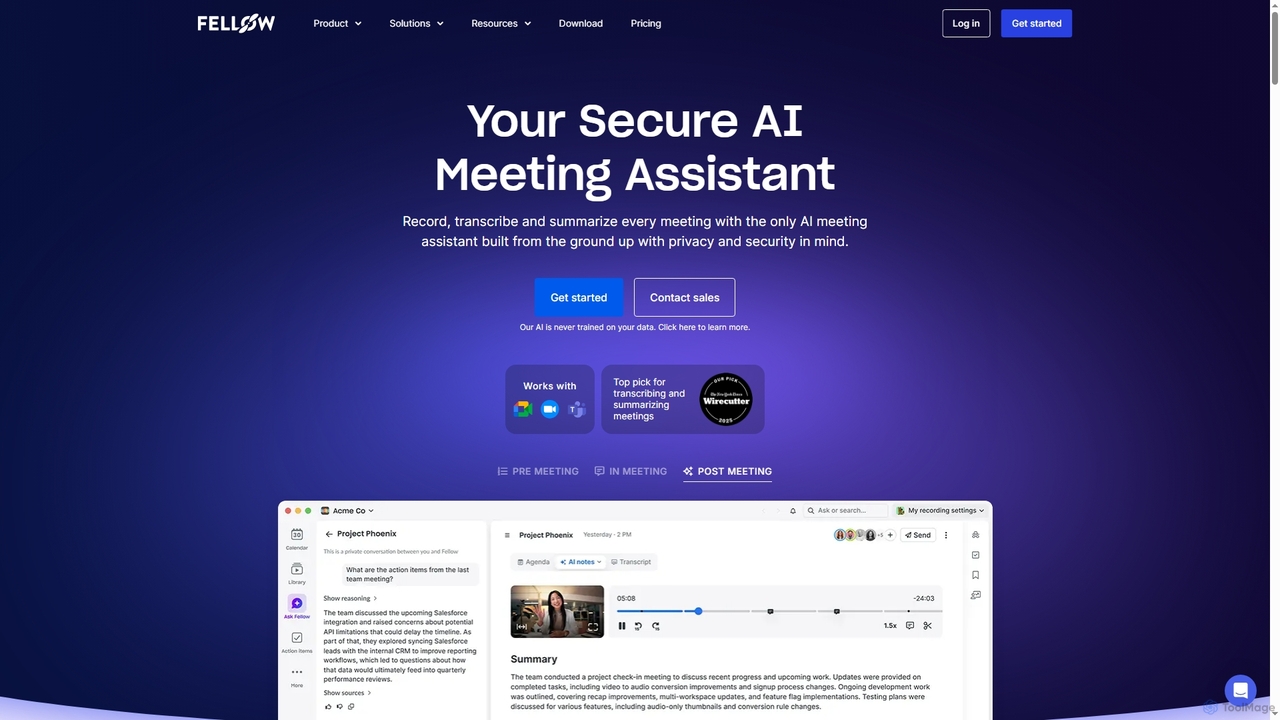
Fellow is a secure AI meeting assistant designed for teams and enterprises. It automatically records, transcribes, and summarizes meetings from Zoom, Google Meet, and Microsoft Teams. With a strong focus on privacy, Fellow ensures your data is never used for training AI models. It features an AI chatbot for querying meeting insights, CRM automation, and deep integrations with over 50 tools, centralizing your entire meeting workflow.

Collaboration
Visits 193.7KFavorites 97Likes 92
Auden
Paid

Auden

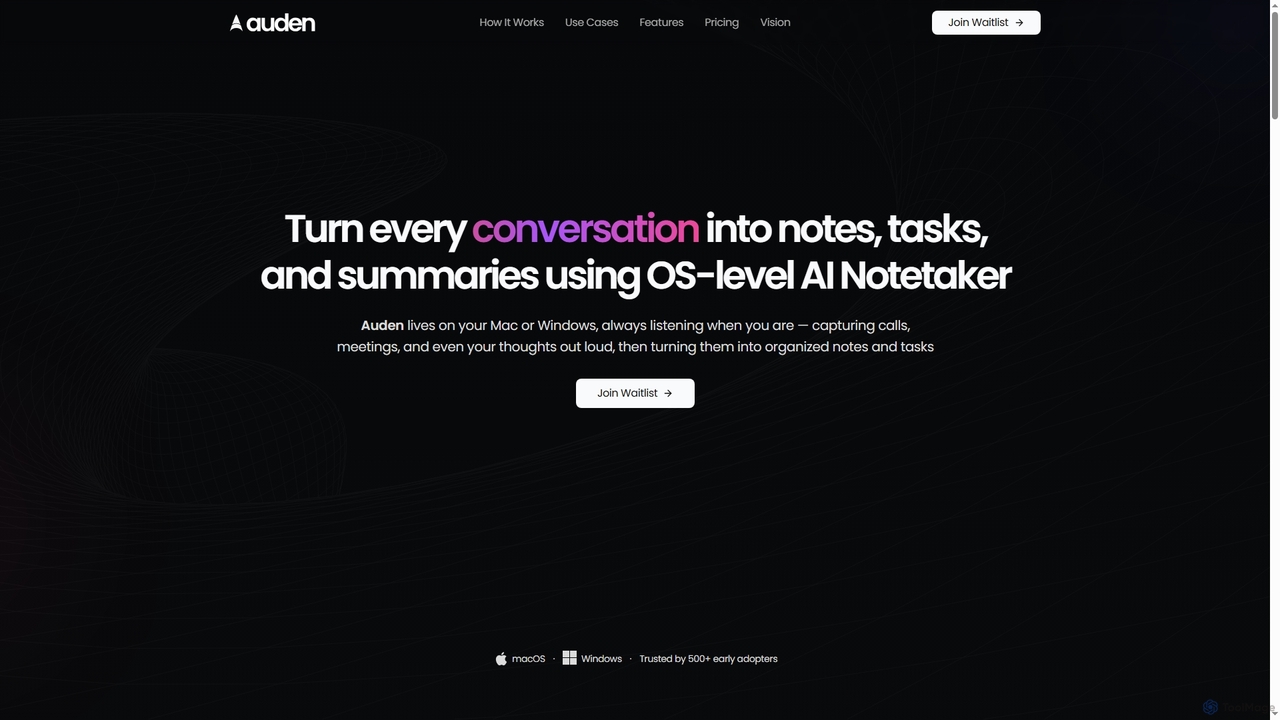
Auden is an OS-level AI notetaker for Mac and Windows that automatically captures, transcribes, and summarizes all conversations, including meetings, calls, and spoken thoughts. It operates locally for enhanced privacy, identifies speakers, and organizes notes and tasks into a unified workspace.

Transcription
Visits 10.3KFavorites 147Likes 140
Relate
Freemium

Relate

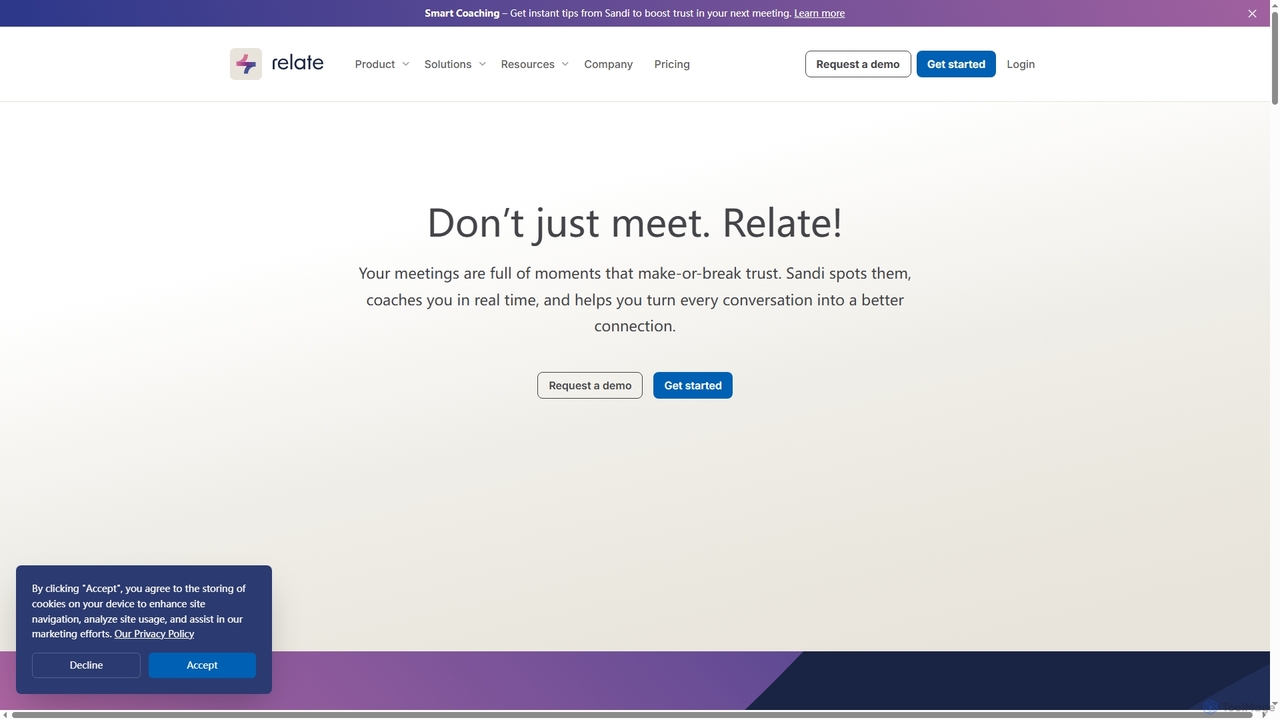
Relate is an AI-powered meeting intelligence platform designed to improve communication and build trust. Its AI coach, Sandi, provides real-time analysis and post-meeting feedback on trust-building behaviors, helping teams enhance engagement, collaboration, and outcomes. It integrates with popular meeting tools like Zoom, Google Meet, and MS Teams.

Training
Visits 8.6KFavorites 123Likes 133
Radiant
Free

Radiant

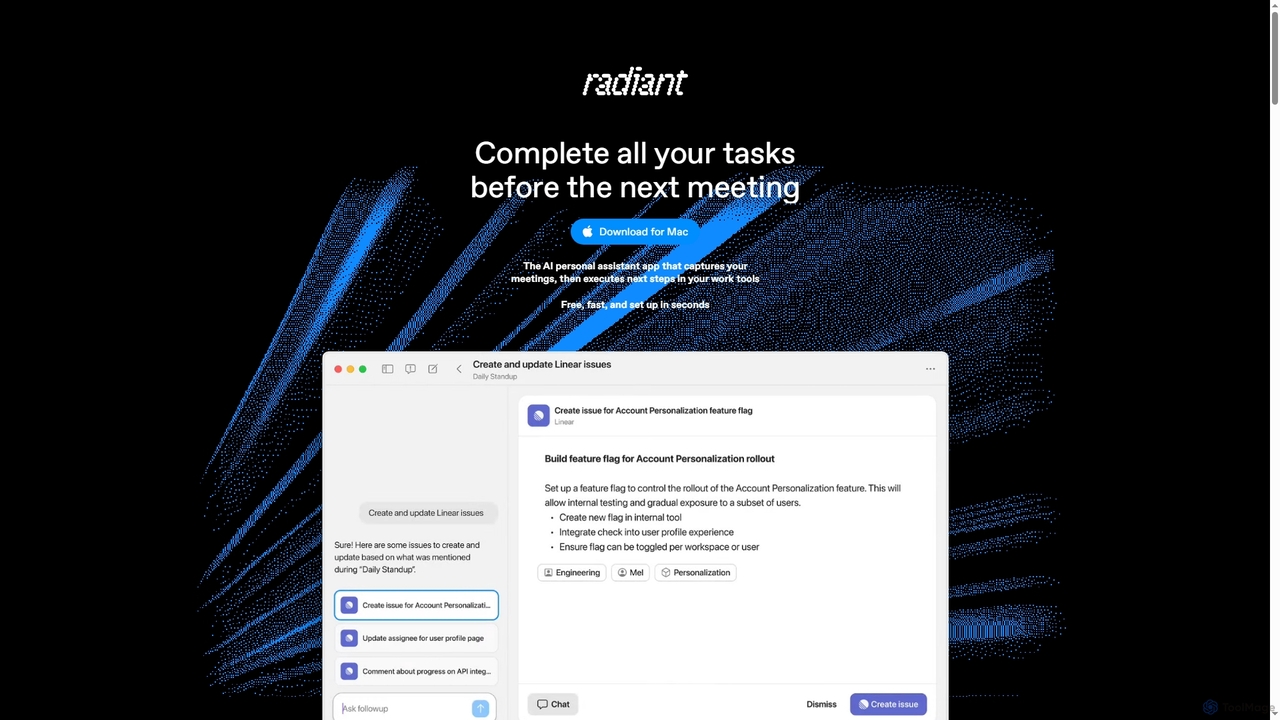
Radiant is an AI personal assistant app for Mac that captures meetings and automatically executes next steps. It goes beyond note-taking by suggesting and drafting actions like emails, documents, and tickets directly in your work tools, streamlining your workflow without needing a bot.

Collaboration
Visits 6.5KFavorites 91Likes 94
Perssua
Freemium

Perssua

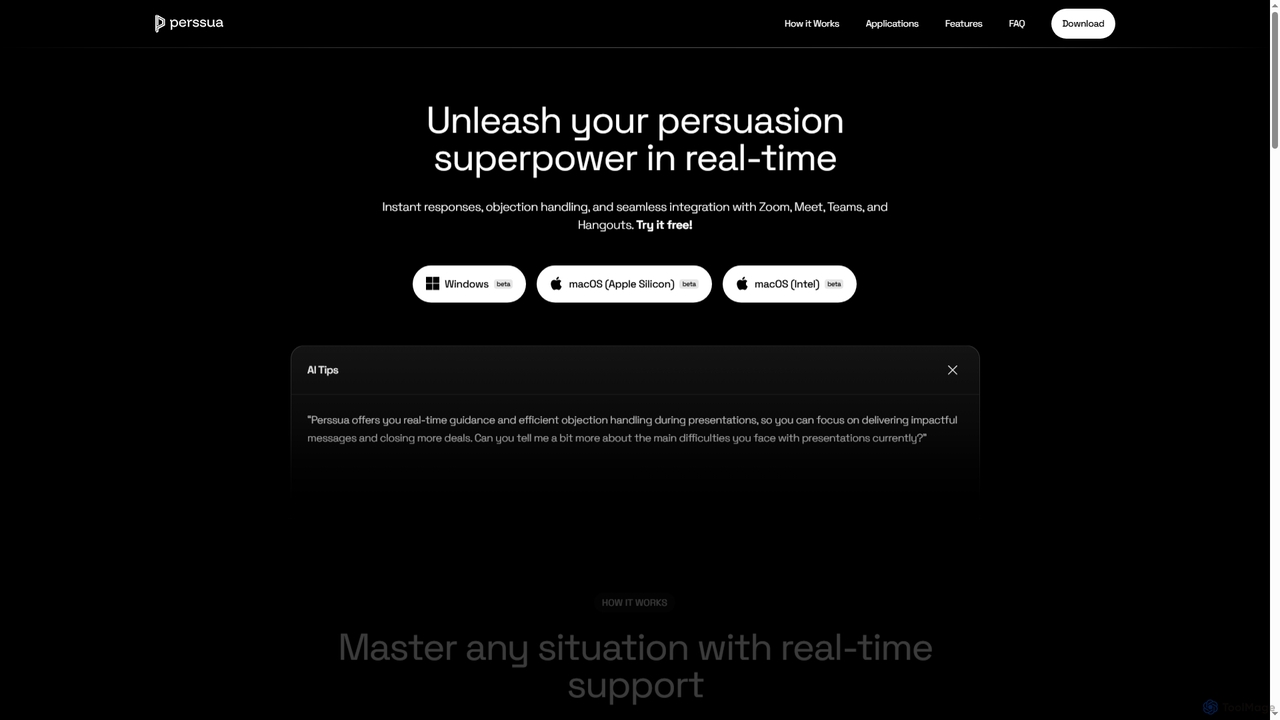
Perssua is an AI-powered real-time coach for virtual meetings and presentations. It provides live suggestions, arguments, and answers to handle objections, helping professionals speak with confidence and improve their performance on platforms like Zoom, Teams, and Google Meet.

Presentation
Visits 53.1KFavorites 160Likes 151
Personify
Freemium

Personify

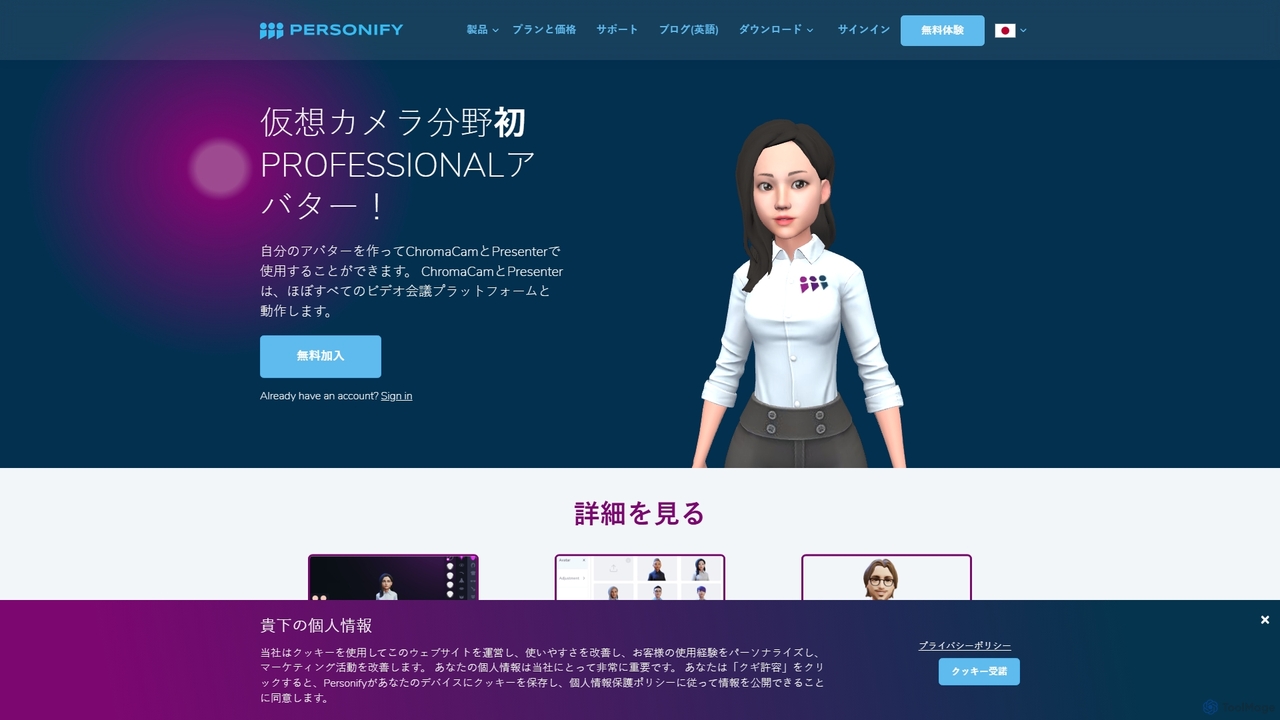
Personify is an AI-powered suite of virtual camera tools, including Presenter and ChromaCam, designed to create immersive and engaging video presentations. It allows users to overlay their video on content, use custom 3D avatars, and replace backgrounds in any video conferencing app.

Virtual Identity
Visits 10.8KFavorites 139Likes 143
ZoomScape.ai
Paid

ZoomScape.ai

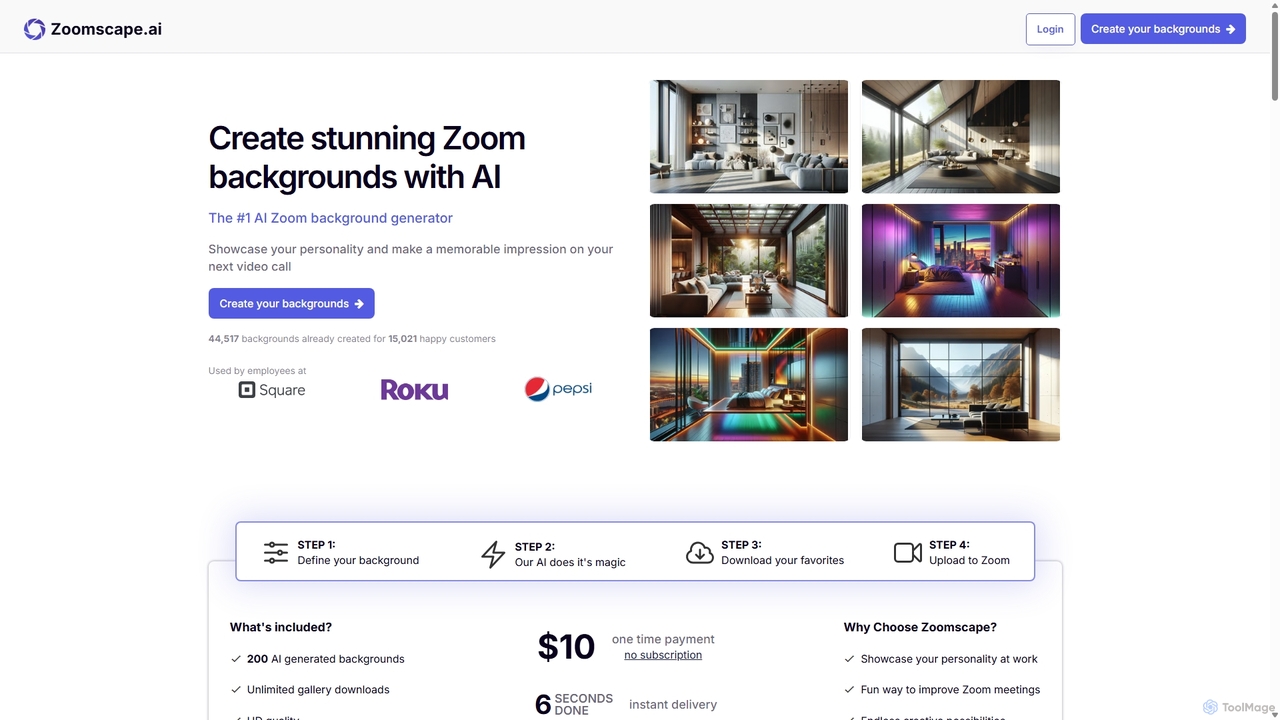
ZoomScape.ai is an AI-powered generator that creates hundreds of unique, stunning, and high-definition virtual backgrounds for Zoom and other video conferencing platforms. In seconds, you can generate personalized backdrops that showcase your personality, enhance your professional brand, and make your meetings more engaging.

Miscellaneous
Visits 7.4KFavorites 139Likes 155
Vemo
Freemium

Vemo

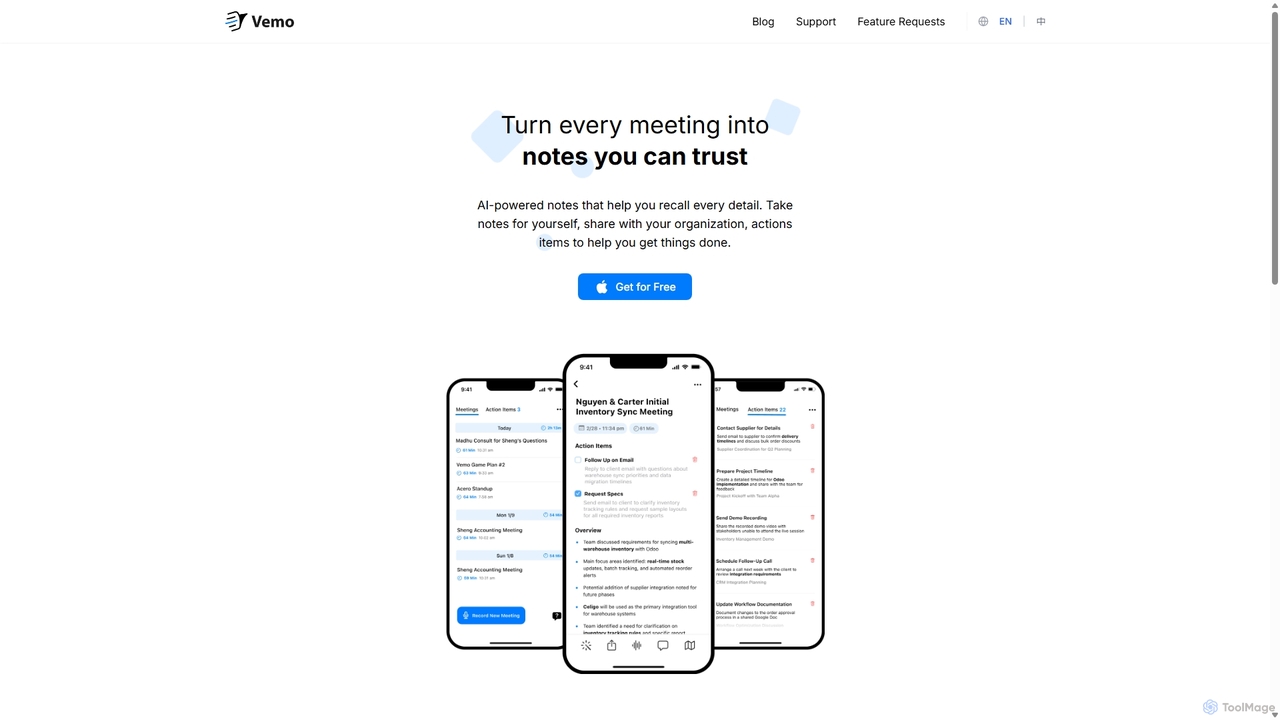
Vemo is an AI-powered meeting note-taker that automatically transcribes, summarizes, and extracts action items from your conversations. Its unique voice command feature allows you to edit and query your notes hands-free, ensuring you can stay focused on the discussion while Vemo captures every important detail.

Speech To Text
Visits 6.4KFavorites 169Likes 148
IFlytek Meeting
Freemium

IFlytek Meeting

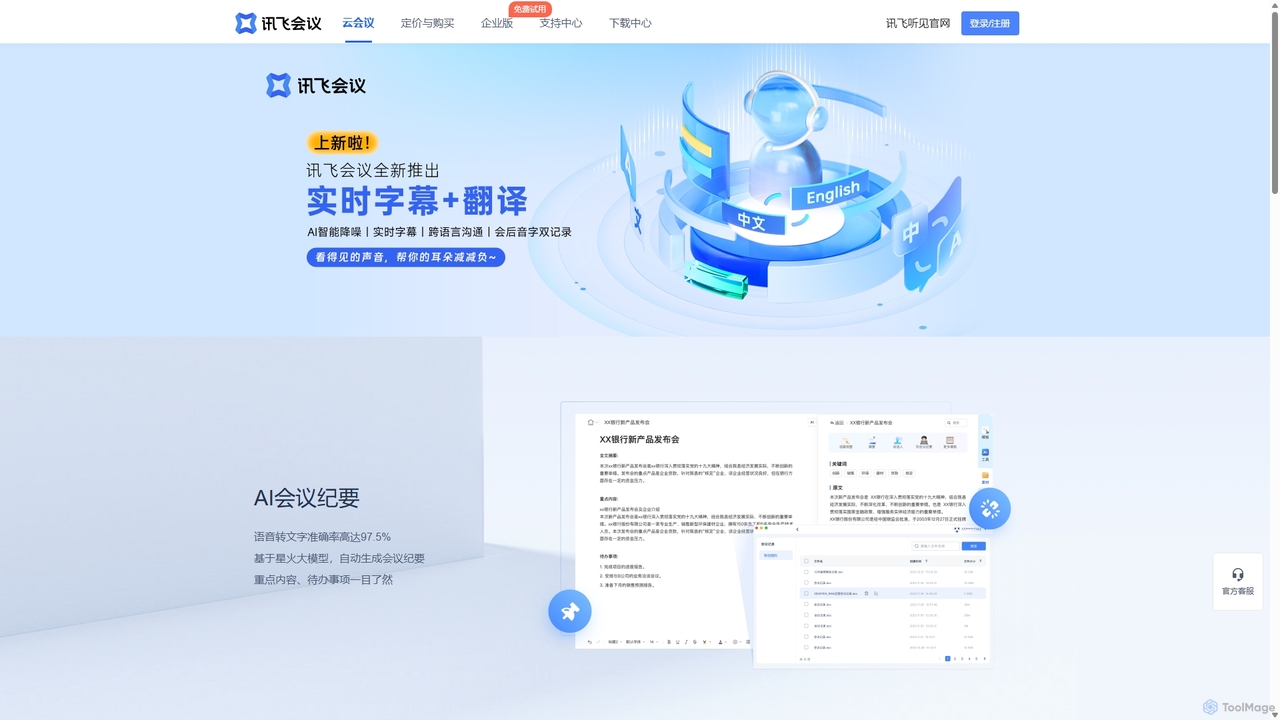
iFlytek Meeting is an AI-powered HD video conferencing platform. It offers high-accuracy real-time transcription, automatic meeting summaries, and to-do list generation. With features like stable HD video, cross-platform support, and robust security, it enhances meeting efficiency for individuals, teams, and large enterprises, providing a seamless remote collaboration experience.

Communication
Visits 10.2KFavorites 126Likes 130
CueCam Presenter
Freemium

CueCam Presenter

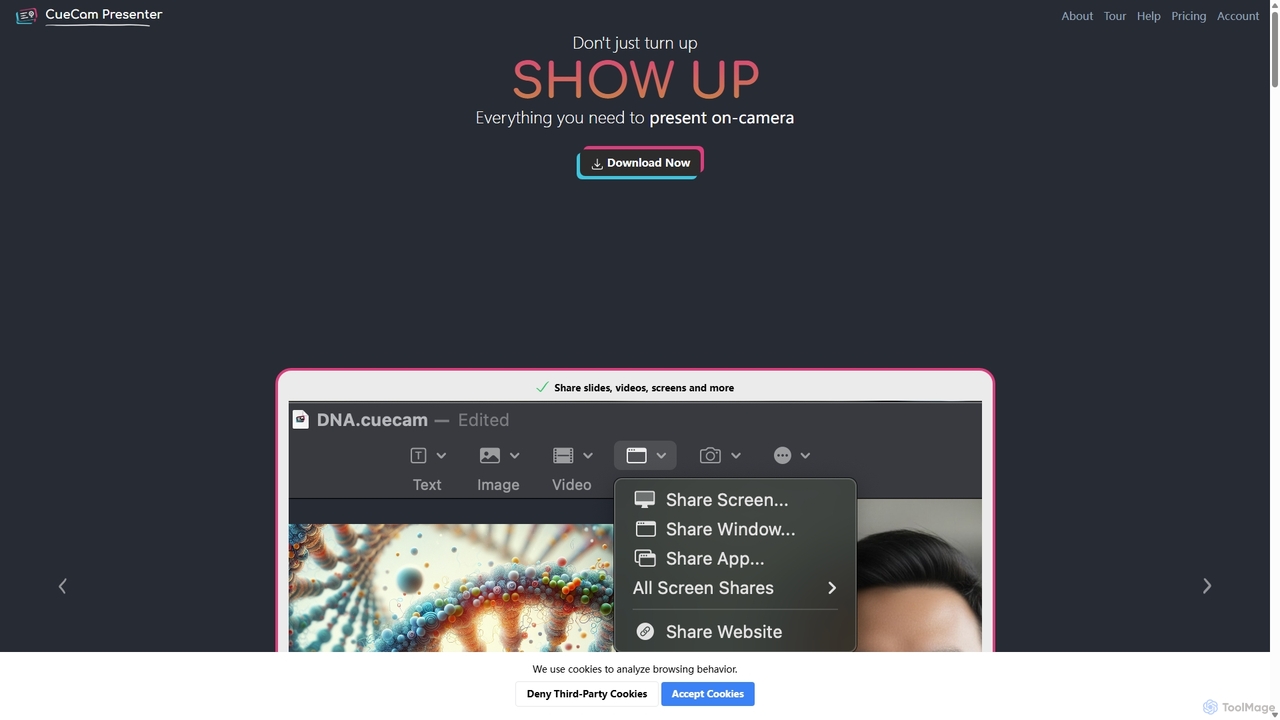
A powerful Mac application that transforms your webcam into a professional presentation studio. It integrates a teleprompter, smart cue cards, screen sharing, and live annotation via iPad. Ideal for remote calls, video recording, and live streaming, it simplifies complex production workflows into a single "next" button.

Live Streaming
Visits 7.7KFavorites 133Likes 119
Hedy
Freemium

Hedy

Hedy is a real-time AI meeting and class coach designed to enhance communication for professionals, students, journalists, and recruiters. It provides live insights, automatic summaries, transcripts, and action items across 30+ languages. With a focus on privacy and accessibility, Hedy runs on any device to help you participate more confidently and effectively in every conversation, turning discussions into actionable knowledge.

Communication
Visits 7.1KFavorites 162Likes 153
Wudpecker
Freemium

Wudpecker

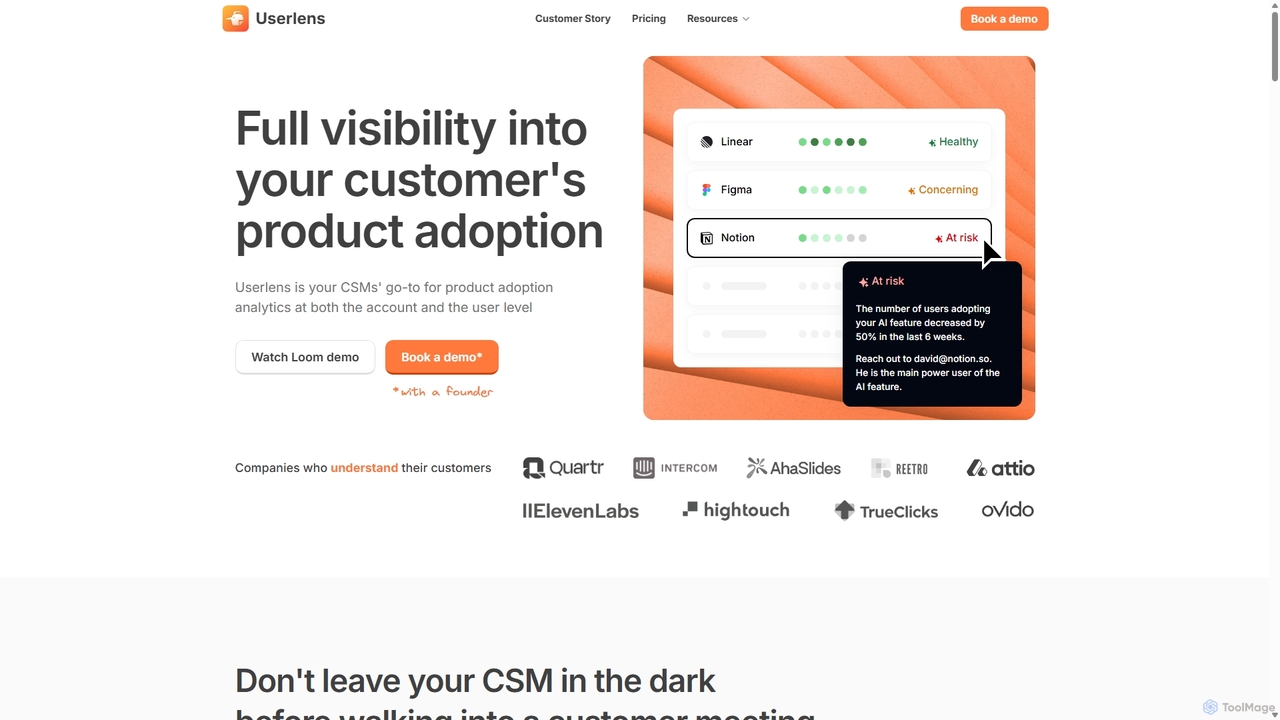
Wudpecker is an AI-powered platform offering two core solutions: an AI Meeting Assistant for automated recording, transcription, and summarization, and Userlens, a product analytics tool for customer success teams to monitor user adoption, assess account health, and prevent churn. It streamlines meeting productivity and provides deep customer insights.

Product Analytics
Visits 13.7KFavorites 139Likes 155
Limeline
Freemium

Limeline

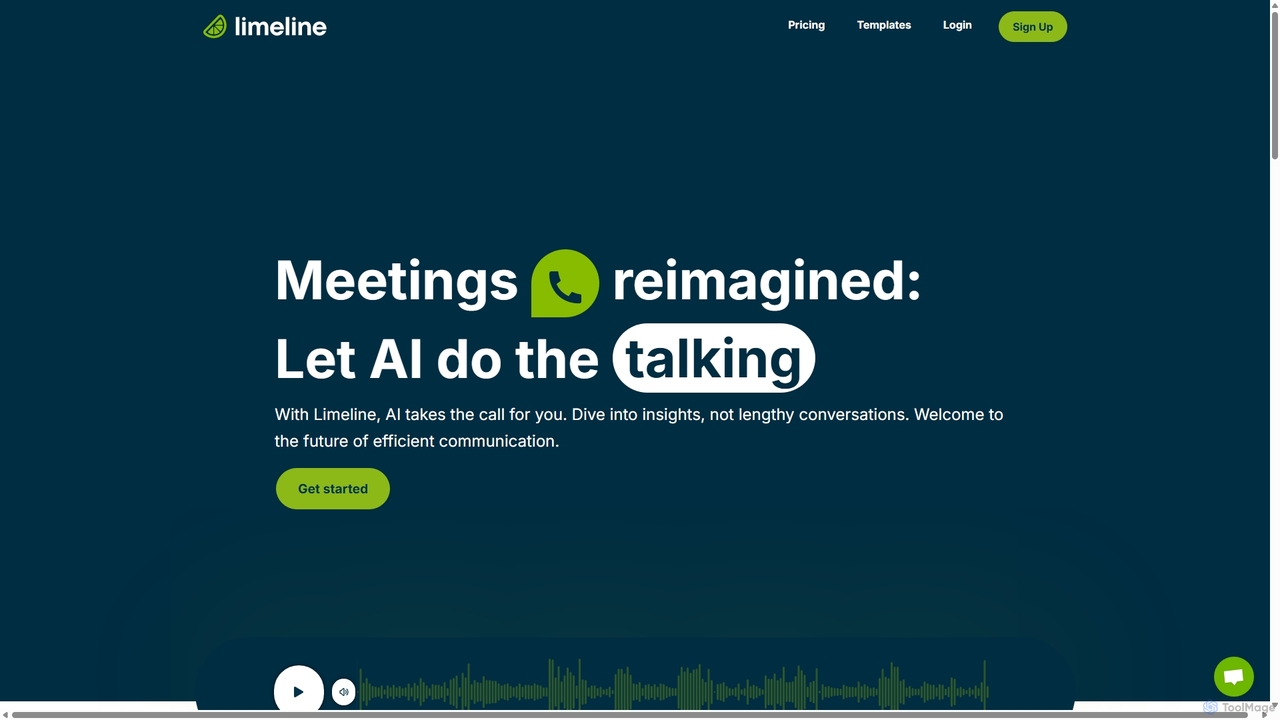
Limeline is an AI-powered platform that automates meetings and calls. Create custom AI agents to conduct conversations on your behalf, gathering information, qualifying leads, or collecting feedback 24/7. It provides real-time transcripts, summaries, and recordings, saving you time and enhancing productivity across various departments like sales, HR, and research.

Feedback Collection
Visits 6.9KFavorites 142Likes 147
StreamAlive
Freemium

StreamAlive

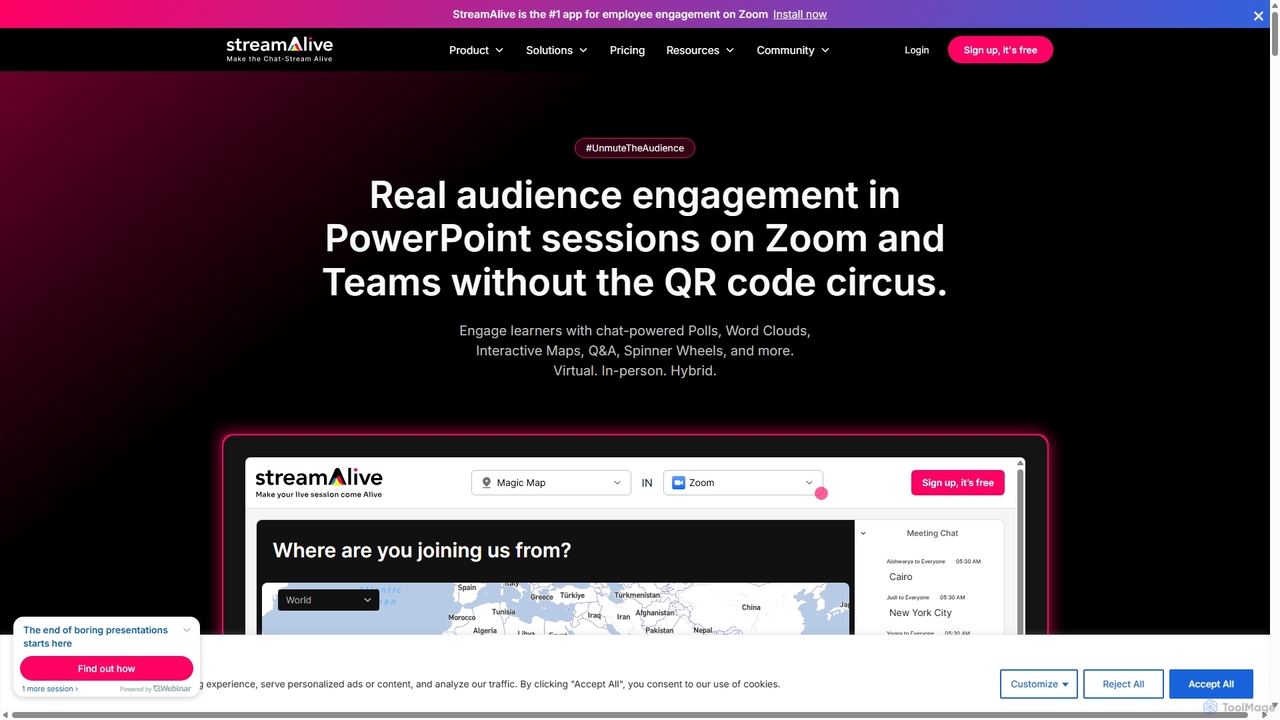
StreamAlive is an AI-powered audience engagement tool for live sessions on platforms like Zoom, Teams, and YouTube. It transforms passive presentations into interactive experiences using chat-powered features like polls, word clouds, interactive maps, and Q&A. Its AI can automatically generate engagement questions from your presentation material, making it easy for trainers, educators, and presenters to keep their audience captivated without complex setups or QR codes.

Training
Visits 49.7KFavorites 170Likes 158
Pigeonhole Live
Freemium

Pigeonhole Live

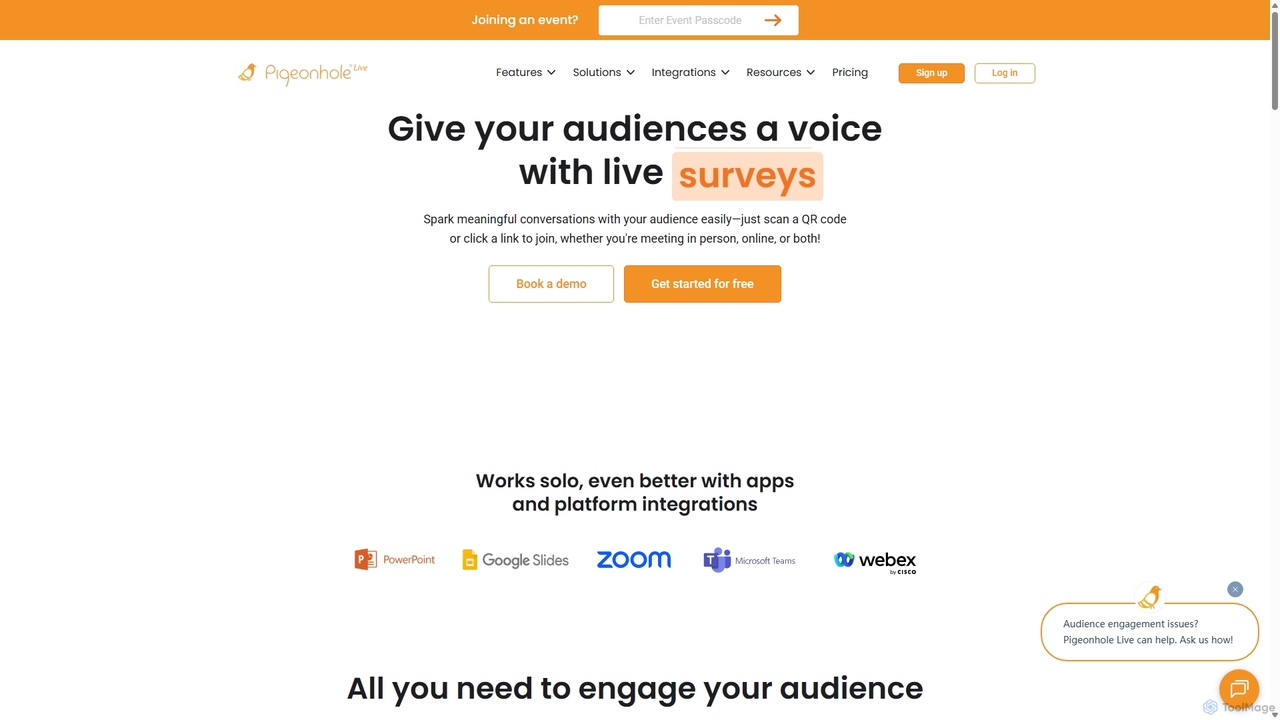
Pigeonhole Live is a comprehensive audience engagement platform designed for meetings, events, and conferences. It empowers organizers to boost participation through interactive tools like live Q&A with AI translation, polls, word clouds, quizzes, and surveys, creating a more inclusive and memorable experience for both in-person and virtual attendees.

Collaboration
Visits 43.3KFavorites 123Likes 132
Meetecho
Freemium

Meetecho

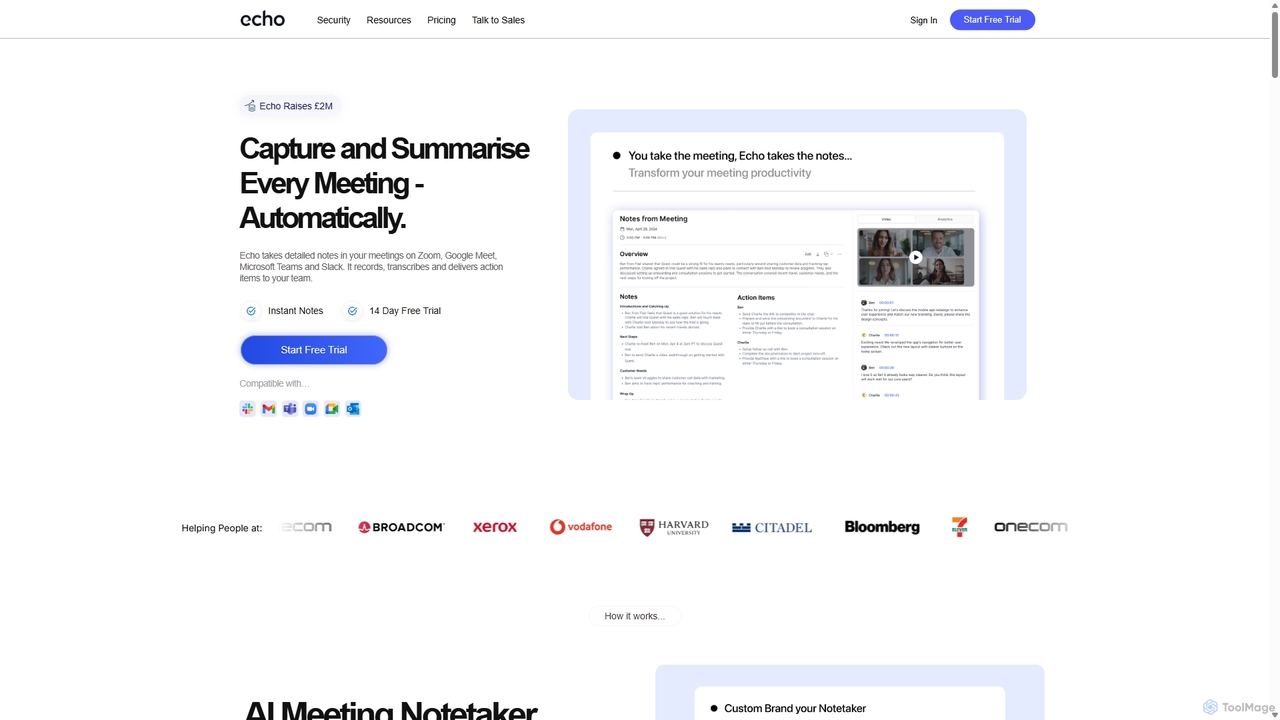
meetecho is an AI executive assistant that automatically joins your meetings on Zoom, Google Meet, and Microsoft Teams to record, transcribe, and generate detailed summaries with action items. It enhances productivity by eliminating manual note-taking and creating a searchable archive of all your conversations. Upcoming features include AI-powered email sorting and drafting.

Assistant
Visits 6.5KFavorites 160Likes 170
Felo Subtitles
Freemium

Felo Subtitles

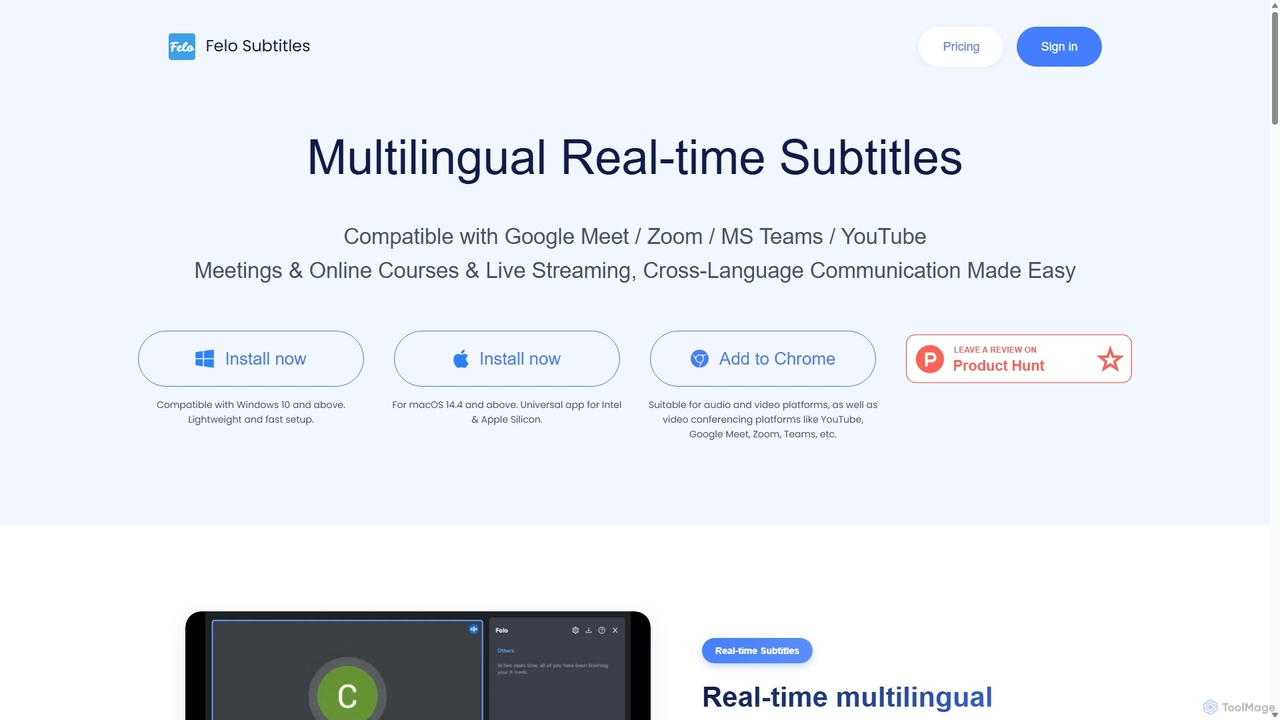
Felo Subtitles is an AI-powered tool providing real-time multilingual captions and translated subtitles for meetings and videos. It seamlessly integrates with platforms like Google Meet, Zoom, MS Teams, and YouTube, offering features like speaker recognition, AI summaries, and customizable dictionaries to ensure clear, cross-language communication.

Language Learning
Visits 27KFavorites 145Likes 166
Casablanca
Freemium

Casablanca

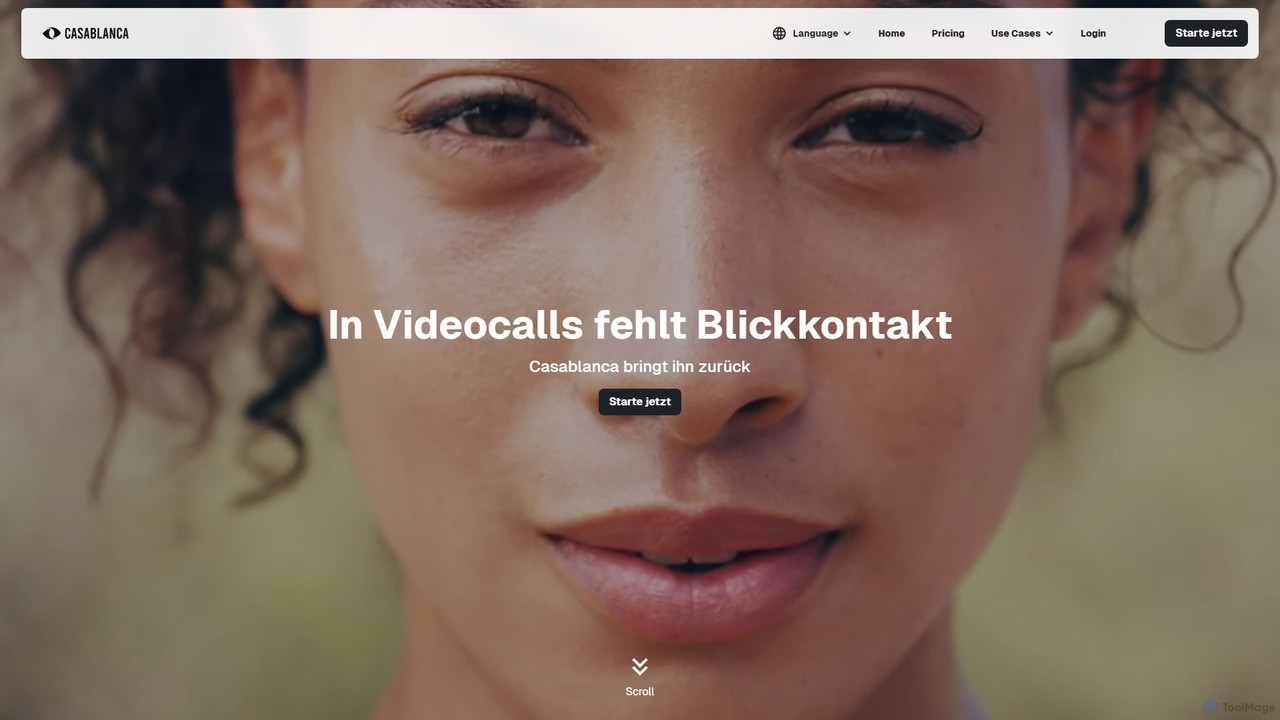
Casablanca is an AI-powered virtual camera that enhances your presence in online meetings. Its core feature, AI eye contact correction, ensures you always appear to be looking directly at the camera, fostering better engagement. It works seamlessly with popular platforms like Zoom, Teams, and Google Meet to make you look your best in every call.

Teleconferencing
Visits 17.3KFavorites 162Likes 131
Granola
Freemium

Granola

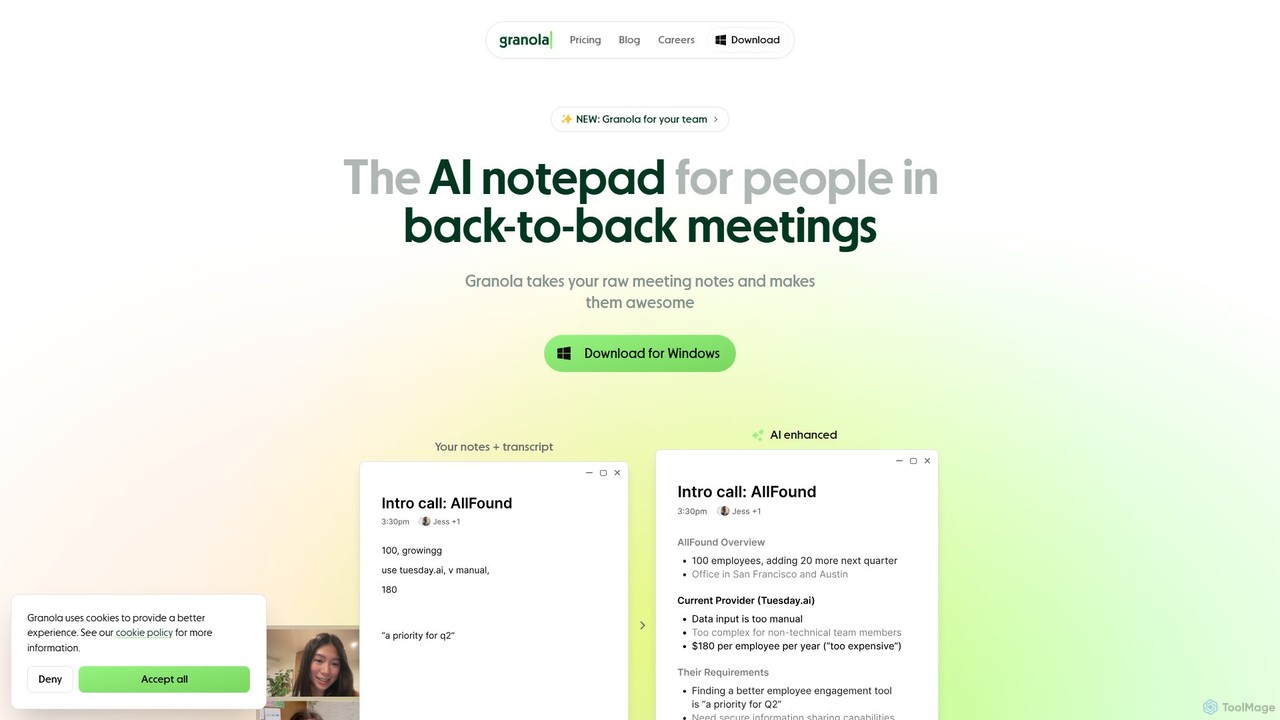
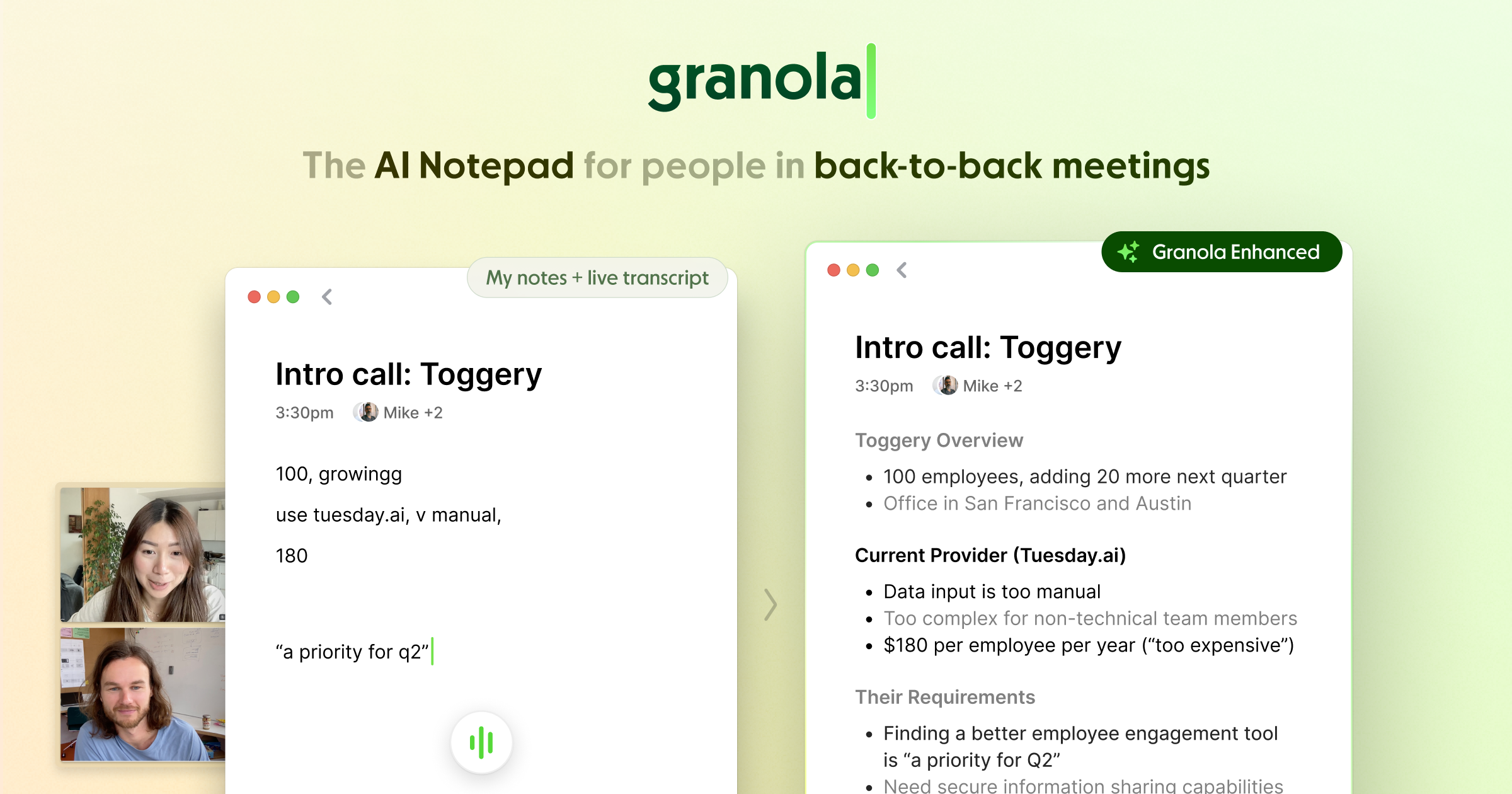
Granola is an AI-powered notepad designed for professionals in back-to-back meetings. It operates locally on your computer to transcribe meeting audio without bots, enhances your notes with AI-generated insights, and helps create summaries, action items, and follow-up content, boosting meeting productivity.

Meetings
Visits 1.9MFavorites 168Likes 172
mymeet.ai
Freemium

mymeet.ai

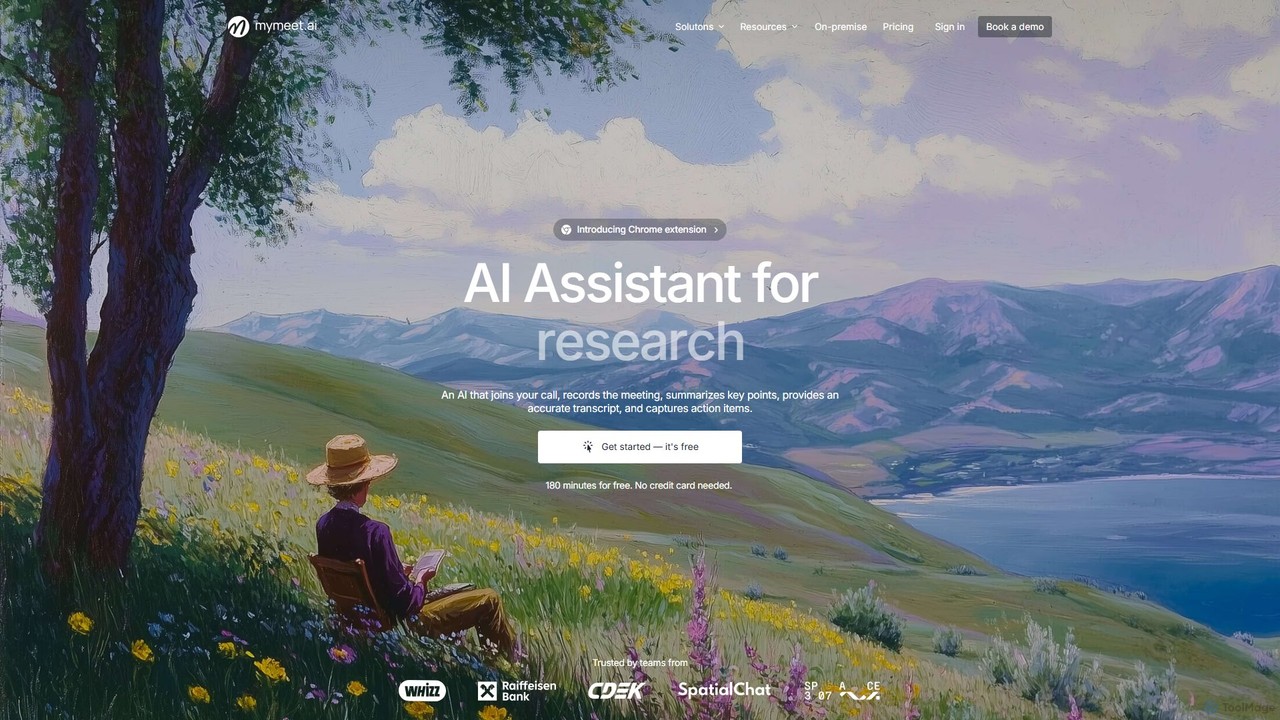
mymeet.ai is an AI meeting assistant that automatically joins your calls on Zoom, Google Meet, and Teams to record, transcribe, summarize, and identify action items. It features an interactive AI chat to query meeting details, offers specialized analysis templates, and integrates seamlessly with your calendar and other work tools to boost productivity.

Sales
Visits 256.2KFavorites 124Likes 125
MeetingAssistant
Paid

MeetingAssistant

MeetingAssistant is an AI-powered copilot designed to enhance your performance in meetings, especially job interviews. It provides real-time transcription of conversations and delivers smart, AI-generated suggestions, helping you respond confidently and effectively. It seamlessly integrates with any web-based meeting platform like Zoom, Google Meet, and Microsoft Teams, acting as your personal communication coach.

Interview Preparation
Visits 6.5KFavorites 132Likes 149
AiGenda
Freemium

AiGenda

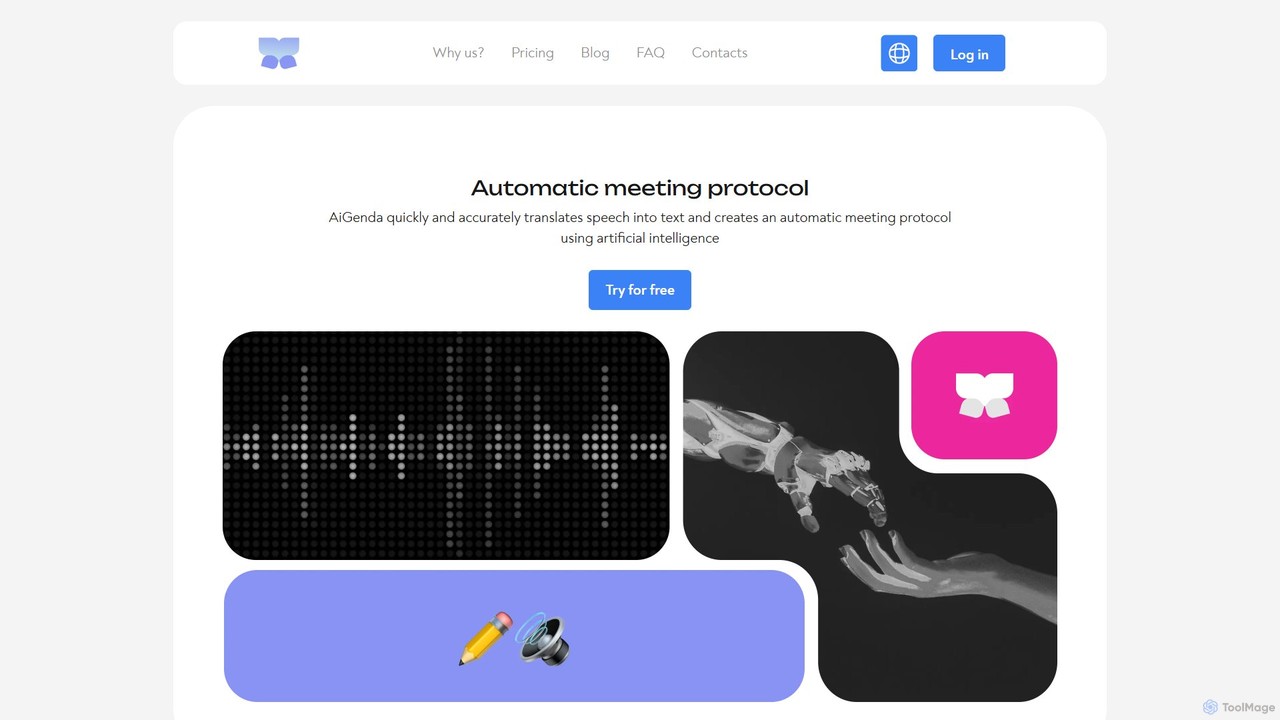
AiGenda is an AI-powered meeting assistant that automatically records, transcribes, and summarizes your online meetings. It integrates with platforms like Zoom, Google Meet, and Telemost to provide high-accuracy transcripts and intelligent summaries in minutes, supporting over 10 languages. This tool helps teams save time, improve focus during calls, and easily search for key information from past discussions.

Collaboration
Visits 16.6KFavorites 139Likes 157
live_captions
Freemium

live_captions

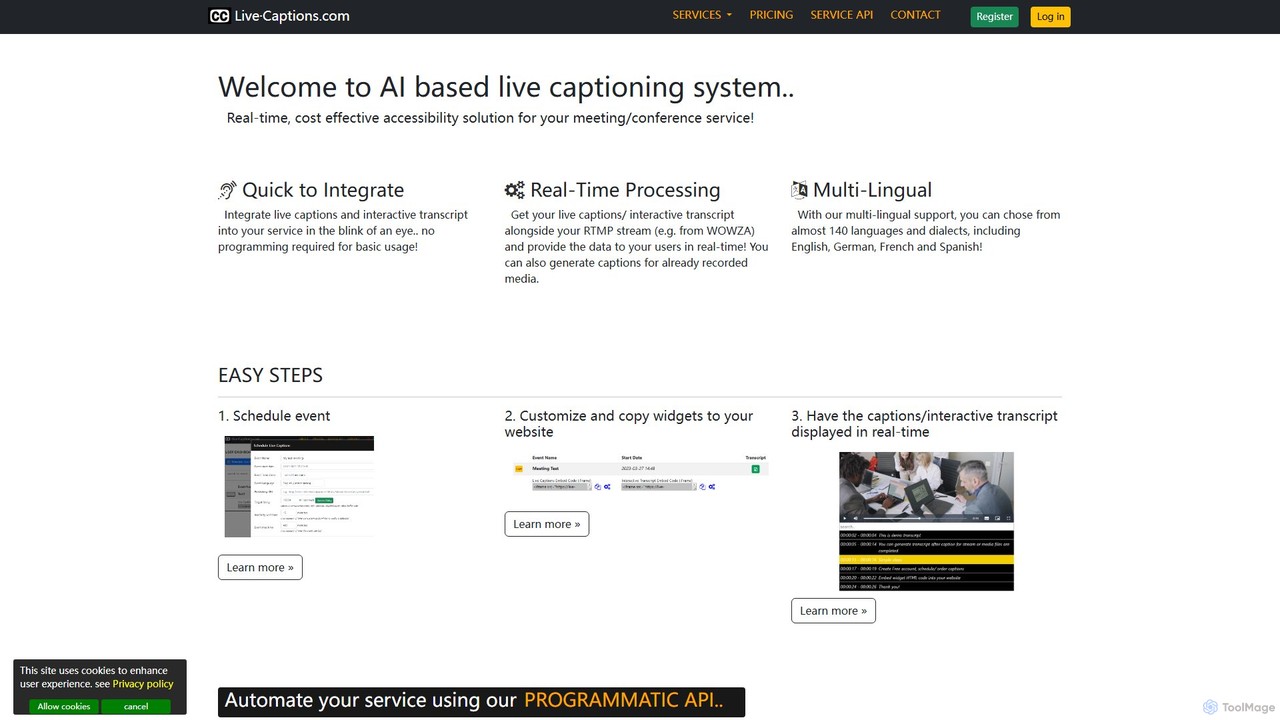
An AI-powered service providing real-time, cost-effective live captioning and transcription for meetings, conferences, and streams. It supports nearly 140 languages and offers easy integration for both live and pre-recorded media.

Inclusivity
Visits 6.7KFavorites 145Likes 133

About Meetings

AI-powered meeting tools are specialized productivity solutions designed to transform the way teams conduct and manage virtual or in-person meetings. As a crucial component within the broader productivity category, these tools leverage advanced natural language processing (NLP) and speech-to-text technologies to automate tedious tasks like transcription, note-taking, and summarization. Their primary goal is to enhance meeting efficiency, improve information retention, and ensure that key decisions and action items are accurately captured and easily accessible, thereby freeing participants to focus on discussion and collaboration rather than manual documentation. By providing intelligent insights and streamlined workflows, AI meeting tools help organizations maximize the value derived from every interaction.

Core Features

  • Real-time Transcription: Automatically converts spoken words into text during live meetings, often with high accuracy and speaker identification, creating a searchable record of the entire discussion.
  • Smart Summarization: Generates concise, AI-driven overviews of meeting discussions, intelligently highlighting key topics, decisions, and outcomes, saving significant time in post-meeting review.
  • Action Item Detection: Proactively identifies and extracts specific tasks, deadlines, and responsible parties mentioned during the conversation, ensuring accountability and follow-through.
  • Sentiment Analysis: Analyzes the emotional tone and engagement levels of participants throughout the meeting, providing valuable insights into group dynamics and potential areas of concern.
  • Speaker Identification & Diarization: Accurately distinguishes between different speakers and labels their contributions, making transcripts much clearer and easier to follow.
  • Integration Capabilities: Seamlessly connects with popular calendar applications (e.g., Google Calendar, Outlook), video conferencing platforms (e.g., Zoom, Microsoft Teams), and project management tools (e.g., Asana, Trello) for a unified workflow.

Applicable Scenarios

AI meeting tools are invaluable for a wide range of professionals and organizations. Project managers utilize them to meticulously track decisions, deadlines, and assigned tasks across multiple team meetings. Sales teams benefit from analyzing client calls to identify key objections, understand customer needs, and improve sales strategies. Educators can record lectures and discussions, providing students with accessible review materials. For remote and hybrid teams, these tools are essential for bridging communication gaps, ensuring everyone has access to comprehensive meeting records regardless of their attendance or time zone. They streamline post-meeting workflows, significantly reduce manual effort in documentation, and provide searchable archives of all discussions, fostering transparency and accountability.

Key Selection Criteria

When selecting an AI meeting tool, several factors are paramount. Prioritize transcription accuracy, especially if your meetings involve multiple speakers, diverse accents, or technical jargon. Evaluate the quality of its summarization capabilities and how effectively it identifies and organizes action items. Robust integration with your existing communication and project management software is crucial for a seamless workflow. Consider the tool's security features and data privacy policies, particularly for sensitive discussions. Finally, assess the pricing model (e.g., per-user, per-minute, or feature-based) to ensure it aligns with your organizational needs, budget, and scalability requirements. User interface intuitiveness and customer support quality also play a significant role in long-term satisfaction.

Featured tool rankings

Meetings use cases

1

Automating Meeting Minutes for Project Teams

Project managers can leverage AI meeting tools to automatically transcribe and summarize weekly stand-ups and project review meetings. The tool identifies key decisions, assigned tasks, and deadlines, then integrates them directly into project management software. This eliminates manual note-taking, ensures all team members have immediate access to accurate meeting outcomes, and significantly reduces the time spent on post-meeting documentation, allowing managers to focus on strategic oversight.

2

Analyzing Sales Calls for Performance Improvement

Sales teams use AI meeting tools to record and analyze client calls. The AI can detect sentiment, identify common objections, track competitor mentions, and highlight key moments in the conversation. Sales managers can review these insights to coach their team members, refine sales pitches, and understand customer needs more deeply, leading to improved conversion rates and better customer relationships.

3

Streamlining Academic Lectures and Discussions

Educators and researchers can utilize AI meeting tools to transcribe lectures, seminars, and group discussions. The generated transcripts provide students with accessible study materials, especially beneficial for those with hearing impairments or who prefer text-based learning. Researchers can easily search through recorded interviews or focus group discussions for specific keywords or themes, accelerating data analysis and knowledge extraction.
4

Enhancing Board Meetings and Executive Summaries

For high-level board meetings or executive discussions, AI meeting tools provide accurate, confidential transcripts and intelligent summaries. These tools ensure that all critical decisions, strategic directions, and governance points are meticulously recorded. The AI can generate a concise executive summary, highlighting key resolutions and action items for quick review by stakeholders, ensuring compliance and clear communication at the highest levels.

5

Facilitating Cross-functional Team Collaboration

Cross-functional teams often involve members from different departments or time zones. AI meeting tools ensure that all participants, regardless of their attendance, have access to comprehensive meeting records. The tools can automatically translate transcripts (if supported), identify inter-departmental action items, and create a shared understanding of project progress and dependencies, fostering seamless collaboration and reducing miscommunication.

6

Conducting User Research Interviews and Feedback Analysis

Product teams and UX researchers employ AI meeting tools to record and transcribe user interviews and feedback sessions. The AI can help identify recurring themes, pain points, and feature requests by analyzing the content and sentiment of user conversations. This automates the qualitative data analysis process, allowing researchers to quickly extract actionable insights and inform product development decisions more efficiently.

Meetings FAQ

What are AI meeting tools?

AI meeting tools are software applications that use artificial intelligence, primarily natural language processing (NLP) and speech recognition, to automate various aspects of meeting management. They are designed to enhance productivity by handling tasks like real-time transcription, smart summarization, action item detection, and speaker identification, allowing participants to focus on discussion rather than manual note-taking. These tools are a sub-category of broader productivity AI, specifically tailored for meeting environments.

How do AI meeting tools improve meeting efficiency?

AI meeting tools significantly improve efficiency by automating time-consuming tasks. They provide instant, accurate transcripts, eliminating the need for manual note-takers. Smart summaries quickly distill key decisions and action items, reducing post-meeting review time. Furthermore, by integrating with calendars and communication platforms, they streamline scheduling, recording, and sharing of meeting outcomes, ensuring everyone is on the same page with minimal effort.

What's the difference between AI meeting tools and general transcription services?

While both provide text from audio, AI meeting tools offer much more than just transcription. General transcription services typically provide a raw text file. AI meeting tools, however, integrate transcription with advanced features like speaker identification, intelligent summarization, action item extraction, sentiment analysis, and integration with other business tools. They are designed for active meeting management and post-meeting analysis, not just converting speech to text.

What are the key features to look for in an AI meeting tool?

When evaluating AI meeting tools, prioritize high transcription accuracy, especially for diverse accents or technical jargon. Essential features include smart summarization, robust action item detection, and reliable speaker identification. Look for seamless integration with your existing video conferencing (e.g., Zoom, Teams) and project management platforms. Data security, privacy compliance, and a user-friendly interface are also crucial for effective adoption and use.

Can AI meeting tools be used for confidential discussions?

Yes, many AI meeting tools are designed with enterprise-grade security and privacy features to handle confidential discussions. When choosing a tool, it's critical to review its data encryption protocols, compliance certifications (e.g., GDPR, HIPAA), and data retention policies. Opt for tools that offer secure cloud storage, granular access controls, and clear terms of service regarding data usage to ensure your sensitive information remains protected.