
CrystalSound Overview
CrystalSound is an advanced AI-powered application designed to solve the most common frustrations of online communication: distracting background noise and lost information. It serves as an all-in-one solution for noise cancellation, screen recording, and meeting analysis, empowering professionals, teams, and content creators to communicate with clarity and boost their productivity. By leveraging sophisticated deep neural network technology, CrystalSound ensures that your voice is heard perfectly, regardless of your environment.
The tool tackles key issues like audio-related problems, which are a major concern for 50% of American workers in online calls, and the productivity loss experienced by 67% of employees who get distracted during virtual meetings. CrystalSound integrates seamlessly into your existing workflow, acting as a virtual microphone and speaker for all your favorite communication apps like Zoom, Google Meet, and Microsoft Teams.
How to use CrystalSound
Using CrystalSound is straightforward and designed for easy integration:
- Download and Install: Get the CrystalSound application from the official website and install it on your Windows computer.
- Automatic Integration: Once installed, CrystalSound automatically sets itself up as a new virtual audio device.
- Select in Your Apps: Open the settings of your preferred communication app (e.g., Zoom, Slack, Discord, or a browser-based tool). In the audio settings, choose "CrystalSound Microphone" as your input device and "CrystalSound Speaker" as your output device.
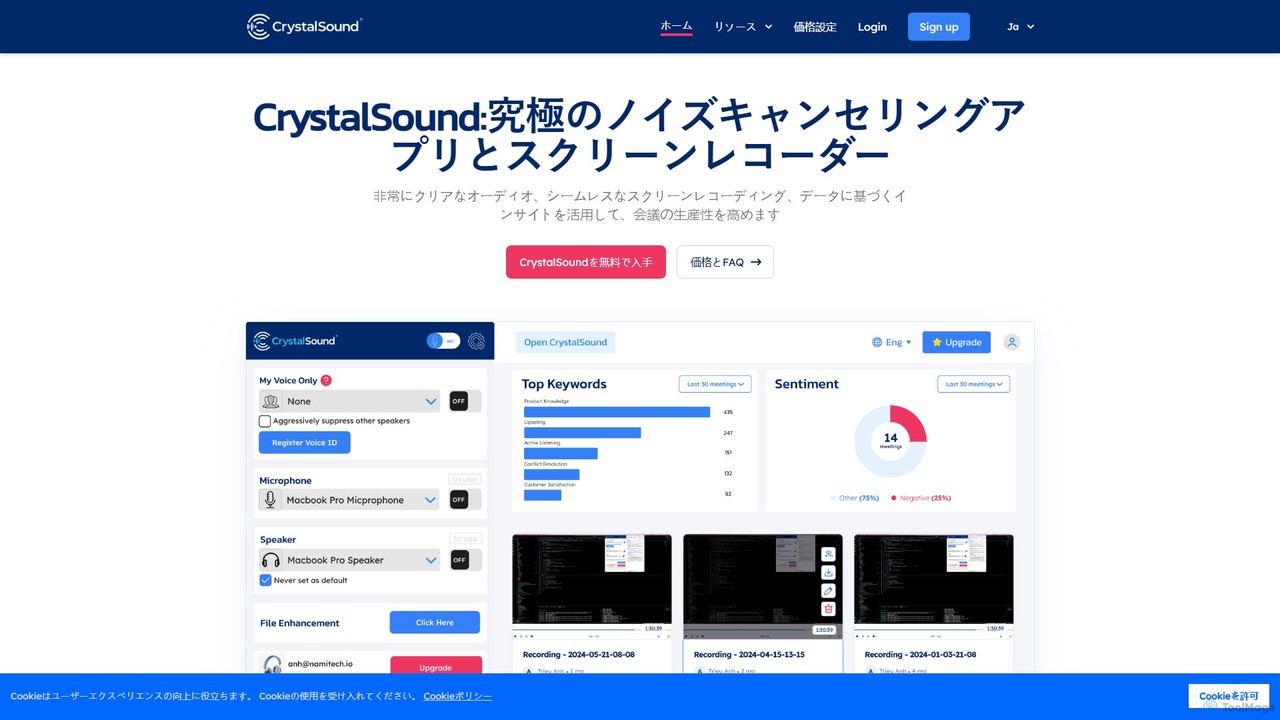
- Customize and Record: Open the CrystalSound app to toggle features like noise cancellation, "My Voice Only" mode, or start a screen recording. All audio passing through these virtual devices will be processed by CrystalSound's AI in real-time.
Core Features of CrystalSound
- Bi-Directional Noise Cancellation: Eliminates background noises from both your end and the other participants' ends of the call, ensuring a clear conversation for everyone.
- My Voice Only Mode: This feature isolates your voice, suppressing all other background voices and noises, which is perfect for noisy environments like cafes or open offices.
- HD Screen & Audio Recording: Capture your screen, microphone audio, and speaker audio simultaneously. Recordings can be saved locally or, with premium plans, to the cloud for easy sharing and analysis.
- AI Meeting Assistant: Premium plans unlock powerful AI features. CrystalSound can generate accurate transcriptions, create smart meeting minutes, and provide analysis on keywords and sentiment to help you extract valuable insights.
- Audio File Enhancement: Upload existing audio files (MP3, WAV, FLAC) to remove background noise and improve clarity.
- Voice Changer: Add creative effects to your voice in real-time, including pitch shifting, reverb, or a robot effect.
- High-Definition Audio: Supports 48kHz high-definition stereo sound for exceptional audio clarity, along with acoustic echo cancellation and room echo removal.
- Privacy-Focused: The Enterprise plan offers on-device AI processing, ensuring your audio data never leaves your computer for maximum privacy and security.
Use Cases for CrystalSound
For Remote Professionals: Eliminate household noises like pets, children, or construction, allowing you to sound professional in every meeting.
For Content Creators & Podcasters: Record crystal-clear voiceovers and interviews without needing a soundproof booth. Enhance pre-recorded audio files to achieve studio-quality sound.
For Teams & Enterprises: Improve communication clarity across the organization. Use recordings and transcriptions to keep an accurate record of discussions, decisions, and action items, reducing misunderstandings.
For Writers and Dictation Users: As highlighted by a user, it enables the use of dictation tools like Dictanote or VoiceIn in noisy public places like coffee shops, by filtering out the ambient noise and capturing only the user's voice.
Advantages of CrystalSound
CrystalSound offers a significant competitive edge by combining multiple tools into one seamless application. Its primary advantages include dramatically improved audio clarity, increased focus and productivity during meetings, a simplified workflow by centralizing recording and analysis, and robust privacy features. The ability to work with any communication app makes it a versatile and indispensable tool for modern digital communication.
Pricing and Plans
CrystalSound offers a freemium model with a 7-day free trial for its Premium plan and a 30-day money-back guarantee.
- Enterprise Plan: Custom pricing. Designed for large teams prioritizing privacy. Features unlimited noise cancellation, secure offline screen recording, and on-device processing. No cloud storage or transcription.
- Premium Plan: $96 USD/User/Year. Aimed at professionals and teams. Includes unlimited noise cancellation, up to 30 minutes of cloud recording per session, 10GB of cloud storage, and 10 hours of transcription and analysis.
- Elite Plan (Coming Soon): $228 USD/User/Year (with a 50% pre-registration discount). For power users. Offers everything in Premium plus unlimited cloud recording time, 100GB of cloud storage, 100 hours of transcription, and advanced performance and risk analysis.
Traffic
Latest traffic
Status
Monthly traffic trend
- 2026-1: 8.9K
- 2026-2: 8.5K
- 2026-3: 8.1K
- 2026-4: 7.3K
- 2026-5: 2.4K
Geography
Top 5 countries / regions
- 🇷🇺Russia38.0%
- 🇺🇸United States29.6%
- 🇮🇩Indonesia15.1%
- 🇵🇭Philippines11.5%
- 🇲🇽Mexico5.7%
Top keywords
| Keyword | Cost per click |
|---|---|
| crystal sound | $0.00 |
| crystalsound | $0.00 |
| crystal sounhd | $0.00 |
| is crystalsound ai free | $0.00 |
| screen recorder with sound suppression | $0.00 |
CrystalSound Alternatives
Bubbles
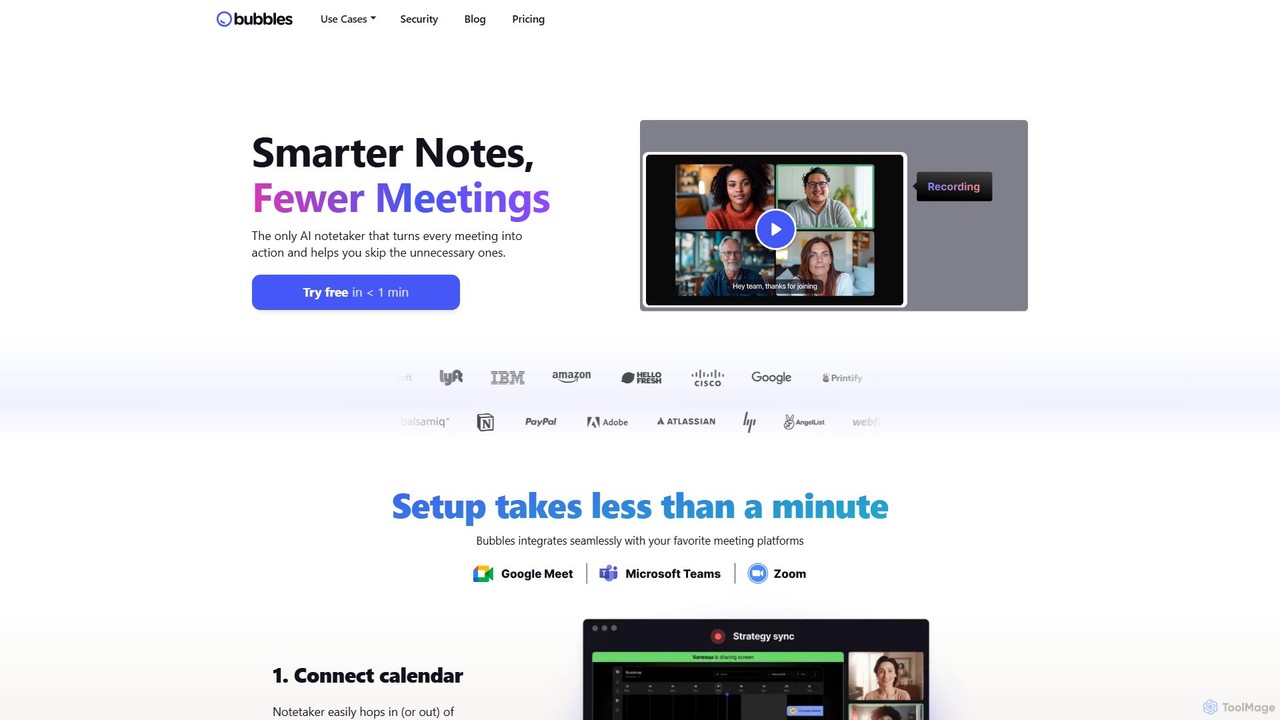
Bubbles is an AI-powered meeting assistant and screen recorder designed to reduce meeting fatigue and enhance team productivity. It automatically joins your meetings to record, transcribe, and generate concise summaries with actionable items. It also facilitates asynchronous communication through screen and video recordings, helping teams collaborate effectively without constant calls.
Collaboration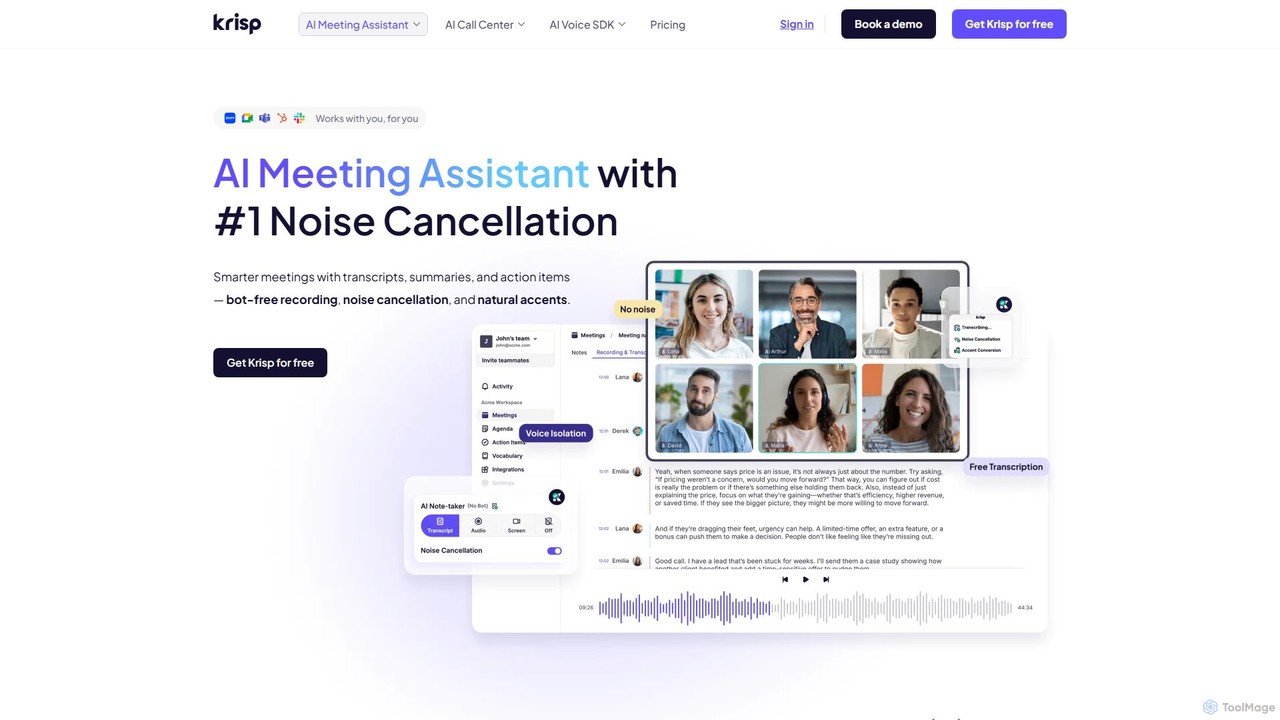
Krisp
Krisp is an AI-powered meeting assistant that enhances communication clarity and productivity. It offers real-time, bi-directional noise cancellation, voice and echo removal, automated meeting transcription, and AI-generated notes, compatible with over 800 communication apps.
Noise Cancellation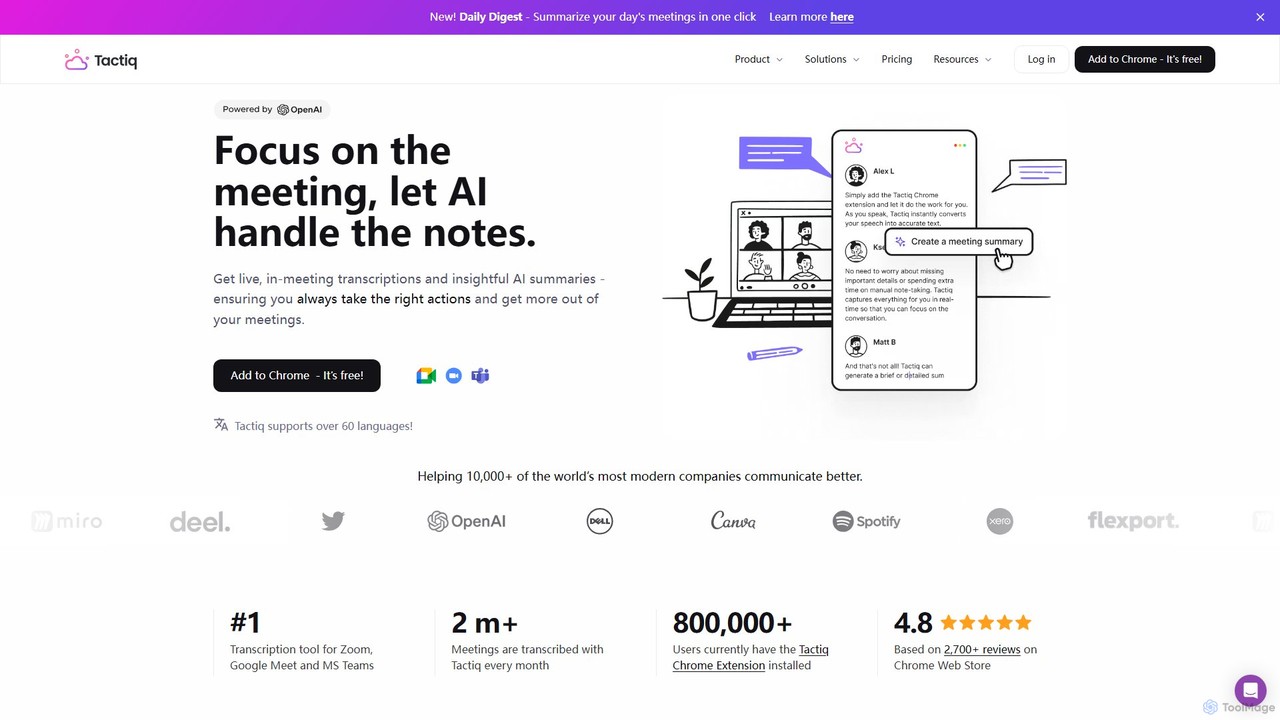
Tactiq
Tactiq is an AI-powered Chrome extension that provides real-time transcription, summaries, and actionable insights for Google Meet, Zoom, and MS Teams meetings. It operates without a bot, ensuring privacy while capturing every detail, identifying speakers, and automating post-meeting tasks like follow-up emails and action items.
Team Collaboration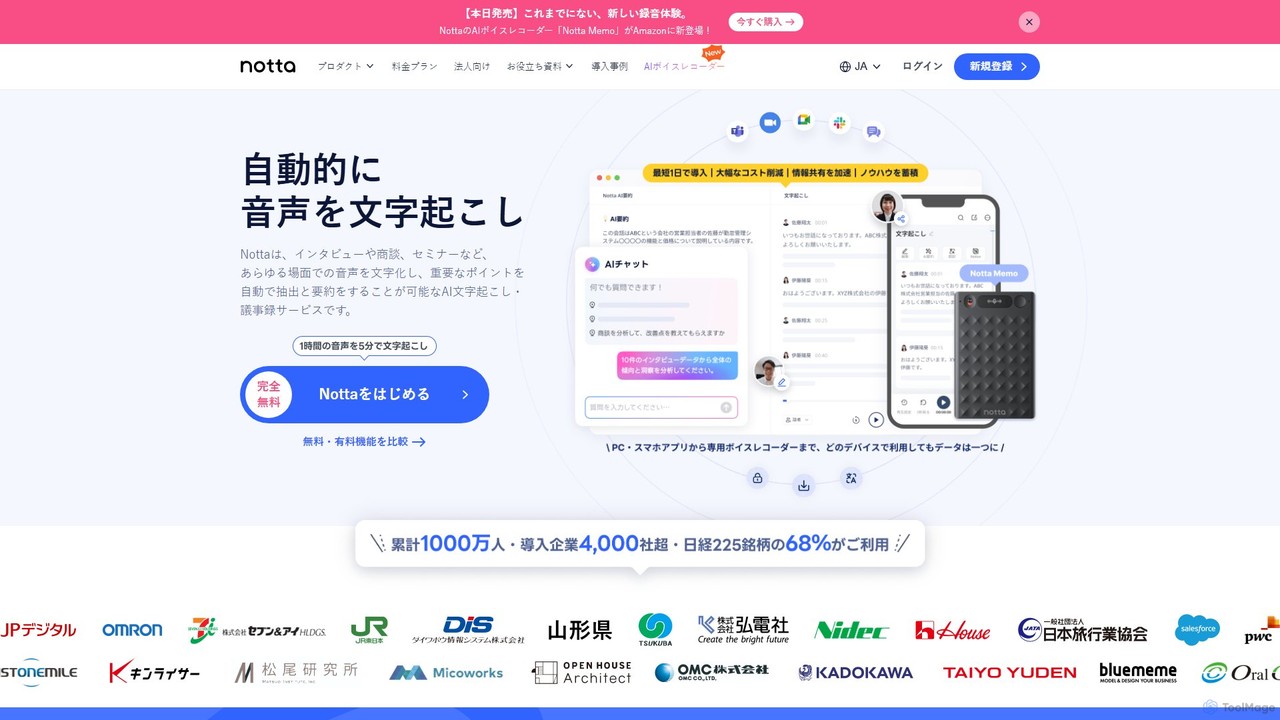
Notta
Notta is an AI-powered transcription service that converts audio and video to text with high accuracy. It offers real-time transcription, AI summaries, speaker identification, and translation in 58 languages, streamlining workflows for meetings, interviews, and lectures.
Speech To Text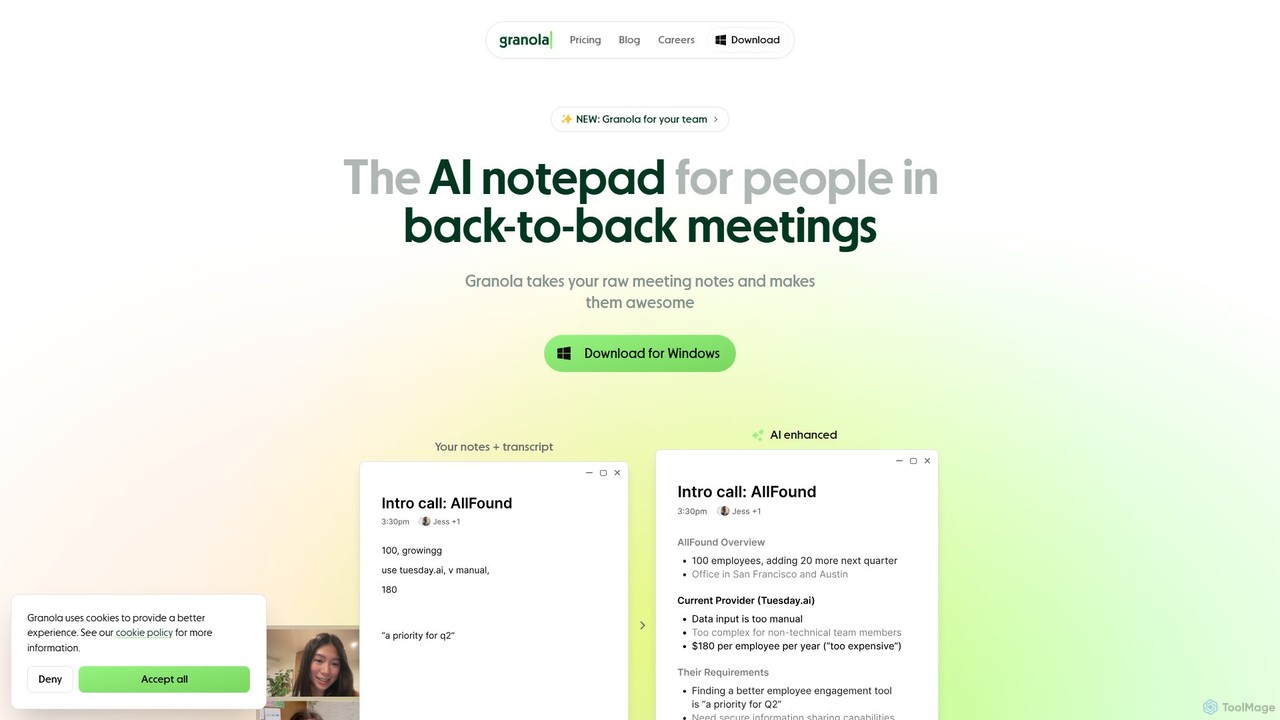
Granola
Granola is an AI-powered notepad designed for professionals in back-to-back meetings. It operates locally on your computer to transcribe meeting audio without bots, enhances your notes with AI-generated insights, and helps create summaries, action items, and follow-up content, boosting meeting productivity.
MeetingsCrystalSound Categories
CrystalSound Embed Widget
Copy this embed code to place the badge on your blog, article, or product site and send readers directly to this ToolMage detail page.

Related AI tools
Krisp
Krisp is an AI-powered meeting assistant that enhances communication clarity and productivity. It offers real-time, bi-directional noise cancellation, voice and echo removal, automated meeting transcription, and AI-generated notes, compatible with over 800 communication apps.
Noise CancellationBubbles
Bubbles is an AI-powered meeting assistant and screen recorder designed to reduce meeting fatigue and enhance team productivity. It automatically joins your meetings to record, transcribe, and generate concise summaries with actionable items. It also facilitates asynchronous communication through screen and video recordings, helping teams collaborate effectively without constant calls.
CollaborationTactiq
Tactiq is an AI-powered Chrome extension that provides real-time transcription, summaries, and actionable insights for Google Meet, Zoom, and MS Teams meetings. It operates without a bot, ensuring privacy while capturing every detail, identifying speakers, and automating post-meeting tasks like follow-up emails and action items.
Team CollaborationNotta
Notta is an AI-powered transcription service that converts audio and video to text with high accuracy. It offers real-time transcription, AI summaries, speaker identification, and translation in 58 languages, streamlining workflows for meetings, interviews, and lectures.
Speech To TextGranola
Granola is an AI-powered notepad designed for professionals in back-to-back meetings. It operates locally on your computer to transcribe meeting audio without bots, enhances your notes with AI-generated insights, and helps create summaries, action items, and follow-up content, boosting meeting productivity.
Meetings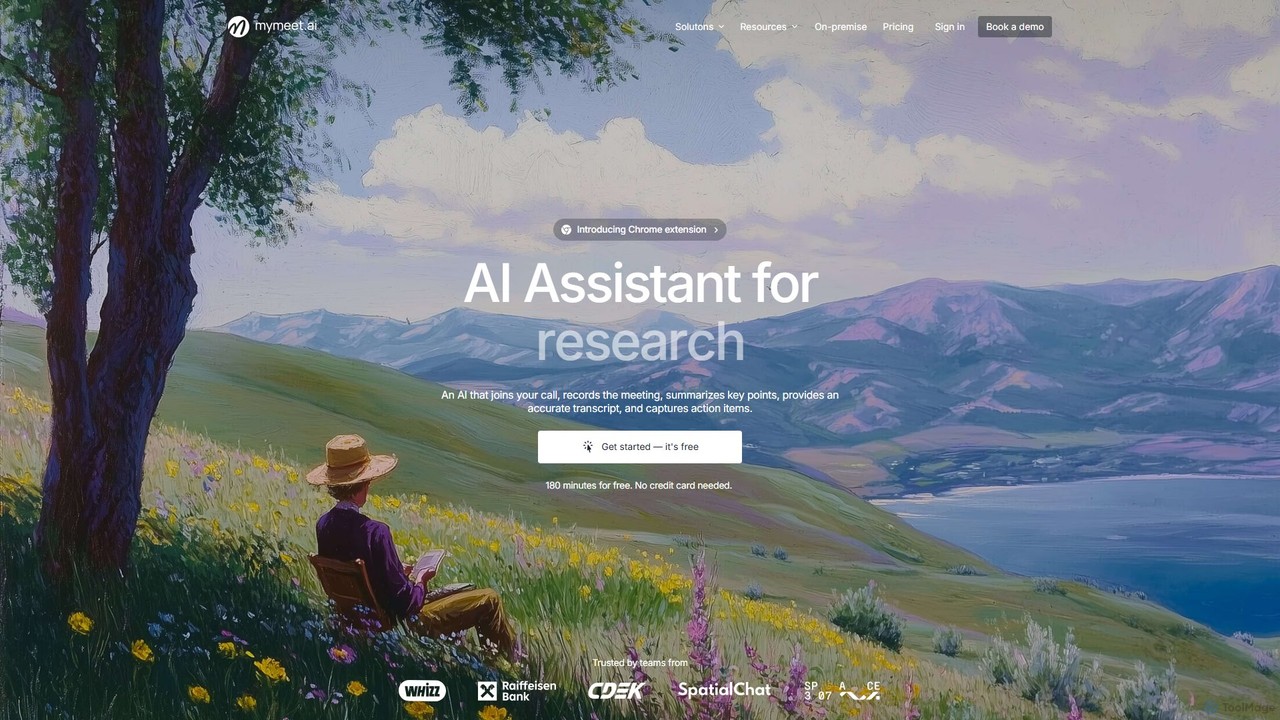
mymeet.ai
mymeet.ai is an AI meeting assistant that automatically joins your calls on Zoom, Google Meet, and Teams to record, transcribe, summarize, and identify action items. It features an interactive AI chat to query meeting details, offers specialized analysis templates, and integrates seamlessly with your calendar and other work tools to boost productivity.
Sales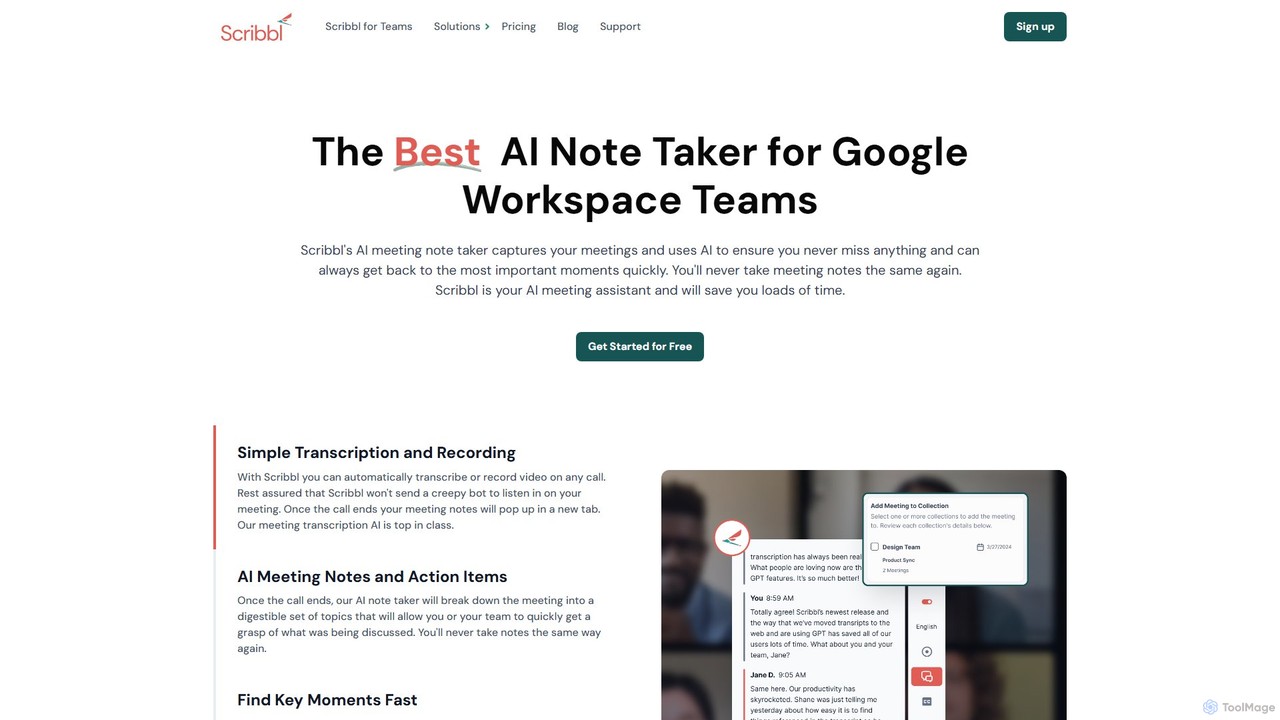
Scribbl
Scribbl is an AI-powered meeting assistant and note-taker designed as a Chrome extension for Google Meet. It automatically transcribes, records, and summarizes your meetings, generating digestible notes, key topics, and actionable items. This tool helps users and teams boost post-meeting productivity by making it easy to find key moments, share insights, and integrate with other workflow tools.
Meetings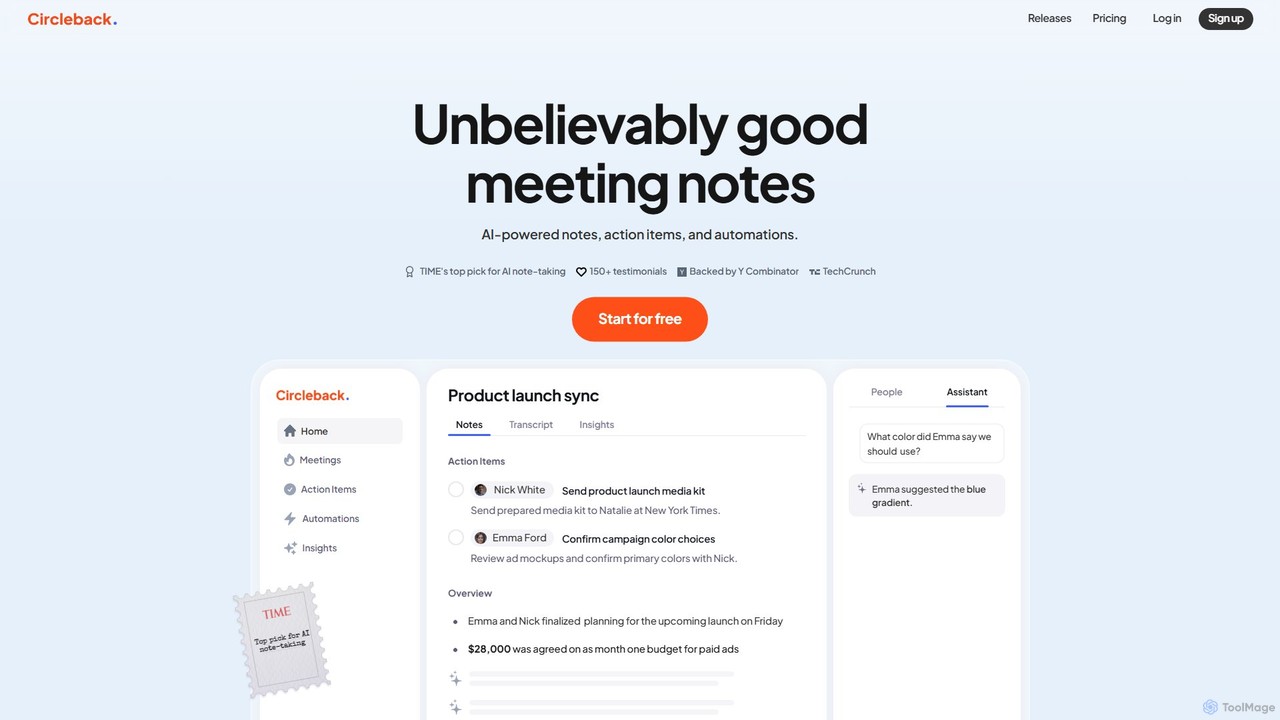
Circleback
Circleback is an AI-powered meeting assistant that automatically generates meticulous notes, assigns action items, and provides accurate transcriptions for both virtual and in-person meetings. It integrates with your favorite apps to automate post-meeting workflows, helping you save time, stay organized, and focus on the conversation.
Workflow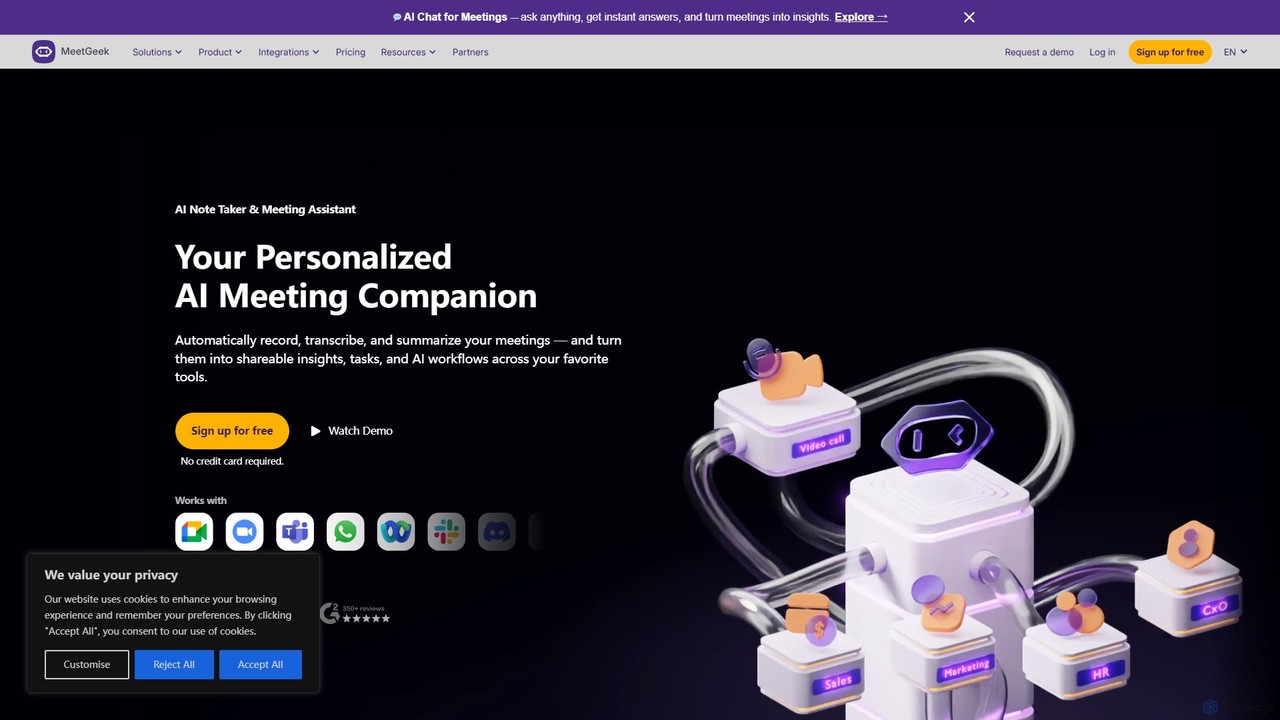
MeetGeek
MeetGeek is an AI meeting assistant that automatically records, transcribes, summarizes, and provides key insights for your meetings. It integrates seamlessly with Zoom, Google Meet, and Microsoft Teams, transforming conversations into actionable knowledge, boosting team productivity, and ensuring no important details are ever missed.
Meetings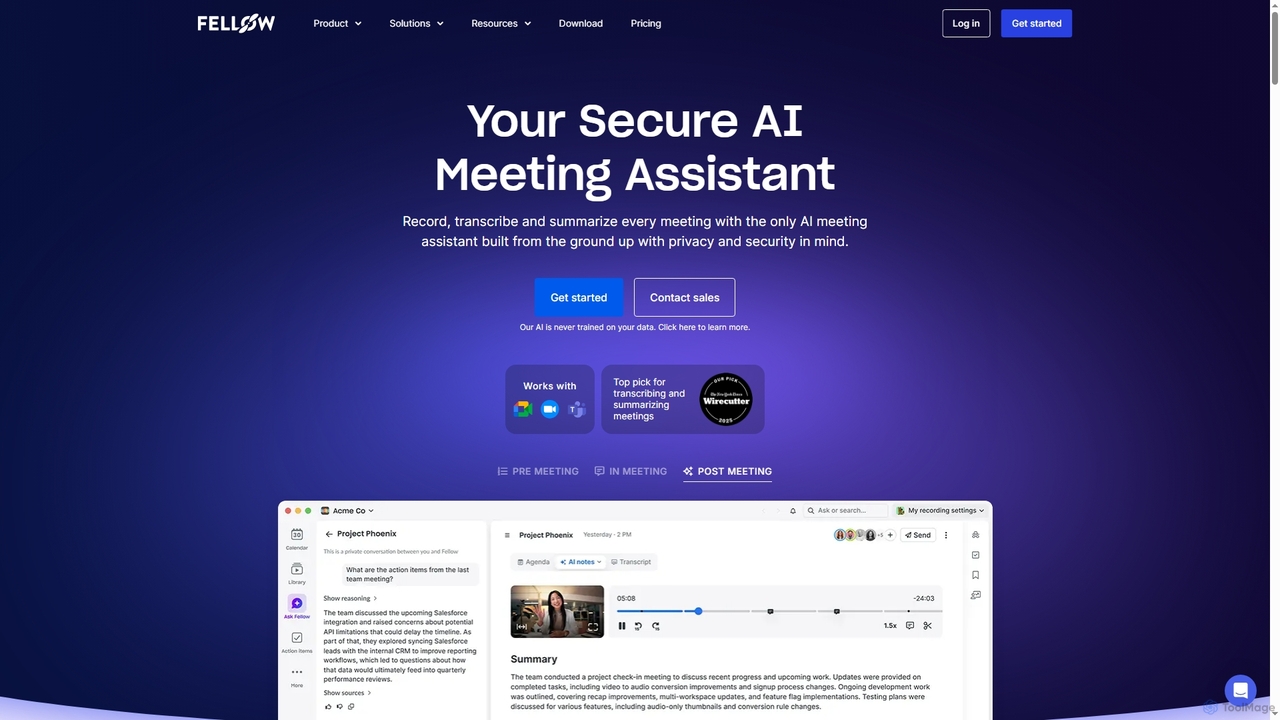
Fellow
Fellow is a secure AI meeting assistant designed for teams and enterprises. It automatically records, transcribes, and summarizes meetings from Zoom, Google Meet, and Microsoft Teams. With a strong focus on privacy, Fellow ensures your data is never used for training AI models. It features an AI chatbot for querying meeting insights, CRM automation, and deep integrations with over 50 tools, centralizing your entire meeting workflow.
Collaboration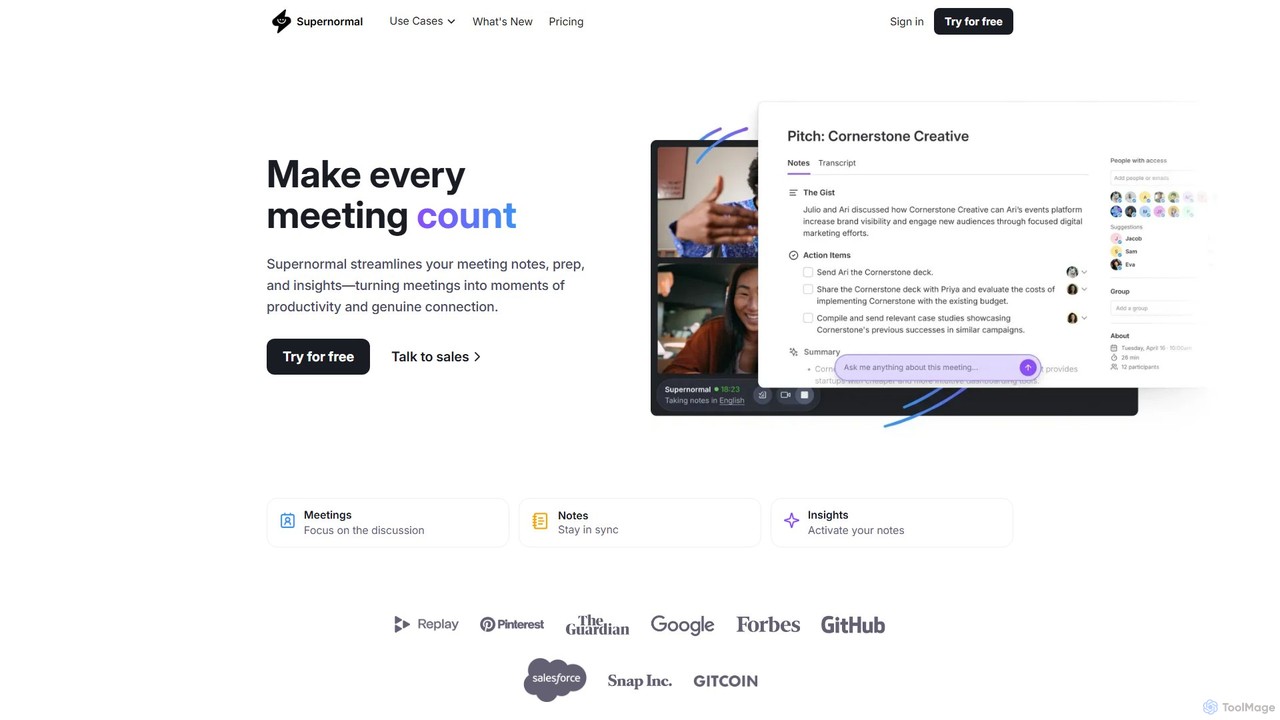
Supernormal
Supernormal is an AI meeting assistant that automatically records, transcribes, and summarizes your meetings on Google Meet, Zoom, and Microsoft Teams. It helps you focus on the conversation by taking care of note-taking, identifying action items, and providing actionable insights.
Meetings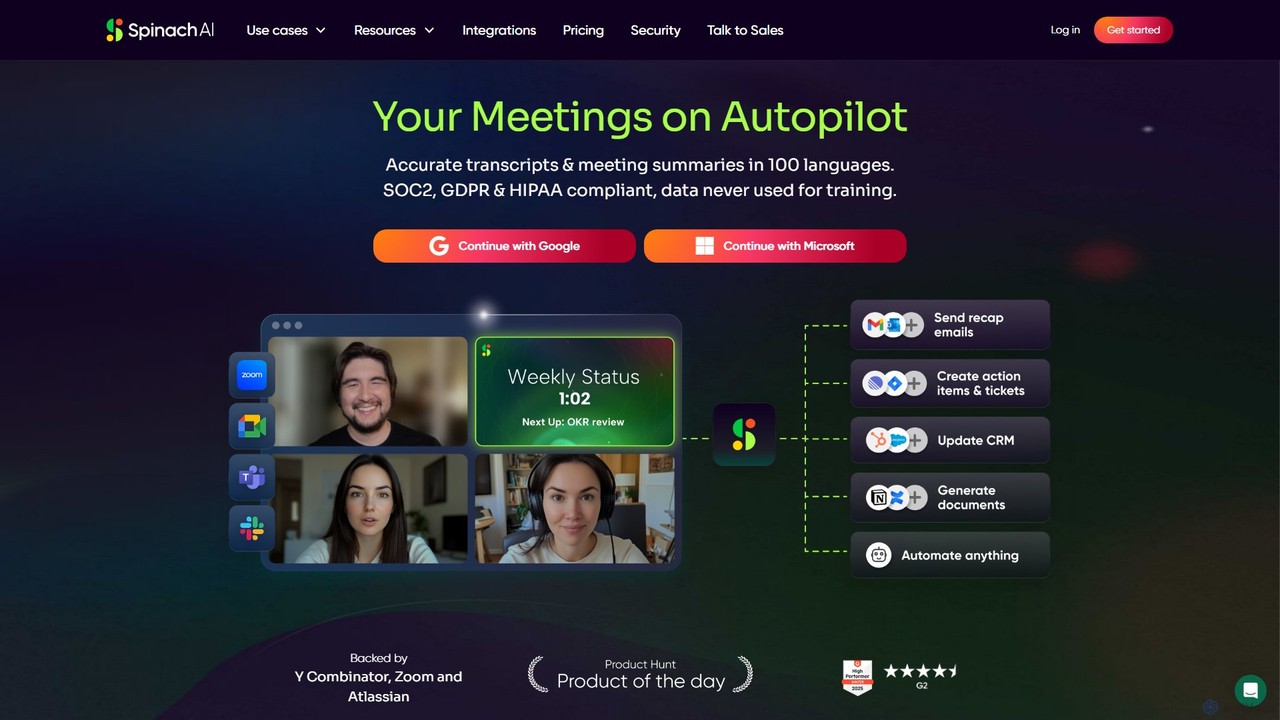
Spinach AI
Spinach AI is an intelligent meeting assistant and AI Scrum Master that automatically joins, records, transcribes, and summarizes your meetings. It captures key decisions and action items, integrating seamlessly with tools like Jira, Slack, and Salesforce to streamline workflows and boost team productivity.
Project Management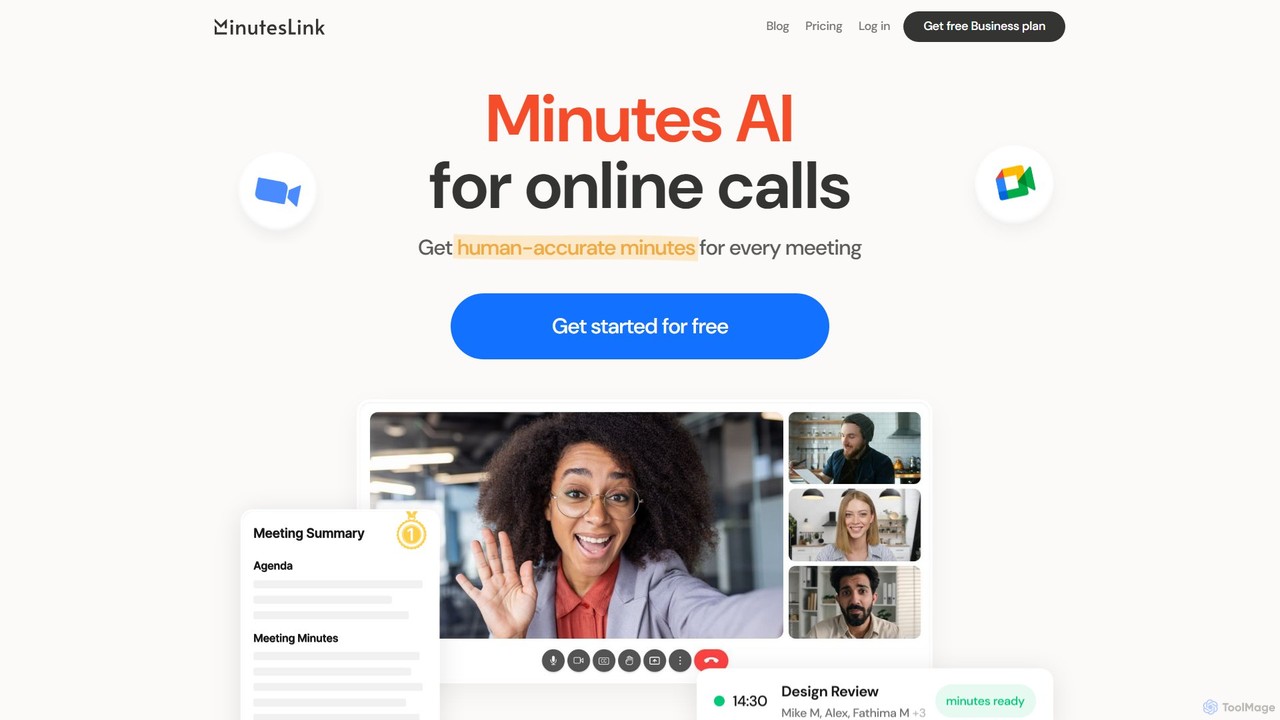
MinutesLink
MinutesLink is an AI meeting assistant for Zoom and Google Meet that automatically records, transcribes, and summarizes your online calls. It generates accurate, human-like meeting minutes, identifies key points, and assigns action items to boost productivity and ensure accountability.
Communication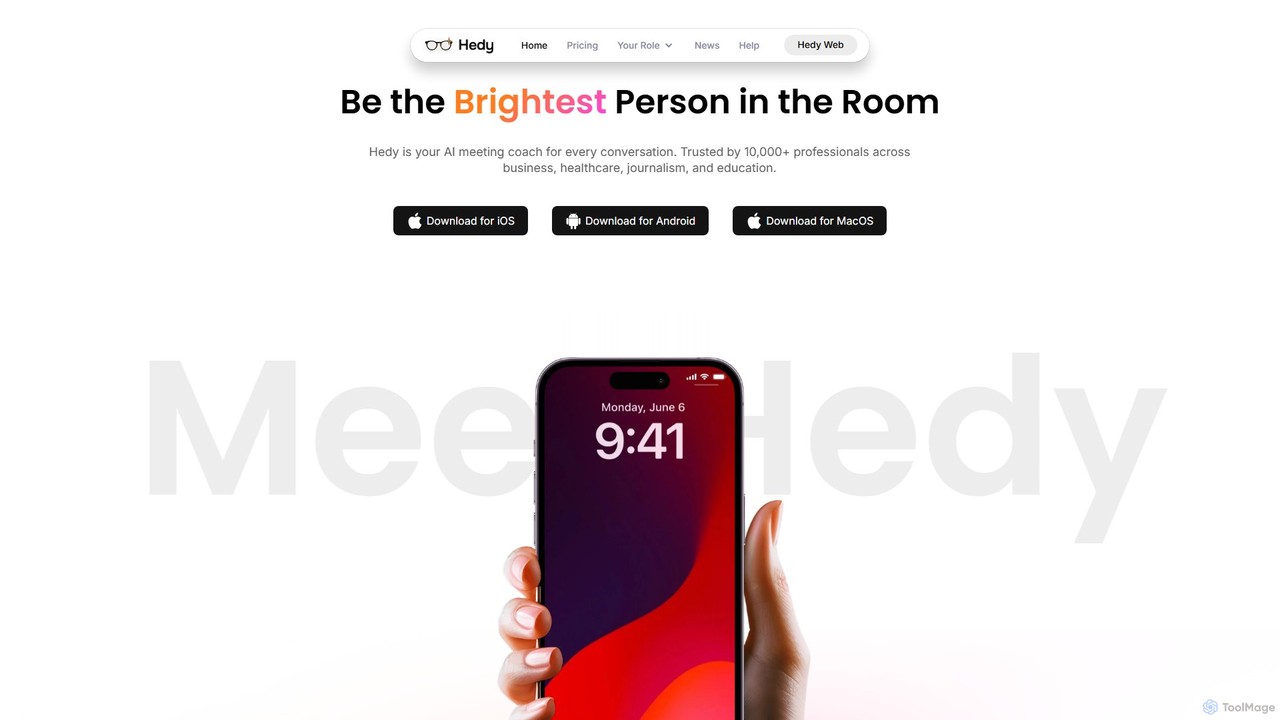
Hedy
Hedy is a real-time AI coach for meetings, interviews, and classes. It provides live insights, automated notes, summaries, and suggestions in over 30 languages to help professionals, students, and journalists communicate with confidence and clarity. It enhances your voice, not replaces it.
Transcription
IRIS
IRIS provides an advanced AI-powered audio platform that delivers real-time noise cancellation and voice enhancement. Designed for mission-critical communications, it offers solutions like the Clarity app, an SDK for developers, and the VIPER embedded system for hardware, ensuring crystal-clear audio in any environment, from call centers to motorsports.
Noise Reduction
CrystalSound Comments (0)
Sign in to comment.
Sign inNo comments yet.