
Bubbles Overview
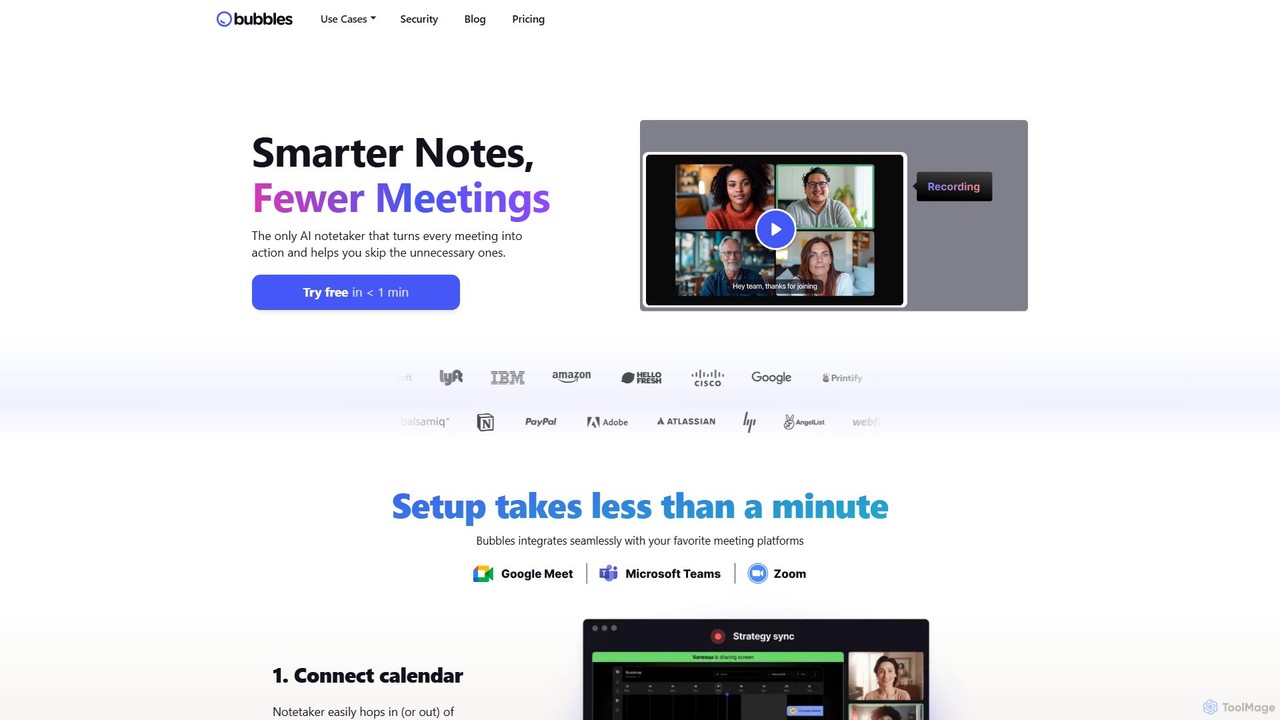
Bubbles is a comprehensive AI-powered platform designed to revolutionize how teams communicate and collaborate, aiming to create 'smarter notes and fewer meetings.' It serves as a dual-purpose tool, combining an intelligent AI meeting notetaker with a versatile asynchronous video and screen recorder. This combination helps teams reclaim their time, stay focused during discussions, and maintain clear, actionable records of all communications.
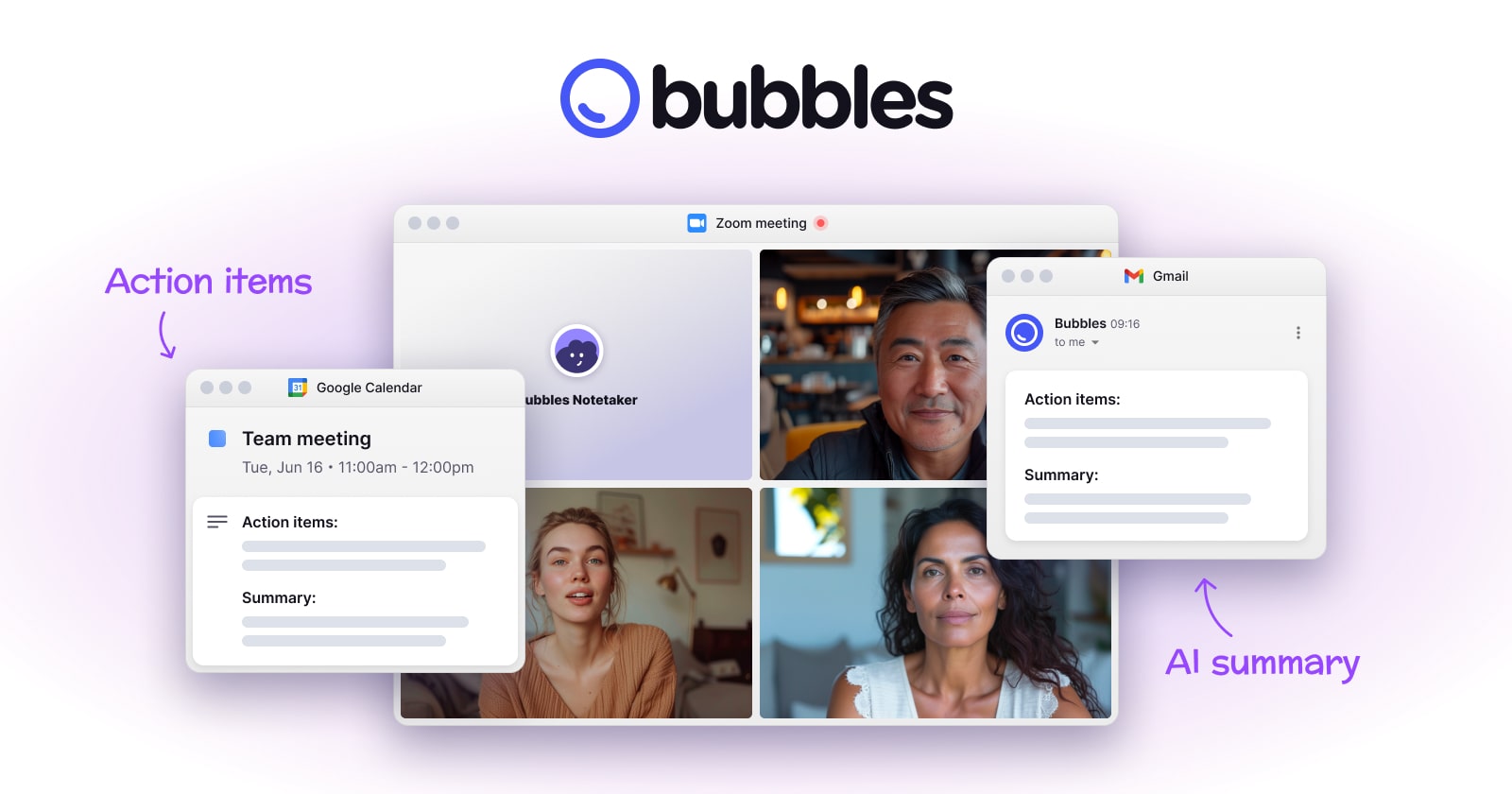
The core of Bubbles is its AI notetaker, which seamlessly integrates with your calendar and meeting platforms like Zoom and Google Meet. The AI assistant can automatically join your scheduled calls to securely record, transcribe, and analyze the conversation in real-time. This frees up participants to engage fully in the discussion without the burden of manual note-taking. Immediately after the meeting, Bubbles delivers a concise, intelligent summary, highlighting key points and, most importantly, extracting and assigning clear action items to each participant. This ensures that every meeting ends with a clear path forward and accountability is established.
Beyond live meetings, Bubbles champions asynchronous work. Its screen and camera recording features allow team members to create and share quick video updates, provide detailed feedback on designs or documents, or explain complex ideas without needing to schedule another call. Users can point anywhere on a recording to add time-stamped comments, creating a rich, contextual conversation thread. This functionality is perfect for resolving ad-hoc questions, conducting project check-ins, and sharing feedback, effectively replacing many of the 'quick sync' calls that disrupt deep work.
How to use Bubbles
Getting started with Bubbles is designed to be quick and intuitive. The setup process takes less than a minute. First, you connect your Google or Outlook calendar to allow Bubbles to see your upcoming meetings. You can then configure the AI notetaker to automatically join your video calls on platforms like Zoom or Google Meet. During the meeting, you can focus on the conversation while Bubbles works in the background. Once the meeting concludes, you will receive an email with a link to the recording, a full transcript, an AI-generated summary, and a list of action items. For asynchronous communication, you can use the Bubbles browser extension. With a single click, you can start recording your screen, camera, or both. After recording, you can share the video link with teammates, who can then add comments directly on the video to provide feedback or ask questions.
Core Features of Bubbles
- AI Meeting Notetaker: Automatically records, transcribes, and creates notes for your meetings on platforms like Zoom and Google Meet.
- AI Summaries & Action Items: Instantly generates concise summaries of meetings and extracts actionable to-do items, assigned by participant.
- Asynchronous Video Messaging: Record your screen and camera to share updates, feedback, or explanations without scheduling a live call.
- Rich, Contextual Commenting: Add time-stamped comments and replies directly on meeting recordings or screen recordings to facilitate focused discussions.
- Centralized Workspace: All your recordings, transcripts, and notes are saved and organized in one searchable place. Create channels and folders to share with specific teammates or external guests.
- Browser Extension: A convenient Chrome extension allows for one-click screen and voice recording right from your browser.
- Seamless Integrations: Works with your existing calendar, meeting tools, and can be embedded in platforms like Notion and Slack to fit into your workflow.
Use Cases for Bubbles
Bubbles is valuable for various professional scenarios. Project managers use it to keep track of project progress and ensure action items from stakeholder meetings are captured and assigned. Sales teams use it to record client calls, review conversations, and ensure follow-ups are handled promptly. Design and product teams leverage the screen recording and commenting features to conduct asynchronous design reviews and gather contextual feedback. For remote or hybrid teams, Bubbles is essential for bridging time zone gaps and fostering a culture of effective asynchronous collaboration, reducing the need for back-to-back meetings.
Advantages of Bubbles
The primary advantage of Bubbles is its ability to significantly boost productivity by reducing time spent in meetings and on manual note-taking. It promotes a state of presence and focus during calls, as participants are confident that all important details are being captured. The immediate delivery of summaries and action items eliminates ambiguity and accelerates post-meeting execution. By making asynchronous video communication easy and effective, Bubbles helps teams protect their deep work time, leading to better outcomes and higher employee satisfaction. Its centralized hub ensures that knowledge is never lost, creating a valuable, searchable archive of team discussions.
Pricing and Plans
Bubbles operates on a freemium model, making it accessible for individuals and teams of all sizes. There is a free plan that typically includes a generous amount of recording and transcription services, perfect for users who want to try out the core features. For teams and power users who require more advanced capabilities, such as unlimited recordings, advanced collaboration features, and enhanced security, Bubbles offers paid plans (e.g., Pro and Business). These premium tiers are designed to support growing teams and larger organizations. For the most current and detailed pricing information, it is recommended to visit the official Bubbles website.
Traffic
Latest traffic
Status
Monthly traffic trend
- 2025-9: 253.9K
- 2026-1: 330.5K
- 2026-2: 219.3K
- 2026-3: 201.7K
- 2026-4: 190.4K
- 2026-5: 222.9K
Geography
Top 5 countries / regions
- 🇺🇸United States62.4%
- 🇮🇳India13.6%
- 🇧🇩Bangladesh8.5%
- 🇬🇧United Kingdom7.8%
- 🇨🇦Canada7.7%
Traffic sources
| Source type | Percentage |
|---|---|
Direct | 81.8% |
Email | 10.6% |
Referral | 7.7% |
Top keywords
| Keyword | Cost per click |
|---|---|
| bubbles notetaker | $5.87 |
| bubbles notetaker app | $0.00 |
| fathom | $1.16 |
| focusee vs | $0.00 |
| loom | $1.17 |
Bubbles Videos on YouTube
Bubbles Alternatives
mymeet.ai
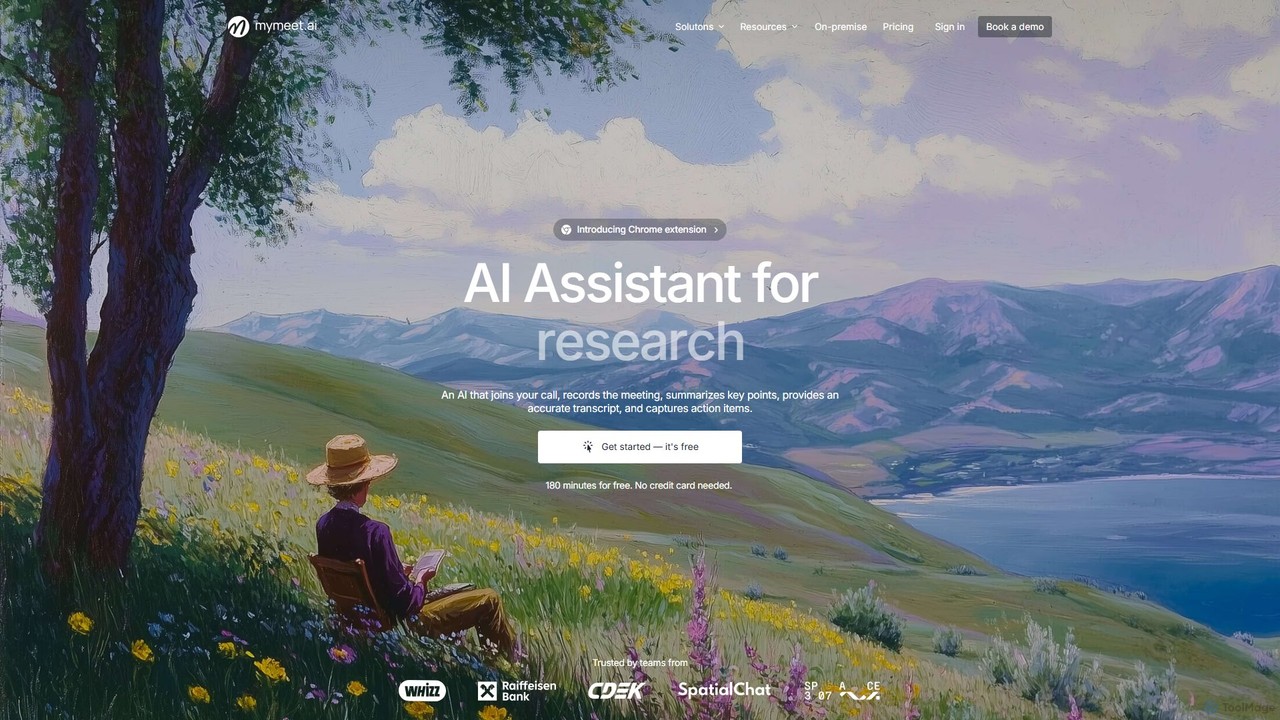
mymeet.ai is an AI meeting assistant that automatically joins your calls on Zoom, Google Meet, and Teams to record, transcribe, summarize, and identify action items. It features an interactive AI chat to query meeting details, offers specialized analysis templates, and integrates seamlessly with your calendar and other work tools to boost productivity.
Sales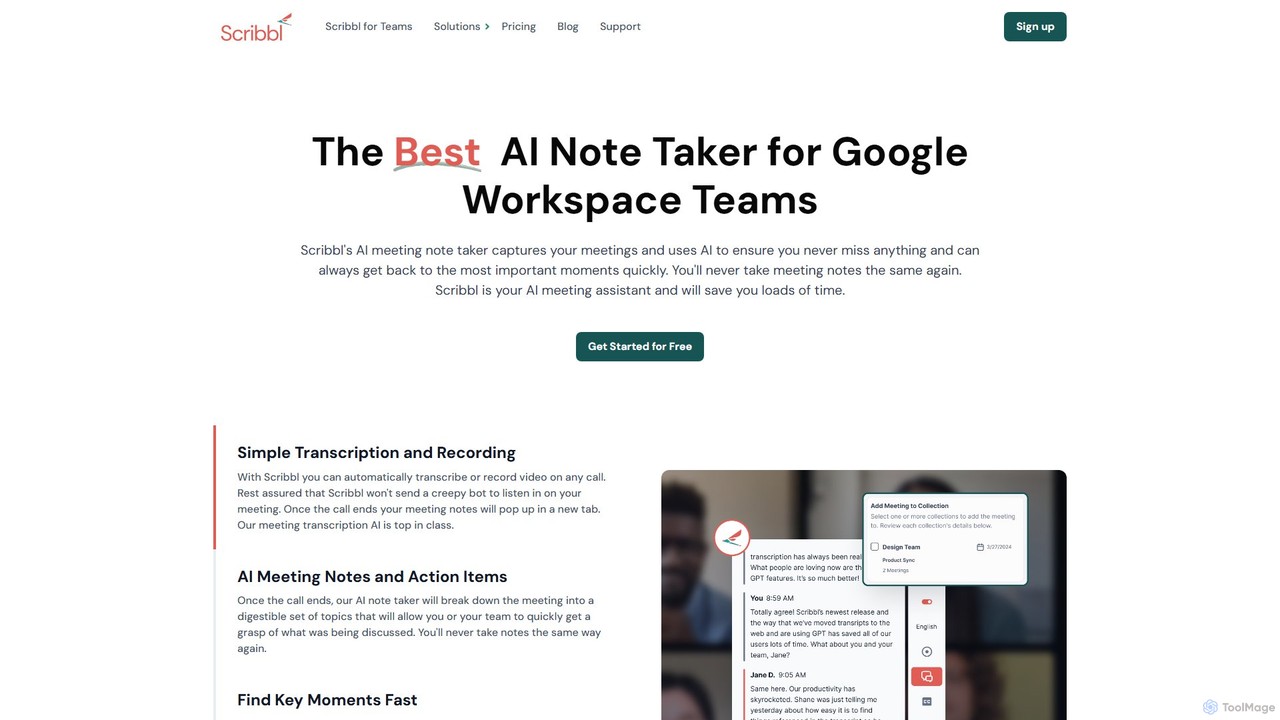
Scribbl
Scribbl is an AI-powered meeting assistant and note-taker designed as a Chrome extension for Google Meet. It automatically transcribes, records, and summarizes your meetings, generating digestible notes, key topics, and actionable items. This tool helps users and teams boost post-meeting productivity by making it easy to find key moments, share insights, and integrate with other workflow tools.
Meetings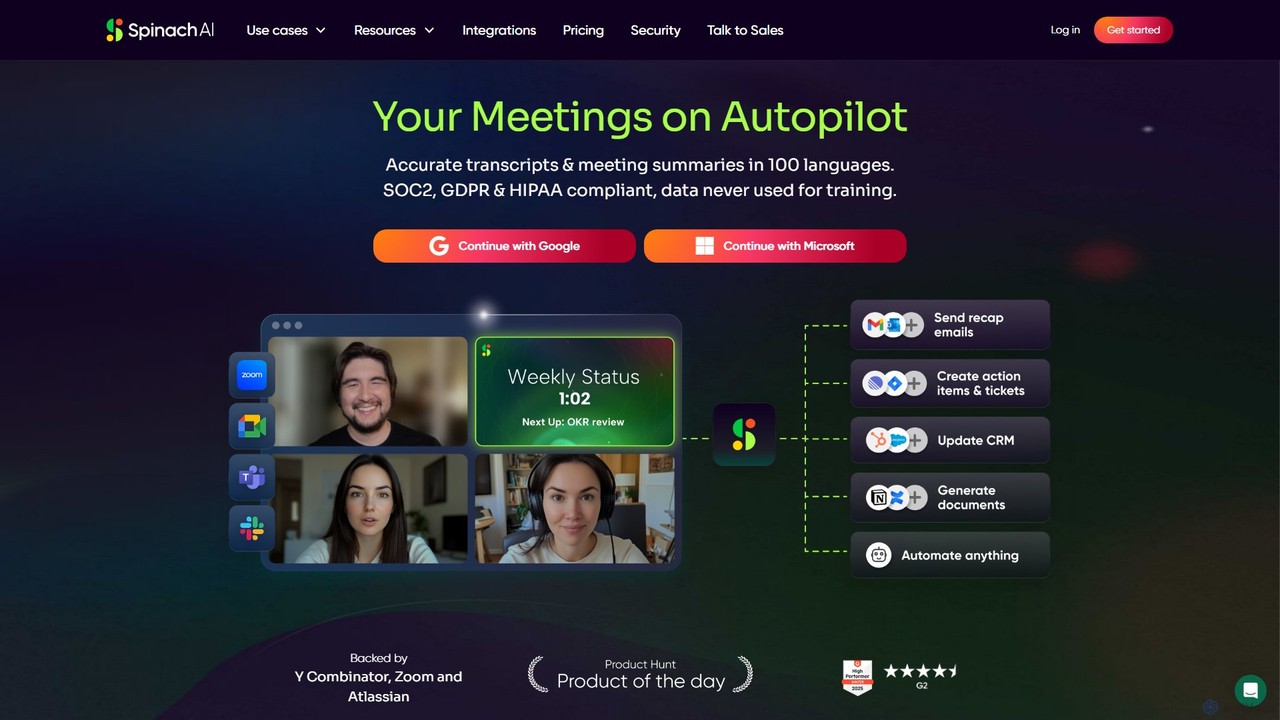
Spinach AI
Spinach AI is an intelligent meeting assistant and AI Scrum Master that automatically joins, records, transcribes, and summarizes your meetings. It captures key decisions and action items, integrating seamlessly with tools like Jira, Slack, and Salesforce to streamline workflows and boost team productivity.
Project Management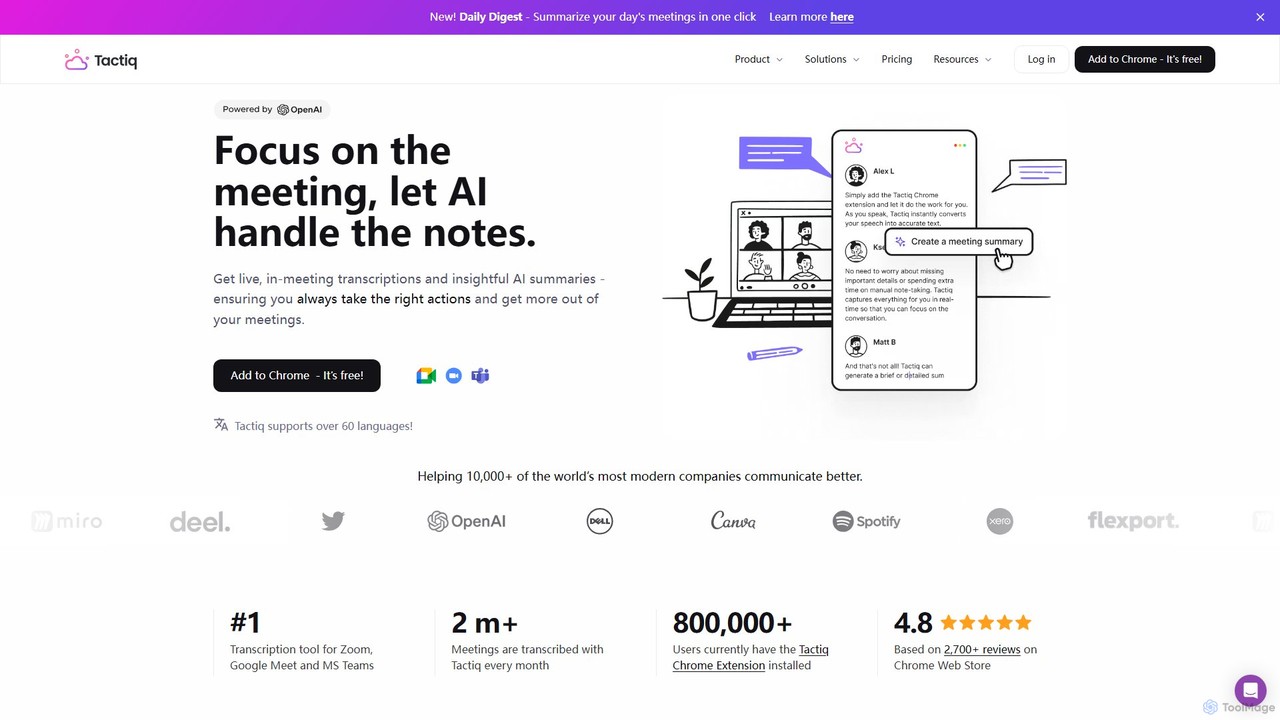
Tactiq
Tactiq is an AI-powered Chrome extension that provides real-time transcription, summaries, and actionable insights for Google Meet, Zoom, and MS Teams meetings. It operates without a bot, ensuring privacy while capturing every detail, identifying speakers, and automating post-meeting tasks like follow-up emails and action items.
Team Collaboration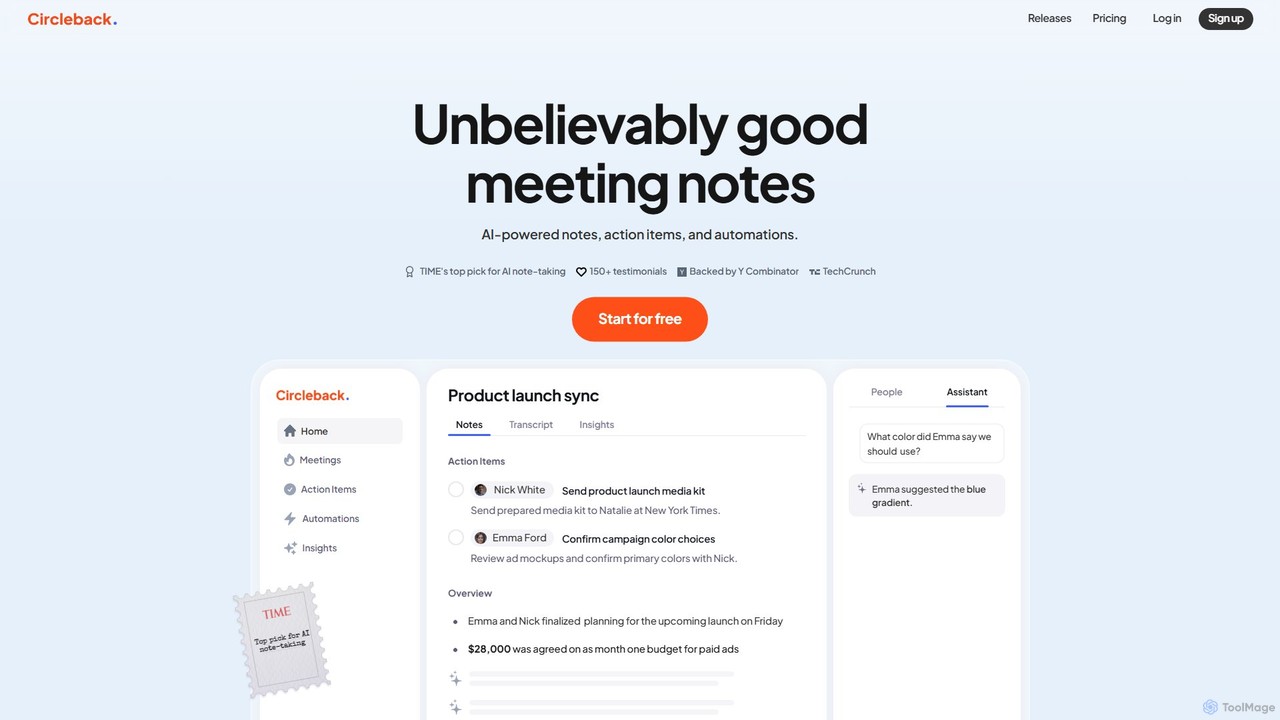
Circleback
Circleback is an AI-powered meeting assistant that automatically generates meticulous notes, assigns action items, and provides accurate transcriptions for both virtual and in-person meetings. It integrates with your favorite apps to automate post-meeting workflows, helping you save time, stay organized, and focus on the conversation.
WorkflowBubbles Categories
Bubbles Embed Widget
Copy this embed code to place the badge on your blog, article, or product site and send readers directly to this ToolMage detail page.

Related AI tools
mymeet.ai
mymeet.ai is an AI meeting assistant that automatically joins your calls on Zoom, Google Meet, and Teams to record, transcribe, summarize, and identify action items. It features an interactive AI chat to query meeting details, offers specialized analysis templates, and integrates seamlessly with your calendar and other work tools to boost productivity.
SalesScribbl
Scribbl is an AI-powered meeting assistant and note-taker designed as a Chrome extension for Google Meet. It automatically transcribes, records, and summarizes your meetings, generating digestible notes, key topics, and actionable items. This tool helps users and teams boost post-meeting productivity by making it easy to find key moments, share insights, and integrate with other workflow tools.
MeetingsSpinach AI
Spinach AI is an intelligent meeting assistant and AI Scrum Master that automatically joins, records, transcribes, and summarizes your meetings. It captures key decisions and action items, integrating seamlessly with tools like Jira, Slack, and Salesforce to streamline workflows and boost team productivity.
Project Management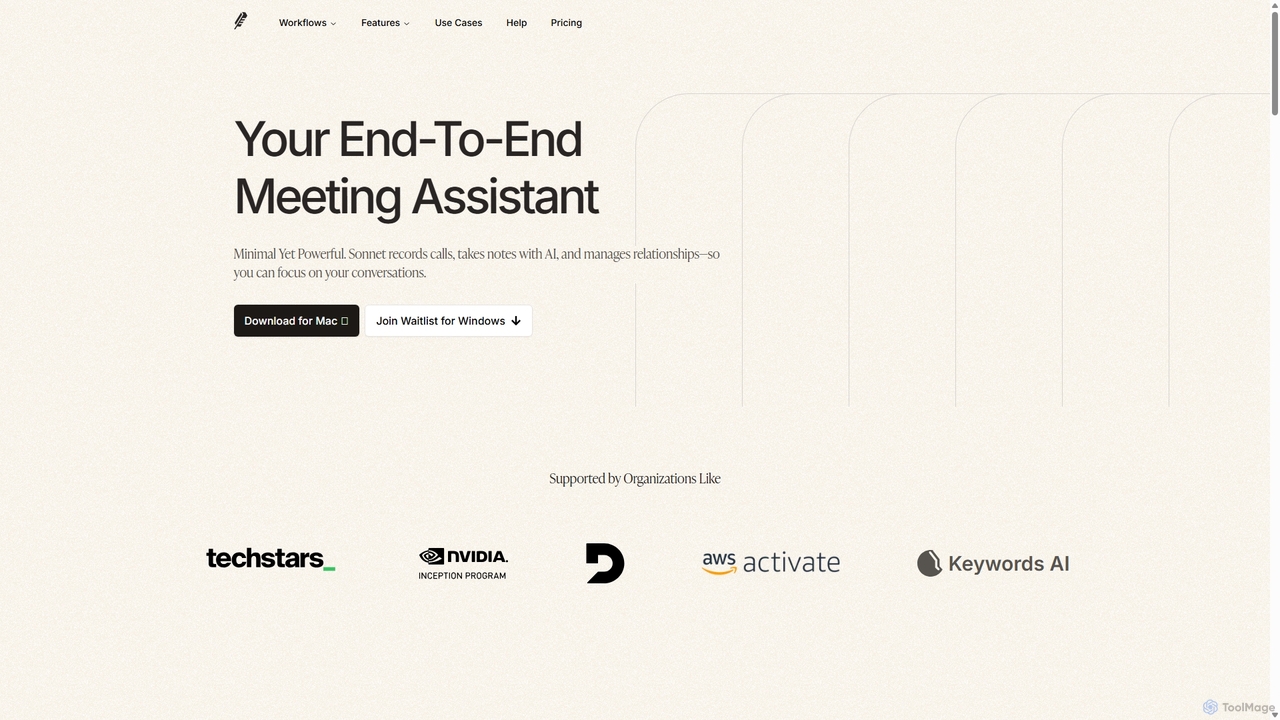
Sonnet AI
Sonnet AI is an end-to-end meeting assistant that records, transcribes, and summarizes conversations. It automates note-taking, CRM updates, and action item generation, providing pre-meeting insights on participants and post-meeting shareable summaries to enhance productivity across various professions.
Crm
timeOS
timeOS is an AI-powered meeting assistant that automates note-taking, generates summaries, and identifies action items. It integrates with your calendar and video conferencing tools, providing a secure, searchable record of all your conversations to boost productivity and ensure nothing is missed.
Transcription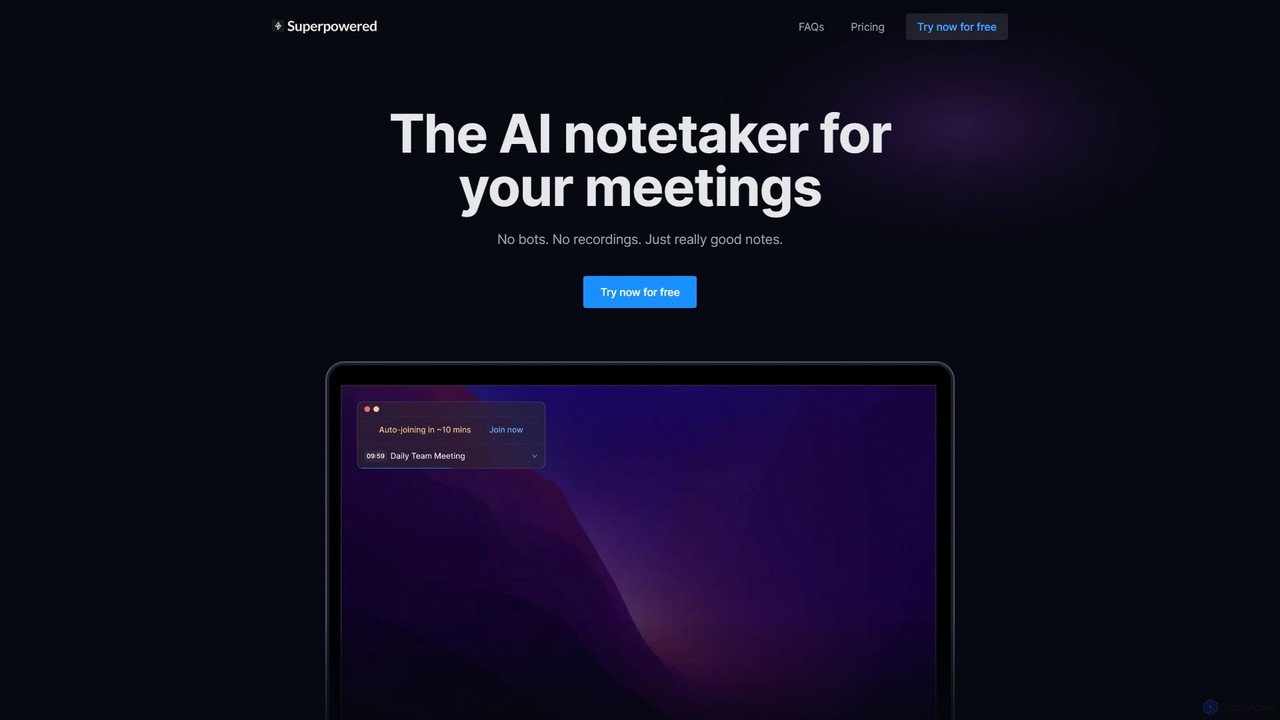
Superpowered
Superpowered is an AI meeting assistant that generates high-quality notes, summaries, and action items without using bots or recordings. It works seamlessly with all meeting platforms by transcribing device audio in real-time, ensuring privacy and security. It integrates with your calendar and workflow tools to boost productivity.
Meeting Assistant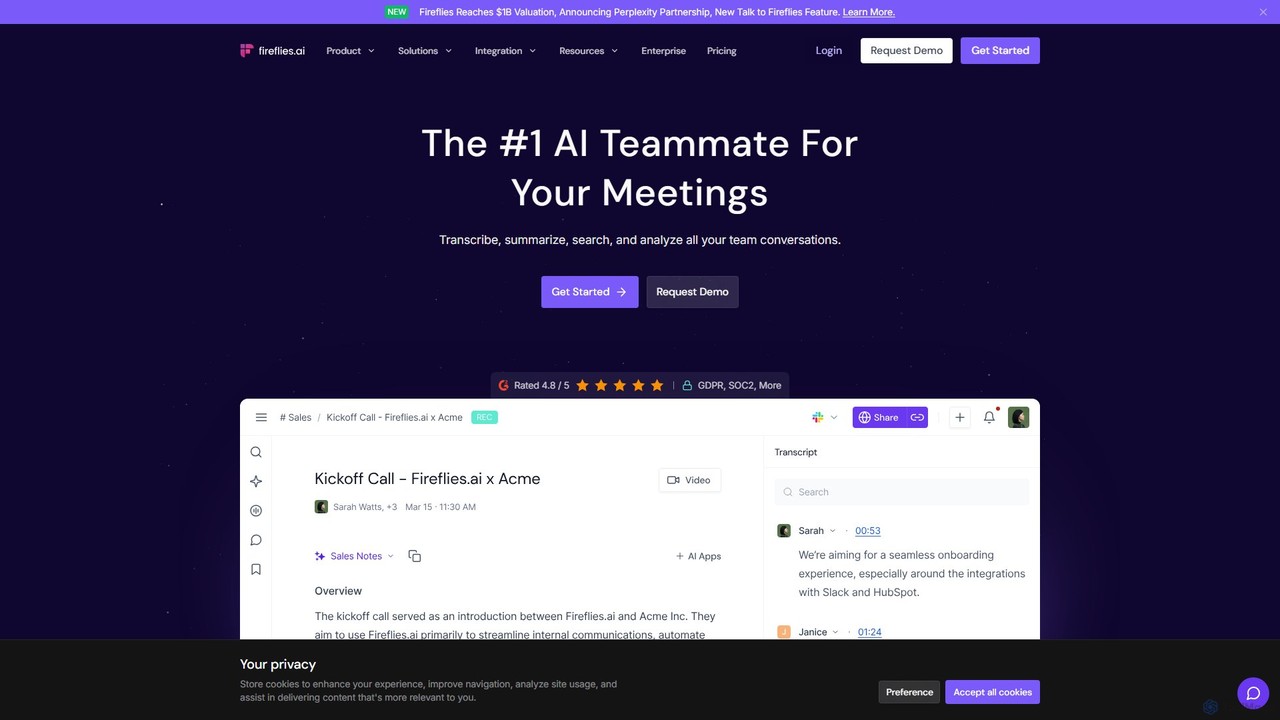
Fireflies.ai
Fireflies.ai is an AI meeting assistant that automatically transcribes, summarizes, searches, and analyzes voice conversations. It joins your meetings on platforms like Zoom, Google Meet, and Teams to take notes, identify action items, and provide detailed insights, freeing you to focus on the conversation.
Transcription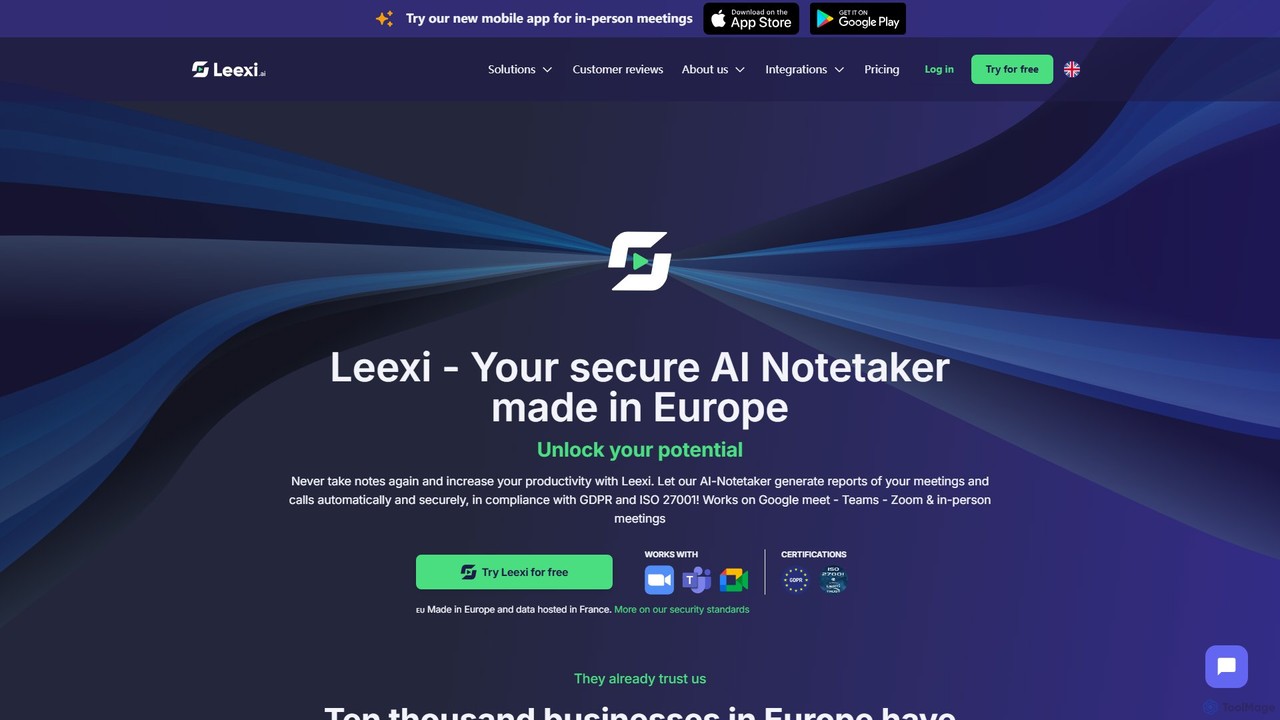
Leexi
Leexi is a secure, European-based AI meeting assistant that automates note-taking. It records, transcribes, and summarizes your calls and meetings from platforms like Zoom, Teams, and Google Meet, as well as in-person conversations. It identifies action items, integrates with your CRM, and provides a secure, GDPR and ISO 27001 compliant environment to boost your team's productivity.
Recruiting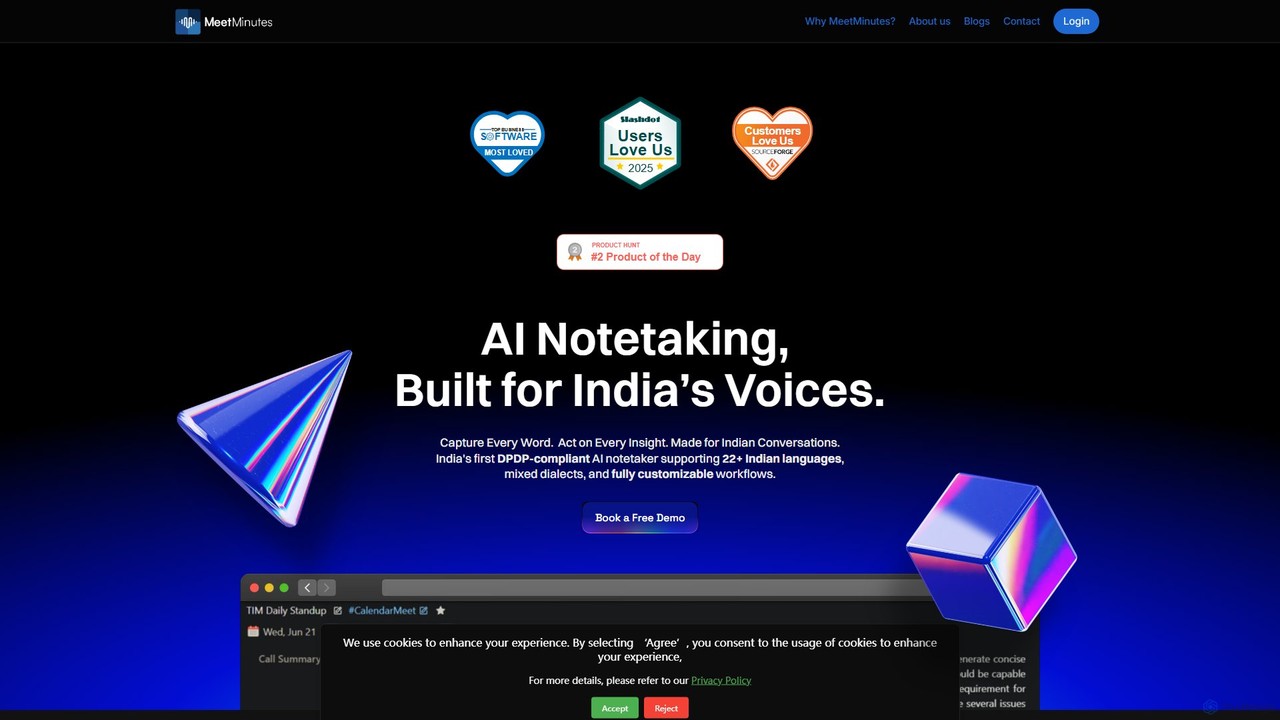
MeetMinutes
MeetMinutes is an AI-powered meeting assistant designed for Indian voices. It automatically transcribes, summarizes, and analyzes meetings from Zoom, Google Meet, and Teams. Supporting 22+ Indian languages and mixed dialects, it captures action items and creates a searchable knowledge base, all while being DPDP, GDPR, and SOC2 compliant.
Meeting Assistant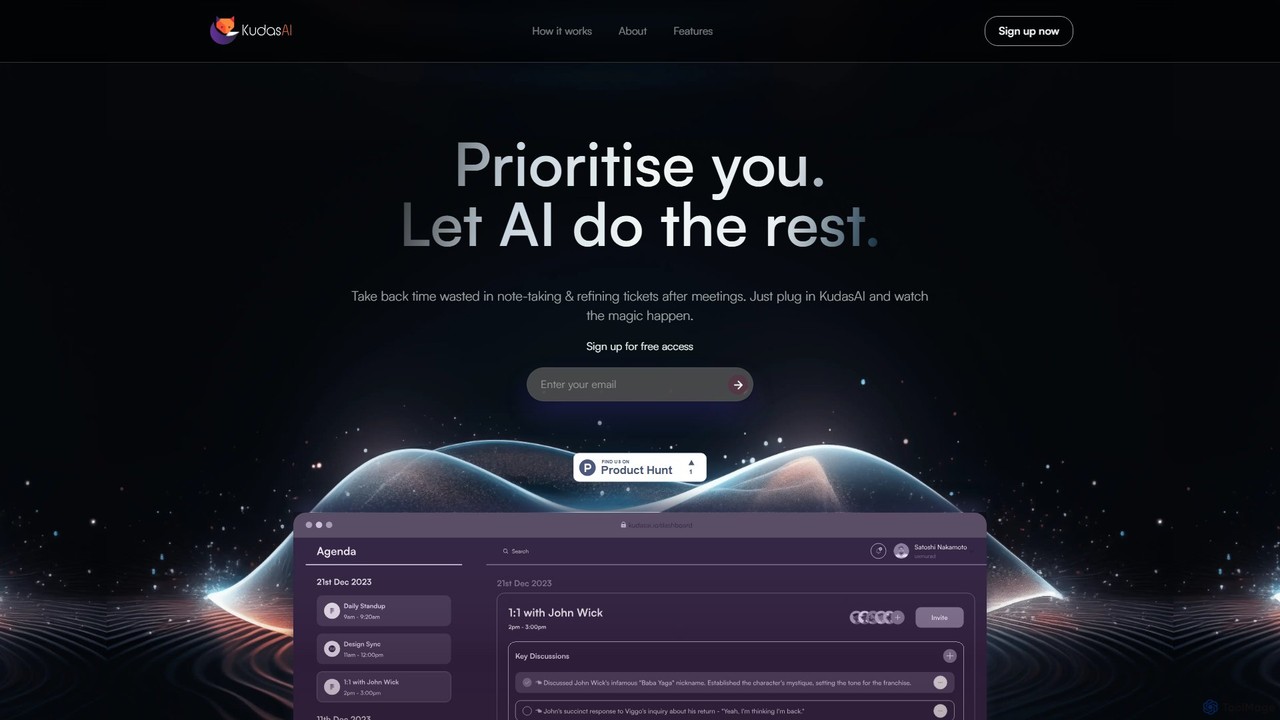
KudasAI
KudasAI is an AI-powered sidekick designed to supercharge your agile meetings. It joins your calls on platforms like Zoom, Google Meet, and Teams to automatically transcribe, summarize, and identify key takeaways and action items. This allows your team to focus on the discussion, not on note-taking, ensuring every important detail is captured accurately and objectively.
Transcription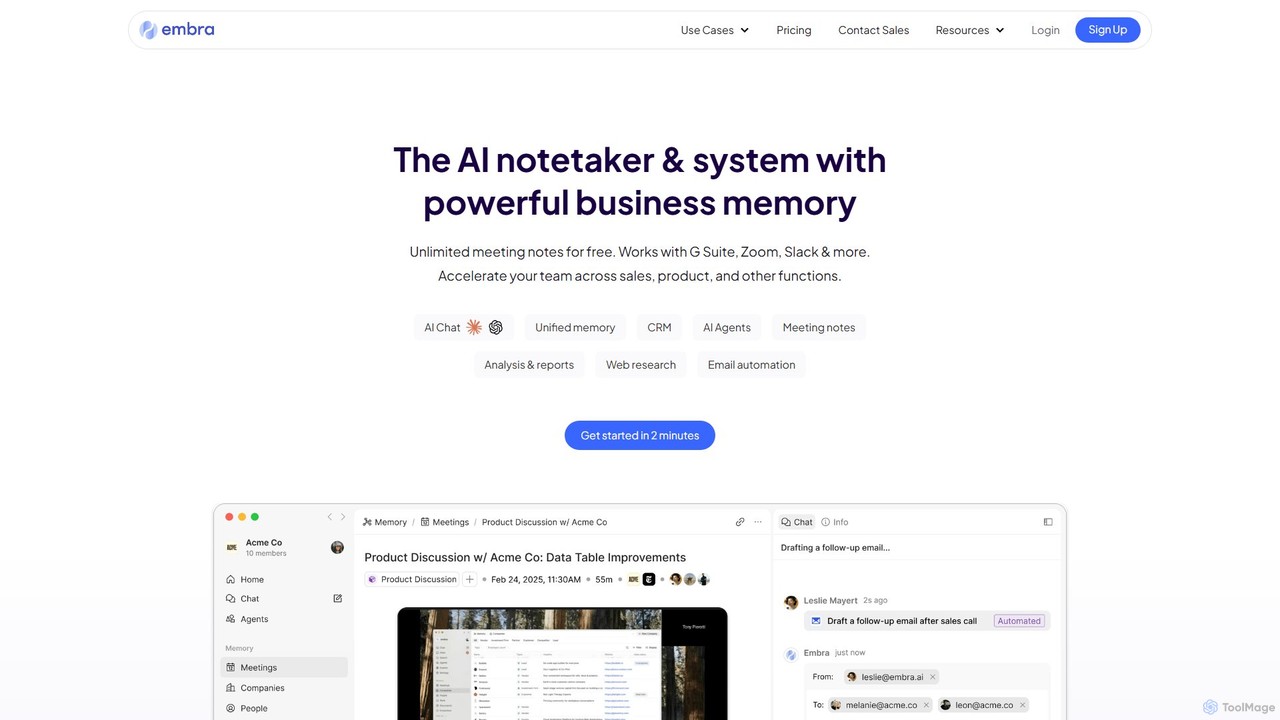
Embra
Embra is an AI-powered notetaker and knowledge system designed to enhance productivity. It records, transcribes, and summarizes meetings, drafts contextual follow-up emails, and centralizes team knowledge. By integrating with various tools and providing access to top LLMs, Embra acts as a unified workspace, transforming conversations into actionable insights and streamlining workflows for sales, product development, and management teams.
Knowledge ManagementTactiq
Tactiq is an AI-powered Chrome extension that provides real-time transcription, summaries, and actionable insights for Google Meet, Zoom, and MS Teams meetings. It operates without a bot, ensuring privacy while capturing every detail, identifying speakers, and automating post-meeting tasks like follow-up emails and action items.
Team CollaborationCircleback
Circleback is an AI-powered meeting assistant that automatically generates meticulous notes, assigns action items, and provides accurate transcriptions for both virtual and in-person meetings. It integrates with your favorite apps to automate post-meeting workflows, helping you save time, stay organized, and focus on the conversation.
Workflow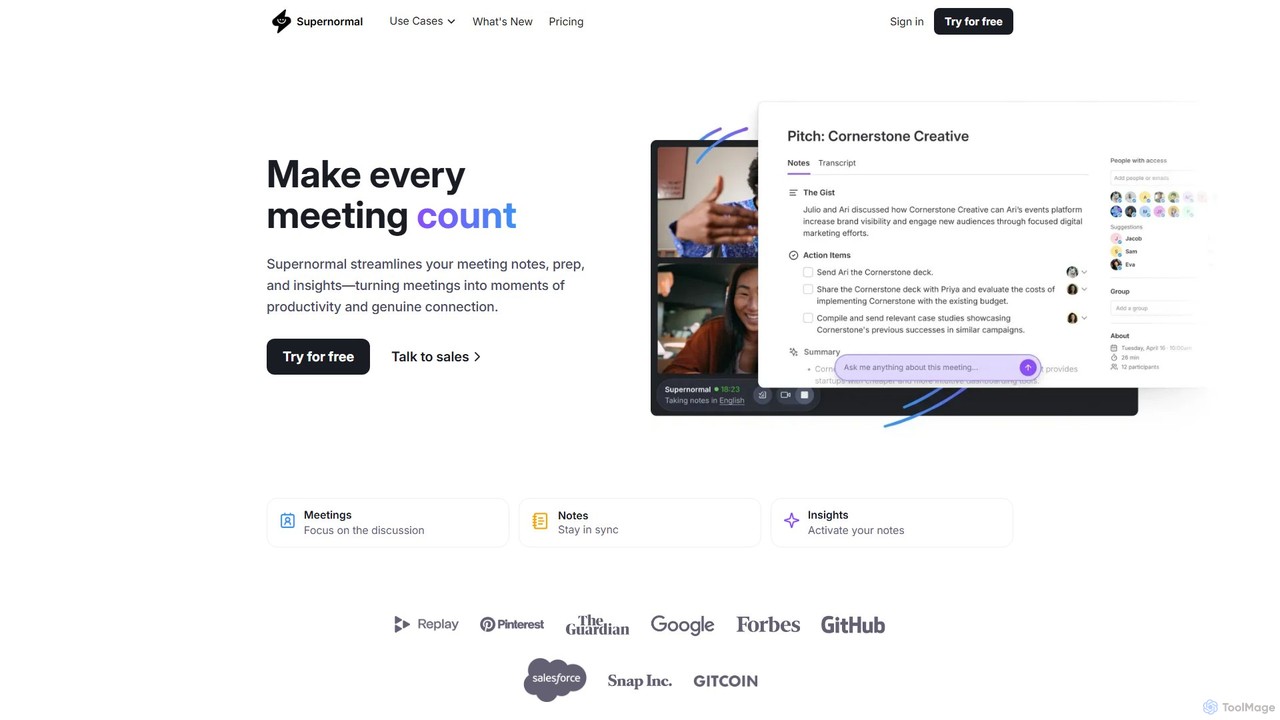
Supernormal
Supernormal is an AI meeting assistant that automatically records, transcribes, and summarizes your meetings on Google Meet, Zoom, and Microsoft Teams. It helps you focus on the conversation by taking care of note-taking, identifying action items, and providing actionable insights.
Meetings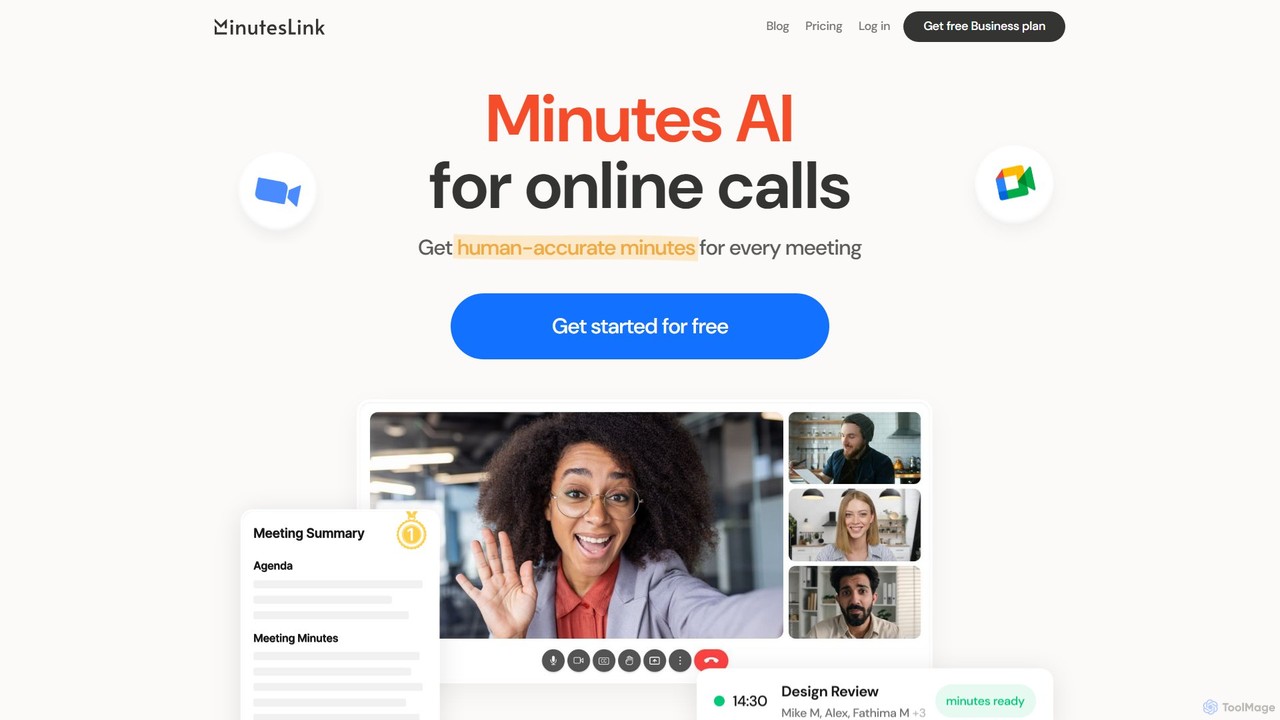
MinutesLink
MinutesLink is an AI meeting assistant for Zoom and Google Meet that automatically records, transcribes, and summarizes your online calls. It generates accurate, human-like meeting minutes, identifies key points, and assigns action items to boost productivity and ensure accountability.
Communication
Bubbles Comments (0)
Sign in to comment.
Sign inNo comments yet.