
Embra Overview
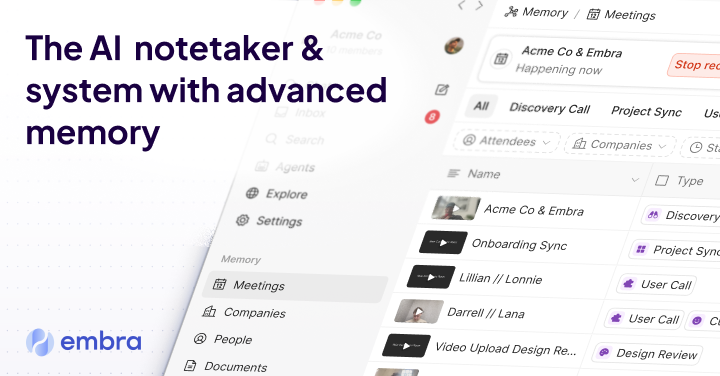
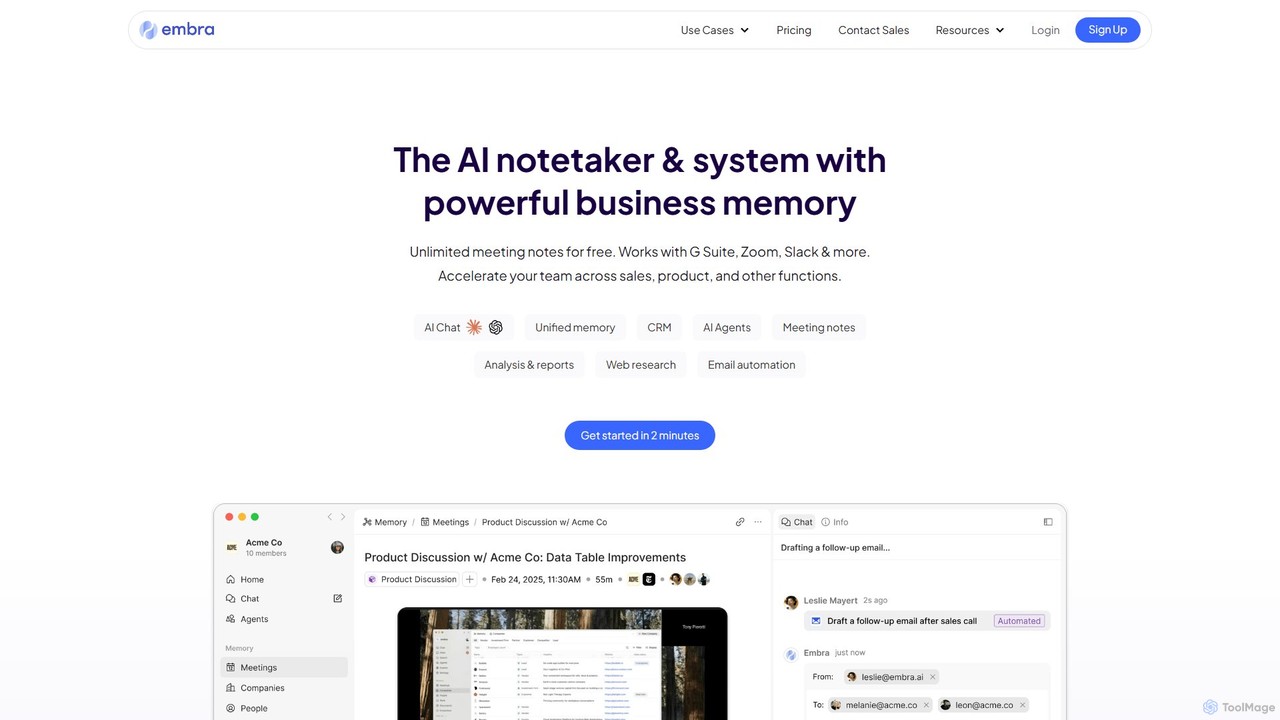
Embra is a sophisticated AI-powered system that functions as a cognitive partner for individuals and teams, designed to capture and organize knowledge from daily conversations. It goes beyond simple note-taking by creating an intelligent, searchable memory of all your meetings, calls, and discussions. Whether it's a sales call, a user interview, or an internal standup, Embra records, transcribes, and translates the content, making it instantly accessible and useful. The core of the platform is its advanced memory engine, which allows users to tap into their company's collective data on demand, retrieving critical information in seconds. This transforms scattered conversations into a structured, centralized knowledge hub, eliminating the need to juggle multiple subscriptions for different AI tools.
How to use Embra
Getting started with Embra is a straightforward process designed to integrate seamlessly into your existing workflow:
- Connect Your Tools: Begin by integrating Embra with your calendar (Google Calendar, Outlook) and meeting platforms (Zoom, Google Meet, Microsoft Teams). This allows Embra's Meeting Copilot to automatically join your scheduled calls.
- Record and Transcribe: Let the AI copilot handle the heavy lifting. It will record high-quality video and audio of your meetings and generate accurate, time-stamped transcripts in multiple languages.
- Analyze and Summarize: After the meeting, access the recording and transcript. Embra automatically generates concise notes and summaries. You can use custom templates to format these notes into specific reports, slides, or updates tailored to your needs.
- Automate Follow-ups: Leverage Embra's contextual understanding to draft personalized follow-up emails. With a single click, it creates authentic, high-quality drafts that require minimal editing.
- Query Your Knowledge Base: Use the chat interface to interact with your company's collective memory. Ask questions about past decisions, find details about contacts, or research companies you've met with.
- Collaborate with Your Team: Share meeting notes, documents, chats, and insights with your team members within the Embra workspace to ensure everyone is aligned and informed.
- Capture Information Anywhere: Use the browser integration to grab details from websites like LinkedIn and save them directly into your Embra knowledge base.
Core Features of Embra
- AI Meeting Copilot: Provides automatic recording, high-accuracy transcription, and intelligent summarization for all your meetings.
- Advanced Memory Engine: Creates a centralized, searchable knowledge base from all conversations, documents, and captured data, acting as your team's collective brain.
- Contextual Email Drafting: Automatically generates ready-to-send follow-up emails by understanding the full context of your conversations.
- Customizable Templates & Workflows: Build and save custom prompts and templates to automate repetitive tasks like generating reports, creating user stories, or formatting notes.
- Multi-LLM Access: Access and chat with the world's top Large Language Models (LLMs) within a single interface, using your own data for context.
- Instant Translation: Convert meeting notes, transcripts, and other knowledge into any language in seconds, perfect for global teams.
- Team Collaboration Hub: Share workspaces, data, chats, and documents to foster seamless collaboration and keep your entire team in sync.
- Cross-Platform Accessibility: Use Embra on your Mac with the native app, on any computer via the web, or on your phone for access on the go.
Use Cases for Embra
Embra is a versatile tool that adds value across various departments:
- Sales Teams: Maintain a clear view of the entire sales pipeline. Track every deal, understand customer objections, automate follow-up communications, and prepare for calls with instant access to past interactions and prospect information.
- Product Development: Accelerate the product lifecycle by transforming hours of user feedback calls into actionable insights. Streamline the creation of product requirement documents (PRDs), user stories, and release notes.
- Management and Operations: Stay informed about team progress with half the effort. Track key decisions, monitor project statuses, and ensure important information is documented and easily retrievable.
- Customer Success & Research: Dig deep into customer discovery calls to understand pain points and achieve product-market fit faster. Easily track and categorize customer feedback over time.
Advantages of Embra
Embra offers significant advantages over using multiple disparate tools:
- Unified Platform: It consolidates the functionality of at least four different tools—a meeting recorder, a transcription service, an AI writer, and a multi-model AI chat interface—into one powerful, cost-effective product.
- Deep Contextual Intelligence: Unlike basic transcription tools, Embra understands the nuances of conversations, enabling it to generate highly relevant summaries, emails, and insights.
- Enhanced Productivity: By automating manual tasks like note-taking, summarizing, and email drafting, Embra frees up valuable time for teams to focus on strategic, high-impact work.
- Collective Knowledge Creation: It turns siloed conversations into a shared, institutional memory, preventing knowledge loss and empowering better, data-driven decision-making across the organization.
- Data Privacy and Control: Embra prioritizes user privacy. All data is saved securely within your private workspace, and you have complete control over what is shared or kept private. The company does not sell user data.
Pricing and Plans
Embra operates on a freemium model. There is a Free plan that allows users to get started with the basic Meeting Copilot features, such as recording and transcribing meetings. For users and teams who want to unlock the full power of the platform, Embra offers paid plans. These premium tiers include advanced features like the powerful memory engine, unlimited custom templates, enhanced team collaboration capabilities, and full access to the multi-LLM chat interface. For the most current and detailed information on pricing tiers and features, it is recommended to visit the official pricing page on the Embra website.
Embra Alternatives
Fireflies.ai
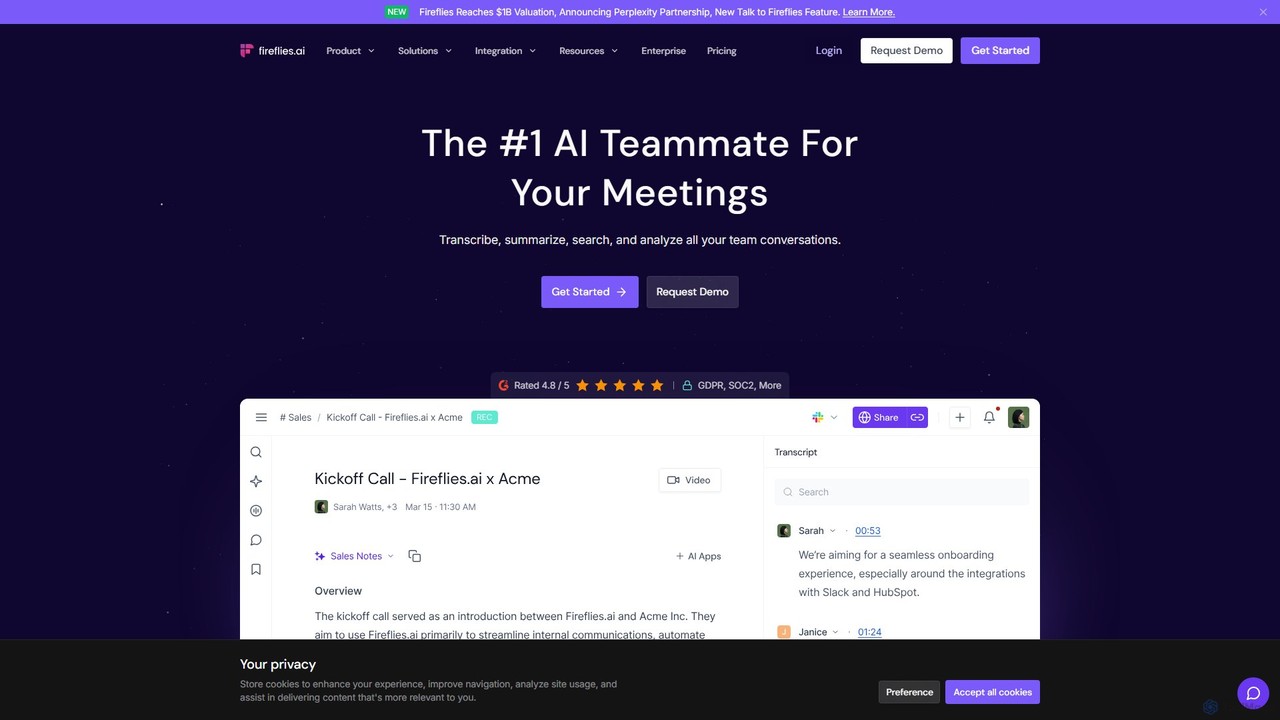
Fireflies.ai is an AI meeting assistant that automatically transcribes, summarizes, searches, and analyzes voice conversations. It joins your meetings on platforms like Zoom, Google Meet, and Teams to take notes, identify action items, and provide detailed insights, freeing you to focus on the conversation.
Transcription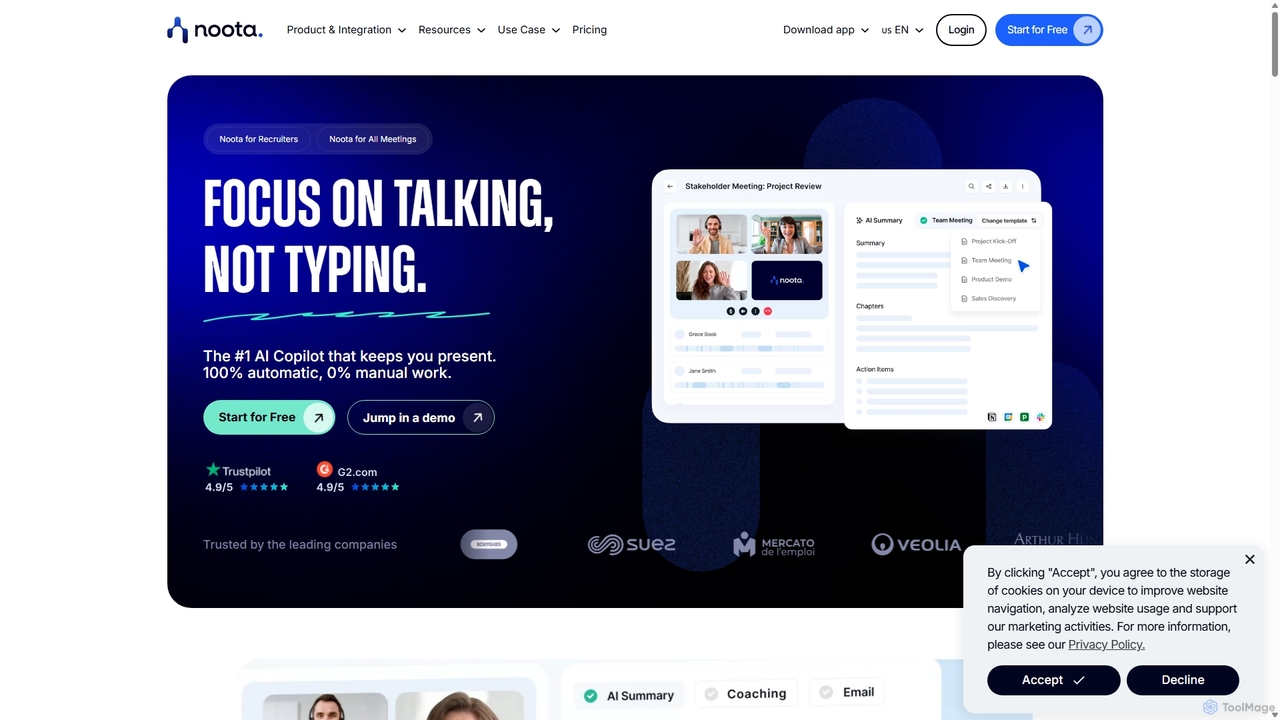
Noota
Noota is an AI meeting copilot that automates note-taking to keep you present in conversations. It records, transcribes, and summarizes meetings from platforms like Zoom, Teams, and Google Meet, as well as phone calls. Noota generates structured AI reports, extracts key insights, and automates follow-ups. With features like conversational intelligence and seamless CRM/ATS integrations, it's designed for recruiters, sales teams, and project managers to boost productivity and make data-driven decisions.
Transcription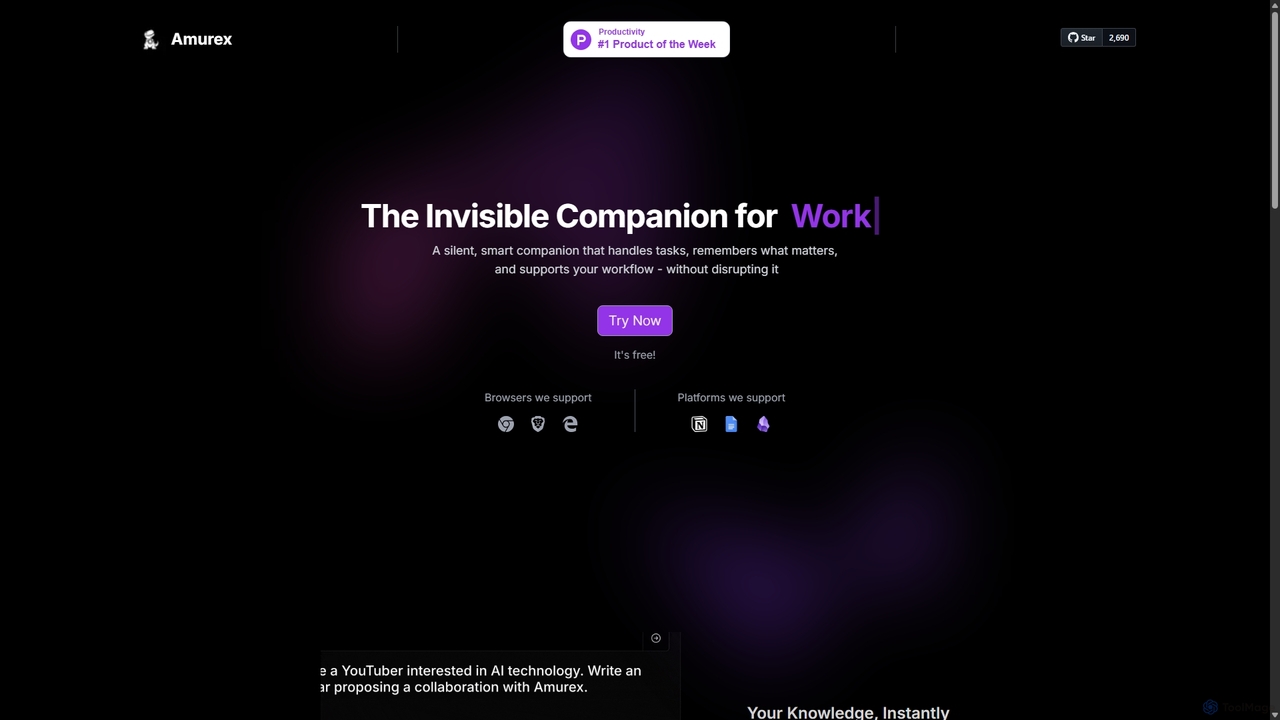
Amurex
Amurex is an open-source AI invisible companion that works silently in the background to streamline your workflow. It integrates with your existing apps like Notion, Google Drive, and Obsidian to create a searchable knowledge base, automates meeting transcriptions and summaries, and intelligently categorizes your inbox.
Automation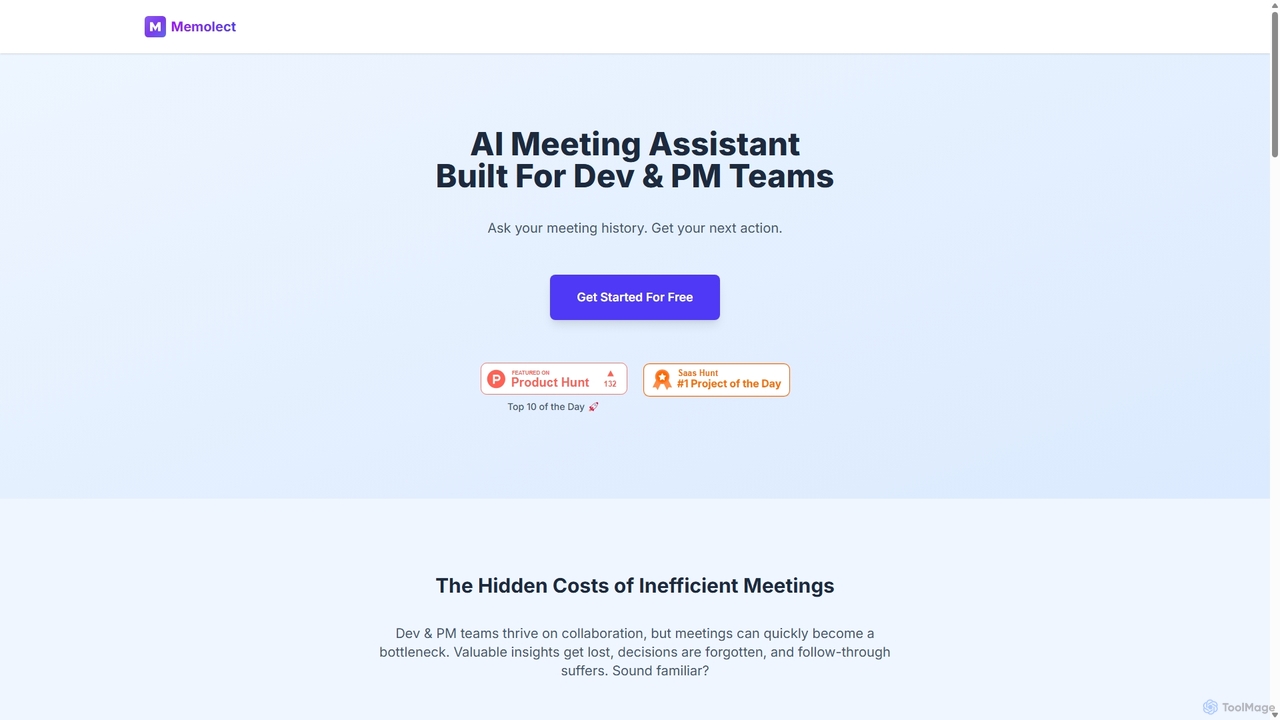
Memolect
Memolect is an AI meeting assistant specifically designed for development and product management teams. It transcribes meetings, makes the entire history searchable via chat, and automatically converts action items into Jira tickets, ensuring no technical decision or task is ever lost.
Project Management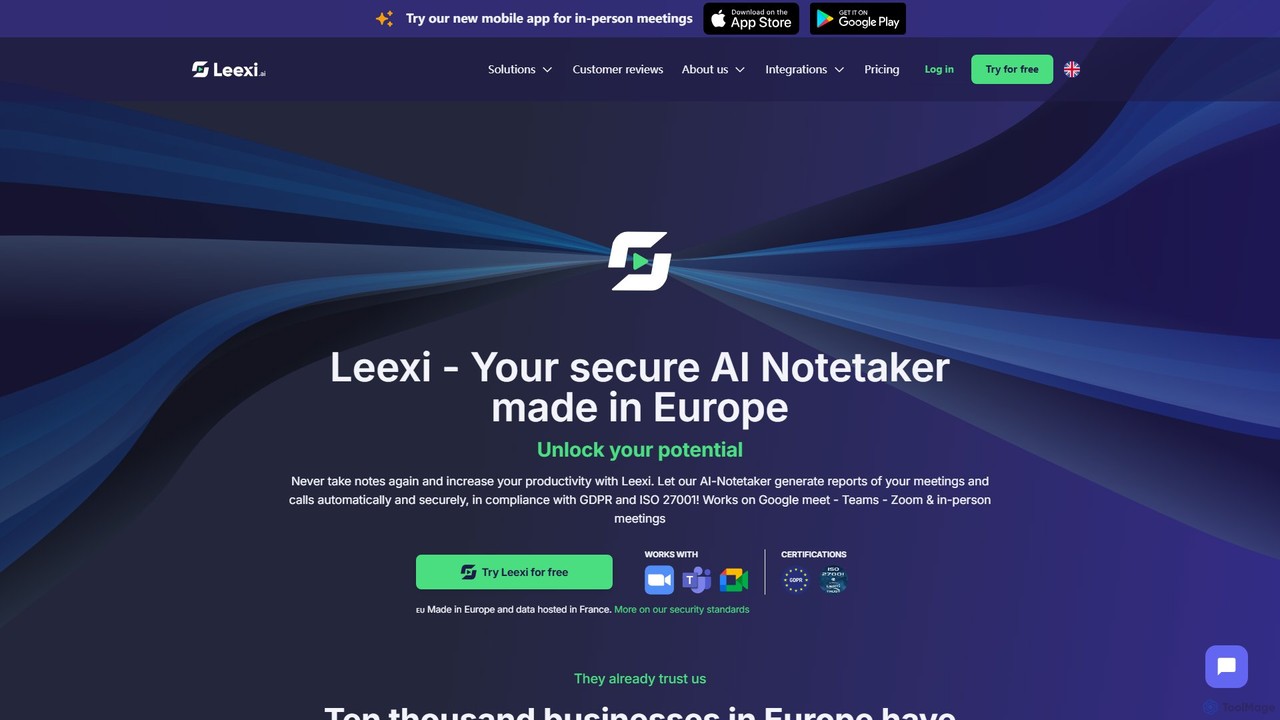
Leexi
Leexi is a secure, European-based AI meeting assistant that automates note-taking. It records, transcribes, and summarizes your calls and meetings from platforms like Zoom, Teams, and Google Meet, as well as in-person conversations. It identifies action items, integrates with your CRM, and provides a secure, GDPR and ISO 27001 compliant environment to boost your team's productivity.
RecruitingEmbra Categories
Embra Embed Widget
Copy this embed code to place the badge on your blog, article, or product site and send readers directly to this ToolMage detail page.

Related AI tools
Fireflies.ai
Fireflies.ai is an AI meeting assistant that automatically transcribes, summarizes, searches, and analyzes voice conversations. It joins your meetings on platforms like Zoom, Google Meet, and Teams to take notes, identify action items, and provide detailed insights, freeing you to focus on the conversation.
TranscriptionLeexi
Leexi is a secure, European-based AI meeting assistant that automates note-taking. It records, transcribes, and summarizes your calls and meetings from platforms like Zoom, Teams, and Google Meet, as well as in-person conversations. It identifies action items, integrates with your CRM, and provides a secure, GDPR and ISO 27001 compliant environment to boost your team's productivity.
Recruiting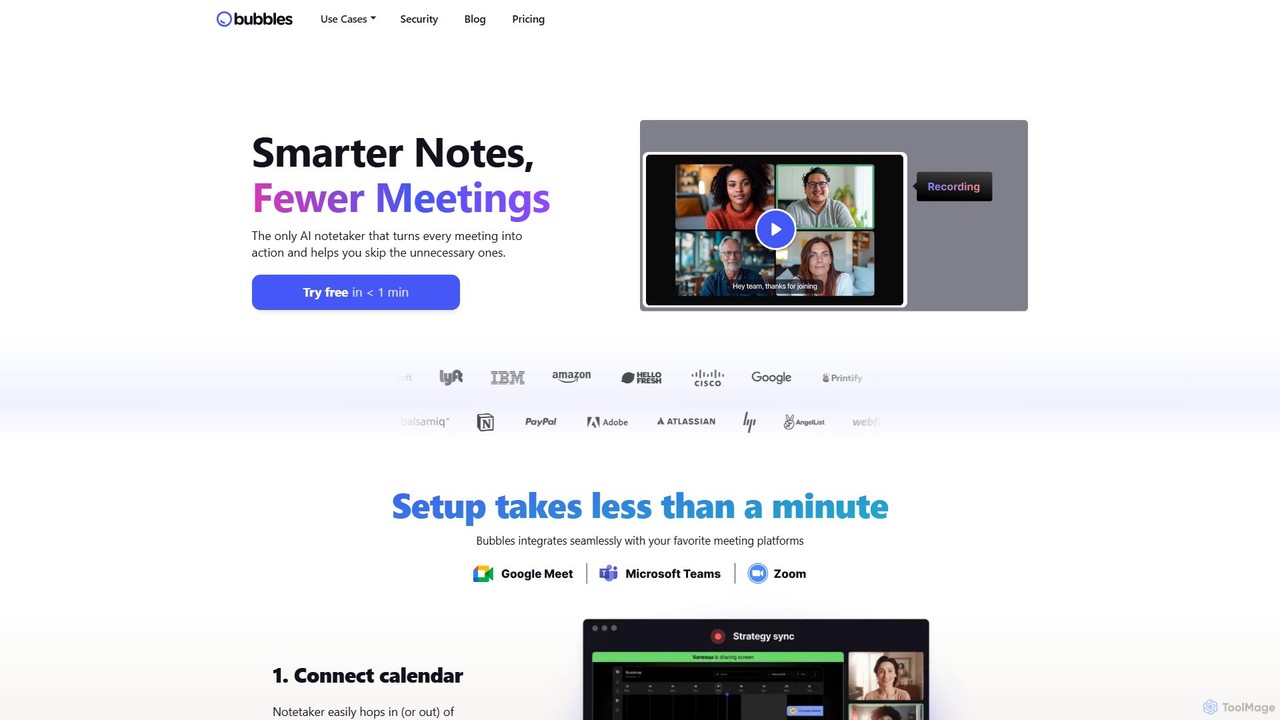
Bubbles
Bubbles is an AI-powered meeting assistant and screen recorder designed to reduce meeting fatigue and enhance team productivity. It automatically joins your meetings to record, transcribe, and generate concise summaries with actionable items. It also facilitates asynchronous communication through screen and video recordings, helping teams collaborate effectively without constant calls.
Collaboration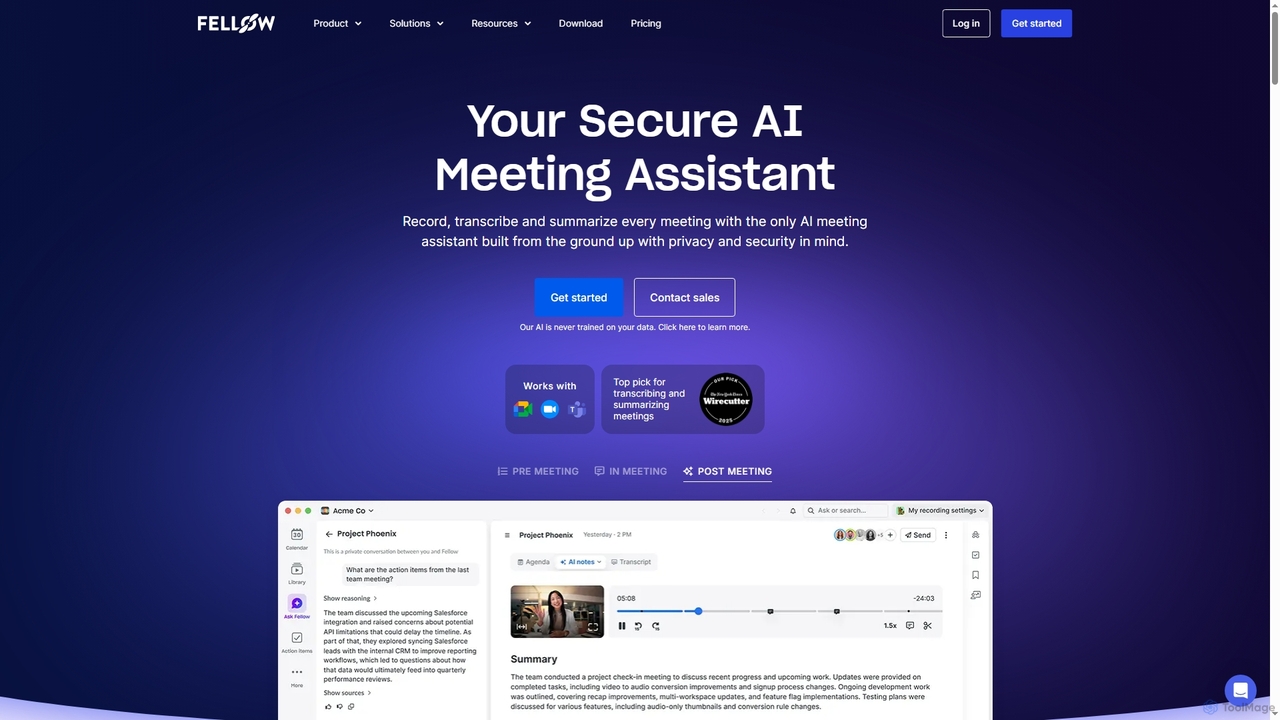
Fellow
Fellow is a secure AI meeting assistant designed for teams and enterprises. It automatically records, transcribes, and summarizes meetings from Zoom, Google Meet, and Microsoft Teams. With a strong focus on privacy, Fellow ensures your data is never used for training AI models. It features an AI chatbot for querying meeting insights, CRM automation, and deep integrations with over 50 tools, centralizing your entire meeting workflow.
Collaboration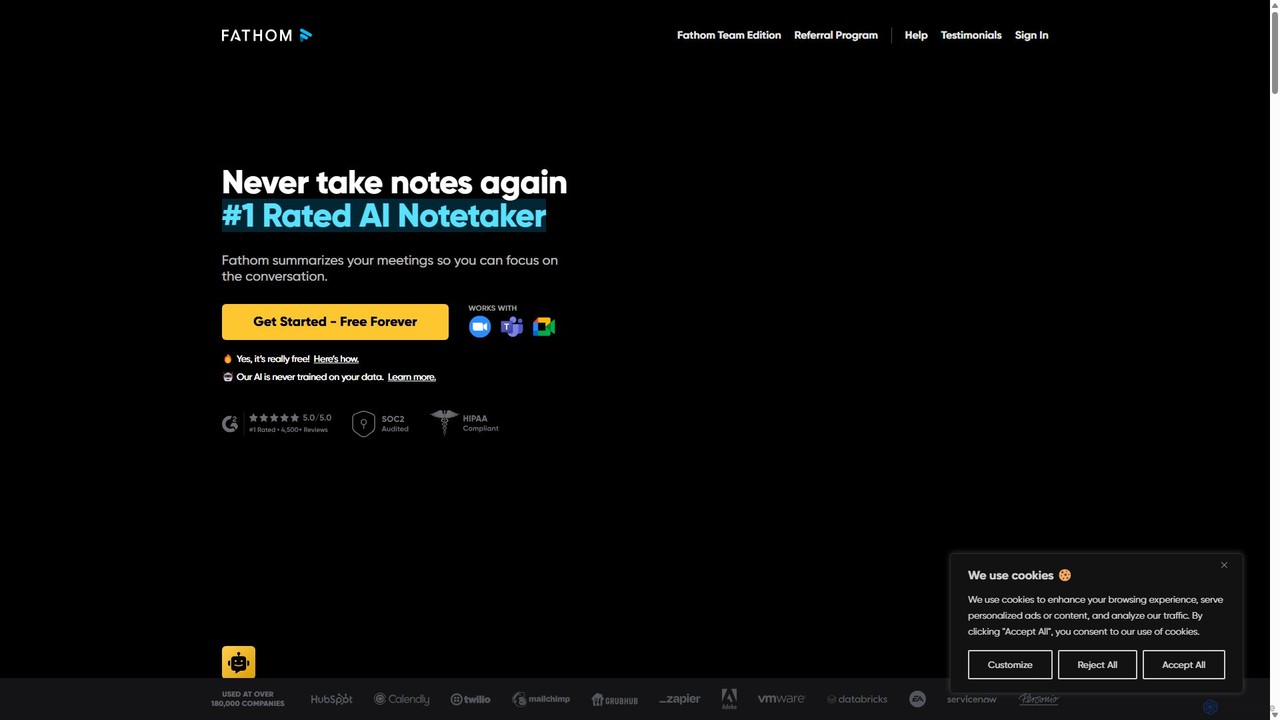
Fathom
Fathom is a top-rated AI meeting assistant that automatically records, transcribes, and summarizes your video calls on Zoom, Google Meet, and Microsoft Teams. It liberates you from note-taking, allowing full focus on the conversation. Fathom provides instant, shareable summaries and action items, and integrates seamlessly with your CRM and other productivity tools, saving significant time and boosting post-meeting efficiency.
Transcription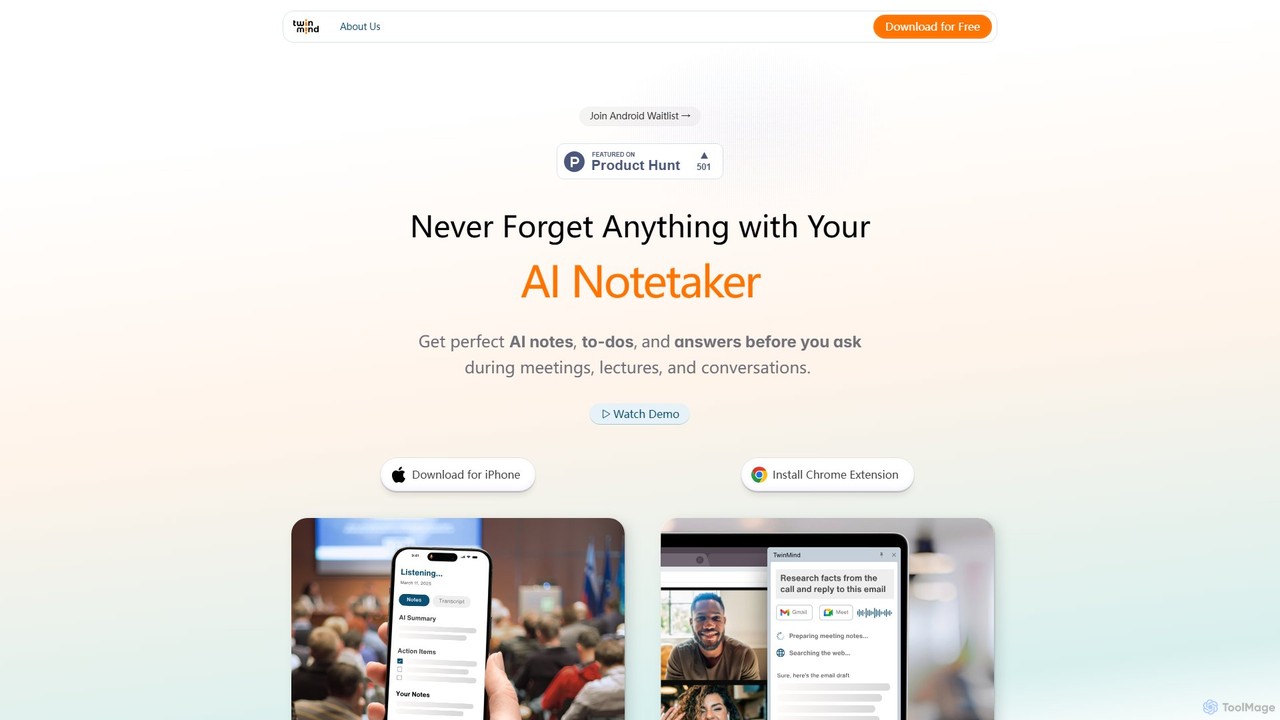
TwinMind
TwinMind is an AI-powered second brain that acts as a memory vault and life copilot. It captures, transcribes, and summarizes your meetings, lectures, and conversations in real-time. With a strong focus on privacy, it provides proactive insights, automates tasks, and helps you remember everything, available on iPhone and as a Chrome extension.
Study Tools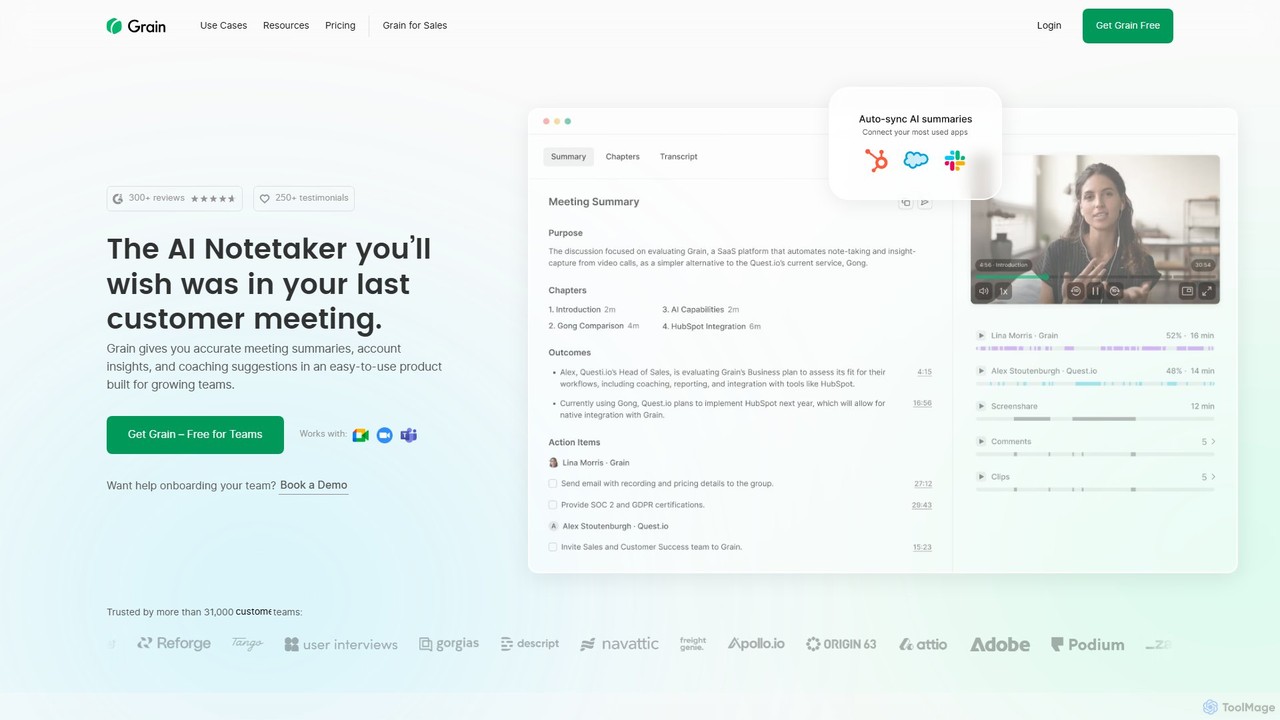
Grain
Grain is an AI-powered meeting notetaker designed for growing teams. It automatically records, transcribes, and summarizes video calls from platforms like Zoom, Google Meet, and Microsoft Teams. It helps sales, customer success, and product teams capture crucial insights, automate follow-ups, sync data to CRMs, and facilitate team coaching and collaboration, allowing everyone to stay focused during conversations.
Customer Feedback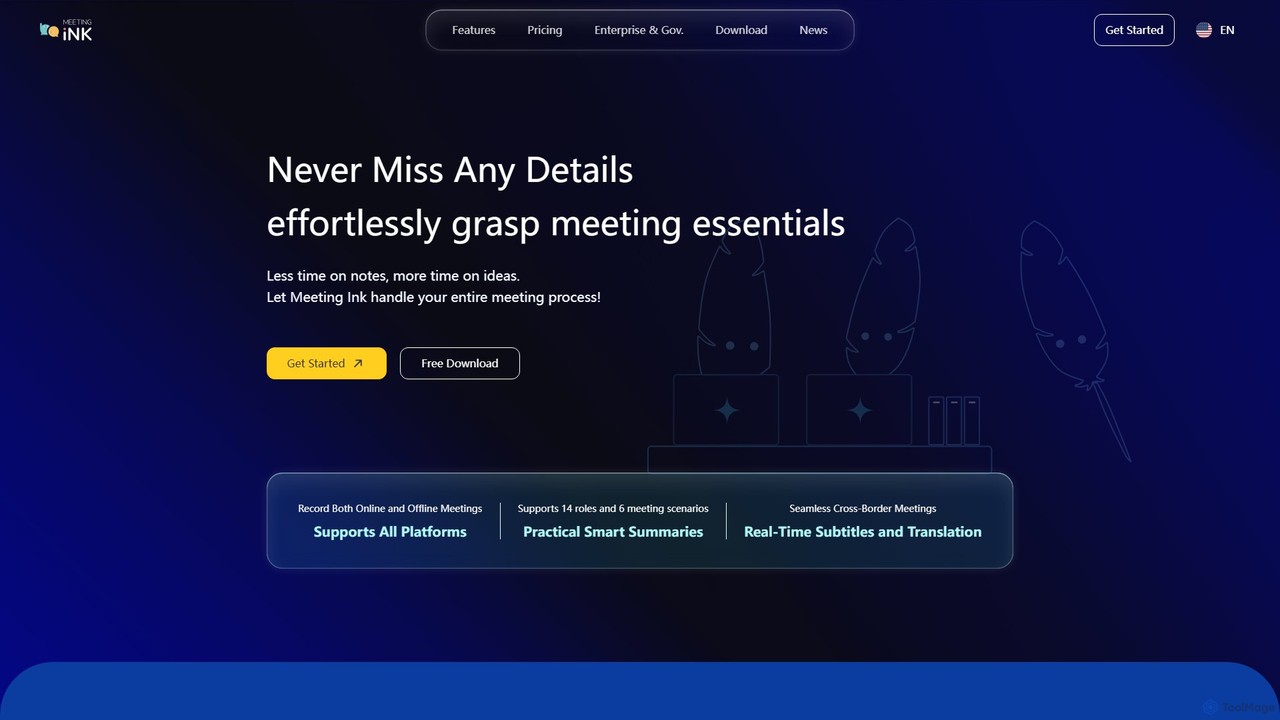
Meeting Ink
Meeting Ink is an AI-powered notetaker designed to transcribe, summarize, and translate your meetings. It supports both online and offline meetings across all major platforms, helping you save time, improve focus, and enhance collaboration by automating the entire meeting documentation process.
Transcription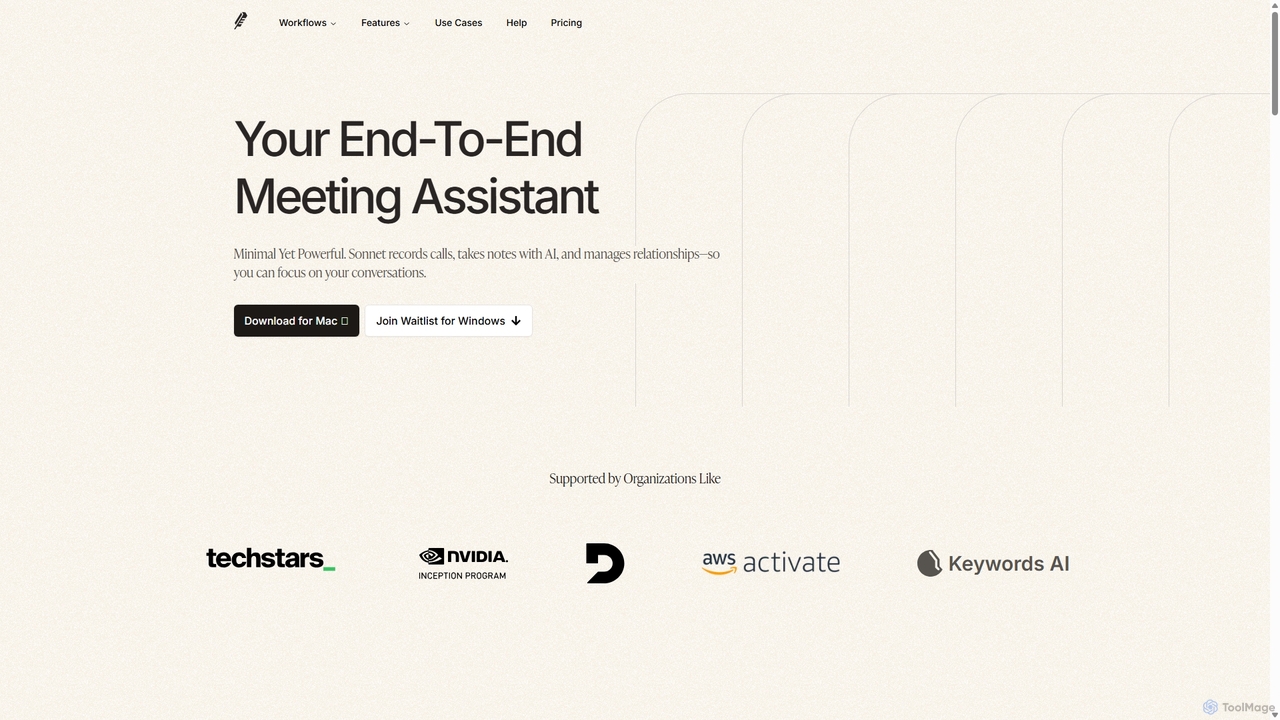
Sonnet AI
Sonnet AI is an end-to-end meeting assistant that records, transcribes, and summarizes conversations. It automates note-taking, CRM updates, and action item generation, providing pre-meeting insights on participants and post-meeting shareable summaries to enhance productivity across various professions.
Crm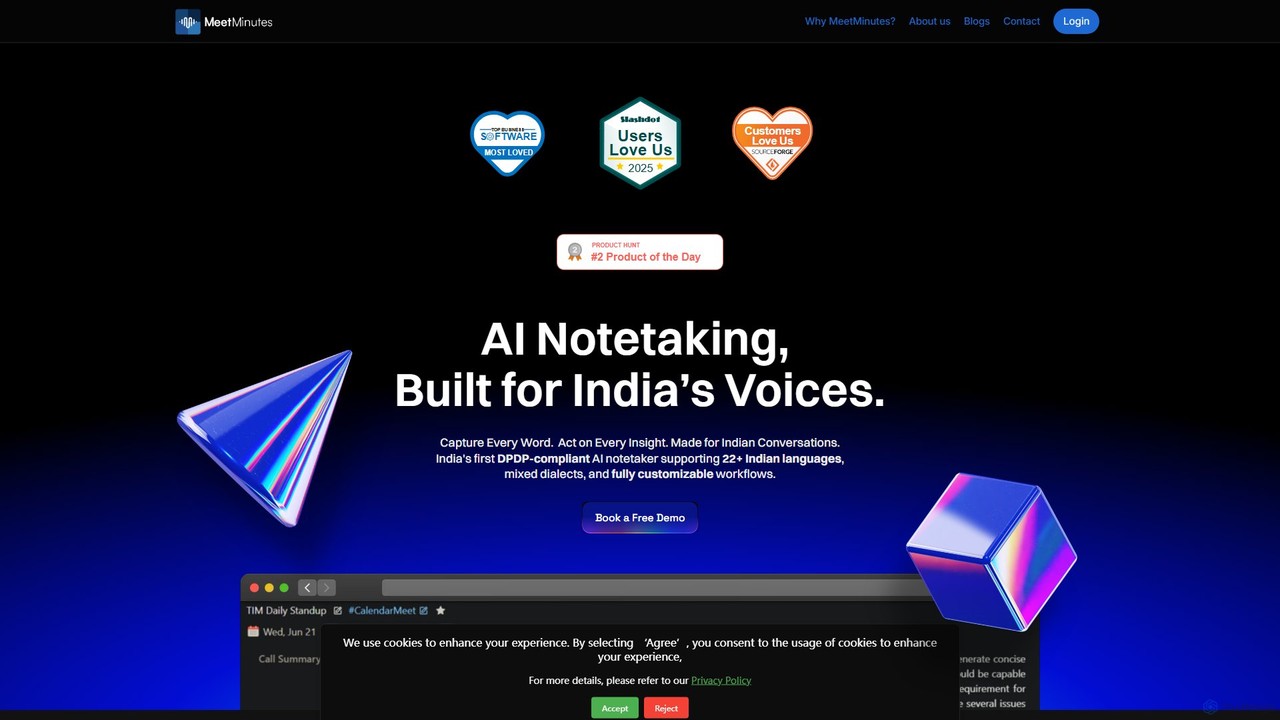
MeetMinutes
MeetMinutes is an AI-powered meeting assistant designed for Indian voices. It automatically transcribes, summarizes, and analyzes meetings from Zoom, Google Meet, and Teams. Supporting 22+ Indian languages and mixed dialects, it captures action items and creates a searchable knowledge base, all while being DPDP, GDPR, and SOC2 compliant.
Meeting Assistant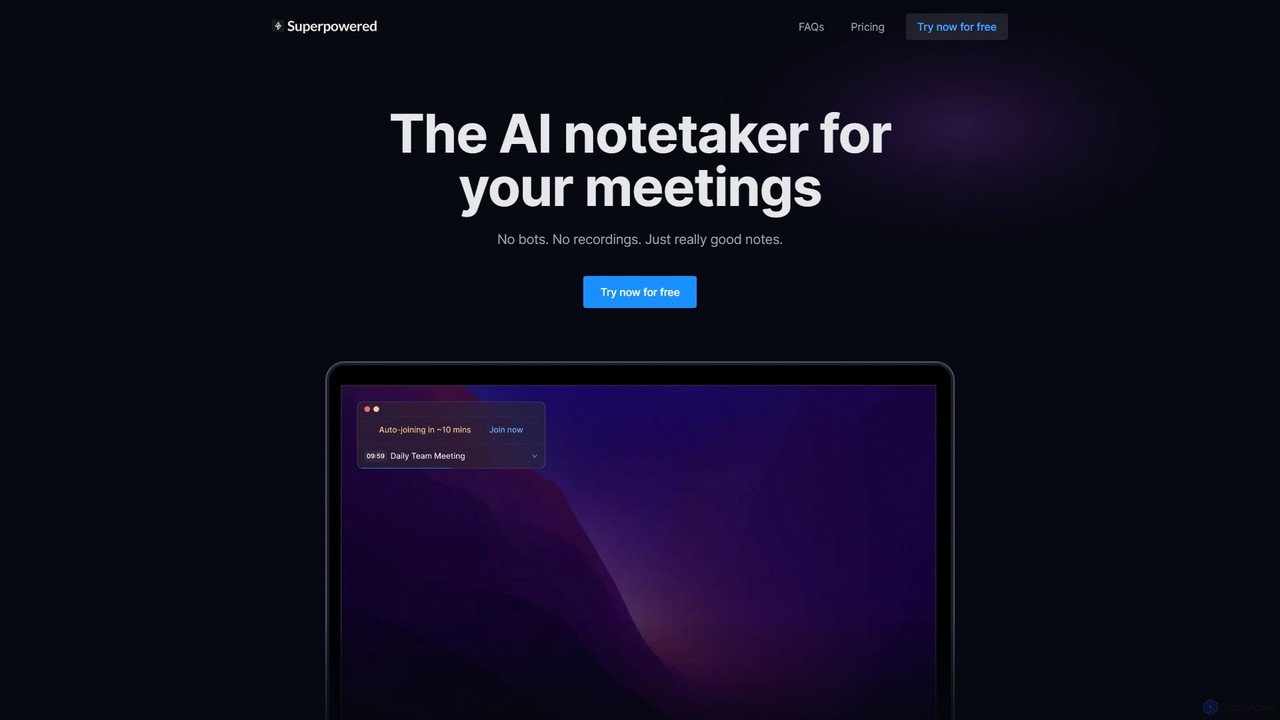
Superpowered
Superpowered is an AI meeting assistant that generates high-quality notes, summaries, and action items without using bots or recordings. It works seamlessly with all meeting platforms by transcribing device audio in real-time, ensuring privacy and security. It integrates with your calendar and workflow tools to boost productivity.
Meeting Assistant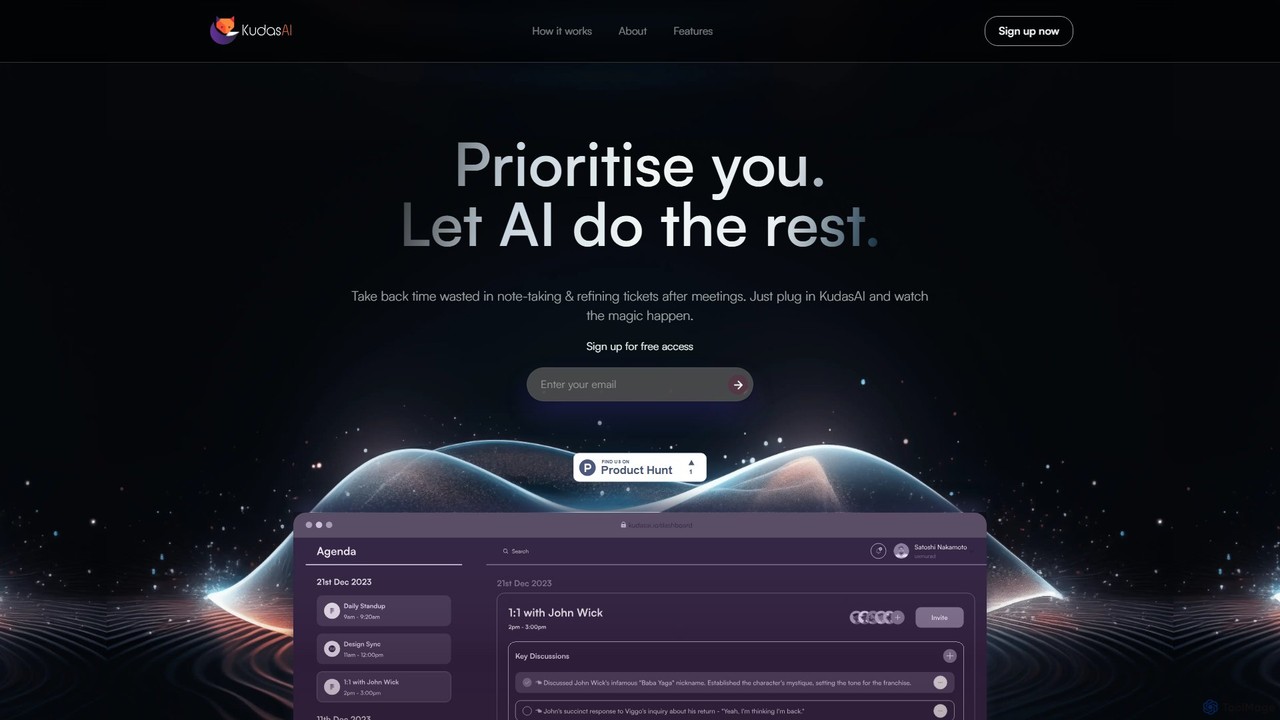
KudasAI
KudasAI is an AI-powered sidekick designed to supercharge your agile meetings. It joins your calls on platforms like Zoom, Google Meet, and Teams to automatically transcribe, summarize, and identify key takeaways and action items. This allows your team to focus on the discussion, not on note-taking, ensuring every important detail is captured accurately and objectively.
Transcription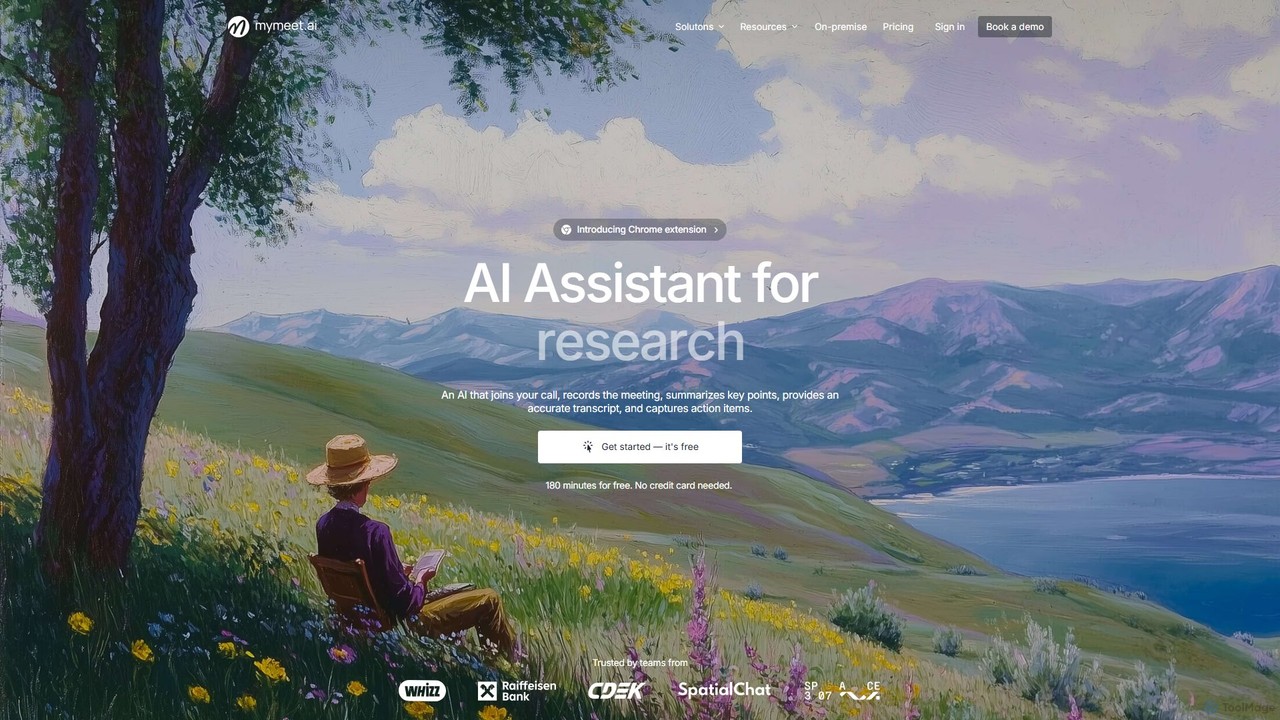
mymeet.ai
mymeet.ai is an AI meeting assistant that automatically joins your calls on Zoom, Google Meet, and Teams to record, transcribe, summarize, and identify action items. It features an interactive AI chat to query meeting details, offers specialized analysis templates, and integrates seamlessly with your calendar and other work tools to boost productivity.
Sales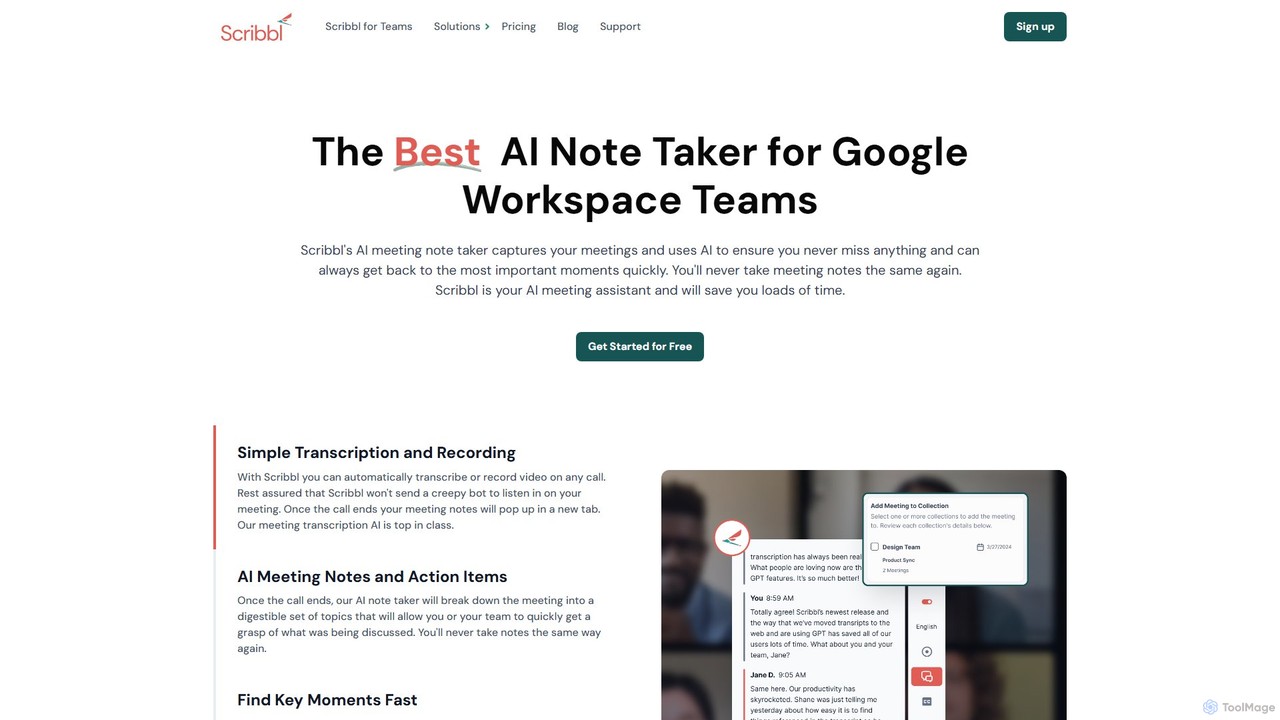
Scribbl
Scribbl is an AI-powered meeting assistant and note-taker designed as a Chrome extension for Google Meet. It automatically transcribes, records, and summarizes your meetings, generating digestible notes, key topics, and actionable items. This tool helps users and teams boost post-meeting productivity by making it easy to find key moments, share insights, and integrate with other workflow tools.
Meetings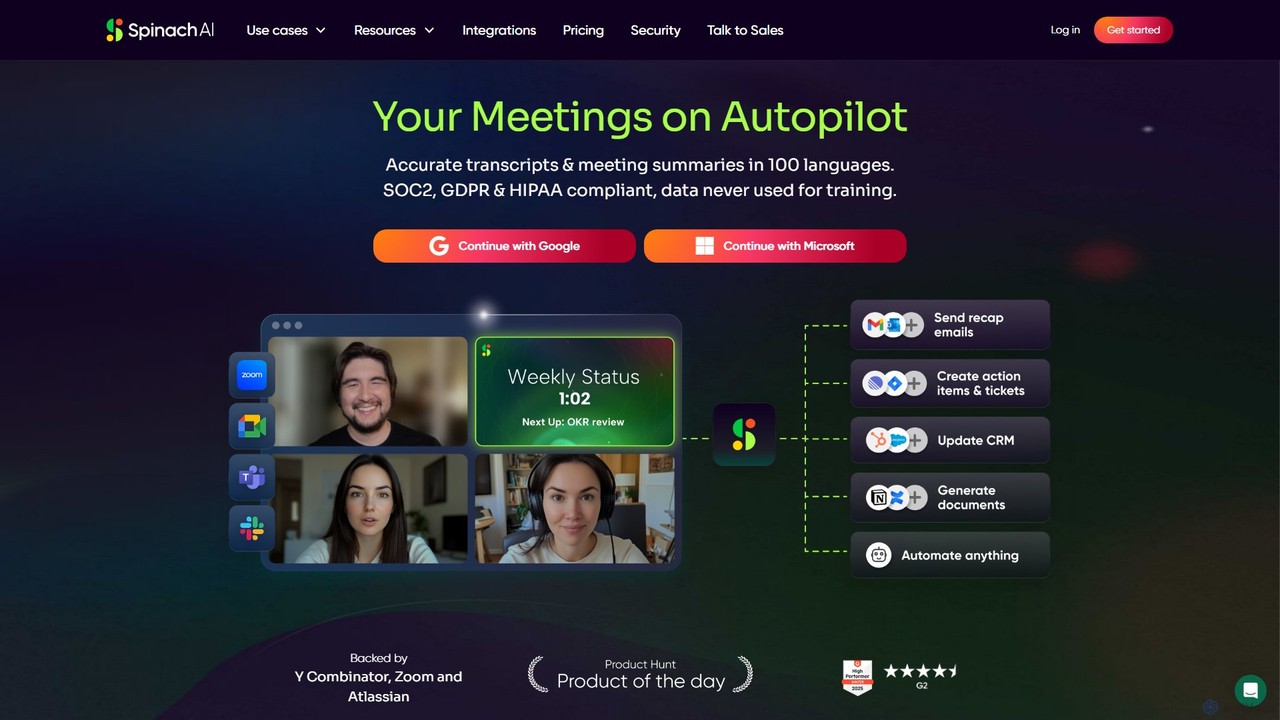
Spinach AI
Spinach AI is an intelligent meeting assistant and AI Scrum Master that automatically joins, records, transcribes, and summarizes your meetings. It captures key decisions and action items, integrating seamlessly with tools like Jira, Slack, and Salesforce to streamline workflows and boost team productivity.
Project Management
Embra Comments (0)
Sign in to comment.
Sign inNo comments yet.