ToolMage
Sign in

Best 5 Email Assistant for Writing

Popular Email Assistant in Writing include excuses.ai, SupportAgent.ai, Sales Stack, carlos_app, and Embra, helping you work more efficiently.

carlos_app
Freemium

carlos_app

carlos_app is an intelligent AI personal assistant designed to streamline your workflow, manage tasks, automate scheduling, and enhance communication. It acts as your proactive partner, helping you focus on what truly matters by handling the administrative details.

Task Management
Visits 4.7KFavorites 110Likes 126
excuses.ai
Free

excuses.ai

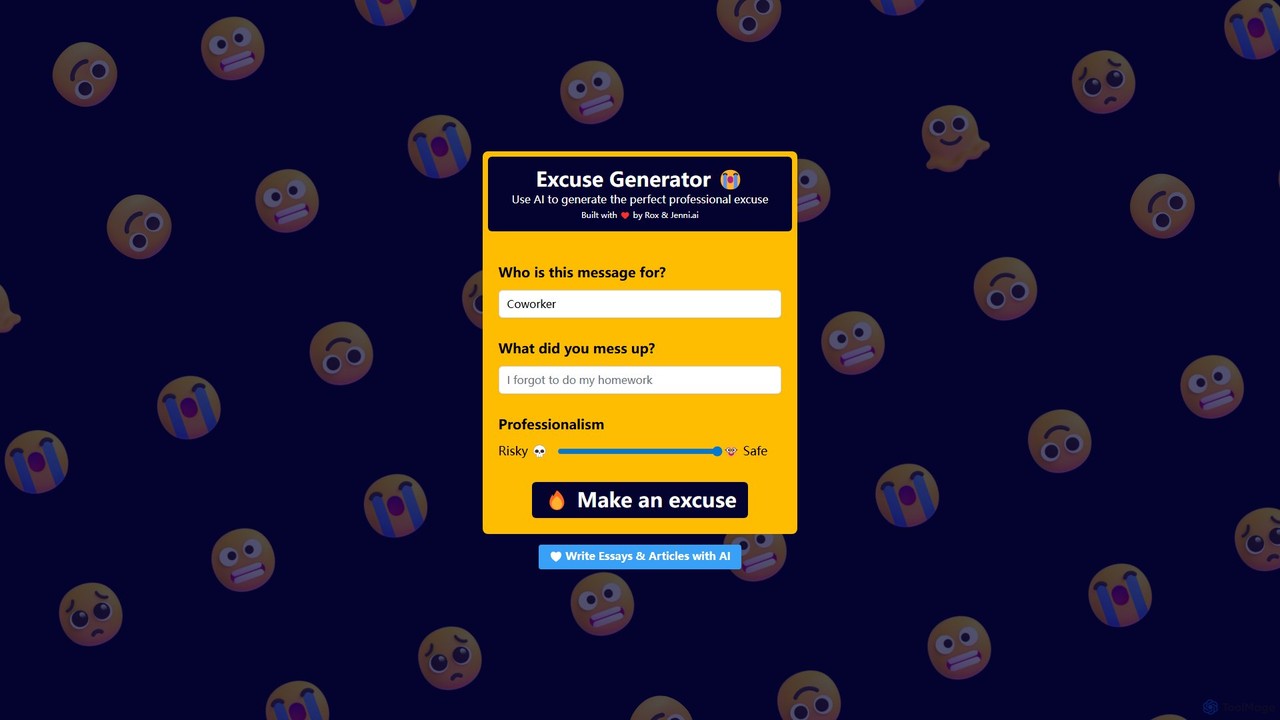
excuses.ai is a fun and creative AI-powered tool that generates the perfect professional or casual excuse for any situation. Simply describe who the message is for, what you messed up, and select a professionalism level from 'Safe' to 'Risky' to get a custom-tailored excuse instantly.

Generators
Visits 12.4KFavorites 115Likes 116
Embra
Freemium

Embra

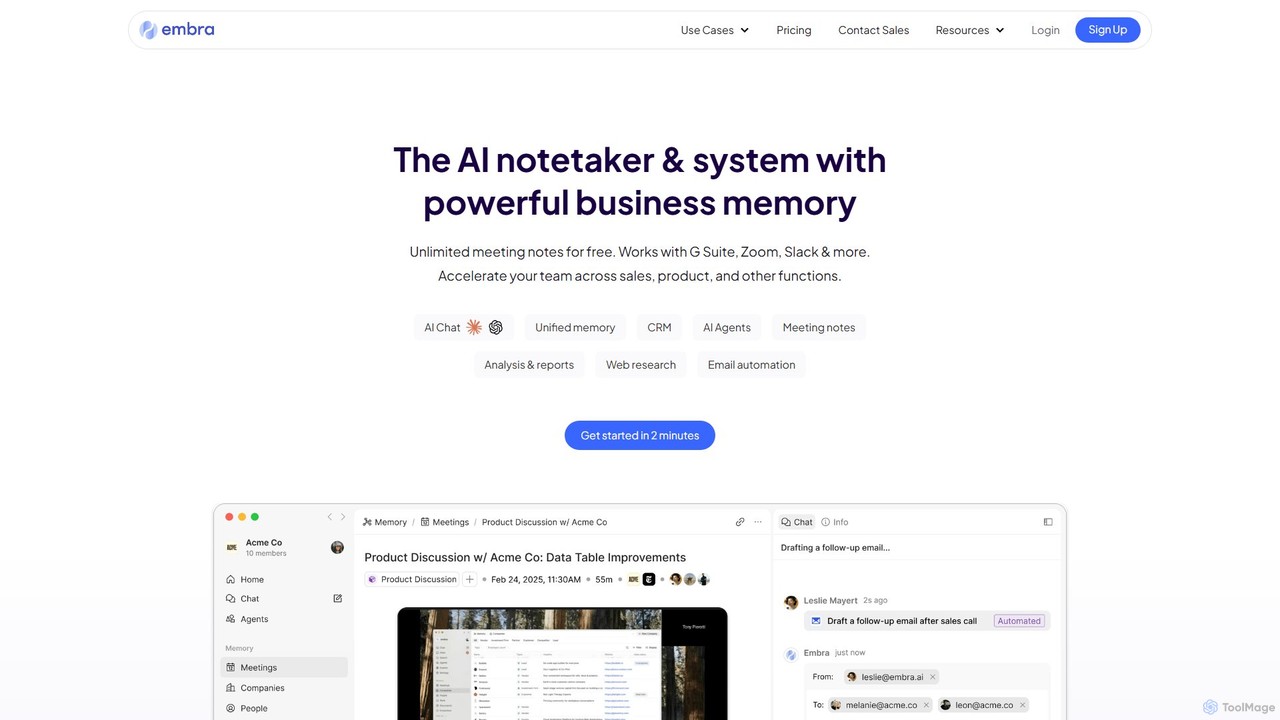
Embra is an AI-powered notetaker and knowledge system designed to enhance productivity. It records, transcribes, and summarizes meetings, drafts contextual follow-up emails, and centralizes team knowledge. By integrating with various tools and providing access to top LLMs, Embra acts as a unified workspace, transforming conversations into actionable insights and streamlining workflows for sales, product development, and management teams.

Knowledge Management
Visits 4.6KFavorites 119Likes 103
Sales Stack
Freemium

Sales Stack

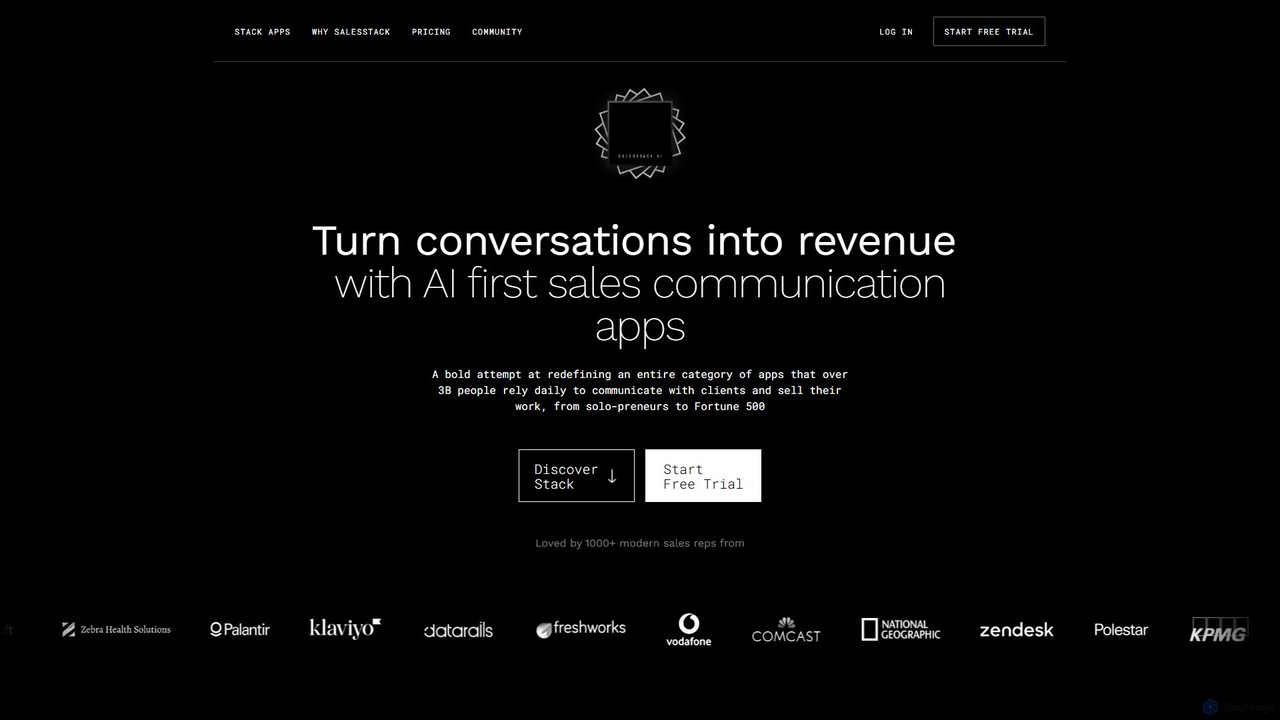
Sales Stack is an AI-powered suite of communication apps designed to turn conversations into revenue. It helps sales professionals create personalized outreach on LinkedIn, manage emails efficiently, write expert-level content, and recall key details from calls, all while maintaining a consistent and personal communication style.

Social Media Marketing
Visits 5.7KFavorites 104Likes 102
SupportAgent.ai
Paid

SupportAgent.ai

SupportAgent.ai is an AI-powered drafting assistant seamlessly integrated into the Help Scout platform. It automates the creation of responses to customer inquiries, significantly boosting agent productivity and ensuring consistent, high-quality communication. Acquired by Help Scout, it offers enhanced security, support, and direct integration for a streamlined customer service workflow.

Help Desk
Visits 6.1KFavorites 139Likes 152

About Email Assistant

Email Assistant tools are AI-powered applications designed to streamline and enhance email communication. Leveraging advanced natural language processing (NLP) and machine learning algorithms, these tools can understand context, generate text, and analyze email content. Their primary purpose is to boost efficiency, improve email quality, and automate repetitive tasks for individuals and businesses. By offering intelligent suggestions and automation features, Email Assistants significantly reduce the burden of managing high volumes of correspondence.

Core Features

  • AI-Powered Draft Generation: Automatically composes initial email drafts based on user prompts, keywords, or previous conversations.
  • Content Optimization & Polishing: Provides real-time suggestions for grammar, spelling, tone, clarity, and conciseness to improve email quality.
  • Smart Reply Suggestions: Analyzes incoming emails and offers contextually relevant reply options, accelerating response times.
  • Email Summarization & Analysis: Condenses long email threads or individual messages into key points, highlighting important information and action items.
  • Personalized Email Customization: Helps tailor email content, subject lines, and calls-to-action for specific recipients or target audiences.

Applicable Scenarios

Email Assistants are invaluable for professionals across various sectors. Sales teams use them to quickly generate personalized outreach emails, while customer support agents leverage them to automate responses to common inquiries. Marketing departments utilize these tools for crafting targeted promotional campaigns, and busy executives rely on them for efficient communication management.

How to Choose

When selecting an Email Assistant, consider its core functionalities, such as drafting, summarization, and scheduling capabilities. Evaluate the accuracy and naturalness of its AI-generated text, as well as its integration compatibility with your existing email clients (e.g., Gmail, Outlook) and CRM systems. Data privacy and security features are also crucial, especially when handling sensitive information, alongside the pricing model and scalability options.

Email Assistant use cases

1

Automating Sales Outreach Emails

Sales representatives frequently need to send personalized emails to prospects. An Email Assistant allows them to input key client details and sales objectives, then automatically generates tailored sales email drafts. This significantly reduces manual writing time, enabling reps to reach more leads efficiently and focus on building relationships rather than drafting.

2

Streamlining Customer Service Responses

Customer support teams often face a high volume of repetitive inquiries. By integrating an Email Assistant, agents can have incoming customer emails analyzed, and the tool can suggest or even auto-generate drafts for common questions. This accelerates response times, ensures consistent messaging, and frees up agents to handle more complex issues, boosting customer satisfaction.

3

Crafting Personalized Marketing Campaigns

Marketing professionals aim to engage diverse audiences with relevant content. An Email Assistant helps them generate highly personalized promotional email content, subject lines, and calls-to-action for different segments. This increases email open rates, click-through rates, and overall campaign effectiveness, leading to better conversion rates.

4

Enhancing Cross-Cultural Business Communication

For international business professionals, clear and culturally appropriate communication is vital. An Email Assistant with multi-language support and advanced contextual understanding can help ensure that emails are not only grammatically correct but also convey the intended tone and message appropriately across different cultural backgrounds, preventing misunderstandings.

5

Summarizing Long Email Threads and Meetings

Teams often deal with lengthy email chains or need to quickly disseminate meeting outcomes. An Email Assistant can intelligently summarize verbose email threads or meeting minutes, extracting core information, key decisions, and action items. This saves time for recipients, ensures everyone is on the same page, and improves overall information digestion efficiency.

6

Optimizing HR and Recruitment Communications

HR professionals manage a significant volume of communication, from job postings to onboarding instructions. An Email Assistant can assist in drafting professional and clear recruitment notices, interview invitations, offer letters, and onboarding guides. It ensures consistency, saves time, and allows for quick customization based on individual candidate profiles, enhancing the candidate experience.

Email Assistant FAQ

What are AI Email Assistants?

AI Email Assistants are software tools that use artificial intelligence, primarily natural language processing (NLP), to help users write, manage, and optimize their email communications. They go beyond basic spell-checkers by understanding context, generating content, and providing intelligent suggestions to improve clarity, tone, and efficiency in email exchanges.

How do AI Email Assistants differ from traditional email clients?

Traditional email clients (like Gmail or Outlook) provide the platform for sending and receiving emails, along with basic features like contact management and simple formatting. AI Email Assistants, however, integrate with these clients to *enhance* the writing and management process. They actively assist in content creation, summarization, personalization, and task automation, which traditional clients do not offer natively.

How can I choose the right AI Email Assistant for my needs?

When selecting an AI Email Assistant, consider several factors: first, assess your primary needs (e.g., drafting, summarization, personalization). Second, check its compatibility with your current email provider and other tools (like CRM). Third, evaluate the quality and naturalness of its AI-generated content. Fourth, review its data privacy policies, as emails often contain sensitive information. Finally, compare pricing models and user reviews.

What types of email tasks can AI Email Assistants handle?

AI Email Assistants can handle a wide range of tasks. This includes generating initial drafts for various purposes (sales, marketing, customer service), optimizing existing content for tone and clarity, summarizing long email threads, suggesting smart replies to incoming messages, scheduling follow-ups, and even personalizing mass email campaigns. They aim to automate and improve almost every aspect of email communication.

Is my email data safe when using an AI Email Assistant?

Data security and privacy are critical concerns when using any AI tool that processes sensitive information like emails. Reputable AI Email Assistants employ robust encryption, adhere to data protection regulations (like GDPR or CCPA), and clearly outline their data handling policies. It's essential to choose a provider with a strong privacy track record and understand how your data is used and stored before integrating their service.