ToolMage
Sign in

Best 1 Transcription AI tools for Collaboration

Popular Transcription AI tools in Collaboration include Fathom, helping you work more efficiently.

Fathom
Freemium

Fathom

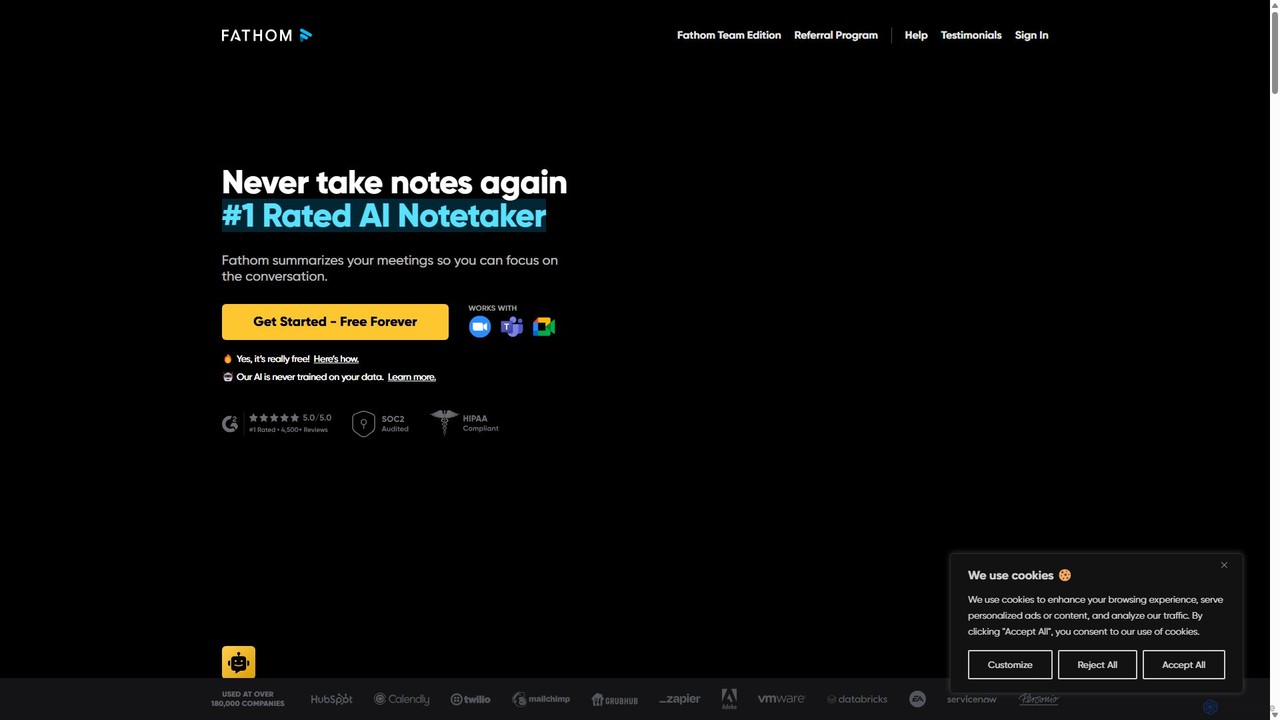
Fathom is a top-rated AI meeting assistant that automatically records, transcribes, and summarizes your video calls on Zoom, Google Meet, and Microsoft Teams. It liberates you from note-taking, allowing full focus on the conversation. Fathom provides instant, shareable summaries and action items, and integrates seamlessly with your CRM and other productivity tools, saving significant time and boosting post-meeting efficiency.

Transcription
Visits 4.8MFavorites 144Likes 149

About Transcription

AI Transcription tools are applications that automatically convert spoken language from audio or video files into written text. Using advanced Automatic Speech Recognition (ASR) technology, these platforms identify different speakers, understand various accents, and process complex terminology with high accuracy. They are essential for creating searchable, editable, and shareable records of meetings and media content, forming a crucial data foundation for effective team collaboration. This automation significantly reduces the time and cost associated with manual transcription.

Core Features

  • Speaker Diarization: Automatically identifies and labels who is speaking and when, creating a clear, organized dialogue.
  • Accurate Timestamping: Aligns every word or phrase with its exact timing in the original audio or video file for easy reference.
  • Custom Vocabulary: Allows users to add specific industry jargon, brand names, or acronyms to improve recognition accuracy.
  • Multi-Language Support: Transcribes content in dozens of languages and can often detect the spoken language automatically.
  • Multiple Export Formats: Enables users to download transcripts in various formats like TXT, DOCX, SRT, and VTT for different uses.

Use Cases

These tools are widely used by journalists for interview transcription, content creators for generating subtitles, and researchers for analyzing qualitative data. In a corporate setting, teams use them to document meetings and calls, ensuring no action items are missed and making information accessible to all collaborators, regardless of their location or availability.

How to Choose

When selecting a transcription tool, consider its accuracy rate for your specific audio quality and accent. Evaluate the supported languages, speaker identification capabilities, and integration options with your existing collaboration platforms like Zoom or Google Meet. Also, review the pricing model—whether it's per-minute or subscription-based—to find the best fit for your usage volume.

Transcription use cases

1

Automate Meeting Minutes and Action Items

For project managers and team leads, manually taking notes during meetings is distracting and prone to errors. AI transcription tools can integrate with video conferencing platforms to automatically record and transcribe entire conversations. After the meeting, the manager receives a full, searchable transcript with speakers clearly labeled. They can quickly scan the text, highlight key decisions, and identify action items assigned to team members. This creates an objective record, saving hours of administrative work and ensuring all collaborators are aligned on next steps.

2

Repurpose Content for Podcasters and YouTubers

Content creators like podcasters and YouTubers can use AI transcription to maximize the value of their audio and video content. By transcribing an episode, they can instantly generate a full blog post, detailed show notes, or pull-quotes for social media promotion. The transcript can also be converted into SRT or VTT files to create accurate closed captions, improving accessibility and SEO for their videos. This process transforms a single piece of content into multiple formats, expanding its reach and engagement with minimal extra effort.

3

Analyze Qualitative Research Interviews

For academic researchers, journalists, and UX designers, transcribing hours of interviews is a foundational step in qualitative analysis. AI transcription tools rapidly convert audio recordings into text, complete with timestamps and speaker labels. This allows researchers to quickly search for keywords, identify recurring themes, and code data segments without manually re-listening to recordings. The searchable text format streamlines the analysis process, enabling deeper insights and accelerating the journey from data collection to publication or product improvement.

4

Improve Accessibility with Video Subtitles

Video producers and educators need to make their content accessible to a wider audience, including those who are deaf or hard of hearing, and non-native speakers. AI transcription tools generate time-coded transcripts that can be easily converted into subtitle files (like SRT). Uploading these files to video platforms like YouTube or Vimeo adds accurate closed captions. This not only ensures compliance with accessibility standards but also improves user engagement and SEO, as search engines can index the text content of the video.

5

Document Legal Depositions and Client Meetings

In the legal profession, accuracy and documentation are critical. Lawyers and paralegals use AI transcription to create verbatim records of depositions, client interviews, and court proceedings. These tools can often handle legal-specific terminology with custom vocabularies. The resulting text serves as a reliable, searchable reference for case preparation, evidence review, and client records. This automation frees up legal professionals from tedious note-taking, allowing them to focus on legal strategy and client interaction, while ensuring a precise record is always available for collaborative review.

6

Analyze Customer Support and Sales Calls

Call center managers and sales leaders can transcribe recorded calls to gain deep insights into customer interactions. By converting calls to text, they can search for keywords related to customer complaints, product feedback, or competitor mentions. This data helps in identifying trends, evaluating agent performance for quality assurance, and refining sales scripts. An AI-powered analysis of transcribed calls provides a scalable way to monitor communication quality and extract valuable business intelligence to improve customer satisfaction and drive revenue.

Transcription FAQ

What are AI Transcription tools?

AI Transcription tools are software applications that use artificial intelligence, specifically Automatic Speech Recognition (ASR) technology, to convert audio and video recordings into written text. Unlike manual transcription, this process is automated and significantly faster. Key features often include identifying different speakers (diarization), adding timestamps, and supporting multiple languages. They are used to create accurate, searchable records of meetings, interviews, and media, making spoken information easily accessible and analyzable within a collaborative environment.

How do I choose the right AI Transcription tool?

To choose the right tool, consider these factors:

  • Accuracy: Check reviews or test the tool with your specific audio type (e.g., clear interviews vs. noisy meetings, specific accents).
  • Features: Do you need speaker diarization, custom vocabulary for jargon, or real-time transcription?
  • Integrations: Does it connect with your workflow tools like Zoom, Google Drive, or Dropbox for seamless collaboration?
  • Pricing Model: Compare per-minute rates versus monthly subscriptions based on your expected usage volume. Some offer free tiers for limited use.
  • Security: Ensure the provider has strong data privacy and security policies, especially if you handle sensitive information.
What is the difference between AI transcription and manual transcription?

The primary difference is the method and resources used. AI transcription uses software (Automatic Speech Recognition) to automatically convert audio to text, making it very fast and cost-effective, with accuracy typically ranging from 85-98% depending on audio quality. Manual transcription involves a human listening to the audio and typing it out, which is slower and more expensive but can achieve over 99% accuracy, especially with poor audio quality or complex accents. AI is ideal for quick turnarounds and large volumes, while manual transcription is often preferred for legal or medical contexts where near-perfect accuracy is required.

How accurate are AI transcription tools?

The accuracy of AI transcription tools can be very high, often exceeding 95% under ideal conditions. However, accuracy is heavily influenced by several factors:

  • Audio Quality: Clear audio with minimal background noise and no overlapping speakers yields the best results.
  • Accents and Dialects: Strong or uncommon accents can sometimes reduce accuracy, though many models are trained on diverse datasets to handle this.
  • Technical Jargon: Specialized terminology may not be recognized unless the tool supports a custom vocabulary feature.
  • Speaker Clarity: The rate of speech and clarity of enunciation also play a significant role.

For most business and content creation purposes, the accuracy is sufficient. For critical applications, a human review of the AI-generated transcript is often recommended to correct any errors.

Who can benefit from using AI transcription services?

A wide range of professionals and teams can benefit from AI transcription. This includes:

  • Content Creators (Podcasters, YouTubers): To create show notes, blog posts, and subtitles, maximizing content reach.
  • Journalists and Researchers: To quickly transcribe interviews and analyze qualitative data.
  • Business Teams: To document meetings, capture action items, and improve internal collaboration and knowledge sharing.
  • Legal and Medical Professionals: To create accurate records of depositions, client meetings, and patient notes.
  • Educators and Students: To provide accessible lecture notes and study materials for all learners.

Essentially, anyone who works with spoken content and needs to convert it into a searchable, shareable text format can save significant time and effort.