ToolMage
Sign in

Best 13 Transcription AI tools for Business

Popular Transcription AI tools in Business include Fireflies.ai, TicNote, Meeting.ai, Hedy, timeOS, groupthink, KudasAI, AI Writa, meetmine.ai, and jotapp, helping you work more efficiently.

TicNote
Freemium

TicNote

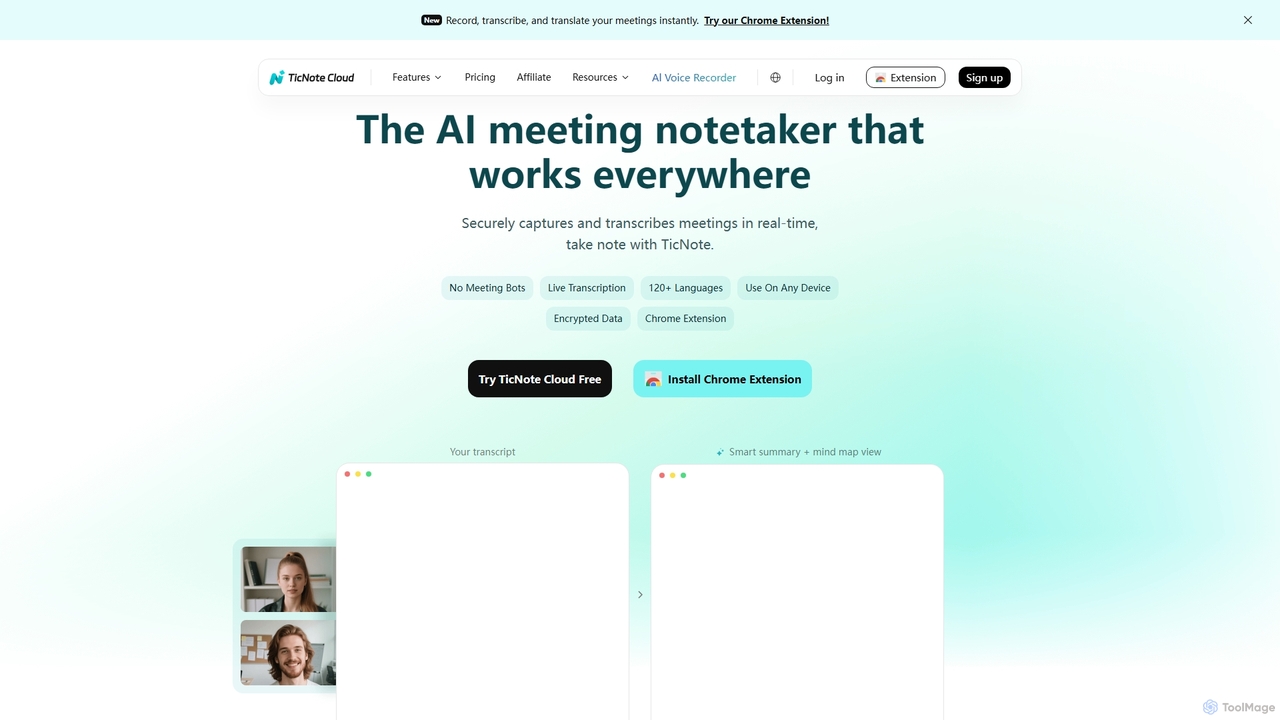
TicNote is an AI-powered meeting notetaker that transcribes, summarizes, and organizes conversations in real-time across 120+ languages. It uses on-device AI to generate smart summaries, mind maps, and action items without meeting bots, enhancing productivity and knowledge management for professionals.

Language Processing
Visits 142.2KFavorites 105Likes 125
Simplora

Simplora

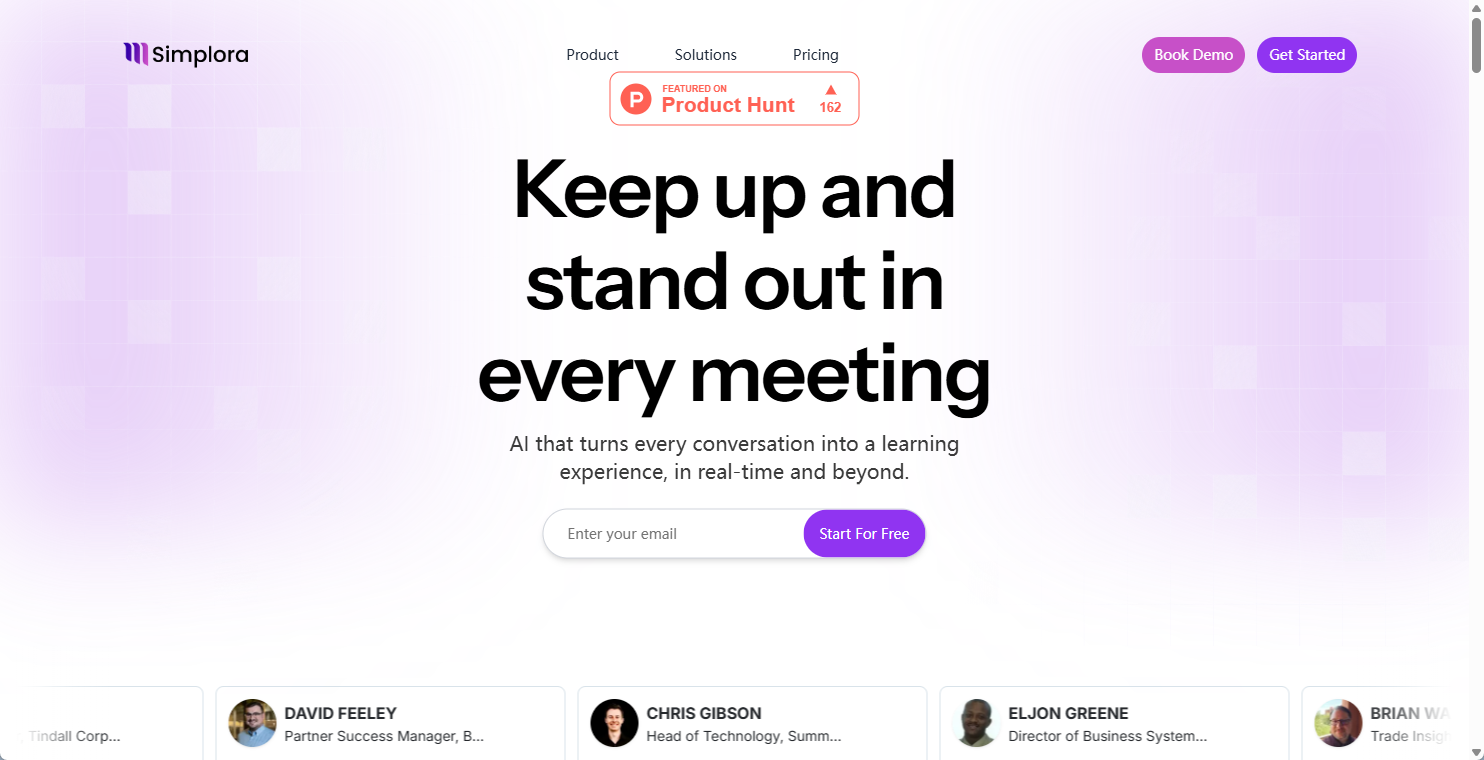
Simplora is a real-time comprehension AI designed as a live meeting assistant. It enhances productivity and learning by providing instant understanding and insights during live conversations, meetings, and lectures.

Transcription
Visits 5.9KFavorites 131Likes 135
MeetGeek
Freemium

MeetGeek

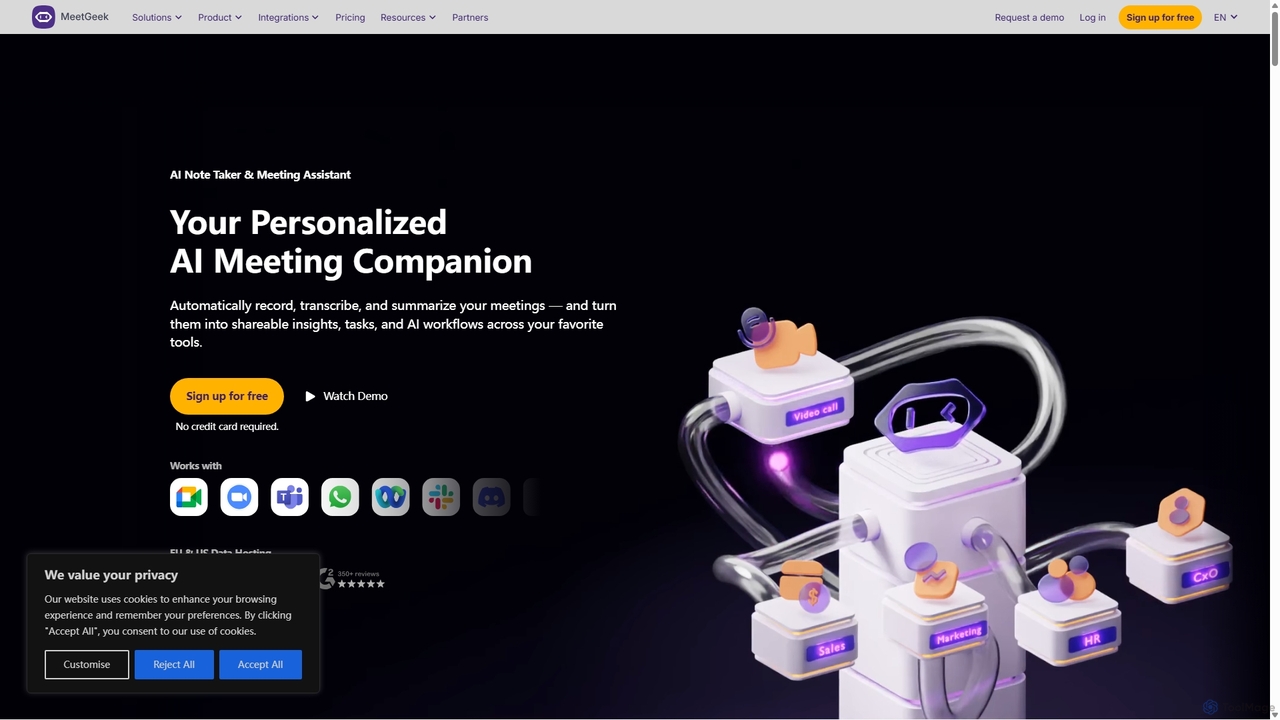
MeetGeek is an AI meeting assistant that automatically records, transcribes, summarizes, and provides key insights for your meetings. It integrates with Zoom, Google Meet, and Microsoft Teams to capture every detail, turning conversations into actionable knowledge and saving hours of manual note-taking.

Sales
Visits 5.8KFavorites 145Likes 134
Vemo
Freemium

Vemo

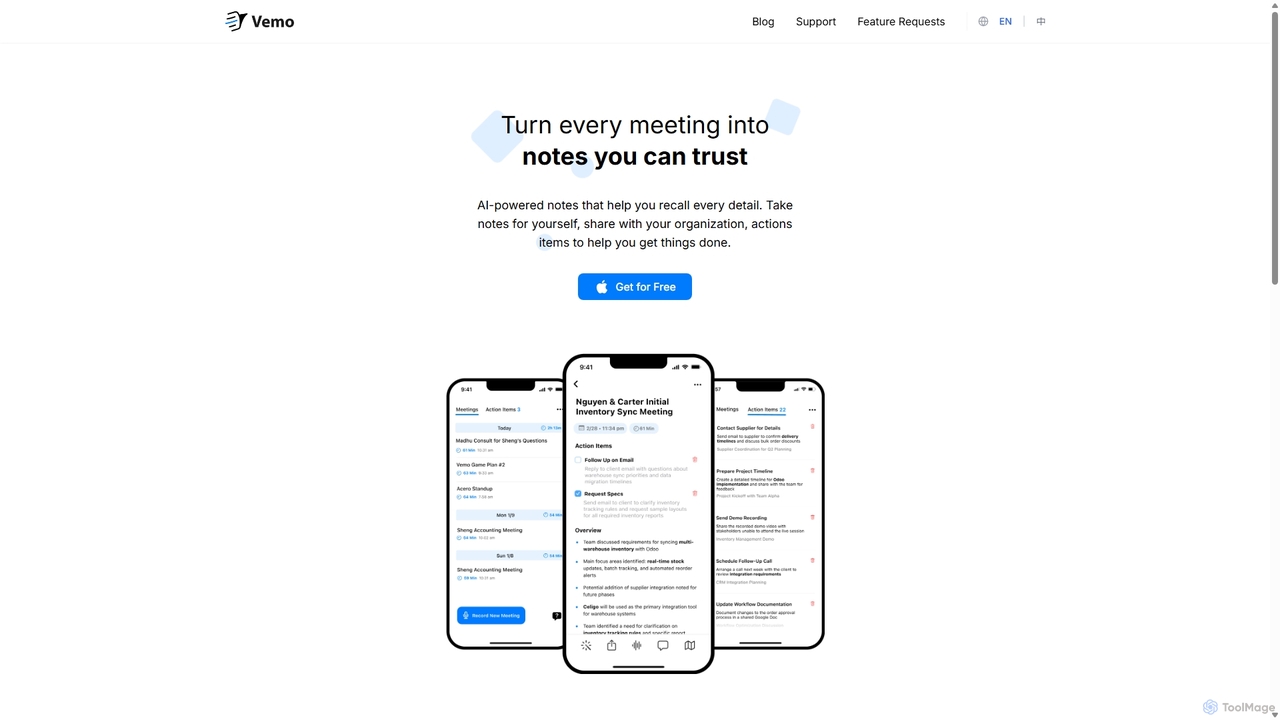
Vemo is an AI-powered meeting note-taker that automatically transcribes, summarizes, and extracts action items from your conversations. Its unique voice command feature allows you to edit and query your notes hands-free, ensuring you can stay focused on the discussion while Vemo captures every important detail.

Speech To Text
Visits 5.8KFavorites 159Likes 145
AI Writa
Freemium

AI Writa

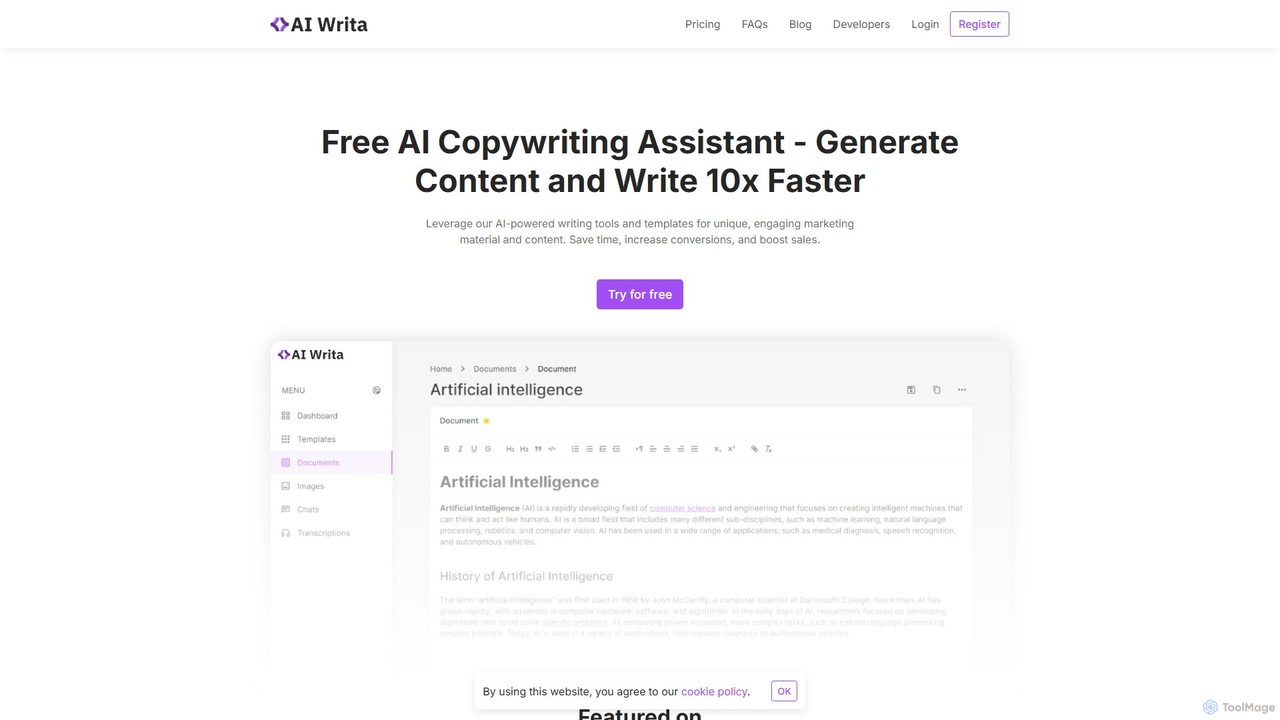
AI Writa is a versatile AI-powered assistant designed for copywriters, marketers, and entrepreneurs. It accelerates content creation by 10x, offering tools for generating unique marketing copy, blog posts, and social media content. It also features an AI image generator, an interactive chat, and an audio transcription service, supporting over 30 languages to cater to a global audience.

Transcription
Visits 5.9KFavorites 111Likes 127
timeOS
Freemium

timeOS

timeOS is an AI-powered meeting assistant that automates note-taking, generates summaries, and identifies action items. It integrates with your calendar and video conferencing tools, providing a secure, searchable record of all your conversations to boost productivity and ensure nothing is missed.

Transcription
Visits 15.7KFavorites 153Likes 153
jotapp
Freemium

jotapp

jotapp is an AI-powered note-taking and writing assistant designed to streamline your workflow. Effortlessly capture ideas, transcribe audio, summarize content, and generate high-quality text, all within a clean, intuitive interface. It's the perfect tool for students, writers, and professionals looking to boost productivity and creativity.

Transcription
Visits 5.9KFavorites 96Likes 120
Fireflies.ai
Freemium

Fireflies.ai

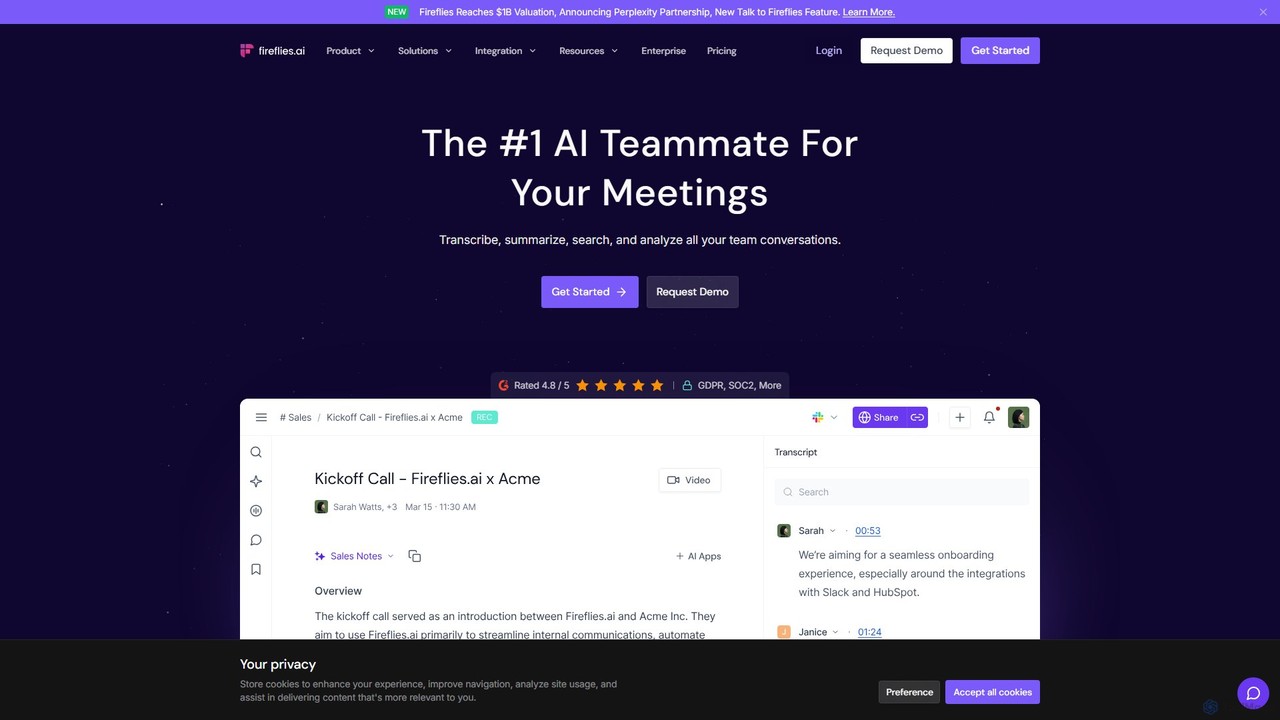
Fireflies.ai is an AI meeting assistant that automatically transcribes, summarizes, searches, and analyzes voice conversations. It joins your meetings on platforms like Zoom, Google Meet, and Teams to take notes, identify action items, and provide detailed insights, freeing you to focus on the conversation.

Transcription
Visits 4.5MFavorites 121Likes 111
Meeting.ai
Freemium

Meeting.ai

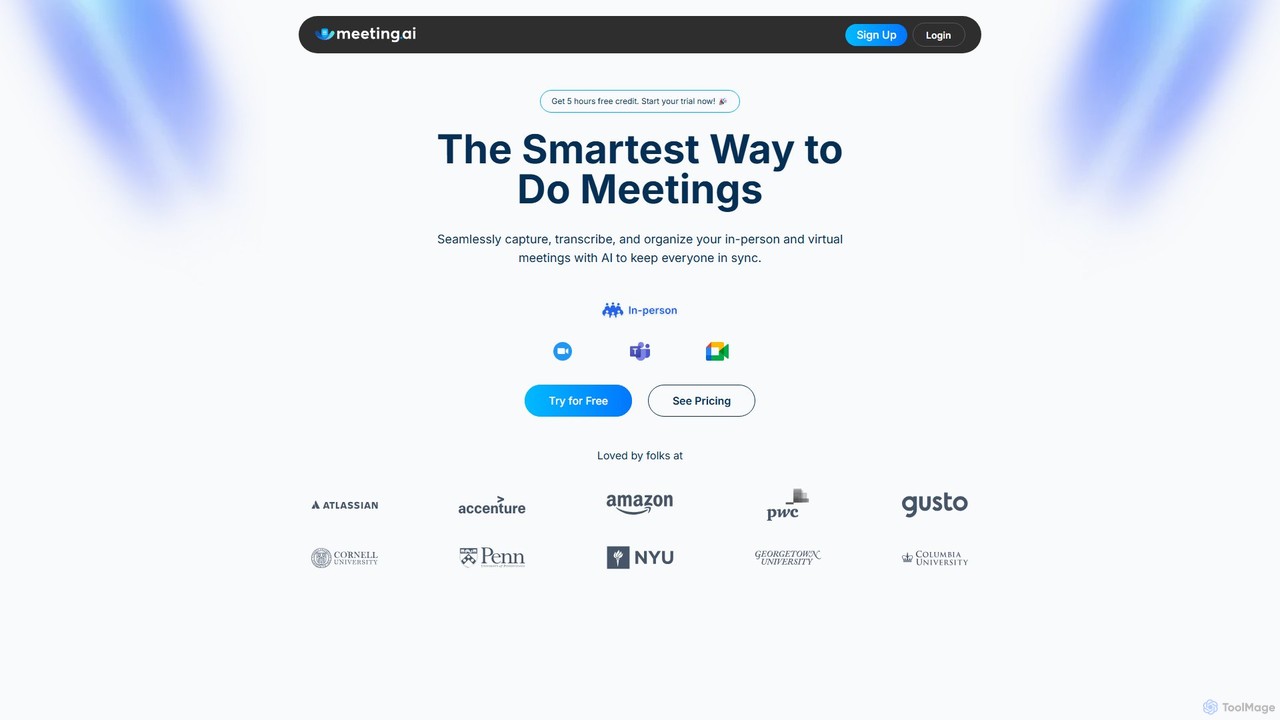
Meeting.ai is an AI-powered meeting assistant that seamlessly captures, transcribes, and summarizes your in-person and virtual meetings. It supports over 35 languages, integrates with major platforms like Zoom and Google Meet, and automatically generates organized notes and action items to keep your team synchronized and productive.

Transcription
Visits 47.6KFavorites 136Likes 137
KudasAI
Freemium

KudasAI

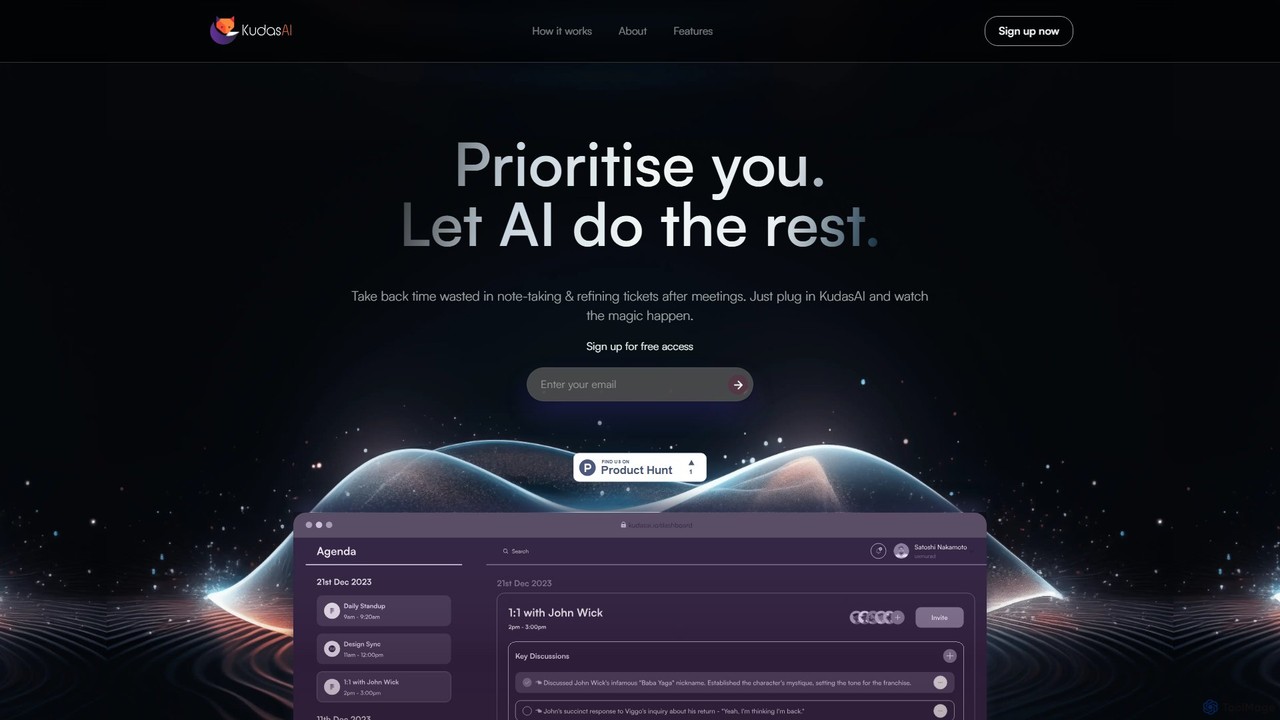
KudasAI is an AI-powered sidekick designed to supercharge your agile meetings. It joins your calls on platforms like Zoom, Google Meet, and Teams to automatically transcribe, summarize, and identify key takeaways and action items. This allows your team to focus on the discussion, not on note-taking, ensuring every important detail is captured accurately and objectively.

Transcription
Visits 5.9KFavorites 122Likes 123
meetmine.ai
Freemium

meetmine.ai

meetmine.ai is an AI-powered meeting assistant that automatically transcribes, summarizes, and analyzes your conversations. It integrates with popular platforms like Zoom, Google Meet, and Microsoft Teams to capture every detail, identify action items, and create a searchable knowledge base from your meetings, boosting team productivity and collaboration.

Knowledge Management
Visits 5.9KFavorites 150Likes 137
Hedy
Freemium

Hedy

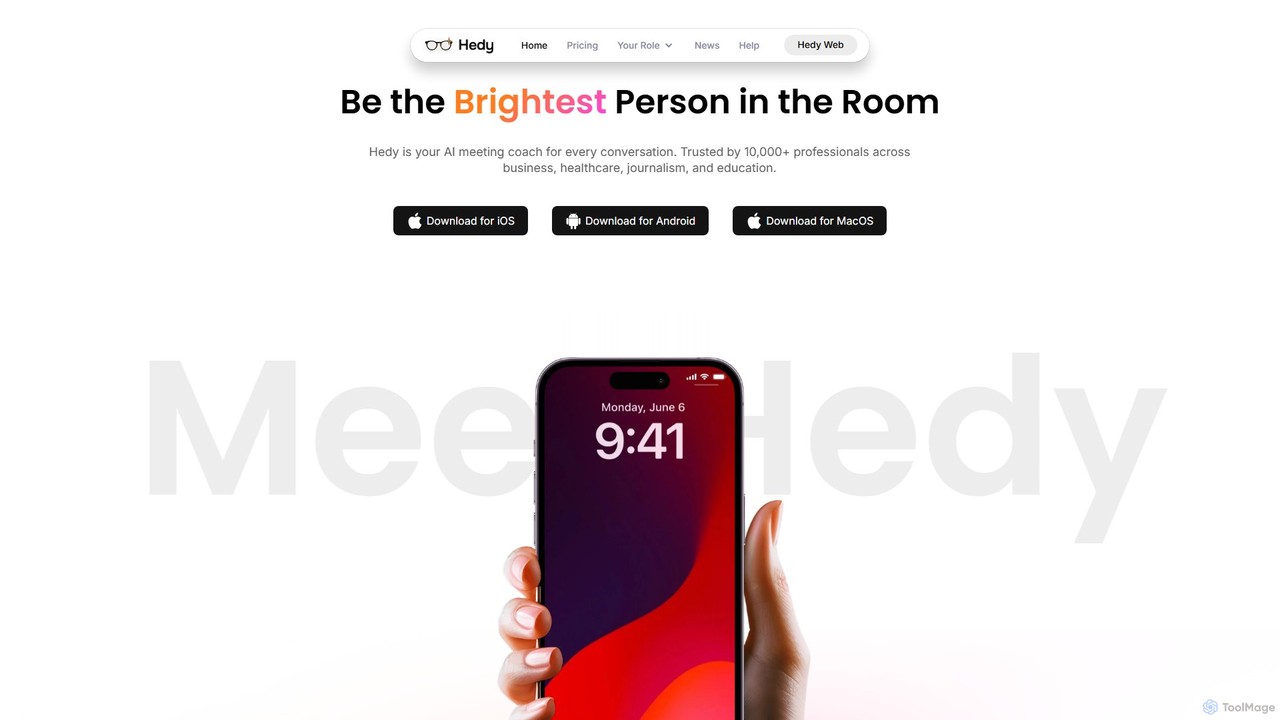
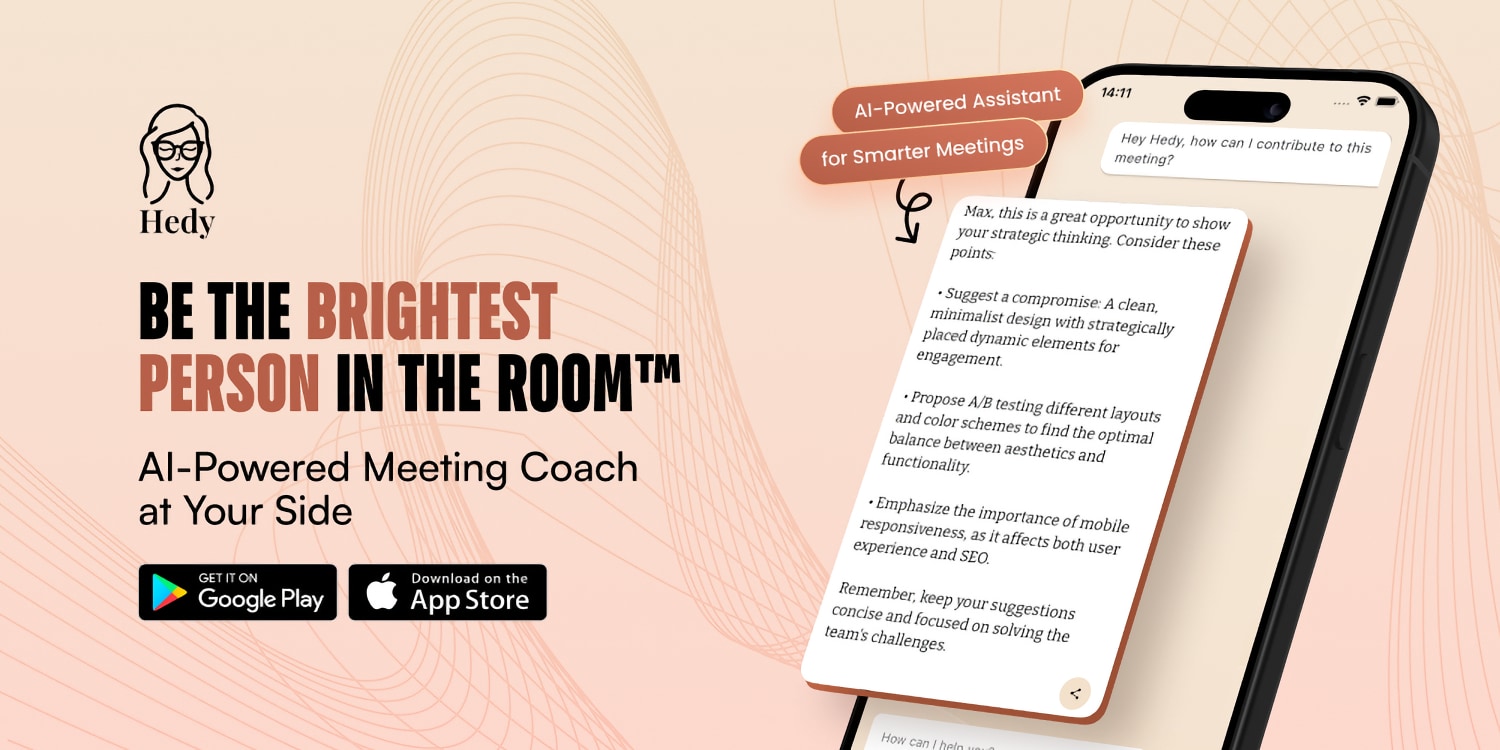
Hedy is a real-time AI coach for meetings, interviews, and classes. It provides live insights, automated notes, summaries, and suggestions in over 30 languages to help professionals, students, and journalists communicate with confidence and clarity. It enhances your voice, not replaces it.

Transcription
Visits 44KFavorites 153Likes 138
groupthink
Freemium

groupthink

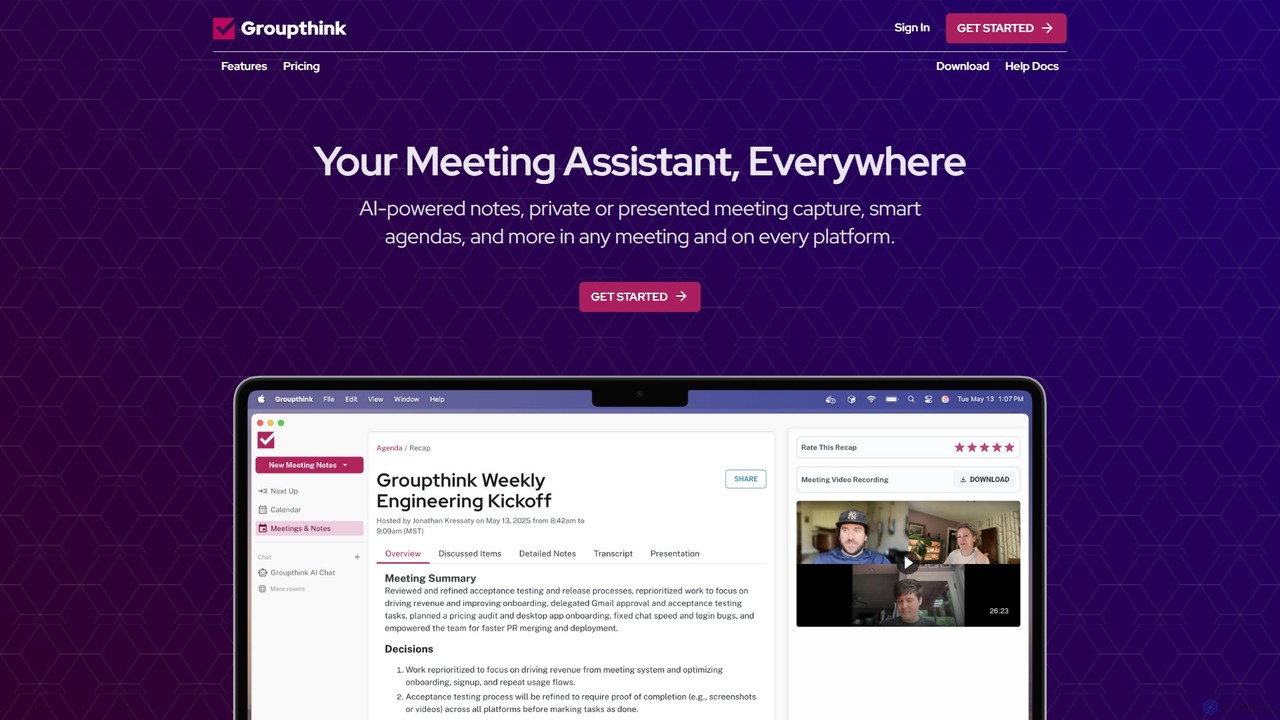
Groupthink is an AI meeting assistant that automates note-taking, transcription, and summaries across all major platforms. It offers a unique choice between a visible bot for team collaboration and a private desktop recorder for discreet capture. Features include smart agendas, action item tracking, and an AI chat to query past meetings, saving professionals up to 30% of their meeting time.

Transcription
Visits 8.9KFavorites 118Likes 134

About Transcription

Transcription tools are AI-powered solutions designed to convert spoken language from audio or video files into written text. Leveraging advanced speech-to-text technology, these tools accurately capture dialogue, lectures, and meetings, transforming them into editable documents. They significantly streamline workflows for content creators, researchers, and businesses by automating the tedious process of manual transcription. This technology offers unparalleled speed and efficiency in processing large volumes of spoken content.

Core Features

  • Speech-to-Text Conversion: Automatically transforms audio/video into written transcripts with high accuracy.
  • Speaker Identification: Distinguishes and labels different speakers in a conversation.
  • Timestamping: Adds time markers to the text, linking it directly to specific points in the audio/video.
  • Multi-language Support: Processes and transcribes content in various languages.
  • Custom Vocabulary: Allows users to add specific terms, names, or jargon to improve accuracy for niche content.

Use Cases

Transcription tools are indispensable across various business and professional settings. They are widely used by journalists for interview documentation, by legal professionals for court proceedings and depositions, and by medical practitioners for patient notes. Content creators leverage them for generating subtitles and captions, while researchers use them to analyze qualitative data from interviews and focus groups. Businesses benefit from transcribing meetings and webinars for record-keeping and knowledge sharing.

How to Choose

When selecting a transcription tool, consider its accuracy, especially for challenging audio quality or accents. Evaluate the supported languages and speaker identification capabilities if your content involves multiple participants. Look for features like custom vocabulary, editing tools, and integration options with other platforms. Finally, compare pricing models, including per-minute rates or subscription plans, to find a solution that aligns with your budget and usage volume.

Featured tool rankings

Transcription use cases

1

Transcribing Business Meetings for Minutes

Project managers or team leads can use AI transcription tools to automatically convert recorded team meetings, client calls, or webinars into text. This eliminates the need for manual note-taking, ensuring all discussions, decisions, and action items are accurately captured. The resulting transcript can be easily searched, shared, and archived, saving significant time and providing a reliable record for future reference and compliance.

2

Generating Subtitles and Captions for Video Content

Video content creators, marketers, and educators utilize transcription tools to quickly generate accurate subtitles and captions for their videos. This enhances accessibility for hearing-impaired audiences, improves SEO by making video content searchable, and boosts engagement for viewers in sound-sensitive environments. The automated process drastically reduces the time and cost associated with manual captioning.

3

Documenting Interviews for Research and Journalism

Researchers, academics, and journalists frequently conduct interviews that require precise documentation. AI transcription tools allow them to upload audio recordings of interviews and receive detailed, time-stamped transcripts. This facilitates qualitative data analysis, accurate quoting, and efficient information retrieval, enabling deeper insights and more credible reporting without the laborious task of typing out conversations.

4

Converting Lectures and Speeches for Educational Purposes

Students, educators, and conference organizers use transcription services to convert recorded lectures, seminars, or keynote speeches into text. This provides accessible study materials for students, allows for easy content review, and helps create searchable archives of educational resources. It supports diverse learning styles and ensures that valuable spoken information is preserved and easily digestible.

5

Processing Customer Service Calls for Analysis

Customer service managers and quality assurance teams can leverage transcription tools to convert recorded customer support calls into text. These transcripts can then be analyzed using text analytics software to identify common customer issues, sentiment trends, agent performance, and compliance adherence. This provides actionable insights to improve service quality, training, and overall customer satisfaction.

6

Creating Legal Records from Depositions and Court Proceedings

Legal professionals, including paralegals and court reporters, use specialized transcription tools to accurately document depositions, court hearings, and legal dictations. The precise, time-stamped transcripts are crucial for legal review, evidence preparation, and official record-keeping. This ensures fidelity to spoken testimony and significantly speeds up the legal documentation process compared to traditional methods.

Transcription FAQ

What are AI Transcription tools?

AI Transcription tools are software applications that use artificial intelligence, specifically speech recognition technology, to automatically convert spoken words from audio or video files into written text. They analyze speech patterns, phonetics, and context to produce accurate transcripts. These tools are primarily used to automate the process of documenting conversations, lectures, meetings, and media content, offering significant time and cost savings over manual transcription.

How accurate are AI Transcription tools compared to human transcription?

AI Transcription tools have achieved remarkable accuracy, often reaching 90-95% or higher under ideal conditions (clear audio, standard accents, single speaker). However, human transcriptionists generally offer superior accuracy, especially with challenging audio (background noise, multiple speakers, strong accents, technical jargon). AI tools are constantly improving, and many offer post-editing features to refine automated transcripts, bridging the gap for many professional uses.

What is the difference between Transcription and Translation?

Transcription is the process of converting spoken language into written text in the *same language*. For example, an English audio file becomes an English text document. Translation, on the other hand, is the process of converting text or speech from one language into another. While some advanced AI tools offer both, their core functions are distinct: transcription focuses on text generation, translation on cross-language conversion.

What features should I look for in an AI Transcription tool?

When choosing an AI transcription tool, prioritize high accuracy, especially for your specific audio types. Look for speaker identification, timestamping, and multi-language support if needed. Custom vocabulary features are crucial for specialized content. Additionally, consider editing capabilities, export formats (e.g., SRT for subtitles), integration with other platforms, and robust data security measures to protect sensitive information.

Who benefits most from using AI Transcription tools?

A wide range of professionals and organizations benefit from AI transcription tools. This includes journalists and researchers for interview documentation, content creators for generating subtitles and accessible content, legal and medical professionals for record-keeping, and businesses for transcribing meetings and customer service calls. Anyone needing to convert spoken content into searchable, editable text quickly and efficiently will find these tools invaluable.