

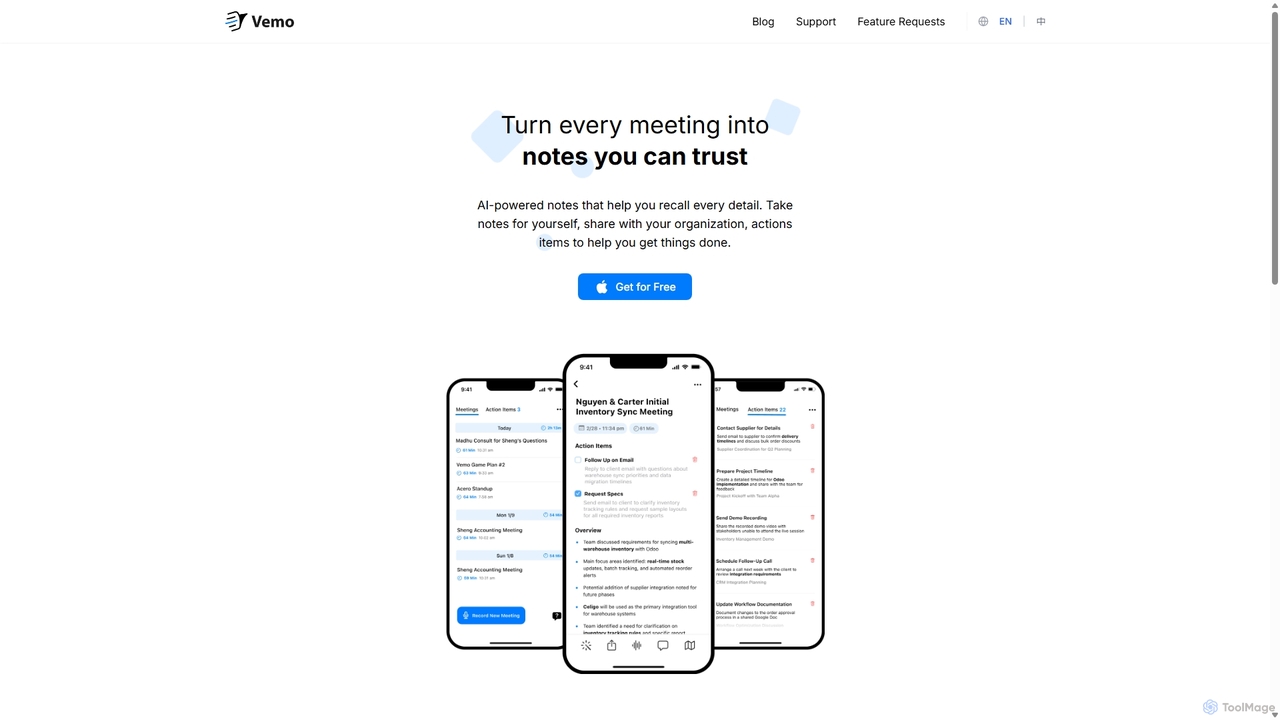
Vemo Overview
Vemo is an intelligent AI meeting assistant designed to transform your meetings into reliable, actionable notes. It liberates you from the burden of manual note-taking, allowing you to fully engage in conversations, confident that every critical detail is being captured. With its simple and minimalistic design, Vemo integrates seamlessly into your workflow, enhancing productivity without adding complexity.
The core of Vemo is its ability to generate unbelievably good meeting notes. The AI captures detailed, business-ready summaries and transcriptions, even in challenging audio conditions with various accents. This ensures that you have a trustworthy record of every discussion, decision, and commitment.
How to use Vemo
Using Vemo is straightforward and designed for efficiency. First, you connect Vemo to your meeting, whether it's on a platform like Zoom, Google Meet, or Microsoft Teams. The AI assistant joins the call like a silent participant. During the meeting, Vemo records and transcribes the conversation in real-time. After the meeting concludes, you will receive a comprehensive report that includes a full transcription, a concise summary, and a list of key decisions. The most innovative feature is the ability to interact with your notes using your voice. If you missed something or want to add a detail, you can simply speak to Vemo to add, remove, or modify sections of the notes. You can also ask questions like "What were the key decisions made?" and Vemo's AI will provide the answer instantly. Finally, you can easily share these polished notes with your team, boss, or clients to ensure everyone is aligned.
Core Features of Vemo
- AI-Powered Meeting Notes: Automatically generates detailed, structured, and business-ready notes and summaries from your meetings.
- Action Item Extraction: Intelligently identifies and extracts action items, creating a clear to-do list to drive progress after the meeting.
- Voice-Based Note Enhancement: A unique feature that allows you to verbally add, remove, or tweak sections of your notes post-meeting.
- AI Q&A Assistant: Ask questions about your meeting content—such as key decisions, deadlines, or specific details—and get instant answers from the AI.
- High-Accuracy Transcription: Provides crystal-clear transcriptions that handle various accents and poor audio quality, with synced playback for easy review.
- Effortless Sharing: Share polished and professional notes with stakeholders in seconds to keep everyone informed and aligned.
- Simple & Minimalist Design: A user-friendly interface that focuses on functionality and gets out of your way, requiring no steep learning curve.
Use Cases for Vemo
Vemo is versatile and valuable for various professionals and scenarios. Project managers can use it to track decisions and action items from team syncs. Sales teams can capture every client requirement and commitment from calls without being distracted by note-taking. Consultants can document discovery sessions and workshops with perfect accuracy. HR managers can maintain detailed records of interviews and performance reviews. For remote teams, Vemo ensures that everyone who couldn't attend a meeting can get up to speed quickly with a reliable summary and full transcript.
Advantages of Vemo
The primary advantage of Vemo is its ability to boost focus and participation in meetings. By offloading the task of note-taking, it allows users to contribute more effectively to the conversation. It enhances productivity by automating the post-meeting workflow of summarizing, distributing notes, and creating task lists. The unique voice command feature for editing notes sets it apart from competitors, offering an almost magical level of convenience. Furthermore, its high-quality transcription ensures reliability, and the easy sharing options improve team collaboration and alignment.
Pricing and Plans
Vemo operates on a freemium model, making it accessible for individuals to get started. While specific pricing details are available on the official website, the structure typically includes:
- Free Plan: A starting tier that offers a limited number of transcription minutes per month, perfect for individuals or small teams wanting to try the service.
- Pro Plan: A paid plan for professionals and teams who require more transcription hours, advanced features, and priority support.
- Enterprise Plan: A custom plan for large organizations with needs for enhanced security, team management features, and dedicated support.
The "Get for Free" option on the homepage allows users to experience the core features before committing to a paid plan.
Vemo Alternatives
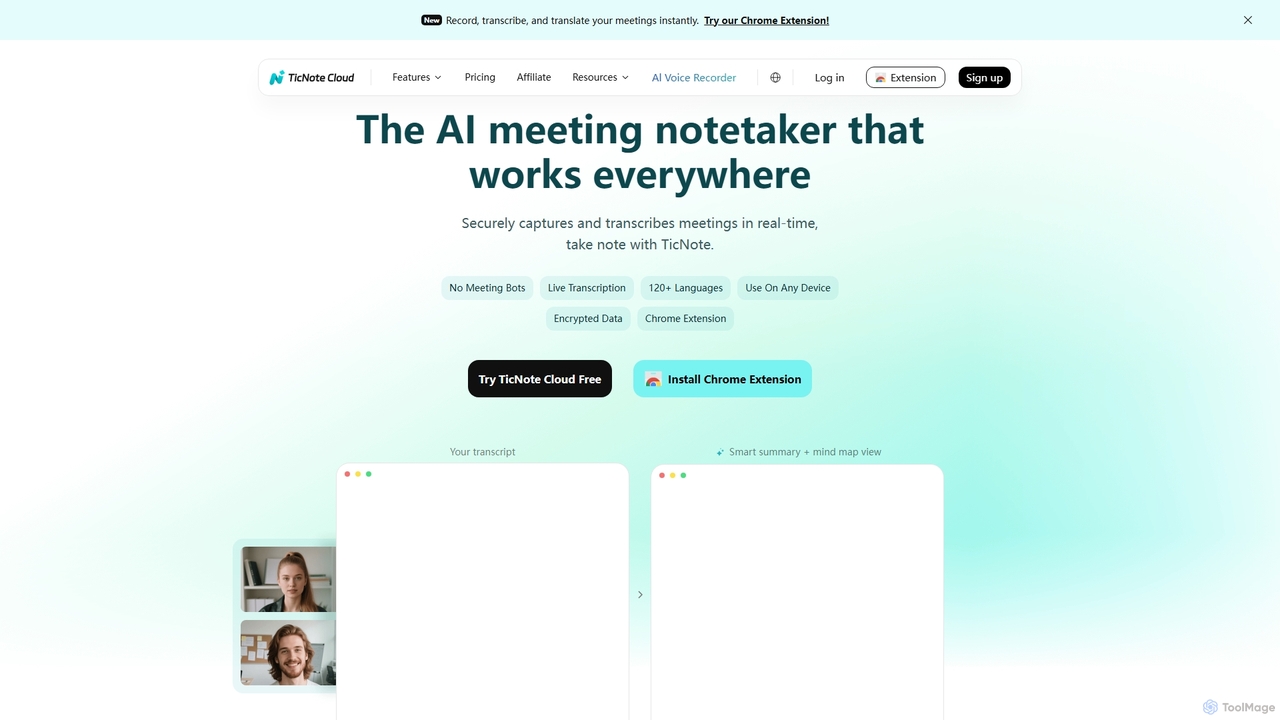
TicNote
TicNote is an AI-powered meeting notetaker that transcribes, summarizes, and organizes conversations in real-time across 120+ languages. It uses on-device AI to generate smart summaries, mind maps, and action items without meeting bots, enhancing productivity and knowledge management for professionals.
Language Processing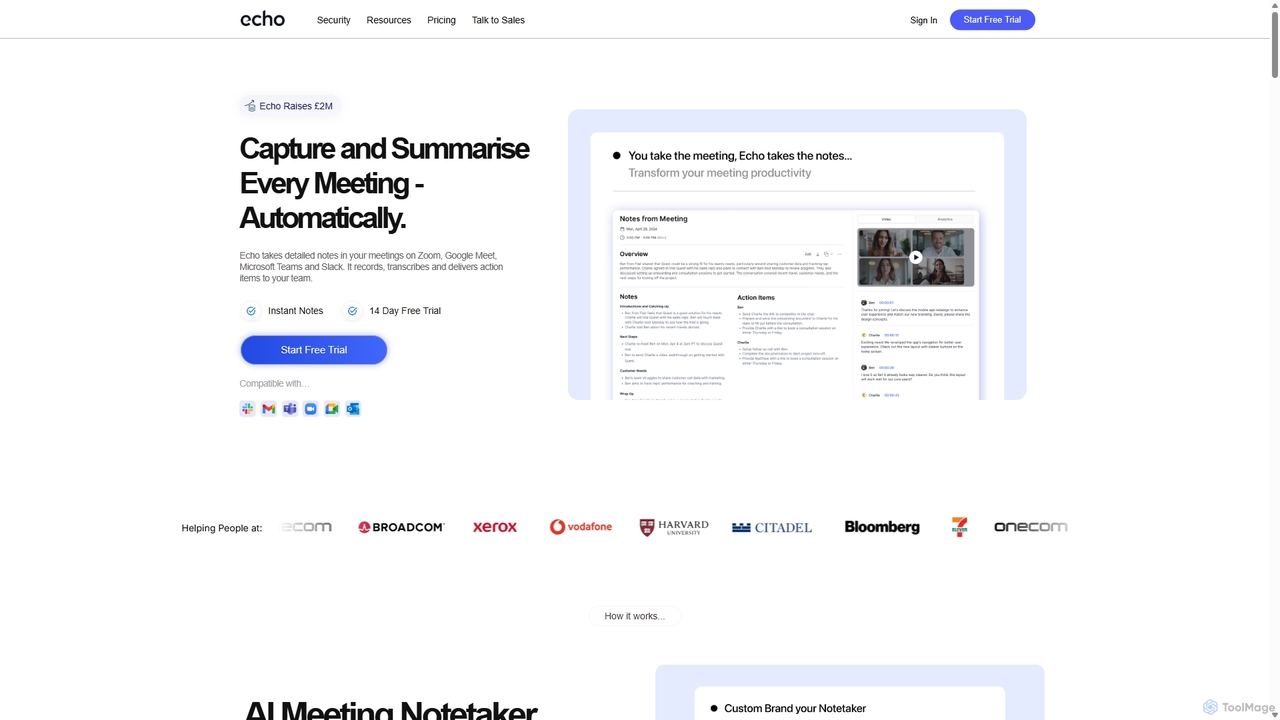
Meetecho
meetecho is an AI executive assistant that automatically joins your meetings on Zoom, Google Meet, and Microsoft Teams to record, transcribe, and generate detailed summaries with action items. It enhances productivity by eliminating manual note-taking and creating a searchable archive of all your conversations. Upcoming features include AI-powered email sorting and drafting.
Assistant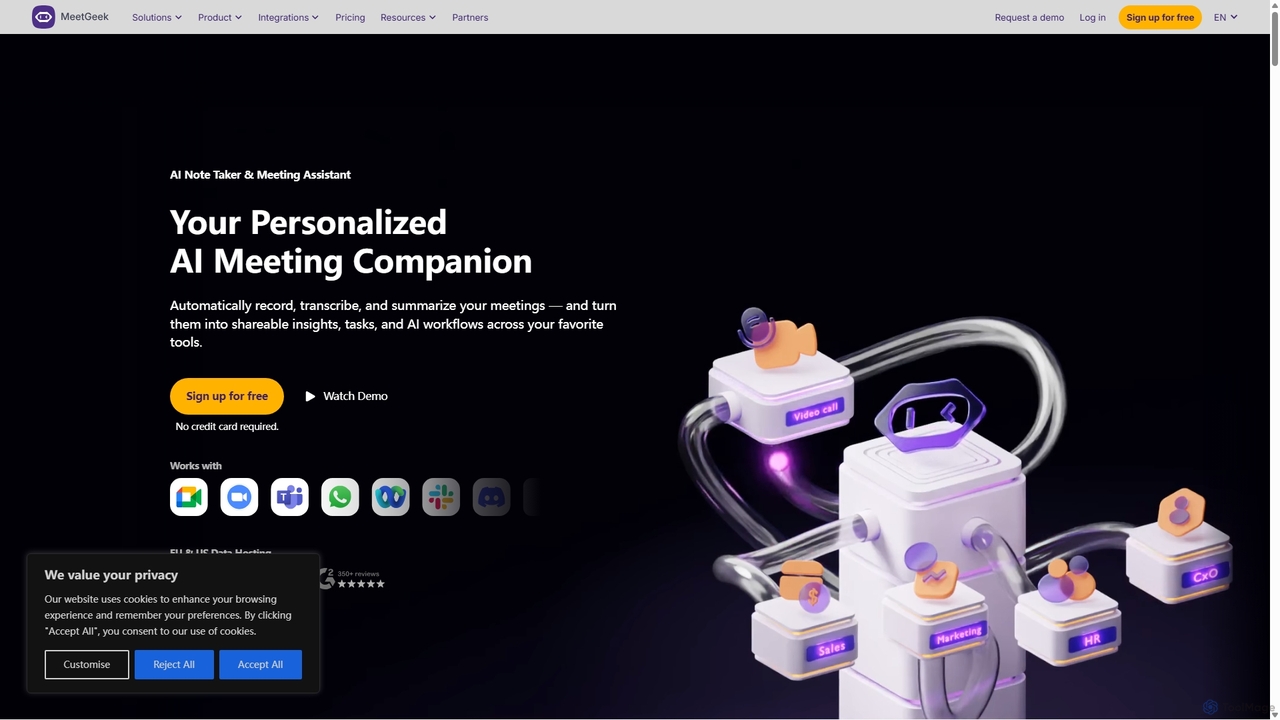
MeetGeek
MeetGeek is an AI meeting assistant that automatically records, transcribes, summarizes, and provides key insights for your meetings. It integrates with Zoom, Google Meet, and Microsoft Teams to capture every detail, turning conversations into actionable knowledge and saving hours of manual note-taking.
Sales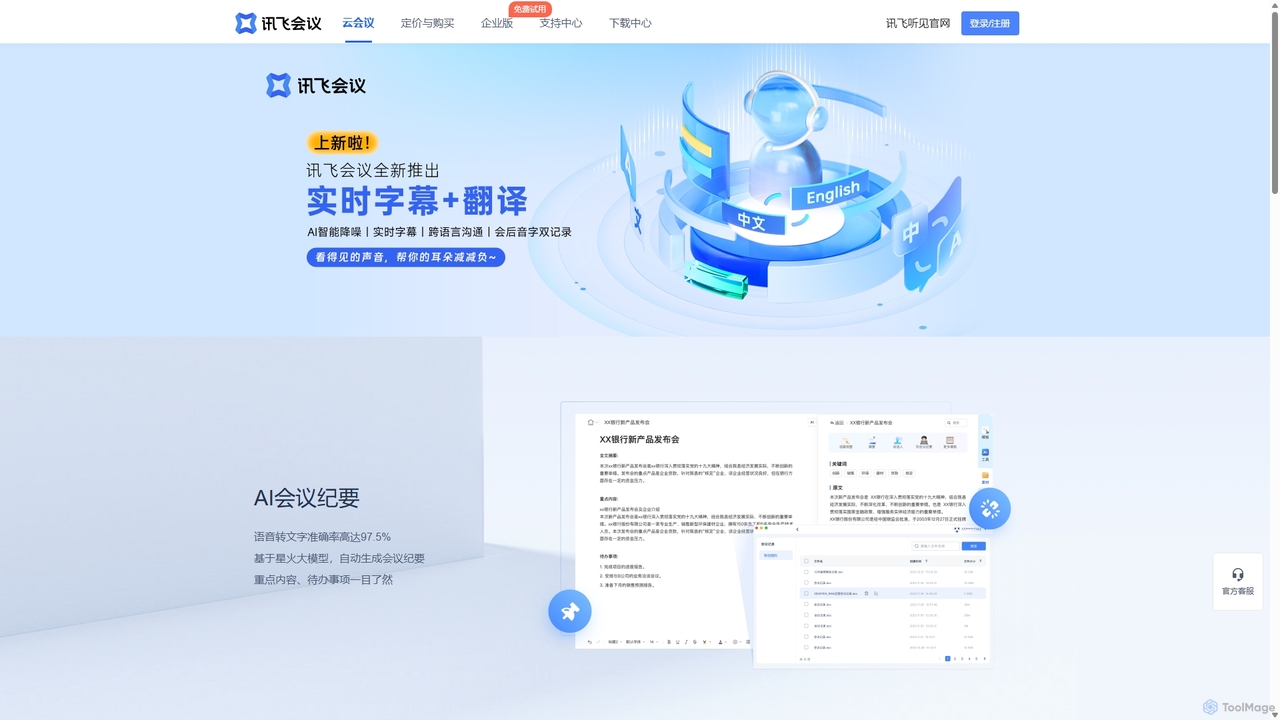
IFlytek Meeting
iFlytek Meeting is an AI-powered HD video conferencing platform. It offers high-accuracy real-time transcription, automatic meeting summaries, and to-do list generation. With features like stable HD video, cross-platform support, and robust security, it enhances meeting efficiency for individuals, teams, and large enterprises, providing a seamless remote collaboration experience.
Communication
Ambient
Ambient is an AI-powered meeting assistant that automatically joins your calls, records, transcribes, and generates intelligent summaries. It captures action items, key decisions, and important topics from your meetings on platforms like Zoom, Google Meet, and Microsoft Teams, saving you hours on manual note-taking and ensuring no detail is missed.
Transcription ServicesVemo Categories
Vemo Jobs
Vemo Embed Widget
Copy this embed code to place the badge on your blog, article, or product site and send readers directly to this ToolMage detail page.

Related AI tools
Ambient
Ambient is an AI-powered meeting assistant that automatically joins your calls, records, transcribes, and generates intelligent summaries. It captures action items, key decisions, and important topics from your meetings on platforms like Zoom, Google Meet, and Microsoft Teams, saving you hours on manual note-taking and ensuring no detail is missed.
Transcription Services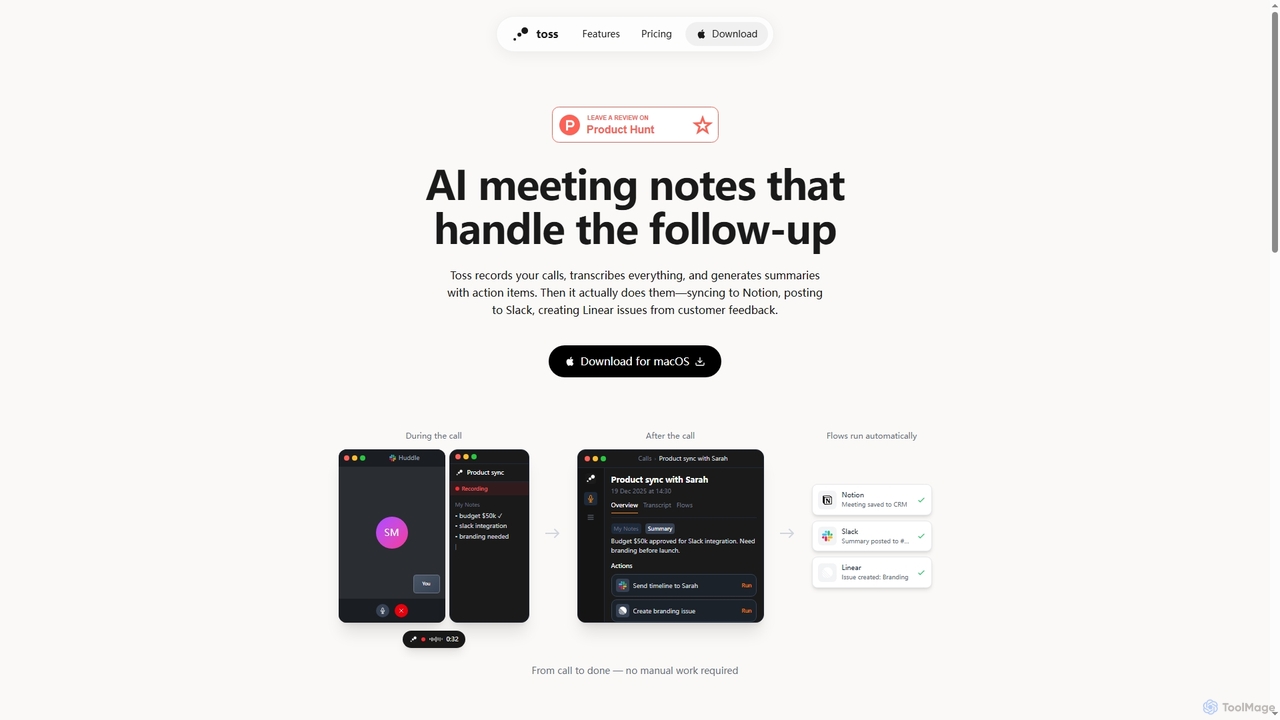
Toss
Toss is an AI-powered macOS application designed to automate meeting notes and follow-up actions. It records calls, transcribes discussions in real-time, generates summaries with actionable items, and automatically executes post-meeting tasks like syncing to Notion, posting to Slack, and creating issues in Linear, streamlining workflows and enhancing productivity for teams.
DictationTicNote
TicNote is an AI-powered meeting notetaker that transcribes, summarizes, and organizes conversations in real-time across 120+ languages. It uses on-device AI to generate smart summaries, mind maps, and action items without meeting bots, enhancing productivity and knowledge management for professionals.
Language ProcessingMeetecho
meetecho is an AI executive assistant that automatically joins your meetings on Zoom, Google Meet, and Microsoft Teams to record, transcribe, and generate detailed summaries with action items. It enhances productivity by eliminating manual note-taking and creating a searchable archive of all your conversations. Upcoming features include AI-powered email sorting and drafting.
AssistantMeetGeek
MeetGeek is an AI meeting assistant that automatically records, transcribes, summarizes, and provides key insights for your meetings. It integrates with Zoom, Google Meet, and Microsoft Teams to capture every detail, turning conversations into actionable knowledge and saving hours of manual note-taking.
SalesIFlytek Meeting
iFlytek Meeting is an AI-powered HD video conferencing platform. It offers high-accuracy real-time transcription, automatic meeting summaries, and to-do list generation. With features like stable HD video, cross-platform support, and robust security, it enhances meeting efficiency for individuals, teams, and large enterprises, providing a seamless remote collaboration experience.
Communication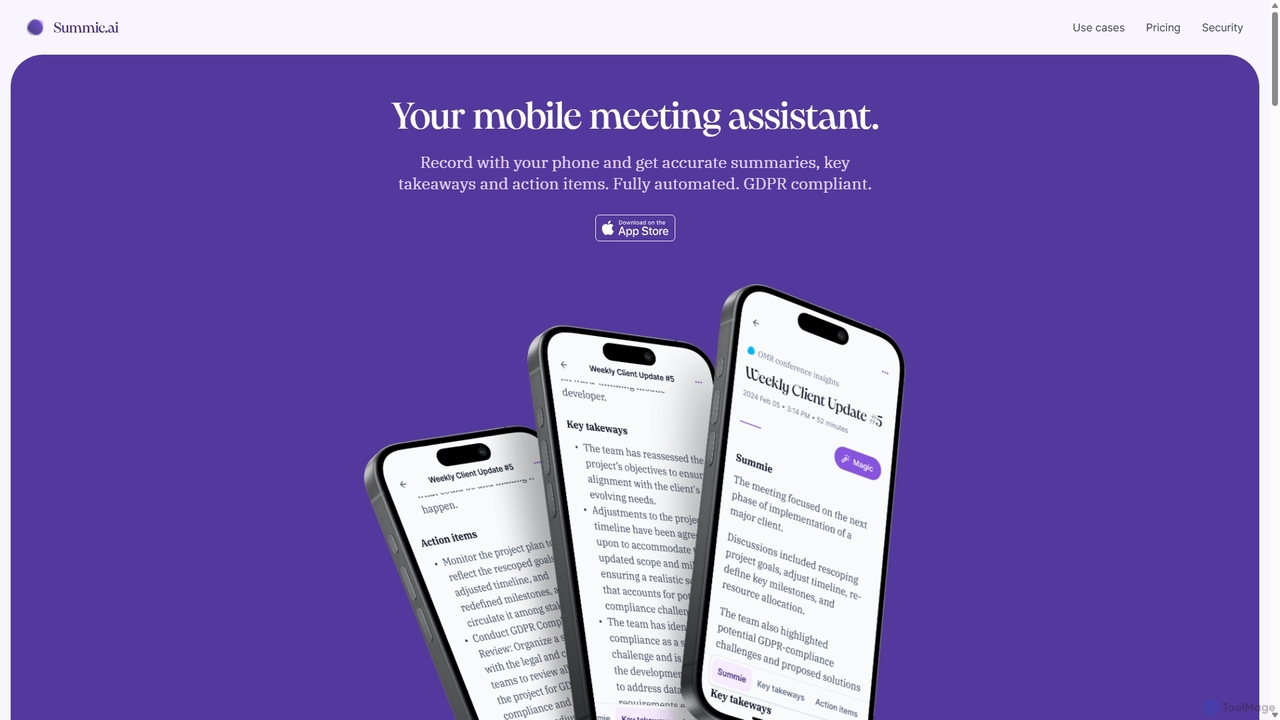
Summie
Summie is an AI-powered mobile meeting assistant designed to capture, transcribe, and summarize your conversations. Simply record with your phone, and Summie delivers accurate summaries, key takeaways, and actionable items in over 90 languages. It features smart transcription, speaker detection, and an interactive AI to query your meeting data, all within a secure, GDPR-compliant framework.
Transcription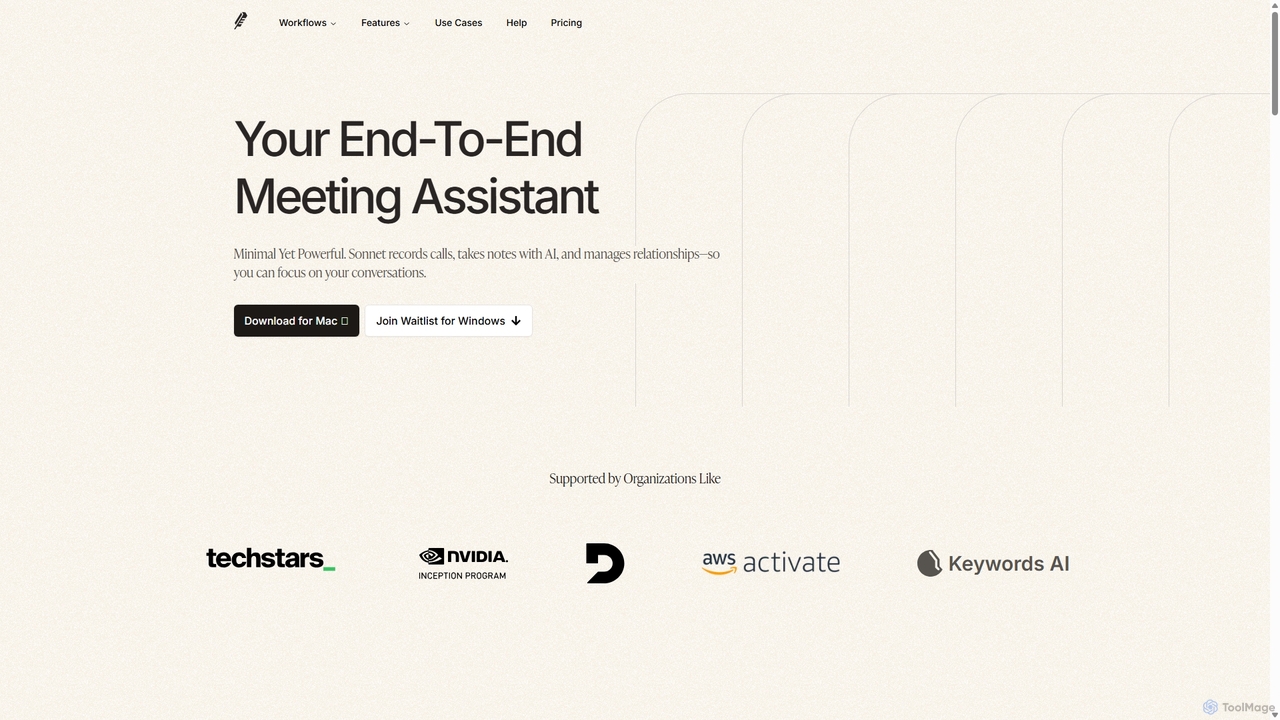
Sonnet AI
Sonnet AI is an end-to-end meeting assistant that records, transcribes, and summarizes conversations. It automates note-taking, CRM updates, and action item generation, providing pre-meeting insights on participants and post-meeting shareable summaries to enhance productivity across various professions.
Crm
Lula
Lula is an AI-powered workflow automation platform designed to enhance team productivity. It integrates seamlessly with your existing tools to automate repetitive tasks, summarize meetings and communications, generate content, and provide actionable insights, acting as a central intelligence hub for your team.
Team Collaboration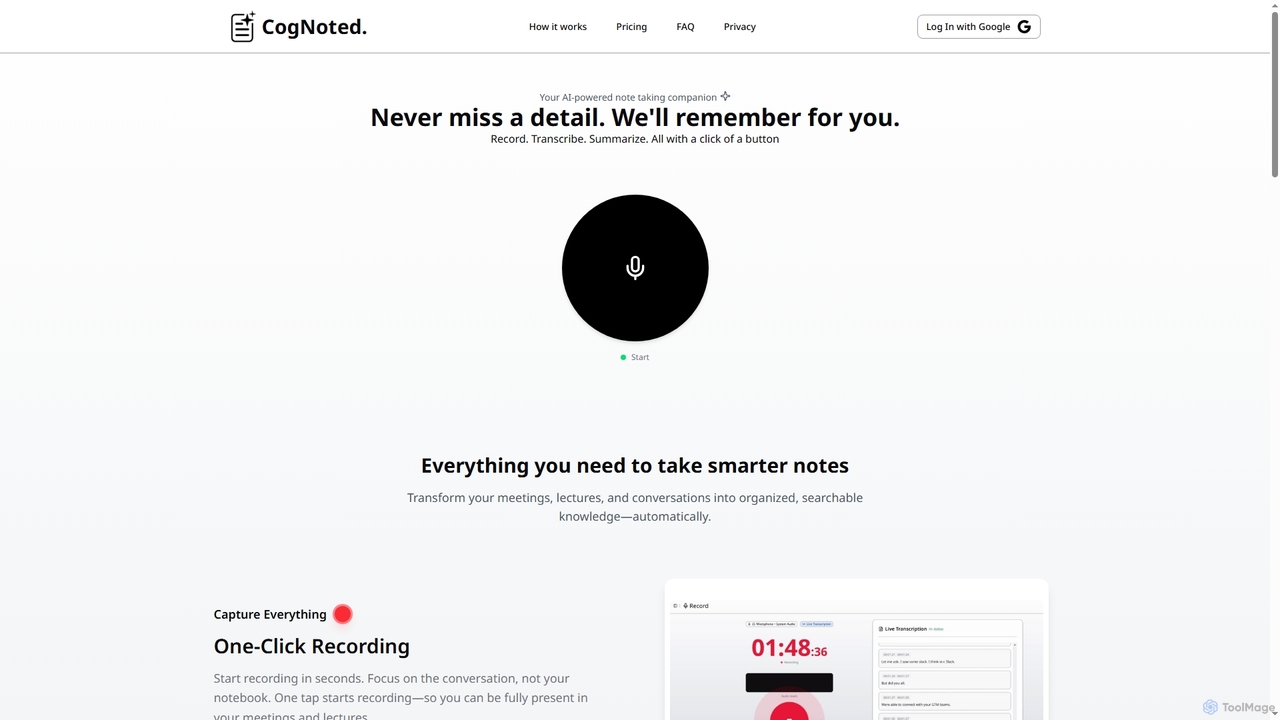
Cognoted
An AI-powered note-taking and transcription tool that transforms meetings, lectures, and conversations into organized, searchable knowledge. It offers one-click recording, real-time transcription, smart summaries, and an AI chat assistant to capture every detail and extract key insights effortlessly.
Meeting Assistant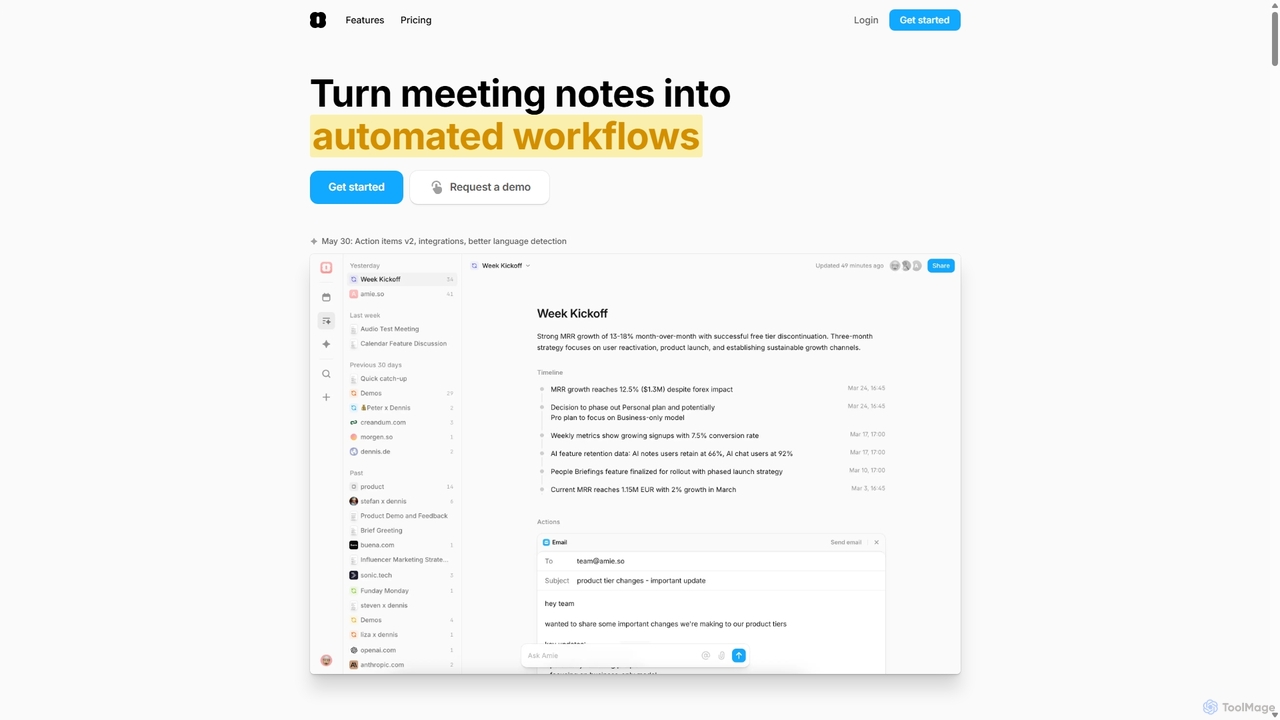
Amie
Amie is an AI-powered productivity suite that transforms meetings into automated workflows. It records, transcribes, and summarizes calls without a bot, generating clear action items. Featuring an integrated AI chat, calendar, and to-do list, Amie automates follow-ups, schedules tasks intelligently, and connects with tools like Notion, Slack, and Hubspot to streamline your workday.
Calendar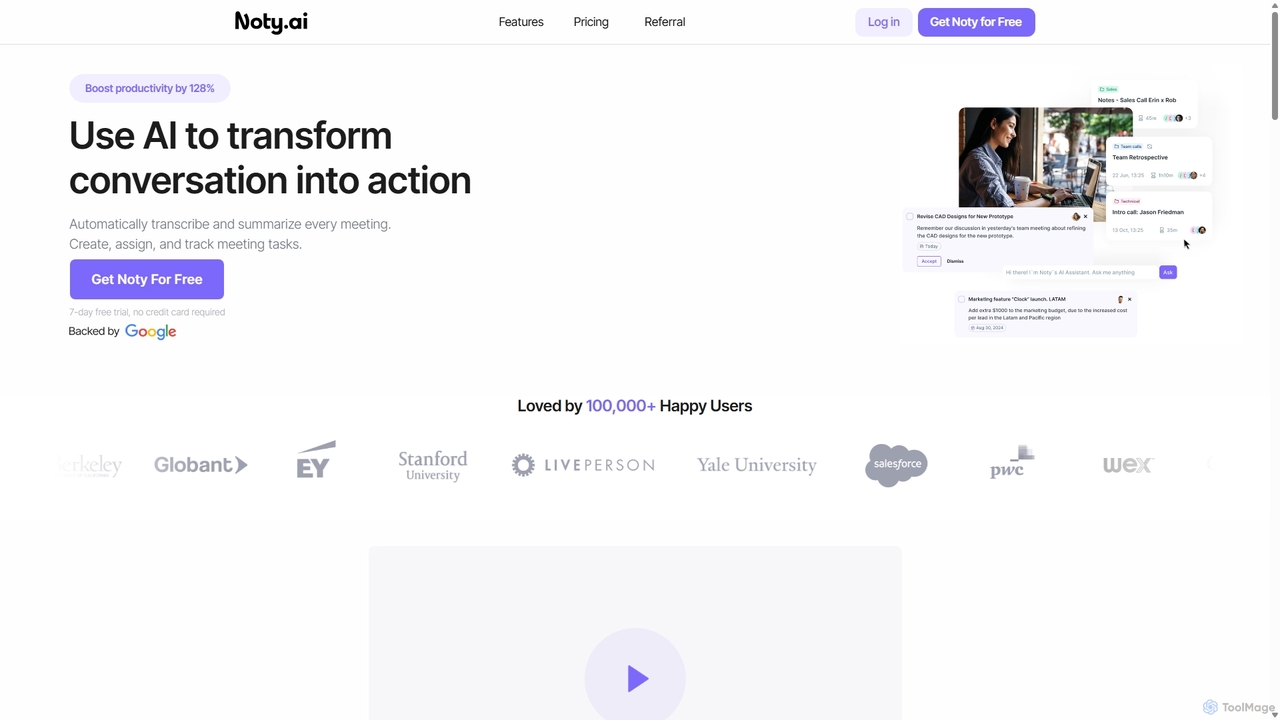
Noty.ai
Noty.ai is an AI meeting assistant that automatically transcribes, summarizes, and generates action items from your conversations. It helps you focus during meetings, ensures no detail is missed, and transforms discussions into trackable tasks, boosting team productivity and accountability.
Task Management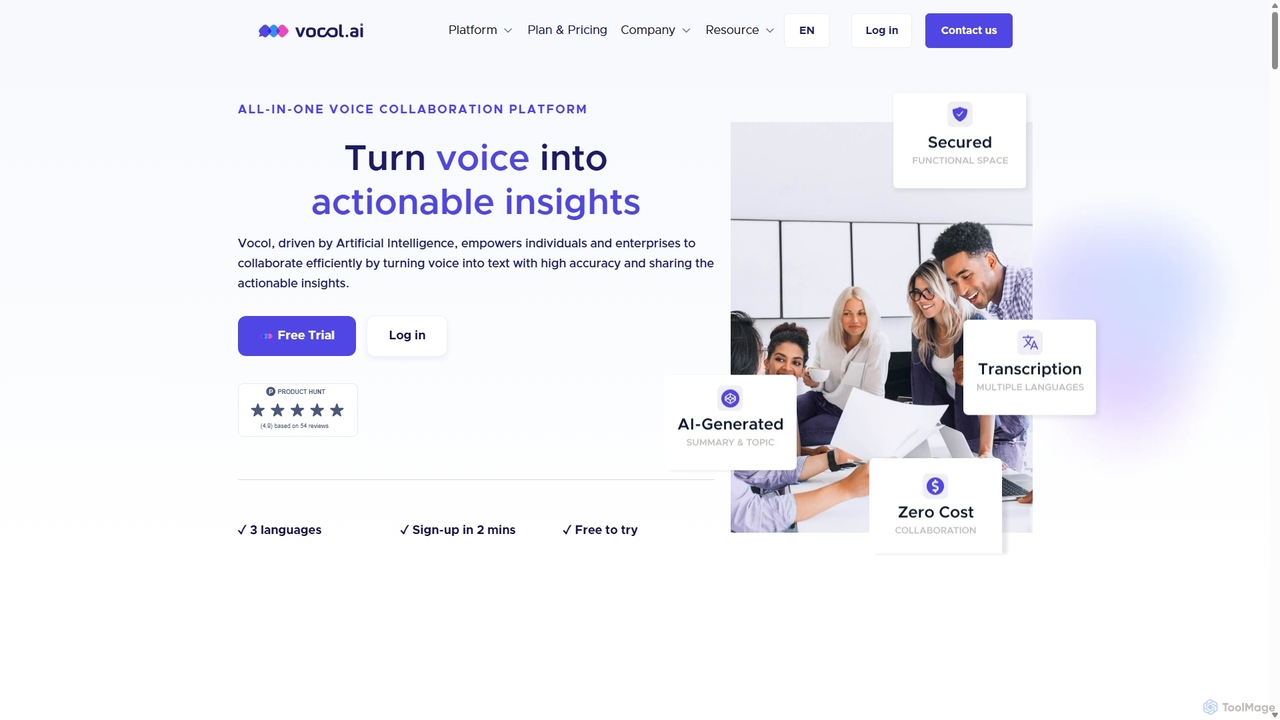
Vocol.ai
Vocol.ai is an all-in-one AI voice collaboration platform that transforms spoken conversations into actionable insights. It provides high-accuracy, multilingual transcription (English, Chinese, Japanese), AI-generated summaries, key topics, and action items. Designed for teams, it streamlines workflows, enhances collaboration, and boosts productivity by automating the manual work of note-taking and analysis for meetings, interviews, and lectures.
Speech To Text
Tingo.ai
Tingo.ai is an AI-powered productivity and workflow automation platform designed for modern teams. It integrates with your existing tools like Slack and Jira to automate meeting summaries, task management, and knowledge base creation, helping your team stay aligned and focus on what matters most.
Project Management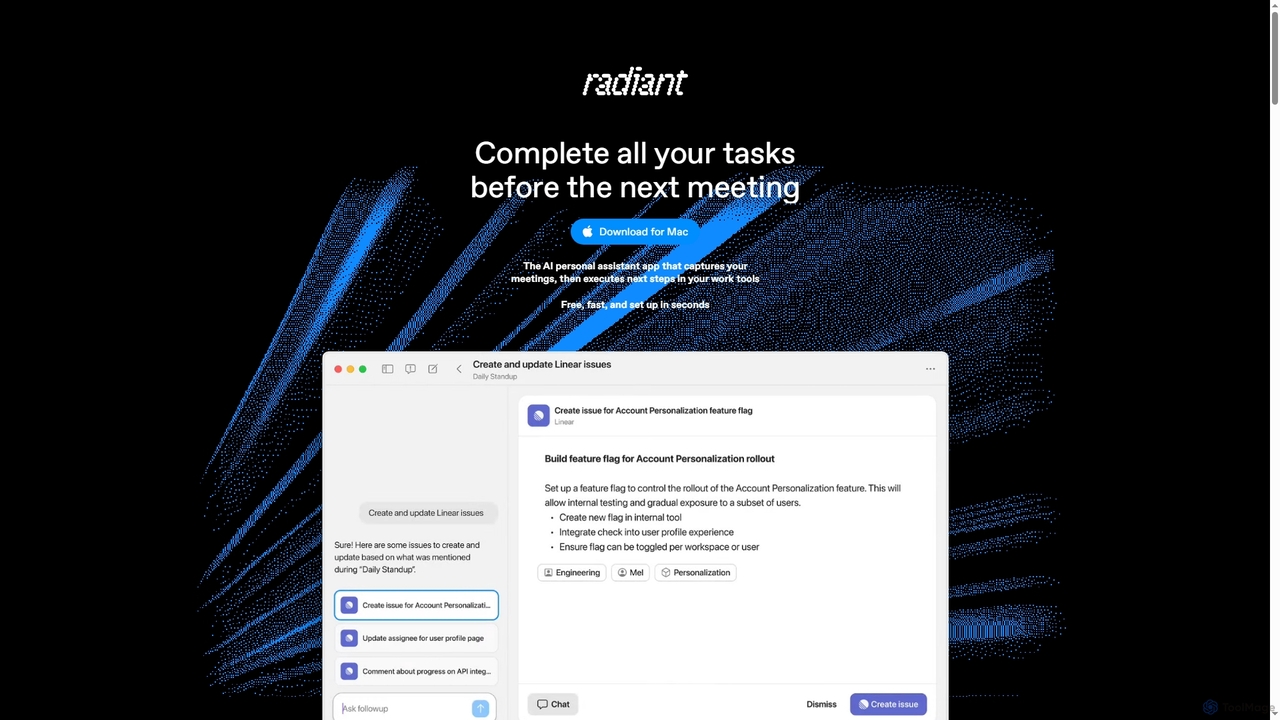
Radiant
Radiant is an AI personal assistant app for Mac that captures meetings and automatically executes next steps. It goes beyond note-taking by suggesting and drafting actions like emails, documents, and tickets directly in your work tools, streamlining your workflow without needing a bot.
Collaboration
Vemo Comments (0)
Sign in to comment.
Sign inNo comments yet.