

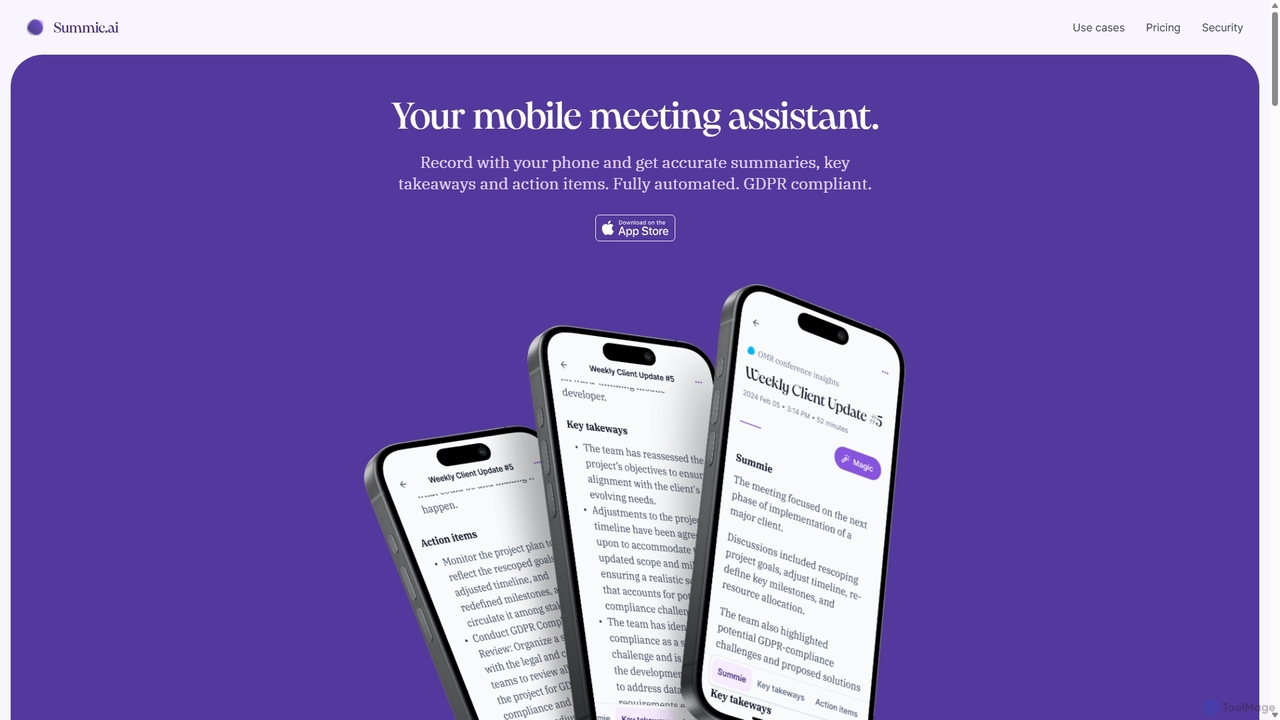
Summie Overview
Summie is a sophisticated AI mobile meeting assistant that transforms your smartphone into a powerful tool for documenting conversations. Designed for busy professionals, consultants, and teams, Summie automates the entire process of note-taking, allowing you to stay fully engaged in your meetings. By simply placing your phone on the table and recording, you can capture every detail without distraction. The app then processes the audio to provide highly accurate transcriptions, concise summaries, insightful key takeaways, and clearly defined action items, ensuring no critical information is ever lost.
With support for over 90 languages, Summie is a versatile tool for global teams and international business. It prioritizes data security and privacy, adhering strictly to GDPR regulations. All data is stored on secure cloud servers in Germany, and personal identifiable information is minimized. This commitment to security makes Summie an enterprise-ready solution trusted by leading IT consultancies and businesses.
How to use Summie
Using Summie is straightforward and designed for ease of use. The process involves three simple steps:
- Record Anywhere: Install the Summie app on your iOS device. During any meeting, workshop, or coaching session, simply open the app, place your phone on the table, and press record. The app functions seamlessly even when the screen is off, allowing you to focus completely on the conversation.
- Automated Processing: Once the recording is complete, Summie's advanced AI engine takes over. It utilizes deep learning neural network algorithms to transcribe the entire conversation, detect different speakers, and analyze the content.
- Receive Insights: In a short time, you will receive a complete set of meeting documentation. This includes a full transcript with replay functionality, a high-quality summary of the discussion, a list of key takeaways, and a clear set of action items. You can also use the 'Ask Summie' feature to ask specific questions about the meeting content, such as project timelines or specific statements made by participants.
Core Features of Summie
- Automated Meeting Documentation: Generates highly accurate summaries, insightful key takeaways, and actionable items automatically, saving hours of manual work.
- Smart Transcription: Provides a complete, word-for-word transcript of the meeting. It includes speaker detection, so you always know who said what, and allows you to replay specific parts of the audio by tapping on the text.
- Multi-language Support: Capable of recording and processing audio in over 90 languages, making it ideal for international teams and clients.
- Ask Summie AI: An interactive chat feature that allows you to deep-dive into your meeting data. Ask specific questions about one or multiple meetings to quickly find the information you need.
- Speaker Sentiment & Airtime Analysis: Offers advanced analytics on speaker participation, including who spoke the most and the sentiment of their contributions.
- Secure and GDPR Compliant: Designed with a security-first approach. Data is retained on secure servers in Germany, personal data is minimized, and all AI services are hosted on Microsoft Azure in Europe, ensuring full compliance with privacy regulations.
Use Cases for Summie
Summie is valuable for a wide range of professionals and scenarios:
- Business Consultants: As demonstrated by Senacor Technologies AG, consultants use Summie to automate meeting documentation, generate accurate summaries for follow-ups, and extract action items to keep projects on track.
- Project Managers: Keep a perfect record of team meetings, client check-ins, and stakeholder briefings. Easily share notes and action items to ensure alignment and accountability.
- Sales Teams: Capture every detail from client calls and discovery meetings. Revisit conversations to understand client needs better and prepare for follow-ups without missing a beat.
- Coaches and Therapists: Focus entirely on the client during sessions while Summie handles the note-taking. Review sessions later to extract key insights and track progress.
- HR Professionals: Use it for interviews, performance reviews, and disciplinary meetings to ensure accurate and unbiased documentation.
Advantages of Summie
Summie offers a distinct competitive edge by allowing users to be fully present and engaged in conversations. Its key advantages include significant cost and time savings by eliminating the need for manual note-taking or hiring meeting assistants. The platform ensures you never forget an important detail, thanks to its comprehensive and accurate documentation. The ability to easily share notes with colleagues and clients streamlines post-meeting workflows and improves communication. Above all, its robust, enterprise-ready privacy and security framework gives users full control over their data with complete peace of mind.
Pricing and Plans
Summie offers a flexible, credit-based pricing model to scale with your needs. One credit equals one minute of recording or one question to the 'Ask Summie' AI.
- On-demand: $0.00/month. This is a no-commitment plan where you purchase credits as needed. It includes a one-time bonus of 69 free credits (minutes) and 5 free questions per meeting. The cost is €0.025 per credit.
- Starter: $9.99/month. Designed for longer meetings, this plan includes 624 monthly credits. Additional credits are cheaper at €0.016 per credit. It also offers a 120-minute maximum recording length and email/chat support.
- Pro (Coming Soon): $19.99/month. For frequent users, this plan will include 1,538 monthly credits at the lowest rate of €0.013 per credit. It includes all features of the Starter plan plus premium call support and faster processing.
Summie Alternatives
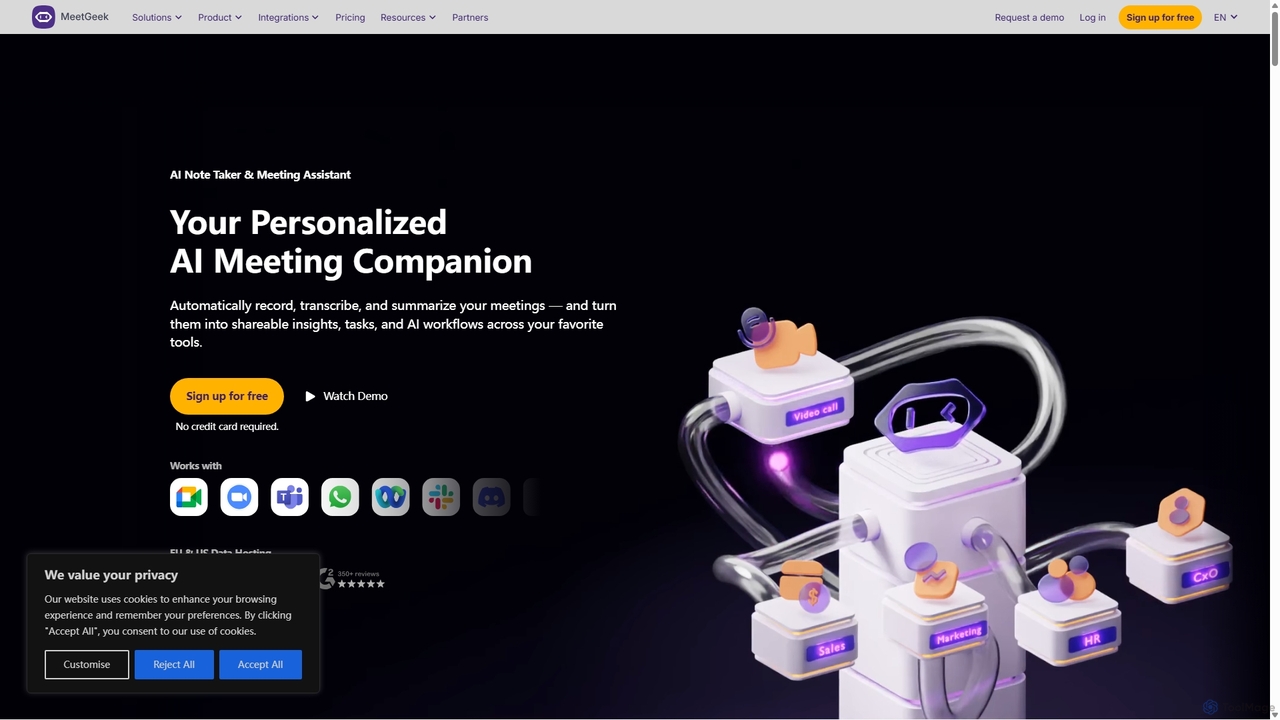
MeetGeek
MeetGeek is an AI meeting assistant that automatically records, transcribes, summarizes, and provides key insights for your meetings. It integrates with Zoom, Google Meet, and Microsoft Teams to capture every detail, turning conversations into actionable knowledge and saving hours of manual note-taking.
Sales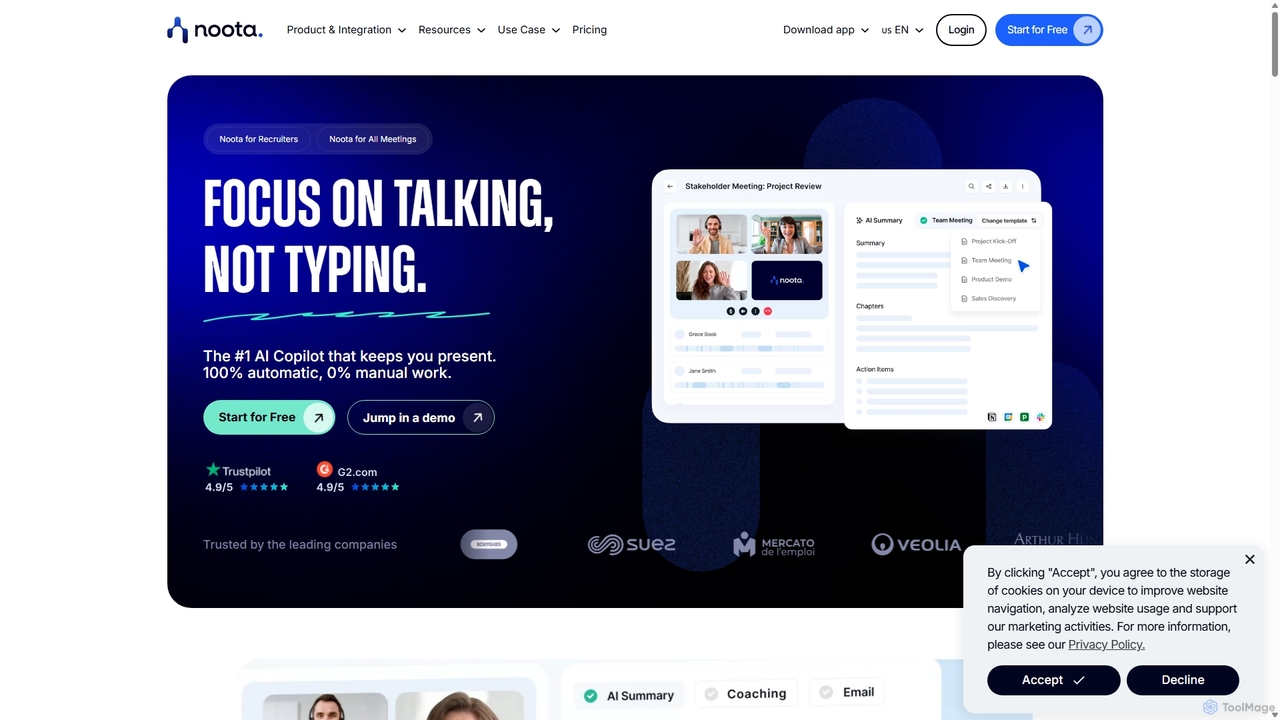
Noota
Noota is an AI meeting copilot that automates note-taking to keep you present in conversations. It records, transcribes, and summarizes meetings from platforms like Zoom, Teams, and Google Meet, as well as phone calls. Noota generates structured AI reports, extracts key insights, and automates follow-ups. With features like conversational intelligence and seamless CRM/ATS integrations, it's designed for recruiters, sales teams, and project managers to boost productivity and make data-driven decisions.
Transcription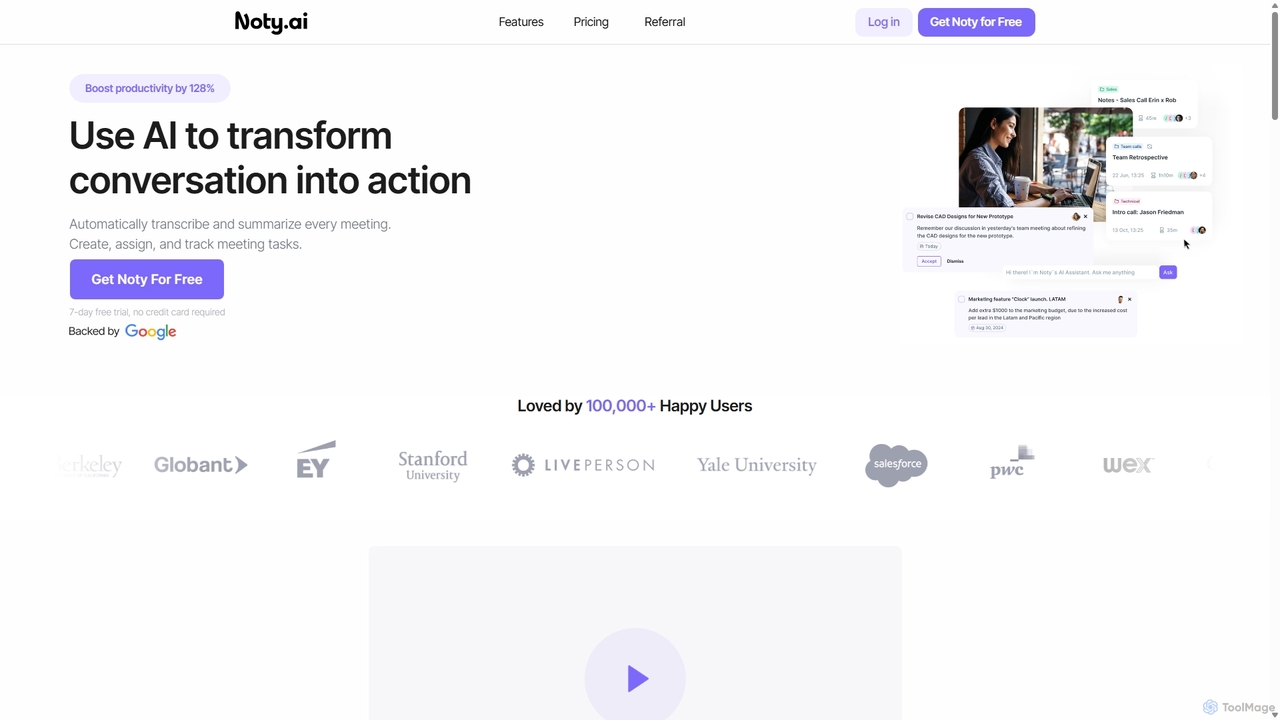
Noty.ai
Noty.ai is an AI meeting assistant that automatically transcribes, summarizes, and generates action items from your conversations. It helps you focus during meetings, ensures no detail is missed, and transforms discussions into trackable tasks, boosting team productivity and accountability.
Task Management
Ambient
Ambient is an AI-powered meeting assistant that automatically joins your calls, records, transcribes, and generates intelligent summaries. It captures action items, key decisions, and important topics from your meetings on platforms like Zoom, Google Meet, and Microsoft Teams, saving you hours on manual note-taking and ensuring no detail is missed.
Transcription Services
MeetSummary
MeetSummary is an AI-powered meeting assistant that joins your online meetings, listens to the conversation, and automatically generates accurate summaries and action items. It helps teams stay focused, aligned, and productive by eliminating the need for manual note-taking.
TranscriptionSummie Categories
Summie Jobs
Summie Embed Widget
Copy this embed code to place the badge on your blog, article, or product site and send readers directly to this ToolMage detail page.

Related AI tools
MeetGeek
MeetGeek is an AI meeting assistant that automatically records, transcribes, summarizes, and provides key insights for your meetings. It integrates with Zoom, Google Meet, and Microsoft Teams to capture every detail, turning conversations into actionable knowledge and saving hours of manual note-taking.
SalesNoty.ai
Noty.ai is an AI meeting assistant that automatically transcribes, summarizes, and generates action items from your conversations. It helps you focus during meetings, ensures no detail is missed, and transforms discussions into trackable tasks, boosting team productivity and accountability.
Task Management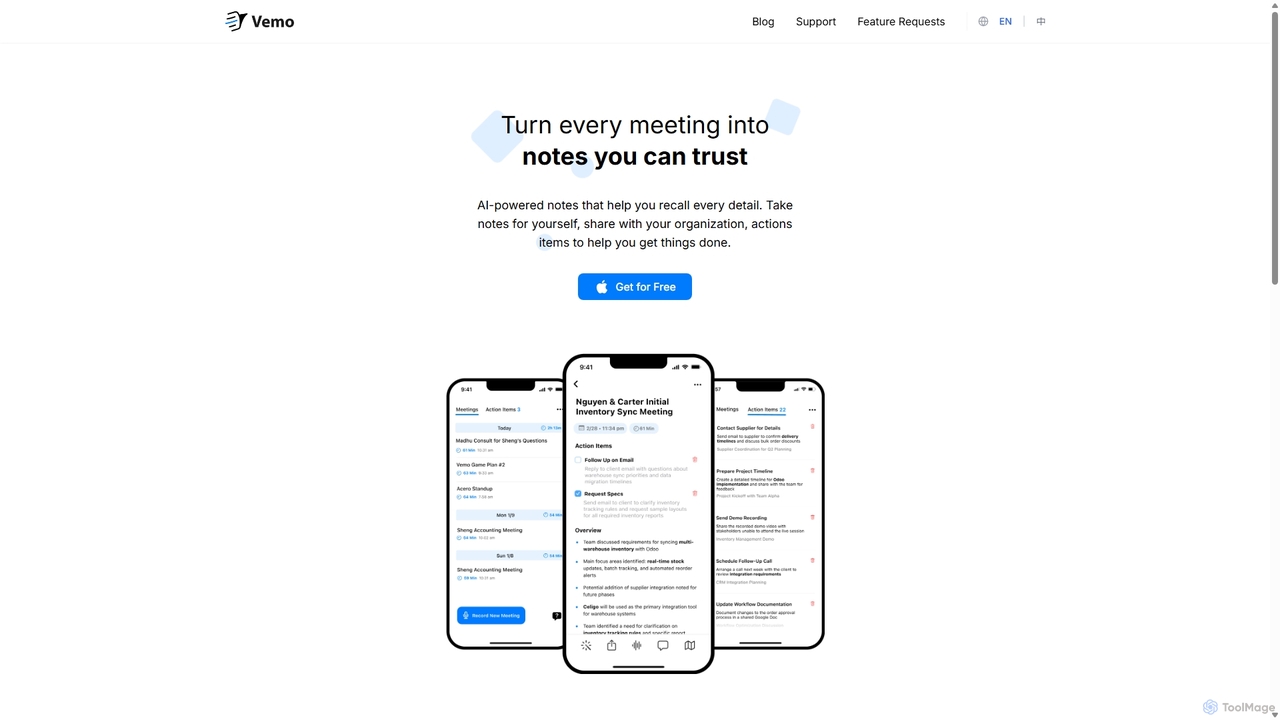
Vemo
Vemo is an AI-powered meeting note-taker that automatically transcribes, summarizes, and extracts action items from your conversations. Its unique voice command feature allows you to edit and query your notes hands-free, ensuring you can stay focused on the discussion while Vemo captures every important detail.
Speech To TextAmbient
Ambient is an AI-powered meeting assistant that automatically joins your calls, records, transcribes, and generates intelligent summaries. It captures action items, key decisions, and important topics from your meetings on platforms like Zoom, Google Meet, and Microsoft Teams, saving you hours on manual note-taking and ensuring no detail is missed.
Transcription Services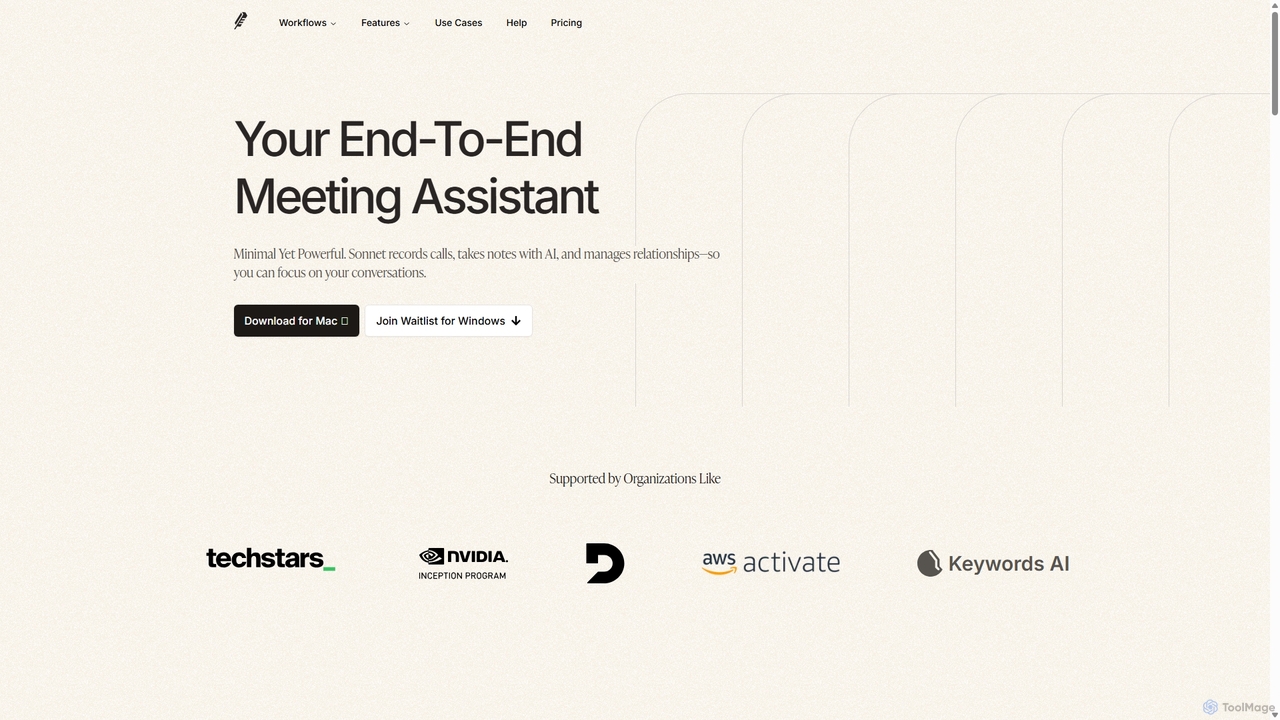
Sonnet AI
Sonnet AI is an end-to-end meeting assistant that records, transcribes, and summarizes conversations. It automates note-taking, CRM updates, and action item generation, providing pre-meeting insights on participants and post-meeting shareable summaries to enhance productivity across various professions.
Crm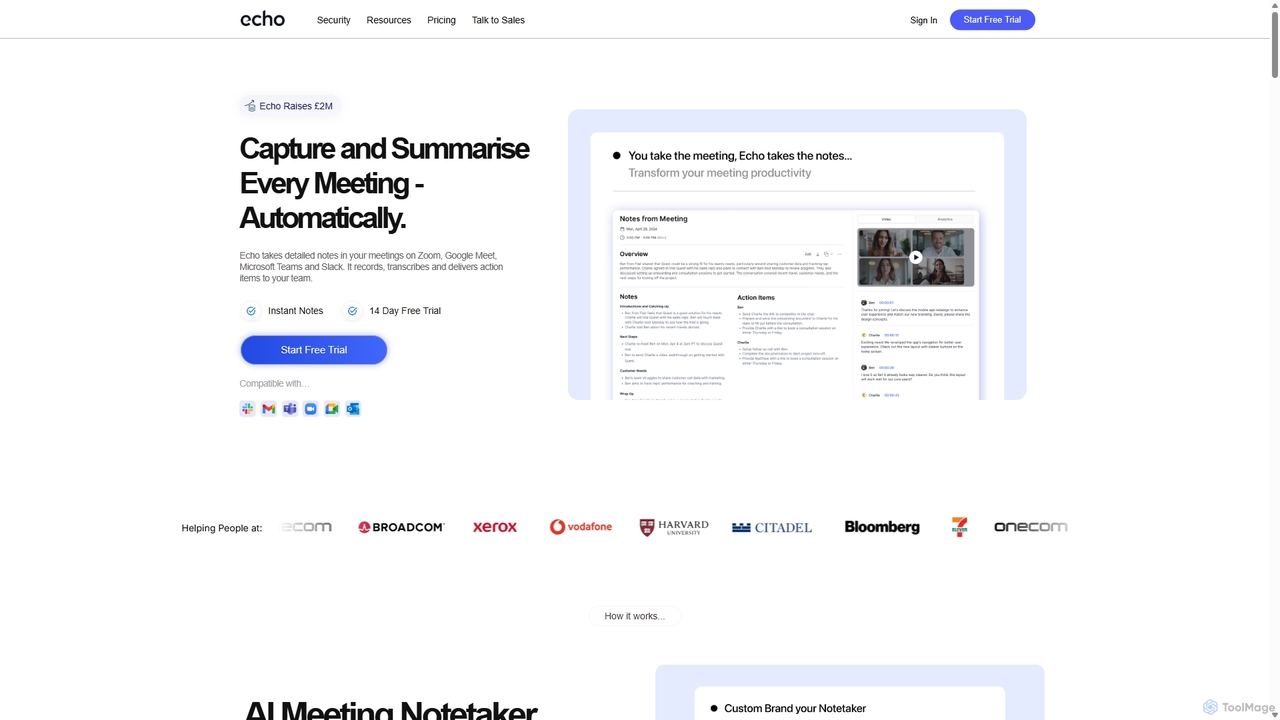
Meetecho
meetecho is an AI executive assistant that automatically joins your meetings on Zoom, Google Meet, and Microsoft Teams to record, transcribe, and generate detailed summaries with action items. It enhances productivity by eliminating manual note-taking and creating a searchable archive of all your conversations. Upcoming features include AI-powered email sorting and drafting.
Assistant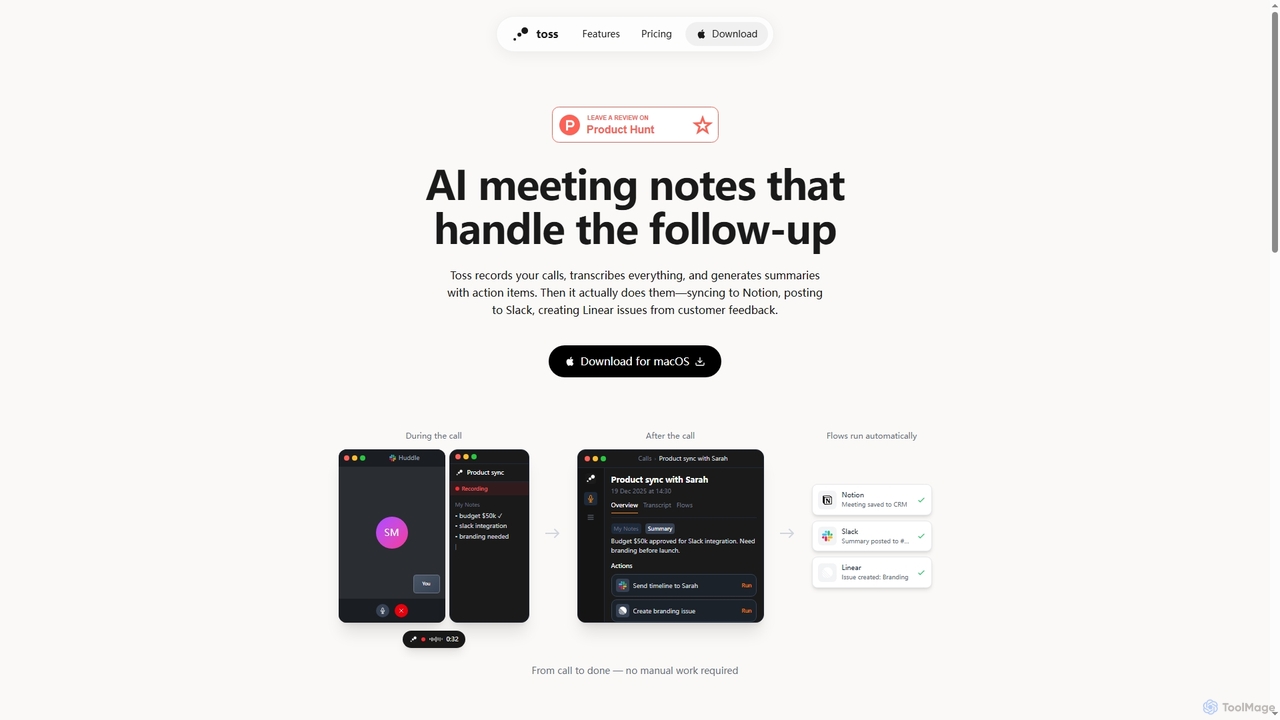
Toss
Toss is an AI-powered macOS application designed to automate meeting notes and follow-up actions. It records calls, transcribes discussions in real-time, generates summaries with actionable items, and automatically executes post-meeting tasks like syncing to Notion, posting to Slack, and creating issues in Linear, streamlining workflows and enhancing productivity for teams.
Dictation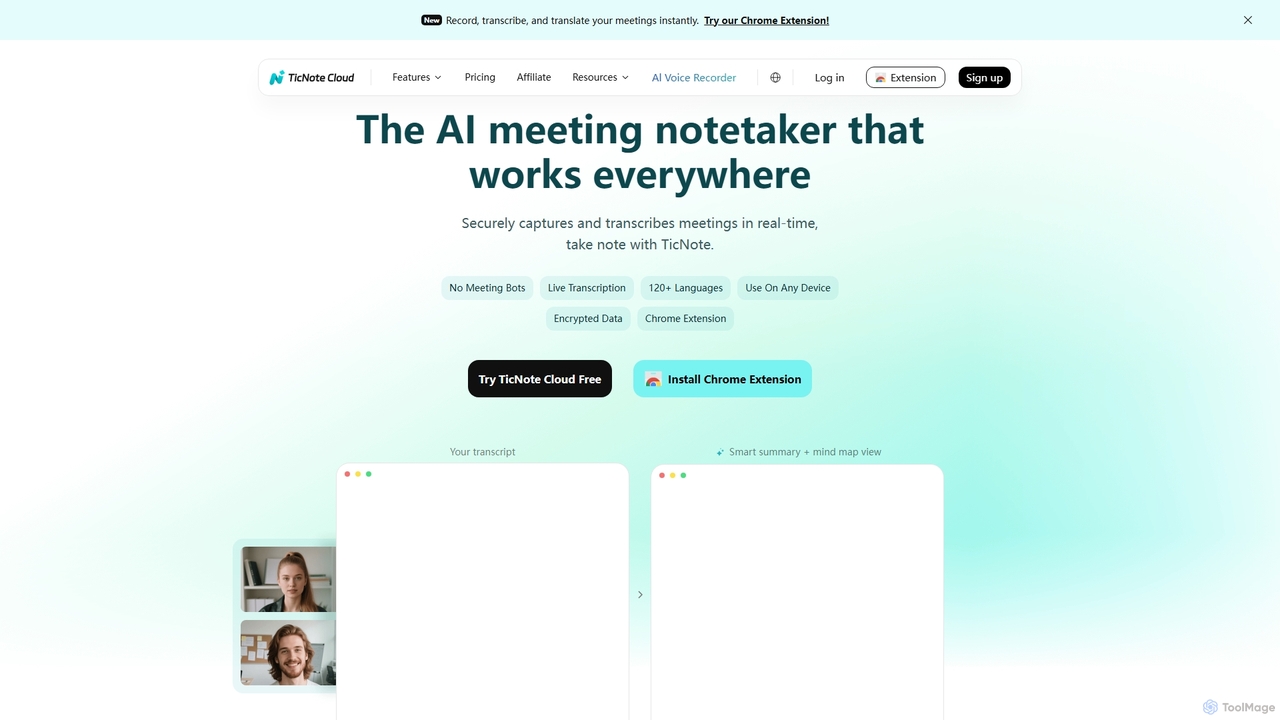
TicNote
TicNote is an AI-powered meeting notetaker that transcribes, summarizes, and organizes conversations in real-time across 120+ languages. It uses on-device AI to generate smart summaries, mind maps, and action items without meeting bots, enhancing productivity and knowledge management for professionals.
Language Processing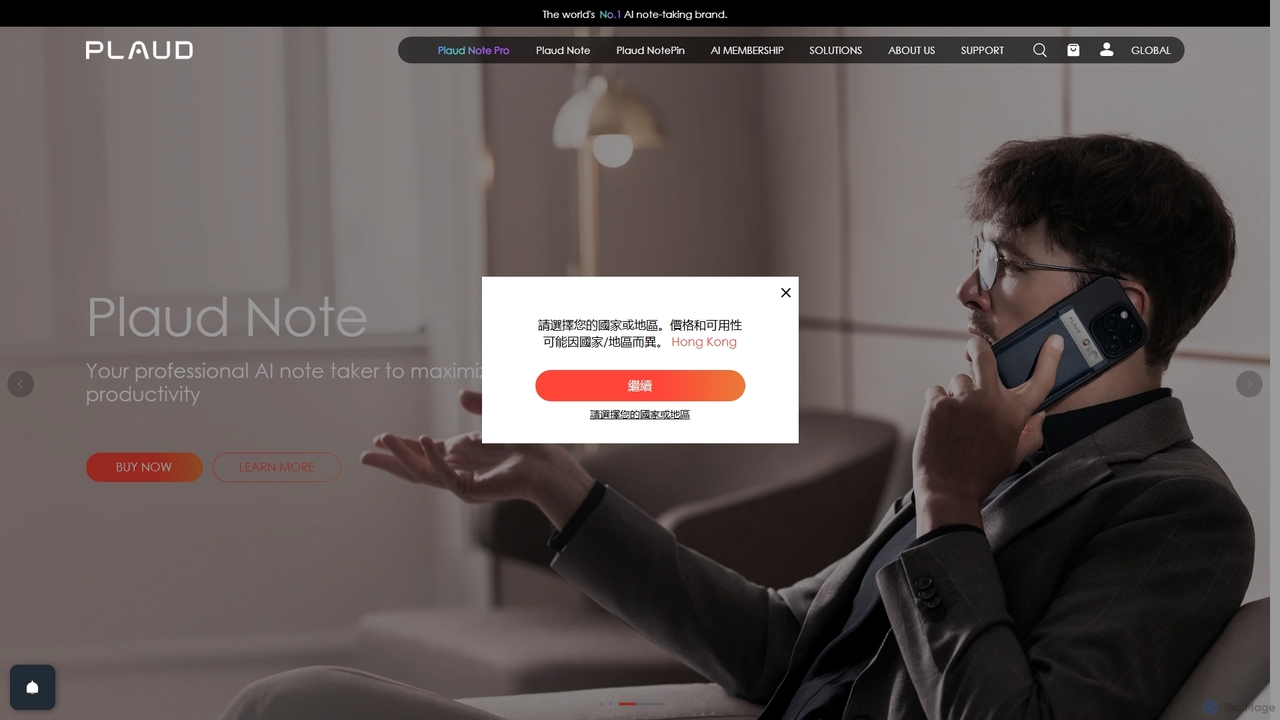
Plaud
Plaud is an innovative AI note-taking solution combining a sleek hardware voice recorder with a powerful AI app. It captures conversations, transcribes them with high accuracy, and generates structured summaries, mind maps, and action items. Designed for professionals, students, and creators, Plaud streamlines the documentation of meetings, lectures, and interviews, saving hours of manual work and ensuring no critical detail is missed.
TranscriptionNoota
Noota is an AI meeting copilot that automates note-taking to keep you present in conversations. It records, transcribes, and summarizes meetings from platforms like Zoom, Teams, and Google Meet, as well as phone calls. Noota generates structured AI reports, extracts key insights, and automates follow-ups. With features like conversational intelligence and seamless CRM/ATS integrations, it's designed for recruiters, sales teams, and project managers to boost productivity and make data-driven decisions.
Transcription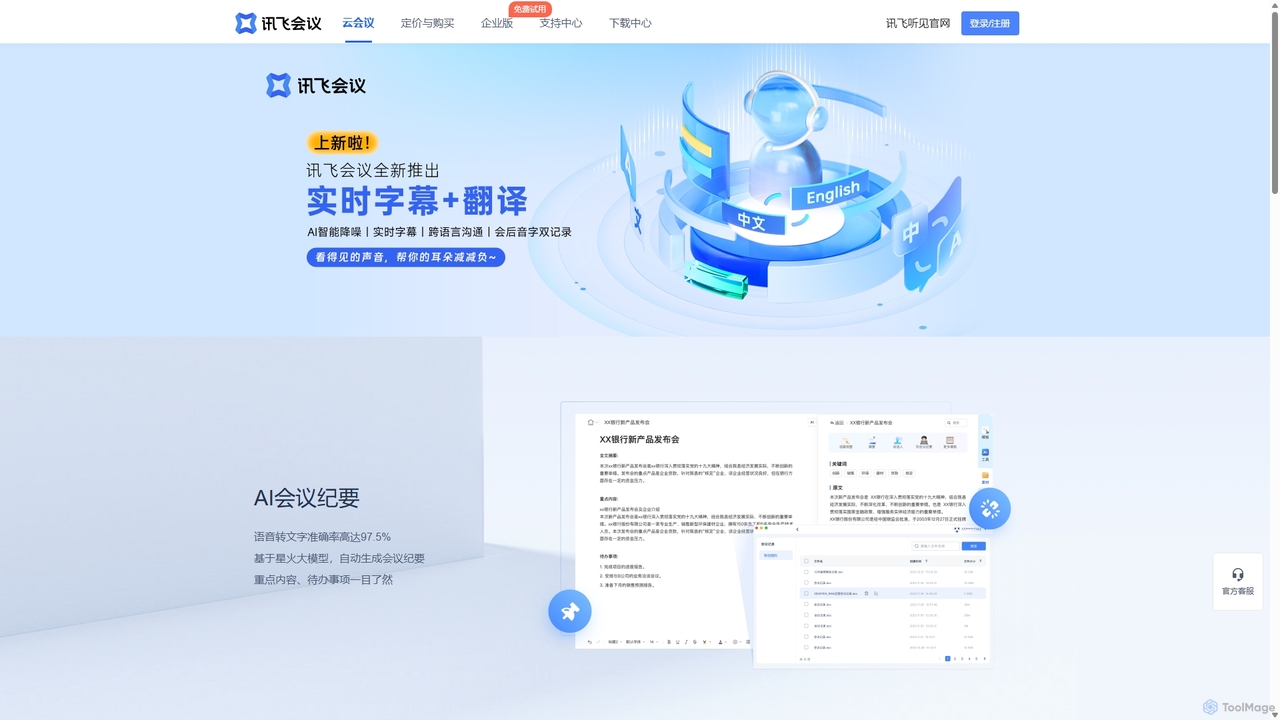
IFlytek Meeting
iFlytek Meeting is an AI-powered HD video conferencing platform. It offers high-accuracy real-time transcription, automatic meeting summaries, and to-do list generation. With features like stable HD video, cross-platform support, and robust security, it enhances meeting efficiency for individuals, teams, and large enterprises, providing a seamless remote collaboration experience.
Communication
Hedy
Hedy is a real-time AI meeting and class coach designed to enhance communication for professionals, students, journalists, and recruiters. It provides live insights, automatic summaries, transcripts, and action items across 30+ languages. With a focus on privacy and accessibility, Hedy runs on any device to help you participate more confidently and effectively in every conversation, turning discussions into actionable knowledge.
Communication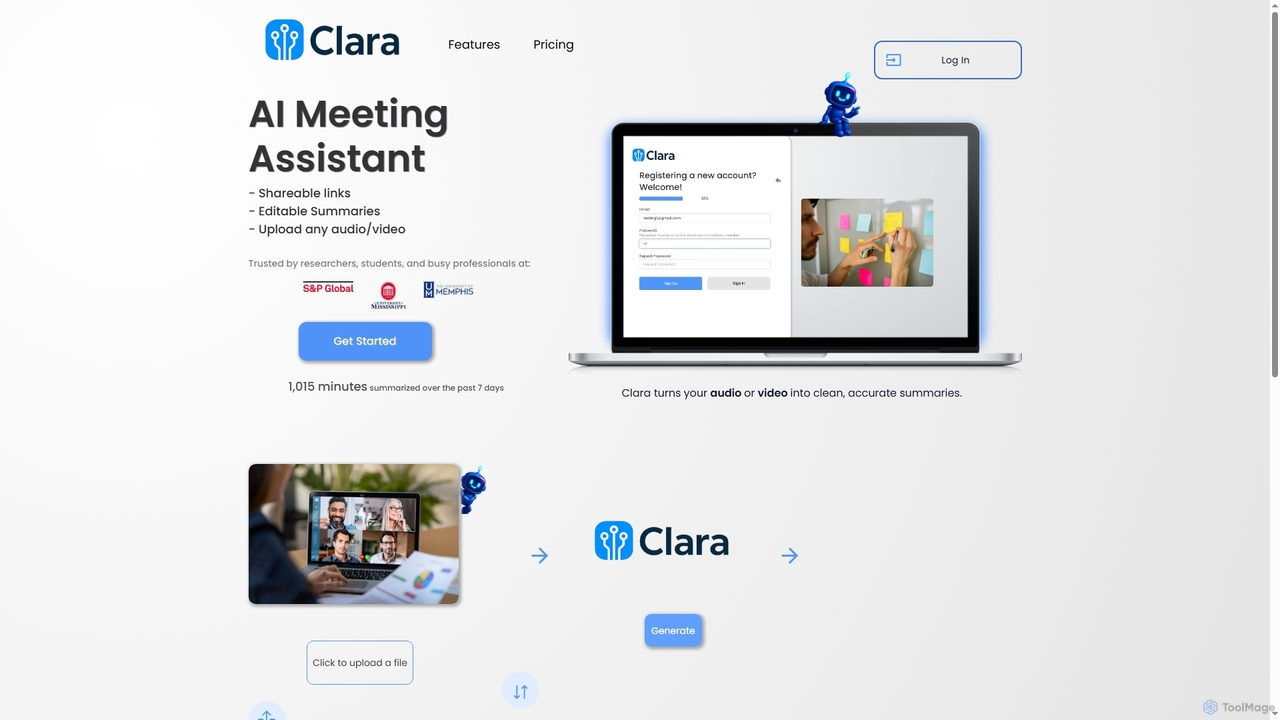
Clara
Clara is an AI meeting assistant that transforms audio and video files into accurate, editable, and shareable summaries. It automatically transcribes and analyzes content from lectures, meetings, and interviews to identify key points, action items, and themes, helping users stay organized.
Transcription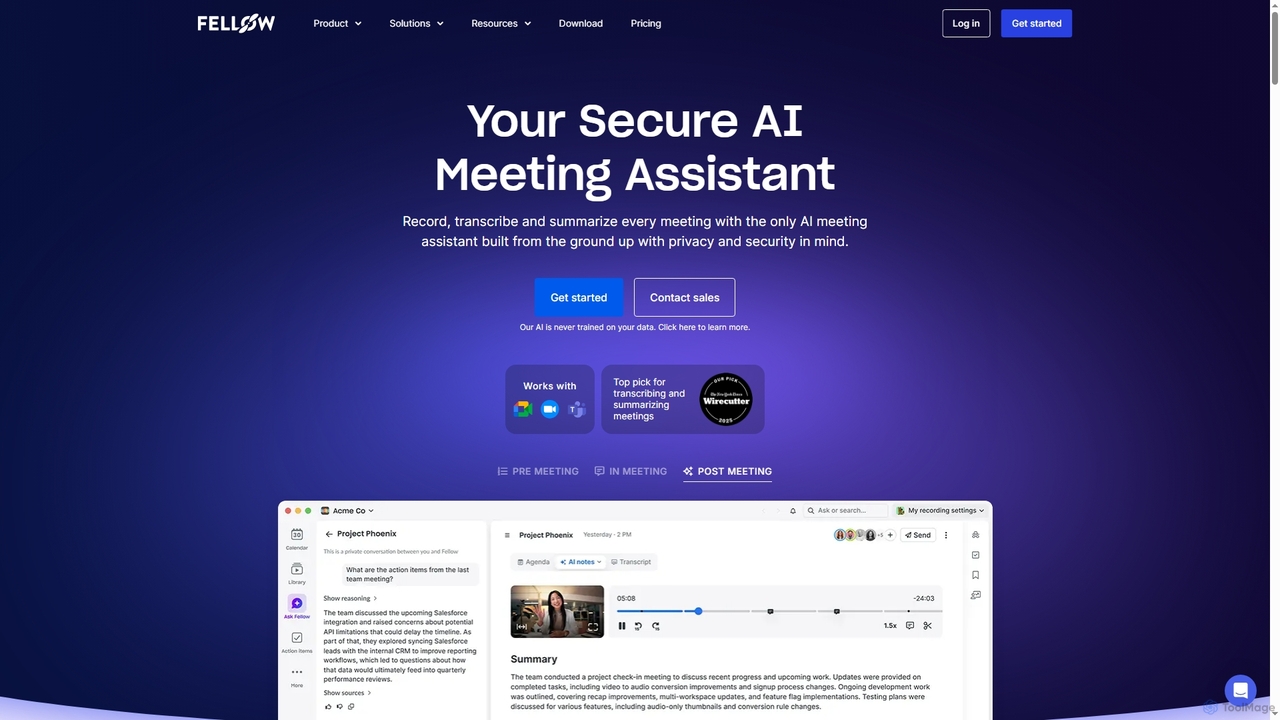
Fellow
Fellow is a secure AI meeting assistant designed for teams and enterprises. It automatically records, transcribes, and summarizes meetings from Zoom, Google Meet, and Microsoft Teams. With a strong focus on privacy, Fellow ensures your data is never used for training AI models. It features an AI chatbot for querying meeting insights, CRM automation, and deep integrations with over 50 tools, centralizing your entire meeting workflow.
Collaboration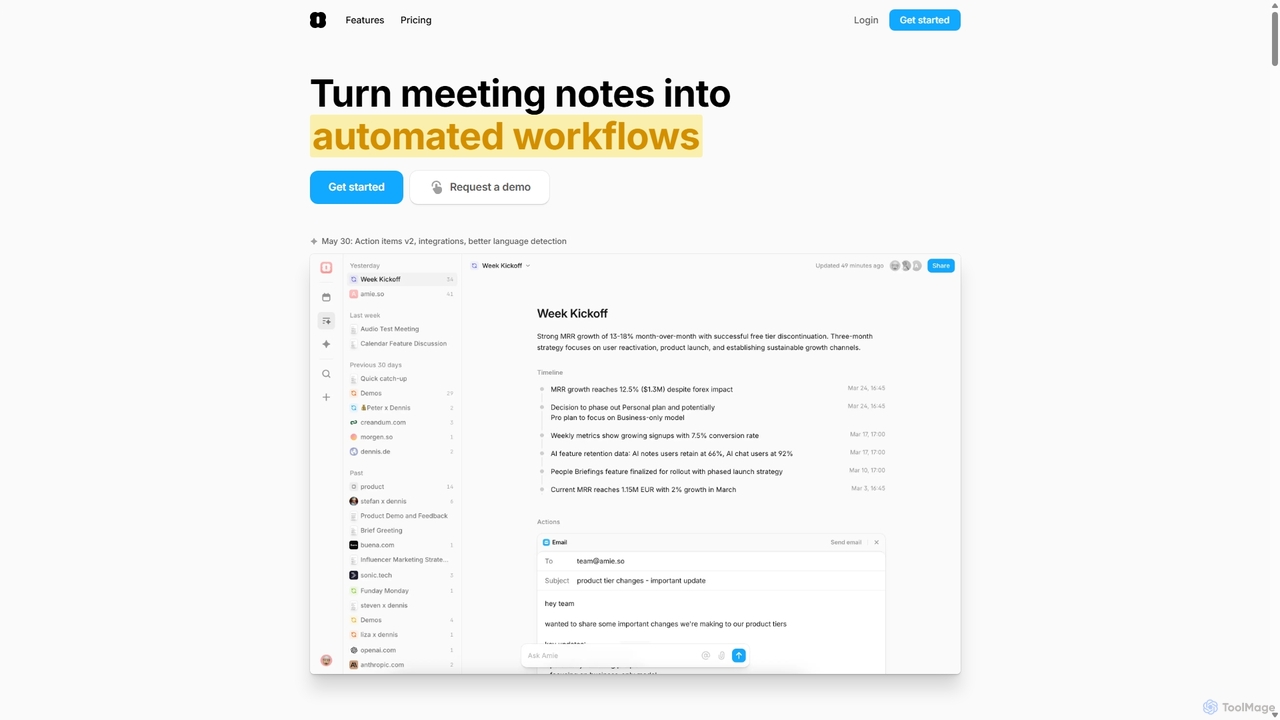
Amie
Amie is an AI-powered productivity suite that transforms meetings into automated workflows. It records, transcribes, and summarizes calls without a bot, generating clear action items. Featuring an integrated AI chat, calendar, and to-do list, Amie automates follow-ups, schedules tasks intelligently, and connects with tools like Notion, Slack, and Hubspot to streamline your workday.
Calendar
Summie Comments (0)
Sign in to comment.
Sign inNo comments yet.