

Ambient Overview
Ambient is a sophisticated AI-powered meeting assistant designed to transform how teams capture and utilize information from their conversations. In a world of back-to-back virtual meetings, Ambient acts as a dedicated notetaker, freeing up participants to engage fully in the discussion. It seamlessly integrates with major video conferencing platforms like Zoom, Google Meet, and Microsoft Teams, automatically joining, recording, and transcribing calls with high accuracy. After the meeting, it delivers concise, AI-generated summaries, highlights key moments, and extracts actionable items, ensuring that crucial information is never lost and follow-ups are always clear.
The platform is built for collaboration and efficiency. It creates a centralized, searchable repository of all your team's meetings, turning unstructured conversations into structured, accessible knowledge. This allows users to quickly find specific information from past discussions without having to re-watch entire recordings. By automating the entire note-taking and summarization process, Ambient helps teams improve productivity, enhance accountability, and foster a more focused and collaborative meeting culture.
How to use Ambient
Using Ambient is designed to be effortless and intuitive. First, you connect your Google or Outlook calendar to the platform. Ambient then automatically scans your schedule for meetings with video conferencing links. You can configure which meetings you want it to attend. When a meeting starts, the Ambient bot joins the call as a participant, clearly identified to all attendees. It records the audio and generates a real-time transcript. Once the meeting concludes, you'll receive an email notification. In your Ambient dashboard, you'll find the complete recording, the full searchable transcript with speaker labels, an AI-generated summary, and a neatly organized list of action items and key decisions. You can then edit, comment on, or share these notes with colleagues, or automatically sync them to other productivity tools like Slack, Notion, or your CRM.
Core Features of Ambient
- Automated Live Transcription: Provides real-time, highly accurate transcription of meetings with speaker identification.
- AI-Generated Summaries: Delivers concise, intelligent summaries that capture the essence of the conversation, including key topics and outcomes.
- Action Item & Decision Tracking: Automatically identifies and extracts action items, tasks, and key decisions made during the meeting, assigning them to the relevant person.
- Seamless Calendar Integration: Connects with Google Calendar and Outlook to automatically join scheduled meetings without any manual intervention.
- Multi-Platform Support: Works flawlessly with Zoom, Google Meet, Microsoft Teams, and other popular video conferencing tools.
- Centralized Knowledge Hub: Creates a searchable library of all your past meetings, allowing you to instantly find information across all conversations.
- Workflow Integrations: Pushes meeting notes, summaries, and action items directly to tools like Salesforce, HubSpot, Slack, and Notion to streamline post-meeting workflows.
- Collaborative Features: Allows teams to share meeting notes, add comments, and collaborate on follow-up actions directly within the platform.
Use Cases for Ambient
Ambient is valuable for a wide range of professionals and teams. Sales teams use it to automatically capture customer needs and commitments from discovery calls and demos, syncing key details directly to their CRM. Product managers rely on it to document user interviews and stakeholder meetings, ensuring no feature request or piece of feedback is lost. Project managers and team leads use it to maintain a clear record of decisions and assign action items, enhancing team alignment and accountability. HR and recruiters leverage it to keep detailed, unbiased records of candidate interviews. Consultants and agencies provide clients with professional, detailed summaries of their discussions, improving transparency and client satisfaction.
Advantages of Ambient
The primary advantage of Ambient is the significant boost in productivity it provides by eliminating the need for manual note-taking. This allows all participants to be more present and engaged in the conversation. It enhances accuracy, ensuring that every detail is captured without human error or bias. Furthermore, it creates a culture of accountability by clearly defining and tracking action items. The searchable meeting library transforms conversations into a valuable knowledge asset for the entire organization. Its seamless integration with existing workflows makes it an unobtrusive yet powerful addition to any team's toolset.
Pricing and Plans
Ambient typically offers a freemium pricing model to cater to different needs, from individuals to large enterprises. While specific details should be confirmed on the official website, the plans generally follow this structure:
- Free Plan: Ideal for individuals or small teams starting out, offering a limited number of transcription minutes per month and basic features.
- Pro Plan: A paid plan for professionals and teams who require more transcription capacity, advanced AI features, and more integrations with productivity tools.
- Business/Enterprise Plan: Designed for larger organizations, this plan usually includes unlimited transcription, advanced security features, team-wide analytics, custom integrations, and dedicated account support.
Traffic
Latest traffic
Status
Monthly traffic trend
- 2025-9: 4.3K
- 2026-1: 0
- 2026-2: 450
- 2026-3: 791
- 2026-4: 2.1K
- 2026-5: 812
Geography
Top 5 countries / regions
- 🇺🇸United States100.0%
Ambient Alternatives
MeetGeek
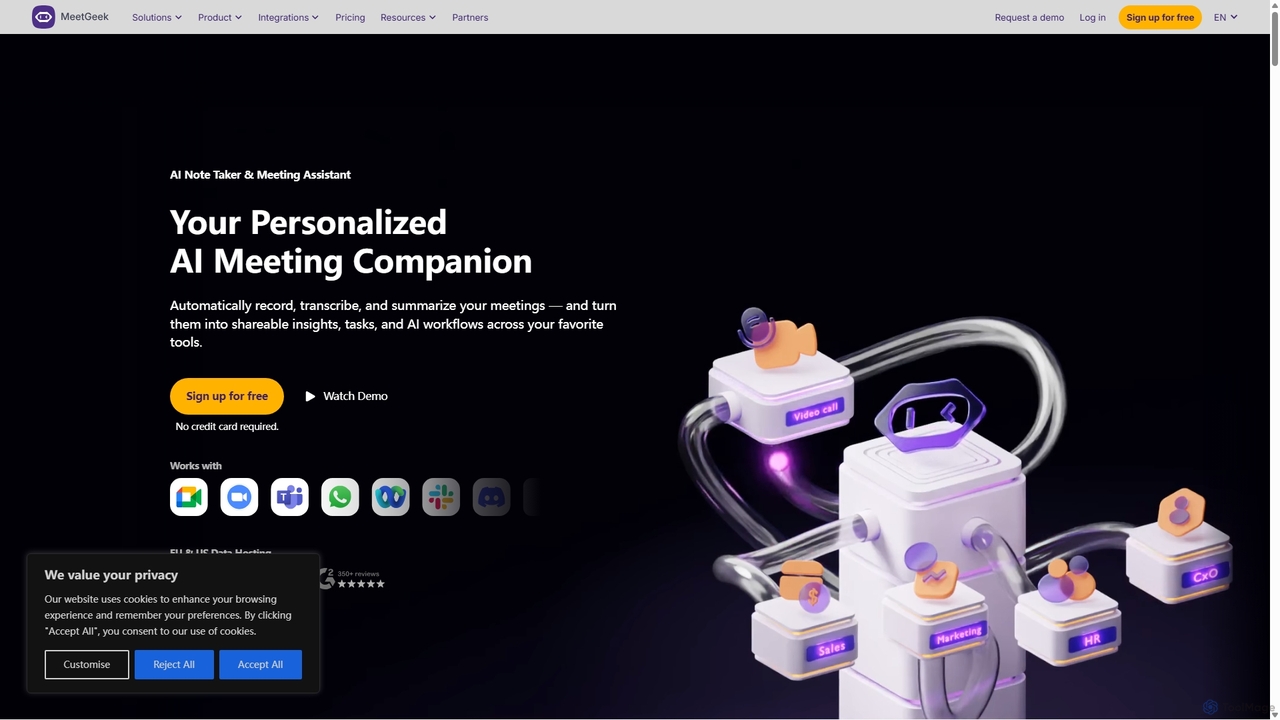
MeetGeek is an AI meeting assistant that automatically records, transcribes, summarizes, and provides key insights for your meetings. It integrates with Zoom, Google Meet, and Microsoft Teams to capture every detail, turning conversations into actionable knowledge and saving hours of manual note-taking.
Sales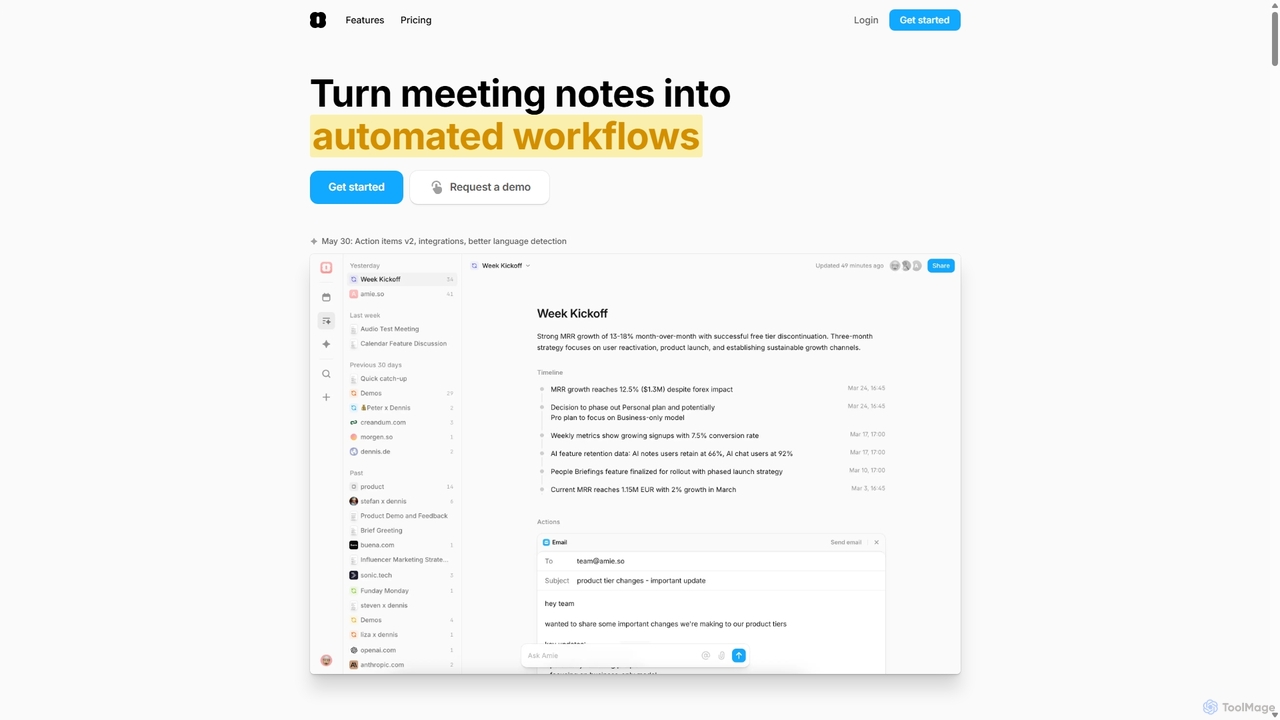
Amie
Amie is an AI-powered productivity suite that transforms meetings into automated workflows. It records, transcribes, and summarizes calls without a bot, generating clear action items. Featuring an integrated AI chat, calendar, and to-do list, Amie automates follow-ups, schedules tasks intelligently, and connects with tools like Notion, Slack, and Hubspot to streamline your workday.
Calendar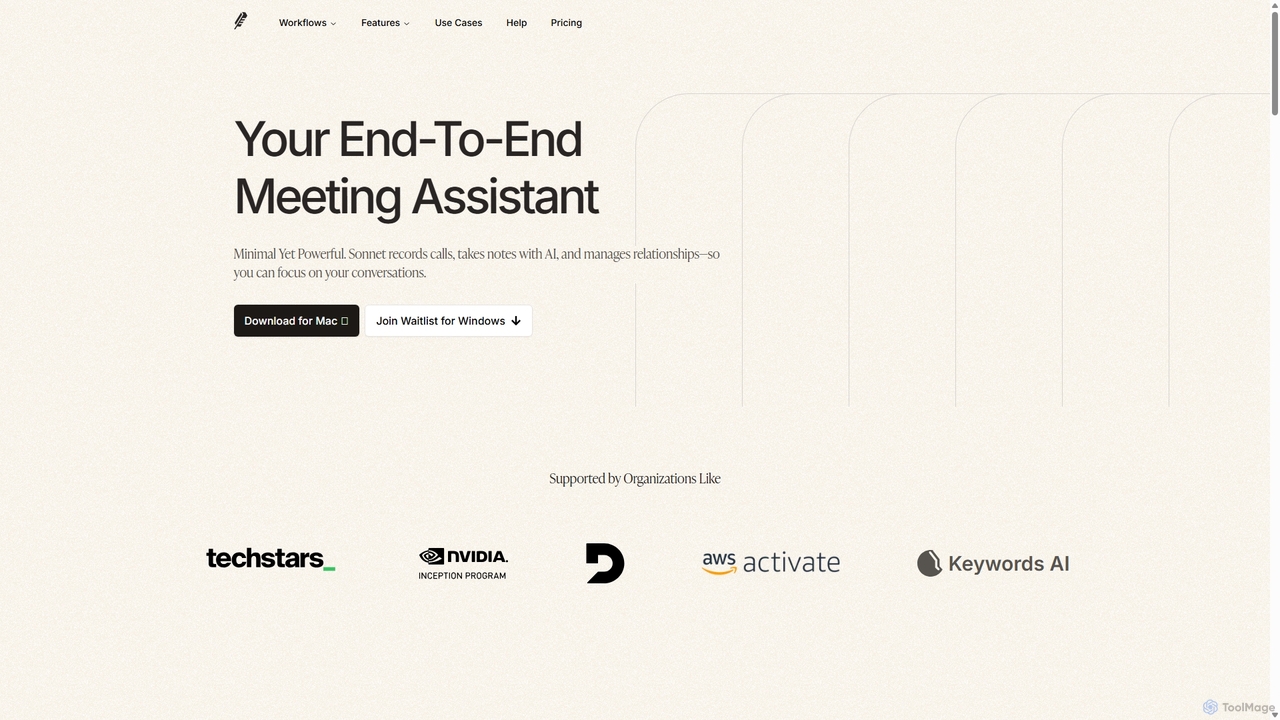
Sonnet AI
Sonnet AI is an end-to-end meeting assistant that records, transcribes, and summarizes conversations. It automates note-taking, CRM updates, and action item generation, providing pre-meeting insights on participants and post-meeting shareable summaries to enhance productivity across various professions.
Crm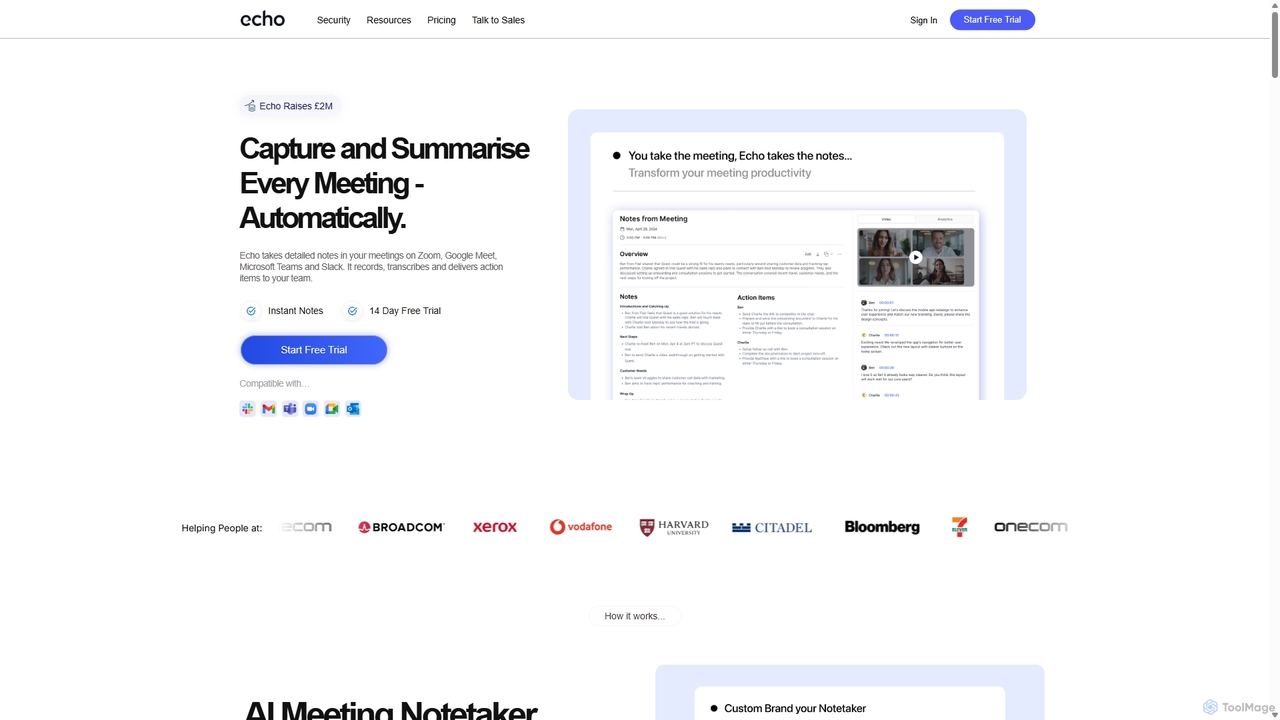
Meetecho
meetecho is an AI executive assistant that automatically joins your meetings on Zoom, Google Meet, and Microsoft Teams to record, transcribe, and generate detailed summaries with action items. It enhances productivity by eliminating manual note-taking and creating a searchable archive of all your conversations. Upcoming features include AI-powered email sorting and drafting.
Assistant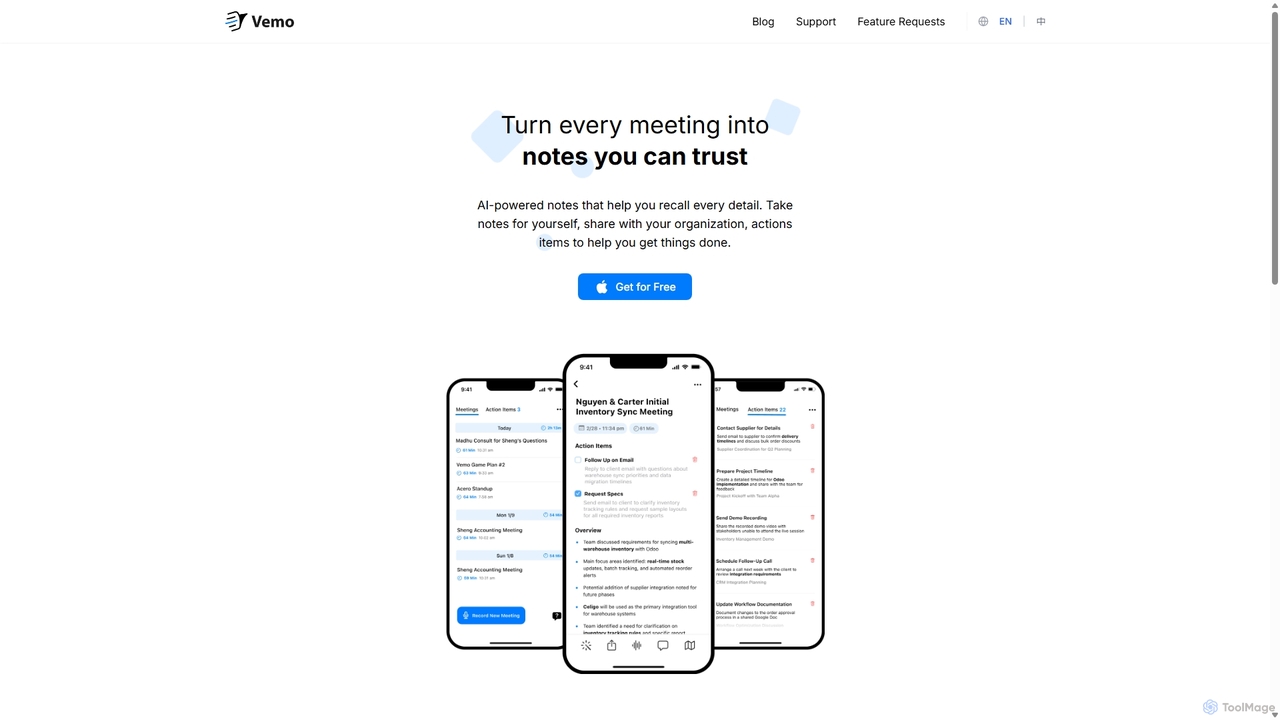
Vemo
Vemo is an AI-powered meeting note-taker that automatically transcribes, summarizes, and extracts action items from your conversations. Its unique voice command feature allows you to edit and query your notes hands-free, ensuring you can stay focused on the discussion while Vemo captures every important detail.
Speech To TextAmbient Categories
Ambient Jobs
Ambient Embed Widget
Copy this embed code to place the badge on your blog, article, or product site and send readers directly to this ToolMage detail page.

Related AI tools
Meetecho
meetecho is an AI executive assistant that automatically joins your meetings on Zoom, Google Meet, and Microsoft Teams to record, transcribe, and generate detailed summaries with action items. It enhances productivity by eliminating manual note-taking and creating a searchable archive of all your conversations. Upcoming features include AI-powered email sorting and drafting.
AssistantVemo
Vemo is an AI-powered meeting note-taker that automatically transcribes, summarizes, and extracts action items from your conversations. Its unique voice command feature allows you to edit and query your notes hands-free, ensuring you can stay focused on the discussion while Vemo captures every important detail.
Speech To Text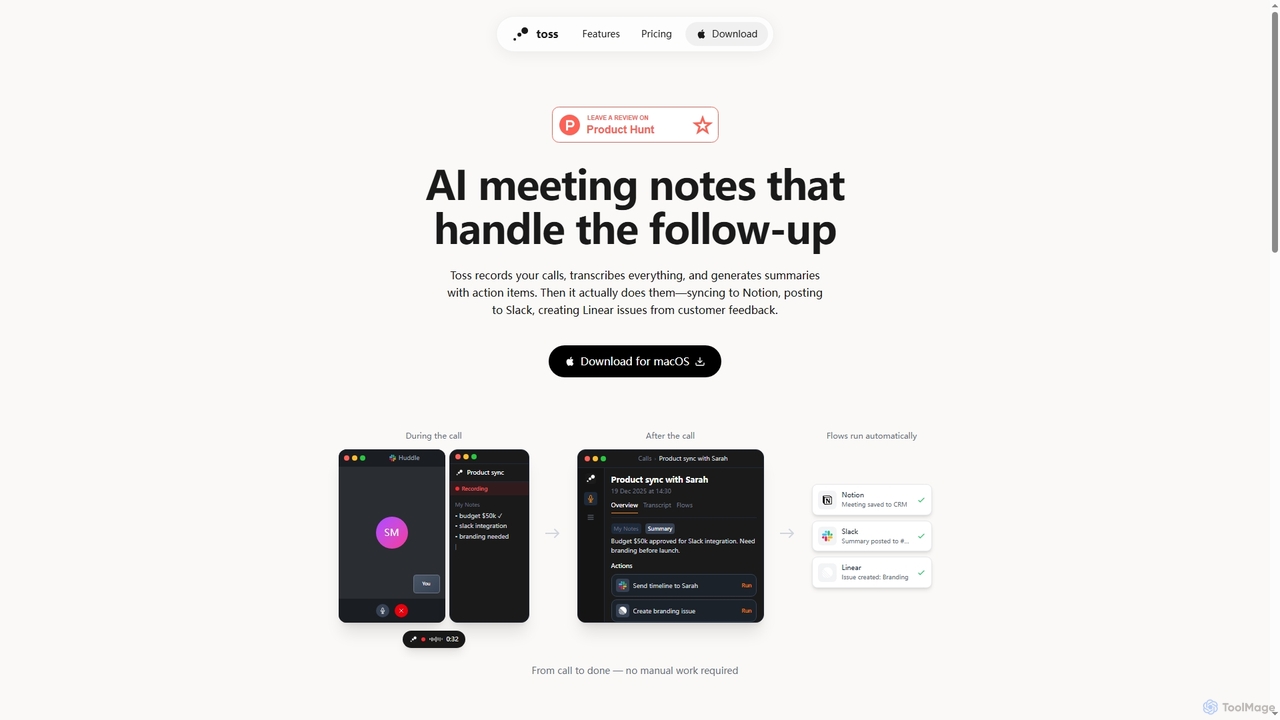
Toss
Toss is an AI-powered macOS application designed to automate meeting notes and follow-up actions. It records calls, transcribes discussions in real-time, generates summaries with actionable items, and automatically executes post-meeting tasks like syncing to Notion, posting to Slack, and creating issues in Linear, streamlining workflows and enhancing productivity for teams.
DictationMeetGeek
MeetGeek is an AI meeting assistant that automatically records, transcribes, summarizes, and provides key insights for your meetings. It integrates with Zoom, Google Meet, and Microsoft Teams to capture every detail, turning conversations into actionable knowledge and saving hours of manual note-taking.
SalesSonnet AI
Sonnet AI is an end-to-end meeting assistant that records, transcribes, and summarizes conversations. It automates note-taking, CRM updates, and action item generation, providing pre-meeting insights on participants and post-meeting shareable summaries to enhance productivity across various professions.
Crm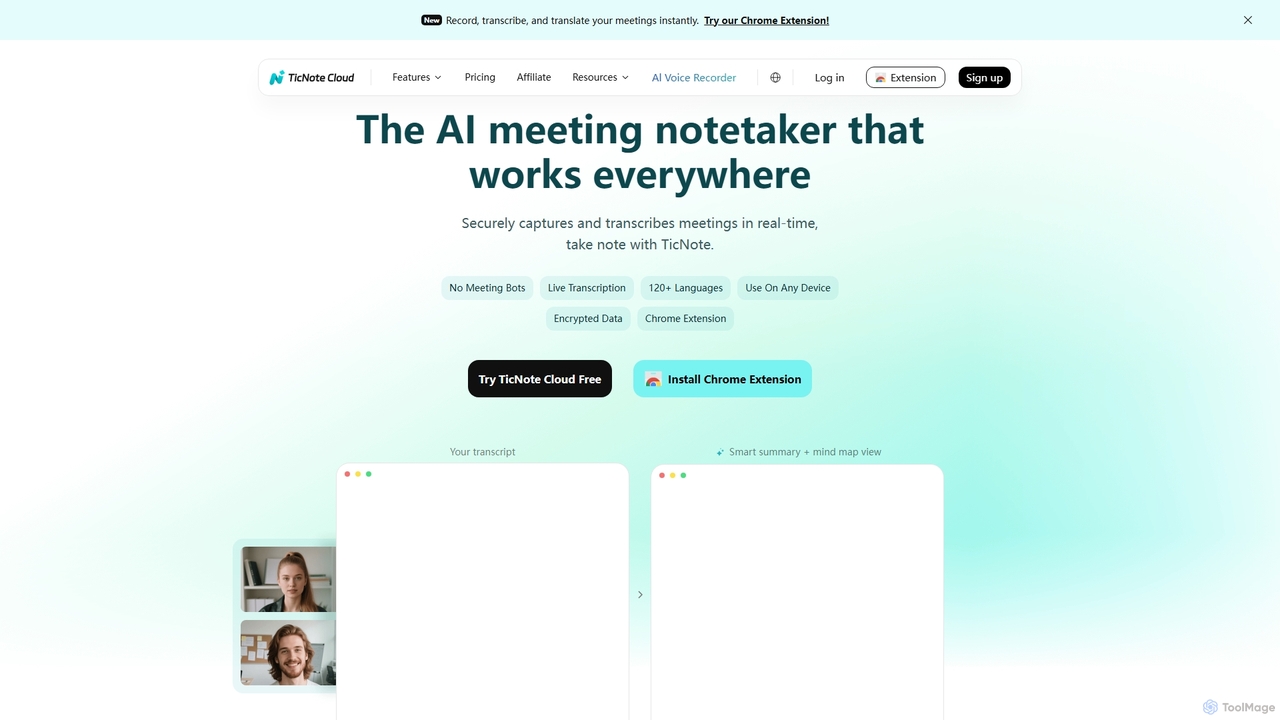
TicNote
TicNote is an AI-powered meeting notetaker that transcribes, summarizes, and organizes conversations in real-time across 120+ languages. It uses on-device AI to generate smart summaries, mind maps, and action items without meeting bots, enhancing productivity and knowledge management for professionals.
Language Processing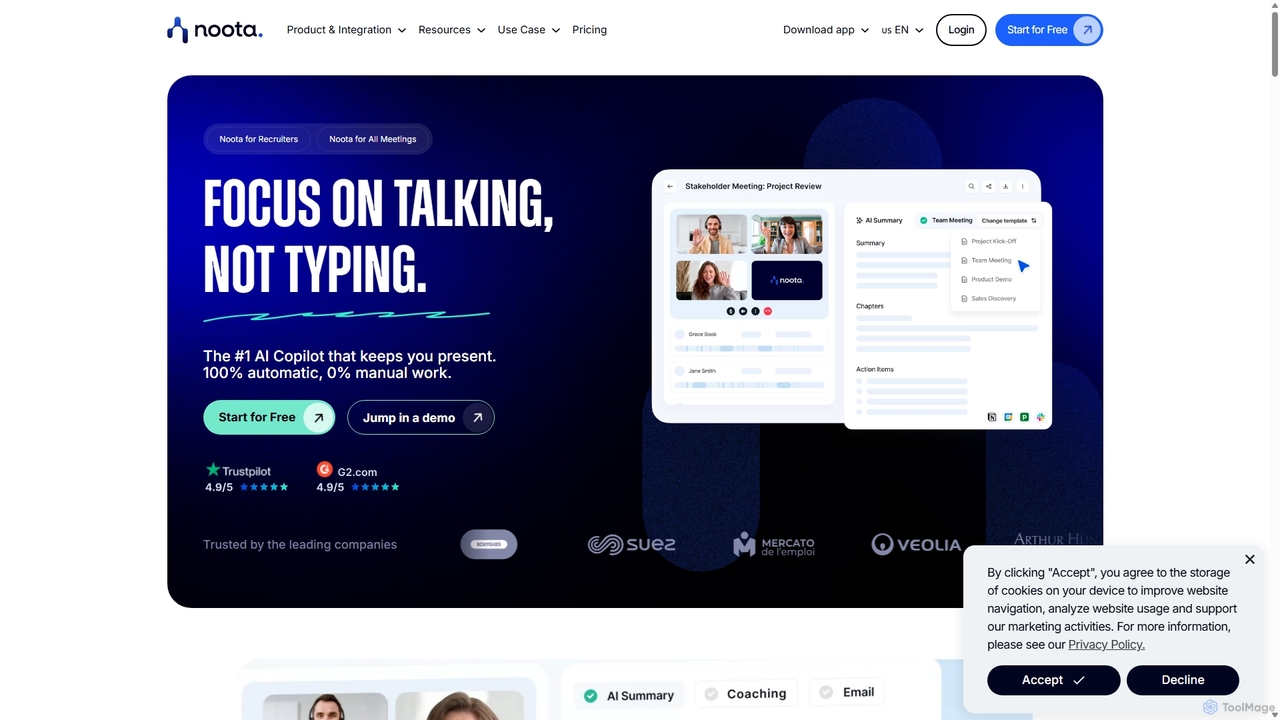
Noota
Noota is an AI meeting copilot that automates note-taking to keep you present in conversations. It records, transcribes, and summarizes meetings from platforms like Zoom, Teams, and Google Meet, as well as phone calls. Noota generates structured AI reports, extracts key insights, and automates follow-ups. With features like conversational intelligence and seamless CRM/ATS integrations, it's designed for recruiters, sales teams, and project managers to boost productivity and make data-driven decisions.
Transcription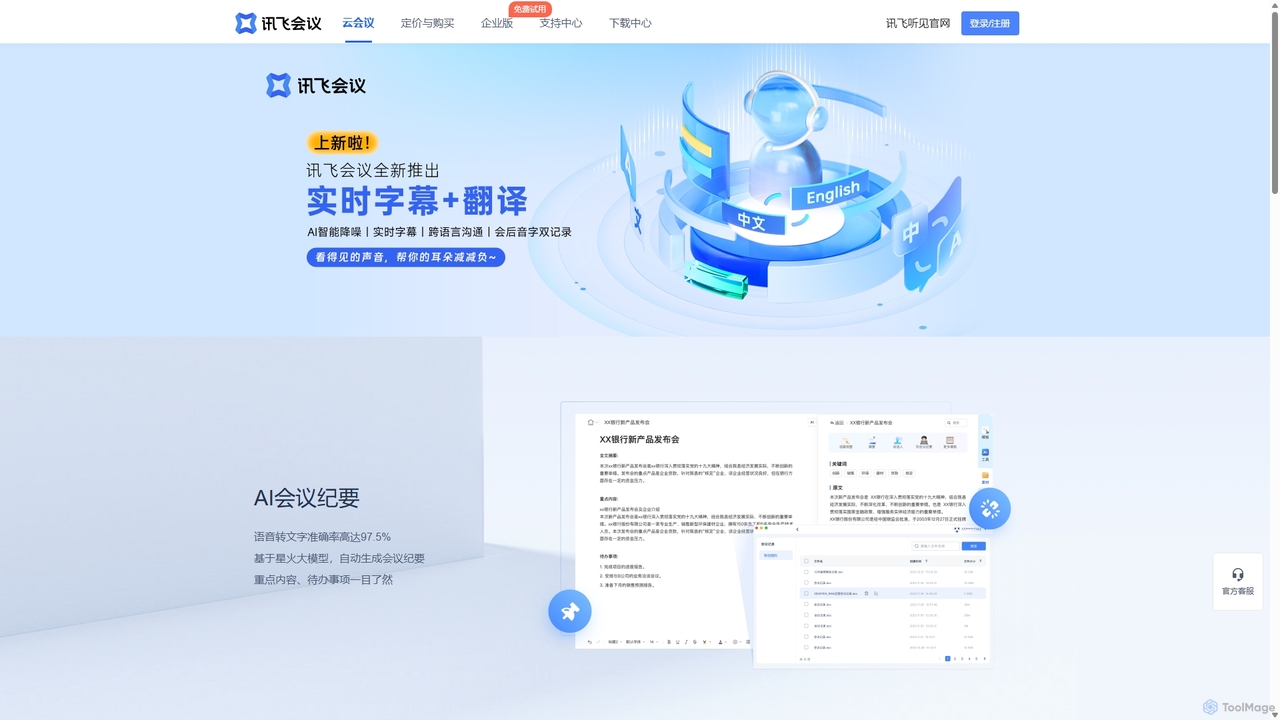
IFlytek Meeting
iFlytek Meeting is an AI-powered HD video conferencing platform. It offers high-accuracy real-time transcription, automatic meeting summaries, and to-do list generation. With features like stable HD video, cross-platform support, and robust security, it enhances meeting efficiency for individuals, teams, and large enterprises, providing a seamless remote collaboration experience.
Communication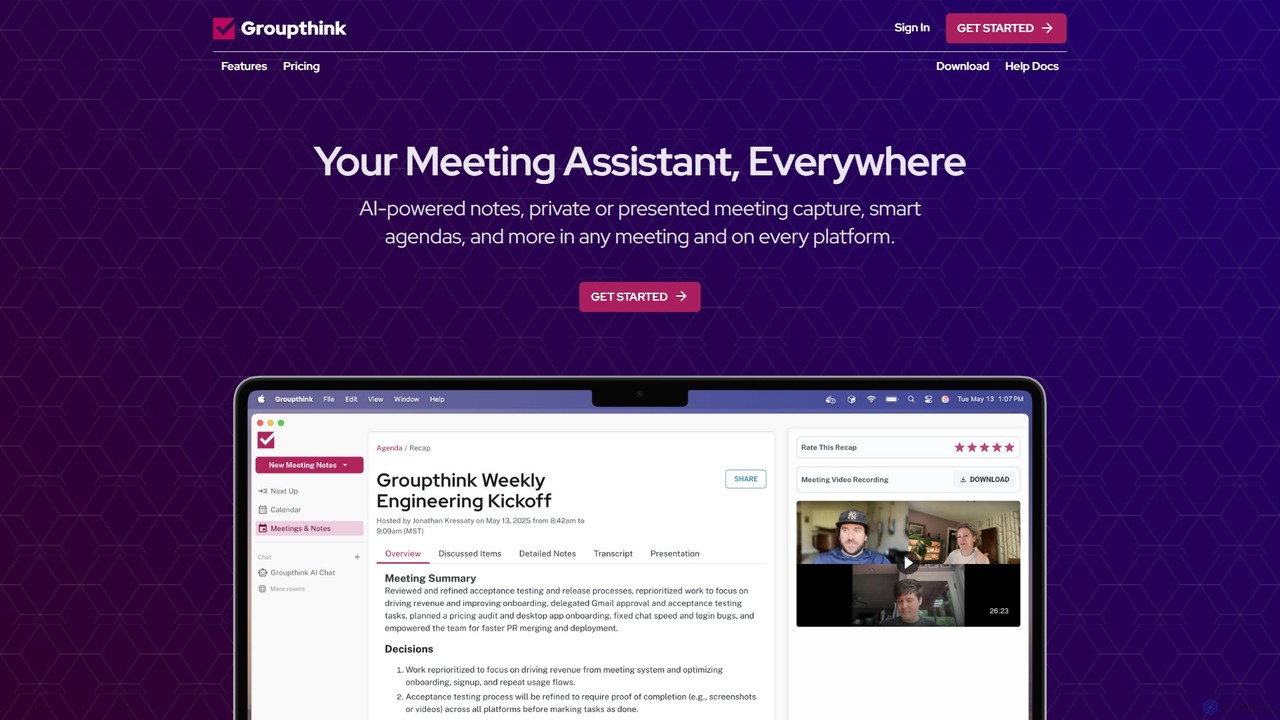
groupthink
Groupthink is an AI meeting assistant that automates note-taking, transcription, and summaries across all major platforms. It offers a unique choice between a visible bot for team collaboration and a private desktop recorder for discreet capture. Features include smart agendas, action item tracking, and an AI chat to query past meetings, saving professionals up to 30% of their meeting time.
Transcription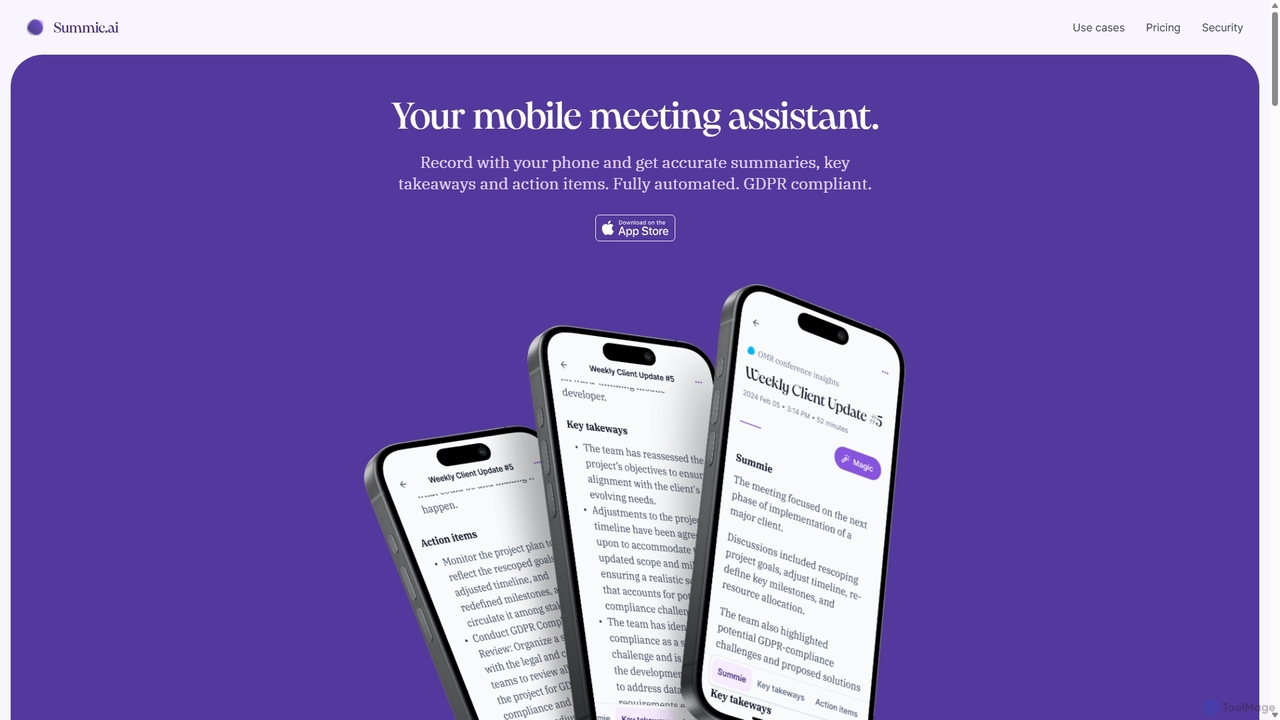
Summie
Summie is an AI-powered mobile meeting assistant designed to capture, transcribe, and summarize your conversations. Simply record with your phone, and Summie delivers accurate summaries, key takeaways, and actionable items in over 90 languages. It features smart transcription, speaker detection, and an interactive AI to query your meeting data, all within a secure, GDPR-compliant framework.
Transcription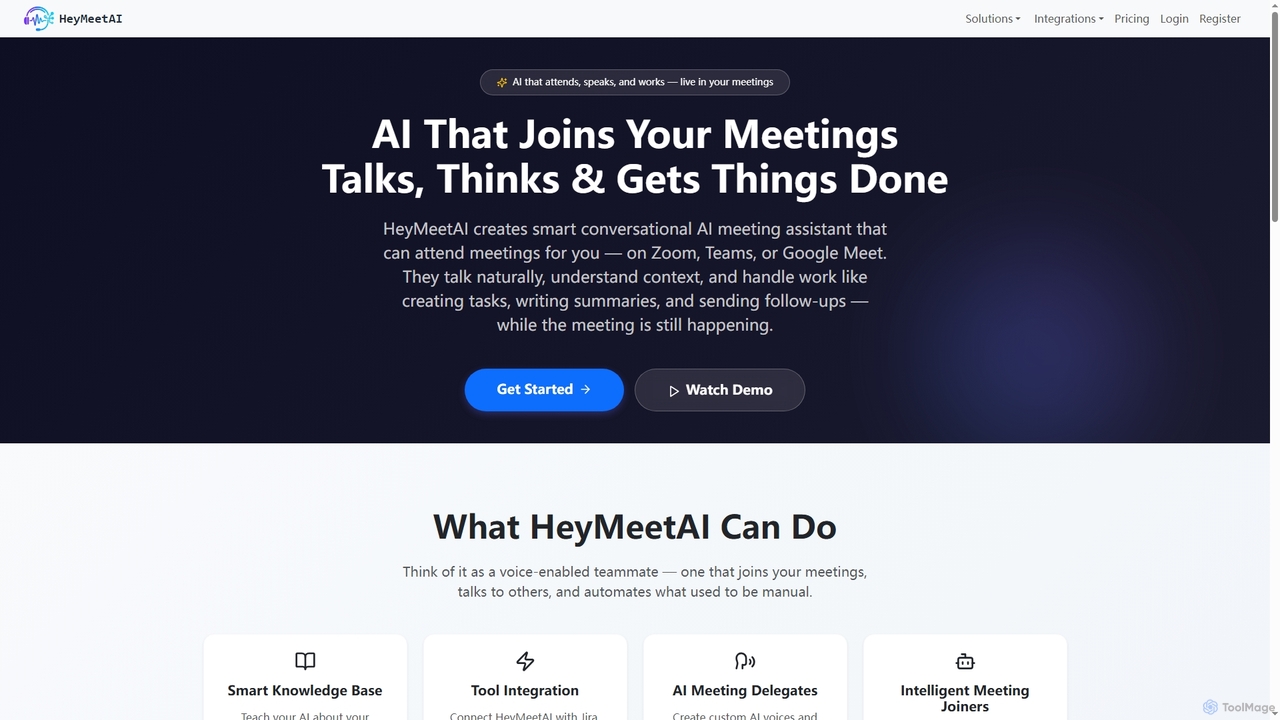
HeyMeetAI
HeyMeetAI is an intelligent conversational AI meeting assistant designed to actively participate in your virtual meetings on platforms like Zoom, Teams, and Google Meet. It speaks naturally, understands context, and automates tasks such as creating tickets, writing summaries, and sending follow-ups in real-time, enhancing team productivity and streamlining workflows.
AutomationAmie
Amie is an AI-powered productivity suite that transforms meetings into automated workflows. It records, transcribes, and summarizes calls without a bot, generating clear action items. Featuring an integrated AI chat, calendar, and to-do list, Amie automates follow-ups, schedules tasks intelligently, and connects with tools like Notion, Slack, and Hubspot to streamline your workday.
Calendar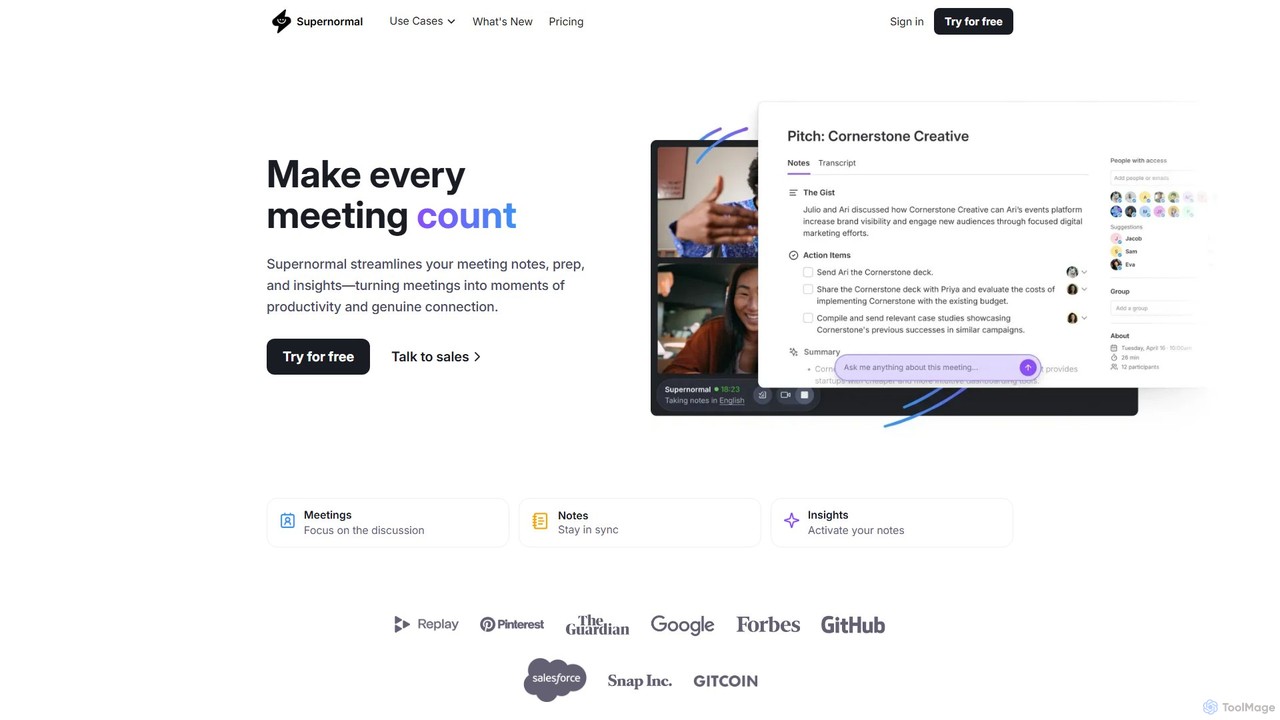
Supernormal
Supernormal is an AI meeting assistant that automatically records, transcribes, and summarizes your meetings on Google Meet, Zoom, and Microsoft Teams. It helps you focus on the conversation by taking care of note-taking, identifying action items, and providing actionable insights.
Meetings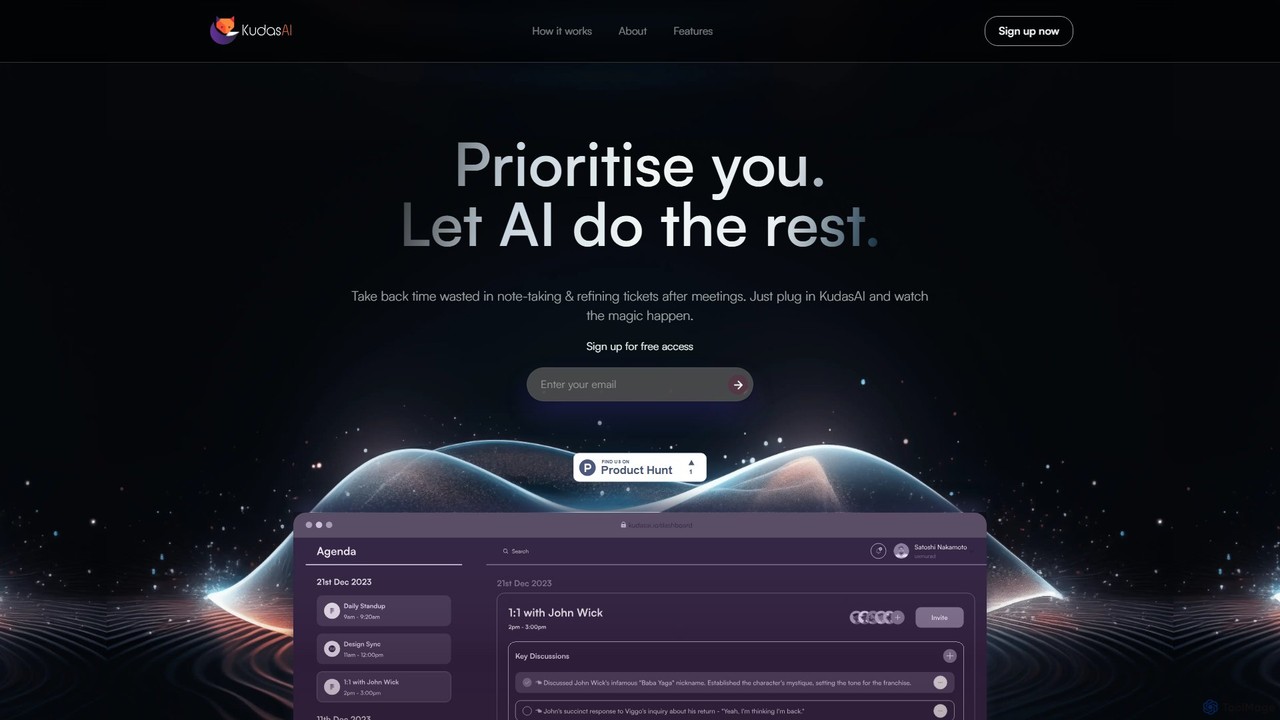
KudasAI
KudasAI is an AI-powered sidekick designed to supercharge your agile meetings. It joins your calls on platforms like Zoom, Google Meet, and Teams to automatically transcribe, summarize, and identify key takeaways and action items. This allows your team to focus on the discussion, not on note-taking, ensuring every important detail is captured accurately and objectively.
Transcription
Jyek
Jyek is an AI agent platform that understands objectives, creates execution plans, uses tools, and delivers verifiable results for complex, multi-step tasks.
Automation
Ambient Comments (0)
Sign in to comment.
Sign inNo comments yet.