
Toss Overview
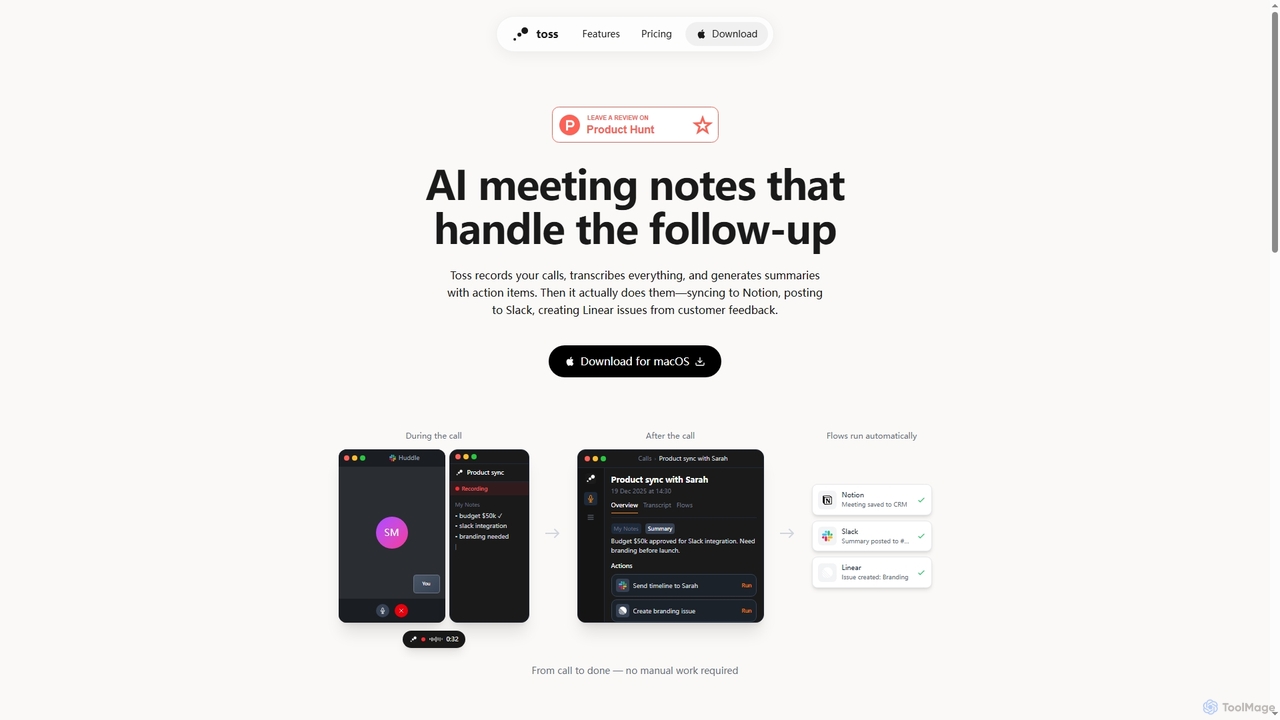
Toss is an innovative AI tool specifically built for macOS users, revolutionizing how professionals manage meetings and subsequent tasks. It intelligently captures the essence of your calls by recording and transcribing everything in real-time. Beyond simple note-taking, Toss leverages AI to generate concise summaries complete with identified action items, ensuring no crucial detail is missed.
What truly sets Toss apart is its ability to not just identify action items but to actually execute them. It automates critical follow-up tasks, seamlessly integrating with popular productivity platforms. Whether it's saving meeting notes to your CRM in Notion, posting summaries to relevant channels in Slack, or creating actionable issues in Linear based on customer feedback, Toss handles it all automatically, eliminating manual work and brittle Zapier configurations.
Moreover, Toss extends its utility beyond scheduled meetings. It functions as an intelligent voice assistant accessible anytime. By simply holding a key and speaking, users can create Linear issues, send messages on Slack, schedule meetings, or even search through past call recordings. This hands-free interaction significantly boosts productivity. The application also includes a powerful voice dictation feature, allowing users to speak directly into emails, Slack messages, or documents, potentially tripling typing speed and making communication more efficient.
How to use Toss
To use Toss, first download and install the application on your macOS device. During a call, Toss will automatically record and transcribe the conversation in real-time. After the call concludes, it generates a summary with identified action items. You can then define custom 'Flows' in plain English—such as 'Save to Notion' or 'Post summary to Slack'—which Toss will automatically execute for post-meeting follow-ups. For general tasks outside of meetings, simply hold a designated key and speak your commands, like 'Create Linear issues' or 'Schedule meetings'. The voice dictation feature allows you to speak text directly into any application where your cursor is active, by holding a key.
Core Features of Toss
- Real-time call recording and transcription.
- AI-powered summary generation with actionable items.
- Automated follow-up workflows (Flows) integrating with Notion, Slack, Linear, and Calendar.
- Voice assistant for tasks like creating issues, messaging, scheduling, and searching past calls.
- Voice dictation for faster text input into any application.
- Direct recording from Mac without bots joining calls.
- 7-day free trial.
- Unlimited voice commands (Pro plan).
- Dictation anywhere (Pro plan).
Use Cases for Toss
Toss is ideal for professionals looking to streamline their communication and project management. It's perfect for sales teams to automatically update CRMs after client calls, for product teams to quickly capture and convert customer feedback into Linear issues, and for project managers to ensure all meeting action items are tracked and completed. Individuals can also leverage the voice assistant for daily task management and the voice dictation feature to rapidly compose emails or documents, significantly boosting personal productivity.
Advantages of Toss
The primary advantage of Toss is the significant time savings it offers by automating the entire meeting follow-up process, from notes to action execution. It ensures accountability by clearly defining and tracking action items. Its plain-English flow definitions make automation accessible without complex setups. The integrated voice assistant and dictation capabilities provide a hands-free, efficient way to manage tasks and input text, enhancing overall productivity. By recording directly from your Mac, it offers a secure and private solution without requiring additional bots in your calls.
Pricing and Plans
Toss offers a simple pricing structure. You can try Toss free for 7 days without requiring a credit card. The Pro plan is available for $14 per month. The Pro plan includes unlimited voice commands, dictation anywhere, meeting transcription and action items, and integrations with Linear, Slack, and Calendar, with more integrations coming soon.
Toss FAQ
Toss Alternatives
TicNote
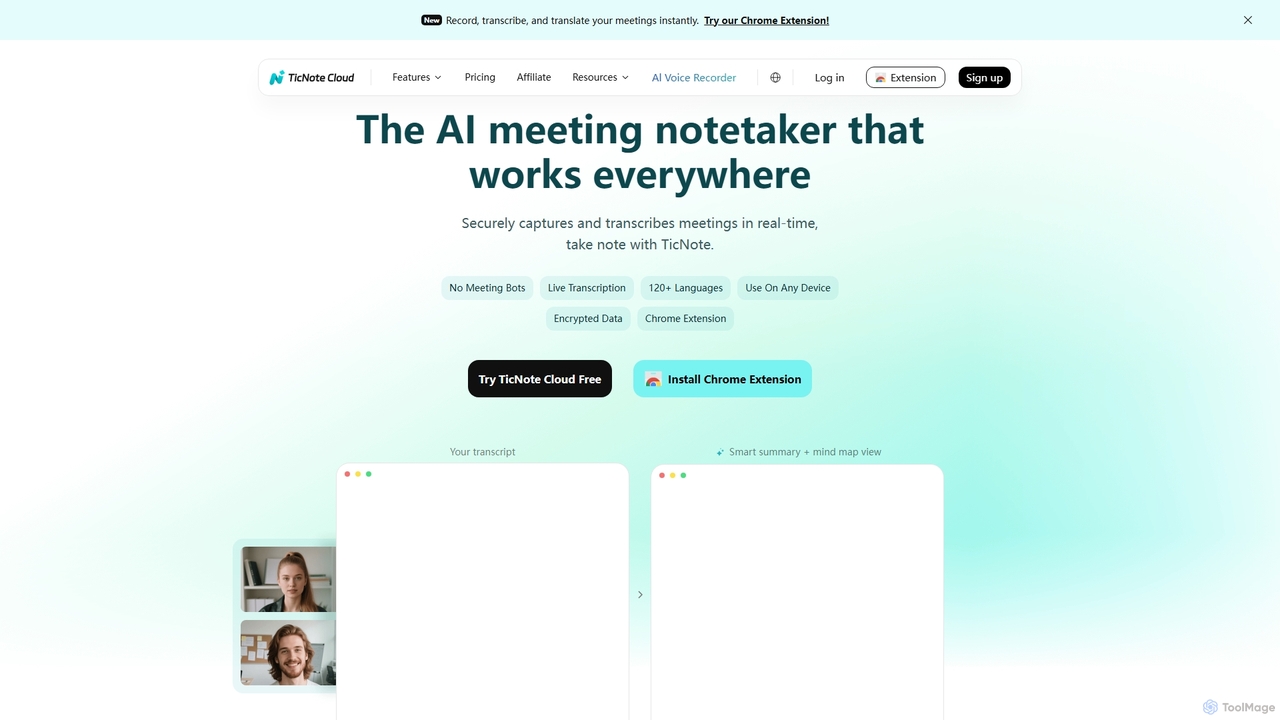
TicNote is an AI-powered meeting notetaker that transcribes, summarizes, and organizes conversations in real-time across 120+ languages. It uses on-device AI to generate smart summaries, mind maps, and action items without meeting bots, enhancing productivity and knowledge management for professionals.
Language Processing
Ambient
Ambient is an AI-powered meeting assistant that automatically joins your calls, records, transcribes, and generates intelligent summaries. It captures action items, key decisions, and important topics from your meetings on platforms like Zoom, Google Meet, and Microsoft Teams, saving you hours on manual note-taking and ensuring no detail is missed.
Transcription Services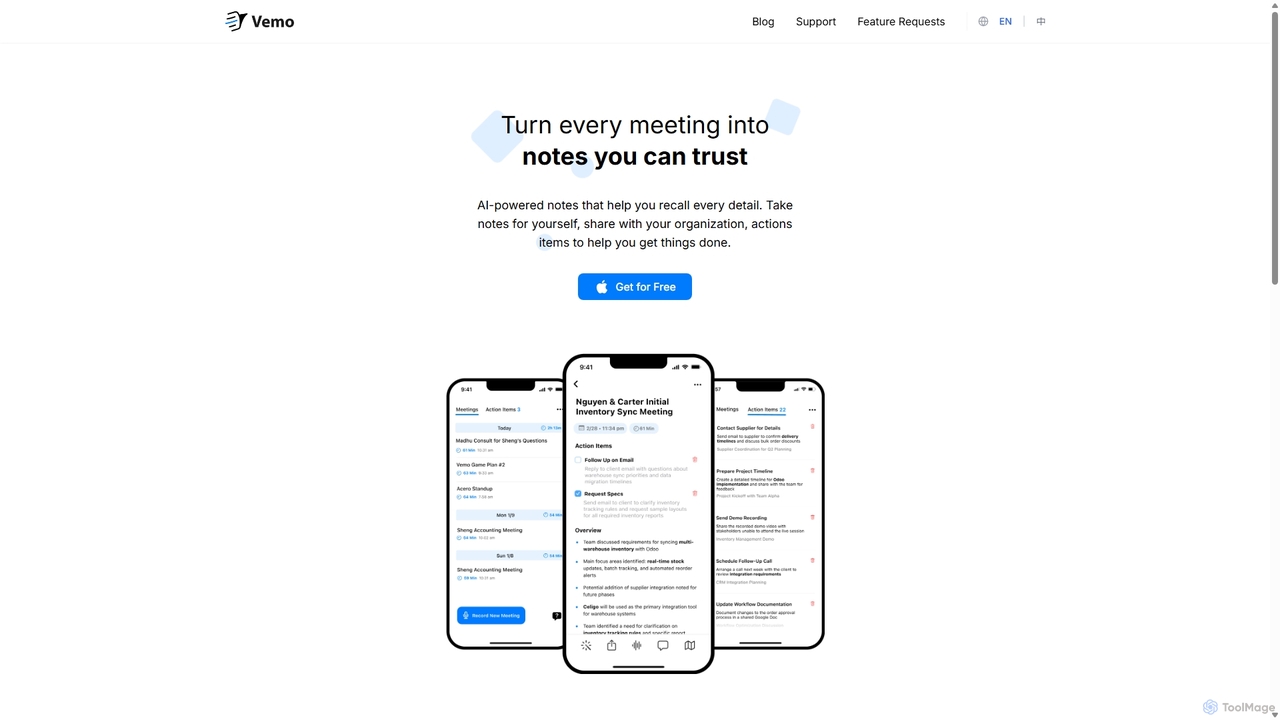
Vemo
Vemo is an AI-powered meeting note-taker that automatically transcribes, summarizes, and extracts action items from your conversations. Its unique voice command feature allows you to edit and query your notes hands-free, ensuring you can stay focused on the discussion while Vemo captures every important detail.
Speech To Text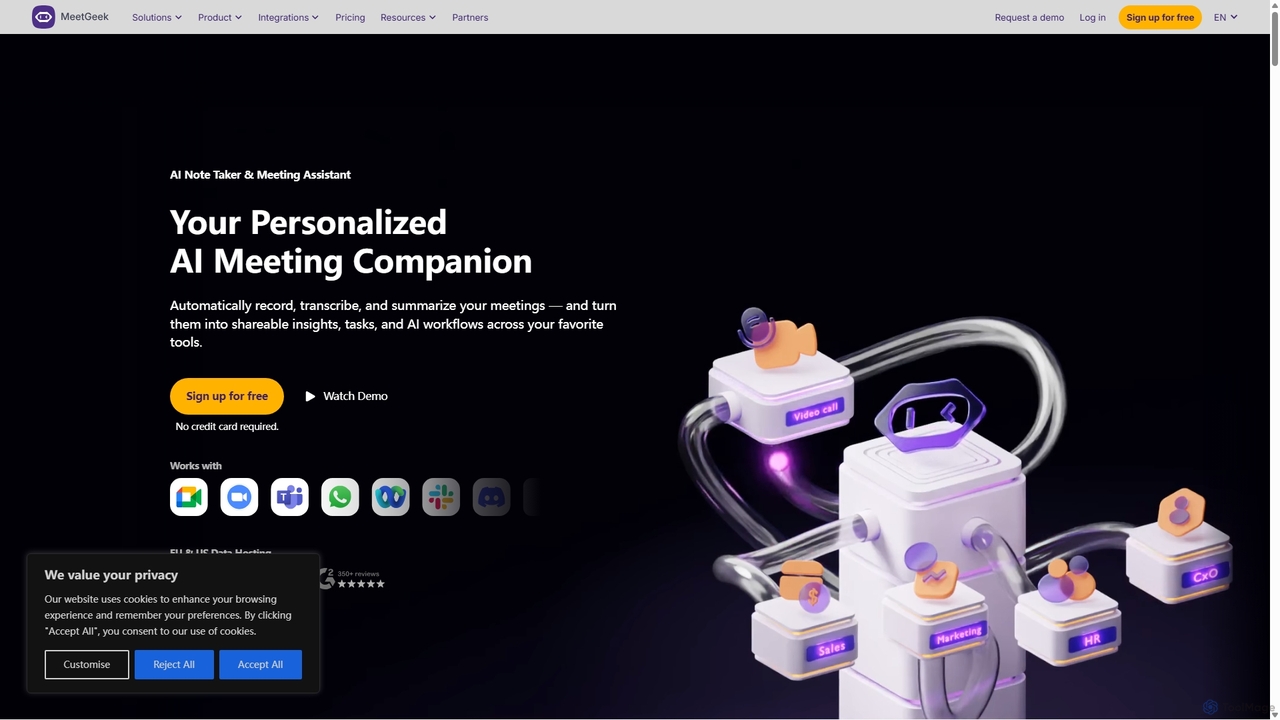
MeetGeek
MeetGeek is an AI meeting assistant that automatically records, transcribes, summarizes, and provides key insights for your meetings. It integrates with Zoom, Google Meet, and Microsoft Teams to capture every detail, turning conversations into actionable knowledge and saving hours of manual note-taking.
Sales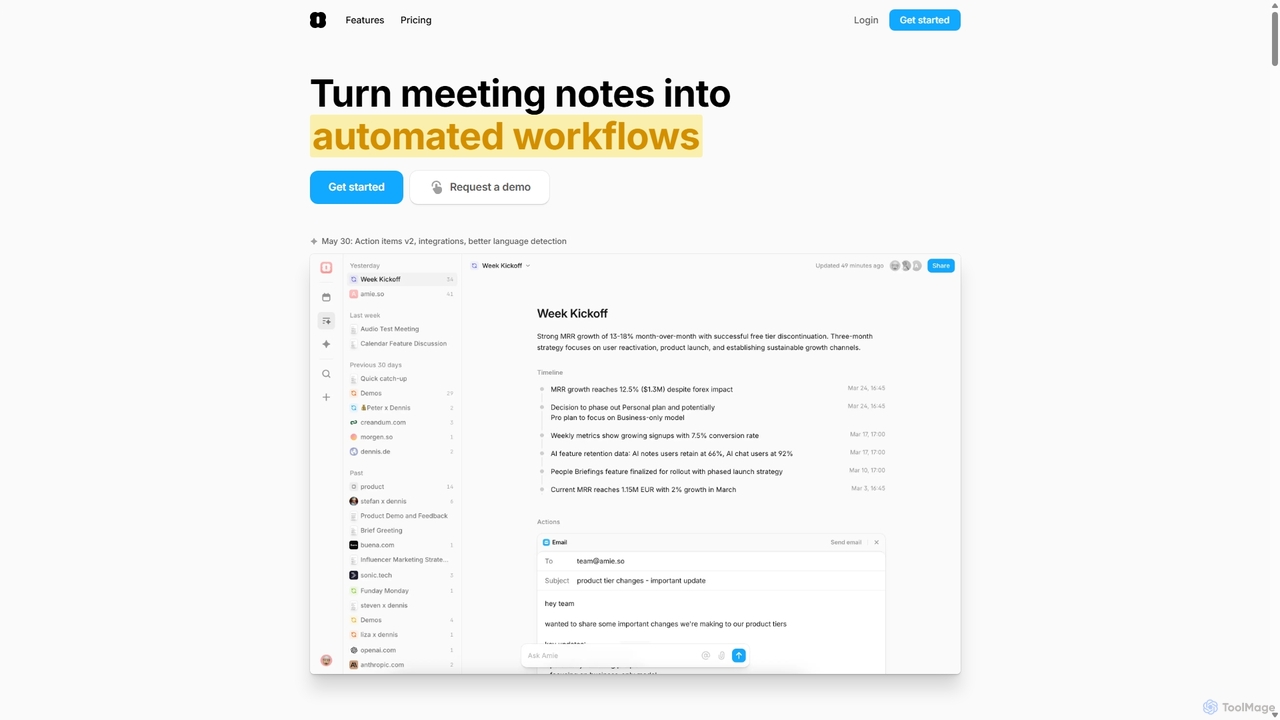
Amie
Amie is an AI-powered productivity suite that transforms meetings into automated workflows. It records, transcribes, and summarizes calls without a bot, generating clear action items. Featuring an integrated AI chat, calendar, and to-do list, Amie automates follow-ups, schedules tasks intelligently, and connects with tools like Notion, Slack, and Hubspot to streamline your workday.
CalendarToss Categories
Toss Jobs
Toss Embed Widget
Copy this embed code to place the badge on your blog, article, or product site and send readers directly to this ToolMage detail page.

Related AI tools
Vemo
Vemo is an AI-powered meeting note-taker that automatically transcribes, summarizes, and extracts action items from your conversations. Its unique voice command feature allows you to edit and query your notes hands-free, ensuring you can stay focused on the discussion while Vemo captures every important detail.
Speech To TextAmbient
Ambient is an AI-powered meeting assistant that automatically joins your calls, records, transcribes, and generates intelligent summaries. It captures action items, key decisions, and important topics from your meetings on platforms like Zoom, Google Meet, and Microsoft Teams, saving you hours on manual note-taking and ensuring no detail is missed.
Transcription ServicesTicNote
TicNote is an AI-powered meeting notetaker that transcribes, summarizes, and organizes conversations in real-time across 120+ languages. It uses on-device AI to generate smart summaries, mind maps, and action items without meeting bots, enhancing productivity and knowledge management for professionals.
Language ProcessingMeetGeek
MeetGeek is an AI meeting assistant that automatically records, transcribes, summarizes, and provides key insights for your meetings. It integrates with Zoom, Google Meet, and Microsoft Teams to capture every detail, turning conversations into actionable knowledge and saving hours of manual note-taking.
Sales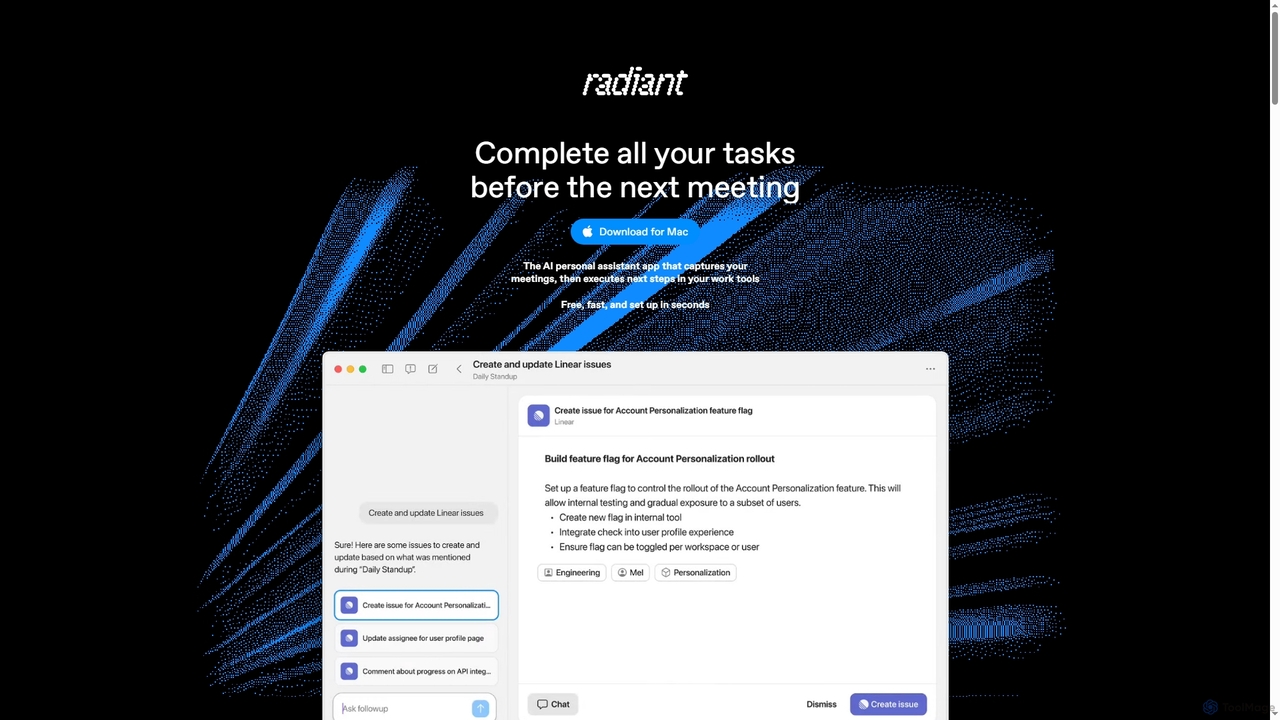
Radiant
Radiant is an AI personal assistant app for Mac that captures meetings and automatically executes next steps. It goes beyond note-taking by suggesting and drafting actions like emails, documents, and tickets directly in your work tools, streamlining your workflow without needing a bot.
CollaborationAmie
Amie is an AI-powered productivity suite that transforms meetings into automated workflows. It records, transcribes, and summarizes calls without a bot, generating clear action items. Featuring an integrated AI chat, calendar, and to-do list, Amie automates follow-ups, schedules tasks intelligently, and connects with tools like Notion, Slack, and Hubspot to streamline your workday.
Calendar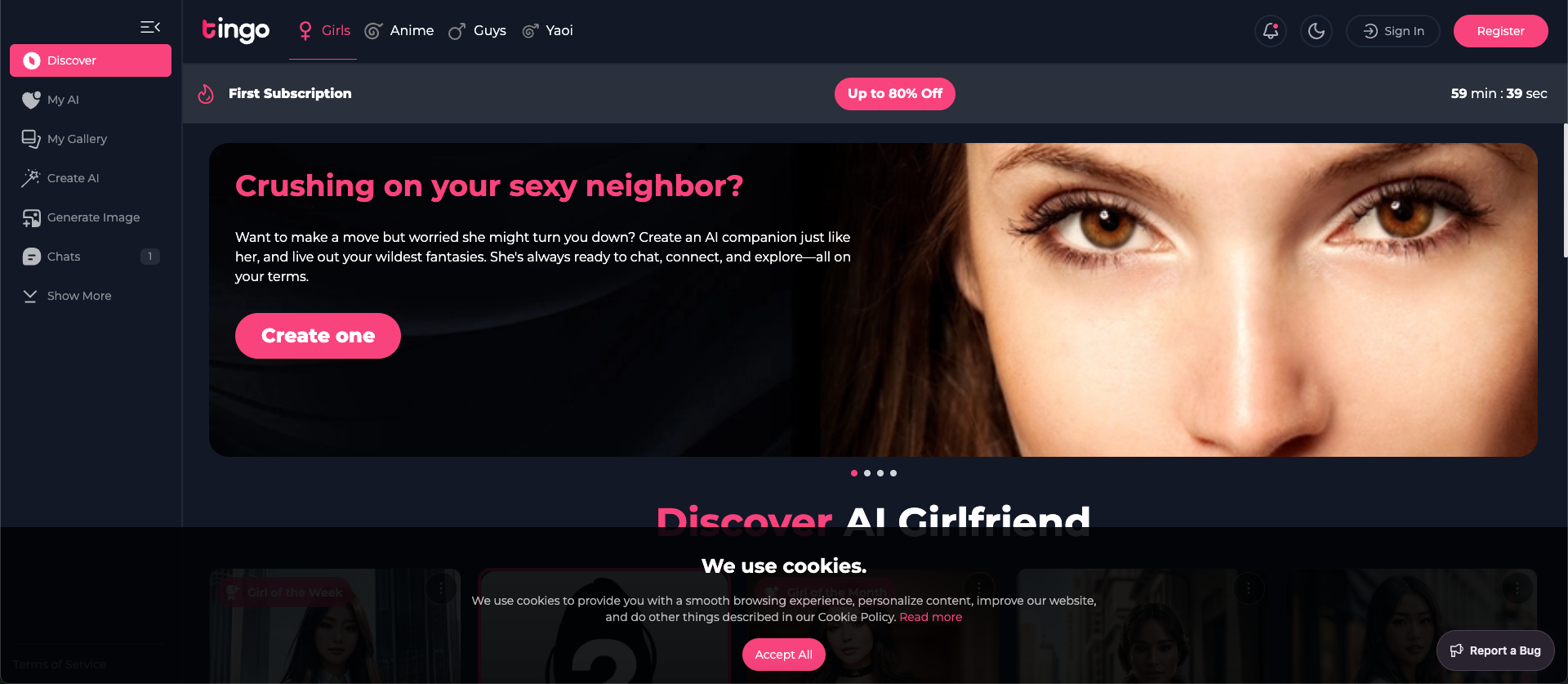
Tingo.ai
Tingo.ai is an AI-powered productivity and workflow automation platform designed for modern teams. It integrates with your existing tools like Slack and Jira to automate meeting summaries, task management, and knowledge base creation, helping your team stay aligned and focus on what matters most.
Project Management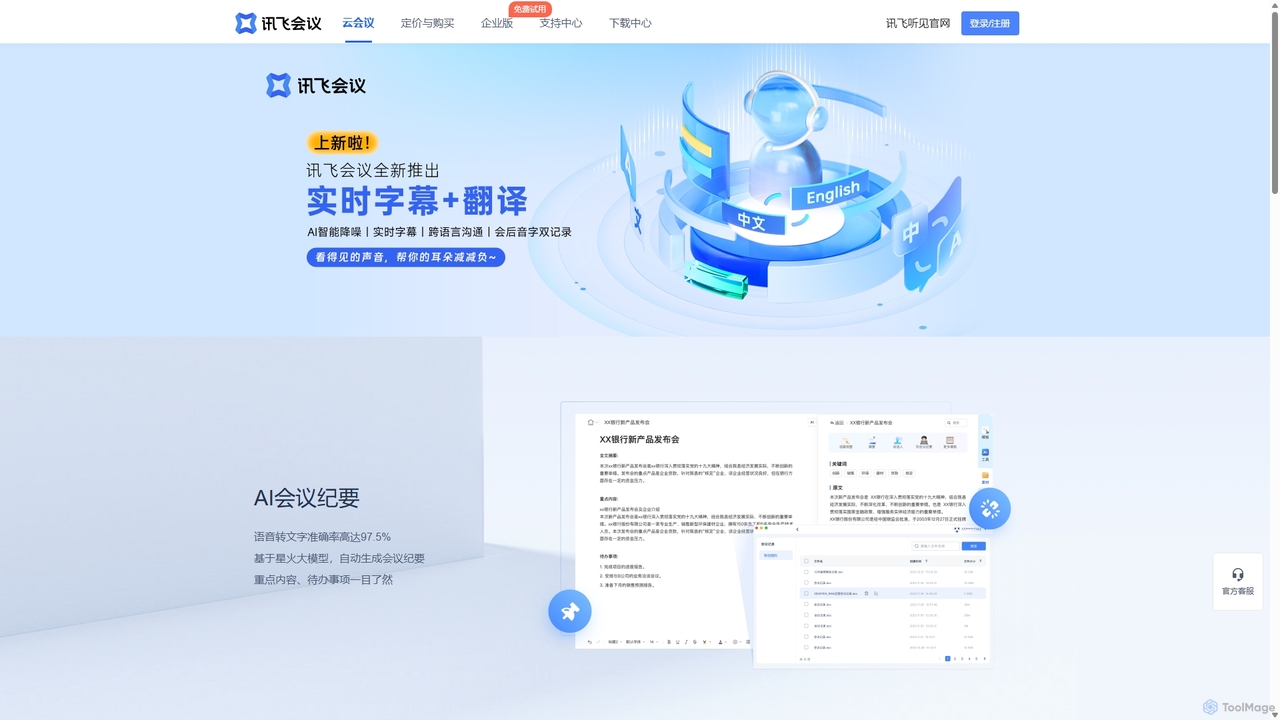
IFlytek Meeting
iFlytek Meeting is an AI-powered HD video conferencing platform. It offers high-accuracy real-time transcription, automatic meeting summaries, and to-do list generation. With features like stable HD video, cross-platform support, and robust security, it enhances meeting efficiency for individuals, teams, and large enterprises, providing a seamless remote collaboration experience.
Communication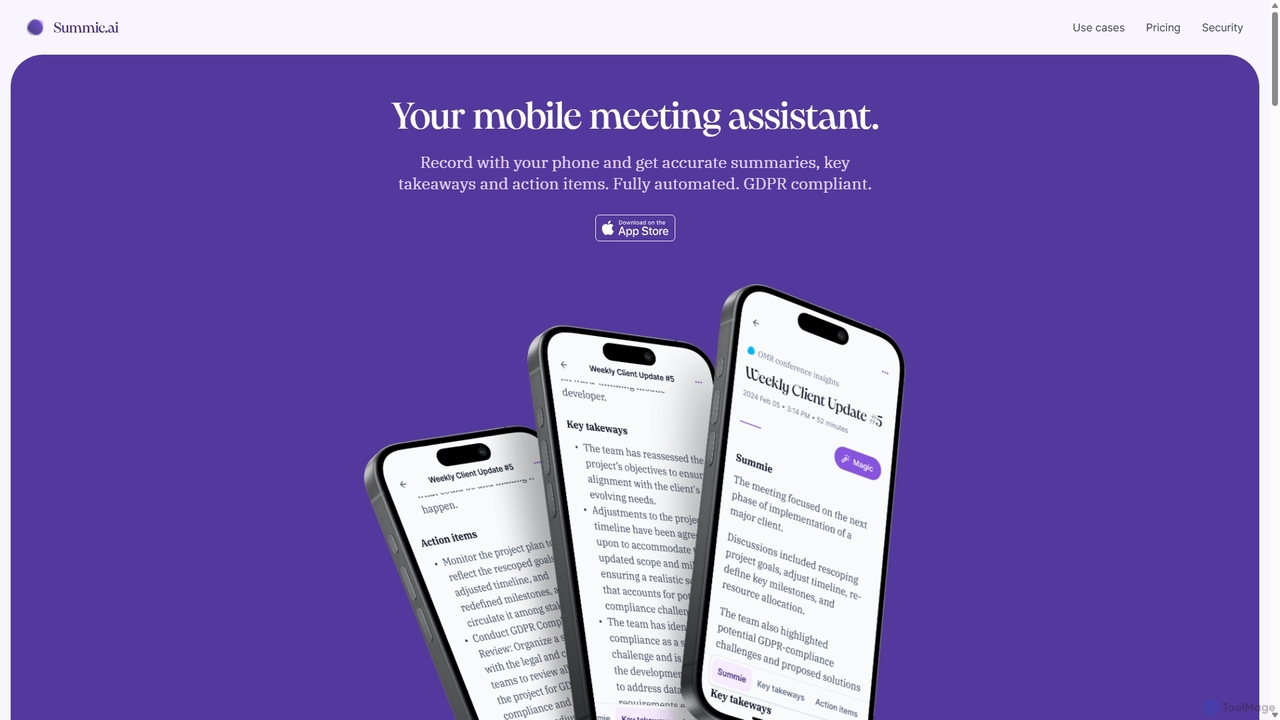
Summie
Summie is an AI-powered mobile meeting assistant designed to capture, transcribe, and summarize your conversations. Simply record with your phone, and Summie delivers accurate summaries, key takeaways, and actionable items in over 90 languages. It features smart transcription, speaker detection, and an interactive AI to query your meeting data, all within a secure, GDPR-compliant framework.
Transcription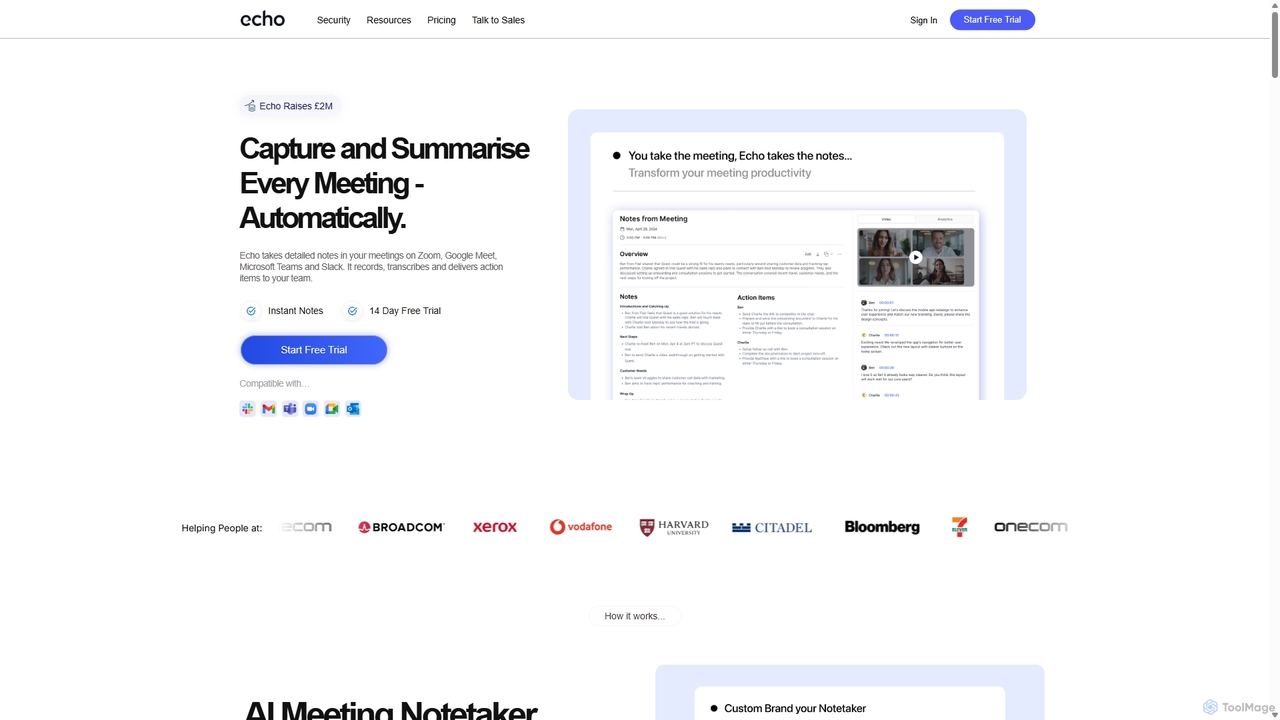
Meetecho
meetecho is an AI executive assistant that automatically joins your meetings on Zoom, Google Meet, and Microsoft Teams to record, transcribe, and generate detailed summaries with action items. It enhances productivity by eliminating manual note-taking and creating a searchable archive of all your conversations. Upcoming features include AI-powered email sorting and drafting.
Assistant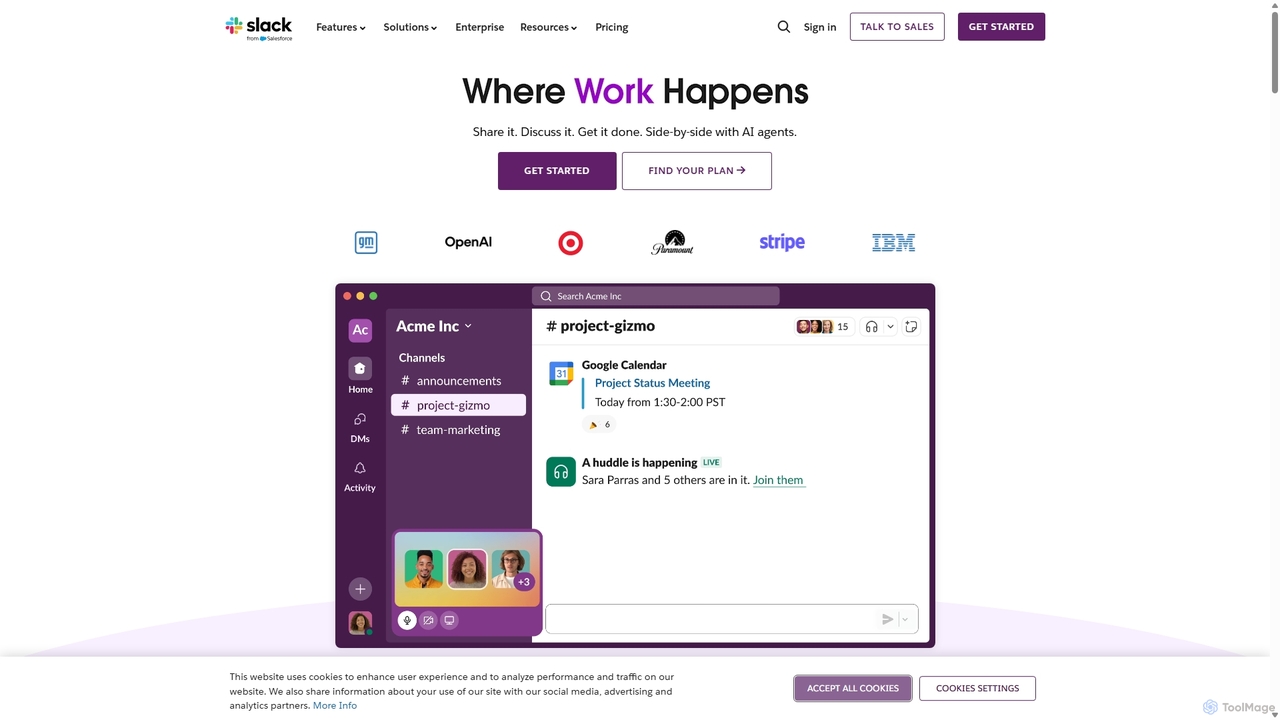
Slack
Slack is an AI-powered collaboration hub that connects your people, partners, and tools. It replaces email with faster, better-organized communication through channels. With integrated AI, workflow automation, and thousands of apps, Slack centralizes your work to boost productivity and streamline project management.
Project Management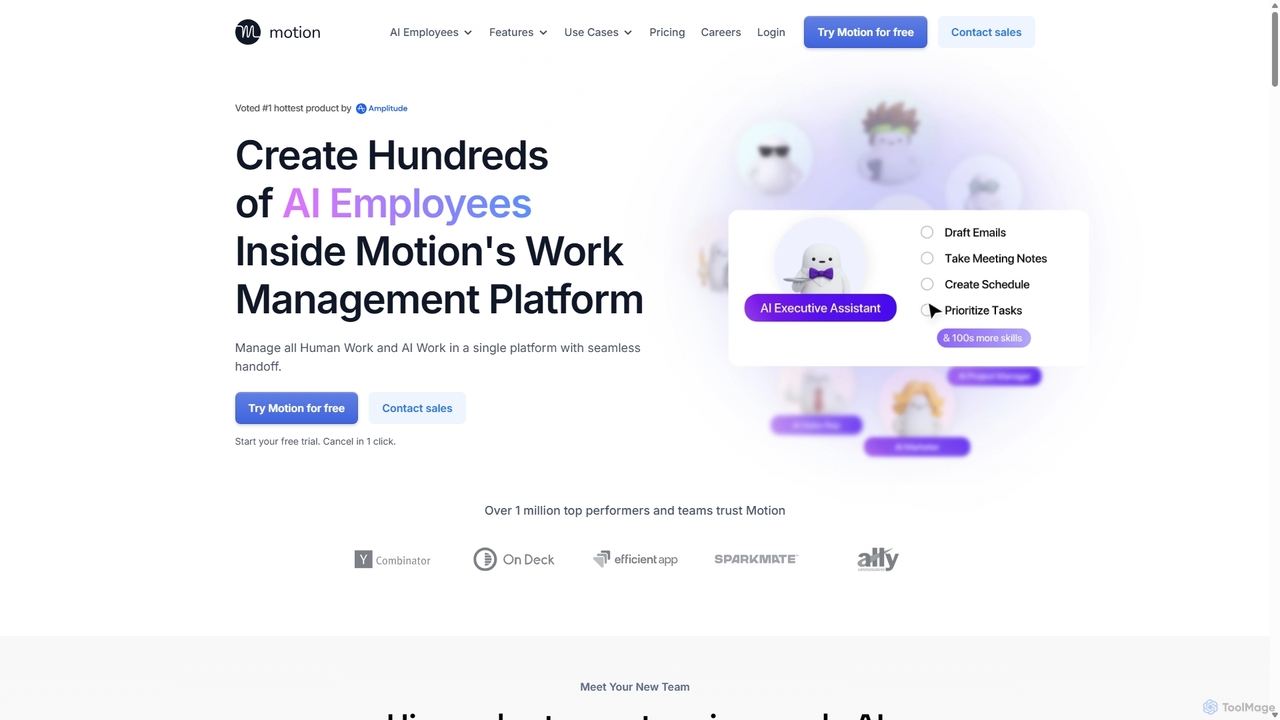
Motion
Motion is an AI-powered platform that provides a suite of AI Employees and productivity tools to automate tasks, manage projects, and organize schedules. It's designed to 10x your team's output by handling everything from calendar management and email replies to sales outreach and customer support, all within a single integrated workspace.
Virtual Assistant
carlos_app
carlos_app is an intelligent AI personal assistant designed to streamline your workflow, manage tasks, automate scheduling, and enhance communication. It acts as your proactive partner, helping you focus on what truly matters by handling the administrative details.
Task Management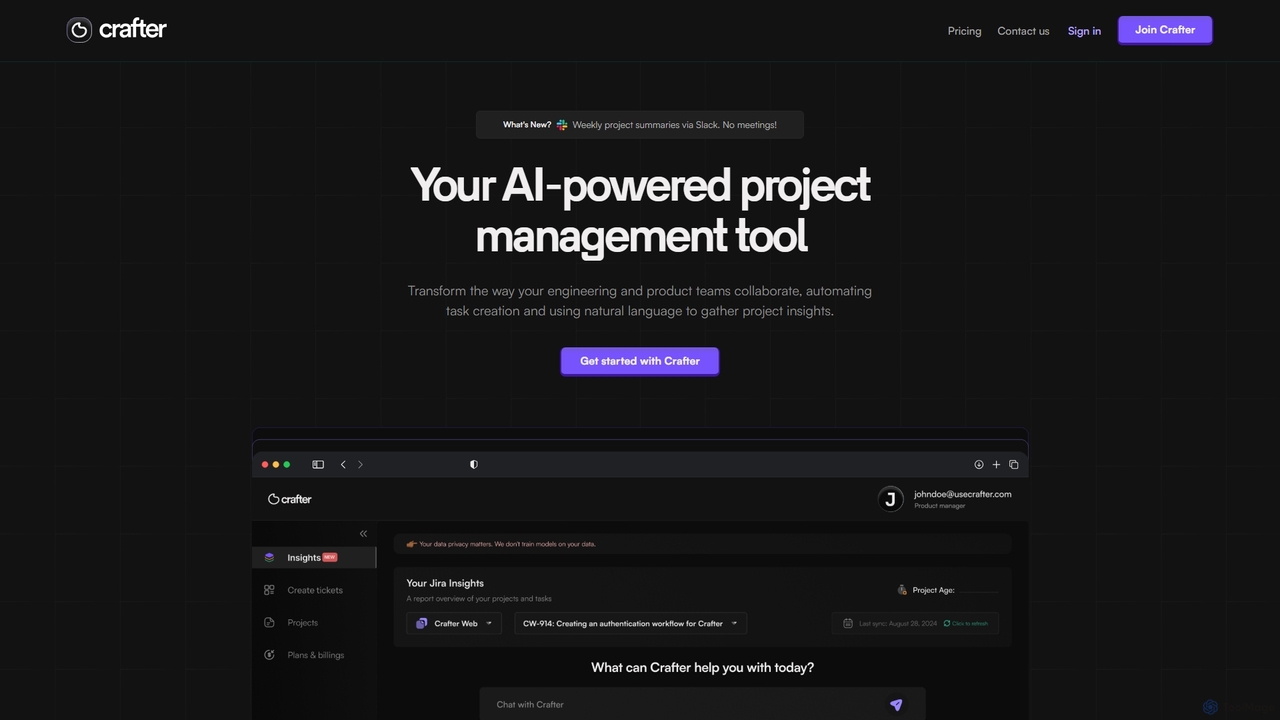
Crafter
Crafter is an AI-powered project management assistant for engineering and product teams. It automates Jira ticket creation from documents, provides real-time project insights, and features a smart chat assistant to streamline workflows, enhance collaboration, and keep projects on track.
Development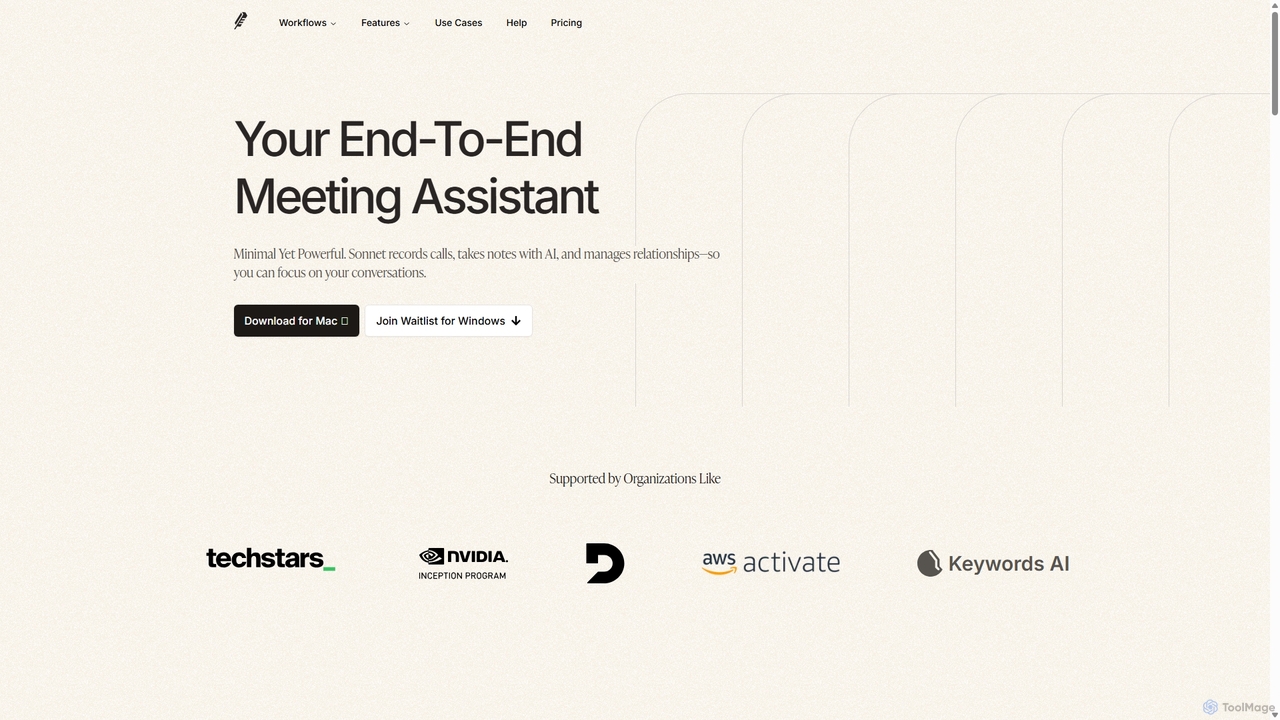
Sonnet AI
Sonnet AI is an end-to-end meeting assistant that records, transcribes, and summarizes conversations. It automates note-taking, CRM updates, and action item generation, providing pre-meeting insights on participants and post-meeting shareable summaries to enhance productivity across various professions.
Crm
Toss Comments (0)
Sign in to comment.
Sign inNo comments yet.