

groupthink Overview
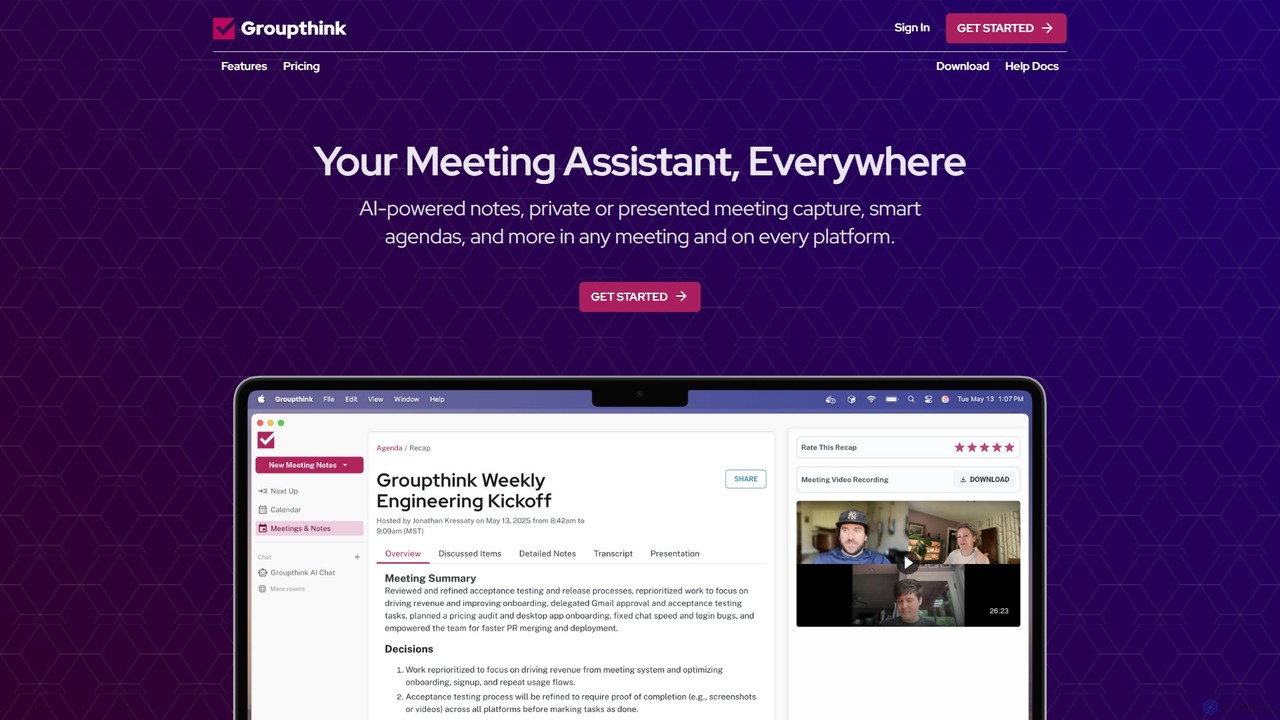
Groupthink is a comprehensive AI-powered meeting assistant designed to enhance productivity and focus during conversations. It operates seamlessly across all major meeting platforms like Zoom, Google Meet, and Microsoft Teams, and is available on desktop (macOS, Windows) and mobile (iOS, Android). The core mission of Groupthink is to liberate professionals from the burden of manual note-taking, allowing them to lead and participate in discussions more effectively. It achieves this by providing automated, real-time transcription, detailed meeting notes, and concise summaries with actionable items.
A standout feature of Groupthink is its dual-mode meeting capture system, offering unparalleled flexibility. Users can choose between a shared bot that joins the meeting as a visible participant, ideal for team transparency and collaboration, or a private desktop recording mode that captures audio discreetly without anyone else knowing, perfect for sensitive client conversations or interviews. This flexibility ensures that users can adapt the tool to any meeting context.
How to use groupthink
Getting started with Groupthink is a straightforward process designed for quick integration into your existing workflow:
- Sign Up & Integrate: Create an account to start your free trial, which includes your first 5 meetings. Connect Groupthink to your Google Calendar or Microsoft Outlook Calendar.
- Automatic Scheduling: Once integrated, Groupthink automatically identifies your scheduled meetings and prepares to join them. You can customize which events the assistant should attend.
- Choose Your Recording Mode: Before a meeting, decide how you want to capture it. For team meetings, let the Groupthink bot join automatically. For client calls or private sessions, activate the private recording mode on your macOS or Windows desktop app.
- Engage in the Meeting: Focus entirely on the conversation. Groupthink works in the background, providing live transcription with speaker identification. For meetings with the bot, it can even display a real-time slideshow of the agenda and notes.
- Receive Instant Recaps: The moment your meeting ends, Groupthink delivers a comprehensive summary. This includes key decisions, a list of action items automatically assigned to participants, and a link to the full transcript and recording.
- Leverage AI Chat: Use the powerful AI chat feature to ask questions about any past meeting. You can instantly retrieve information, clarify decisions, or even ask general knowledge questions, similar to using ChatGPT.
- Prepare with Dossiers: For upcoming meetings, Groupthink delivers a 'Meeting Dossier' 24 hours in advance, providing professional background information and AI-generated talking points about the attendees.
Core Features of groupthink
- AI-Powered Notes & Transcription: Real-time transcription with high accuracy, complete with speaker detection and automatic identification of action items.
- Dual Recording Modes: The unique ability to choose between a shared bot assistant for collaborative meetings and a private desktop recorder for confidential discussions.
- Instant Meeting Summaries: AI-generated summaries that highlight key decisions and action items, which can be easily shared with team members.
- Smart, Automated Agendas: Automatically creates structured agendas from calendar events. Users can collaborate on agendas, assign items, and track completion.
- Powerful AI Chat: An intelligent assistant that allows you to search across your entire meeting history and ask specific questions about past conversations.
- Meeting Dossiers: Personalized pre-meeting briefings with enriched information about attendees, including professional backgrounds and conversation tips.
- Seamless Integrations: Works effortlessly with Google Calendar, Outlook Calendar, Slack, Zoom, Google Meet, and Microsoft Teams.
- Cross-Platform Availability: Full-featured desktop apps for macOS and Windows, plus mobile apps for iOS and Android to access notes and summaries on the go.
Use Cases for groupthink
Groupthink is versatile and valuable for various professional scenarios:
- Sales and Client Meetings: Use the private recording mode to capture every detail of a client's needs and commitments without introducing a distracting bot. Use Meeting Dossiers to prepare effectively.
- Internal Team Meetings: Employ the shared bot to ensure transparency, keep everyone aligned, and automatically track action items for improved accountability.
- Project Management: Maintain a searchable archive of all project-related meetings to easily reference key decisions, track progress, and ensure no tasks fall through the cracks.
- Executive & Leadership Calls: Focus on strategic discussions while Groupthink captures a perfect record of the proceedings, ensuring decisions are documented and communicated accurately.
- Recruitment and Interviews: Record interviews discreetly to focus on the candidate, later reviewing the full transcript to make more informed hiring decisions.
Advantages of groupthink
Groupthink stands out by offering a unique combination of features and flexibility. Its primary advantage is the freedom to choose how meetings are recorded, catering to both internal collaboration and external-facing roles. By automating the entire meeting documentation workflow—from agenda creation to summary distribution—it saves users an estimated 30% of their meeting-related time. This allows for greater focus, better engagement, and increased accountability through automated action item tracking. Furthermore, its simple, transparent, and affordable pricing makes it an accessible tool for individuals and teams alike, offering a more comprehensive feature set than many higher-priced competitors.
Pricing and Plans
Groupthink offers a simple and transparent pricing model:
- Free Trial: Your first 5 meetings are completely free with no credit card required. This trial includes access to all features, such as AI-powered notes, smart agendas, both private and shared recording modes, and calendar integration.
- Unlimited Plan: For $15 per month, you get unlimited meetings, unlimited meeting length, unlimited meeting recording storage, and unlimited AI chat questions. This plan includes all features from the free trial.
- Team Plans: For organizations looking to deploy Groupthink across entire teams, volume discounts are available. Interested parties can contact [email protected] for more information.
Traffic
Latest traffic
Status
Monthly traffic trend
- 2025-9: 13.0K
- 2026-1: 10.2K
- 2026-2: 3.2K
- 2026-3: 3.6K
- 2026-4: 2.8K
- 2026-5: 2.4K
Geography
Top 5 countries / regions
- 🇺🇸United States100.0%
Top keywords
| Keyword | Cost per click |
|---|---|
| ai and groupthink | $0.00 |
| groupthing | $0.00 |
| group think | $0.48 |
| groupthink | $0.68 |
| groupthink intelligence | $0.00 |
groupthink Alternatives
KudasAI
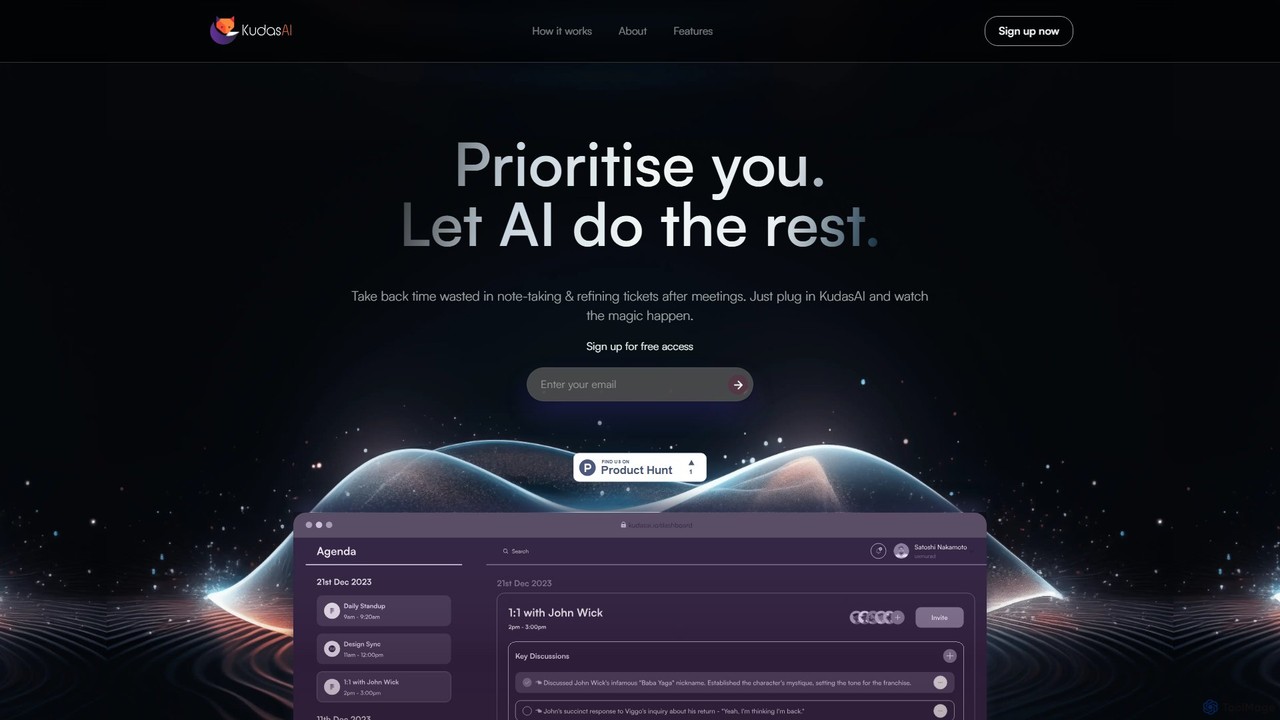
KudasAI is an AI-powered sidekick designed to supercharge your agile meetings. It joins your calls on platforms like Zoom, Google Meet, and Teams to automatically transcribe, summarize, and identify key takeaways and action items. This allows your team to focus on the discussion, not on note-taking, ensuring every important detail is captured accurately and objectively.
Transcription
meetmine.ai
meetmine.ai is an AI-powered meeting assistant that automatically transcribes, summarizes, and analyzes your conversations. It integrates with popular platforms like Zoom, Google Meet, and Microsoft Teams to capture every detail, identify action items, and create a searchable knowledge base from your meetings, boosting team productivity and collaboration.
Knowledge Management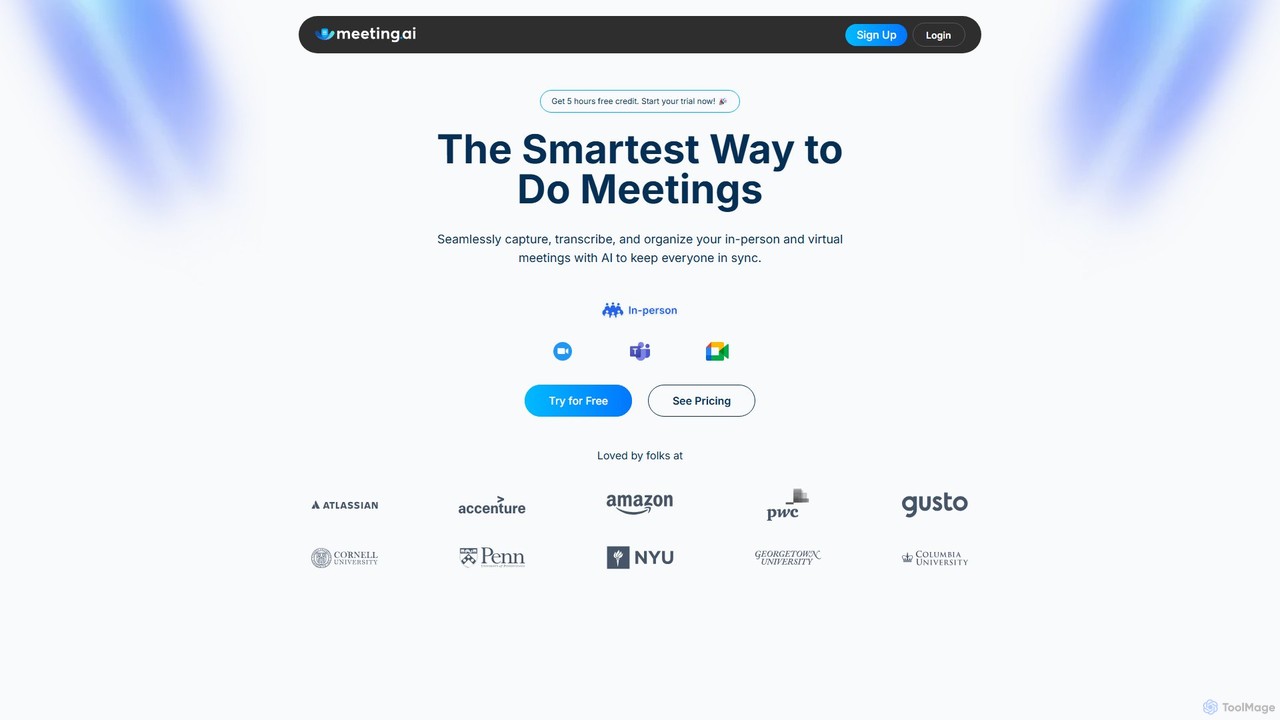
Meeting.ai
Meeting.ai is an AI-powered meeting assistant that seamlessly captures, transcribes, and summarizes your in-person and virtual meetings. It supports over 35 languages, integrates with major platforms like Zoom and Google Meet, and automatically generates organized notes and action items to keep your team synchronized and productive.
Transcription
Ambient
Ambient is an AI-powered meeting assistant that automatically joins your calls, records, transcribes, and generates intelligent summaries. It captures action items, key decisions, and important topics from your meetings on platforms like Zoom, Google Meet, and Microsoft Teams, saving you hours on manual note-taking and ensuring no detail is missed.
Transcription Services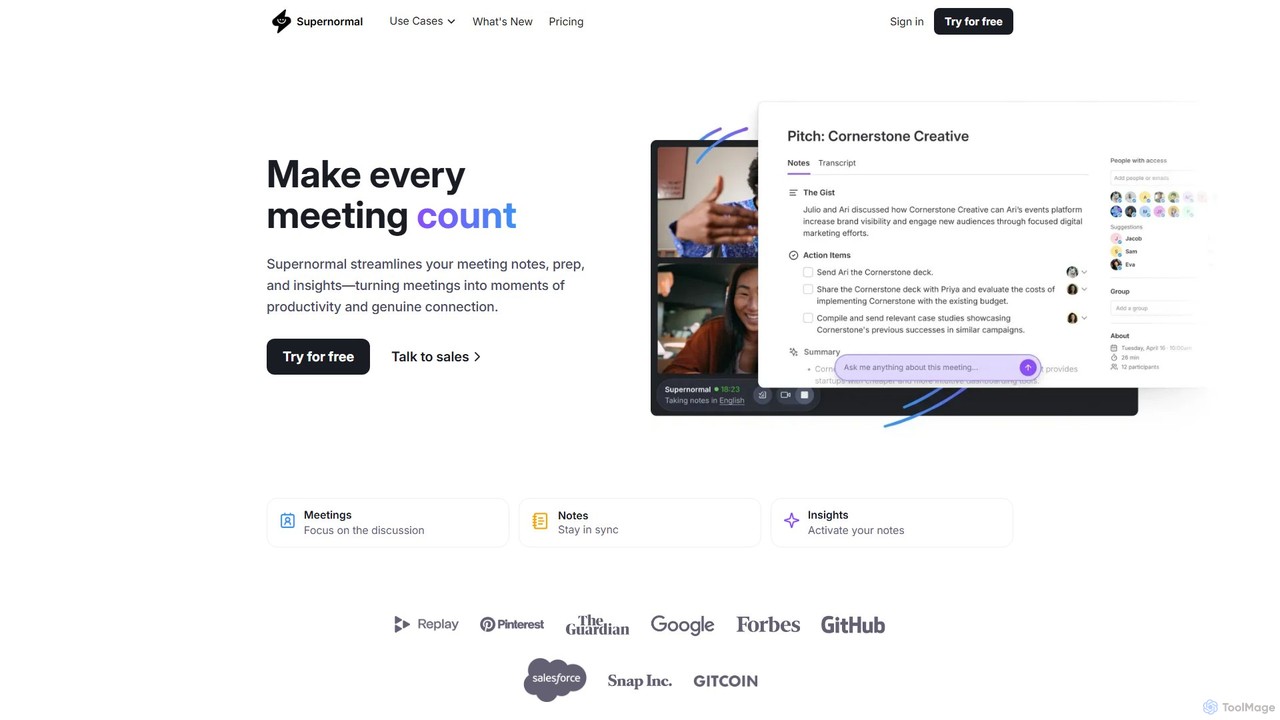
Supernormal
Supernormal is an AI meeting assistant that automatically records, transcribes, and summarizes your meetings on Google Meet, Zoom, and Microsoft Teams. It helps you focus on the conversation by taking care of note-taking, identifying action items, and providing actionable insights.
Meetingsgroupthink Categories
groupthink Embed Widget
Copy this embed code to place the badge on your blog, article, or product site and send readers directly to this ToolMage detail page.

Related AI tools
Ambient
Ambient is an AI-powered meeting assistant that automatically joins your calls, records, transcribes, and generates intelligent summaries. It captures action items, key decisions, and important topics from your meetings on platforms like Zoom, Google Meet, and Microsoft Teams, saving you hours on manual note-taking and ensuring no detail is missed.
Transcription ServicesSupernormal
Supernormal is an AI meeting assistant that automatically records, transcribes, and summarizes your meetings on Google Meet, Zoom, and Microsoft Teams. It helps you focus on the conversation by taking care of note-taking, identifying action items, and providing actionable insights.
Meetings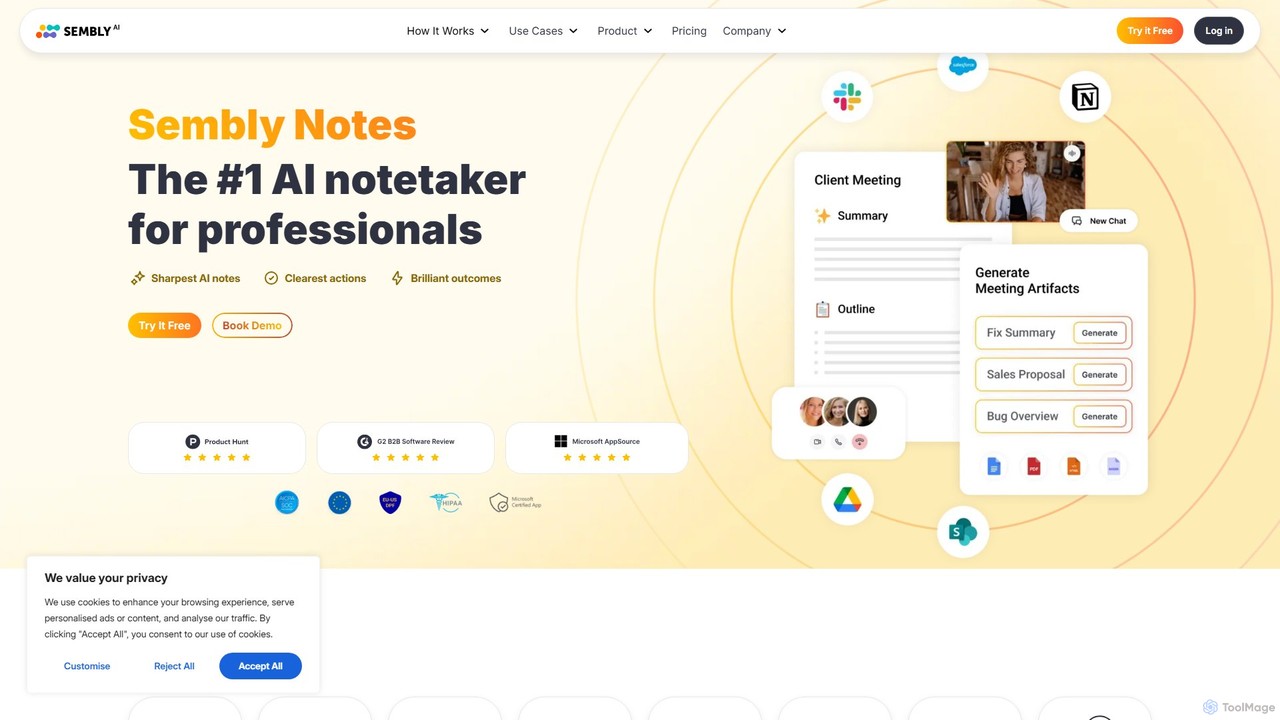
Sembly
Sembly is an AI meeting assistant that records, transcribes, and generates intelligent summaries for your meetings. It integrates with major platforms like Zoom, Google Meet, and Microsoft Teams to capture conversations, identify key items, create action points, and provide deep insights, transforming discussions into actionable outcomes.
Project Management
meetmemos
meetmemos is an AI-powered meeting assistant that automatically records, transcribes, and summarizes your online meetings. It captures every detail, extracts key action items, and delivers concise memos, allowing you to focus on the conversation instead of taking notes. It integrates seamlessly with Zoom, Google Meet, and Microsoft Teams.
TranscriptionKudasAI
KudasAI is an AI-powered sidekick designed to supercharge your agile meetings. It joins your calls on platforms like Zoom, Google Meet, and Teams to automatically transcribe, summarize, and identify key takeaways and action items. This allows your team to focus on the discussion, not on note-taking, ensuring every important detail is captured accurately and objectively.
Transcription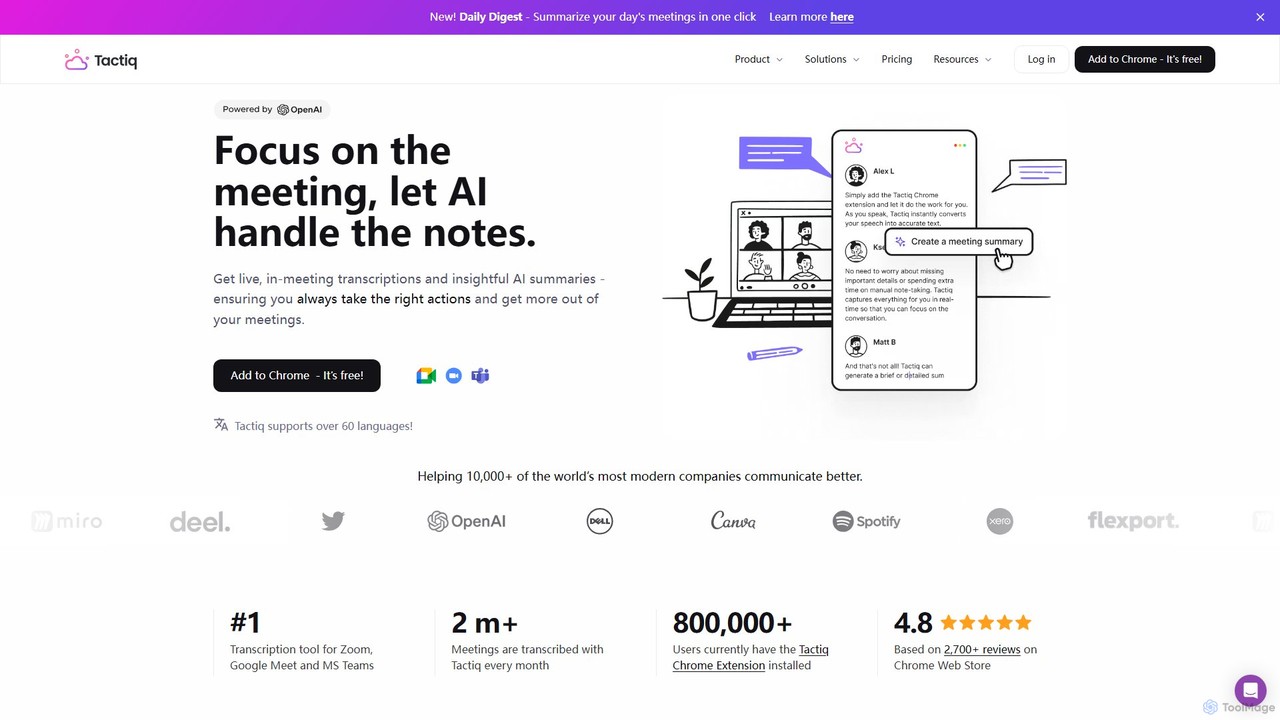
Tactiq
Tactiq is an AI-powered Chrome extension that provides real-time transcription, summaries, and actionable insights for Google Meet, Zoom, and MS Teams meetings. It operates without a bot, ensuring privacy while capturing every detail, identifying speakers, and automating post-meeting tasks like follow-up emails and action items.
Team Collaborationmeetmine.ai
meetmine.ai is an AI-powered meeting assistant that automatically transcribes, summarizes, and analyzes your conversations. It integrates with popular platforms like Zoom, Google Meet, and Microsoft Teams to capture every detail, identify action items, and create a searchable knowledge base from your meetings, boosting team productivity and collaboration.
Knowledge Management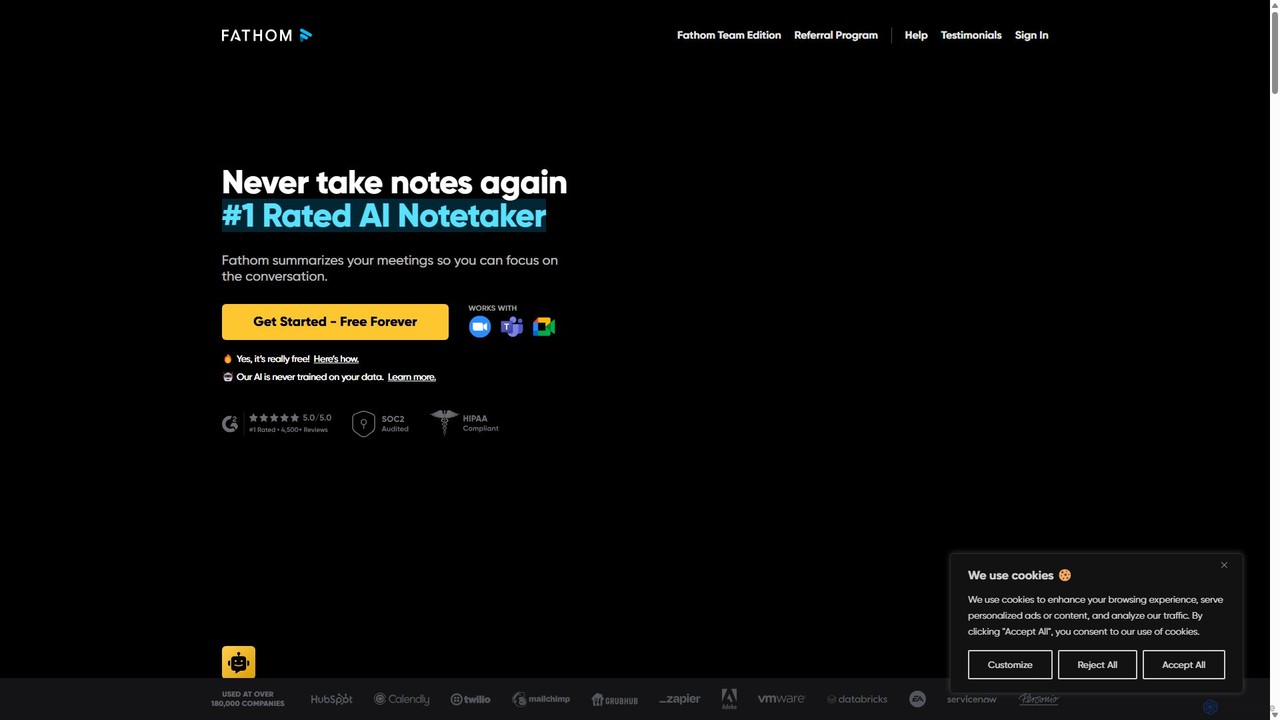
Fathom
Fathom is a top-rated AI meeting assistant that automatically records, transcribes, and summarizes your video calls on Zoom, Google Meet, and Microsoft Teams. It liberates you from note-taking, allowing full focus on the conversation. Fathom provides instant, shareable summaries and action items, and integrates seamlessly with your CRM and other productivity tools, saving significant time and boosting post-meeting efficiency.
Transcription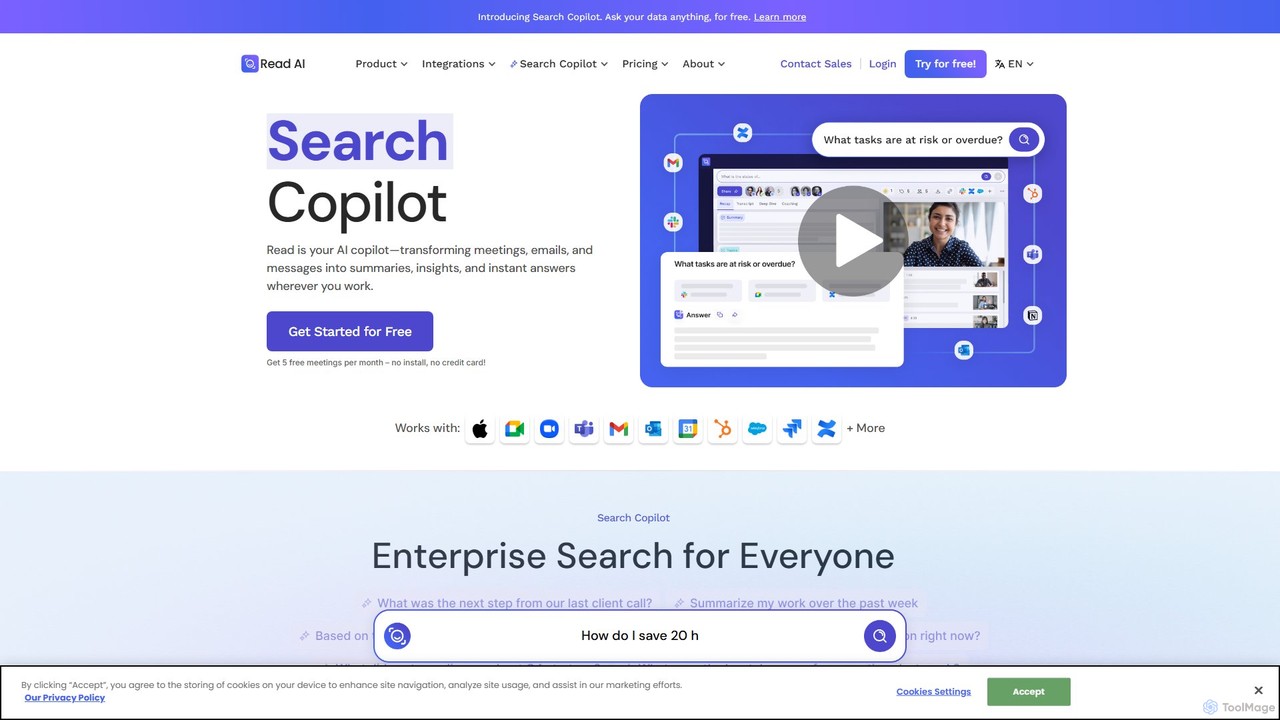
Read.ai
Read.ai is an AI-powered productivity platform that automatically summarizes meetings, generates transcripts, and provides actionable insights. Its flagship Search Copilot unifies information across all your work apps—meetings, emails, chats, and documents—creating a single, searchable knowledge base to boost team efficiency and break down data silos.
Knowledge Management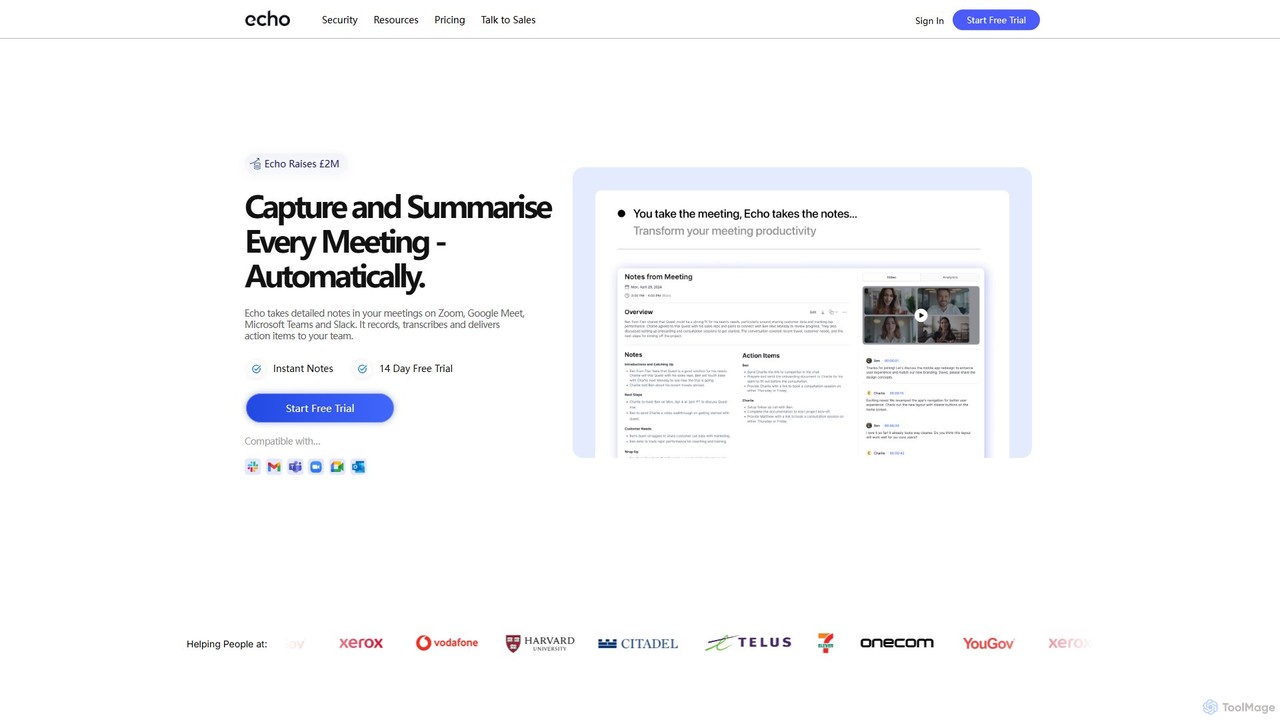
meetecho
Meetecho is an AI executive assistant that automatically joins your meetings on Zoom, Google Meet, and Teams. It records, transcribes, and generates structured summaries with action items, freeing you to focus on the conversation. It supports over 30 languages and offers robust security features.
Communication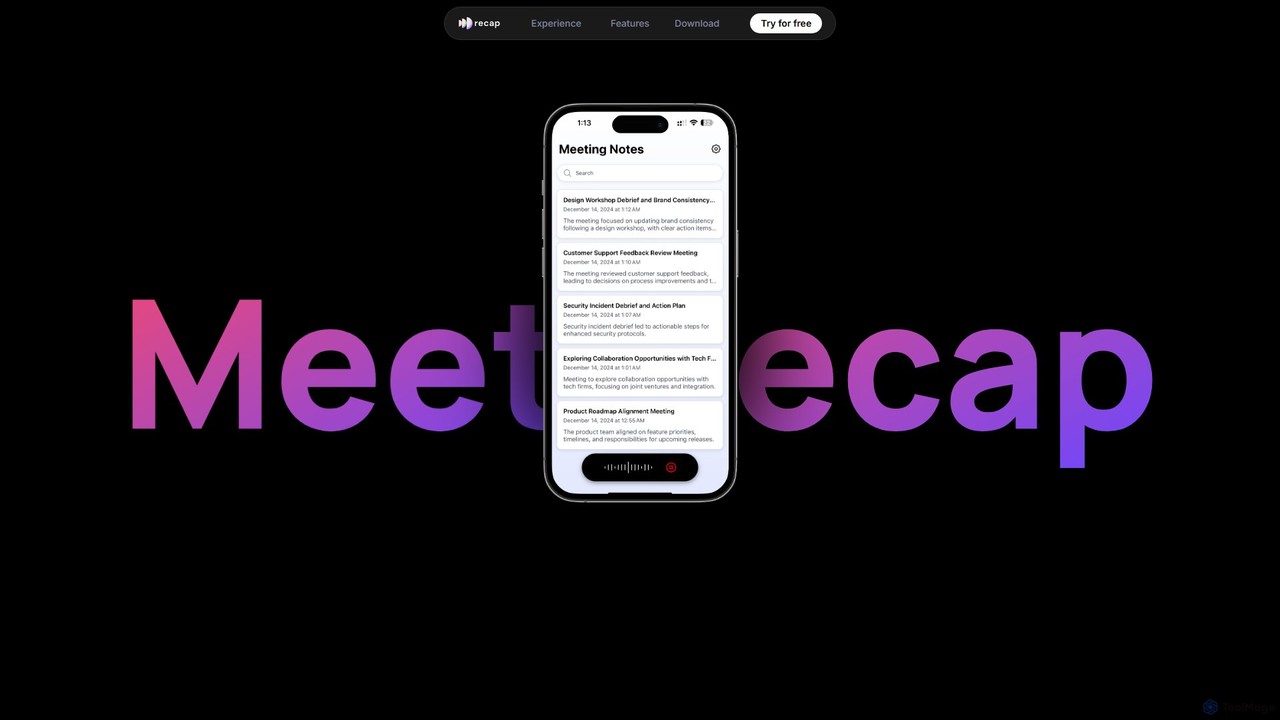
getrecap
getrecap is an AI-powered meeting assistant that automatically transcribes, summarizes, and generates actionable insights from your meetings. It integrates with platforms like Zoom and Google Meet to save you time, boost productivity, and ensure no key details are missed.
Transcription
Clearword
Clearword is an AI-powered meeting assistant that automatically records, transcribes, and summarizes your online meetings. It integrates with Zoom, Google Meet, and Microsoft Teams to capture every detail, generate actionable notes, and create a searchable knowledge base from your conversations.
Team Collaboration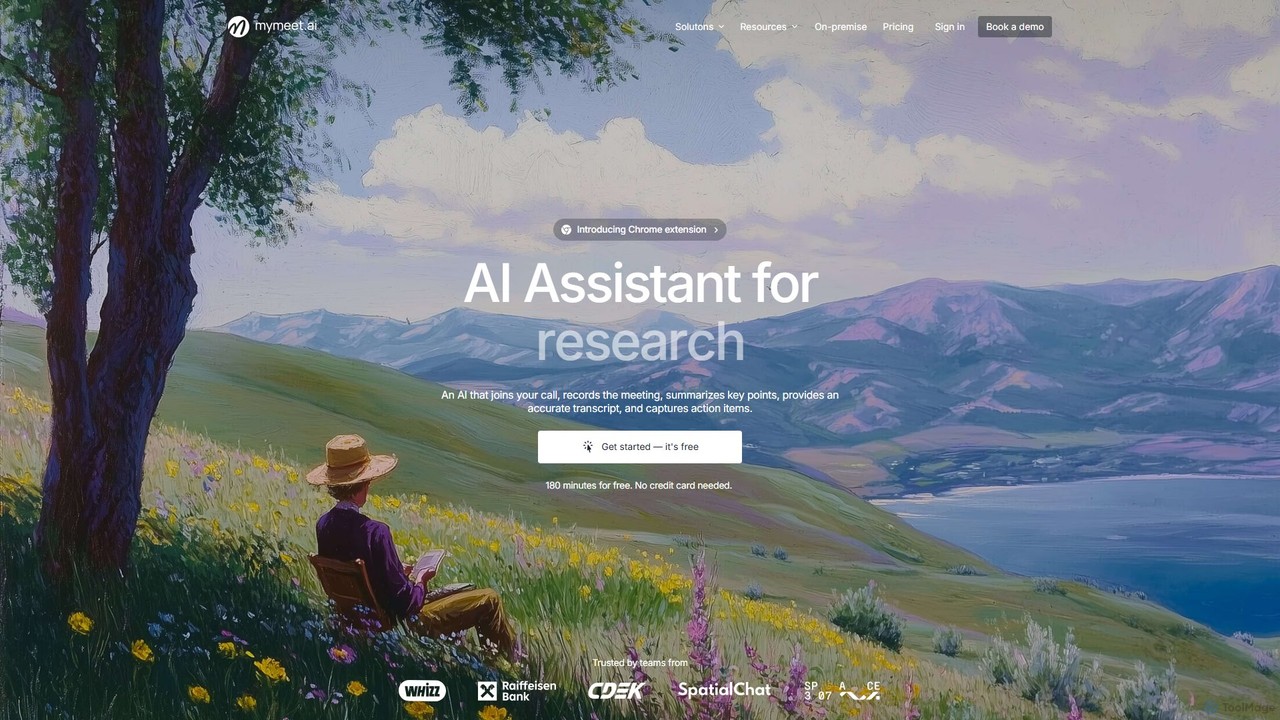
mymeet.ai
mymeet.ai is an AI meeting assistant that automatically joins your calls on Zoom, Google Meet, and Teams to record, transcribe, summarize, and identify action items. It features an interactive AI chat to query meeting details, offers specialized analysis templates, and integrates seamlessly with your calendar and other work tools to boost productivity.
Sales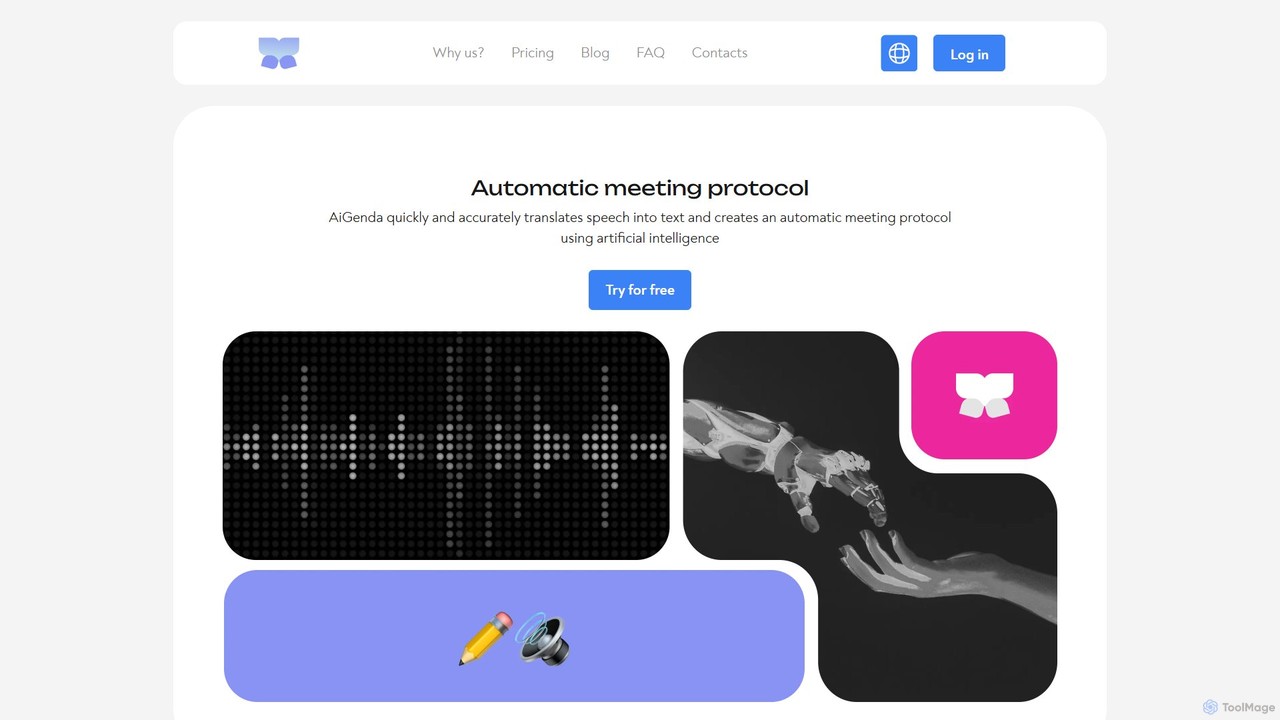
AiGenda
AiGenda is an AI-powered meeting assistant that automatically records, transcribes, and summarizes your online meetings. It integrates with platforms like Zoom, Google Meet, and Telemost to provide high-accuracy transcripts and intelligent summaries in minutes, supporting over 10 languages. This tool helps teams save time, improve focus during calls, and easily search for key information from past discussions.
Collaboration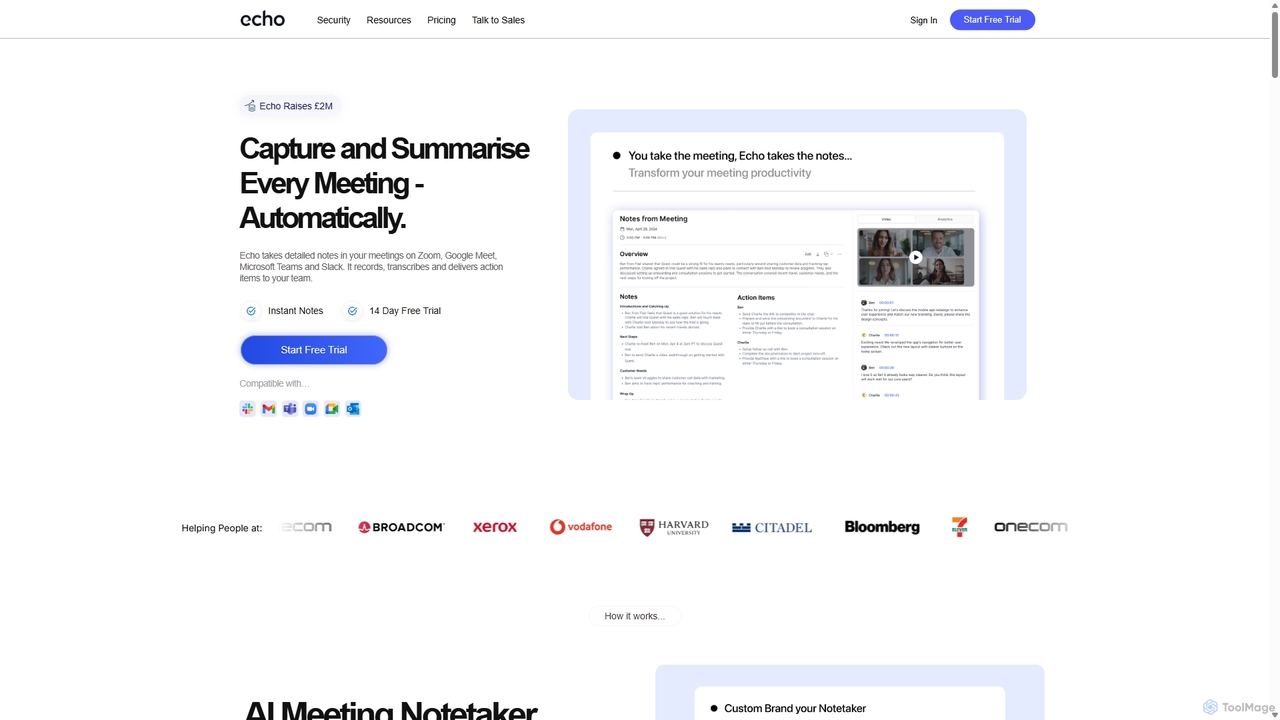
Meetecho
meetecho is an AI executive assistant that automatically joins your meetings on Zoom, Google Meet, and Microsoft Teams to record, transcribe, and generate detailed summaries with action items. It enhances productivity by eliminating manual note-taking and creating a searchable archive of all your conversations. Upcoming features include AI-powered email sorting and drafting.
Assistant
groupthink Comments (0)
Sign in to comment.
Sign inNo comments yet.