

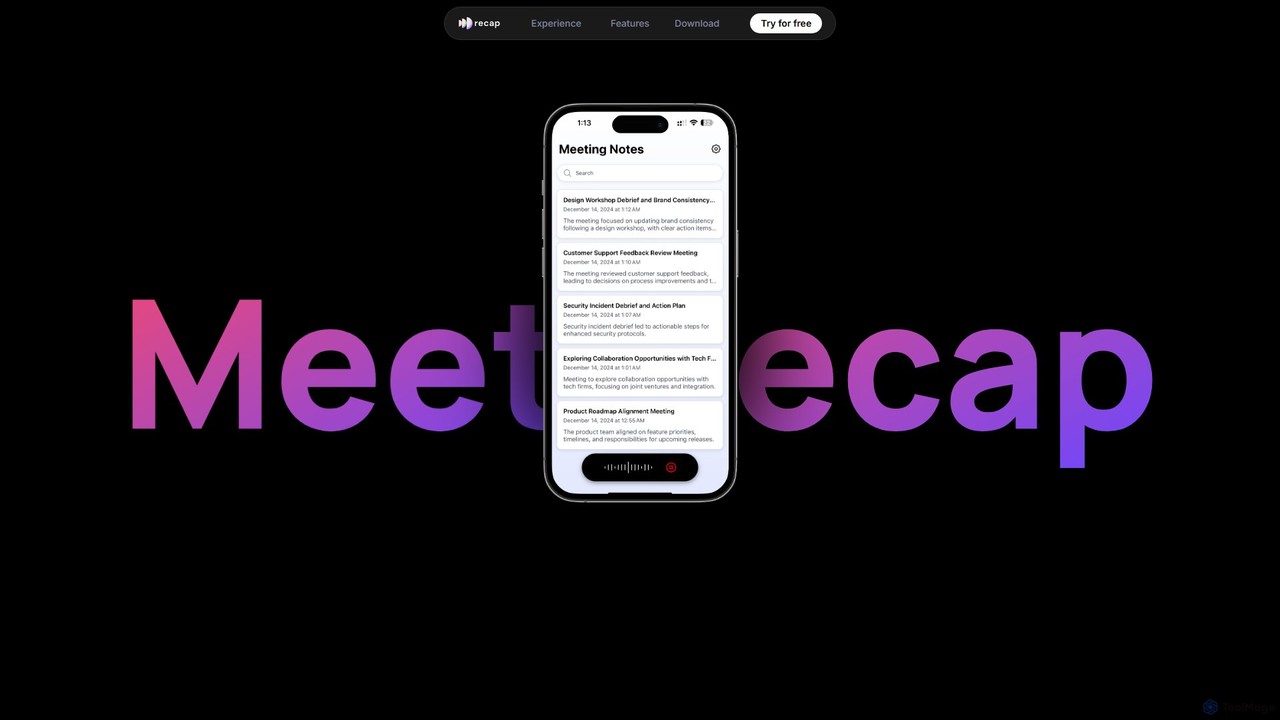
getrecap Overview
getrecap is an intelligent AI tool designed to streamline your meeting workflow and enhance productivity for busy professionals. In a world filled with back-to-back meetings, getrecap acts as your personal meeting assistant, ensuring you capture every crucial detail without the need for manual note-taking. It automatically joins your calls on platforms like Zoom and Google Meet, records them, and provides a comprehensive, AI-generated summary within minutes. This allows you and your team to focus on the conversation, not on scribbling notes, leading to more engaged and effective discussions.
The platform is built for both individuals and collaborative teams. Whether you're a freelancer trying to keep track of client calls or a manager overseeing multiple projects, getrecap adapts to your needs. The core of its service is transforming long conversations into concise, structured, and actionable summaries. These aren't just simple paragraphs; they are detailed breakdowns that highlight key decisions, action items with assigned owners, and important topics discussed, making follow-ups effortless and clear.
How to use getrecap
Using getrecap is designed to be simple and intuitive, seamlessly integrating into your existing workflow. Here’s a typical process:
- Connect Your Calendar: Start by linking your Google or Outlook Calendar. This allows getrecap to automatically identify your upcoming meetings.
- Configure a Bot: You can configure the getrecap bot to automatically join your video conferences on platforms like Zoom, Google Meet, or Microsoft Teams. Alternatively, you can upload an existing audio or video file for processing.
- Automatic Recording and Transcription: Once in the meeting, getrecap records the audio and generates a highly accurate, time-stamped transcript with speaker identification.
- Receive AI Summary: Shortly after the meeting ends, you'll receive an email with a link to the AI-powered summary. This summary includes a brief overview, key discussion points, identified action items, and critical decisions.
- Review, Edit, and Share: Access the full meeting details on your getrecap dashboard. Here, you can review the full transcript, listen to the audio, search for keywords, and easily share the summary with colleagues or clients who couldn't attend.
Core Features of getrecap
- AI-Powered Summaries: Automatically generates concise and structured summaries, highlighting the most important information from your meetings.
- Action Item Detection: Intelligently identifies tasks, deadlines, and assigned owners from the conversation, helping to ensure accountability.
- High-Accuracy Transcription: Provides a complete and searchable transcript of the entire meeting with speaker labels and timestamps.
- Seamless Platform Integration: Works effortlessly with popular meeting platforms such as Zoom, Google Meet, and Microsoft Teams.
- Searchable Meeting Library: All your past meetings are stored in a secure and searchable archive, creating a valuable knowledge base for your team.
- Collaborative Sharing: Easily share meeting summaries and transcripts with team members or external stakeholders to keep everyone aligned.
- Continuous Improvement: The platform is constantly updated with new features and improvements to provide the best possible user experience.
Use Cases for getrecap
getrecap is versatile and valuable for various professionals and teams:
- Project Managers: Keep track of project progress, decisions, and next steps without getting bogged down in manual note-taking.
- Sales Teams: Review client calls to extract key pain points, customer needs, and commitments, improving follow-up and closing rates.
- Executives and Managers: Stay informed about discussions in meetings they couldn't attend by reviewing a 5-minute summary instead of watching a 1-hour recording.
- Consultants and Freelancers: Maintain a clear record of client requirements and agreements, ensuring project clarity and client satisfaction.
- Remote and Hybrid Teams: Bridge communication gaps across different time zones by providing a single source of truth for all meeting outcomes.
Advantages of getrecap
getrecap offers a significant competitive edge by focusing on simplicity, speed, and actionable outcomes. Its primary advantage is the immense time savings it provides, freeing up professionals to focus on strategic work rather than administrative tasks. The summaries are not just text but are designed for meaningful engagement, leading to better accountability and project execution. Built for individuals but ready for team collaboration, it scales with your needs. The freemium model allows anyone to start automating their meeting summaries without any upfront cost, making it an accessible tool for everyone.
Pricing and Plans
getrecap operates on a freemium model, making it easy to get started for free and upgrade as your needs grow.
- Free Plan: Ideal for individuals and small users, offering a limited number of free meeting summaries per month with core features.
- Pro Plan: Designed for power users and professionals who require more frequent use, offering a higher limit or unlimited summaries, and potentially advanced features.
- Team/Business Plan: Tailored for collaborative teams, this plan typically includes shared workspaces, centralized billing, user management, and priority support.
For the most accurate and up-to-date pricing information, please visit the official getrecap website.
Traffic
Latest traffic
Status
Monthly traffic trend
- 2025-9: 3.7K
- 2026-1: 2.7K
- 2026-2: 2.4K
- 2026-3: 2.1K
- 2026-4: 2.2K
- 2026-5: 1.1K
Geography
Top 5 countries / regions
- 🇺🇸United States97.6%
- 🇬🇷Greece2.4%
Top keywords
| Keyword | Cost per click |
|---|---|
| recap | $1.36 |
| recap ai | $0.00 |
| recap data | $0.00 |
| reccap | $0.00 |
getrecap Alternatives
meetmemos
meetmemos is an AI-powered meeting assistant that automatically records, transcribes, and summarizes your online meetings. It captures every detail, extracts key action items, and delivers concise memos, allowing you to focus on the conversation instead of taking notes. It integrates seamlessly with Zoom, Google Meet, and Microsoft Teams.
Transcription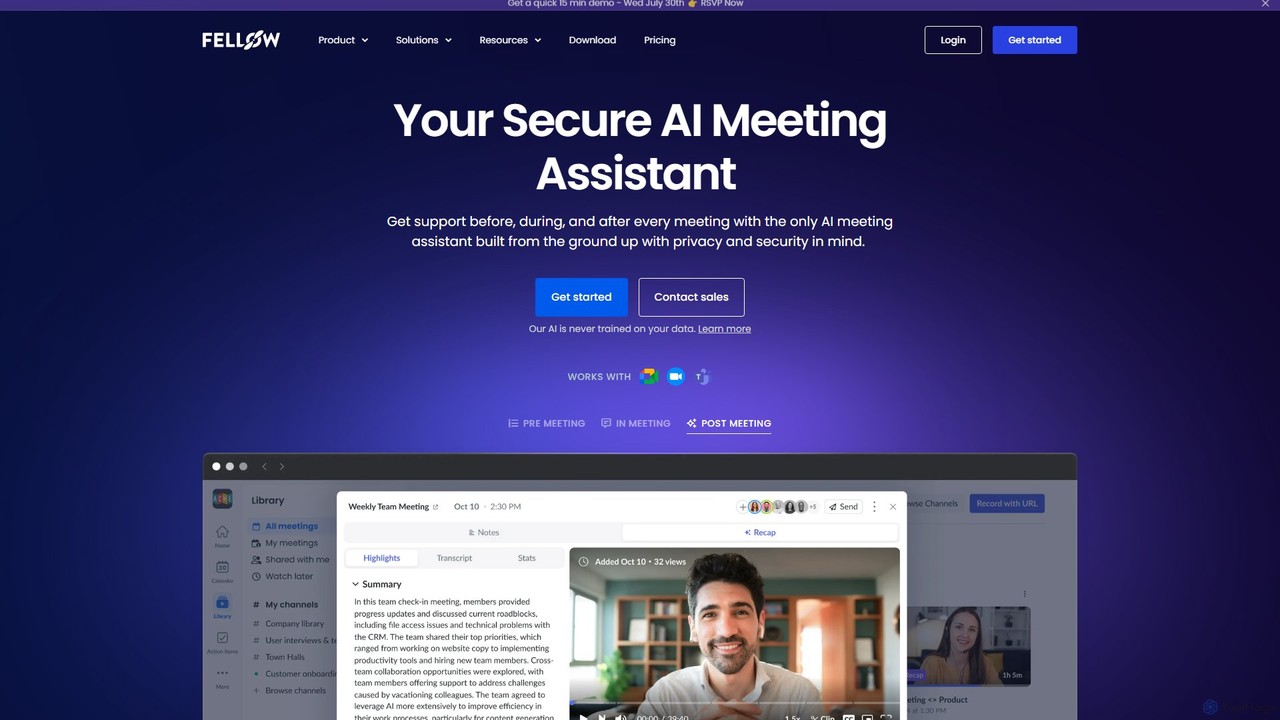
Fellow.app
Fellow.app is a secure AI meeting assistant designed to enhance productivity for the entire meeting lifecycle. It automatically records, transcribes, summarizes, and assigns action items, allowing teams to focus on collaboration. With a strong emphasis on privacy, Fellow ensures your meeting data is always protected.
Team Collaboration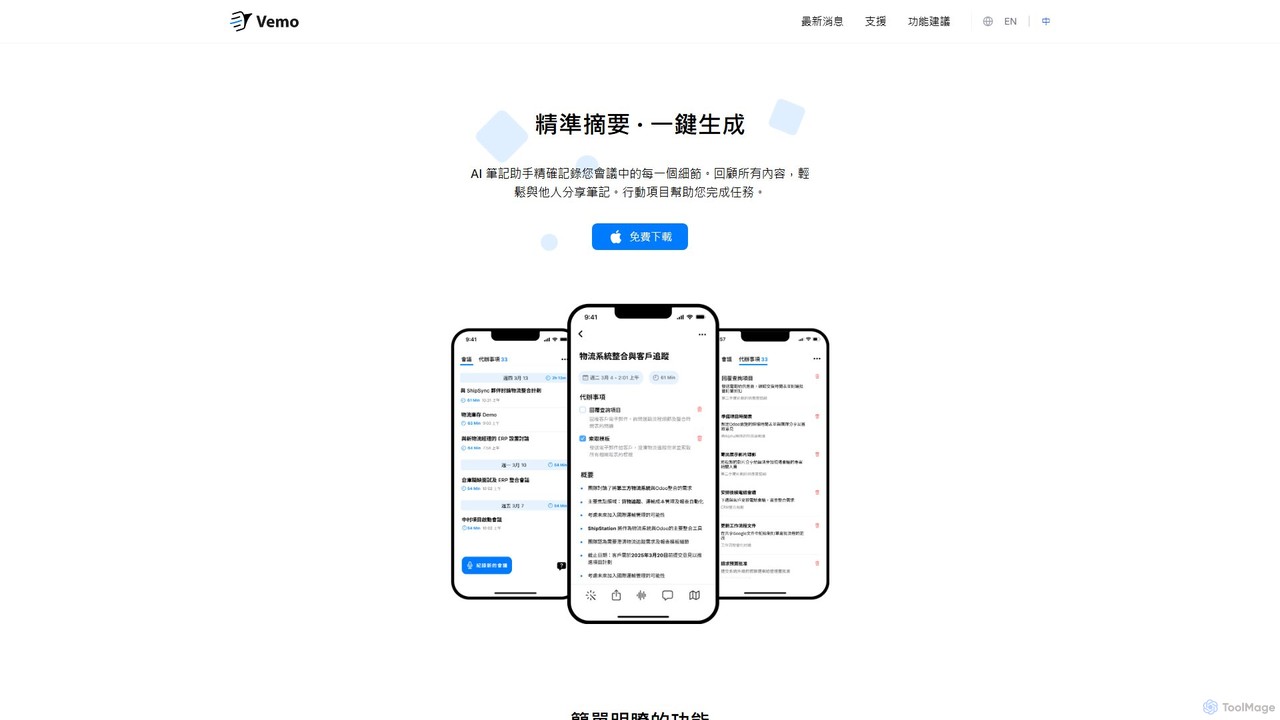
Vemo
Vemo is an AI-powered meeting assistant that records, transcribes, and summarizes your conversations with high accuracy. It automatically identifies action items and creates to-do lists, allowing you to focus on the discussion without worrying about taking notes. Features include voice-based editing and an AI assistant for querying meeting details.
Transcription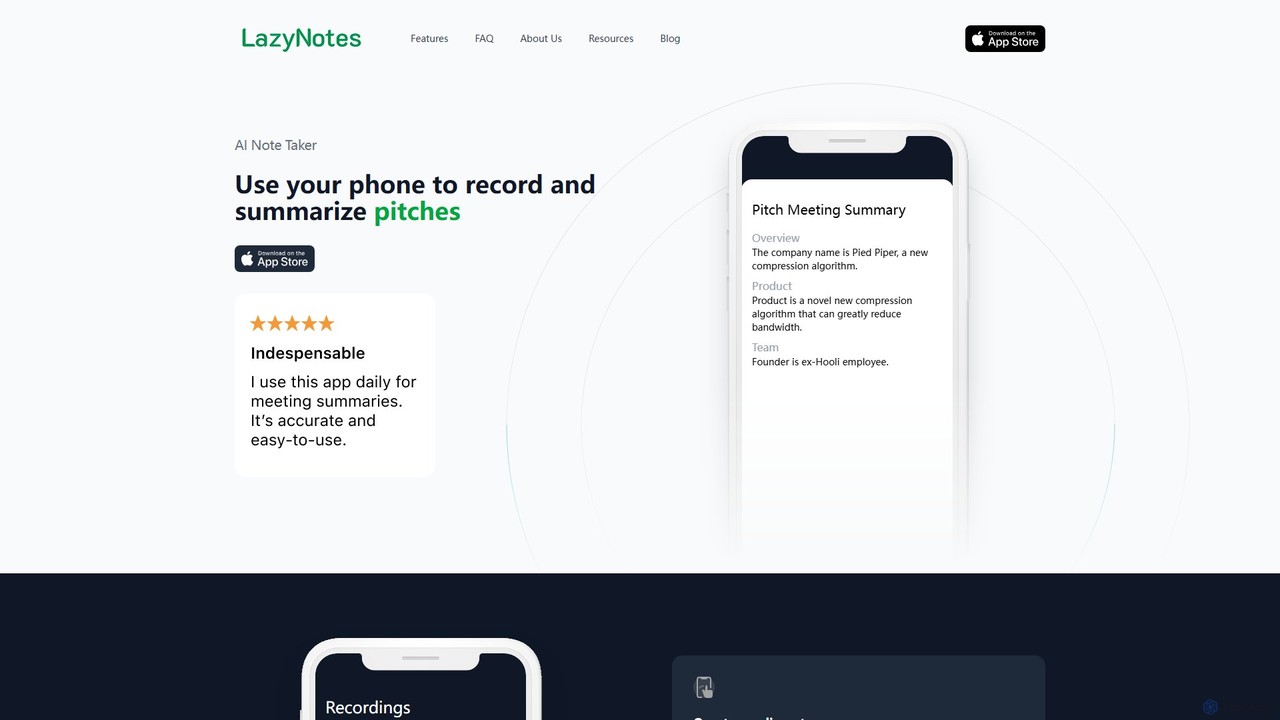
LazyNotes
LazyNotes is an AI-powered note-taker app for iPhone that records, transcribes, and summarizes your meetings. It allows you to stay fully engaged in conversations by automating the note-taking process. Get concise, human-like summaries with key action items and concerns delivered directly to your email, all with a single tap.
Transcription
MeetSummary
MeetSummary is an AI-powered meeting assistant that joins your online meetings, listens to the conversation, and automatically generates accurate summaries and action items. It helps teams stay focused, aligned, and productive by eliminating the need for manual note-taking.
Transcriptiongetrecap Categories
getrecap Embed Widget
Copy this embed code to place the badge on your blog, article, or product site and send readers directly to this ToolMage detail page.

Related AI tools
meetmemos
meetmemos is an AI-powered meeting assistant that automatically records, transcribes, and summarizes your online meetings. It captures every detail, extracts key action items, and delivers concise memos, allowing you to focus on the conversation instead of taking notes. It integrates seamlessly with Zoom, Google Meet, and Microsoft Teams.
Transcription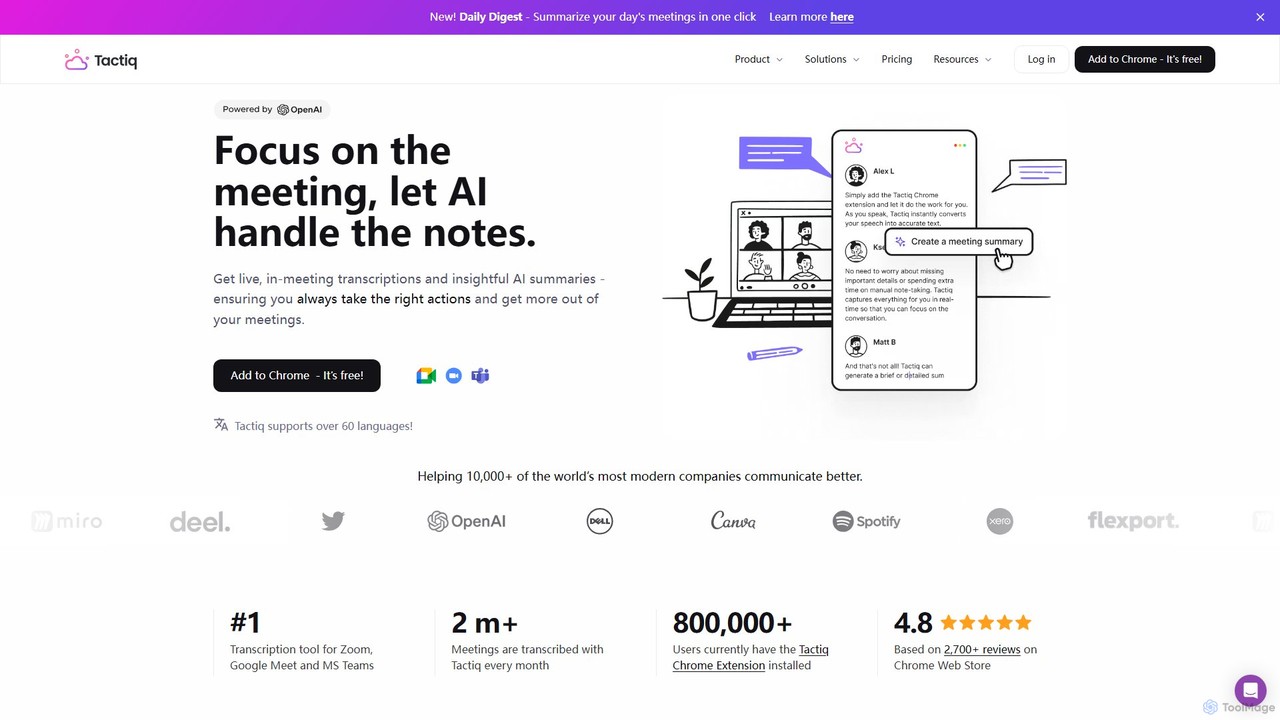
Tactiq
Tactiq is an AI-powered Chrome extension that provides real-time transcription, summaries, and actionable insights for Google Meet, Zoom, and MS Teams meetings. It operates without a bot, ensuring privacy while capturing every detail, identifying speakers, and automating post-meeting tasks like follow-up emails and action items.
Team Collaboration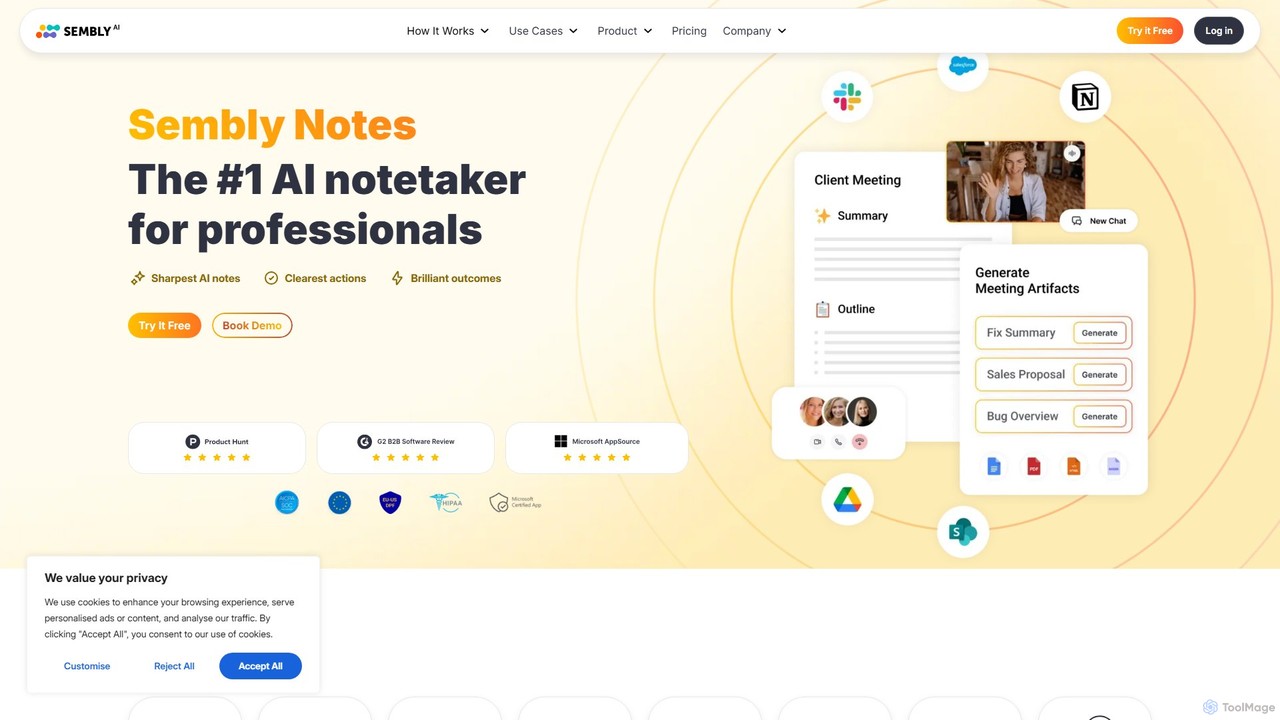
Sembly
Sembly is an AI meeting assistant that records, transcribes, and generates intelligent summaries for your meetings. It integrates with major platforms like Zoom, Google Meet, and Microsoft Teams to capture conversations, identify key items, create action points, and provide deep insights, transforming discussions into actionable outcomes.
Project Management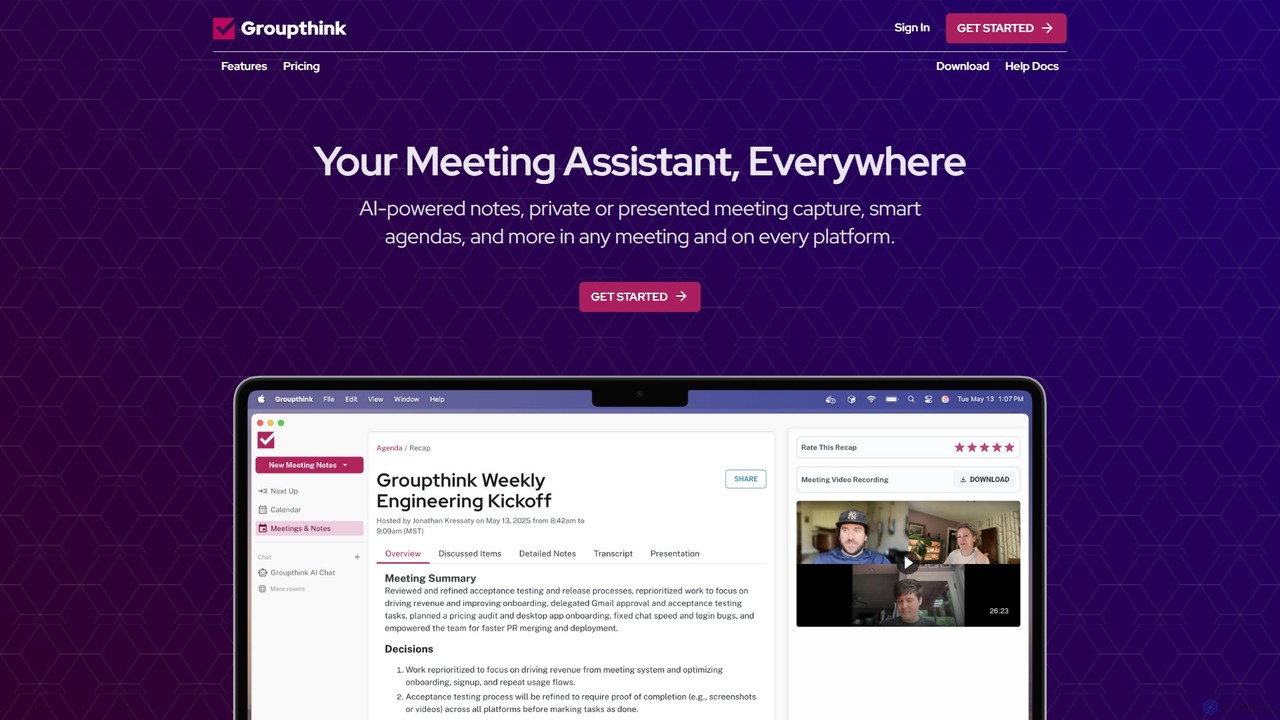
groupthink
Groupthink is an AI meeting assistant that automates note-taking, transcription, and summaries across all major platforms. It offers a unique choice between a visible bot for team collaboration and a private desktop recorder for discreet capture. Features include smart agendas, action item tracking, and an AI chat to query past meetings, saving professionals up to 30% of their meeting time.
Transcription
Ambient
Ambient is an AI-powered meeting assistant that automatically joins your calls, records, transcribes, and generates intelligent summaries. It captures action items, key decisions, and important topics from your meetings on platforms like Zoom, Google Meet, and Microsoft Teams, saving you hours on manual note-taking and ensuring no detail is missed.
Transcription Services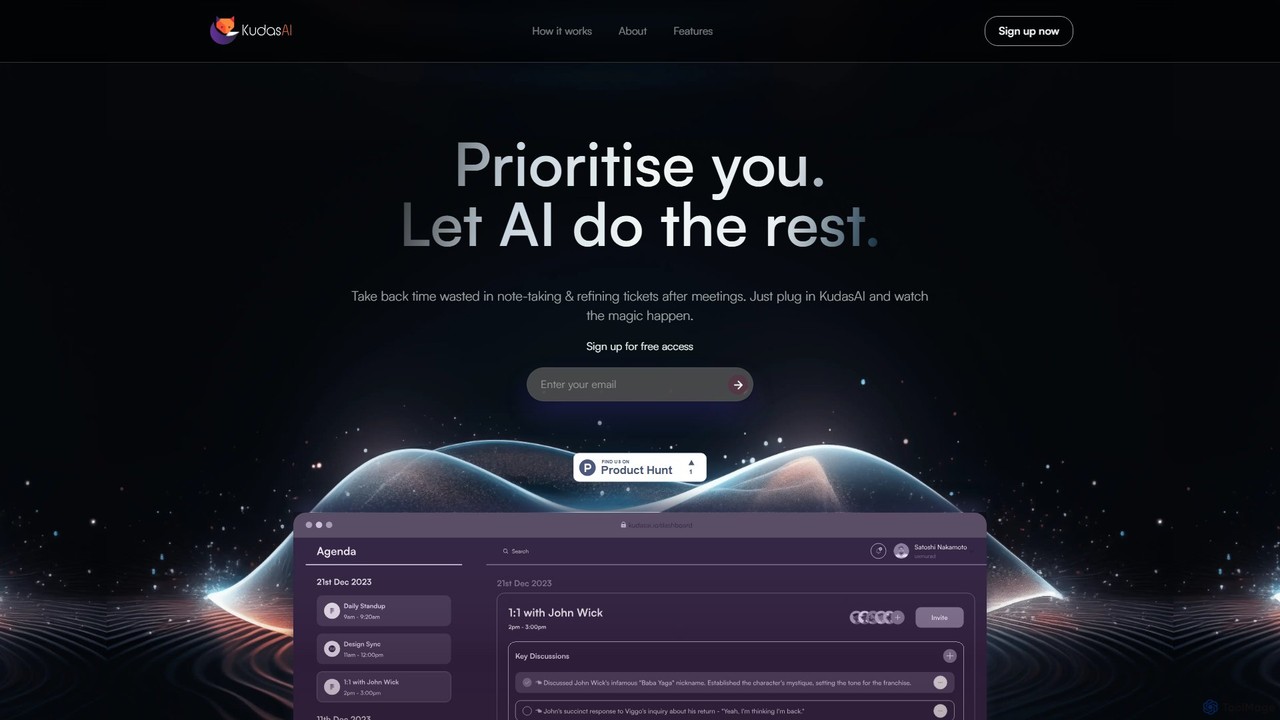
KudasAI
KudasAI is an AI-powered sidekick designed to supercharge your agile meetings. It joins your calls on platforms like Zoom, Google Meet, and Teams to automatically transcribe, summarize, and identify key takeaways and action items. This allows your team to focus on the discussion, not on note-taking, ensuring every important detail is captured accurately and objectively.
Transcription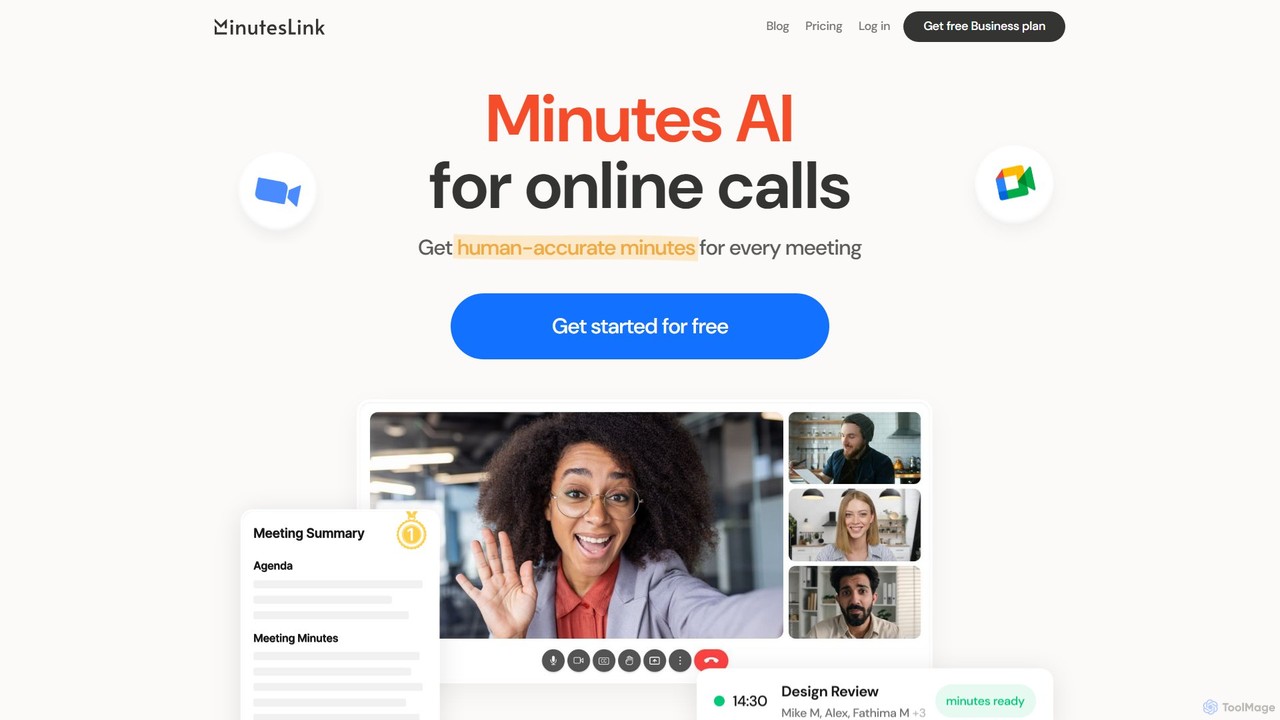
MinutesLink
MinutesLink is an AI meeting assistant for Zoom and Google Meet that automatically records, transcribes, and summarizes your online calls. It generates accurate, human-like meeting minutes, identifies key points, and assigns action items to boost productivity and ensure accountability.
Communication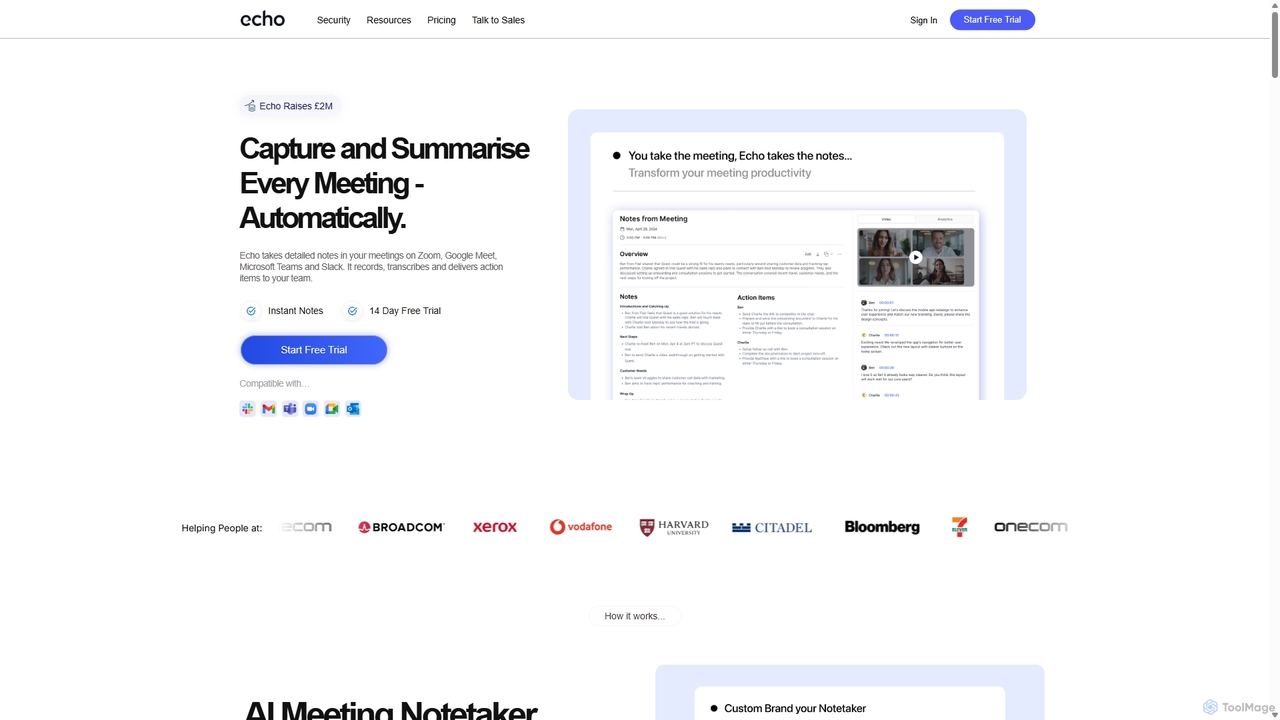
Meetecho
meetecho is an AI executive assistant that automatically joins your meetings on Zoom, Google Meet, and Microsoft Teams to record, transcribe, and generate detailed summaries with action items. It enhances productivity by eliminating manual note-taking and creating a searchable archive of all your conversations. Upcoming features include AI-powered email sorting and drafting.
Assistant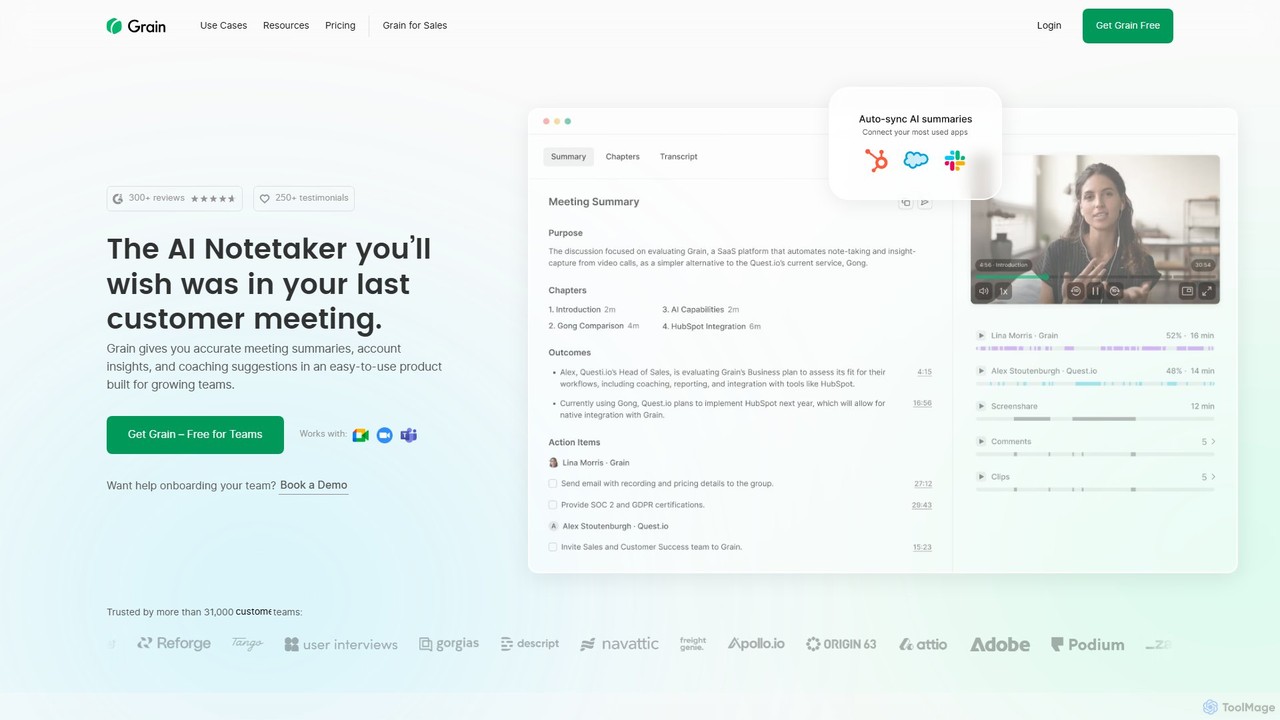
Grain
Grain is an AI-powered meeting notetaker designed for growing teams. It automatically records, transcribes, and summarizes video calls from platforms like Zoom, Google Meet, and Microsoft Teams. It helps sales, customer success, and product teams capture crucial insights, automate follow-ups, sync data to CRMs, and facilitate team coaching and collaboration, allowing everyone to stay focused during conversations.
Customer Feedback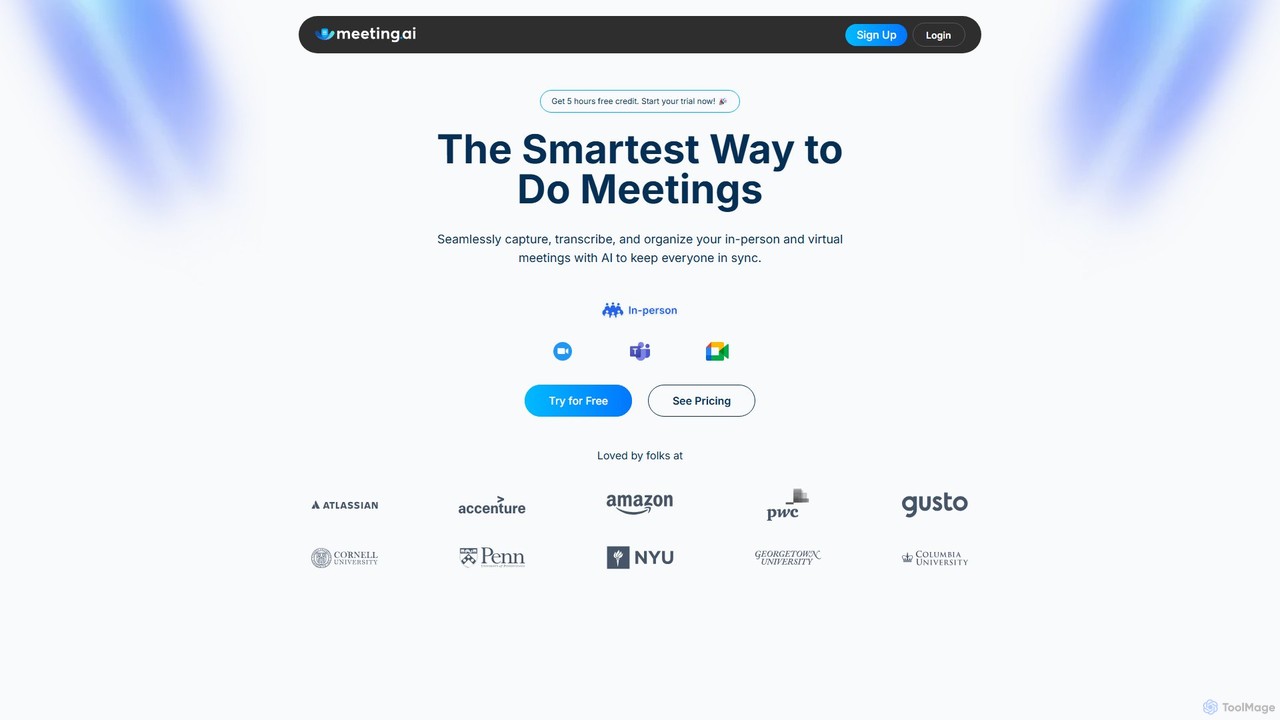
Meeting.ai
Meeting.ai is an AI-powered meeting assistant that seamlessly captures, transcribes, and summarizes your in-person and virtual meetings. It supports over 35 languages, integrates with major platforms like Zoom and Google Meet, and automatically generates organized notes and action items to keep your team synchronized and productive.
Transcription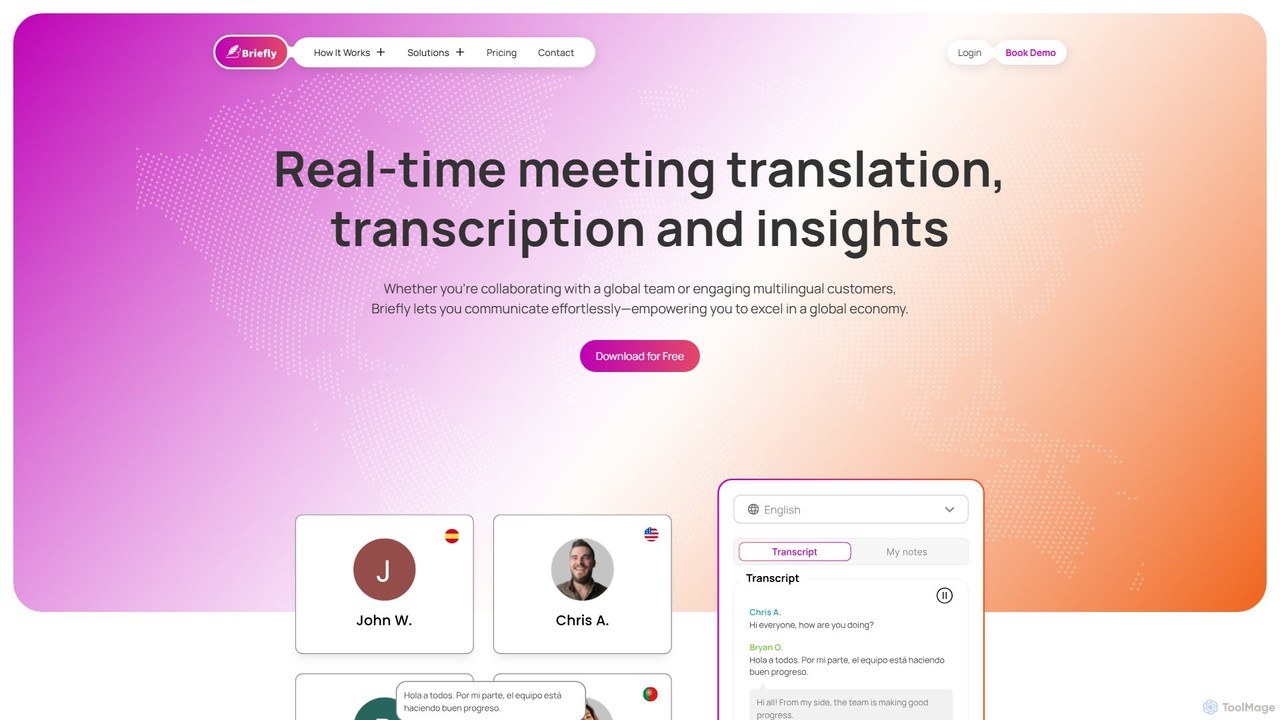
BrieflyAI
BrieflyAI is an AI-powered meeting assistant that automatically transcribes, summarizes, and generates insights from your meetings without a bot joining the call. It supports multiple languages, integrates with CRM and communication tools like Slack, and helps streamline your workflow by creating follow-up emails and action items.
Automation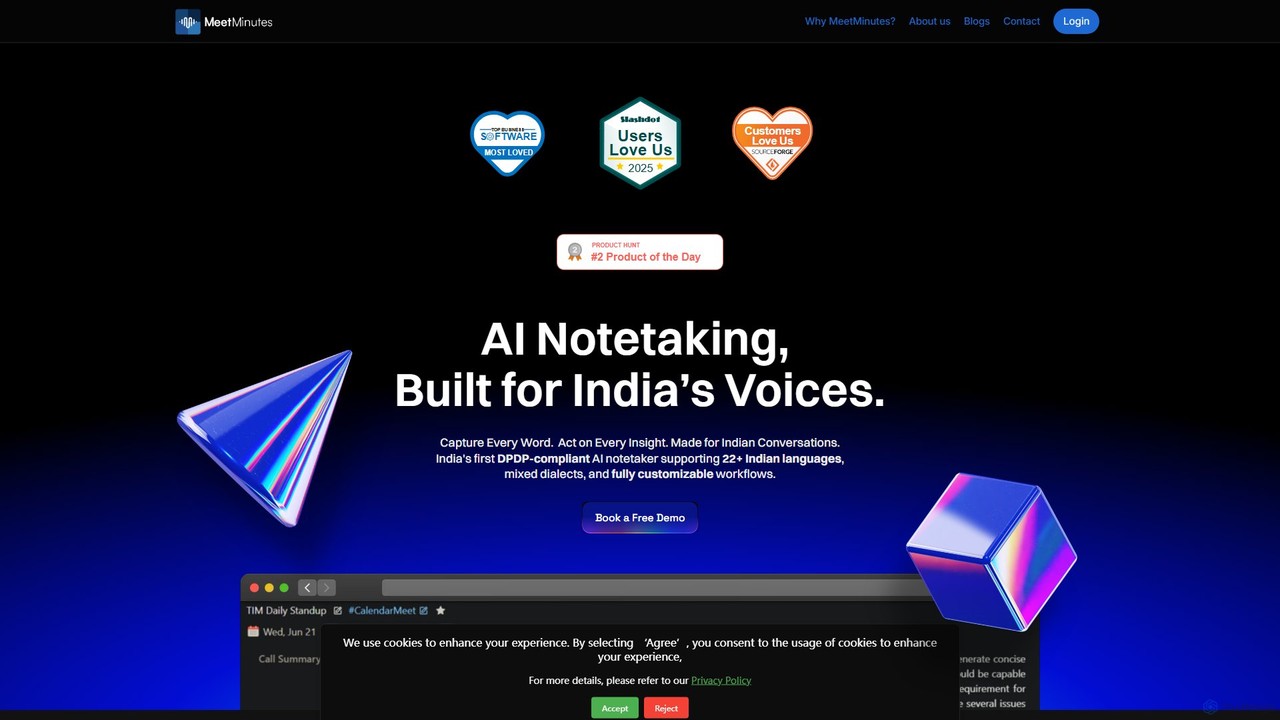
MeetMinutes
MeetMinutes is an AI-powered meeting assistant designed for Indian voices. It automatically transcribes, summarizes, and analyzes meetings from Zoom, Google Meet, and Teams. Supporting 22+ Indian languages and mixed dialects, it captures action items and creates a searchable knowledge base, all while being DPDP, GDPR, and SOC2 compliant.
Meeting Assistant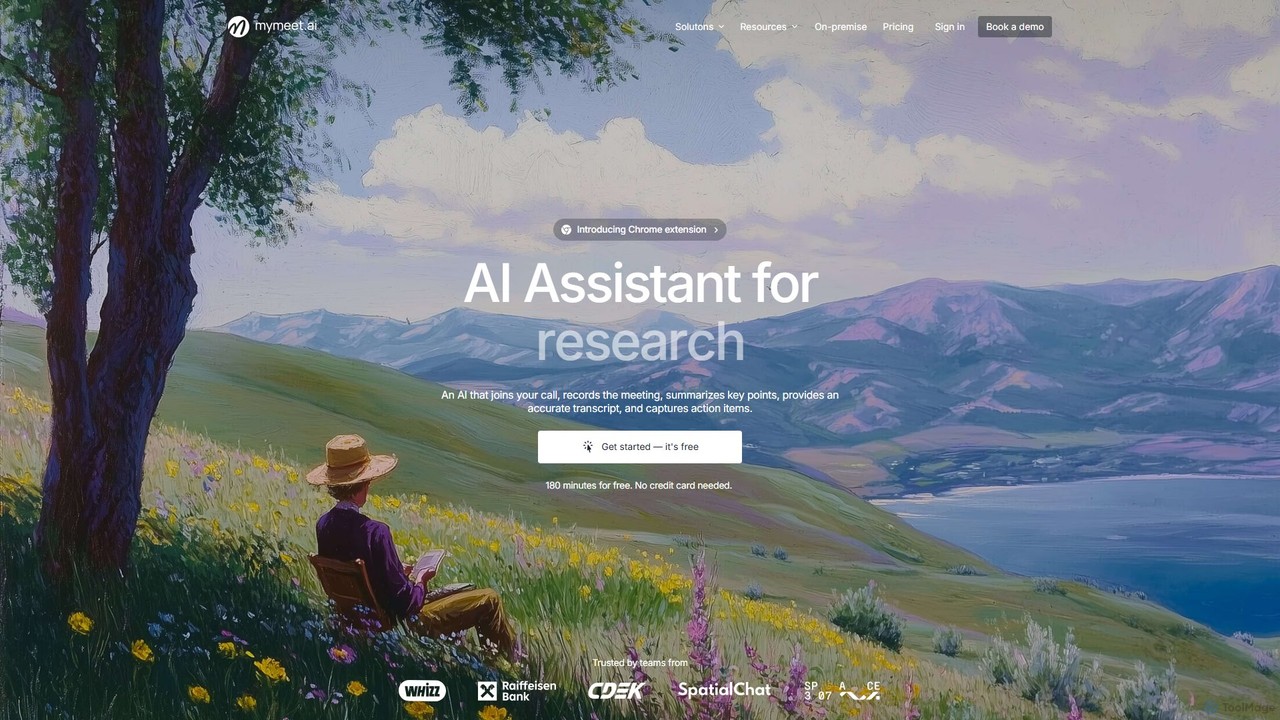
mymeet.ai
mymeet.ai is an AI meeting assistant that automatically joins your calls on Zoom, Google Meet, and Teams to record, transcribe, summarize, and identify action items. It features an interactive AI chat to query meeting details, offers specialized analysis templates, and integrates seamlessly with your calendar and other work tools to boost productivity.
Sales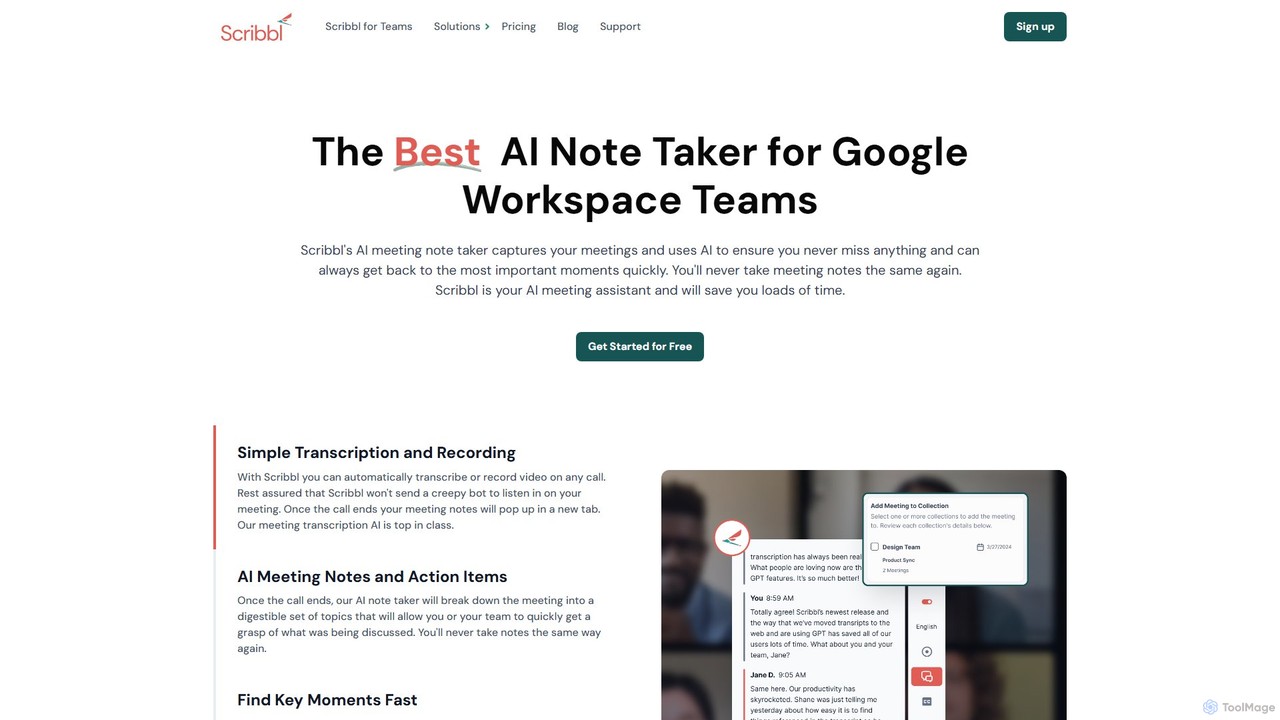
Scribbl
Scribbl is an AI-powered meeting assistant and note-taker designed as a Chrome extension for Google Meet. It automatically transcribes, records, and summarizes your meetings, generating digestible notes, key topics, and actionable items. This tool helps users and teams boost post-meeting productivity by making it easy to find key moments, share insights, and integrate with other workflow tools.
Meetings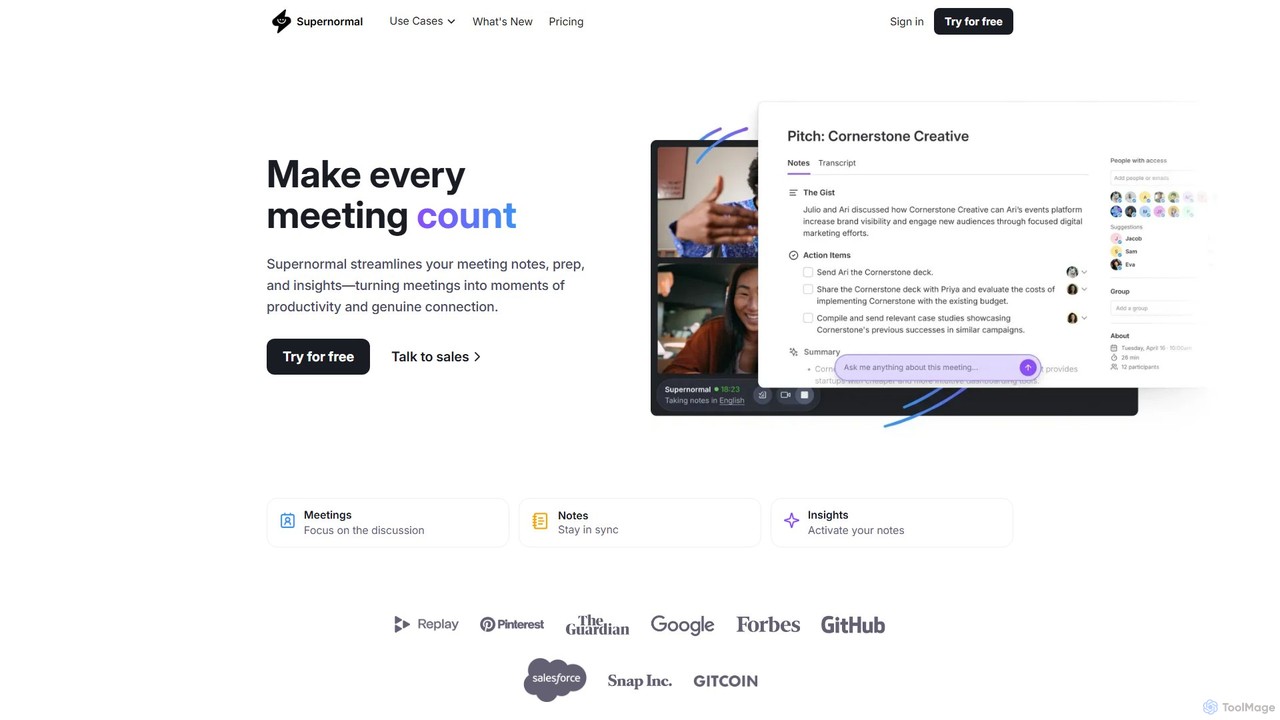
Supernormal
Supernormal is an AI meeting assistant that automatically records, transcribes, and summarizes your meetings on Google Meet, Zoom, and Microsoft Teams. It helps you focus on the conversation by taking care of note-taking, identifying action items, and providing actionable insights.
Meetings
getrecap Comments (0)
Sign in to comment.
Sign inNo comments yet.