

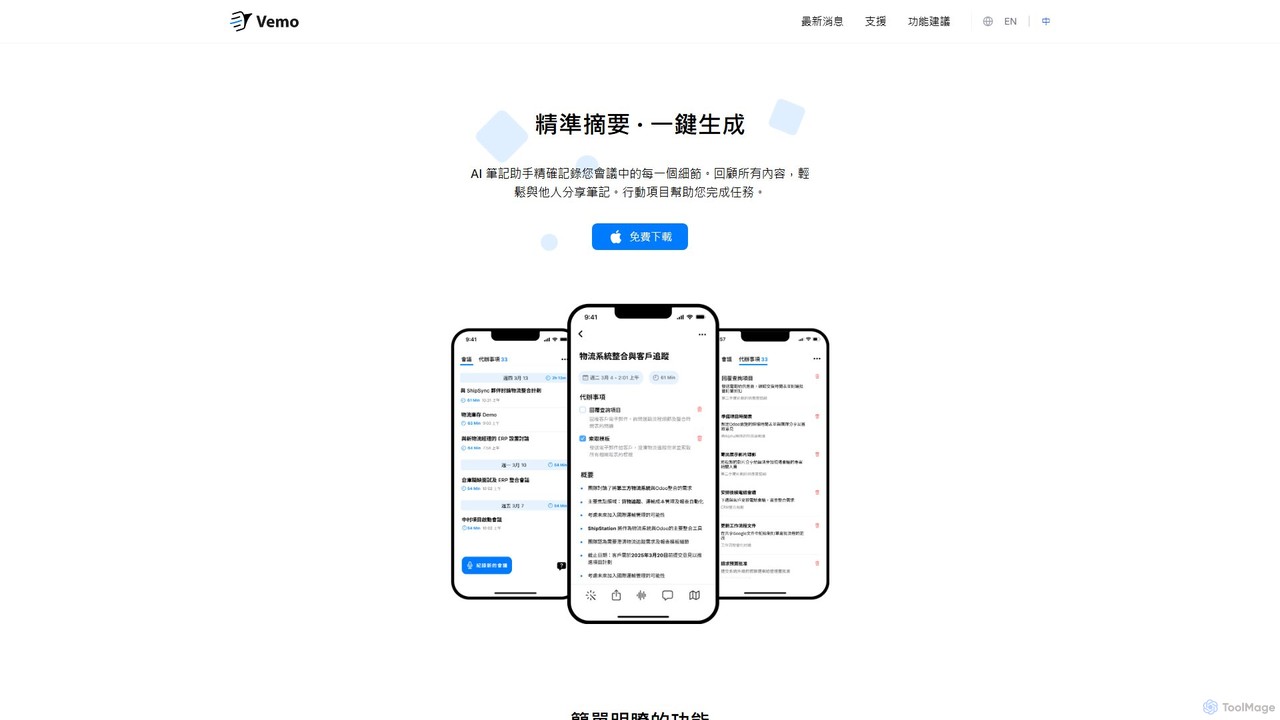
Vemo Overview
Vemo is an intelligent AI meeting note-taker designed to transform how you handle meetings. It frees you from the burden of manual note-taking, allowing you to fully engage in conversations while ensuring every critical detail is captured. Vemo provides business-grade, high-fidelity notes and summaries, making it an indispensable tool for professionals, teams, and anyone looking to boost their meeting productivity.
The core of Vemo is its state-of-the-art transcription engine, which delivers exceptional accuracy. It captures conversations verbatim and syncs the text with the audio playback, making it easy to review specific moments. Building on this foundation, Vemo's AI generates concise, well-structured summaries that highlight the key points, decisions, and outcomes of the discussion. This saves you valuable time that would otherwise be spent sifting through long transcripts.
One of Vemo's standout features is its ability to automatically identify and extract action items from the conversation. It then compiles these into an organized to-do list, ensuring that post-meeting tasks are clear, assigned, and ready for execution. This eliminates ambiguity and drives progress forward. Furthermore, Vemo introduces 'Magic Edit,' an innovative feature that lets you edit and refine your notes simply by using your voice. You can easily add, remove, or modify sections by speaking to the AI, making the editing process intuitive and fast. To top it all off, an integrated AI assistant acts like a personal aide for every meeting, ready to answer any question you have about the content, such as "What was decided about the budget?" or "Who is responsible for the Q3 report?".
How to use Vemo
Getting started with Vemo is simple and designed for a seamless user experience. Here’s a typical workflow:
- Download and Sign Up: Begin by downloading the Vemo application on your device and creating a free account.
- Record Your Meeting: You can either record a live meeting directly within the app or upload a pre-existing audio or video file. Vemo will handle the processing in the background.
- Automatic Transcription and Summary: Once the meeting is recorded or uploaded, Vemo's AI gets to work. It will quickly generate a full, time-stamped transcript and a structured summary of the key discussion points.
- Review Action Items: Navigate to the 'Action Items' section to see a clear list of tasks, decisions, and deadlines extracted from the conversation.
- Edit and Refine: Use the 'Magic Edit' feature to make adjustments with voice commands or simply edit the text directly. You can also use the AI assistant to ask specific questions to quickly find information within the meeting.
- Share and Collaborate: Share the polished notes, summary, or full transcript with your team, clients, or stakeholders via a link or by exporting the document. This ensures everyone is aligned and informed.
Core Features of Vemo
- High-Accuracy Transcription: Provides state-of-the-art, word-for-word transcripts of your meetings, synced with audio playback.
- AI-Powered Summaries: Automatically generates clear, concise, and well-organized summaries, capturing the essence of the conversation.
- Action Item Extraction: Intelligently identifies tasks, decisions, and follow-ups, creating an actionable to-do list to ensure accountability.
- Magic Edit: A unique voice-command feature that allows you to effortlessly add, remove, or modify parts of your notes by speaking.
- AI Meeting Assistant: An interactive AI you can ask questions to about the meeting content, acting as your personal meeting expert.
- Easy Sharing: Impress your team and clients by sharing beautifully formatted and comprehensive notes in seconds.
- Minimalist Design: A clean and intuitive interface that helps you stay focused on what matters most—the content of your meetings.
Use Cases for Vemo
Vemo is versatile and valuable for a wide range of professionals and scenarios:
- Project Managers: Keep track of project progress, stakeholder decisions, and team commitments without missing a single detail.
- Sales Teams: Review client calls to capture needs, objections, and commitments, helping to craft perfect follow-ups and proposals.
- Executives and Leaders: Stay on top of all discussions from back-to-back meetings, ensuring strategic alignment and clear delegation of tasks.
- HR and Recruiters: Maintain accurate records of interviews, ensuring fair and detailed candidate evaluations.
- Consultants and Freelancers: Document client requirements and feedback with precision, building trust and ensuring project success.
- Students and Researchers: Transcribe lectures, interviews, and focus groups, saving hours of manual work and facilitating analysis.
Advantages of Vemo
Vemo offers a significant competitive edge by allowing you to be fully present and engaged in your meetings. Instead of dividing your attention between listening and typing, you can focus on the dialogue, build stronger relationships, and contribute more effectively. It enhances productivity by automating the tedious process of note-taking and follow-up. The tool ensures no critical information or task is ever lost, leading to better team alignment, faster decision-making, and improved project outcomes. Its user-friendly design makes powerful AI accessible to everyone, regardless of technical skill.
Pricing and Plans
Vemo operates on a freemium model, making it accessible for individuals while offering powerful features for teams and businesses.
- Free Plan: Ideal for individuals and occasional users, offering a limited amount of free transcription minutes per month, along with core features like AI summaries and transcription.
- Pro Plan: Designed for professionals and power users, this plan includes a generous allocation of transcription minutes, advanced features like Magic Edit, and enhanced sharing options.
- Business/Enterprise Plan: Tailored for teams and organizations, offering unlimited transcription, advanced collaboration features, priority support, and enhanced security controls.
For the most current and detailed pricing information, please visit the official Vemo website.
Traffic
Latest traffic
Status
Monthly traffic trend
- 2026-1: 2.2K
- 2026-2: 1.9K
- 2026-3: 2.5K
- 2026-4: 2.9K
- 2026-5: 2.1K
Geography
Top 5 countries / regions
- 🇹🇼Taiwan74.7%
- 🇰🇼Kuwait21.1%
- 🇸🇪Sweden4.2%
Top keywords
| Keyword | Cost per click |
|---|---|
| vemo | $0.79 |
| vemo ai gf | $0.00 |
| vemon com | $1.32 |
| vemu | $0.00 |
| vomo ai | $3.48 |
Vemo Alternatives
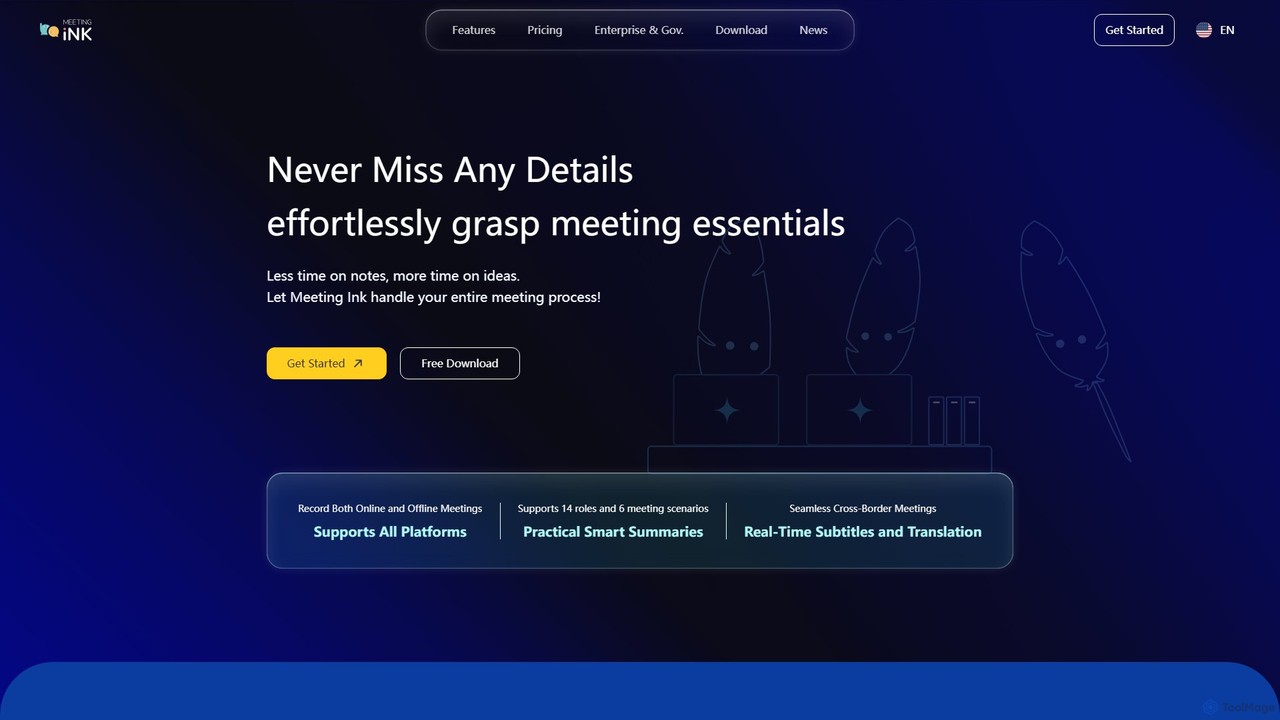
Meeting Ink
Meeting Ink is an AI-powered notetaker designed to transcribe, summarize, and translate your meetings. It supports both online and offline meetings across all major platforms, helping you save time, improve focus, and enhance collaboration by automating the entire meeting documentation process.
Transcription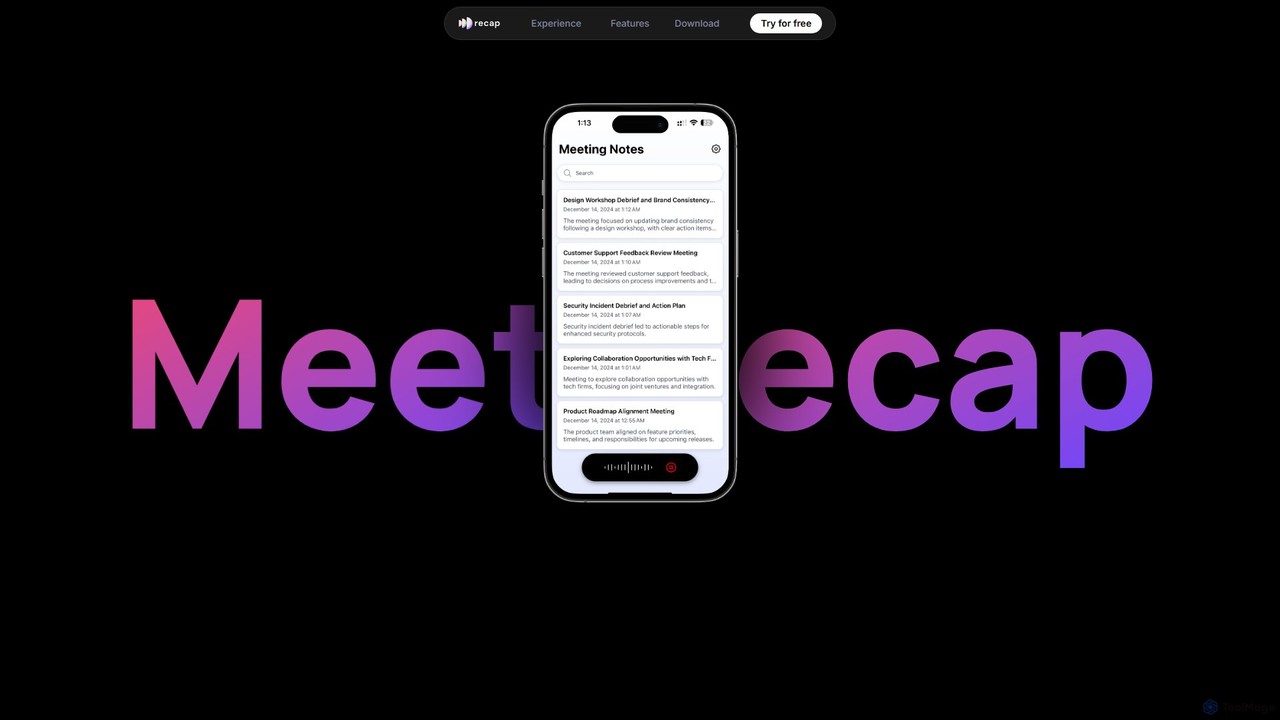
getrecap
getrecap is an AI-powered meeting assistant that automatically transcribes, summarizes, and generates actionable insights from your meetings. It integrates with platforms like Zoom and Google Meet to save you time, boost productivity, and ensure no key details are missed.
Transcription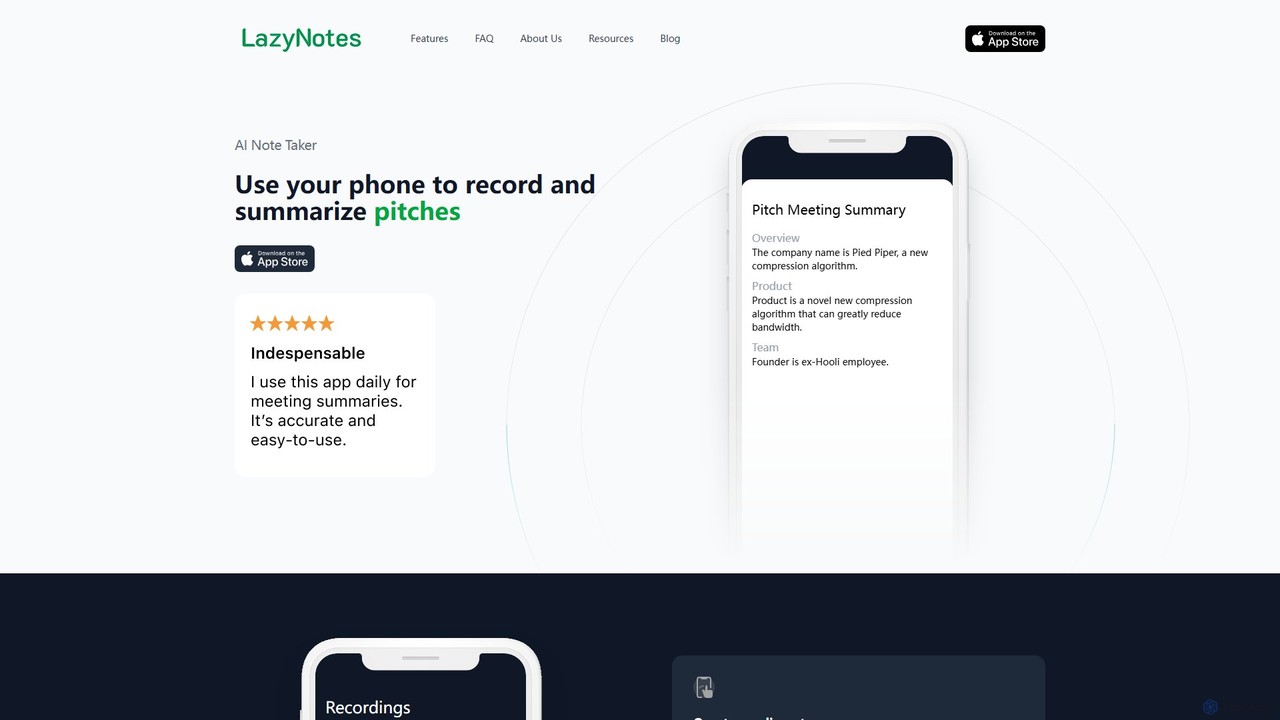
LazyNotes
LazyNotes is an AI-powered note-taker app for iPhone that records, transcribes, and summarizes your meetings. It allows you to stay fully engaged in conversations by automating the note-taking process. Get concise, human-like summaries with key action items and concerns delivered directly to your email, all with a single tap.
Transcription
meetmemos
meetmemos is an AI-powered meeting assistant that automatically records, transcribes, and summarizes your online meetings. It captures every detail, extracts key action items, and delivers concise memos, allowing you to focus on the conversation instead of taking notes. It integrates seamlessly with Zoom, Google Meet, and Microsoft Teams.
Transcription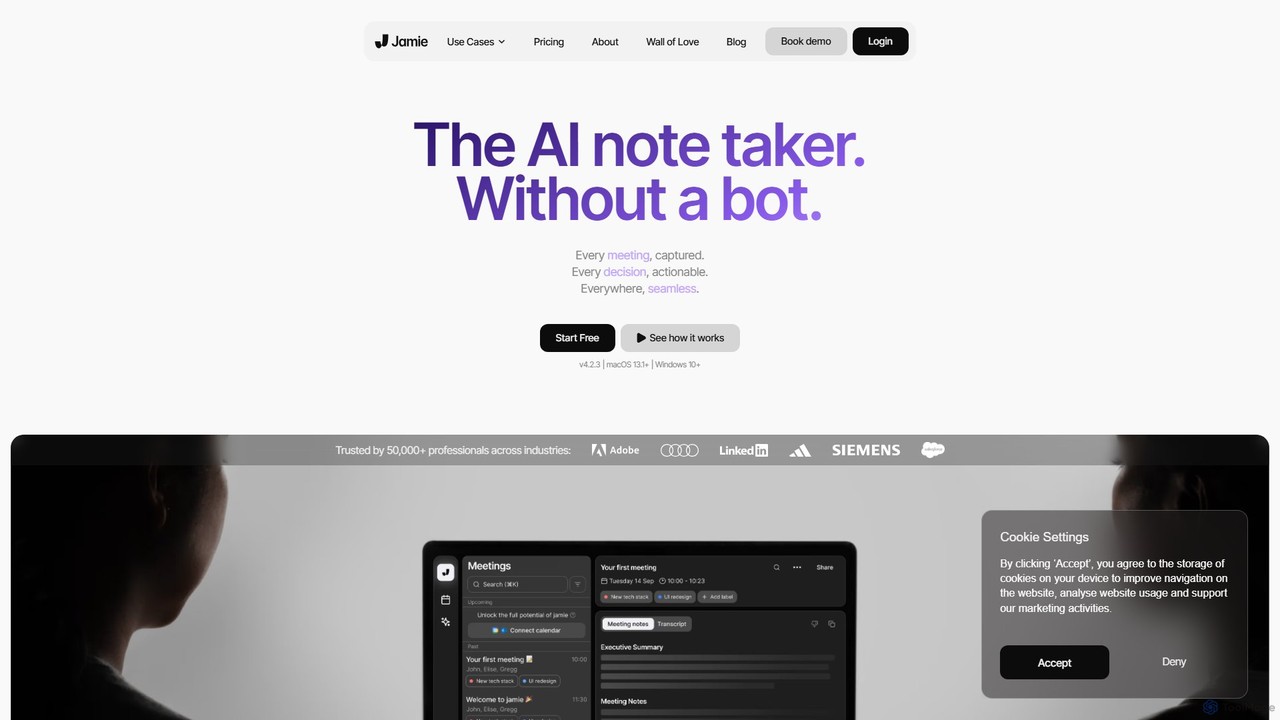
meetjamie
meetjamie is a personal AI note-taker that automatically summarizes online and in-person meetings without a bot. It captures detailed notes, identifies tasks and decisions, and allows you to ask questions across all your past meetings. It's a privacy-first desktop app for macOS and Windows, supporting over 100 languages.
TranscriptionVemo Categories
Vemo Embed Widget
Copy this embed code to place the badge on your blog, article, or product site and send readers directly to this ToolMage detail page.

Related AI tools
TicNote
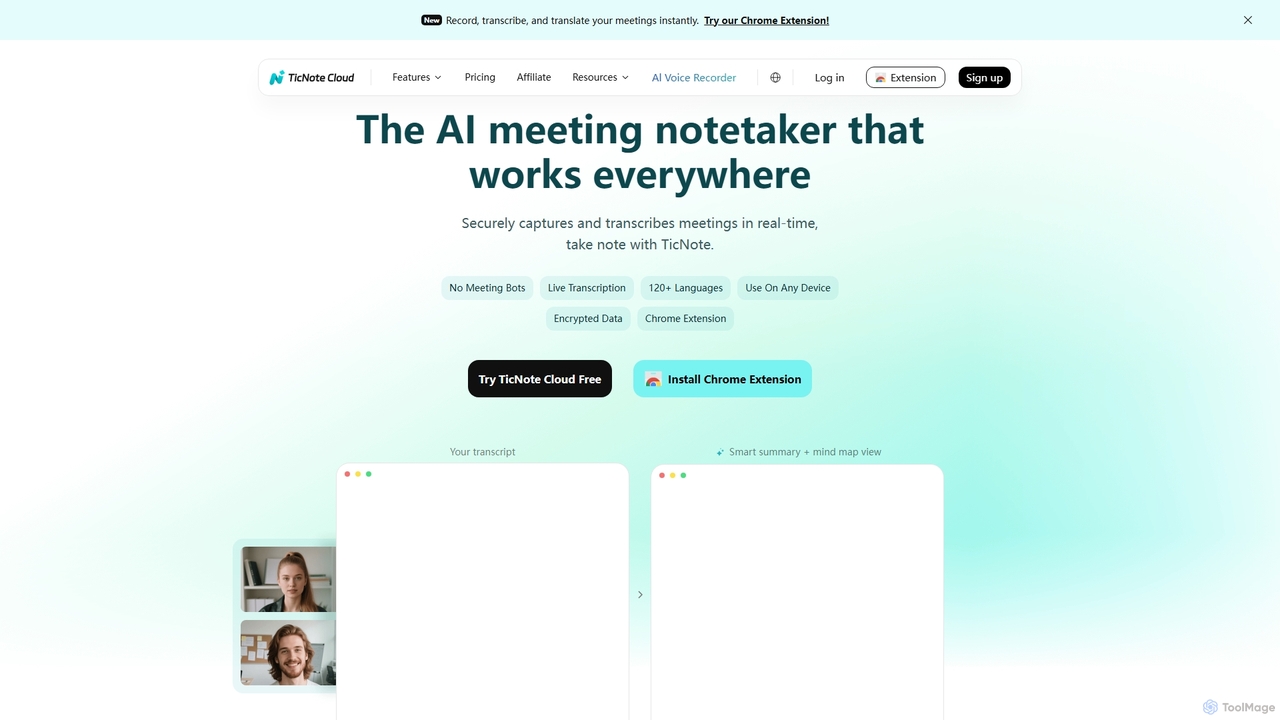
TicNote is an AI-powered meeting notetaker that transcribes, summarizes, and organizes conversations in real-time across 120+ languages. It uses on-device AI to generate smart summaries, mind maps, and action items without meeting bots, enhancing productivity and knowledge management for professionals.
Language Processing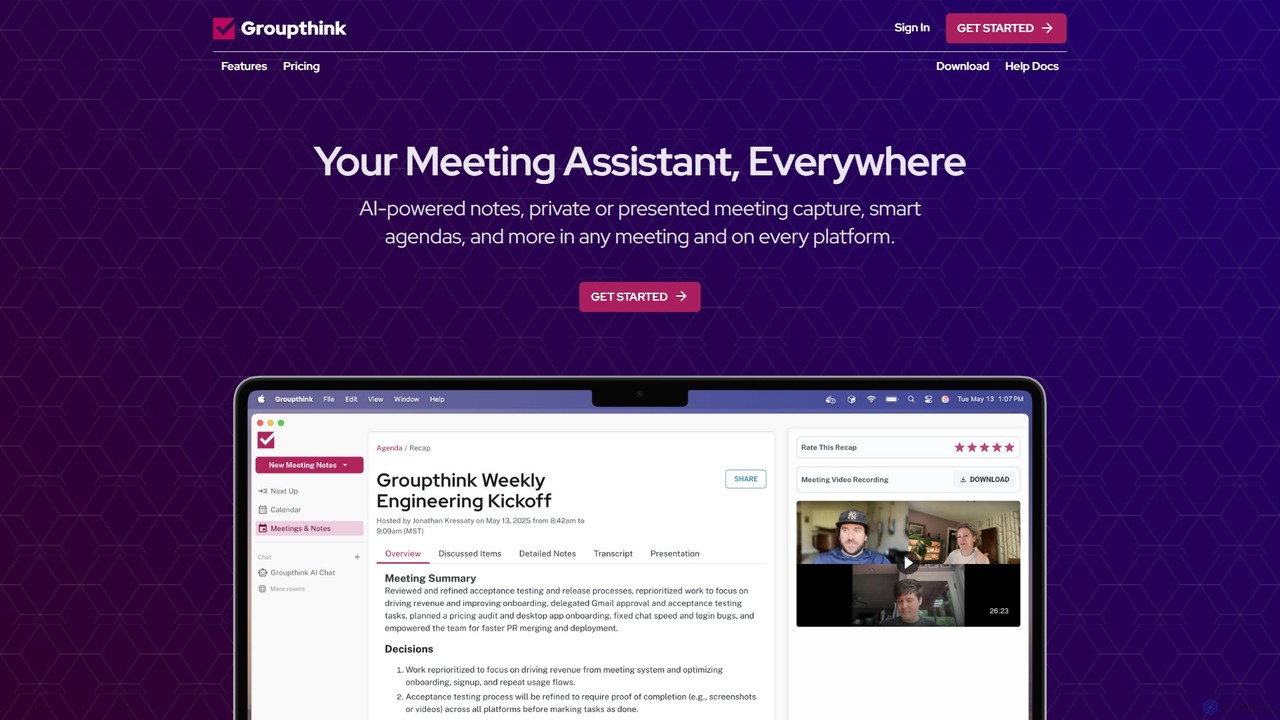
groupthink
Groupthink is an AI meeting assistant that automates note-taking, transcription, and summaries across all major platforms. It offers a unique choice between a visible bot for team collaboration and a private desktop recorder for discreet capture. Features include smart agendas, action item tracking, and an AI chat to query past meetings, saving professionals up to 30% of their meeting time.
Transcriptiongetrecap
getrecap is an AI-powered meeting assistant that automatically transcribes, summarizes, and generates actionable insights from your meetings. It integrates with platforms like Zoom and Google Meet to save you time, boost productivity, and ensure no key details are missed.
TranscriptionLazyNotes
LazyNotes is an AI-powered note-taker app for iPhone that records, transcribes, and summarizes your meetings. It allows you to stay fully engaged in conversations by automating the note-taking process. Get concise, human-like summaries with key action items and concerns delivered directly to your email, all with a single tap.
Transcriptionmeetmemos
meetmemos is an AI-powered meeting assistant that automatically records, transcribes, and summarizes your online meetings. It captures every detail, extracts key action items, and delivers concise memos, allowing you to focus on the conversation instead of taking notes. It integrates seamlessly with Zoom, Google Meet, and Microsoft Teams.
Transcription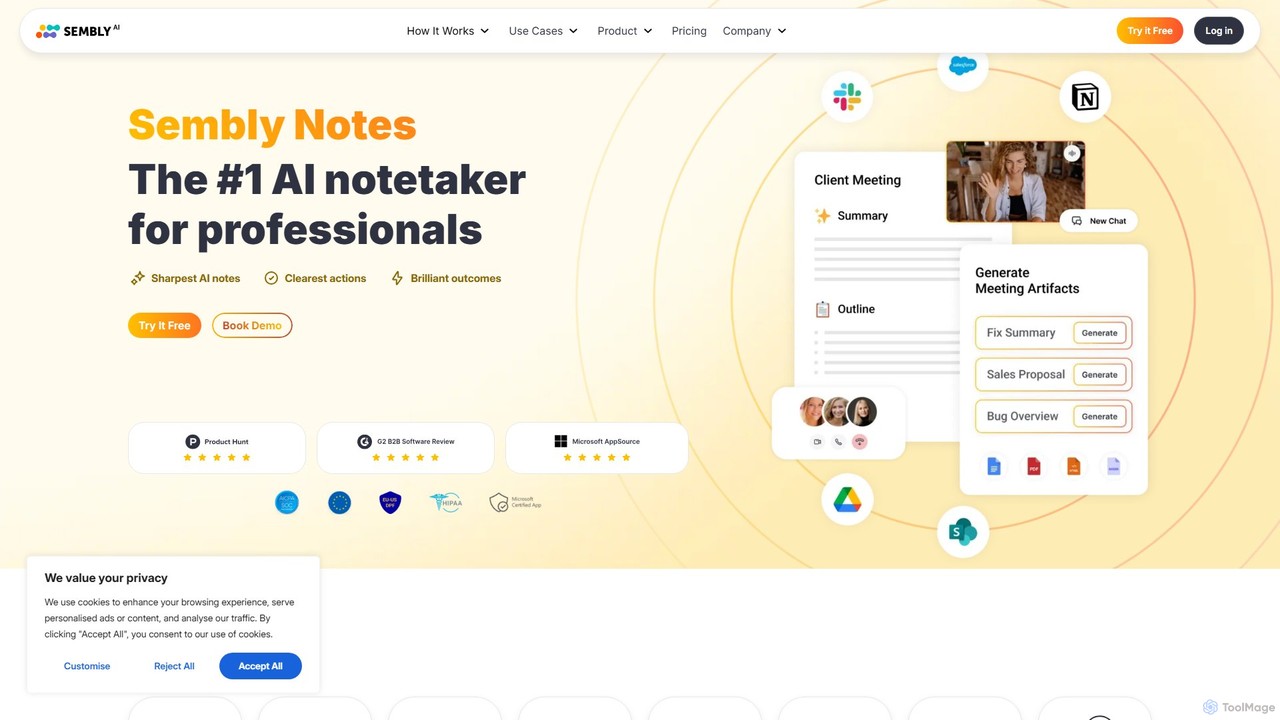
Sembly
Sembly is an AI meeting assistant that records, transcribes, and generates intelligent summaries for your meetings. It integrates with major platforms like Zoom, Google Meet, and Microsoft Teams to capture conversations, identify key items, create action points, and provide deep insights, transforming discussions into actionable outcomes.
Project Management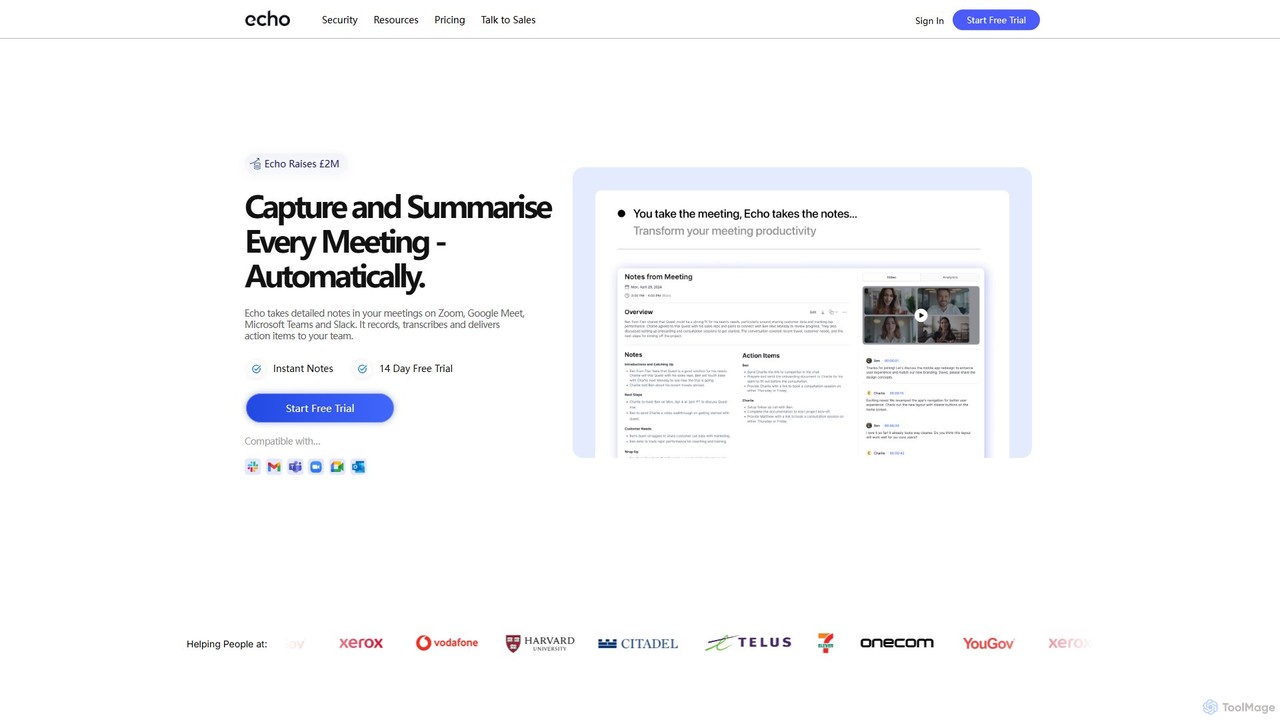
meetecho
Meetecho is an AI executive assistant that automatically joins your meetings on Zoom, Google Meet, and Teams. It records, transcribes, and generates structured summaries with action items, freeing you to focus on the conversation. It supports over 30 languages and offers robust security features.
Communication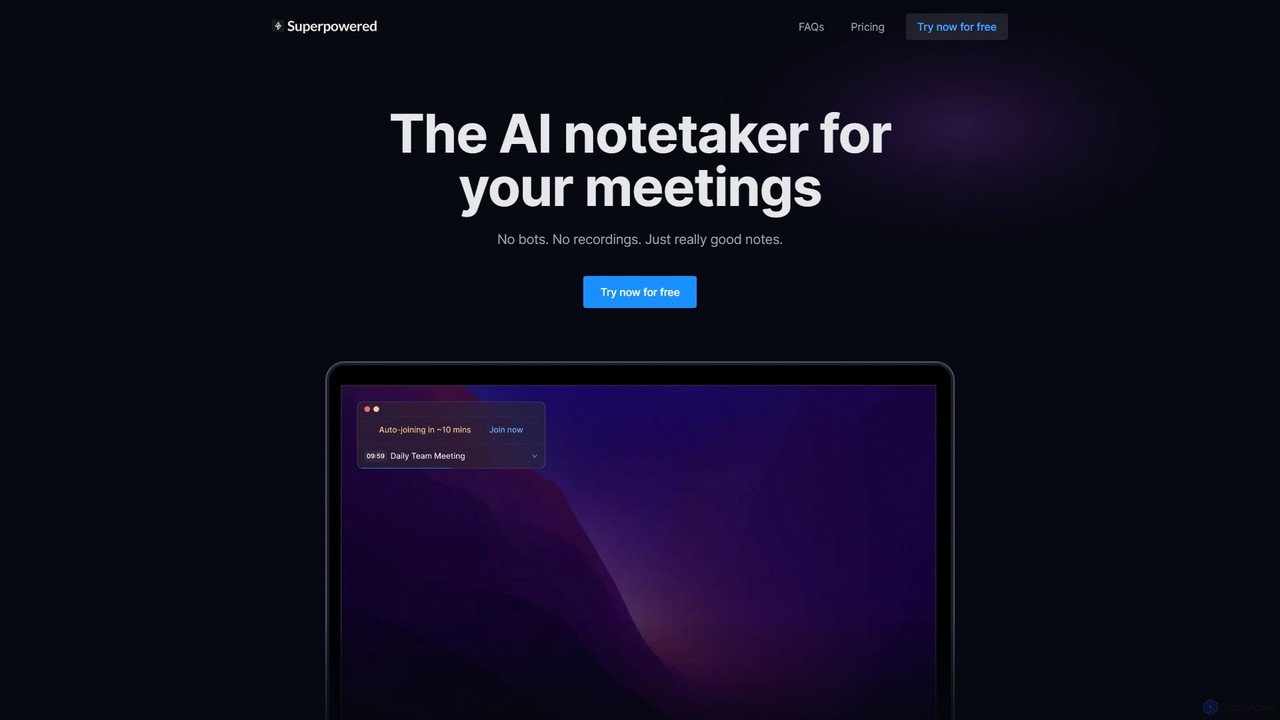
Superpowered
Superpowered is an AI meeting assistant that generates high-quality notes, summaries, and action items without using bots or recordings. It works seamlessly with all meeting platforms by transcribing device audio in real-time, ensuring privacy and security. It integrates with your calendar and workflow tools to boost productivity.
Meeting Assistant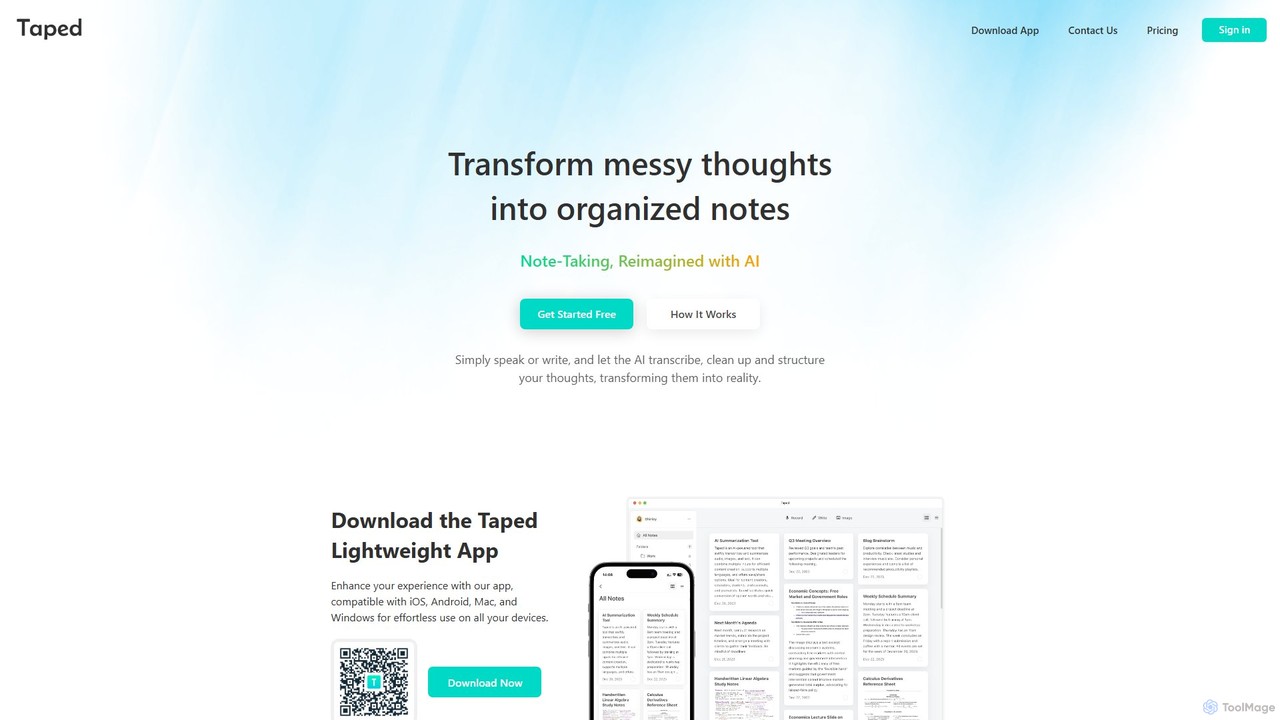
Taped
Taped is an AI-powered note-taking application that transforms your spoken or written thoughts into structured, organized, and summarized notes. It uses advanced AI to transcribe, clean up, and format your ideas, making it easy to capture and act on them across all your devices.
Transcription
Ambient
Ambient is an AI-powered meeting assistant that automatically joins your calls, records, transcribes, and generates intelligent summaries. It captures action items, key decisions, and important topics from your meetings on platforms like Zoom, Google Meet, and Microsoft Teams, saving you hours on manual note-taking and ensuring no detail is missed.
Transcription Services
meetmine.ai
meetmine.ai is an AI-powered meeting assistant that automatically transcribes, summarizes, and analyzes your conversations. It integrates with popular platforms like Zoom, Google Meet, and Microsoft Teams to capture every detail, identify action items, and create a searchable knowledge base from your meetings, boosting team productivity and collaboration.
Knowledge Management
Jyek
Jyek is an AI agent platform that understands objectives, creates execution plans, uses tools, and delivers verifiable results for complex, multi-step tasks.
Automation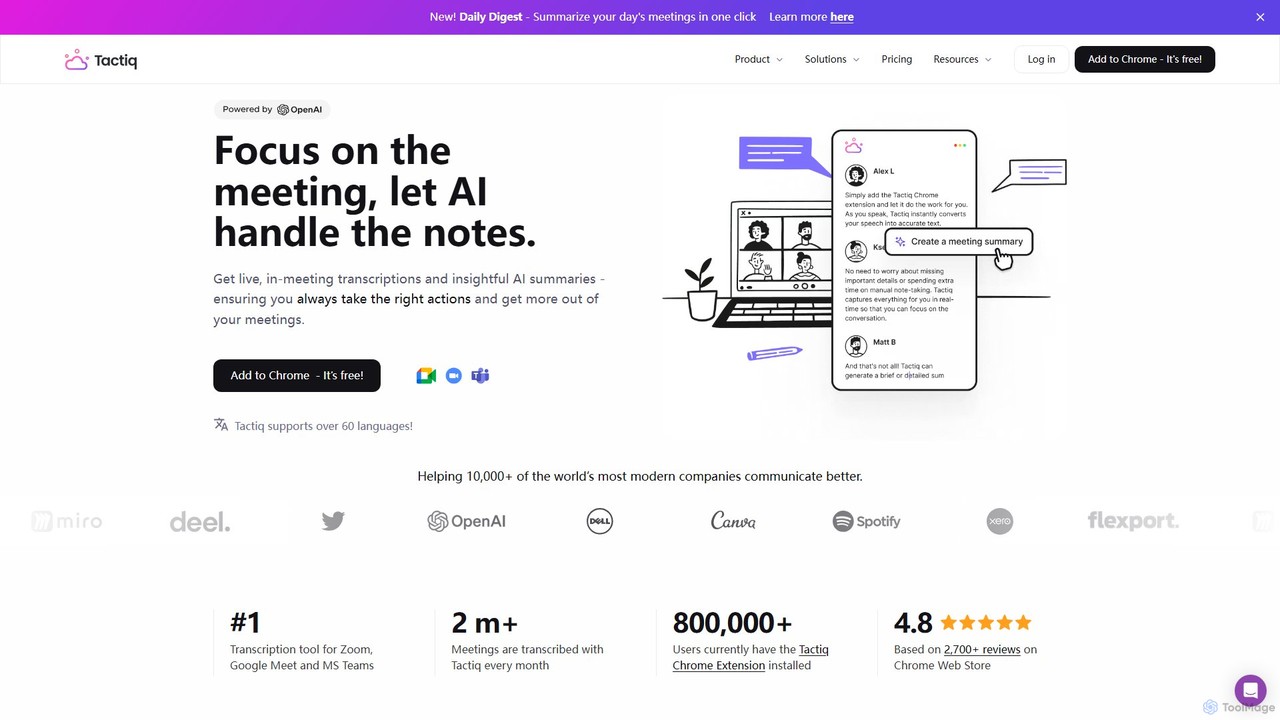
Tactiq
Tactiq is an AI-powered Chrome extension that provides real-time transcription, summaries, and actionable insights for Google Meet, Zoom, and MS Teams meetings. It operates without a bot, ensuring privacy while capturing every detail, identifying speakers, and automating post-meeting tasks like follow-up emails and action items.
Team Collaboration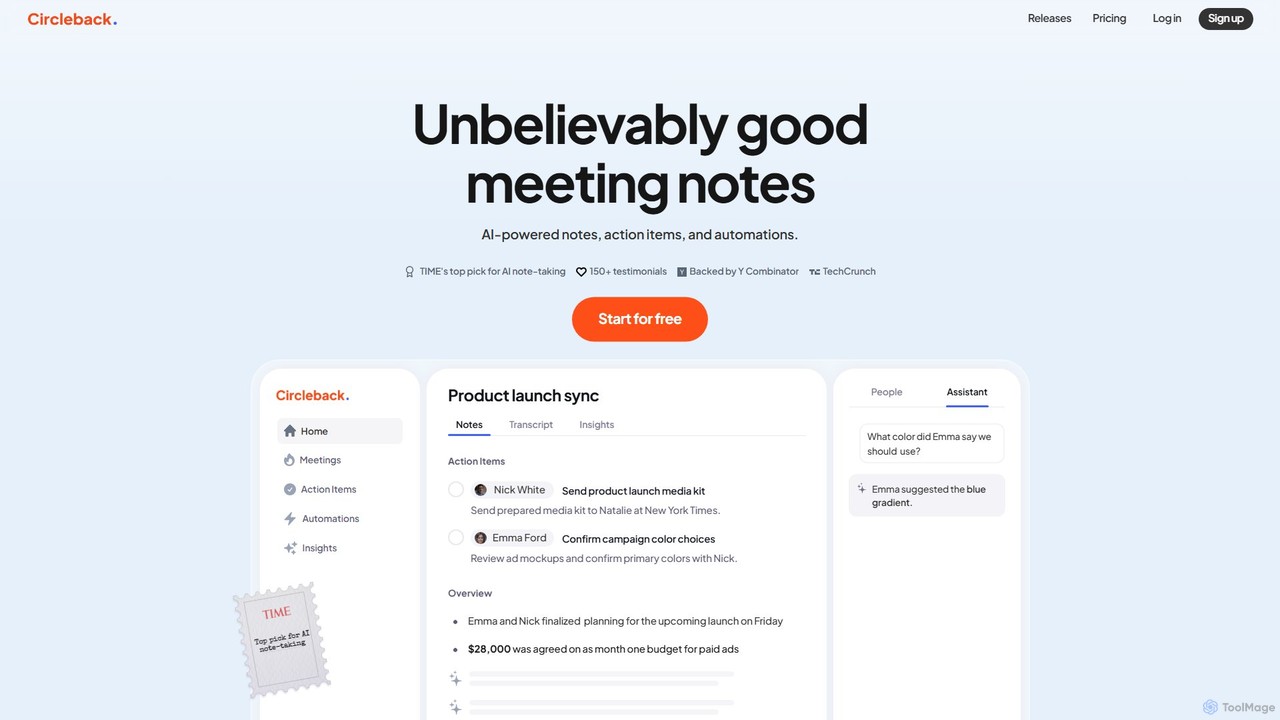
Circleback
Circleback is an AI-powered meeting assistant that automatically generates meticulous notes, assigns action items, and provides accurate transcriptions for both virtual and in-person meetings. It integrates with your favorite apps to automate post-meeting workflows, helping you save time, stay organized, and focus on the conversation.
Workflow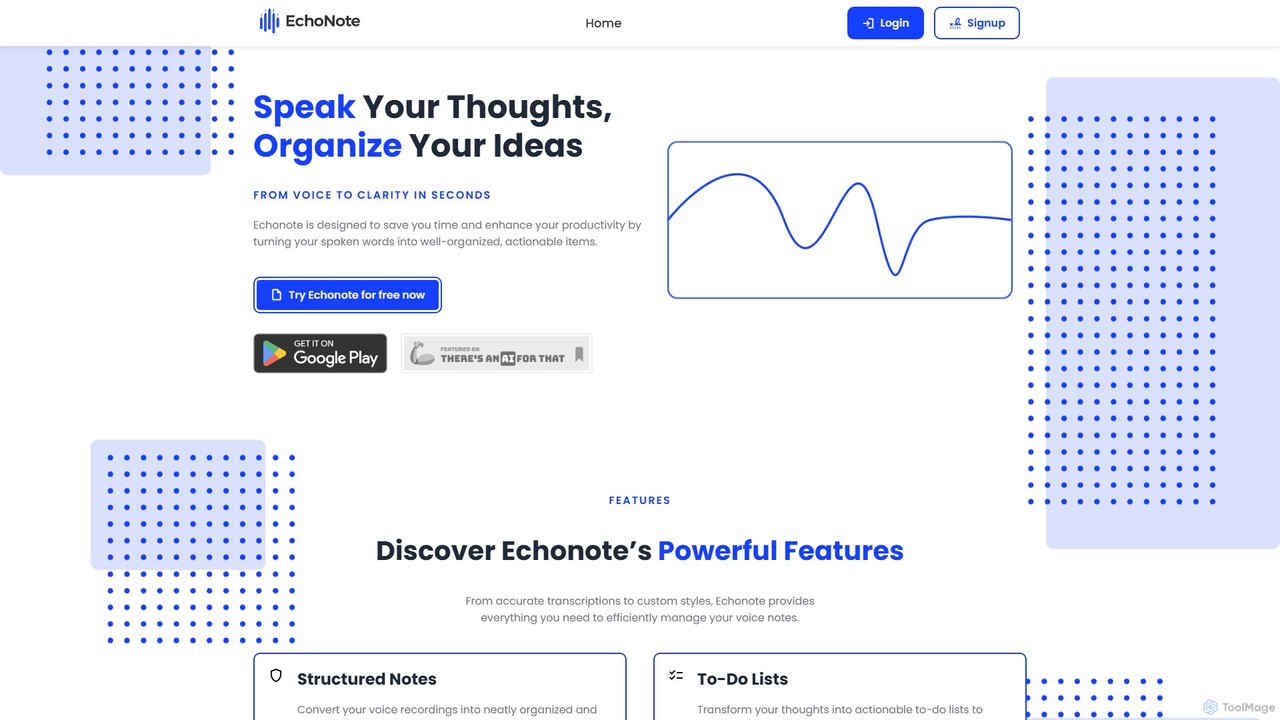
EchoNote
EchoNote is an AI-powered tool that transforms your voice recordings into structured notes, actionable to-do lists, and custom-formatted text. It supports over 50 languages and syncs across web, iOS, and Android to boost your productivity and organize your ideas effortlessly.
Speech To Text
Vemo Comments (0)
Sign in to comment.
Sign inNo comments yet.