
Read.ai Overview
Read.ai is a leading AI productivity platform designed to streamline workflows and enhance collaboration for individuals and teams. It began as a highly efficient AI meeting notetaker and has evolved into a comprehensive work hub. At its core, Read.ai tackles the universal challenge of information fragmentation by creating a unified, intelligent, and searchable ecosystem for all your work-related content. By integrating with the tools you use daily, it ensures that valuable insights from meetings, emails, and documents are never lost, making you and your team more productive and informed.
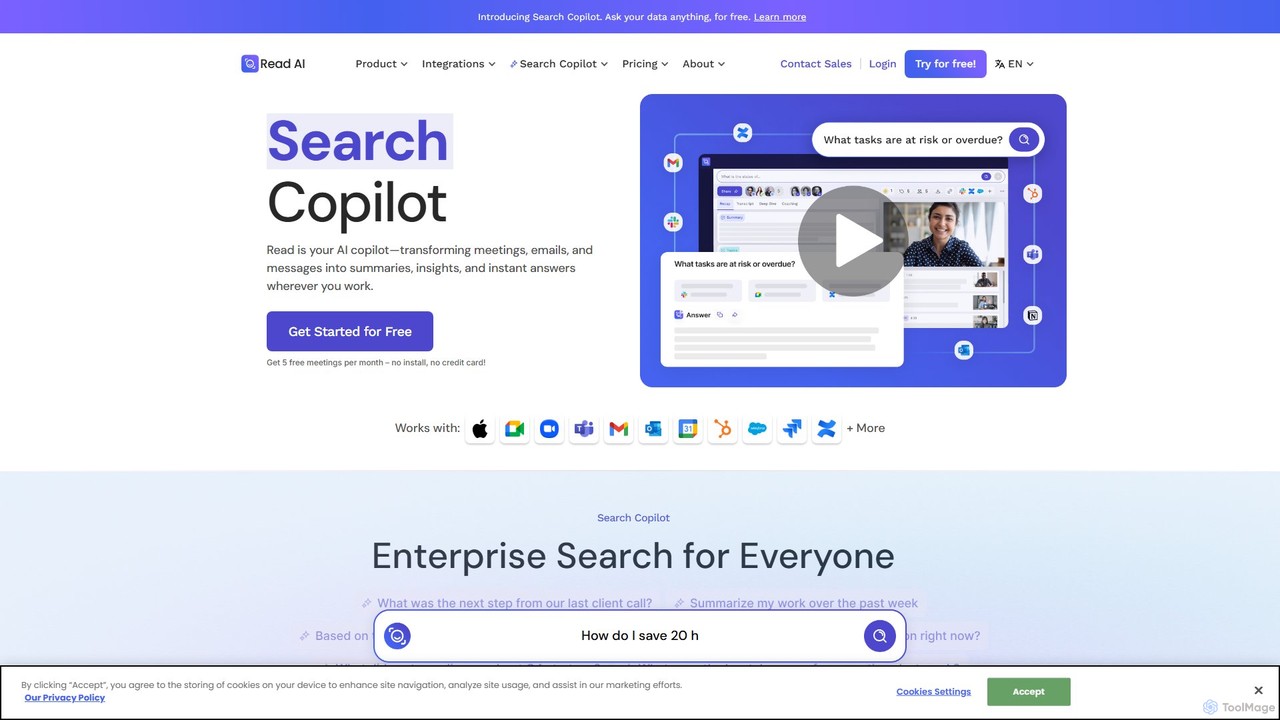
The platform is powered by its innovative "Free Agent" technology, an AI agent that seamlessly connects to both open and closed platforms to index interactions and content. This technology drives the entire Read.ai experience, most notably its groundbreaking Search Copilot feature, which allows users to perform natural language searches across all their connected applications.
How to use Read.ai
Getting started with Read.ai is a straightforward process designed for immediate value:
- Sign Up: Create a free account on the Read.ai website.
- Connect Your Calendar: Integrate your Google or Microsoft Outlook calendar. This allows Read.ai to automatically identify your upcoming meetings.
- Configure the AI Notetaker: The Read.ai bot will automatically join your meetings on platforms like Zoom, Google Meet, and Microsoft Teams to record, transcribe, and analyze the conversation.
- Integrate Your Work Apps: To unlock the full power of Search Copilot, connect your other work tools such as Slack, Gmail, Notion, Salesforce, and cloud storage. This allows the "Free Agent" to index your content securely.
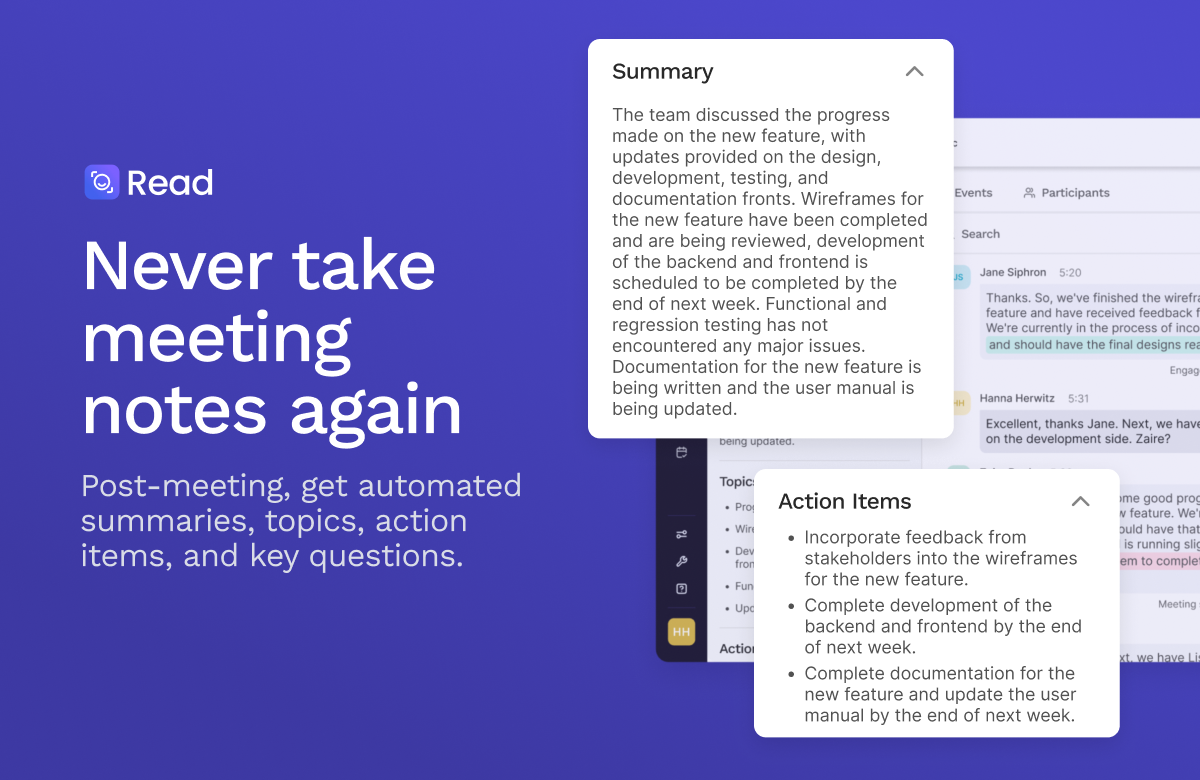
- Receive Summaries: After each meeting, you'll receive a detailed report including a concise summary, a full transcript, key topics, action items, and analytics on participant engagement.
- Search Everything: Use the Search Copilot dashboard to ask questions like "What were the Q3 marketing goals we discussed last month?" or "Find the proposal sent to XYZ Corp." Read.ai will instantly retrieve answers and cite sources from your meetings, emails, and documents.
Core Features of Read.ai
- AI Meeting Summaries & Transcripts: Automatically generates concise, easy-to-read summaries, highlights key topics, and provides full, speaker-identified transcripts for every meeting.
- Search Copilot: A revolutionary enterprise search engine that allows you to find information across all your integrated platforms (meetings, email, chat, CRM, cloud storage) using a single, natural language query.
- Action Item & Topic Detection: Intelligently identifies action items, decisions, and key questions discussed during meetings, helping teams stay aligned and accountable.
- Meeting Analytics: Provides data-driven insights into meeting dynamics, including talk time distribution, sentiment analysis, and engagement scores, to help you run more effective meetings.
- Extensive Integrations: Seamlessly connects with thousands of applications, including Microsoft Teams, Google Meet, Zoom, Slack, HubSpot, Notion, and Salesforce, creating a truly unified workspace.
- Privacy-First Design: Gives users full control over their data. Read.ai does not train its models on user content by default and allows for one-click account deletion.
Use Cases for Read.ai
Read.ai is versatile and valuable for various roles:
- Project Managers: Effortlessly track decisions and action items from all project-related meetings, ensuring nothing falls through the cracks.
- Sales Teams: Review client calls, automatically log key insights, and use Search Copilot to quickly find past conversations or contract details.
- Executives & Leaders: Get high-level summaries of meetings they couldn't attend and use the search function to gain a cross-departmental overview of projects and initiatives.
- Consultants & Freelancers: Manage multiple clients and projects by keeping all communications and meeting notes organized and instantly searchable.
- Remote & Hybrid Teams: Create a centralized source of truth that keeps all team members, regardless of their location or time zone, aligned and informed.
Advantages of Read.ai
Read.ai stands out with several key advantages:
- Unified Knowledge Hub: It breaks down information silos by creating a single point of access for all your work content.
- Radical Productivity: By automating note-taking, summarizing, and information retrieval, it saves users hours of manual work each week.
- Cost-Effective: The powerful Search Copilot and core meeting features are available for free, making advanced AI accessible to everyone.
- Independent & Universal: It works across different platforms, not locking you into a single ecosystem like Microsoft or Google.
- Action-Oriented Insights: It goes beyond simple transcription to provide actionable intelligence that improves meeting outcomes and team collaboration.
Pricing and Plans
Read.ai operates on a freemium model, making it accessible for both individuals and large enterprises.
- Free Plan: Ideal for individuals and small teams, this plan includes the powerful Search Copilot, AI meeting summaries, transcripts, and a generous number of integrations at no cost.
- Pro Plan: Designed for professionals and growing teams, this plan typically offers unlimited meeting reports, advanced analytics, and premium integration features.
- Enterprise Plan: Tailored for large organizations, this plan includes advanced security features like SSO, custom data retention policies, enterprise-wide deployment, and dedicated support.
For the most current and detailed pricing information, please visit the official Read.ai website.
Traffic
Latest traffic
Status
Monthly traffic trend
- 2025-9: 4.1M
- 2026-1: 3.9M
- 2026-2: 3.7M
- 2026-3: 4.1M
- 2026-4: 4.0M
- 2026-5: 4.1M
Geography
Top 5 countries / regions
- 🇺🇸United States60.9%
- 🇨🇴Colombia14.0%
- 🇿🇦South Africa8.5%
- 🇲🇽Mexico8.4%
- 🇧🇷Brazil8.2%
Traffic sources
| Source type | Percentage |
|---|---|
Email | 51.8% |
Direct | 32.7% |
Referral | 15.5% |
Top keywords
| Keyword | Cost per click |
|---|---|
| descript | $0.94 |
| read | $1.06 |
| read ai | $1.49 |
| readai | $1.55 |
| read ai login | $0.75 |
Read.ai Videos on YouTube


Read AI

Read AI


Luccas Góes | Método Naghol

Pietro Giordano
Read.ai Alternatives
Sembly
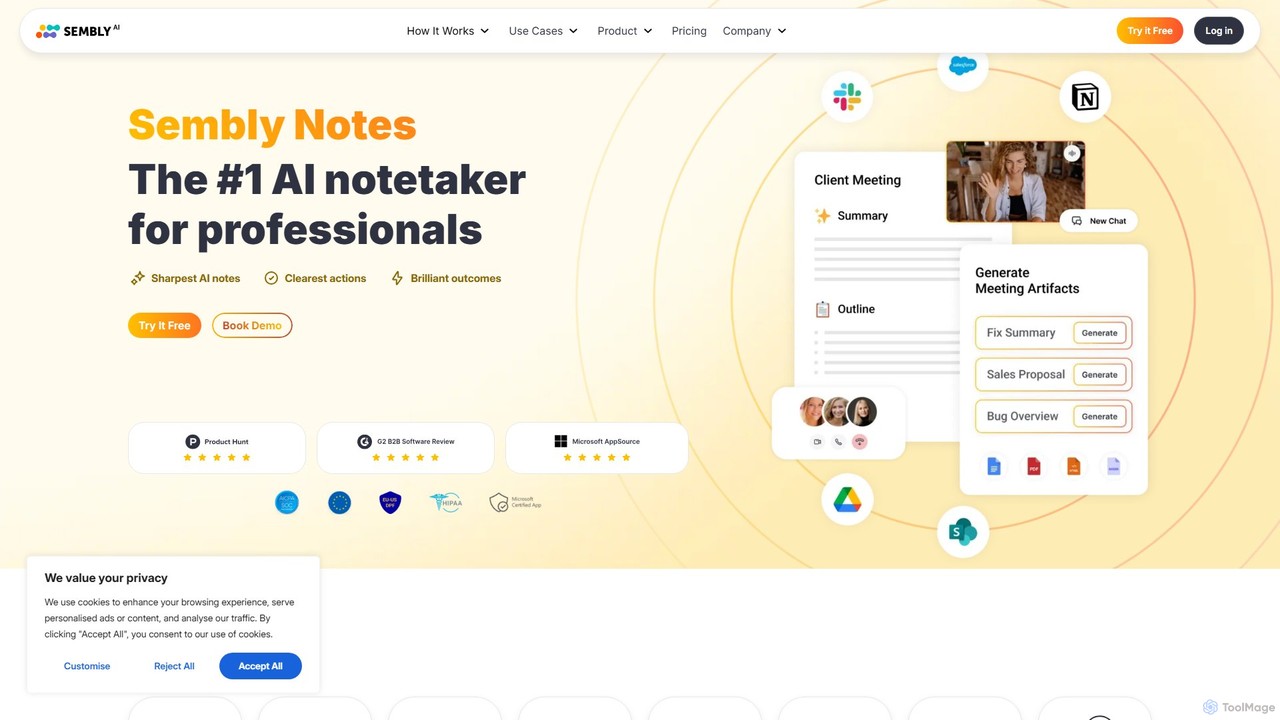
Sembly is an AI meeting assistant that records, transcribes, and generates intelligent summaries for your meetings. It integrates with major platforms like Zoom, Google Meet, and Microsoft Teams to capture conversations, identify key items, create action points, and provide deep insights, transforming discussions into actionable outcomes.
Project Management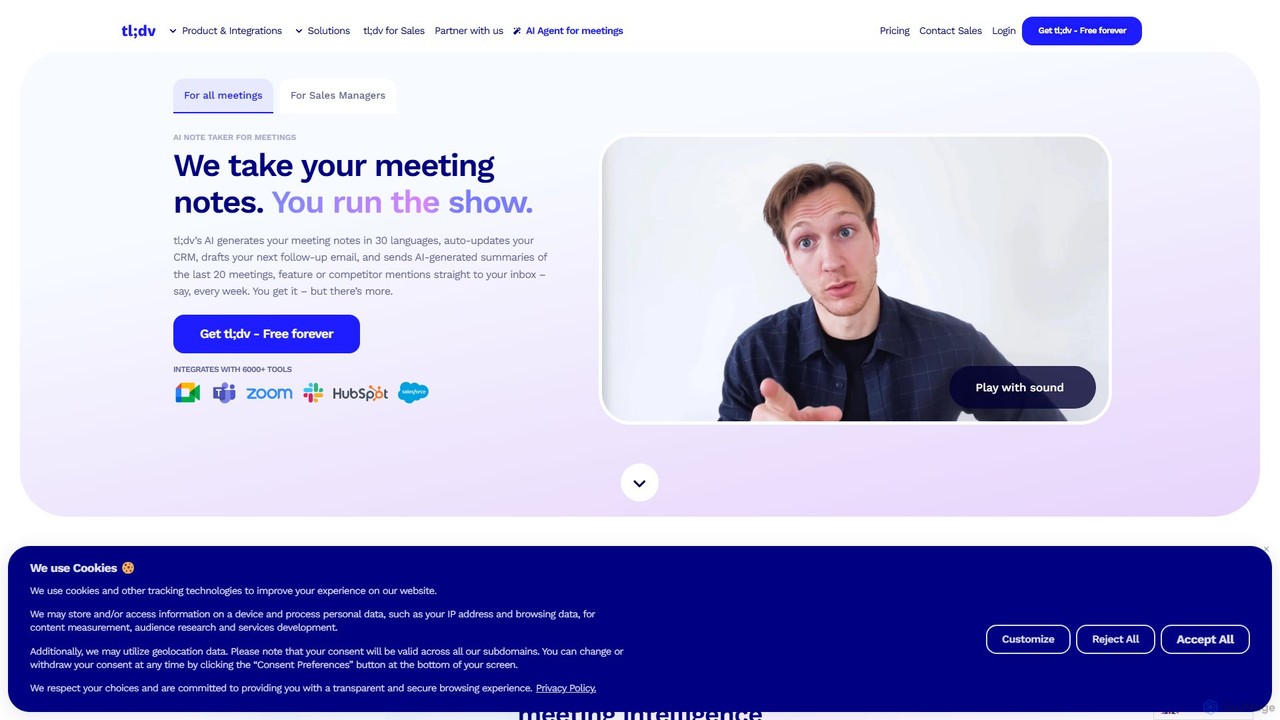
tldv
tldv is an AI meeting assistant for Zoom, Google Meet, and MS Teams. It automatically records, transcribes, summarizes, and timestamps your meetings. Instantly create clips from long recordings, share insights, and automate workflows by integrating with tools like Slack and CRMs. It's designed to boost productivity for sales, product, and collaborative teams.
Meeting Assistant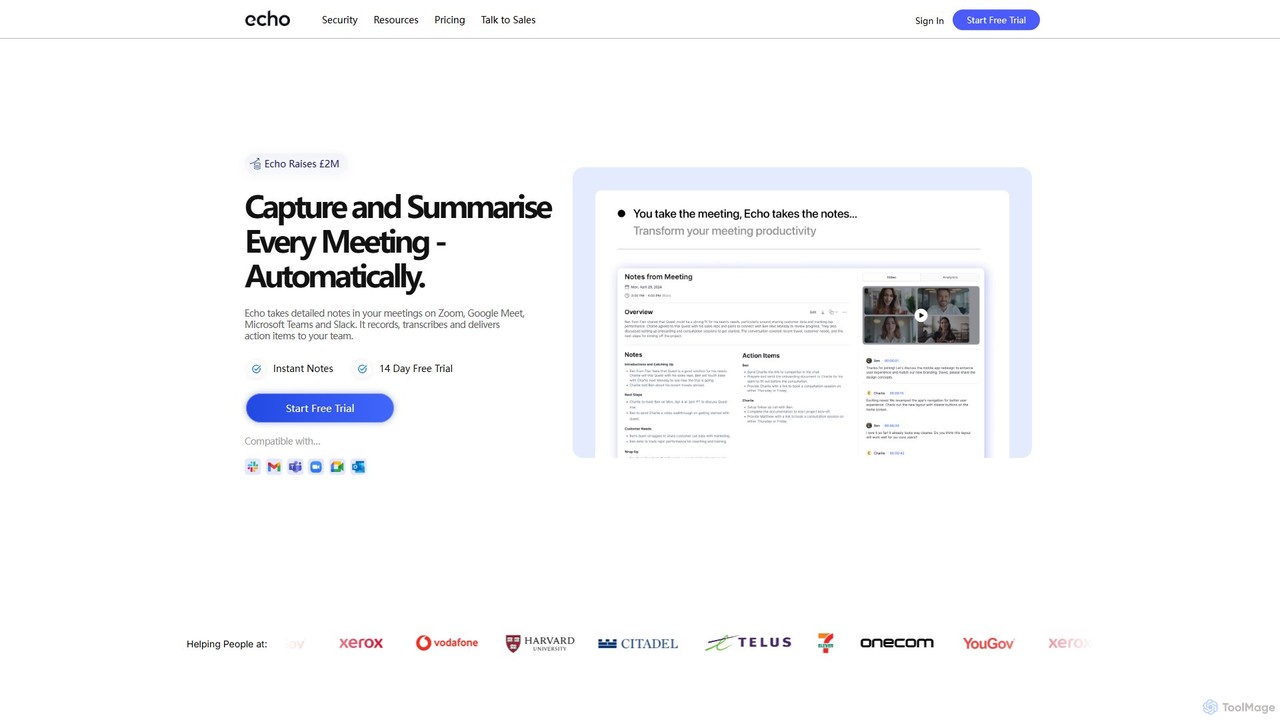
meetecho
Meetecho is an AI executive assistant that automatically joins your meetings on Zoom, Google Meet, and Teams. It records, transcribes, and generates structured summaries with action items, freeing you to focus on the conversation. It supports over 30 languages and offers robust security features.
Communication
Clearword
Clearword is an AI-powered meeting assistant that automatically records, transcribes, and summarizes your online meetings. It integrates with Zoom, Google Meet, and Microsoft Teams to capture every detail, generate actionable notes, and create a searchable knowledge base from your conversations.
Team Collaboration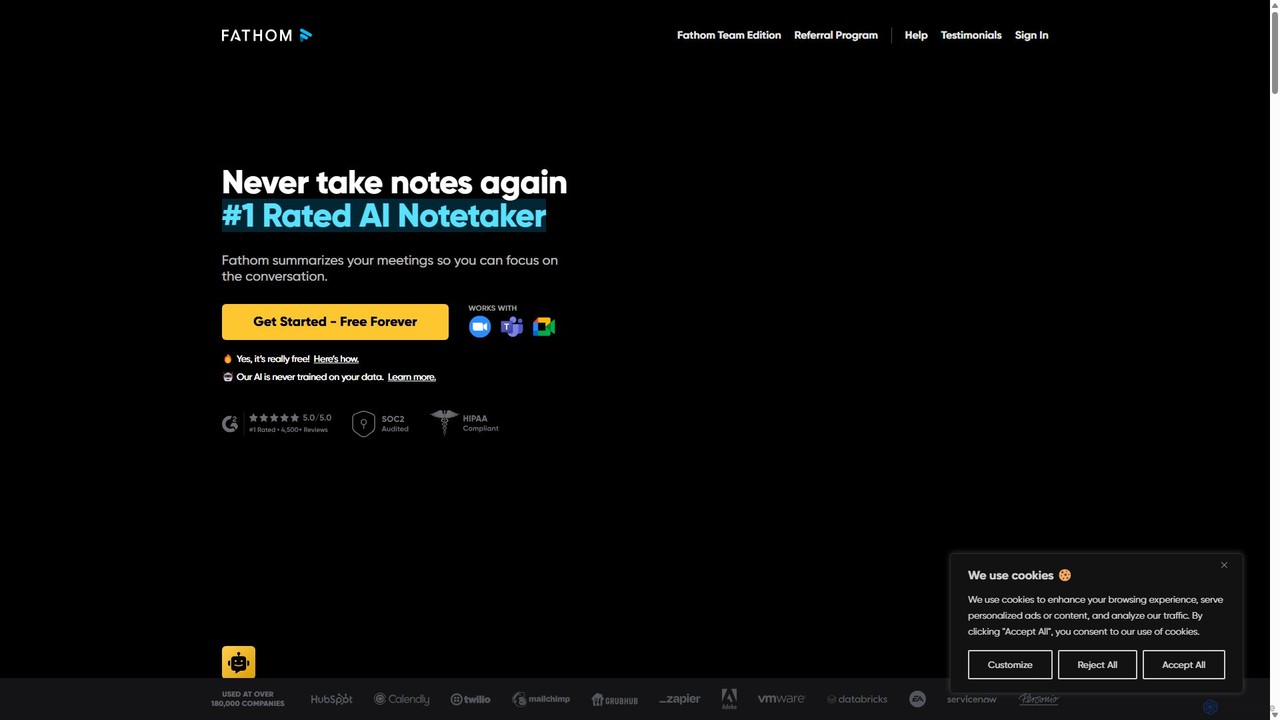
Fathom
Fathom is a top-rated AI meeting assistant that automatically records, transcribes, and summarizes your video calls on Zoom, Google Meet, and Microsoft Teams. It liberates you from note-taking, allowing full focus on the conversation. Fathom provides instant, shareable summaries and action items, and integrates seamlessly with your CRM and other productivity tools, saving significant time and boosting post-meeting efficiency.
TranscriptionRead.ai Categories
Read.ai Embed Widget
Copy this embed code to place the badge on your blog, article, or product site and send readers directly to this ToolMage detail page.

Related AI tools
Fathom
Fathom is a top-rated AI meeting assistant that automatically records, transcribes, and summarizes your video calls on Zoom, Google Meet, and Microsoft Teams. It liberates you from note-taking, allowing full focus on the conversation. Fathom provides instant, shareable summaries and action items, and integrates seamlessly with your CRM and other productivity tools, saving significant time and boosting post-meeting efficiency.
Transcription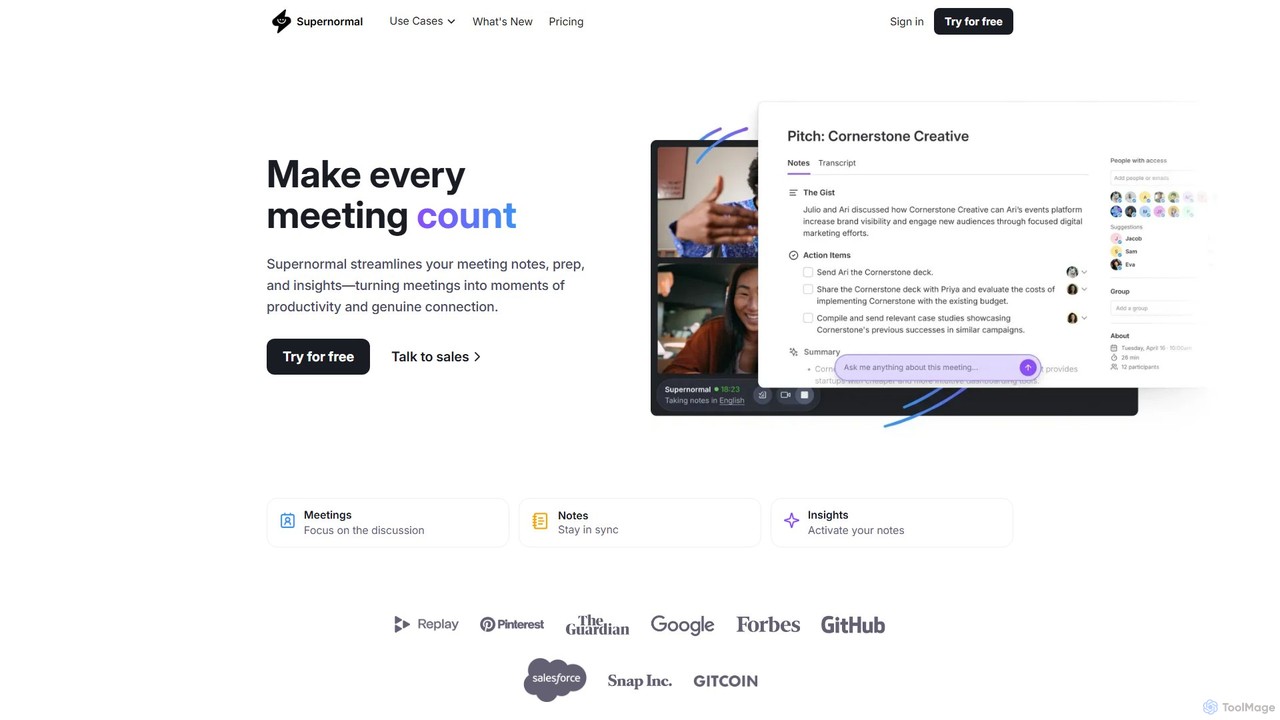
Supernormal
Supernormal is an AI meeting assistant that automatically records, transcribes, and summarizes your meetings on Google Meet, Zoom, and Microsoft Teams. It helps you focus on the conversation by taking care of note-taking, identifying action items, and providing actionable insights.
MeetingsSembly
Sembly is an AI meeting assistant that records, transcribes, and generates intelligent summaries for your meetings. It integrates with major platforms like Zoom, Google Meet, and Microsoft Teams to capture conversations, identify key items, create action points, and provide deep insights, transforming discussions into actionable outcomes.
Project Management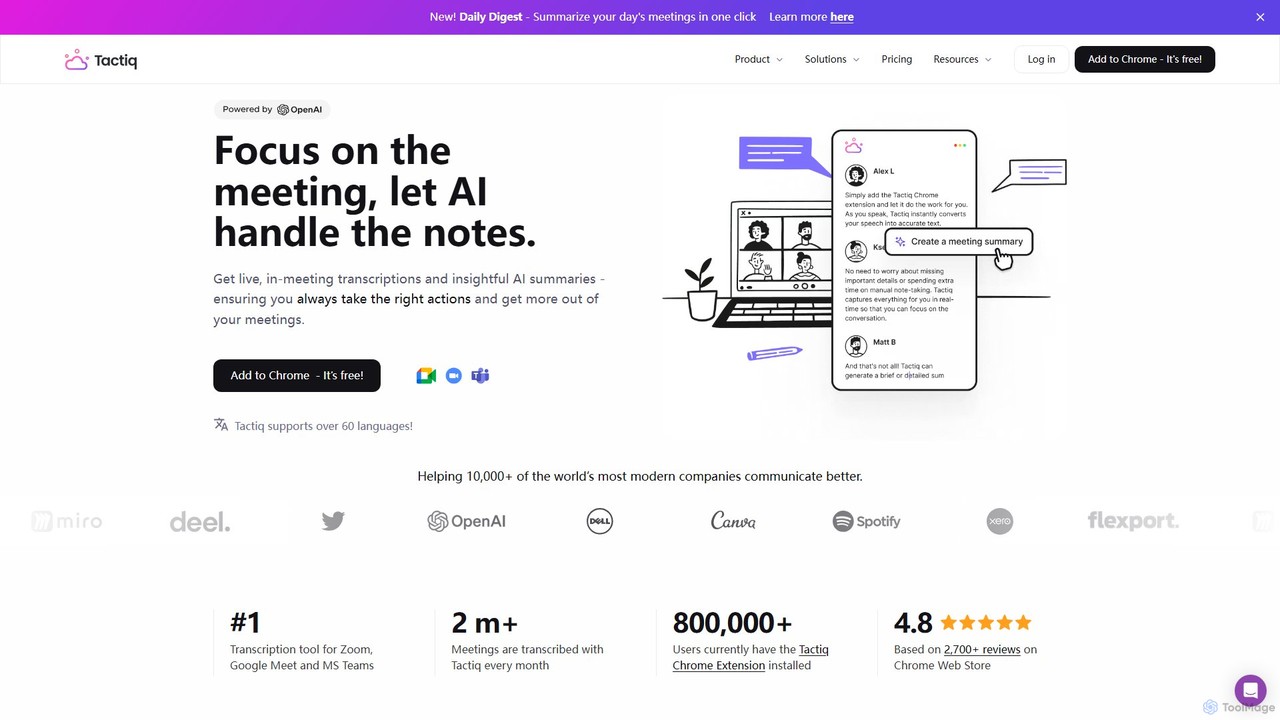
Tactiq
Tactiq is an AI-powered Chrome extension that provides real-time transcription, summaries, and actionable insights for Google Meet, Zoom, and MS Teams meetings. It operates without a bot, ensuring privacy while capturing every detail, identifying speakers, and automating post-meeting tasks like follow-up emails and action items.
Team Collaboration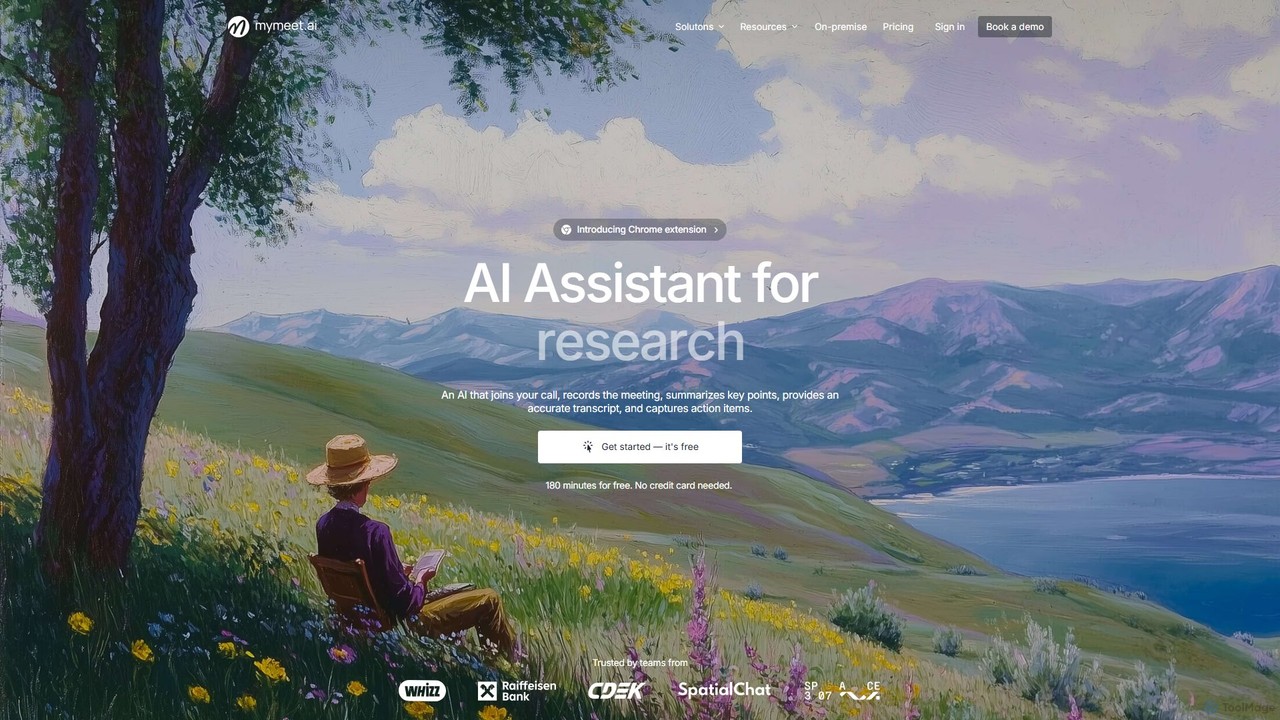
mymeet.ai
mymeet.ai is an AI meeting assistant that automatically joins your calls on Zoom, Google Meet, and Teams to record, transcribe, summarize, and identify action items. It features an interactive AI chat to query meeting details, offers specialized analysis templates, and integrates seamlessly with your calendar and other work tools to boost productivity.
Sales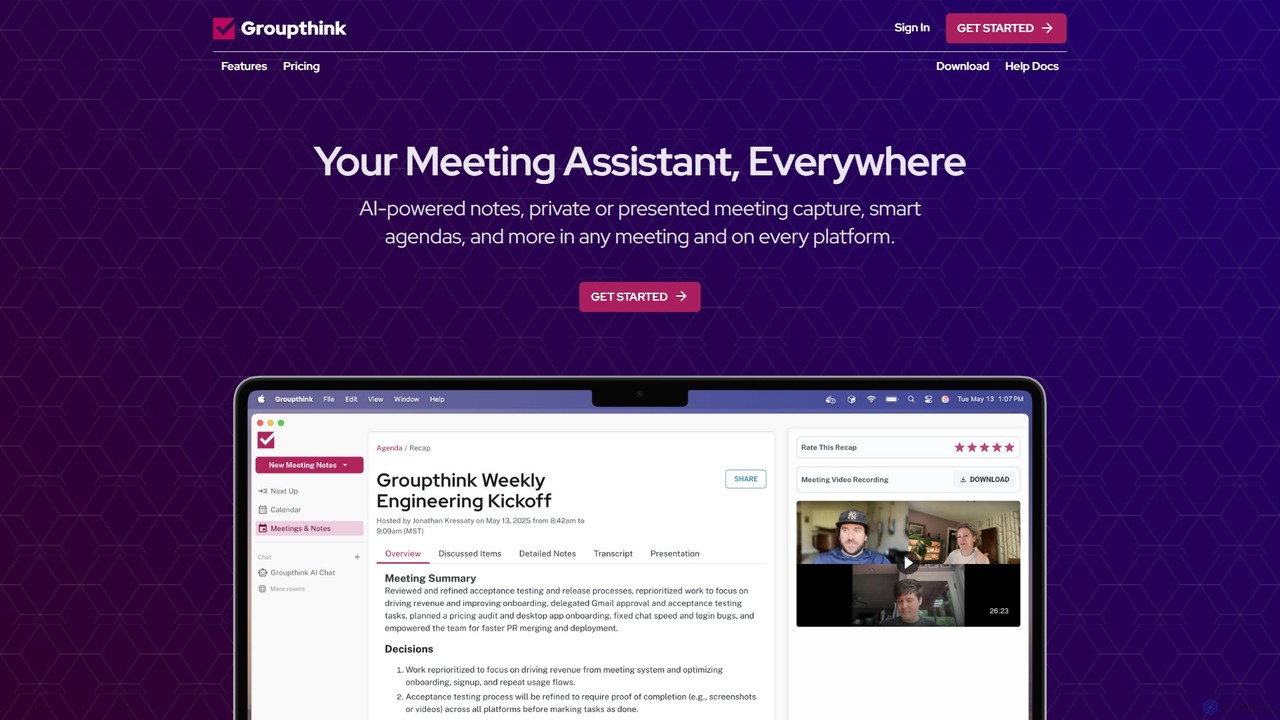
groupthink
Groupthink is an AI meeting assistant that automates note-taking, transcription, and summaries across all major platforms. It offers a unique choice between a visible bot for team collaboration and a private desktop recorder for discreet capture. Features include smart agendas, action item tracking, and an AI chat to query past meetings, saving professionals up to 30% of their meeting time.
Transcription
Ambient
Ambient is an AI-powered meeting assistant that automatically joins your calls, records, transcribes, and generates intelligent summaries. It captures action items, key decisions, and important topics from your meetings on platforms like Zoom, Google Meet, and Microsoft Teams, saving you hours on manual note-taking and ensuring no detail is missed.
Transcription Services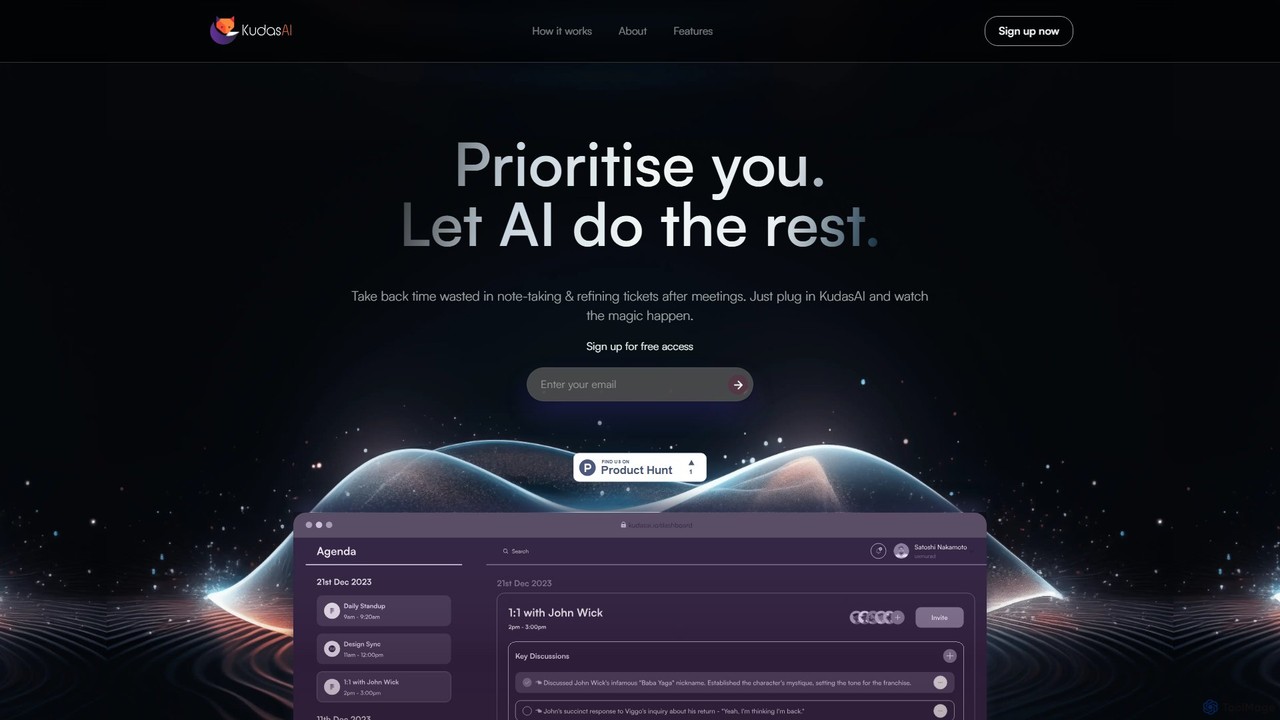
KudasAI
KudasAI is an AI-powered sidekick designed to supercharge your agile meetings. It joins your calls on platforms like Zoom, Google Meet, and Teams to automatically transcribe, summarize, and identify key takeaways and action items. This allows your team to focus on the discussion, not on note-taking, ensuring every important detail is captured accurately and objectively.
Transcription
meetmemos
meetmemos is an AI-powered meeting assistant that automatically records, transcribes, and summarizes your online meetings. It captures every detail, extracts key action items, and delivers concise memos, allowing you to focus on the conversation instead of taking notes. It integrates seamlessly with Zoom, Google Meet, and Microsoft Teams.
Transcriptiontldv
tldv is an AI meeting assistant for Zoom, Google Meet, and MS Teams. It automatically records, transcribes, summarizes, and timestamps your meetings. Instantly create clips from long recordings, share insights, and automate workflows by integrating with tools like Slack and CRMs. It's designed to boost productivity for sales, product, and collaborative teams.
Meeting Assistantmeetecho
Meetecho is an AI executive assistant that automatically joins your meetings on Zoom, Google Meet, and Teams. It records, transcribes, and generates structured summaries with action items, freeing you to focus on the conversation. It supports over 30 languages and offers robust security features.
CommunicationClearword
Clearword is an AI-powered meeting assistant that automatically records, transcribes, and summarizes your online meetings. It integrates with Zoom, Google Meet, and Microsoft Teams to capture every detail, generate actionable notes, and create a searchable knowledge base from your conversations.
Team Collaboration
MeetGeek
MeetGeek is an AI meeting assistant that automatically records, transcribes, summarizes, and provides key insights for your meetings. It integrates seamlessly with Zoom, Google Meet, and Microsoft Teams, transforming conversations into actionable knowledge, boosting team productivity, and ensuring no important details are ever missed.
Meetings
Grain
Grain is an AI-powered meeting notetaker designed for growing teams. It automatically records, transcribes, and summarizes video calls from platforms like Zoom, Google Meet, and Microsoft Teams. It helps sales, customer success, and product teams capture crucial insights, automate follow-ups, sync data to CRMs, and facilitate team coaching and collaboration, allowing everyone to stay focused during conversations.
Customer Feedback
AiGenda
AiGenda is an AI-powered meeting assistant that automatically records, transcribes, and summarizes your online meetings. It integrates with platforms like Zoom, Google Meet, and Telemost to provide high-accuracy transcripts and intelligent summaries in minutes, supporting over 10 languages. This tool helps teams save time, improve focus during calls, and easily search for key information from past discussions.
Collaboration
Read.ai Comments (0)
Sign in to comment.
Sign inNo comments yet.