ToolMage
Sign in

Best 7 Noise Reduction AI tools for Audio

Popular Noise Reduction AI tools in Audio include AudioCleaner AI, IRIS, CrystalSound, Noise Eraser, HeardThat, Nonoisy, and Voice Isolator, helping you work more efficiently.

Voice Isolator
Freemium

Voice Isolator

Voice Isolator is a comprehensive AI-powered audio suite designed for pristine sound quality. It excels at removing background noise, isolating vocals and instruments from any track, cleaning up voice recordings for clarity, and generating natural-sounding speech from text. Ideal for podcasters, musicians, and content creators seeking professional-grade audio processing with a simple, fast, and intuitive web-based interface.

3D
Visits 4.8KFavorites 108Likes 113
CrystalSound
Freemium

CrystalSound

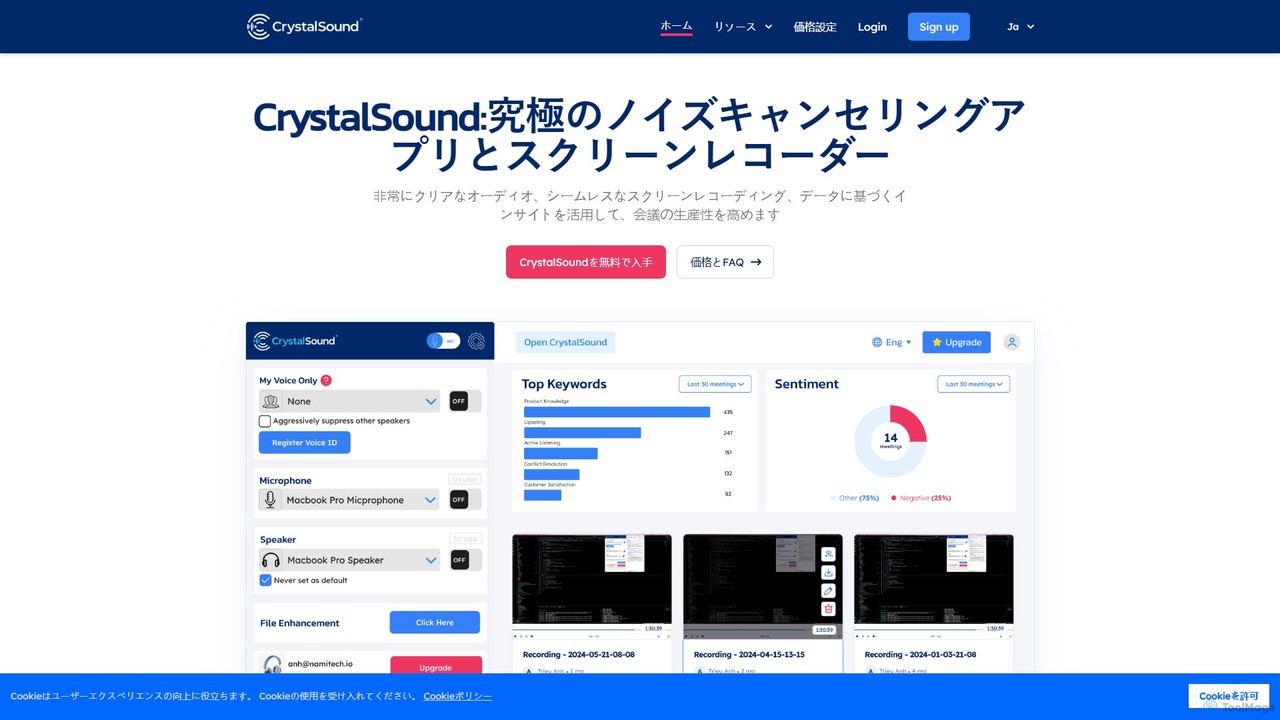
CrystalSound is an AI-powered noise-cancelling and screen recording application designed to enhance online meeting productivity. It eliminates background noise from both ends of a call, records meetings with high-definition audio, and provides AI-driven transcriptions and insights, ensuring crystal-clear communication and focused collaboration.

Noise Reduction
Visits 7.8KFavorites 150Likes 148
HeardThat
Freemium

HeardThat

HeardThat is an AI-powered smartphone app that eliminates background noise, allowing you to hear conversations clearly in loud environments. Using your existing phone and Bluetooth listening devices, it leverages advanced machine learning to isolate speech, tackling the 'cocktail-party effect'. It's a software-based hearing-assistive tool designed for anyone who struggles to follow conversations in noisy social settings, enhancing communication and reducing listening fatigue.

Speech Enhancement
Visits 7.5KFavorites 138Likes 125
AudioCleaner AI
Free

AudioCleaner AI

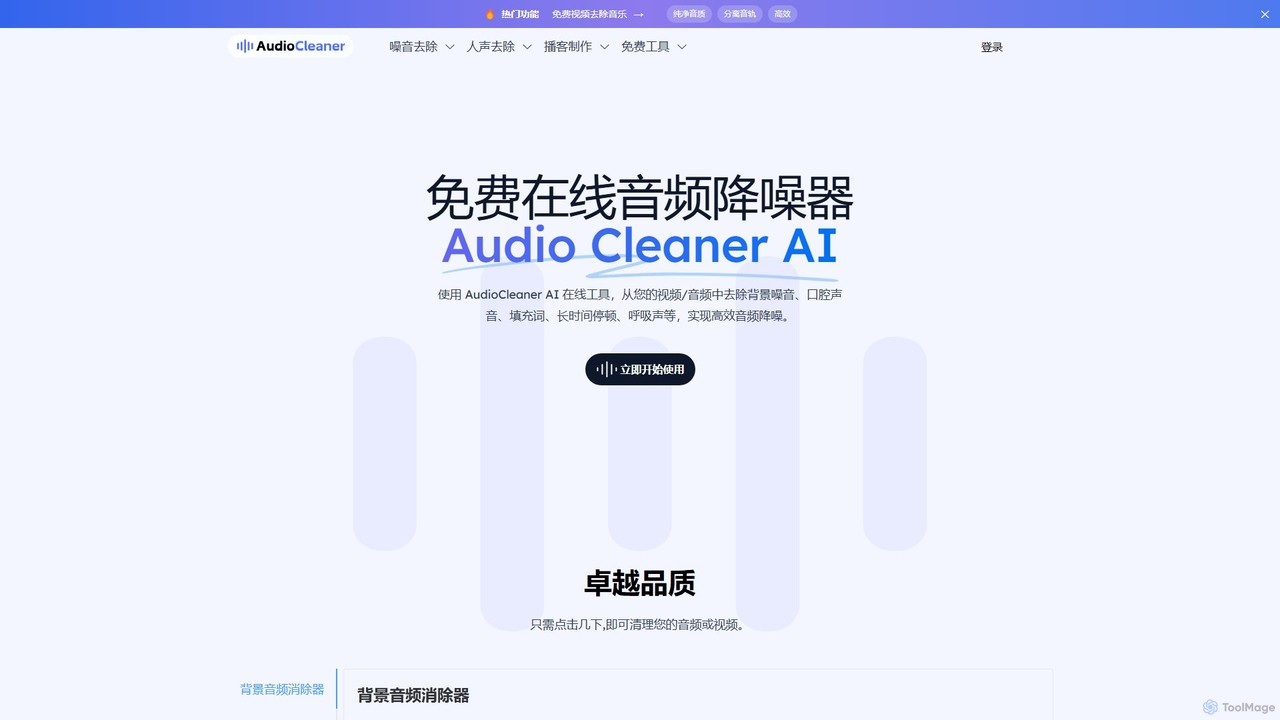
A powerful, free online AI tool that cleans audio and video by removing background noise, music, breathing, mouth clicks, and filler words. Ideal for podcasters, creators, and musicians seeking studio-quality sound with just a few clicks.

Audio Editing
Visits 1.5MFavorites 108Likes 109
IRIS
Paid

IRIS

IRIS provides an advanced AI-powered audio platform that delivers real-time noise cancellation and voice enhancement. Designed for mission-critical communications, it offers solutions like the Clarity app, an SDK for developers, and the VIPER embedded system for hardware, ensuring crystal-clear audio in any environment, from call centers to motorsports.

Noise Reduction
Visits 19KFavorites 99Likes 90
Nonoisy
Freemium

Nonoisy

Nonoisy is an AI-powered tool that automatically removes background noise, levels volume, and enhances audio quality for video and audio files. Ideal for podcasters, video creators, and course makers, it saves time and money by automating complex audio post-production, delivering professional-sounding results quickly.

Noise Reduction
Visits 5KFavorites 122Likes 115
Noise Eraser
Freemium

Noise Eraser

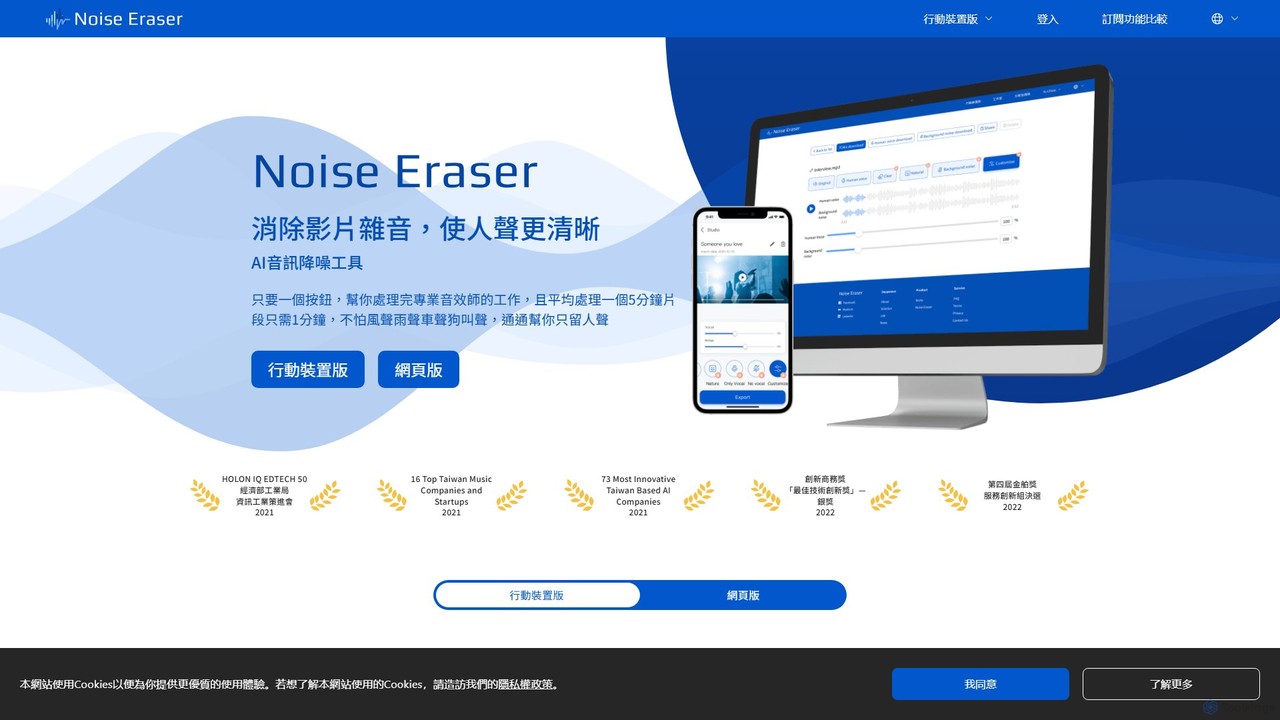
Noise Eraser is an AI-powered audio enhancement tool designed to remove background noise from videos, ensuring crystal-clear vocals. With a simple one-click process, it's perfect for content creators, marketers, and anyone needing professional-grade audio without complex software. Available on both web and mobile platforms.

Noise Reduction
Visits 7.6KFavorites 125Likes 116

About Noise Reduction

AI Noise Reduction tools are a specialized class of audio software that automatically identifies and removes unwanted background sounds from recordings. These tools leverage deep learning models to distinguish between desired audio, like speech or music, and disturbances such as hiss, wind, traffic, or crowd chatter. Their primary value lies in producing clear, professional-grade audio for podcasts, videos, and online meetings, significantly enhancing listener comprehension and overall quality. This technology allows creators to salvage recordings made in imperfect environments.

Core Features

  • Background Noise Removal: Targets and eliminates constant ambient sounds like air conditioning hum, fan noise, and electronic hiss.
  • Transient Sound Suppression: Reduces sudden, non-repeating noises such as clicks, keyboard typing, coughs, or door slams.
  • Voice Isolation & Enhancement: Intelligently separates human speech from surrounding noise, improving its clarity and intelligibility.
  • Reverb & Echo Reduction: Minimizes room reverberation and echo, making audio sound more direct and less distant.
  • Real-time Processing: Applies noise reduction live during calls, streams, or recordings without significant delay.

Applicable Scenarios

These tools are essential for podcasters, video creators, journalists, and musicians who need to clean up audio recorded outside of a studio. They are also widely used in post-production for film, in call centers to improve customer communication, and by remote workers to ensure clarity during virtual meetings.

Selection Criteria

When choosing an AI Noise Reduction tool, evaluate its effectiveness on different noise types (constant vs. sudden), the level of user control (one-click vs. adjustable parameters), integration with your workflow (standalone app vs. DAW plugin), and its processing requirements (real-time capability vs. offline rendering).

Noise Reduction use cases

1

Podcast Audio Cleanup and Restoration

A podcaster records an interview in a café, but the final audio is filled with background chatter, clinking dishes, and the hum of an espresso machine. Instead of discarding the valuable content, they use an AI Noise Reduction tool. The software intelligently identifies the frequency ranges of the human voices and separates them from the ambient café noise. With a few adjustments, the tool suppresses the distracting background sounds while preserving the natural tone of the speakers' voices, resulting in a professional, listenable episode that keeps the audience engaged.

2

Enhancing Video Dialogue in Windy Conditions

A content creator is filming a travel vlog outdoors, but strong wind gusts are hitting the microphone, causing loud, low-frequency rumbling that obscures their speech. In post-production, they apply an AI noise reduction filter specifically designed to tackle wind noise. The algorithm analyzes the audio, identifies the characteristic patterns of wind, and removes them without making the voice sound thin or unnatural. This process transforms the unusable audio into clear, intelligible dialogue, saving the shot and ensuring the video is professional and enjoyable to watch.

3

Clarifying Online Meetings and Conference Calls

A remote team manager is leading a critical project meeting via video conference. However, participants are working from home, and their audio is plagued by background noises like dogs barking, keyboard clicking, and household sounds. The manager uses a real-time AI noise reduction application that integrates with their meeting software. The app processes each participant's audio feed live, filtering out non-speech sounds before they reach other listeners. This results in a distraction-free meeting where every word is heard clearly, improving communication efficiency and reducing misunderstandings.

4

Cleaning Vocal Tracks for Music Production

A music producer has recorded a powerful vocal performance, but the track contains subtle yet distracting noises like headphone bleed, mouth clicks, and low-level preamp hiss. Manually editing these out would be tedious. Instead, they use a specialized AI noise reduction plugin within their Digital Audio Workstation (DAW). The tool is trained to identify and remove these specific artifacts while leaving the vocal timbre and performance intact. The result is a pristine, clean vocal track that sits perfectly in the mix and is ready for further processing with effects like reverb and compression.

5

Restoring Audio from Old or Damaged Media

An archivist is digitizing a collection of historical interviews from old cassette tapes. The recordings suffer from significant tape hiss, a low-frequency hum from the original recording equipment, and occasional clicks and pops due to tape degradation. They use an AI-powered audio restoration suite. The tool's 'De-hum' module removes the electrical interference, the 'De-hiss' module reduces the tape noise without affecting the speaker's voice, and a 'De-click' process smooths out the pops. This breathes new life into the archival material, making it clear and accessible for researchers and the public.

6

Reducing Room Echo in Voice-over Recordings

A voice-over artist records narration for an e-learning course from their home studio, which lacks professional acoustic treatment. The recording has a noticeable room echo, or reverberation, making it sound unprofessional and distant. They process the audio with an AI de-reverberation tool. The AI analyzes the audio to distinguish the direct sound of the voice from its reflected sound (the echo). It then intelligently reduces the reflections, resulting in a drier, more direct vocal sound, as if it were recorded in a properly treated studio. This significantly improves the audio's professional quality.

Noise Reduction FAQ

What are AI Noise Reduction tools?

AI Noise Reduction tools are software applications that use artificial intelligence, specifically deep learning models, to identify and remove unwanted sounds from audio recordings. Unlike traditional filters that cut fixed frequencies, these tools can distinguish between desired content like speech and various types of noise like hiss, hum, wind, or background chatter. They analyze the audio content in real-time or offline to surgically remove the noise while preserving the quality of the original sound, making them essential for professional audio production.

How to choose the right AI Noise Reduction tool?

Choosing the right tool depends on your specific needs. Consider these factors:

  • Noise Type: Identify the primary noise you need to remove. Some tools excel at constant background hiss, while others are better at sudden sounds like clicks or handling wind noise.
  • Workflow Integration: Do you need a standalone application for quick fixes, or a plugin (VST, AU, AAX) that integrates directly into your video editor or Digital Audio Workstation (DAW)?
  • Control vs. Simplicity: Decide if you prefer a simple one-click solution or a tool with advanced parameters for fine-tuning the noise reduction process.
  • Real-time vs. Offline: If you need noise reduction for live streaming or online calls, a real-time tool is necessary. For post-production, an offline tool might offer higher quality processing.
What's the difference between AI Noise Reduction and a traditional audio editor's noise gate?

The primary difference is intelligence and adaptability. A traditional noise gate is a simple tool that mutes audio when it falls below a certain volume threshold. It's effective for silence between spoken phrases but can't remove noise that occurs simultaneously with the desired audio (like an air conditioner humming while someone is talking). In contrast, an AI Noise Reduction tool analyzes the entire audio signal. It learns the characteristics of the noise and can subtract it even when it overlaps with speech or music, resulting in a much cleaner and more natural-sounding outcome without cutting off the beginnings or ends of words.

Can AI Noise Reduction tools introduce artifacts or degrade audio quality?

Yes, it is possible, especially when used aggressively on very noisy audio. Over-processing can sometimes lead to artifacts, which may sound like watery, robotic, or metallic distortions (often called 'musical noise'). Modern AI tools are designed to minimize these effects by using sophisticated algorithms. The key is to apply the right amount of reduction. Most professional tools allow you to adjust the intensity and even preview the noise being removed, helping you find a balance between noise removal and preserving the natural character of the original audio.

Who benefits most from using AI Noise Reduction tools?

A wide range of users benefit from these tools, but they are particularly valuable for:

  • Content Creators (Podcasters, YouTubers): To achieve professional, studio-quality sound even when recording in untreated environments.
  • Video Editors and Filmmakers: To clean up dialogue recorded on location, removing wind, traffic, and other ambient sounds.
  • Musicians and Audio Engineers: To remove hiss from vocal tracks, reduce headphone bleed, or clean up instrument recordings.
  • Remote Workers and Educators: To ensure clear communication during online meetings, webinars, and virtual classes by filtering out household noises.
  • Journalists and Researchers: To improve the intelligibility of field interviews and archival recordings.