
AudioCleaner AI Overview
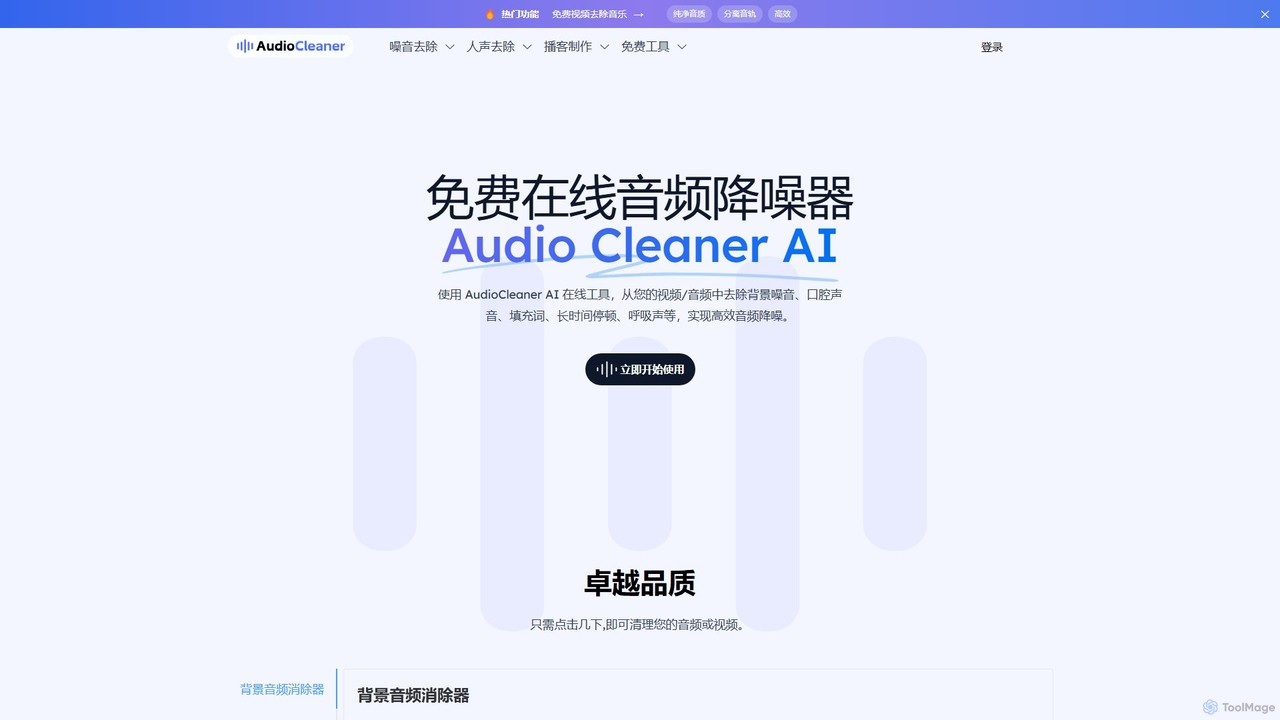
AudioCleaner AI is a comprehensive and free online suite of tools designed to dramatically improve the quality of your audio and video content. By leveraging advanced artificial intelligence, it effortlessly removes a wide range of unwanted sounds, including persistent background noise, distracting music, breathing sounds, mouth clicks, filler words, and long pauses. This powerful tool is built for creators of all types—from podcasters and YouTubers to musicians and educators—who need to produce crystal-clear, professional-sounding audio without the complexity and cost of traditional editing software. With its intuitive, web-based interface, anyone can achieve studio-quality results in just a few clicks, directly from their browser.
How to use AudioCleaner AI
The process of cleaning your audio with AudioCleaner AI is designed to be incredibly simple and efficient, requiring no technical expertise. Follow these three easy steps:
- Upload Your File: Begin by dragging and dropping your audio or video file into the uploader on the website. You can also choose a file directly from your device. AudioCleaner AI supports a vast array of popular formats, including .mp4, .mp3, .wav, .mov, .m4a, and many more.
- AI Processing: Once your file is uploaded, select the type of enhancement you need. The AI will automatically analyze the content, identify unwanted sounds like noise, music, or filler words, and process the file to clean it up.
- Download the Result: After the processing is complete, you can preview the cleaned audio or video. If you're satisfied with the result, simply download the high-quality, noise-free file to your device.
Core Features of AudioCleaner AI
- Background Noise Remover: Effectively eliminates various ambient sounds such as street traffic, café chatter, air conditioning hum, dog barks, and more.
- Background Music Remover: Isolates vocals by removing background music from audio or video tracks, perfect for creating voice-overs or acapella versions.
- Speech Enhancement Suite: Includes specialized tools to remove breathing sounds, mouth clicks (lip smacks, saliva crackles), filler words ("um," "uh"), hesitations, and stutters.
- Silence Remover: Automatically detects and cuts out long, awkward pauses from your recordings to improve flow and engagement.
- Advanced Audio Effects: Apply professional effects with one click, including Studio Sound for a rich, polished quality, AutoEQ for balanced frequencies, and Volume Normalization for consistent loudness.
- Instrument Separation: Features tools like a drum remover and guitar remover, allowing musicians and producers to deconstruct tracks.
- Karaoke & Podcast Maker: Quickly create karaoke tracks by removing vocals or use the suite of tools to produce a clean, professional-sounding podcast.
Use Cases for AudioCleaner AI
AudioCleaner AI is a versatile tool trusted by millions of creators and professionals across various fields:
- Podcasters & YouTubers: Clean up interviews, vlogs, and commentary by removing background noise, breaths, and filler words for a more professional listener experience.
- Musicians & Producers: Quickly clean up demo recordings, remove unwanted hiss from tracks, or isolate vocals and instruments for remixes.
- Educators & Online Course Creators: Ensure instructional content is clear and easy to understand by eliminating distracting noises from lectures and tutorials.
- Sales & Marketing Professionals: Enhance the quality of video pitches, customer testimonials, and marketing videos to deliver a clear and impactful message.
- Voice-over Artists & Audiobook Narrators: Produce flawless recordings by removing mouth clicks and breathing sounds, saving hours of manual editing.
- Journalists & Transcriptionists: Improve the clarity of recorded interviews, making them easier to transcribe accurately.
Advantages of AudioCleaner AI
The primary advantage of AudioCleaner AI is its ability to deliver professional-grade audio enhancement with unparalleled simplicity and accessibility. It is completely free to use, eliminating financial barriers for creators. The web-based platform means there is no software to install, and it works on any device with a browser, including mobile phones. The AI-powered process is incredibly fast, turning what used to be hours of tedious manual editing into a task that takes only seconds. The results are high-quality, preserving the natural sound of the voice while effectively removing distractions.
Pricing and Plans
AudioCleaner AI is completely free to use. According to the website, there are no subscriptions, hidden fees, or credit card requirements. Users can access the full suite of AI audio cleaning and enhancement tools without any cost, making it an accessible solution for everyone.
Traffic
Latest traffic
Status
Monthly traffic trend
- 2025-9: 2.6M
- 2026-1: 1.6M
- 2026-2: 1.3M
- 2026-3: 1.4M
- 2026-4: 1.4M
- 2026-5: 1.4M
Geography
Top 5 countries / regions
- 🇷🇺Russia30.9%
- 🇧🇷Brazil23.7%
- 🇺🇸United States18.4%
- 🇮🇳India13.7%
- 🇪🇸Spain13.3%
Traffic sources
| Source type | Percentage |
|---|---|
Direct | 82.9% |
Referral | 16.0% |
Email | 1.1% |
Top keywords
| Keyword | Cost per click |
|---|---|
| audio cleaner | $0.60 |
| audiocleaner | $0.18 |
| audio cleaner ai | $0.63 |
| audiocleaner ai | $0.88 |
| baixar playlist youtube | $0.17 |
AudioCleaner AI Alternatives
Audioenhancer.ai
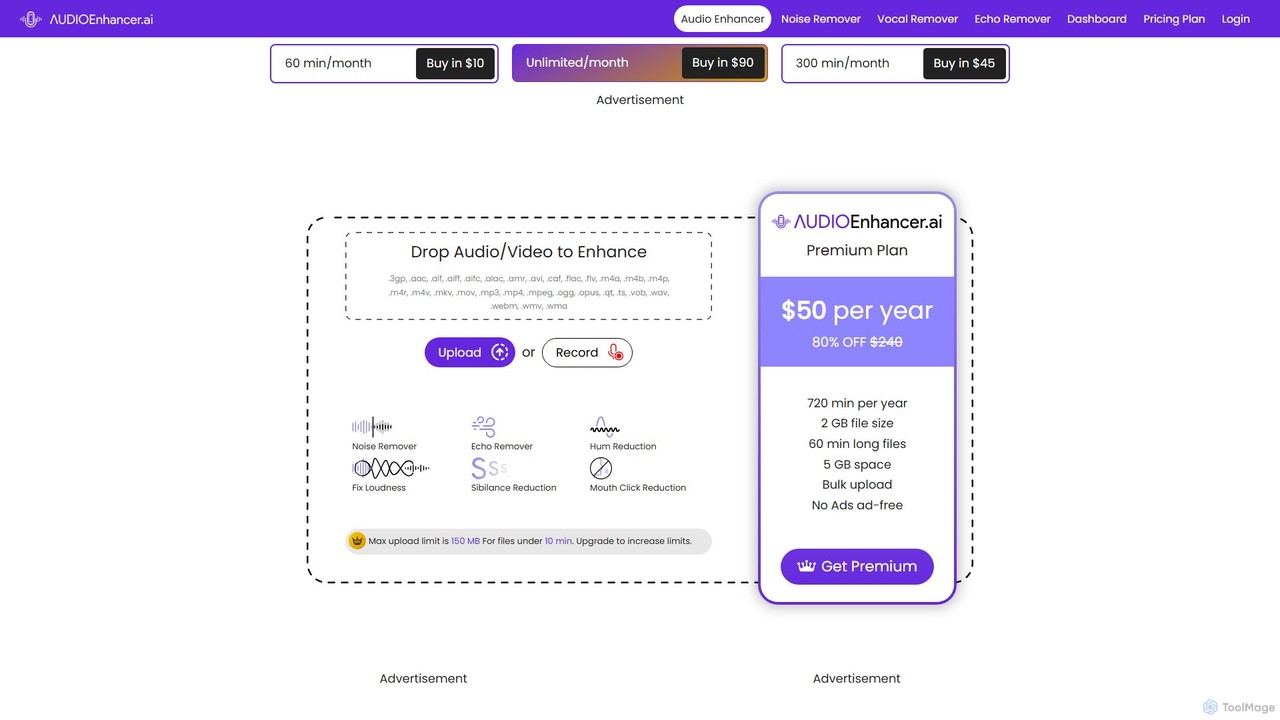
Audioenhancer.ai is an AI-powered online tool designed to automatically improve audio quality. It specializes in removing background noise, echo, and other imperfections from audio and video files. Ideal for podcasters, video creators, and musicians, it offers a simple one-click solution to achieve crystal-clear, professional-grade sound.
Audio Editing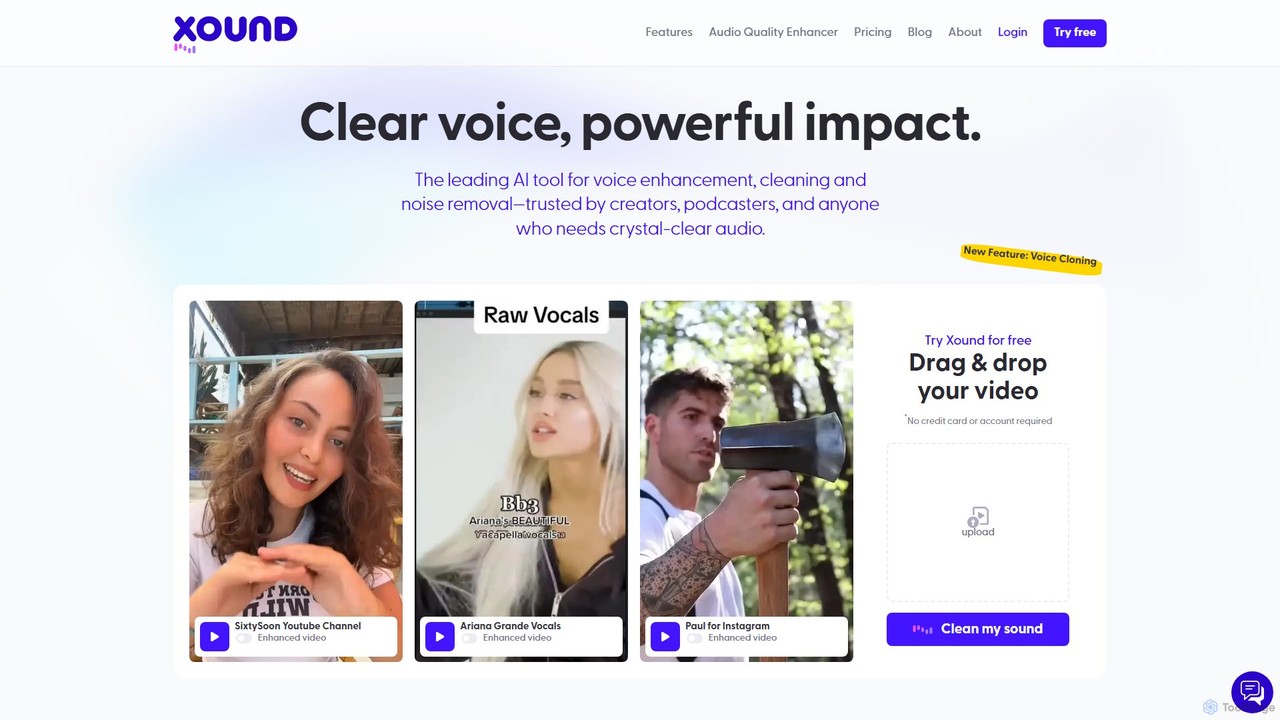
xound
xound is an AI-powered audio enhancement tool designed for content creators. It automatically removes background noise, cleans up voice recordings, and optimizes audio for platforms like YouTube, TikTok, and podcasts. With features like natural pitch correction, voice cloning, and secure local processing, xound helps creators achieve professional, studio-quality sound with a simple drag-and-drop interface.
Audio Editing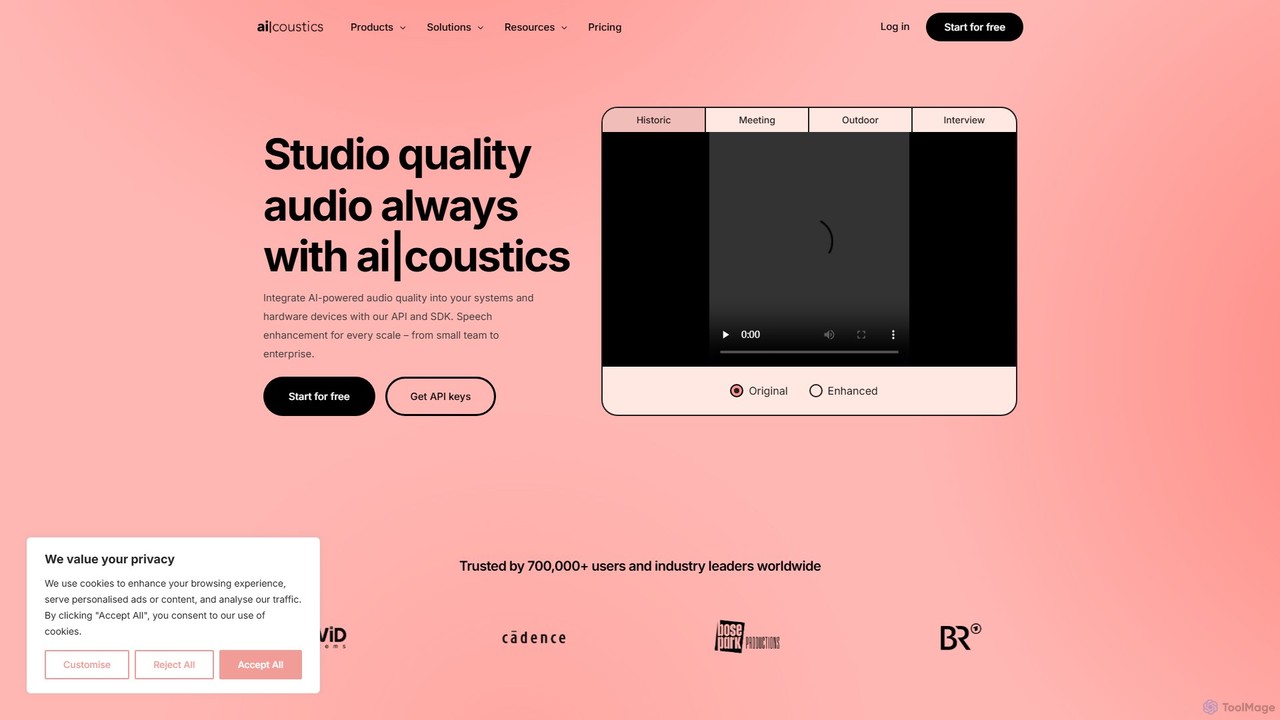
ai_coustics
ai_coustics is an AI-powered audio enhancement platform designed to automatically clean and improve audio quality. It specializes in noise reduction, speech enhancement, and dereverberation, making it ideal for podcasters, video creators, and developers who need studio-quality sound without complex editing.
Audio Editing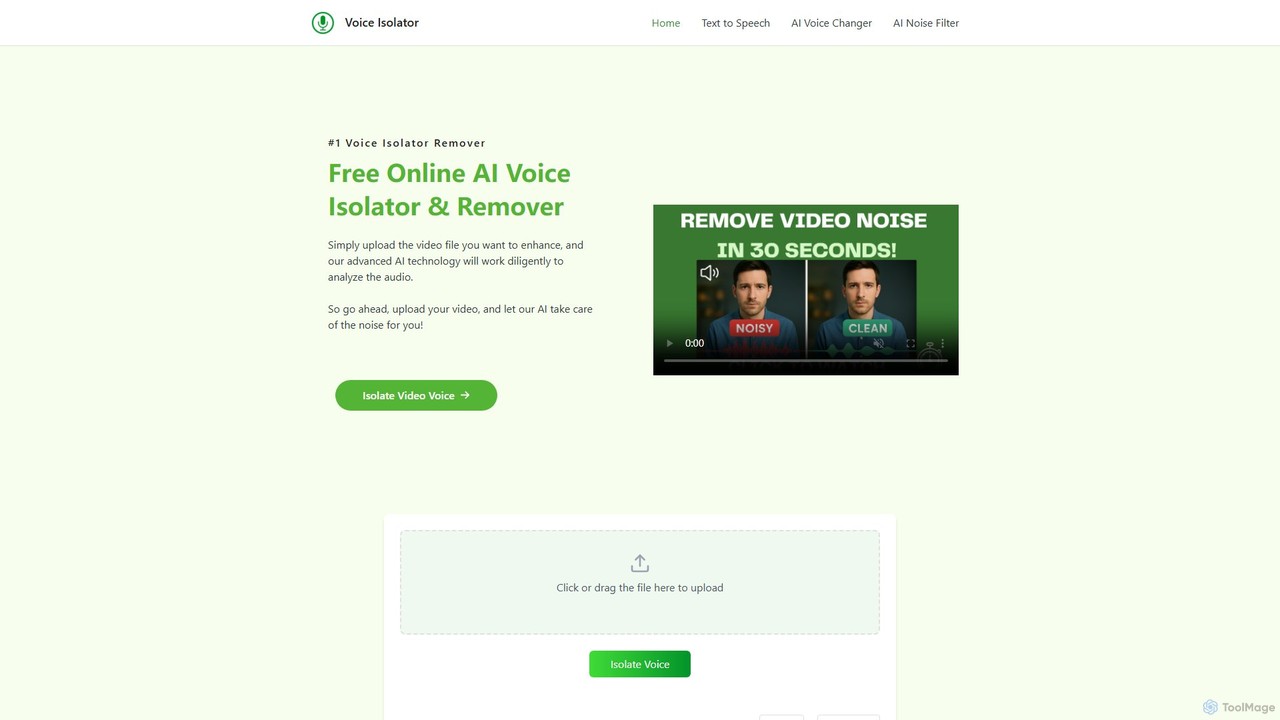
voiceisolator
An AI-powered online tool designed for high-quality voice isolation, background noise removal, and stem separation from audio/video files. It also features a versatile Text-to-Speech (TTS) generator to create natural-sounding voiceovers. Ideal for musicians, content creators, and video editors.
Audio Editing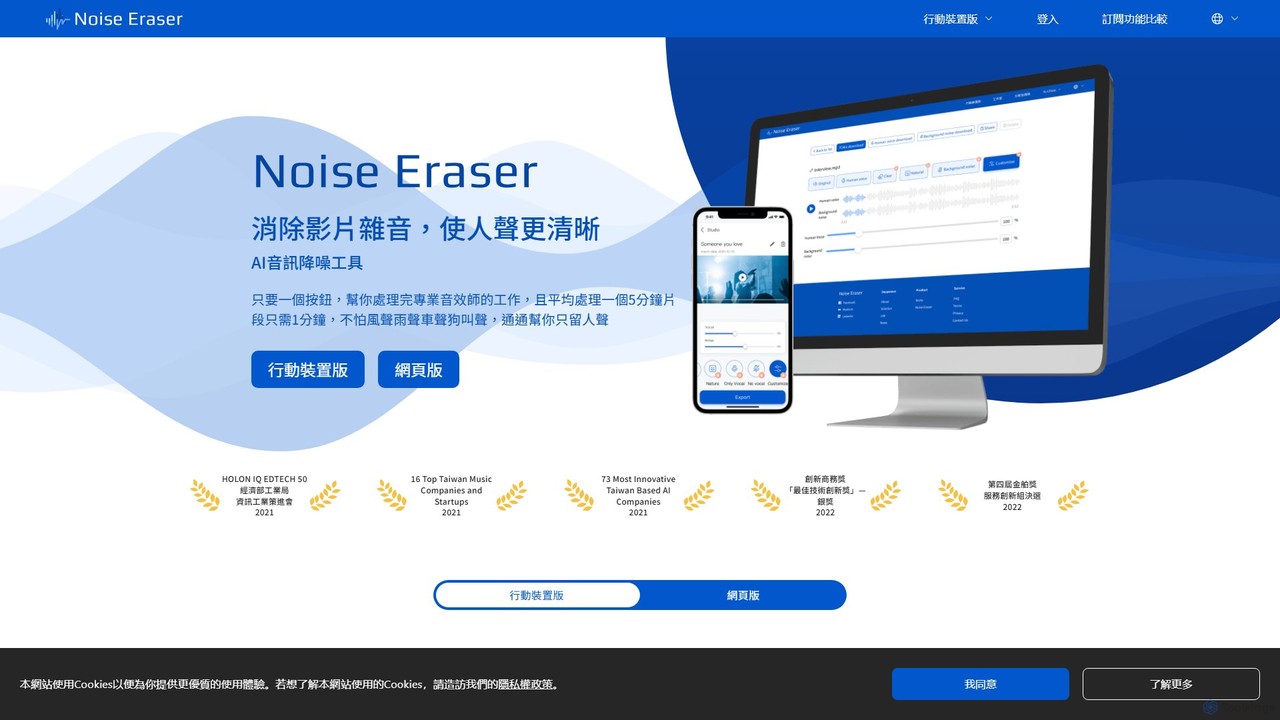
Noise Eraser
Noise Eraser is an AI-powered audio enhancement tool designed to remove background noise from videos, ensuring crystal-clear vocals. With a simple one-click process, it's perfect for content creators, marketers, and anyone needing professional-grade audio without complex software. Available on both web and mobile platforms.
Noise ReductionAudioCleaner AI Categories
AudioCleaner AI Embed Widget
Copy this embed code to place the badge on your blog, article, or product site and send readers directly to this ToolMage detail page.

Related AI tools
Audioenhancer.ai
Audioenhancer.ai is an AI-powered online tool designed to automatically improve audio quality. It specializes in removing background noise, echo, and other imperfections from audio and video files. Ideal for podcasters, video creators, and musicians, it offers a simple one-click solution to achieve crystal-clear, professional-grade sound.
Audio Editingxound
xound is an AI-powered audio enhancement tool designed for content creators. It automatically removes background noise, cleans up voice recordings, and optimizes audio for platforms like YouTube, TikTok, and podcasts. With features like natural pitch correction, voice cloning, and secure local processing, xound helps creators achieve professional, studio-quality sound with a simple drag-and-drop interface.
Audio Editing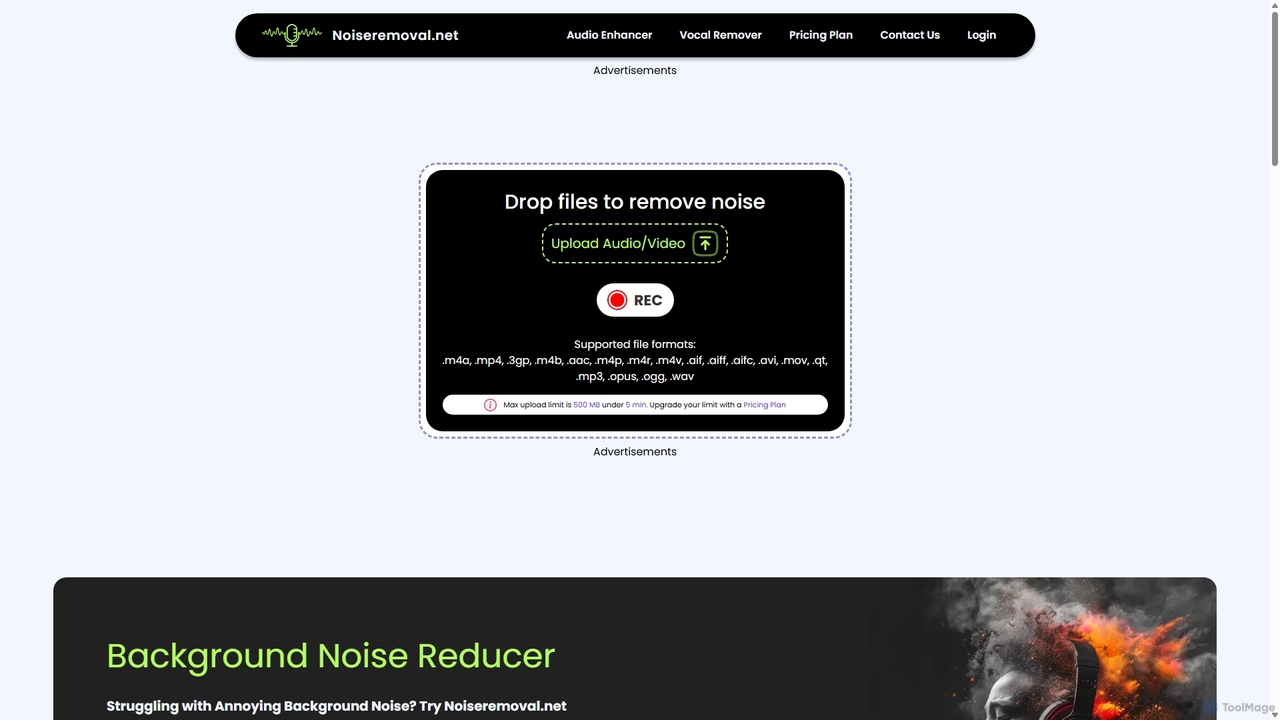
Noiseremoval.net
Noiseremoval.net is an AI-powered online tool designed to enhance audio quality effortlessly. It offers a suite of features including background noise removal from audio and video, a comprehensive audio enhancer to clarify speech and fix levels, and a vocal remover to isolate instrumentals. Ideal for content creators, podcasters, and musicians seeking professional-grade sound with a simple, one-click interface.
3Dai_coustics
ai_coustics is an AI-powered audio enhancement platform designed to automatically clean and improve audio quality. It specializes in noise reduction, speech enhancement, and dereverberation, making it ideal for podcasters, video creators, and developers who need studio-quality sound without complex editing.
Audio Editingvoiceisolator
An AI-powered online tool designed for high-quality voice isolation, background noise removal, and stem separation from audio/video files. It also features a versatile Text-to-Speech (TTS) generator to create natural-sounding voiceovers. Ideal for musicians, content creators, and video editors.
Audio EditingNoise Eraser
Noise Eraser is an AI-powered audio enhancement tool designed to remove background noise from videos, ensuring crystal-clear vocals. With a simple one-click process, it's perfect for content creators, marketers, and anyone needing professional-grade audio without complex software. Available on both web and mobile platforms.
Noise Reduction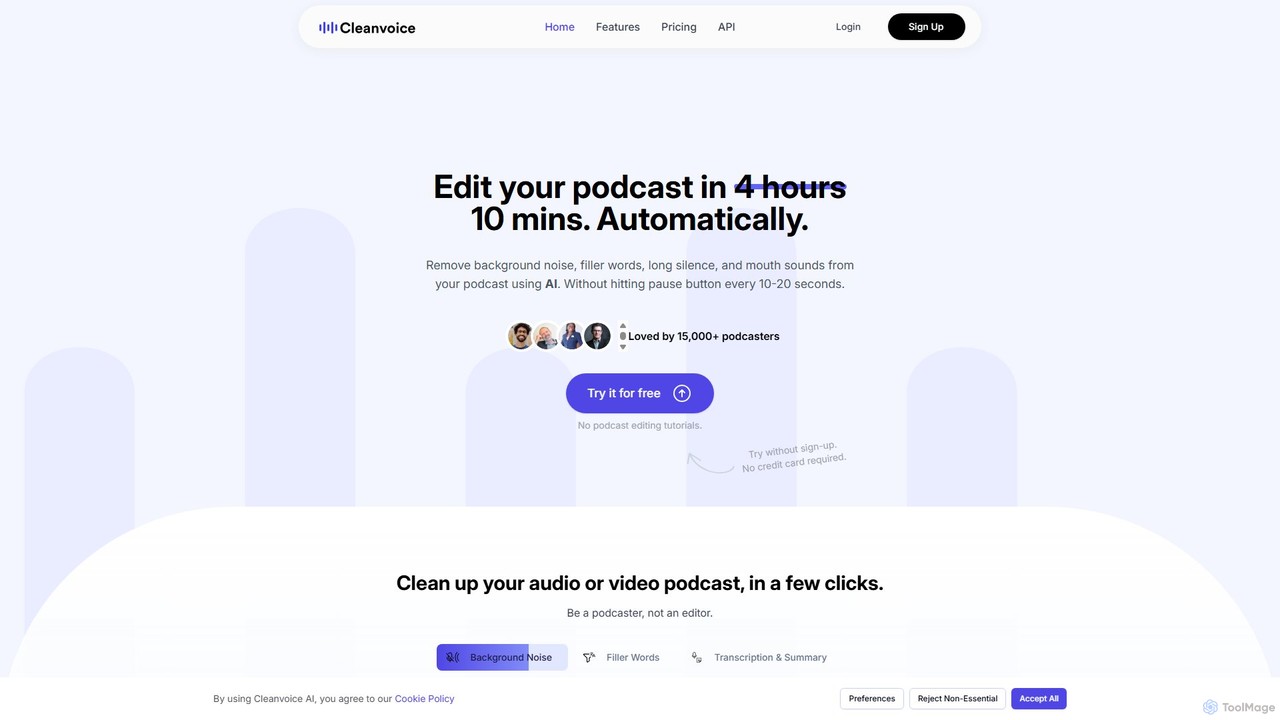
Cleanvoice
Cleanvoice is an AI-powered audio and video editor designed for podcasters and content creators. It automatically removes filler words, background noise, mouth sounds, and long silences from recordings. With features like transcription, summarization, and multitrack editing, it streamlines post-production, saving hours of manual work and delivering studio-quality sound in just a few clicks.
3D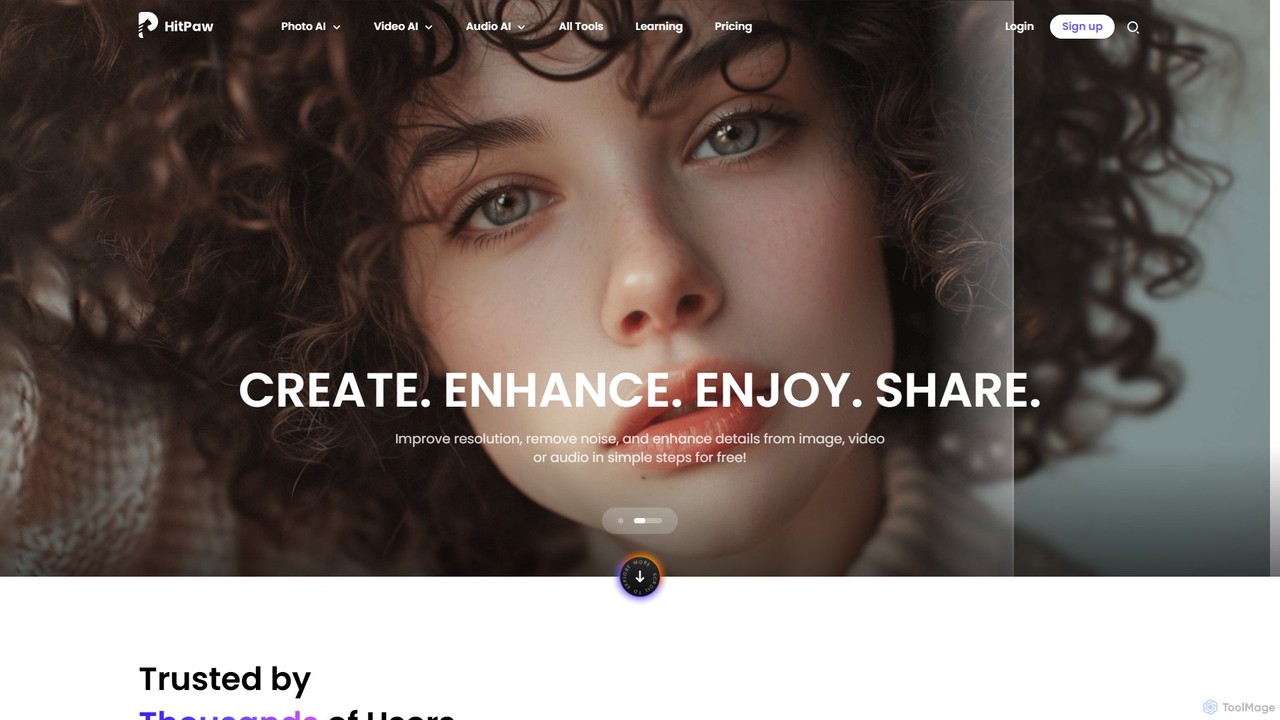
HitPaw Online
HitPaw Online is a comprehensive suite of AI-powered media editing tools. Accessible directly from your browser, it offers over 48 tools for enhancing photos, editing videos, and improving audio. Key features include an AI photo and video enhancer, background and watermark remover, and an AI video translator with voice cloning. It's designed for users of all levels, from social media creators to marketing professionals, providing a one-stop solution for all creative needs.
Audio Editing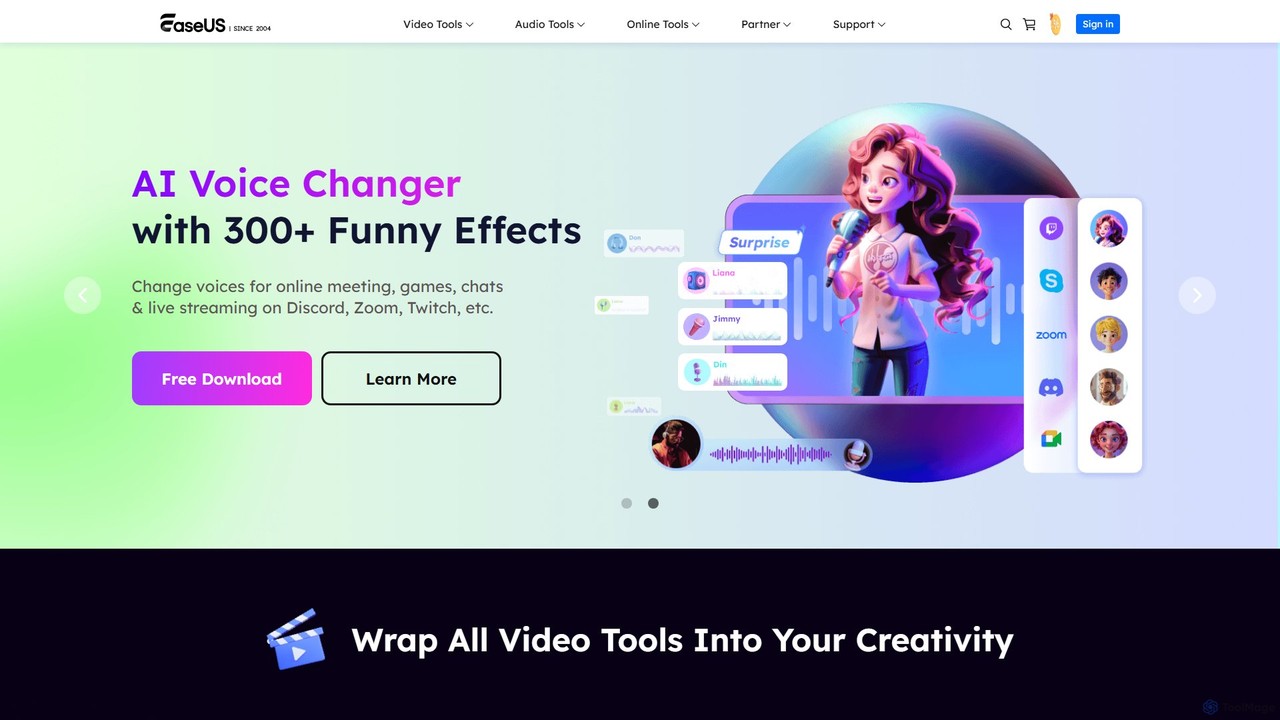
EaseUS Multimedia
EaseUS Multimedia is an all-in-one AI-powered toolkit for video and audio processing. It includes a video converter, editor, downloader, screen recorder, and AI voice changer. Ideal for content creators, gamers, and general users, it simplifies tasks like format conversion, audio extraction, noise removal, and creating AI song covers.
Transcription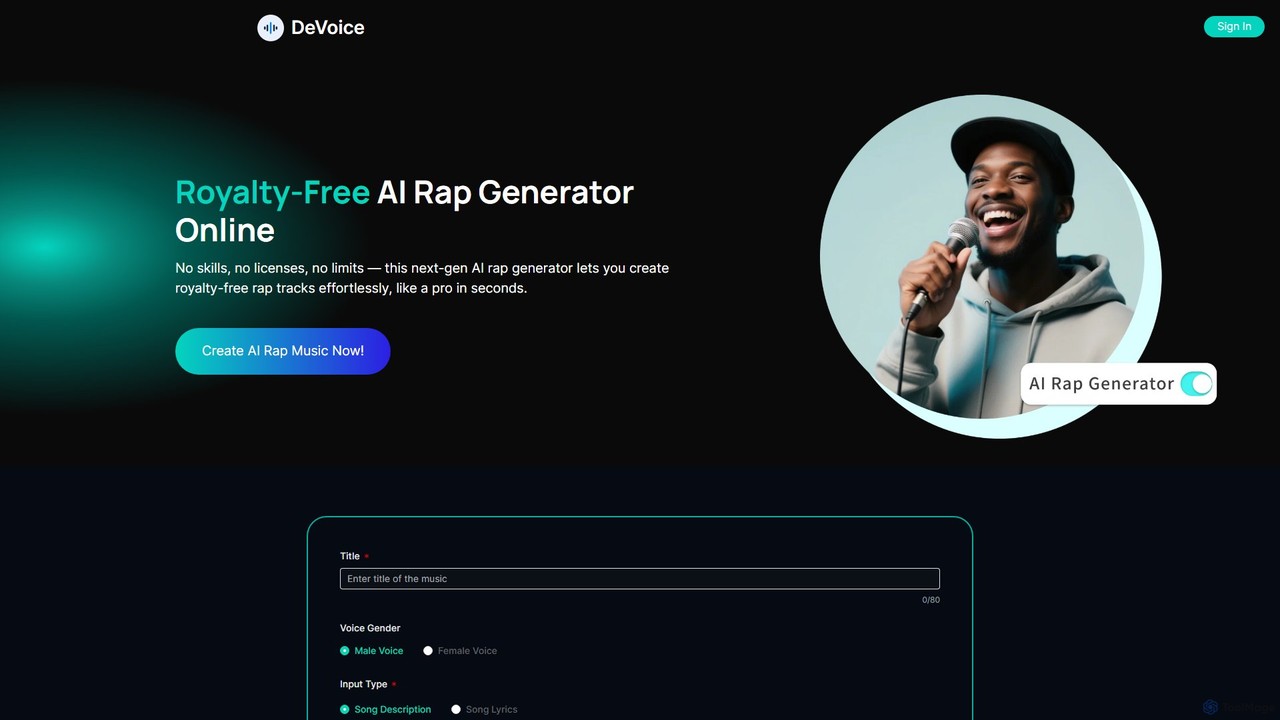
devoice
devoice is a free, all-in-one AI audio toolkit that functions as a vocal remover, stem splitter, and AI rap generator. Instantly separate vocals and instruments from any song, or create complete, royalty-free rap tracks from text. It's completely free, requires no login, has no watermarks, and is safe for commercial use.
Audio Editing
Nonoisy
Nonoisy is an AI-powered tool that automatically removes background noise, levels volume, and enhances audio quality for video and audio files. Ideal for podcasters, video creators, and course makers, it saves time and money by automating complex audio post-production, delivering professional-sounding results quickly.
Noise Reduction
BeArt
BeArt is a free, web-based AI platform for creative photo and video editing. It specializes in high-quality face swapping for photos, videos, and GIFs. With no login or software installation required, users can instantly create fun and realistic content. The platform prioritizes user privacy by not storing data and utilizes advanced AI models to ensure seamless, natural-looking results, making it perfect for creating memes, social media content, and entertaining visuals.
Meme Generator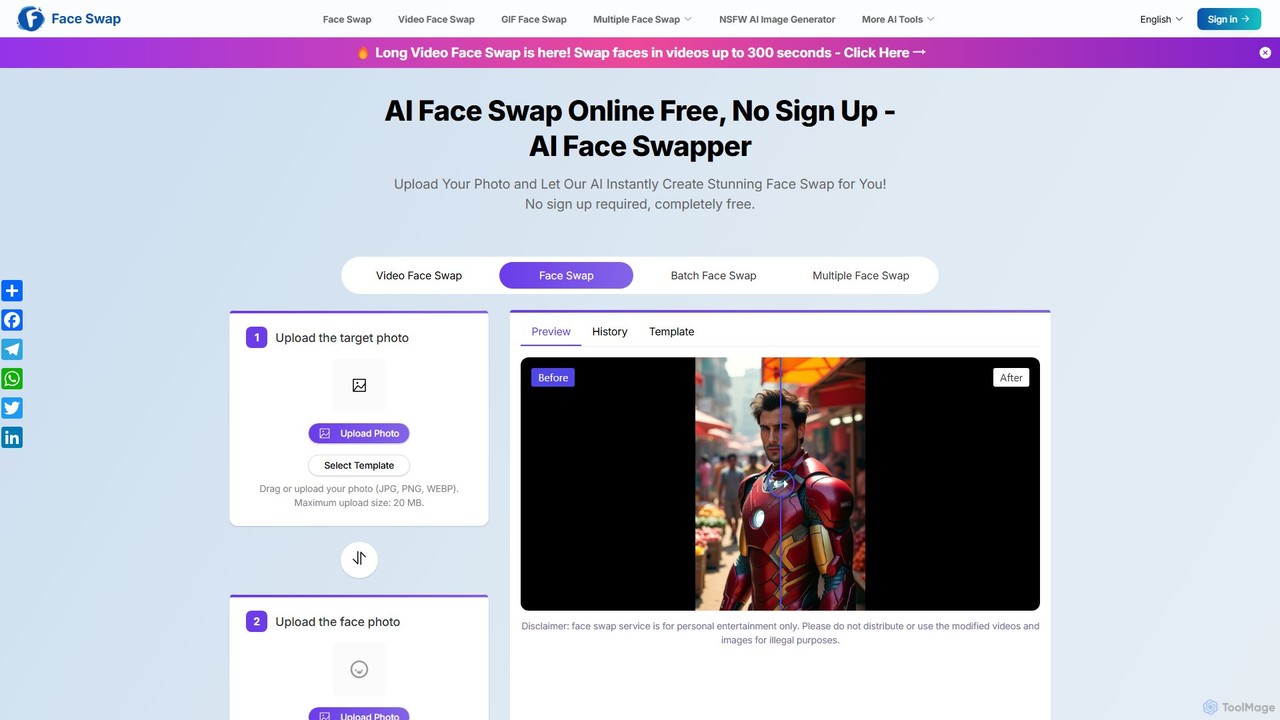
aifaceswapper
aifaceswapper is a free, online AI tool that allows users to instantly swap faces in photos, videos, and GIFs without any sign-up. It supports single, multiple, and batch face swaps, offering high-quality, realistic results. With a focus on user privacy, the tool provides a rich template library and a simple interface for creating fun memes, social media content, and creative projects effortlessly.
Meme Generator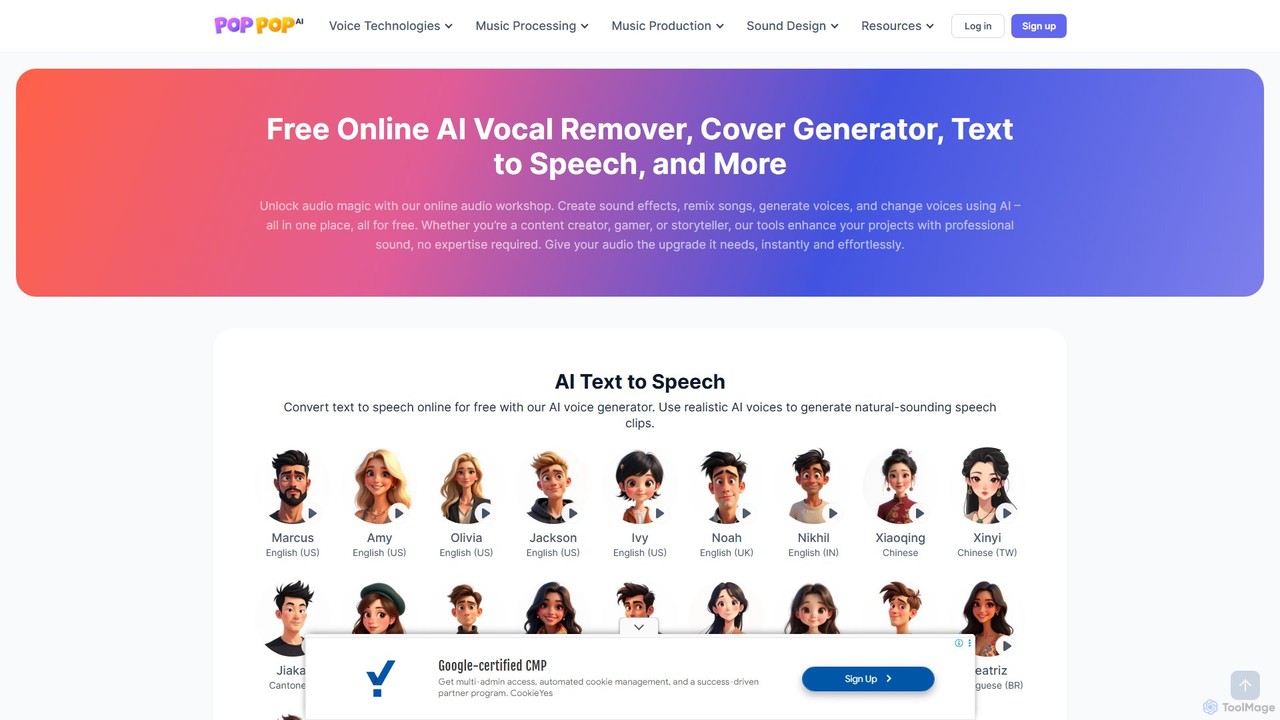
PopPop AI
PopPop AI is a free, all-in-one online audio workshop. It offers a suite of AI-powered tools, including a vocal remover, song cover generator, text-to-speech, sound effect generator, and voice changer. Designed for content creators, musicians, and gamers, it makes professional audio creation accessible to everyone without any cost or technical expertise.
Music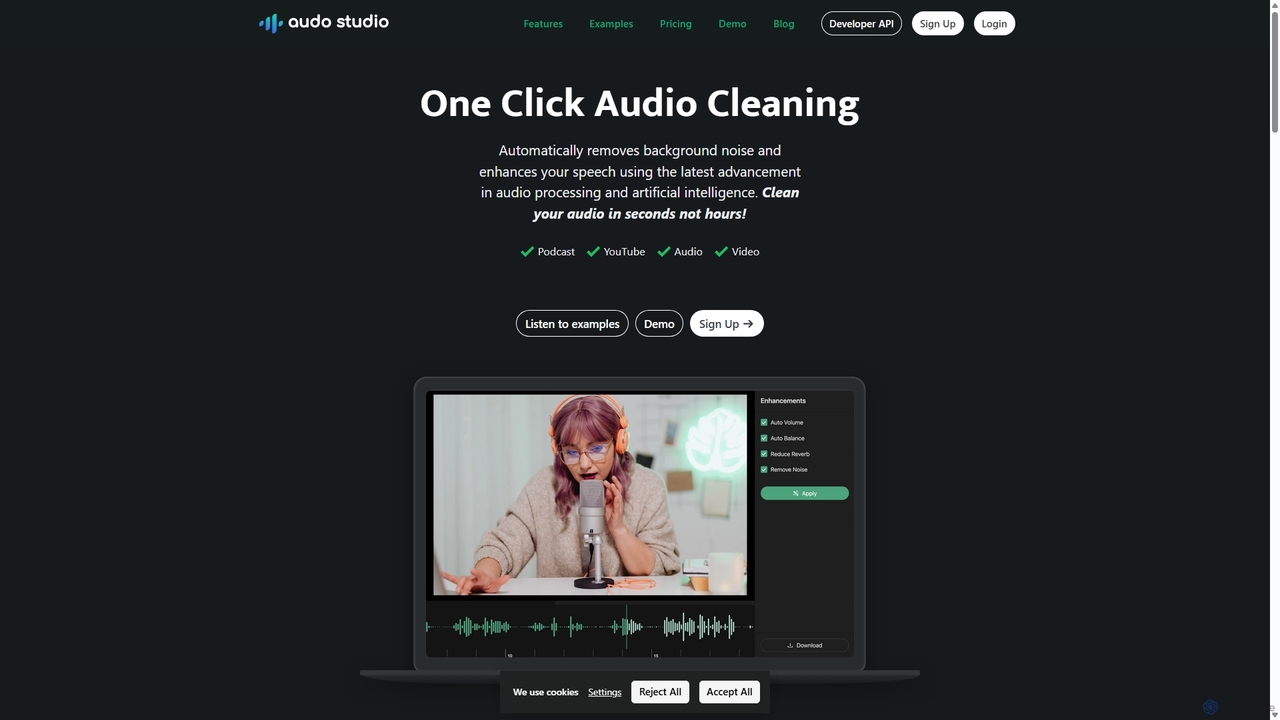
Audo Studio
Audo Studio is an AI-powered audio cleaning tool that removes background noise, reduces echo, and automatically levels volume with a single click. It's designed for content creators, podcasters, and video producers to achieve studio-quality sound effortlessly, without needing complex audio engineering skills.
3D
AudioCleaner AI Comments (0)
Sign in to comment.
Sign inNo comments yet.