ToolMage
Sign in

Best 9 Transcription AI tools for Ai Tools

Popular Transcription AI tools in Ai Tools include Upheal, EaseUS Multimedia, Voiceform, Photes, EasyNoteAI, Whisperit, Colabjetpack, Looppanel, and Goveliro, helping you work more efficiently.

Goveliro

Goveliro

Goveliro is an AI-powered desktop application designed for creating high-quality subtitles offline. It offers automatic language detection and transcription, extensive customization options for subtitle styling, and seamless editing capabilities. Users maintain full control over their content without cloud uploads or subscriptions, ensuring privacy and efficient workflow with GPU acceleration.

3D
Visits 5.6KFavorites 99Likes 112
Colabjetpack
Freemium

Colabjetpack

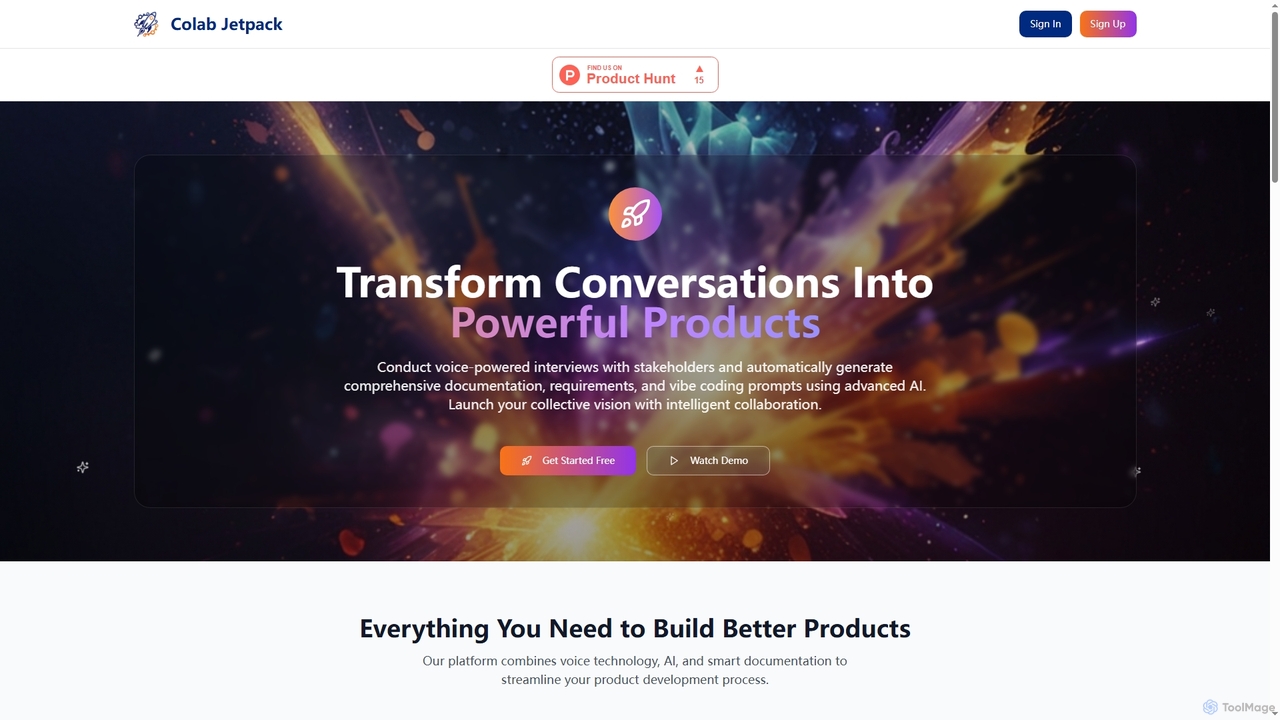
An AI-powered platform that transforms voice interviews with stakeholders into comprehensive product documentation, requirements, user stories, and vibe coding prompts to streamline product development.

Transcription
Visits 5.7KFavorites 138Likes 148
Upheal
Freemium

Upheal

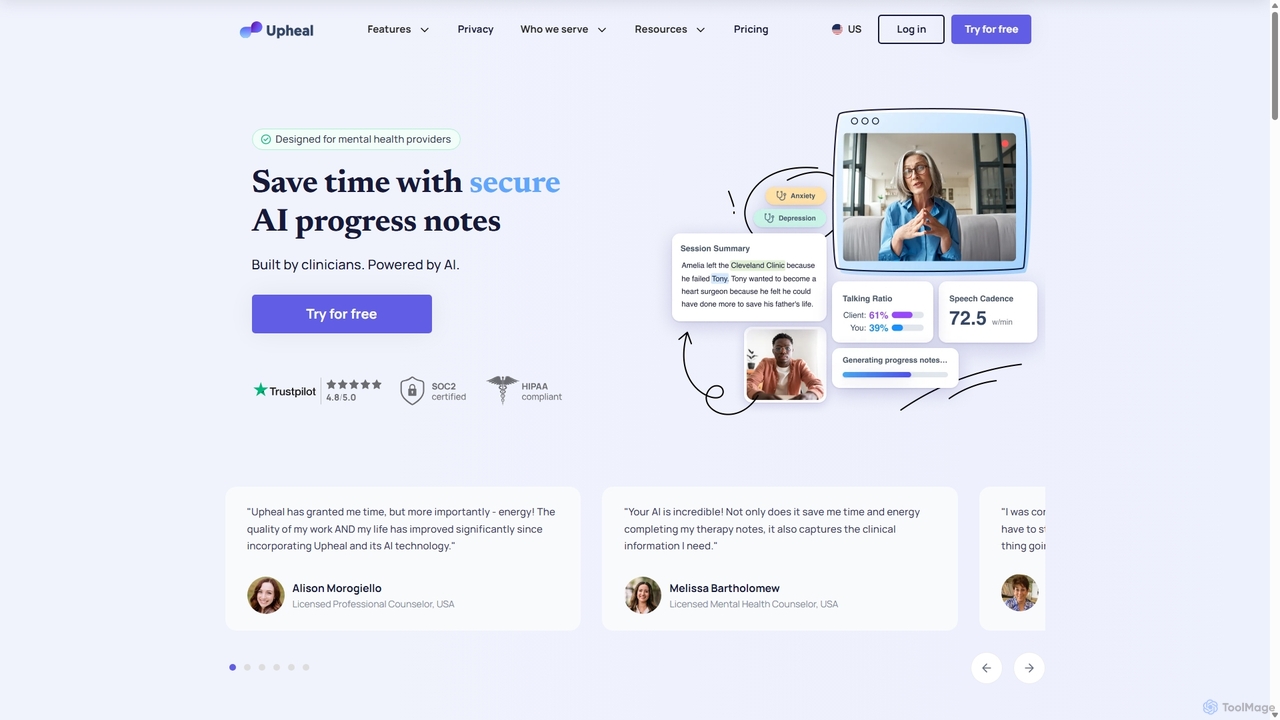
Upheal is an AI-powered platform designed for mental health professionals. It automates the creation of clinical progress notes, saving therapists up to 90% of their documentation time. The platform is HIPAA compliant, supports various note formats, generates treatment plans, and integrates with any EHR to help clinicians stay present and focused on their clients.

Transcription
Visits 340.8KFavorites 140Likes 146
Whisperit

Whisperit

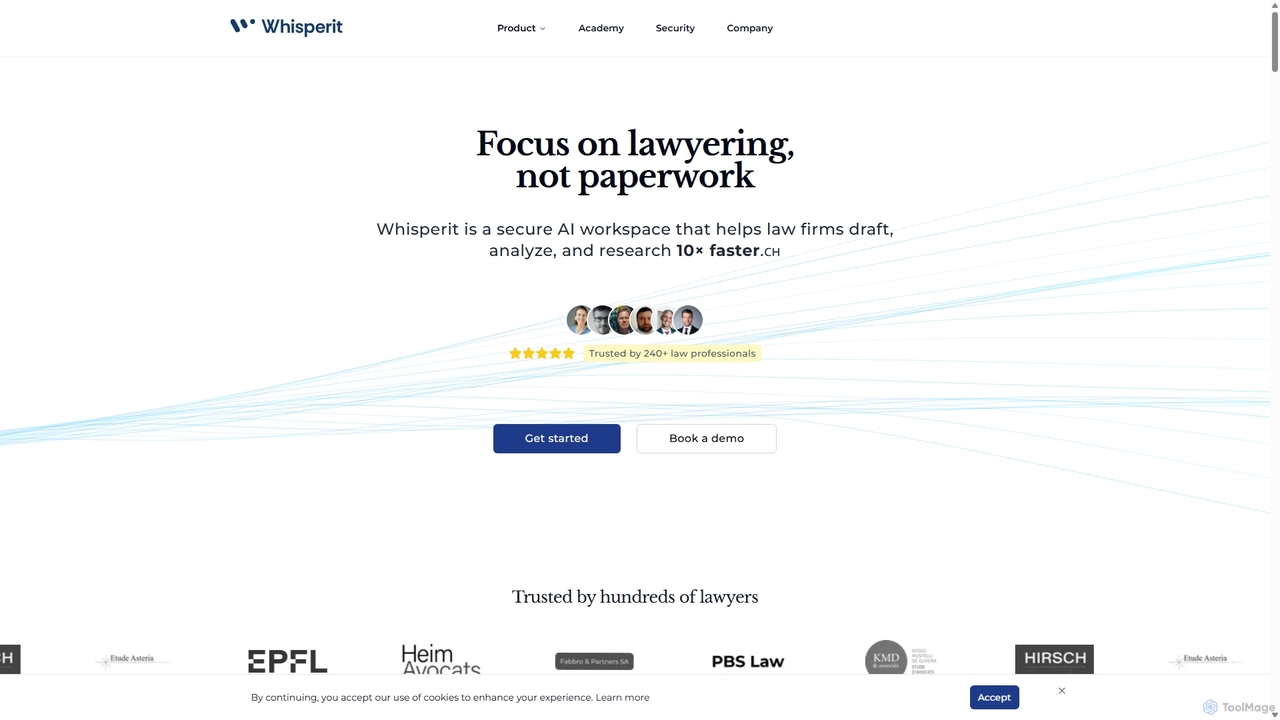
Whisperit is a secure, AI-powered workspace designed for law firms and legal professionals. It streamlines legal workflows with features like voice dictation for document drafting, intelligent case analysis, AI-powered legal research with source citations, and real-time collaboration. With a strong focus on Swiss-grade security and data privacy, Whisperit helps lawyers save time on administrative tasks and focus on high-value legal work.

Transcription
Visits 12.7KFavorites 118Likes 132
Looppanel
Paid

Looppanel

Looppanel is an AI-powered platform designed to streamline the user research process. It helps product teams and UX researchers transform raw user interviews into actionable insights rapidly. By automating transcription, analysis, and synthesis, Looppanel eliminates hours of manual work, allowing teams to focus on making data-driven decisions and building better products.

Transcription
Visits 5.7KFavorites 87Likes 99
Voiceform
Freemium

Voiceform

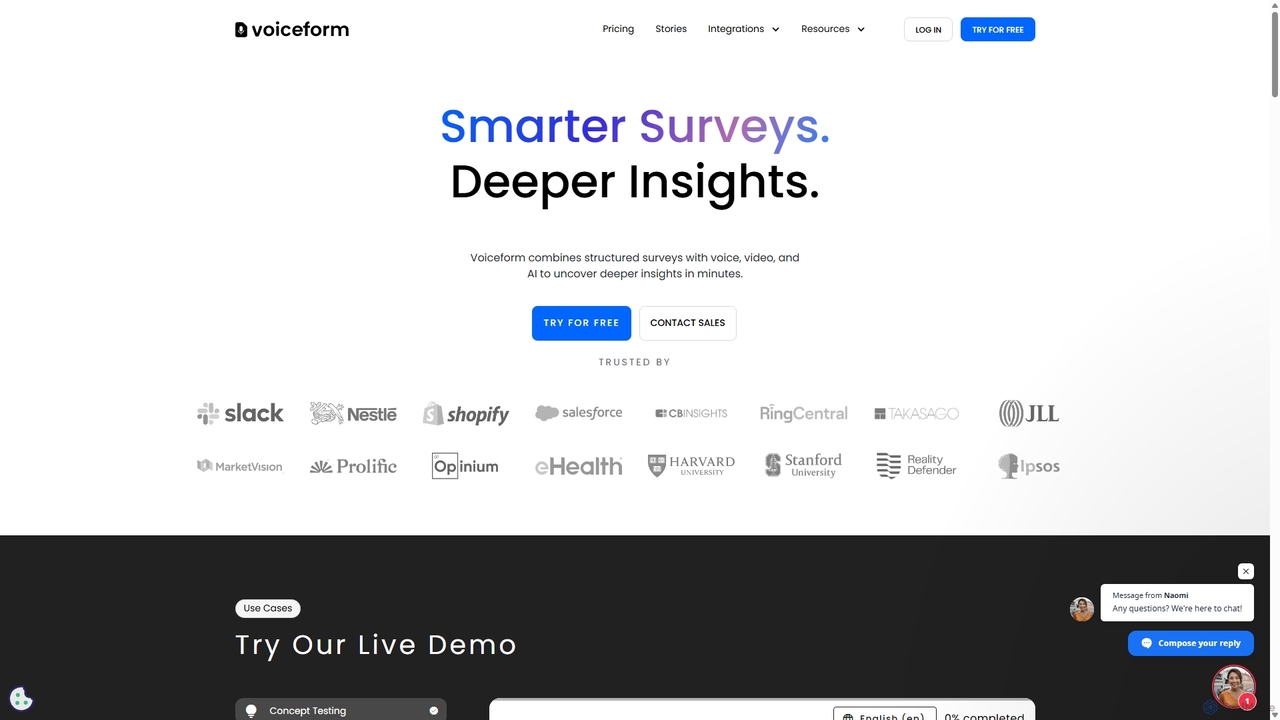
Voiceform is an AI-powered survey platform that captures deeper qualitative insights through voice, video, and text responses. It leverages AI for transcription, translation, sentiment analysis, and dynamic follow-up questions, helping businesses understand their customers more authentically and at scale.

Transcription
Visits 169.6KFavorites 139Likes 132
EasyNoteAI
Freemium

EasyNoteAI

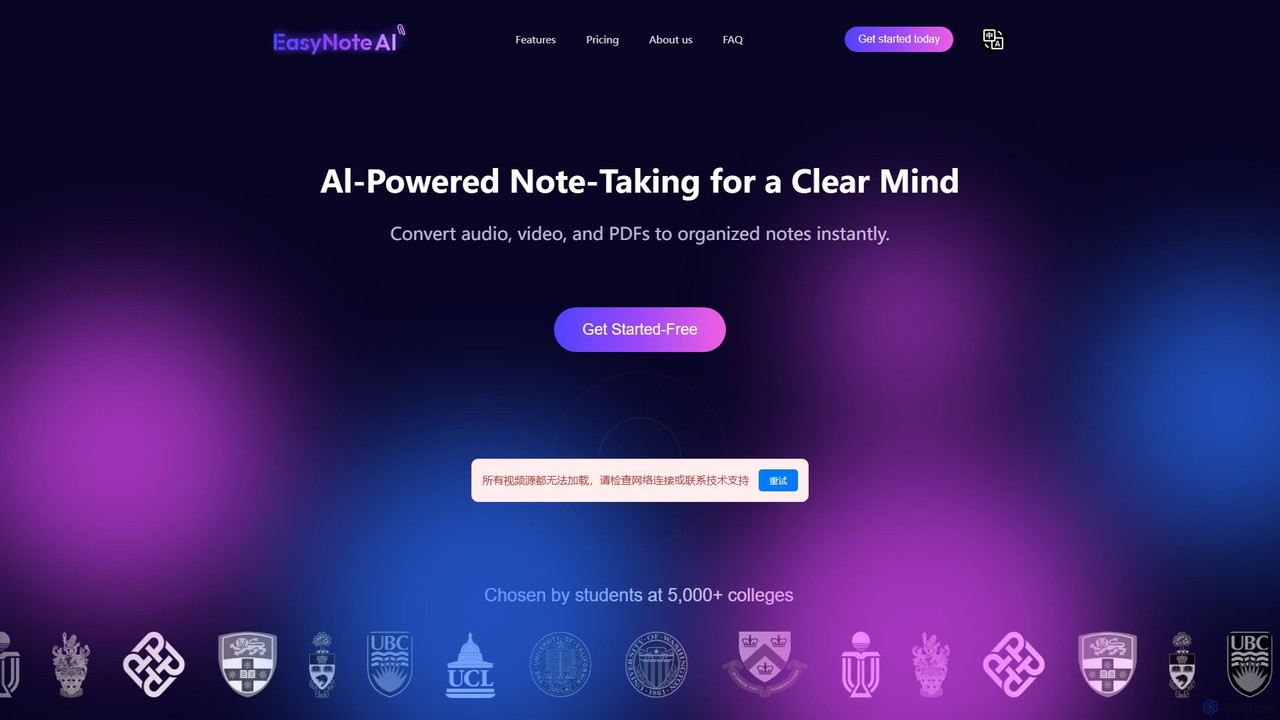
EasyNoteAI is an AI-powered note-taking platform designed for students and researchers. It instantly converts audio, video, and PDFs into organized notes, summaries, quizzes, and mind maps. Streamline your learning and research by transforming unstructured information into structured, actionable knowledge with ease.

Summarizer
Visits 22.4KFavorites 134Likes 127
EaseUS Multimedia
Freemium

EaseUS Multimedia

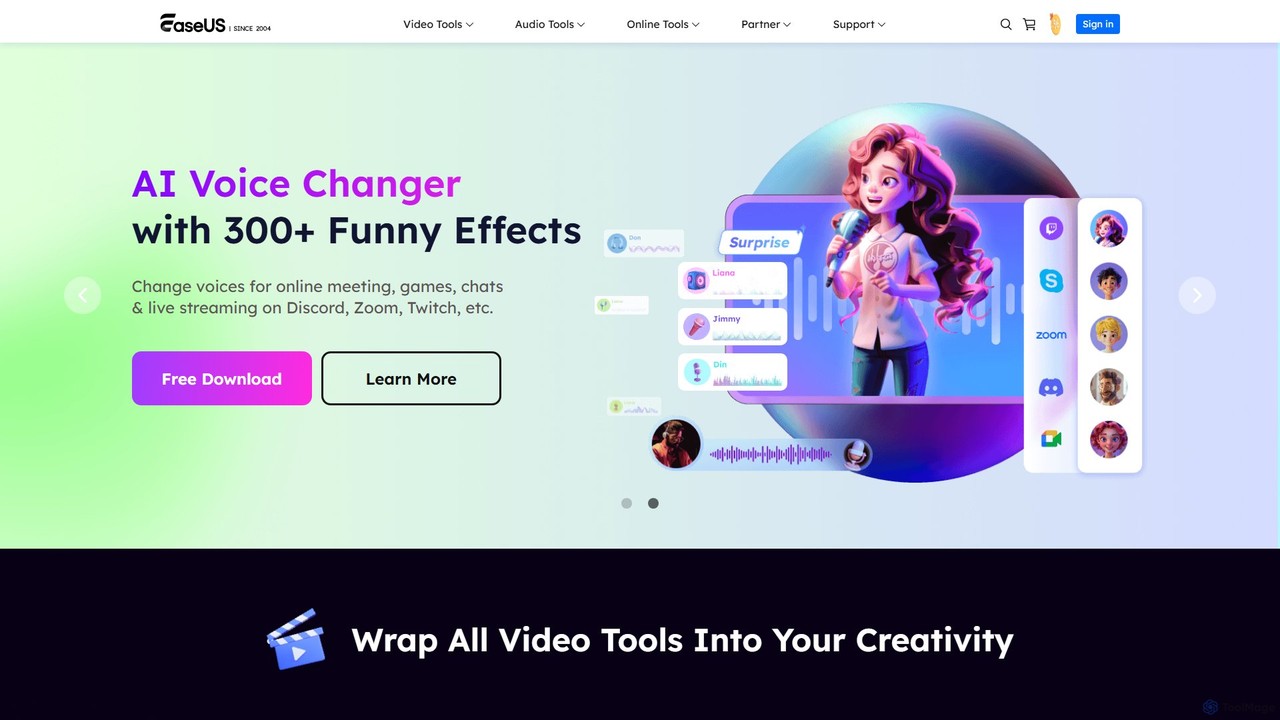
EaseUS Multimedia is an all-in-one AI-powered toolkit for video and audio processing. It includes a video converter, editor, downloader, screen recorder, and AI voice changer. Ideal for content creators, gamers, and general users, it simplifies tasks like format conversion, audio extraction, noise removal, and creating AI song covers.

Transcription
Visits 340.5KFavorites 155Likes 151
Photes
Freemium

Photes

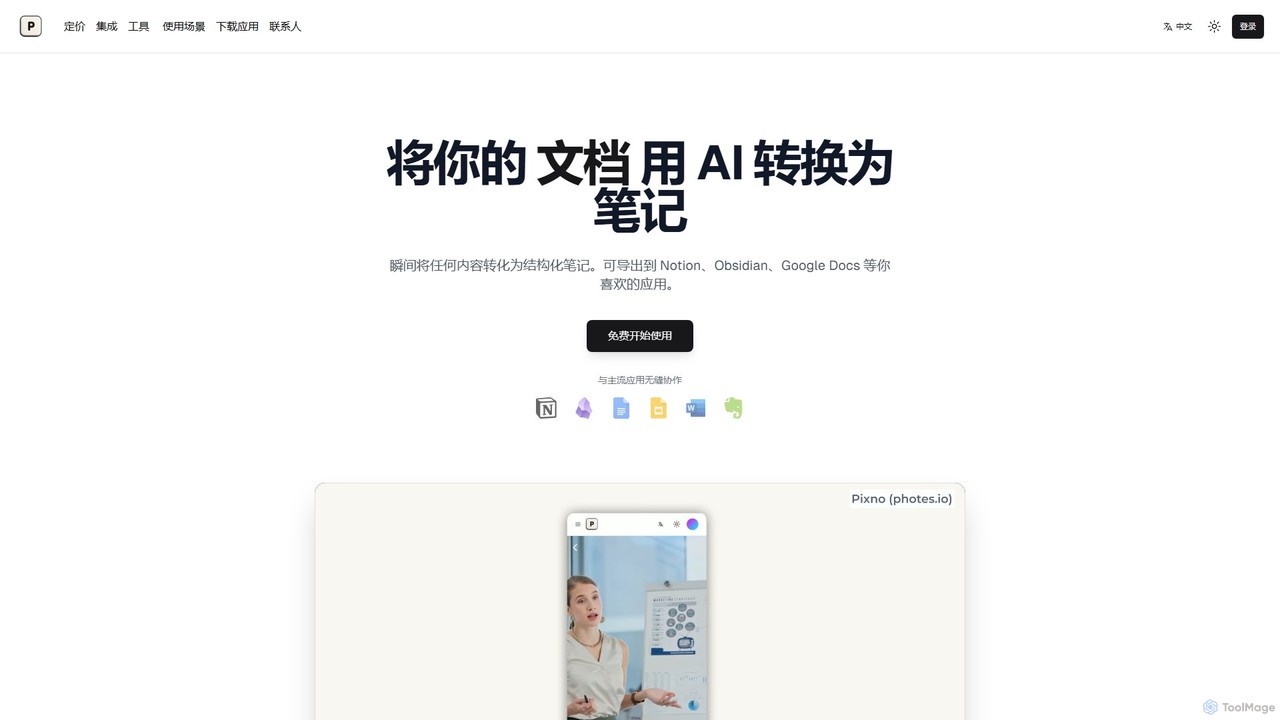
Photes (also known as Pixno) is an AI-powered note-taking assistant that instantly converts photos, documents, and audio into structured, editable notes. Leveraging GPT-4 Vision, it goes beyond simple OCR to understand context, charts, and handwriting. It seamlessly integrates with popular apps like Notion, Obsidian, and Google Docs, enhancing productivity for students, professionals, and anyone looking to digitize information effortlessly.

Transcription
Visits 75.4KFavorites 134Likes 120

About Transcription

Transcription tools are AI-powered solutions that convert spoken language from audio or video into written text. These tools leverage advanced Automatic Speech Recognition (ASR) technology and natural language processing to accurately capture dialogue. They provide a fast and efficient way to transform verbal content into searchable, editable, and shareable documents, significantly streamlining workflows for various professional and personal needs.

Core Features

  • Automatic Speech Recognition (ASR): Converts spoken words into text with high accuracy, even in challenging audio environments.
  • Speaker Diarization: Identifies and separates different speakers in a conversation, attributing text to the correct individual.
  • Timestamping: Adds precise time markers to the transcribed text, allowing easy navigation and synchronization with the original media.
  • Multi-language Support: Offers transcription capabilities across a wide range of languages and dialects, catering to global users.
  • Custom Vocabulary: Allows users to add specific terms, names, or jargon to improve accuracy for specialized content.
  • Export Options: Provides various output formats such as TXT, DOCX, SRT, and VTT for diverse application needs.

Use Cases

Transcription tools are invaluable across numerous sectors, from media production and academic research to legal documentation and corporate communications. They enable content creators to generate subtitles, journalists to quickly process interviews, and businesses to archive meeting discussions efficiently. These tools are essential for anyone needing to convert spoken information into a written record for analysis, accessibility, or content repurposing.

How to Choose

When selecting an AI transcription tool, prioritize accuracy, especially for diverse accents or background noise. Consider the range of supported languages and dialects, as well as the tool's ability to handle multiple speakers. Evaluate integration options with existing workflows (e.g., video editors, meeting platforms) and review the pricing model (per minute, subscription). Finally, ensure the service offers robust data privacy and security measures.

Transcription use cases

1

Generate Meeting Minutes and Summaries

Business professionals and project managers can use AI transcription tools to automatically convert recorded meetings, conference calls, or webinars into accurate text. This eliminates the need for manual note-taking during sessions, ensuring all discussions, decisions, and action items are captured precisely. The transcribed text can then be easily edited, searched, and shared, saving significant time and improving the clarity and accessibility of meeting documentation.

2

Create Captions and Subtitles for Videos

Content creators, marketers, and educators can utilize transcription tools to generate accurate captions and subtitles for their video content. This not only enhances accessibility for hearing-impaired audiences but also improves SEO by making video content discoverable through text searches. By automating this process, creators can save hours of manual work, expand their audience reach, and ensure their content is inclusive and compliant with accessibility standards.

3

Analyze Qualitative Data from Interviews

Academic researchers and market analysts frequently conduct in-depth interviews or focus groups to gather qualitative data. AI transcription tools can quickly convert these audio recordings into text, making the data much easier to analyze. Researchers can then use text analysis software to identify themes, patterns, and key insights without the laborious process of manual transcription, significantly accelerating the research cycle and improving data integrity.

4

Repurpose Podcast and Audio Content

Podcasters and audio content creators can leverage transcription tools to convert their spoken episodes into written formats. This allows them to repurpose content into blog posts, show notes, social media snippets, or e-books, significantly extending the reach and SEO value of their audio productions. By having a text version, content becomes more accessible to a wider audience and can be easily indexed by search engines, driving more traffic to their platforms.

5

Document Legal and Medical Proceedings

Legal professionals and healthcare providers require highly accurate written records of proceedings, consultations, or dictations. AI transcription tools offer a rapid and reliable method to convert spoken information from court hearings, depositions, patient visits, or doctor's notes into precise text. This ensures compliance with regulatory standards, reduces the potential for human error in manual transcription, and provides easily searchable documentation for future reference, enhancing efficiency and accuracy in critical fields.

6

Enhance Language Learning and Practice

Language learners and educators can significantly benefit from AI transcription tools. By transcribing spoken lessons, conversations, or audio exercises, learners can see the exact text of what was said, aiding in comprehension, vocabulary acquisition, and pronunciation practice. Educators can use these tools to create customized learning materials, provide instant feedback on spoken assignments, and help students identify specific areas for improvement, making language acquisition more efficient and engaging.

Transcription FAQ

What are AI Transcription tools?

AI Transcription tools are software applications that use artificial intelligence, specifically Automatic Speech Recognition (ASR) technology, to convert spoken audio or video into written text. They analyze speech patterns, phonetics, and context to generate a text transcript. These tools are designed to automate the laborious process of manual transcription, offering speed, efficiency, and often multi-language support, making verbal content accessible and searchable in text format.

How accurate are AI Transcription tools compared to human transcription?

AI transcription tools have achieved remarkable accuracy, often reaching 90-95% or higher under ideal conditions (clear audio, standard accents). However, human transcribers generally offer superior accuracy, especially with challenging audio (background noise, multiple speakers, strong accents, technical jargon). While AI is faster and more cost-effective, human transcription provides nuanced understanding and context. Many services now combine AI with human review to achieve the best balance of speed, cost, and precision.

What types of audio/video files can AI Transcription tools process?

AI transcription tools are highly versatile and can process a wide array of audio and video file formats. Commonly supported audio formats include MP3, WAV, M4A, AAC, and FLAC. For video, they typically handle MP4, MOV, AVI, WMV, and WebM. Most tools also support direct transcription from YouTube links or cloud storage services. The quality of the original recording significantly impacts transcription accuracy, so clear audio is always recommended for optimal results.

How do AI Transcription tools handle multiple speakers or different languages?

Advanced AI transcription tools are equipped with speaker diarization capabilities, which automatically identify and differentiate between multiple speakers in an audio or video file. This feature labels each speaker's dialogue, making the transcript much easier to read and follow. For different languages, many tools offer multi-language support, allowing users to select the source language for transcription or even translate the transcribed text into other languages. Some sophisticated tools can even detect and transcribe code-switching (mixing languages) within a single recording.

What should I consider when choosing an AI Transcription service?

When selecting an AI transcription service, several factors are crucial. First, evaluate the accuracy, especially for your specific audio quality, accents, and technical jargon. Second, check for language support and speaker diarization capabilities if you have multi-speaker or multi-language content. Third, consider integration options with your existing tools (e.g., video editors, CRM). Fourth, compare pricing models (per minute, subscription, free tiers). Finally, assess the service's data privacy and security policies to ensure your sensitive information is protected.