
EaseUS Multimedia Overview
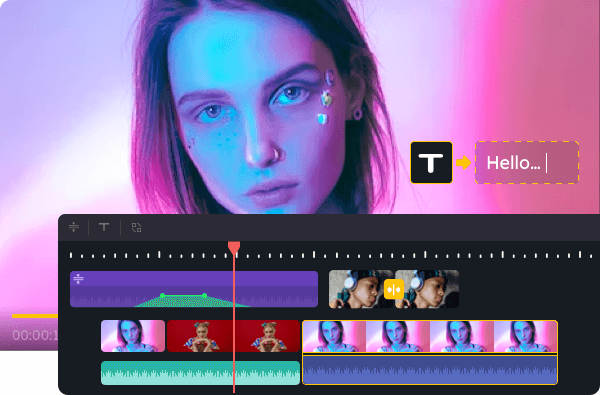
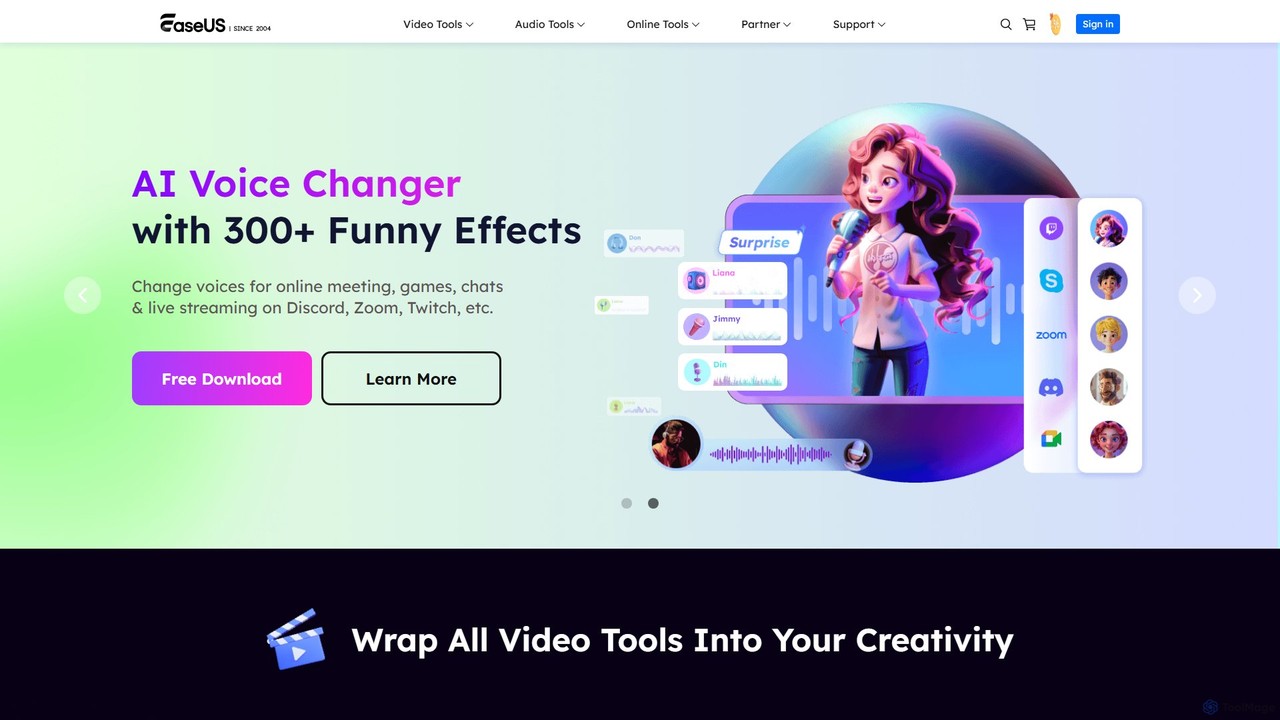
EaseUS Multimedia is a comprehensive and powerful suite of tools designed to handle all your video and audio needs. It consolidates multiple standalone applications and AI-powered services into a single, user-friendly ecosystem. Whether you are a professional content creator, an avid gamer, a music enthusiast, or simply someone who needs to manage multimedia files, this toolkit provides a robust set of features to streamline your workflow. The suite includes classic tools like a video converter and screen recorder, enhanced with modern AI capabilities for tasks such as real-time voice changing, audio cleanup, and content generation.
How to use EaseUS Multimedia
The usage of EaseUS Multimedia depends on the specific tool you need. The suite is a collection of different applications and online services, each with a straightforward process:
- Desktop Applications (Video Converter, VoiceWave, etc.): Download the required software from the official EaseUS Multimedia website. Install it on your PC or Mac. Launch the application and select the desired function from the main interface, such as 'Video Converter', 'Screen Recorder', or 'Voice Changer'. Follow the on-screen instructions to import your files, adjust settings, and start the process.
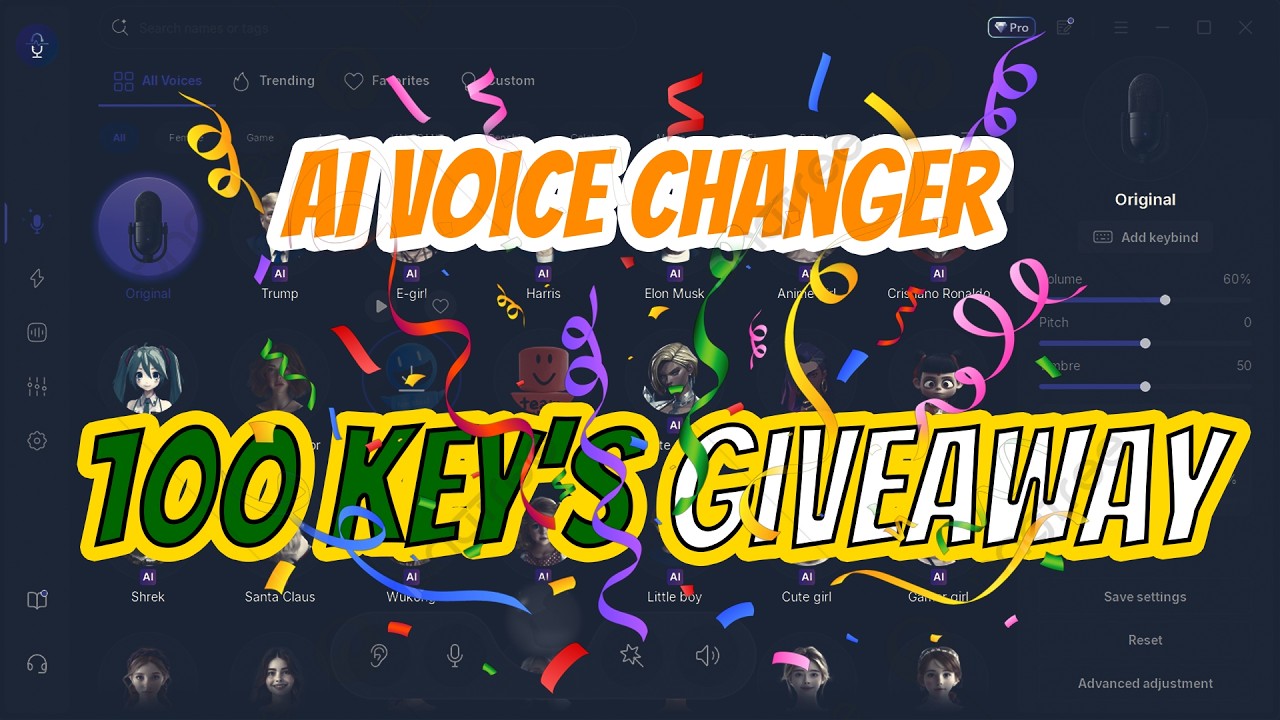
- AI Voice Changer (EaseUS VoiceWave): For gaming platforms like Xbox, you need to connect your console to your PC using the Xbox app. Install and run EaseUS VoiceWave on your PC. In the Xbox app settings on your PC, set 'VoiceWave Microphone (EaseUS Virtual Device)' as your default input device. You can now apply real-time voice effects while you play.
- Online AI Tools (Vocal Remover, Transcript Generator): Navigate to the specific tool's page on the EaseUS Multimedia website. Upload your audio or video file directly to the browser. The AI will process the file online. Once complete, you can preview the result and download the output file (e.g., separated vocal tracks, a text transcript, or a cleaned audio file).
Core Features of EaseUS Multimedia
- Video Converter: Convert videos to over 1000 formats without quality loss. It also supports batch conversion and can extract audio from video files.
- Video Downloader: Download videos and audio from over 1000 websites, including YouTube, for offline viewing.
- Screen Recorder: Capture any area of your screen, a specific window, or your webcam with audio. Ideal for creating tutorials, recording gameplay, or capturing online meetings.
- AI Voice Changer (VoiceWave): Change your voice in real-time with a wide range of effects, from cartoon characters to demons. It integrates seamlessly with Discord, Zoom, Valorant, Xbox, and other platforms.
- AI Audio Tools: Includes a suite of online utilities like a vocal remover to separate vocals from music, a noise reducer to clean up background hiss and clicks, a reverb/echo remover, and an AI song cover generator.
- YouTube Transcript Generator: Automatically transcribe YouTube videos into text for free, making it easy to get subtitles or content for analysis.
- Video Compressor: Reduce the file size of videos while maintaining the best possible quality, perfect for saving storage space or sharing online.
Use Cases for EaseUS Multimedia
For Content Creators: Download source videos from the web, convert them to a suitable format for editing, record high-quality screen tutorials, and use the AI audio tools to remove background noise from voiceovers. Transcribe interviews or video content automatically to create subtitles or blog posts.
For Gamers: Use the real-time AI voice changer to role-play in games, protect privacy, or simply have fun with friends on platforms like Discord and in-game chats. Record epic gameplay moments with the screen recorder.
For Music Lovers & Musicians: Create AI-generated song covers in the style of famous artists. Use the vocal remover to create karaoke or instrumental tracks from any song. Clean up old audio recordings by removing hiss and pops.
For Students & Educators: Record online lectures and presentations. Download educational videos from YouTube for offline study. Transcribe lectures to create searchable study notes.
Advantages of EaseUS Multimedia
EaseUS Multimedia stands out for its combination of versatility, ease of use, and powerful AI features. Users praise its clean and intuitive interface, which makes complex tasks accessible even to beginners. The all-in-one nature of the toolkit means you don't need to purchase and learn multiple different software programs. The high-speed, high-quality conversion and processing ensure that your final output is professional. The integration of cutting-edge AI tools for voice modulation and audio restoration puts it at the forefront of modern multimedia software.
Pricing and Plans
EaseUS Multimedia operates on a freemium model. Many tools offer free versions with basic functionality or certain limitations (e.g., watermarks, limited conversion time). To unlock the full suite of features, remove limitations, and receive technical support, users can upgrade to a paid plan. These typically include monthly, annual, and lifetime subscription options for individual tools or the entire toolkit. For specific and up-to-date pricing, please visit the official EaseUS Multimedia website.
Traffic
Latest traffic
Status
Monthly traffic trend
- 2025-9: 1.0M
- 2026-1: 993.8K
- 2026-2: 562.5K
- 2026-3: 560.8K
- 2026-4: 475.5K
- 2026-5: 334.8K
Geography
Top 5 countries / regions
- 🇺🇸United States38.7%
- 🇧🇷Brazil28.1%
- 🇯🇵Japan12.0%
- 🇪🇸Spain10.8%
- 🇩🇪Germany10.4%
Traffic sources
| Source type | Percentage |
|---|---|
Direct | 84.2% |
Referral | 15.3% |
Email | 0.5% |
Top keywords
| Keyword | Cost per click |
|---|---|
| download video | $0.22 |
| easeus video downloader | $0.75 |
| video downloader | $0.22 |
| youtube downloader | $0.46 |
| youtube ダウンロード | $0.36 |
EaseUS Multimedia Videos on YouTube



EaseUS VoiceWave

EaseUS VoiceWave

EaseUS VoiceWave
EaseUS Multimedia Alternatives
Wondershare UniConverter
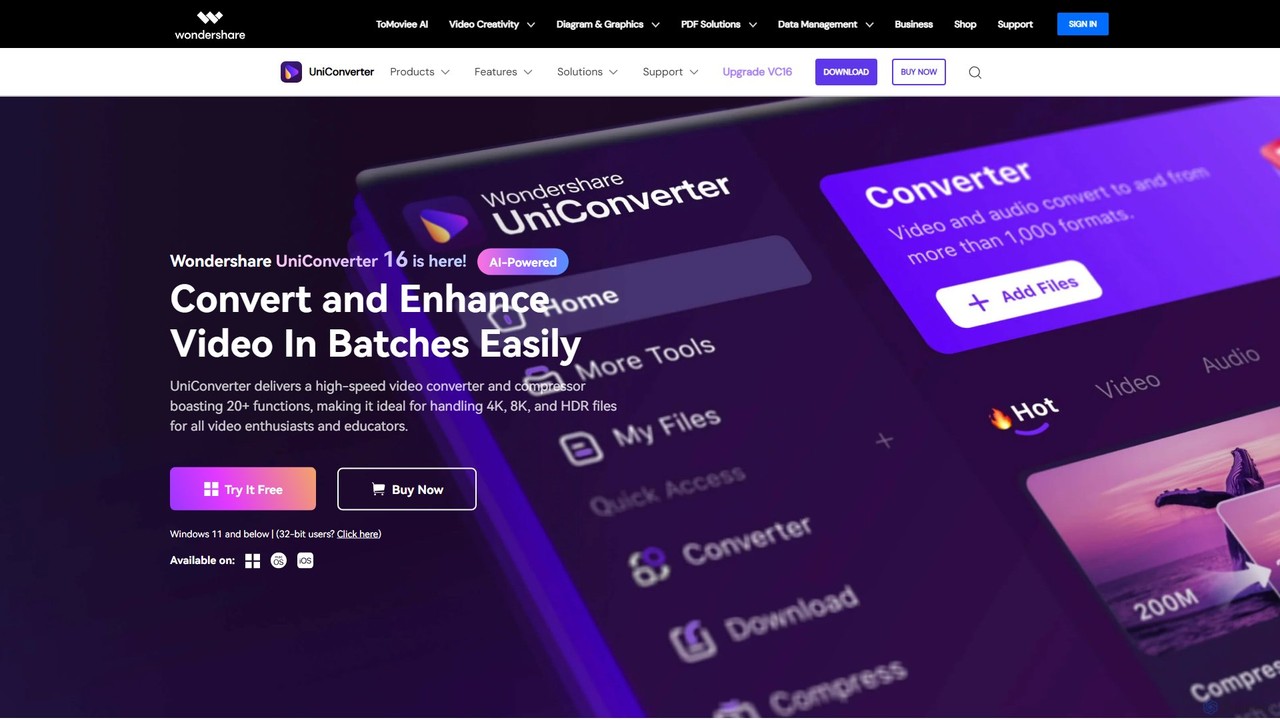
Wondershare UniConverter is an all-in-one, AI-powered video toolbox designed for enthusiasts and professionals. It integrates a high-speed video converter, an efficient compressor, a versatile editor, and a suite of AI enhancement tools. Handle 4K/8K/HDR files, convert between 1000+ formats, and leverage AI to upscale video, remove noise, generate subtitles, and more, all within a single, user-friendly application.
Video Enhancement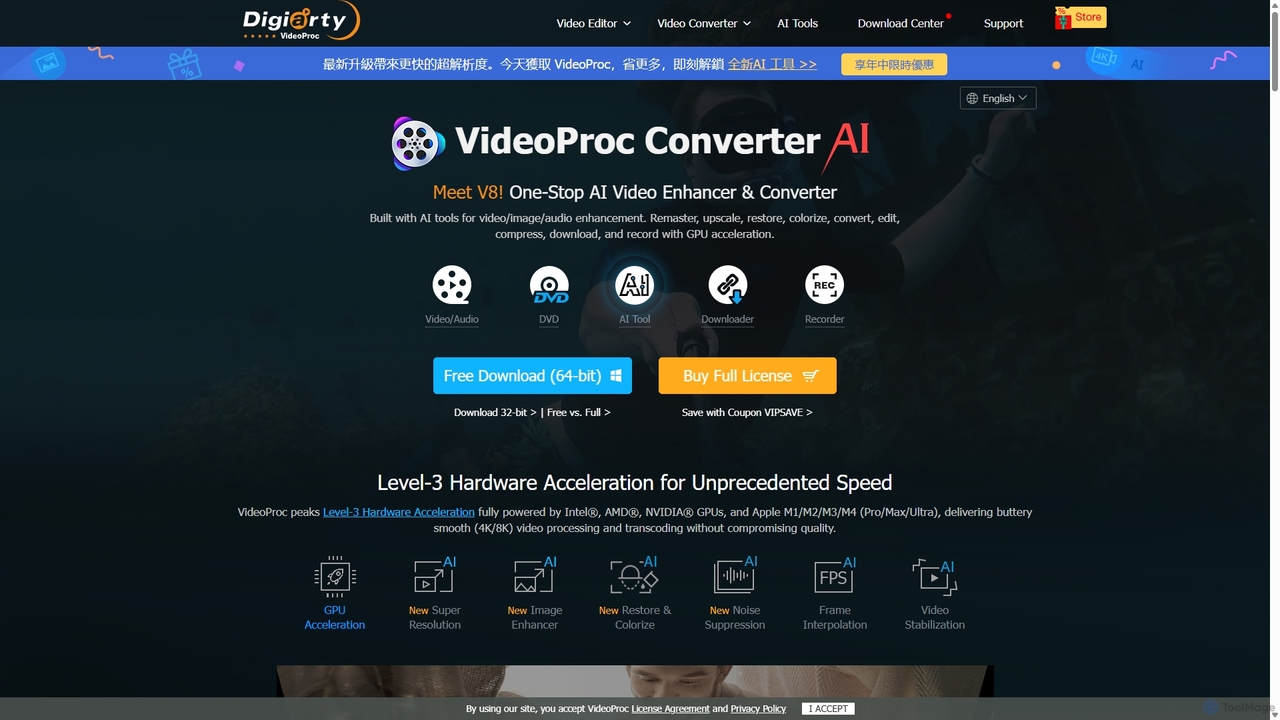
VideoProc
VideoProc is a one-stop, AI-powered media processing suite. It enhances, converts, edits, compresses, downloads, and records 4K/8K videos with full GPU acceleration. Its AI tools upscale video/images, stabilize shaky footage, interpolate frames for smooth motion, and remove background noise from audio.
Audio Editing
DVDFab
DVDFab is a comprehensive multimedia toolkit for DVD/Blu-ray/4K UHD backup, ripping, and conversion. It features AI-powered video enhancement to upscale resolution up to 8K, convert SDR to HDR, and denoise footage. The suite also includes tools for downloading videos and music from over 1000 streaming services.
Audio Editing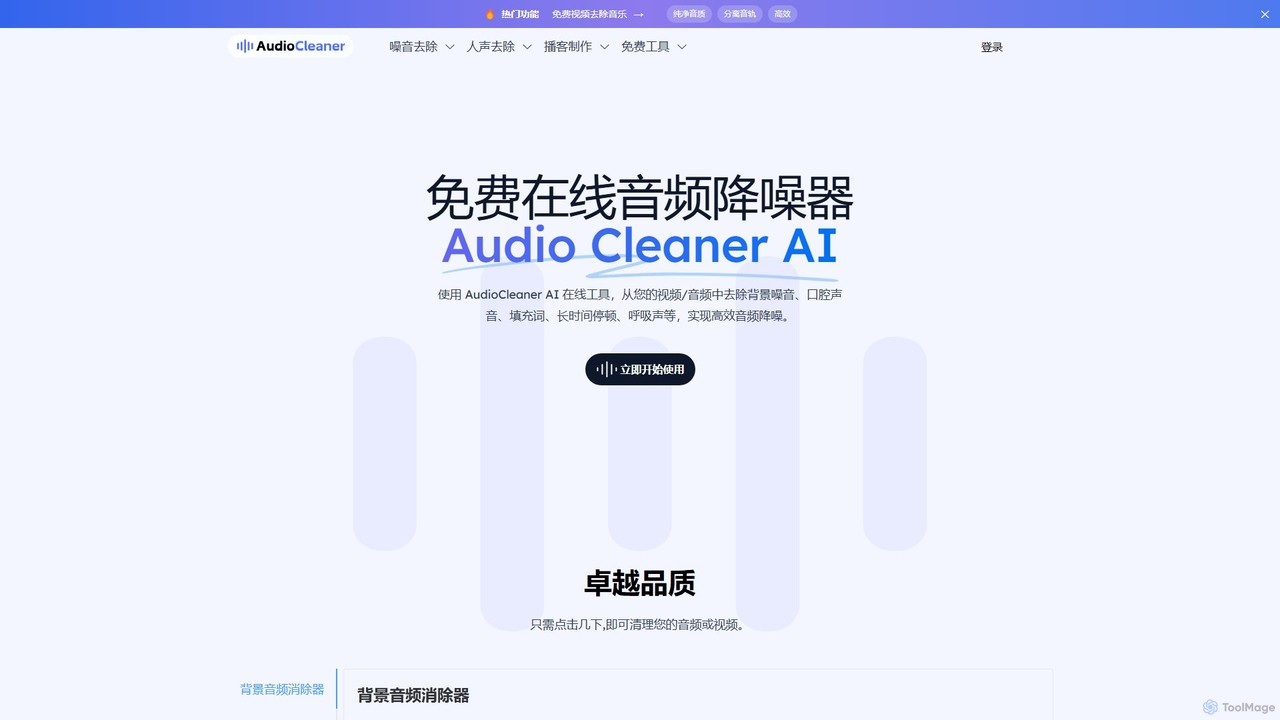
AudioCleaner AI
A powerful, free online AI tool that cleans audio and video by removing background noise, music, breathing, mouth clicks, and filler words. Ideal for podcasters, creators, and musicians seeking studio-quality sound with just a few clicks.
Audio Editing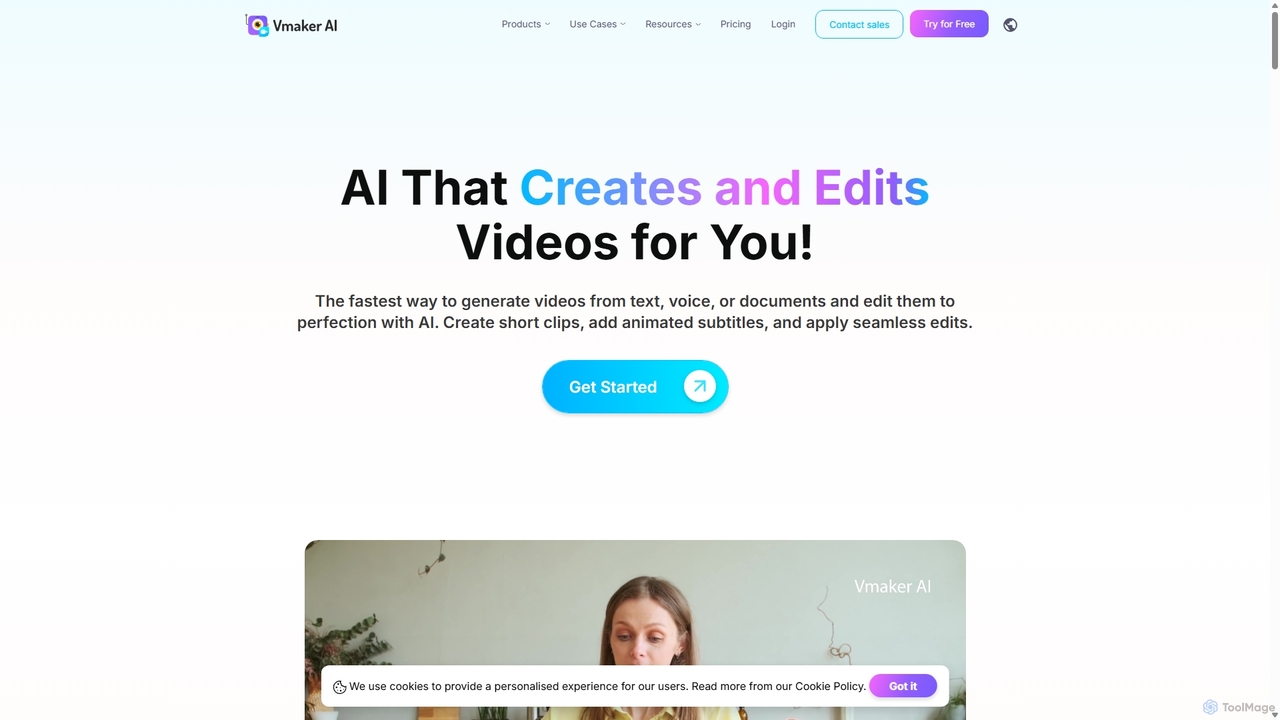
Vmaker
Vmaker is an all-in-one AI video creation and editing suite. It enables users to generate videos from text, audio, or documents using AI avatars, record screens in 4K, and edit footage with a powerful AI editor. Key features include auto-subtitles, background removal, and content repurposing tools, designed for marketers, content creators, and L&D teams.
TrainingEaseUS Multimedia Categories
EaseUS Multimedia Embed Widget
Copy this embed code to place the badge on your blog, article, or product site and send readers directly to this ToolMage detail page.

Related AI tools
Wondershare UniConverter
Wondershare UniConverter is an all-in-one, AI-powered video toolbox designed for enthusiasts and professionals. It integrates a high-speed video converter, an efficient compressor, a versatile editor, and a suite of AI enhancement tools. Handle 4K/8K/HDR files, convert between 1000+ formats, and leverage AI to upscale video, remove noise, generate subtitles, and more, all within a single, user-friendly application.
Video EnhancementVideoProc
VideoProc is a one-stop, AI-powered media processing suite. It enhances, converts, edits, compresses, downloads, and records 4K/8K videos with full GPU acceleration. Its AI tools upscale video/images, stabilize shaky footage, interpolate frames for smooth motion, and remove background noise from audio.
Audio EditingDVDFab
DVDFab is a comprehensive multimedia toolkit for DVD/Blu-ray/4K UHD backup, ripping, and conversion. It features AI-powered video enhancement to upscale resolution up to 8K, convert SDR to HDR, and denoise footage. The suite also includes tools for downloading videos and music from over 1000 streaming services.
Audio Editing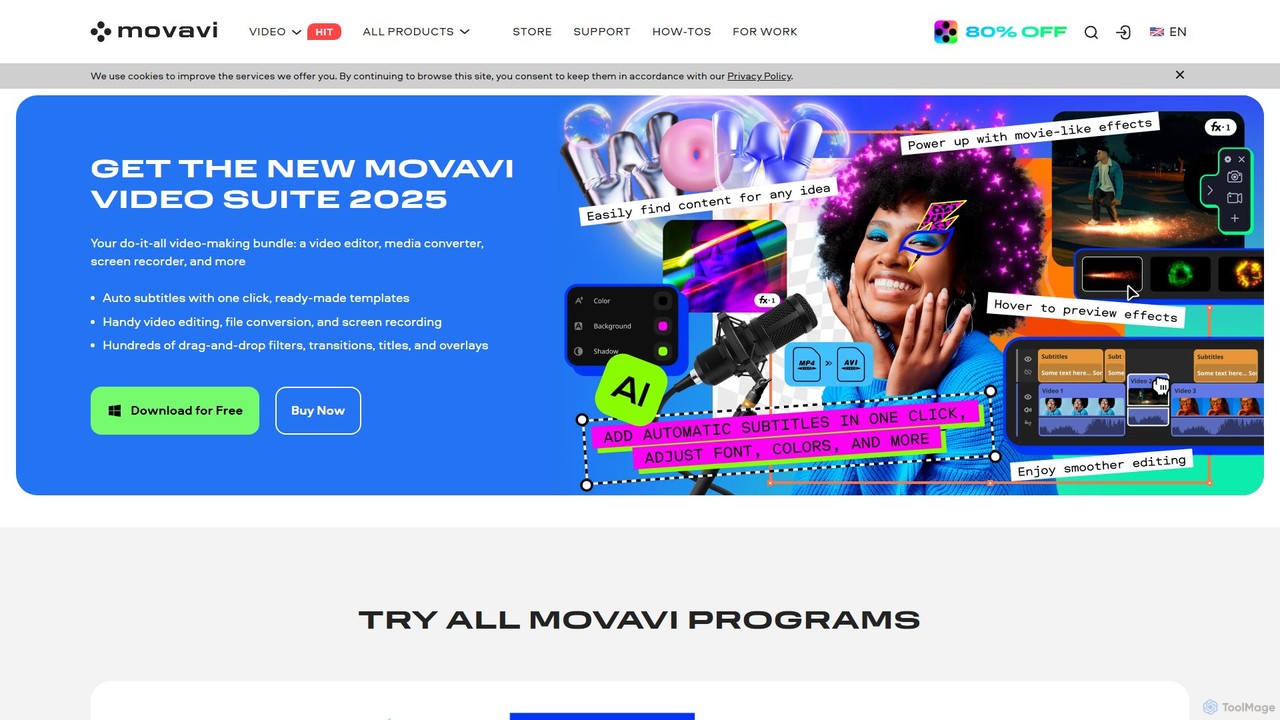
Movavi
Movavi is a comprehensive suite of multimedia programs, featuring a powerful yet user-friendly AI video editor, photo editor, screen recorder, and file converter. It's designed for everyone from beginners to seasoned creators, offering AI-driven features like background removal, motion tracking, and audio denoising to simplify the creative process. Create stunning videos, edit photos, and capture your screen with an intuitive drag-and-drop interface and a vast library of effects.
Screen Recording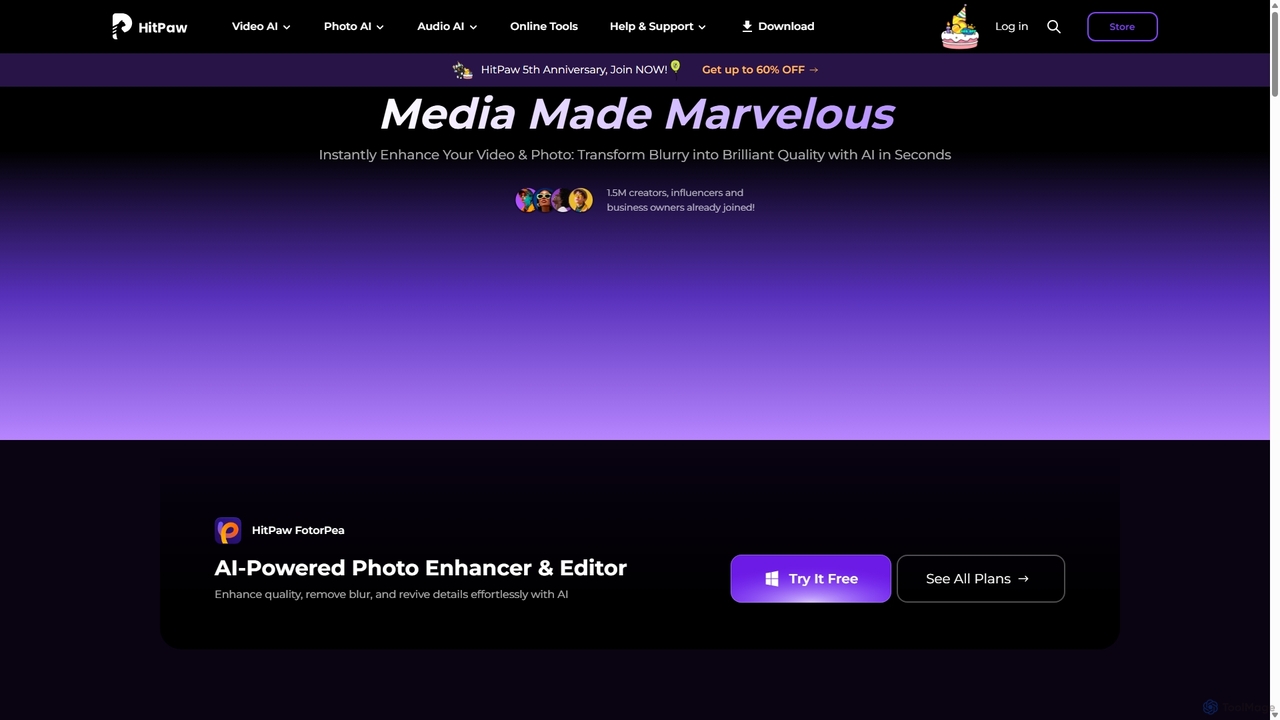
HitPaw
HitPaw is a comprehensive AI-powered multimedia software suite designed for video, photo, and audio enhancement. It offers a range of tools for upscaling video to 8K, restoring old photos, changing voices in real-time, converting file formats, and more, catering to creators, professionals, and enthusiasts.
Voice Modulation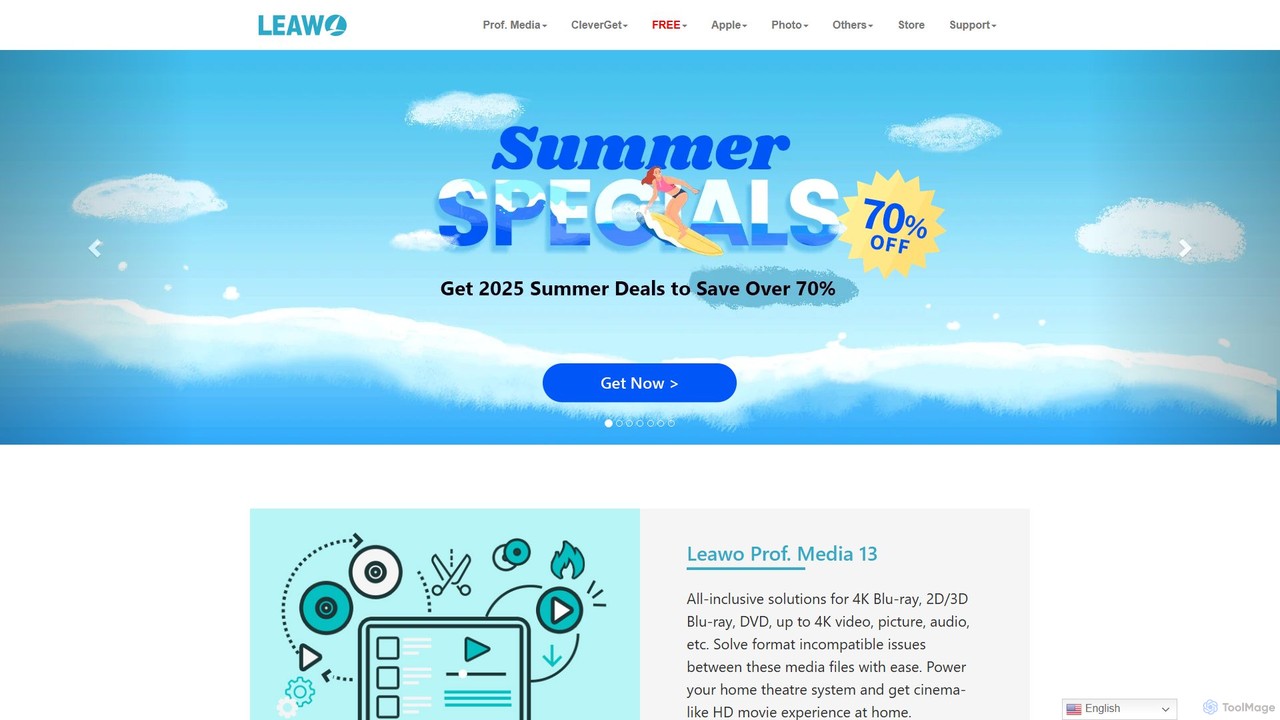
Leawo
Leawo is a comprehensive multimedia software suite for Windows and Mac. It offers a wide range of tools for managing, converting, copying, and downloading video, Blu-ray, DVD, and audio files. It also includes utilities for mobile data transfer and AI-powered photo enhancement.
File Management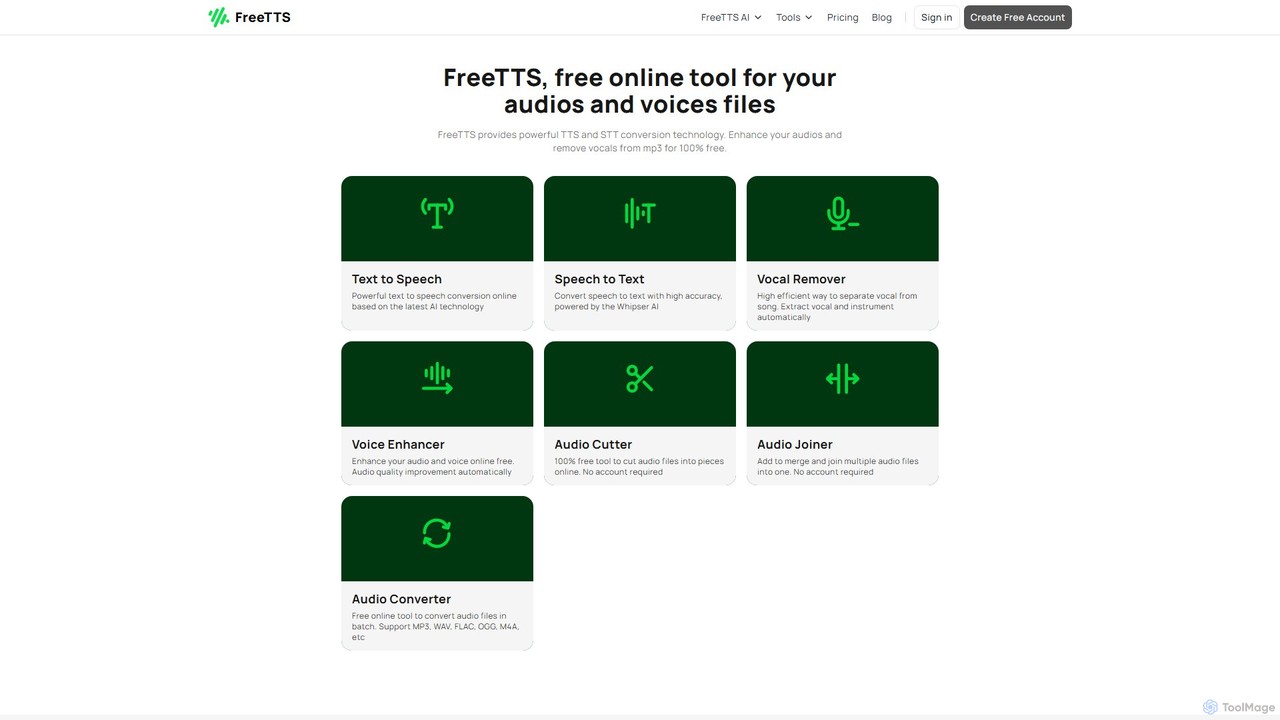
FreeTTS
FreeTTS is a versatile AI-powered audio toolkit offering a suite of free and premium services. It excels in converting text to natural-sounding speech with a wide range of human-like voices. Beyond TTS, it provides high-accuracy speech-to-text transcription, an AI vocal remover, a voice enhancer, and various audio editing tools like a converter, cutter, and joiner. It's an all-in-one solution for content creators, musicians, and anyone needing high-quality audio processing.
Audio Editing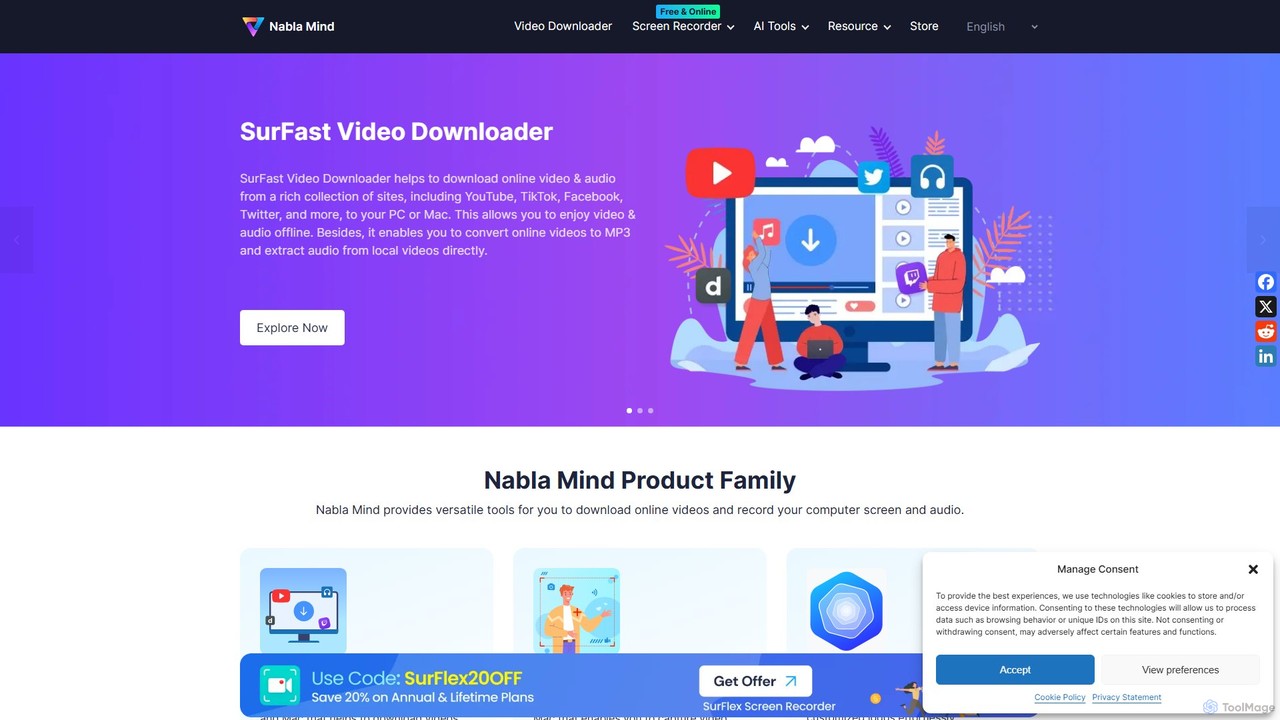
Nabla Mind
Nabla Mind offers a suite of powerful software for content creators and professionals, including SurFast Video Downloader, SurFlex Screen Recorder, and AI-powered utilities. Easily download online videos, record your screen with audio, and leverage AI for creative tasks like logo design and automatic captioning.
Logo Generation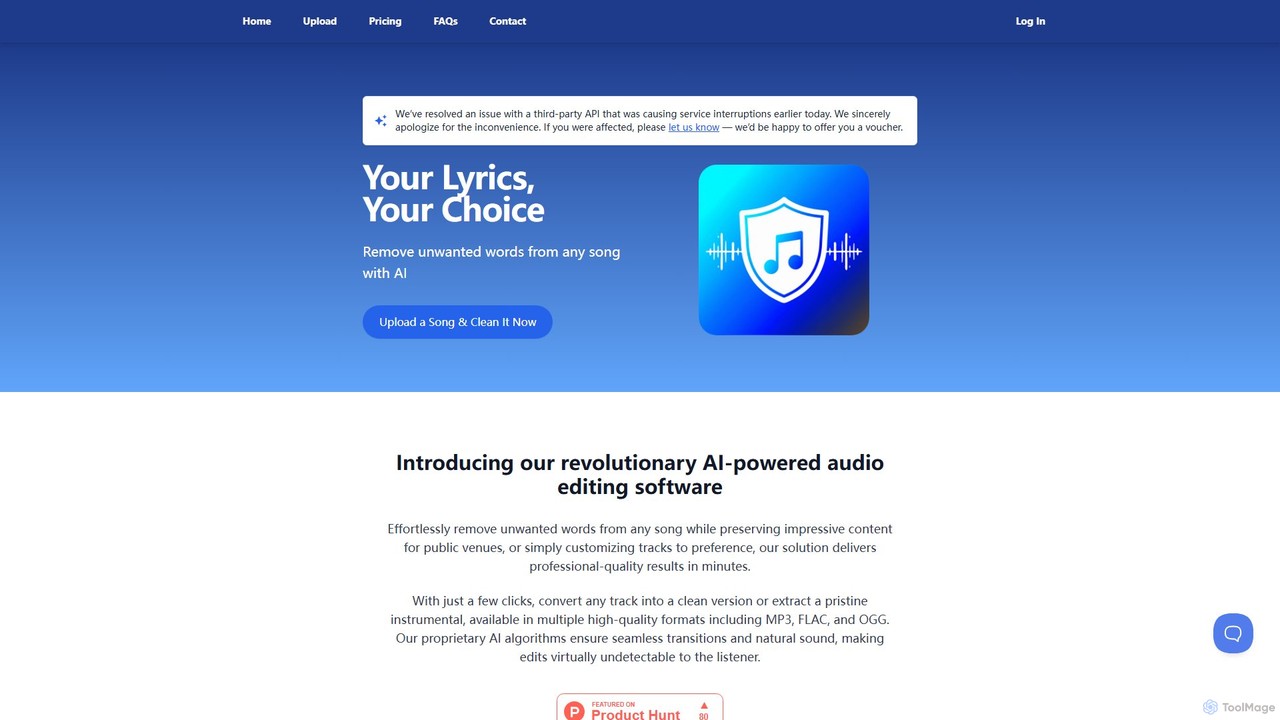
SongCleaner
An AI-powered audio tool that automatically removes explicit or unwanted words from any song to create clean, family-friendly versions. It can also extract high-quality instrumental tracks, making it perfect for parents, DJs, content creators, and public venues.
Audio Editing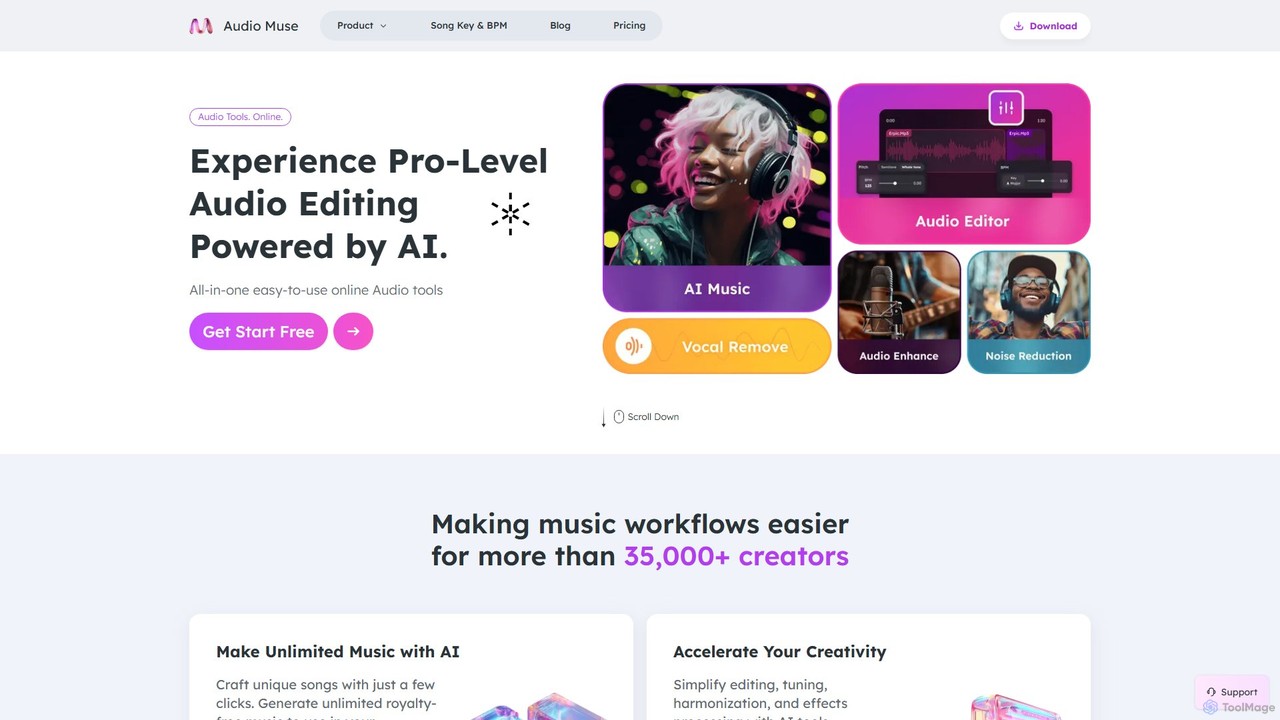
audiomuse
audiomuse is an all-in-one, AI-powered online audio toolkit designed for creators, musicians, and podcasters. It offers a comprehensive suite of tools including an AI music generator, music mastering, stem splitter, vocal remover, noise reduction, and various audio editors. Simplify your workflow and create professional-quality audio with just a few clicks.
Audio Editing
editair
editair is an AI-powered audio editing platform designed to automatically clean, enhance, and perfect your audio recordings. It intelligently removes background noise, eliminates filler words, and applies studio-quality enhancements with a single click, making professional sound accessible to everyone.
Audio Editing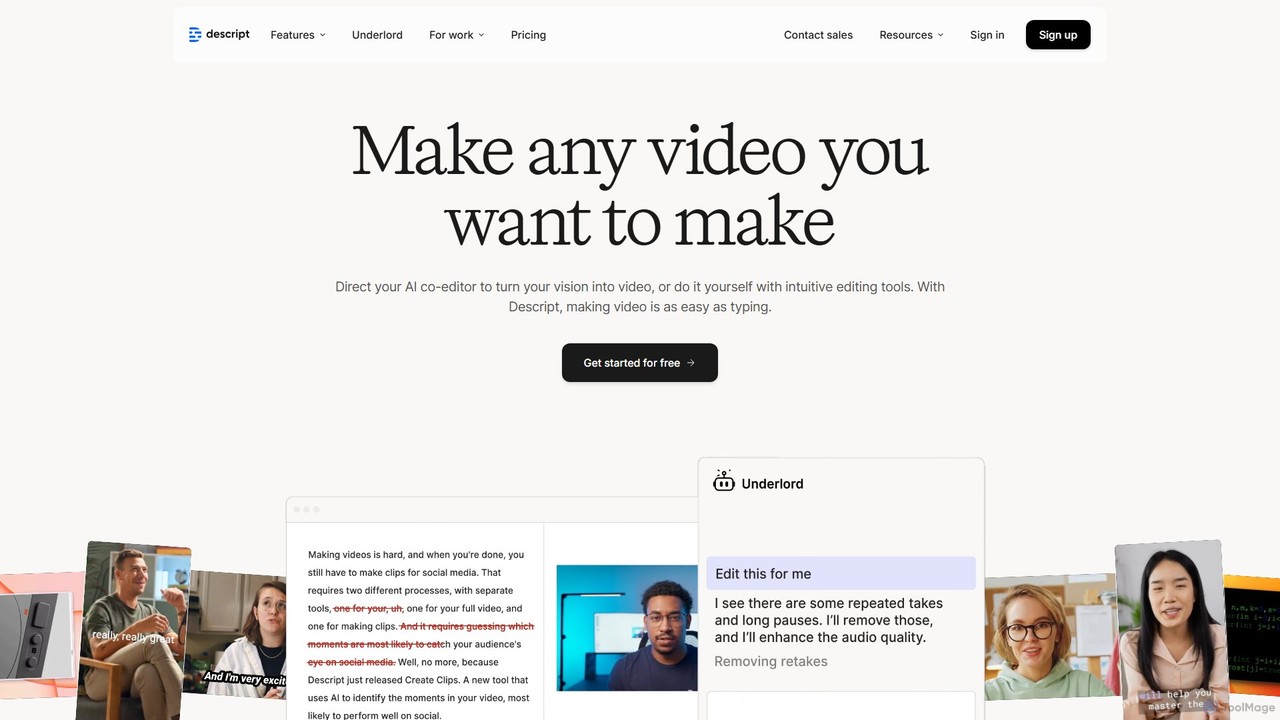
Descript
Descript is an all-in-one AI-powered video and podcast editor that revolutionizes content creation by allowing you to edit media as easily as a text document. It features text-based editing, automatic transcription, and powerful AI tools like Studio Sound, green screen, eye contact correction, and filler word removal. It's the ideal solution for creators and businesses aiming to produce high-quality, professional content with unparalleled efficiency.
Social Media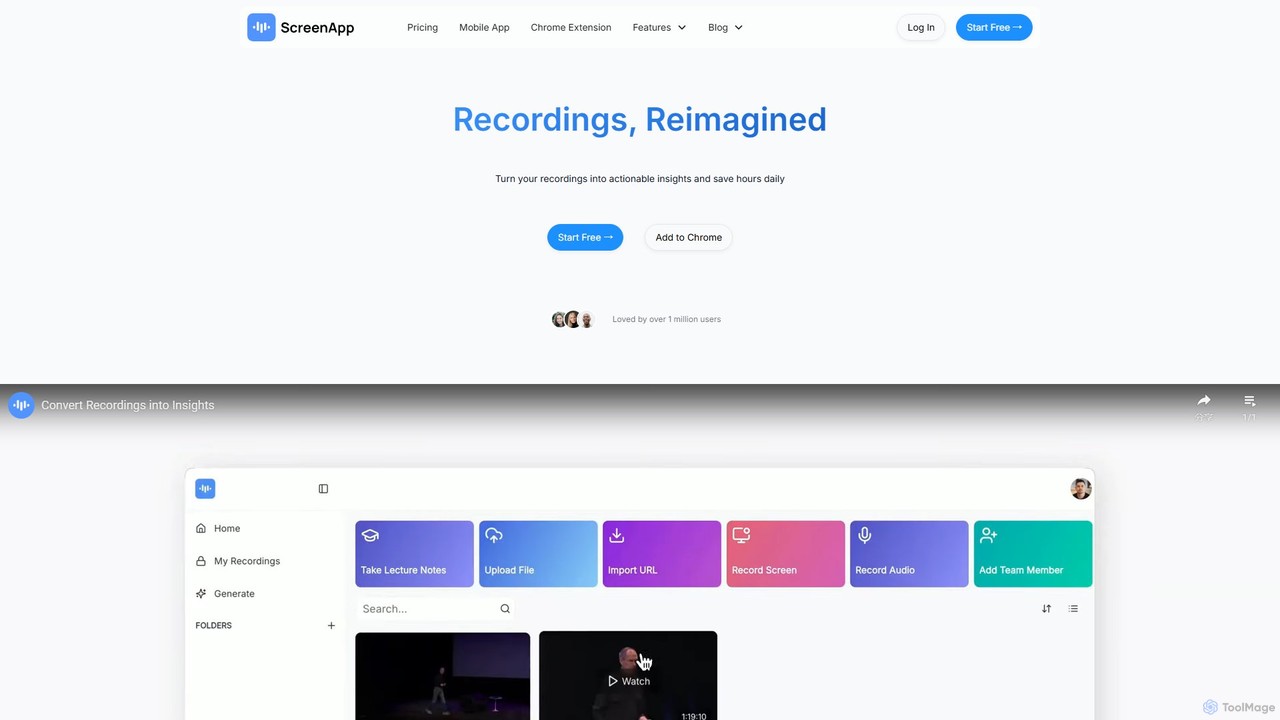
ScreenApp
ScreenApp is an AI-powered productivity tool that acts as your second brain. It records, transcribes, and summarizes audio and video content from meetings, lectures, and online videos. Key features include an AI notetaker, high-accuracy transcription, an interactive chat to query your recordings, and a unique PDF-to-audio converter. It's designed to transform conversations and documents into actionable, searchable knowledge, supporting multiple languages and seamless integrations.
Note Taking
WinXDVD
WinXDVD is a comprehensive software suite featuring the AI-powered Winxvideo AI for video/image enhancement, conversion, and editing, alongside the renowned WinX DVD Ripper for fast digital backups. It leverages GPU acceleration to upscale videos to 4K, stabilize shaky footage, and rip DVDs with exceptional speed and quality, making it an all-in-one solution for modern media management.
File Management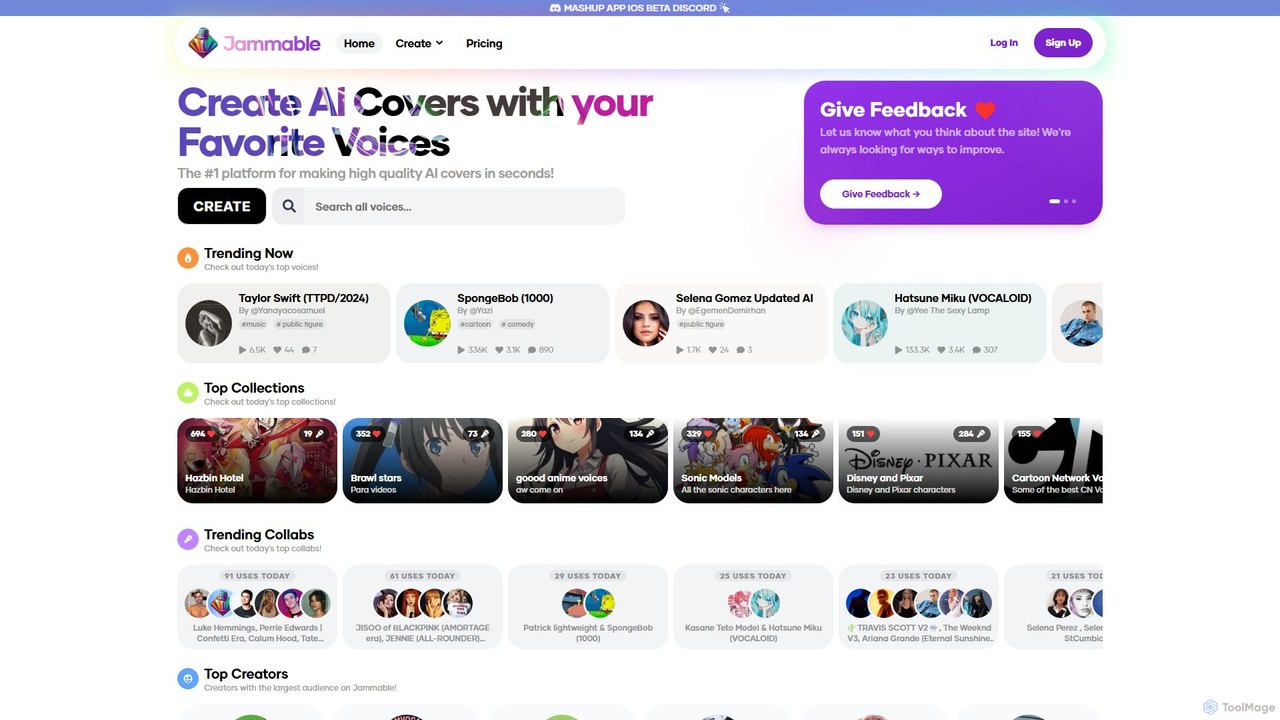
Jammable
Jammable is a leading AI platform for creating high-quality song covers in seconds. It features a massive library of voices, from famous singers and cartoon characters to community-created models. Users can generate unlimited covers, create duets, and even train their own custom voices.
Music
EaseUS Multimedia Comments (0)
Sign in to comment.
Sign inNo comments yet.