

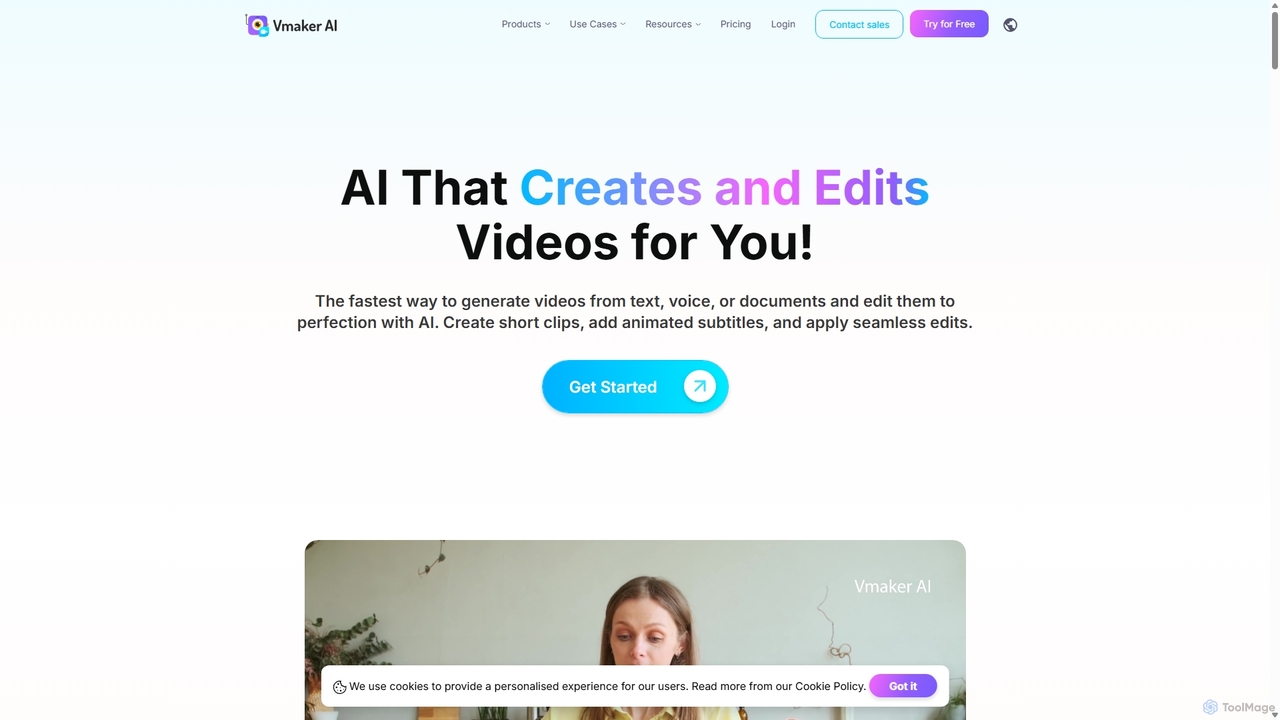
Vmaker Overview
Vmaker is a comprehensive AI-powered video platform designed to streamline the entire video creation and editing process. It empowers users, from individual content creators to large enterprise teams, to produce professional-quality videos with unprecedented speed and ease. The platform integrates multiple functionalities, including AI video generation, a high-fidelity screen recorder, and an intelligent video editor, making it a versatile solution for various communication and marketing needs.
How to use Vmaker
Using Vmaker is an intuitive process that can be broken down into a few simple steps:
- Choose Your Creation Method: Start by selecting how you want to create your video. You can generate a video from a text prompt, an audio file, or a document using Vmaker's realistic AI avatars. Alternatively, you can record your screen and/or webcam in up to 4K resolution, or simply upload existing video footage.
- Record or Generate: If recording, use the Vmaker app or Chrome extension to capture your screen, webcam, or both. Utilize features like screen annotation, mouse emphasis, and virtual backgrounds to enhance your recording. If generating, input your text or audio, choose from over 100 AI avatars, and let the AI create the video with precise lip-syncing.
- Edit with AI: Once your raw footage is ready, import it into the Vmaker AI editor. Here, you can automatically generate subtitles in over 35 languages, remove video backgrounds, trim unwanted sections, add transitions, and apply B-rolls. The AI can also generate highlights and repurpose long videos into short, shareable clips.
- Finalize and Share: After editing, you can add custom branding, calls-to-action (CTAs), and export your video in up to 2K quality. Videos can be shared directly via a link, embedded on websites, or uploaded to platforms like YouTube from the Vmaker dashboard.
Core Features of Vmaker
- AI Video Generation: Transform text, audio, documents, or even existing videos into engaging content featuring realistic AI human avatars with accurate lip-sync.
- Advanced AI Video Editor: A full suite of editing tools including an AI Highlights Generator, automatic background remover, green screen effect, and tools to turn long-form content into short viral clips (MAD AI).
- High-Resolution Screen Recorder: Capture your screen, webcam, or both in up to 4K HD. Features include screen annotation, mouse emphasis, scheduled recordings, and the ability to blur sensitive information.
- AI Auto Subtitles: Automatically generate and translate subtitles in over 35 languages with more than 10 animation styles to improve accessibility and engagement.
- Collaboration Workspace: A centralized dashboard for teams to store, organize in folders, and collaborate on video projects, streamlining the review and approval process.
- Custom Branding: Enterprise and Teams plans allow for custom CNAMEs to host videos on your own domain and a branded video player page to maintain brand consistency.
Use Cases for Vmaker
Vmaker is versatile and caters to a wide range of professionals:
- YouTubers & Content Creators: Drastically reduce editing time, repurpose long videos into shorts, add animated subtitles to boost engagement, and create talking-head videos without being on camera.
- Marketers: Build brand visibility by creating product demos, video ads, social media content, and video podcasts. Use AI avatars for consistent brand messaging across campaigns.
- Learning & Development (L&D) Teams: Create engaging training materials, how-to guides, and onboarding videos. The screen recorder is perfect for software tutorials, and the AI editor simplifies the post-production workflow.
- Sales Representatives: Record and share personalized product demos, follow-up messages, and proposals to engage prospects more effectively.
- Customer Support: Create quick video tutorials to resolve customer queries, reducing response times and improving customer satisfaction.
Advantages of Vmaker
Vmaker offers a significant competitive edge by combining multiple tools into one seamless platform. Its primary advantage is efficiency, allowing users to create videos 3x better in 10x faster time. The AI-driven features automate tedious tasks like subtitling and highlight extraction, freeing up users to focus on creativity. The platform is cloud-based, requiring no powerful hardware for video editing. Its freemium model makes it accessible to everyone, while scalable plans provide advanced features for growing teams and enterprises.
Pricing and Plans
Vmaker offers a flexible pricing structure to suit different needs:
- Free Plan: $0/month. Includes 720p export, 5 mins export length, 1 min screen recording, 20 mins of auto-subtitles per month, and access to 4 AI avatars.
- Starter Plan: $18/month (billed annually). Offers 1080p export, 30 mins export length, 30 mins screen recording, 60 mins of auto-subtitles, and 80 AI avatars.
- Teams Plan: $25/month (billed annually). Provides 2K export quality, 45 mins export length, 4 hours screen recording, 120 mins of auto-subtitles, 99+ AI avatars, video background removal, and a branded video player page.
- Enterprise Plan: Custom pricing. Includes all Teams features plus enhanced security, dedicated account support, and comprehensive training and onboarding.
Traffic
Latest traffic
Status
Monthly traffic trend
- 2025-9: 736.5K
- 2026-1: 608.6K
- 2026-2: 473.6K
- 2026-3: 469.0K
- 2026-4: 452.7K
- 2026-5: 486.1K
Geography
Top 5 countries / regions
- 🇮🇳India35.3%
- 🇺🇸United States34.6%
- 🇧🇷Brazil13.7%
- 🇵🇰Pakistan9.0%
- 🇵🇭Philippines7.4%
Traffic sources
| Source type | Percentage |
|---|---|
Direct | 88.0% |
Referral | 8.2% |
Email | 3.8% |
Top keywords
| Keyword | Cost per click |
|---|---|
| free ai video editor | $0.86 |
| long video to short video | $0.12 |
| long video to short video ai free | $0.14 |
| vmaker | $1.00 |
| vmaker ai | $0.45 |
Vmaker Alternatives
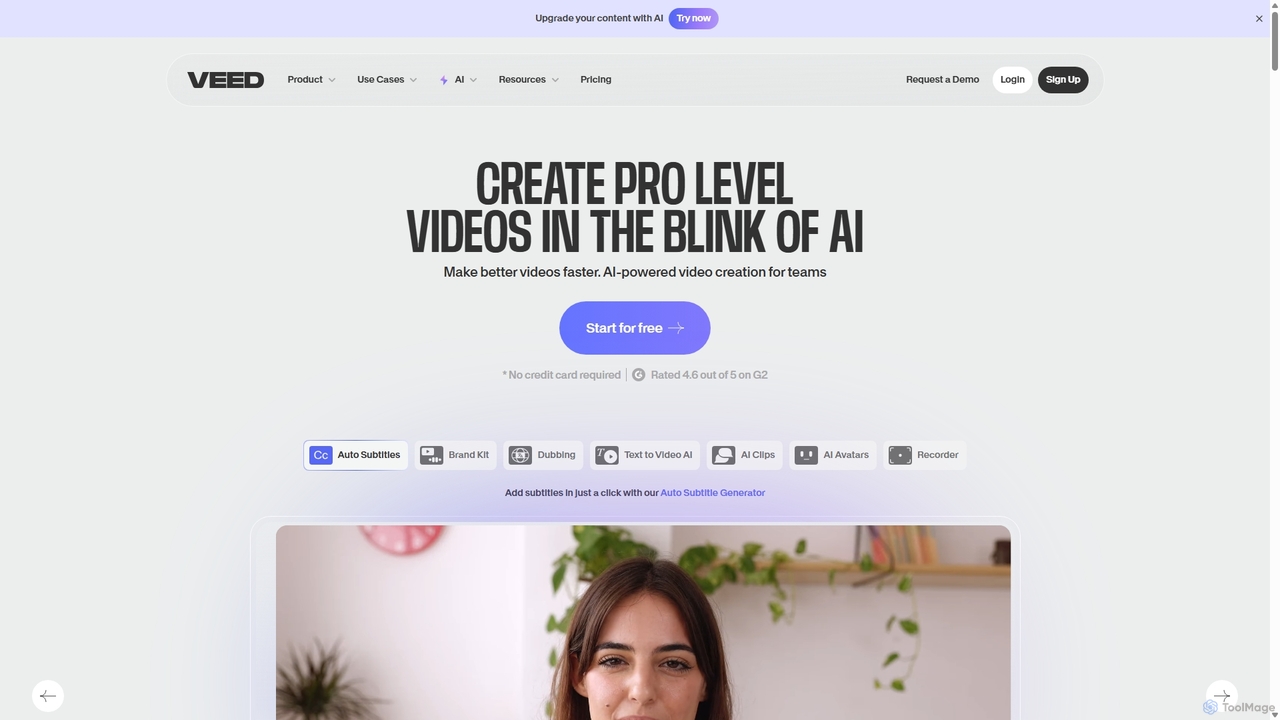
VEED.IO
VEED.IO is a powerful, AI-driven online video editor designed for teams and creators. It simplifies professional video creation with a suite of intuitive tools, including auto-subtitling, text-to-video, AI avatars, and collaborative workspaces. Create, edit, and share high-quality videos directly from your browser, no complex software required.
Social Media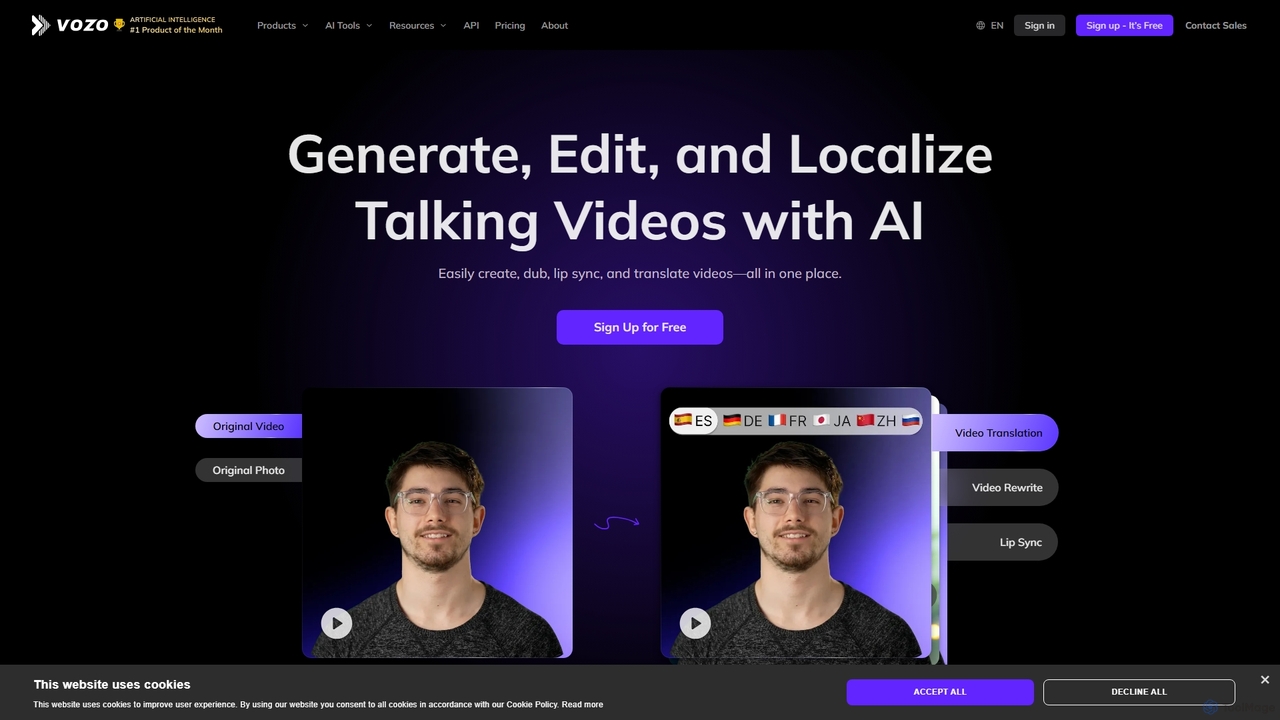
Vozo
Vozo is an all-in-one AI video platform that enables users to generate, edit, and localize talking videos. It offers features like precise video translation, realistic lip-syncing, authentic voice cloning, and talking photo animation. Designed for marketers, creators, and businesses, Vozo simplifies video production, allowing for easy content updates, multilingual dubbing, and repurposing for global audiences across various social media platforms, all within a single, user-friendly interface.
Translation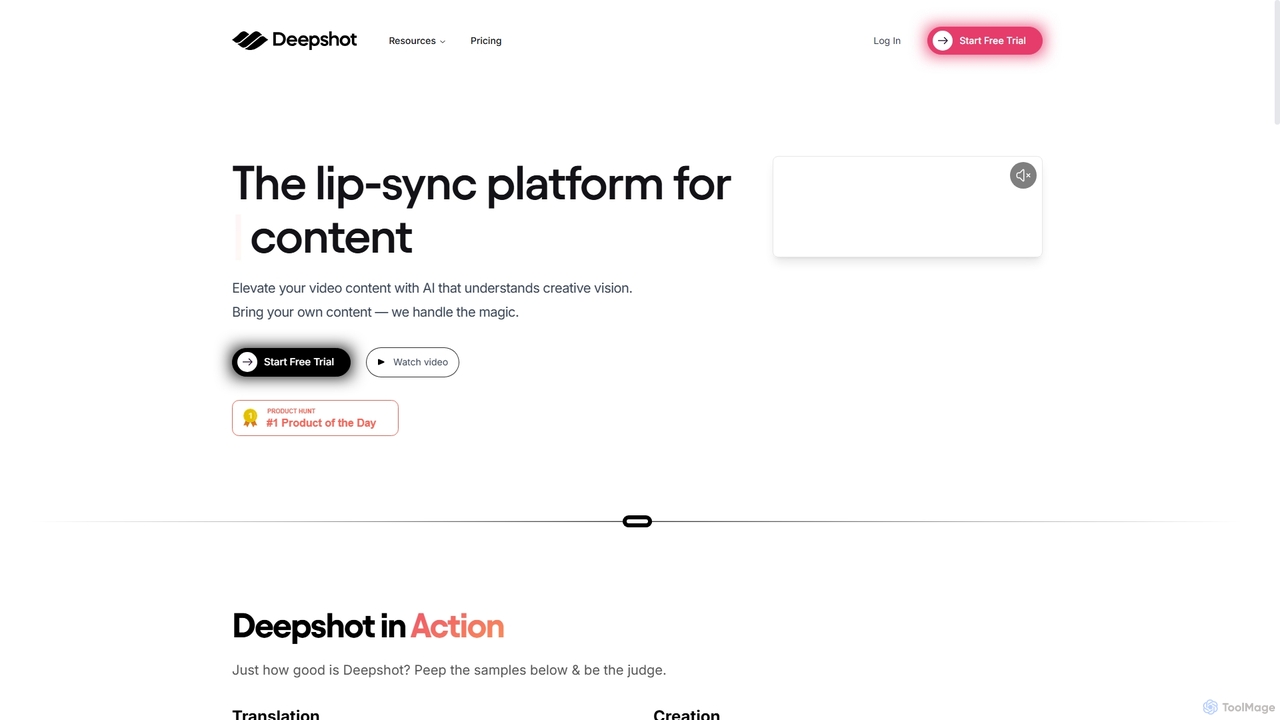
Deepshot
Deepshot is an AI-powered lip-sync platform that enables content creators to translate, correct, and generate video dialogue seamlessly. Repurpose existing footage with new scripts, fix mistakes without reshoots, and A/B test content to maximize engagement. It's designed to save time, reduce costs, and break language barriers for a global audience.
Voice Modulation
Zenvideo
Zenvideo is an intelligent video creation platform by Tencent, leveraging AI to simplify and automate the entire video production workflow. It enables users to effortlessly generate professional-quality videos from text, create content with digital human avatars, and utilize smart editing tools, making it ideal for marketing, education, and content creation.
Social Media
Synclip
Synclip is an AI video generator that creates realistic lip-synced talking-head videos and cinematic Sora-style clips. Simply upload a headshot and a script or audio file to produce professional-grade videos in minutes. It also features a fast watermark remover and a free image toolkit.
TrainingVmaker Categories
Vmaker Jobs
Vmaker Embed Widget
Copy this embed code to place the badge on your blog, article, or product site and send readers directly to this ToolMage detail page.

Related AI tools
VEED.IO
VEED.IO is a powerful, AI-driven online video editor designed for teams and creators. It simplifies professional video creation with a suite of intuitive tools, including auto-subtitling, text-to-video, AI avatars, and collaborative workspaces. Create, edit, and share high-quality videos directly from your browser, no complex software required.
Social Media
VideoGen
VideoGen is an AI-powered video generation platform designed for modern teams, creators, and marketers. It transforms text, blog posts, or simple ideas into professional-quality videos in minutes, complete with AI voiceovers, stock media, and collaborative editing tools, drastically reducing production time and costs.
Content Creation
Sprello
Sprello is an all-in-one AI video marketing suite designed for creating high-converting video ads and social media content. It integrates top AI models for scriptwriting, image and video generation, AI avatars, and voiceovers, enabling users to produce professional videos in minutes without filming or complex editing. It's ideal for brands, agencies, and creators looking to scale their video content production efficiently.
Social Media MarketingDeepshot
Deepshot is an AI-powered lip-sync platform that enables content creators to translate, correct, and generate video dialogue seamlessly. Repurpose existing footage with new scripts, fix mistakes without reshoots, and A/B test content to maximize engagement. It's designed to save time, reduce costs, and break language barriers for a global audience.
Voice Modulation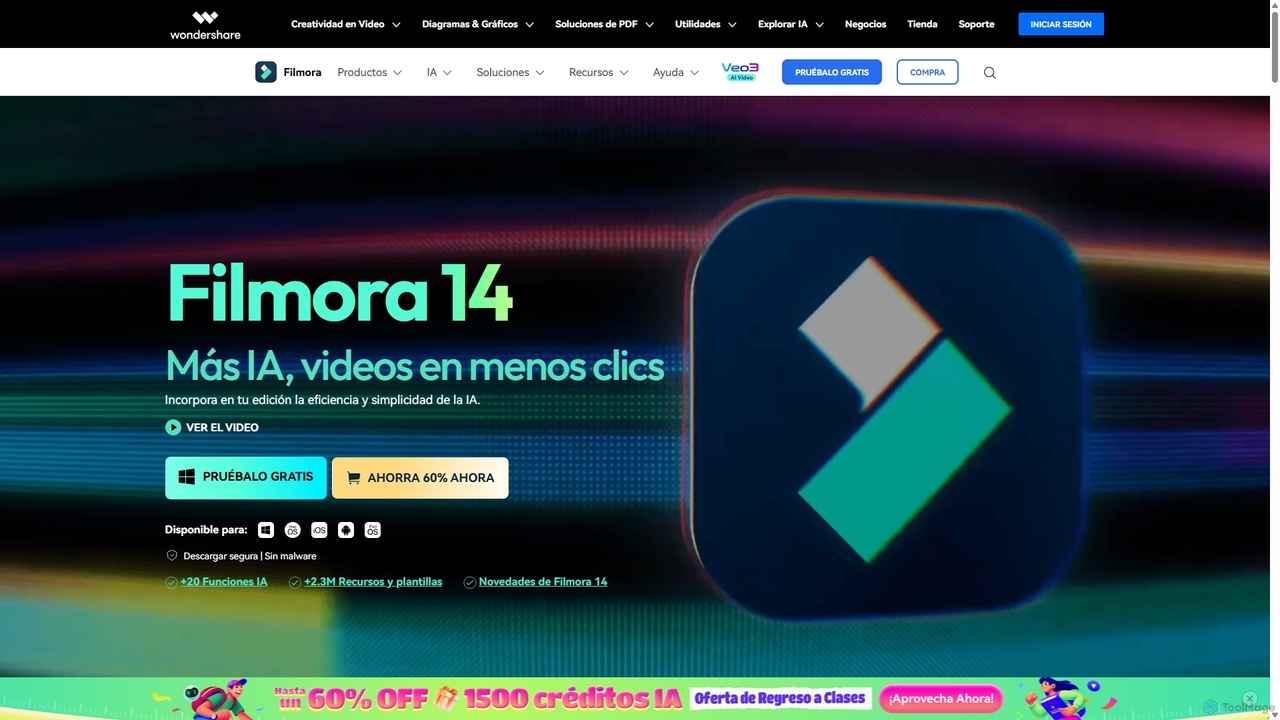
Filmora
Filmora is an AI-powered video editor that simplifies the creation process for both beginners and professionals. It offers a vast suite of AI tools, including smart clip generation, text-to-video, and advanced audio enhancement, combined with a user-friendly interface and a massive library of effects and resources to make video editing faster and more creative.
Social Media
Filmora
Filmora is a powerful yet user-friendly AI video editor designed for creators of all levels. It integrates advanced AI tools like text-to-video, smart cutout, and an AI music generator to streamline the editing process. It offers a rich library of effects, templates, and stock media, making it easy to create professional-quality videos for social media, marketing, or personal projects on Windows and macOS.
Video Generation
HeyGen Labs
HeyGen Labs showcases advanced AI video generation features, including real-time interactive avatars. It's an all-in-one platform for creating professional spokesperson videos with customizable avatars, voice cloning, and multi-language support. Ideal for marketing, sales, training, and customer support, it simplifies video production, making it scalable and cost-effective.
Virtual AssistantVozo
Vozo is an all-in-one AI video platform that enables users to generate, edit, and localize talking videos. It offers features like precise video translation, realistic lip-syncing, authentic voice cloning, and talking photo animation. Designed for marketers, creators, and businesses, Vozo simplifies video production, allowing for easy content updates, multilingual dubbing, and repurposing for global audiences across various social media platforms, all within a single, user-friendly interface.
Translation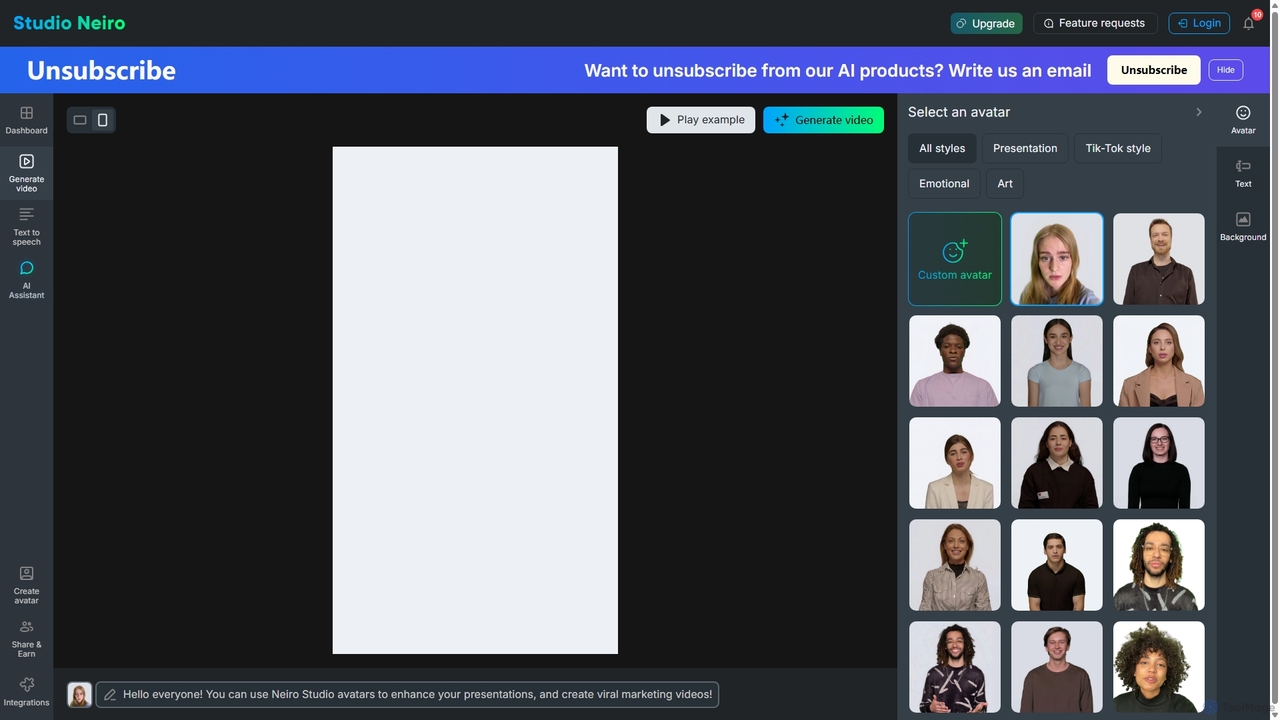
Studio Neiro
Studio Neiro is an AI-powered video generation platform that transforms text into engaging videos featuring customizable digital avatars. Effortlessly create professional-quality content for marketing, training, and presentations in minutes, without needing cameras or actors. Simply type your script, choose an avatar, and generate a captivating video.
Text To Speech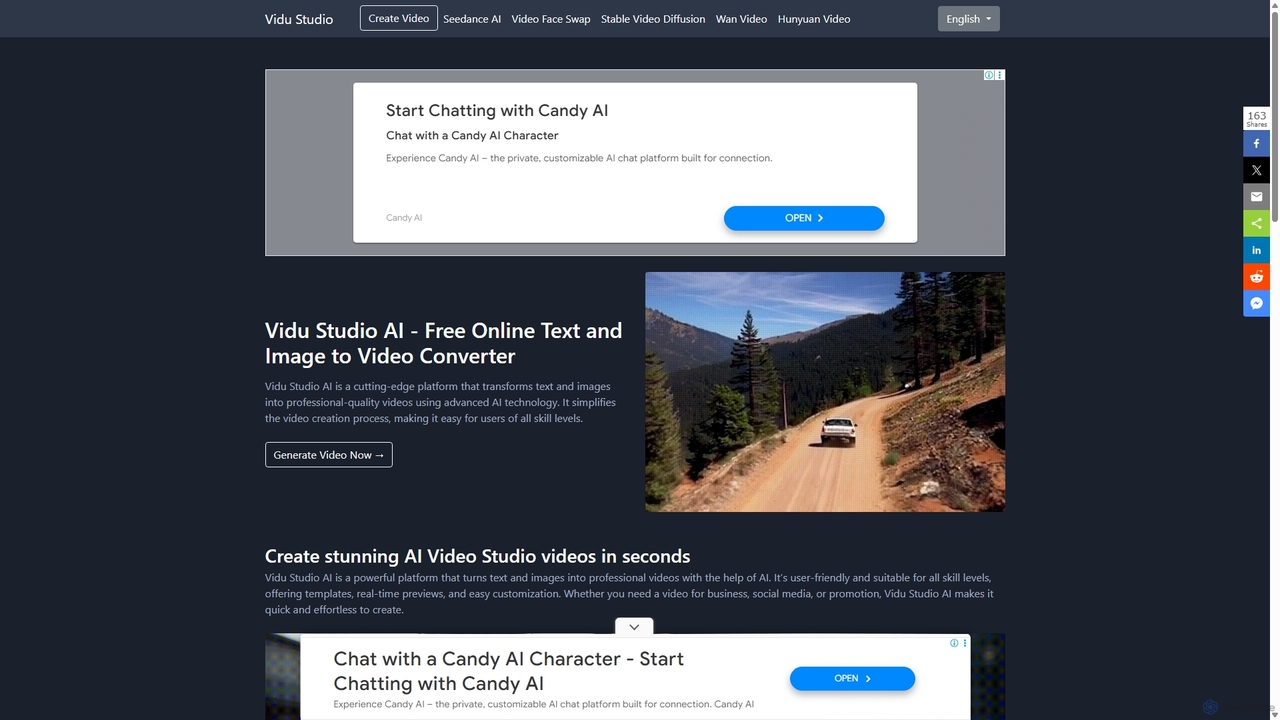
Vidu Studio AI
Vidu Studio AI is a cutting-edge, AI-powered platform that effortlessly transforms text and images into professional-quality videos. Leveraging a unique fusion of diffusion and transformer technology, it enables users of all skill levels to create stunning, high-quality videos with realistic physics and dynamic effects from simple prompts, making video production fast, easy, and accessible.
Social Media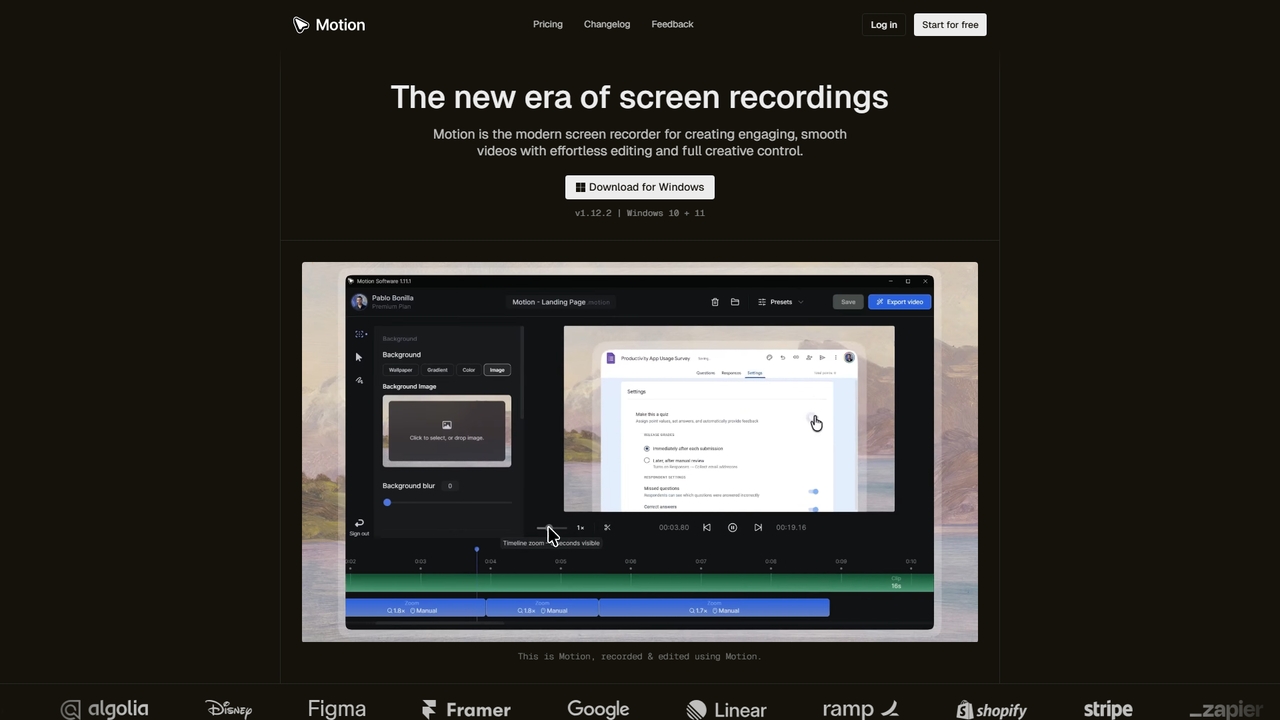
Motion
Motion is a modern screen recorder and video editor designed specifically for Windows. It enables users to create smooth, professional-looking screen recordings effortlessly, with built-in smart editing tools that automatically handle animations like cursor movements and zooms. Perfect for creating tutorials, demos, marketing content, and more, Motion offers a powerful yet intuitive workspace for both beginners and professionals.
Presentations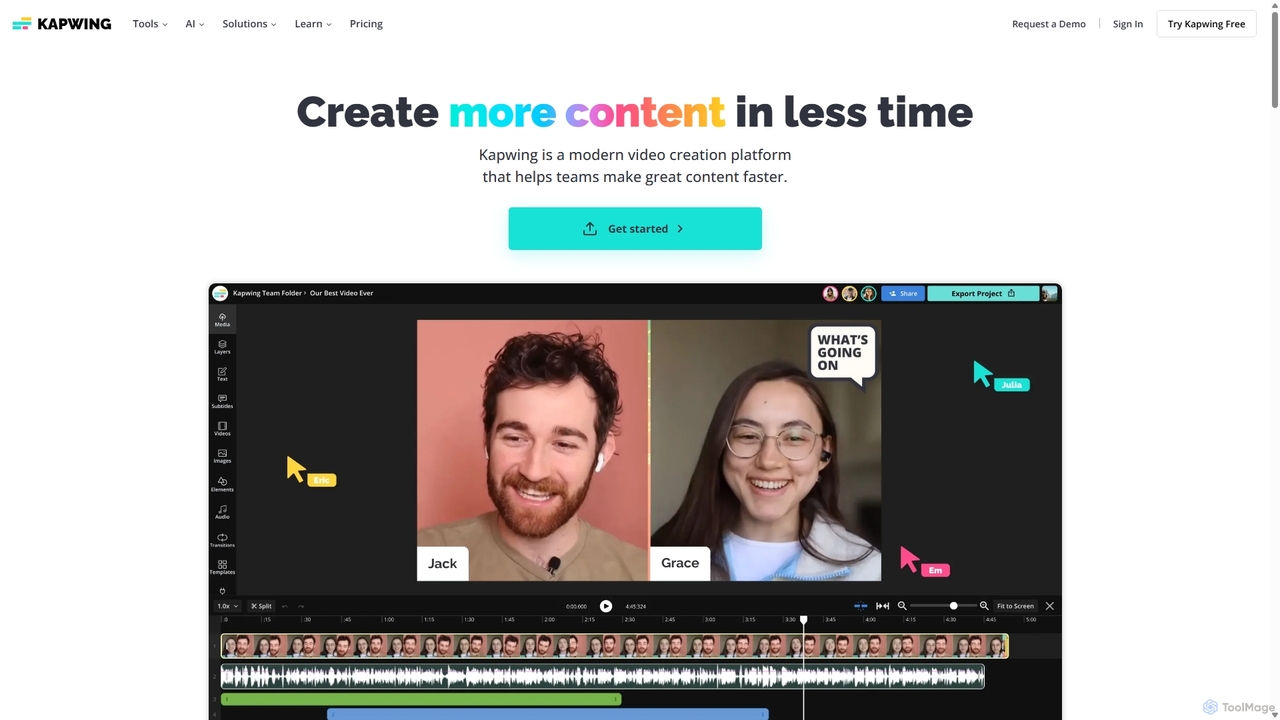
Kapwing
Kapwing is an AI-powered online video editor designed for teams and creators to produce high-quality content faster. It combines a full suite of editing tools with intelligent AI features like text-to-video, automatic subtitling, and background removal in a collaborative, browser-based platform, making video creation accessible to everyone.
Video Marketing
FlexClip
A powerful yet easy-to-use online video maker that combines traditional editing tools with a suite of AI features. Create professional videos for marketing, social media, or personal use with a vast library of templates, stock media, and intelligent tools like AI video generation, auto-subtitling, and text-to-speech.
Social Media
Vexub
Vexub is an AI-powered video generator that transforms text, MP3s, MP4s, and even SMS messages into engaging videos for platforms like TikTok and YouTube. It offers a variety of voices, visual styles, and automatic subtitles, enabling creators to produce unique content and monetize it through various channels with ease.
Text To Speech
Vidboard.ai
Vidboard.ai is a powerful AI video generator that transforms text, documents, and web links into professional videos. Featuring 100+ AI avatars, 125+ languages, and custom avatar creation, it enables users to produce high-quality content for marketing, training, and social media without any editing skills.
Video Marketing
Vmaker Comments (0)
Sign in to comment.
Sign inNo comments yet.