

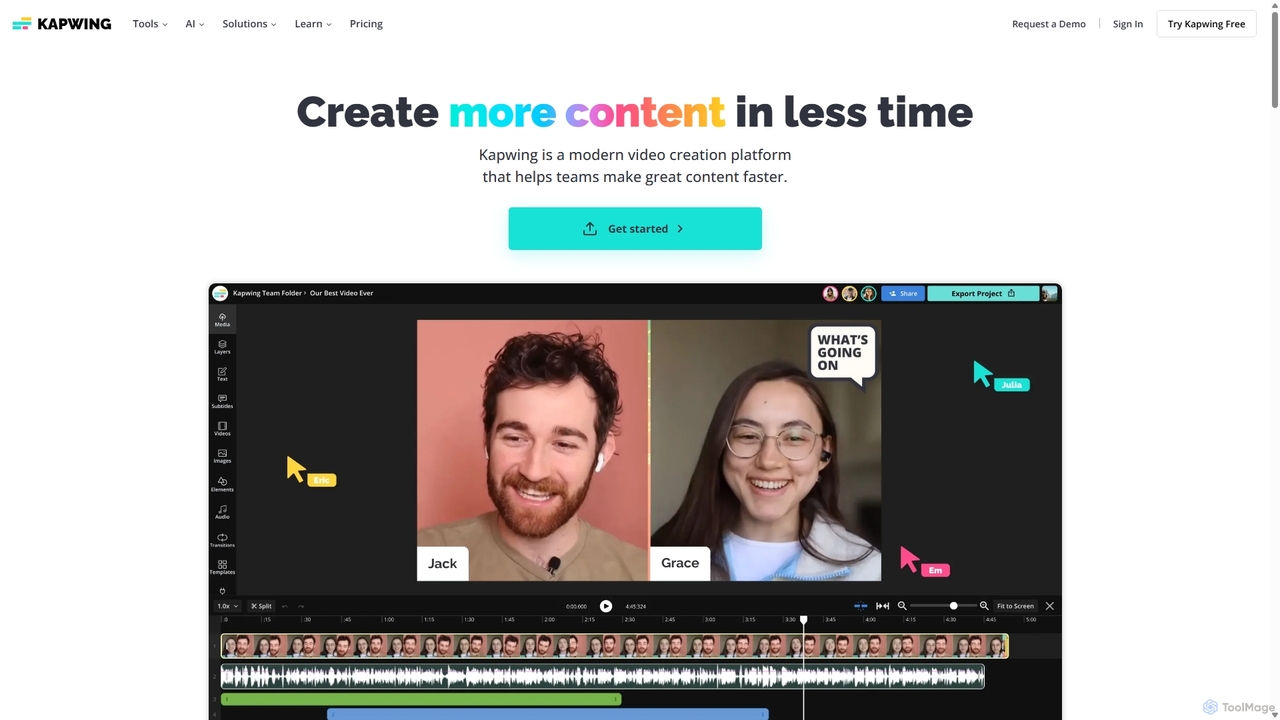
Kapwing Overview
Kapwing is a modern, collaborative online video creation platform designed to empower teams and individual creators to produce more content in less time. It serves as a centralized content hub, streamlining the entire video creation process from the first draft to the final, polished video. With an intuitive interface often compared to Google Docs or Canva for video, Kapwing makes sophisticated video editing accessible without requiring prior expertise or powerful hardware.
How to use Kapwing
Getting started with Kapwing is straightforward. Users can begin a project in several ways: upload their own media (video, images, audio), start with one of the hundreds of customizable templates, paste a link to existing online content (from YouTube, TikTok, etc.), or generate a video from scratch using AI. The workflow is designed for efficiency:
- Content Generation & Import: Use the AI Video Generator by providing a simple text prompt, an article URL, or a script. Kapwing will automatically generate a video complete with stock footage, voiceover, and subtitles.
- Editing: In the editor, you can arrange clips on a timeline, trim footage, and add text, overlays, and transitions. The platform supports real-time collaboration, allowing multiple team members to edit and comment on a project simultaneously.
- AI-Powered Enhancement: Leverage a suite of AI tools to automate tedious tasks. Use 'Smart Cut' to remove silences, 'Clean Audio' to eliminate background noise, generate automatic subtitles and translate them into over 60 languages, or remove video backgrounds with a single click.
- Branding & Customization: Maintain brand consistency using the Brand Kit feature, which stores logos, brand colors, and custom fonts for easy access across all projects.
- Export & Repurpose: Once editing is complete, export the video in various formats (MP4, GIF, MP3) and resolutions up to 4K. Use the AI Resizer to quickly adapt the video for different social media platforms like TikTok, Instagram Reels, and YouTube Shorts.
Core Features of Kapwing
- AI Video Generation: Create videos from text prompts, articles, or scripts, complete with voiceovers, B-roll, and subtitles.
- Collaborative Editing: Work with your team in real-time in a shared workspace, much like Google Docs. Leave comments directly on the video timeline for streamlined feedback.
- Smart Editing Tools: Features like Smart Cut (removes silences), Clean Audio (enhances audio quality), and automatic background removal for both video and images.
- Automatic Subtitling and Translation: Generate accurate, customizable subtitles in seconds and translate them into over 100 languages.
- Content Repurposing: AI-powered tools to automatically find the best moments in a long video and create multiple short clips for social media. The Resizer adapts content for any platform's aspect ratio.
- Brand Kit: Store and apply brand assets (logos, fonts, colors) to ensure all content is consistent with your brand identity.
- Stock Asset Library: Access a vast library of royalty-free images, videos, music, and sound effects directly within the editor.
- AI Personas & Voice Tools: Generate lifelike, lip-synced videos using stock or custom AI personas, create realistic voiceovers with Text-to-Speech, and clone your own voice.
Use Cases for Kapwing
Kapwing is versatile and trusted by millions of creators, marketers, and educators:
- Social Media Managers: Quickly create and repurpose engaging video content for platforms like TikTok, Instagram, YouTube, and LinkedIn.
- Marketing Teams: Produce promotional videos, product demos, tutorials, and branded content efficiently while maintaining brand consistency.
- Content Creators & YouTubers: Streamline the editing process for vlogs, podcasts, and online courses with AI-powered tools that save hours of manual work.
- Businesses & Corporations: Create internal communications, training materials, and presentations without needing a dedicated video production team.
- Educators: Make learning more engaging by adding subtitles to educational videos, creating instructional content, and preparing materials for class.
Advantages of Kapwing
Kapwing stands out for several reasons:
- Accessibility: As a fully online, browser-based tool, it requires no downloads and can be accessed from any device, anywhere.
- Ease of Use: Its intuitive design makes video editing approachable for beginners, while still offering powerful features for professionals.
- Efficiency: The comprehensive AI toolkit automates the most time-consuming parts of video editing, allowing creators to produce content up to 10x faster.
- Collaboration-Centric: It's built from the ground up for teamwork, with features like shared workspaces, real-time editing, and in-line commenting that eliminate communication bottlenecks.
Pricing and Plans
Kapwing operates on a freemium model, offering plans for different needs:
- Free: For individuals getting started. Allows unlimited exports with a watermark, videos up to 4 minutes long, 720p resolution, and limited monthly access to AI features like auto-subtitling (10 mins/month).
- Pro ($16/member/month, billed annually): For individuals and small teams. Removes the watermark, allows videos up to 120 minutes, 4K resolution, unlimited cloud storage, Brand Kit, and significantly more AI credits (e.g., 300 mins/month for subtitles).
- Business ($50/member/month, billed annually): For teams needing to scale content creation. Includes everything in Pro plus even more AI credits, voice cloning, and advanced generative AI features.
- Enterprise (Custom Pricing): For large organizations. Offers everything in Business plus custom AI usage limits, dedicated account management, priority support, SSO, and onboarding.
Traffic
Latest traffic
Status
Monthly traffic trend
- 2025-9: 5.0M
- 2026-1: 5.9M
- 2026-2: 5.5M
- 2026-3: 6.1M
- 2026-4: 5.5M
- 2026-5: 5.6M
Geography
Top 5 countries / regions
- 🇺🇸United States41.5%
- 🇮🇳India27.5%
- 🇷🇺Russia12.3%
- 🇮🇩Indonesia10.7%
- 🇧🇷Brazil8.1%
Traffic sources
| Source type | Percentage |
|---|---|
Direct | 89.0% |
Referral | 9.8% |
Email | 1.3% |
Top keywords
| Keyword | Cost per click |
|---|---|
| brat generator | $0.41 |
| kapwing | $0.59 |
| kapwing ai | $0.68 |
| stabilizer video | $0.24 |
| перевод по фото | $0.24 |
Kapwing Videos on YouTube


Kapwing Alternatives
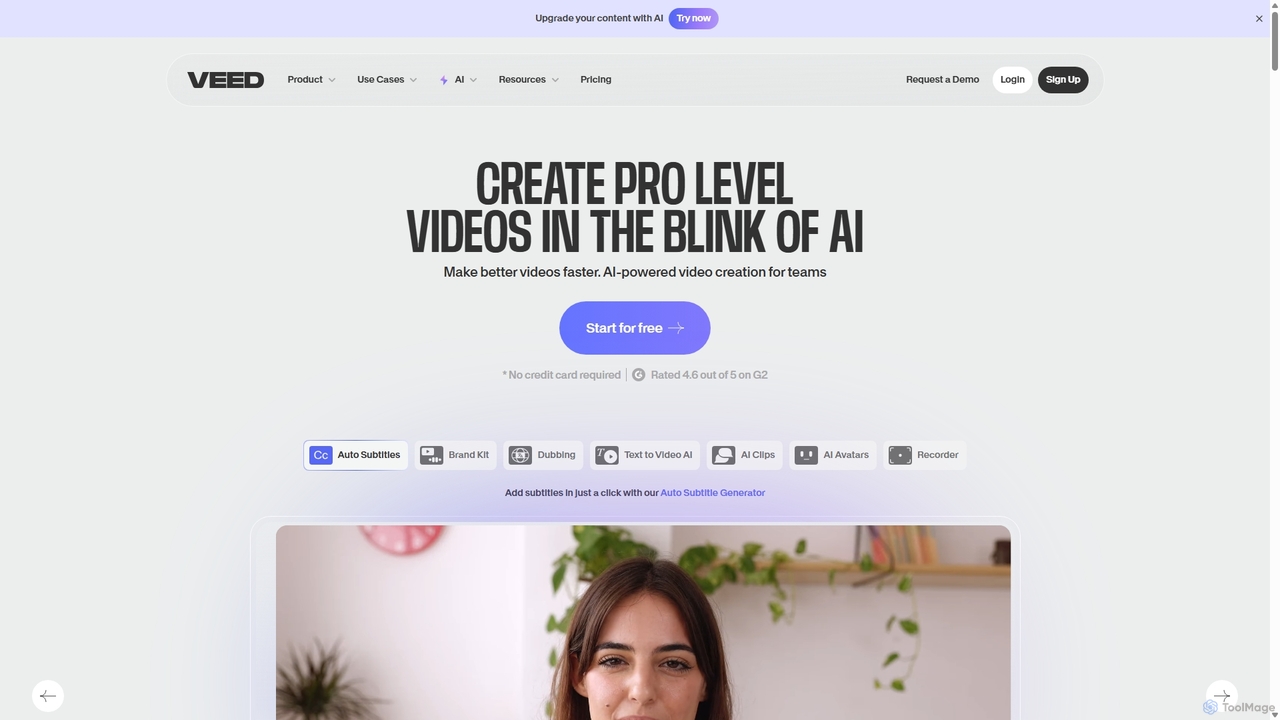
VEED.IO
VEED.IO is a powerful, AI-driven online video editor designed for teams and creators. It simplifies professional video creation with a suite of intuitive tools, including auto-subtitling, text-to-video, AI avatars, and collaborative workspaces. Create, edit, and share high-quality videos directly from your browser, no complex software required.
Social Media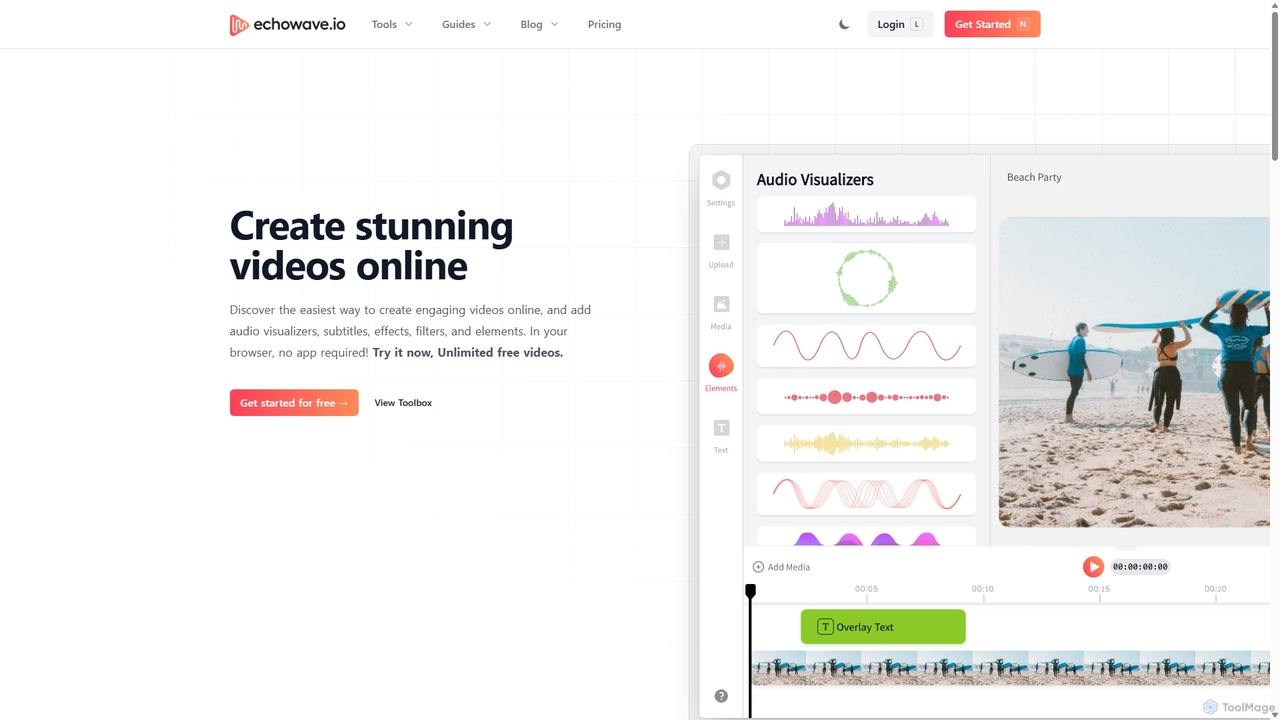
Echowave
Echowave is a free and simple online video editor designed for creators to easily convert audio files into engaging videos. It specializes in adding audio visualizers, automatic subtitles, and effects, making it perfect for podcasters, musicians, and social media managers to repurpose content for platforms like Instagram, YouTube, and Facebook.
Content Creation
Qlip
Qlip is an AI-powered platform that automatically extracts impactful short clips from long-form videos. Designed for marketers and content creators, it simplifies repurposing content for social media with features like auto-reframing, branded subtitles, and transcription, helping to save costs and boost engagement.
Video Marketing
Yolt
Yolt is an AI-powered tool that transforms long-form YouTube videos, especially podcasts, into engaging, short, viral clips for social media. Simply provide a YouTube link, and Yolt's AI identifies the best moments, generates clips with subtitles, and provides optimized titles, descriptions, and SEO tags to maximize your reach and engagement on platforms like TikTok, Instagram Reels, and YouTube Shorts.
Video Marketing
CapCut
CapCut is a powerful, all-in-one AI video editor and creative suite. It simplifies content creation with intuitive tools for video editing, graphic design, and team collaboration. It offers a wide range of AI features like auto-captions, script-to-video, background removal, and video upscaling, making professional-quality content accessible to everyone, from beginners to pros, across web, desktop, and mobile platforms.
GraphicsKapwing Categories
Kapwing Jobs
Kapwing Embed Widget
Copy this embed code to place the badge on your blog, article, or product site and send readers directly to this ToolMage detail page.

Related AI tools
VEED.IO
VEED.IO is a powerful, AI-driven online video editor designed for teams and creators. It simplifies professional video creation with a suite of intuitive tools, including auto-subtitling, text-to-video, AI avatars, and collaborative workspaces. Create, edit, and share high-quality videos directly from your browser, no complex software required.
Social MediaEchowave
Echowave is a free and simple online video editor designed for creators to easily convert audio files into engaging videos. It specializes in adding audio visualizers, automatic subtitles, and effects, making it perfect for podcasters, musicians, and social media managers to repurpose content for platforms like Instagram, YouTube, and Facebook.
Content Creation
Hailuo AI
Hailuo AI is a powerful AI video generator that transforms ideas into stunning visuals. It supports text-to-video and image-to-video creation, offering a wide range of customizable "Agent Templates" for specific scenarios like pet videos, caricatures, and product showcases. With features like automated editing and support for various resolutions, Hailuo AI simplifies video production for marketers, content creators, and businesses, making it easy to create engaging, professional-quality content effortlessly.
Animation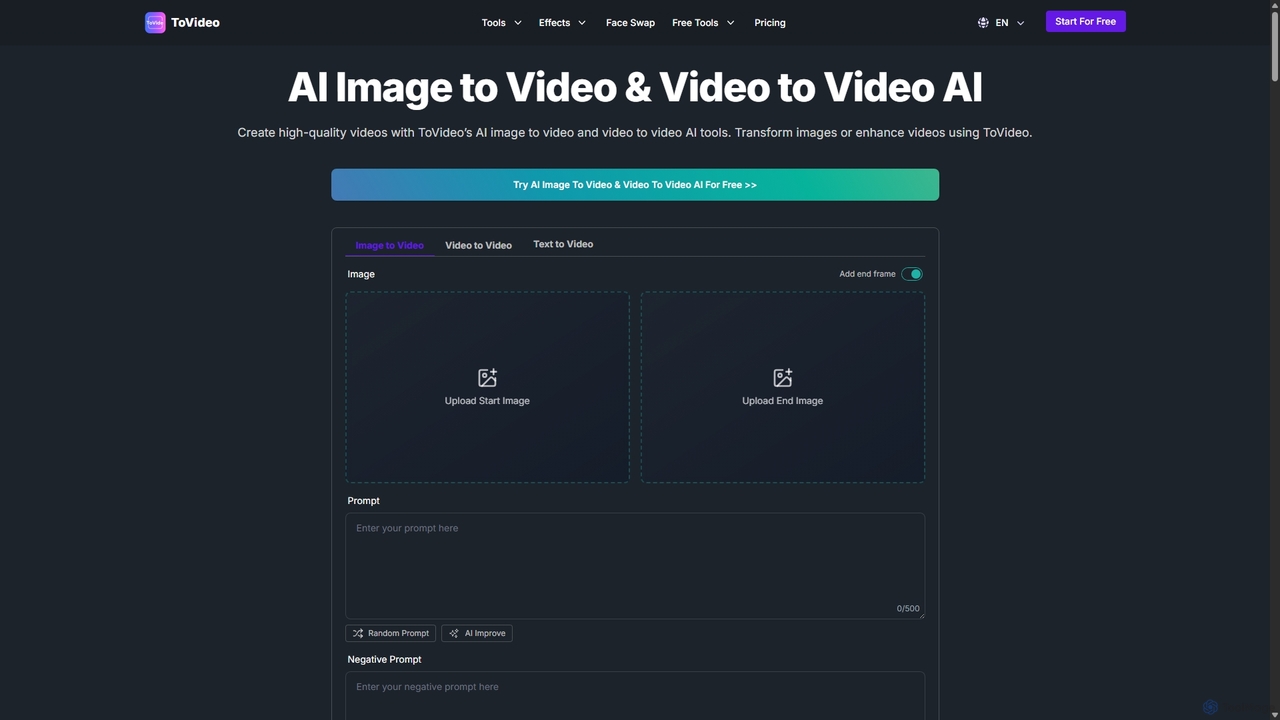
ToVideo
ToVideo is a powerful AI video creation platform that effortlessly transforms images, videos, and text into high-quality, engaging video content. With features like Image-to-Video, Video-to-Video enhancement, Face Swap, and Lip Sync, it's designed for creators, marketers, and businesses to produce professional videos for social media, marketing, and education without needing any editing skills.
Advertising
Filmora
Filmora is an AI-powered video editor that simplifies the creation process for both beginners and professionals. It offers a vast suite of AI tools, including smart clip generation, text-to-video, and advanced audio enhancement, combined with a user-friendly interface and a massive library of effects and resources to make video editing faster and more creative.
Social Media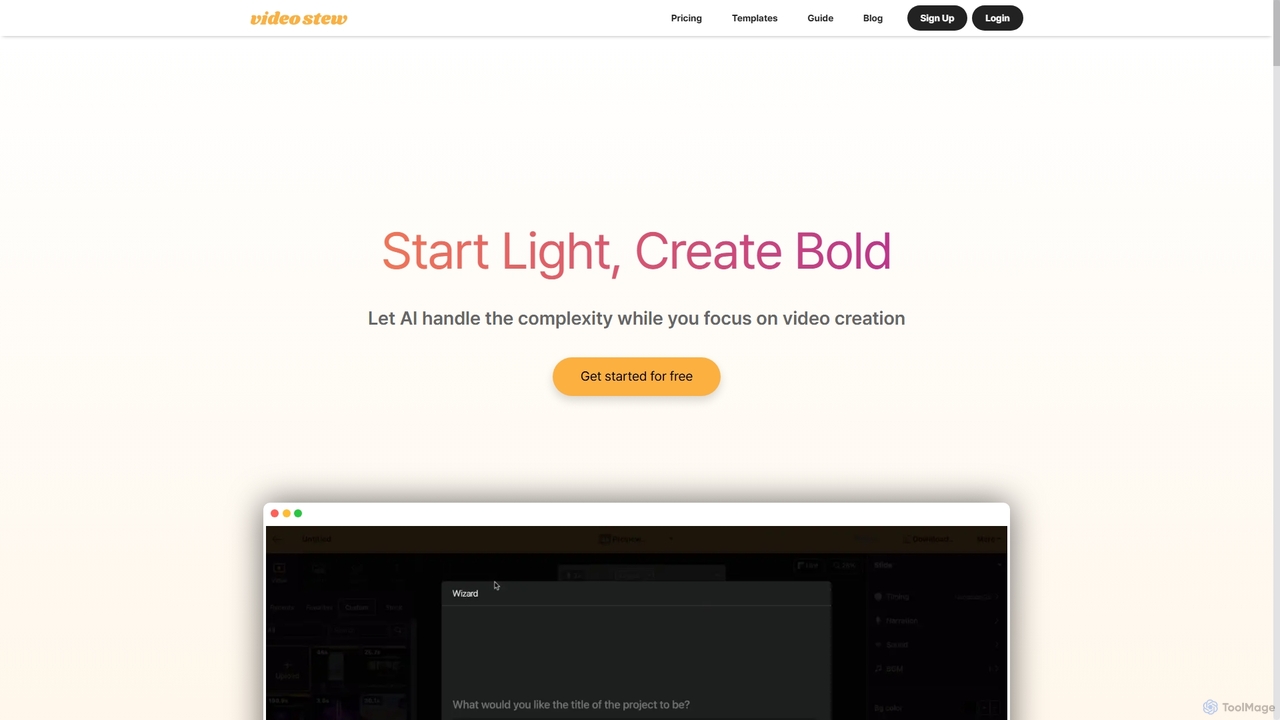
VideoStew
VideoStew is an AI-powered online video editor that simplifies video creation. Generate video drafts from text, URLs, or voice in minutes. It offers a vast library of copyright-free assets, AI voices, auto-captions, and team collaboration features, making professional video production accessible to everyone, anywhere, on any device.
Video Marketing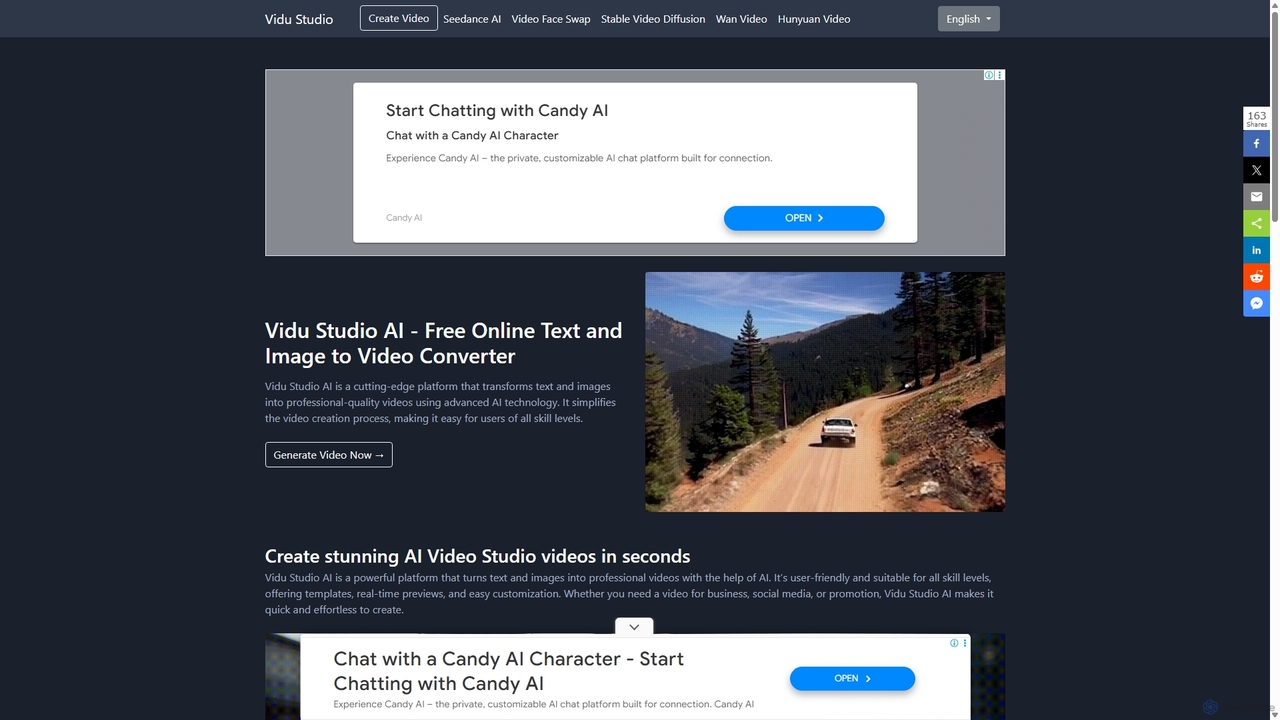
Vidu Studio AI
Vidu Studio AI is a cutting-edge, AI-powered platform that effortlessly transforms text and images into professional-quality videos. Leveraging a unique fusion of diffusion and transformer technology, it enables users of all skill levels to create stunning, high-quality videos with realistic physics and dynamic effects from simple prompts, making video production fast, easy, and accessible.
Social Media
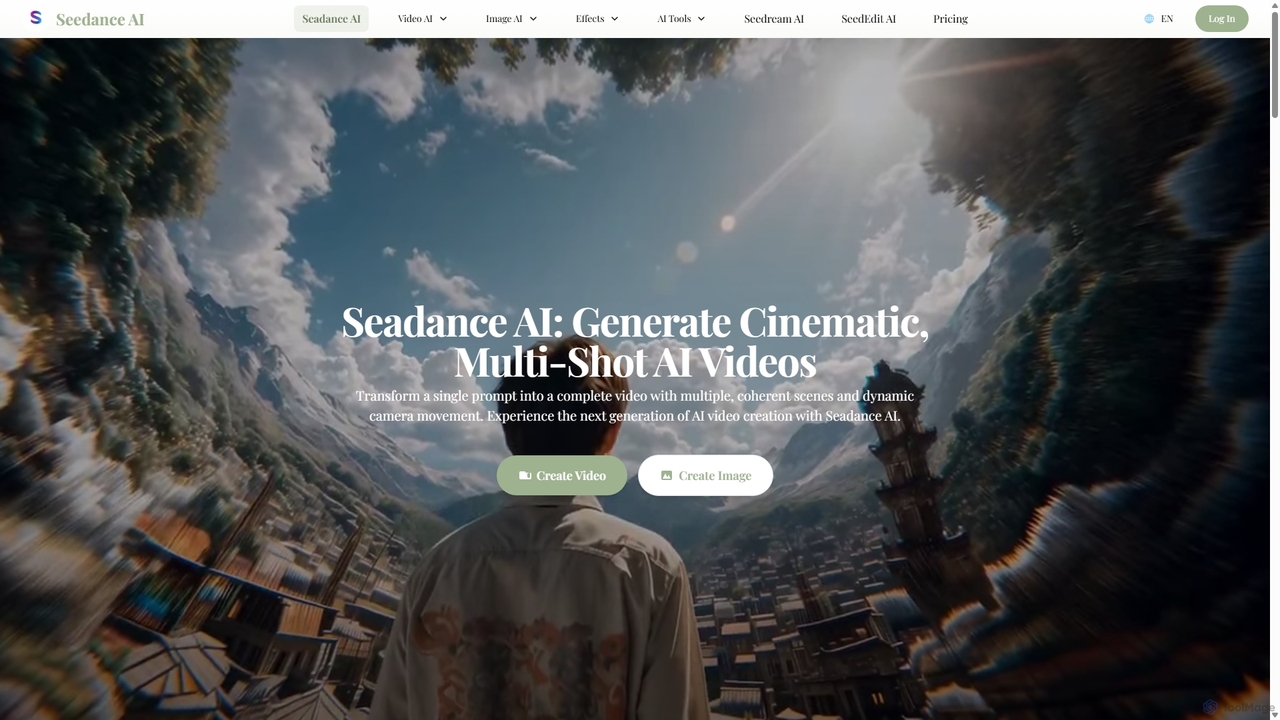
Seedance AI
Seedance AI is a powerful text-to-video generator that creates cinematic, multi-shot videos from a single prompt. It excels at maintaining character and style consistency across scenes, automatically adding dynamic camera movements like pans and zooms. It also includes an AI image generator, Seedream, for creating high-quality visuals from text.
Image Generation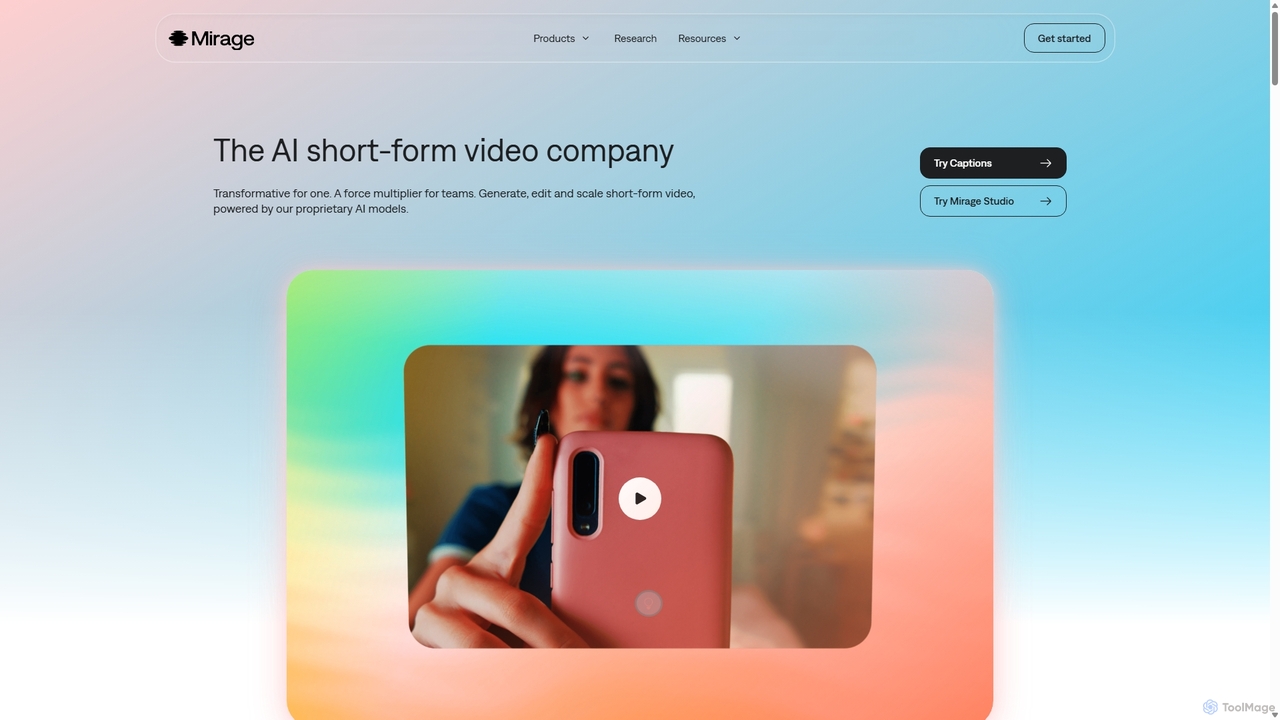
Mirage
Mirage is an AI video platform that transforms ideas into engaging short-form videos. It offers the Captions app for creators to generate and edit talking videos with text prompts, and Mirage Studio for teams to scale video production. Powered by proprietary AI, Mirage creates photorealistic footage and AI avatars, streamlining video creation for platforms like TikTok and Instagram.
Advertising
DreamFace
DreamFace is a comprehensive AI-powered creative suite for video and image generation. It offers a wide array of tools, including animated avatar creation, image-to-video transformation, text-to-image synthesis, voice cloning, and video enhancement. Designed for content creators, marketers, and individuals, it simplifies the production of high-quality, engaging digital content across multiple platforms like desktop, iOS, and Android, making professional-grade creation accessible to everyone.
Voice Synthesis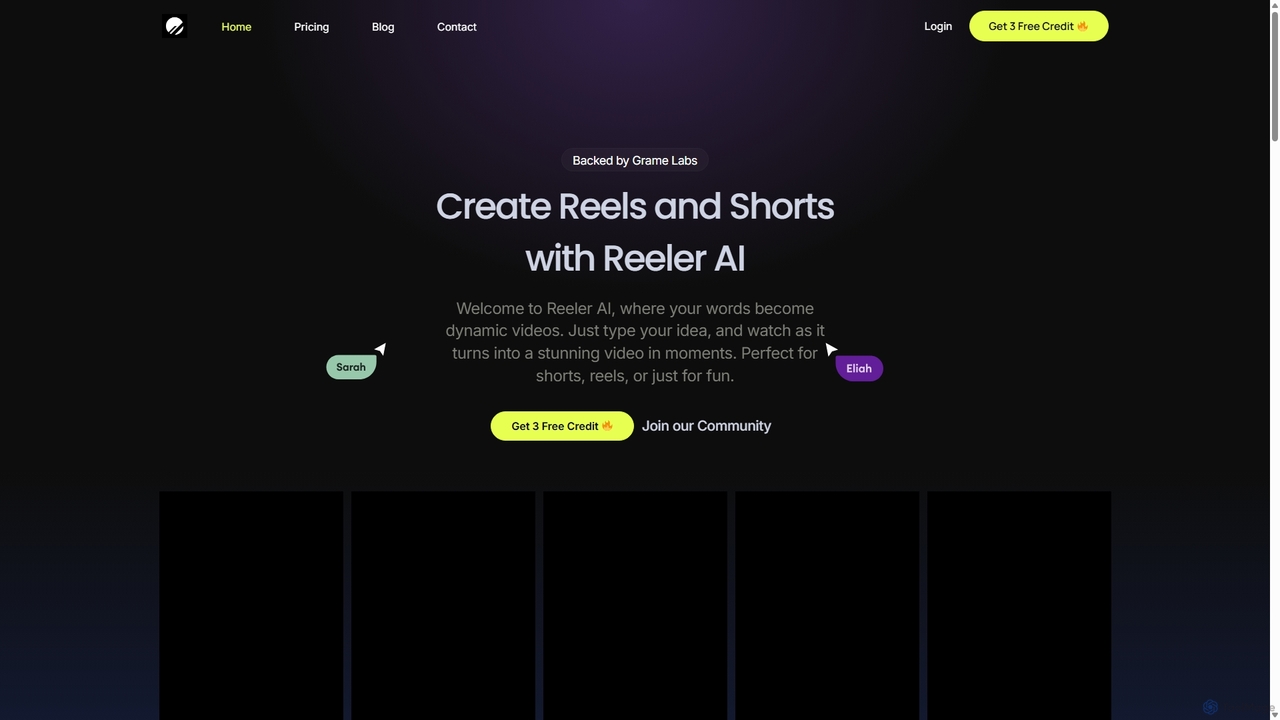
Reeler AI
Reeler AI is a powerful text-to-video tool that transforms your ideas into engaging short videos like Reels and Shorts in minutes. Simply type a prompt, and the AI generates a high-quality video complete with customizable subtitles and diverse voice-over options. It's designed for content creators, marketers, and businesses to effortlessly produce professional social media content without any video editing skills.
Automation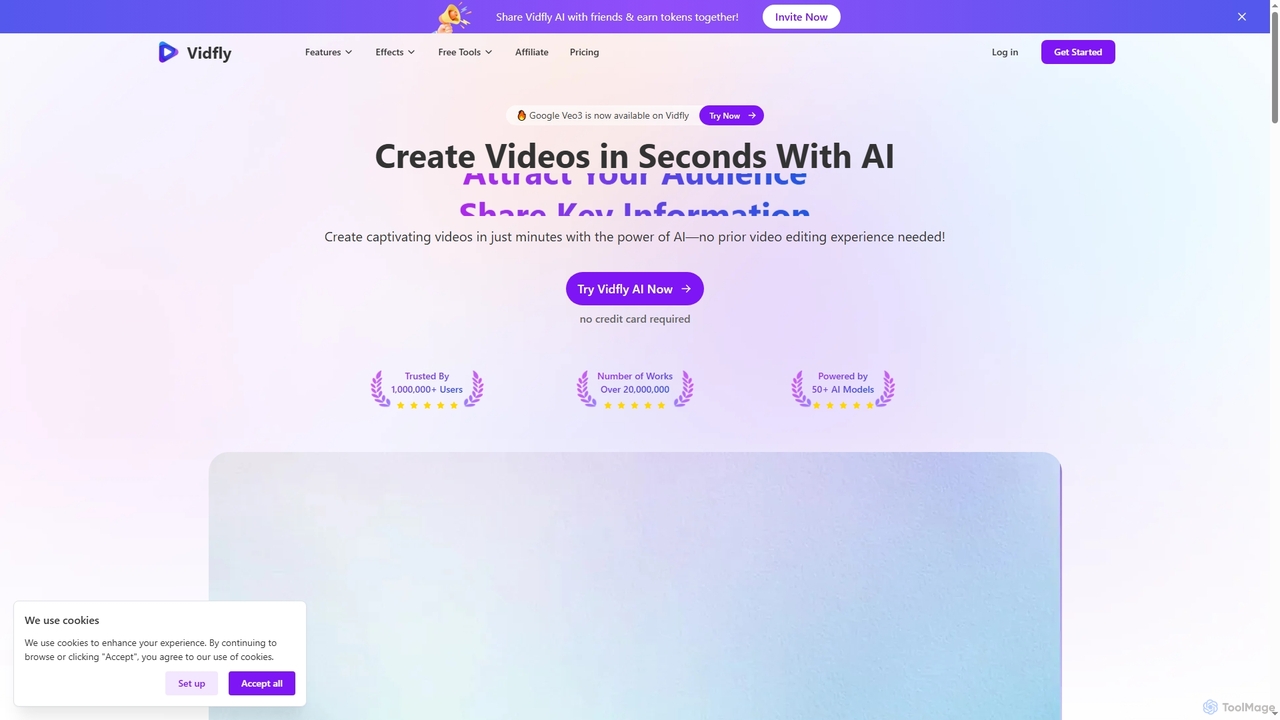
Vidfly
Vidfly is an AI-powered video generator that enables users to create captivating videos from scripts, text, or images in minutes, without prior editing experience. It leverages over 50 AI models to reduce production costs, save time, and boost engagement for various content needs.
Video EditingCapCut
CapCut is a powerful, all-in-one AI video editor and creative suite. It simplifies content creation with intuitive tools for video editing, graphic design, and team collaboration. It offers a wide range of AI features like auto-captions, script-to-video, background removal, and video upscaling, making professional-quality content accessible to everyone, from beginners to pros, across web, desktop, and mobile platforms.
Graphics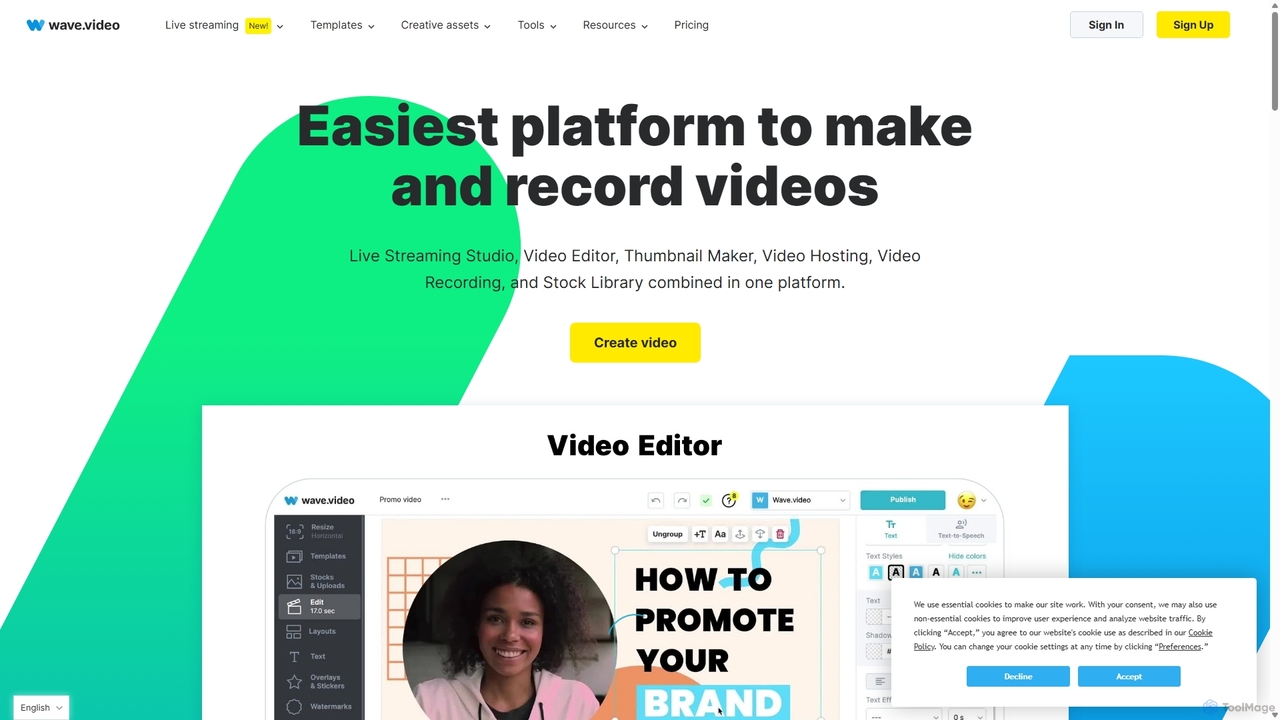
Wave.video
Wave.video is an all-in-one video marketing platform that empowers businesses and creators to easily edit, record, multi-stream, and host videos. It combines a powerful online video editor, a live streaming studio, a thumbnail maker, secure video hosting, and a vast stock library into a single, user-friendly interface. Ideal for marketers and content creators of any skill level looking to produce professional-quality videos that drive engagement and results.
Video Generation
Kapwing Comments (0)
Sign in to comment.
Sign inNo comments yet.