Freemium
Popular Video Editing AI tools in Content Creation include Wistia, Video Transcriber AI, Audioconvert, stocktune, TemPolor, MovieFlow, Rev AI, Vidfly, Lemonfox.ai, and SubtitlesDog, helping you work more efficiently.
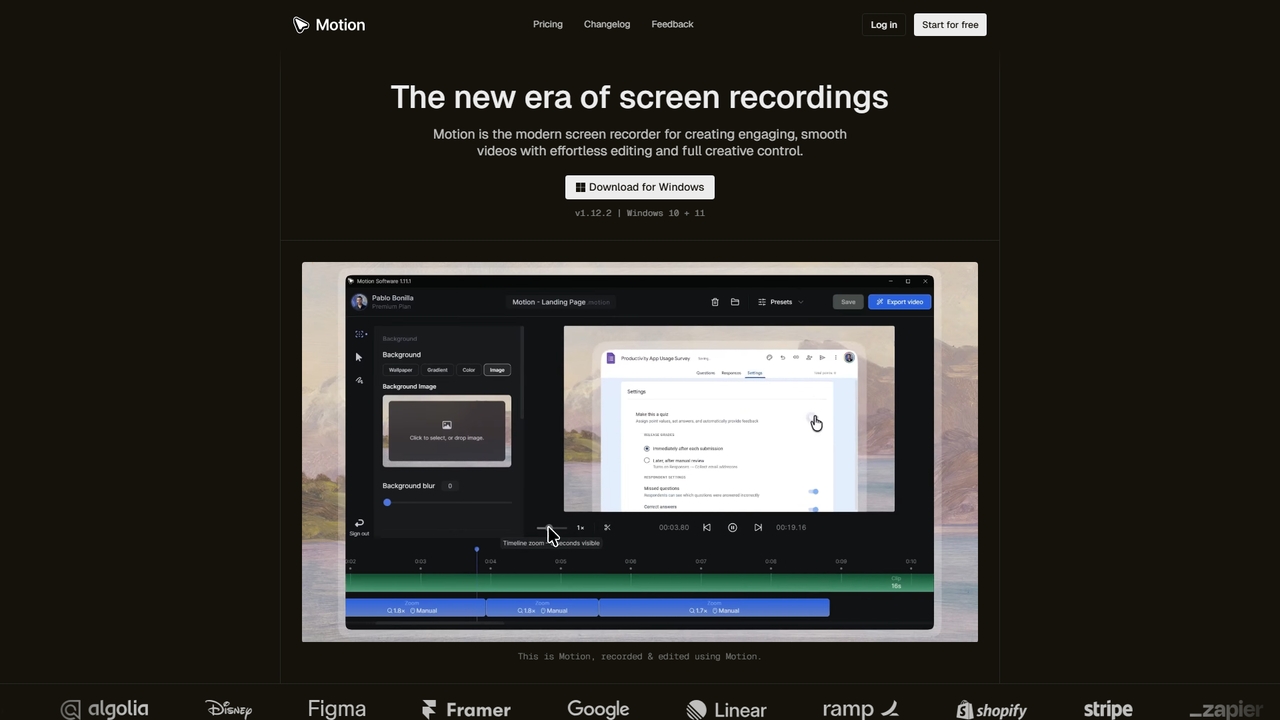
Motion is a modern screen recorder and video editor designed specifically for Windows. It enables users to create smooth, professional-looking screen recordings effortlessly, with built-in smart editing tools that automatically handle animations like cursor movements and zooms. Perfect for creating tutorials, demos, marketing content, and more, Motion offers a powerful yet intuitive workspace for both beginners and professionals.
Presentations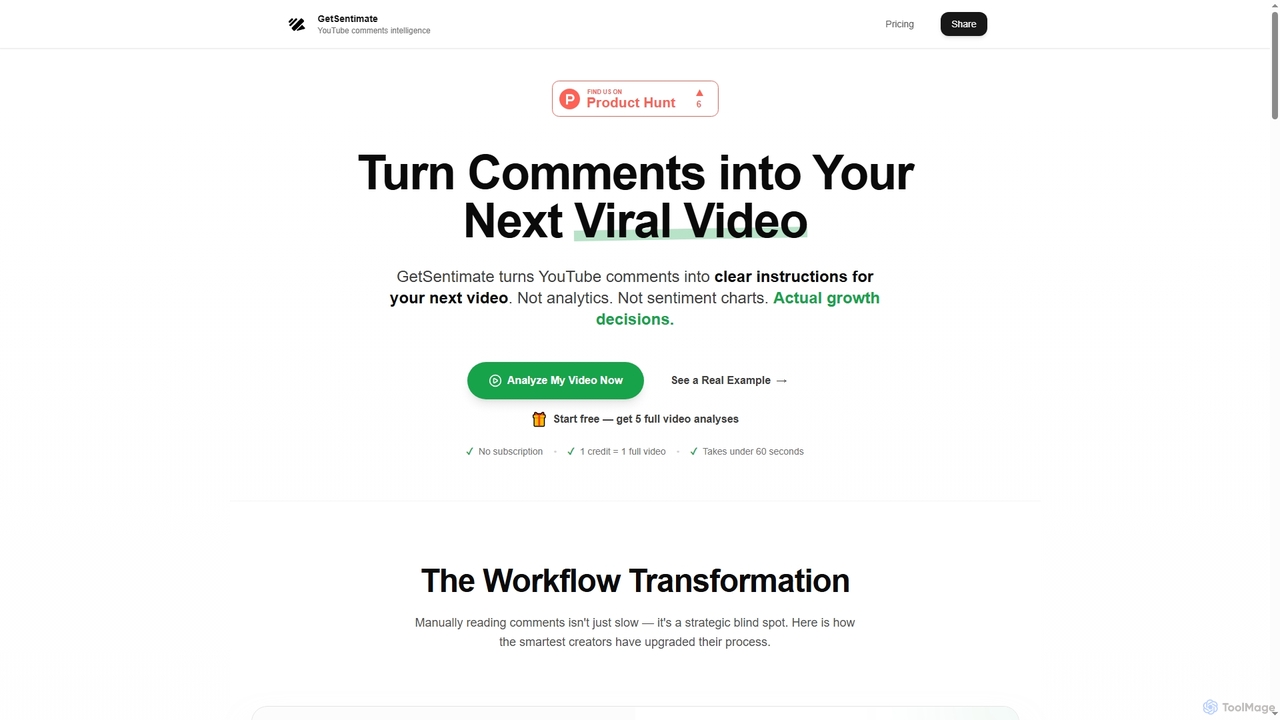
GetSentimate transforms YouTube comments into clear, actionable growth instructions for your next video, moving beyond traditional analytics to provide data-backed decisions for content creators.
Audience Analytics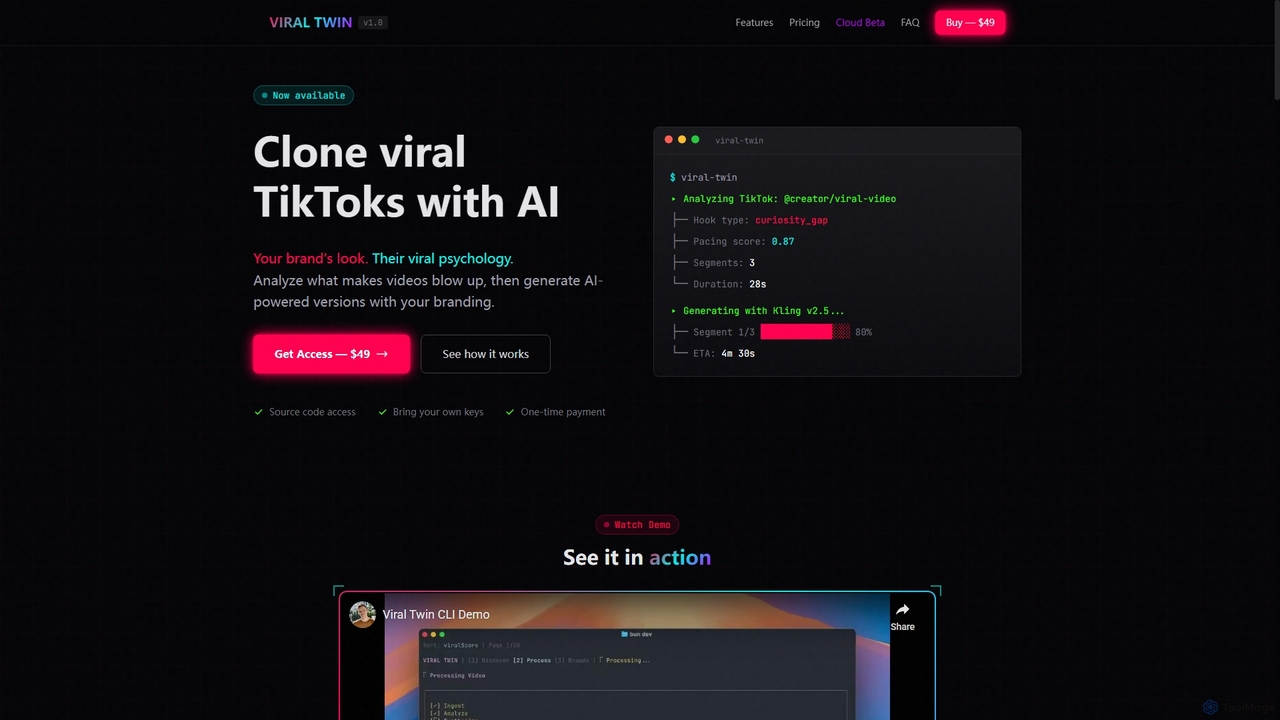
Viral Twin is an AI-powered tool that allows users to clone the viral psychology of popular TikTok videos and generate new versions with their own branding. It analyzes viral trends, extracts key elements, and produces unique, copyright-free video content at scale for effective social media marketing.
Video Editing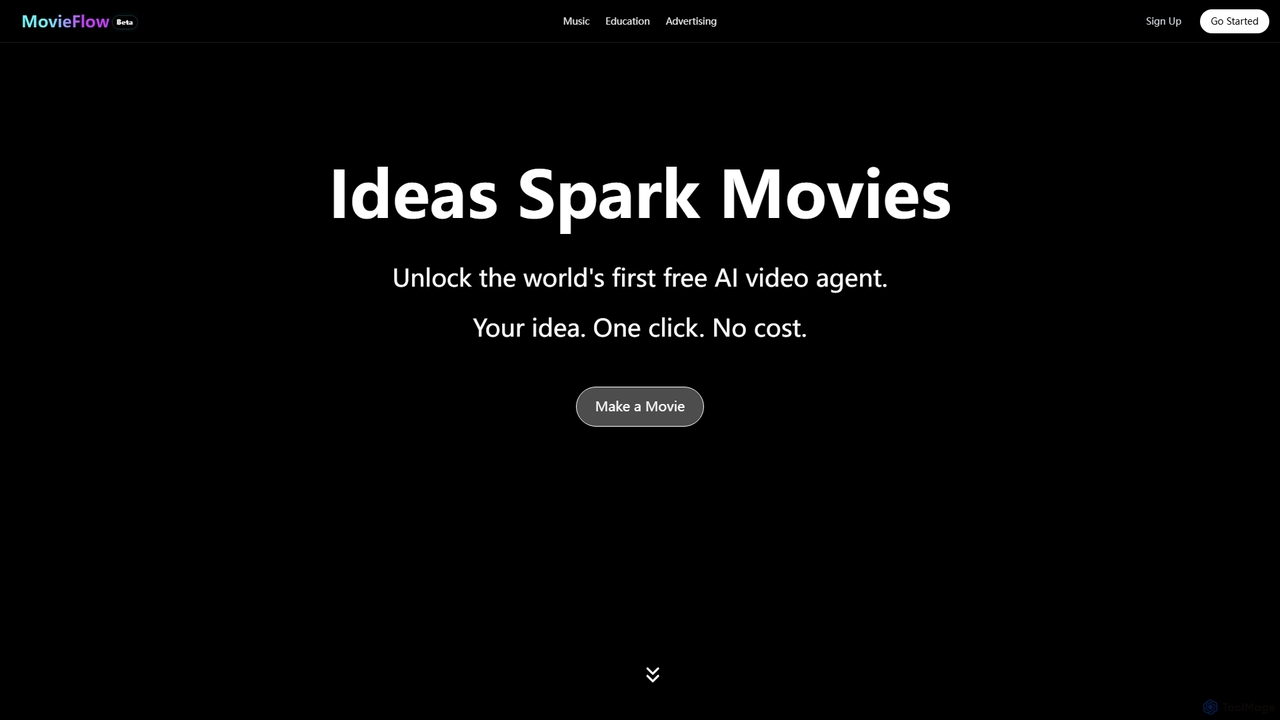
MovieFlow is an innovative AI movie studio that transforms your ideas into cinematic videos with a single click. It offers a free AI video agent for generating content for music, education, and advertising, alongside premium plans for enhanced features like HD downloads and no watermarks.
Video Editing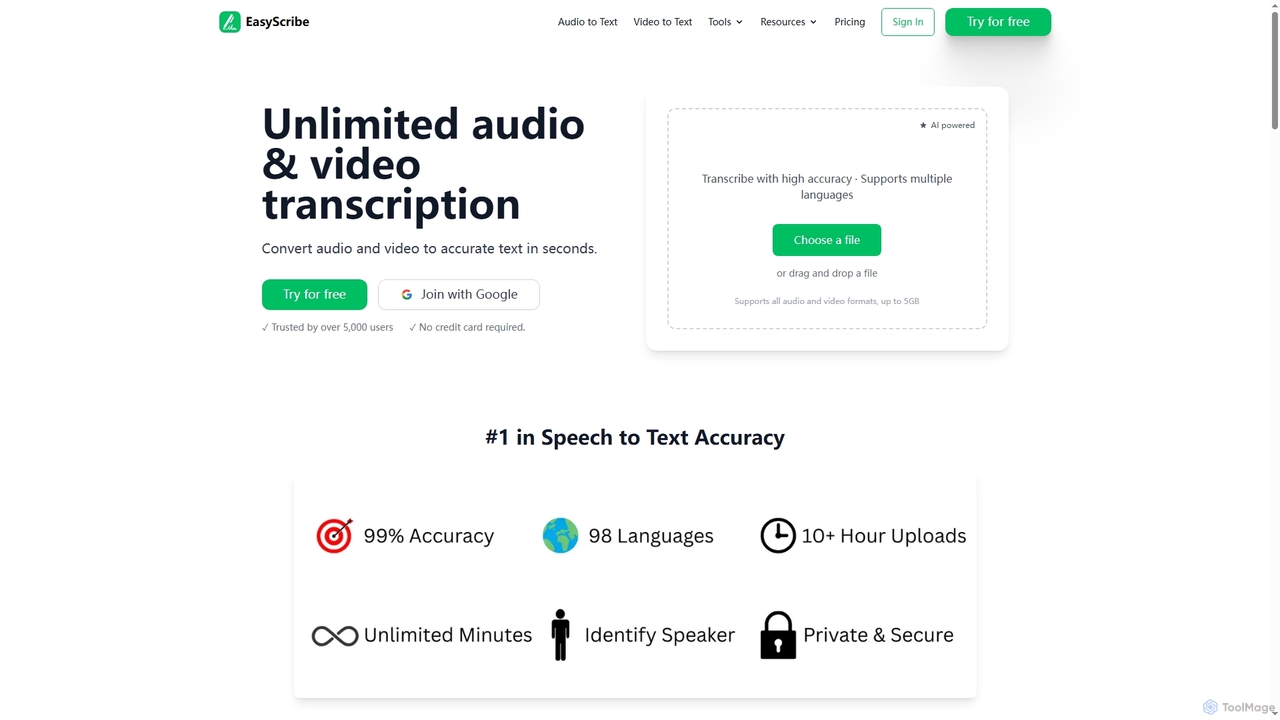
EasyScribe is an AI-powered transcription tool that converts audio and video files into accurate text in seconds. It supports 98+ languages, offers speaker identification, and allows translation to 134+ languages, making it ideal for global communication and content creation.
Meeting Management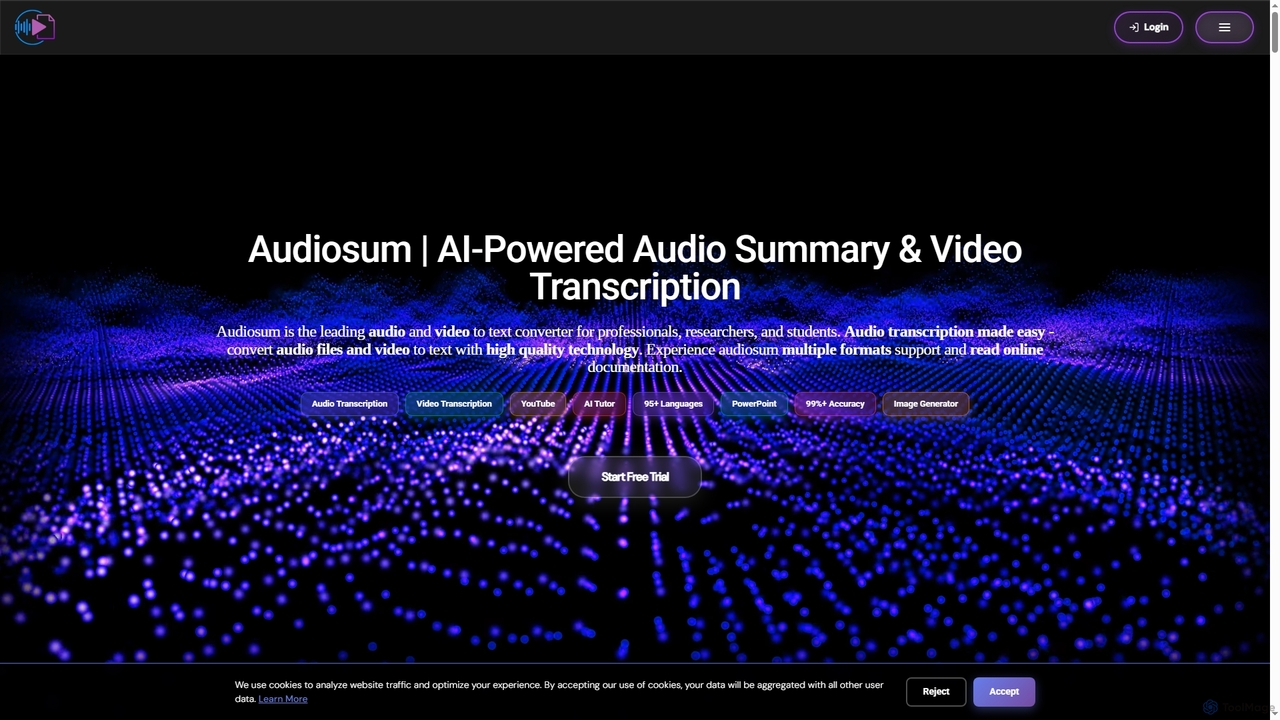
Audiosum is an advanced AI-powered platform designed for professionals, students, and researchers to efficiently process audio, video, and document content. It offers highly accurate transcription, intelligent summarization, and various content generation tools, saving users significant time by transforming lengthy media into concise, actionable insights across over 95 languages.
Meeting Management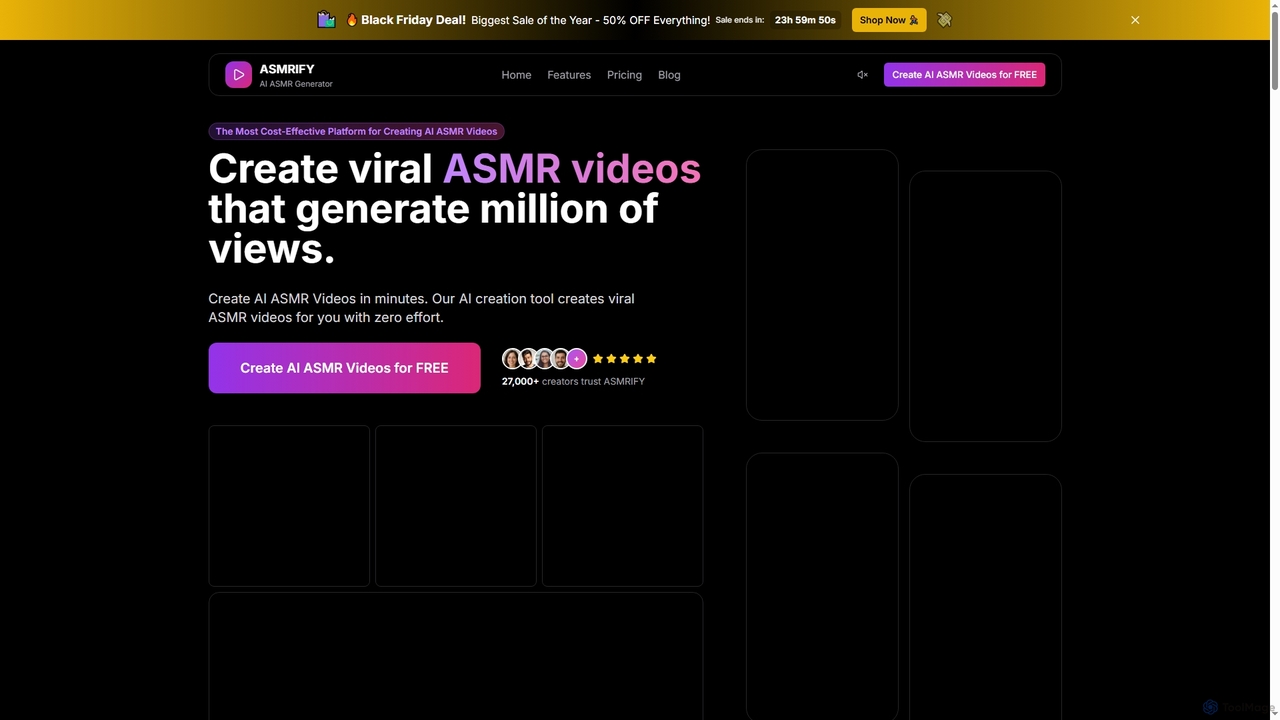
ASMRIFY is an advanced AI ASMR generator that enables creators to produce high-definition, viral ASMR videos for platforms like YouTube and TikTok in minutes. It automates script generation, voiceovers, and video creation, making professional ASMR content accessible to everyone, regardless of editing skills.
Video Editing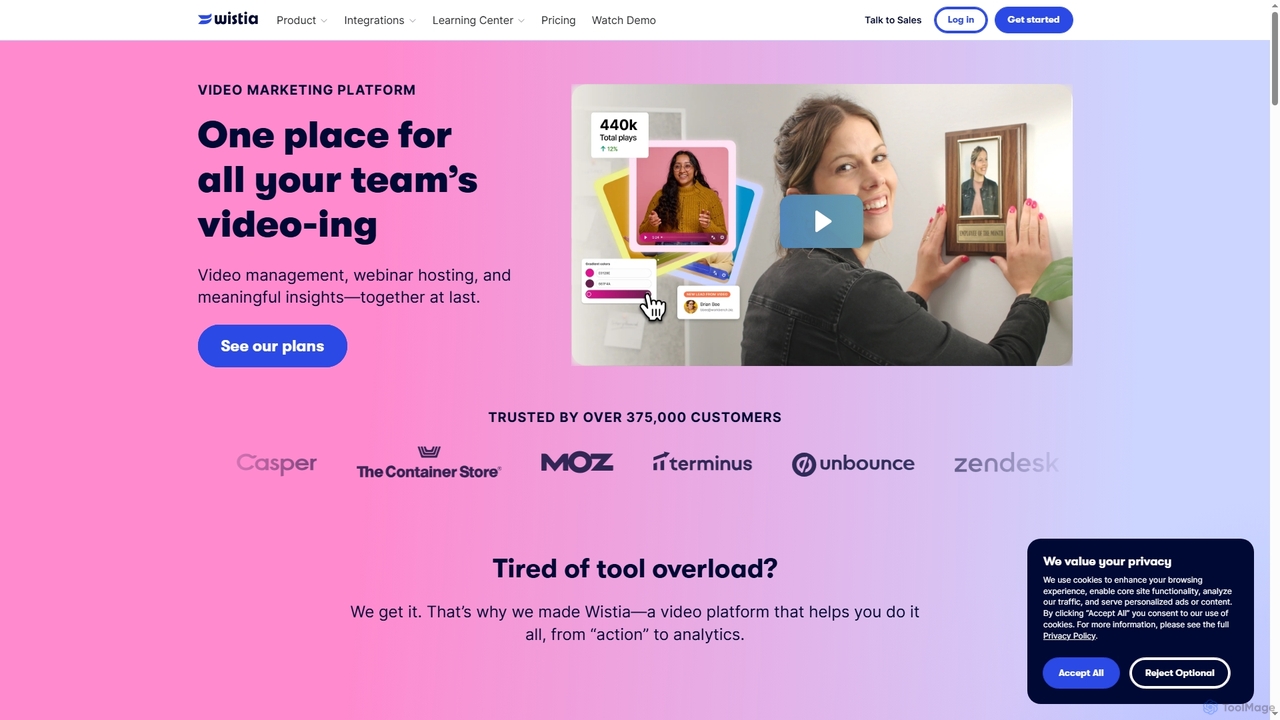
Wistia is an all-in-one video marketing platform for businesses, offering professional video hosting, AI-powered editing, webinar hosting, and advanced analytics. It helps companies create, manage, market, and measure the impact of their video content to drive engagement and generate leads, streamlining video workflows and integrating with key marketing tools.
3D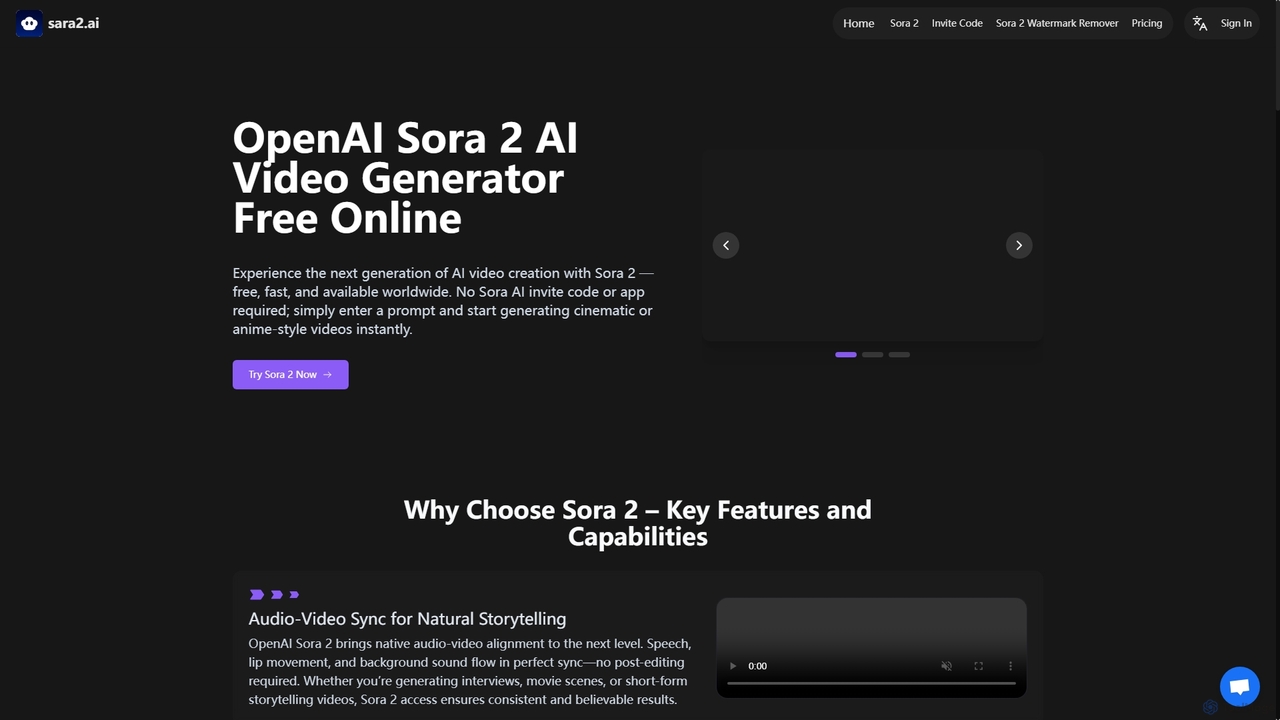
Sara2 is an online AI video generator that provides free, instant access to OpenAI's Sora 2 model. It enables users to create high-quality cinematic, anime, or realistic videos from text prompts or image references, without requiring an invite code or app download.
Ai Animation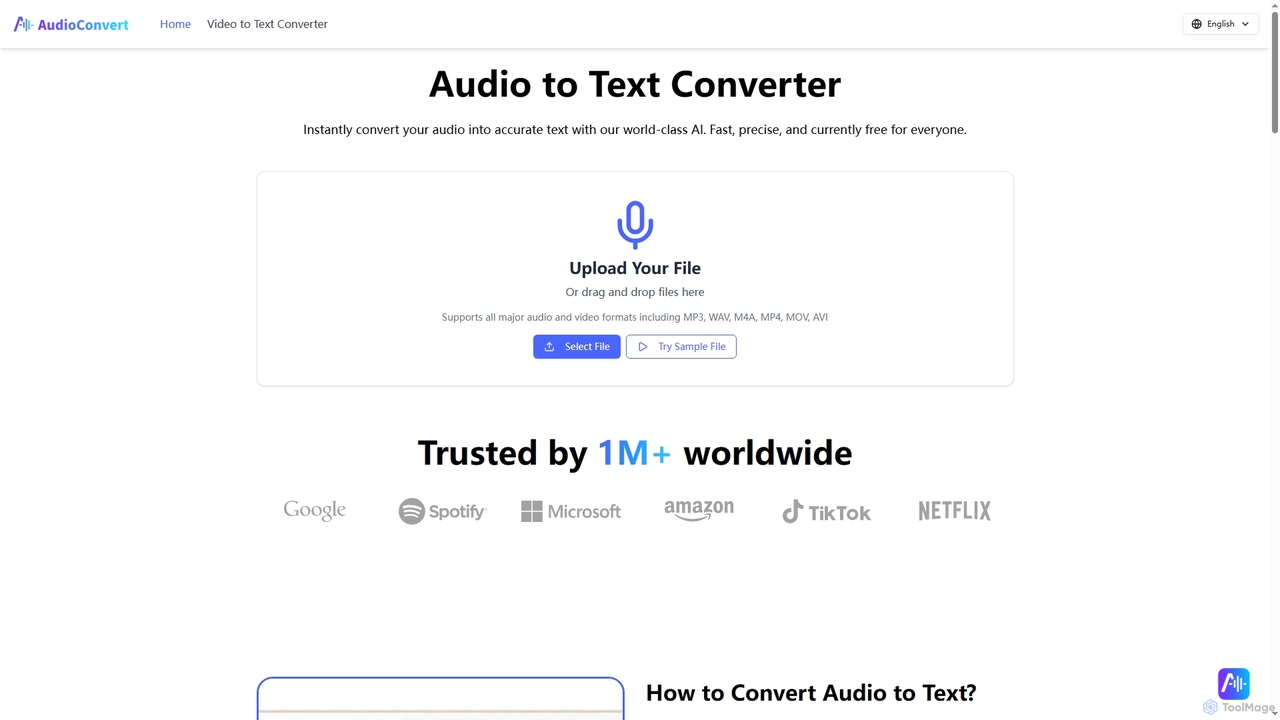
Audioconvert is an AI-powered tool that swiftly and accurately converts audio and video files into text transcripts. It supports major formats, identifies multiple speakers, provides precise timestamps, and offers various export options like TXT, DOCX, and SRT, all currently available for free.
Meeting Management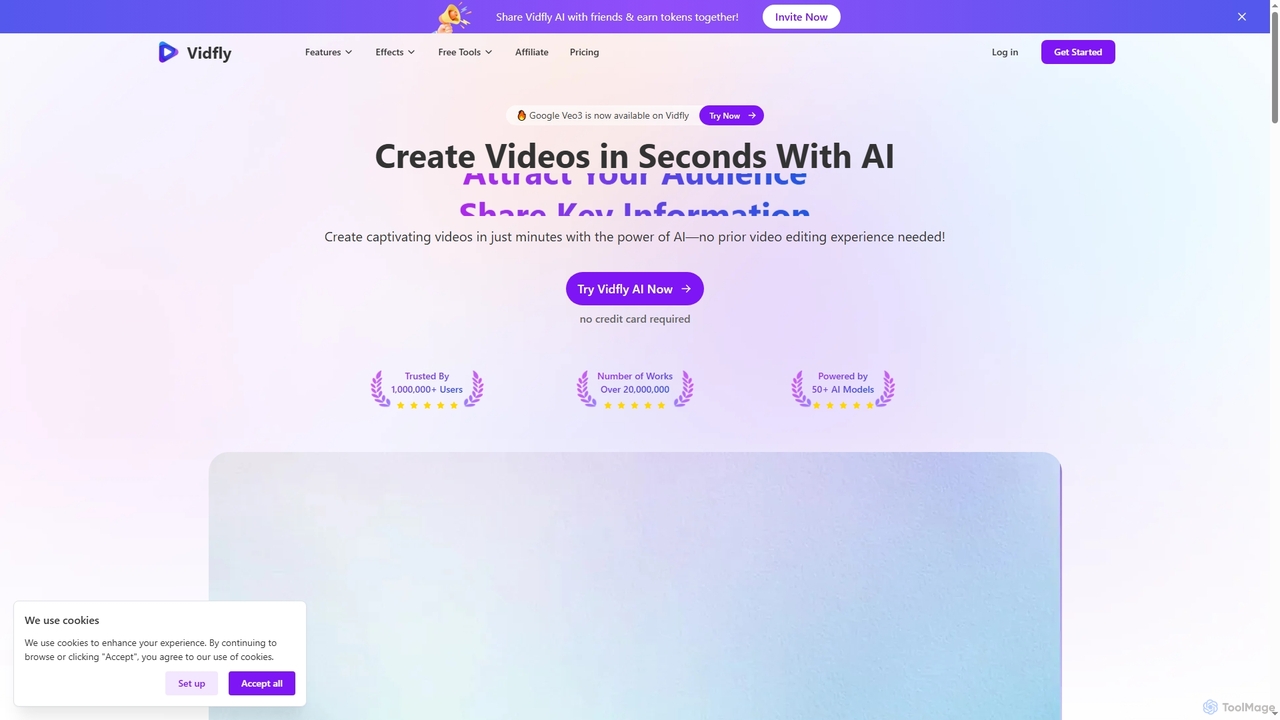
Vidfly is an AI-powered video generator that enables users to create captivating videos from scripts, text, or images in minutes, without prior editing experience. It leverages over 50 AI models to reduce production costs, save time, and boost engagement for various content needs.
Video Editing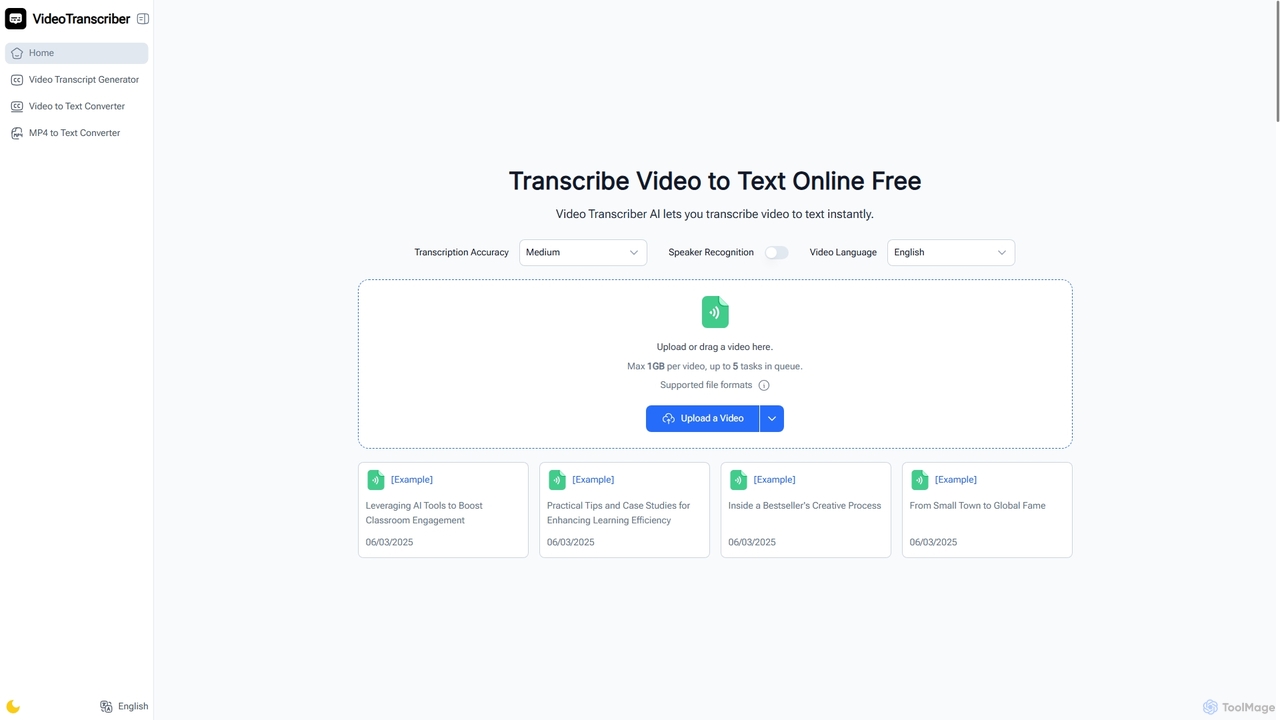
Video Transcriber AI is a free online tool that instantly converts video content into accurate, readable text. It supports various formats like MP4, YouTube links, and Zoom recordings, making it ideal for students, professionals, and content creators to quickly get transcripts without any sign-up.
Meeting Tools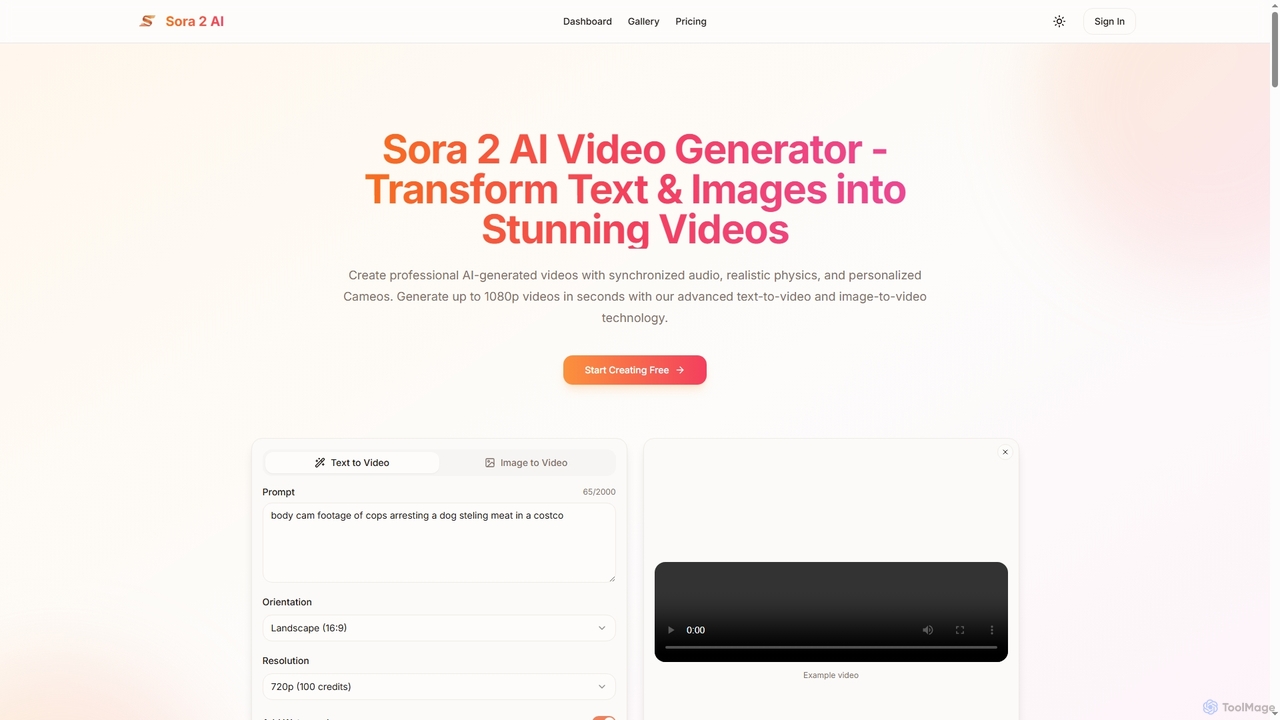
Aisora2 is an advanced AI video generator that transforms text prompts and images into professional-quality videos. It features synchronized audio, realistic physics, and personalized Cameos, enabling creators to produce stunning 1080p videos up to 20 seconds long with ease. Ideal for content creators, marketers, and businesses seeking efficient video production.
Video Editing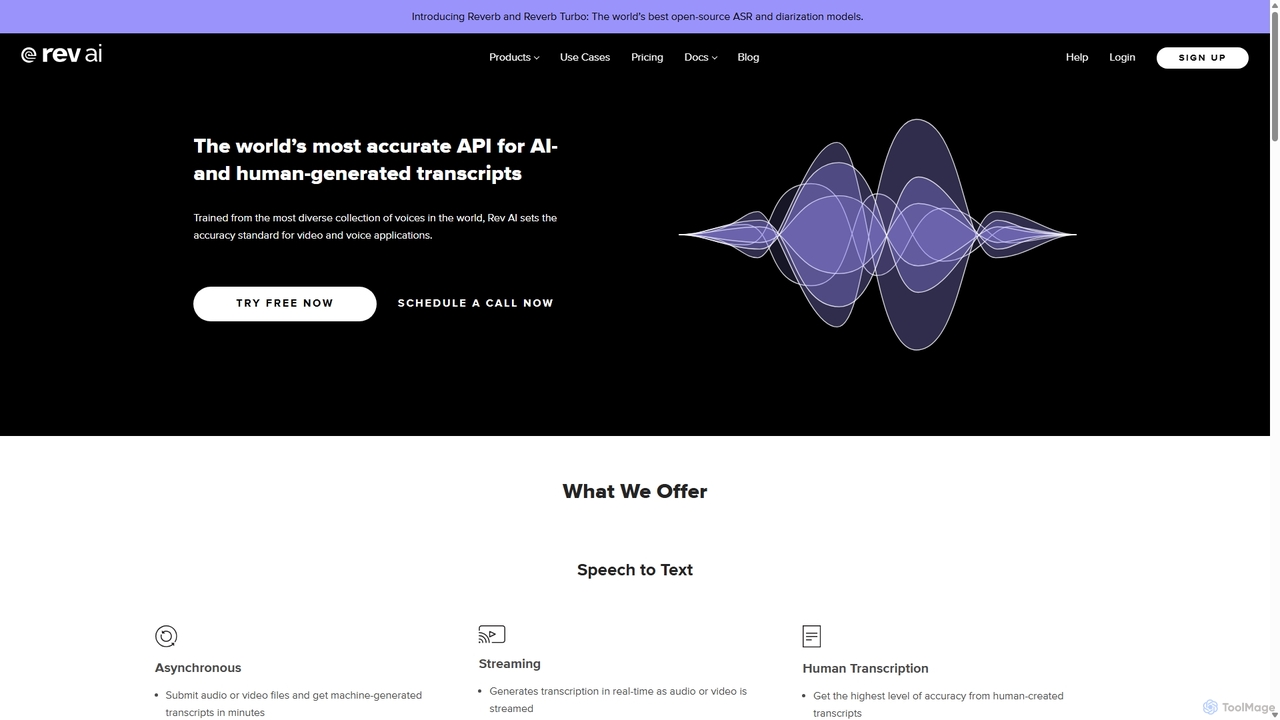
Rev AI offers a world-class Speech-to-Text API, providing highly accurate AI- and human-generated transcriptions. It supports over 58 languages for asynchronous transcription and real-time streaming. Beyond transcription, it provides a suite of NLP insights including summarization, topic extraction, sentiment analysis, and translation. Designed for developers, it ensures easy integration, high security, and flexible deployment options for various industries like media, education, and call centers.
Transcription
An AI-powered transcription service that accurately converts voice and audio into text in real-time. Supports multiple languages, speaker identification, and various export formats. Ideal for transcribing meetings, interviews, podcasts, and lectures with high speed and precision.
Speech To Text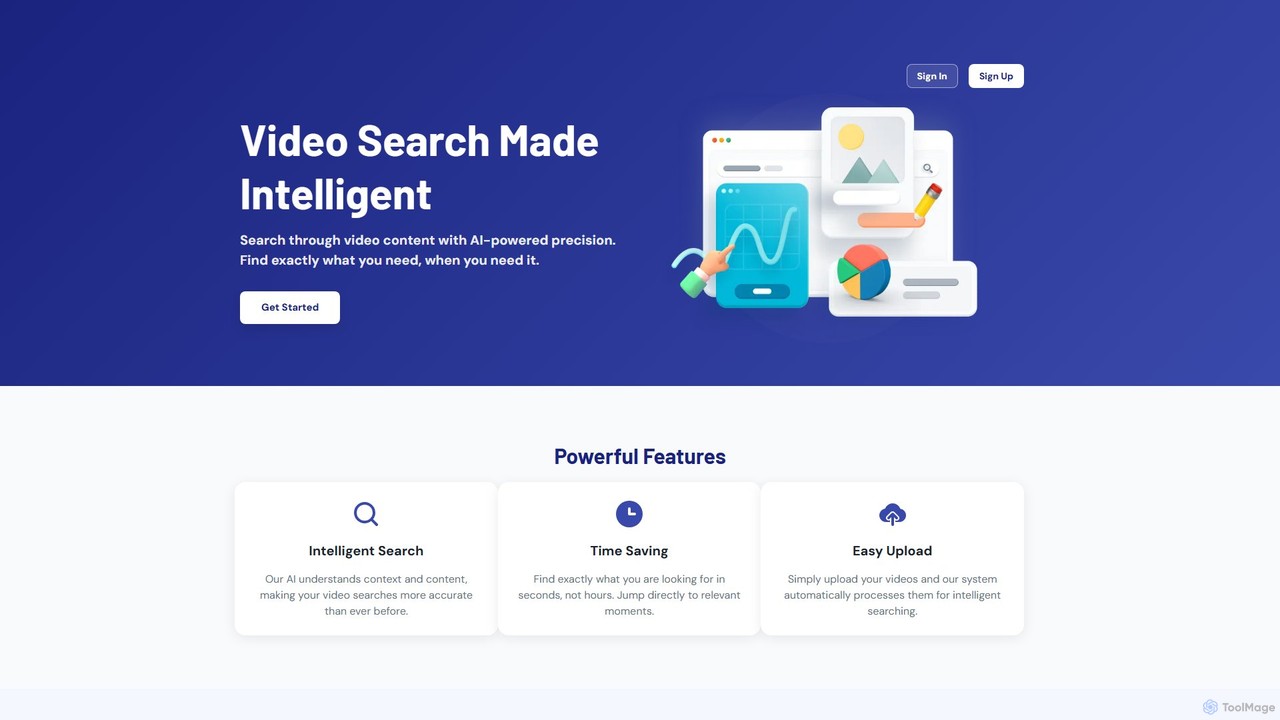
Movielyzer is an AI-powered platform that revolutionizes video search. Upload your videos, and its intelligent AI will analyze, transcribe, and index the content, allowing you to search for specific moments, objects, or spoken words using natural language. Find exactly what you need in seconds, not hours.
Transcription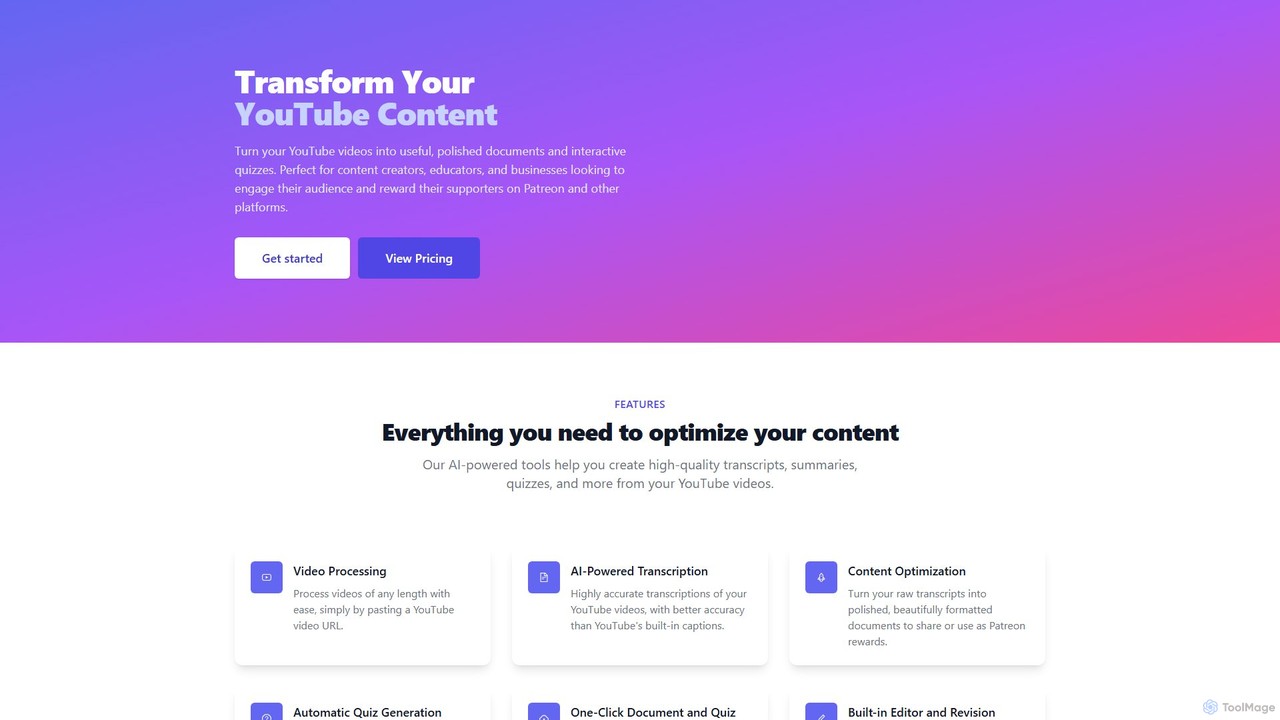
An AI-powered tool that transforms YouTube videos into accurate transcripts, polished documents, and interactive quizzes. Ideal for content creators, educators, and businesses to repurpose content, create exclusive materials for platforms like Patreon, and boost audience engagement.
Video Editing
Stocktune is an AI-powered music generation platform that creates unique, high-quality, royalty-free music. Ideal for content creators, marketers, and developers, it allows users to generate custom tracks by specifying genre, mood, and instrumentation, providing the perfect soundtrack for any project in seconds.
Music Generation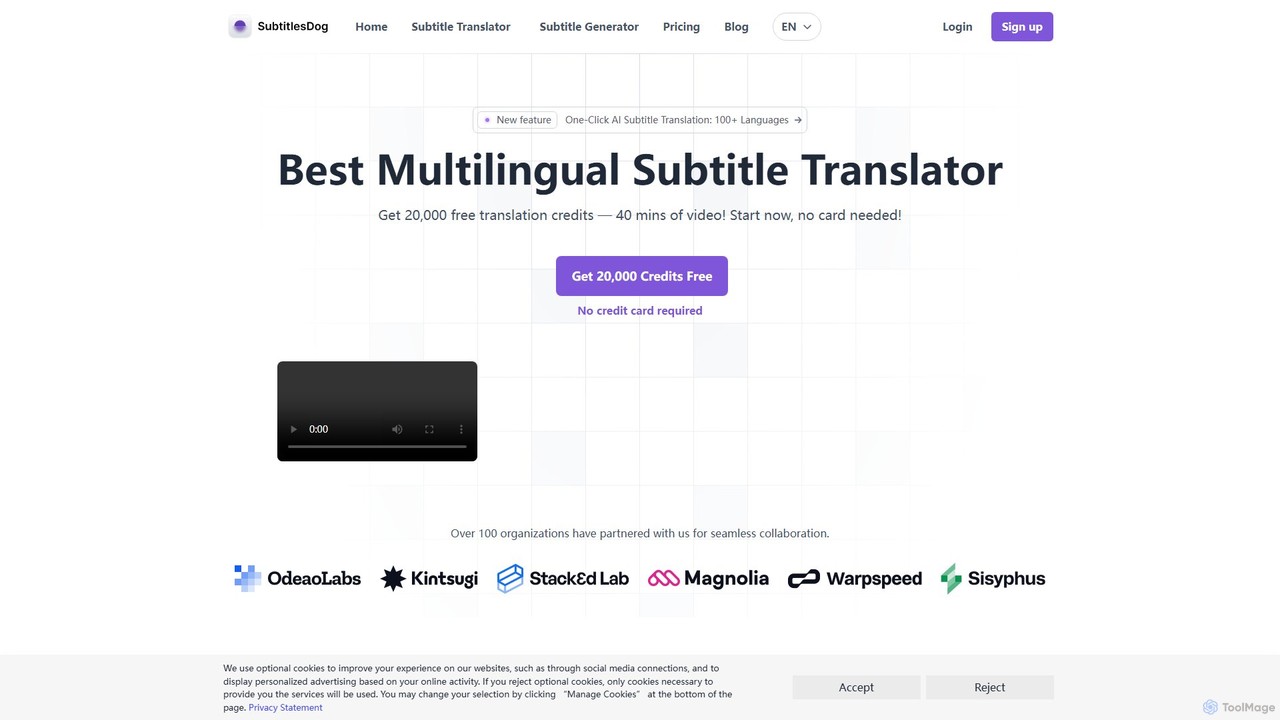
SubtitlesDog is an AI-powered subtitle translation tool that offers fast, accurate translations in over 100 languages. It supports all major subtitle formats (SRT, VTT, etc.) and ensures perfect timeline synchronization. Ideal for filmmakers, content creators, and businesses aiming to reach a global audience. Get started with 20,000 free credits.
Transcription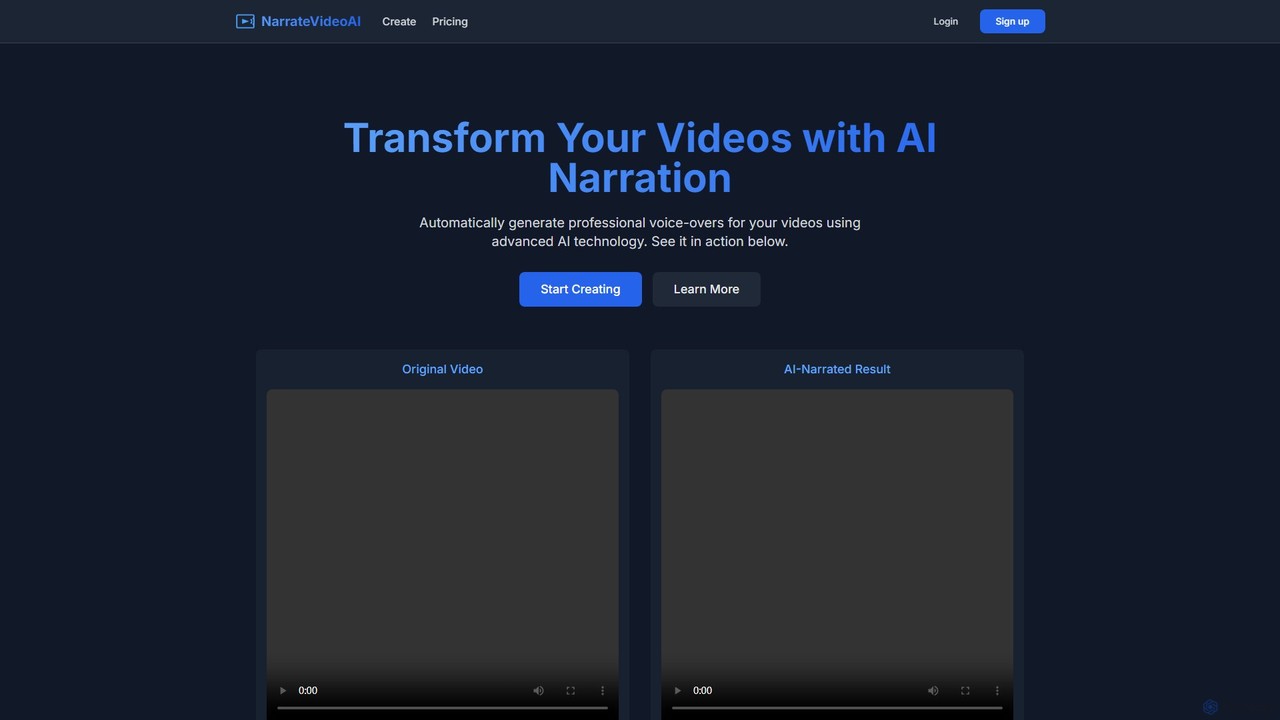
NarrateVideoAI is an advanced AI-powered tool that automatically generates professional, high-quality voice-overs for your videos. Simply upload your video, and the AI analyzes the content to create a perfectly synchronized narration in multiple languages and voice styles. Ideal for content creators, marketers, and educators.
Text To Speech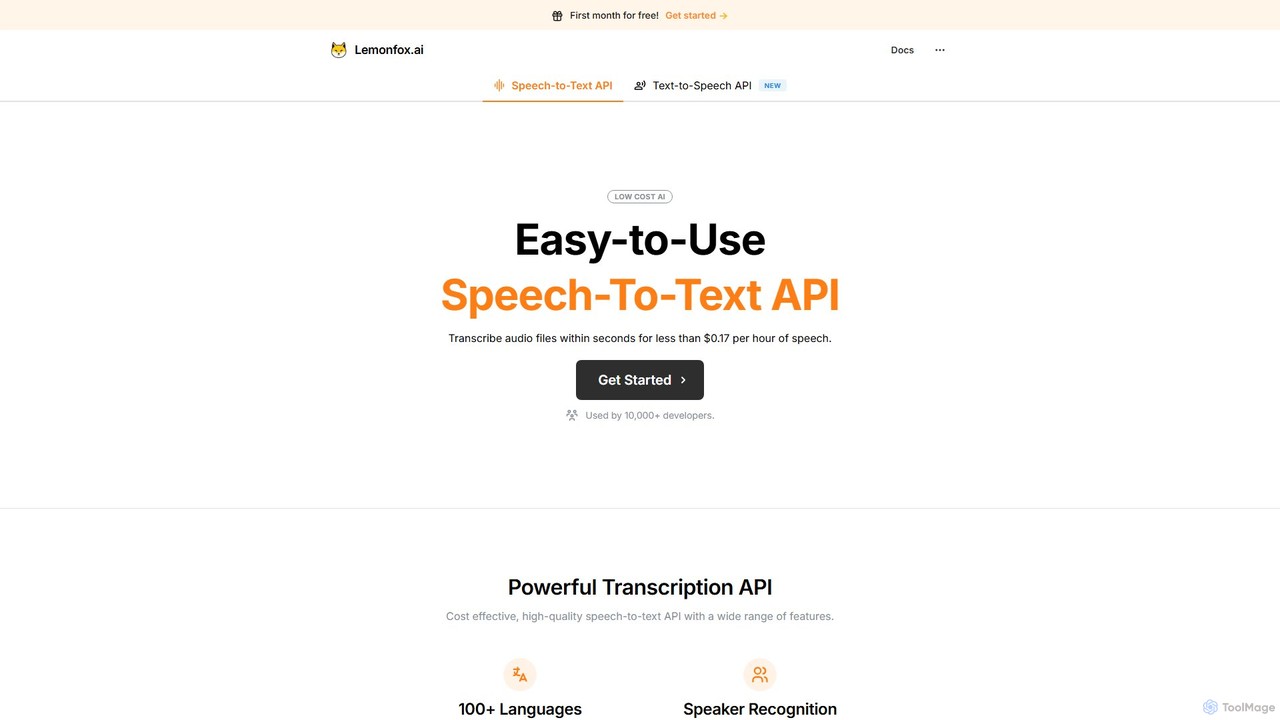
An affordable, high-accuracy speech-to-text API powered by Whisper large-v3. It supports over 100 languages, offers speaker recognition, and provides a secure, developer-friendly platform for transcribing audio with minimal latency.
Transcription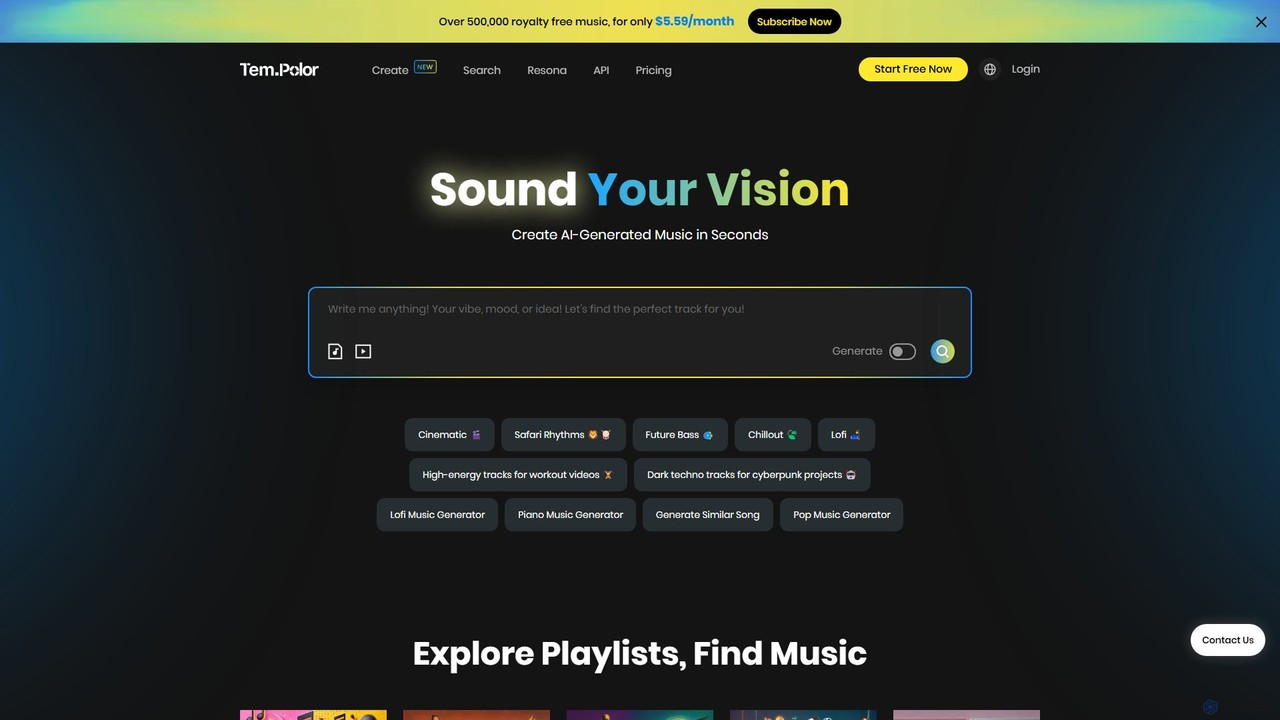
TemPolor is an AI-powered music generator designed for content creators. Instantly create unique, royalty-free tracks from text prompts, images, or videos. Access a vast library of over 500,000 tracks across numerous genres. Ideal for videos, podcasts, and commercial projects, offering a simple subscription for high-quality, watermark-free downloads with a lifetime commercial license.
Music Generation
An intelligent AI-powered video downloader that not only saves videos from major platforms in up to 8K resolution but also enhances them. Use AI to upscale quality, generate transcripts, extract smart clips, and repurpose content effortlessly. The ultimate tool for creators, marketers, and educators.
TranscriptionAI Video Editing tools are applications that leverage artificial intelligence to automate and streamline the video creation process. They utilize machine learning algorithms to analyze footage, identify key moments, and perform tedious tasks like cutting, transcribing, and adding effects. This enables creators to produce professional-quality videos with greater speed and efficiency, significantly reducing manual effort. These tools are a pivotal part of modern content creation, making video production more accessible to everyone.
These tools are widely used by social media managers, content marketers, YouTubers, and corporate training departments. They are ideal for workflows that require rapid production of short-form videos, repurposing long-form content like webinars into social clips, or creating accessible educational materials with accurate subtitles.
When selecting an AI Video Editing tool, consider the core automation features you need, such as text-based editing or smart cutting. Evaluate the accuracy of its transcription and the number of languages supported. Also, check its integration capabilities with other platforms, export quality options, and whether its pricing model aligns with your content output volume.
A social media manager needs to repurpose a one-hour webinar into multiple short, engaging clips for platforms like TikTok, Instagram Reels, and YouTube Shorts. Instead of manually scrubbing through the footage, they use an AI video editor. The tool automatically transcribes the entire webinar, identifies the most compelling questions and highlights, and suggests dozens of potential clips. The manager can then quickly select the best ones, automatically add animated captions, and export them in the correct aspect ratio for each platform, saving hours of manual work.
An online course creator wants to produce a series of 20 instructional videos. Using a text-based AI video editor, they can simply paste their script for each lesson. The AI automatically generates a voiceover, finds relevant stock footage and images to match the text, and compiles a first draft of the video. The creator can then easily make adjustments by editing the text, such as deleting a sentence to remove the corresponding video clip. This process reduces the production cycle from weeks to just a few days.
A podcaster wants to expand their audience by publishing episodes on YouTube. They upload their audio file to an AI video tool. The tool automatically transcribes the conversation, identifies different speakers, and creates a dynamic video. It generates animated audiograms, displays the current speaker's name, and adds relevant stock clips or images based on keywords mentioned in the conversation. This transforms a static audio file into a visually engaging video, making the content more discoverable and appealing to a YouTube audience without requiring any video recording.
A multinational corporation needs to distribute a safety training video to its global workforce in five different languages. The training manager uploads the original English video to an AI platform. The platform automatically transcribes the audio, translates the text into the required languages, and generates perfectly synced subtitles for each version. For some languages, it can even generate a translated voiceover using AI voice cloning. This approach ensures consistent and accurate messaging across all regions while cutting down localization costs and timelines dramatically.
An e-commerce store owner shoots simple product videos with a smartphone but wants them to look more professional. They use an AI video tool to automatically remove the cluttered background from the videos and replace it with a clean white or branded background. The tool's AI can also identify the product and keep it in focus while slightly blurring the new background for a depth-of-field effect. Finally, they use a text-to-video feature to create a short promotional ad by simply typing 'New summer collection, 20% off this week', which the AI turns into an animated video clip.
A project manager records a long team meeting on Zoom. After the meeting, they upload the recording to an AI video tool. The AI transcribes the entire conversation, identifies different speakers, and automatically generates a concise summary of the key decisions and action items discussed. It also creates short video clips of the most important moments. The manager can then share this summary and the highlight clips with team members who couldn't attend, ensuring everyone is aligned without needing to watch the full recording.
AI Video Editing refers to using software that incorporates artificial intelligence to automate or simplify parts of the video creation process. Instead of manually performing every task, these tools use AI for functions like detecting and removing silences, generating subtitles automatically, editing video by manipulating text, or creating video clips from a script. The primary goal is to increase efficiency, reduce repetitive work, and make video production more accessible to users without professional editing skills.
To choose the right tool, first identify your primary need. Are you repurposing long videos into short clips, creating videos from text, or just need fast and accurate subtitles? Consider these factors:
The main difference lies in their core philosophy. Traditional editors like Adobe Premiere Pro or Final Cut Pro offer granular, manual control over every aspect of the video, designed for professional editors who need precision. AI video editors prioritize speed and automation. They are designed to handle repetitive and time-consuming tasks automatically, such as cutting silences, generating captions, or finding B-roll. Many professionals use a hybrid approach: using an AI editor for the initial rough cut and transcription, then moving to a traditional editor for detailed polishing and creative effects.
Currently, AI tools are best seen as powerful assistants rather than replacements for professional video editors. They excel at automating tedious, time-consuming tasks, freeing up human editors to focus on more creative aspects like storytelling, pacing, and advanced visual effects. For simple projects like creating social media clips or adding subtitles, AI can often handle the entire workflow. However, for high-end productions that require nuanced creative decisions and complex editing, the skill and artistry of a professional editor remain essential.
AI video editing tools are ideal for a wide range of users who prioritize speed and efficiency. This includes: