

voicetotextapp Overview
voicetotextapp is an advanced AI-driven platform designed to effortlessly convert spoken language into written text. Leveraging state-of-the-art automatic speech recognition (ASR) technology, this tool provides highly accurate and fast transcriptions for a wide range of audio and video content. It is an indispensable asset for professionals, students, content creators, and anyone in need of reliable transcription services. Whether you're looking to document meetings, transcribe interviews, create subtitles for videos, or simply take voice notes, voicetotextapp streamlines the process, saving you valuable time and resources.
The platform is built for versatility, supporting both real-time dictation and the uploading of pre-recorded files. Its powerful AI engine can handle various accents, dialects, and even challenging audio with background noise. With a focus on user experience, voicetotextapp offers an intuitive interface that makes transcription accessible to everyone, regardless of their technical expertise.
How to use voicetotextapp
Using voicetotextapp is a straightforward process designed for maximum efficiency:
- Sign Up & Choose a Plan: Create an account to get started. You can begin with the free plan to test the service.
- Select Transcription Method: On your dashboard, choose whether you want to perform real-time transcription (Dictate) or transcribe an existing file (Upload).
- For File Upload: Click the 'Upload' button, select your audio or video file (e.g., MP3, WAV, MP4, M4A) from your computer. Choose the language spoken in the audio.
- For Real-Time Dictation: Click the 'Start Recording' button, grant microphone access, and begin speaking clearly. The text will appear on your screen as you talk.
- AI Processing: The AI will process the audio. For files, this may take a few minutes depending on the length. You'll be notified once the transcript is ready.
- Review and Edit: Access the generated transcript in the built-in editor. Here, you can play back the audio, correct any inaccuracies, and format the text. The editor supports speaker labeling and timestamp adjustments.
- Export and Share: Once you are satisfied with the transcript, export it in your desired format, such as TXT, DOCX, or SRT for subtitles.
Core Features of voicetotextapp
- High-Accuracy Transcription: Powered by a cutting-edge AI engine to ensure over 98% accuracy in optimal conditions.
- Multi-Language Support: Transcribe audio in dozens of languages and dialects, including English, Spanish, French, German, Chinese, and Japanese.
- Real-Time Dictation: Convert your speech to text instantly, perfect for live notes, drafting emails, or writing articles.
- Audio/Video File Upload: Supports a wide variety of common audio and video file formats for flexible transcription.
- Speaker Identification (Diarization): Automatically detects and labels different speakers in a conversation, making transcripts of meetings and interviews easy to read.
- Automatic Timestamps: Generates precise, word-level timestamps, allowing you to easily navigate the audio by clicking on the text.
- Secure and Confidential: All data is encrypted and processed securely, ensuring your information remains private.
- Interactive Editor: A user-friendly editor to review, edit, and polish your transcripts, synchronized with audio playback.
- Multiple Export Formats: Download your transcripts as TXT, DOCX, PDF, or SRT files to fit your workflow.
Use Cases for voicetotextapp
voicetotextapp is a versatile tool that caters to various professional and personal needs:
- For Content Creators: Quickly transcribe podcasts and YouTube videos to create blog posts, show notes, and accurate subtitles (captions), boosting SEO and accessibility.
- For Journalists and Researchers: Accurately transcribe interviews, focus groups, and field recordings in a fraction of the time it takes manually.
- For Business Professionals: Capture every detail from meetings, conference calls, and webinars. Create searchable minutes and action items effortlessly.
- For Students and Educators: Record and transcribe lectures, seminars, and study sessions for easy review and revision.
- For Legal and Medical Professionals: Securely transcribe depositions, client meetings, and patient notes with high accuracy and confidentiality.
Advantages of voicetotextapp
The primary advantage of voicetotextapp is its combination of speed, accuracy, and affordability. It dramatically reduces the hours spent on manual transcription, freeing up users to focus on more critical tasks. Compared to traditional transcription services, it offers a much faster turnaround time and is significantly more cost-effective. The support for multiple languages and speaker identification makes it a comprehensive solution for global teams and diverse content types. Its user-friendly interface ensures a minimal learning curve, allowing users to become productive immediately.
Pricing and Plans
voicetotextapp operates on a freemium model, providing options for different levels of usage.
- Free Plan: Ideal for casual users, offering a limited number of free transcription minutes per month (e.g., 30 minutes) with access to standard features.
- Pro Plan: A monthly subscription designed for professionals and power users. It includes a generous monthly allowance of transcription minutes (e.g., 1200 minutes), access to advanced features like speaker identification, and priority support.
- Business Plan: Tailored for teams and organizations. This plan offers larger volumes of transcription minutes, collaboration features, centralized billing, and API access for custom integrations. Pricing is typically customized based on the organization's needs.
voicetotextapp Alternatives
Rev
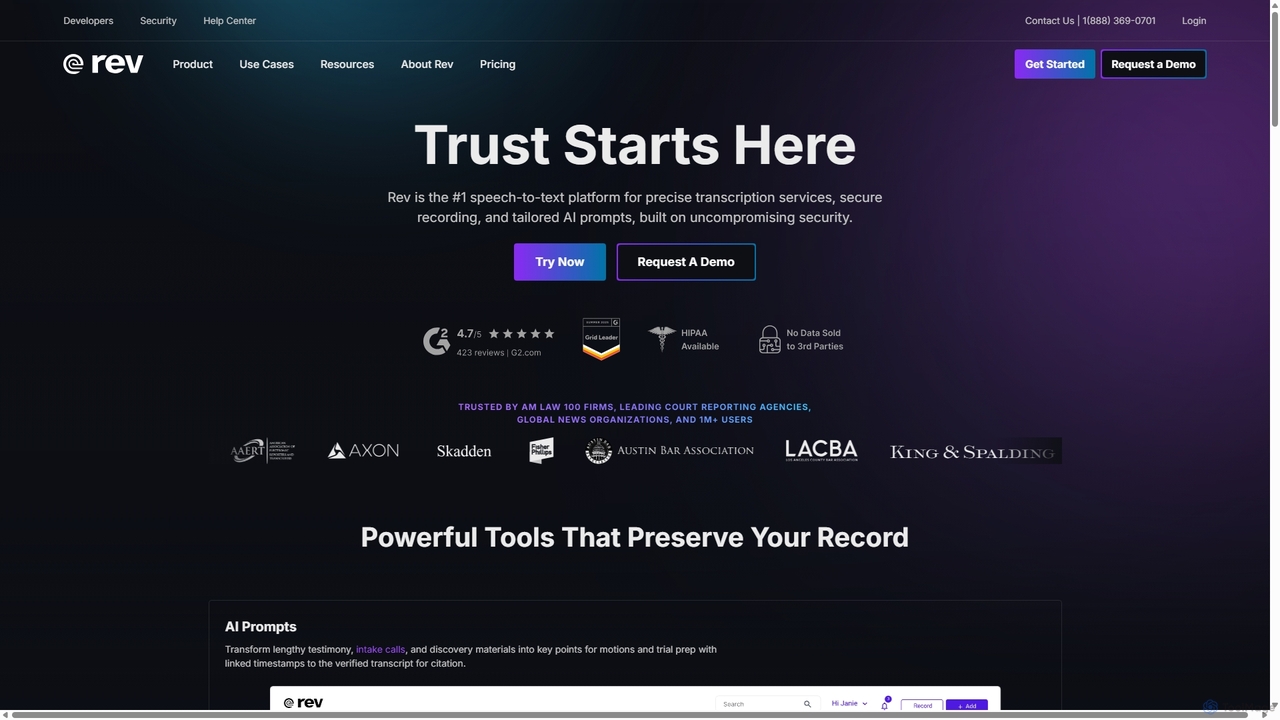
Rev is a leading speech-to-text platform offering both AI-powered and human-based transcription, captioning, and subtitling services. It's designed for professionals in legal, media, and research, providing industry-leading accuracy (up to 99%+). Rev's suite of AI tools helps users analyze audio/video content to uncover key insights, generate summaries, and streamline workflows, all within a secure and compliant environment.
Speech To Text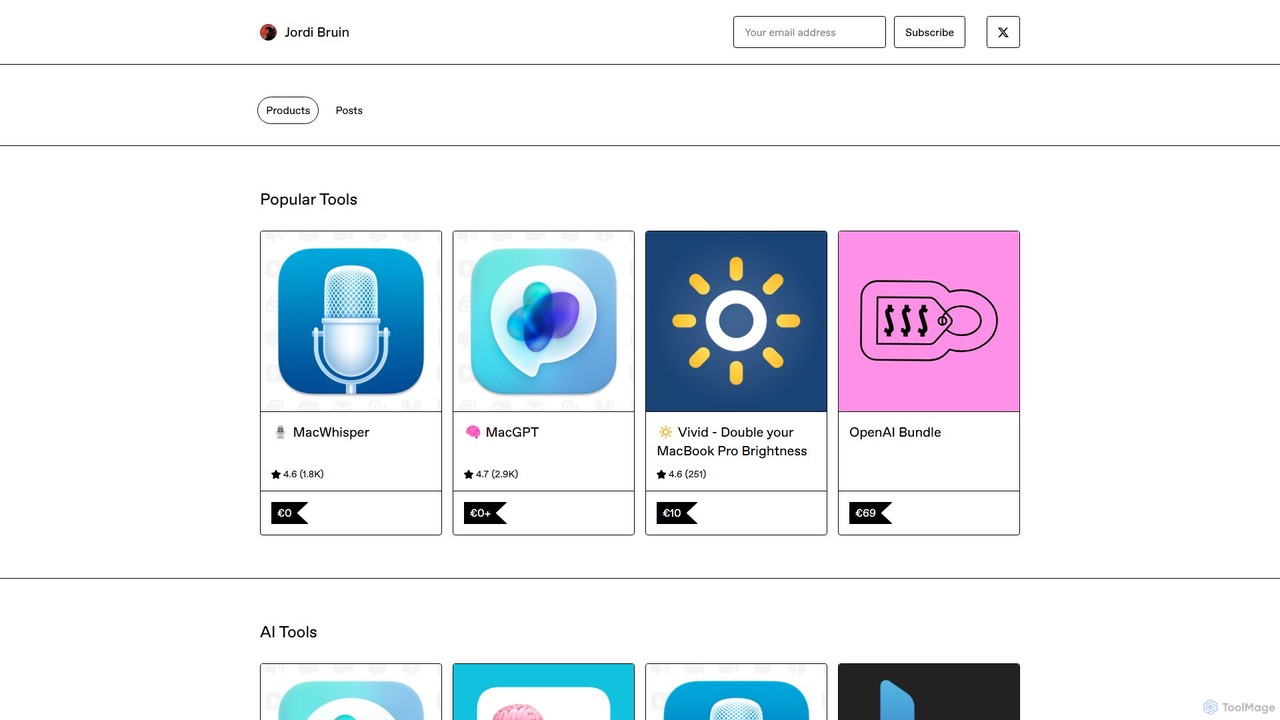
MacWhisper
MacWhisper is a powerful macOS application that leverages OpenAI's state-of-the-art Whisper technology for fast, accurate, and private audio-to-text transcription. It operates entirely on your device, ensuring your data remains secure.
Speech To Text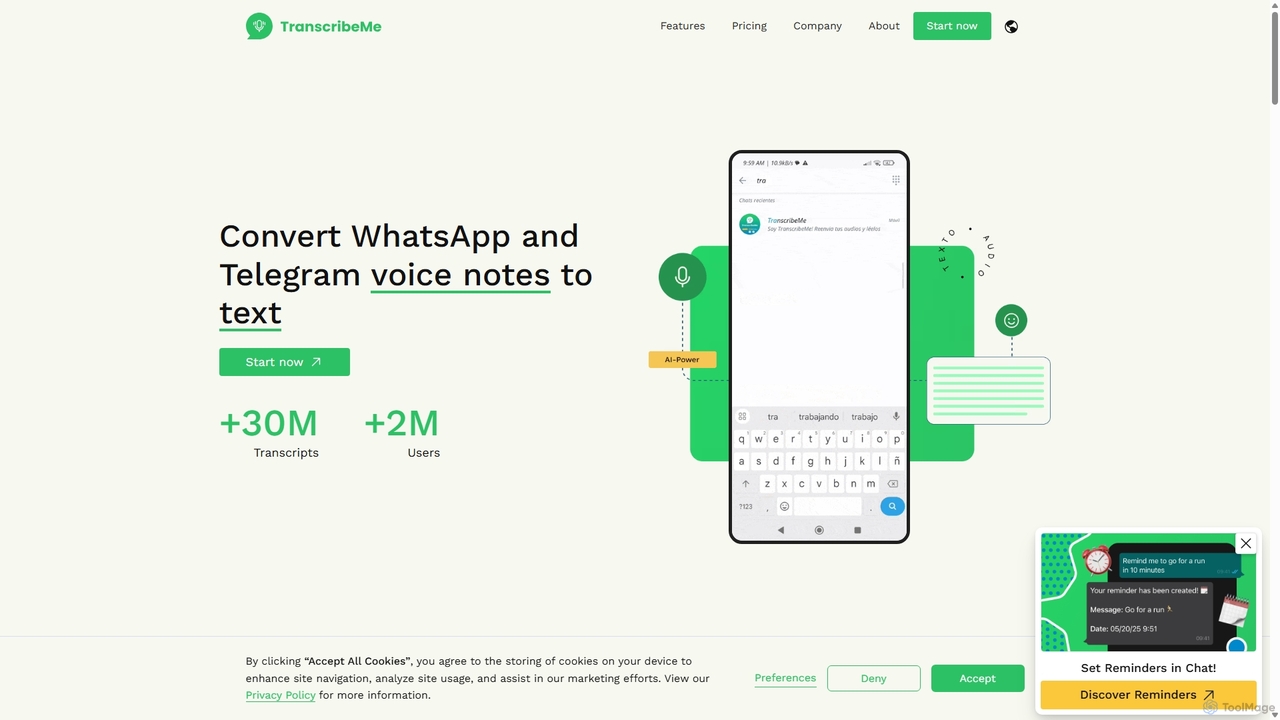
TranscribeMe
TranscribeMe is an advanced AI-powered transcription service that quickly and accurately converts audio and video files into text. It supports multiple languages, identifies different speakers, and provides an intuitive editor for easy review and correction. Ideal for podcasters, journalists, researchers, and students, TranscribeMe streamlines the process of creating searchable, editable transcripts.
Speech To Text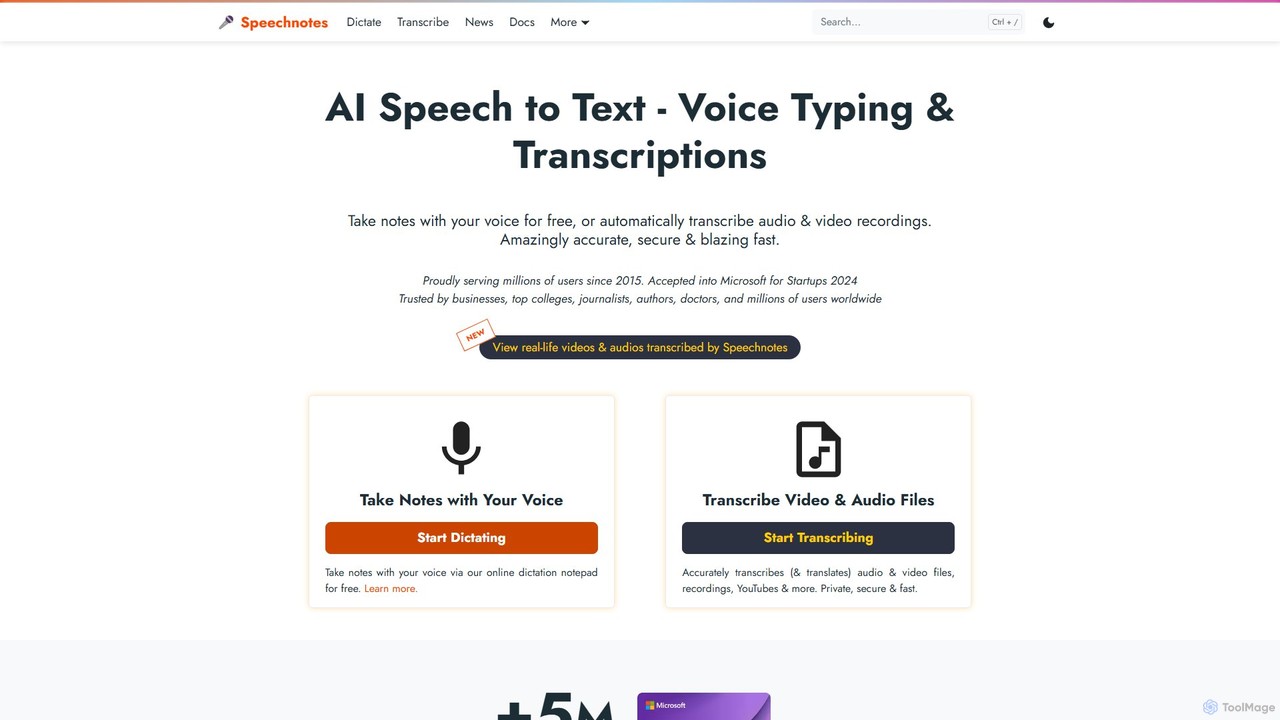
Speechnotes
Speechnotes is a powerful and private speech-to-text tool, offering free online voice dictation and a professional, secure automatic transcription service. It supports real-time voice typing, audio/video file transcription, and even features a convenient WhatsApp bot. With a strong emphasis on user privacy and HIPAA compliance for its paid service, Speechnotes is ideal for writers, journalists, students, and professionals.
Speech To Text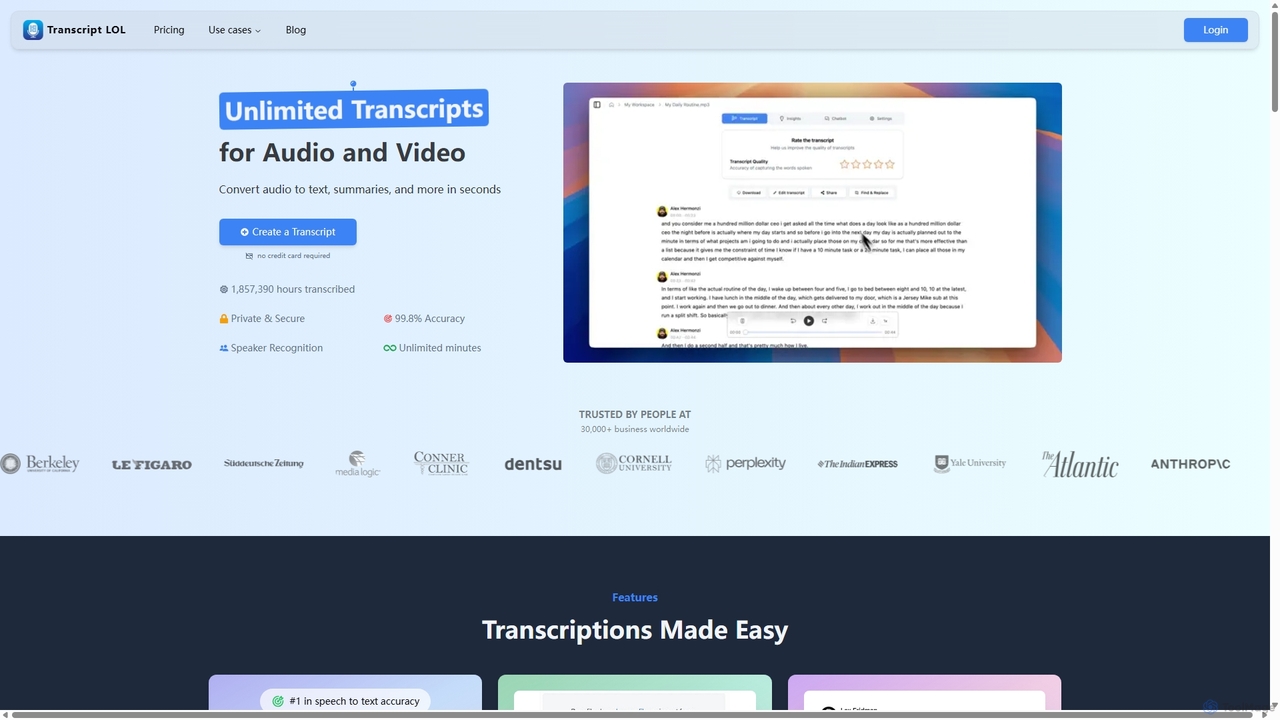
Transcript LOL
Transcript LOL is an AI-powered transcription service that rapidly converts audio and video files into accurate text. It offers unlimited transcriptions, speaker recognition, and advanced AI features to generate summaries, blog posts, social media content, and more, streamlining content creation and analysis workflows.
Speech To Textvoicetotextapp Categories
voicetotextapp Embed Widget
Copy this embed code to place the badge on your blog, article, or product site and send readers directly to this ToolMage detail page.

Related AI tools
Rev
Rev is a leading speech-to-text platform offering both AI-powered and human-based transcription, captioning, and subtitling services. It's designed for professionals in legal, media, and research, providing industry-leading accuracy (up to 99%+). Rev's suite of AI tools helps users analyze audio/video content to uncover key insights, generate summaries, and streamline workflows, all within a secure and compliant environment.
Speech To TextMacWhisper
MacWhisper is a powerful macOS application that leverages OpenAI's state-of-the-art Whisper technology for fast, accurate, and private audio-to-text transcription. It operates entirely on your device, ensuring your data remains secure.
Speech To TextTranscribeMe
TranscribeMe is an advanced AI-powered transcription service that quickly and accurately converts audio and video files into text. It supports multiple languages, identifies different speakers, and provides an intuitive editor for easy review and correction. Ideal for podcasters, journalists, researchers, and students, TranscribeMe streamlines the process of creating searchable, editable transcripts.
Speech To Text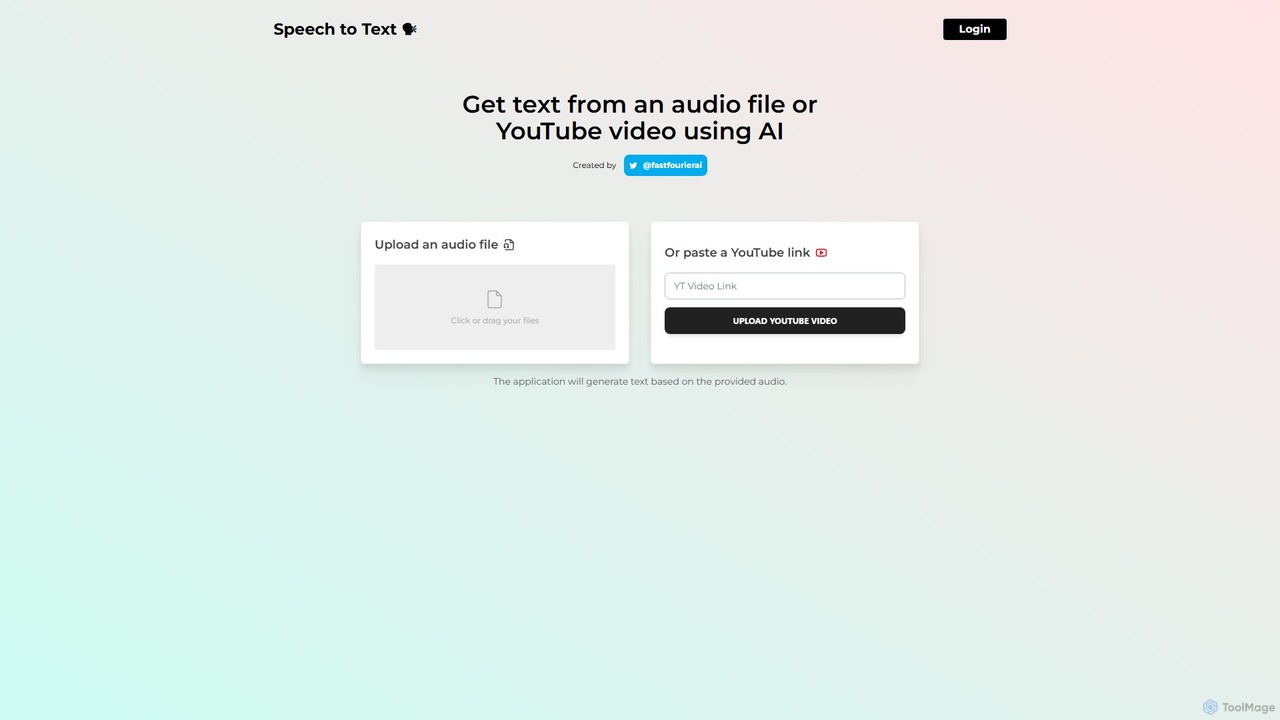
speechtotextai
speechtotextai is a free, AI-powered web tool that quickly transcribes audio files and YouTube videos into text. Simply upload a file or paste a YouTube link to receive an accurate, machine-generated transcript. Ideal for content creators, students, and professionals who need to convert spoken content into written format efficiently.
TranscriptionSpeechnotes
Speechnotes is a powerful and private speech-to-text tool, offering free online voice dictation and a professional, secure automatic transcription service. It supports real-time voice typing, audio/video file transcription, and even features a convenient WhatsApp bot. With a strong emphasis on user privacy and HIPAA compliance for its paid service, Speechnotes is ideal for writers, journalists, students, and professionals.
Speech To TextTranscript LOL
Transcript LOL is an AI-powered transcription service that rapidly converts audio and video files into accurate text. It offers unlimited transcriptions, speaker recognition, and advanced AI features to generate summaries, blog posts, social media content, and more, streamlining content creation and analysis workflows.
Speech To Text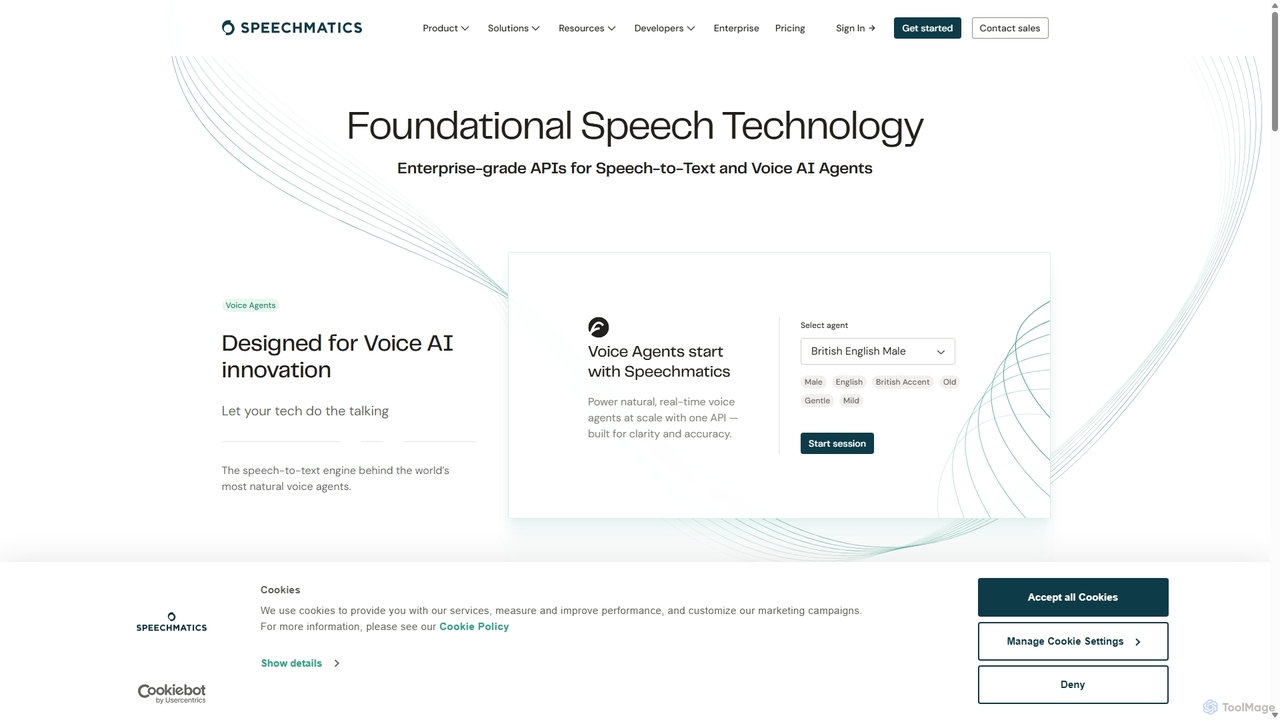
Speechmatics
Speechmatics is a leading AI-powered speech-to-text API, providing highly accurate and scalable transcription services for businesses. It supports over 50 languages in real-time and batch modes, offering flexible deployment options including cloud and on-premises solutions. Designed for developers, it enables the integration of advanced voice recognition into any application, from contact centers to media captioning.
Speech To Text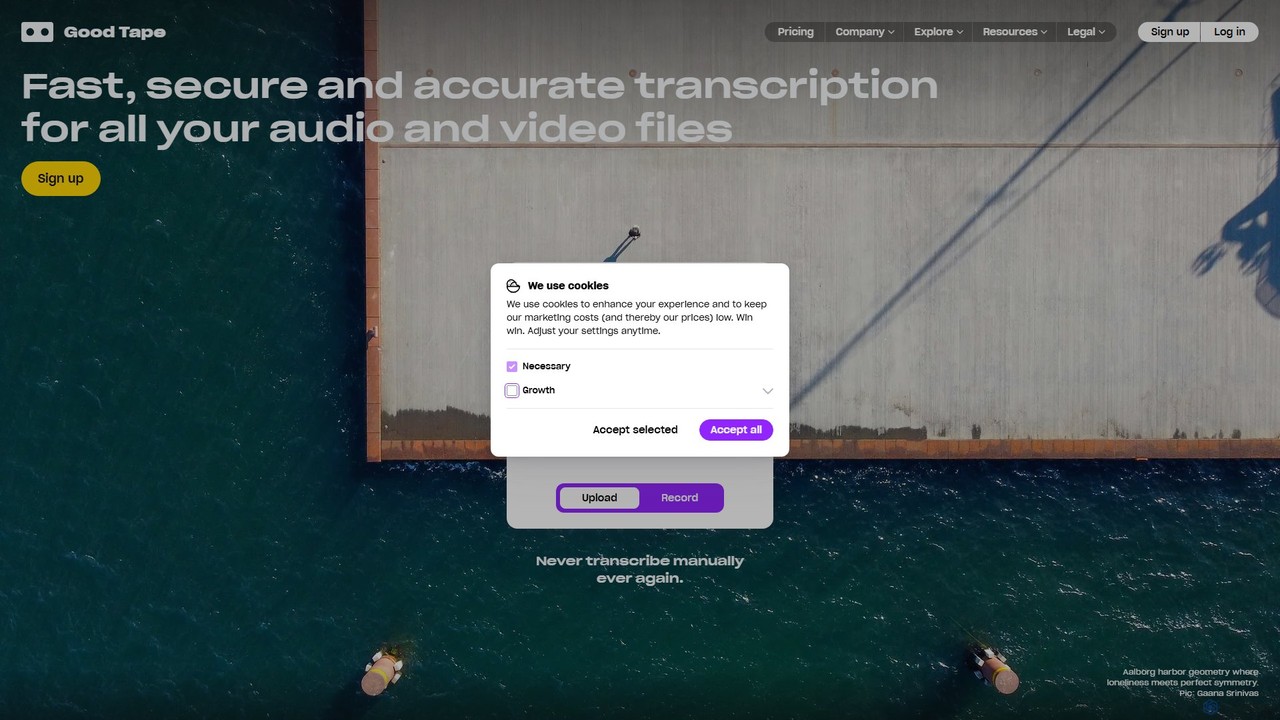
Good Tape
Good Tape is an AI-powered transcription service designed for journalists, researchers, and content creators. It provides fast, secure, and highly accurate transcriptions for audio and video files in over 90 languages. The platform focuses on a simple user experience, robust security, and delivering reliable text output to save users significant time and effort.
Speech To Text
Jyek
Jyek is an AI agent platform that understands objectives, creates execution plans, uses tools, and delivers verifiable results for complex, multi-step tasks.
Automation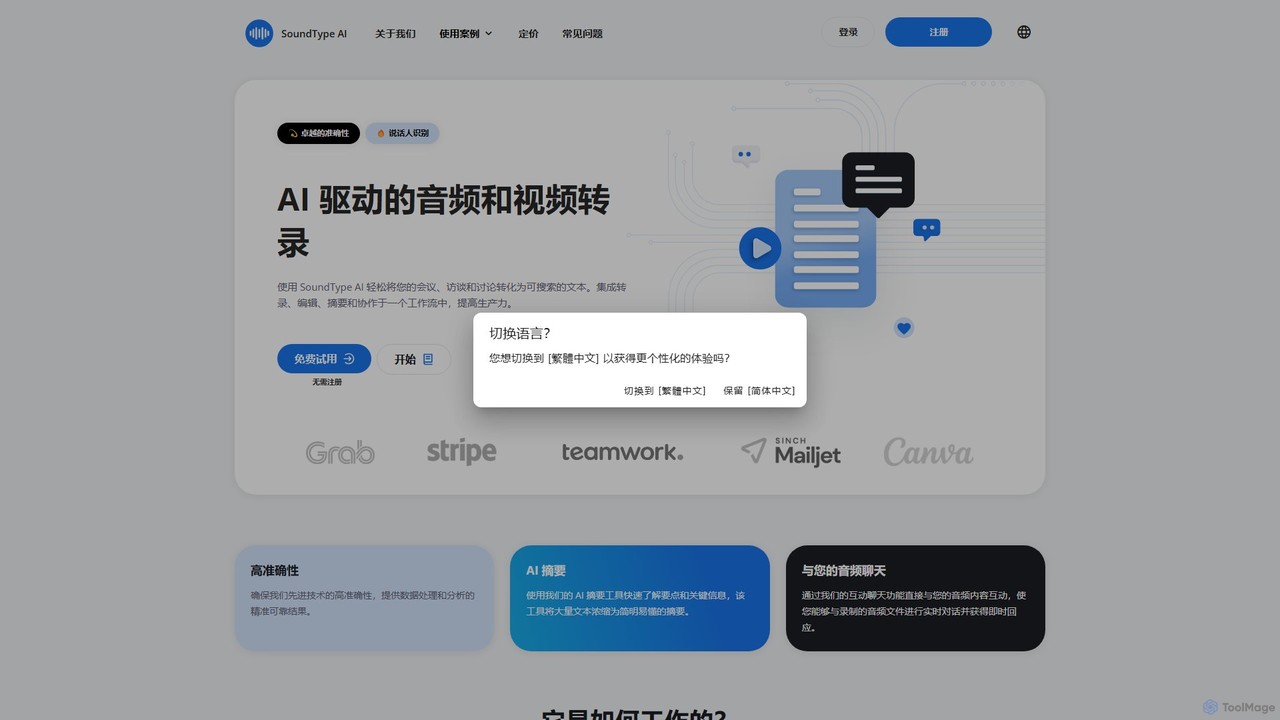
SoundType AI
SoundType AI is an advanced AI-powered service for transcribing audio and video with high accuracy. It features speaker identification, AI-generated summaries, and an interactive chat function to query your audio content. It streamlines workflows for professionals, educators, and content creators by converting speech into searchable, editable text.
Speech To Text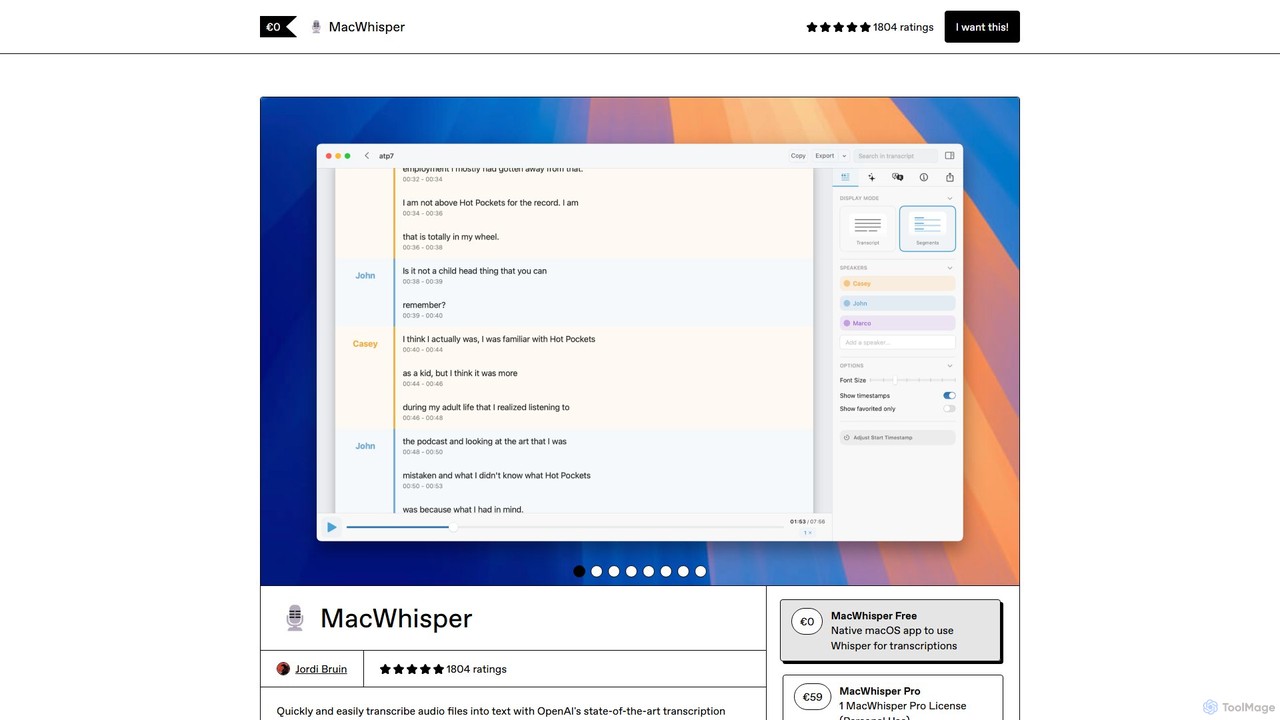
MacWhisper
MacWhisper is a powerful macOS application that leverages OpenAI's Whisper and other advanced models for fast, accurate, and private audio-to-text transcription. It allows users to easily transcribe audio/video files, record meetings, and use system-wide dictation, all processed locally on your device. It offers a free version for basic use and a Pro version with a one-time purchase for advanced features like speaker recognition, batch processing, and translation.
Speech To Text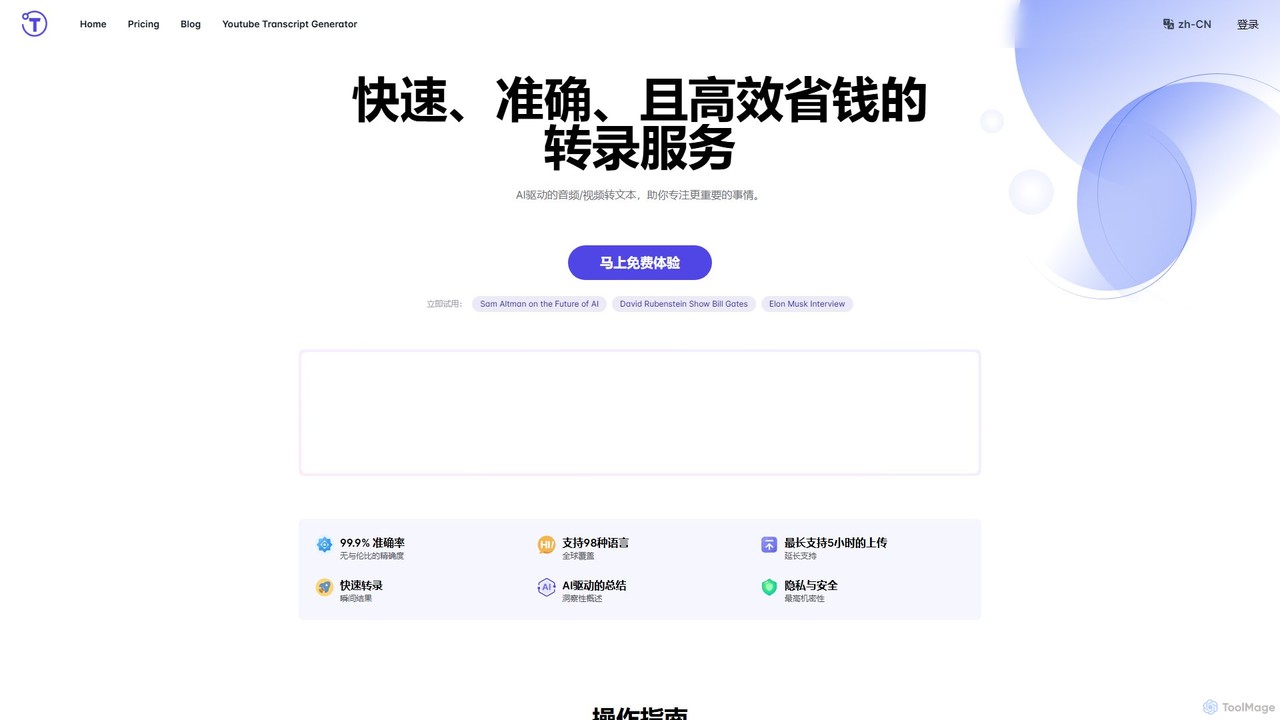
yescribe
yescribe is an AI-powered transcription service that quickly and accurately converts audio and video files into text. Supporting 98 languages, it offers 99.9% accuracy, AI-driven summaries, and speaker identification. Ideal for professionals, researchers, and content creators to streamline workflows, enhance accessibility, and unlock insights from their media content.
Speech To Text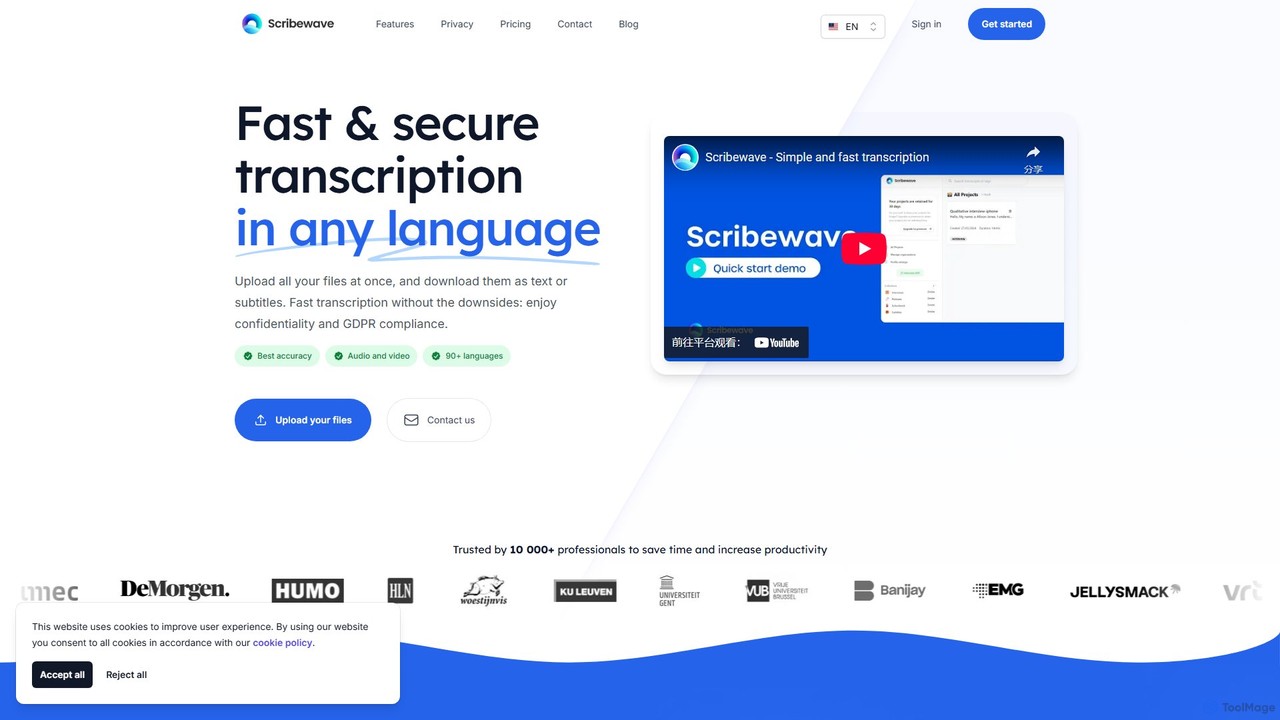
Scribewave
Scribewave is an AI-powered transcription service that converts audio and video files into text with high accuracy in over 90 languages. It prioritizes user privacy with GDPR compliance and secure European servers. Designed for professionals, researchers, and content creators, it features an interactive editor, subtitle generation, and flexible pay-as-you-go pricing, saving significant time on manual transcription.
Speech To Text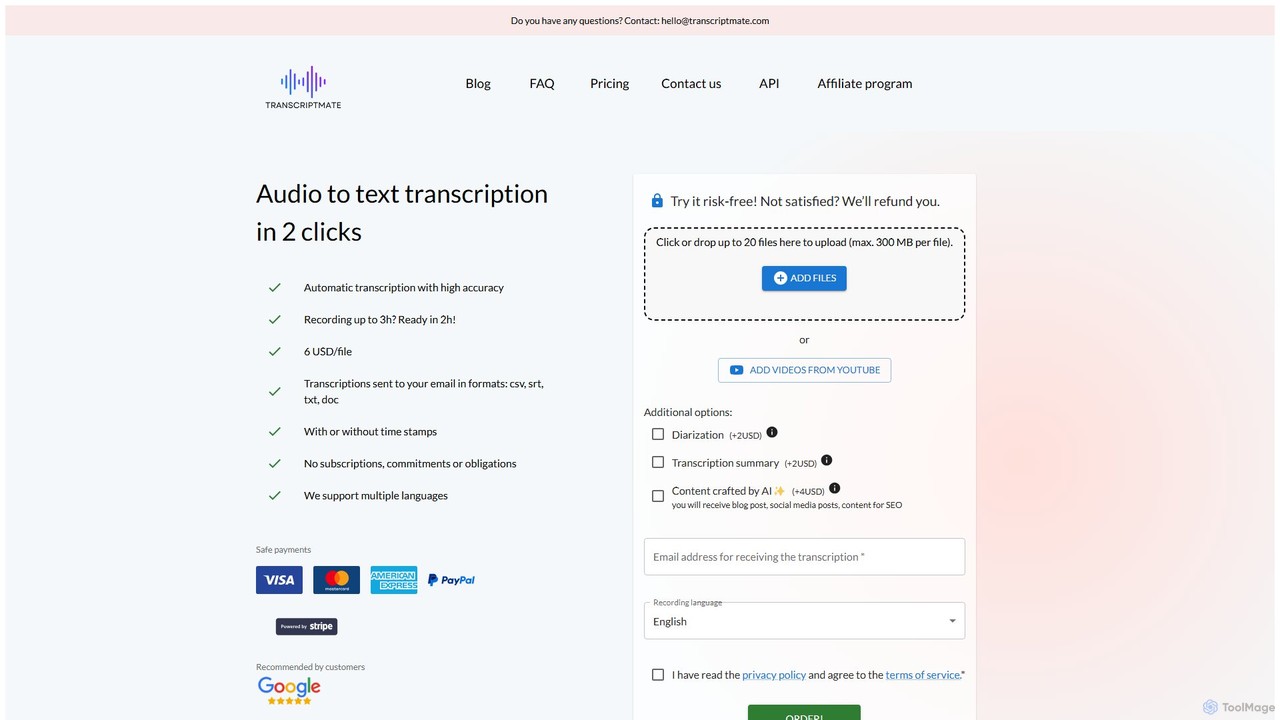
Transcriptmate
Transcriptmate is a simple, pay-as-you-go AI transcription service that converts audio and video files into accurate text in just a few clicks. It supports multiple languages and delivers transcripts in various formats (CSV, SRT, TXT, DOC) directly to your email. With no subscriptions required, it's ideal for one-off projects. Optional add-ons include speaker diarization, AI-generated summaries, and content creation, making it a versatile tool for students, podcasters, researchers, and professionals.
Speech To Text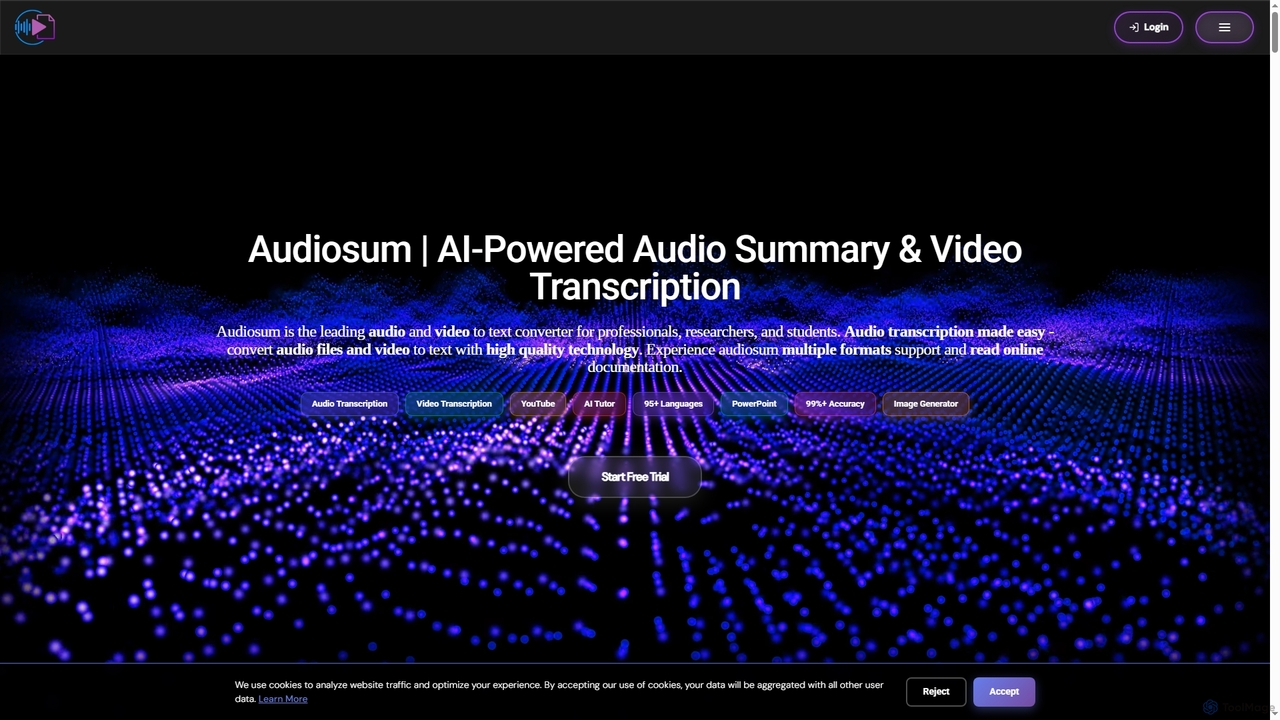
Audiosum
Audiosum is an advanced AI-powered platform designed for professionals, students, and researchers to efficiently process audio, video, and document content. It offers highly accurate transcription, intelligent summarization, and various content generation tools, saving users significant time by transforming lengthy media into concise, actionable insights across over 95 languages.
Meeting Management
voicetotextapp Comments (0)
Sign in to comment.
Sign inNo comments yet.