
Speechnotes Overview
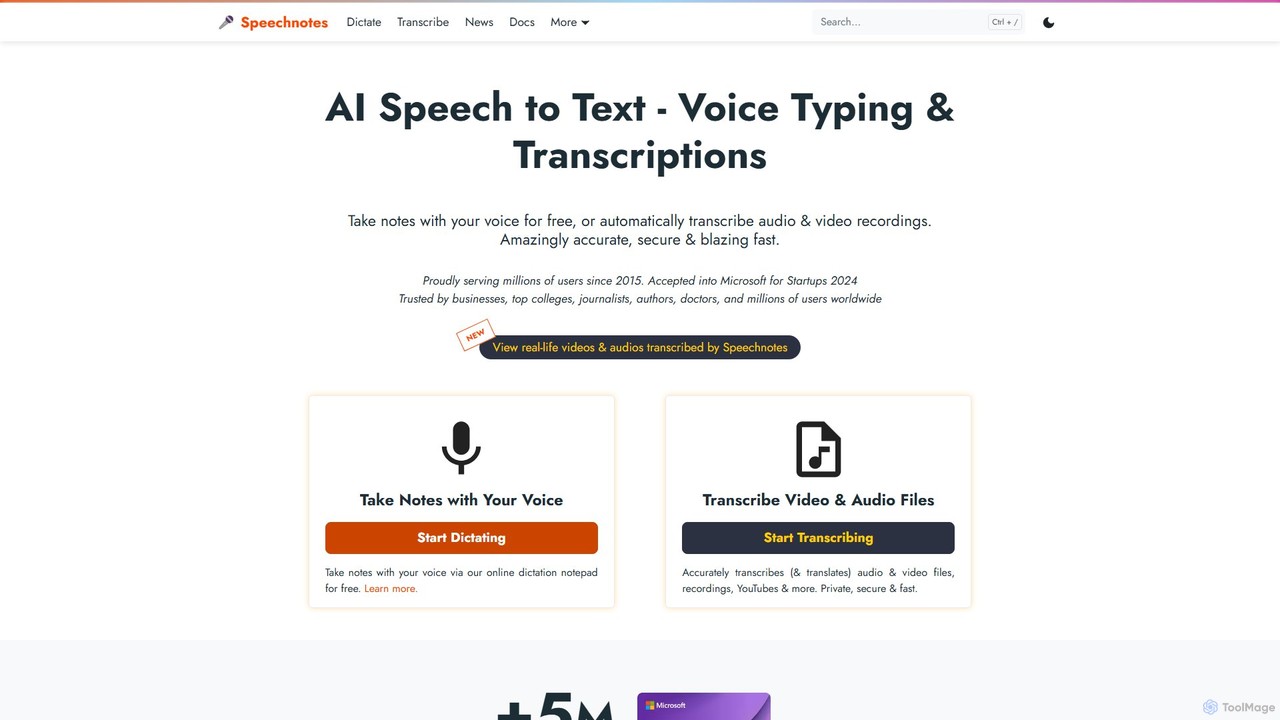
Speechnotes is a versatile and highly-regarded AI-powered platform designed for converting speech into text. It stands out by offering two distinct yet complementary services: a completely free, web-based dictation notepad for real-time voice typing, and a professional-grade automatic transcription service for audio and video files. A core tenet of Speechnotes is its unwavering commitment to user privacy, making it a trusted choice for sensitive information.
The platform leverages advanced speech recognition engines from industry leaders like Google and Microsoft to deliver high accuracy across numerous languages. Whether you're drafting an email, writing a novel, taking meeting minutes, or transcribing an interview, Speechnotes provides the tools to do so efficiently and securely.
How to use Speechnotes
Using Speechnotes is straightforward, with different methods tailored to specific needs:
1. Online Dictation Notepad:
- Navigate to the Speechnotes website.
- Click the large microphone icon to activate the speech recognition.
- Grant your browser permission to access your microphone.
- Start speaking clearly. Your words will appear in the text editor in real-time.
- Use voice commands for punctuation, such as saying "period," "comma," or "new line."
- Once finished, you can edit the text, copy it, or export it as a .txt file or directly to Google Drive.
2. Automatic File Transcription:
- Select the 'Transcription' service on the website.
- Upload your audio or video file. The service supports various formats.
- The AI will process the file, and the transcription is typically completed within minutes.
- You will receive the transcribed text, which you can then review, edit, and download. This service is fully automated, with no human involvement, ensuring complete privacy.
3. WhatsApp Transcription Bot:
- Add the Speechnotes WhatsApp bot to your contacts.
- Forward any WhatsApp voice message to the bot.
- The bot will quickly reply with the transcribed text of the voice message, directly within your chat.
Core Features of Speechnotes
- Real-Time Voice Dictation: A free, browser-based notepad that converts your speech to text as you speak.
- Automatic File Transcription: A paid service to accurately transcribe pre-recorded audio and video files.
- High Accuracy: Powered by leading AI speech recognition technology for reliable results.
- Extreme Privacy: The dictation notepad saves data locally on your device. The transcription service is HIPAA compliant, fully automated (no humans), and deletes audio files immediately after processing.
- WhatsApp Bot: A unique and convenient feature for transcribing WhatsApp voice notes on the go.
- Multi-Language Support: Accurately recognizes and transcribes a wide variety of languages and accents.
- No Sign-up Required: The free dictation tool can be used instantly without creating an account.
- Export Options: Easily save your notes as text files, or sync them with Google Drive.
- Punctuation Voice Commands: Insert punctuation marks and create new paragraphs using simple voice commands.
Use Cases for Speechnotes
Speechnotes is a valuable tool for a diverse range of users:
- Writers & Authors: Overcome writer's block and increase writing speed by dictating chapters, articles, or blog posts.
- Students: Record and transcribe lectures, take notes during classes, and prepare study materials more efficiently.
- Journalists & Researchers: Quickly transcribe interviews, field recordings, and focus group discussions with high accuracy and privacy.
- Business Professionals: Dictate emails, reports, and meeting minutes, saving significant time on typing.
- Podcasters & Content Creators: Generate transcripts for podcasts and videos to improve accessibility (captions) and SEO.
- Everyday Users: Transcribe personal voice memos, WhatsApp messages, or simply use it as a hands-free typing assistant.
Advantages of Speechnotes
The primary advantage of Speechnotes is its dual focus on accessibility and privacy. It provides a high-quality, free dictation tool that is instantly accessible to anyone, while also offering a professional transcription service that prioritizes data security above all else. Unlike many competitors, its automatic transcription service is 100% private and HIPAA compliant, making it suitable for medical and legal professionals. The addition of the WhatsApp bot adds a layer of modern convenience not found in many other services. This combination of free access, professional-grade features, and a strong privacy policy makes Speechnotes a standout choice in the speech-to-text market.
Pricing and Plans
Speechnotes operates on a freemium model:
- Free Plan: The online dictation notepad is completely free to use. It is supported by non-intrusive ads. There are no limits on the amount of dictation.
- Premium (Pay-as-you-go): The automatic transcription service for audio/video files is a paid feature. Pricing is typically based on the duration of the file (per minute or per hour). This model allows users to pay only for what they need, making it a cost-effective solution for professional-grade, private transcription without requiring a subscription.
Traffic
Latest traffic
Status
Monthly traffic trend
- 2025-9: 1.2M
- 2026-1: 1.1M
- 2026-2: 1.0M
- 2026-3: 1.2M
- 2026-4: 1.1M
- 2026-5: 1.1M
Geography
Top 5 countries / regions
- 🇺🇸United States49.6%
- 🇮🇳India22.1%
- 🇬🇧United Kingdom12.5%
- 🇭🇰Hong Kong SAR China7.9%
- 🇲🇽Mexico7.8%
Traffic sources
| Source type | Percentage |
|---|---|
Direct | 92.7% |
Referral | 5.1% |
Email | 2.3% |
Top keywords
| Keyword | Cost per click |
|---|---|
| speechnotes | $0.64 |
| speech to text | $0.00 |
| speech to text free | $1.44 |
| speech to text online | $0.83 |
| voice to text | $0.88 |
Speechnotes Videos on YouTube
Speechlogger - AI Speech-Text Applications


Speechnotes Alternatives
voicetotext.org
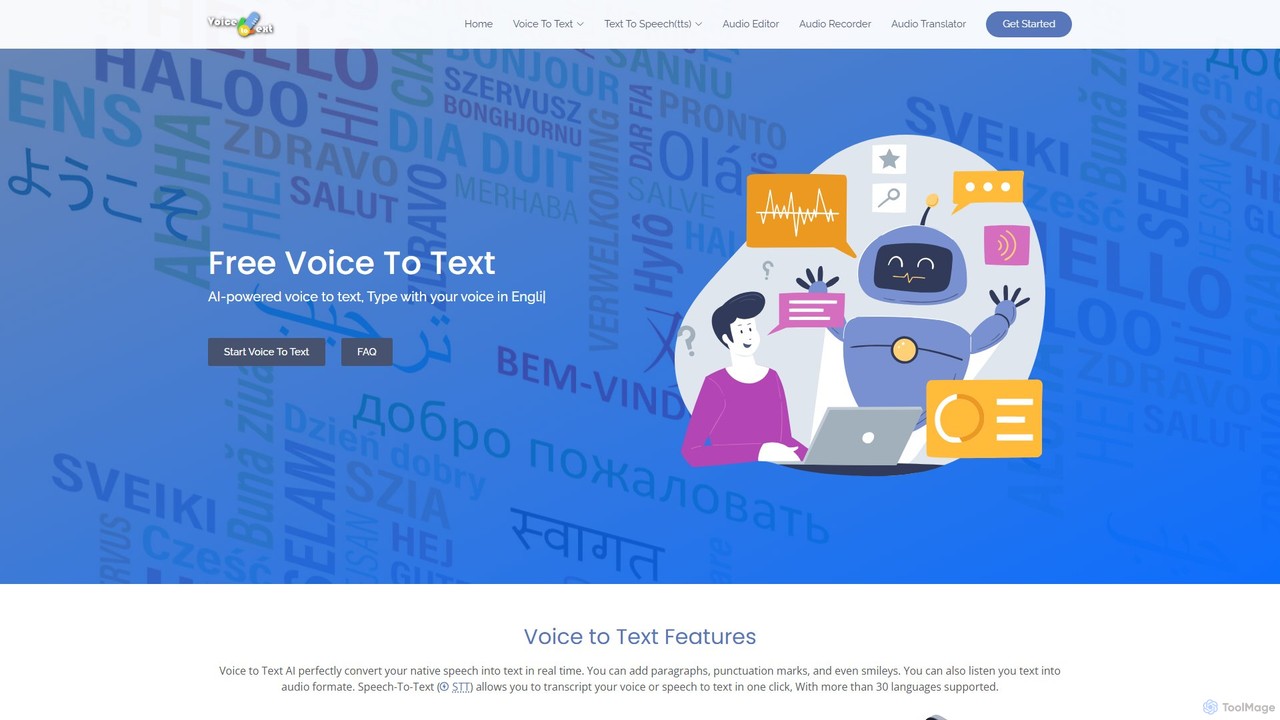
voicetotext.org is a free, AI-powered online tool for real-time speech-to-text transcription and text-to-speech conversion. It supports over 30 languages, allowing users to type with their voice, add punctuation, and export text. The service prioritizes privacy by processing all data locally in the browser, with no sign-up or data storage required. It also includes a voice generator to convert text into audio.
Speech To Text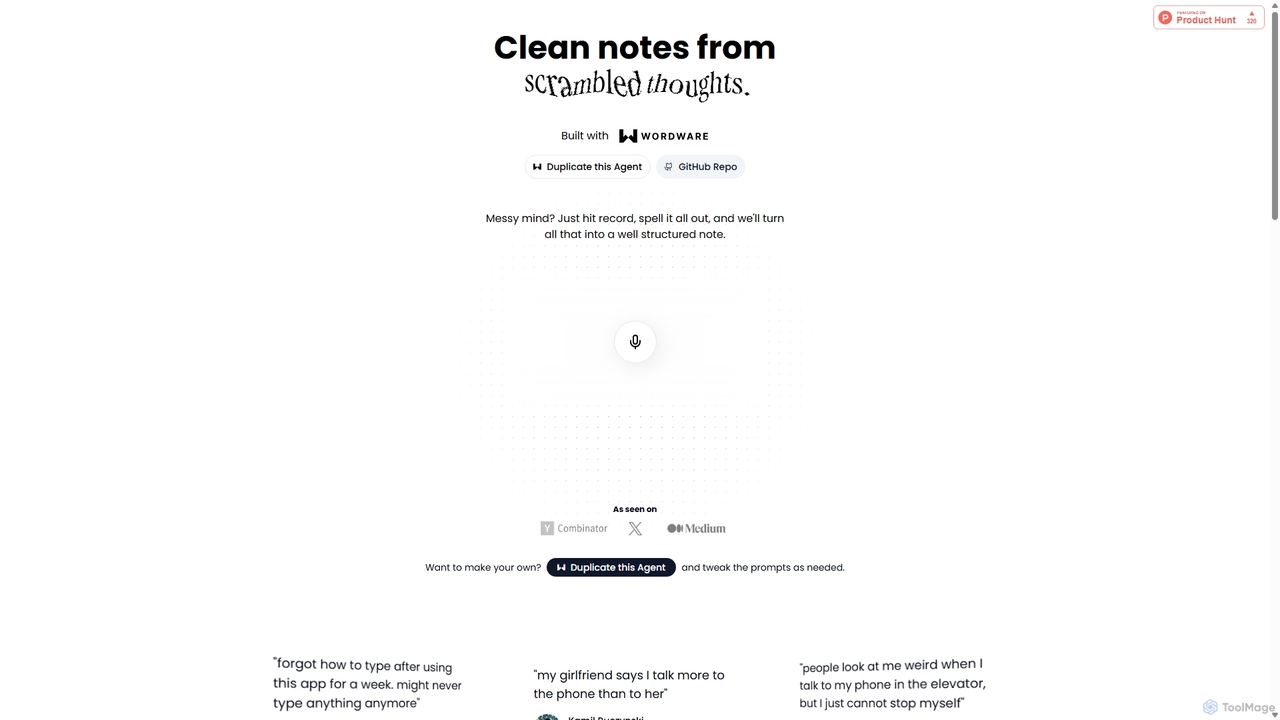
Audioscribe
Audioscribe is an AI-powered tool that transforms your messy, spoken thoughts into clean, well-structured notes. Simply record your voice, and the AI will transcribe, organize, and format your ideas into coherent text for project plans, emails, journals, and more, streamlining your workflow and boosting productivity.
Speech To Text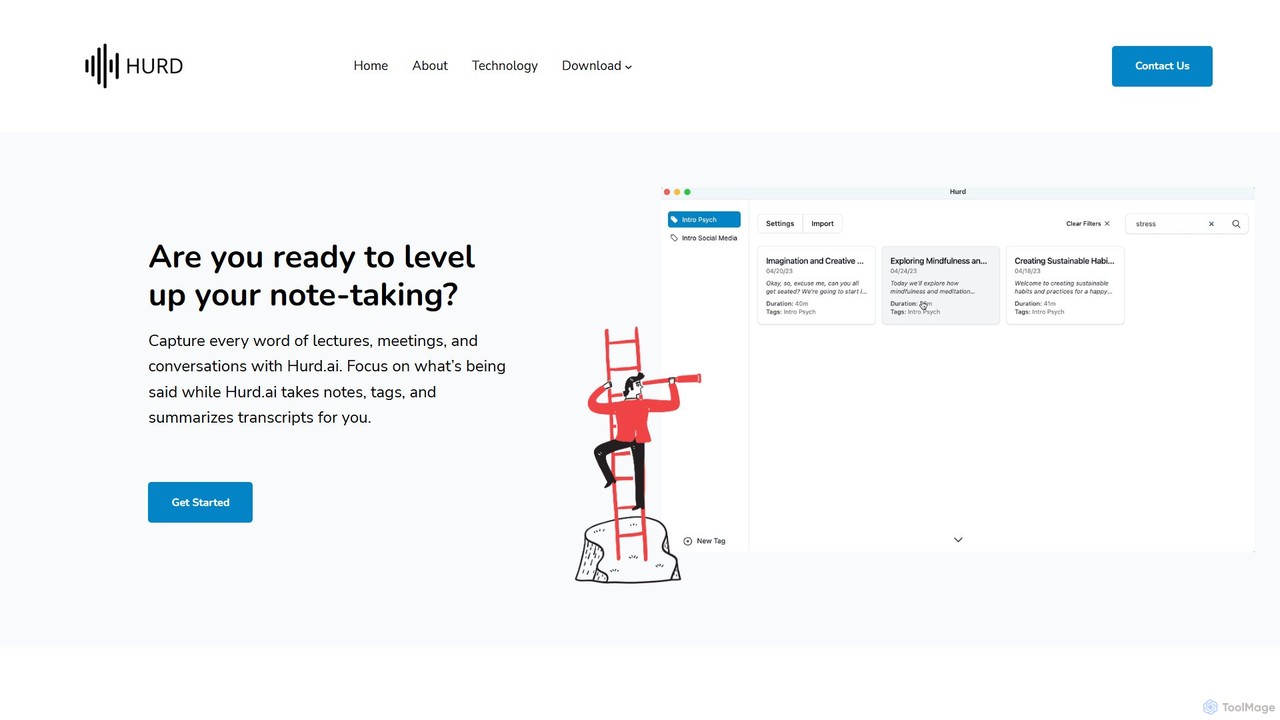
Hurd.ai
Hurd.ai is a free, privacy-focused AI transcription tool for macOS. It automatically transcribes, summarizes, and tags your lectures, meetings, and conversations from audio/video files. Powered by OpenAI's Whisper, it offers high accuracy in over 90 languages. All processing is done locally on your device, ensuring your data remains private. Ideal for students, professionals, and anyone needing to capture spoken information without the distraction of manual note-taking.
Speech To Text
Notta
Notta is an AI-powered transcription service that converts audio and video to text with high accuracy. It offers real-time transcription, AI summaries, speaker identification, and translation in 58 languages, streamlining workflows for meetings, interviews, and lectures.
Speech To Text
superwhisper
superwhisper is an AI-powered dictation and transcription tool for macOS and iOS. It offers high-accuracy speech-to-text conversion, intelligent formatting modes for different contexts (emails, notes), and supports over 100 languages. It prioritizes privacy with offline, on-device processing and works seamlessly in any application.
Speech To TextSpeechnotes Categories
Speechnotes Embed Widget
Copy this embed code to place the badge on your blog, article, or product site and send readers directly to this ToolMage detail page.

Related AI tools
Hurd.ai
Hurd.ai is a free, privacy-focused AI transcription tool for macOS. It automatically transcribes, summarizes, and tags your lectures, meetings, and conversations from audio/video files. Powered by OpenAI's Whisper, it offers high accuracy in over 90 languages. All processing is done locally on your device, ensuring your data remains private. Ideal for students, professionals, and anyone needing to capture spoken information without the distraction of manual note-taking.
Speech To TextNotta
Notta is an AI-powered transcription service that converts audio and video to text with high accuracy. It offers real-time transcription, AI summaries, speaker identification, and translation in 58 languages, streamlining workflows for meetings, interviews, and lectures.
Speech To Textsuperwhisper
superwhisper is an AI-powered dictation and transcription tool for macOS and iOS. It offers high-accuracy speech-to-text conversion, intelligent formatting modes for different contexts (emails, notes), and supports over 100 languages. It prioritizes privacy with offline, on-device processing and works seamlessly in any application.
Speech To Text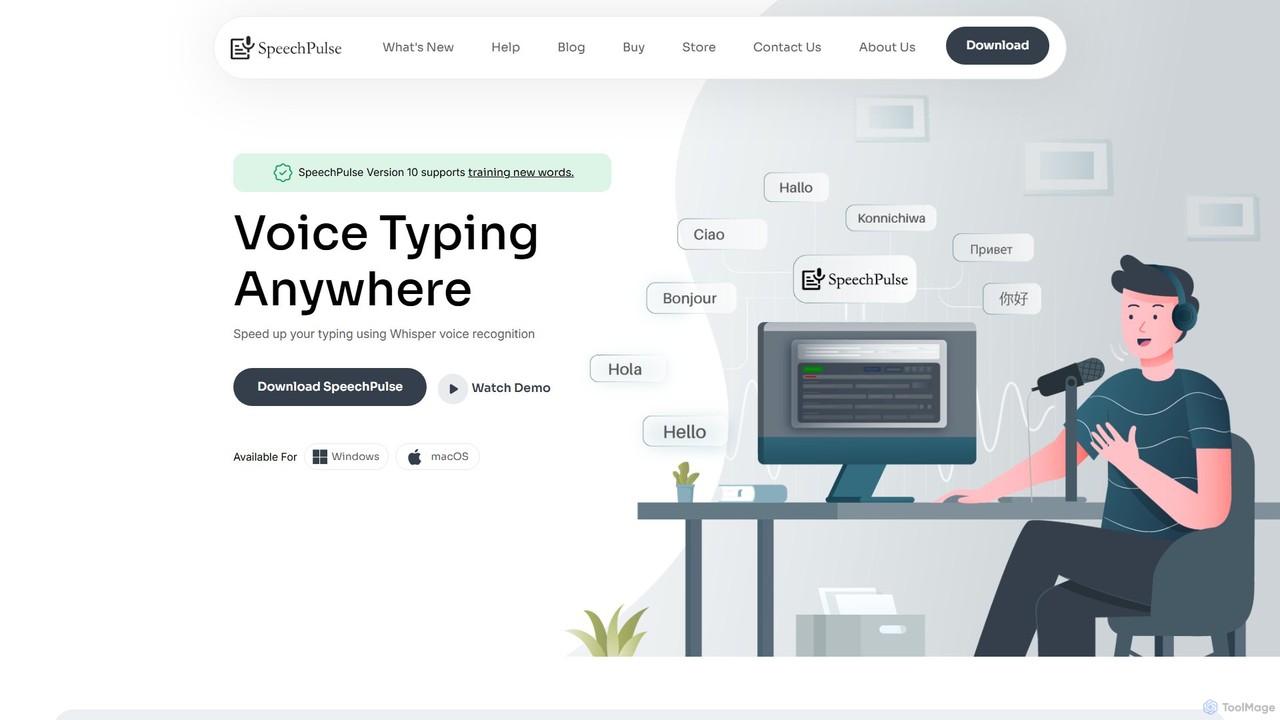
SpeechPulse
SpeechPulse is a powerful offline AI dictation and transcription application for Windows and macOS. It prioritizes user privacy by processing all data locally on your machine. Supporting 99 languages, it offers real-time dictation, audio/video file transcription with speaker diarization, subtitle generation, and AI-powered text enhancement. Ideal for professionals, content creators, and anyone seeking a secure and efficient speech-to-text solution.
Speech To Text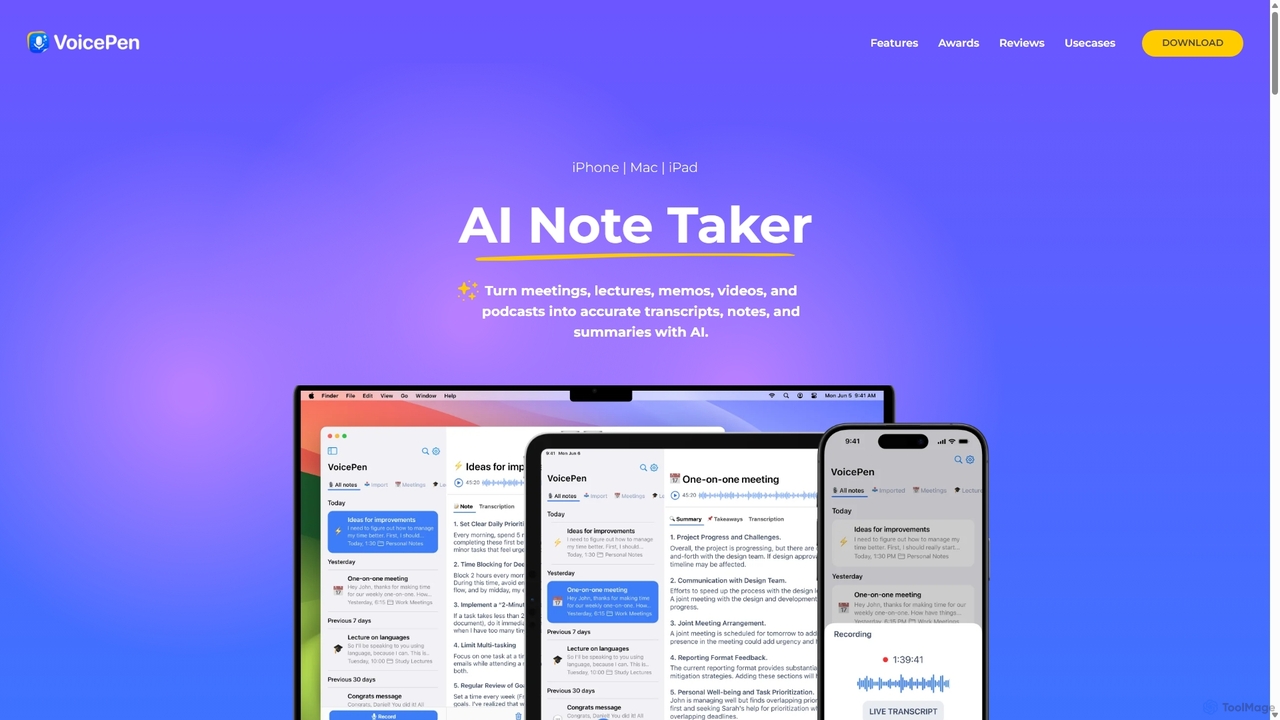
VoicePen
VoicePen is an AI-powered note-taking app for iPhone, Mac, and iPad that transforms meetings, lectures, and any audio/video into accurate transcripts, summaries, and structured notes. It features high-speed transcription, speaker separation, 80+ language support, and over 25 AI rewriting styles to boost your productivity.
Speech To Text
voicetotextapp
An AI-powered transcription service that accurately converts voice and audio into text in real-time. Supports multiple languages, speaker identification, and various export formats. Ideal for transcribing meetings, interviews, podcasts, and lectures with high speed and precision.
Speech To Text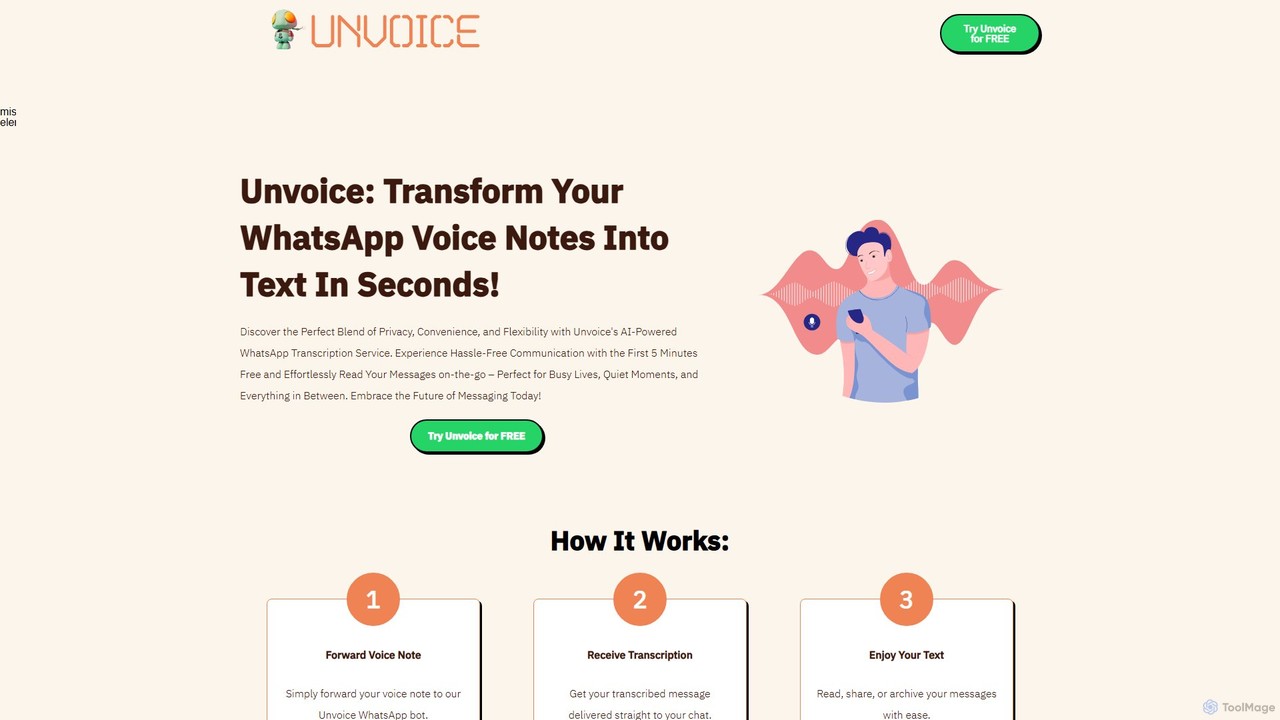
Unvoice
Unvoice is an AI-powered WhatsApp bot that instantly transcribes voice notes into text. It offers a seamless, private, and convenient way to read your voice messages, perfect for when you're in a meeting, a quiet place, or simply prefer reading over listening.
Speech To Text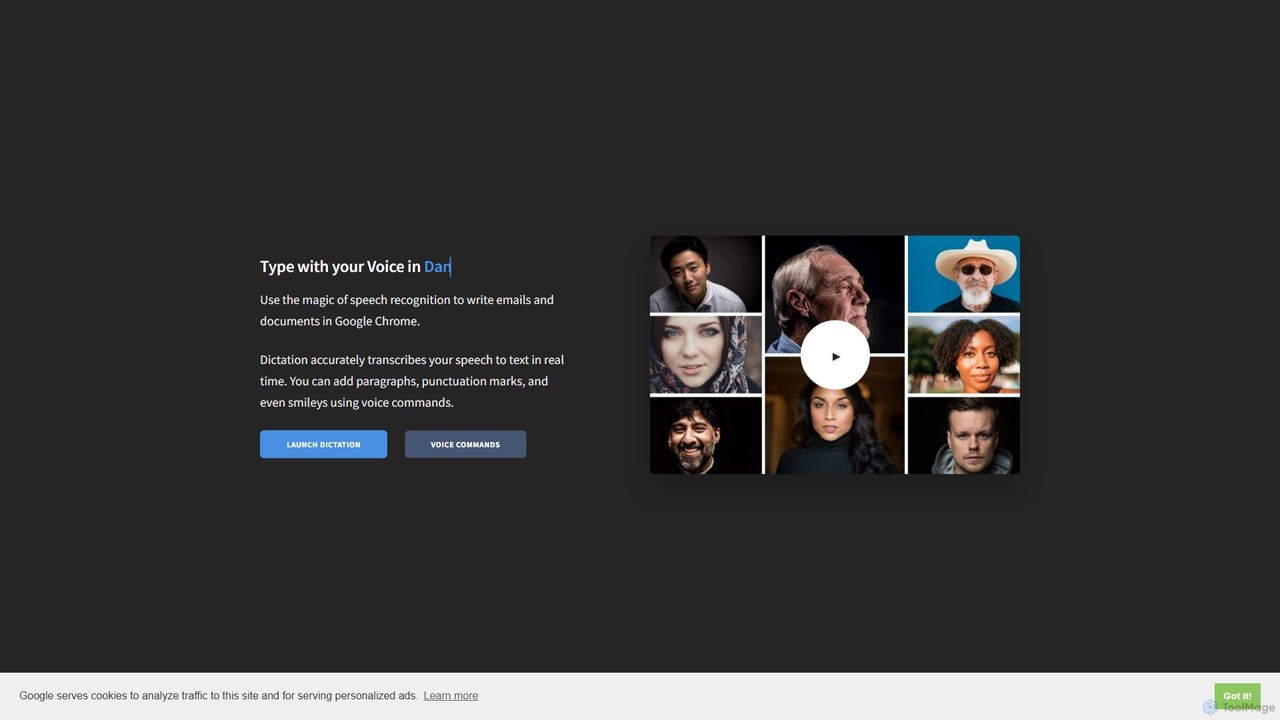
Dictation.io
Dictation.io is a free, web-based speech-to-text application that allows you to type with your voice in over 100 languages. It uses Google's speech recognition for fast, real-time transcription directly in your Chrome browser, with no data stored online, ensuring privacy.
Speech To Text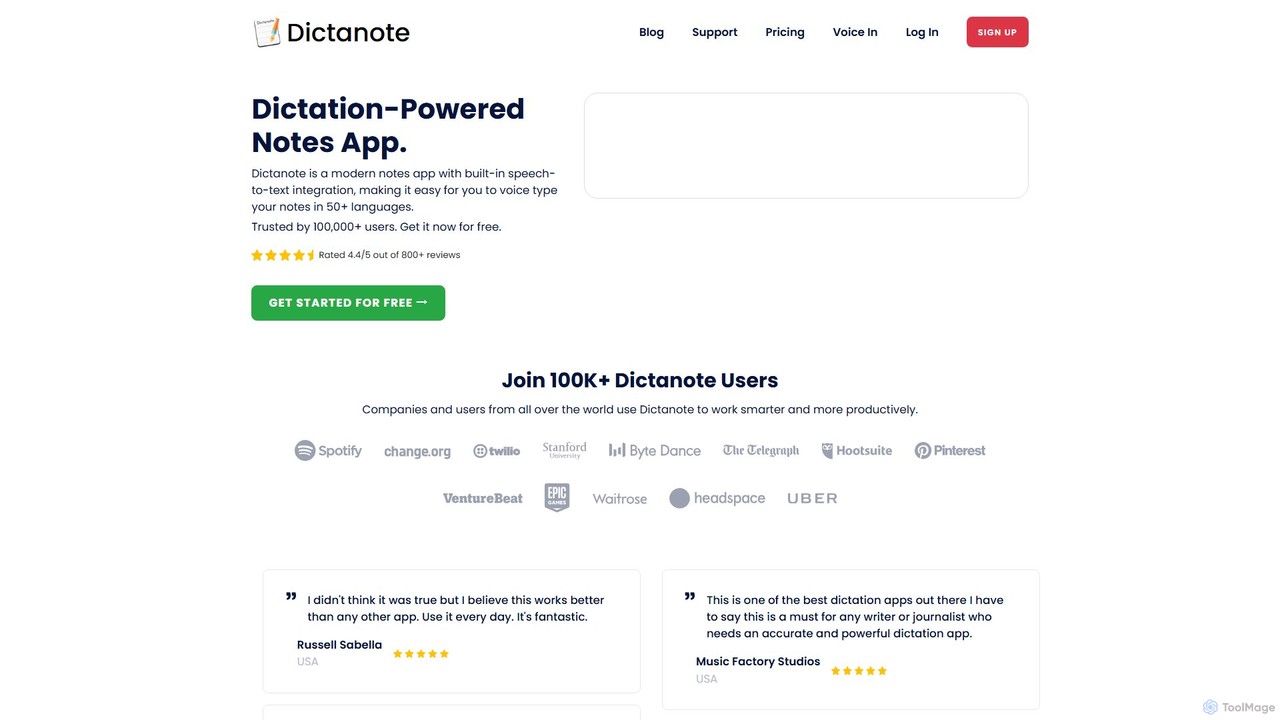
Dictanote
Dictanote is an AI-powered note-taking and transcription tool that converts your voice into text with high accuracy. It features a smart note editor, a Chrome extension for dictation on any site, and an AI assistant, AudioScribe, to summarize and rewrite your voice notes.
Speech To Textvoicetotext.org
voicetotext.org is a free, AI-powered online tool for real-time speech-to-text transcription and text-to-speech conversion. It supports over 30 languages, allowing users to type with their voice, add punctuation, and export text. The service prioritizes privacy by processing all data locally in the browser, with no sign-up or data storage required. It also includes a voice generator to convert text into audio.
Speech To TextAudioscribe
Audioscribe is an AI-powered tool that transforms your messy, spoken thoughts into clean, well-structured notes. Simply record your voice, and the AI will transcribe, organize, and format your ideas into coherent text for project plans, emails, journals, and more, streamlining your workflow and boosting productivity.
Speech To Text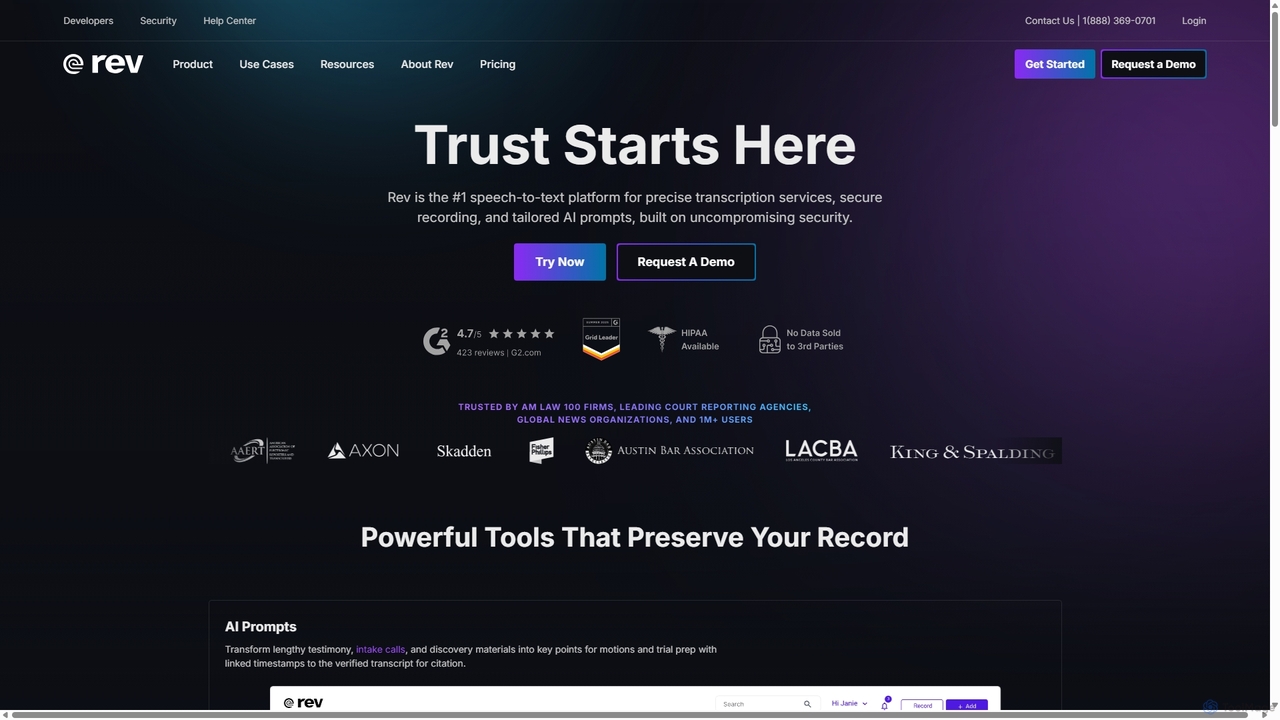
Rev
Rev is a leading speech-to-text platform offering both AI-powered and human-based transcription, captioning, and subtitling services. It's designed for professionals in legal, media, and research, providing industry-leading accuracy (up to 99%+). Rev's suite of AI tools helps users analyze audio/video content to uncover key insights, generate summaries, and streamline workflows, all within a secure and compliant environment.
Speech To Text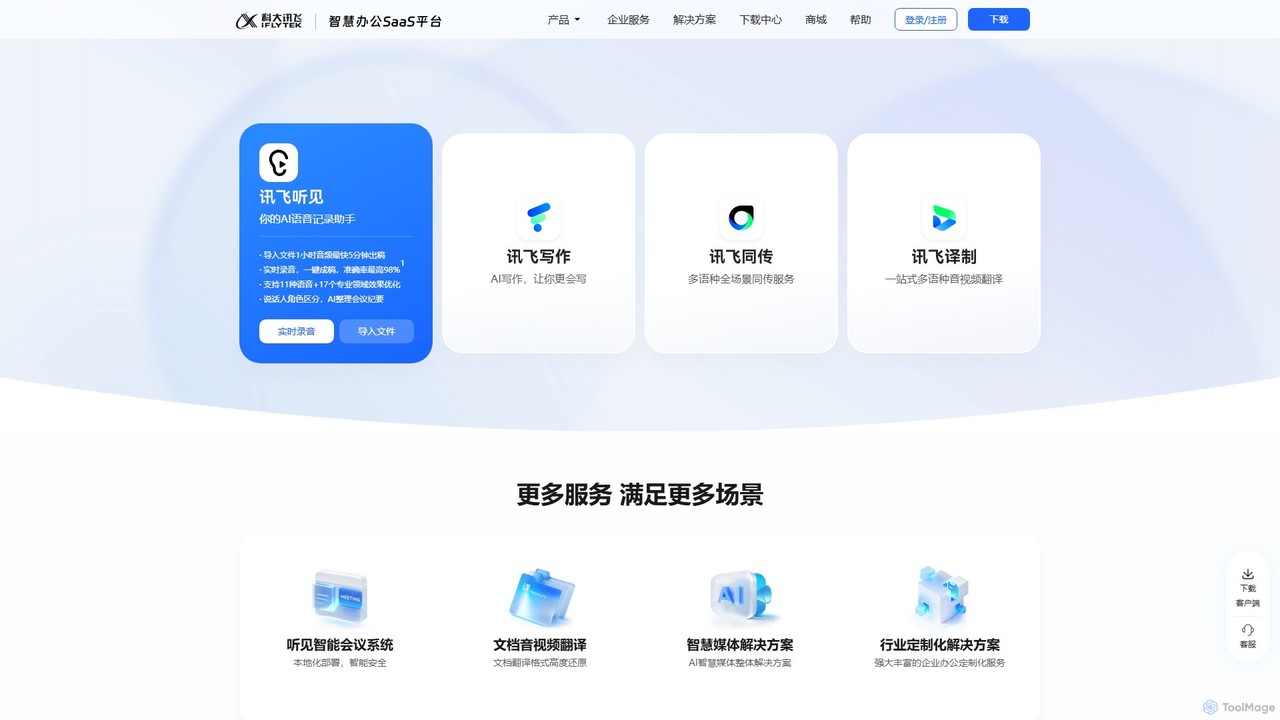
iflyrec
iFlyrec is an AI-powered voice assistant from iFlytek, specializing in high-accuracy speech-to-text transcription, real-time translation, and intelligent document generation. It supports multiple languages and professional domains, offering solutions for meetings, interviews, lectures, and content creation to boost productivity for professionals, students, and enterprises.
Speech To Text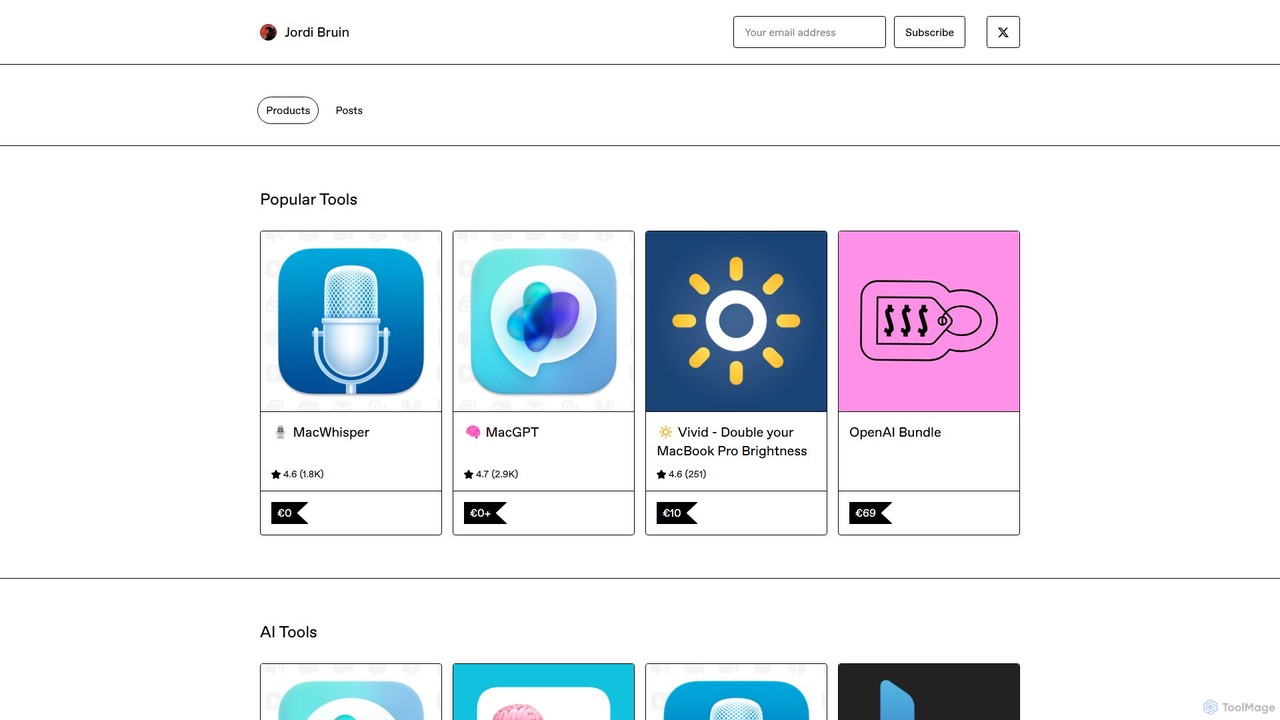
MacWhisper
MacWhisper is a powerful macOS application that leverages OpenAI's state-of-the-art Whisper technology for fast, accurate, and private audio-to-text transcription. It operates entirely on your device, ensuring your data remains secure.
Speech To Text
inkr
inkr is an AI-powered transcription service that converts audio and video to text with exceptional speed and accuracy. It supports over 100 languages and features an AI assistant for querying transcripts, smart note-taking with templates, and speaker identification. Ideal for professionals, students, and teams.
Speech To Text
Speechnotes Comments (0)
Sign in to comment.
Sign inNo comments yet.