
Dictation.io Overview
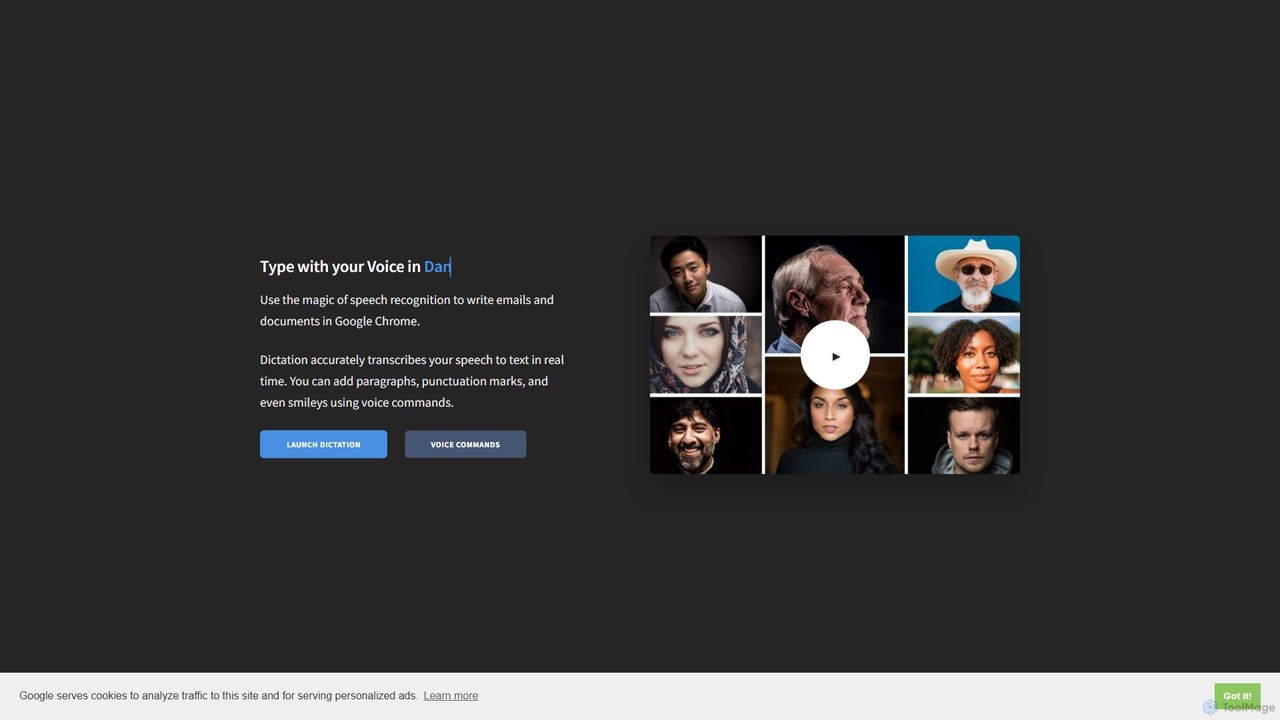
Dictation.io is a powerful and user-friendly online speech recognition tool designed to convert your spoken words into text in real time. Leveraging Google's advanced speech recognition engine, it offers high accuracy and speed, making it an excellent alternative to traditional typing. The tool operates entirely within the Google Chrome browser, requiring no software installation or registration. It is completely free to use and prioritizes user privacy by processing and storing all transcribed text locally in the browser. No data is uploaded to the Dictation.io servers.
The platform supports an extensive range of over 100 languages and dialects, making it a versatile tool for a global audience. It goes beyond simple transcription by incorporating voice commands for formatting, punctuation, and even adding special characters like smileys. This allows for a more natural and efficient hands-free writing experience, whether you're drafting emails, writing documents, or taking quick notes.
How to use Dictation.io
Using Dictation.io is straightforward and requires only a few simple steps:
- System Requirements: Ensure you are using the Google Chrome browser on a Windows, Mac, or Linux computer. An internet connection and a functional microphone are also necessary.
- Open the Website: Navigate to the Dictation.io website.
- Select Language: Choose your desired language from the extensive dropdown list.
- Start Dictating: Click the microphone icon to begin. The first time you use it, your browser will ask for permission to access your microphone; click "Allow".
- Speak Clearly: Begin speaking in a clear, natural voice. The tool will transcribe your words into the text editor in real time.
- Use Voice Commands: To add punctuation or formatting, simply say the command. For example, say "New line" to start a new paragraph, "Comma" to insert a comma, or "Smiling Face" to add a :-) emoticon.
- Edit and Use Text: Once you're finished, you can use the on-screen buttons to copy, save, publish as a secret Gist, tweet, email, print, or clear the text.
Core Features of Dictation.io
- Real-Time Transcription: Converts speech to text instantly as you speak.
- High Accuracy: Powered by Google's robust speech recognition engine for reliable transcription.
- Extensive Language Support: Recognizes and transcribes over 100 languages and regional dialects.
- Voice Commands: Allows for hands-free formatting, including adding paragraphs, punctuation marks, and special characters.
- Privacy-Focused: All transcribed data is stored locally in your browser. Nothing is saved on the tool's servers, ensuring your notes remain private.
- No Installation or Registration: A completely web-based tool that works directly in your Chrome browser without any sign-up process.
- Rich Text Controls: Easily copy, save, publish, tweet, email, or print your transcribed notes directly from the interface.
Use Cases for Dictation.io
Dictation.io is a versatile tool suitable for a wide range of users and applications:
- Productivity and Writing: Professionals and students can draft emails, reports, essays, and articles much faster than typing.
- Note-Taking: Quickly capture thoughts, ideas, or meeting minutes without the need for manual typing.
- Assistive Technology: An invaluable tool for individuals with physical disabilities, carpal tunnel syndrome, RSI, or learning disabilities like dyslexia that make typing difficult.
- Language Learning: Students can practice their pronunciation and check transcription accuracy to improve their speaking skills in a new language.
Advantages of Dictation.io
The primary advantages of using Dictation.io include its simplicity, accessibility, and cost-effectiveness. It is completely free, removing any financial barrier for users. The high accuracy and real-time feedback loop significantly boost productivity. Its strong privacy stance, with local data storage, provides peace of mind. Finally, the extensive language support and intuitive voice commands make it a powerful and inclusive tool for a global user base.
Pricing and Plans
Dictation.io is completely free to use. There are no subscription fees, hidden costs, or premium plans. The tool is supported by its developer, Amit Agarwal, as a free resource for everyone.
Traffic
Latest traffic
Status
Monthly traffic trend
- 2025-9: 411.6K
- 2026-1: 330.1K
- 2026-2: 340.0K
- 2026-3: 313.2K
- 2026-4: 314.5K
- 2026-5: 401.0K
Geography
Top 5 countries / regions
- 🇺🇸United States50.4%
- 🇮🇳India26.9%
- 🇧🇩Bangladesh10.5%
- 🇷🇺Russia6.8%
- 🇬🇷Greece5.4%
Traffic sources
| Source type | Percentage |
|---|---|
Direct | 93.3% |
Referral | 4.2% |
Email | 2.5% |
Top keywords
| Keyword | Cost per click |
|---|---|
| dictation | $1.03 |
| dictation io | $0.38 |
| dictation.io | $0.38 |
| voice to text | $0.88 |
| voice typing | $0.68 |
Dictation.io Alternatives
Dictanote
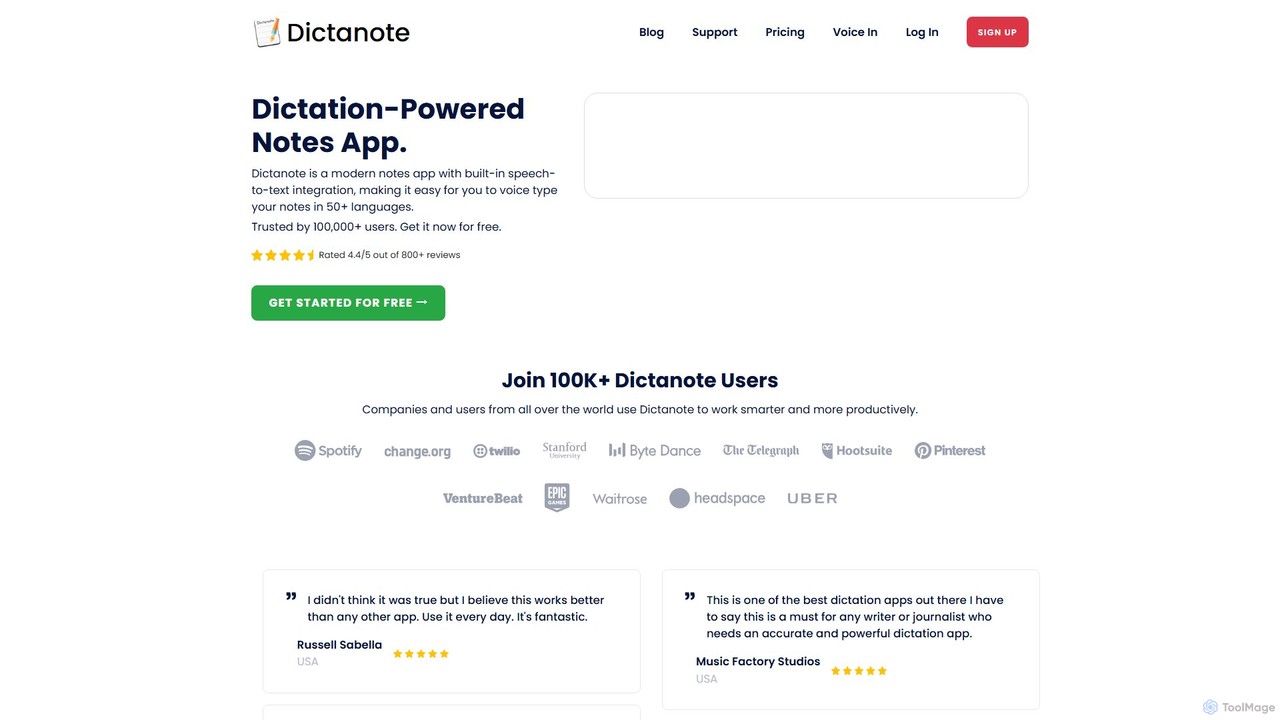
Dictanote is an AI-powered note-taking and transcription tool that converts your voice into text with high accuracy. It features a smart note editor, a Chrome extension for dictation on any site, and an AI assistant, AudioScribe, to summarize and rewrite your voice notes.
Speech To Text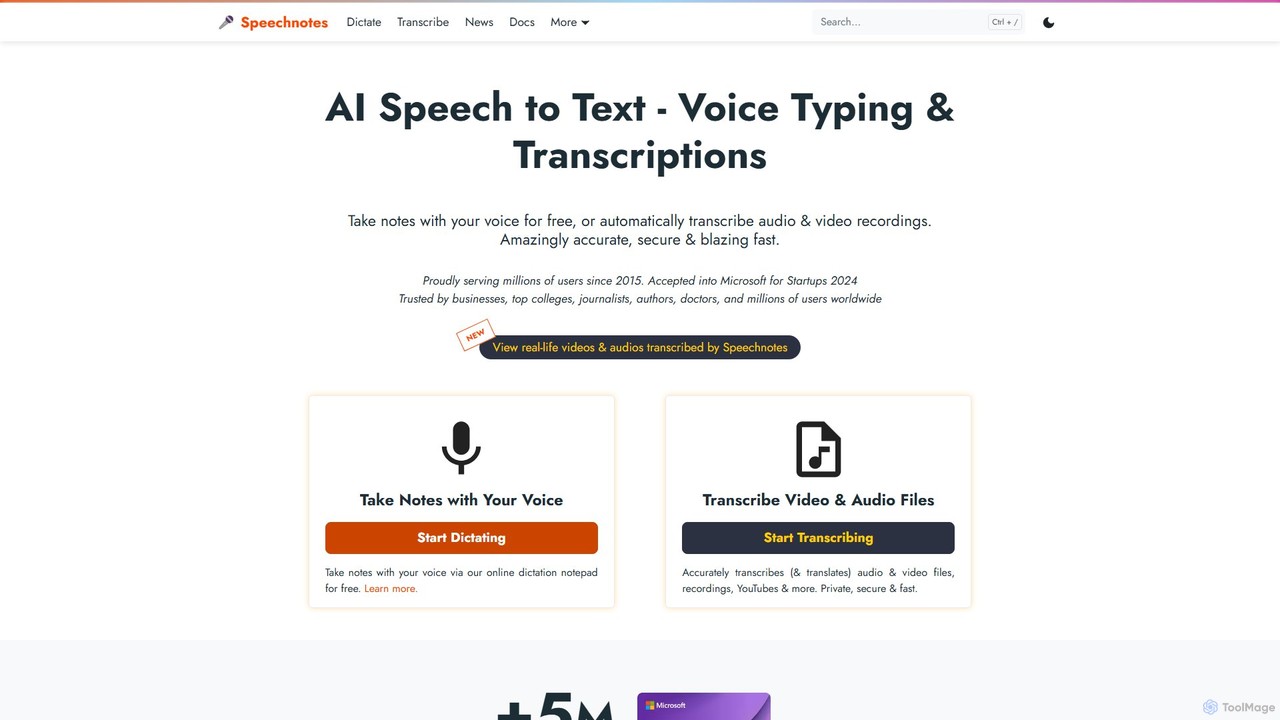
Speechnotes
Speechnotes is a powerful and private speech-to-text tool, offering free online voice dictation and a professional, secure automatic transcription service. It supports real-time voice typing, audio/video file transcription, and even features a convenient WhatsApp bot. With a strong emphasis on user privacy and HIPAA compliance for its paid service, Speechnotes is ideal for writers, journalists, students, and professionals.
Speech To Text
superwhisper
superwhisper is an AI-powered dictation and transcription tool for macOS and iOS. It offers high-accuracy speech-to-text conversion, intelligent formatting modes for different contexts (emails, notes), and supports over 100 languages. It prioritizes privacy with offline, on-device processing and works seamlessly in any application.
Speech To Text
voicewriter
An AI-powered voice writing tool that transcribes your speech into polished, grammatically correct text in real-time. It supports over 30 languages, learns your unique writing style, and works directly in your browser via a Chrome extension, boosting your writing speed for emails, blogs, and reports.
Note Taking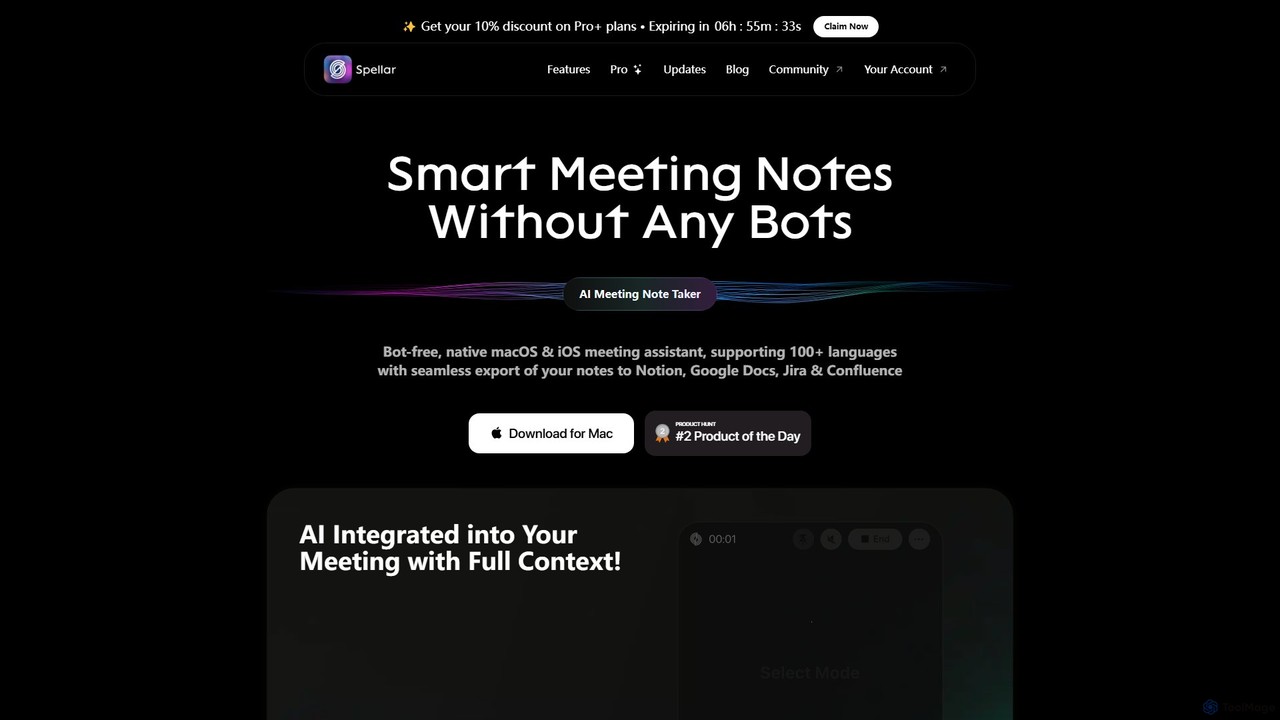
Spellar
Spellar is a bot-free AI meeting assistant for macOS, iOS, and web. It records, transcribes, and summarizes your meetings, providing actionable insights and real-time communication feedback. It integrates seamlessly with tools like Notion, Jira, and Google Docs, supporting over 100 languages to boost your productivity.
Language LearningDictation.io Categories
Dictation.io Embed Widget
Copy this embed code to place the badge on your blog, article, or product site and send readers directly to this ToolMage detail page.

Related AI tools
Dictanote
Dictanote is an AI-powered note-taking and transcription tool that converts your voice into text with high accuracy. It features a smart note editor, a Chrome extension for dictation on any site, and an AI assistant, AudioScribe, to summarize and rewrite your voice notes.
Speech To TextSpeechnotes
Speechnotes is a powerful and private speech-to-text tool, offering free online voice dictation and a professional, secure automatic transcription service. It supports real-time voice typing, audio/video file transcription, and even features a convenient WhatsApp bot. With a strong emphasis on user privacy and HIPAA compliance for its paid service, Speechnotes is ideal for writers, journalists, students, and professionals.
Speech To Textsuperwhisper
superwhisper is an AI-powered dictation and transcription tool for macOS and iOS. It offers high-accuracy speech-to-text conversion, intelligent formatting modes for different contexts (emails, notes), and supports over 100 languages. It prioritizes privacy with offline, on-device processing and works seamlessly in any application.
Speech To Textvoicewriter
An AI-powered voice writing tool that transcribes your speech into polished, grammatically correct text in real-time. It supports over 30 languages, learns your unique writing style, and works directly in your browser via a Chrome extension, boosting your writing speed for emails, blogs, and reports.
Note Taking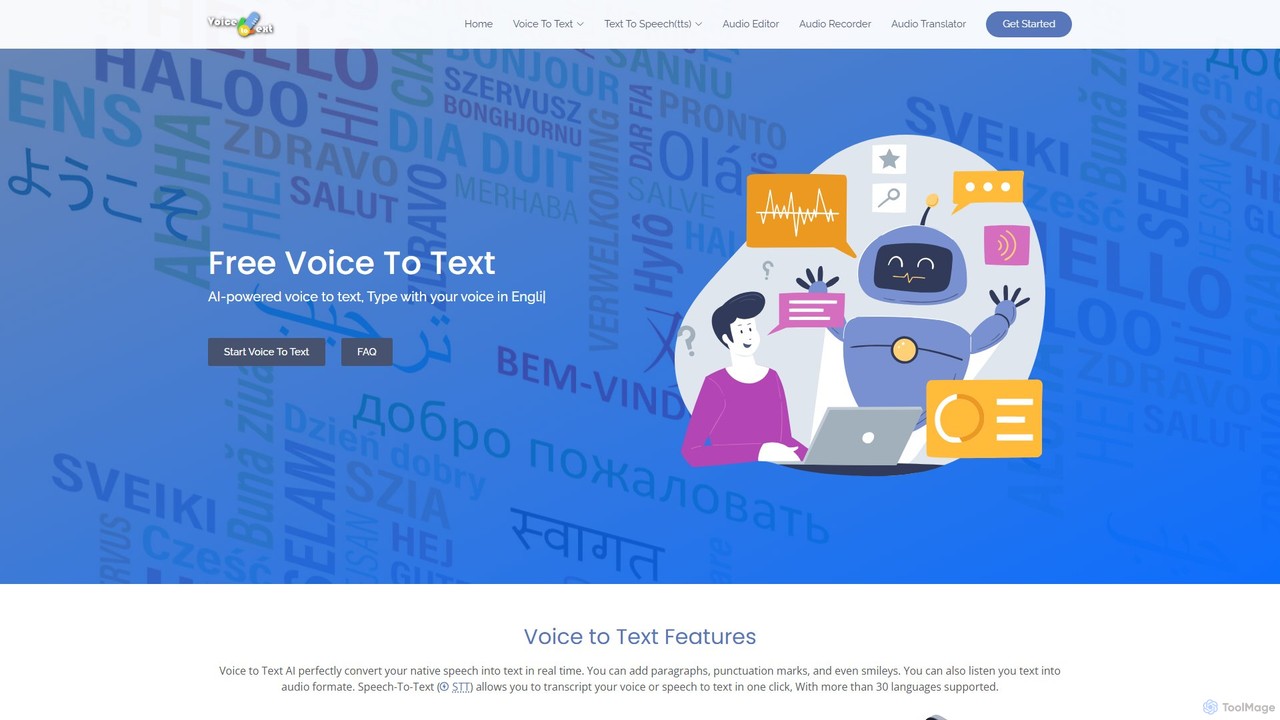
voicetotext.org
voicetotext.org is a free, AI-powered online tool for real-time speech-to-text transcription and text-to-speech conversion. It supports over 30 languages, allowing users to type with their voice, add punctuation, and export text. The service prioritizes privacy by processing all data locally in the browser, with no sign-up or data storage required. It also includes a voice generator to convert text into audio.
Speech To Text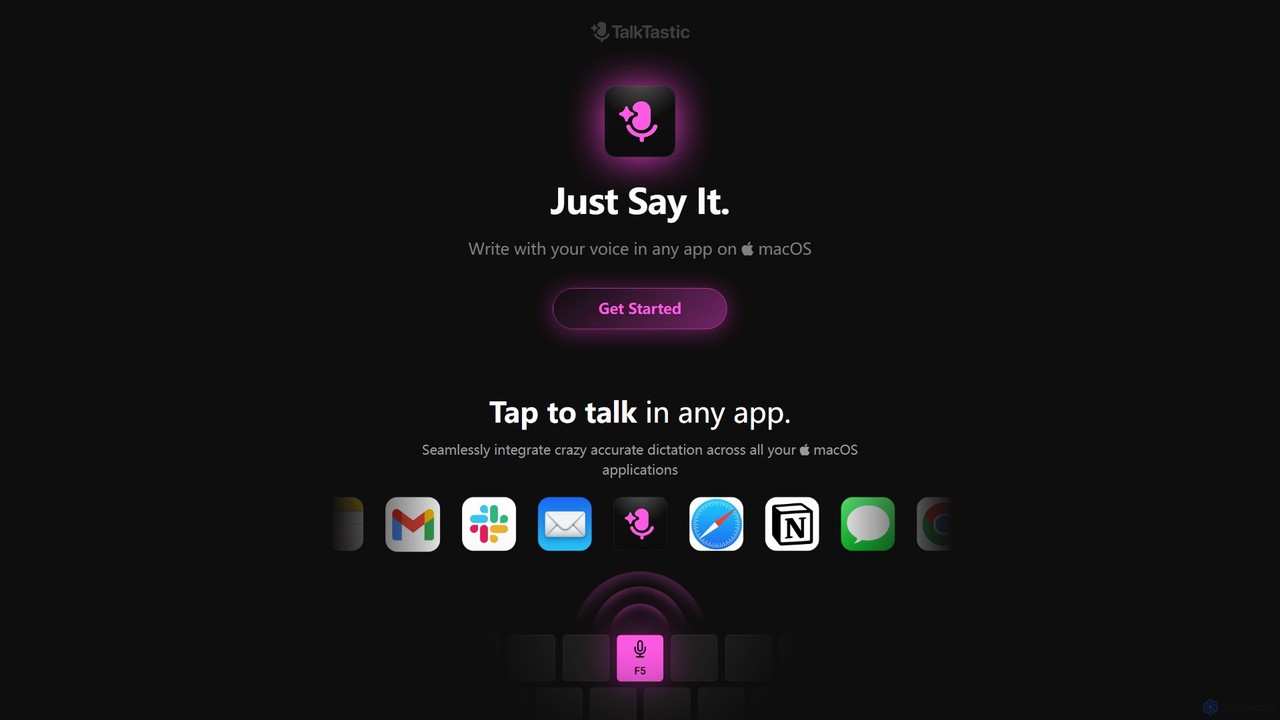
TalkTastic
TalkTastic is a revolutionary AI-powered dictation app for macOS that lets you write with your voice in any application. It goes beyond simple speech-to-text by using multimodal AI to understand on-screen context, ensuring highly accurate, context-aware transcriptions and smart rewrites in your personal style. Boost your productivity and stop typing.
Speech To Text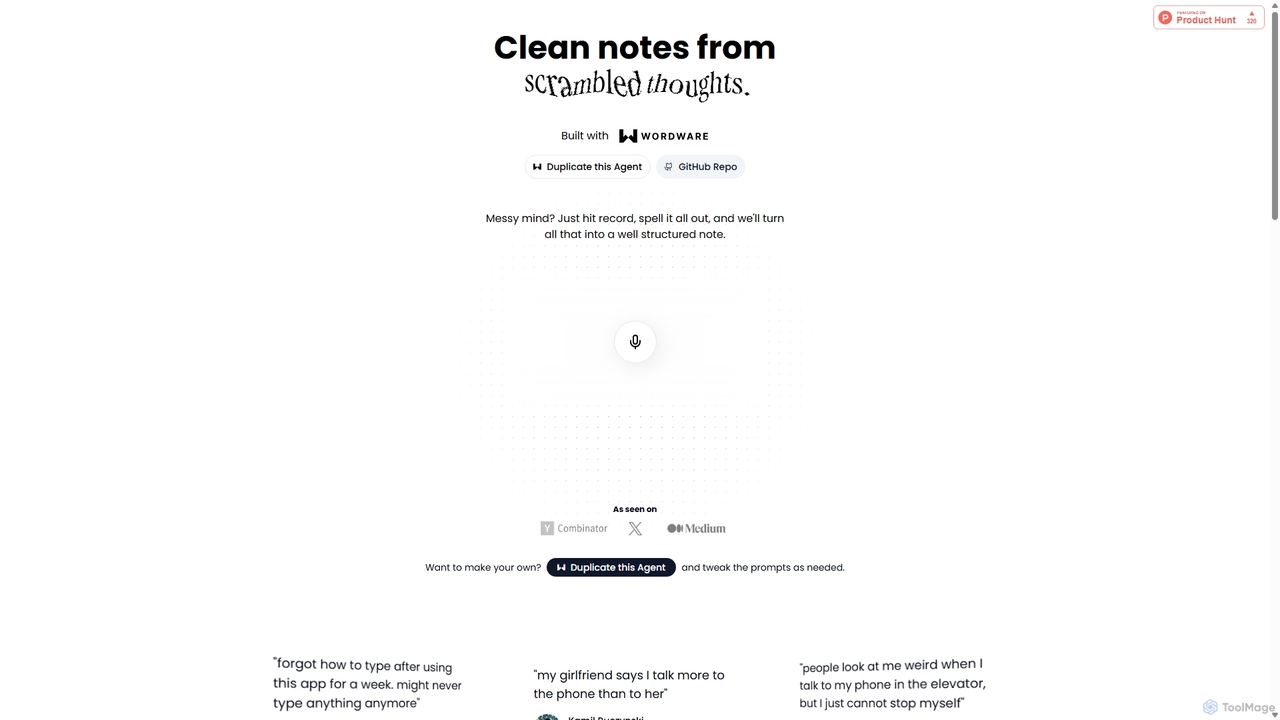
Audioscribe
Audioscribe is an AI-powered tool that transforms your messy, spoken thoughts into clean, well-structured notes. Simply record your voice, and the AI will transcribe, organize, and format your ideas into coherent text for project plans, emails, journals, and more, streamlining your workflow and boosting productivity.
Speech To Text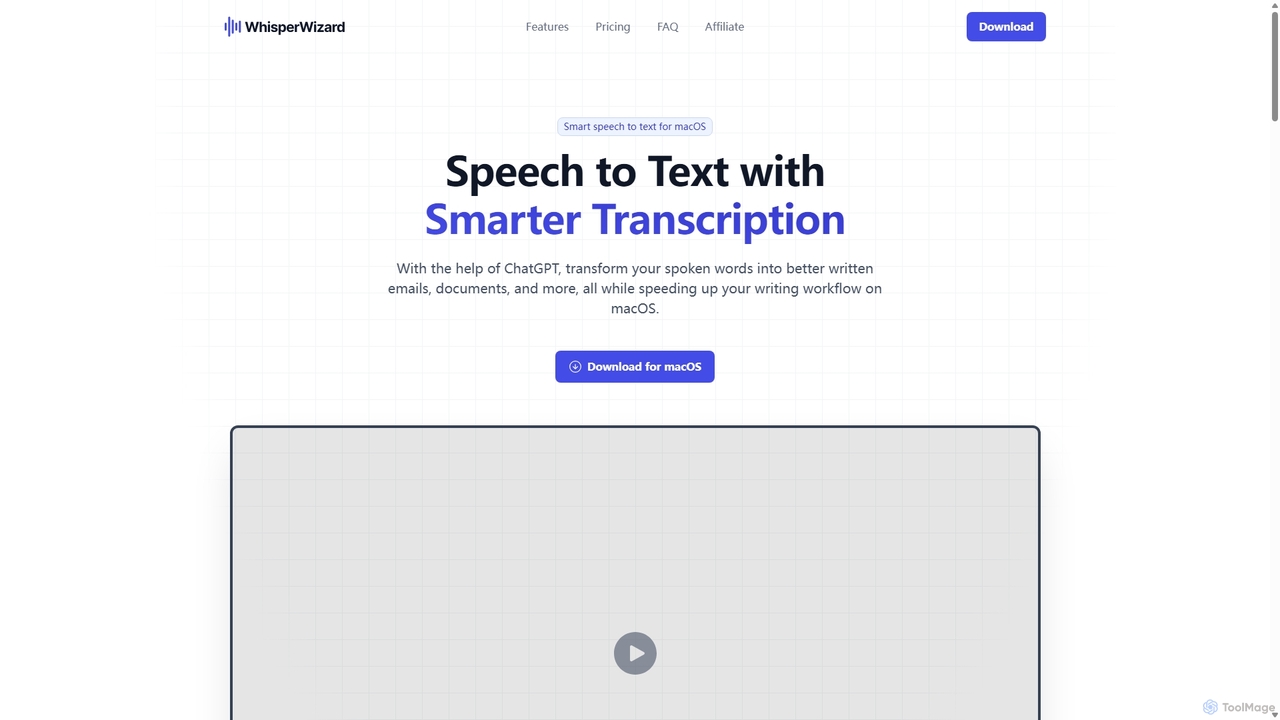
WhisperWizard
WhisperWizard is a powerful macOS application that transforms your speech into text with AI-powered enhancements. Leveraging ChatGPT, it not only transcribes your voice with high accuracy but also refines the output into well-structured emails, documents, and more. Create custom templates and shortcuts to streamline your writing workflow, making it faster and more efficient than ever to capture and perfect your ideas.
Speech To Text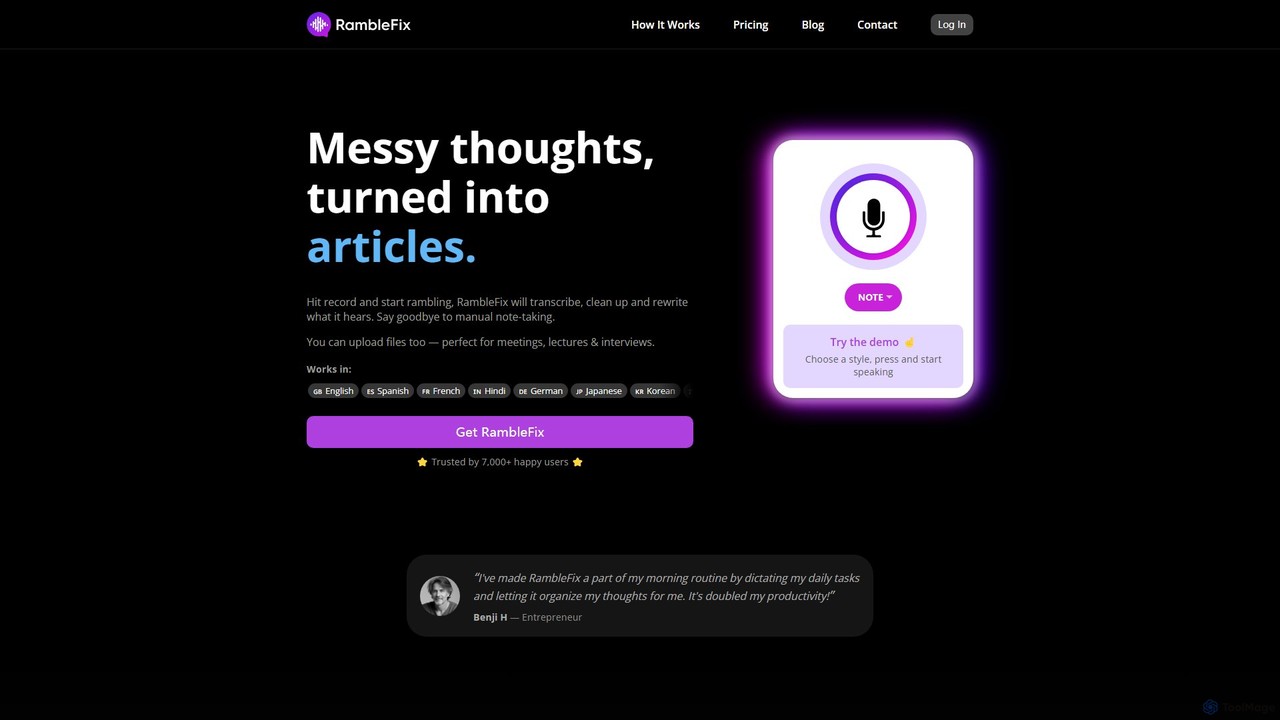
RambleFix
RambleFix is an AI-powered tool that transforms your scattered voice notes and ramblings into structured, polished text. Simply record your thoughts or upload an audio file, and the AI will transcribe, clean up, and rewrite your content into articles, emails, social posts, or organized lists. It supports over 30 languages, making it perfect for boosting productivity, overcoming writer's block, and creating content effortlessly.
Transcription
Notta
Notta is an AI-powered transcription service that converts audio and video to text with high accuracy. It offers real-time transcription, AI summaries, speaker identification, and translation in 58 languages, streamlining workflows for meetings, interviews, and lectures.
Speech To Text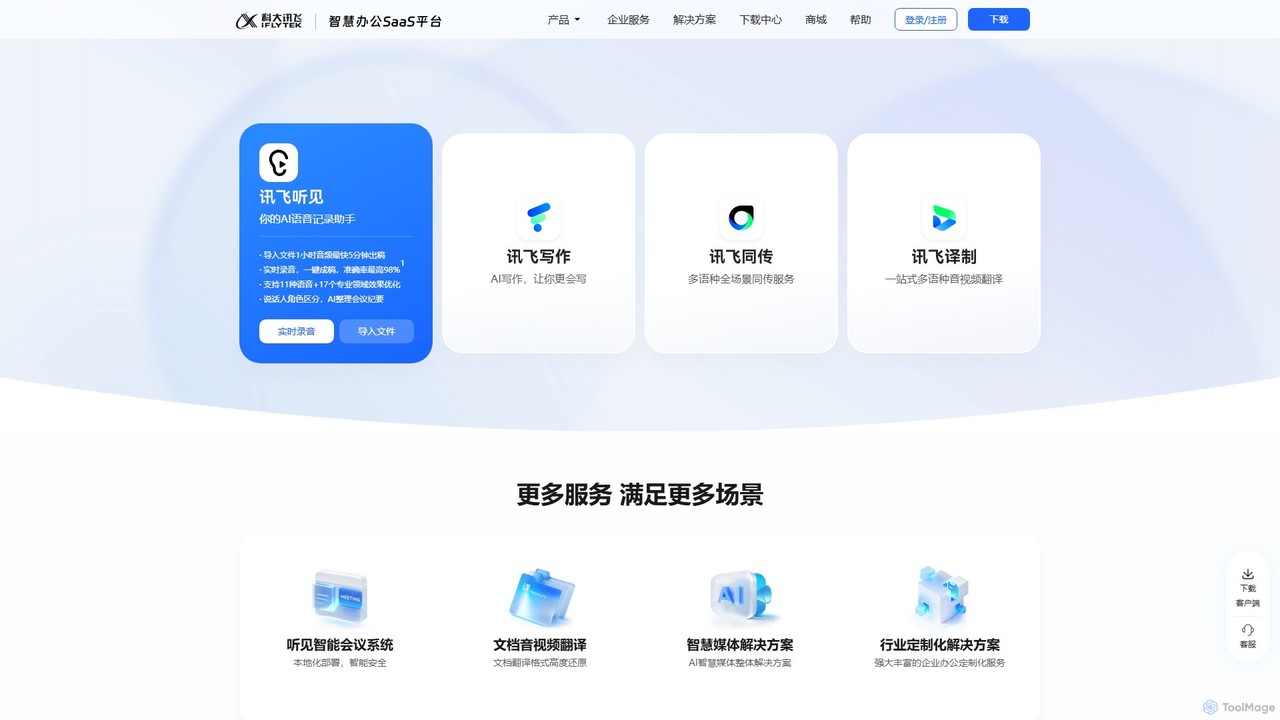
iflyrec
iFlyrec is an AI-powered voice assistant from iFlytek, specializing in high-accuracy speech-to-text transcription, real-time translation, and intelligent document generation. It supports multiple languages and professional domains, offering solutions for meetings, interviews, lectures, and content creation to boost productivity for professionals, students, and enterprises.
Speech To Text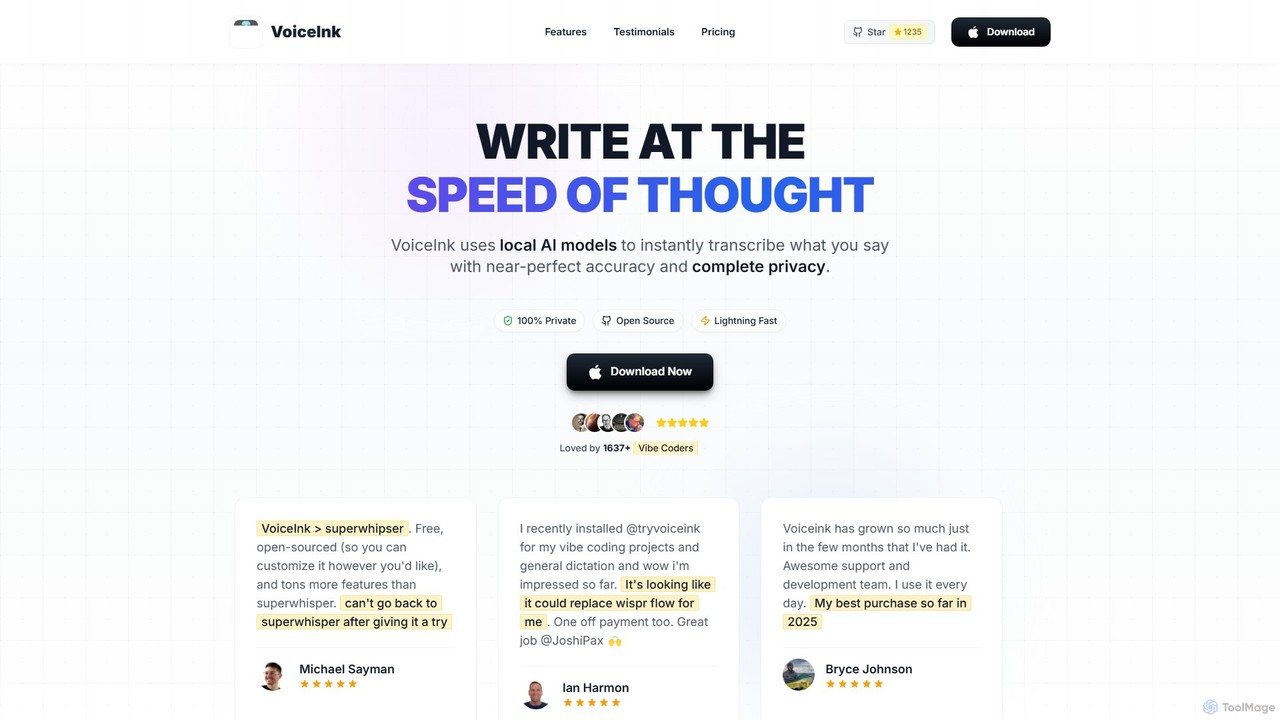
VoiceInk
VoiceInk is a privacy-first, open-source AI dictation app for Mac. It uses local AI models for instant, highly accurate voice-to-text transcription directly in any application. With a one-time payment, it offers system-wide integration, custom dictionaries, and smart modes to boost productivity for writers, coders, and professionals.
Mac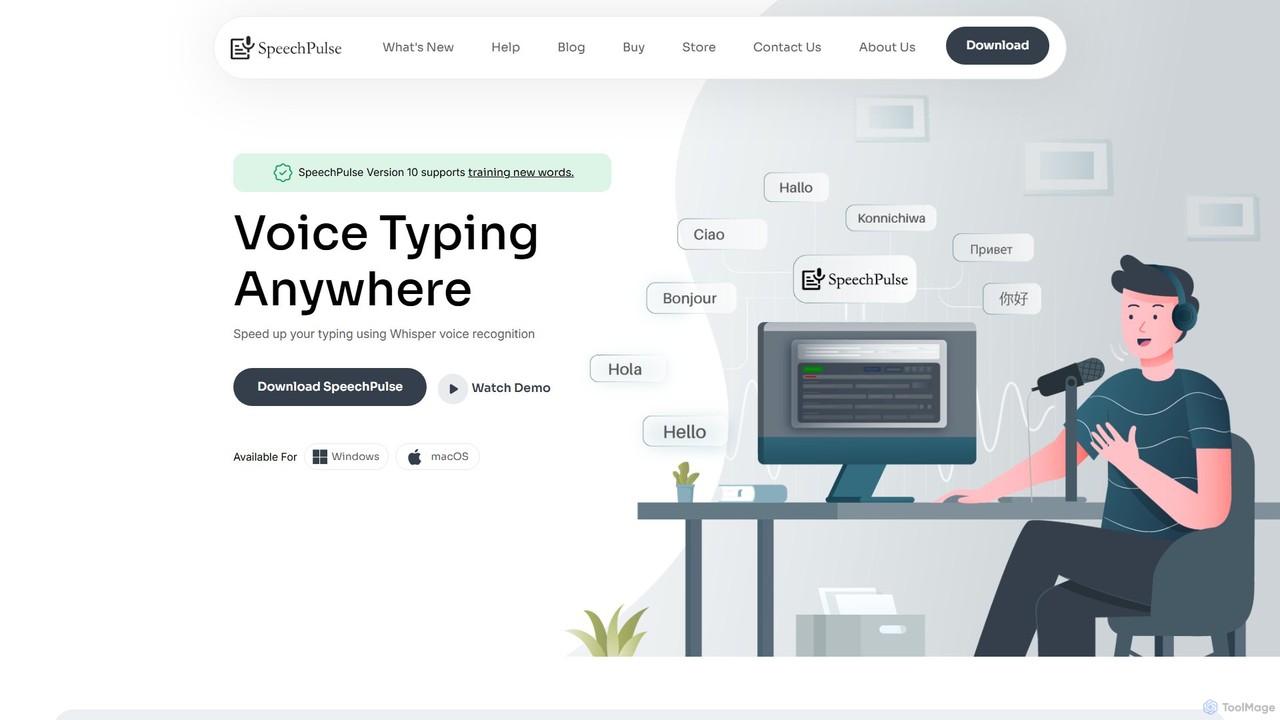
SpeechPulse
SpeechPulse is a powerful offline AI dictation and transcription application for Windows and macOS. It prioritizes user privacy by processing all data locally on your machine. Supporting 99 languages, it offers real-time dictation, audio/video file transcription with speaker diarization, subtitle generation, and AI-powered text enhancement. Ideal for professionals, content creators, and anyone seeking a secure and efficient speech-to-text solution.
Speech To Text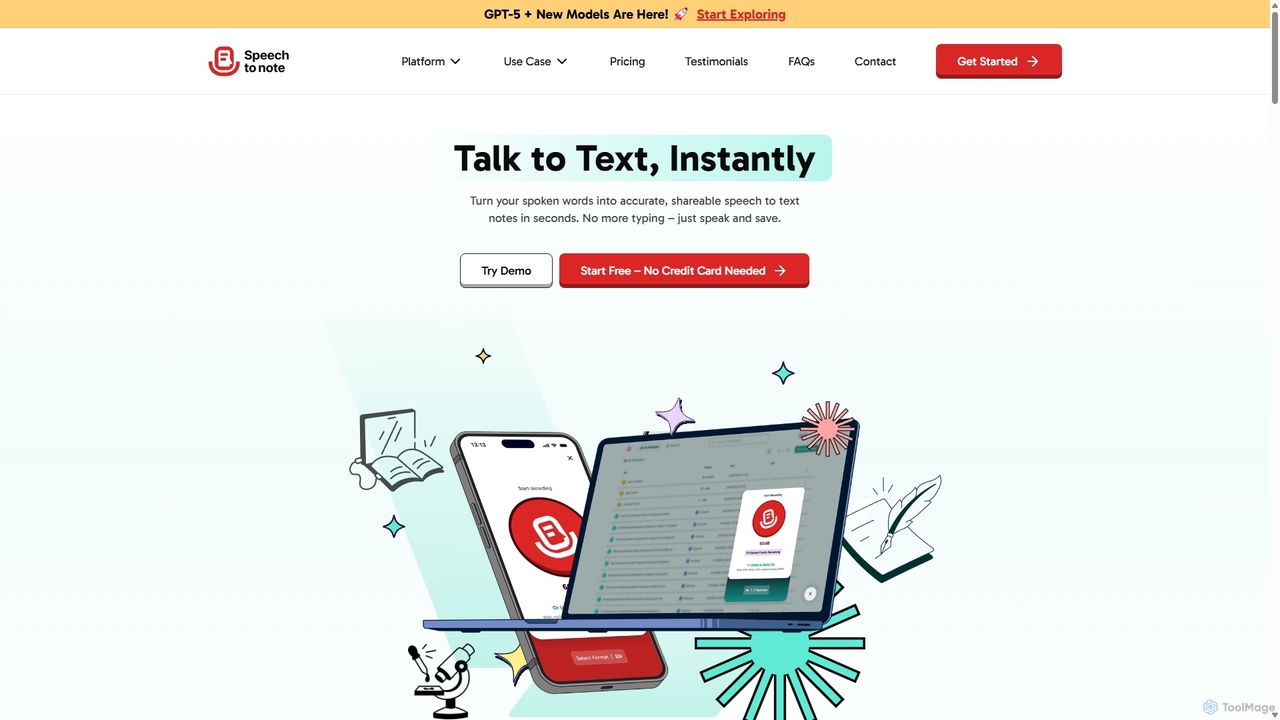
SpeechtoNote
SpeechtoNote is an AI-powered tool that instantly converts spoken words into accurate text notes. It supports over 40 languages and offers 30+ smart note formats, including summaries, emails, and to-do lists. Powered by advanced models like GPT-4o, it's designed for professionals, students, and creators to capture ideas, transcribe meetings, and streamline their workflow effortlessly.
Speech To Text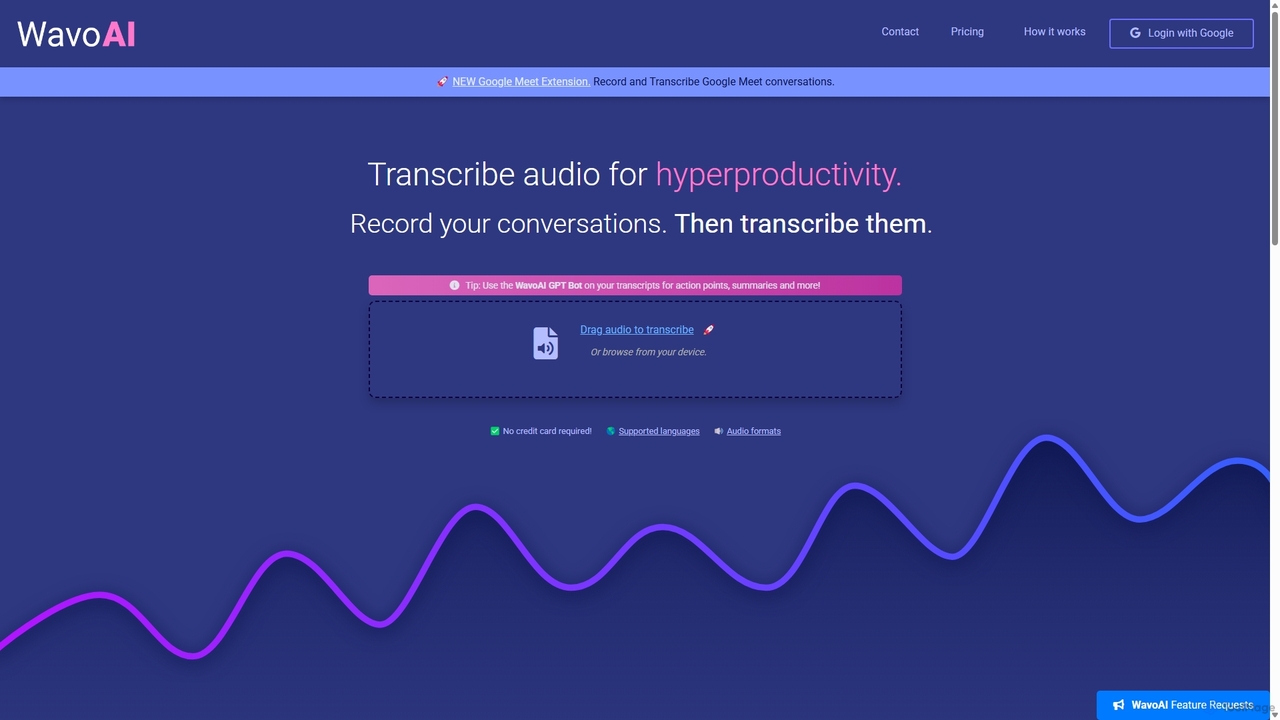
WavoAI
WavoAI is an AI-powered platform that transforms audio and conversations into highly accurate, actionable transcripts. It features speaker identification and an interactive GPT-like bot that allows you to summarize, analyze, and extract key insights like action points from your transcribed text, effectively turning your audio into structured, searchable data.
Speech To Text
Dictation.io Comments (0)
Sign in to comment.
Sign inNo comments yet.