VoiceInk
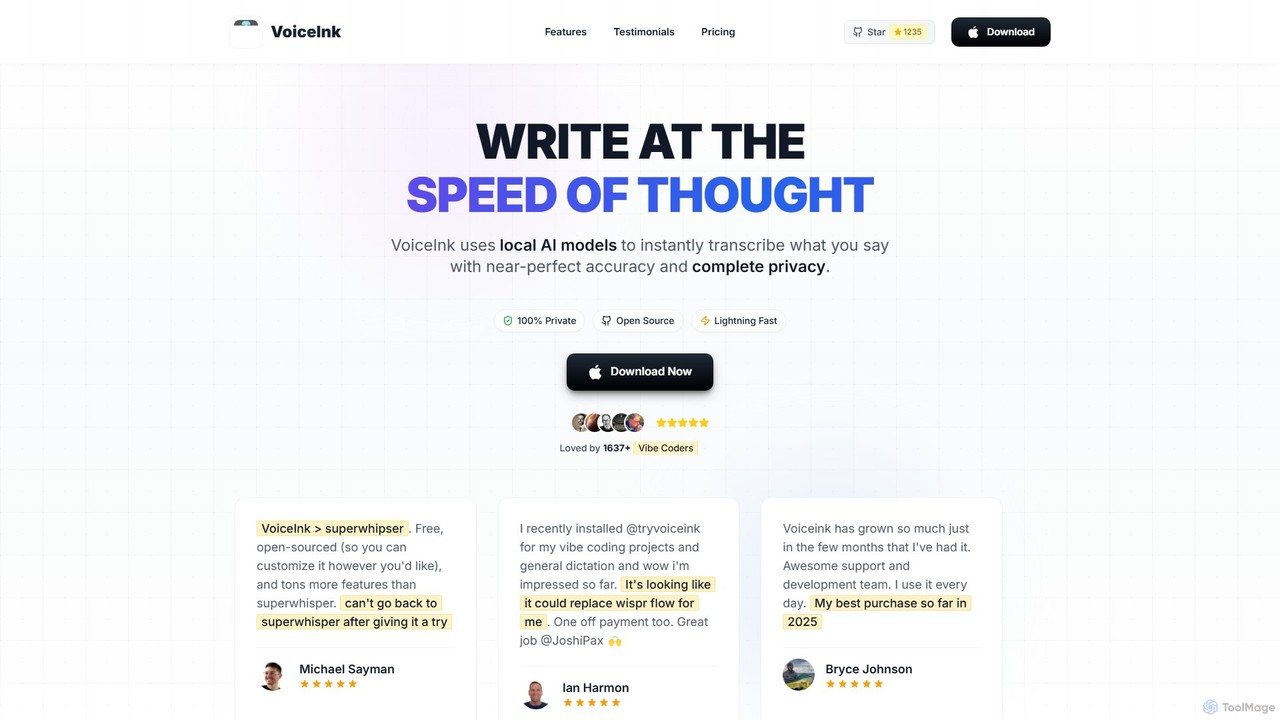
VoiceInk is a privacy-first, open-source AI dictation app for Mac. It uses local AI models for instant, highly …
VoiceInk is a privacy-first, open-source AI dictation app for Mac. It uses local AI models for instant, highly accurate voice-to-text transcription directly in any application. With a one-time payment, it offers system-wide integration, custom dictionaries, and smart modes to boost productivity for writers, coders, and professionals.
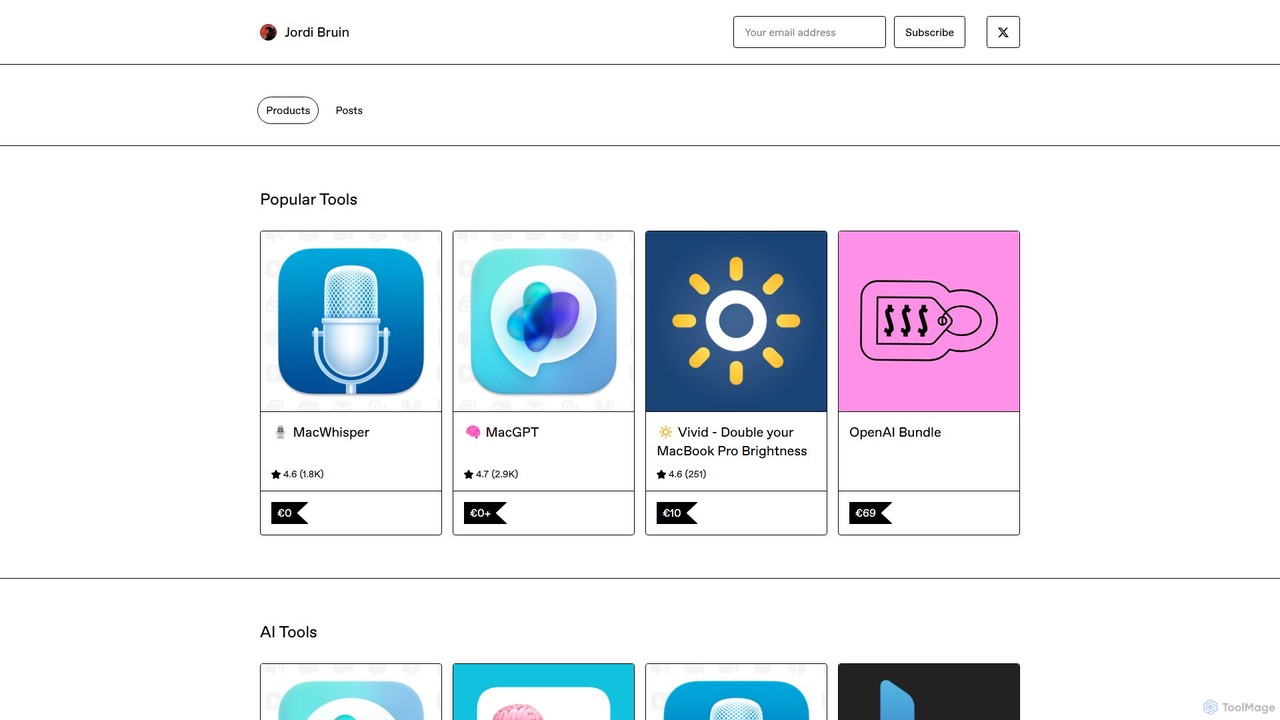
MacWhisper
MacWhisper is a powerful macOS application that leverages OpenAI's state-of-the-art Whisper technology for fast, accurate, and private audio-to-text …
MacWhisper is a powerful macOS application that leverages OpenAI's state-of-the-art Whisper technology for fast, accurate, and private audio-to-text transcription. It operates entirely on your device, ensuring your data remains secure.
Prompta
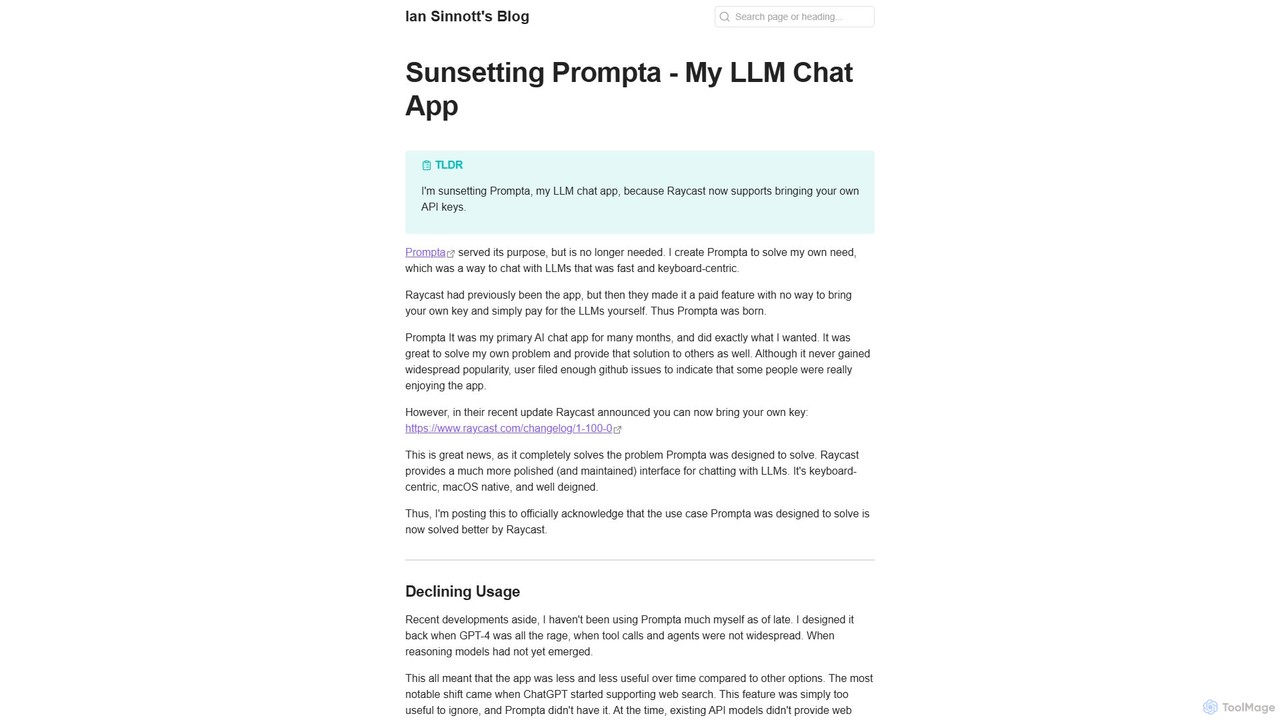
Prompta is a fast, keyboard-centric, and open-source LLM chat application for macOS. It allows users to bring their …
Prompta is a fast, keyboard-centric, and open-source LLM chat application for macOS. It allows users to bring their own API keys (BYOK) for direct and cost-effective interaction with large language models. Although no longer in active development, it remains a functional tool for users seeking a simple, efficient AI chat experience.
About Mac
Mac AI tools are software applications specifically designed and optimized for the macOS operating system. These tools leverage the unique architecture of Apple hardware, such as Apple Silicon (M-series chips) and the Neural Engine, to deliver high performance and efficiency. They provide powerful AI capabilities directly within the native Mac environment, often featuring superior integration with system services and a user interface that aligns with Apple's design principles. This results in a seamless, responsive, and secure user experience for tasks ranging from content creation to data analysis.
Core Features
- Native Performance: Optimized for Apple Silicon (M1/M2/M3) and Metal API, ensuring fast processing and low energy consumption.
- macOS Integration: Seamlessly connects with system features like Spotlight, Shortcuts, Finder, and Notification Center for streamlined workflows.
- Unified UI/UX: Adheres to Apple's Human Interface Guidelines, offering an intuitive and familiar user experience.
- On-Device Processing: Many tools perform AI tasks locally on the machine, enhancing user privacy and enabling offline functionality.
- System Resource Efficiency: Designed to be lightweight and manage memory effectively, minimizing impact on overall system performance.
Use Cases
These tools are ideal for creative professionals, developers, and knowledge workers who operate within the Apple ecosystem. For instance, a graphic designer might use a native AI image enhancer that integrates with the Photos app, while a developer could use an on-device code assistant that runs faster than its cloud-based counterparts. Business users can benefit from AI-powered note-taking and summarization apps that sync flawlessly across their Mac, iPhone, and iPad via iCloud.
How to Choose
When selecting a Mac AI tool, first consider whether it is a native application or a cross-platform port, as native apps generally offer better performance. Check for specific optimizations for Apple Silicon if you have a newer Mac. Evaluate the level of integration with macOS—does it support Shortcuts for automation or Quick Look for previews? Finally, review the privacy policy, prioritizing tools that emphasize on-device processing for handling sensitive data.
MacUse Cases
Automating Creative Workflows with Shortcuts
A content creator on a Mac can build a powerful automation using the Shortcuts app. For example, they can create a workflow that takes a new audio file from a specific folder, sends it to a native AI transcription app for processing, receives the text, then passes it to an AI summarization tool, and finally saves the summary as a new note in Apple Notes. This entire process, which would manually take 15-20 minutes, is completed in under a minute with a single click, leveraging the deep integration between AI tools and macOS.
On-Device Data Analysis for Privacy
A financial analyst needs to analyze sensitive company reports. Instead of uploading these confidential documents to a cloud-based AI service, they use a native Mac AI tool for data extraction and analysis. The application runs entirely on their machine, leveraging the Apple Neural Engine for rapid processing without any data leaving the device. This ensures compliance with strict data privacy policies while still providing powerful AI-driven insights, such as identifying key trends and summarizing financial performance directly from PDFs and spreadsheets.
Boosting Developer Productivity on Apple Silicon
A software developer working on an M2 MacBook Pro uses a native AI code completion tool. Because the tool is optimized for Apple Silicon, it provides instantaneous, context-aware suggestions directly within their code editor with minimal CPU usage. This is significantly faster and more responsive than using a similar tool through a web browser or a non-optimized application. The AI assistant can also refactor code, generate unit tests, and explain complex code blocks locally, speeding up the development cycle without relying on a constant internet connection.
Seamless Image Editing with Finder Integration
A photographer or social media manager needs to quickly upscale and enhance a batch of images. They use a Mac AI image editing tool that integrates directly with Finder. By simply right-clicking on a selection of images, they can access AI-powered options like 'Upscale 4x' or 'Remove Background' from the context menu. The tool processes the images in the background, leveraging the Mac's GPU via Metal for speed, and saves the new versions next to the originals. This avoids the cumbersome process of opening a separate application, importing files, processing, and then exporting them.
Intelligent Meeting Summarization Across Apple Devices
A project manager uses an AI note-taking app on their Mac to record and transcribe online meetings. After the meeting, the app, optimized for macOS, automatically generates a concise summary and identifies action items. Because the app uses iCloud for synchronization, the summary and transcript are instantly available on their iPhone and iPad. While on the go, they can review the action items on their iPhone and assign tasks, demonstrating a fluid, multi-device workflow powered by a native Mac AI application.
Organizing Research with an AI-Powered File Manager
A university researcher uses a specialized AI file management tool on their Mac to organize hundreds of academic papers. The tool automatically reads the content of each PDF, tags them with relevant keywords (e.g., 'machine learning', 'neural networks'), and renames them based on title and author. When the researcher needs to find a paper on a specific topic, they can use natural language search within the app, like 'find papers on protein folding from last year', and the AI retrieves the relevant documents instantly. This native app provides a faster and more integrated experience than a generic cloud storage solution.