Desktop Best in category 3 results Utilities AI Tool

Popular AI tools in the Utilities field of Desktop include Omnipilot、SpeechPulse、Steer, etc., helping you quickly improve efficiency.

Omnipilot

Omnipilot

Omnipilot, now part of Highlight, is a powerful AI assistant for Mac & Windows. It works across all …

37.6K
SpeechPulse

SpeechPulse

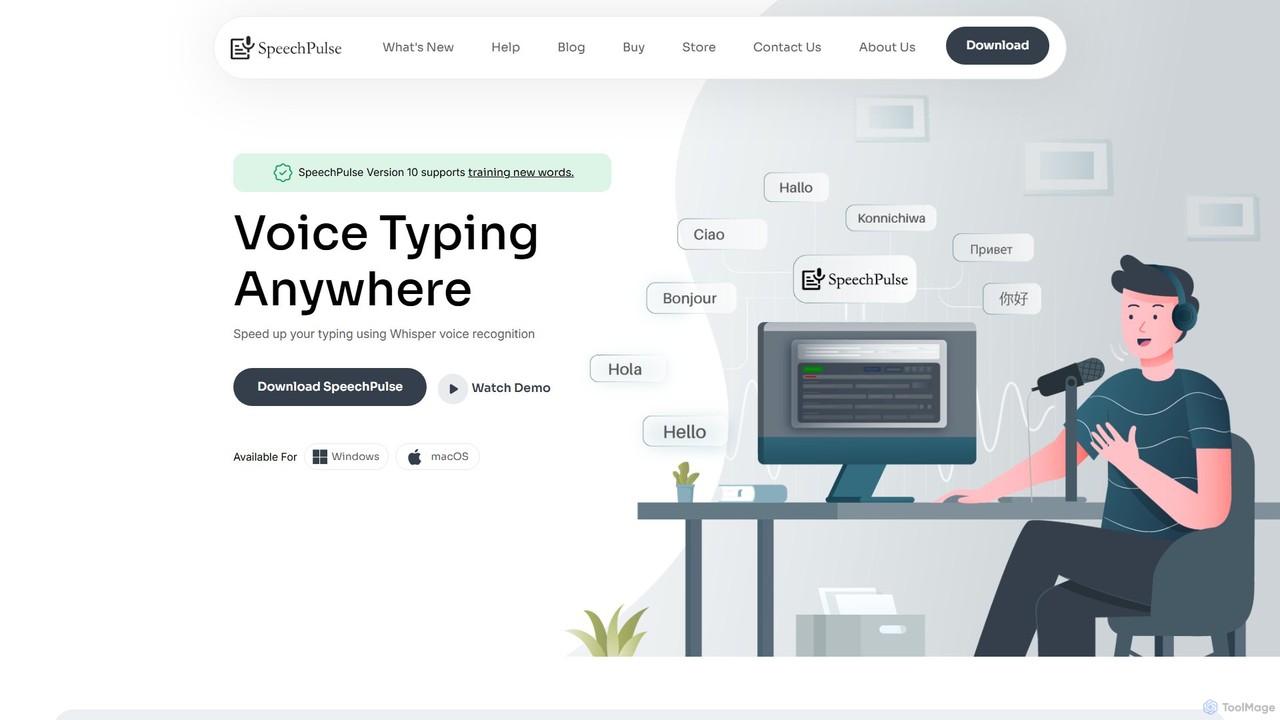
SpeechPulse is a powerful offline AI dictation and transcription application for Windows and macOS. It prioritizes user privacy …

9.0K
Steer

Steer

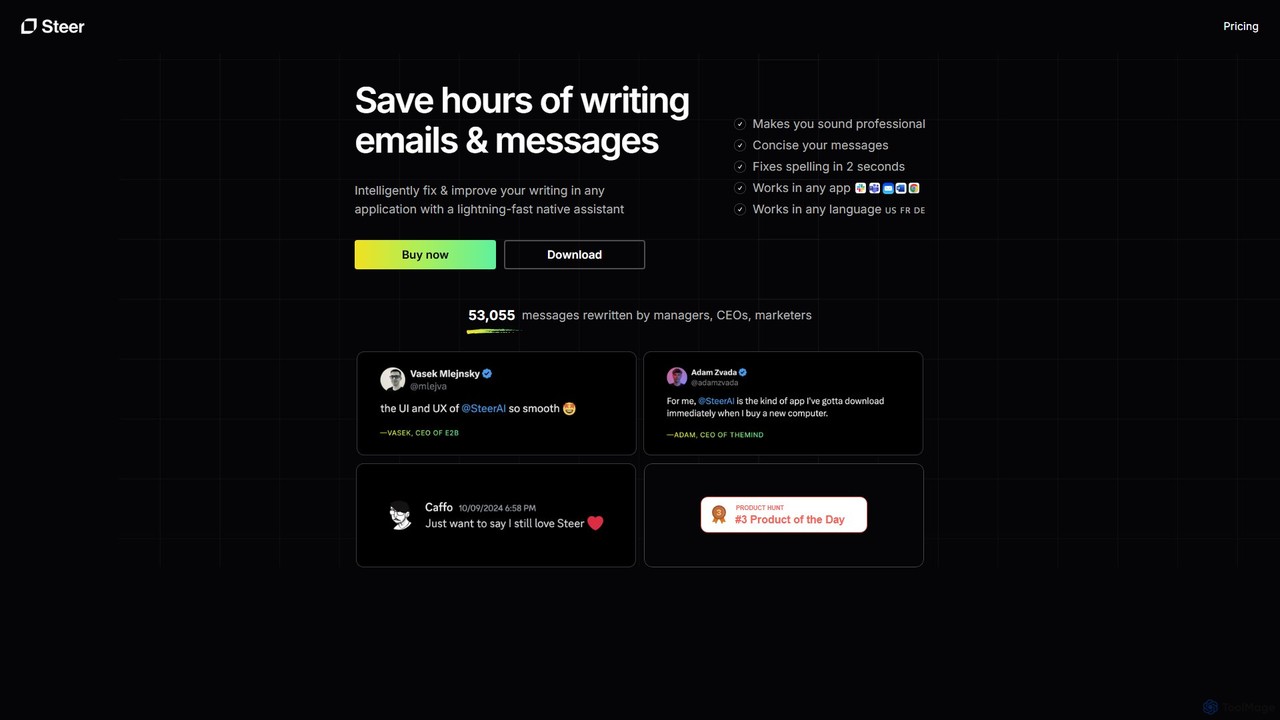
Steer is a native AI writing assistant for macOS and Windows that helps you save hours on writing. …

3.7K

About Utilities

AI Utilities are a class of desktop tools that leverage artificial intelligence to automate system tasks, optimize performance, and enhance user workflows. These tools often operate in the background, using machine learning models to predict user needs, manage resources, or streamline repetitive actions without direct user intervention. Their primary value lies in boosting productivity and simplifying complex operations on a personal computer, from intelligent file organization to automated clipboard management. Unlike larger, task-specific desktop applications, AI Utilities focus on providing small, intelligent enhancements to the overall operating system experience.

Core Features

  • Intelligent Automation: Learns user habits to automate repetitive tasks like sorting files, organizing windows, or filling forms.
  • System Optimization: Proactively manages system resources, such as memory and CPU, to improve performance for demanding applications.
  • Context-Aware Assistance: Provides relevant suggestions, shortcuts, and actions based on the user's current application and workflow.
  • Enhanced Search: Utilizes natural language processing to find files, emails, and information across the system more effectively than standard search.

Applicable Scenarios

AI Utilities are particularly beneficial for power users, developers, designers, and knowledge workers who spend significant time on their computers. They are ideal for managing complex file structures, streamlining coding or writing workflows by providing smart completions and clipboard history, and optimizing system performance for resource-intensive tasks like video editing or gaming.

How to Choose

When selecting an AI Utility, consider its level of integration with your operating system (macOS or Windows). Evaluate its resource consumption to ensure it doesn't slow down your system. Also, assess the customization options available for tailoring automation rules and check the tool's privacy policy to understand how it handles your data, especially if it learns from your behavior.


UtilitiesUse Cases

1

Automated File and Asset Organization

For graphic designers and video editors who handle hundreds of digital assets daily, maintaining an organized folder structure is a constant challenge. An AI Utility can monitor a designated 'Downloads' folder and automatically sort files based on learned rules. For example, it can identify file types (.psd, .ai, .mp4), read filenames for project codes (e.g., 'PROJ-123'), and move them to the correct project and asset-type subfolders. This eliminates hours of manual sorting each week, prevents asset loss, and allows creators to focus on their creative work instead of file administration.

2

Intelligent Clipboard History and Management

Researchers, writers, and developers frequently copy multiple pieces of information—code snippets, citations, URLs, and text passages—in quick succession. A standard clipboard only holds one item at a time. An AI-powered clipboard utility creates an intelligent, searchable history of everything copied. It can automatically categorize snippets by type (text, image, link), allow users to pin frequently used items, and even merge multiple text clips. This transforms the clipboard from a temporary holder into a dynamic workspace, streamlining the process of compiling research or building code.

3

Proactive Performance Tuning for Demanding Tasks

Gamers and 3D artists require maximum system performance for a smooth experience. An AI Utility can learn which applications are resource-intensive and proactively optimize the system when they are launched. It can automatically pause non-essential background services, free up RAM, and prioritize CPU allocation for the active game or rendering software. The tool can also monitor system temperatures and adjust fan speeds predictively, ensuring sustained performance during long sessions without requiring manual tweaking in complex control panels.

4

Context-Aware Text and Code Expansion

Customer support agents and sales representatives often type repetitive phrases and responses. An AI text expansion utility goes beyond simple keyword replacement by understanding context. It can suggest different response variations based on the content of an email or support ticket. For a developer, it can provide intelligent code snippet suggestions that adapt to the specific programming language and framework being used in the active editor, significantly speeding up the coding process and reducing errors.

5

Smart Application and Workflow Launching

A project manager starting their day typically opens multiple applications: a project management tool, a communication app, an email client, and several specific documents. An AI launcher utility allows them to define and trigger entire workflows with a single command. By simply typing 'start marketing project,' the tool can launch all necessary apps, open the relevant browser tabs, and arrange the windows on the screen in a preferred layout. It learns which workflows are most common and suggests them proactively, saving time and reducing cognitive load at the start of a task.

6

Semantic Desktop Search for Knowledge Discovery

Legal professionals and academic researchers often need to find documents based on concepts, not just exact keywords. A standard desktop search might fail to find a relevant contract if it doesn't contain the precise search term. An AI-powered semantic search utility indexes the content of local files and understands the relationships between words and ideas. A user can search for 'agreements related to intellectual property transfer' and the tool will find documents containing terms like 'IP assignment,' 'patent licensing,' or 'copyright handover,' providing far more comprehensive and relevant results.

UtilitiesFrequently Asked Questions