

Omnipilot Overview
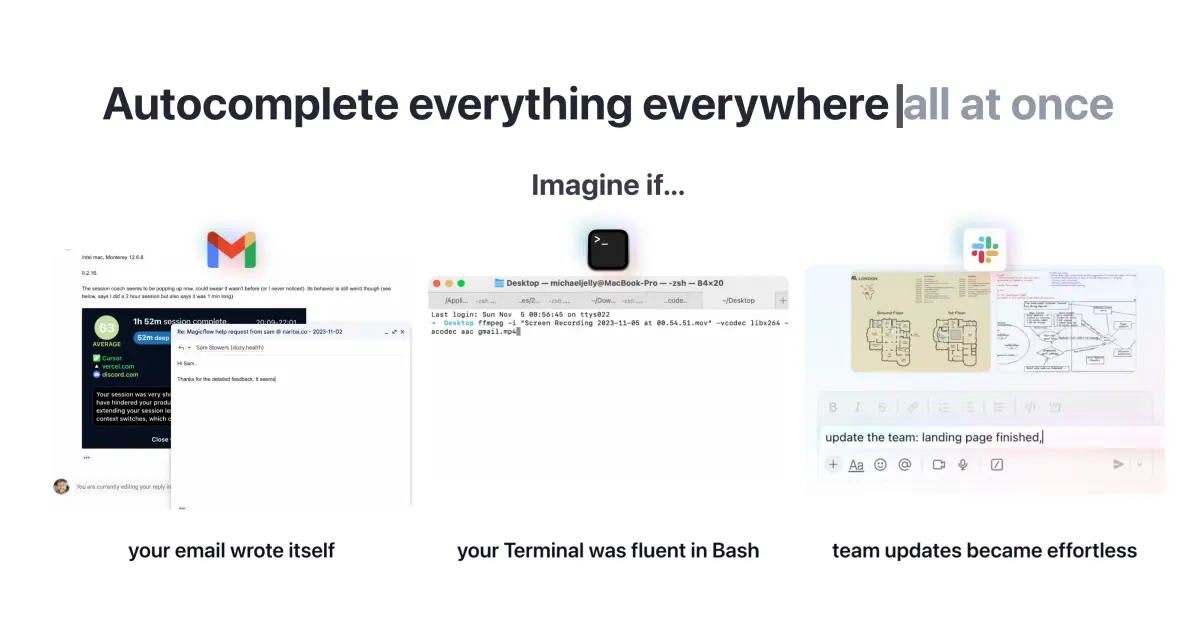
Omnipilot has joined forces with Highlight to create a next-generation AI assistant that integrates seamlessly into your desktop workflow on both Windows and macOS. It's designed to be your ever-present copilot, understanding the context of your work across any application to provide intelligent, on-the-fly assistance. By understanding what you see and hear, Omnipilot (as Highlight) aims to reduce context switching by up to 90%, allowing you to stay focused and in your flow.
This tool operates as an intelligent layer over your entire operating system. Instead of constantly switching to a separate AI chat window, you can interact with Omnipilot directly within your current application. Whether you're writing an email, coding in your IDE, analyzing data in a spreadsheet, or browsing the web, the AI is just a keystroke away, fully aware of the content on your screen.
How to use Omnipilot
Getting started with Omnipilot (now Highlight) is designed to be effortless. First, you download and install the free application on your Windows or Mac computer. Once installed, it runs quietly in the background. There's no complex setup or configuration required. You can immediately start using its features:
- For Writing: Simply highlight any text in any application. Omnipilot will provide options to edit, rewrite, summarize, or improve your writing instantly.
- For Meetings: Let the tool join your virtual meetings. It will provide secure, high-quality audio transcriptions in real-time, and automatically generate summaries and actionable tasks after the meeting ends.
- For Information & Chat: Use a simple hotkey to bring up the chat interface. You can ask questions about the document, webpage, or code currently on your screen without needing to copy and paste any context.
- For Task Management: The AI proactively identifies potential tasks mentioned in your meetings, emails, or chats. It notifies you, allowing you to prioritize them or send them directly to your connected task management tool with a single click.
Core Features of Omnipilot
- Universal Context-Awareness: Works across every application on your desktop, understanding on-screen text and audio to provide highly relevant assistance.
- In-context Writing Suite: Improve, edit, and generate text from anywhere without leaving your current application.
- Automated Meeting Assistant: Provides live transcriptions, AI-generated summaries, and extracts key tasks and decisions from your meetings.
- Screen-Aware Chat: Ask questions about anything visible on your screen, from code snippets and design mockups to financial reports.
- Proactive Task Detection: Automatically identifies and suggests tasks from your workflow, helping you stay organized.
- Extensive Plugin Ecosystem: Seamlessly integrates with popular tools like Notion, Slack, GitHub, Google Calendar, Linear, and more to automate your workflows.
- Multi-Model Intelligence: Automatically selects the best AI model (e.g., GPT-4, Claude) for each specific task, or allows users to choose their preferred model with a simple @mention.
- Privacy-First Architecture: All data is end-to-end encrypted. The company has a strict policy of never training on or selling user data.
Use Cases for Omnipilot
Omnipilot is a versatile tool for a wide range of professionals:
- Developers: Can get help with code, review pull requests, and generate terminal commands without leaving their editor or GitHub.
- Writers and Marketers: Can brainstorm ideas, refine copy, and check grammar directly within Google Docs, WordPress, or other content platforms.
- Managers and Team Leads: Can effortlessly capture action items from meetings and post summaries to Slack, or create issues in Linear/Jira.
- Students and Researchers: Can summarize academic papers, take smart notes, and get help writing lab reports or essays.
- Business Professionals: Can draft emails faster, get summaries of long reports, and keep track of their to-do lists without juggling multiple apps.
Advantages of Omnipilot
The primary advantage of Omnipilot is its deep, native integration with the operating system, which makes AI assistance feel truly seamless. It eliminates the friction of traditional AI tools by bringing the power of AI to where you are already working. Its context-awareness saves significant time and mental energy, as you no longer need to manually provide context for your requests. The robust integration with other productivity tools creates a unified, intelligent workspace, and its privacy-first approach ensures your data remains secure.
Pricing and Plans
Omnipilot (as Highlight) is available with a free plan, allowing users to download and use its core features on Windows and Mac. While a specific pricing page was not available, this model typically implies a freemium structure. The free tier is likely generous enough for individual use, with premium plans available for power users or teams that require advanced features, higher usage limits (e.g., more meeting transcription minutes), priority support, or enterprise-grade security controls.
Traffic
Latest traffic
Status
Monthly traffic trend
- 2025-9: 135.8K
- 2026-1: 92.9K
- 2026-2: 47.0K
- 2026-3: 38.8K
- 2026-4: 35.0K
- 2026-5: 26.9K
Geography
Top 5 countries / regions
- 🇺🇸United States58.2%
- 🇮🇳India16.8%
- 🇻🇳Vietnam9.7%
- 🇧🇷Brazil8.5%
- 🇨🇦Canada6.9%
Traffic sources
| Source type | Percentage |
|---|---|
Direct | 68.9% |
Referral | 30.5% |
Email | 0.6% |
Top keywords
| Keyword | Cost per click |
|---|---|
| highlight ai | $5.34 |
| highlight ai download | $0.00 |
| highlight app. | $0.00 |
| hightlight ai | $0.00 |
| higliflight | $0.00 |
Omnipilot Alternatives

heyalice
heyalice is a personal AI assistant for your desktop (macOS, Windows, Linux) that centralizes top AI models like GPT-4o and Claude 3.5. It enhances productivity through customizable assistants, reusable prompts (Skills), and seamless integration with automation tools like Zapier and Make. Bring your own API keys to control costs and work faster with powerful keyboard shortcuts, all within a privacy-focused, local application.
Code Assistant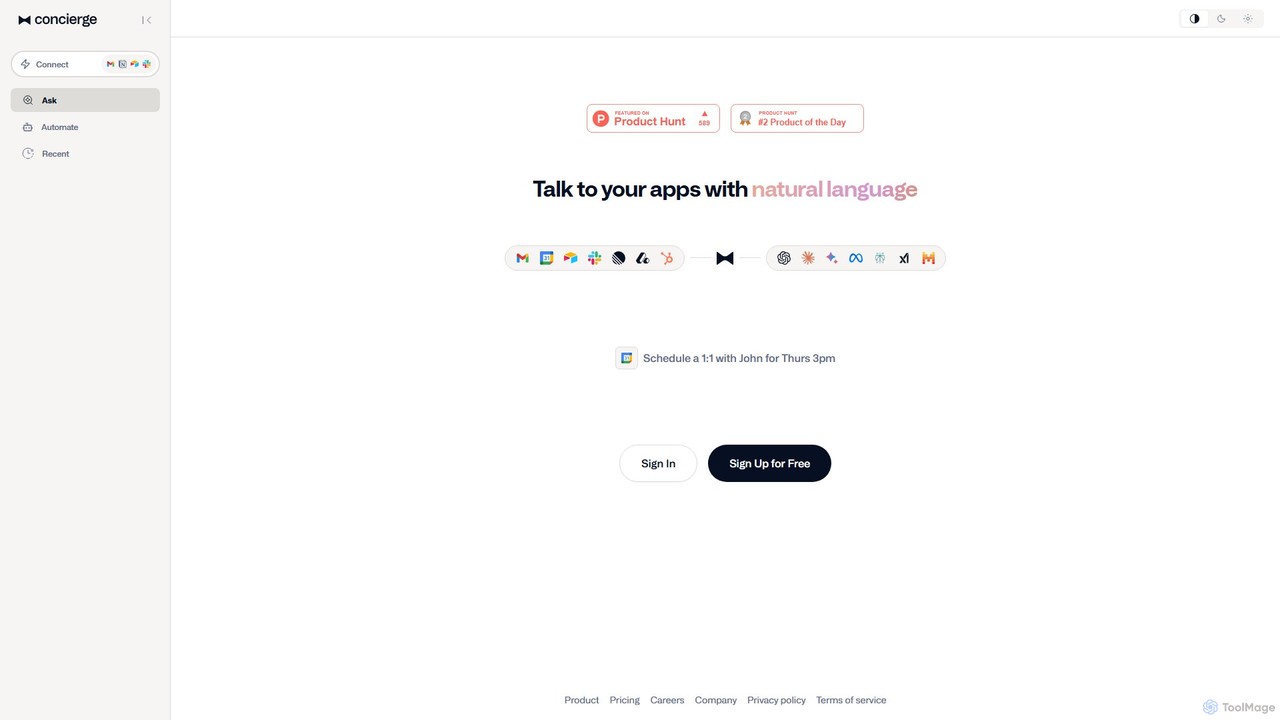
Concierge AI
Concierge AI is an intelligent assistant that connects to your applications, allowing you to manage tasks, schedule meetings, and automate workflows using simple natural language commands. It acts as a central hub for your digital tools, boosting productivity for individuals and teams.
Workflow Management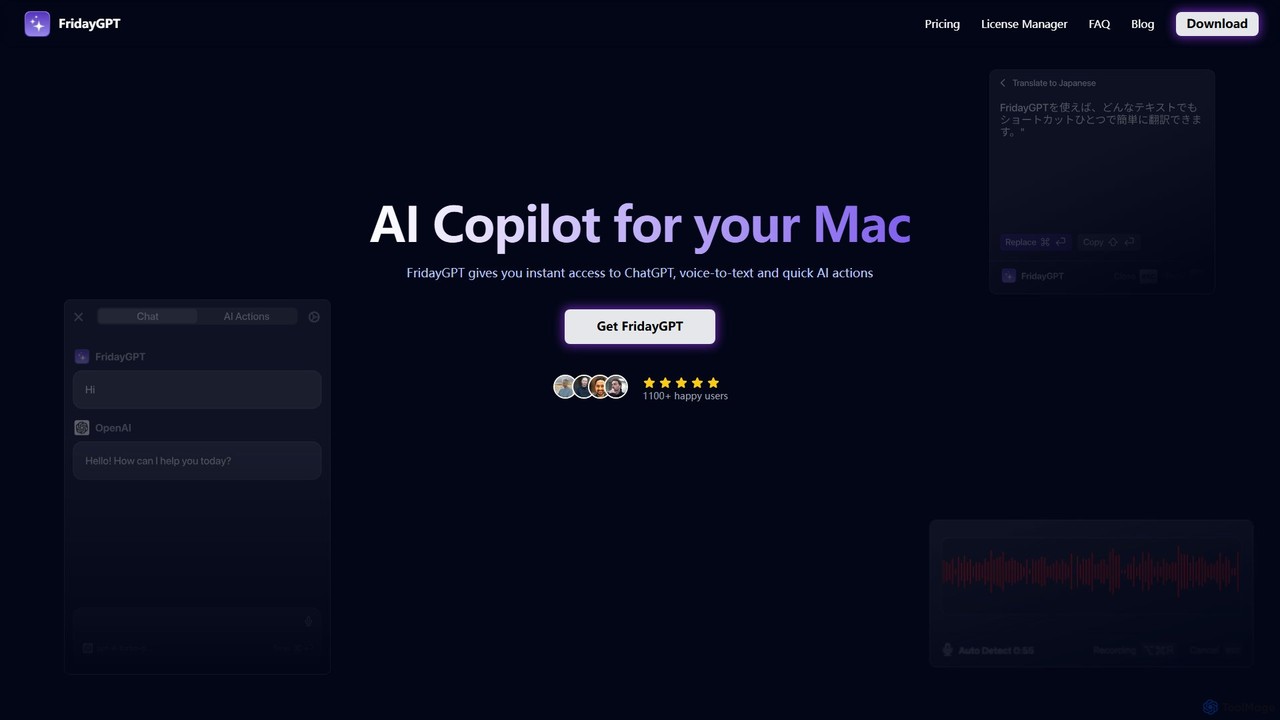
FridayGPT
FridayGPT is an AI copilot for Mac that integrates ChatGPT, Claude, and local LLMs directly into your workflow. It offers instant access to AI, advanced voice-to-text transcription in over 100 languages, and one-click actions like grammar correction and text rewriting. Boost your productivity by using AI anywhere on your Mac without switching contexts.
Desktop Apps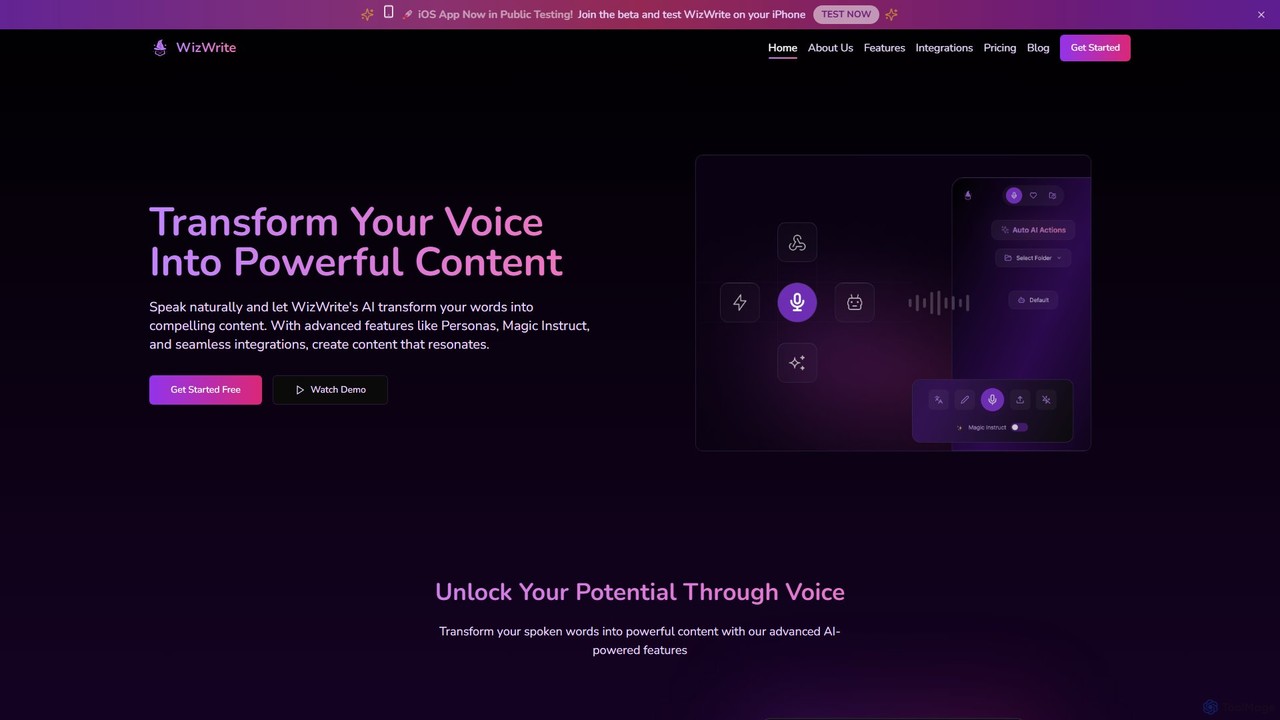
WizWrite
WizWrite is an AI-powered content creation assistant that transforms your spoken words into polished text. It uses advanced transcription and AI workflows to effortlessly convert voice notes into blog posts, social media content, and more. With features like Personas and Magic Instruct, it streamlines content creation for maximum productivity.
Transcription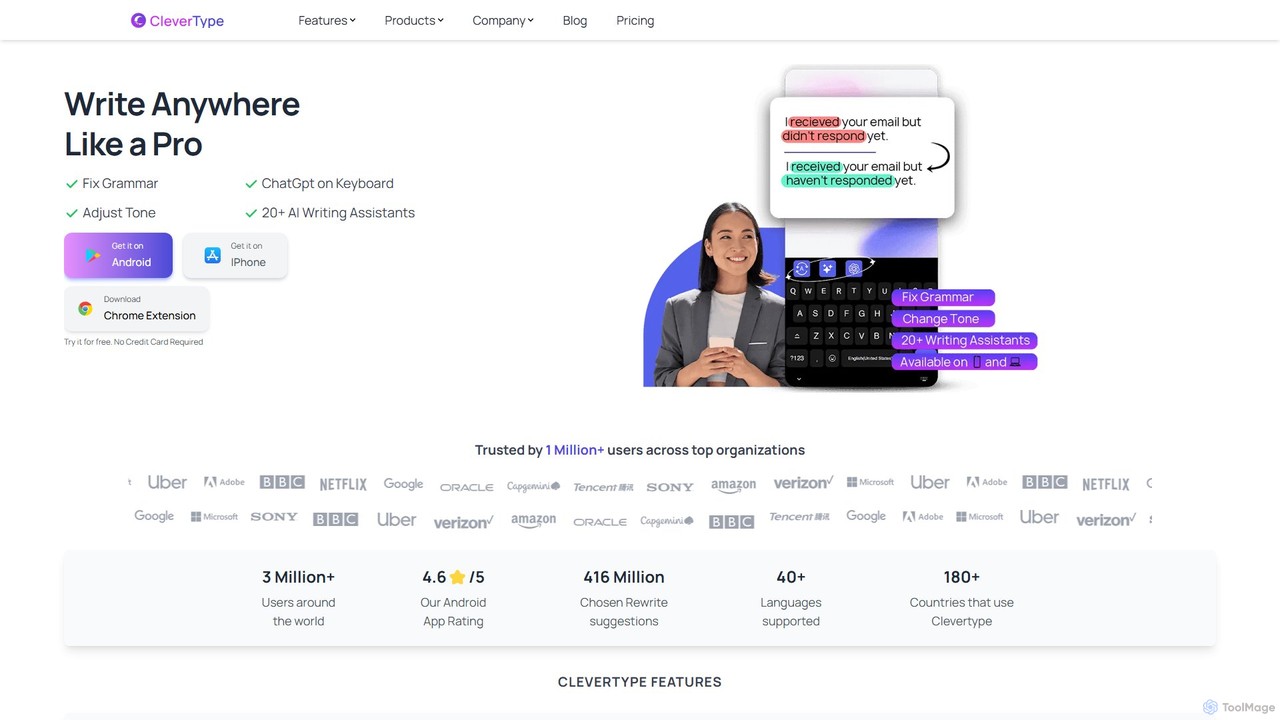
CleverType
CleverType is an AI-powered keyboard and writing assistant designed to enhance your communication everywhere you type. Available on Android, iOS, and as a Chrome extension, it corrects grammar and spelling, changes your writing tone with a single click, and provides intelligent replies. With integrated ChatGPT and over 20 AI assistants, CleverType helps you write faster, smarter, and more professionally across all your devices.
EmailOmnipilot Categories
Omnipilot Embed Widget
Copy this embed code to place the badge on your blog, article, or product site and send readers directly to this ToolMage detail page.

Related AI tools
heyalice
heyalice is a personal AI assistant for your desktop (macOS, Windows, Linux) that centralizes top AI models like GPT-4o and Claude 3.5. It enhances productivity through customizable assistants, reusable prompts (Skills), and seamless integration with automation tools like Zapier and Make. Bring your own API keys to control costs and work faster with powerful keyboard shortcuts, all within a privacy-focused, local application.
Code Assistant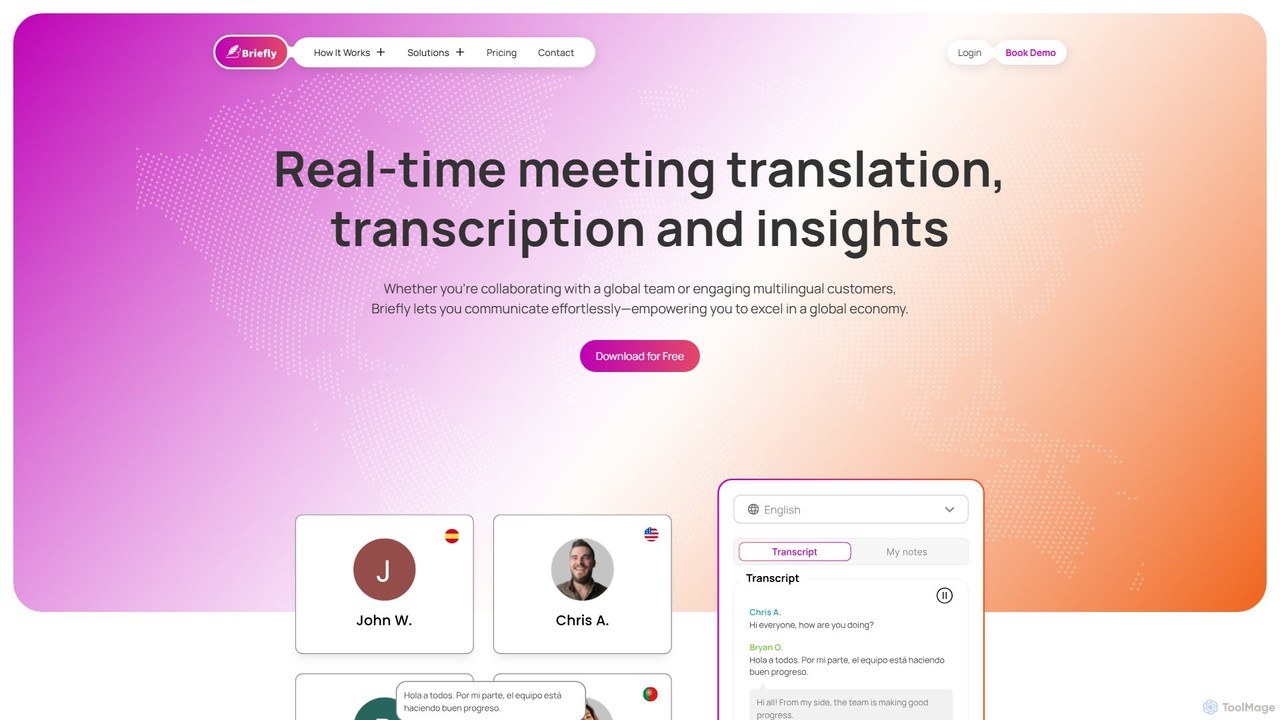
BrieflyAI
BrieflyAI is an AI-powered meeting assistant that automatically transcribes, summarizes, and generates insights from your meetings without a bot joining the call. It supports multiple languages, integrates with CRM and communication tools like Slack, and helps streamline your workflow by creating follow-up emails and action items.
Automation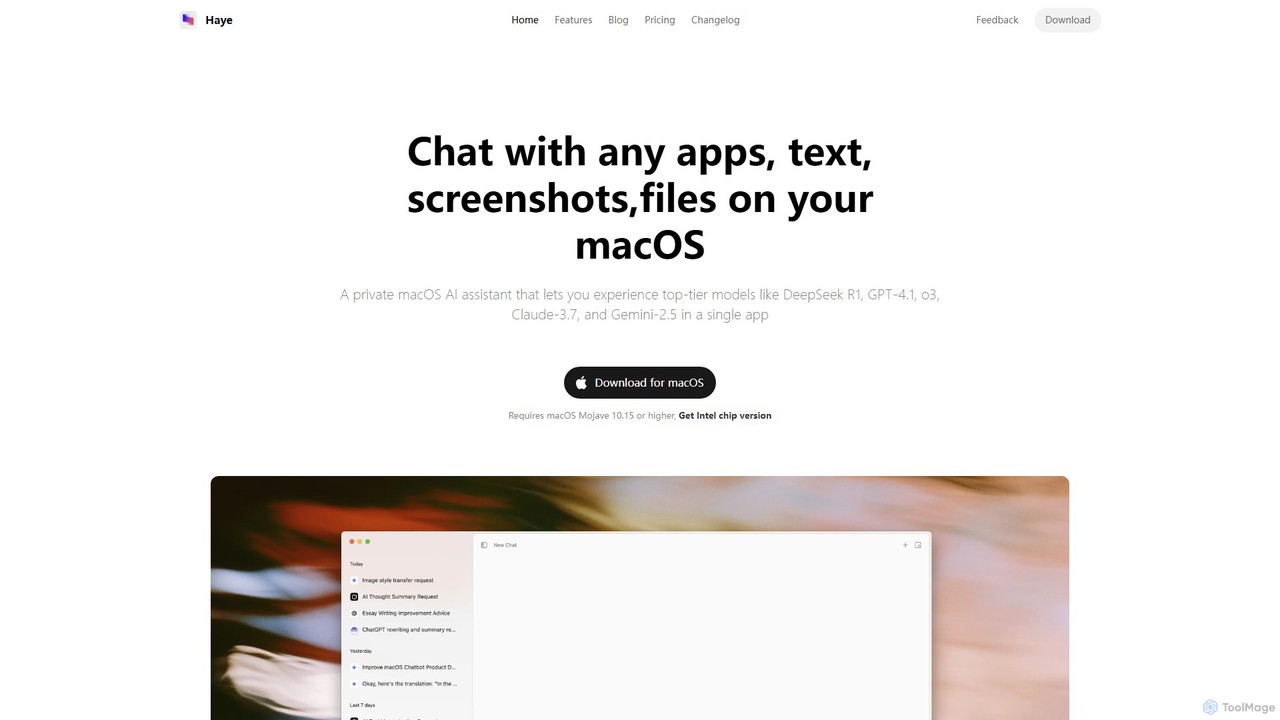
Haye
Haye is a powerful, all-in-one AI chat assistant for macOS, integrating top-tier models like GPT-4.1, Claude-3.7, and Gemini-2.5. It allows users to seamlessly interact with any app, text, screenshot, or file on their desktop, boosting productivity with features like AI search, document chat, and advanced customization.
Code Assistant
Omnipilot
Omnipilot is a system-wide AI copilot for macOS, designed to integrate seamlessly into any application. It provides contextual assistance, allowing you to generate text, write code, and automate tasks in any text field, boosting productivity by eliminating the need to switch between apps. Note: Omnipilot has been acquired by and merged into Highlight AI.
Coding Assistant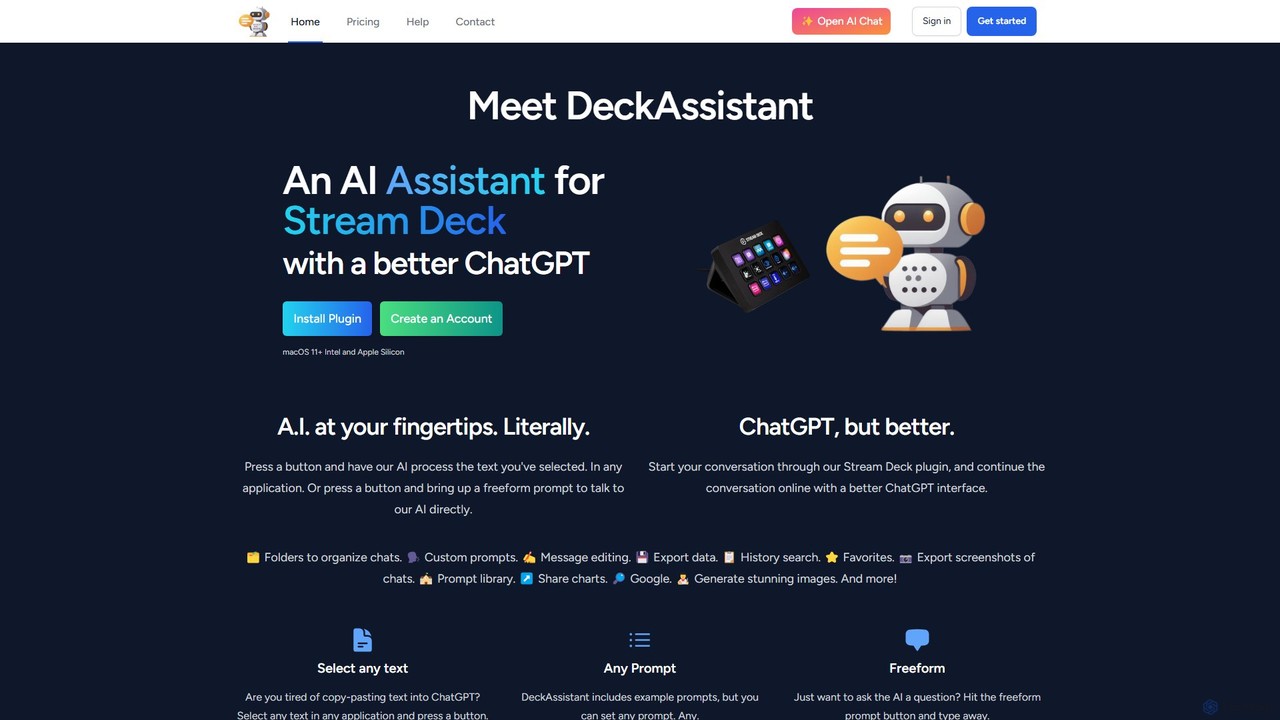
DeckAssistant
DeckAssistant is a powerful AI assistant that integrates directly with your Elgato Stream Deck. It allows you to process selected text, generate content, or chat with an AI using a single button press, directly within any application on your macOS. This eliminates context switching and streamlines your workflow for tasks like writing, coding, and content creation.
Workflow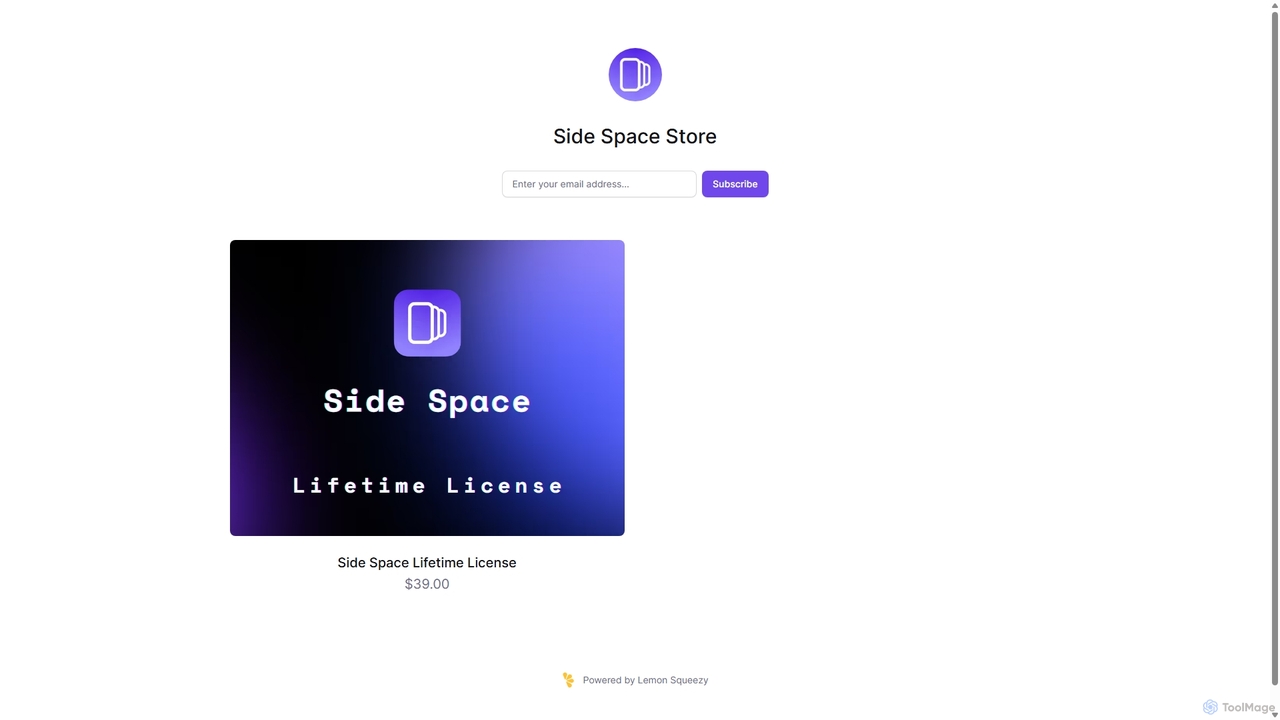
Side Space
Side Space is a powerful AI assistant that integrates seamlessly into your desktop workflow. It operates from a convenient sidebar, providing instant access to AI-powered tools for writing, coding, and general productivity without ever leaving your current application. Enhance your efficiency with contextual actions on selected text and customizable commands.
Code Assistant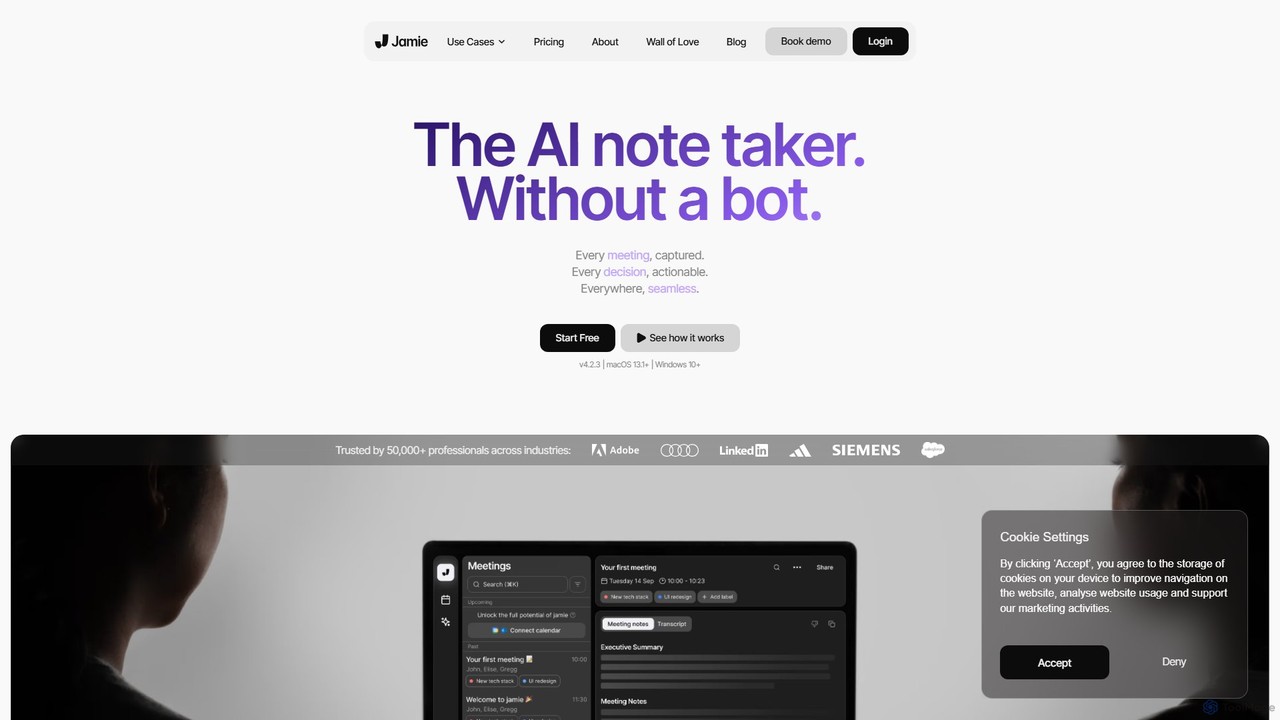
meetjamie
meetjamie is a personal AI note-taker that automatically summarizes online and in-person meetings without a bot. It captures detailed notes, identifies tasks and decisions, and allows you to ask questions across all your past meetings. It's a privacy-first desktop app for macOS and Windows, supporting over 100 languages.
Transcription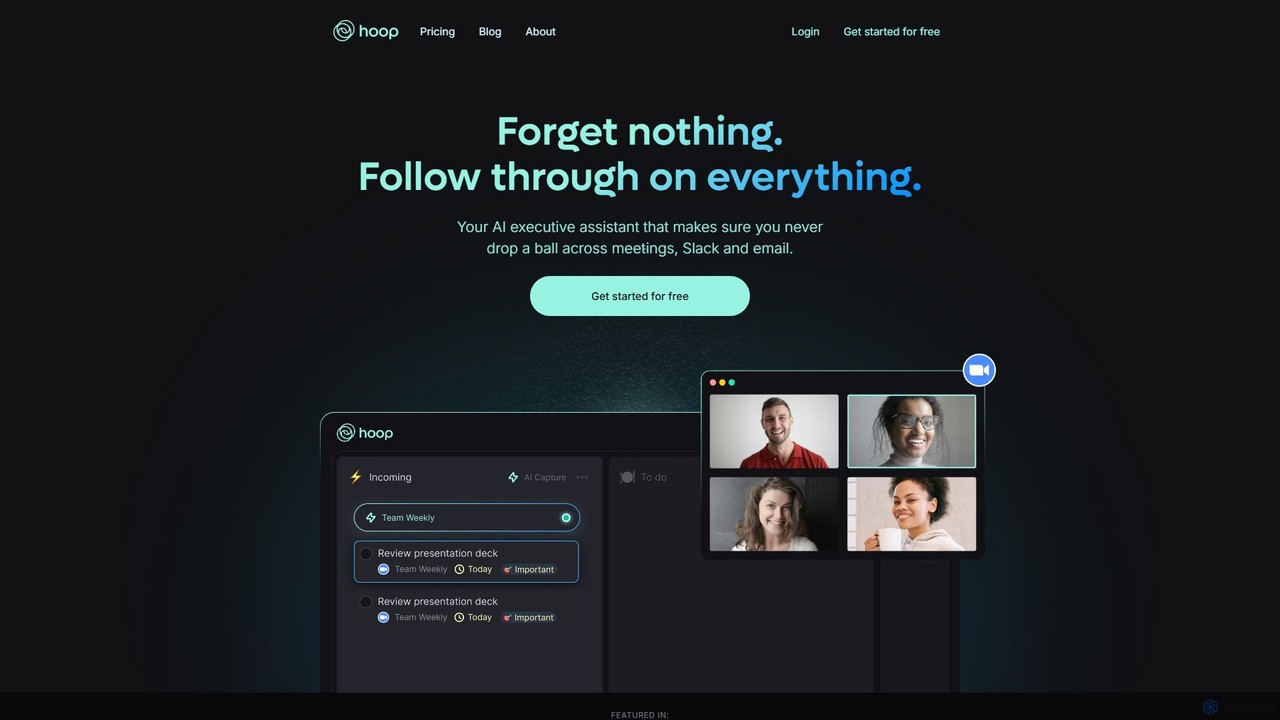
Hoop
Hoop is an AI executive assistant that automatically captures tasks from your meetings, Slack, and emails. It centralizes all your to-dos in one place, ensuring you never miss an important action item. It works seamlessly across platforms like Zoom, Meet, and Teams without intrusive bots.
Virtual Assistant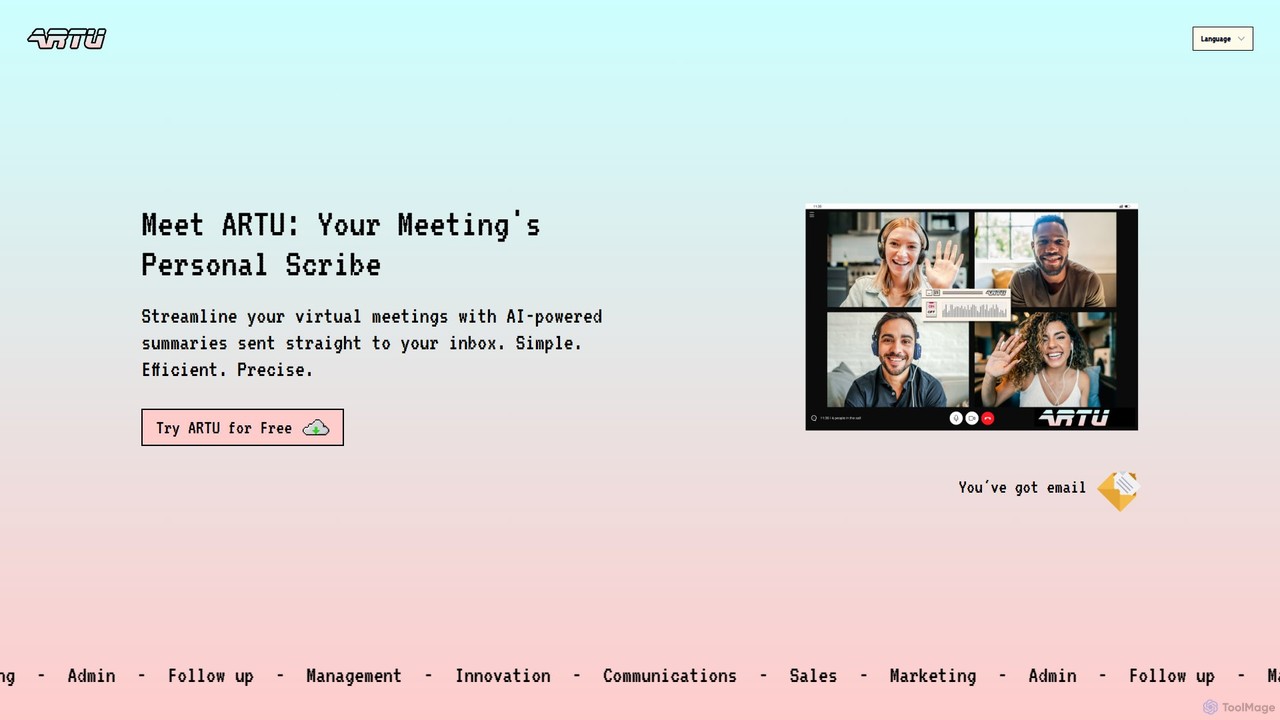
ARTU
ARTU is a dual-purpose AI copilot designed to streamline both your meetings and personal idea management. It automatically transcribes and summarizes virtual meetings, sending detailed minutes to your inbox. Simultaneously, it acts as a personal assistant, capturing ideas from emails, WhatsApp, and Telegram, then organizing them into your preferred workspace like Notion. This integrated system helps you conquer creative chaos and boost productivity.
Meeting Assistant
Ambient
Ambient is an AI-powered meeting assistant that automatically joins your calls, records, transcribes, and generates intelligent summaries. It captures action items, key decisions, and important topics from your meetings on platforms like Zoom, Google Meet, and Microsoft Teams, saving you hours on manual note-taking and ensuring no detail is missed.
Transcription ServicesConcierge AI
Concierge AI is an intelligent assistant that connects to your applications, allowing you to manage tasks, schedule meetings, and automate workflows using simple natural language commands. It acts as a central hub for your digital tools, boosting productivity for individuals and teams.
Workflow Management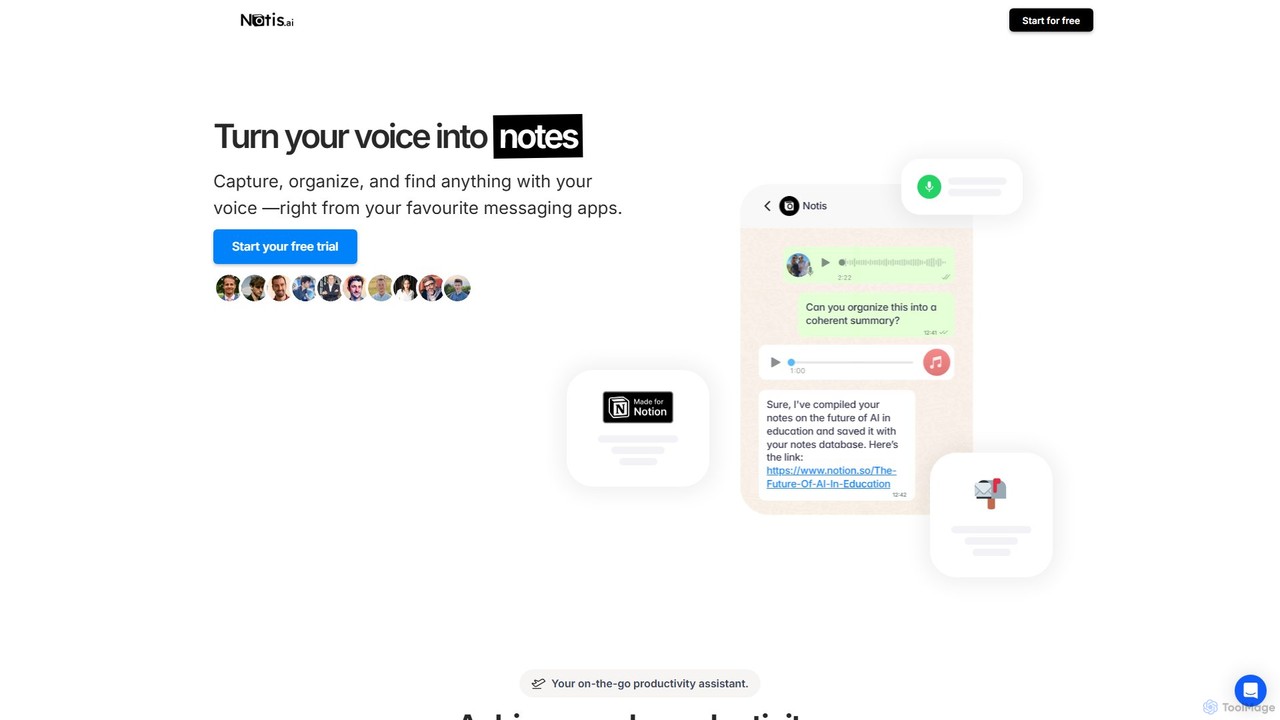
Notis
Notis is an AI-powered productivity assistant that turns your voice, text, and images into structured entries in Notion. Operating directly from messaging apps like WhatsApp and Telegram, it helps you capture ideas, manage tasks, draft content, and organize your life without ever opening the Notion app.
Content Creation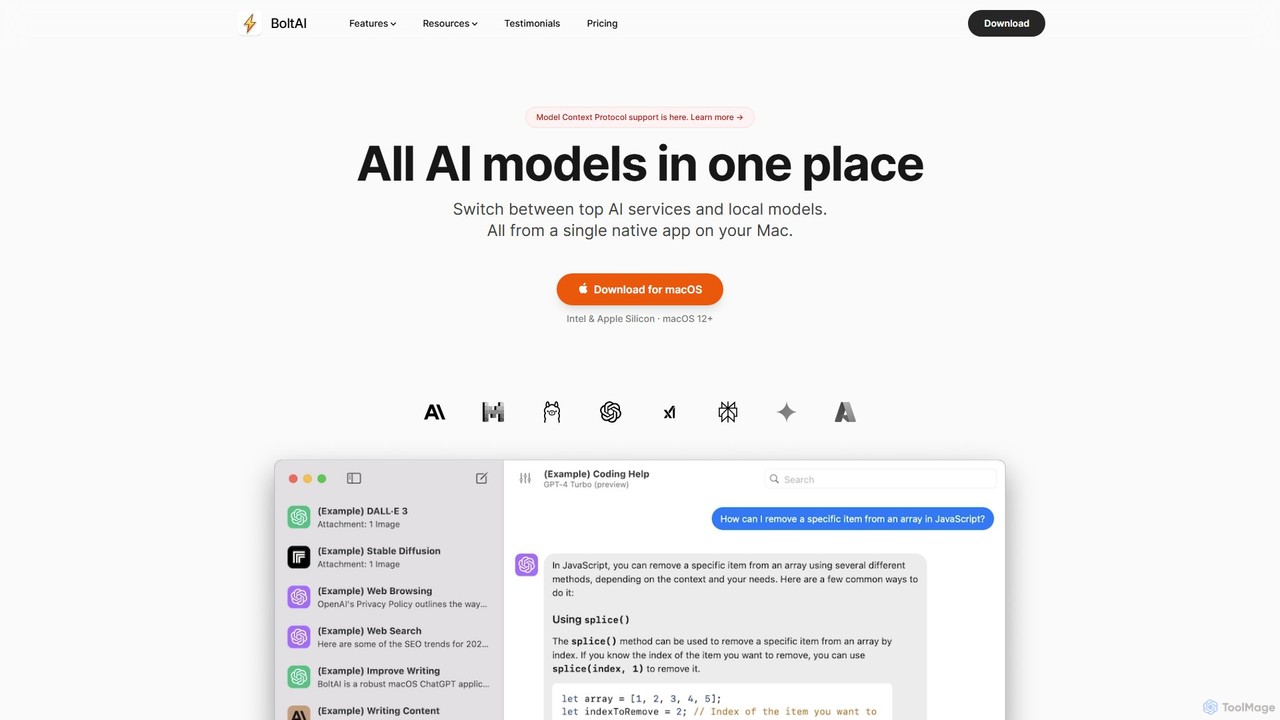
BoltAI
BoltAI is a native, high-performance AI assistant for macOS that integrates multiple AI models like GPT, Claude, and local models directly into your workflow. It offers features like an in-IDE coding assistant, custom AI assistants, a prompt library, and powerful plugins to boost productivity for developers, writers, and professionals.
Coding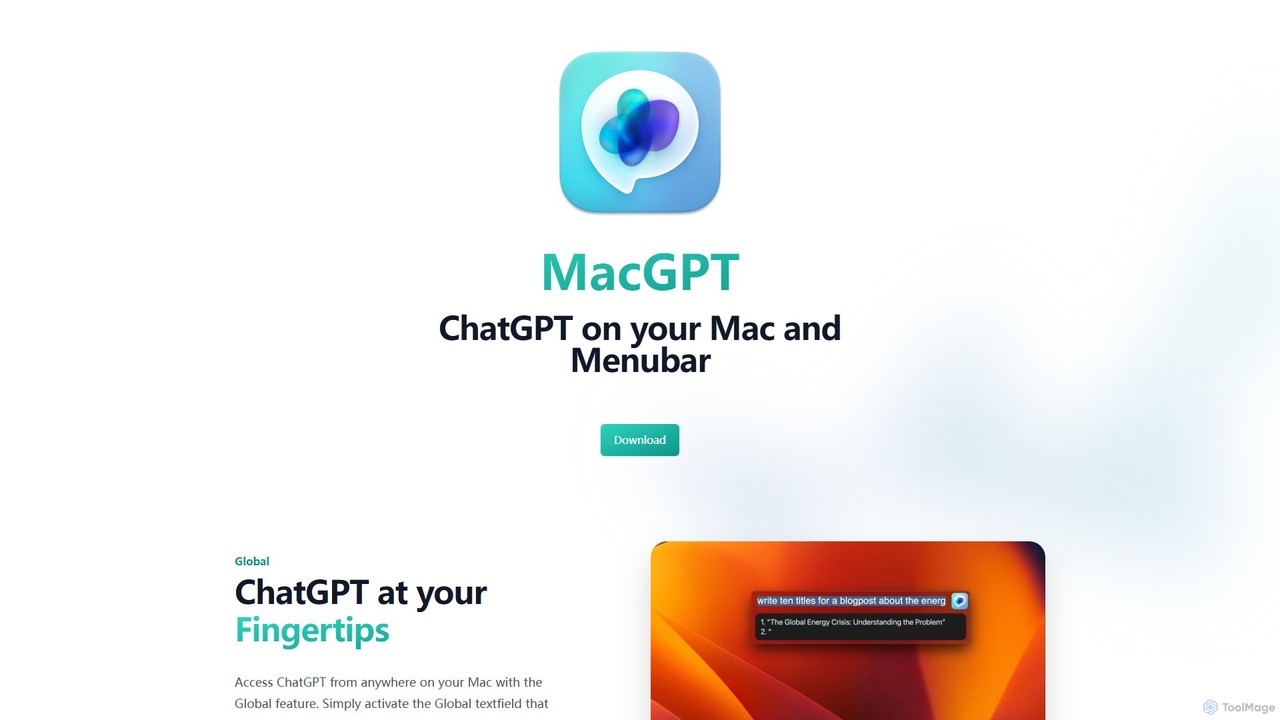
MacGPT
MacGPT brings the power of ChatGPT directly to your macOS desktop. Access OpenAI's models instantly from your menubar, use the Inline feature to write in any application, and switch between a native or web interface for ultimate flexibility and productivity.
Code Assistant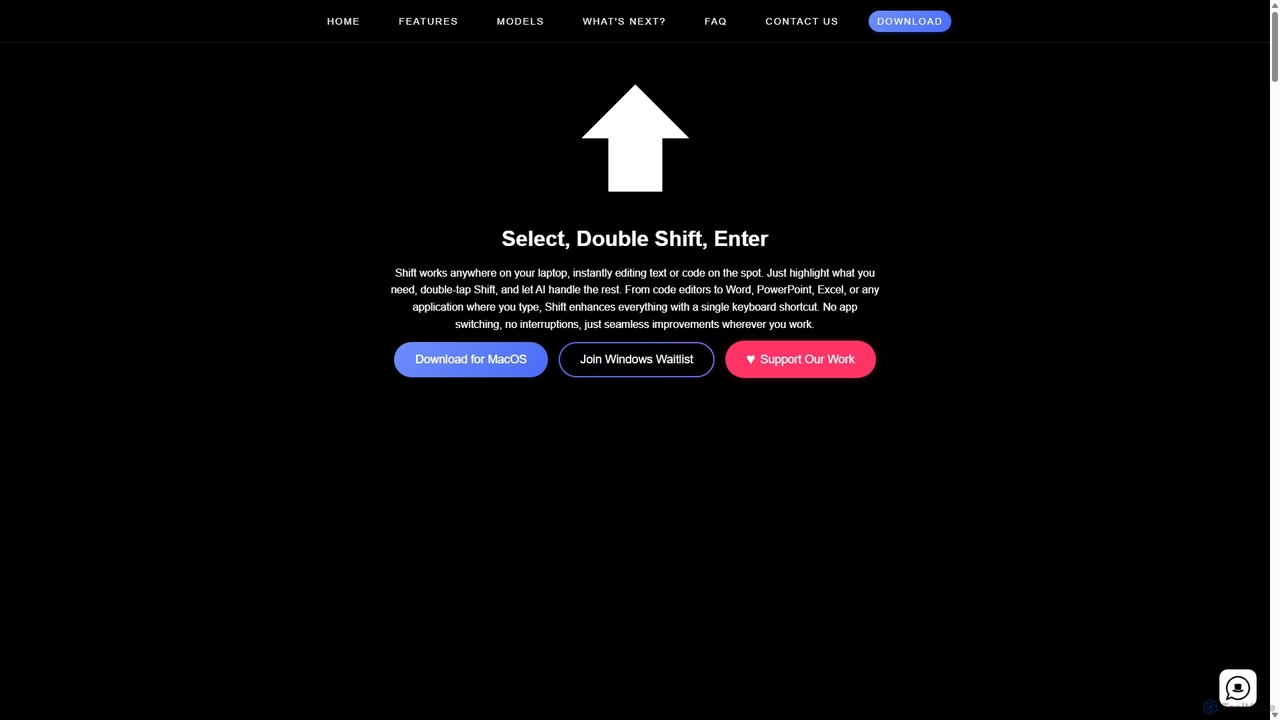
Shift
Shift is a system-wide AI assistant for macOS that enhances your workflow by allowing you to edit text and code anywhere with a simple keyboard shortcut. Just highlight text, double-tap Shift, and let the AI rewrite, debug, translate, or rephrase it instantly within any application.
Code Assistant
Omnipilot Comments (0)
Sign in to comment.
Sign inNo comments yet.