
CleverType Overview
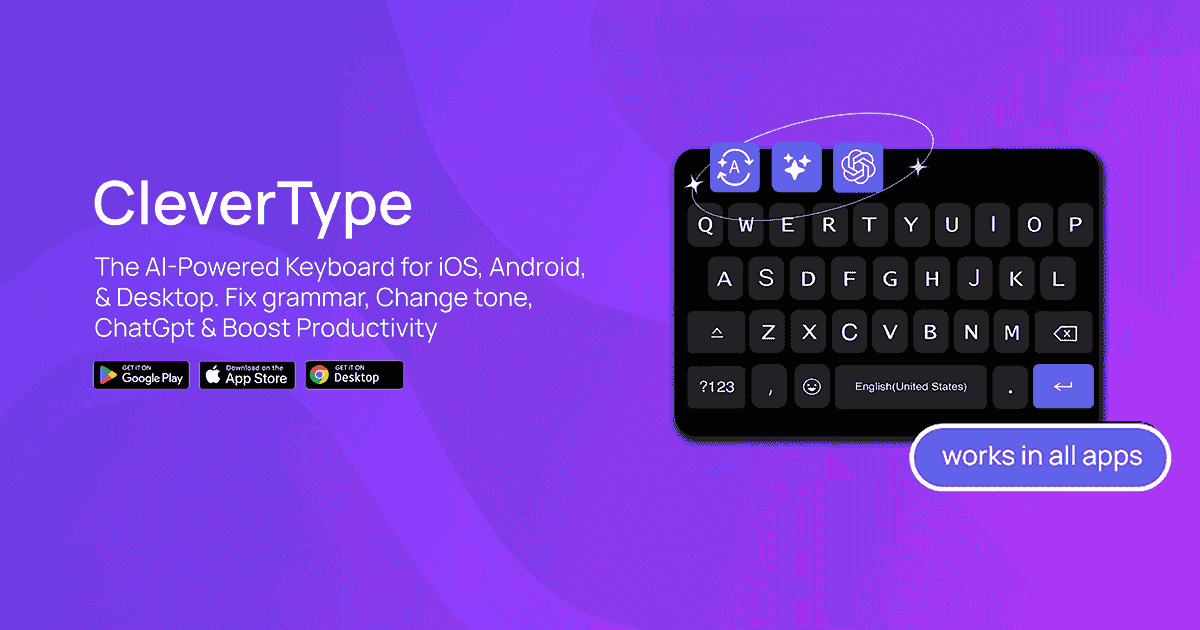
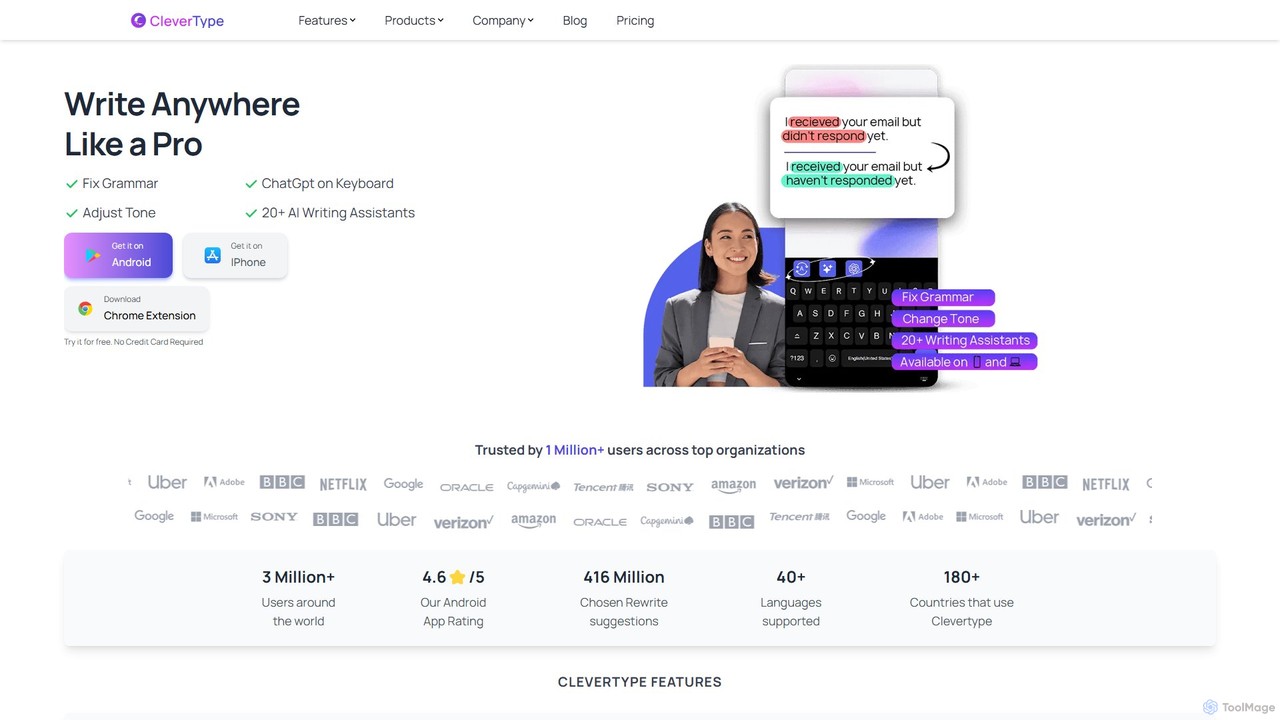
CleverType is a revolutionary AI-powered keyboard and writing assistant designed to transform how you communicate across all your digital platforms. It goes beyond simple autocorrect, offering a comprehensive suite of tools to help you write with confidence, clarity, and efficiency. Whether you're drafting a professional email, a creative social media post, or a quick chat message, CleverType acts as your personal writing coach, seamlessly integrated into your workflow. Available as a mobile keyboard for Android and iOS, and as a Chrome extension for your desktop, it ensures a consistent and powerful writing experience wherever you are. Trusted by over 3 million users worldwide, CleverType is built to elevate your words and unlock new opportunities through effective communication.
How to use CleverType
Getting started with CleverType is simple and intuitive. The tool is designed to integrate directly into your existing typing habits. Here’s how to use it:
- Installation: Download the CleverType app from the Google Play Store for Android or the Apple App Store for iPhone. For desktop use, install the CleverType Chrome Extension from the Chrome Web Store.
- Setup: Follow the on-screen instructions to set CleverType as your default keyboard on your mobile device. For the Chrome extension, it will automatically activate in text fields across the web.
- Typing and Enhancing: As you type in any application—be it WhatsApp, Gmail, Slack, or a social media app—CleverType's AI features are just a tap away. Write your text as you normally would.
- Using AI Features: To use a feature, simply select the text you've written. Icons will appear allowing you to:
- Fix Grammar: Click the grammar check icon to instantly correct spelling mistakes and grammatical errors.
- Change Tone: Tap the tone-changer and select from over a dozen options like 'Professional', 'Casual', 'Funny', or 'Empathetic' to rephrase your text accordingly. You can even create custom tones.
- Get Smart Replies: For messaging apps, CleverType can analyze the last message and suggest context-aware replies (positive, negative, or neutral) to help you respond in seconds.
- Access AI Assistants: Use the integrated ChatGPT and 20+ specialized AI assistants to perform tasks like summarizing text, generating social media captions, creating pickup lines, or even turning phrases into emojis.
Core Features of CleverType
- Advanced Grammar and Spelling Correction: With a single click, fix all grammatical errors and spelling mistakes. The AI understands the context of your sentences to provide accurate suggestions, making it an invaluable tool for everyone, including those with dyslexia.
- Dynamic Tone Changer: Adapt your writing style for any audience or situation. Choose from a wide range of pre-set tones (Professional, Casual, Polite, Romantic, Funny, Gen-Z, Witty, and more) or create your own custom tones for a personalized touch.
- Clever Reply: Save time and enhance your response quality with AI-generated replies. The tool analyzes the context of conversations in apps like WhatsApp and email to suggest appropriate neutral, positive, or negative responses.
- Integrated ChatGPT & AI Assistants: Access the power of ChatGPT and over 20 other AI writing assistants directly from your keyboard. Get help with summarizing long texts, humanizing AI-generated content, creating social media captions, and much more without switching apps.
- Cross-Platform Availability: Enjoy a seamless writing experience across all your devices. CleverType works flawlessly on mobile phones (Android/iOS), tablets, and desktops via the Chrome extension.
- Customization and Control: Create your own AI assistants by providing custom prompts. This allows you to tailor the AI's capabilities to your specific needs, making it a truly personal productivity tool.
- Multi-Language Support: Communicate effectively in over 40 languages, breaking down language barriers and standardizing your writing quality regardless of your proficiency level.
Use Cases for CleverType
CleverType is a versatile tool for a wide range of users:
- Professionals: Craft polished, error-free emails, reports, and presentations. Use the 'Professional' tone to ensure your communication is always on point.
- Students: Improve essays and academic papers by eliminating grammatical errors. Use the summarizer to quickly grasp the key points of long articles.
- Social Media Managers: Generate creative and engaging captions for posts on Instagram, Twitter, and Facebook. Quickly switch between 'Funny', 'Witty', and 'Gen-Z' tones to match your brand's voice.
- Non-Native Speakers: Build confidence and fluency in English or other supported languages. CleverType helps standardize language and correct subtle errors.
- Customer Support Agents: Respond to customer queries faster and more empathetically using Clever Reply and the 'Empathetic' tone.
- Everyday Communicators: Speed up replies to friends and family in messaging apps, write heartfelt messages with the 'Romantic' or 'Poetic' tones, or just have fun with the 'Sarcastic' and 'Flirty' options.
Advantages of CleverType
CleverType stands out with its user-centric design and powerful features. Its primary advantage is its seamless integration into the user's natural workflow—it works everywhere you type. This eliminates the need to copy-paste text into a separate app or website for editing. The combination of grammar correction, tone adjustment, and generative AI in one keyboard is a significant productivity booster. Furthermore, the company emphasizes user privacy and data security, ensuring that your words remain your own. With its extensive customization options and broad multi-language support, CleverType empowers users to communicate more effectively and authentically than ever before.
Pricing and Plans
CleverType operates on a freemium model, making its core features accessible to everyone.
- Free Plan: Users can download and use CleverType for free. This plan includes access to essential features like grammar correction and a limited number of tone changes and AI assistant uses. It's a great way to experience the power of the AI keyboard without any commitment.
- Premium Plan: For users who need unlimited access to all features, CleverType offers a premium subscription. This plan unlocks unlimited tone changes, unlimited Clever Replies, and unrestricted use of all 20+ AI assistants and ChatGPT integration.
For the most current and detailed pricing information, please visit the official CleverType website.
Traffic
Latest traffic
Status
Monthly traffic trend
- 2025-9: 59.7K
- 2026-1: 62.4K
- 2026-2: 73.7K
- 2026-3: 59.4K
- 2026-4: 46.8K
- 2026-5: 39.4K
Geography
Top 5 countries / regions
- 🇮🇳India32.1%
- 🇺🇸United States23.4%
- 🇧🇷Brazil20.9%
- 🇻🇳Vietnam15.1%
- 🇲🇽Mexico8.4%
Traffic sources
| Source type | Percentage |
|---|---|
Direct | 84.5% |
Referral | 15.4% |
Top keywords
| Keyword | Cost per click |
|---|---|
| apps liek grammarly | $0.00 |
| best keyboard for iphone | $1.32 |
| clevertype | $0.11 |
| clevertype ai keyboard | $0.00 |
| grammarly alternative free chrome extension | $0.00 |
CleverType Videos on YouTube
MR SETH INDIAN

Aditya modz
CleverType Alternatives
Flowrite
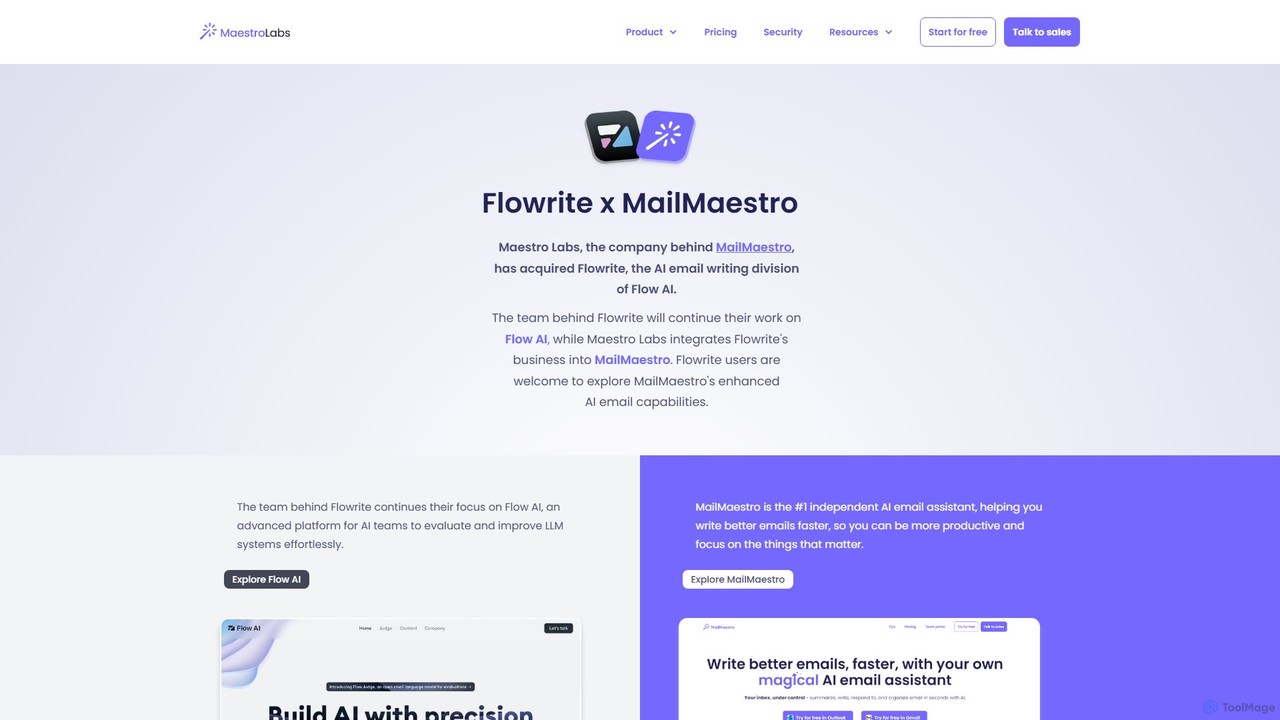
Flowrite is a powerful AI email writing assistant, now integrated into MailMaestro. It helps users write, reply to, summarize, and manage emails significantly faster. By generating high-quality, context-aware text, Flowrite boosts productivity, improves communication quality, and helps you achieve inbox zero with ease. It supports multiple languages and integrates directly into your existing email workflow.
Email
Omnipilot
Omnipilot, now part of Highlight, is a powerful AI assistant for Mac & Windows. It works across all your apps, providing context-aware assistance for writing, meetings, and tasks. It understands what's on your screen to reduce context switching and boost productivity without needing to copy-paste.
Utilities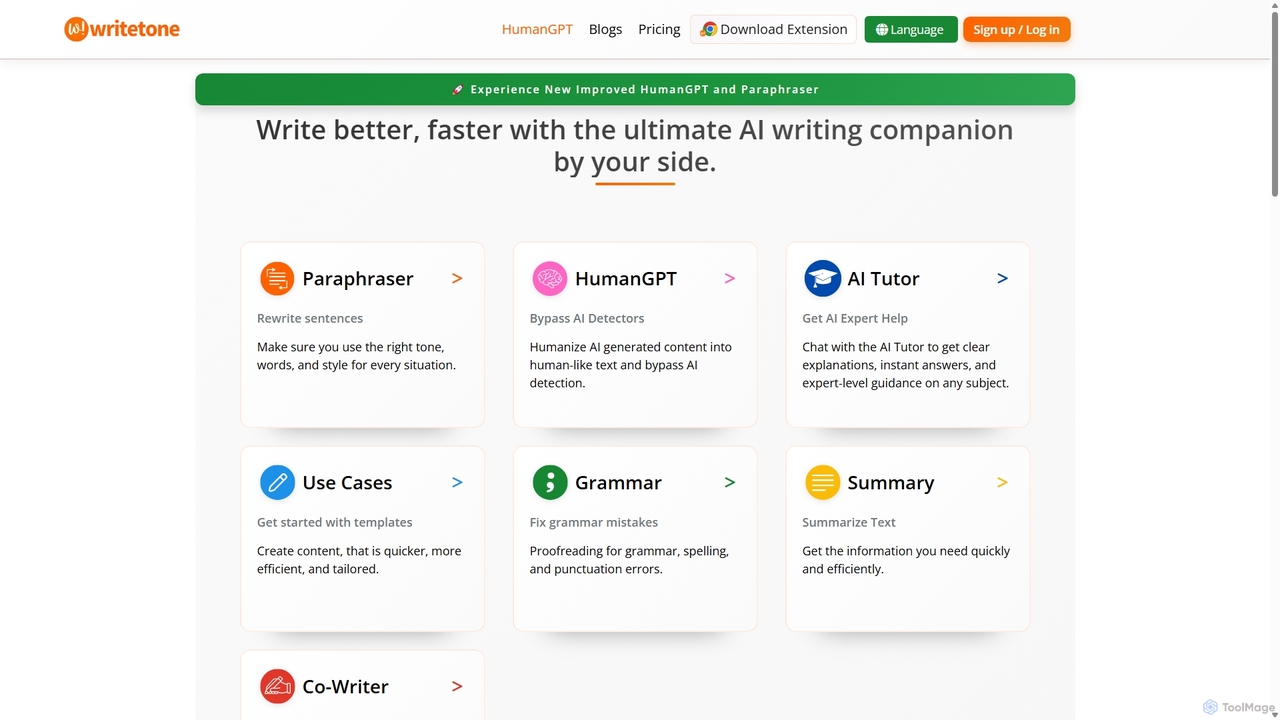
Writetone
Writetone is an AI-powered writing companion designed to help users write better and faster. It offers a comprehensive suite of tools including a paraphraser, grammar checker, summarizer, and a unique HumanGPT feature to bypass AI detection. With over 90 writing tones and support for 50+ languages, it adapts to any writing style for emails, academic papers, marketing copy, and more. It's an all-in-one platform for students, marketers, and writers.
Academic Writing
Jarvis
Jarvis is an intelligent AI assistant designed to automate tasks, manage schedules, and streamline communication for busy professionals and teams. It acts as a central command hub, integrating with your existing tools to boost productivity and reclaim your time.
Workflow
Wordtune
Wordtune is an AI-powered writing companion and paraphrasing tool that helps you rewrite, rephrase, and improve your text. It offers features like tone adjustment, text shortening/expansion, summarization, and translation into English, ensuring your writing is clear, compelling, and authentic across various platforms.
Email AssistantCleverType Categories
CleverType Embed Widget
Copy this embed code to place the badge on your blog, article, or product site and send readers directly to this ToolMage detail page.

Related AI tools
Writetone
Writetone is an AI-powered writing companion designed to help users write better and faster. It offers a comprehensive suite of tools including a paraphraser, grammar checker, summarizer, and a unique HumanGPT feature to bypass AI detection. With over 90 writing tones and support for 50+ languages, it adapts to any writing style for emails, academic papers, marketing copy, and more. It's an all-in-one platform for students, marketers, and writers.
Academic Writing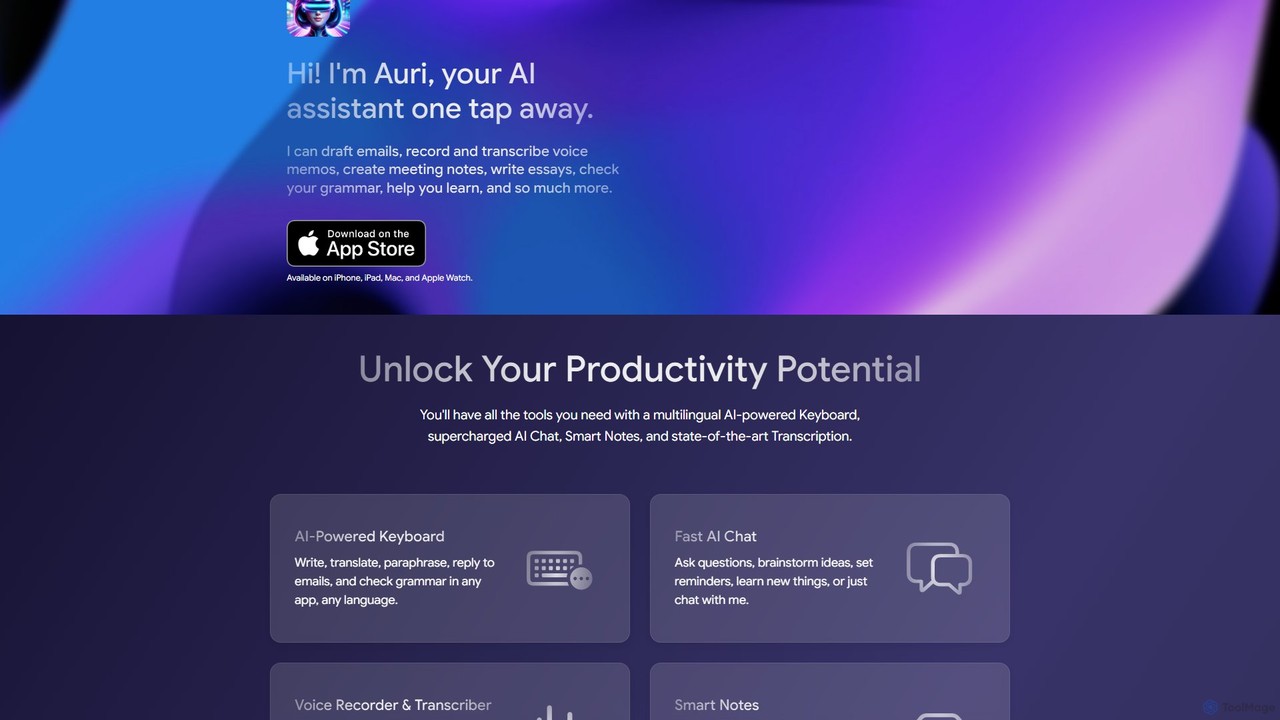
Auri
Auri is an all-in-one AI assistant integrated into a keyboard for Apple devices. It enhances your writing, checks grammar, paraphrases text, translates languages, and transcribes voice memos directly within any app. Boost your productivity and communication on iPhone, iPad, Mac, and Apple Watch.
Transcription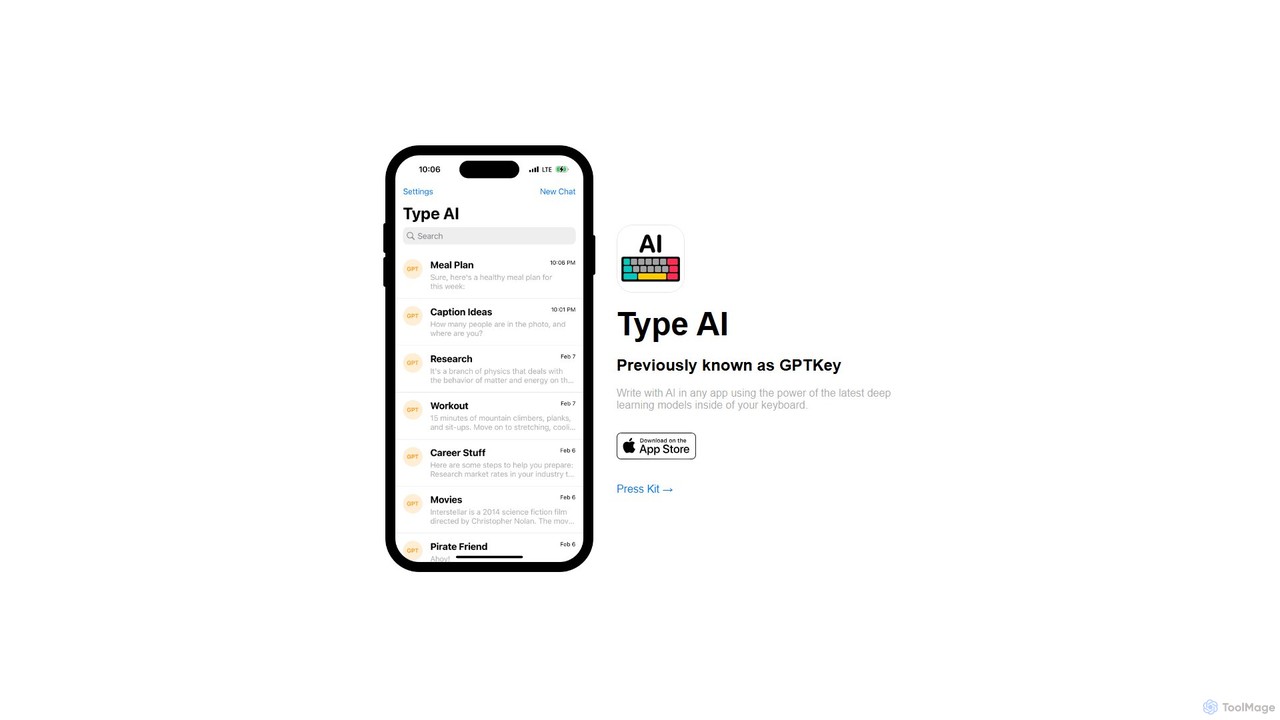
Type AI
Type AI is a revolutionary AI keyboard for iOS that integrates the power of advanced language models, like ChatGPT, directly into any app. Write, reply, rephrase, and translate text seamlessly without switching applications, boosting your productivity and creativity on the go.
Ios AppsWordtune
Wordtune is an AI-powered writing companion and paraphrasing tool that helps you rewrite, rephrase, and improve your text. It offers features like tone adjustment, text shortening/expansion, summarization, and translation into English, ensuring your writing is clear, compelling, and authentic across various platforms.
Email Assistant
Compose AI
Compose AI is an AI-powered writing assistant and Chrome extension that accelerates your writing process. It offers intelligent autocompletion, text generation, and rephrasing capabilities across all your favorite sites, from emails to documents. By learning your personal writing style, it helps you write faster and more effectively, saving up to 40% of your time.
Chrome Extensions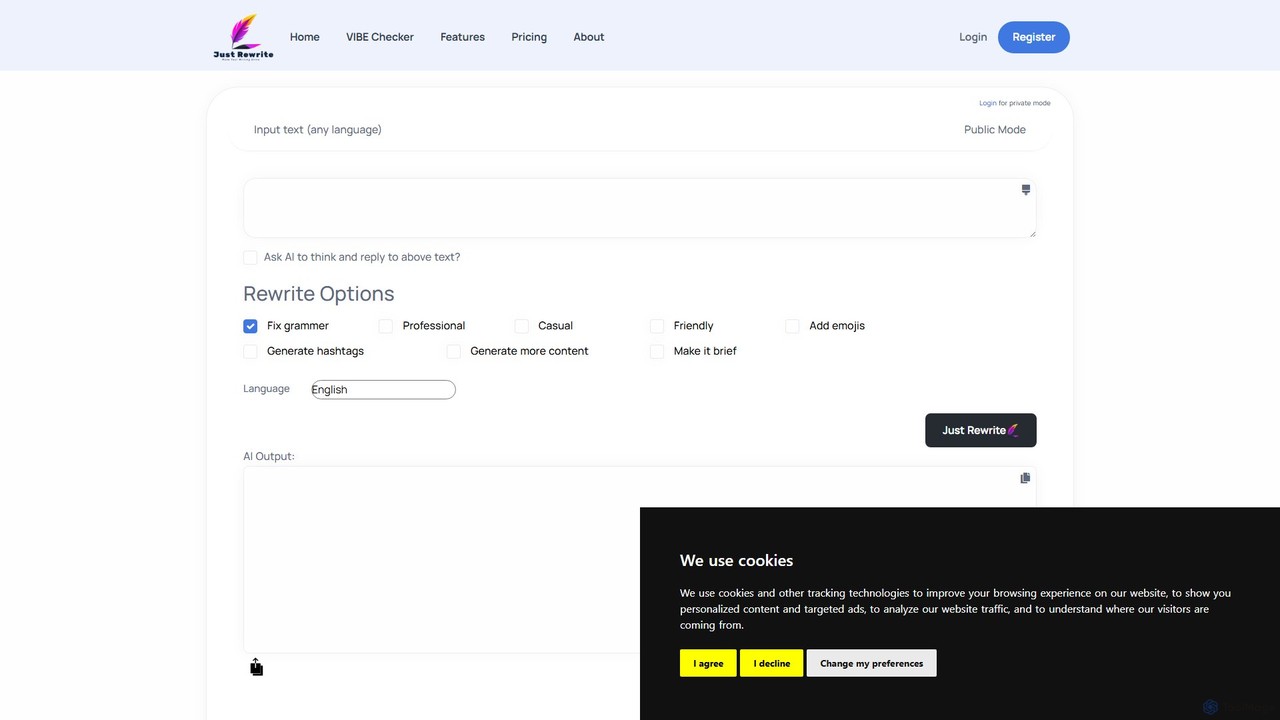
justrewrite
justrewrite is an AI-powered writing assistant designed to enhance, rephrase, and generate text. It offers grammar correction, tone adjustment, content expansion, and multilingual support to help users create polished and effective content for any purpose.
Social Media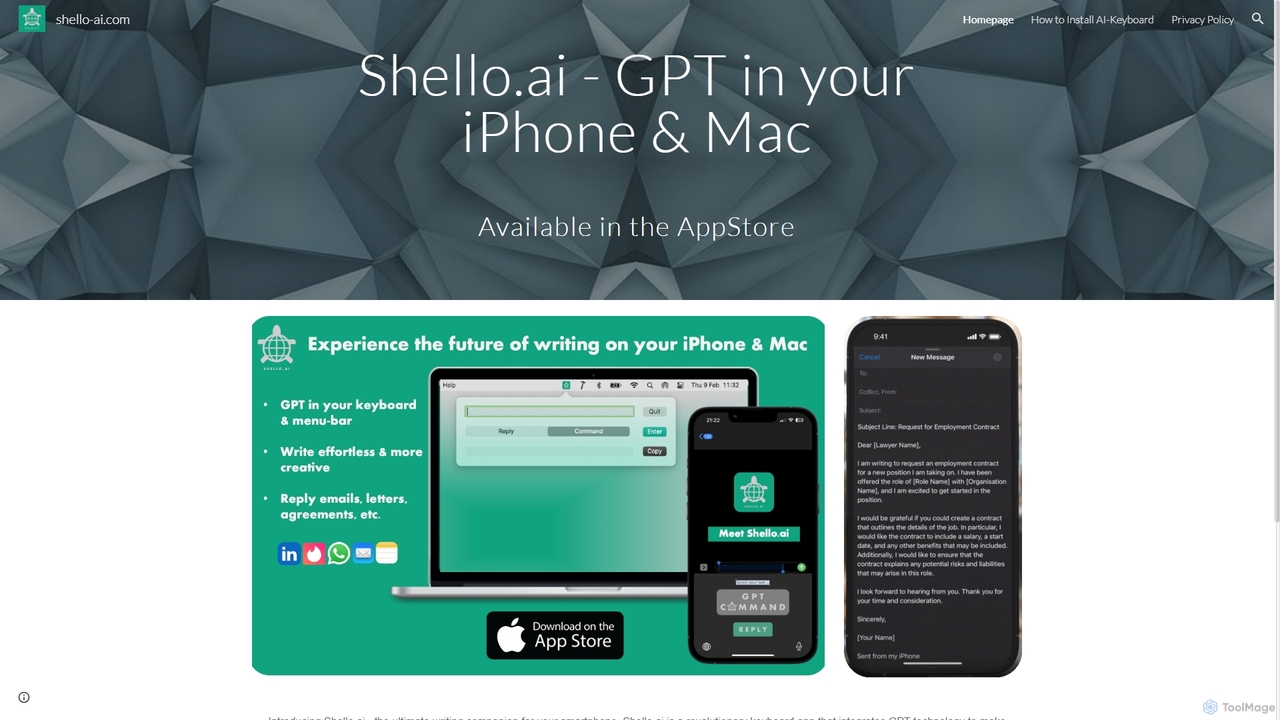
Shello Ai
Shello.ai is a revolutionary GPT-powered keyboard app for iPhone and Mac. It acts as an intelligent writing companion, integrating directly into your system to help you write faster, smarter, and more efficiently in any application. From autocompleting sentences to rephrasing text, Shello.ai enhances your productivity and writing quality.
Email Assistant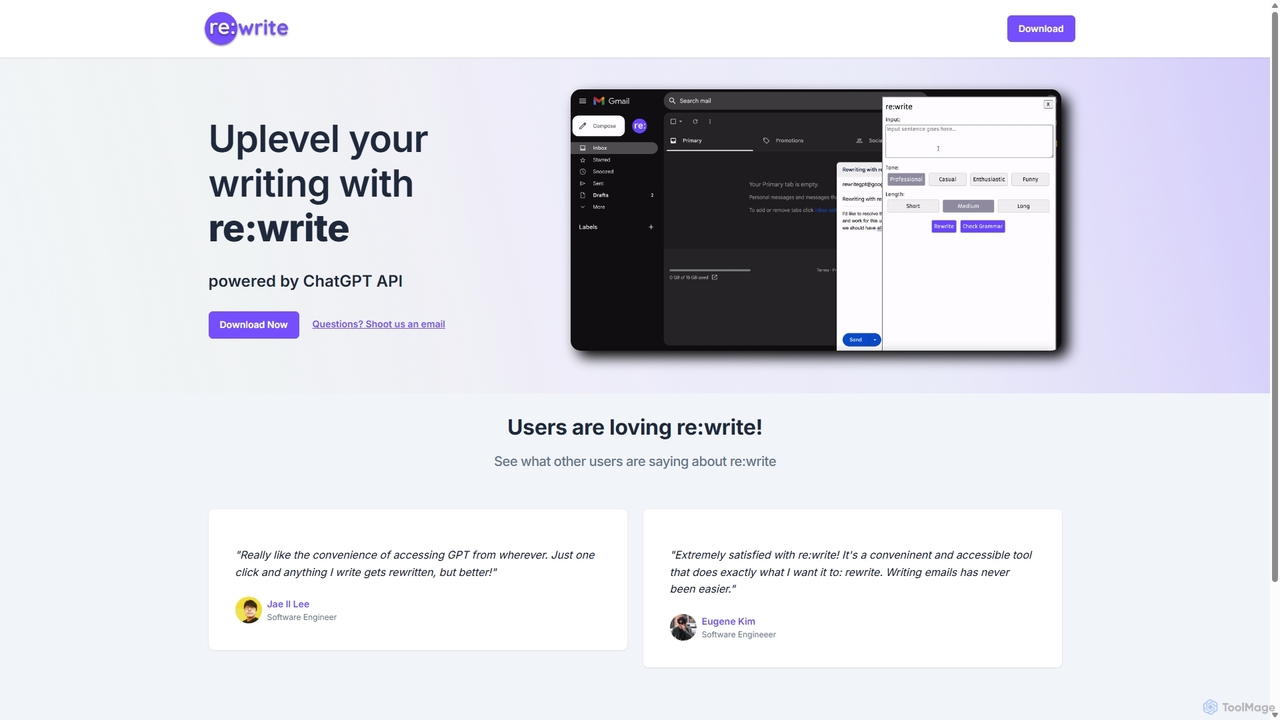
Rewritegpt
Rewritegpt is an AI-powered writing assistant and browser extension that helps you rewrite, paraphrase, and improve your text with a single click. It integrates seamlessly into your workflow, allowing you to enhance emails, reports, and social media posts directly on any website.
Study Tools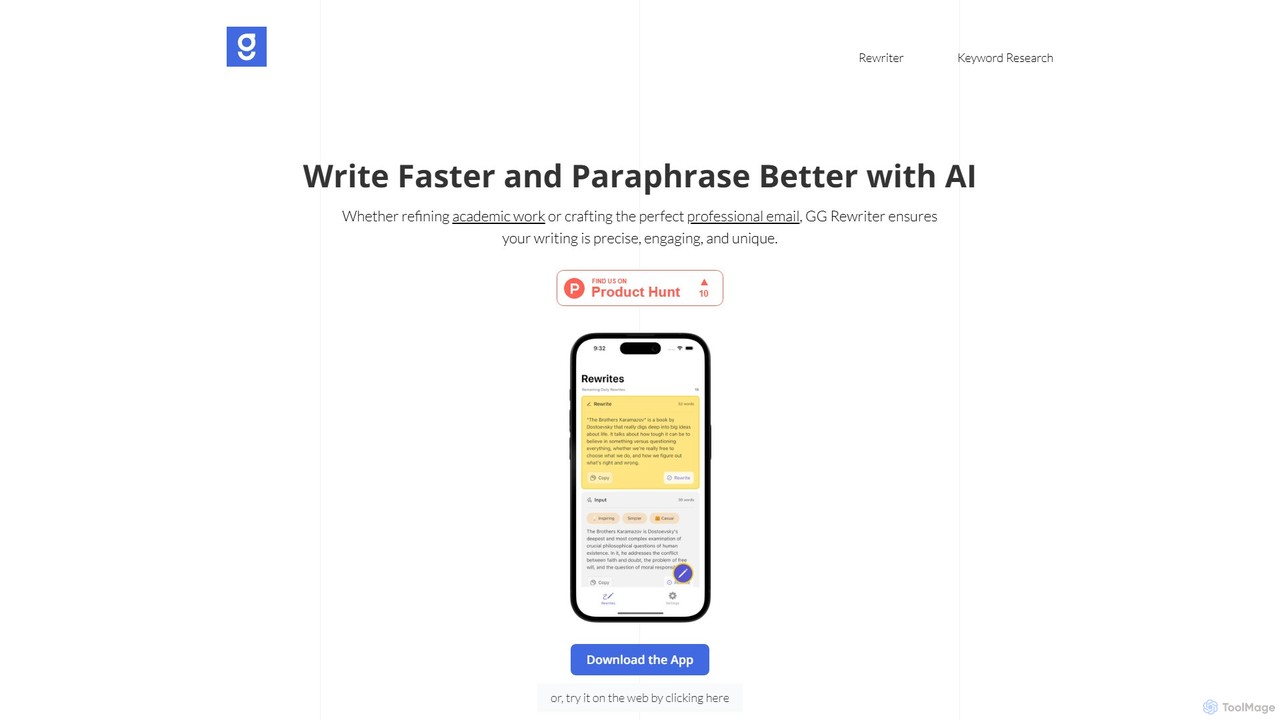
GG Rewriter
GG Rewriter is a versatile AI tool offering free paragraph rewriting, paraphrasing, and SEO keyword research. It helps users refine academic papers, craft professional emails, and optimize content for search engines by adjusting tone, style, complexity, and vocabulary.
Language Learning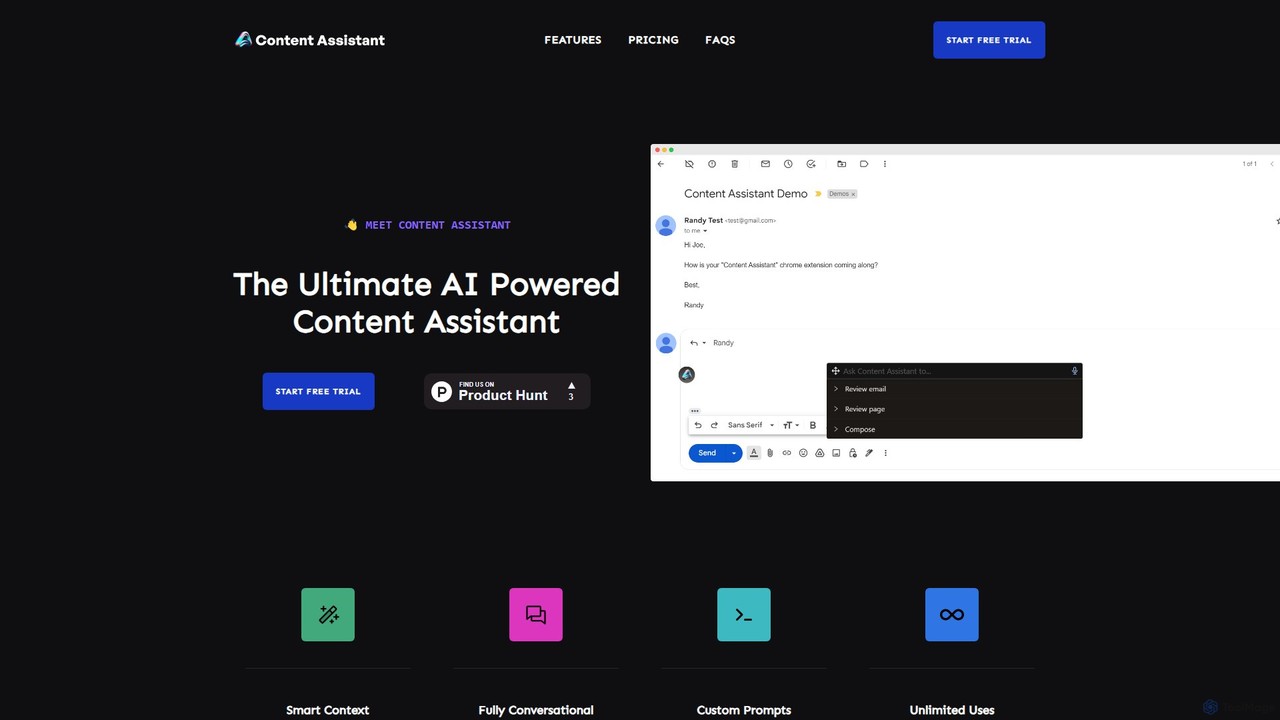
Content Assistant
A powerful AI browser extension that acts as your co-pilot for all content tasks. It intelligently uses page context to help you write, edit, summarize, translate, and reply to emails directly within your browser, boosting productivity and enhancing your workflow.
Chrome Extensions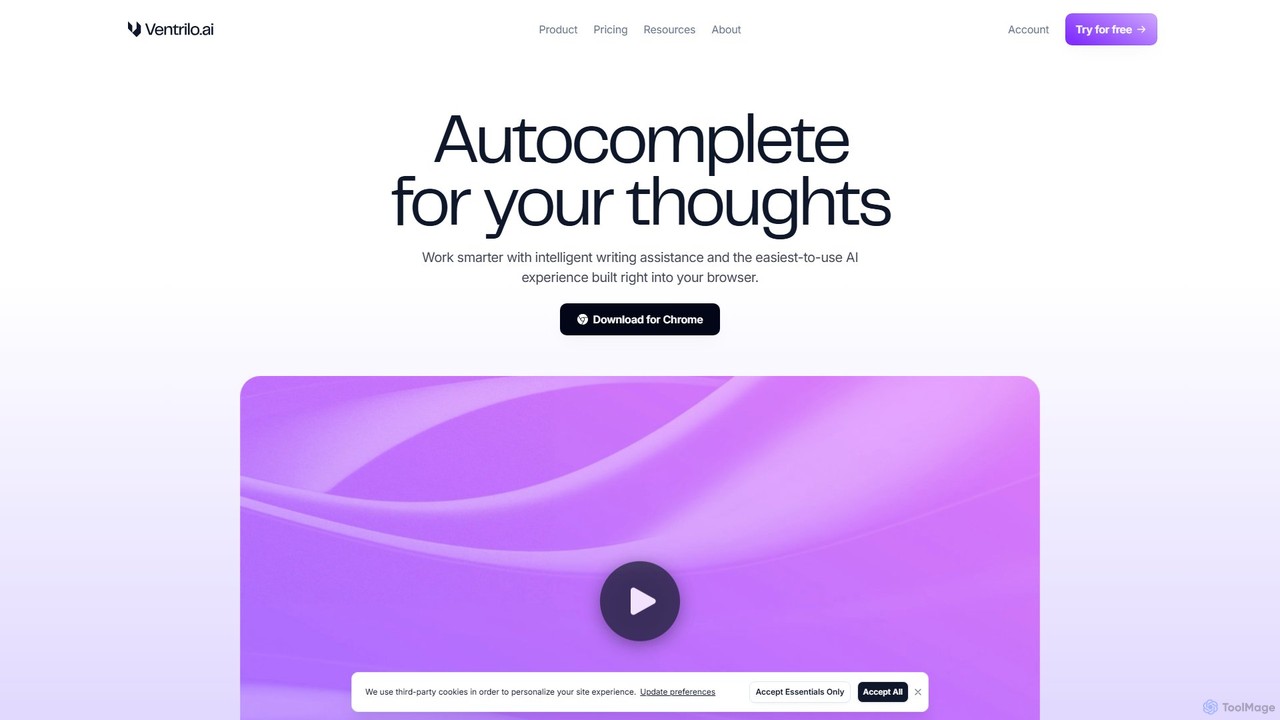
Ventrilo
Ventrilo is a context-aware AI writing assistant that integrates directly into your browser. It provides intelligent autocomplete, sentence rewriting, and a chat sidebar that understands your open tabs and documents. Access top AI models like GPT-4, Claude, and Gemini to enhance your writing, research, and overall productivity across any website or web app.
Chrome Extensions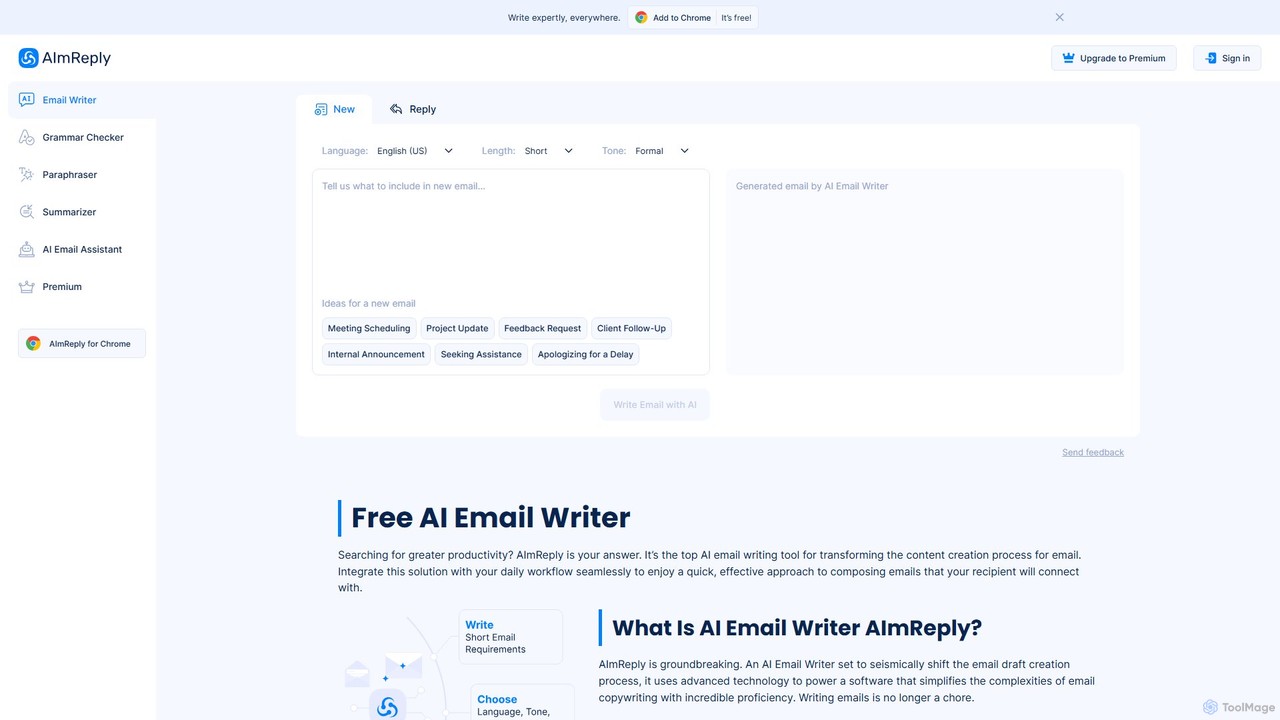
AImReply
AImReply is a free AI-powered email writing assistant, available as a Chrome extension. It helps users draft, reply, summarize, and paraphrase emails in seconds. With support for 17 languages, 12 tones, and 3 lengths, it enhances productivity and communication quality for professionals, businesses, and individuals, requiring no login to get started.
Email Marketing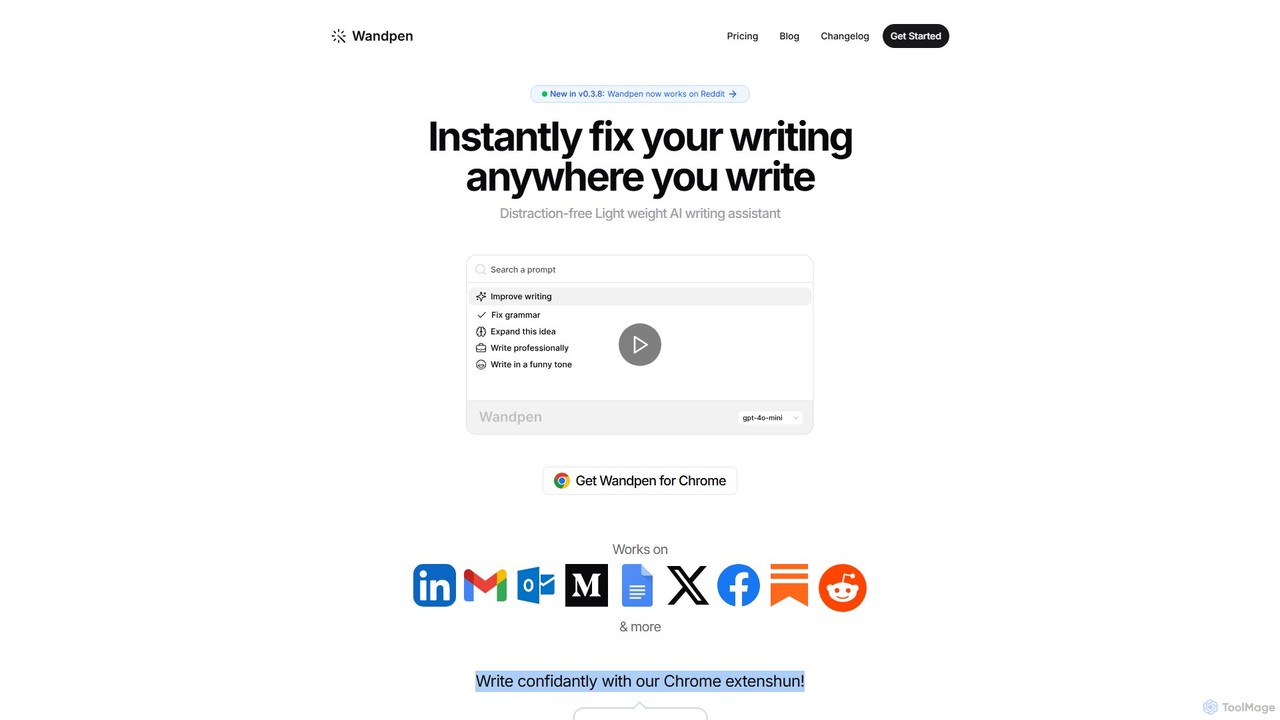
Wandpen
Wandpen is a lightweight AI writing assistant for Chrome that seamlessly integrates into your workflow. It allows you to instantly fix grammar, rewrite text, and brainstorm ideas directly on any website, including Google Docs, Reddit, and LinkedIn. By eliminating the need to switch tabs, Wandpen boosts your productivity and writing confidence using powerful AI models like GPT-4o, Claude 3.5, and Gemini.
Chrome Extensions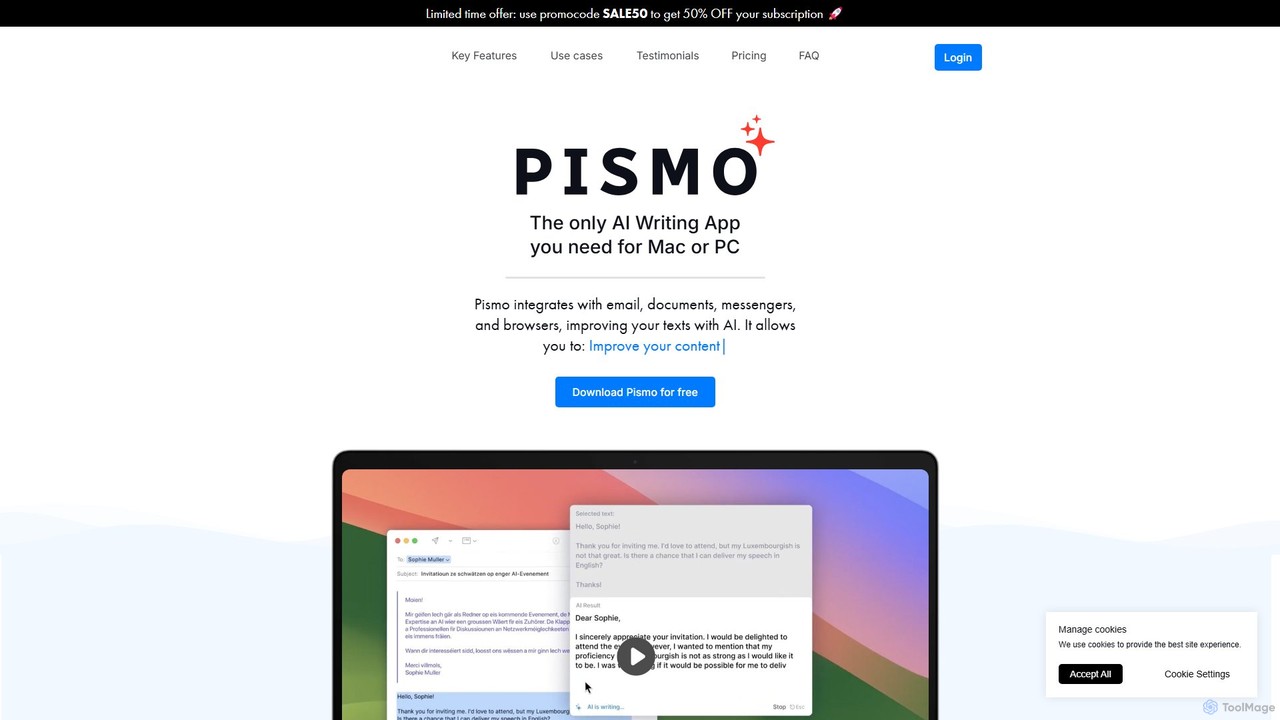
Pismo
Pismo is a native AI writing assistant for Mac and Windows. It integrates seamlessly into any application, allowing you to improve writing, fix grammar, translate text, change tone, and use custom prompts with hotkeys to boost your productivity.
Paraphraser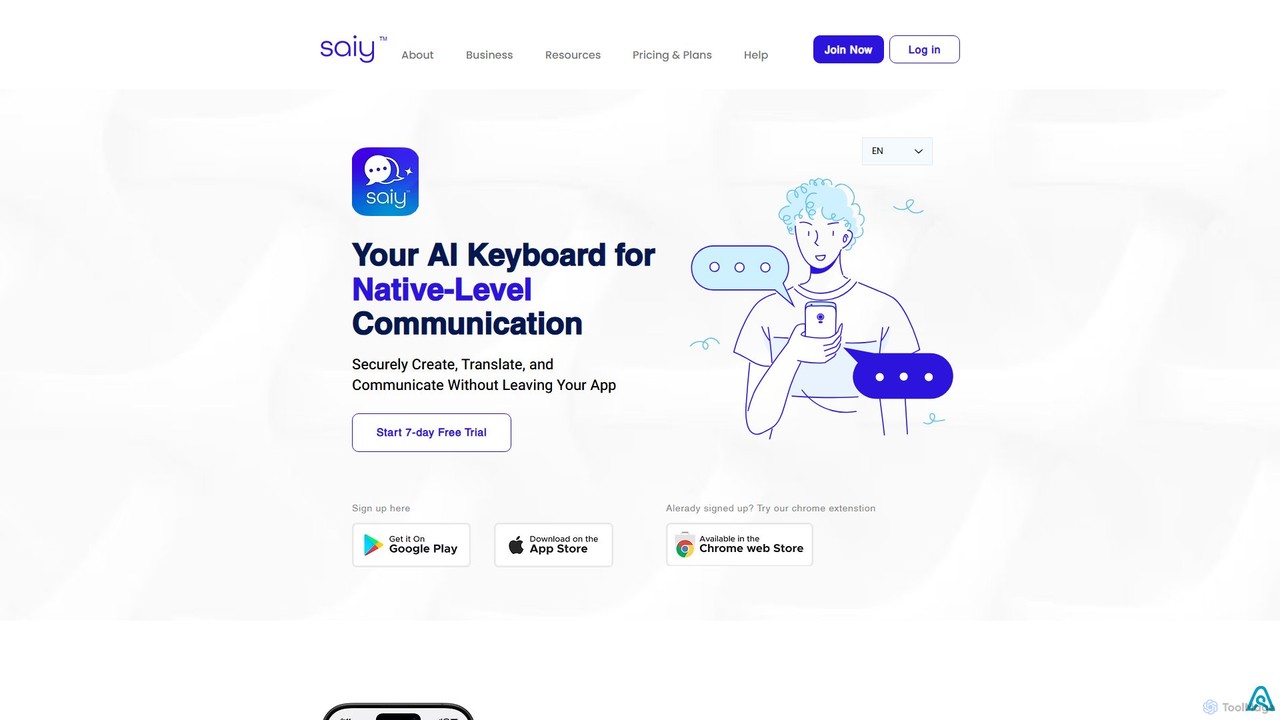
SAiY
SAiY is an AI-powered keyboard app designed for non-native speakers and global teams. It enhances communication by providing real-time translation, content creation, and text refinement directly within any application. Communicate confidently and professionally in any language, ensuring your message is clear, nuanced, and fluent, just like a native speaker.
Team Collaboration
CleverType Comments (0)
Sign in to comment.
Sign inNo comments yet.