Communication Best in category 14 results Email AI Tool

Popular AI tools in the Email field of Communication include Google Workspace、Spark Mail、Flowrite、CleverType、Zero、MAILE、Pinza、Ellie、Breezemail、writemailai, etc., helping you quickly improve efficiency.

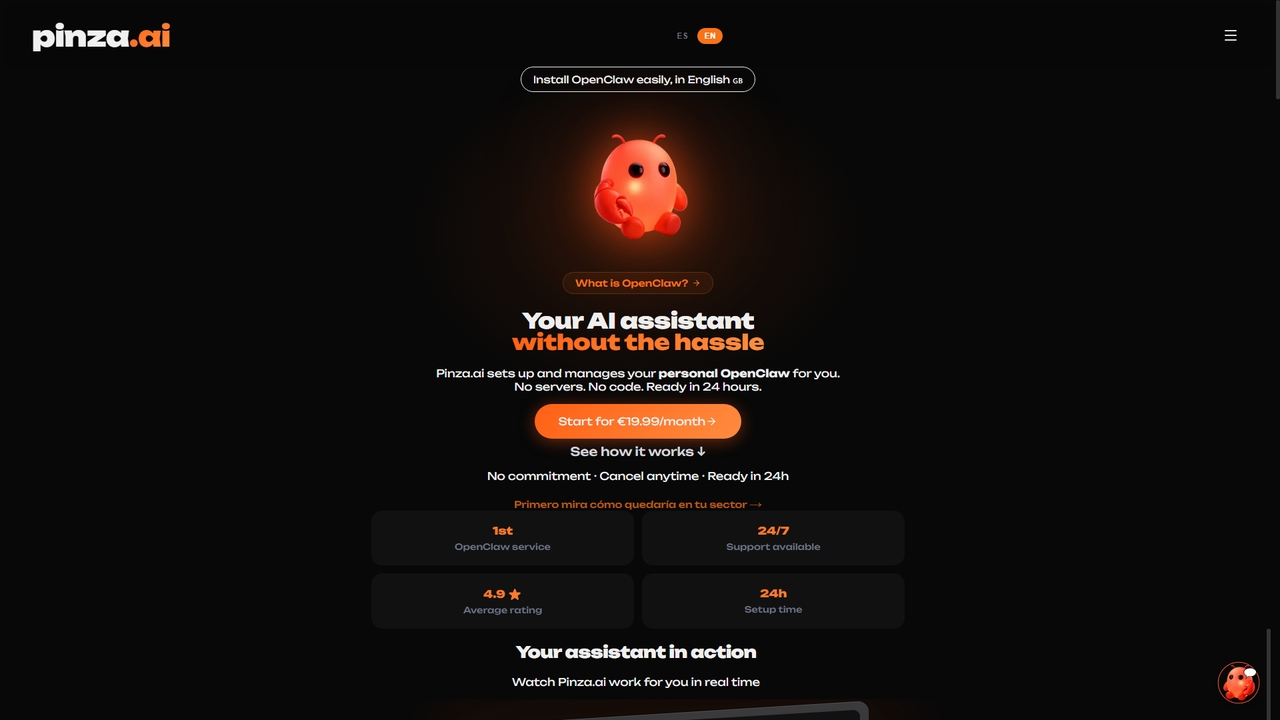
Pinza

Pinza

Pinza is a managed service that sets up and hosts a personal OpenClaw AI assistant for you within …

5.3K
Jarvis

Jarvis

Jarvis is an intelligent AI assistant designed to automate tasks, manage schedules, and streamline communication for busy professionals …

2.3K
Zero

Zero

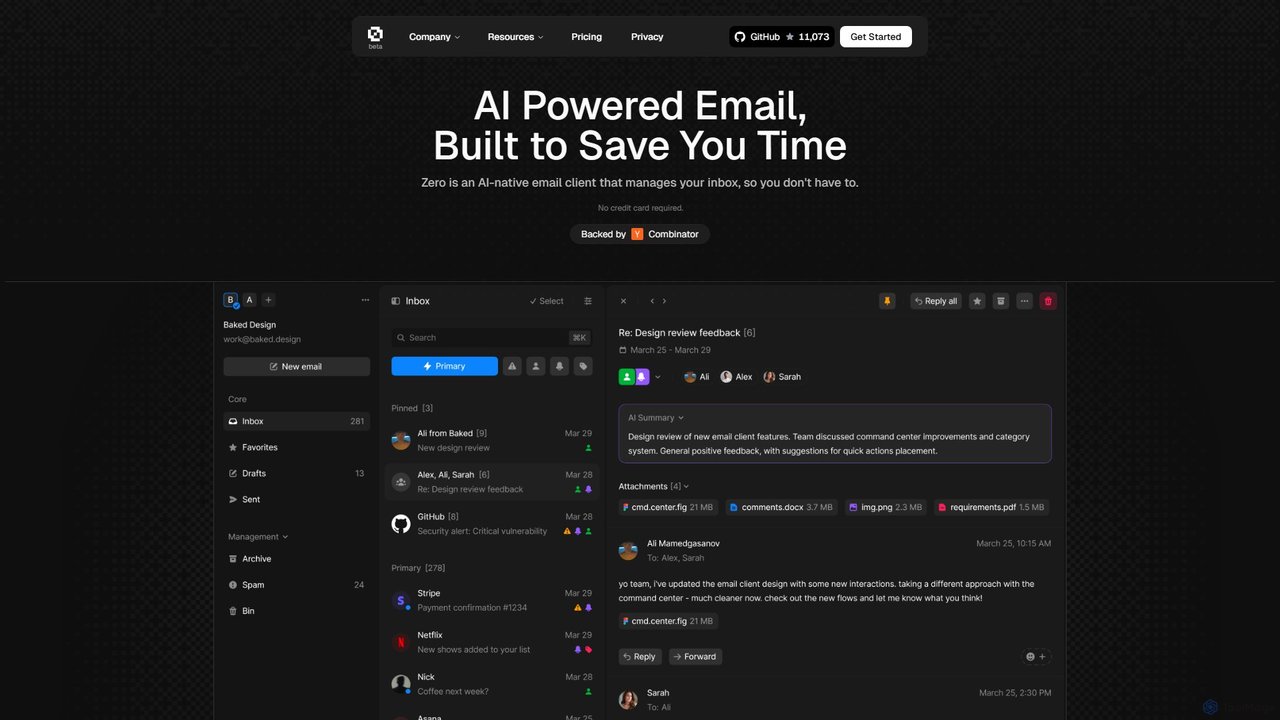
Zero is an AI-native email client designed to save you time. It automatically manages your inbox by summarizing …

24.6K
email5

email5

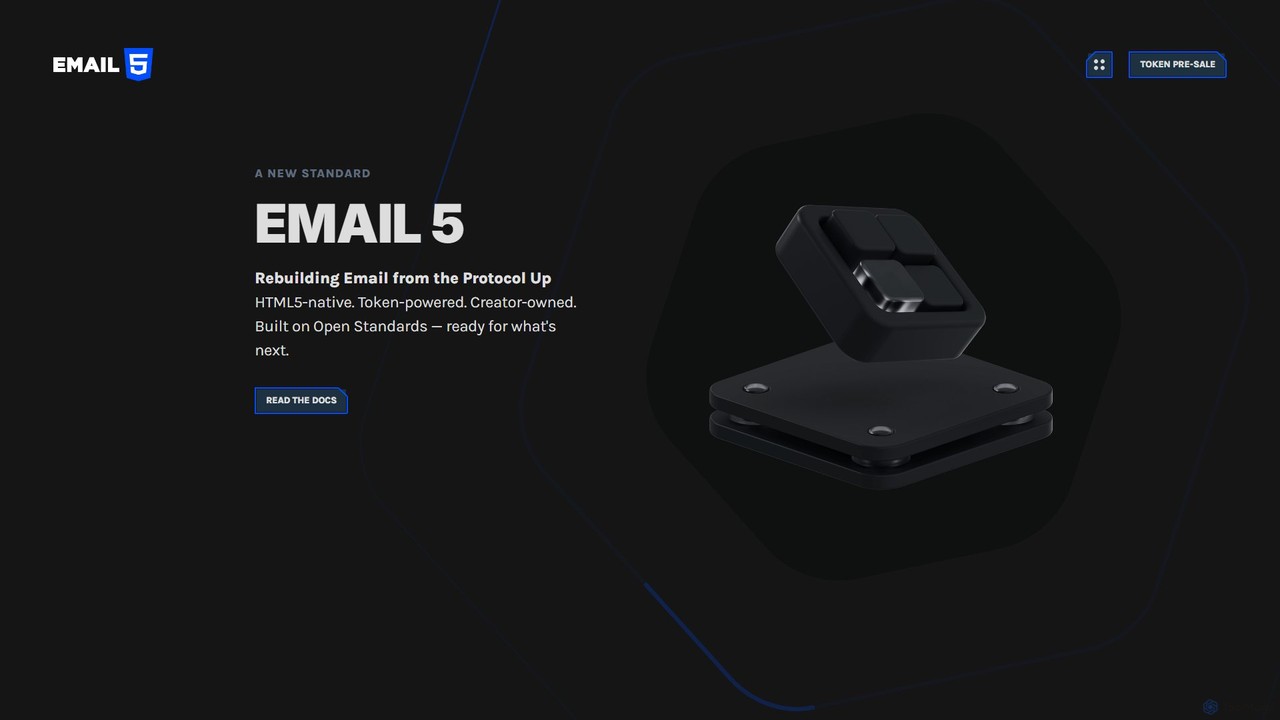
email5 is a Web3-native email platform rebuilding email from the protocol up. It leverages open standards like HTML5 …

2.3K
Breezemail

Breezemail

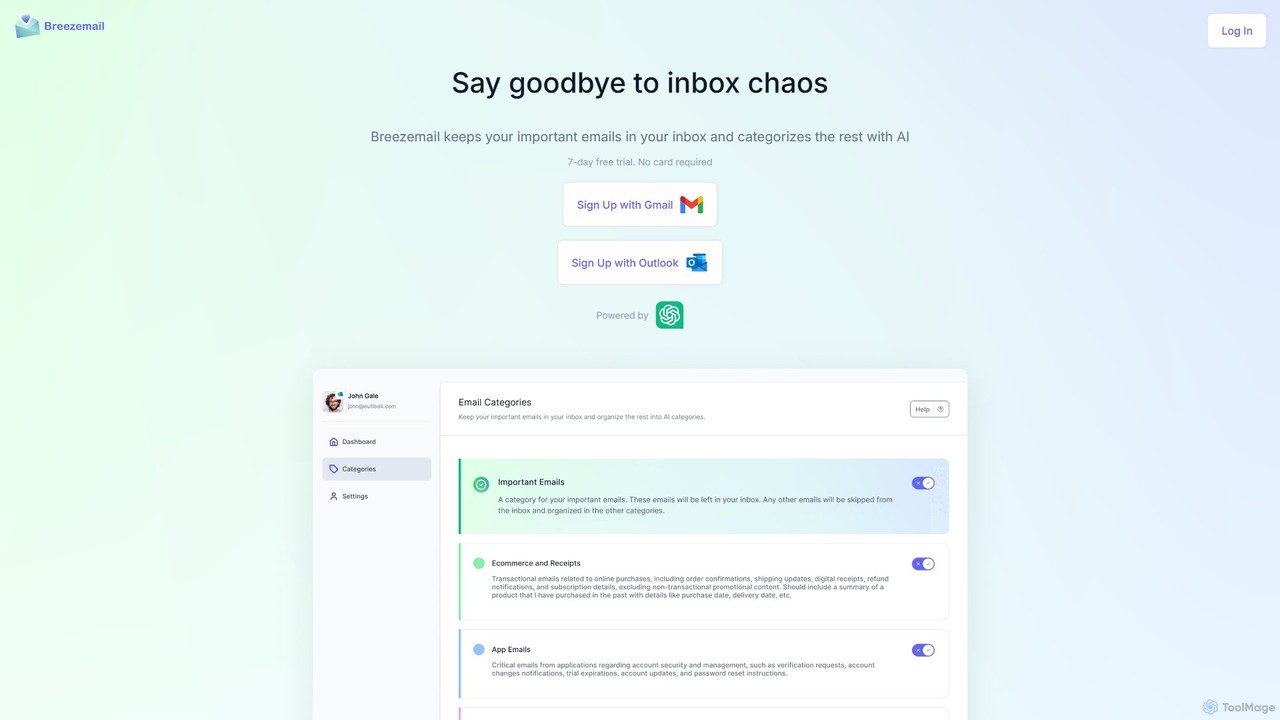
Breezemail is an AI-powered email organizer that automatically categorizes your emails in Gmail and Outlook. By creating custom, …

2.9K
Free
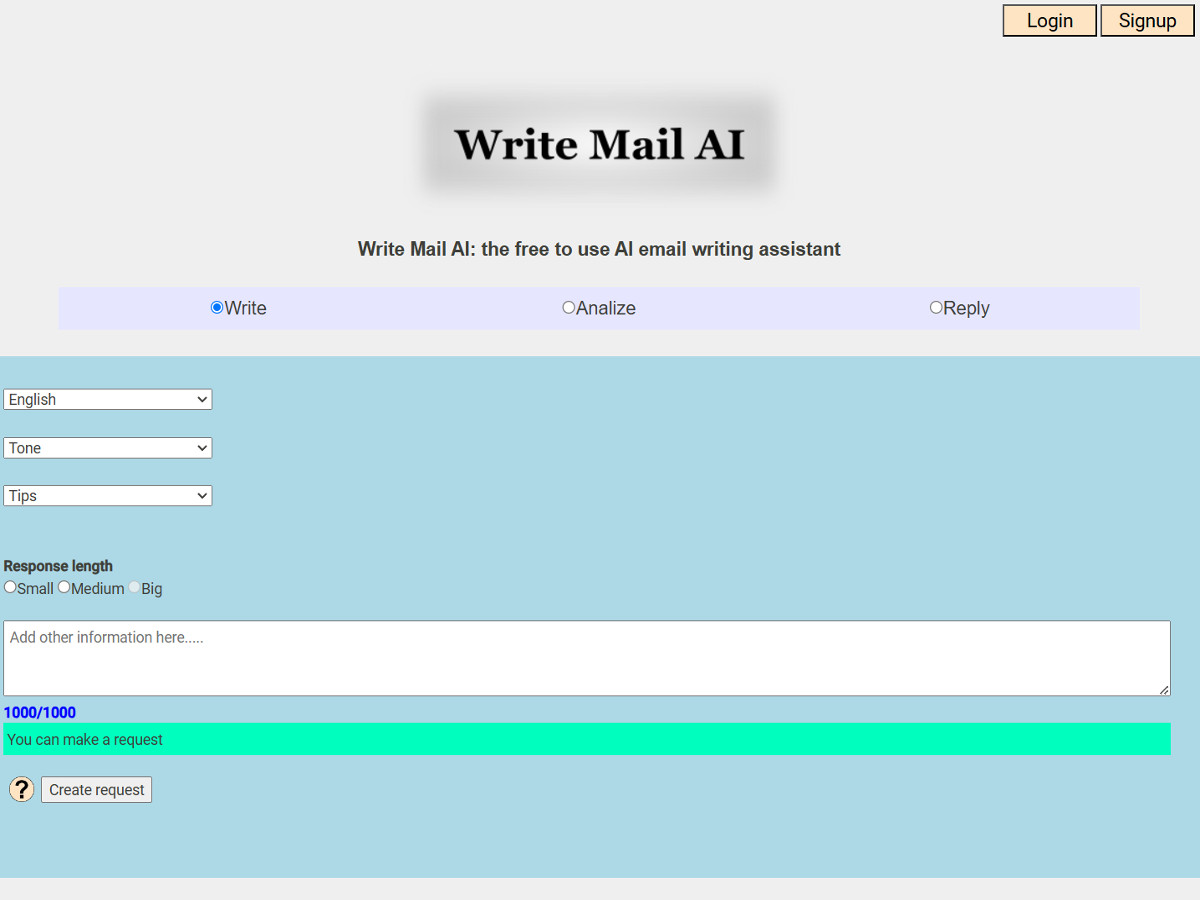
writemailai

writemailai

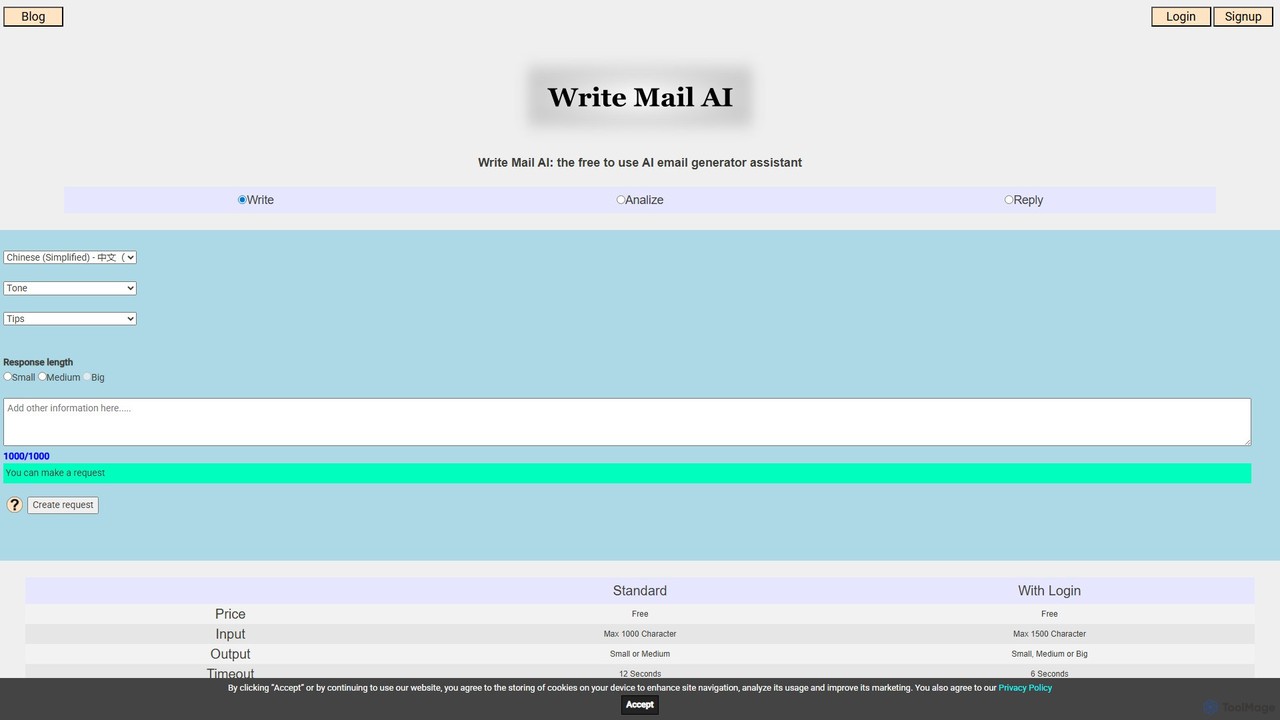
writemailai is a free, comprehensive AI email assistant designed to boost your productivity. It helps you write, reply …

2.3K
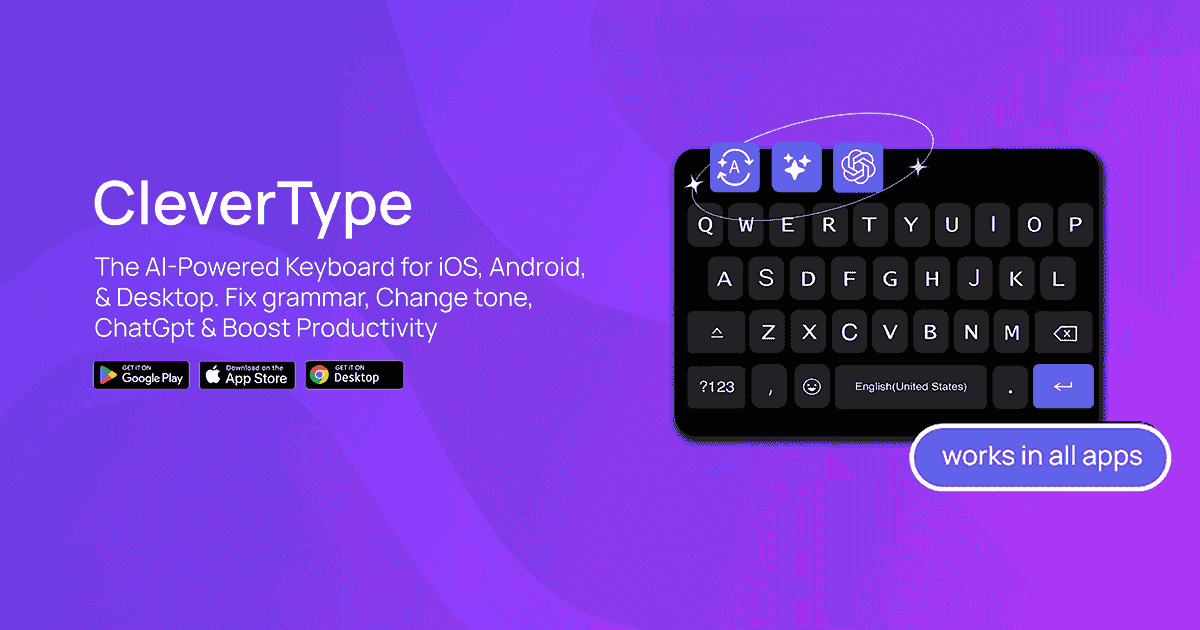
CleverType

CleverType

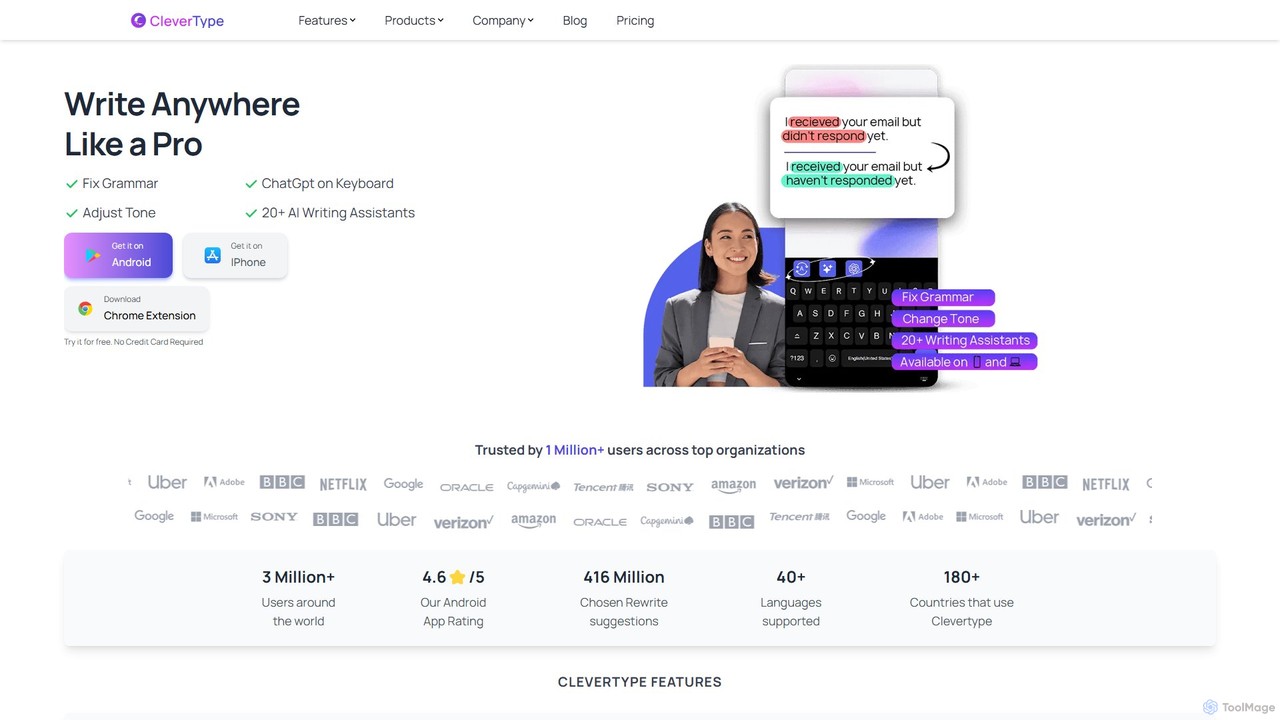
CleverType is an AI-powered keyboard and writing assistant designed to enhance your communication everywhere you type. Available on …

49.1K
Ellie

Ellie

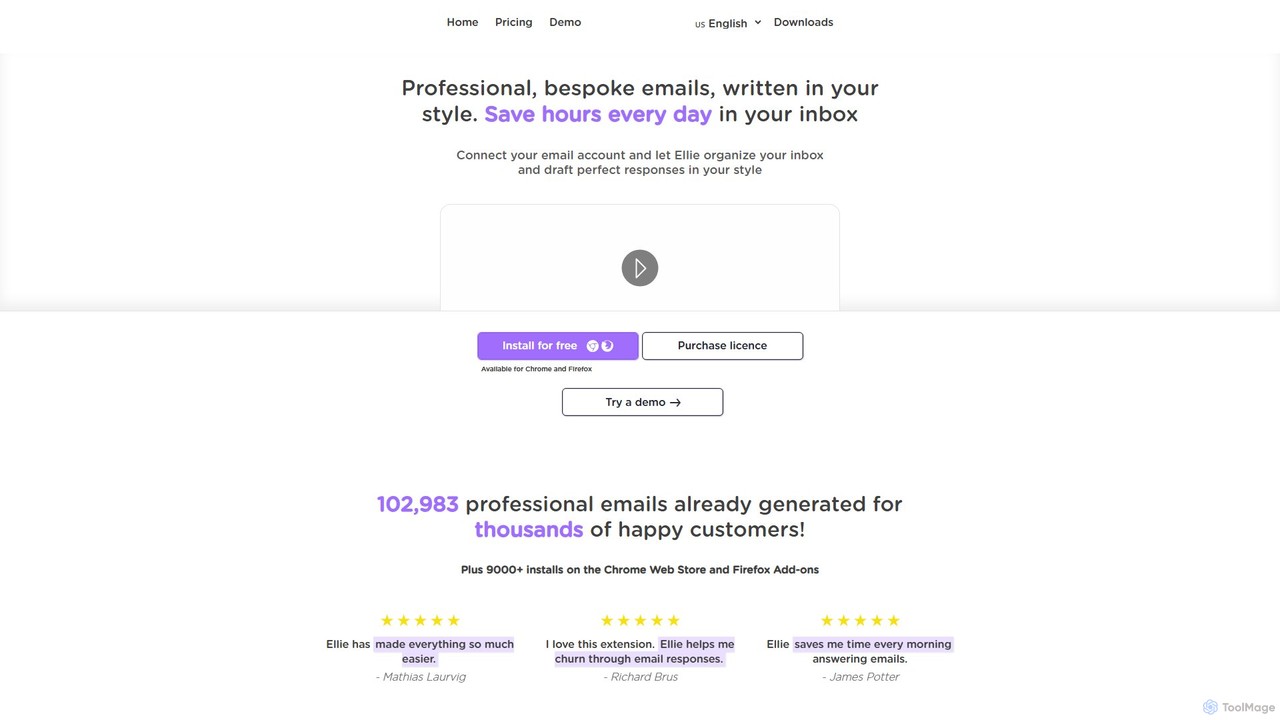
Ellie is an AI-powered email assistant that saves you hours every day. It learns from your writing style …

4.6K
Ping

Ping

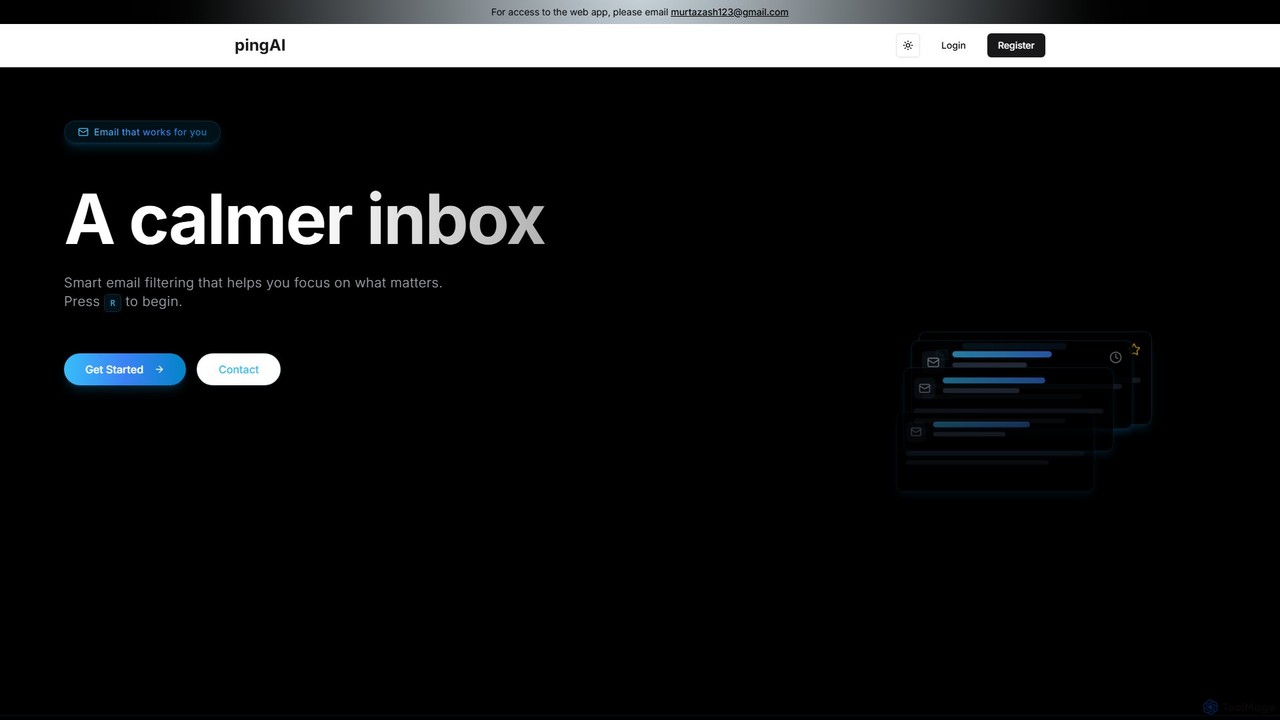
Ping is an AI-powered email management tool designed to combat inbox overload. It intelligently filters your emails, prioritizes …

2.3K
emailtuner

emailtuner

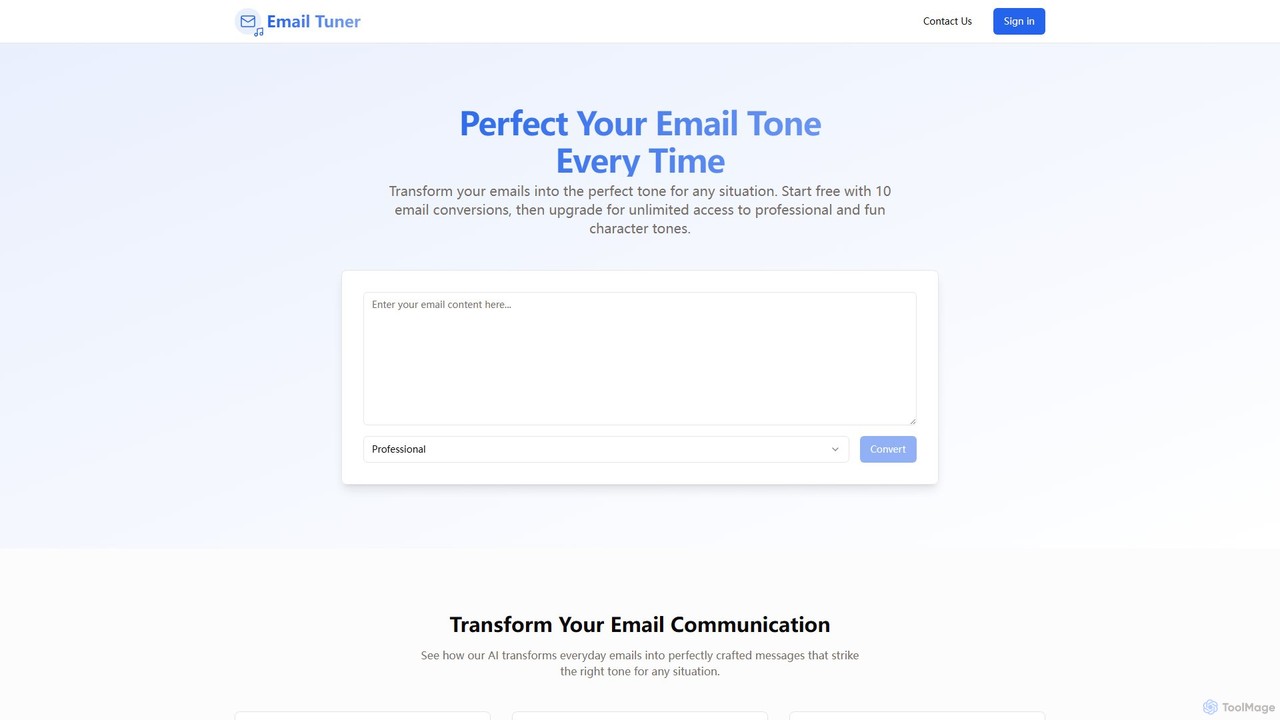
emailtuner is an AI-powered tool that analyzes and rewrites your emails to achieve the perfect tone for any …

2.2K
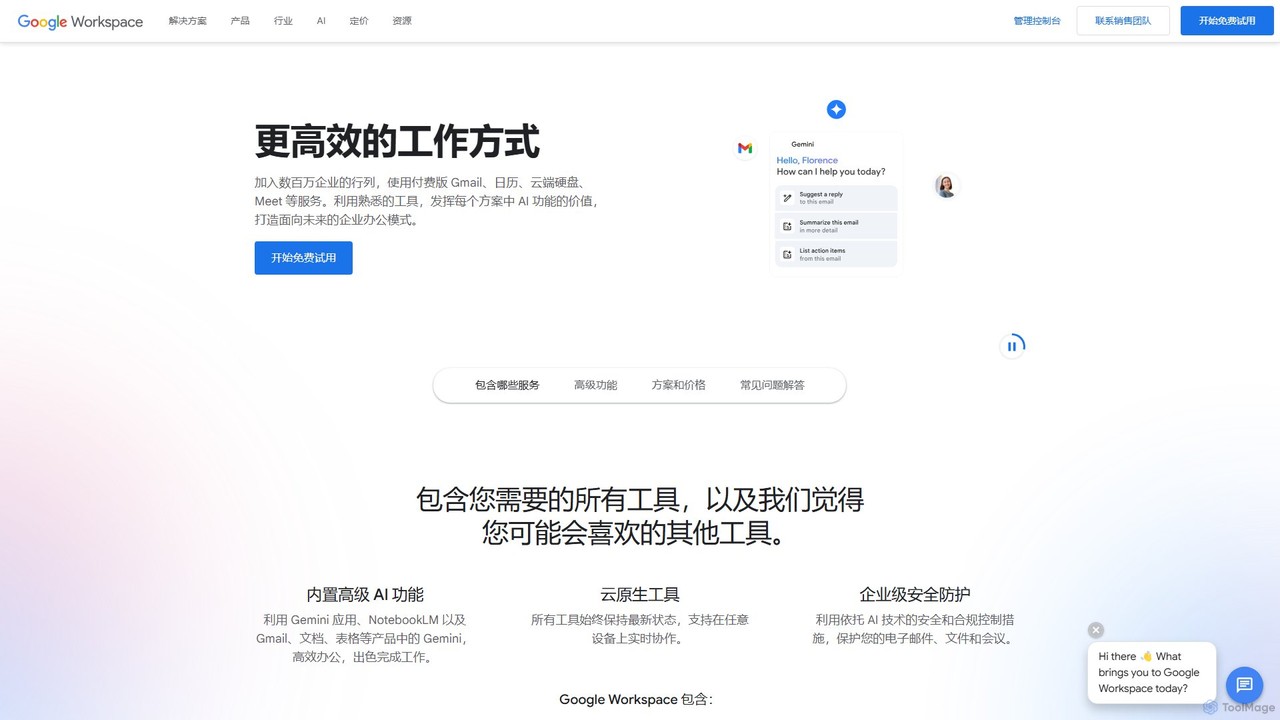
Google Workspace

Google Workspace

Google Workspace is an integrated suite of secure, cloud-native collaboration and productivity apps powered by Google AI. It …

216.9M
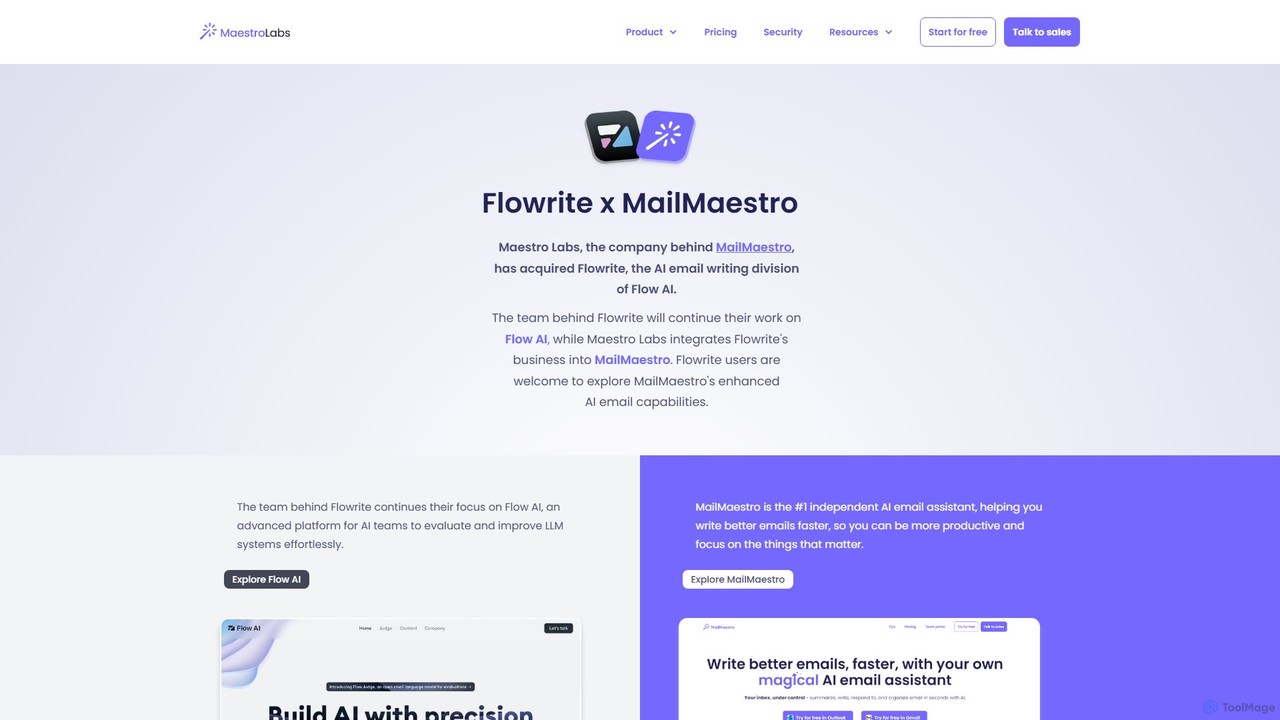
Flowrite

Flowrite

Flowrite is a powerful AI email writing assistant, now integrated into MailMaestro. It helps users write, reply to, …

76.1K
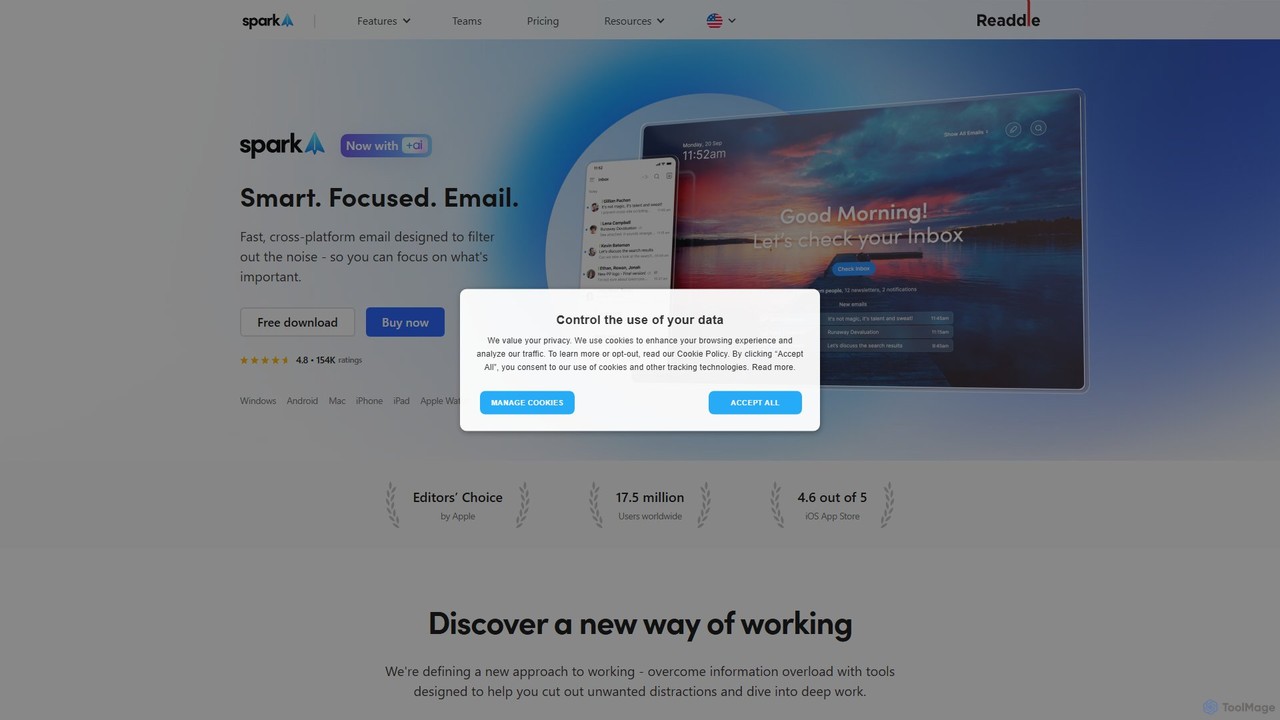
Spark Mail

Spark Mail

Spark Mail is an intelligent, cross-platform email client designed to help you focus on what's important. It uses …

476.4K
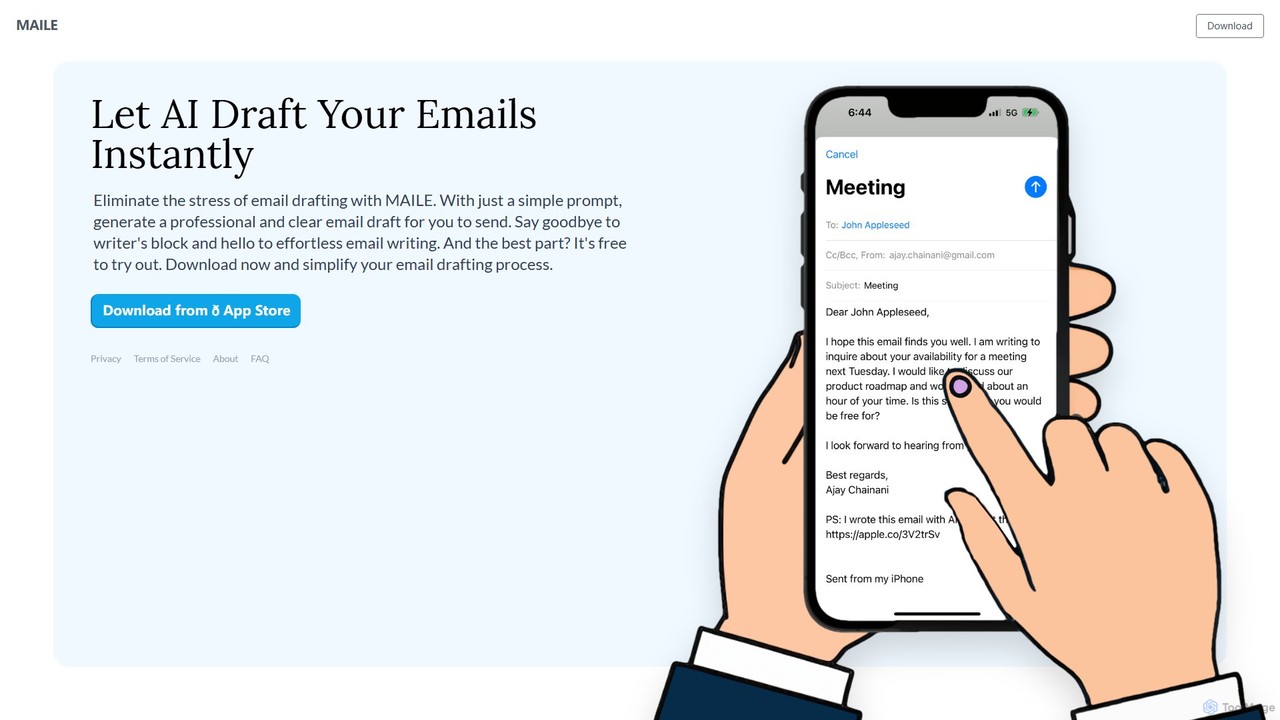
MAILE

MAILE

MAILE is an AI-powered email writing assistant for iPhone that instantly drafts professional emails from simple prompts. It …

5.4K

About Email

AI Email tools are applications that leverage artificial intelligence to automate, draft, and manage email communications. Using natural language processing (NLP), these tools can generate context-aware replies, summarize lengthy threads, and optimize subject lines for better engagement. They are designed to enhance productivity for sales teams, marketers, and busy professionals by significantly reducing time spent on manual email tasks. Unlike standard email clients, they provide advanced features like sentiment analysis, automated follow-up sequences, and intelligent inbox sorting.

Core Features

  • Intelligent Composition: Drafts complete emails and replies from simple prompts, with options to adjust tone and length.
  • Email Summarization: Condenses long email chains into concise, easy-to-read summaries, highlighting key points and action items.
  • Automated Workflows: Creates rules for automatically sorting emails, sending follow-ups, and scheduling messages.
  • Predictive Analysis: Analyzes email content and recipient behavior to suggest optimal sending times and predict engagement.
  • Inbox Triage: Automatically categorizes and prioritizes incoming emails, separating important messages from newsletters and notifications.

Use Cases

These tools are widely used by sales development representatives for automating outreach, customer support teams for managing high-volume inboxes, and executives for quickly processing critical communications. Marketers also use them to optimize email campaign copy and A/B test subject lines at scale.

How to Choose

When selecting an AI Email tool, consider its integration capabilities with your existing email client (e.g., Gmail, Outlook). Evaluate the core features based on your primary need—whether it's writing assistance, automation, or analytics. Also, review the tool's data privacy and security policies, especially regarding how your email content is handled. Finally, assess the pricing model and its scalability for individual or team use.

EmailUse Cases

1

Automating Sales Outreach and Follow-ups

A Sales Development Representative (SDR) needs to contact hundreds of leads weekly with personalized messages. Using an AI email tool, they can generate personalized opening lines for each lead based on their profile. The tool then schedules a multi-step follow-up sequence that automatically stops once the lead replies. This process significantly increases response rates and saves the SDR hours of manual tracking and sending each day, allowing them to focus on building relationships with engaged prospects.

2

Managing High-Volume Customer Support Inboxes

A customer support team manages a shared inbox that receives hundreds of queries daily. An AI email tool helps by automatically tagging and categorizing incoming emails based on their content (e.g., 'Billing Issue', 'Technical Question'). It can also draft accurate replies to frequently asked questions, which an agent can review and send in seconds. This system ensures faster response times, maintains consistency in communication, and frees up agents to focus their expertise on resolving more complex customer problems.

3

Drafting Professional Internal and External Communications

A project manager frequently needs to write clear, concise, and professionally toned emails to clients, stakeholders, and team members. Instead of starting from scratch, they use an AI assistant to draft emails from brief prompts, such as 'email client about project delay'. The AI generates a well-structured draft that the manager can quickly edit and personalize. They can also use the tool to refine the tone, ensuring messages are diplomatic and effective. This improves communication quality and saves significant time on composing important messages.

4

Summarizing Long Email Threads for Quick Briefings

A team lead is added to a long, complex email conversation with dozens of replies and needs to get up to speed quickly. Instead of spending an hour reading the entire thread, they use an AI summarization feature. The tool generates a bullet-point summary of the key decisions, action items, and current status discussed in the conversation. This allows the team lead to understand the context and contribute meaningfully in minutes, enabling faster and more informed decision-making.

5

Optimizing Email Marketing Campaign Copy

An email marketer is preparing a new campaign and wants to maximize open and click-through rates. They use an AI email tool to generate multiple variations of subject lines and call-to-action (CTA) text. The AI analyzes the campaign's goal and target audience to suggest copy that is persuasive and engaging. This allows the marketer to quickly A/B test different creative approaches without extensive manual brainstorming, leading to data-driven improvements in campaign performance and higher conversion rates.

6

Prioritizing and Organizing a Crowded Inbox

A busy executive receives over 100 emails a day, making it difficult to distinguish important messages from newsletters and notifications. An AI email assistant automatically sorts their inbox into categories like 'Priority', 'Newsletters', and 'Updates'. It learns from the user's behavior to identify which senders and keywords are most important. This intelligent triage system ensures that critical messages are seen first, reduces inbox anxiety, and helps the executive focus their attention on what truly matters without missing important communications.

EmailFrequently Asked Questions