
Zero Overview
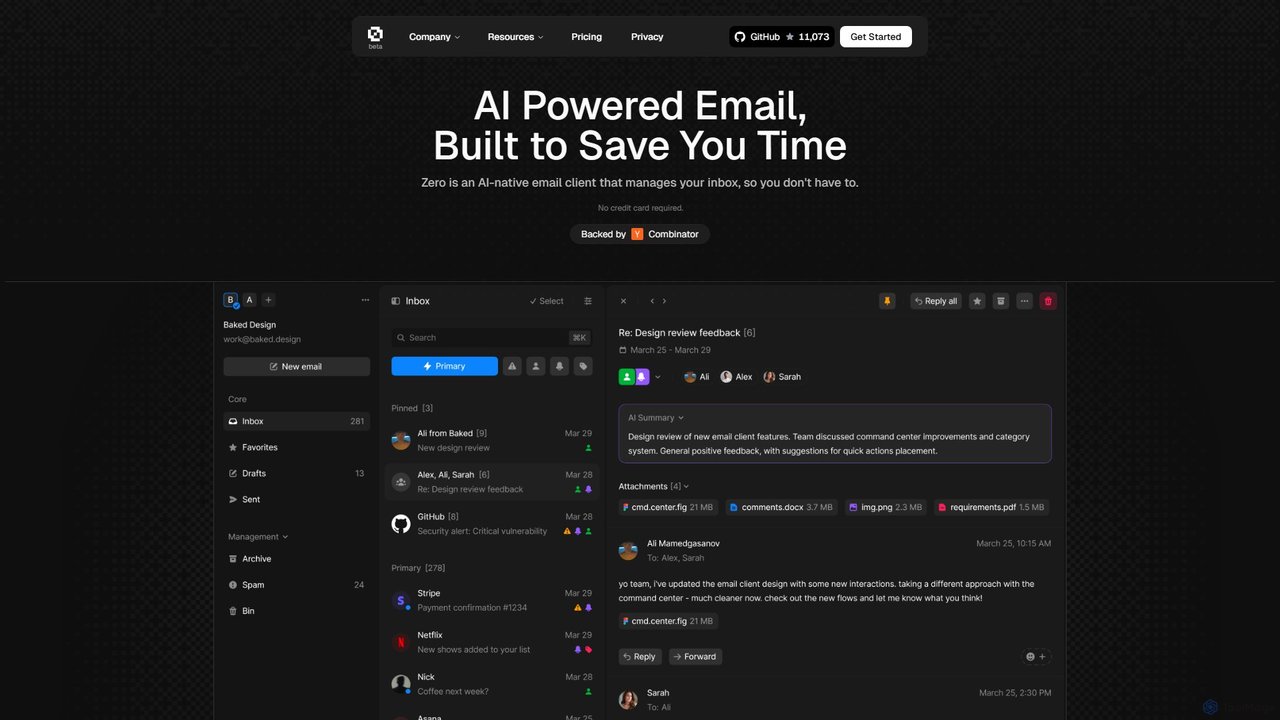
Zero is a revolutionary AI-powered email client built from the ground up to fundamentally change how professionals manage their communication. Frustrated with email clients that haven't evolved in decades, the creators of Zero designed an intelligent assistant that lives inside your inbox. Its core mission is to help you spend less time managing emails and more time on what truly matters. Backed by Y Combinator and built on a foundation of open-source principles, Zero offers a transparent, secure, and community-driven solution for inbox overload.
The platform is engineered for speed and efficiency, catering to power users who value their time. With a lightning-fast interface and comprehensive keyboard navigation, users can fly through hundreds of emails in minutes. The AI acts as a personal copilot, capable of understanding context, summarizing complex discussions, and generating appropriate responses, freeing you from the tedious task of manual email composition.
How to use Zero
Getting started with Zero is simple and intuitive. First, sign up on the website and connect your existing email account(s). Once connected, your inbox will be enhanced with AI capabilities. You can immediately start using keyboard shortcuts (like ⌘K for search or ⌘R for reply) to navigate your emails at the speed of thought. To handle long threads, simply use the AI Summary feature to get a concise overview. When you need to respond, let the AI draft a reply and then adjust the tone (e.g., neutral, professional) and length as needed before sending. The most powerful feature is 'Chat with Zero,' where you can use natural language commands like "Find the invoice from Stripe," "Summarize what Alex said about the new design," or "Schedule a meeting with Sarah" to manage your inbox without manual searching or clicking.
Core Features of Zero
- AI-Powered Summaries: Instantly get concise summaries of long email threads to quickly grasp the key points without reading everything.
- AI-Drafted Responses: Let the AI generate context-aware email replies. You can specify the tone and length, saving hours of writing time.
- Chat with Your Inbox: Use natural language to ask questions, find information, or command Zero to perform actions like scheduling meetings or finding attachments.
- Lightning-Fast Keyboard Interface: Navigate your entire inbox, search, reply, and archive emails using only your keyboard for maximum efficiency.
- Smart Search: A powerful search function that allows you to find any email, sender, or content instantly.
- Personalized Workflows: Create custom email processing flows that automate how you organize, write, and reply to emails, tailored to your specific needs.
- Open Source: The entire codebase is open source, ensuring transparency, security, and allowing the community to contribute, review, and even self-host the application.
Use Cases for Zero
Zero is ideal for a wide range of professionals. For founders and executives, it helps manage a high volume of communications by prioritizing urgent messages and delegating tasks with quick AI-drafted replies. Project managers can use it to summarize lengthy project update threads and automatically extract action items. Software developers can efficiently manage notifications from platforms like GitHub and quickly find technical details within conversations. For sales and support teams, Zero accelerates response times and helps maintain a clear overview of customer interactions.
Advantages of Zero
The primary advantage of Zero is the massive amount of time it saves. By automating routine email tasks, it allows users to focus on high-impact work. Its AI is not just a feature but a core assistant integrated into the workflow. The keyboard-centric design makes it one of the fastest email clients available. Furthermore, its open-source nature provides unparalleled transparency and security, as the code can be audited by anyone. This also fosters a collaborative community that constantly improves the tool.
Pricing and Plans
Zero offers a flexible pricing structure to suit different needs:
- Free Plan: Ideal for personal use and light email workflows. Includes one email connection, basic AI chat, basic labeling, and limited AI email writing.
- Pro Plan ($20/month): Designed for professionals and power users. Includes unlimited email connections, advanced AI chat, auto-labeling, one-click AI email writing & replies, instant thread summaries, and priority customer support. A 7-day free trial is available.
- Enterprise Plan (Custom Pricing): For teams and organizations needing advanced features. Includes all Pro features plus a dedicated Slack channel and top-priority support.
Users can save 50% on the Pro plan by opting for annual billing.
Traffic
Latest traffic
Status
Monthly traffic trend
- 2025-9: 50.4K
- 2026-1: 49.8K
- 2026-2: 40.0K
- 2026-3: 29.8K
- 2026-4: 22.3K
- 2026-5: 36.5K
Geography
Top 5 countries / regions
- 🇬🇧United Kingdom29.6%
- 🇺🇸United States29.2%
- 🇮🇳India19.8%
- 🇻🇳Vietnam12.5%
- 🇵🇱Poland8.9%
Top keywords
| Keyword | Cost per click |
|---|---|
| 0mail | $5.12 |
| ai native email | $0.00 |
| mailzero | $0.00 |
| zero mail | $1.02 |
| zero-native | $0.00 |
Zero Alternatives
Jace AI
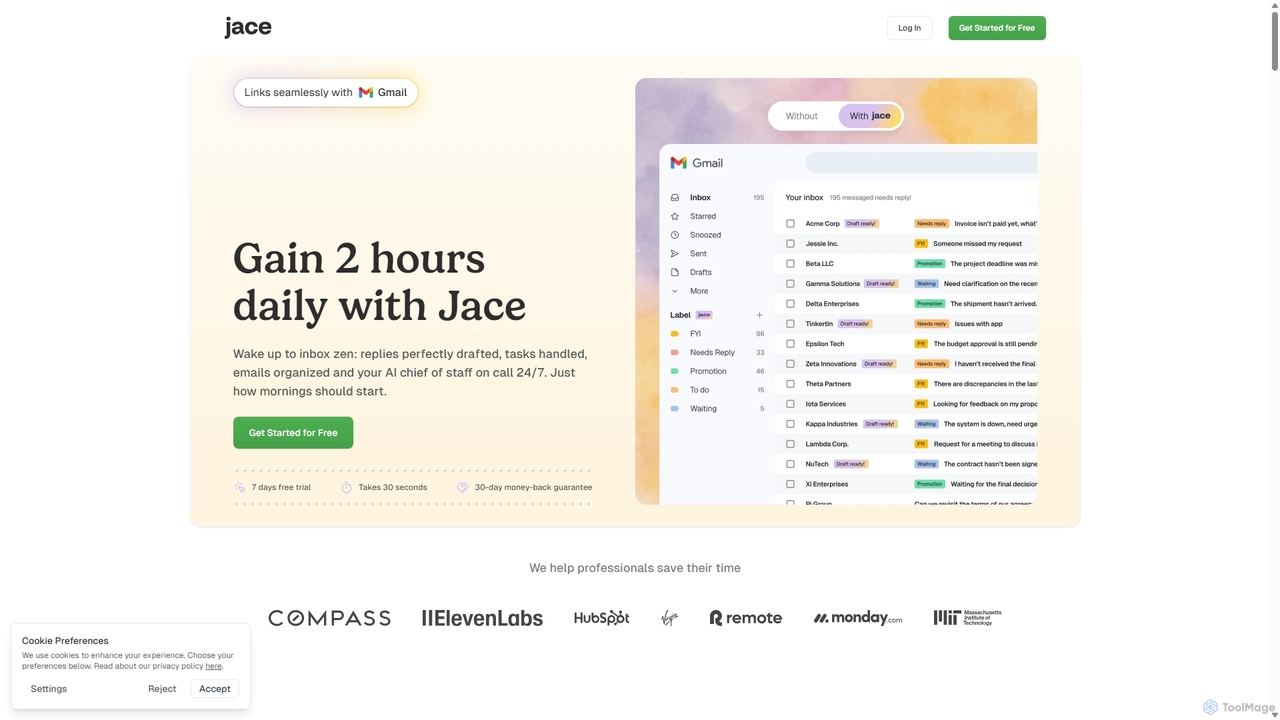
Jace AI is an intelligent 24/7 email assistant that automates your inbox. It seamlessly integrates with Gmail to draft replies, organize emails with AI labels, and handle tasks automatically. By analyzing context from attachments, calendars, and Slack, Jace saves professionals hours daily, allowing them to focus on what truly matters.
Workflow Management
Jarvis
Jarvis is an intelligent AI assistant designed to automate tasks, manage schedules, and streamline communication for busy professionals and teams. It acts as a central command hub, integrating with your existing tools to boost productivity and reclaim your time.
Workflow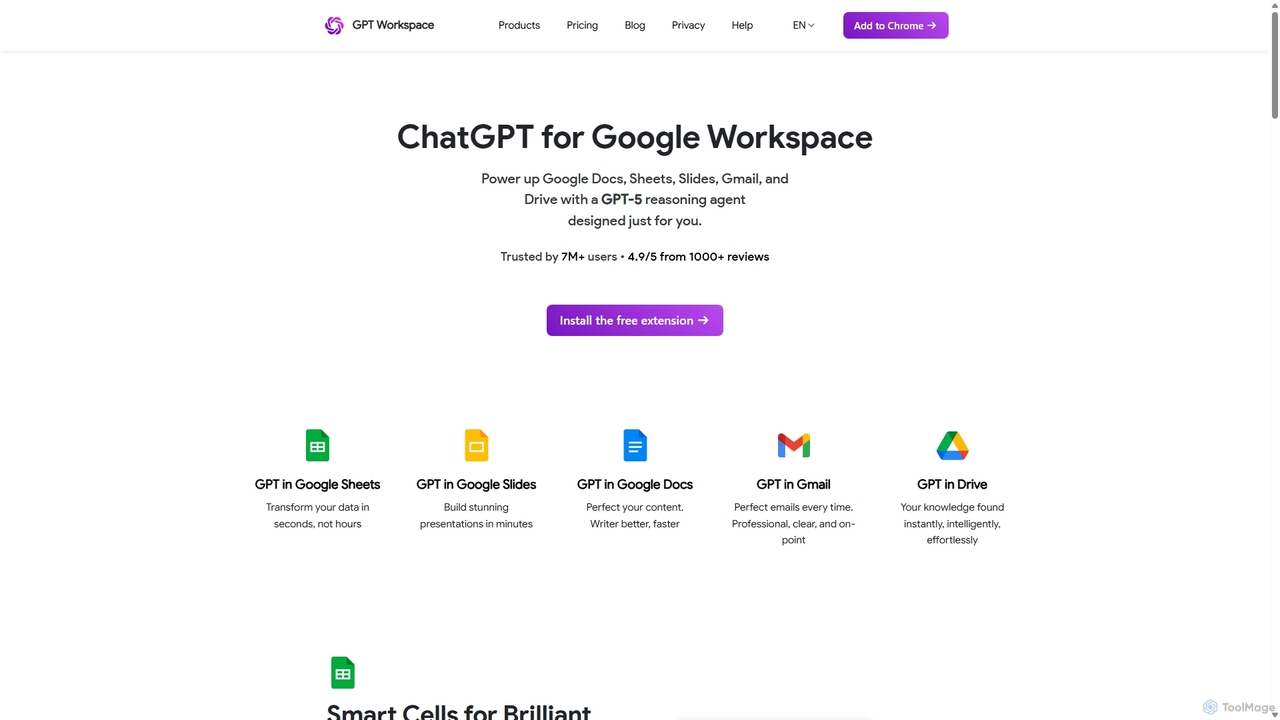
GPT Workspace
GPT Workspace integrates AI-powered features directly into Google Workspace applications like Docs, Sheets, Slides, and Gmail. It enhances productivity by automating content creation, data analysis, email drafting, and document editing, allowing users to leverage the power of models like GPT-4o seamlessly within their existing workflow.
Document Management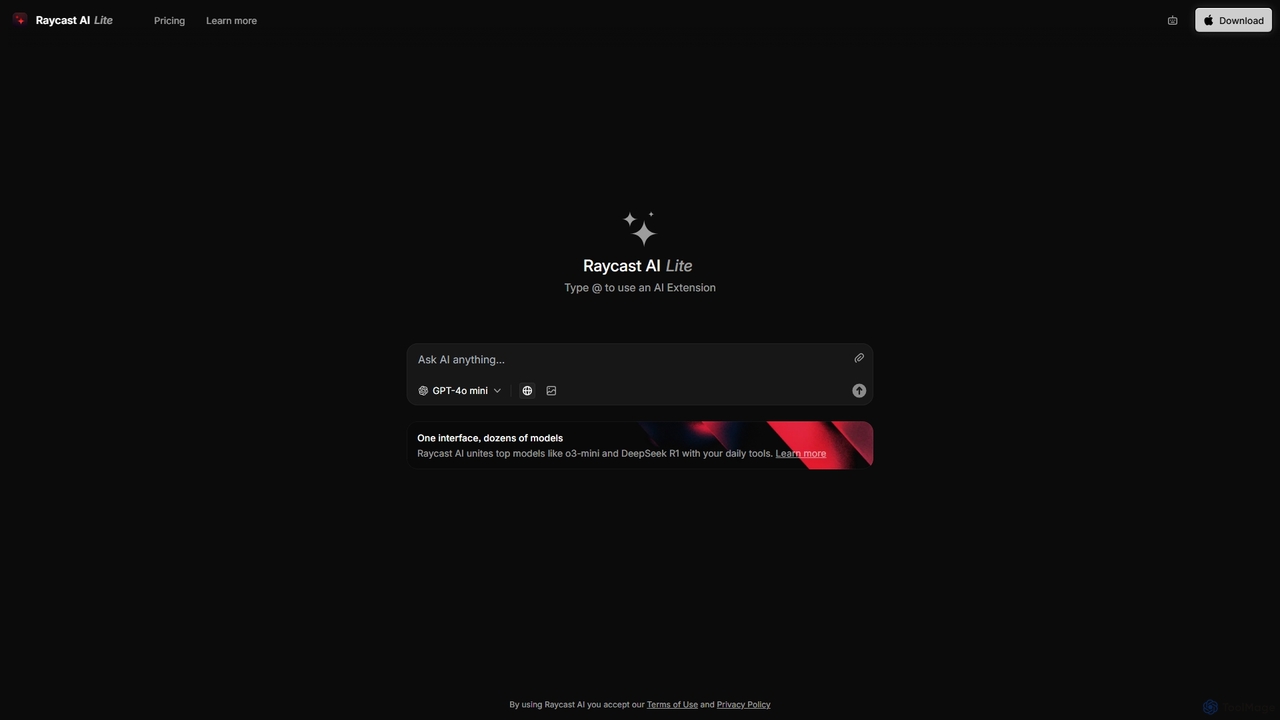
Raycast
Raycast is a blazingly fast, extensible launcher for macOS that supercharges your productivity. It acts as a central command bar to control your tools, with integrated AI, an extensive extension store, and powerful built-in features like window management and clipboard history. It's designed to reduce context switching and keep you in the flow.
Personal Assistant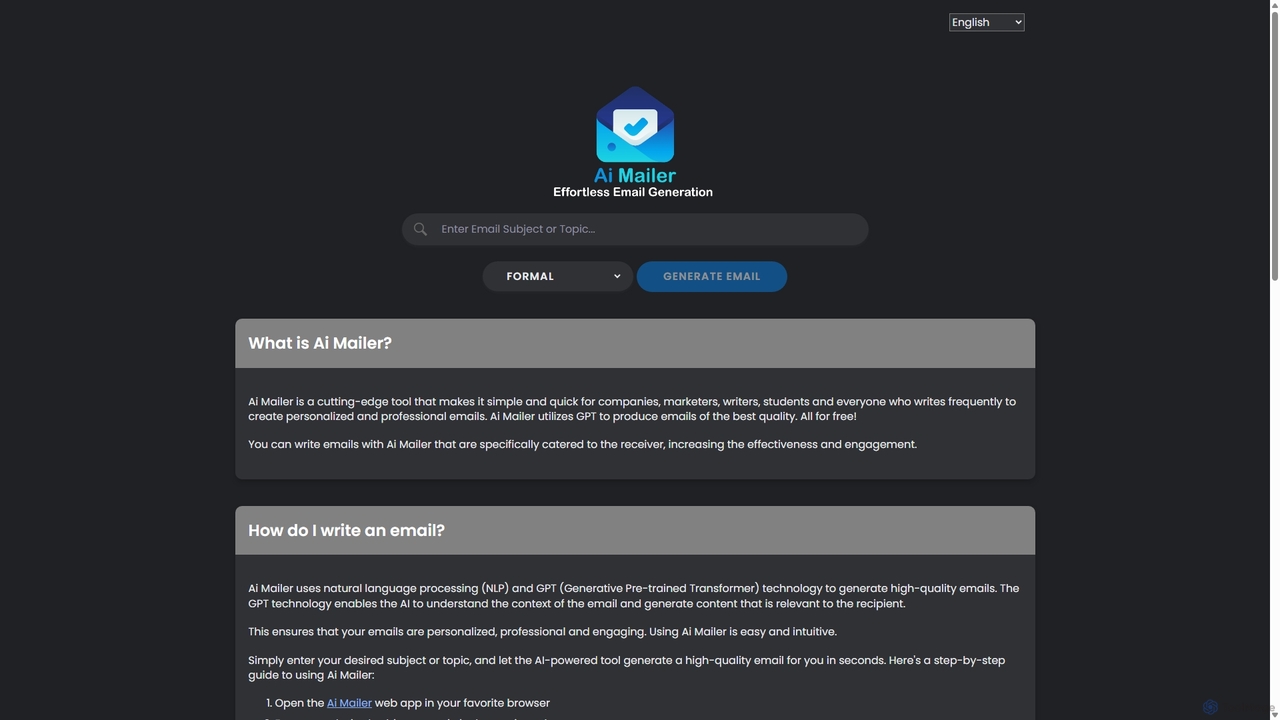
Ai Mailer
Ai Mailer is a free, AI-powered tool that leverages ChatGPT to effortlessly generate high-quality, professional emails. Simply provide a topic and select from various tones to create personalized, engaging content in seconds. Ideal for businesses, students, and anyone looking to save time and enhance their email communication.
Email MarketingZero Categories
Zero Jobs
Zero Embed Widget
Copy this embed code to place the badge on your blog, article, or product site and send readers directly to this ToolMage detail page.

Related AI tools
Jace AI
Jace AI is an intelligent 24/7 email assistant that automates your inbox. It seamlessly integrates with Gmail to draft replies, organize emails with AI labels, and handle tasks automatically. By analyzing context from attachments, calendars, and Slack, Jace saves professionals hours daily, allowing them to focus on what truly matters.
Workflow ManagementJarvis
Jarvis is an intelligent AI assistant designed to automate tasks, manage schedules, and streamline communication for busy professionals and teams. It acts as a central command hub, integrating with your existing tools to boost productivity and reclaim your time.
Workflow
Mailbutler
Mailbutler is an AI-powered email extension for Apple Mail, Gmail, and Outlook that enhances your inbox. It offers features like email tracking, AI-driven smart compose and summarization, collaborative tools for teams, and professional signature marketing to boost productivity and streamline communication.
Help Desk
Ambient
Ambient is an AI-powered meeting assistant that automatically joins your calls, records, transcribes, and generates intelligent summaries. It captures action items, key decisions, and important topics from your meetings on platforms like Zoom, Google Meet, and Microsoft Teams, saving you hours on manual note-taking and ensuring no detail is missed.
Transcription Services
Akiflow
Akiflow is an AI-powered time blocking and task management platform that consolidates all your tasks and calendars into a single, unified workspace. Featuring Aki, an AI executive assistant, it helps you automate scheduling, manage routines, and organize your day with unparalleled speed and efficiency, eliminating the need to switch between multiple apps.
AutomationGPT Workspace
GPT Workspace integrates AI-powered features directly into Google Workspace applications like Docs, Sheets, Slides, and Gmail. It enhances productivity by automating content creation, data analysis, email drafting, and document editing, allowing users to leverage the power of models like GPT-4o seamlessly within their existing workflow.
Document ManagementRaycast
Raycast is a blazingly fast, extensible launcher for macOS that supercharges your productivity. It acts as a central command bar to control your tools, with integrated AI, an extensive extension store, and powerful built-in features like window management and clipboard history. It's designed to reduce context switching and keep you in the flow.
Personal AssistantAi Mailer
Ai Mailer is a free, AI-powered tool that leverages ChatGPT to effortlessly generate high-quality, professional emails. Simply provide a topic and select from various tones to create personalized, engaging content in seconds. Ideal for businesses, students, and anyone looking to save time and enhance their email communication.
Email Marketing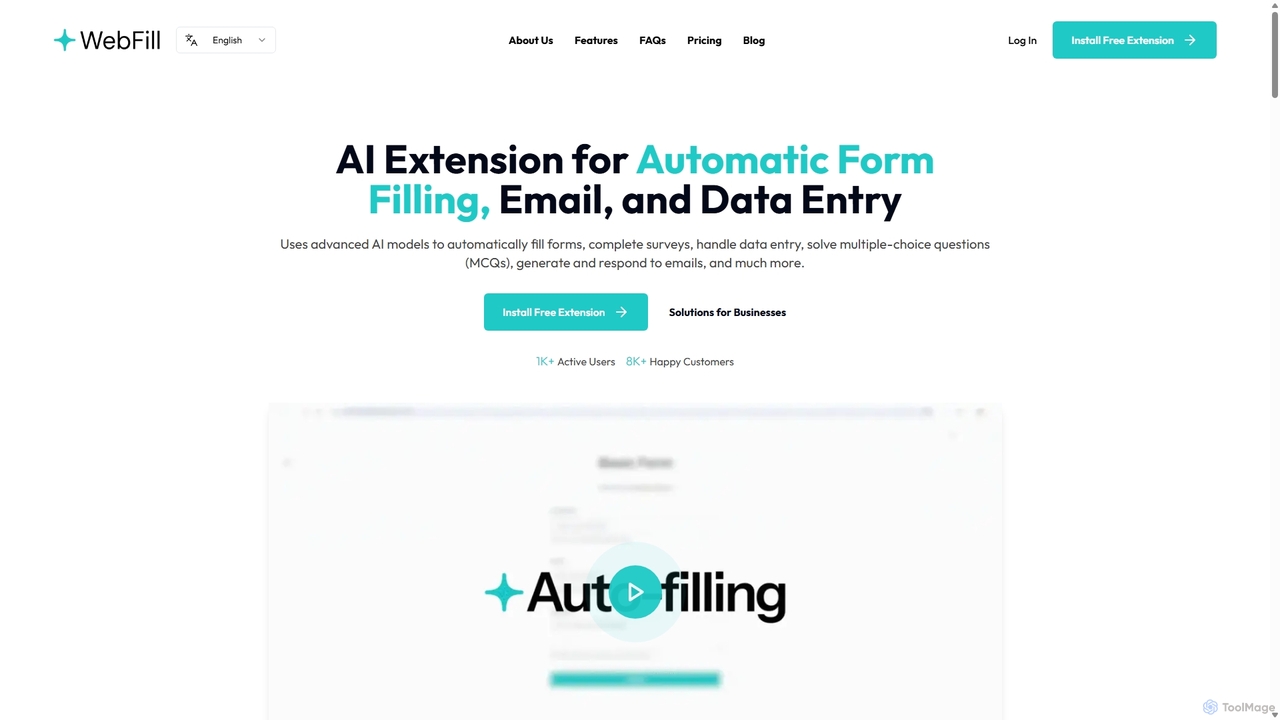
WebFill
WebFill is an AI-powered browser extension designed to automate daily digital tasks. It excels at automatically filling forms, completing surveys, handling data entry, and solving multiple-choice questions. It also features an AI assistant for generating and responding to emails, and a unique 'Vision' tool for instant answers from screen captures.
Assistant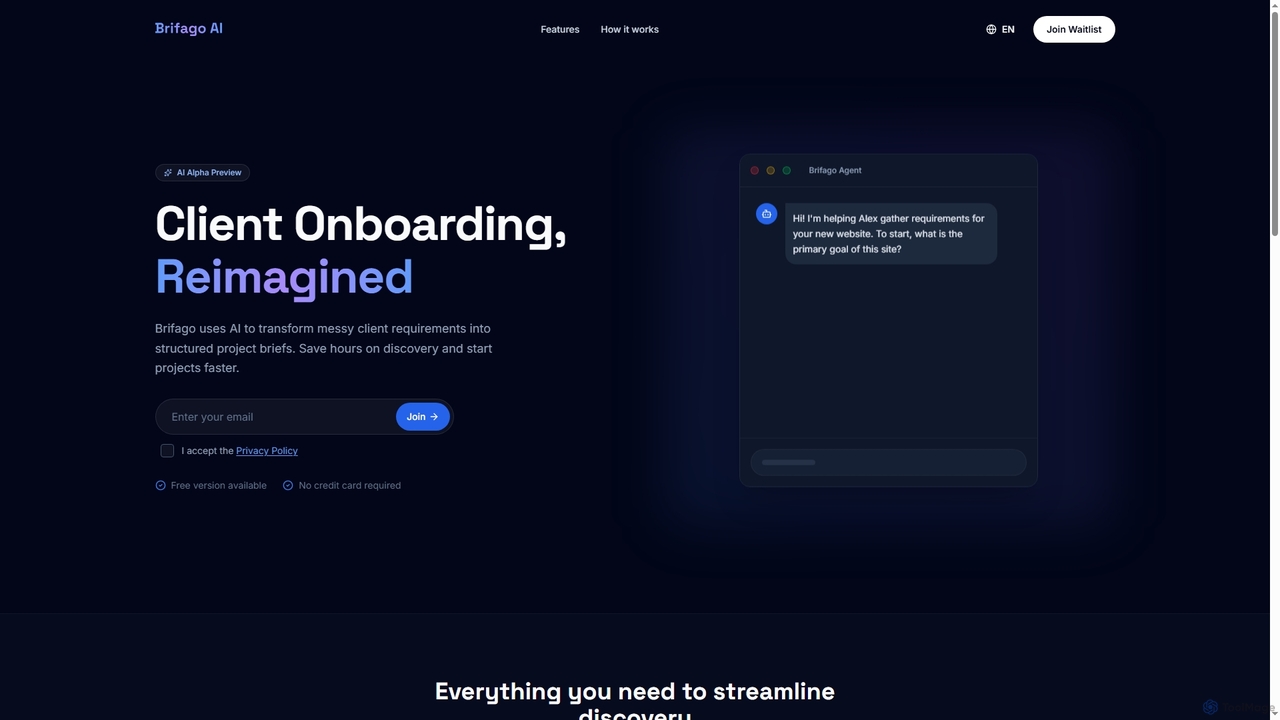
Brifagoai
Brifagoai is an AI-powered client onboarding tool designed to streamline the requirement gathering process. It uses a conversational AI agent to interview clients, transforming unstructured requests into clear, structured project briefs. This saves agencies and freelancers hours of manual work, reduces back-and-forth communication, and helps prevent scope creep.
Onboarding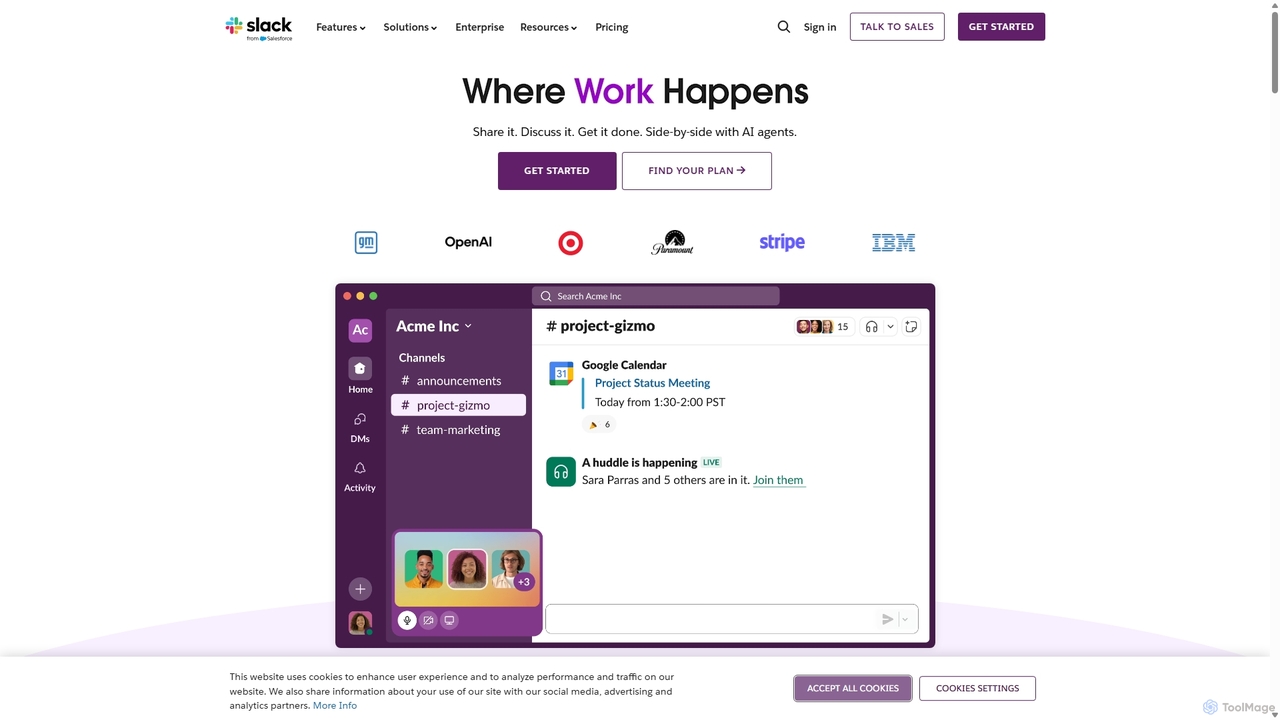
Slack
Slack is an AI-powered collaboration hub that connects your people, partners, and tools. It replaces email with faster, better-organized communication through channels. With integrated AI, workflow automation, and thousands of apps, Slack centralizes your work to boost productivity and streamline project management.
Project Management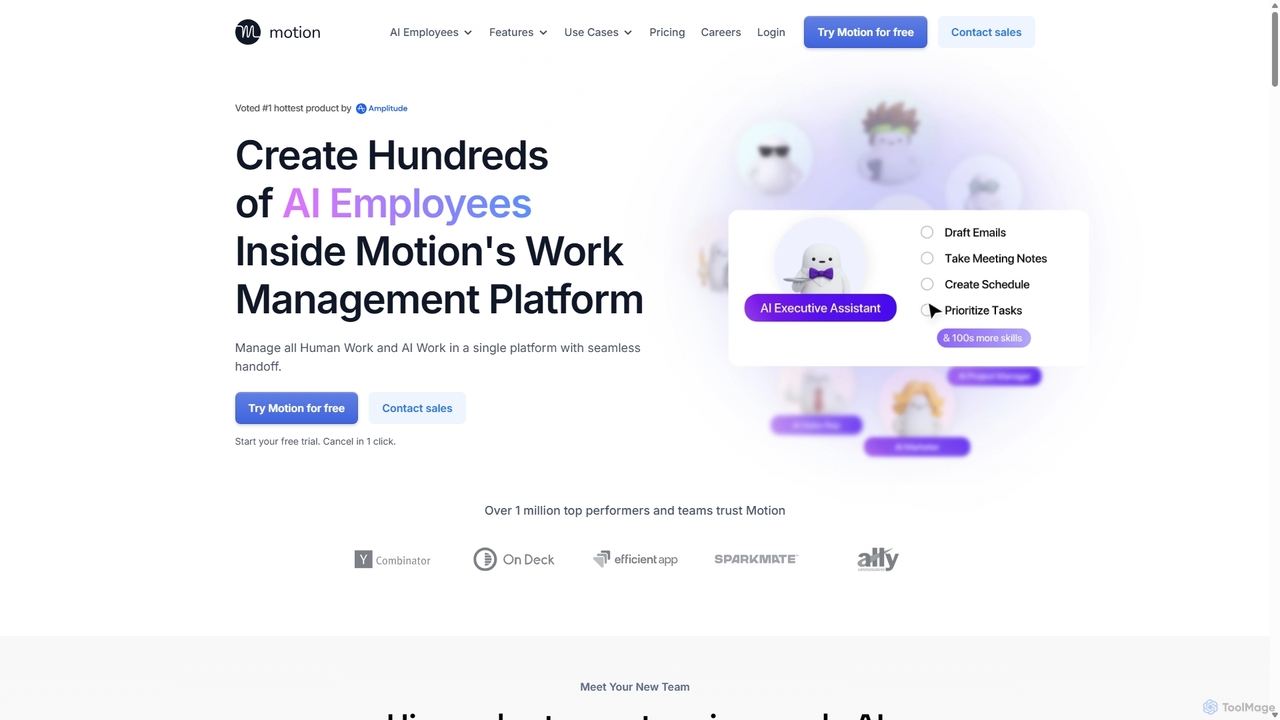
Motion
Motion is an AI-powered platform that provides a suite of AI Employees and productivity tools to automate tasks, manage projects, and organize schedules. It's designed to 10x your team's output by handling everything from calendar management and email replies to sales outreach and customer support, all within a single integrated workspace.
Virtual Assistant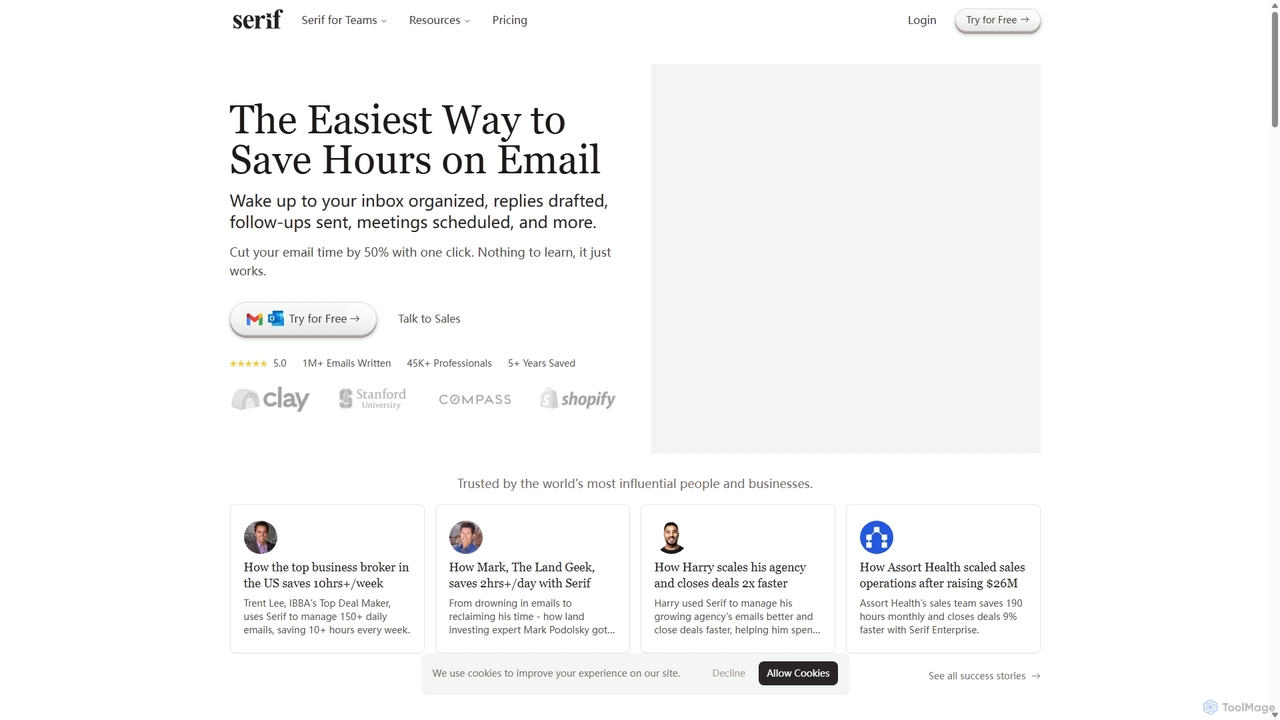
Serif
Serif is an AI executive assistant designed to save you hours on email. It automatically organizes your inbox, drafts personalized replies, sends follow-ups, and schedules meetings. Integrating seamlessly with Gmail and Outlook, Serif learns your communication style to act as your virtual assistant, boosting productivity and response times without a complex setup.
Virtual Assistant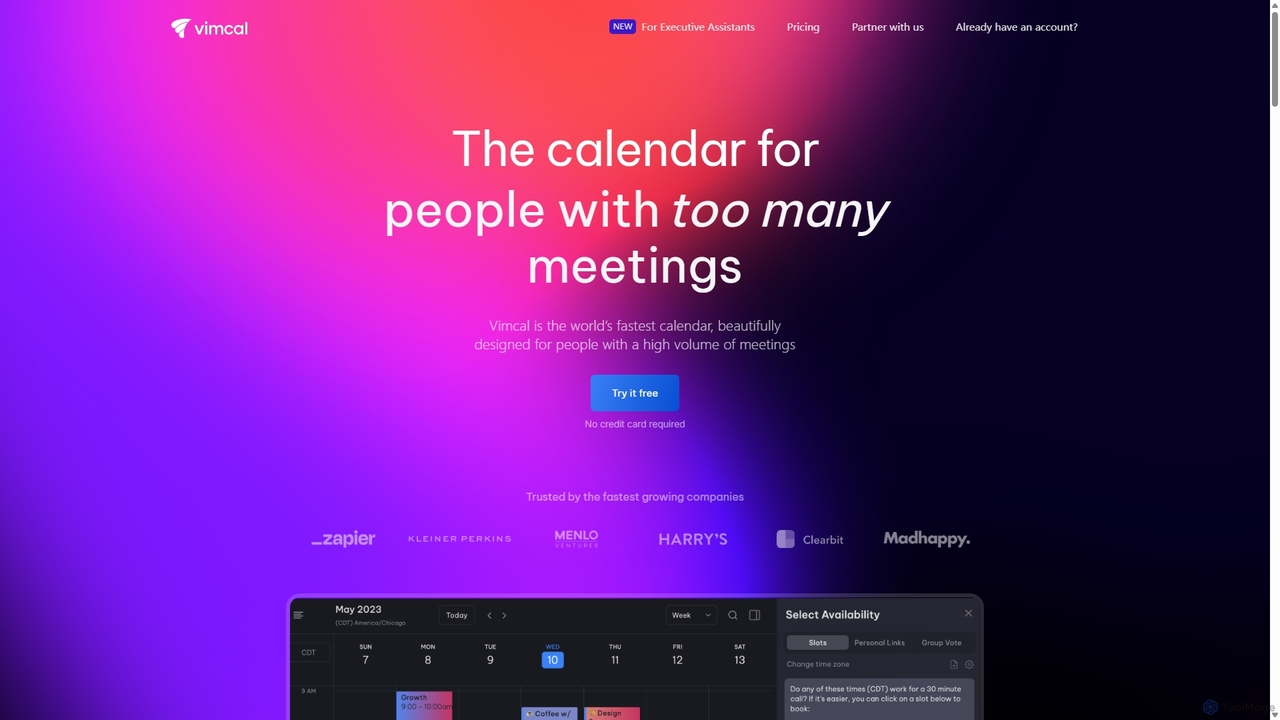
Vimcal
Vimcal is an AI-powered calendar designed for speed and efficiency. Dubbed the "Superhuman for calendar," it helps busy professionals and teams schedule meetings effortlessly. Features include an AI scheduling assistant, GPT-powered dossiers on attendees, and a unified view for all your calendars. It streamlines coordination, eliminates back-and-forth emails, and ensures you're always prepared for your next meeting.
Personal
Jyek
Jyek is an AI agent platform that understands objectives, creates execution plans, uses tools, and delivers verifiable results for complex, multi-step tasks.
Automation
Zero Comments (0)
Sign in to comment.
Sign inNo comments yet.