

GPT Workspace Overview
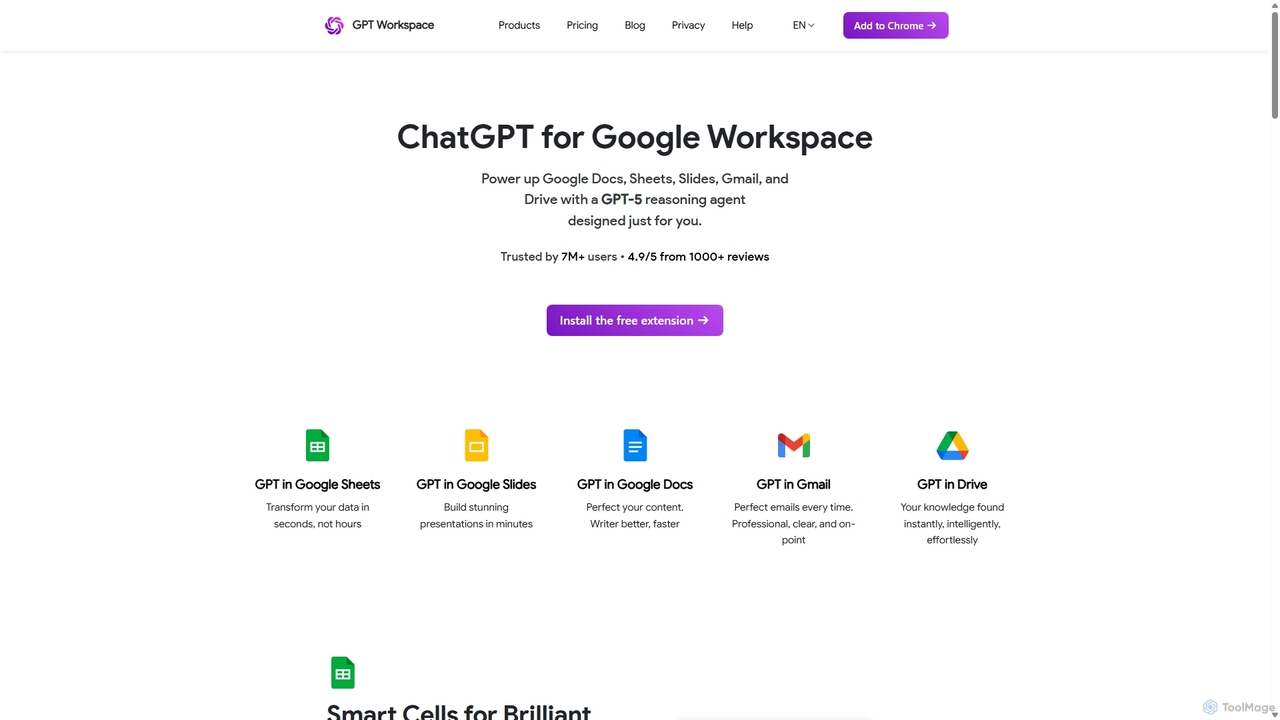
GPT Workspace is a powerful AI-driven suite of tools designed to supercharge your productivity within the Google Workspace ecosystem. By embedding advanced AI capabilities directly into Google Docs, Sheets, Slides, Gmail, and Drive, it eliminates the need to switch between applications, allowing for a seamless and efficient workflow. Trusted by over 7 million professionals, GPT Workspace acts as an intelligent assistant that can help with a wide range of tasks, from writing and editing documents to analyzing data and managing emails.
The core philosophy of GPT Workspace is to make AI accessible and practical for everyday tasks. Whether you're a student writing an essay, a marketer drafting email campaigns, or a data analyst cleaning spreadsheets, this tool provides the features you need to work smarter, not harder. It supports over 30 languages, making it a versatile solution for global teams and individuals. Furthermore, GPT Workspace is designed with privacy as a priority, ensuring that your data remains on Google's servers and is not accessed by the tool, in compliance with GDPR.
How to use GPT Workspace
Getting started with GPT Workspace is straightforward and designed for quick integration:
- Installation: Install the GPT Workspace add-on from the Google Workspace Marketplace. A single installation gives you access to its features across Docs, Sheets, Slides, and Gmail.
- Activation: Once installed, open any supported Google application (e.g., Google Docs). Navigate to the 'Extensions' menu, find 'GPT for Docs, Sheets, and Slides', and click 'Start' to open the sidebar.
- Usage in Docs/Slides: Select a piece of text you want to work on. You can then use the sidebar to generate content, correct grammar, summarize, translate, or change the tone.
- Usage in Sheets: Utilize custom AI formulas like
=GPT()directly in cells to perform tasks such as data cleaning, text classification, sentiment analysis, translation, and more. - Usage in Gmail: When composing or replying to an email, the GPT for Gmail interface will appear, allowing you to generate entire emails, create quick replies, or improve the clarity and tone of your message with a single click.
- Usage in Drive: Use GPT for Drive to ask questions about your documents. It acts as a knowledge navigator, finding information buried within your files without you having to open them manually.
Core Features of GPT Workspace
- Google Docs Integration: Generate, edit, and correct complete essays and articles. Create tables from unstructured text, summarize long documents, and translate content into over 30 languages.
- Google Sheets Integration: Leverage AI-powered formulas for data cleaning, categorization, extraction, translation, and sentiment analysis, automating tedious spreadsheet tasks.
- Google Slides Integration: Use 'GPT Correct for Slides' to get AI-powered suggestions to perfect your presentations, ensuring your message is clear, confident, and impactful.
- Gmail Integration: Drastically reduce the time spent on emails. Generate professional email drafts, get instant reply suggestions, and maintain a consistent tone across all your communications.
- Google Drive Integration: Search for information across all your Drive files using natural language. Ask questions and get answers synthesized from your docs, PDFs, sheets, and slides.
- Multi-language Support: Works effectively in over 30 languages, providing human-like translations and content generation for a global user base.
- Privacy-Focused: Designed to respect user privacy. The tool does not have access to your Google Drive files' content; your data remains on Google's servers at all times.
Use Cases for GPT Workspace
GPT Workspace is versatile and benefits a wide range of professionals:
- Content Creators & Marketers: Quickly draft blog posts, social media content, and email marketing campaigns. Generate creative ideas and overcome writer's block.
- Data Analysts: Automate data cleaning and categorization in Google Sheets. Perform sentiment analysis on customer feedback or translate text data in bulk.
- Sales Representatives: Craft personalized outreach emails and follow-ups in seconds. Quickly summarize meeting notes from documents.
- Customer Support Teams: Generate accurate and empathetic replies to customer inquiries in Gmail, ensuring faster response times and consistent service quality.
- Students & Researchers: Summarize research papers, correct grammar and style in essays, and translate source materials from different languages.
- HR Managers: Draft job descriptions, internal communications, and employee feedback emails efficiently.
Advantages of GPT Workspace
The primary advantage of GPT Workspace is its seamless integration into the tools you already use daily. This eliminates context switching and streamlines workflows. It enhances productivity by automating repetitive tasks, saving significant time and effort. The tool ensures high-quality and consistent output, whether it's maintaining a professional tone in emails or ensuring grammatical accuracy in reports. With its strong commitment to data privacy and GDPR compliance, users can trust that their information is secure. Finally, its cost-effectiveness makes advanced AI accessible to individuals and teams of all sizes.
Pricing and Plans
GPT Workspace offers a freemium model with plans to suit different needs:
- Starter Plan: $9/month. Includes 5 million credits per month, access to the advanced GPT-4o model in Chat, and the standard GPT-4o mini model in Sheets. Ideal for individuals with daily productivity needs.
- Standard Plan: $29/month per user. The most popular plan, offering unlimited credits in Chat, unlimited usage in Sheets with a pay-per-usage model, 25 million credits per month for Sheets formulas, and access to the advanced GPT-4o model in both Chat and Sheets.
- Pro Plan: $79/month per user. Designed for teams, this plan includes everything in Standard plus 100 million credits per month for Sheets formulas, priority support, and priority access to new models.
All premium plans come with a 30-day money-back guarantee. Payments can be made via major credit cards, Google Pay, and Apple Pay.
Traffic
Latest traffic
Status
Monthly traffic trend
- 2025-9: 249.9K
- 2026-1: 301.2K
- 2026-2: 255.7K
- 2026-3: 257.4K
- 2026-4: 283.3K
- 2026-5: 272.5K
Geography
Top 5 countries / regions
- 🇺🇸United States50.5%
- 🇧🇷Brazil18.8%
- 🇮🇩Indonesia14.5%
- 🇯🇵Japan8.3%
- 🇻🇳Vietnam8.0%
Traffic sources
| Source type | Percentage |
|---|---|
Direct | 56.5% |
Referral | 39.3% |
Email | 4.3% |
Top keywords
| Keyword | Cost per click |
|---|---|
| chat gpts | $0.16 |
| gpt | $0.12 |
| gpts | $0.14 |
| gpt workspace | $4.00 |
| gpt 清晰度提示词 | $0.00 |
GPT Workspace Videos on YouTube

Liubov's support videos

GoldieAgencySEO

Preston Cardwell
GPT Workspace Alternatives
WPS Office
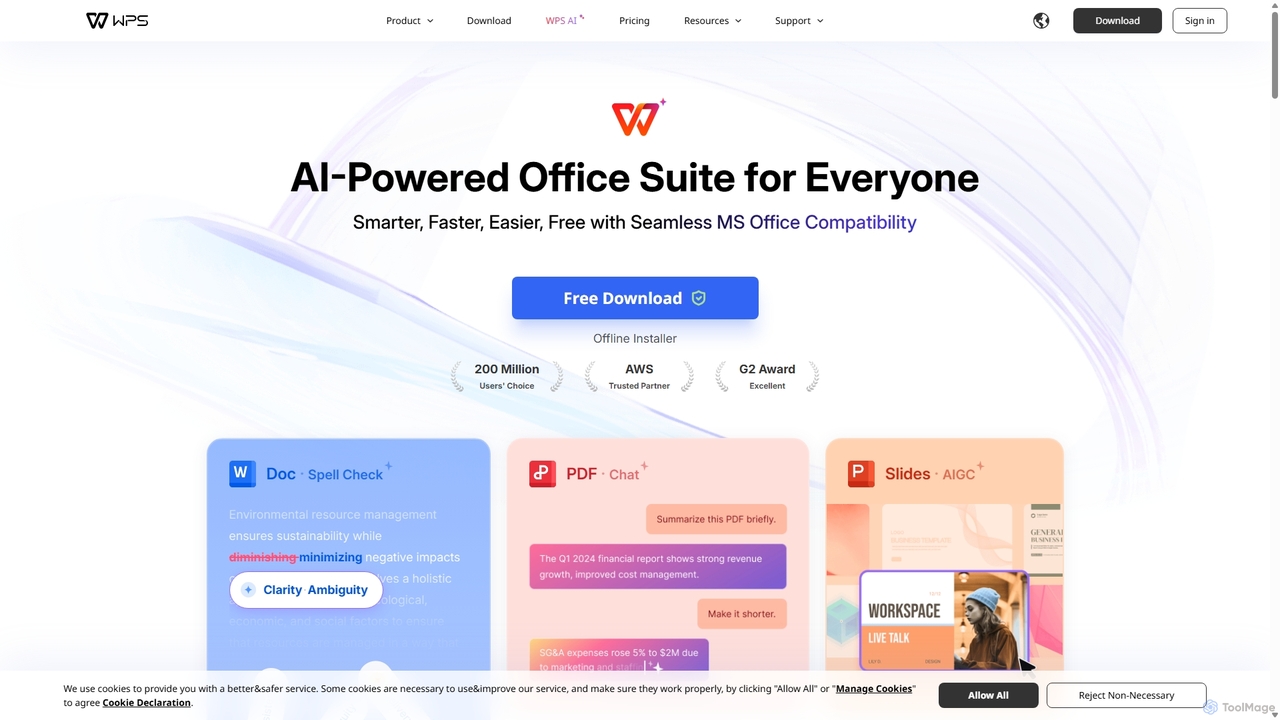
WPS Office is an AI-powered, all-in-one office suite offering a free and lightweight alternative to Microsoft Office. It integrates Writer, Spreadsheet, Presentation, and PDF tools with advanced AI features like content generation, spell checking, PDF summarization, and one-click presentation creation. With seamless MS Office compatibility and cross-platform support, it boosts productivity for individuals and teams.
Presentation Generator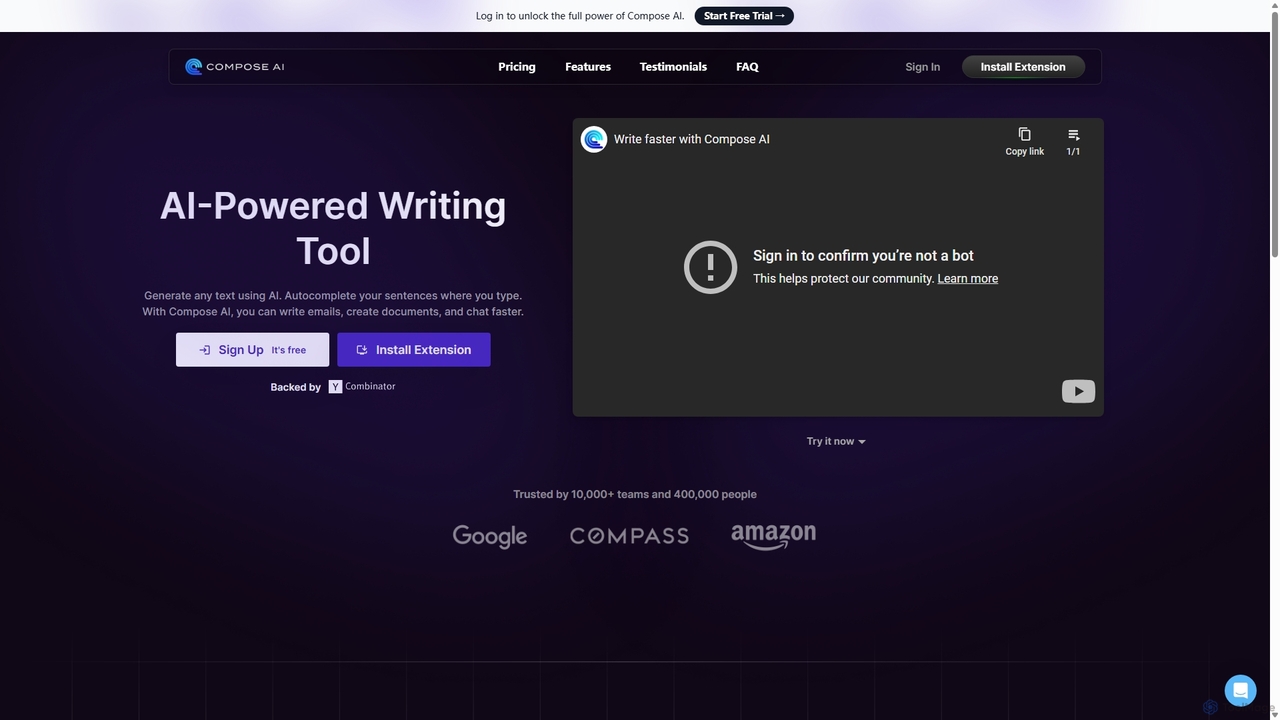
Compose AI
Compose AI is an AI-powered writing assistant and Chrome extension that accelerates your writing process. It offers intelligent autocompletion, text generation, and rephrasing capabilities across all your favorite sites, from emails to documents. By learning your personal writing style, it helps you write faster and more effectively, saving up to 40% of your time.
Chrome Extensions
Sheet Copilot
Sheet Copilot is an AI-powered assistant that automates tasks and answers questions directly within Google Sheets. By using natural language commands, you can clean data, generate formulas, create summaries, and analyze information without writing complex functions. It's currently free in beta and operates using your own OpenAI API key for enhanced privacy and security.
Automation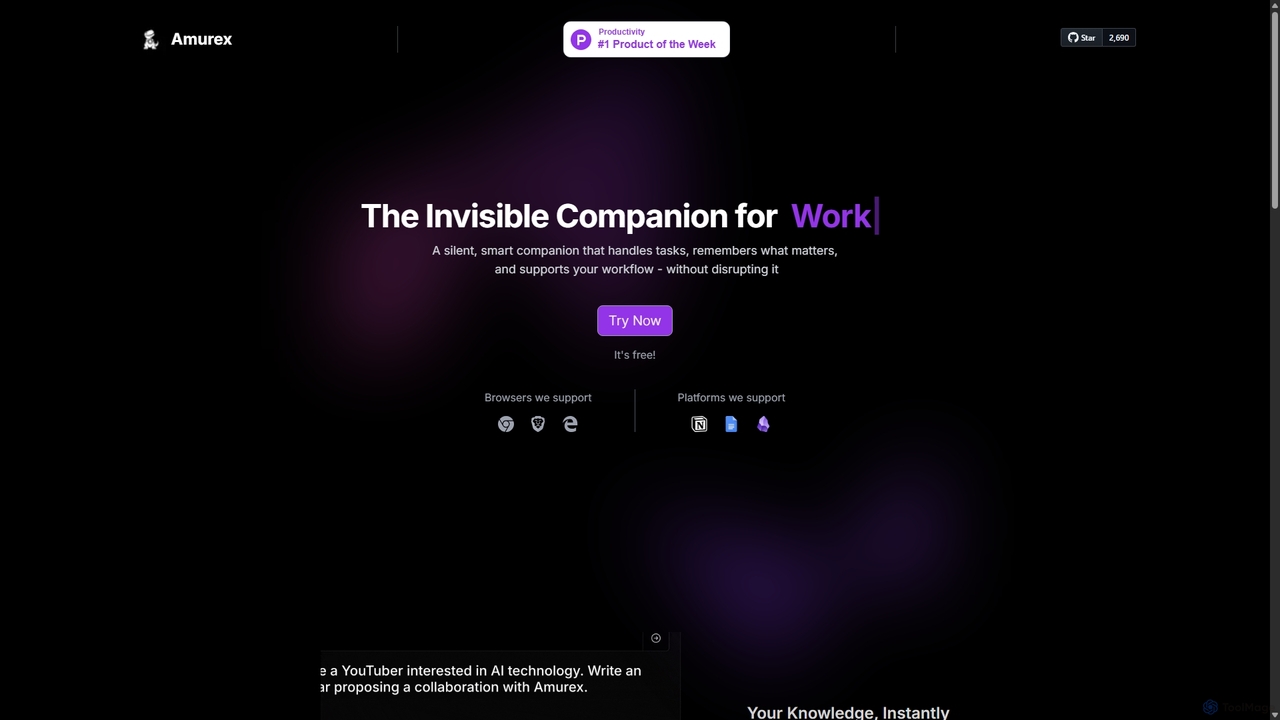
Amurex
Amurex is an open-source AI invisible companion that works silently in the background to streamline your workflow. It integrates with your existing apps like Notion, Google Drive, and Obsidian to create a searchable knowledge base, automates meeting transcriptions and summaries, and intelligently categorizes your inbox.
Automation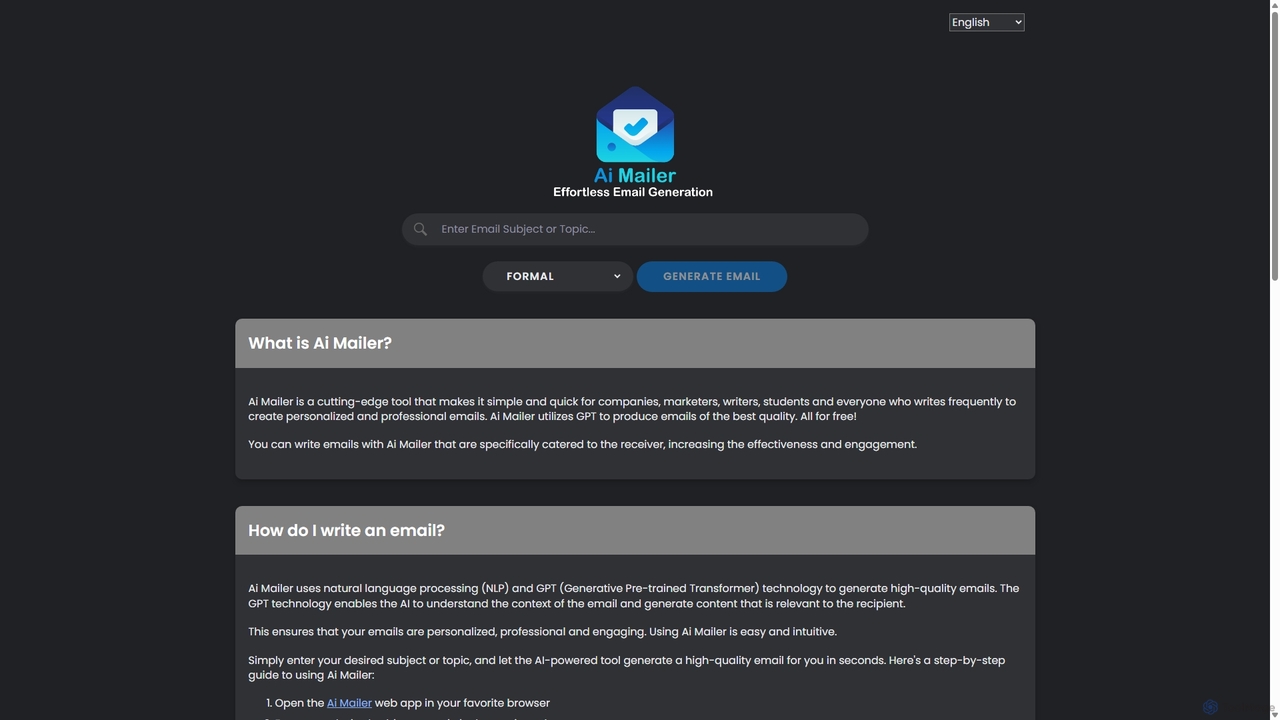
Ai Mailer
Ai Mailer is a free, AI-powered tool that leverages ChatGPT to effortlessly generate high-quality, professional emails. Simply provide a topic and select from various tones to create personalized, engaging content in seconds. Ideal for businesses, students, and anyone looking to save time and enhance their email communication.
Email MarketingGPT Workspace Categories
GPT Workspace Jobs
GPT Workspace Embed Widget
Copy this embed code to place the badge on your blog, article, or product site and send readers directly to this ToolMage detail page.

Related AI tools
Sheet Copilot
Sheet Copilot is an AI-powered assistant that automates tasks and answers questions directly within Google Sheets. By using natural language commands, you can clean data, generate formulas, create summaries, and analyze information without writing complex functions. It's currently free in beta and operates using your own OpenAI API key for enhanced privacy and security.
AutomationAi Mailer
Ai Mailer is a free, AI-powered tool that leverages ChatGPT to effortlessly generate high-quality, professional emails. Simply provide a topic and select from various tones to create personalized, engaging content in seconds. Ideal for businesses, students, and anyone looking to save time and enhance their email communication.
Email Marketing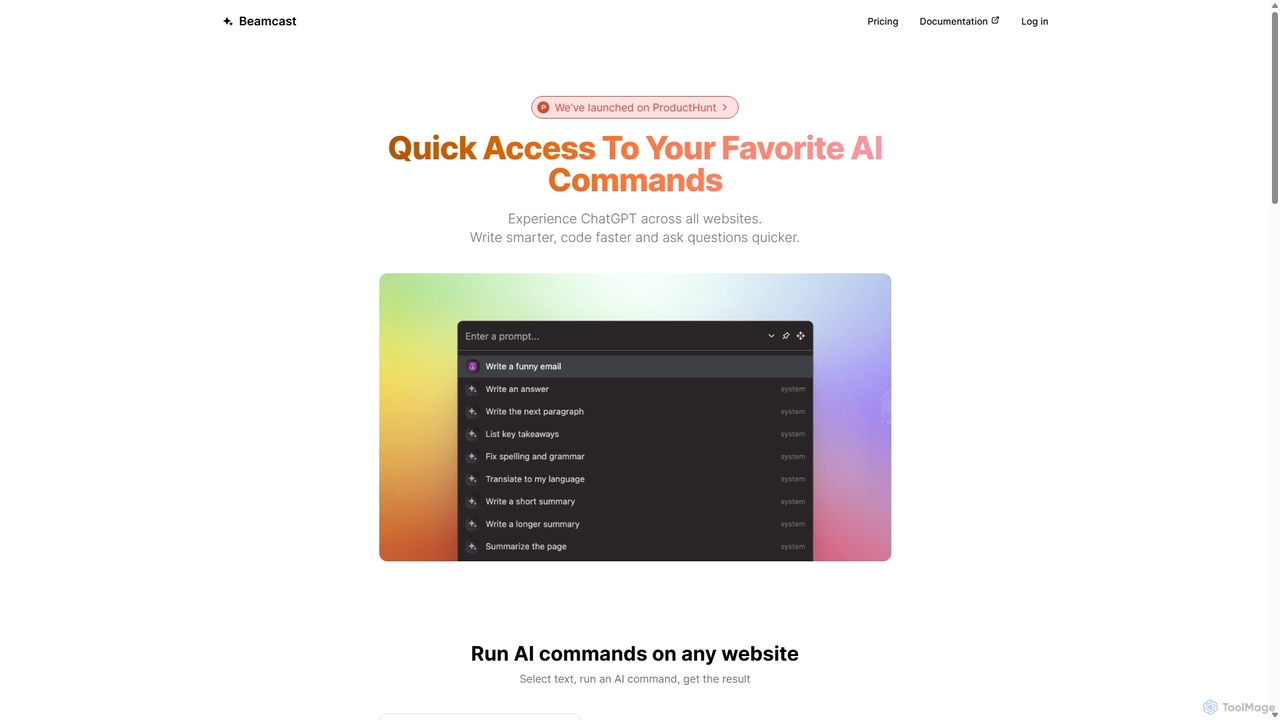
Beamcast
A browser extension that puts ChatGPT and Gemini at your fingertips. Select text on any website to run built-in or custom AI commands for writing, coding, and quick answers, streamlining your workflow and boosting productivity without ever leaving the page.
Search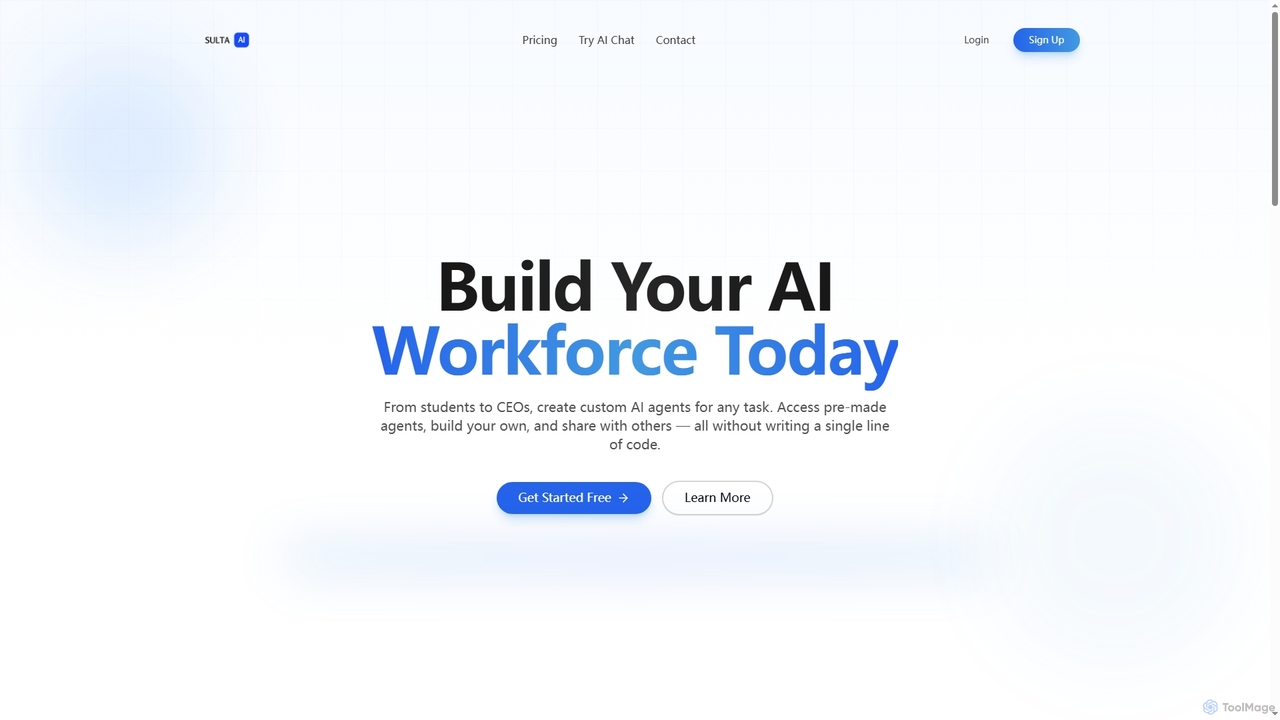
Sulta AI
Sulta AI is a no-code platform empowering users to build and deploy custom AI agents for any task, from student research to business operations. It offers a rich library of pre-built agents, community sharing, and data training capabilities to revolutionize individual and team workflows without writing a single line of code.
Content GenerationCompose AI
Compose AI is an AI-powered writing assistant and Chrome extension that accelerates your writing process. It offers intelligent autocompletion, text generation, and rephrasing capabilities across all your favorite sites, from emails to documents. By learning your personal writing style, it helps you write faster and more effectively, saving up to 40% of your time.
Chrome Extensions
Jyek
Jyek is an AI agent platform that understands objectives, creates execution plans, uses tools, and delivers verifiable results for complex, multi-step tasks.
AutomationAmurex
Amurex is an open-source AI invisible companion that works silently in the background to streamline your workflow. It integrates with your existing apps like Notion, Google Drive, and Obsidian to create a searchable knowledge base, automates meeting transcriptions and summaries, and intelligently categorizes your inbox.
Automation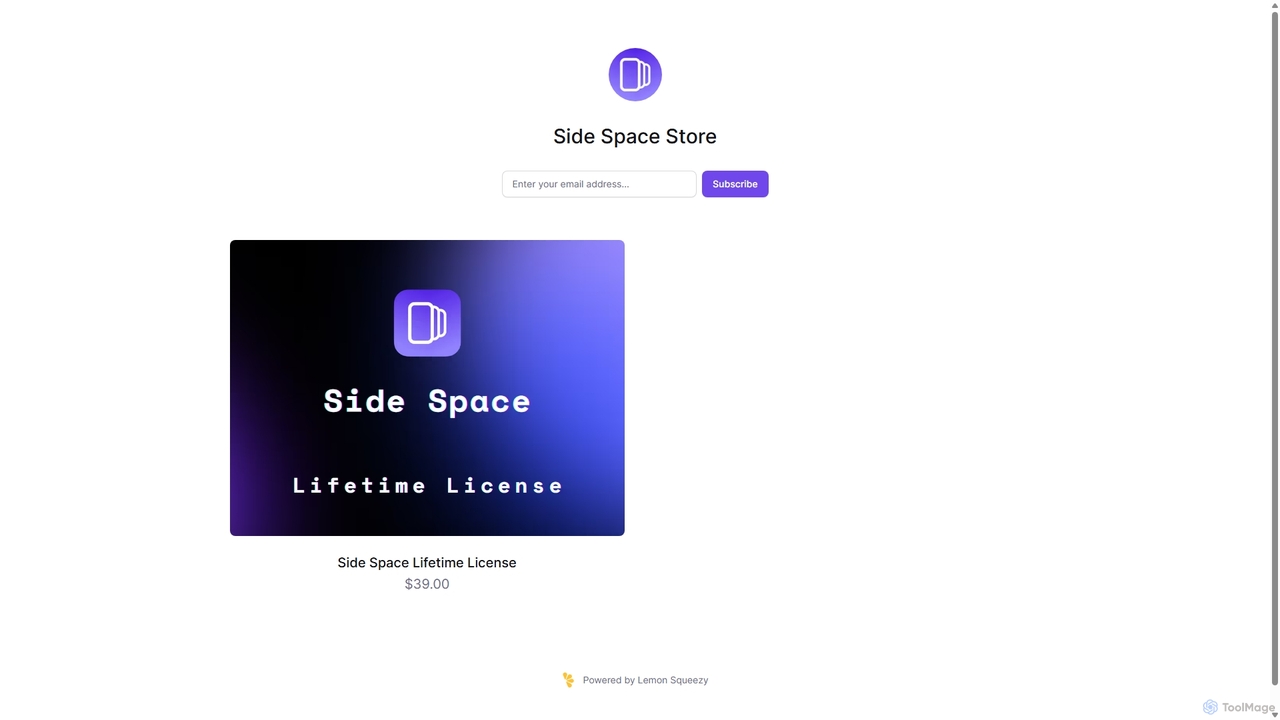
Side Space
Side Space is a powerful AI assistant that integrates seamlessly into your desktop workflow. It operates from a convenient sidebar, providing instant access to AI-powered tools for writing, coding, and general productivity without ever leaving your current application. Enhance your efficiency with contextual actions on selected text and customizable commands.
Code Assistant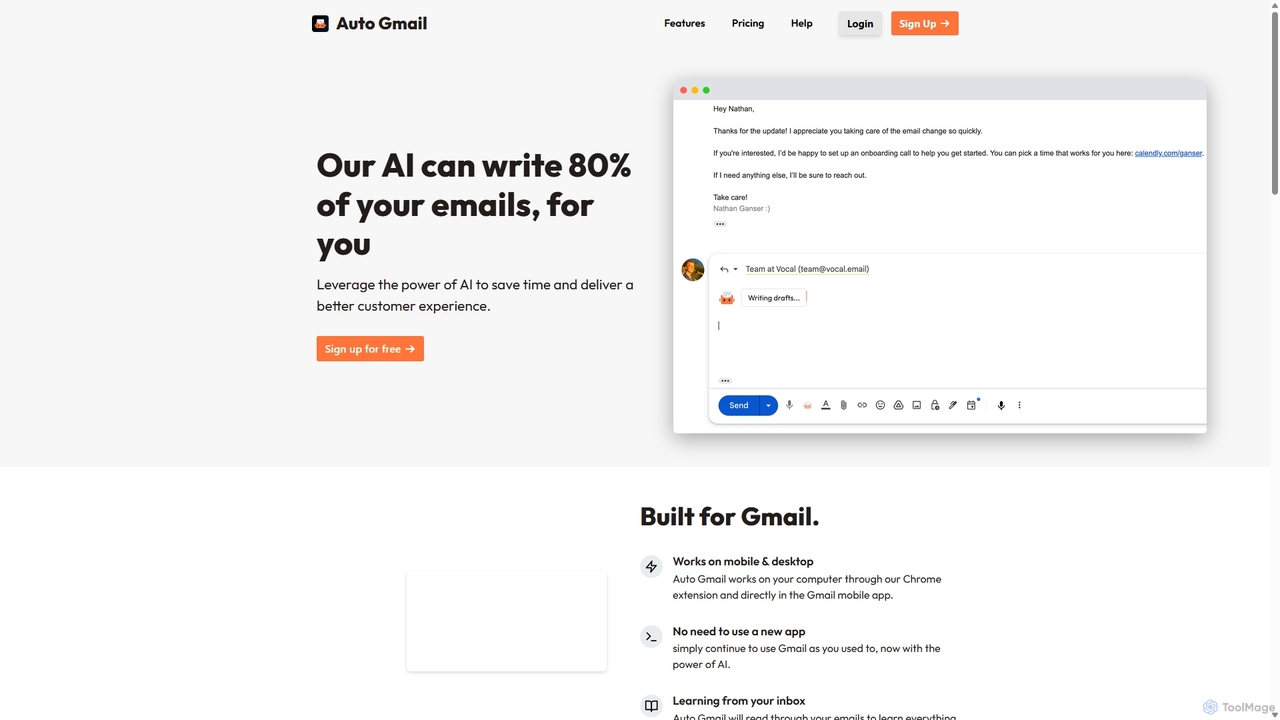
Auto Gmail
Auto Gmail is an AI-powered assistant for Gmail that learns your writing style to automatically draft email replies. It integrates seamlessly into your inbox via a Chrome extension, aiming to write 80% of your emails, saving you time and enhancing customer communication.
Email Management
Sheetplus
Sheetplus is an AI-powered toolkit designed to supercharge your spreadsheet experience in Google Sheets and Excel. By leveraging natural language, it allows users to generate complex formulas, clean and analyze data, automate tasks, and extract insights without writing code. It acts as an intelligent assistant, making data management faster, more intuitive, and accessible to everyone, regardless of their technical expertise.
Automation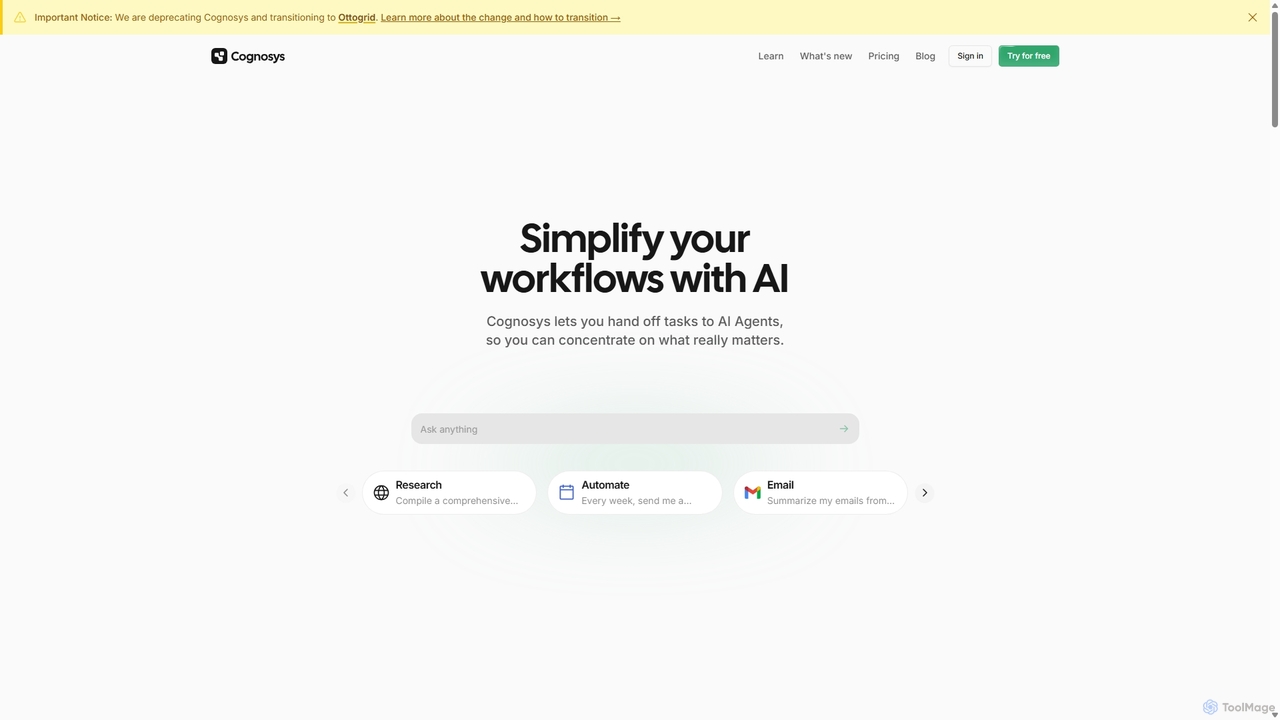
Cognosys
Cognosys is an AI-powered automation platform that simplifies complex workflows. By giving objectives to AI agents, users can automate tasks like in-depth research, email management, and data analysis. It integrates with popular apps like Google Suite and Notion to act as a central hub for productivity, allowing you to focus on strategic work while AI handles the execution.
Email Marketing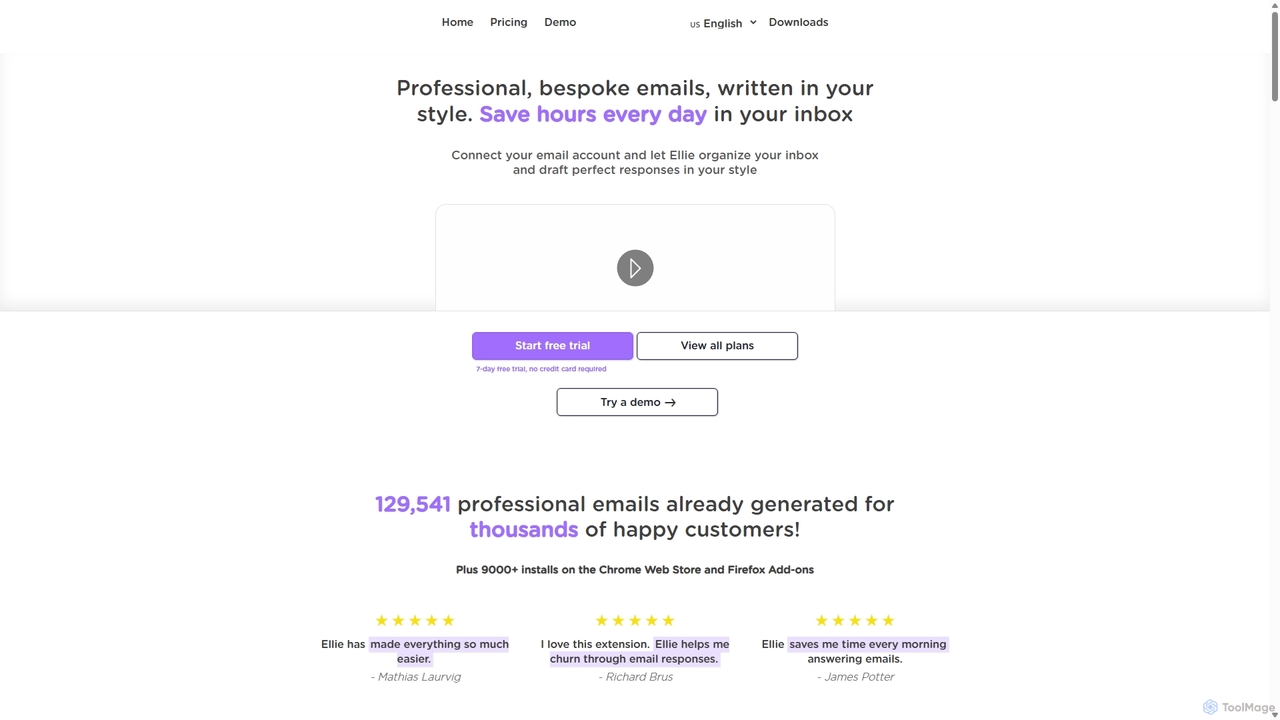
Ellie
Ellie is an AI email assistant that learns your writing style to draft professional, personalized email replies. It integrates with your inbox via a browser extension, understands context, and supports multiple languages to save you hours every day.
Customer Support
Baidu Wenku AI
Baidu Wenku AI is an all-in-one intelligent document productivity platform powered by Baidu's ERNIE LLM. It transforms the traditional document library into a dynamic creation suite, enabling users to instantly generate PPTs, write articles, summarize complex documents, conduct AI-powered web searches, and chat with their files for quick insights. It's designed to streamline workflows for students, professionals, and researchers.
Presentation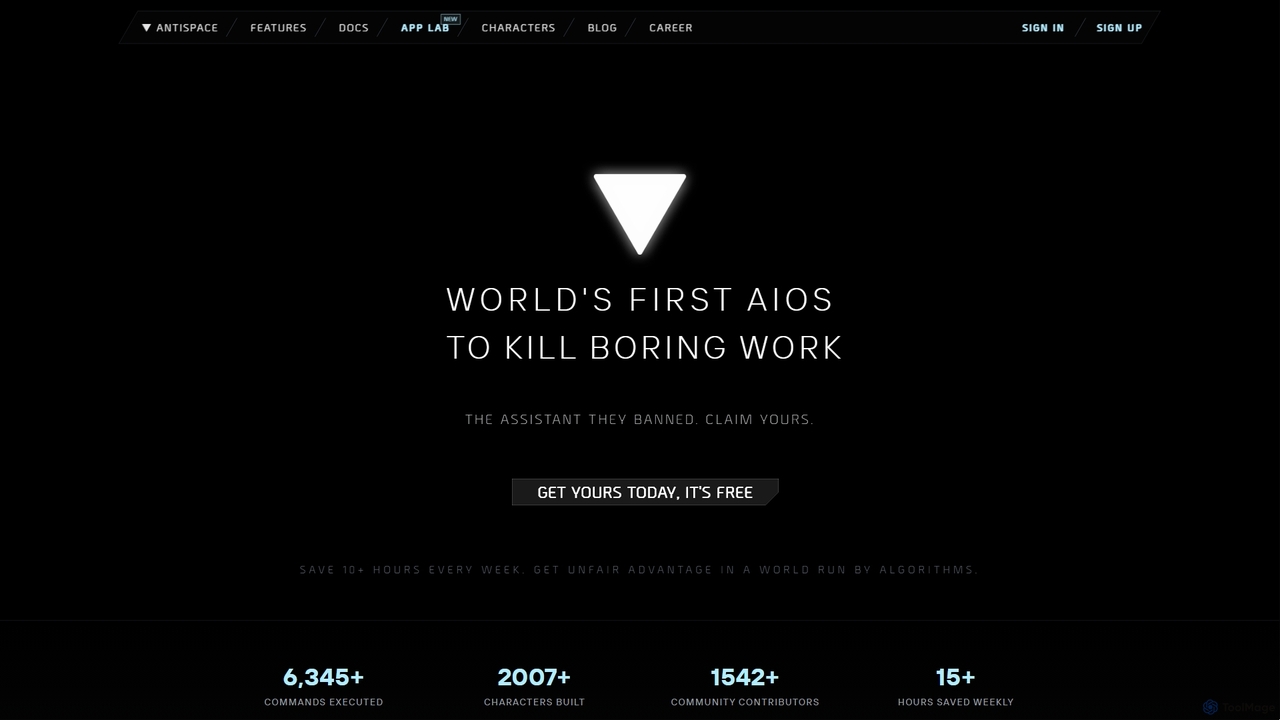
Antispace
Antispace is the world's first AI Operating System (AIOS) designed to eliminate boring work. It provides users with customizable AI sidekicks, each with a unique personality, to proactively manage emails, calendars, notes, and tasks. By predicting and executing the best actions, Antispace saves users over 10 hours per week and reduces decision fatigue.
Scheduling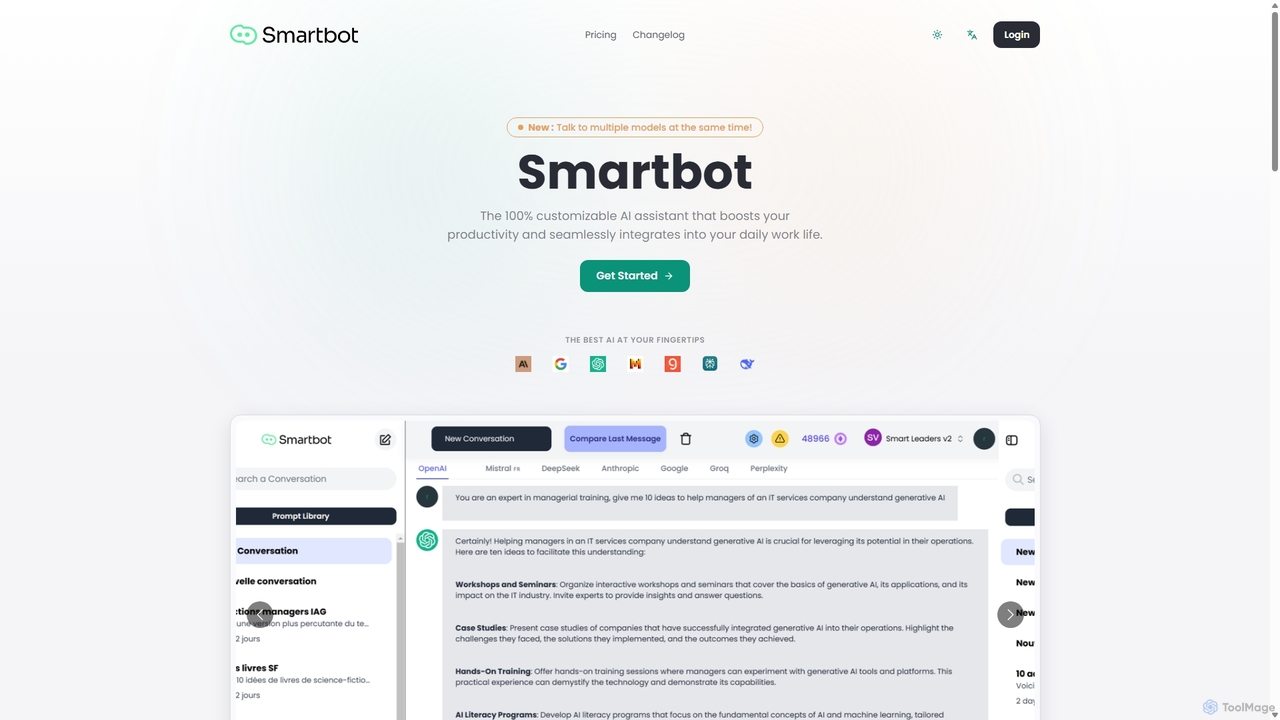
Smart Bot
Smart Bot is a highly customizable AI assistant that boosts productivity by integrating multiple top-tier AI models like ChatGPT, Claude, and Gemini into a single interface. It allows users to compare responses simultaneously, manage a shared library of custom prompts for team collaboration, and even visualize and test generated code. With features like image and file reading, it streamlines daily workflows for individuals and organizations.
Code Assistant
GPT Workspace Comments (0)
Sign in to comment.
Sign inNo comments yet.