

WPS Office Overview
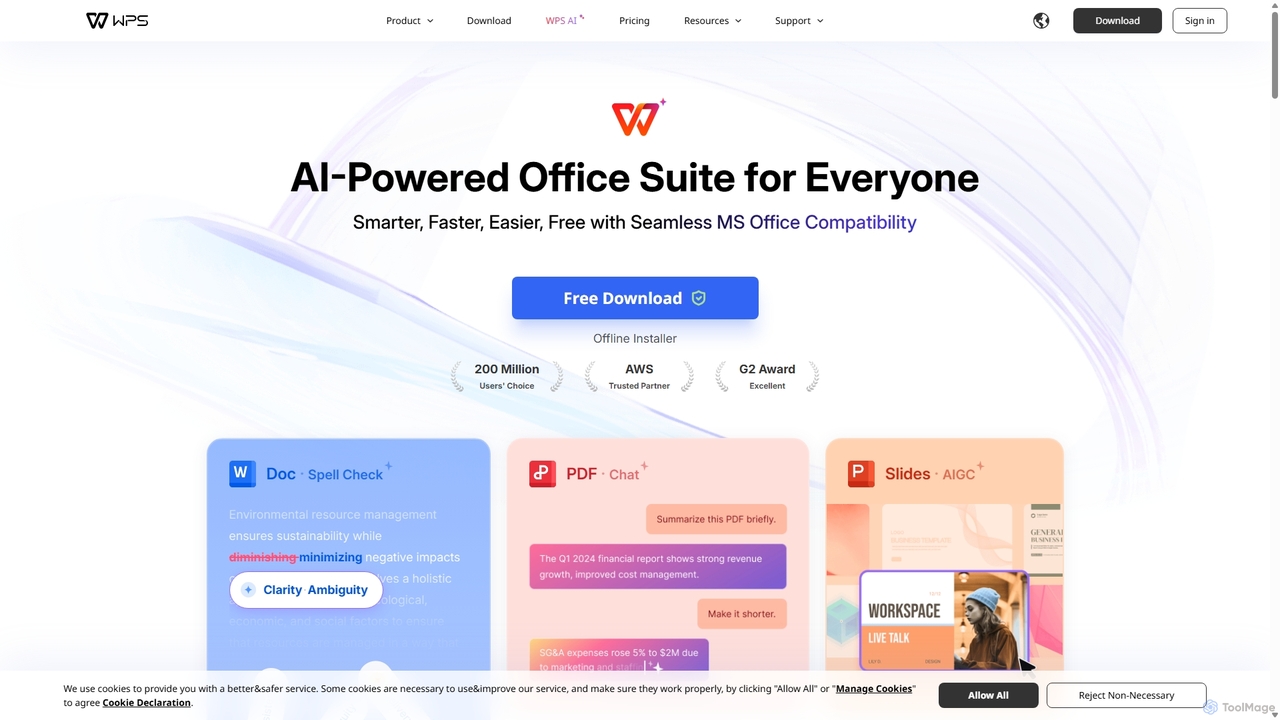
WPS Office is a comprehensive, AI-enhanced office suite developed by Kingsoft Office Software. Established in 1988, it has grown into a global leader serving over 600 million monthly active users across 220 countries. WPS Office provides an all-in-one solution that integrates Writer (for documents), Spreadsheet, Presentation, and a powerful PDF toolkit. It is designed to be a lightweight, fast, and highly compatible alternative to other office software, offering a seamless experience for users transitioning from Microsoft Office.
The suite's most significant recent evolution is the integration of WPS AI, which reshapes workflows by embedding intelligent features directly into the applications. This AI layer automates tedious tasks, sparks creativity, and provides insightful data analysis, making office work smarter, faster, and easier for everyone from students to seasoned professionals.
How to use WPS Office
Getting started with WPS Office is straightforward. First, download the free application from the official website for your device (Windows, Mac, Linux, Android, or iOS). The installation package is notably small, ensuring a quick setup. Upon launching, you can immediately begin creating and editing documents, spreadsheets, and presentations using the free version, which offers robust core functionalities. To leverage the AI capabilities, simply look for the WPS AI icons or menu options within the application. For instance, in Writer, you can use AI to generate content or check grammar. In Presentation, a single click can generate an entire slideshow based on a topic. For PDF documents, you can open the AI chat sidebar to ask questions, summarize content, or extract key information. Upgrading to a Pro or AI plan unlocks the full suite of advanced features, including unlimited AI usage, extensive PDF editing tools, and larger cloud storage.
Core Features of WPS Office
- WPS AI Suite: A collection of powerful AI tools including an AI Writer for content generation, AI Slides for one-click presentation creation, and AI-powered spell and grammar checking.
- Chat with PDF: An interactive AI feature that allows you to converse with your PDF documents to get summaries, extract key insights, and find answers quickly.
- AI Parallel Translation: Effortlessly translate Word and PDF documents with a side-by-side bilingual view, breaking down language barriers.
- AI Smart Photo Editing: Includes features like professional headshot generation from selfies, background removal, old photo restoration, and text extraction from images.
- Complete Office Suite: Fully-featured applications for word processing (Writer), data analysis (Spreadsheet), and presentations (Presentation), plus a comprehensive PDF editor.
- 100% MS Office Compatibility: Flawlessly open, edit, and save files in Microsoft Office formats (DOCX, XLSX, PPTX, etc.) without any formatting issues.
- Cross-Platform Collaboration: Work on your documents from any device—PC, Mac, or mobile—with seamless file syncing and multi-user collaboration thanks to integrated cloud storage.
- Lightweight and Fast: The installation package is small (around 214MB), and the software is optimized to run smoothly even when handling large files.
- Security and Privacy: WPS Office is committed to user privacy with end-to-end data encryption, no third-party data sharing, and no tracking of private data.
Use Cases for WPS Office
WPS Office is versatile and caters to a wide range of users. Students can use the AI Writer to brainstorm and draft essays, AI Slides to create stunning presentations in minutes, and the Chat with PDF feature to quickly research academic papers. Business Professionals can enhance their productivity by automating report generation, analyzing data in spreadsheets, and collaborating with team members in real-time on shared documents. Content Creators and Marketers can leverage the AI Writer to generate blog posts, social media content, and marketing copy, while using the AI-powered photo and presentation tools to create engaging visuals. HR Specialists find it useful for creating and managing documents, forms, and training materials efficiently.
Advantages of WPS Office
The primary advantage of WPS Office is its combination of a powerful, free office suite with cutting-edge AI features, making it an exceptional value proposition. It provides an all-in-one environment, eliminating the need to switch between different applications for documents, spreadsheets, presentations, and PDFs. Its seamless compatibility with Microsoft Office formats ensures smooth workflows in any professional or academic setting. Furthermore, its lightweight nature makes it accessible even on older hardware, and its strong focus on security and user privacy provides peace of mind.
Pricing and Plans
WPS Office operates on a freemium model, offering several tiers to meet different user needs:
- WPS Standard: A free plan that provides access to the core features of Writer, Spreadsheet, and Presentation, with basic PDF viewing and 1GB of cloud space. It is ad-supported.
- WPS Pro: Priced at approximately ¥17.43/month (billed annually). This plan removes ads and unlocks full PDF editing capabilities, document conversion, unlimited template downloads, advanced text recognition (OCR), and increases cloud space to 20GB.
- WPS AI: Priced at approximately ¥72.64/month (billed annually). This plan includes all the benefits of WPS Pro plus unlimited access to all AI features, such as AI Writer, AI Chat PDF, AI Slides, AI Spell Check, and AI Photos.
- WPS Pro for Teams: A subscription designed for businesses that includes all WPS Pro features along with centralized team management for assigning and tracking licenses.
Traffic
Latest traffic
Status
Monthly traffic trend
- 2025-9: 51.2M
- 2026-1: 59.7M
- 2026-2: 58.1M
- 2026-3: 49.2M
- 2026-4: 45.2M
- 2026-5: 44.0M
Geography
Top 5 countries / regions
- 🇮🇩Indonesia26.4%
- 🇪🇬Egypt20.6%
- 🇻🇳Vietnam20.3%
- 🇵🇭Philippines19.3%
- 🇵🇰Pakistan13.4%
Traffic sources
| Source type | Percentage |
|---|---|
Direct | 67.6% |
Referral | 22.0% |
Email | 10.4% |
Top keywords
| Keyword | Cost per click |
|---|---|
| word | $0.39 |
| word online | $0.38 |
| wps | $0.25 |
| wps office | $0.19 |
| wps office download | $0.25 |
WPS Office Alternatives
WPS AI
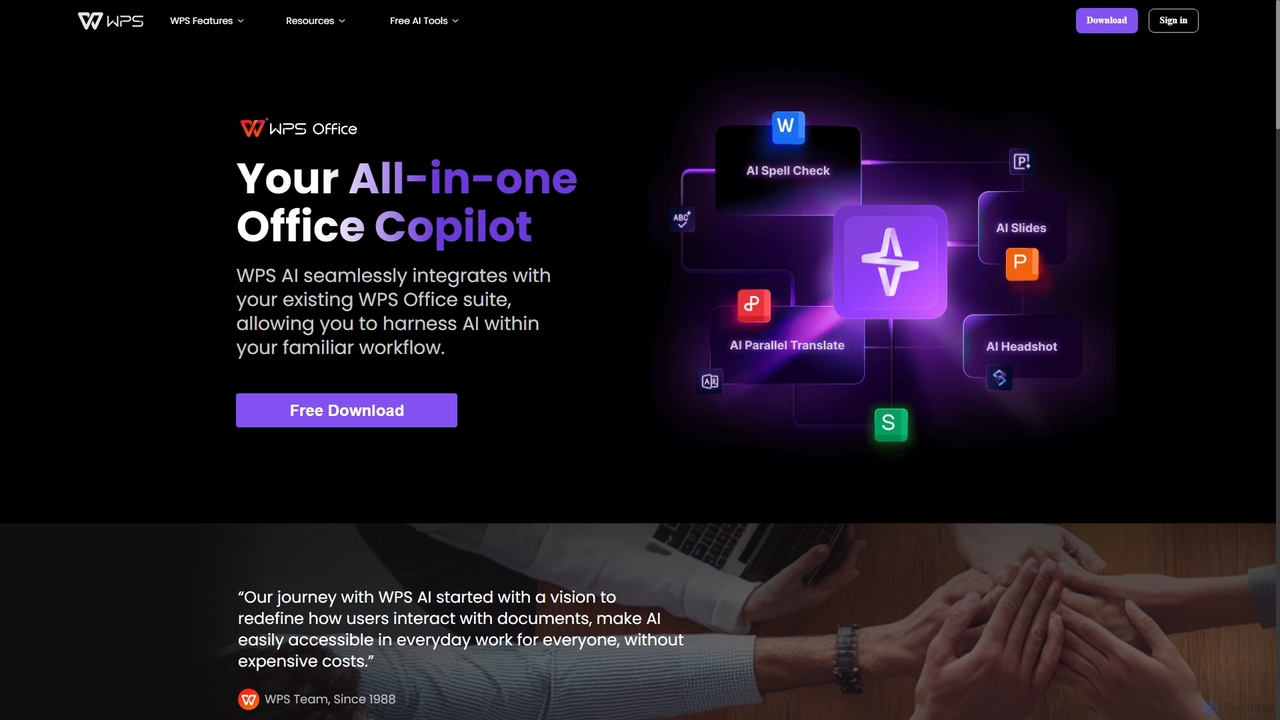
WPS AI is an all-in-one office copilot seamlessly integrated into the WPS Office suite. It enhances productivity by assisting with document creation, presentation design, PDF interaction, and data analysis. Harness the power of AI within your familiar workflow on both PC and mobile devices.
Document Management
GPT Workspace
GPT Workspace integrates AI-powered features directly into Google Workspace applications like Docs, Sheets, Slides, and Gmail. It enhances productivity by automating content creation, data analysis, email drafting, and document editing, allowing users to leverage the power of models like GPT-4o seamlessly within their existing workflow.
Document Management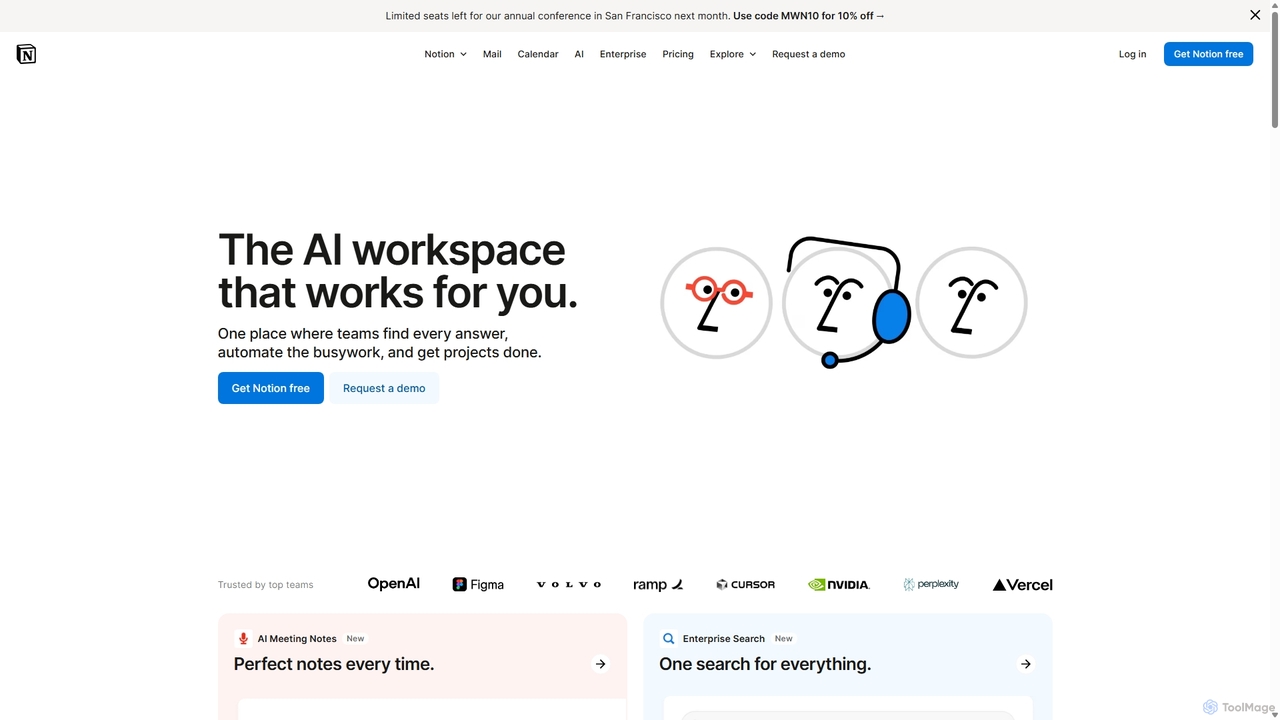
Notion
Notion is an all-in-one AI workspace that combines notes, docs, project management, and wikis into a single, highly customizable platform. It empowers teams and individuals to organize information, manage projects, and collaborate more effectively, all within a flexible, block-based editor enhanced with powerful AI capabilities.
Knowledge Management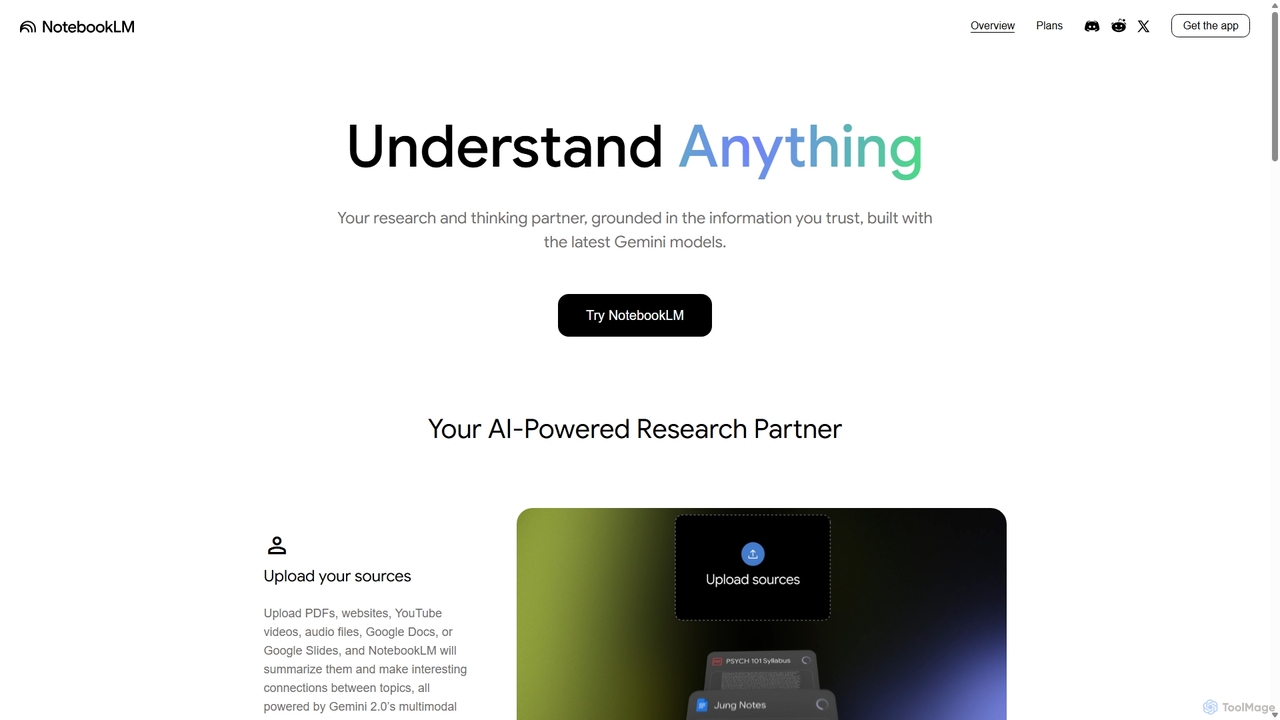
NotebookLM
NotebookLM is an AI-powered research assistant and thinking partner from Google. It helps you understand, synthesize, and generate insights from your own documents. Upload PDFs, Google Docs, websites, and more to create a personalized knowledge base, then ask questions, get summaries, and brainstorm new ideas, with all responses grounded in your source material.
Knowledge Management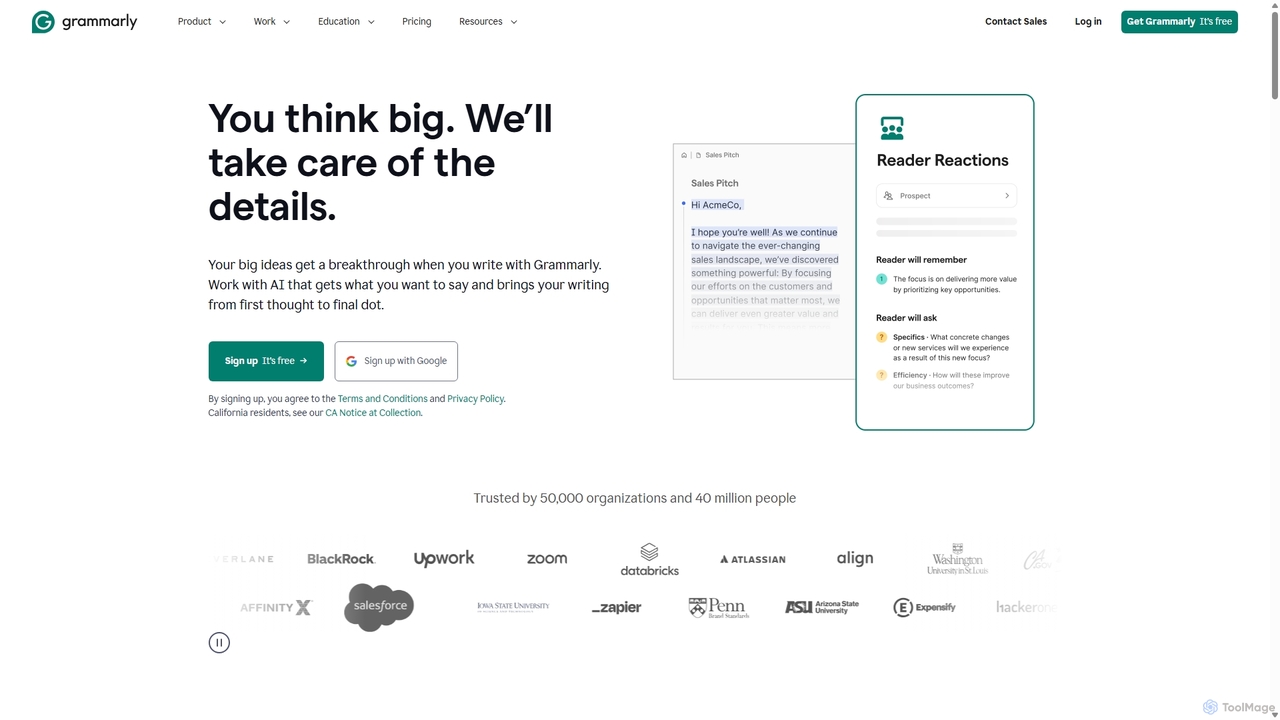
Grammarly
Grammarly is an AI-powered writing assistant that helps you communicate more effectively. It goes beyond basic grammar and spelling checks to offer real-time suggestions on clarity, conciseness, tone, and style. Trusted by millions, Grammarly integrates seamlessly across desktops, web browsers, and mobile devices to ensure your writing is always clear, confident, and mistake-free.
LearningWPS Office Categories
WPS Office Jobs
WPS Office Embed Widget
Copy this embed code to place the badge on your blog, article, or product site and send readers directly to this ToolMage detail page.

Related AI tools
WPS AI
WPS AI is an all-in-one office copilot seamlessly integrated into the WPS Office suite. It enhances productivity by assisting with document creation, presentation design, PDF interaction, and data analysis. Harness the power of AI within your familiar workflow on both PC and mobile devices.
Document Management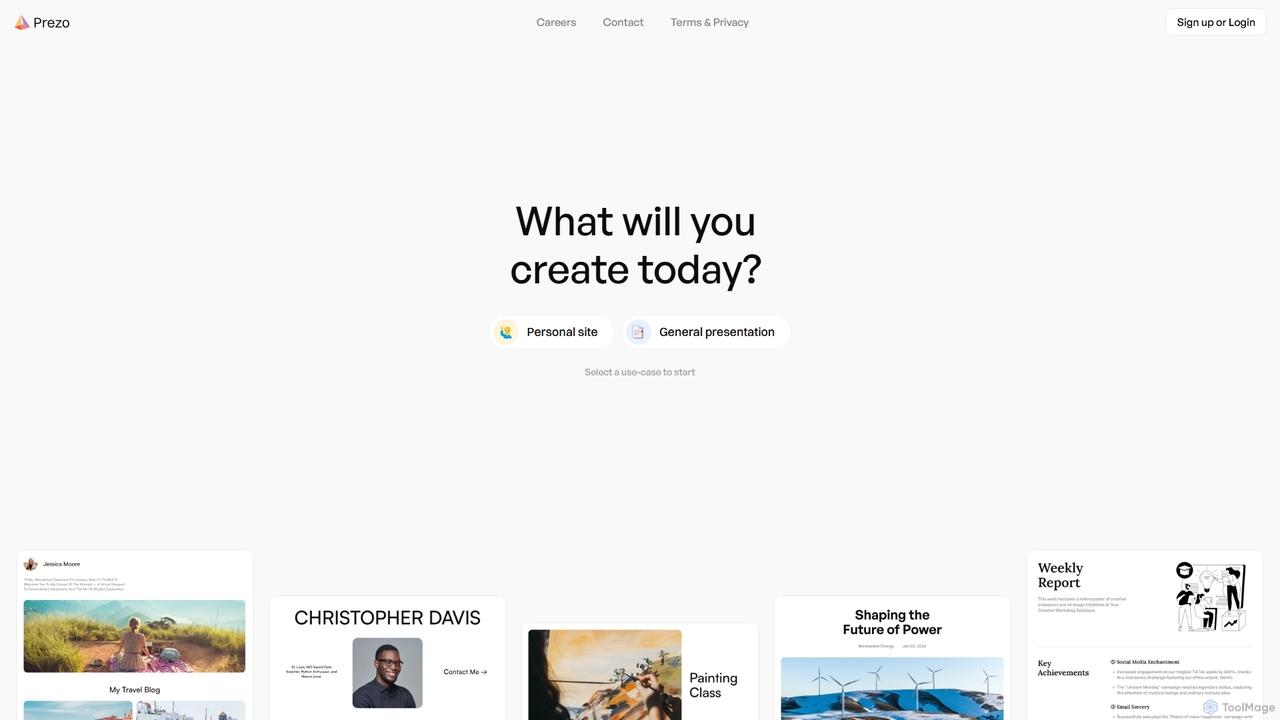
Prezo
Prezo is an AI-powered platform that enables users to effortlessly create professional presentations, documents, and websites. By simply providing a text prompt or an idea, Prezo's AI generates a complete, well-structured, and visually appealing draft in seconds. It's designed to streamline content creation for professionals, educators, and individuals, eliminating the need for design skills and saving valuable time.
Website BuilderGPT Workspace
GPT Workspace integrates AI-powered features directly into Google Workspace applications like Docs, Sheets, Slides, and Gmail. It enhances productivity by automating content creation, data analysis, email drafting, and document editing, allowing users to leverage the power of models like GPT-4o seamlessly within their existing workflow.
Document ManagementNotion
Notion is an all-in-one AI workspace that combines notes, docs, project management, and wikis into a single, highly customizable platform. It empowers teams and individuals to organize information, manage projects, and collaborate more effectively, all within a flexible, block-based editor enhanced with powerful AI capabilities.
Knowledge Management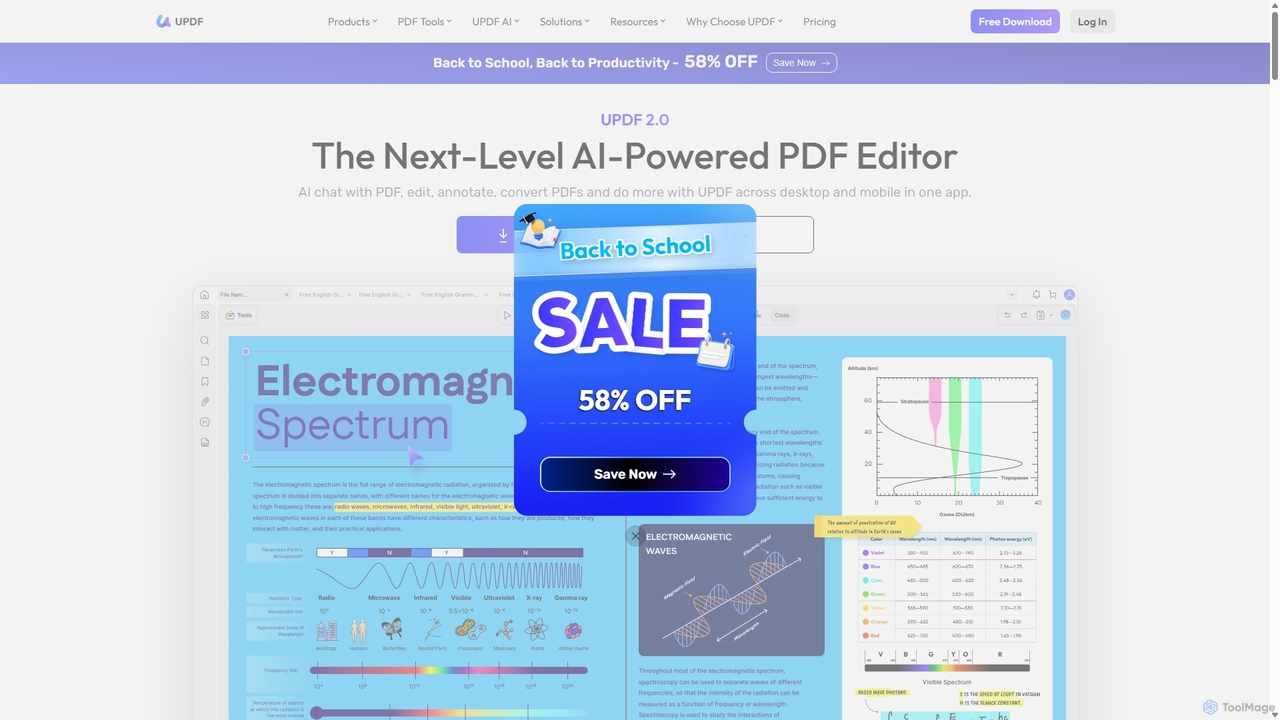
UPDF
UPDF is an AI-integrated, all-in-one PDF editor that allows users to edit, annotate, convert, summarize, translate, and chat with PDF documents. It offers a seamless experience across Windows, macOS, iOS, and Android, boosting productivity for individuals, students, and businesses.
Document Analysis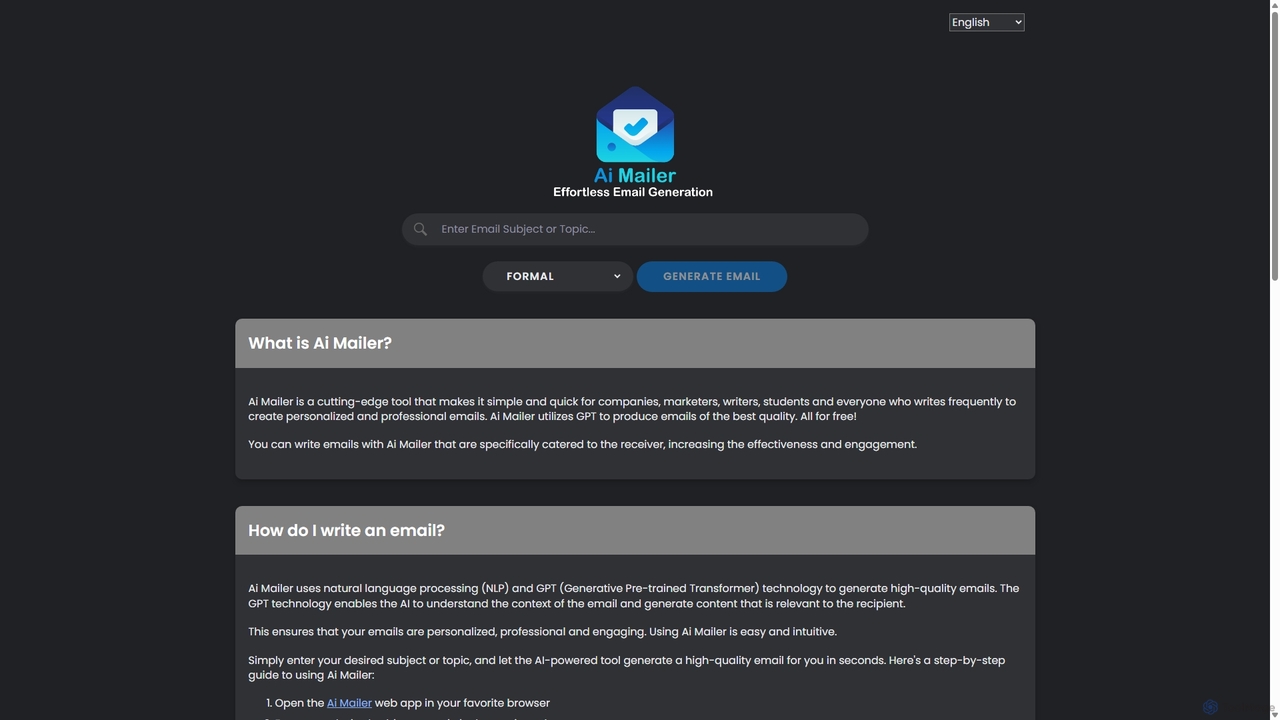
Ai Mailer
Ai Mailer is a free, AI-powered tool that leverages ChatGPT to effortlessly generate high-quality, professional emails. Simply provide a topic and select from various tones to create personalized, engaging content in seconds. Ideal for businesses, students, and anyone looking to save time and enhance their email communication.
Email Marketing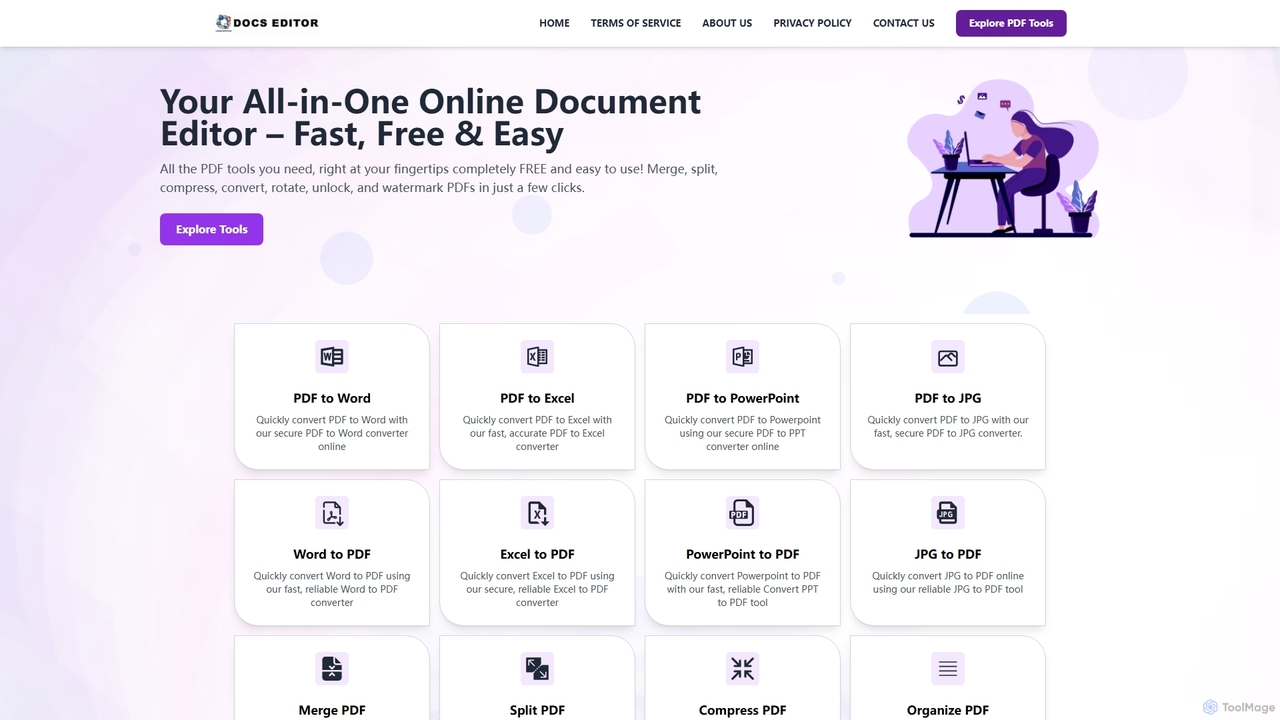
Docseditor
Docseditor is a comprehensive, free online document toolkit for all your PDF needs. It allows users to effortlessly edit, convert, merge, split, compress, sign, and manage PDF files directly in their browser without any installation.
Document ManagementGrammarly
Grammarly is an AI-powered writing assistant that helps you communicate more effectively. It goes beyond basic grammar and spelling checks to offer real-time suggestions on clarity, conciseness, tone, and style. Trusted by millions, Grammarly integrates seamlessly across desktops, web browsers, and mobile devices to ensure your writing is always clear, confident, and mistake-free.
Learning
Jyek
Jyek is an AI agent platform that understands objectives, creates execution plans, uses tools, and delivers verifiable results for complex, multi-step tasks.
Automation
Compose AI
Compose AI is an AI-powered writing assistant and Chrome extension that accelerates your writing process. It offers intelligent autocompletion, text generation, and rephrasing capabilities across all your favorite sites, from emails to documents. By learning your personal writing style, it helps you write faster and more effectively, saving up to 40% of your time.
Chrome Extensions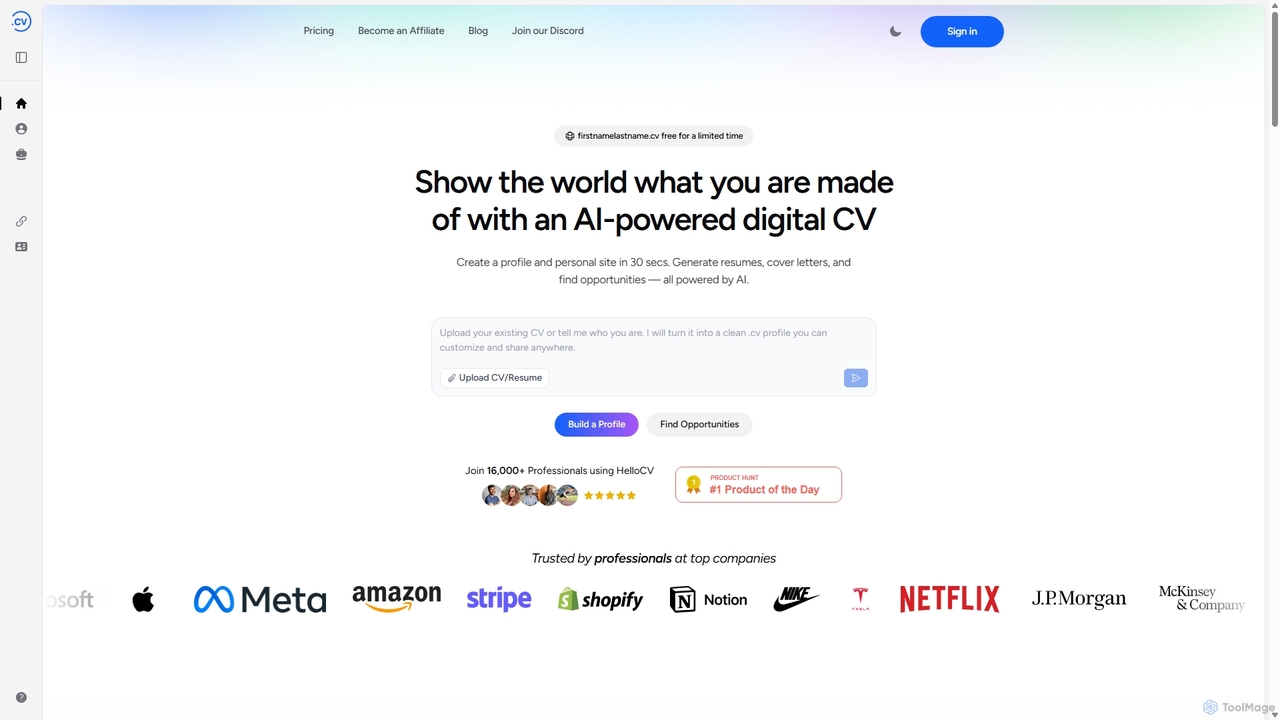
Hello.cv
Hello.cv is an AI-powered platform that helps professionals create a dynamic digital CV, personal website, and tailored application materials in seconds. It provides a free .cv domain, generates ATS-friendly resumes and personalized cover letters, and matches users with relevant job opportunities, streamlining the entire job search process.
Resume Builder
Slideoo
Slideoo is an AI-powered platform that revolutionizes the creation of presentations and documents. It transforms content from text, PDFs, websites, or YouTube into stunning visuals 4x faster. Featuring an AI chatbot, real-time collaboration, and engagement analytics, Slideoo helps professionals, marketers, and students create, present, and pitch with unparalleled speed and quality.
Document CreationNotebookLM
NotebookLM is an AI-powered research assistant and thinking partner from Google. It helps you understand, synthesize, and generate insights from your own documents. Upload PDFs, Google Docs, websites, and more to create a personalized knowledge base, then ask questions, get summaries, and brainstorm new ideas, with all responses grounded in your source material.
Knowledge Management
Adobe
Adobe is the industry-leading suite of creative, marketing, and document management software, supercharged with powerful generative AI. Featuring tools like Photoshop, Premiere Pro, and Acrobat, integrated with Adobe Firefly AI, it empowers creators, businesses, and individuals to bring any idea to life, from stunning visuals and cinematic videos to intelligent, interactive documents.
Graphic Design
Baidu Wenku AI
Baidu Wenku AI is an all-in-one intelligent document productivity platform powered by Baidu's ERNIE LLM. It transforms the traditional document library into a dynamic creation suite, enabling users to instantly generate PPTs, write articles, summarize complex documents, conduct AI-powered web searches, and chat with their files for quick insights. It's designed to streamline workflows for students, professionals, and researchers.
Presentation
WPS Office Comments (0)
Sign in to comment.
Sign inNo comments yet.