WPS AI
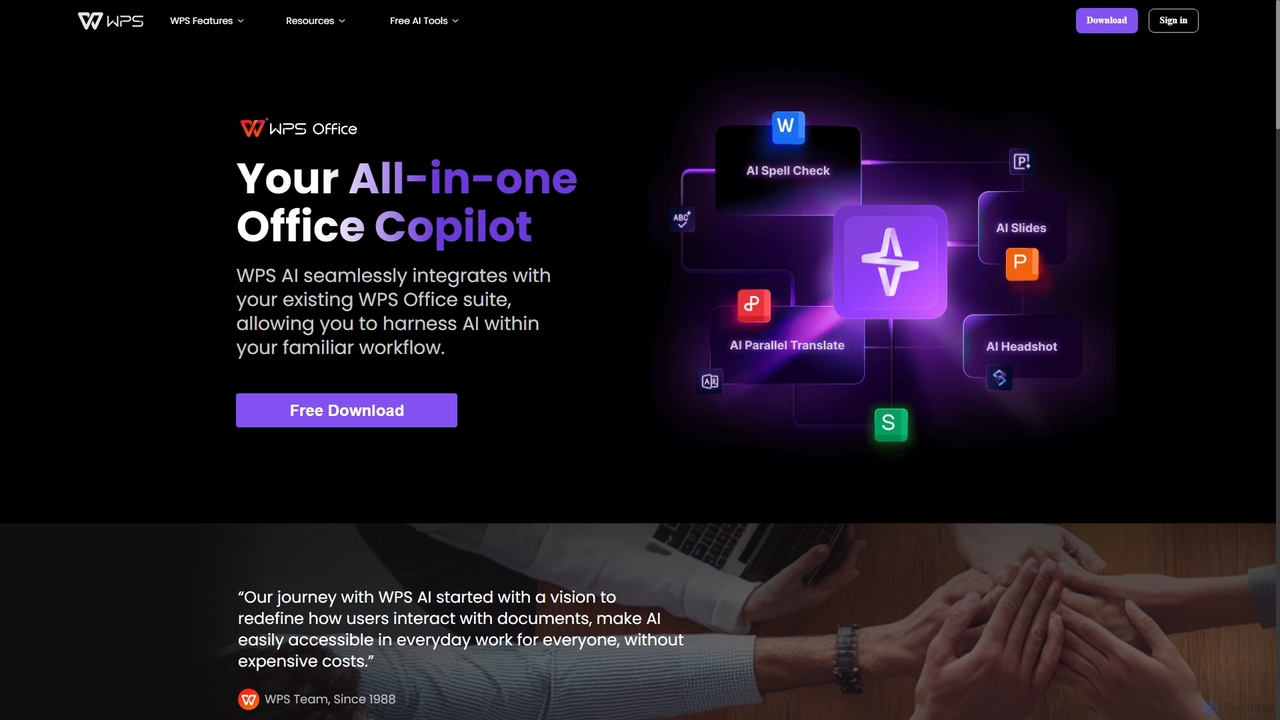
WPS AI is an all-in-one office copilot seamlessly integrated into the WPS Office suite. It enhances productivity by …
WPS AI is an all-in-one office copilot seamlessly integrated into the WPS Office suite. It enhances productivity by assisting with document creation, presentation design, PDF interaction, and data analysis. Harness the power of AI within your familiar workflow on both PC and mobile devices.
WPS Office
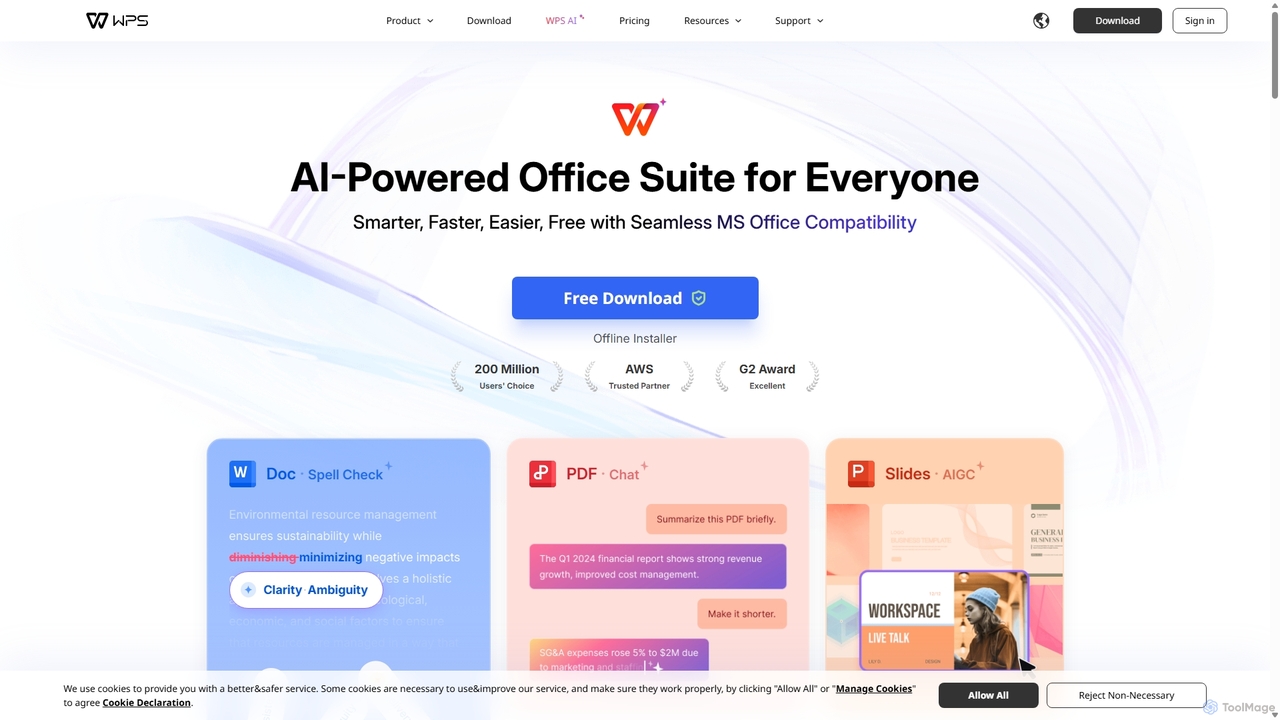
WPS Office is an AI-powered, all-in-one office suite offering a free and lightweight alternative to Microsoft Office. It …
WPS Office is an AI-powered, all-in-one office suite offering a free and lightweight alternative to Microsoft Office. It integrates Writer, Spreadsheet, Presentation, and PDF tools with advanced AI features like content generation, spell checking, PDF summarization, and one-click presentation creation. With seamless MS Office compatibility and cross-platform support, it boosts productivity for individuals and teams.
Perfect Assistant
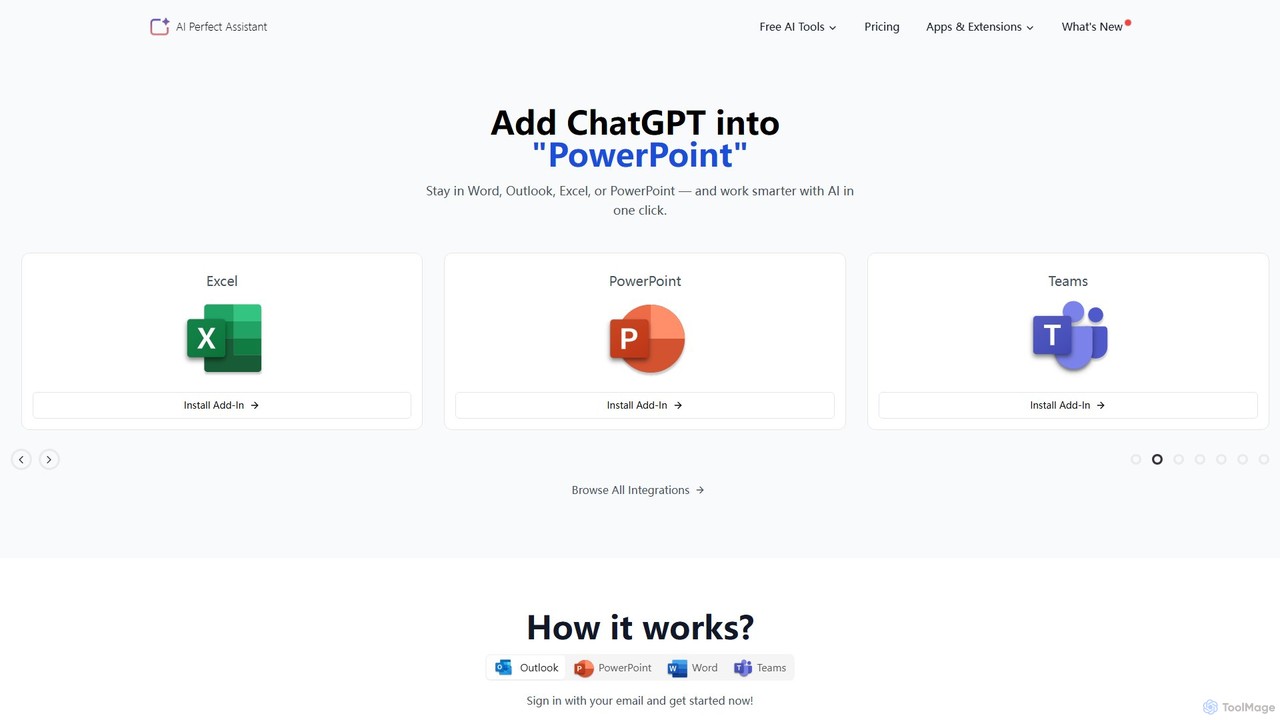
Perfect Assistant is an AI-powered productivity suite that seamlessly integrates with Microsoft Office 365 (Word, Excel, PowerPoint, Outlook, …
Perfect Assistant is an AI-powered productivity suite that seamlessly integrates with Microsoft Office 365 (Word, Excel, PowerPoint, Outlook, Teams), Chrome, and Telegram. It offers over 60 specialized tools to automate tasks, generate content, create presentations, manage emails, and more. Designed for professionals, it enhances workflow efficiency by bringing the power of AI directly into the applications you use daily, eliminating the need to switch contexts.
Context
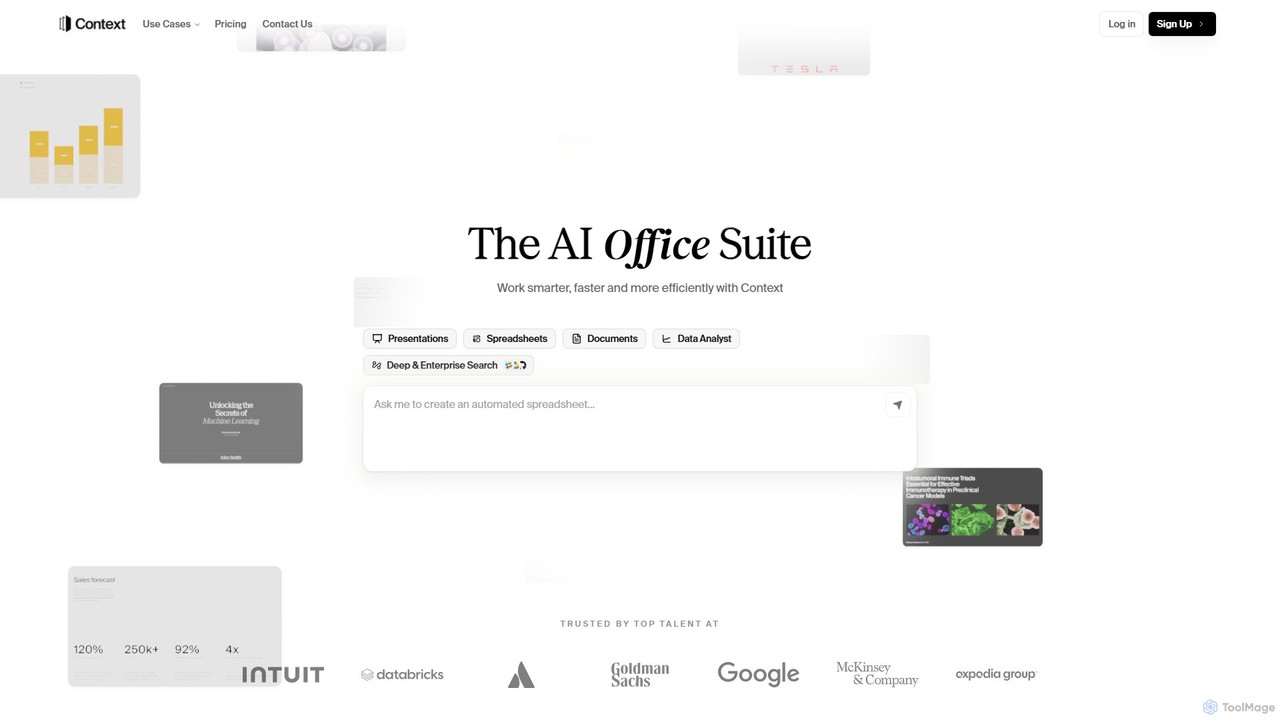
Context is an AI-powered office suite designed to streamline professional workflows. It integrates with over 300 tools like …
Context is an AI-powered office suite designed to streamline professional workflows. It integrates with over 300 tools like Slack and Salesforce to gather data and automatically generate polished presentations, insightful spreadsheets, and professional documents. By learning your unique style and voice, Context automates research, analysis, and content creation, helping teams work smarter, faster, and more efficiently.
About Office Suite
AI Office Suites are integrated collections of productivity applications, such as word processors and spreadsheets, that are fundamentally enhanced by artificial intelligence. These tools leverage large language models and machine learning to automate tasks, generate content, and provide intelligent insights directly within your documents. They are designed to significantly boost efficiency in professional and academic environments by making document creation, data analysis, and collaboration smarter and faster. The AI acts as a built-in assistant, helping you move from a blank page to a finished product with greater speed and accuracy.
Core Features
- Intelligent Content Generation: AI drafts text, emails, reports, and summaries based on simple prompts, overcoming writer's block.
- Automated Data Analysis: Use natural language commands to analyze data, identify trends, and create charts in spreadsheets without complex formulas.
- Smart Presentation Design: Automatically generates slide layouts, suggests relevant imagery, and ensures consistent branding across presentations.
- Meeting Transcription & Summarization: Provides real-time transcription of meetings, then creates concise summaries and extracts key action items.
Use Cases
These suites are ideal for corporate teams streamlining report generation, marketing professionals creating campaign materials, and project managers tracking progress. For instance, a financial analyst can ask the spreadsheet to "forecast next quarter's revenue based on Q1 and Q2 data" and receive an instant projection with accompanying charts, saving hours of manual work.
How to Choose
When selecting an AI Office Suite, evaluate its integration with your existing ecosystem (e.g., Microsoft 365, Google Workspace). Assess the depth and quality of AI features in the specific applications you use most. Also, consider the collaboration capabilities, data privacy policies, and the overall pricing model, which may be based on per-user subscriptions or feature tiers.

Office SuiteUse Cases
Automate Monthly Sales Report Generation
A sales manager needs to create a comprehensive monthly report for leadership. Instead of manually pulling data, writing summaries, and building charts, they use an AI Office Suite. They connect their spreadsheet to the sales database and use a prompt like, "Summarize May's sales performance, highlight top 3 products, and create a bar chart comparing regional sales." The AI generates the summary text and visuals, which can be directly inserted into a document or presentation, reducing report creation time from hours to minutes.
Draft Targeted Marketing Campaign Emails
A marketing specialist is launching a new product and needs to create several email variations for different customer segments. Using the AI writing assistant in their office suite, they provide a basic product description and the target audience profile (e.g., "loyal customers," "new subscribers"). The AI generates multiple email drafts with distinct tones, subject lines, and calls-to-action. This allows the specialist to quickly set up A/B tests and personalize communication at scale, improving campaign effectiveness.
Create Professional Business Presentations Quickly
An entrepreneur needs to create a compelling pitch deck for investors on a tight deadline. They start with a simple text document outlining their business plan and key talking points. By importing this document into the AI presentation tool, the system automatically generates a full slide deck. It suggests professional layouts, finds relevant stock images, creates data visualizations from their financial projections, and even drafts speaker notes for each slide, ensuring a polished and coherent presentation.
Generate Meeting Summaries and Action Items
A project manager leads a weekly team meeting with multiple stakeholders discussing complex topics. The AI assistant in their meeting software, which is part of the office suite, transcribes the entire conversation in real-time. Immediately after the meeting ends, the AI provides a concise summary of the key discussion points, decisions made, and a clear list of action items with assigned owners. This eliminates manual note-taking and ensures everyone is aligned on next steps.
Streamline Academic Research and Writing
A university student is writing a thesis that requires reviewing dozens of academic papers. They use the AI features within their word processor to help. They can upload a research paper and ask the AI to provide a bullet-point summary, saving hours of reading time. While writing, the AI assistant suggests stylistic improvements, checks for grammatical accuracy beyond basic spell-checking, and helps format citations according to specific academic styles like APA or MLA, improving the quality and integrity of their work.
Analyze Customer Feedback in Spreadsheets
A product manager has collected hundreds of lines of raw customer feedback from surveys and app reviews in a spreadsheet. Manually categorizing this data would be tedious. Instead, they use the AI functionality to analyze the text. They use prompts like, "Categorize each comment by sentiment (Positive, Negative, Neutral)" and "Identify the top 5 most mentioned feature requests." The AI populates new columns with this analysis, instantly revealing valuable insights to guide product development.