

WPS AI Overview
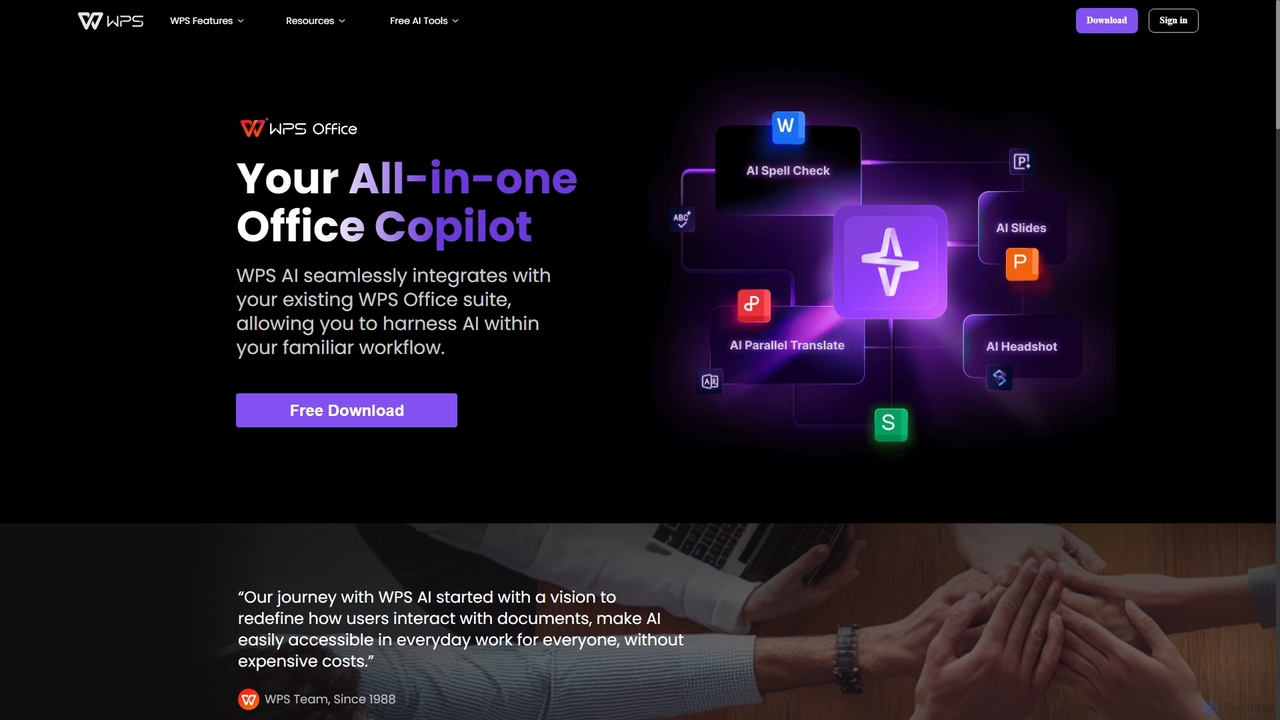
WPS AI is a revolutionary productivity tool that functions as an all-in-one office copilot, deeply integrated within the renowned WPS Office suite. It is designed to redefine user interaction with documents, making advanced AI capabilities accessible for everyday work without prohibitive costs. By embedding AI directly into the familiar environment of WPS Writer, Presentation, Spreadsheets, and PDF, WPS AI streamlines workflows, boosts creativity, and significantly enhances efficiency for students, professionals, and businesses alike.
How to use WPS AI
Getting started with WPS AI is straightforward and designed for immediate productivity. First, download and install the latest version of the WPS Office suite on your Windows PC or Android device. Once installed, open any application within the suite (like Writer or Presentation). You will find the WPS AI icon prominently displayed, typically in the top right corner of the interface or on a dedicated sidebar. Simply click this icon to launch the AI assistant. From there, you can type in your requests, ask questions, or use the context-aware AI features that appear as you work on your documents, slides, or PDFs.
Core Features of WPS AI
- AI Writer & Content Generation: Overcome writer's block with ease. WPS AI can draft, rewrite, summarize, and continue writing text for articles, reports, emails, and essays based on simple prompts.
- AI Slides & Smart Presentation: Automatically generate entire presentations from a topic or outline. The AI assists with design, layout, and content suggestions, saving hours of manual formatting.
- Chat PDF: Interact with your PDF documents conversationally. Ask questions about the content, request summaries of long reports, extract key data points, and get insights without reading through every page.
- AI for Spreadsheets: (Inferred) Analyze data, generate formulas, create charts, and identify trends in your spreadsheets using natural language commands, simplifying complex data tasks.
- AI Parallel Translate: Instantly translate documents into multiple languages while preserving the original formatting, making it ideal for global collaboration.
- Smart Headshot & AI Photo Tools: Transform casual selfies into professional, studio-quality headshots perfect for resumes, LinkedIn profiles, and corporate websites. Additional photo tools offer AI-powered editing capabilities.
- AI Spell Check & Grammar Suggestions: Go beyond basic spell checking with intelligent grammar, style, and tone suggestions to improve the quality and professionalism of your writing.
Use Cases for WPS AI
WPS AI is a versatile tool that caters to a wide range of users:
- Students: Can use Chat PDF to quickly research and summarize academic papers, leverage AI Writer to draft essays and reports, and create visually appealing presentations with AI Slides for class projects.
- Business Professionals: Can accelerate report writing, analyze sales data in spreadsheets, design compelling business proposals with AI Presentation, and communicate with international partners using AI Translate.
- Content Creators & Marketers: Can generate blog post ideas, draft marketing copy, proofread articles for errors, and create professional headshots for their online presence.
- Human Resources Specialists: Can efficiently create job descriptions, draft internal communications, develop training materials, and summarize candidate resumes stored in PDF format.
Advantages of WPS AI
The primary advantage of WPS AI is its seamless, all-in-one integration. Unlike standalone AI tools, it operates within the office suite you already use, eliminating the need to switch between applications and disrupt your workflow. This integration leads to a significant productivity boost. Furthermore, WPS AI is built on a freemium model, making powerful AI features accessible to everyone, a key differentiator from expensive competitors. Its cross-platform availability on PC and mobile ensures you can be productive anywhere, anytime. The tool is designed to be intuitive, allowing users to leverage advanced AI without a steep learning curve.
Pricing and Plans
WPS AI operates on a freemium model. Users can download WPS Office for free and access a range of basic AI features and a free trial of the premium capabilities. For those who require unlimited access, advanced features, and higher usage limits, WPS AI offers premium subscription plans. The specific details of these plans, including pricing and feature breakdowns, are available on the official WPS AI website. This model allows users to experience the value of the AI tools before committing to an upgrade.
Traffic
Latest traffic
Status
Monthly traffic trend
- 2025-9: 148.6K
- 2026-1: 155.2K
- 2026-2: 97.8K
- 2026-3: 82.2K
- 2026-4: 69.7K
- 2026-5: 61.0K
Geography
Top 5 countries / regions
- 🇺🇸United States28.0%
- 🇧🇷Brazil22.3%
- 🇮🇳India20.7%
- 🇰🇭Cambodia15.3%
- 🇻🇳Vietnam13.7%
Top keywords
| Keyword | Cost per click |
|---|---|
| beautiful ai что это | $0.00 |
| como activar corrector ortografico wps sin ia | $0.00 |
| wps ai | $6.22 |
| wps photos скачать | $0.00 |
| впс фотос | $0.00 |
WPS AI Videos on YouTube

Selecto AI Gallery

Selecto AI Gallery


Selecto AI Gallery

Selecto AI Gallery
WPS AI Alternatives
WPS Office
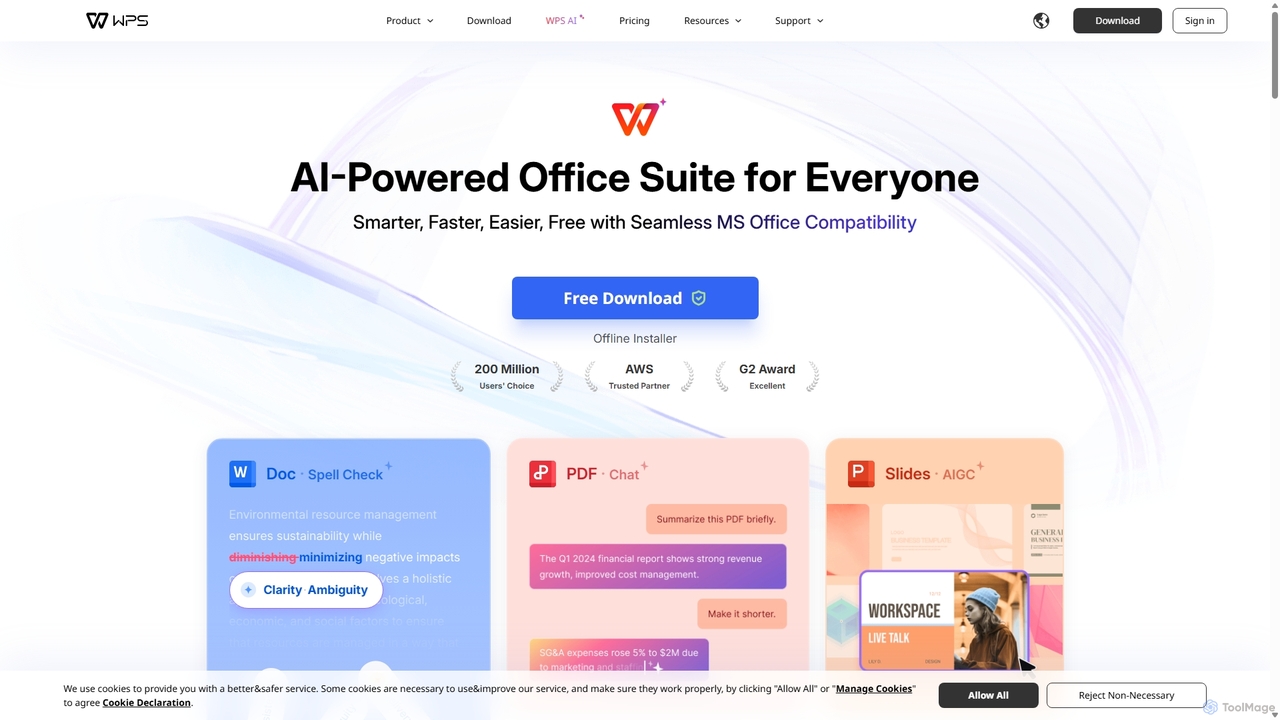
WPS Office is an AI-powered, all-in-one office suite offering a free and lightweight alternative to Microsoft Office. It integrates Writer, Spreadsheet, Presentation, and PDF tools with advanced AI features like content generation, spell checking, PDF summarization, and one-click presentation creation. With seamless MS Office compatibility and cross-platform support, it boosts productivity for individuals and teams.
Presentation Generator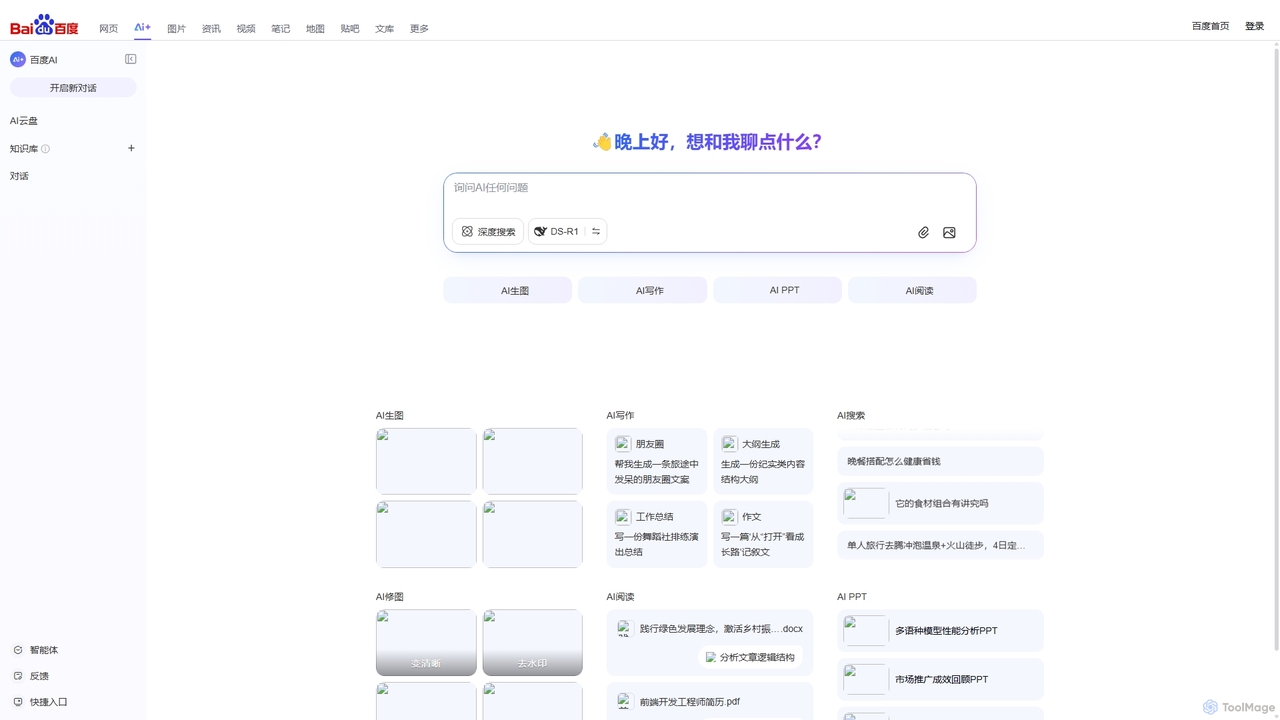
Baidu AI Search
Baidu AI Search is an all-in-one AI-powered platform that integrates conversational search, content creation, document analysis, and image editing. It provides a one-stop solution for work, study, and creative tasks, leveraging Baidu's powerful ERNIE model to deliver comprehensive answers and generate high-quality content.
Writing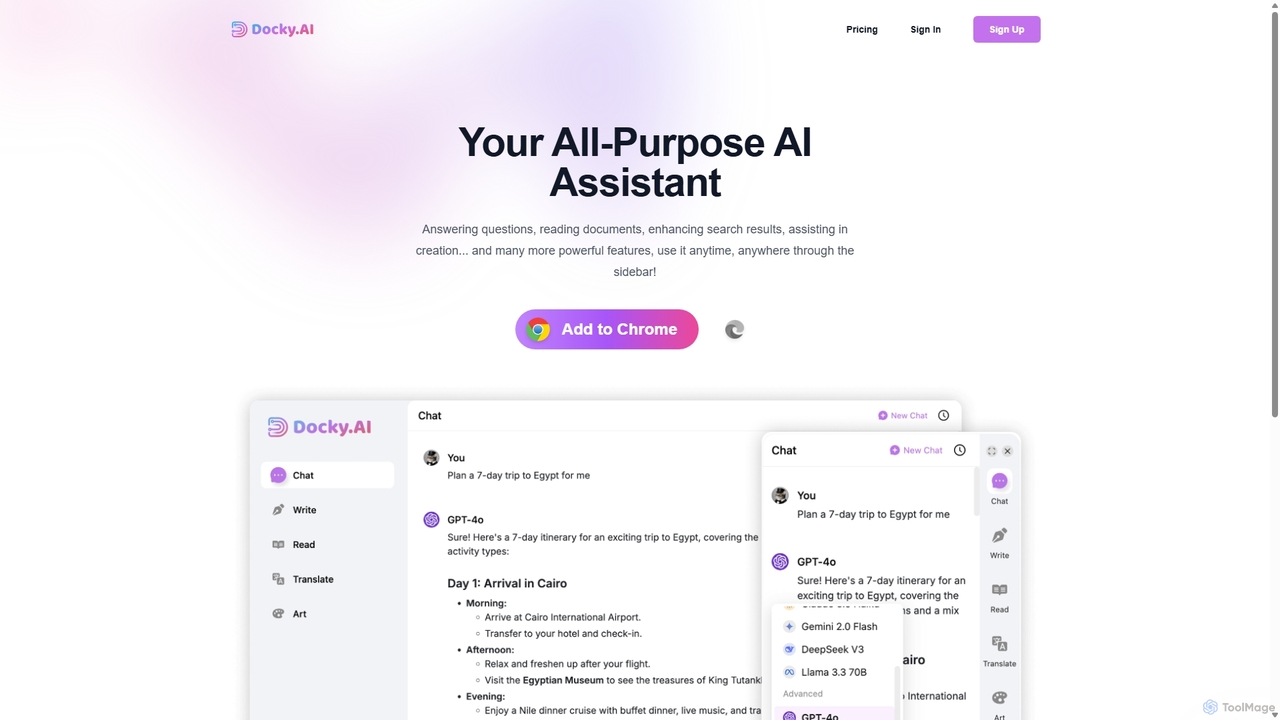
Docky.AI
Docky.AI is a powerful all-in-one AI sidebar for your browser. It integrates leading models like GPT-4, Claude, and DALL-E, allowing you to enhance search results, read documents, assist with writing, and generate content seamlessly on any webpage. Boost your productivity without ever switching tabs.
Search Assistant
Microsoft Copilot
Microsoft Copilot is your everyday AI companion, enhancing productivity and creativity. It provides intelligent search, content generation, and image creation capabilities by leveraging the latest AI models like GPT-4 and DALL-E 3. Integrated across the Microsoft ecosystem, it assists with writing, coding, planning, and design tasks.
Image Generator
Google Gemini
Google Gemini is a powerful, multimodal AI assistant designed to enhance creativity and productivity. It can understand and process text, code, images, and video to help you write, plan, learn, and create. Integrated with Google's ecosystem, it offers features like advanced content generation, deep research, and seamless collaboration within Google apps.
Image GeneratorWPS AI Categories
WPS AI Jobs
WPS AI Embed Widget
Copy this embed code to place the badge on your blog, article, or product site and send readers directly to this ToolMage detail page.

Related AI tools
WPS Office
WPS Office is an AI-powered, all-in-one office suite offering a free and lightweight alternative to Microsoft Office. It integrates Writer, Spreadsheet, Presentation, and PDF tools with advanced AI features like content generation, spell checking, PDF summarization, and one-click presentation creation. With seamless MS Office compatibility and cross-platform support, it boosts productivity for individuals and teams.
Presentation Generator
FunBlocks
FunBlocks is an all-in-one AI workspace designed to revolutionize thinking and boost productivity. It seamlessly integrates AI-powered tools for mind mapping (AIFlow), document creation (AI Docs), slide generation (AI Slides), and web research (Browser Extension). From brainstorming complex ideas visually to producing polished documents and presentations with a single click, FunBlocks supports the entire knowledge workflow, enhancing creativity and critical thinking for students, professionals, and teams.
PresentationsBaidu AI Search
Baidu AI Search is an all-in-one AI-powered platform that integrates conversational search, content creation, document analysis, and image editing. It provides a one-stop solution for work, study, and creative tasks, leveraging Baidu's powerful ERNIE model to deliver comprehensive answers and generate high-quality content.
WritingDocky.AI
Docky.AI is a powerful all-in-one AI sidebar for your browser. It integrates leading models like GPT-4, Claude, and DALL-E, allowing you to enhance search results, read documents, assist with writing, and generate content seamlessly on any webpage. Boost your productivity without ever switching tabs.
Search Assistant
Z.ai
Z.ai is a powerful, free AI assistant powered by the advanced GLM-4.5 model. It's more than just a chatbot, offering a suite of integrated tools for coding, creating presentations, designing, and conducting research. Z.ai aims to be an all-in-one productivity platform, streamlining complex tasks through a simple conversational interface.
Code Assistant
Baidu Wenku AI
Baidu Wenku AI is an all-in-one intelligent document productivity platform powered by Baidu's ERNIE LLM. It transforms the traditional document library into a dynamic creation suite, enabling users to instantly generate PPTs, write articles, summarize complex documents, conduct AI-powered web searches, and chat with their files for quick insights. It's designed to streamline workflows for students, professionals, and researchers.
Presentation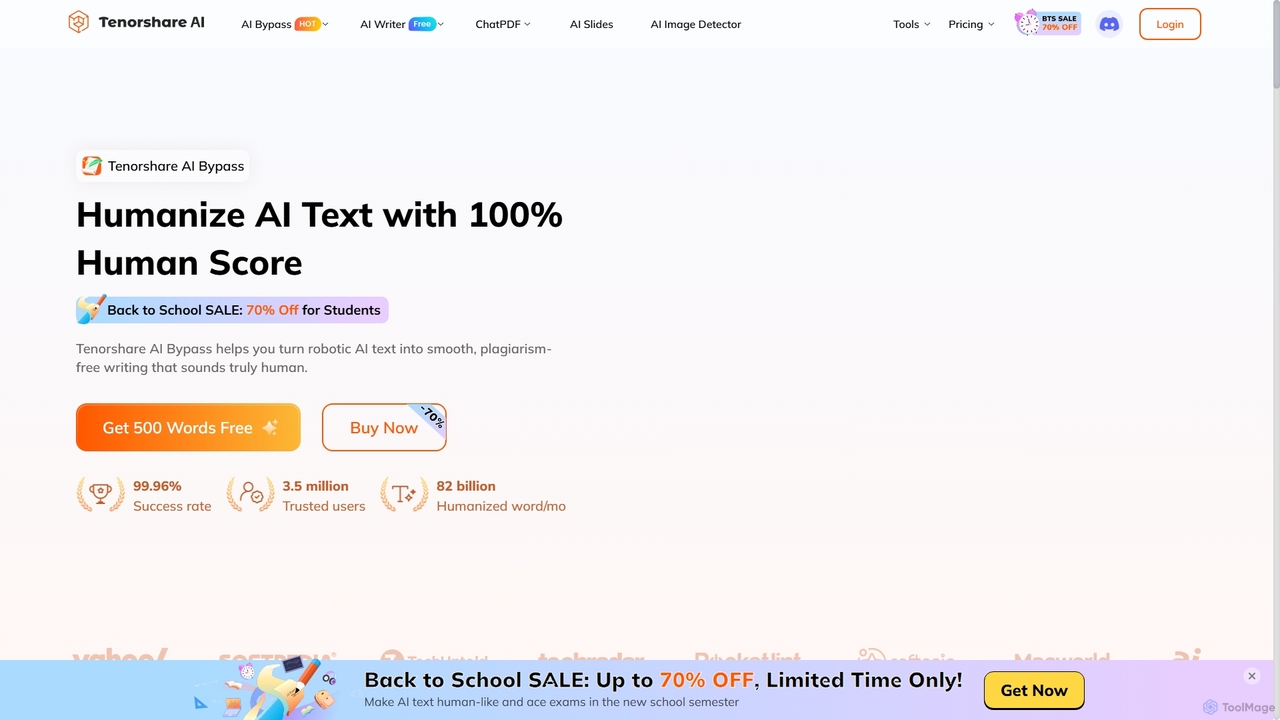
Tenorshare AI
Tenorshare AI is a comprehensive suite of AI-powered tools designed to enhance productivity and creativity. It features an AI humanizer to bypass AI detection, an AI writer with over 120 tools for content creation, an AI PDF/DOC summarizer for quick document analysis, and an AI presentation maker to generate slides instantly. It's built for students, writers, marketers, and professionals to streamline their workflows.
Presentation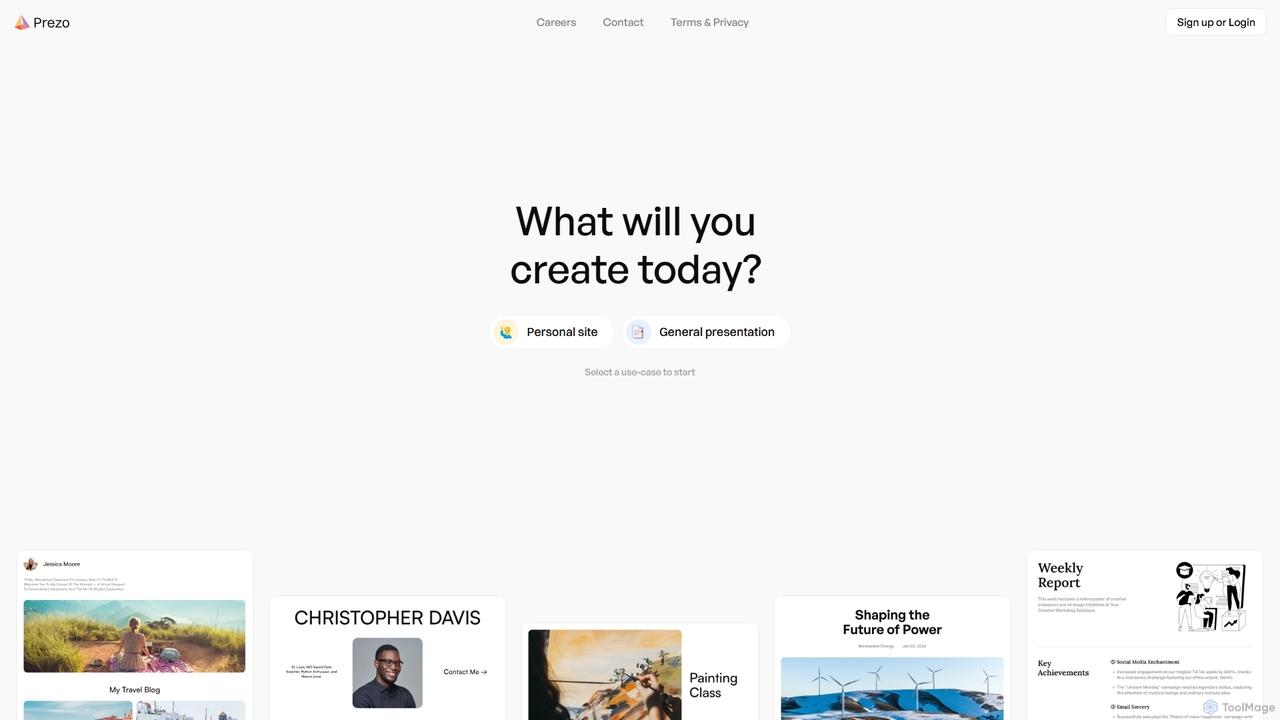
Prezo
Prezo is an AI-powered platform that enables users to effortlessly create professional presentations, documents, and websites. By simply providing a text prompt or an idea, Prezo's AI generates a complete, well-structured, and visually appealing draft in seconds. It's designed to streamline content creation for professionals, educators, and individuals, eliminating the need for design skills and saving valuable time.
Website Builder
Nex
Nex is an AI Knowledge Copilot, a Chrome extension that summarizes long YouTube videos and articles. It extracts key takeaways, creates interactive timelines for videos, and highlights essential text, helping you absorb information up to 10x faster and build a personal knowledge base.
Chrome Extensions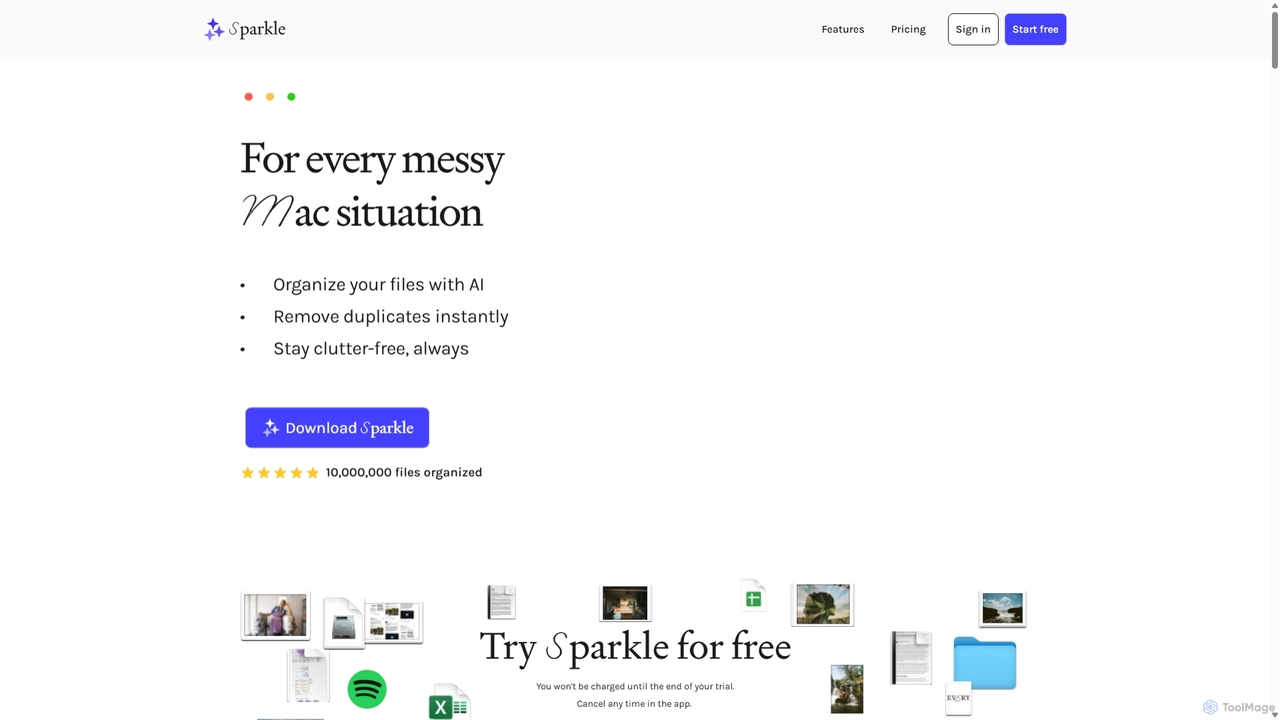
Sparkle
Sparkle is an AI-powered Mac application that automatically organizes your files. It intelligently creates custom folder structures for your Desktop, Downloads, and cloud drives, sorting files into relevant categories. With built-in duplicate detection and a privacy-first approach, Sparkle eliminates digital clutter and saves you hours of manual organization.
Personal Assistant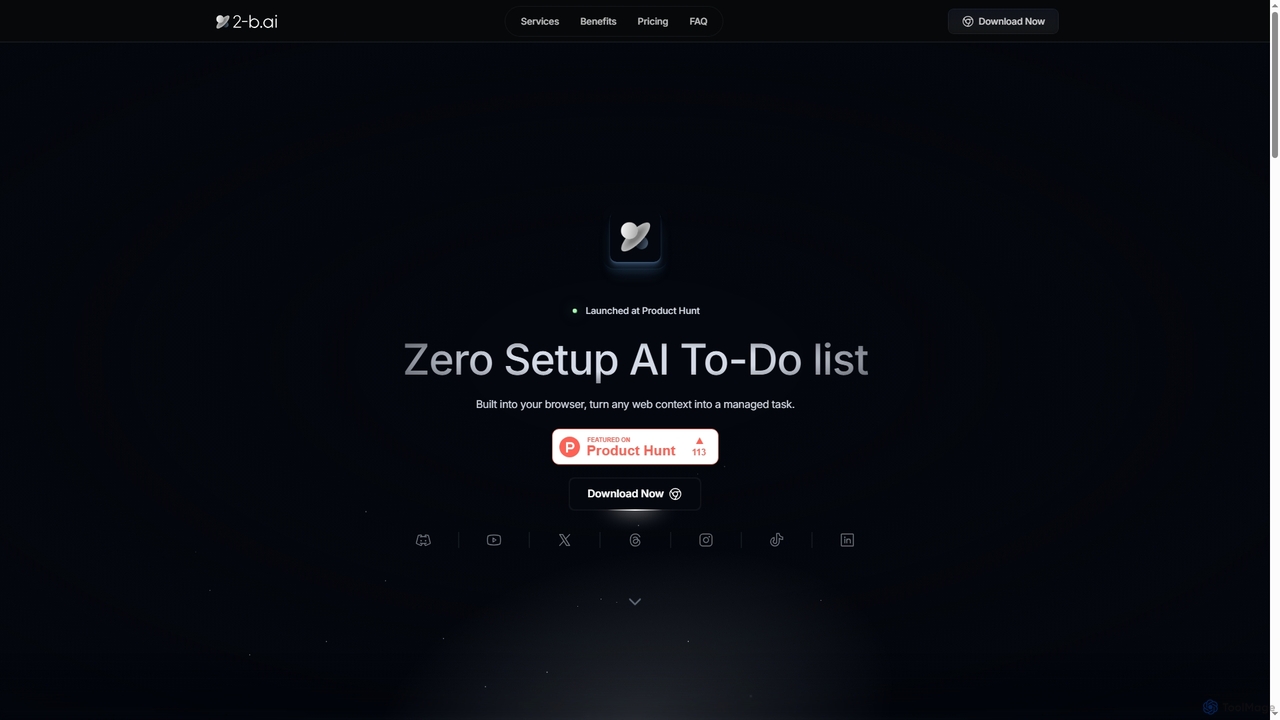
2-b.ai
2-b.ai is a browser-based AI To-Do list extension that seamlessly transforms any web context into manageable tasks. It offers AI-powered task creation, breakdown, and an AI chat for workflow organization, integrating with Google Calendar to enhance productivity directly within your browser.
Workflow Automation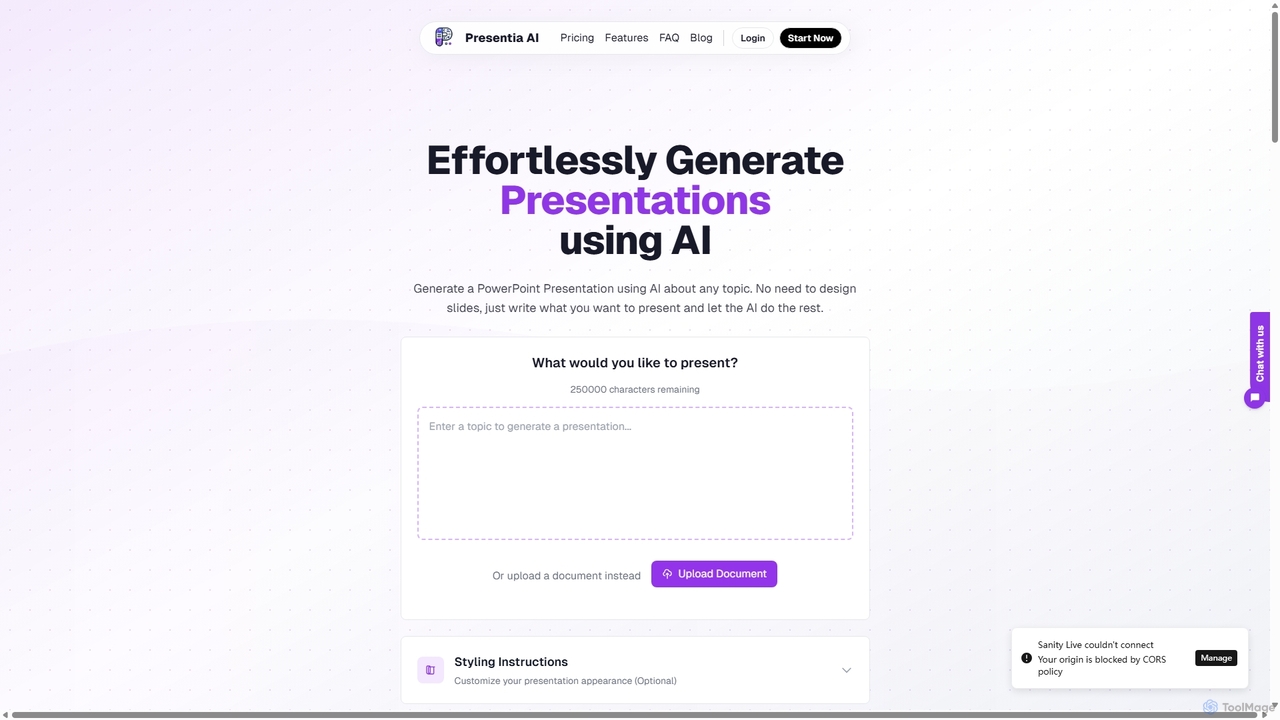
Presentia AI
Presentia AI is an advanced AI presentation maker that automatically generates professional PowerPoint slides from text prompts or documents. Simply input your topic or upload a PDF/Word file, and the AI will create a complete, visually appealing presentation with text and images in seconds, supporting multiple languages and custom styling.
Student Tools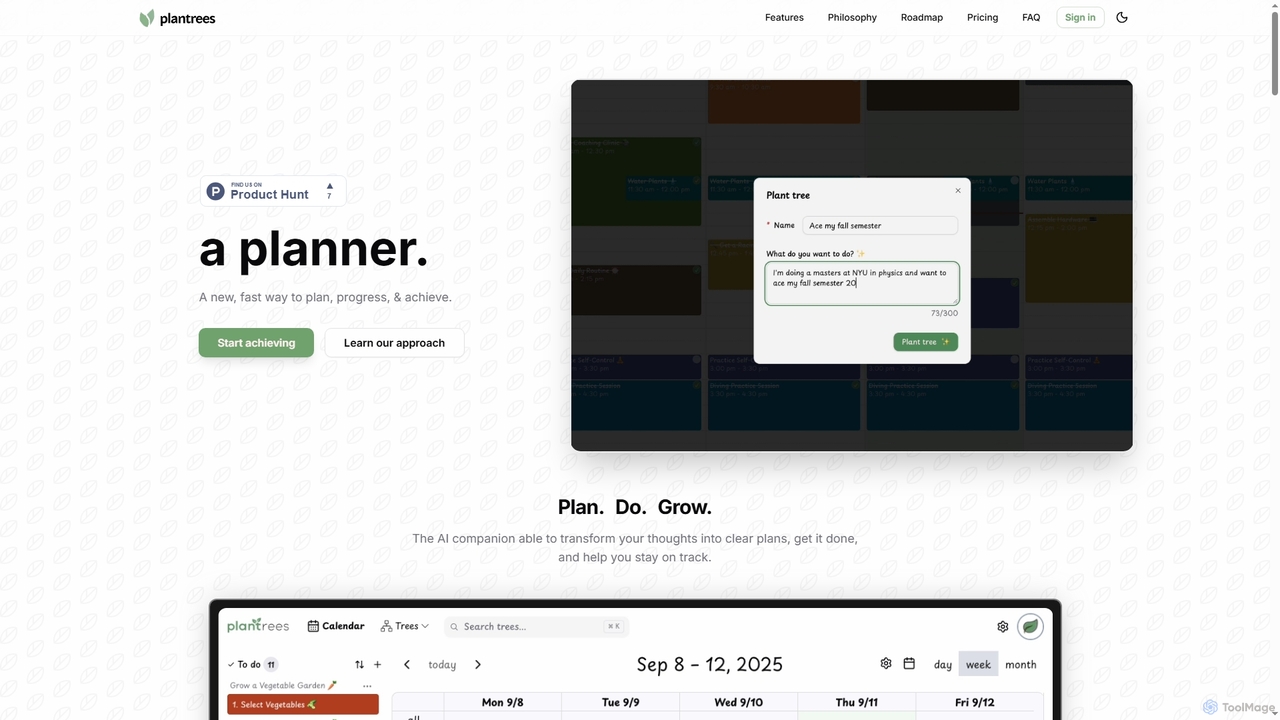
Plantrees
An AI-powered planner that transforms your thoughts and goals into actionable plans using a visual tree structure. It helps you strategize with natural language, manage tasks on a calendar, and track progress with analytics to ensure continuous growth and achievement.
Goal Setting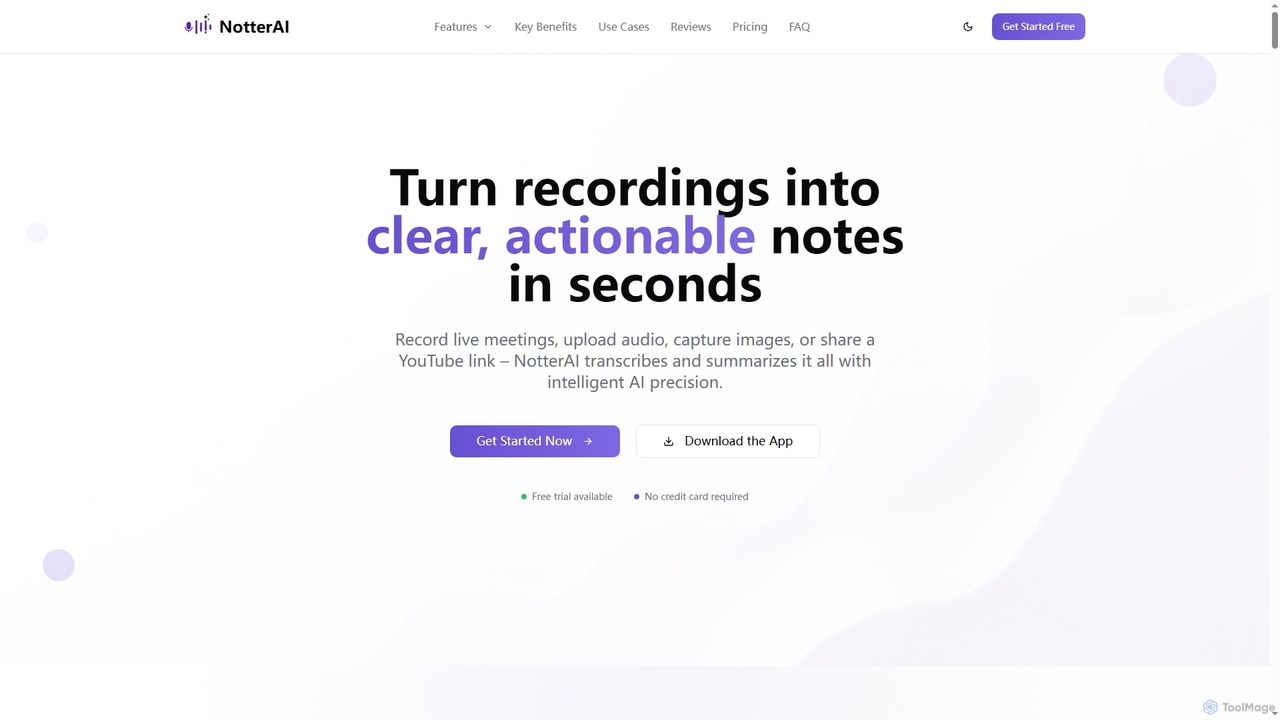
Notterai
Notterai is an AI-powered note-taker that transforms recordings, audio files, images, PDFs, and even YouTube videos into clear, actionable notes. It offers real-time transcription, intelligent summaries, and multi-language support to boost productivity for students, professionals, and creators.
Study Tools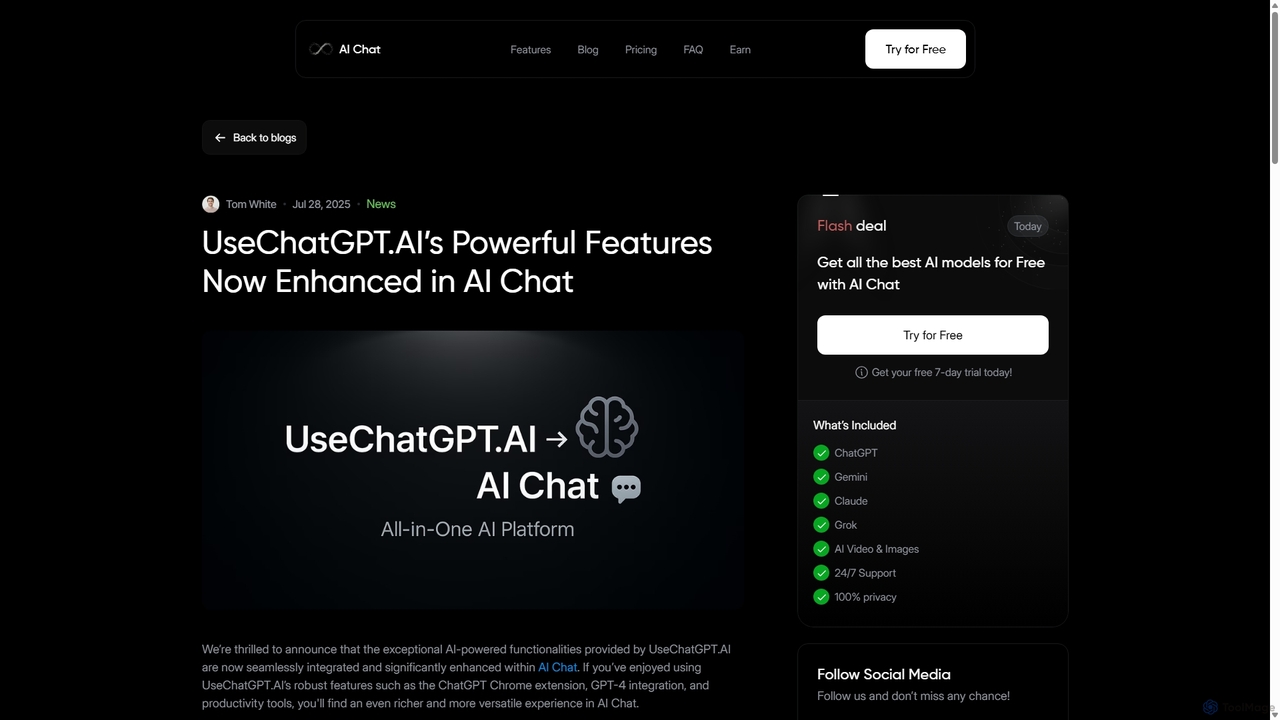
UseChatGPT.AI
UseChatGPT.AI is a powerful free Chrome extension that integrates GPT-4 directly into your browser. It enhances productivity by allowing you to instantly write, rewrite, summarize, translate, and explain text on any website without switching tabs. Its features are now enhanced within the new AI Chat platform.
Research
WPS AI Comments (0)
Sign in to comment.
Sign inNo comments yet.